Upgrade to Pro
— share decks privately, control downloads, hide ads and more …
Speaker Deck
Sign up for free
Menu
Search
Features
All features
Private URLs
Password Protection
Custom URLS
Scheduled publishing
Remove Branding
Restrict embedding
Deck Collections
Notes
Features
All features
Private URLs
Password Protection
Custom URLS
Scheduled publishing
Remove Branding
Restrict embedding
Deck Collections
Notes
Explore
Featured decks
Featured speakers
Programming
Technology
Storyboards
Explore
Featured decks
Featured speakers
Programming
Technology
Storyboards
Pricing
Search
Sign in
Sign up for free
WordPressテーマの開発環境をもっと快適に
Search
Miyuki Harada
October 15, 2015
48
0
Share
Embed
Copy iframe code
Copy JS code
Copy link
Start on current slide
WordPressテーマの開発環境をもっと快適に
Miyuki Harada
October 15, 2015
More Decks by Miyuki Harada
See All by Miyuki Harada
WebRTC in 5 minutes
mykhrd
0
87
WebRTC & SkyWay:オンラインビデオ会議サービス「1meeting」のリニューアルした時の話
mykhrd
1
310
WB山口忘年会 LT
mykhrd
0
77
Word Translation Day
mykhrd
0
40
QiChatの基本
mykhrd
0
91
Featured
See All Featured
Believing is Seeing
oripsolob
1
240
Measuring Dark Social's Impact On Conversion and Attribution
stephenakadiri
2
310
New Earth Scene 8
popppiees
4
2.7k
jQuery: Nuts, Bolts and Bling
dougneiner
66
8.6k
Creating an realtime collaboration tool: Agile Flush - .NET Oxford
marcduiker
35
2.6k
Test your architecture with Archunit
thirion
2
2.4k
Thoughts on Productivity
jonyablonski
76
5.4k
10 Git Anti Patterns You Should be Aware of
lemiorhan
PRO
659
62k
A better future with KSS
kneath
240
18k
What Being in a Rock Band Can Teach Us About Real World SEO
427marketing
0
1.1k
Conquering PDFs: document understanding beyond plain text
inesmontani
PRO
4
3.2k
The Invisible Side of Design
smashingmag
301
52k
Transcript
WordPressテーマの開発環境をもっと快適に VCCW + BrowserSync + gulpを使ってみた話 第3回WordBench山口 2015.10.15
原田 美幸 Github・fb・twitter・codepen: @mykhrd グラフィックデザイナー| ウエブエンジニア WordPress履歴半年目
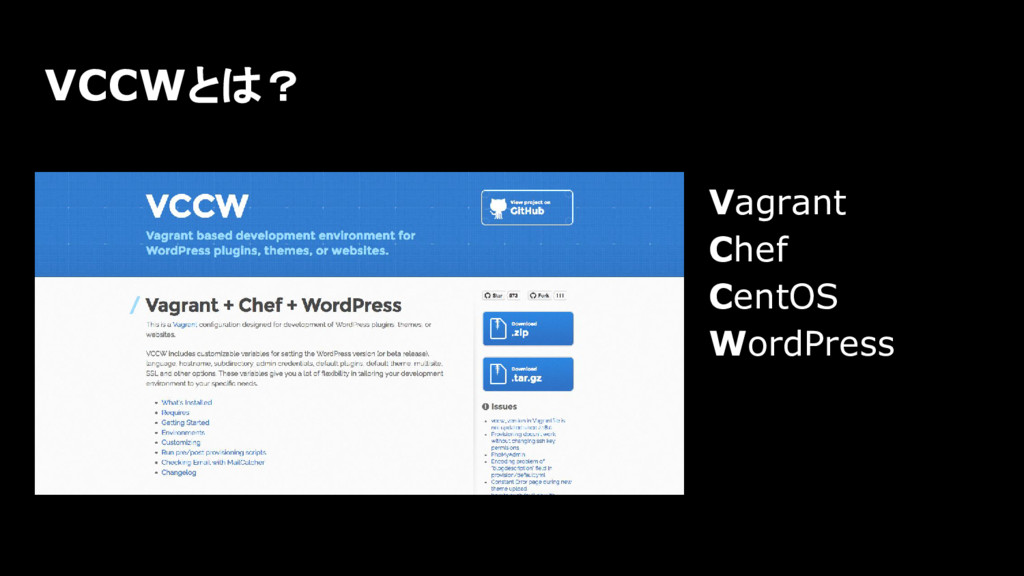
Vagrant Chef CentOS WordPress VCCWとは?
面倒な設定作業をターミナルで すぐに実現できる。 VCCWのメリット
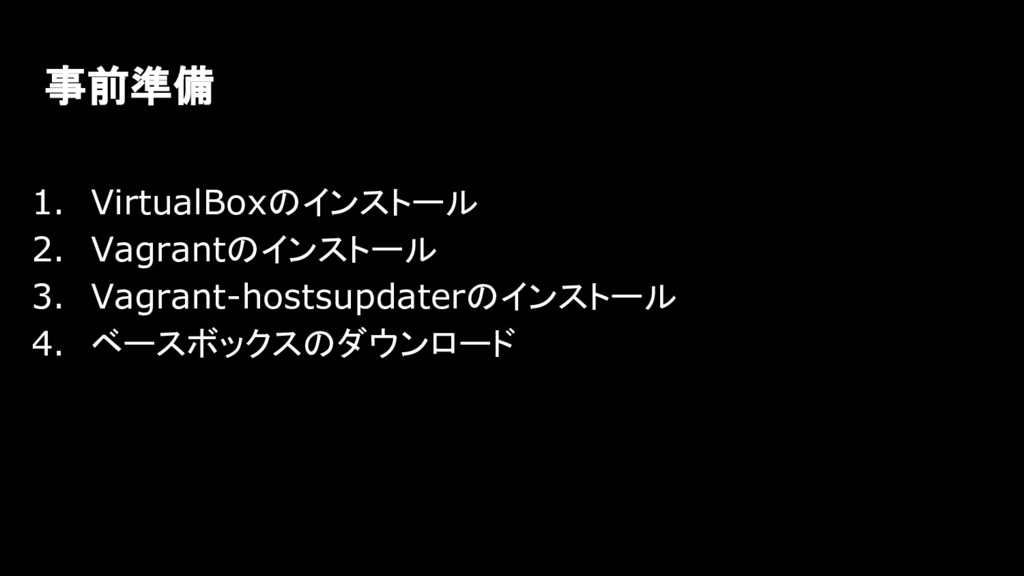
1. VirtualBoxのインストール 2. Vagrantのインストール 3. Vagrant-hostsupdaterのインストール 4. ベースボックスのダウンロード 事前準備
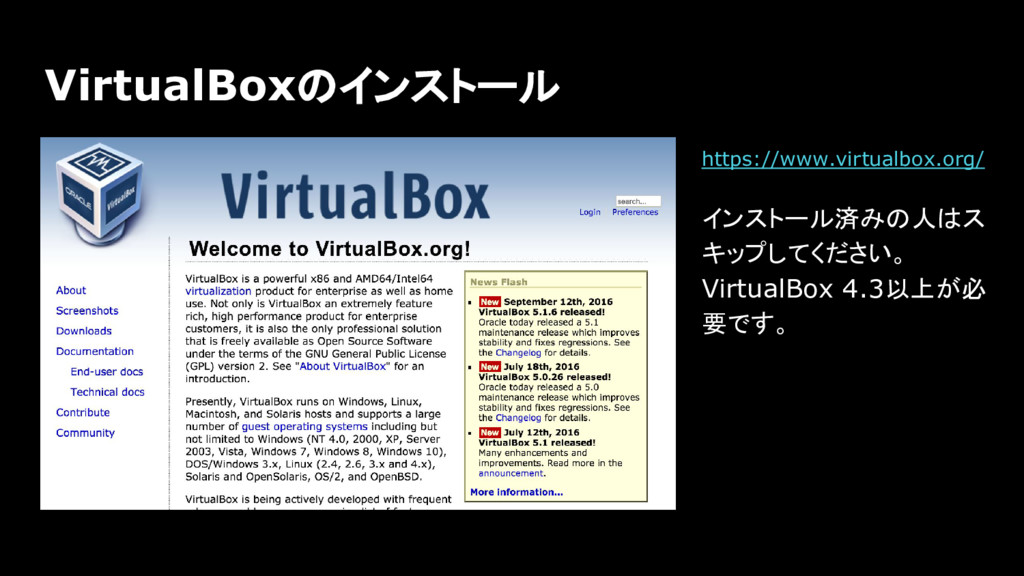
VirtualBoxのインストール https://www.virtualbox.org/ インストール済みの人はス キップしてください。 VirtualBox 4.3以上が必 要です。
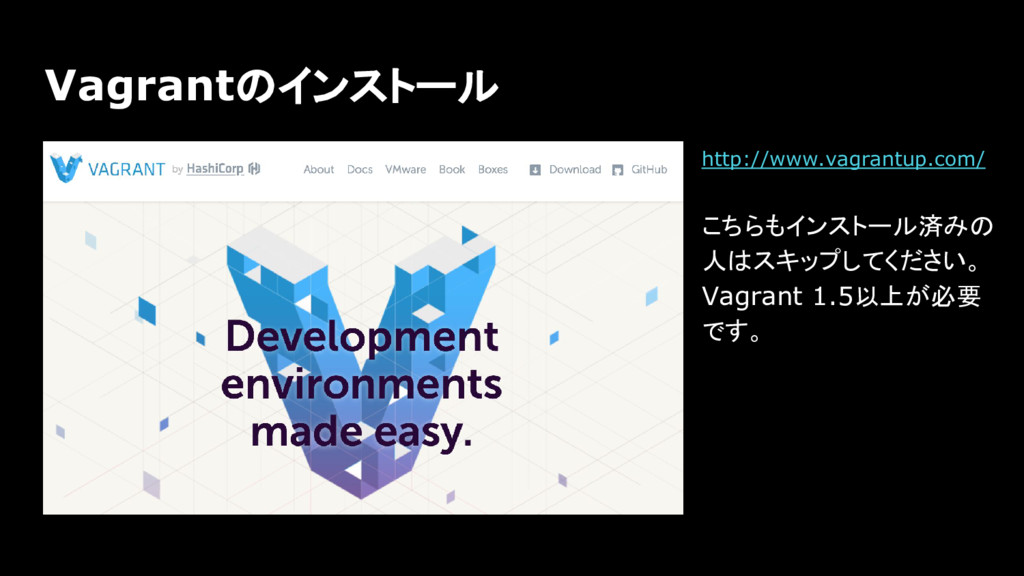
Vagrantのインストール http://www.vagrantup.com/ こちらもインストール済みの 人はスキップしてください。 Vagrant 1.5以上が必要 です。
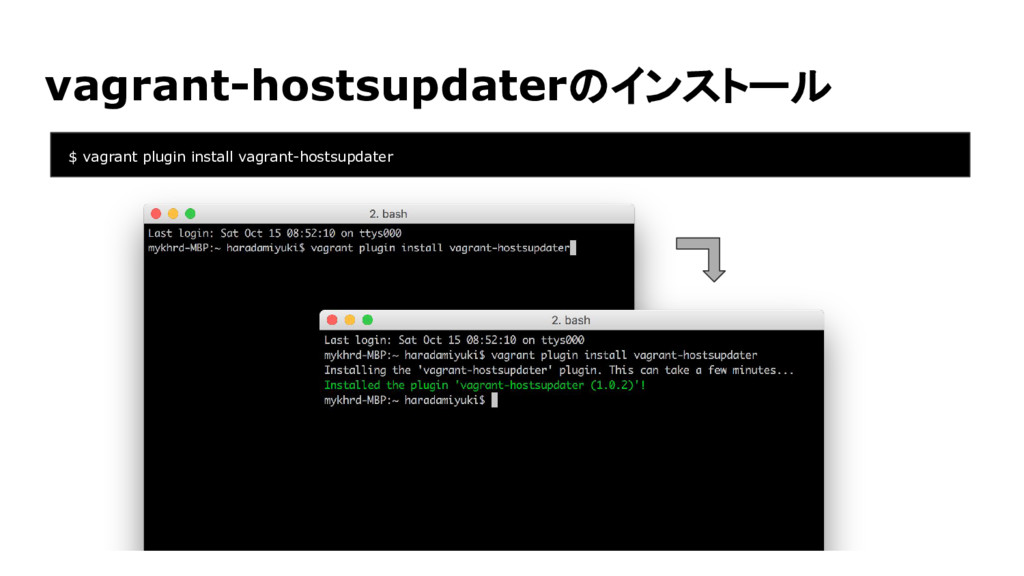
vagrant-hostsupdaterのインストール $ vagrant plugin install vagrant-hostsupdater
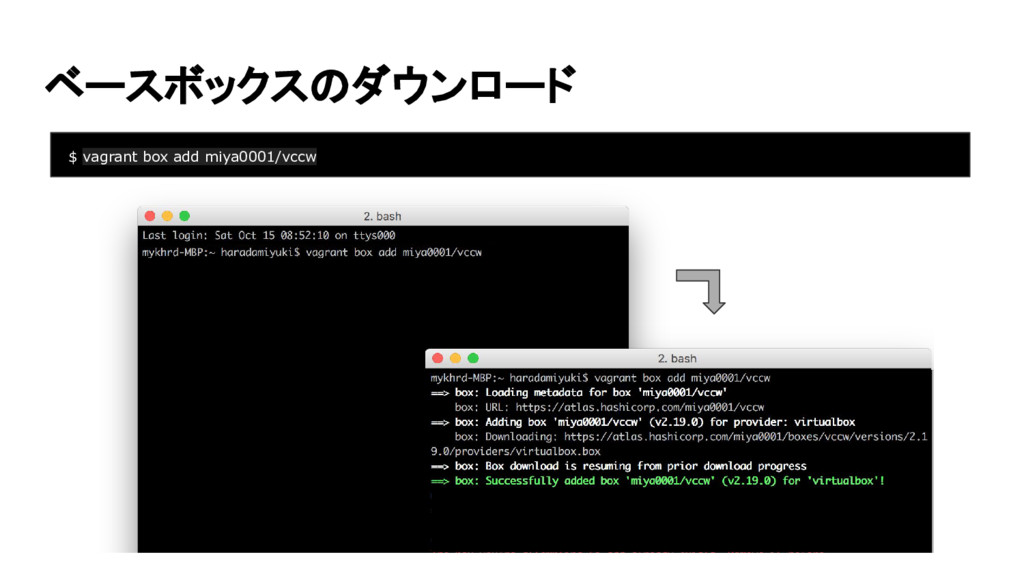
ベースボックスのダウンロード $ vagrant box add miya0001/vccw
事前準備完了。 次はVCCWをダウンロードする。
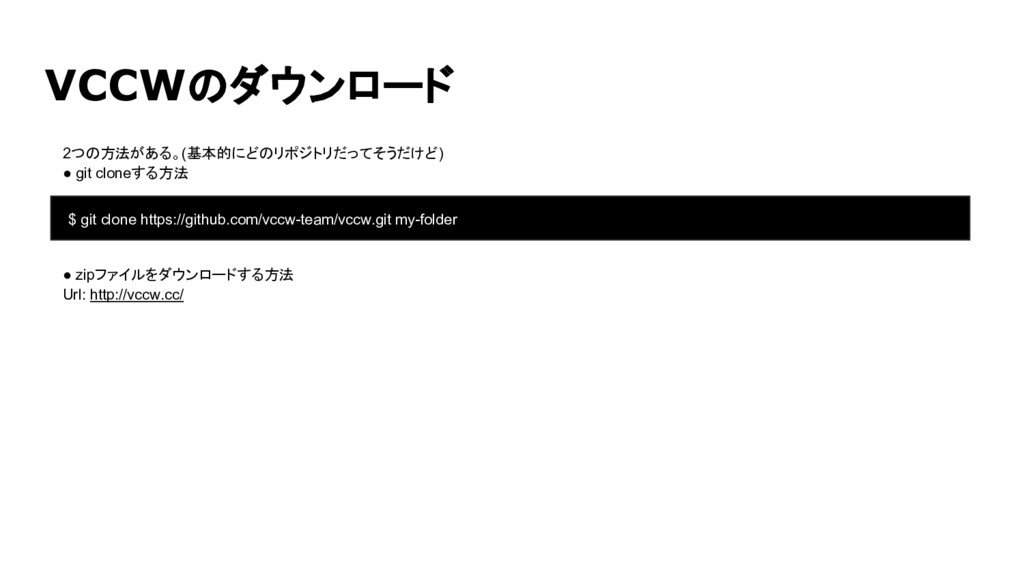
2つの方法がある。(基本的にどのリポジトリだってそうだけど) • git cloneする方法 • zipファイルをダウンロードする方法 Url: http://vccw.cc/ VCCWのダウンロード $
git clone https://github.com/vccw-team/vccw.git my-folder
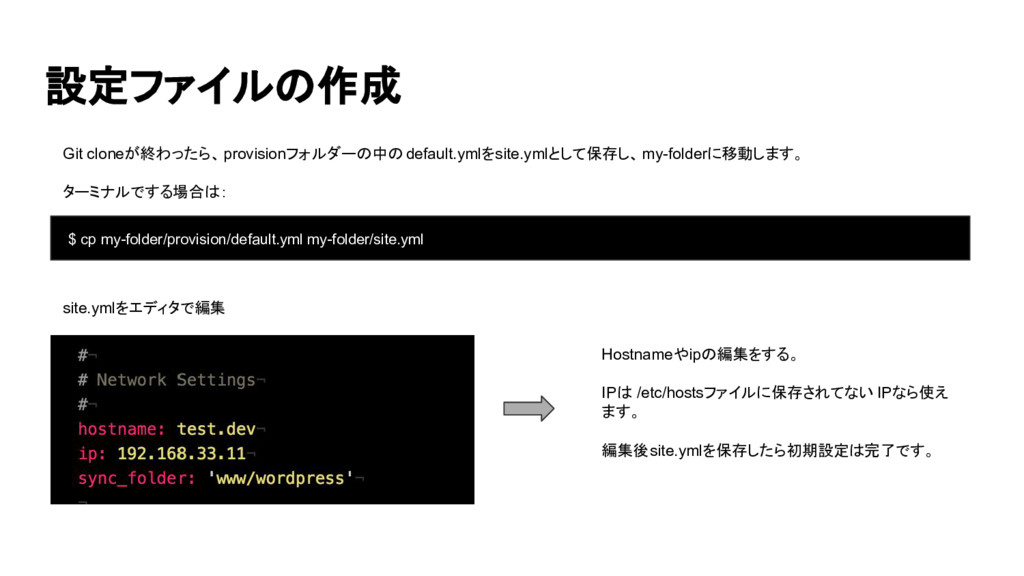
Git cloneが終わったら、provisionフォルダーの中の default.ymlをsite.ymlとして保存し、my-folderに移動します。 ターミナルでする場合は: 設定ファイルの作成 $ cp my-folder/provision/default.yml my-folder/site.yml site.ymlをエディタで編集
Hostnameやipの編集をする。 IPは /etc/hostsファイルに保存されてない IPなら使え ます。 編集後site.ymlを保存したら初期設定は完了です。
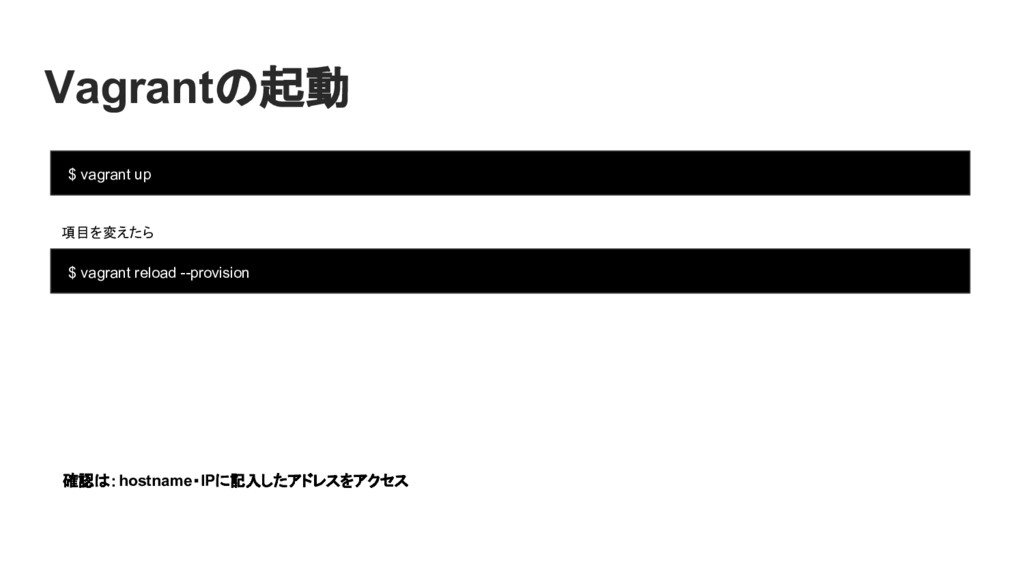
Vagrantの起動 $ vagrant up 確認は:hostname・IPに記入したアドレスをアクセス 項目を変えたら $ vagrant reload --provision
以上


 mykhrd
 oripsolob
 stephenakadiri
 popppiees
 dougneiner
 marcduiker
 thirion
 jonyablonski
 lemiorhan
 kneath
 427marketing
 inesmontani
 smashingmag