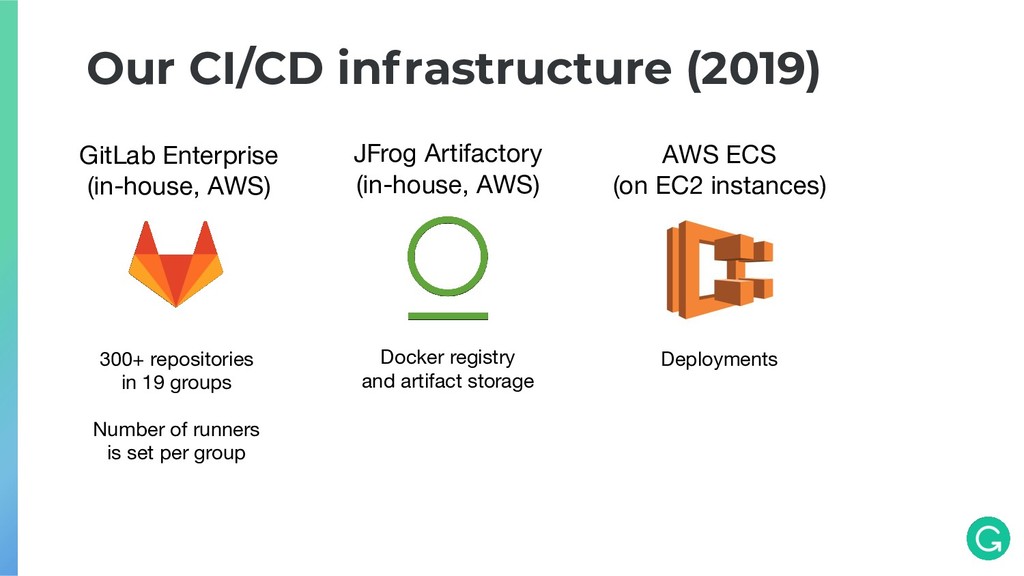
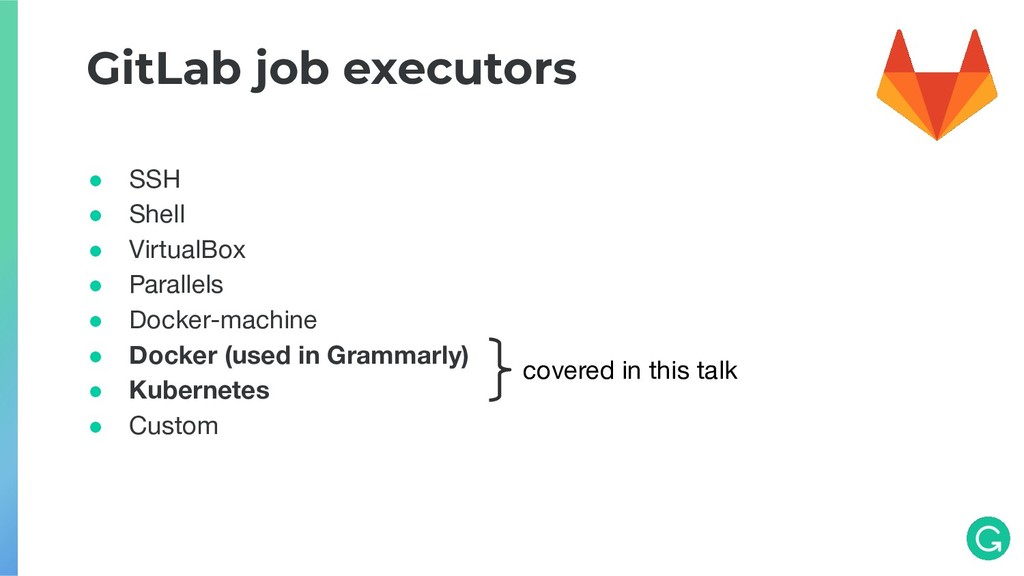
(in-house, AWS) Docker registry and artifact storage 300+ repositories in 19 groups Number of runners is set per group AWS ECS (on EC2 instances) Deployments
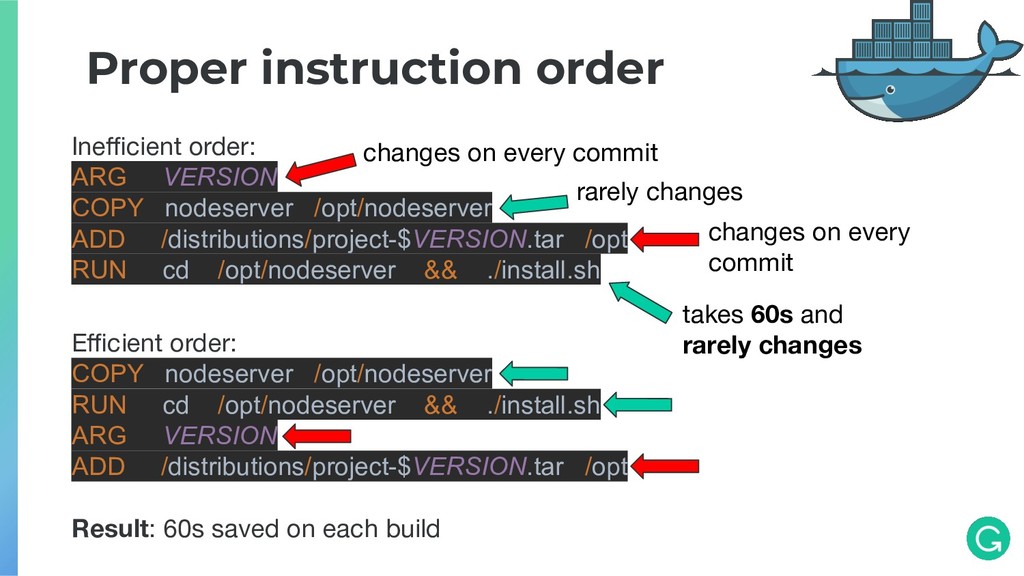
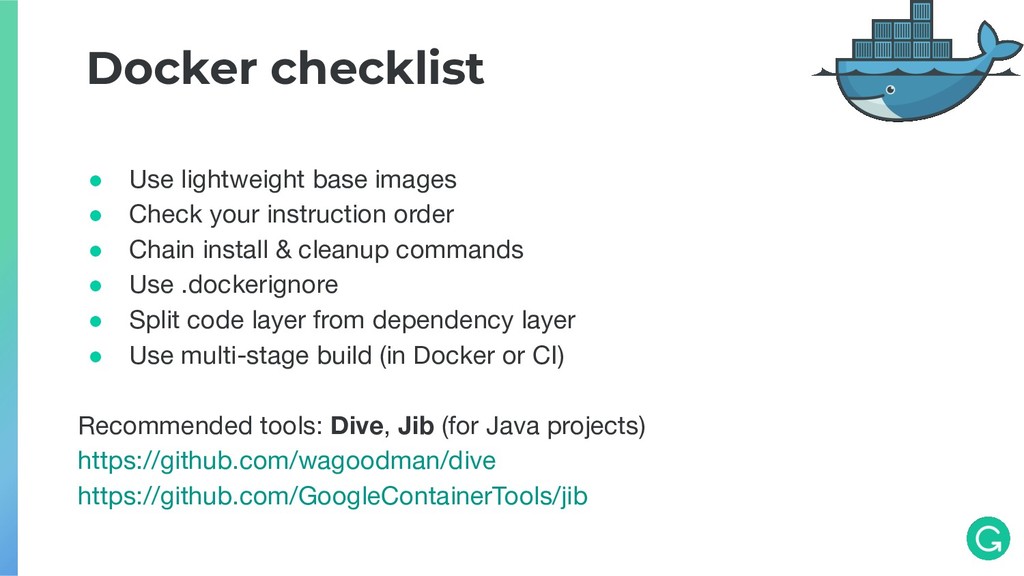
ADD /distributions/project-$VERSION.tar /opt RUN cd /opt/nodeserver && ./install.sh takes 60s and rarely changes changes on every commit changes on every commit rarely changes Efficient order: COPY nodeserver /opt/nodeserver RUN cd /opt/nodeserver && ./install.sh ARG VERSION ADD /distributions/project-$VERSION.tar /opt Result: 60s saved on each build
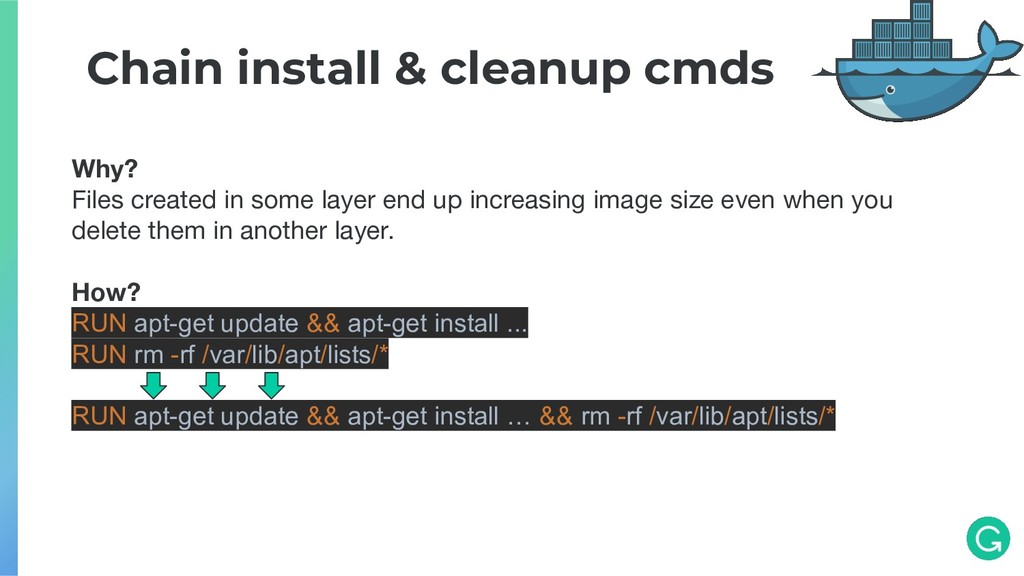
layer end up increasing image size even when you delete them in another layer. How? RUN apt-get update && apt-get install ... RUN rm -rf /var/lib/apt/lists/* RUN apt-get update && apt-get install … && rm -rf /var/lib/apt/lists/*
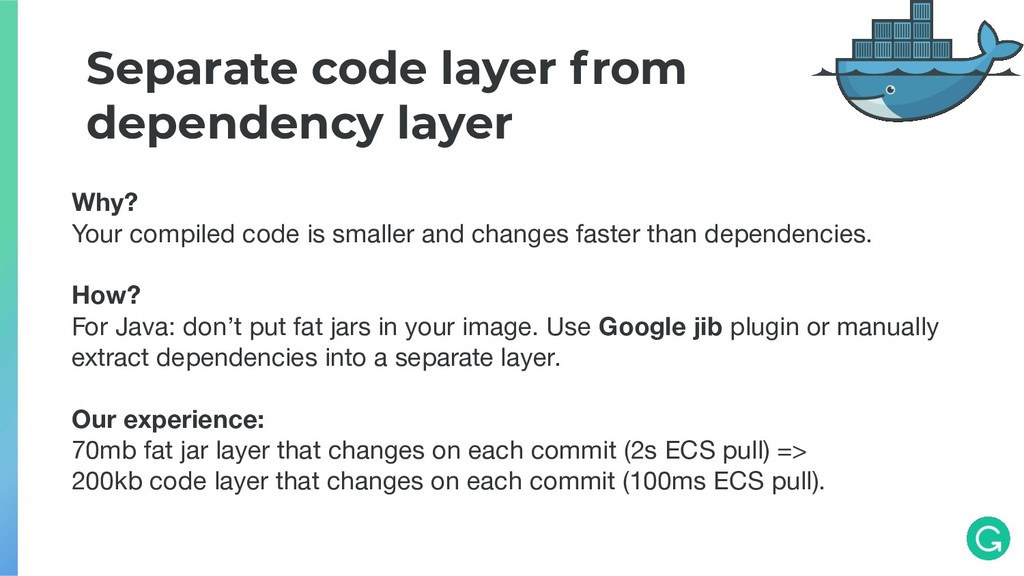
is smaller and changes faster than dependencies. How? For Java: don’t put fat jars in your image. Use Google jib plugin or manually extract dependencies into a separate layer. Our experience: 70mb fat jar layer that changes on each commit (2s ECS pull) => 200kb code layer that changes on each commit (100ms ECS pull).
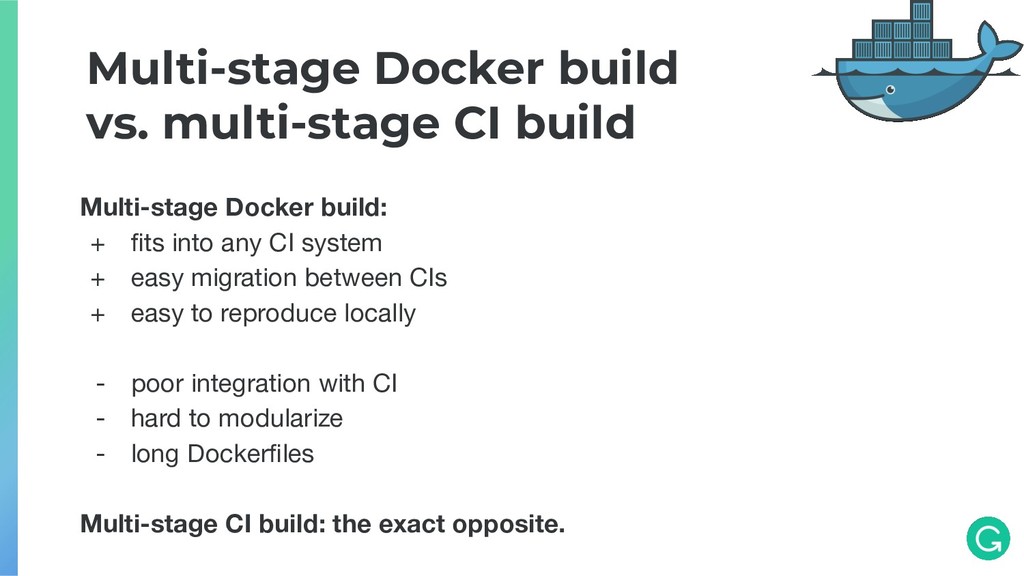
+ fits into any CI system + easy migration between CIs + easy to reproduce locally - poor integration with CI - hard to modularize - long Dockerfiles Multi-stage CI build: the exact opposite.
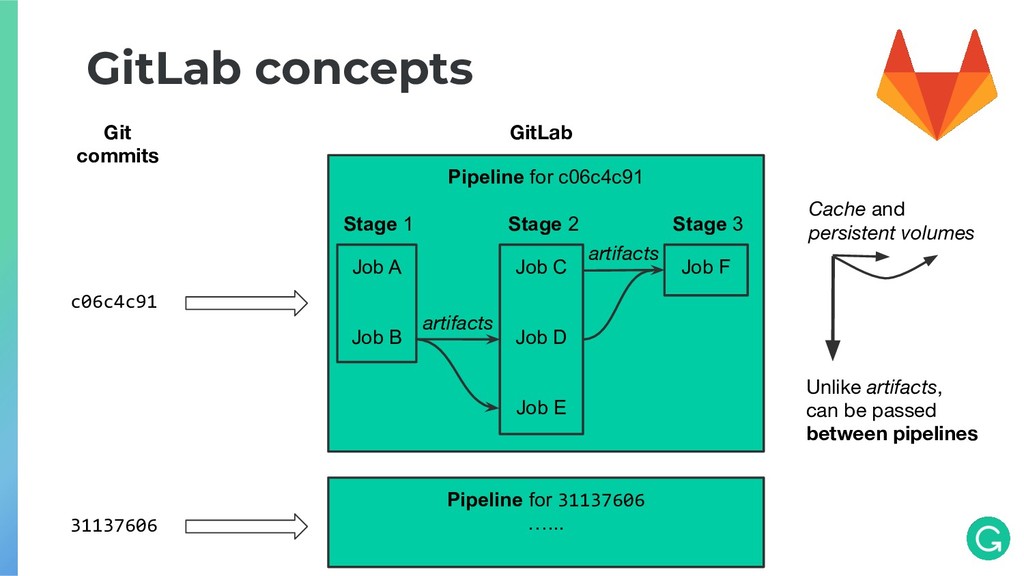
Stage 1 Stage 2 Stage 3 Job A Job B Job C Job D Job E Job F artifacts artifacts Pipeline for 31137606 …... Cache and persistent volumes Unlike artifacts, can be passed between pipelines
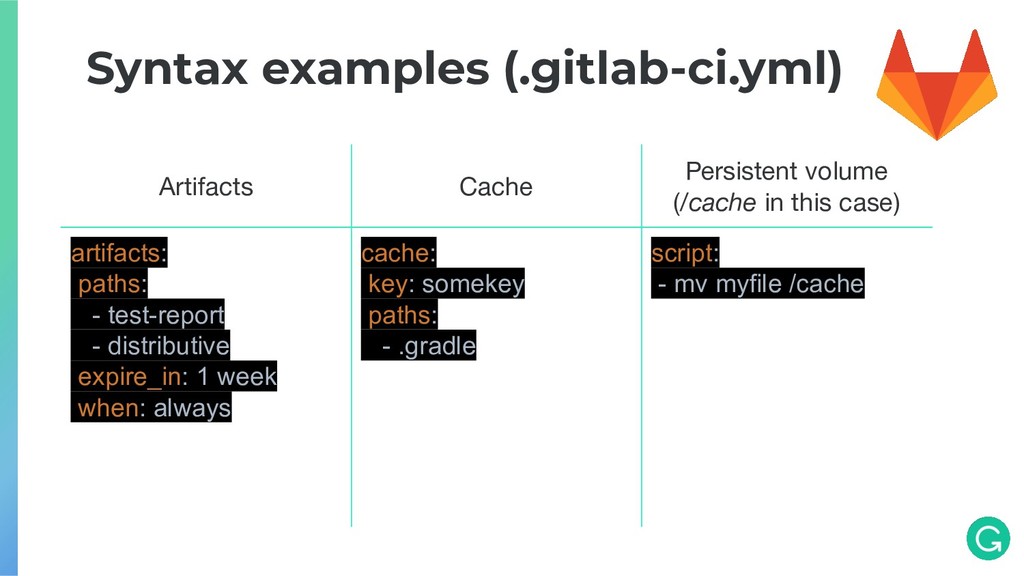
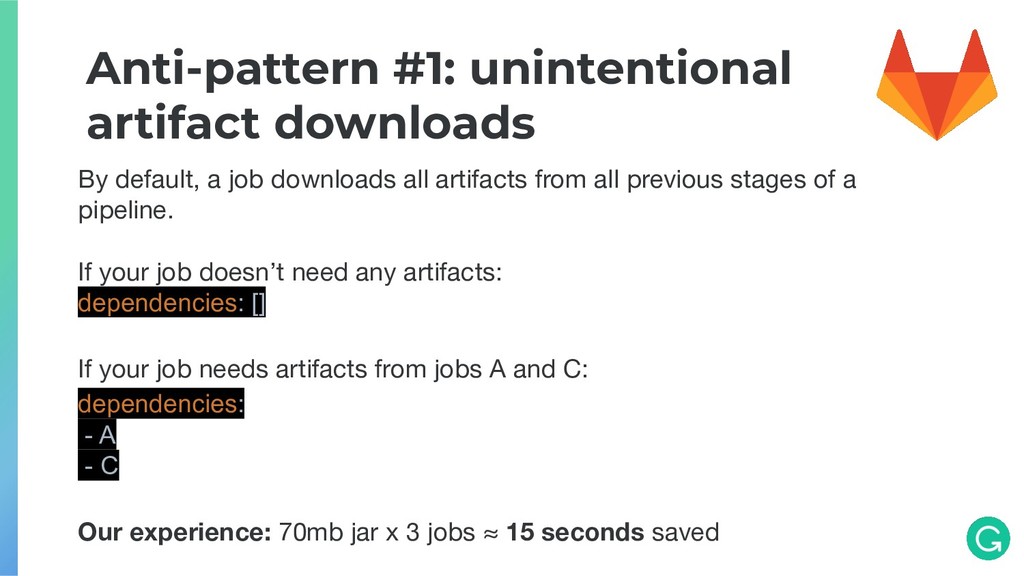
all artifacts from all previous stages of a pipeline. If your job doesn’t need any artifacts: dependencies: [] If your job needs artifacts from jobs A and C: dependencies: - A - C Our experience: 70mb jar x 3 jobs ≈ 15 seconds saved
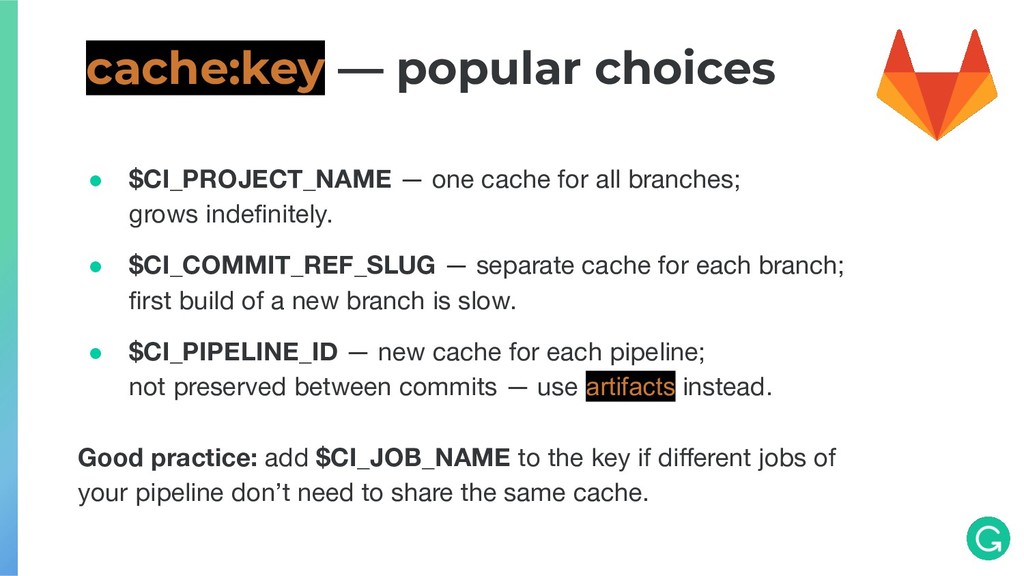
• $CI_COMMIT_REF_SLUG — separate cache for each branch; first build of a new branch is slow. • $CI_PIPELINE_ID — new cache for each pipeline; not preserved between commits — use artifacts instead. Good practice: add $CI_JOB_NAME to the key if different jobs of your pipeline don’t need to share the same cache. cache:key — popular choices
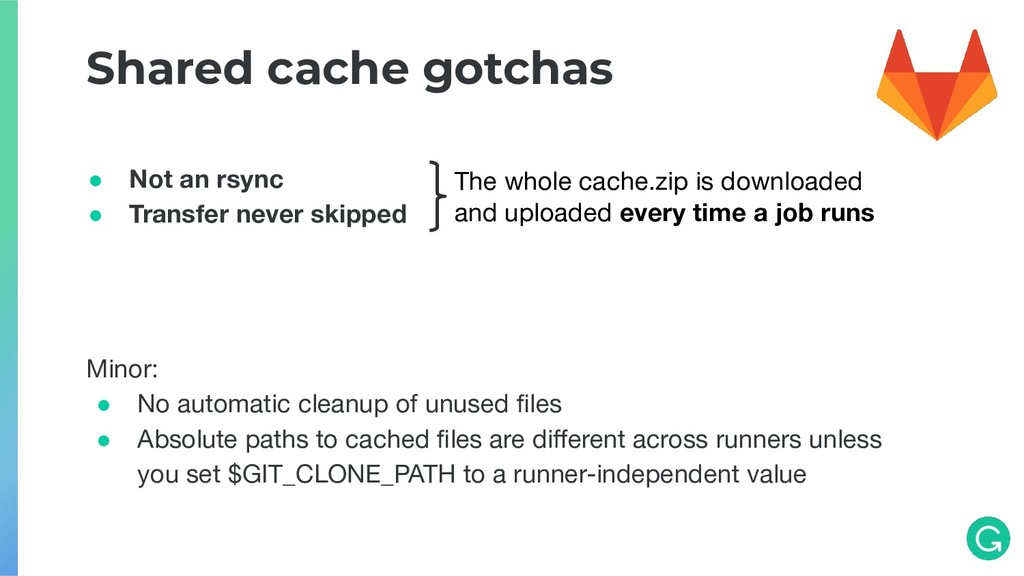
gotchas The whole cache.zip is downloaded and uploaded every time a job runs Minor: • No automatic cleanup of unused files • Absolute paths to cached files are different across runners unless you set $GIT_CLONE_PATH to a runner-independent value
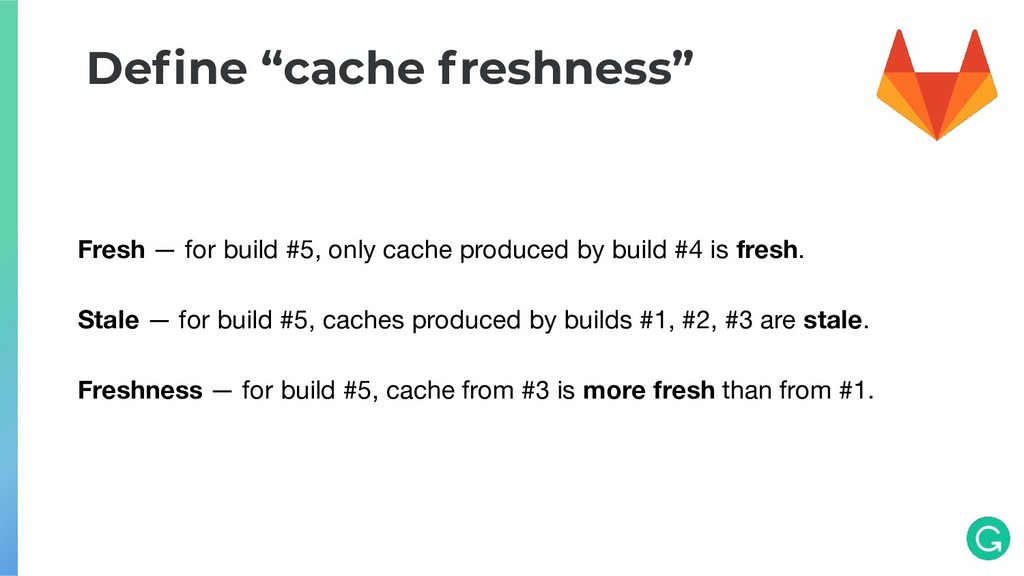
#4 is fresh. Stale — for build #5, caches produced by builds #1, #2, #3 are stale. Freshness — for build #5, cache from #3 is more fresh than from #1. Define “cache freshness”
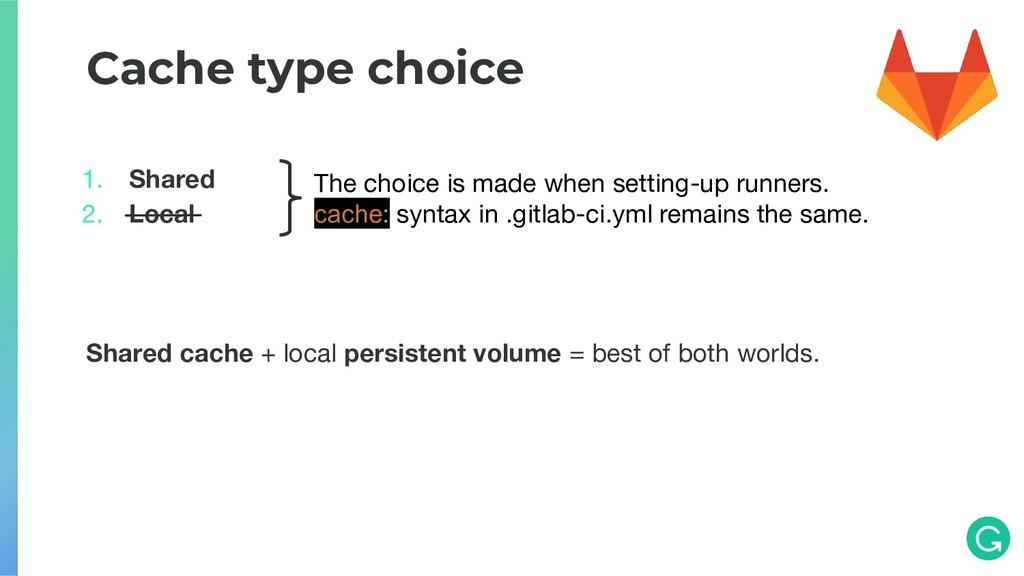
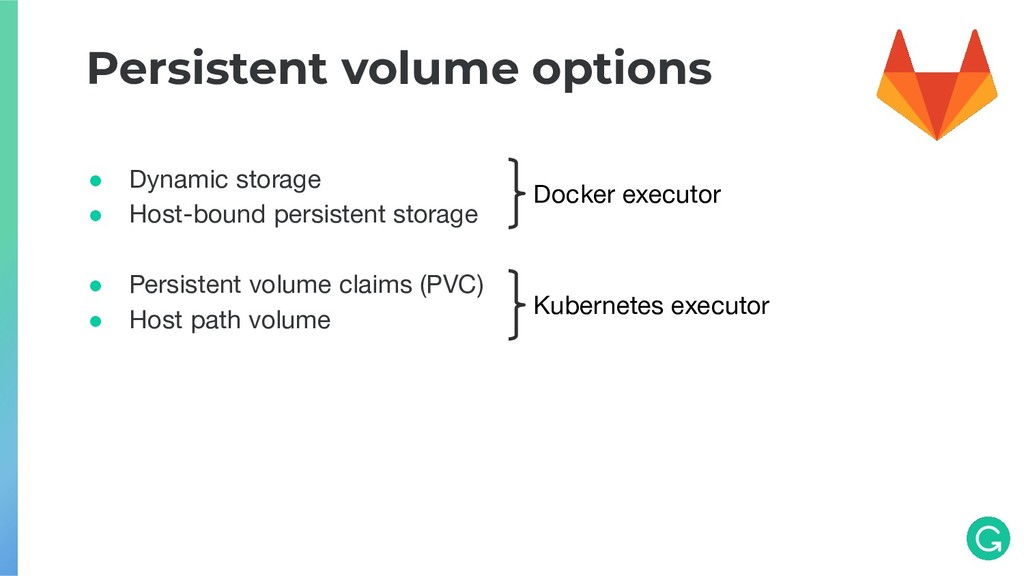
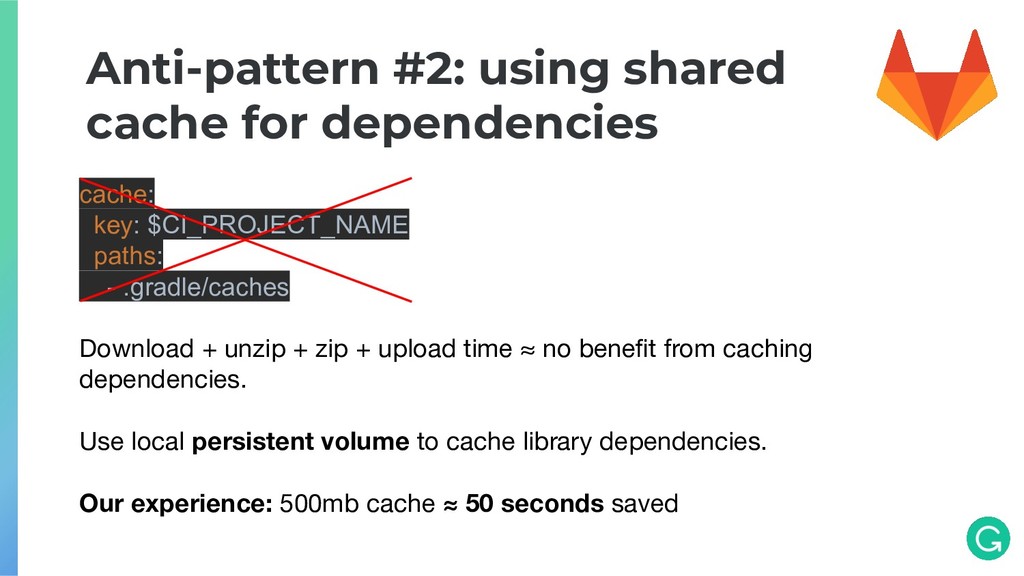
paths: - .gradle/caches Download + unzip + zip + upload time ≈ no benefit from caching dependencies. Use local persistent volume to cache library dependencies. Our experience: 500mb cache ≈ 50 seconds saved
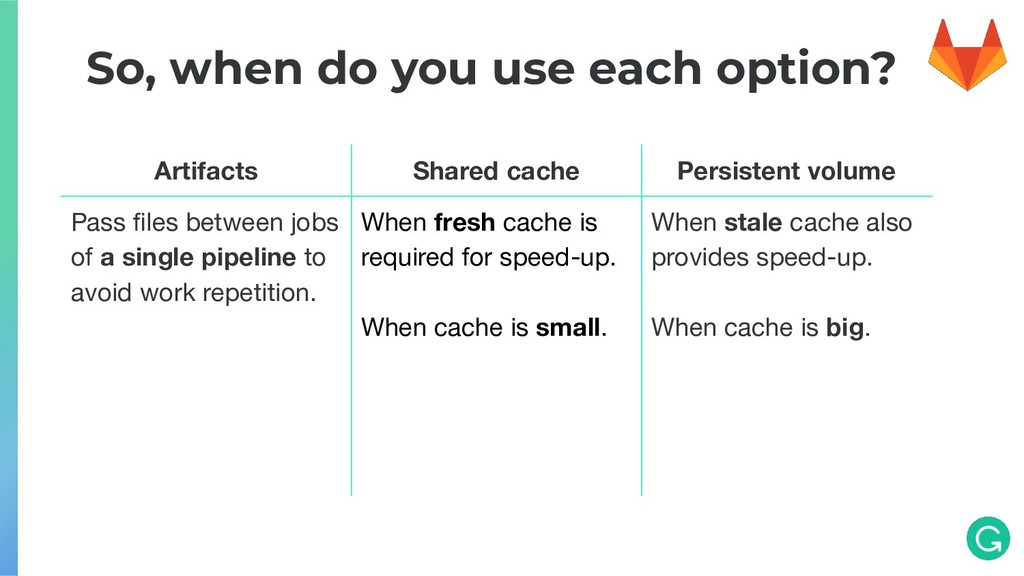
Persistent volume Pass files between jobs of a single pipeline to avoid work repetition. When fresh cache is required for speed-up. When cache is small. When stale cache also provides speed-up. When cache is big.


 falcon8823
 ichirokano2
 timakin
 nao_randd
 moro
moro
 iwatsukayura
 ryu1013
 sorah
sorah
 akase244
 marcoroth
 hollycummins
 drumath2237
 gurzu
gurzu
 mraible
 leimatthew05
 bluesmoon
 jct
jct
 tammyeverts
 lara
lara
 shlominoach
 keavy
keavy
 sonatard
 chriscoyier
 frankvandijk