Dagger). Better separation and encapsulation of your code. Access to Dynamic Delivery. The time you take to modularise today is time you are saving tomorrow.
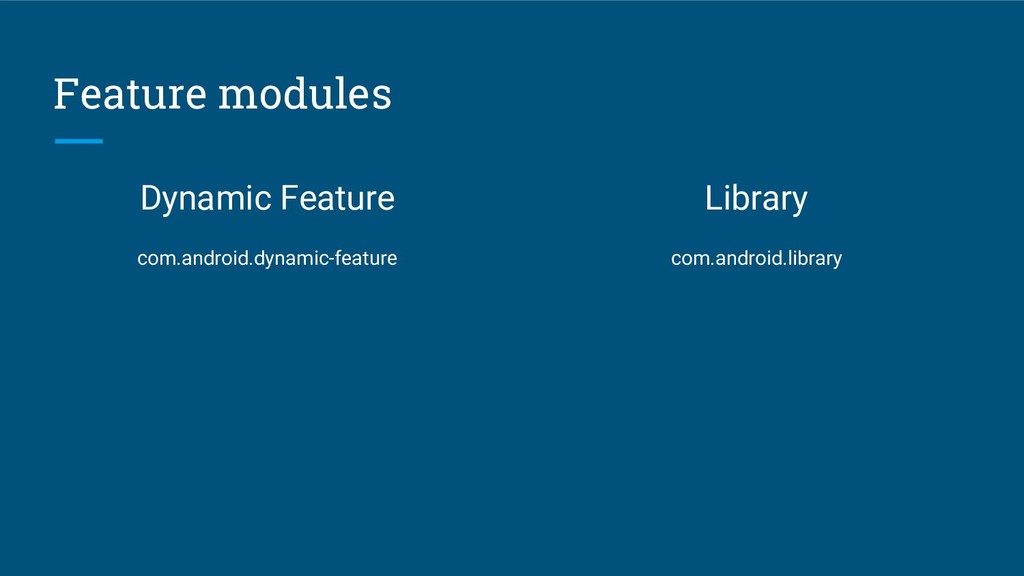
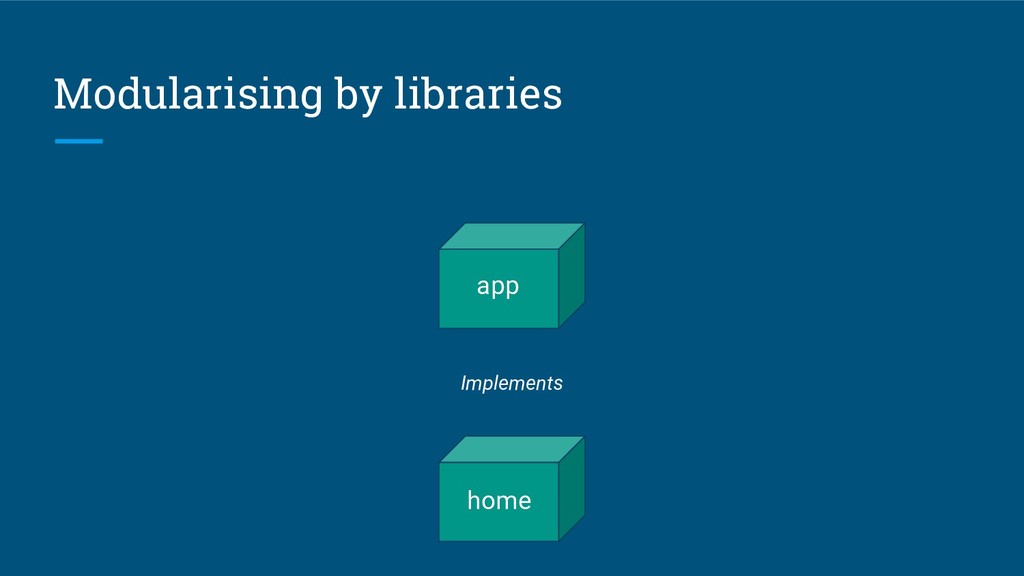
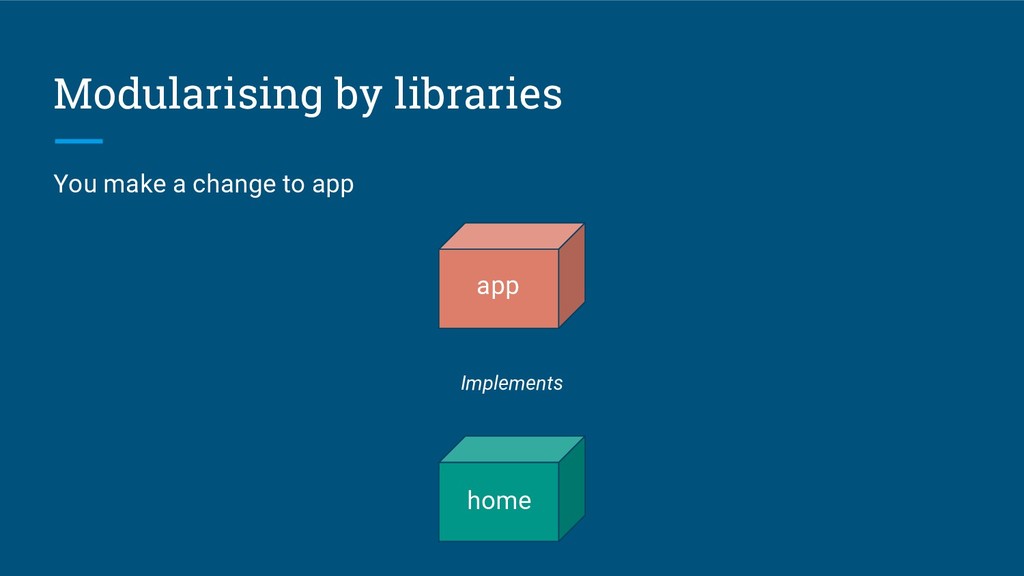
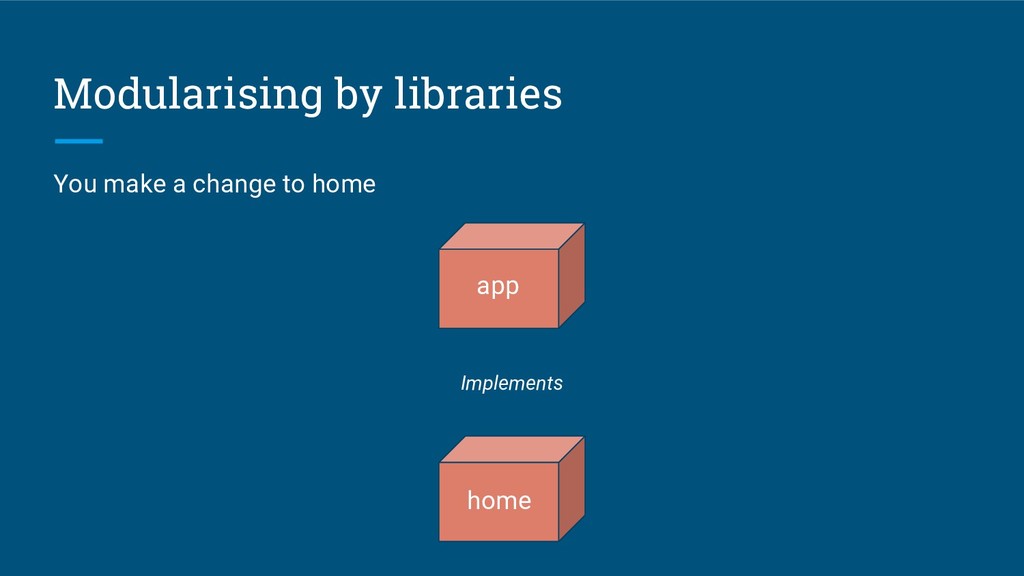
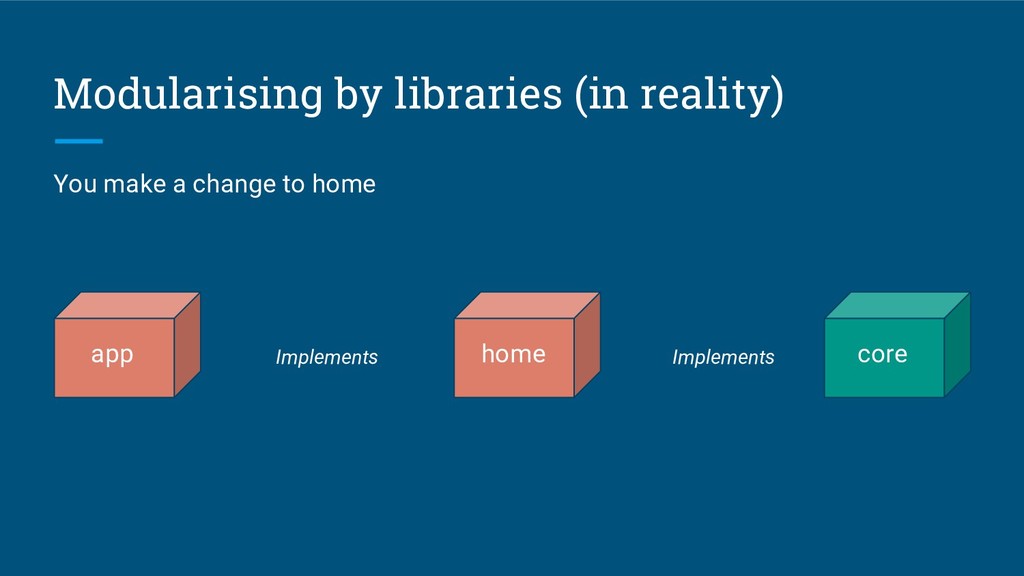
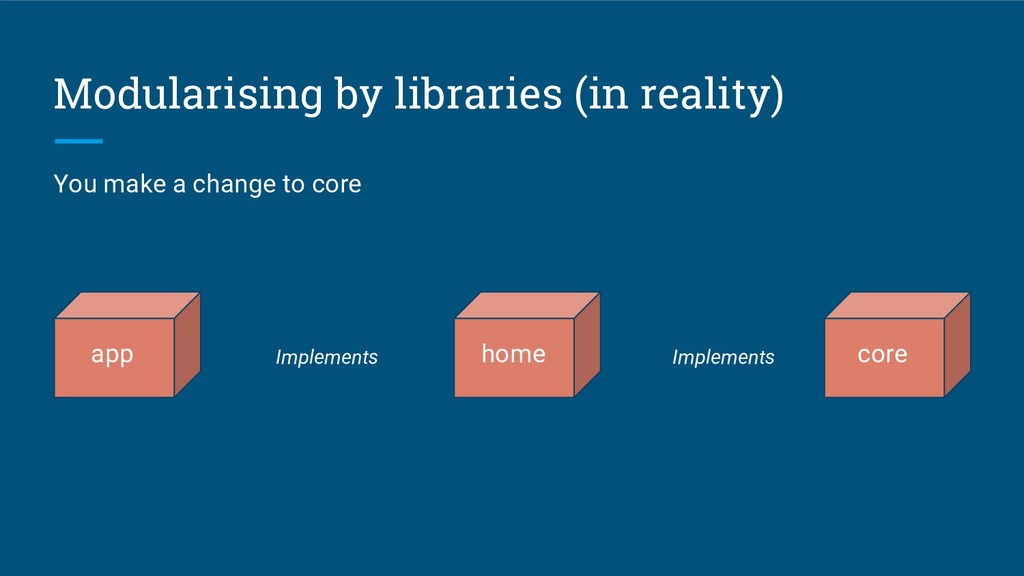
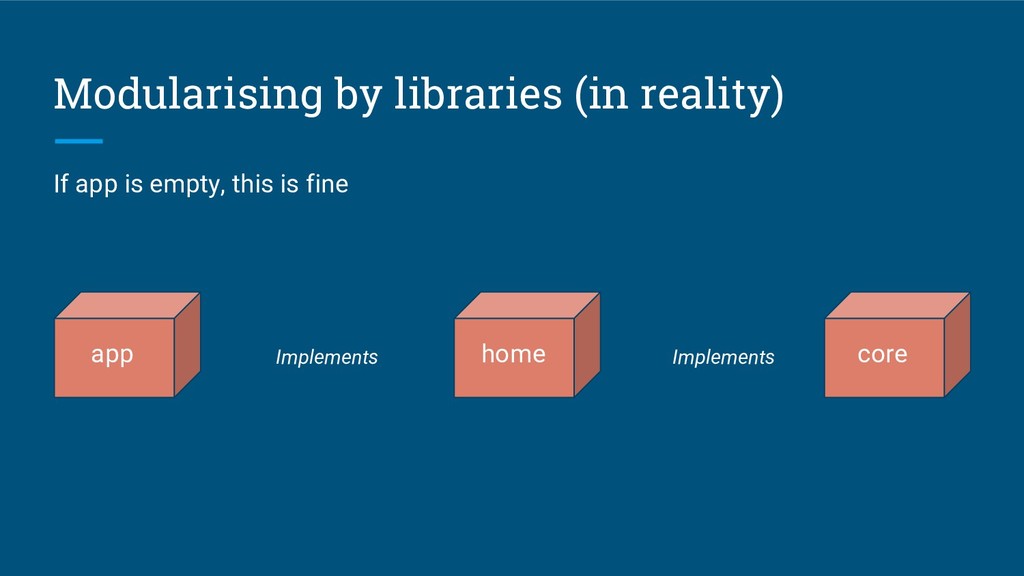
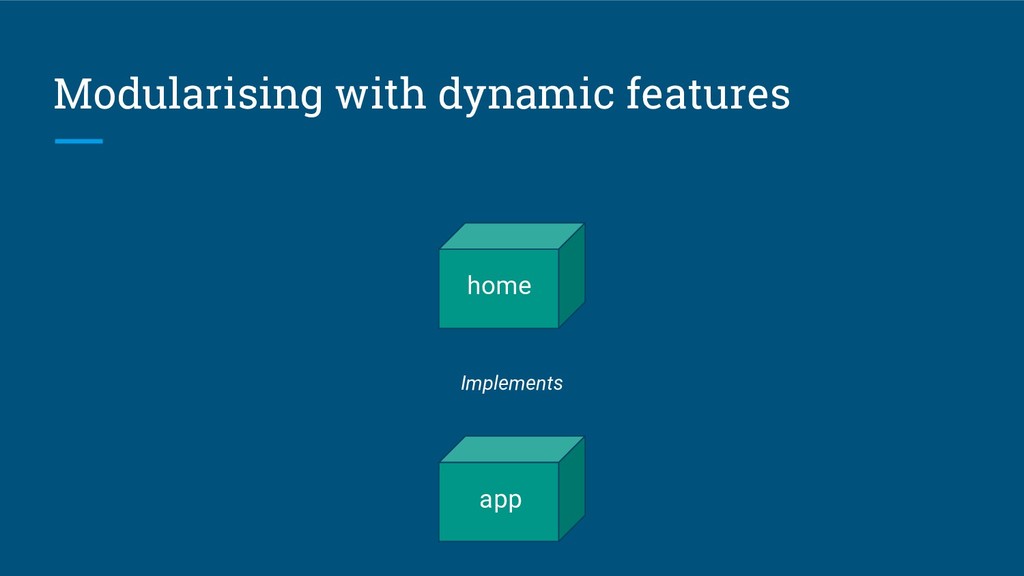
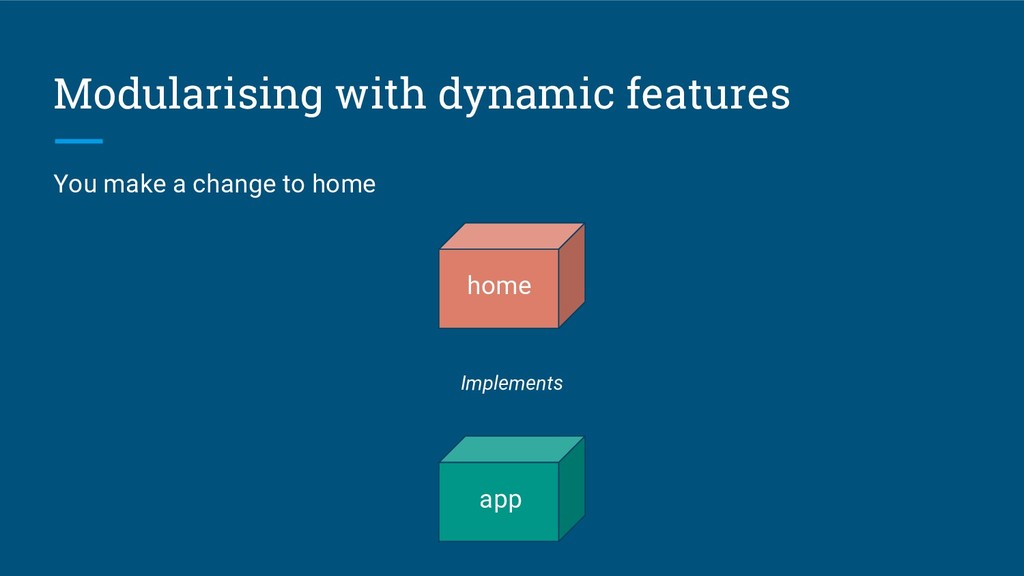
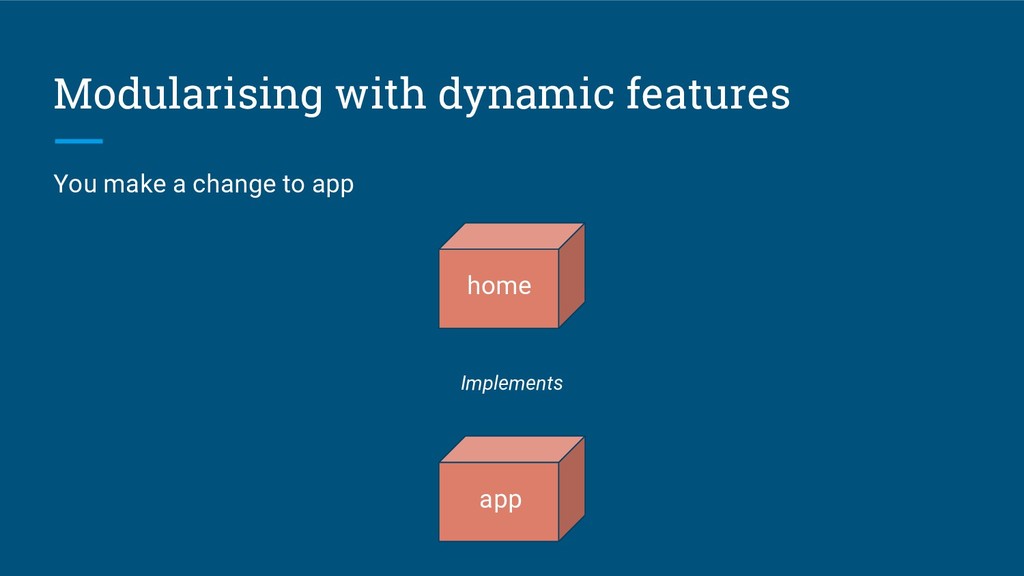
Depends on app Creates a separate apk Allows you to use Dynamic Delivery Easier to do at the beginning Build time impact affects especially the new modules Library App depends on it Only one apk No Dynamic Delivery Complicated refactor Build time impact affects especially the old modules
containing only the manifest. You will also need a core module containing the component for the dependencies used in different features. Easy to do when you start a new app, difficult and time consuming when you have an ongoing project.
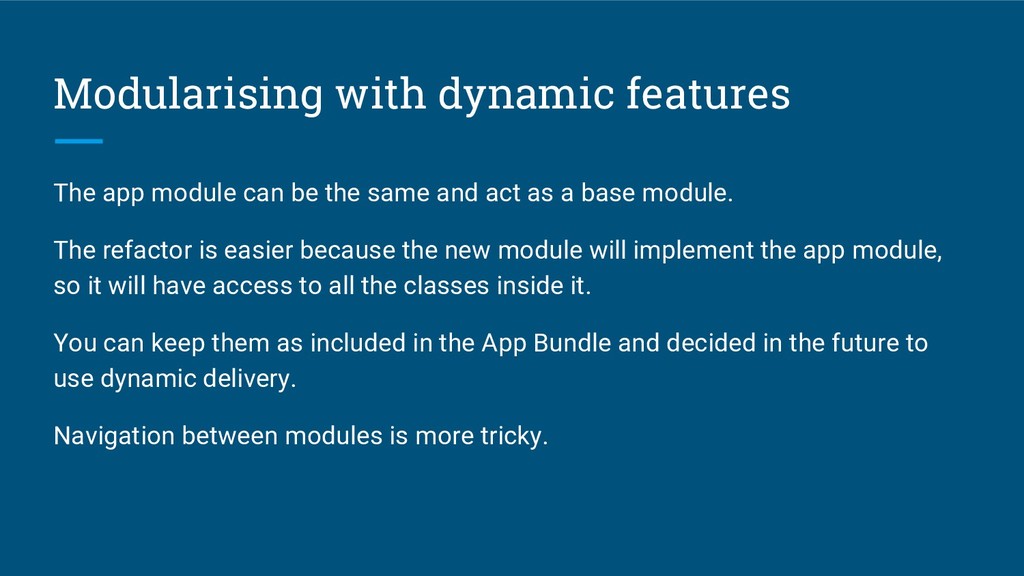
same and act as a base module. The refactor is easier because the new module will implement the app module, so it will have access to all the classes inside it. You can keep them as included in the App Bundle and decided in the future to use dynamic delivery. Navigation between modules is more tricky.
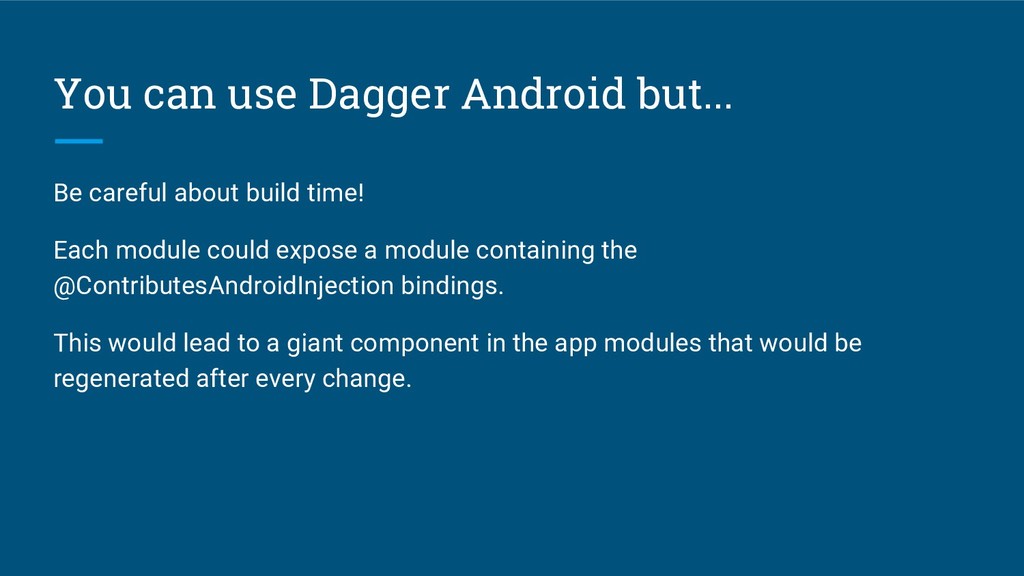
time! Each module could expose a module containing the @ContributesAndroidInjection bindings. This would lead to a giant component in the app modules that would be regenerated after every change.
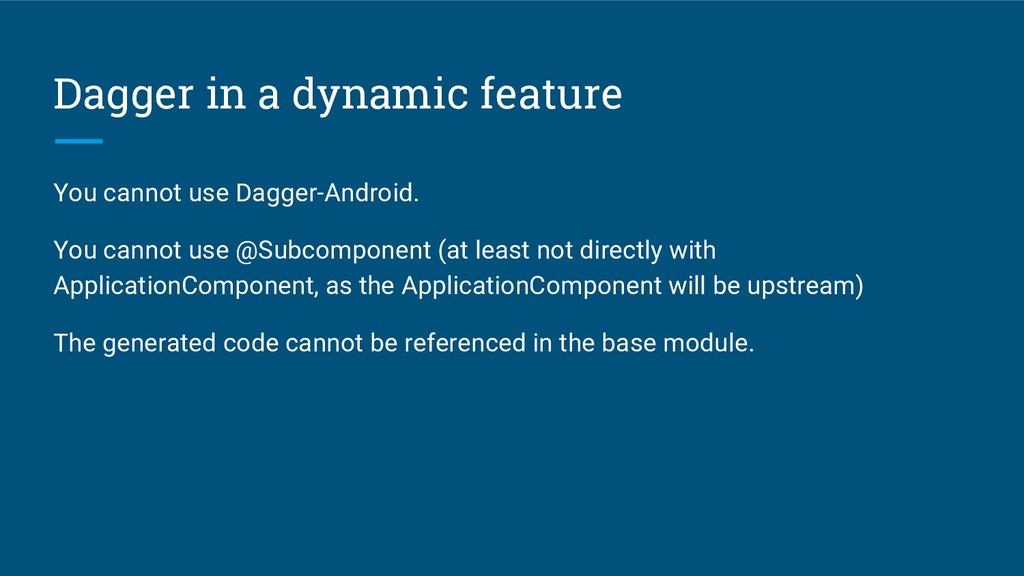
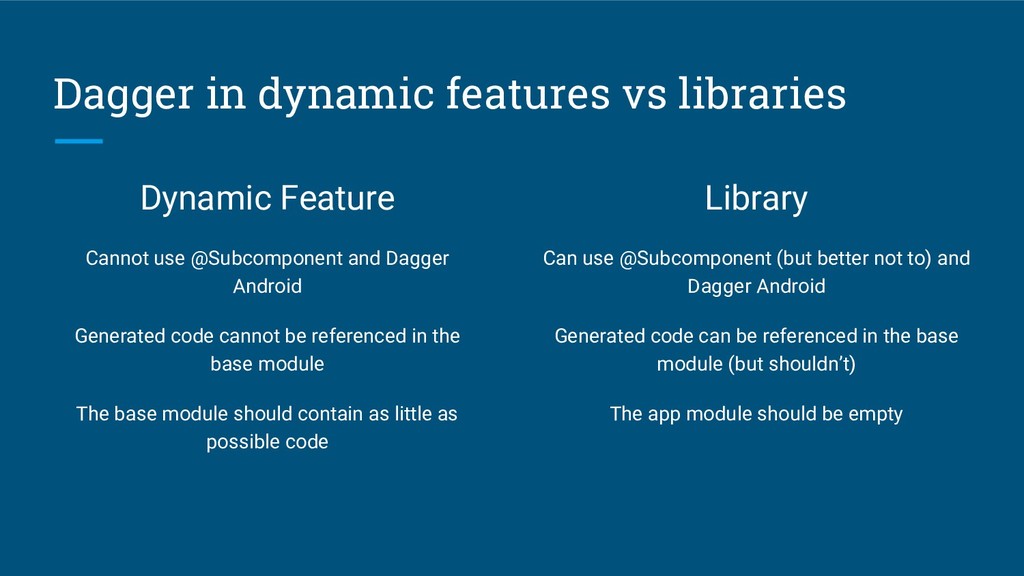
cannot use @Subcomponent (at least not directly with ApplicationComponent, as the ApplicationComponent will be upstream) The generated code cannot be referenced in the base module.
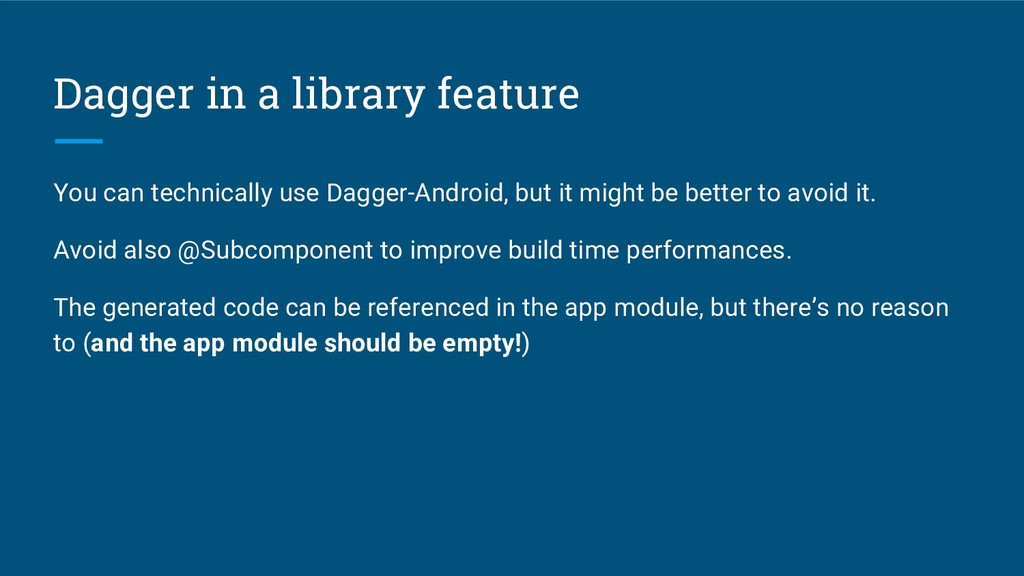
but it might be better to avoid it. Avoid also @Subcomponent to improve build time performances. The generated code can be referenced in the app module, but there’s no reason to (and the app module should be empty!)
@Subcomponent and Dagger Android Generated code cannot be referenced in the base module The base module should contain as little as possible code Library Can use @Subcomponent (but better not to) and Dagger Android Generated code can be referenced in the base module (but shouldn’t) The app module should be empty


 quiro91
 szymonslowik
 maltzj
 aleyda
 jmmastey
 jonrohan
 signer
 samtorres
 soudai
 marktimemedia
 rkendrick25
 tenderlove
 jct
jct




![Dagger in a dynamic feature @Component(dependencies = [ApplicationComponent::class]) interface HomeComponent](https://files.speakerdeck.com/presentations/e8f74f47b46a4e9e9601b49e977c72da/slide_39.jpg)
![Dagger in a library feature @Component(dependencies = [ApplicationComponent::class]) interface HomeComponent](https://files.speakerdeck.com/presentations/e8f74f47b46a4e9e9601b49e977c72da/slide_41.jpg)
![We are hiring! [email protected] https://www.busuu.com/jobs/](https://files.speakerdeck.com/presentations/e8f74f47b46a4e9e9601b49e977c72da/slide_45.jpg)