Upgrade to Pro
— share decks privately, control downloads, hide ads and more …
Speaker Deck
Sign up for free
Menu
Search
Features
All features
Private URLs
Password Protection
Custom URLS
Scheduled publishing
Remove Branding
Restrict embedding
Deck Collections
Notes
Features
All features
Private URLs
Password Protection
Custom URLS
Scheduled publishing
Remove Branding
Restrict embedding
Deck Collections
Notes
Explore
Featured decks
Featured speakers
Programming
Technology
Storyboards
Explore
Featured decks
Featured speakers
Programming
Technology
Storyboards
Pricing
Search
Sign in
Sign up for free
OSA Project
Search
rkopp
September 16, 2015
14
0
Share
Embed
Copy iframe code
Copy JS code
Copy link
Start on current slide
OSA Project
rkopp
September 16, 2015
Featured
See All Featured
How Fast Is Fast Enough? [PerfNow 2025]
tammyeverts
3
940
Claude Code のすすめ
schroneko
67
230k
Visual Storytelling: How to be a Superhuman Communicator
reverentgeek
2
710
The Mindset for Success: Future Career Progression
greggifford
PRO
0
540
Navigating the moral maze — ethical principles for Al-driven product design
skipperchong
2
630
sira's awesome portfolio website redesign presentation
elsirapls
0
460
The AI Search Optimization Roadmap by Aleyda Solis
aleyda
2
6.3k
How to Talk to Developers About Accessibility
jct
2
580
The Cost Of JavaScript in 2023
addyosmani
55
10k
SEO for Brand Visibility & Recognition
aleyda
0
4.8k
More Than Pixels: Becoming A User Experience Designer
marktimemedia
3
560
End of SEO as We Know It (SMX Advanced Version)
ipullrank
3
4.4k
Transcript
OSA Project
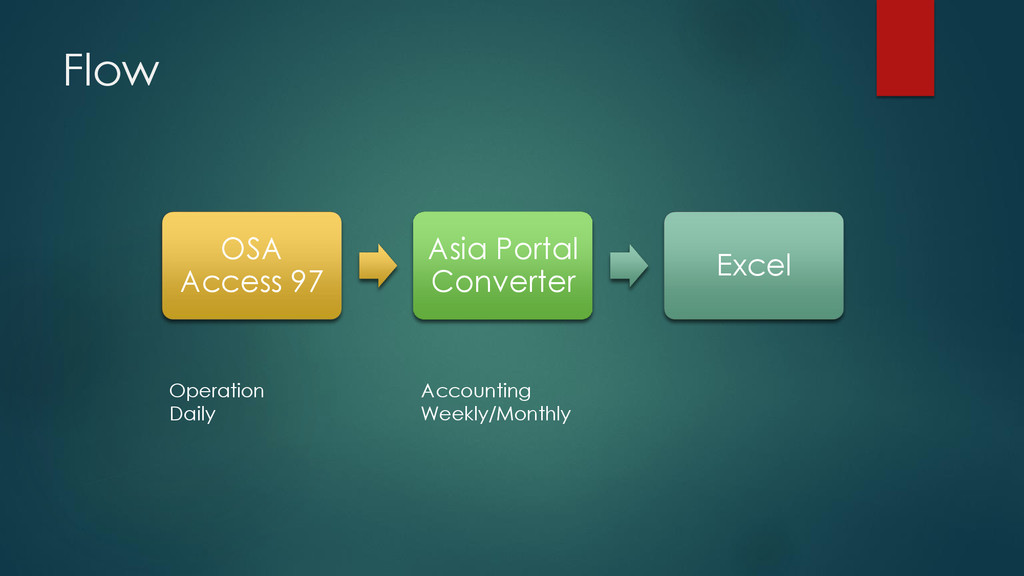
Flow OSA Access 97 Asia Portal Converter Excel Accounting Weekly/Monthly
Operation Daily
What we have to do New excel format for
UPS Setup OSA on new server
Problem Integrity between IPSv4 data and OSA data
System environment and legacy technology
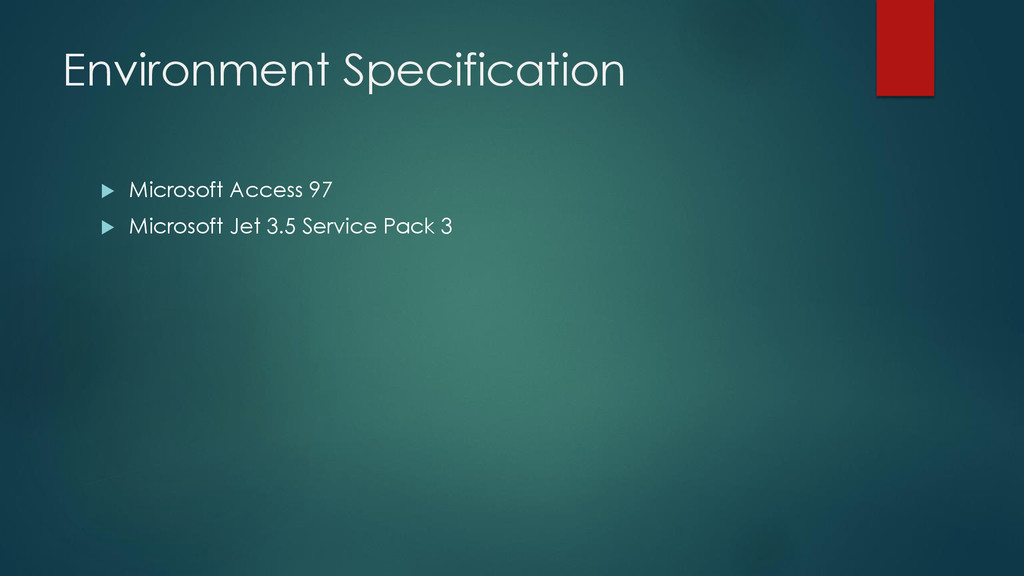
Environment Specification Microsoft Access 97 Microsoft Jet 3.5
Service Pack 3
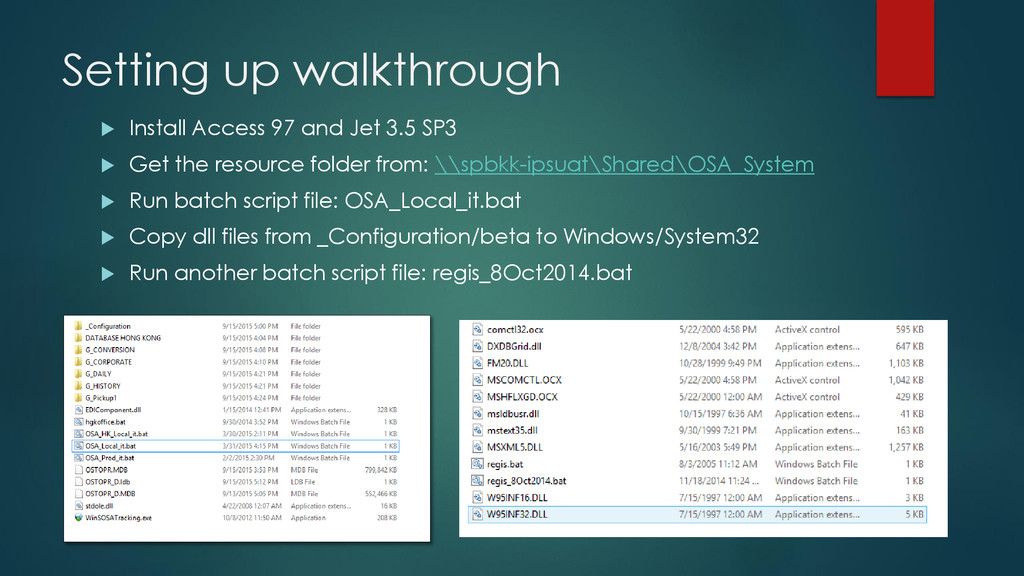
Setting up walkthrough Install Access 97 and Jet 3.5
SP3 Get the resource folder from: \\spbkk-ipsuat\Shared\OSA_System Run batch script file: OSA_Local_it.bat Copy dll files from _Configuration/beta to Windows/System32 Run another batch script file: regis_8Oct2014.bat


 tammyeverts
 schroneko
 reverentgeek
 greggifford
 skipperchong
 elsirapls
 aleyda
 jct
jct
 addyosmani
 marktimemedia
 ipullrank