Upgrade to Pro — share decks privately, control downloads, hide ads and more …

git (with bitbucket)

Avatar for Shao-Ching Huang Shao-Ching Huang
January 21, 2014
60

git (with bitbucket)

Avatar for Shao-Ching Huang

Shao-Ching Huang

January 21, 2014

Transcript

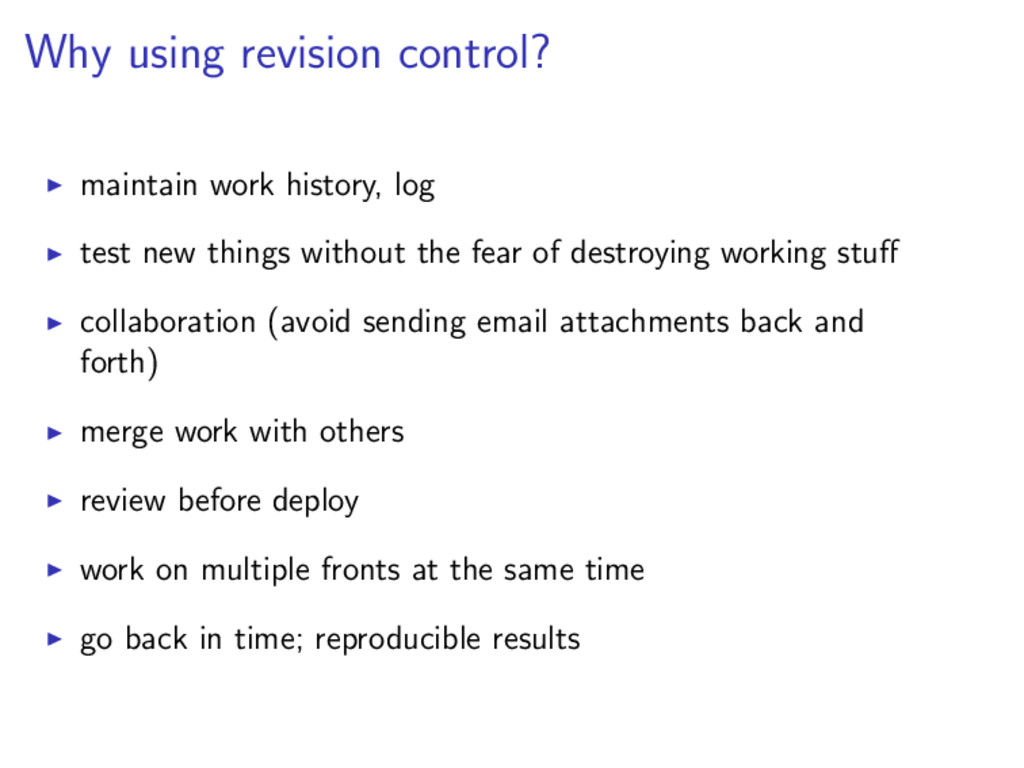
  1. Why using revision control? maintain work history, log test new
    things without the fear of destroying working stuff collaboration (avoid sending email attachments back and forth) merge work with others review before deploy work on multiple fronts at the same time go back in time; reproducible results
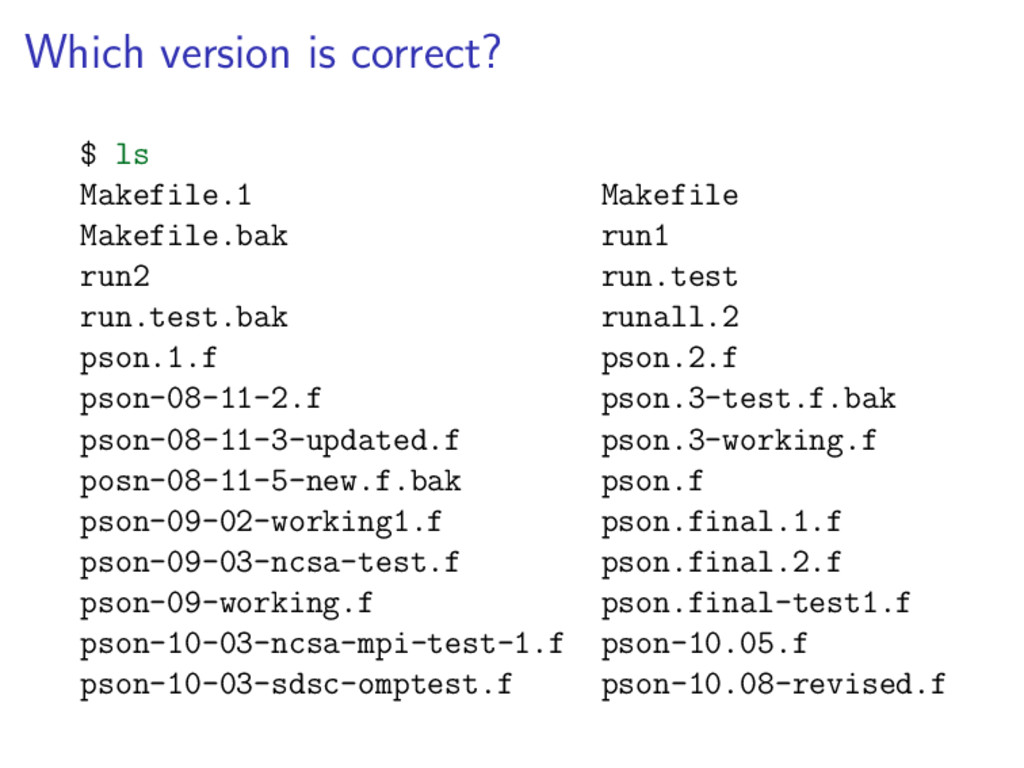
  2. Which version is correct? $ ls Makefile.1 Makefile Makefile.bak run1

    run2 run.test run.test.bak runall.2 pson.1.f pson.2.f pson-08-11-2.f pson.3-test.f.bak pson-08-11-3-updated.f pson.3-working.f posn-08-11-5-new.f.bak pson.f pson-09-02-working1.f pson.final.1.f pson-09-03-ncsa-test.f pson.final.2.f pson-09-working.f pson.final-test1.f pson-10-03-ncsa-mpi-test-1.f pson-10.05.f pson-10-03-sdsc-omptest.f pson-10.08-revised.f
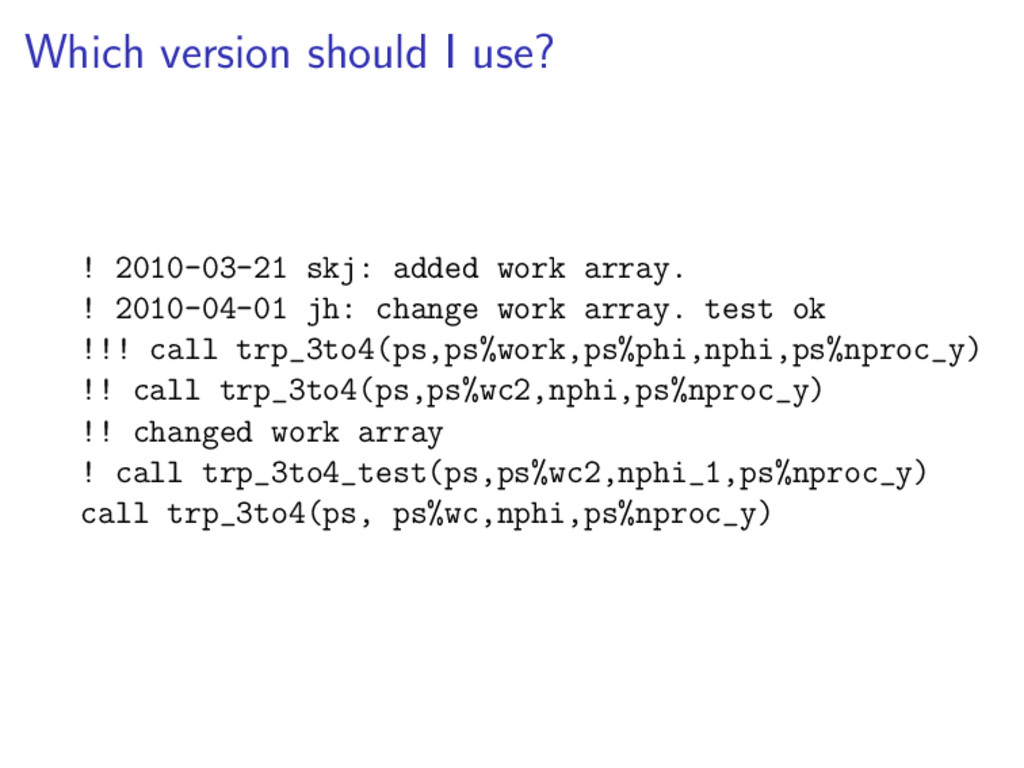
  3. Which version should I use? ! 2010-03-21 skj: added work

    array. ! 2010-04-01 jh: change work array. test ok !!! call trp_3to4(ps,ps%work,ps%phi,nphi,ps%nproc_y) !! call trp_3to4(ps,ps%wc2,nphi,ps%nproc_y) !! changed work array ! call trp_3to4_test(ps,ps%wc2,nphi_1,ps%nproc_y) call trp_3to4(ps, ps%wc,nphi,ps%nproc_y)
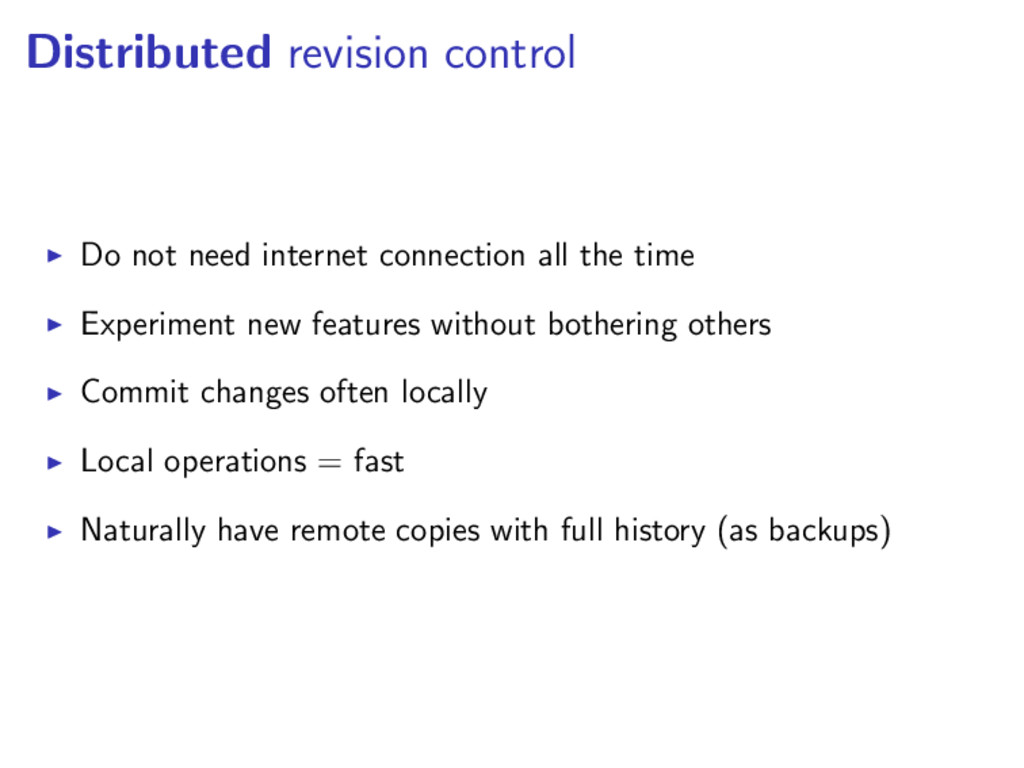
  4. Distributed revision control Do not need internet connection all the

    time Experiment new features without bothering others Commit changes often locally Local operations = fast Naturally have remote copies with full history (as backups)
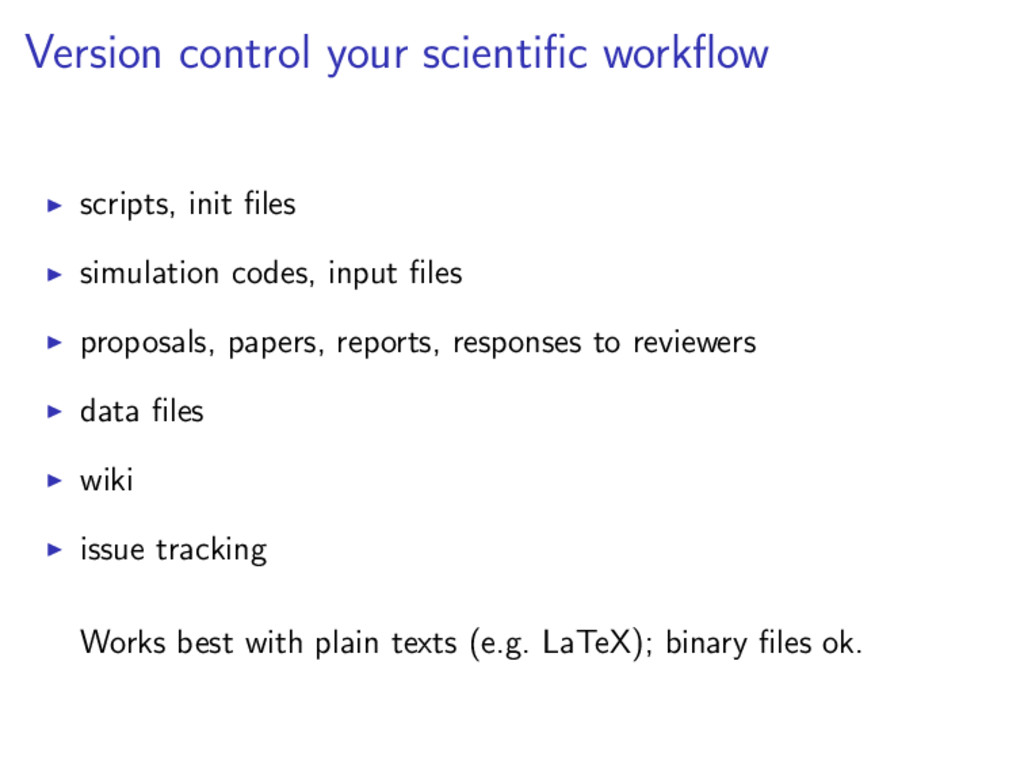
  5. Version control your scientific workflow scripts, init files simulation codes,

    input files proposals, papers, reports, responses to reviewers data files wiki issue tracking Works best with plain texts (e.g. LaTeX); binary files ok.
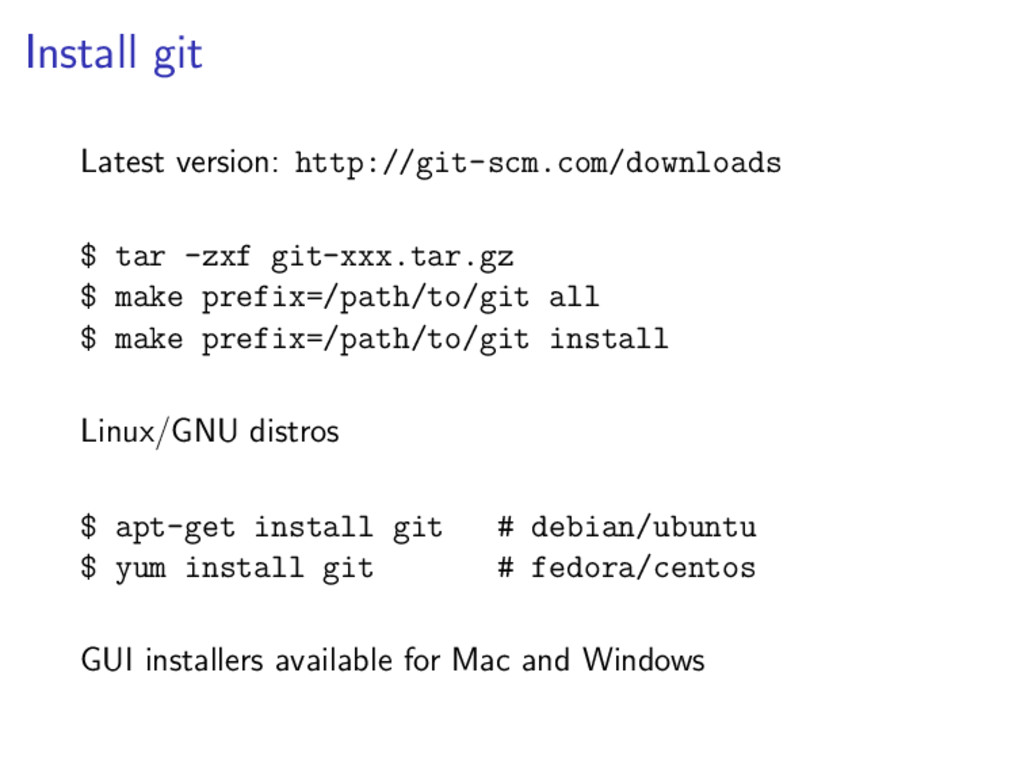
  6. Install git Latest version: http://git-scm.com/downloads $ tar -zxf git-xxx.tar.gz $

    make prefix=/path/to/git all $ make prefix=/path/to/git install Linux/GNU distros $ apt-get install git # debian/ubuntu $ yum install git # fedora/centos GUI installers available for Mac and Windows
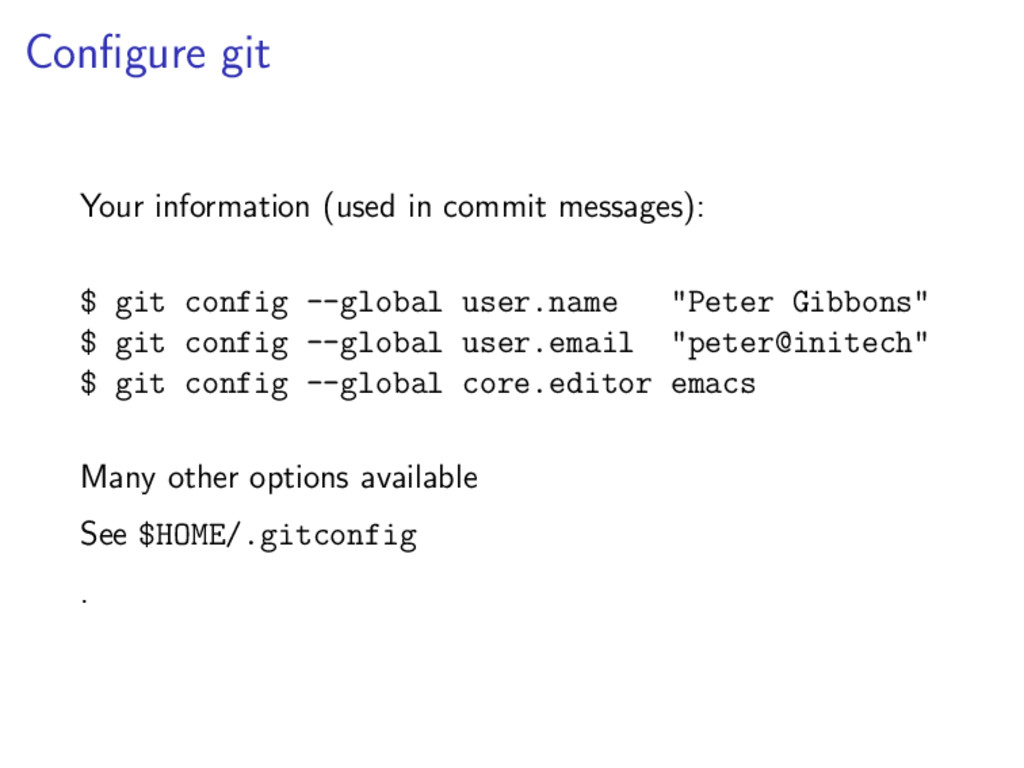
  7. Configure git Your information (used in commit messages): $ git

    config --global user.name "Peter Gibbons" $ git config --global user.email "peter@initech" $ git config --global core.editor emacs Many other options available See $HOME/.gitconfig .
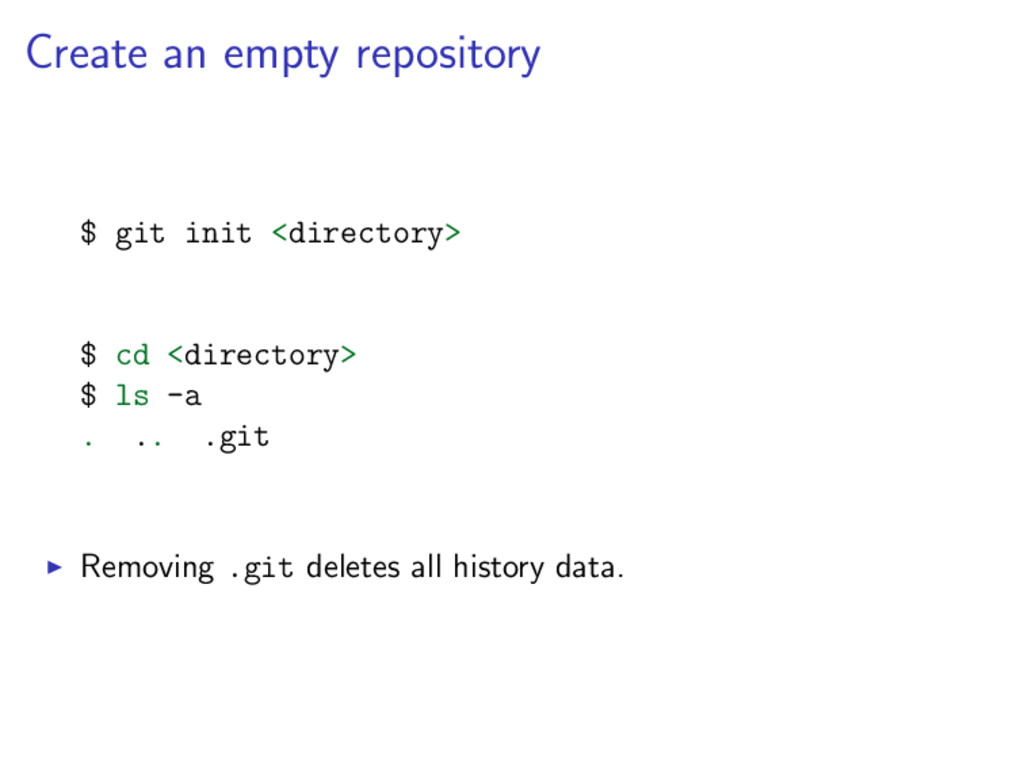
  8. Create an empty repository $ git init <directory> $ cd

    <directory> $ ls -a . .. .git Removing .git deletes all history data.
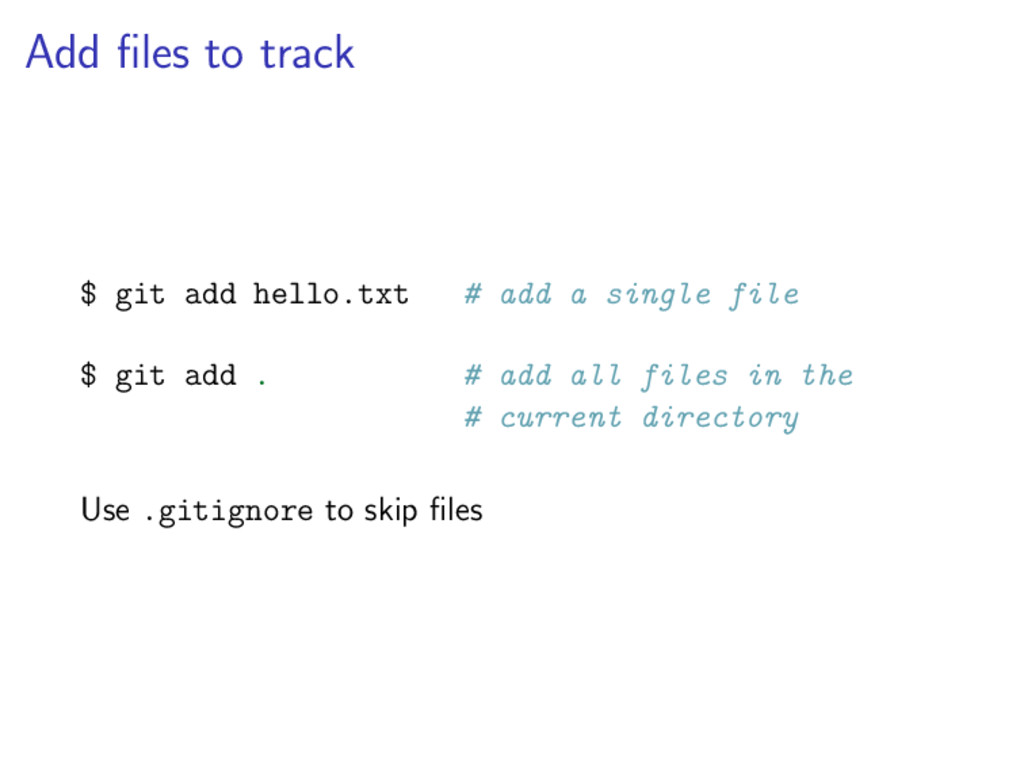
  9. Add files to track $ git add hello.txt # add

    a single file $ git add . # add all files in the # current directory Use .gitignore to skip files
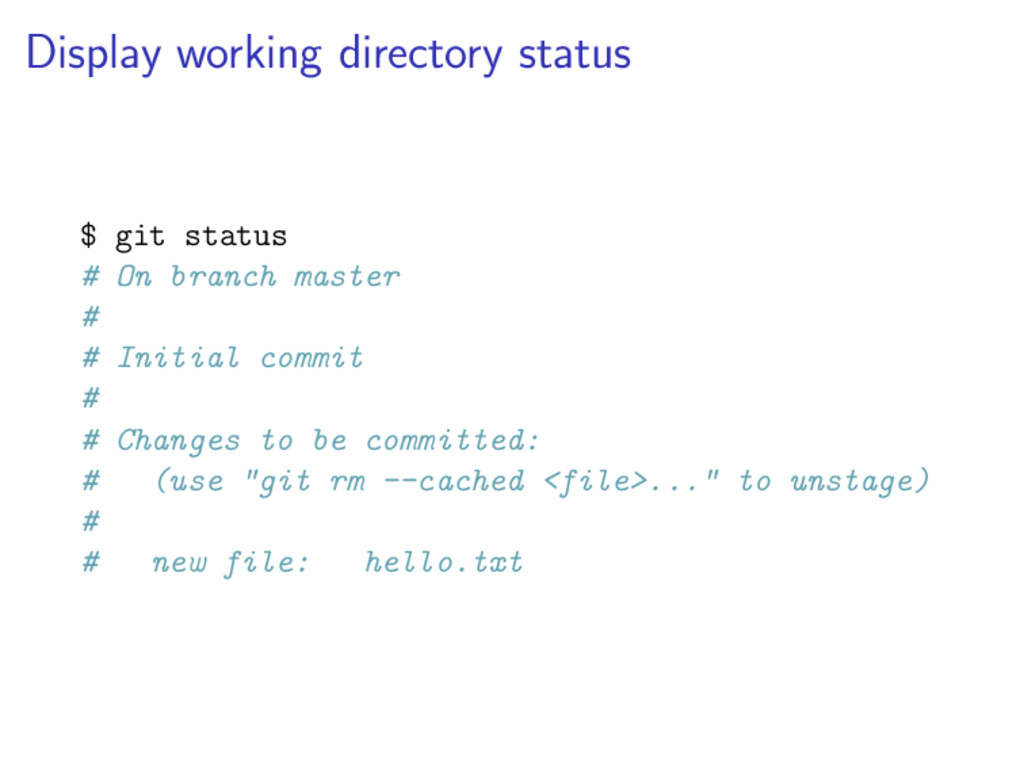
  10. Display working directory status $ git status # On branch

    master # # Initial commit # # Changes to be committed: # (use "git rm --cached <file>..." to unstage) # # new file: hello.txt
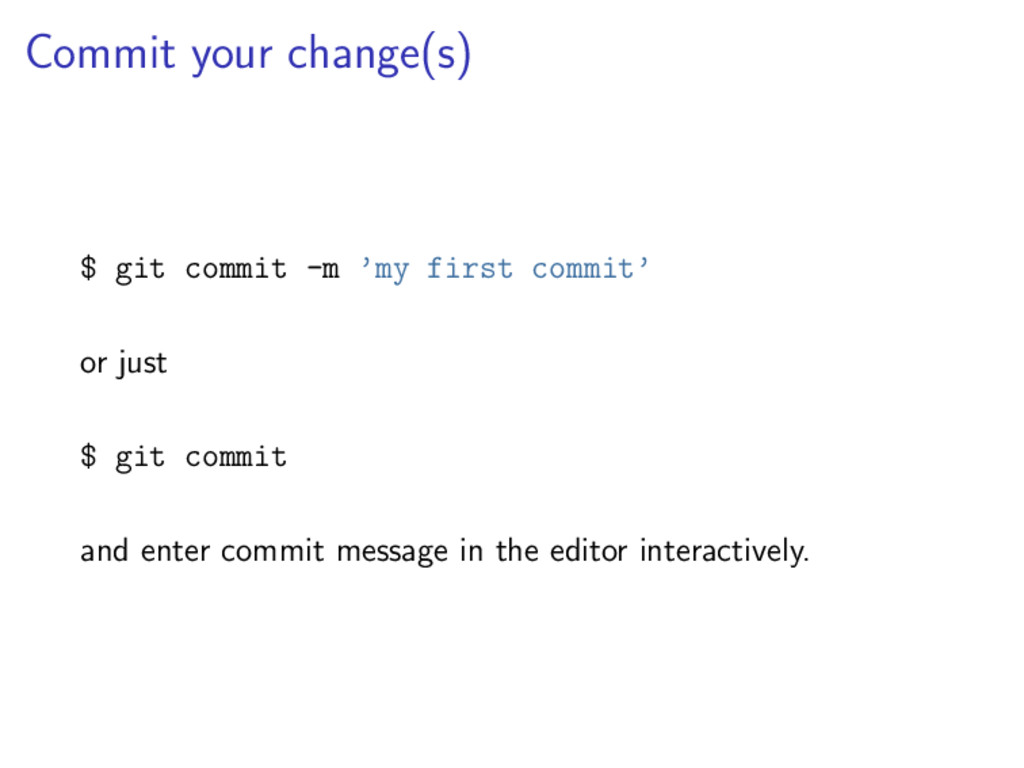
  11. Commit your change(s) $ git commit -m ’my first commit’

    or just $ git commit and enter commit message in the editor interactively.
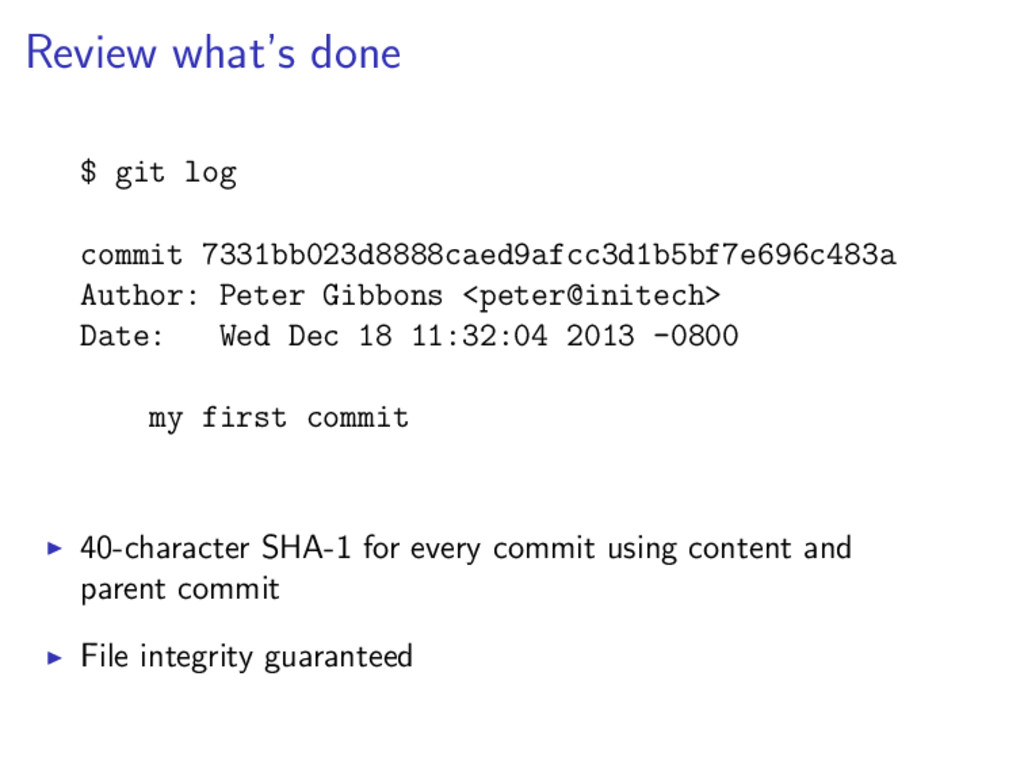
  12. Review what’s done $ git log commit 7331bb023d8888caed9afcc3d1b5bf7e696c483a Author: Peter

    Gibbons <peter@initech> Date: Wed Dec 18 11:32:04 2013 -0800 my first commit 40-character SHA-1 for every commit using content and parent commit File integrity guaranteed
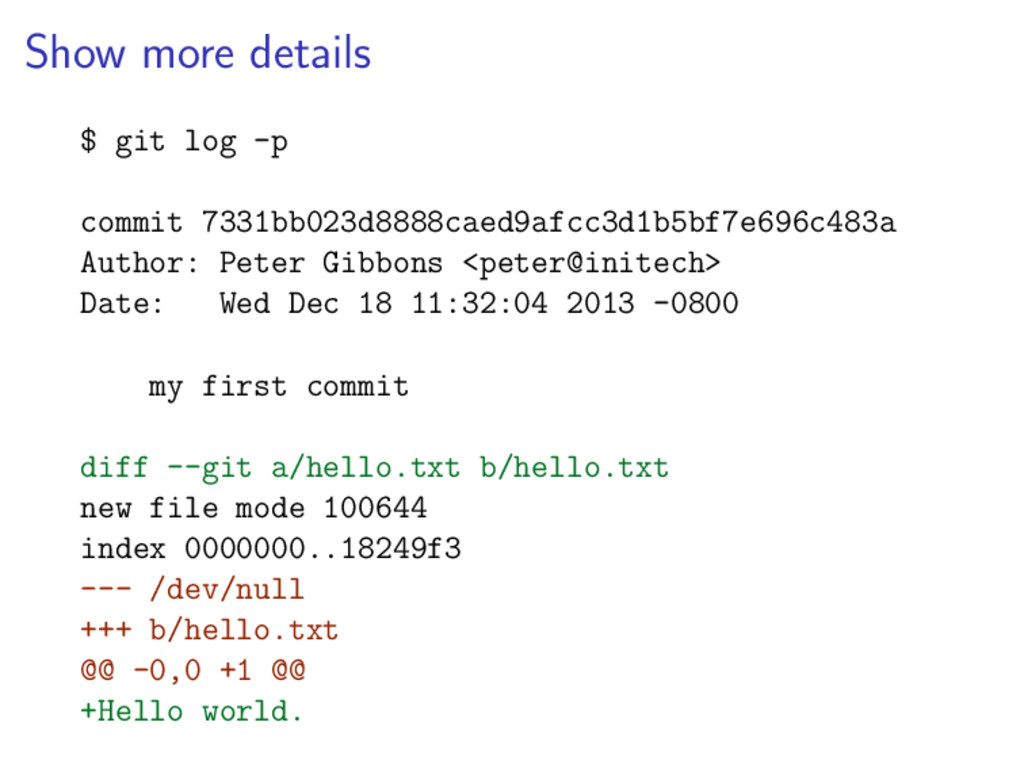
  13. Show more details $ git log -p commit 7331bb023d8888caed9afcc3d1b5bf7e696c483a Author:

    Peter Gibbons <peter@initech> Date: Wed Dec 18 11:32:04 2013 -0800 my first commit diff --git a/hello.txt b/hello.txt new file mode 100644 index 0000000..18249f3 --- /dev/null +++ b/hello.txt @@ -0,0 +1 @@ +Hello world.
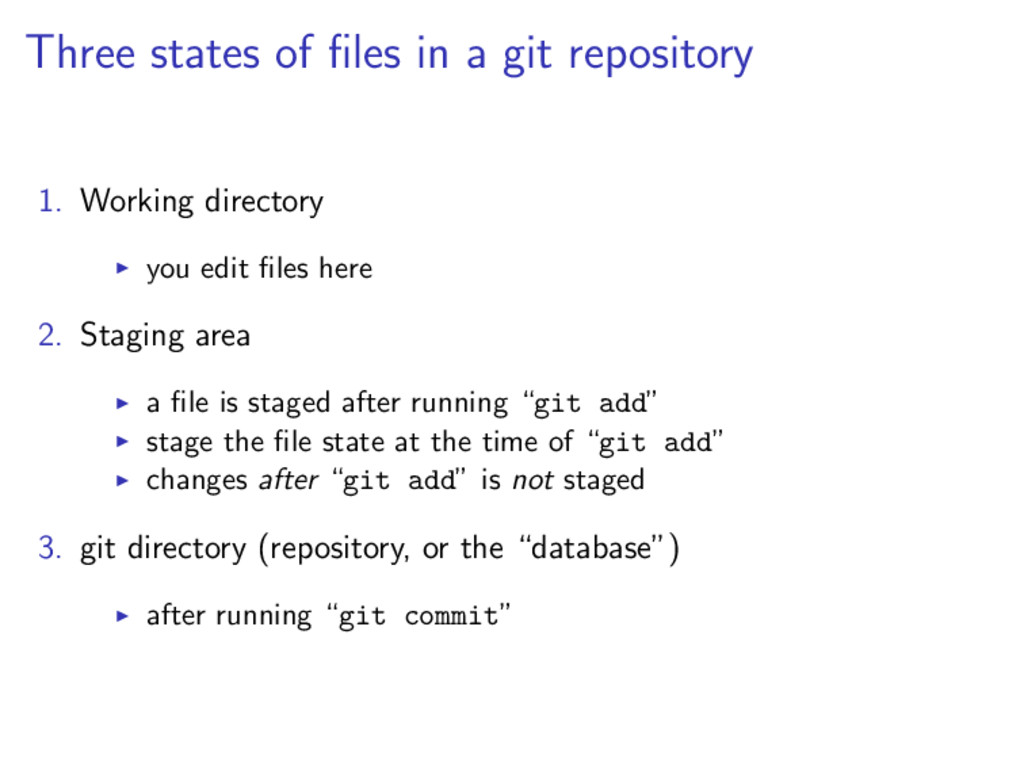
  14. Three states of files in a git repository 1. Working

    directory you edit files here 2. Staging area a file is staged after running “git add” stage the file state at the time of “git add” changes after “git add” is not staged 3. git directory (repository, or the “database”) after running “git commit”
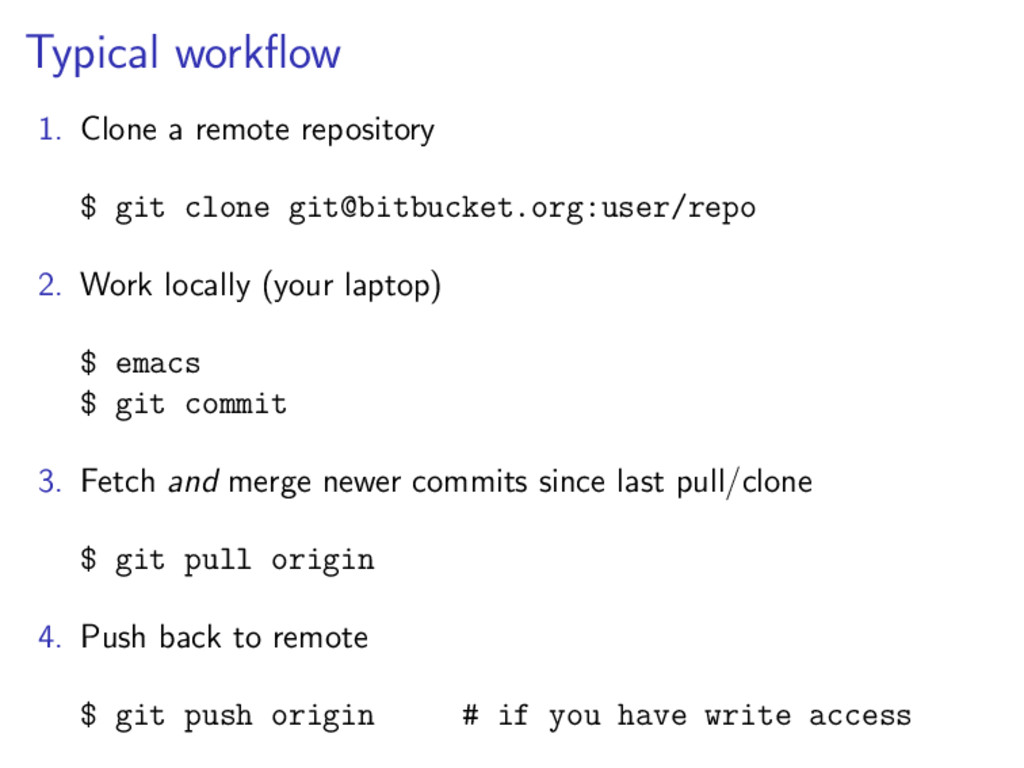
  15. Typical workflow 1. Clone a remote repository $ git clone

    [email protected]:user/repo 2. Work locally (your laptop) $ emacs $ git commit 3. Fetch and merge newer commits since last pull/clone $ git pull origin 4. Push back to remote $ git push origin # if you have write access
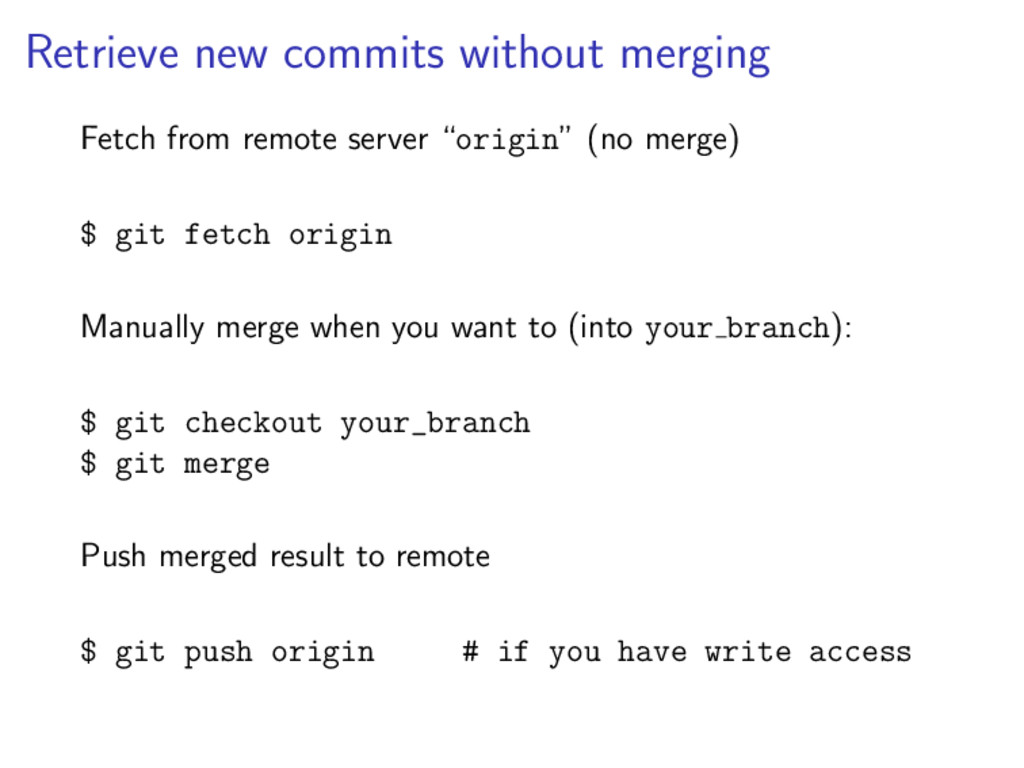
  16. Retrieve new commits without merging Fetch from remote server “origin”

    (no merge) $ git fetch origin Manually merge when you want to (into your branch): $ git checkout your_branch $ git merge Push merged result to remote $ git push origin # if you have write access
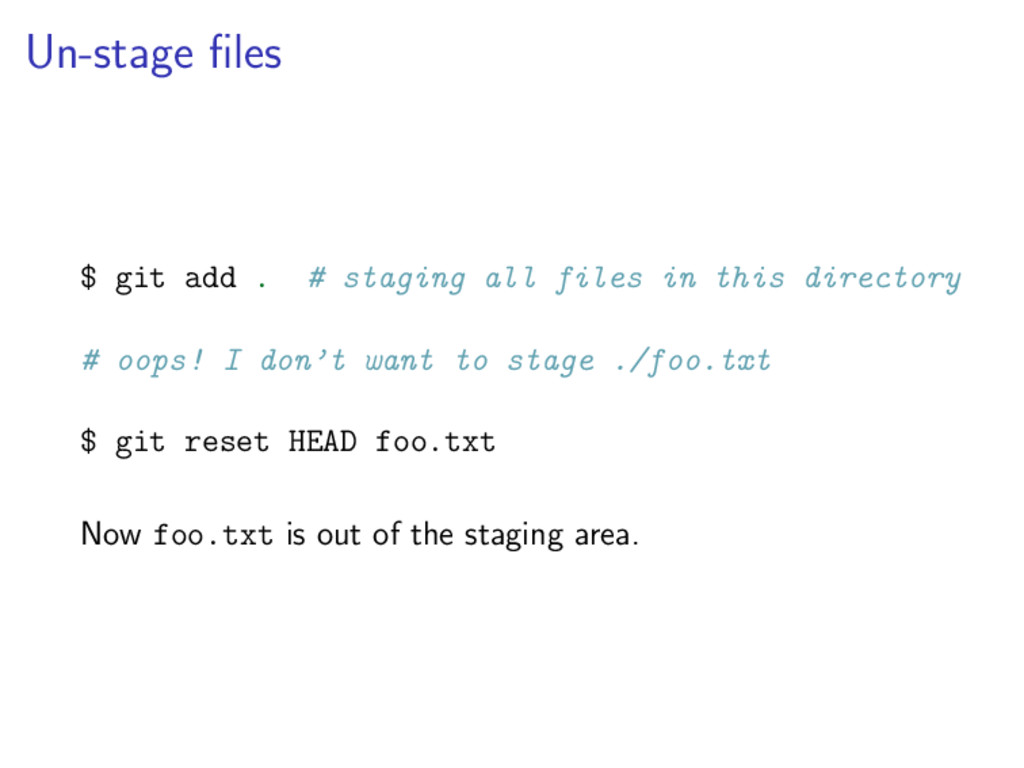
  17. Un-stage files $ git add . # staging all files

    in this directory # oops! I don’t want to stage ./foo.txt $ git reset HEAD foo.txt Now foo.txt is out of the staging area.
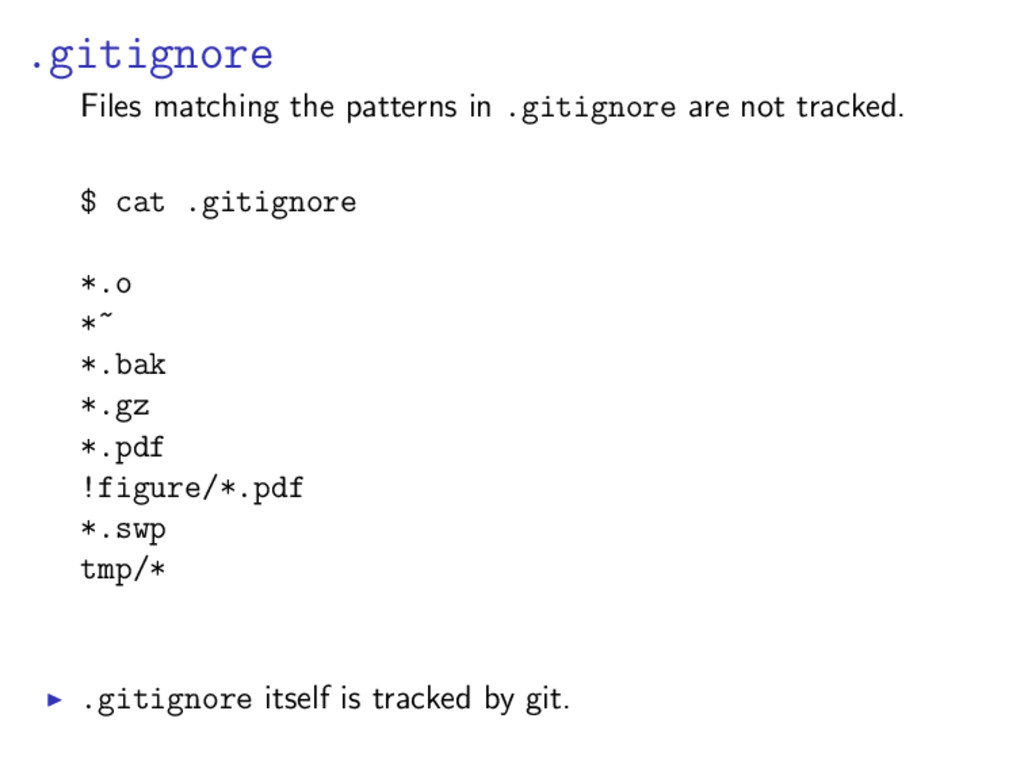
  18. .gitignore Files matching the patterns in .gitignore are not tracked.

    $ cat .gitignore *.o *~ *.bak *.gz *.pdf !figure/*.pdf *.swp tmp/* .gitignore itself is tracked by git.
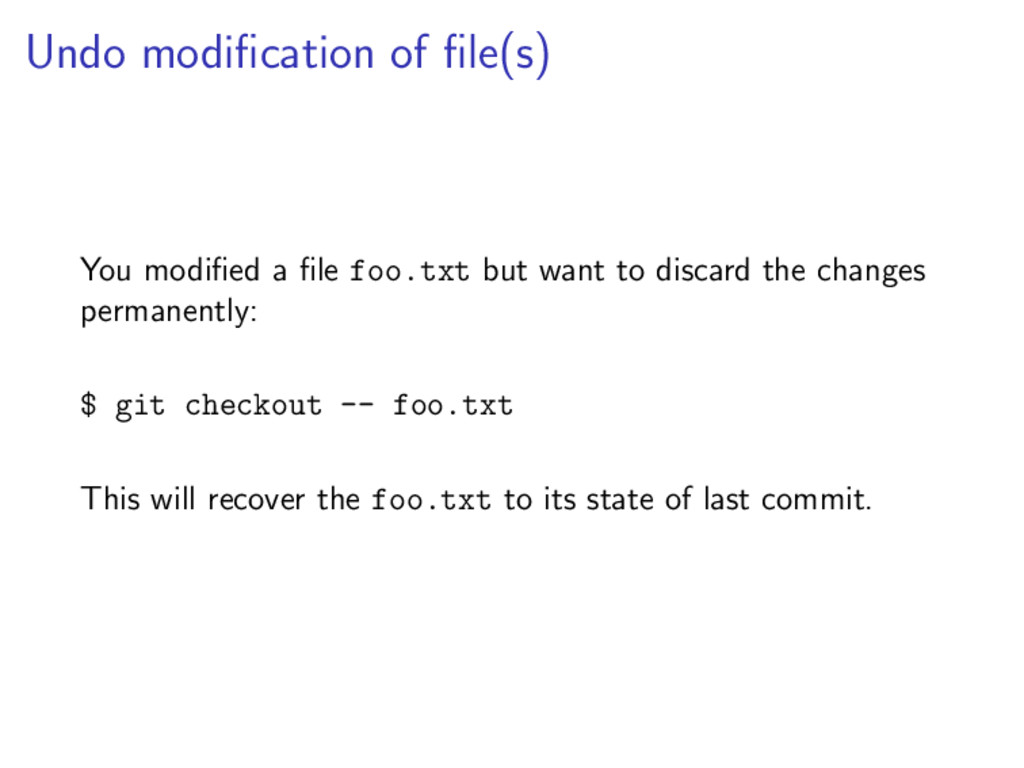
  19. Undo modification of file(s) You modified a file foo.txt but

    want to discard the changes permanently: $ git checkout -- foo.txt This will recover the foo.txt to its state of last commit.
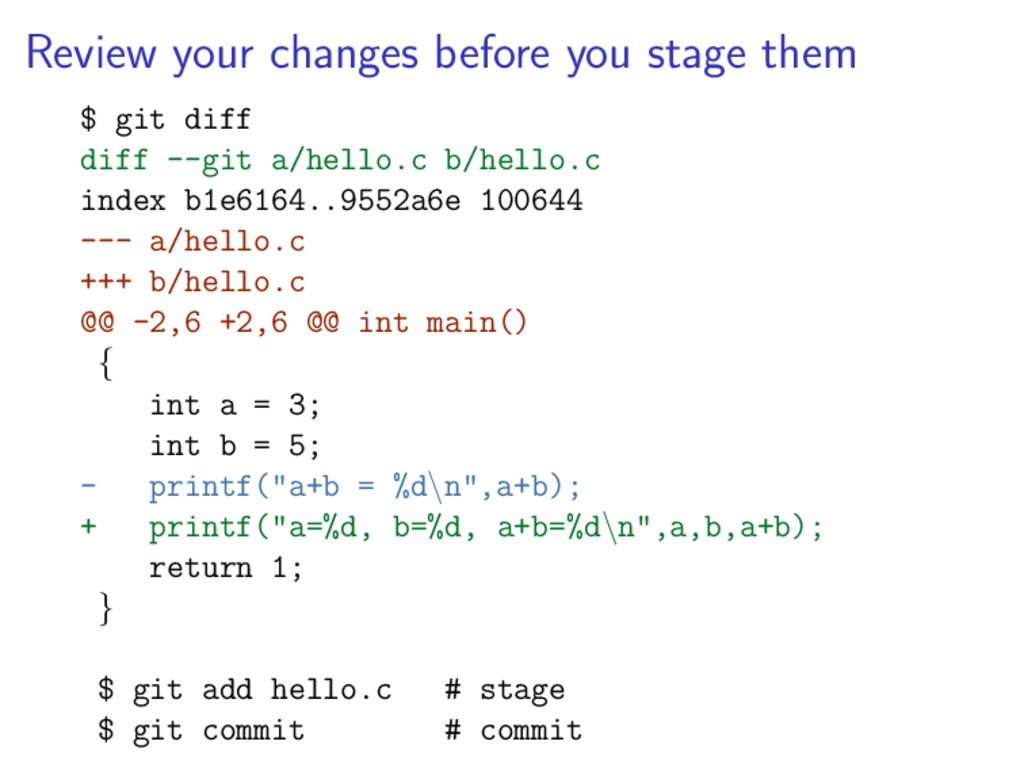
  20. Review your changes before you stage them $ git diff

    diff --git a/hello.c b/hello.c index b1e6164..9552a6e 100644 --- a/hello.c +++ b/hello.c @@ -2,6 +2,6 @@ int main() { int a = 3; int b = 5; - printf("a+b = %d\n",a+b); + printf("a=%d, b=%d, a+b=%d\n",a,b,a+b); return 1; } $ git add hello.c # stage $ git commit # commit
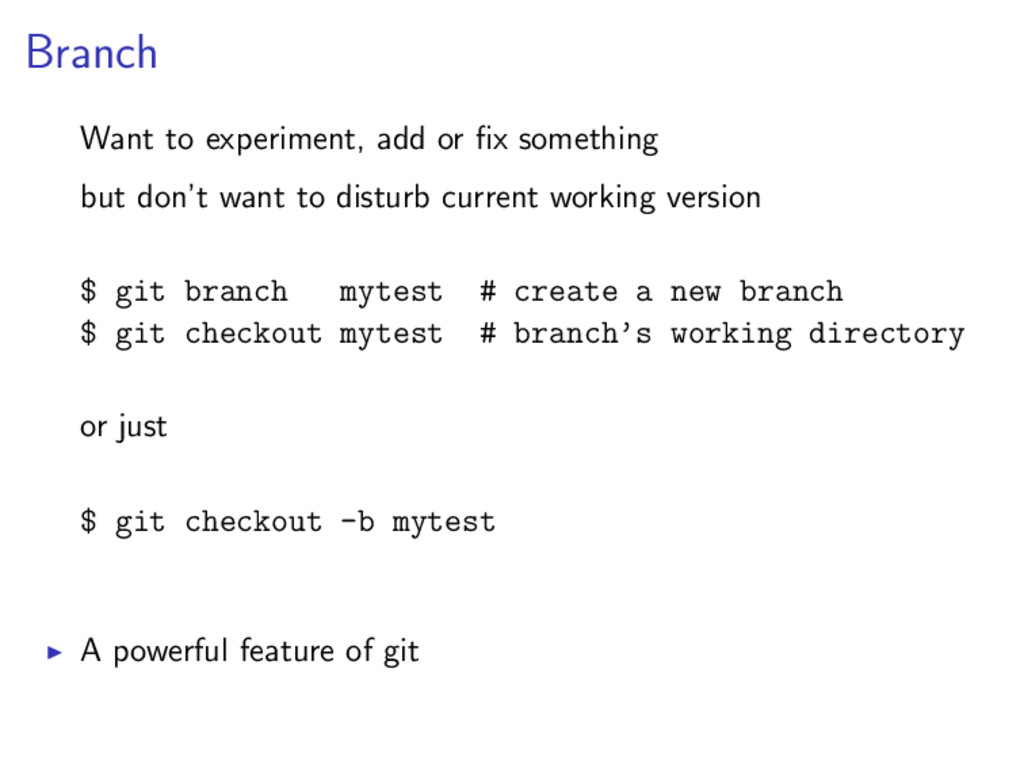
  21. Branch Want to experiment, add or fix something but don’t

    want to disturb current working version $ git branch mytest # create a new branch $ git checkout mytest # branch’s working directory or just $ git checkout -b mytest A powerful feature of git
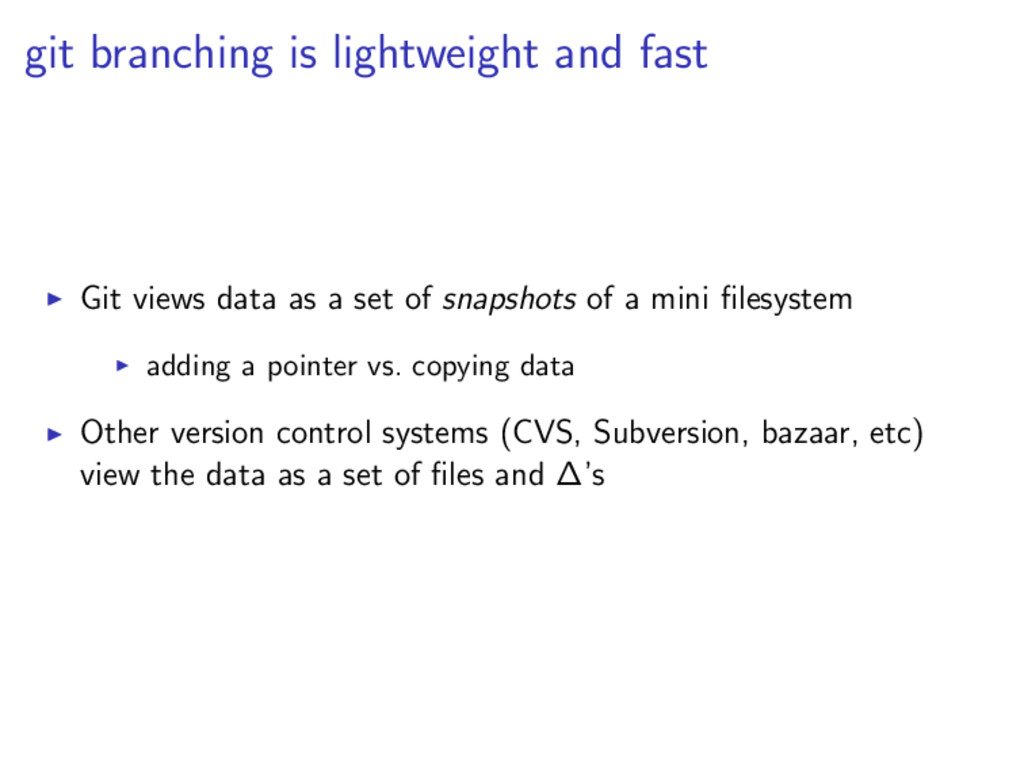
  22. git branching is lightweight and fast Git views data as

    a set of snapshots of a mini filesystem adding a pointer vs. copying data Other version control systems (CVS, Subversion, bazaar, etc) view the data as a set of files and ∆’s
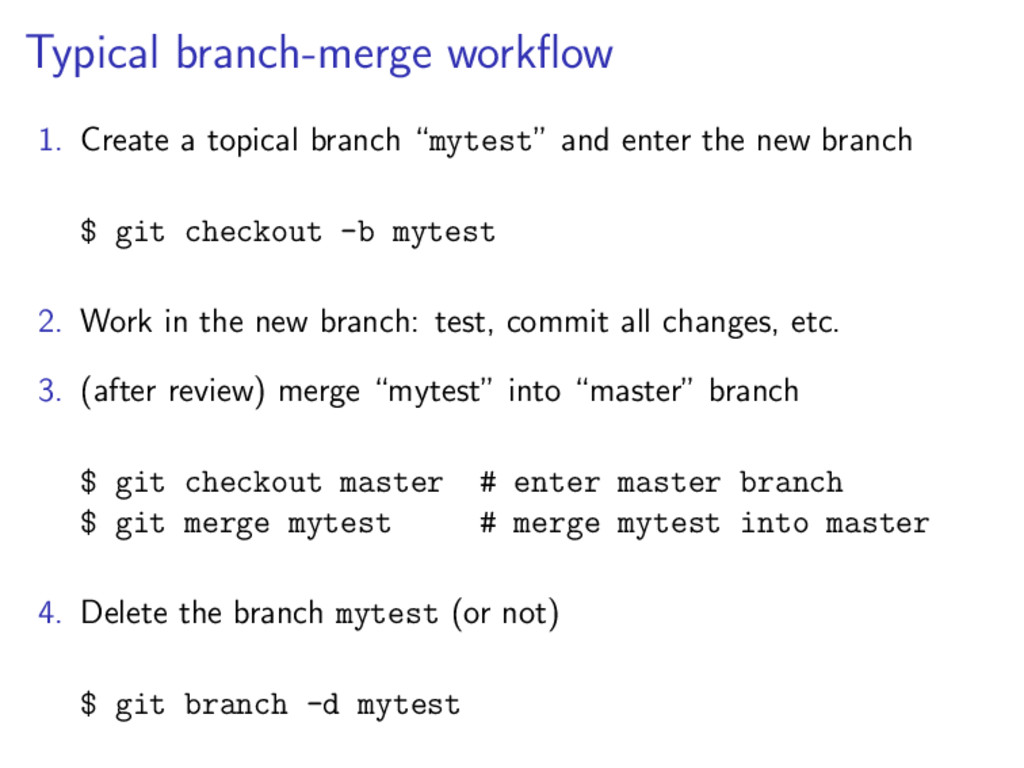
  23. Typical branch-merge workflow 1. Create a topical branch “mytest” and

    enter the new branch $ git checkout -b mytest 2. Work in the new branch: test, commit all changes, etc. 3. (after review) merge “mytest” into “master” branch $ git checkout master # enter master branch $ git merge mytest # merge mytest into master 4. Delete the branch mytest (or not) $ git branch -d mytest
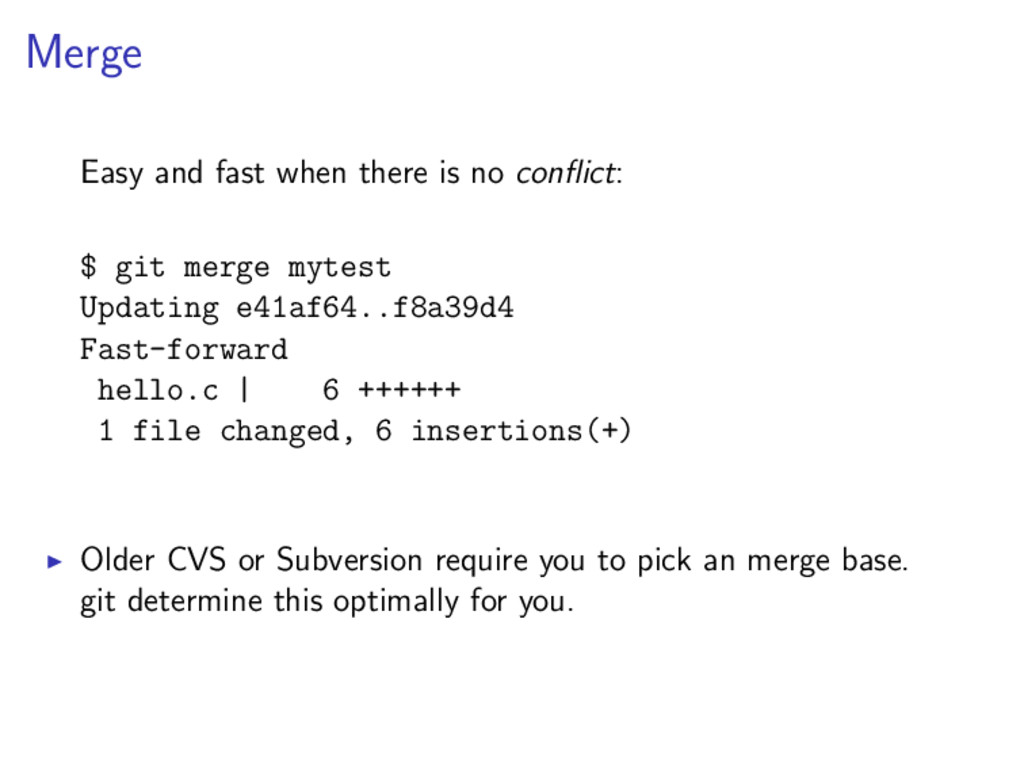
  24. Merge Easy and fast when there is no conflict: $

    git merge mytest Updating e41af64..f8a39d4 Fast-forward hello.c | 6 ++++++ 1 file changed, 6 insertions(+) Older CVS or Subversion require you to pick an merge base. git determine this optimally for you.
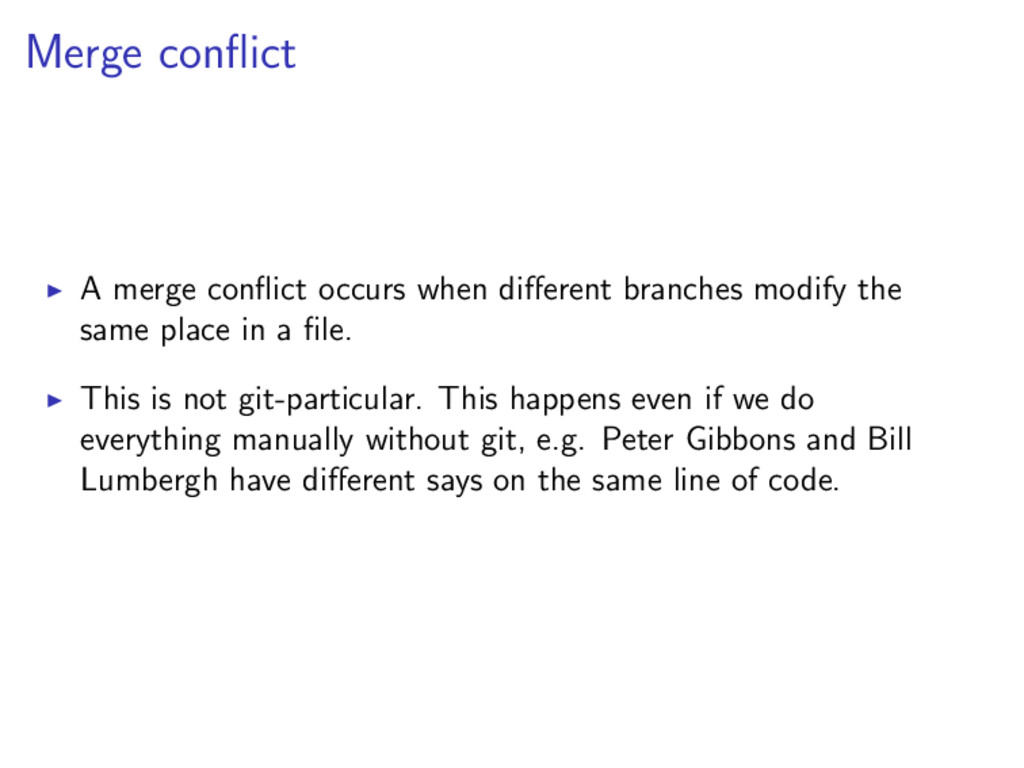
  25. Merge conflict A merge conflict occurs when different branches modify

    the same place in a file. This is not git-particular. This happens even if we do everything manually without git, e.g. Peter Gibbons and Bill Lumbergh have different says on the same line of code.
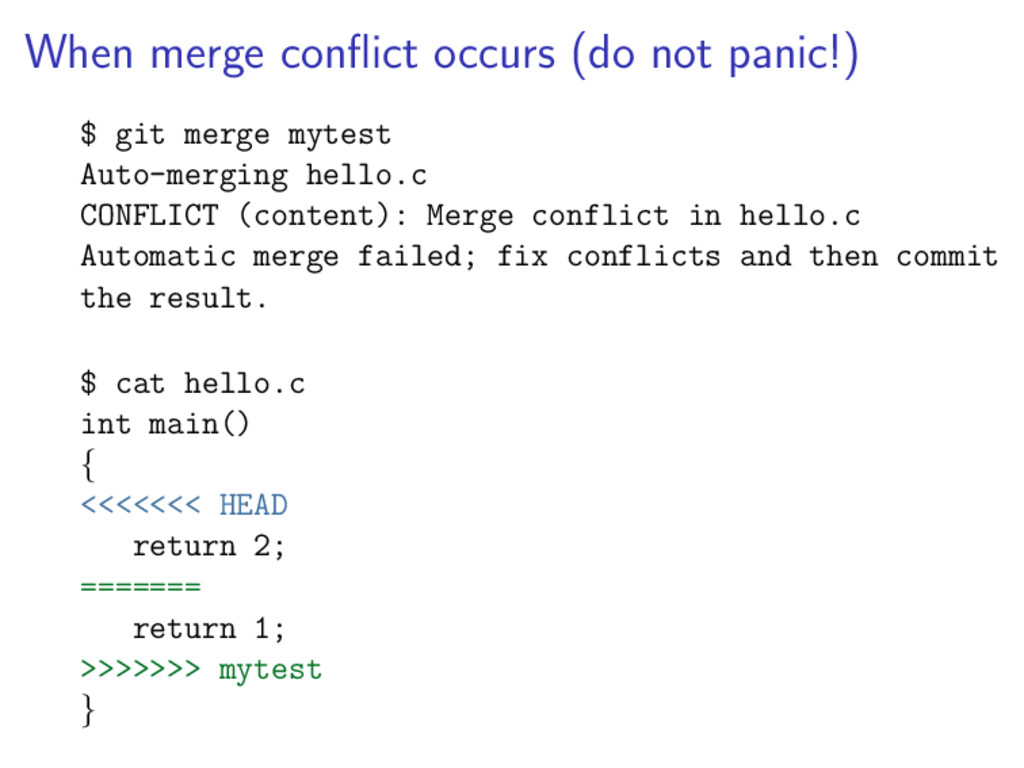
  26. When merge conflict occurs (do not panic!) $ git merge

    mytest Auto-merging hello.c CONFLICT (content): Merge conflict in hello.c Automatic merge failed; fix conflicts and then commit the result. $ cat hello.c int main() { <<<<<<< HEAD return 2; ======= return 1; >>>>>>> mytest }
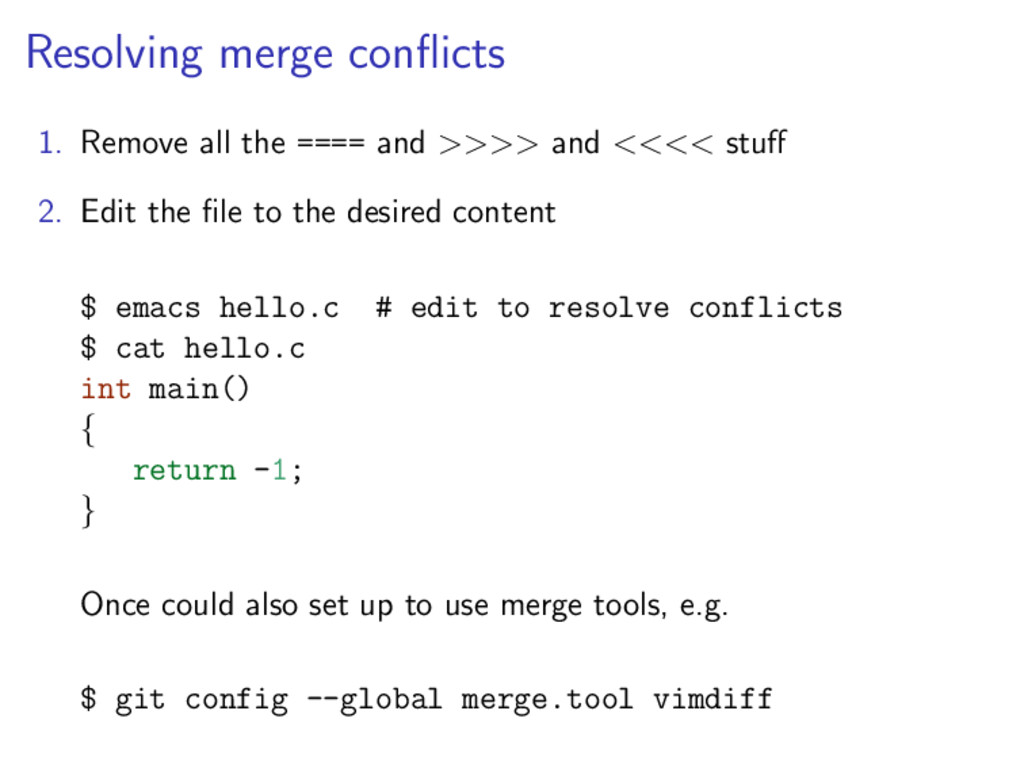
  27. Resolving merge conflicts 1. Remove all the ==== and >>>>

    and <<<< stuff 2. Edit the file to the desired content $ emacs hello.c # edit to resolve conflicts $ cat hello.c int main() { return -1; } Once could also set up to use merge tools, e.g. $ git config --global merge.tool vimdiff
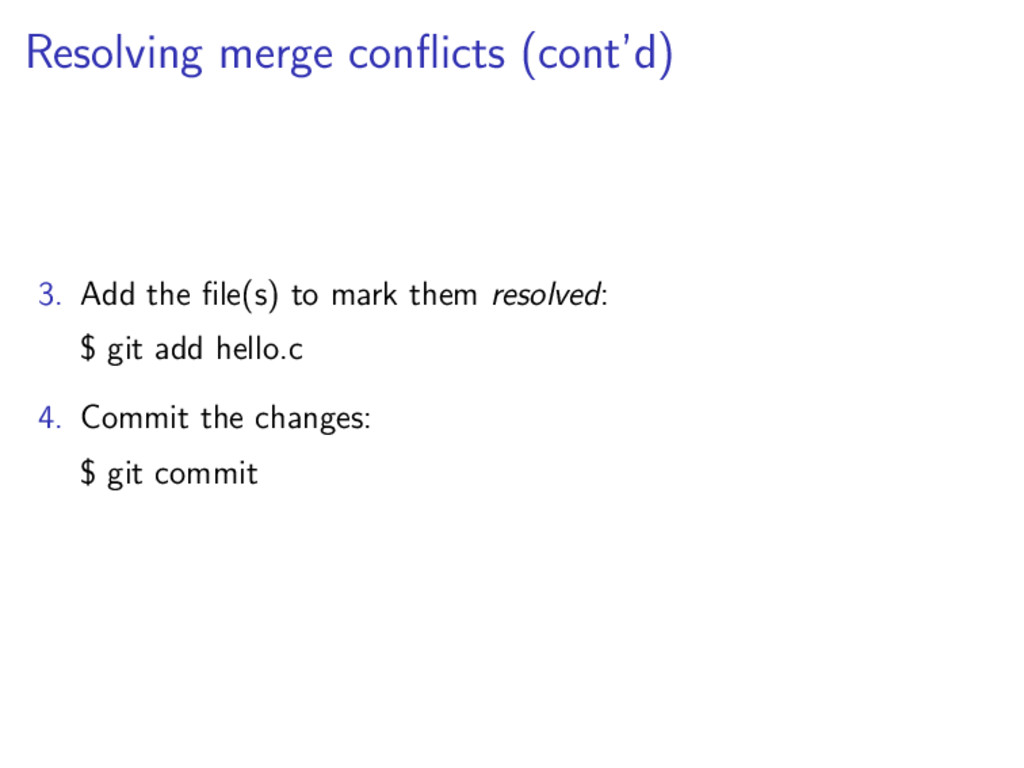
  28. Resolving merge conflicts (cont’d) 3. Add the file(s) to mark

    them resolved: $ git add hello.c 4. Commit the changes: $ git commit
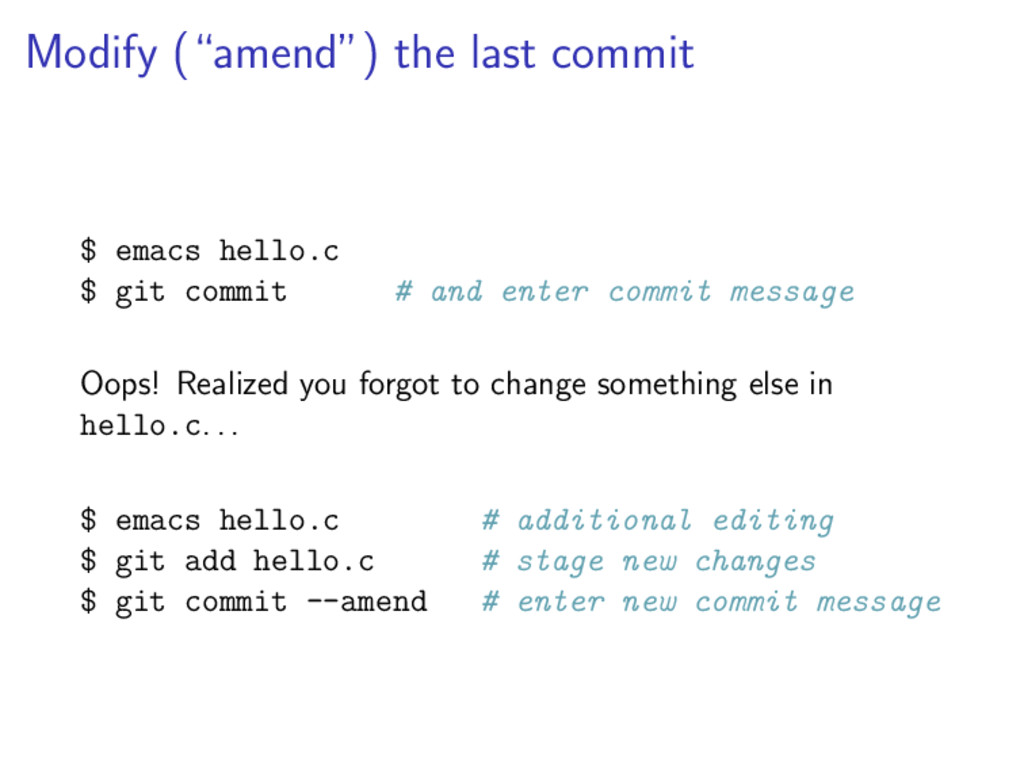
  29. Modify (“amend”) the last commit $ emacs hello.c $ git

    commit # and enter commit message Oops! Realized you forgot to change something else in hello.c. . . $ emacs hello.c # additional editing $ git add hello.c # stage new changes $ git commit --amend # enter new commit message
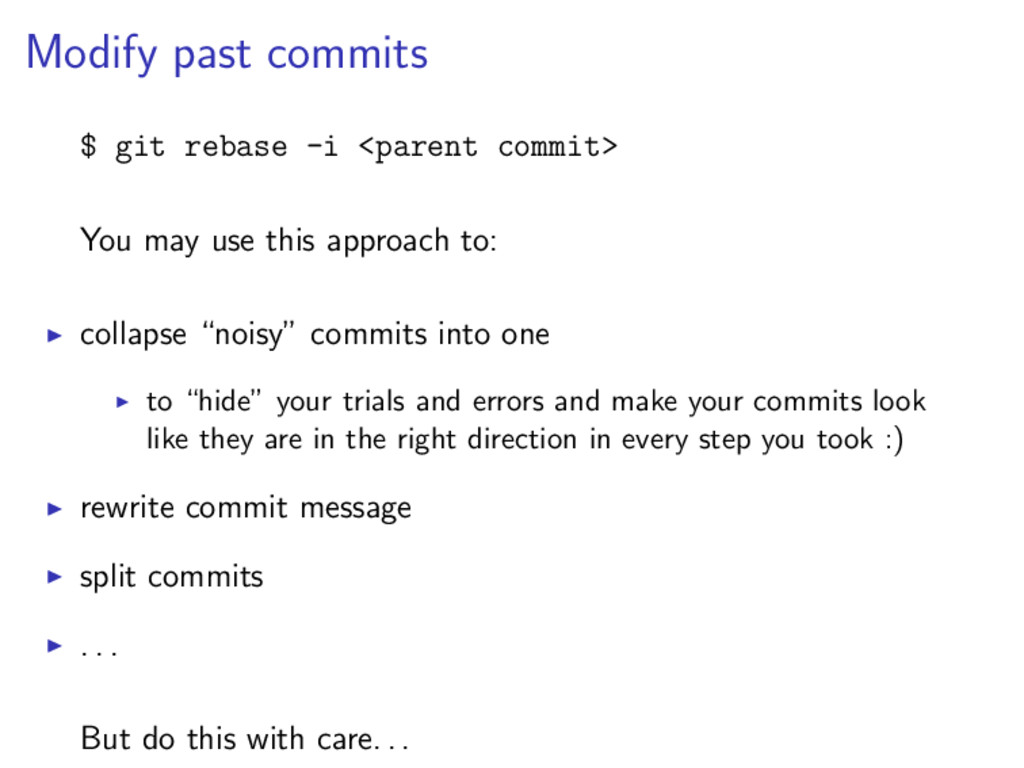
  30. Modify past commits $ git rebase -i <parent commit> You

    may use this approach to: collapse “noisy” commits into one to “hide” your trials and errors and make your commits look like they are in the right direction in every step you took :) rewrite commit message split commits . . . But do this with care. . .
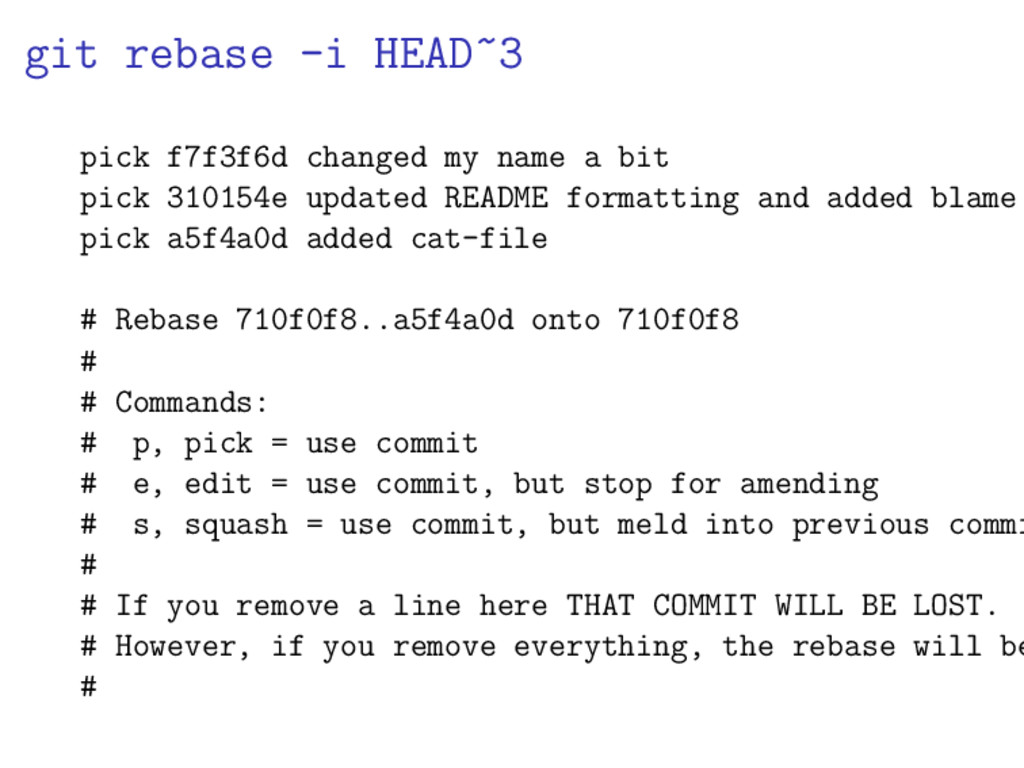
  31. git rebase -i HEAD~3 pick f7f3f6d changed my name a

    bit pick 310154e updated README formatting and added blame pick a5f4a0d added cat-file # Rebase 710f0f8..a5f4a0d onto 710f0f8 # # Commands: # p, pick = use commit # e, edit = use commit, but stop for amending # s, squash = use commit, but meld into previous commi # # If you remove a line here THAT COMMIT WILL BE LOST. # However, if you remove everything, the rebase will be #
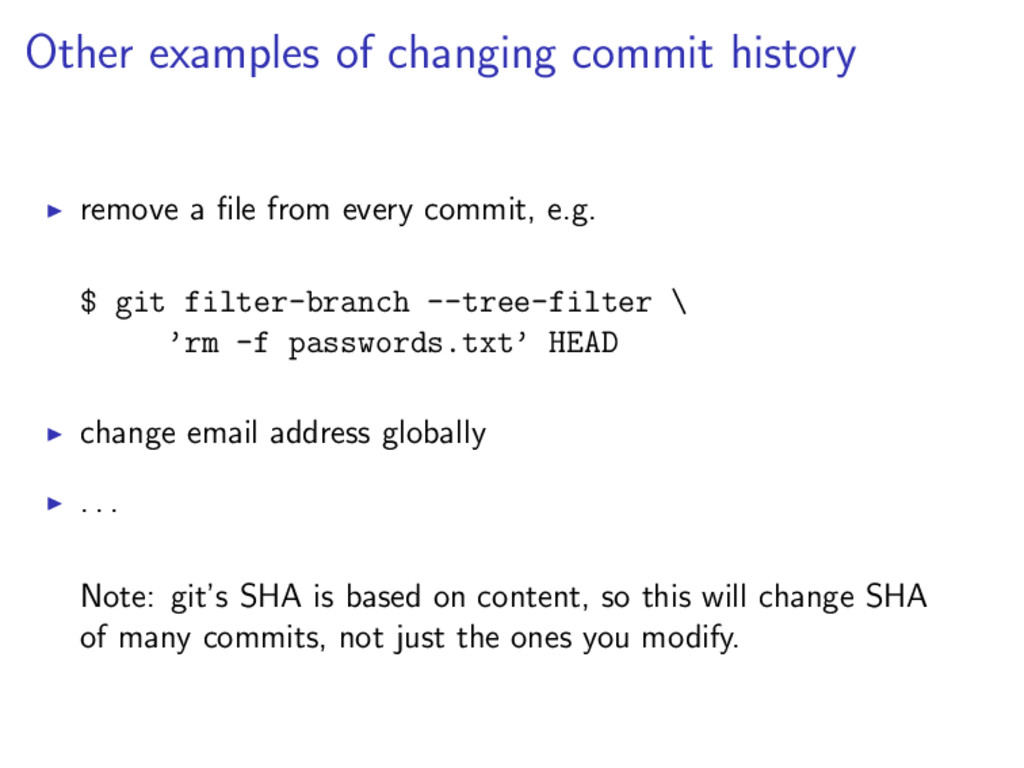
  32. Other examples of changing commit history remove a file from

    every commit, e.g. $ git filter-branch --tree-filter \ ’rm -f passwords.txt’ HEAD change email address globally . . . Note: git’s SHA is based on content, so this will change SHA of many commits, not just the ones you modify.
  33. Why using hosting services save time as a remote backup

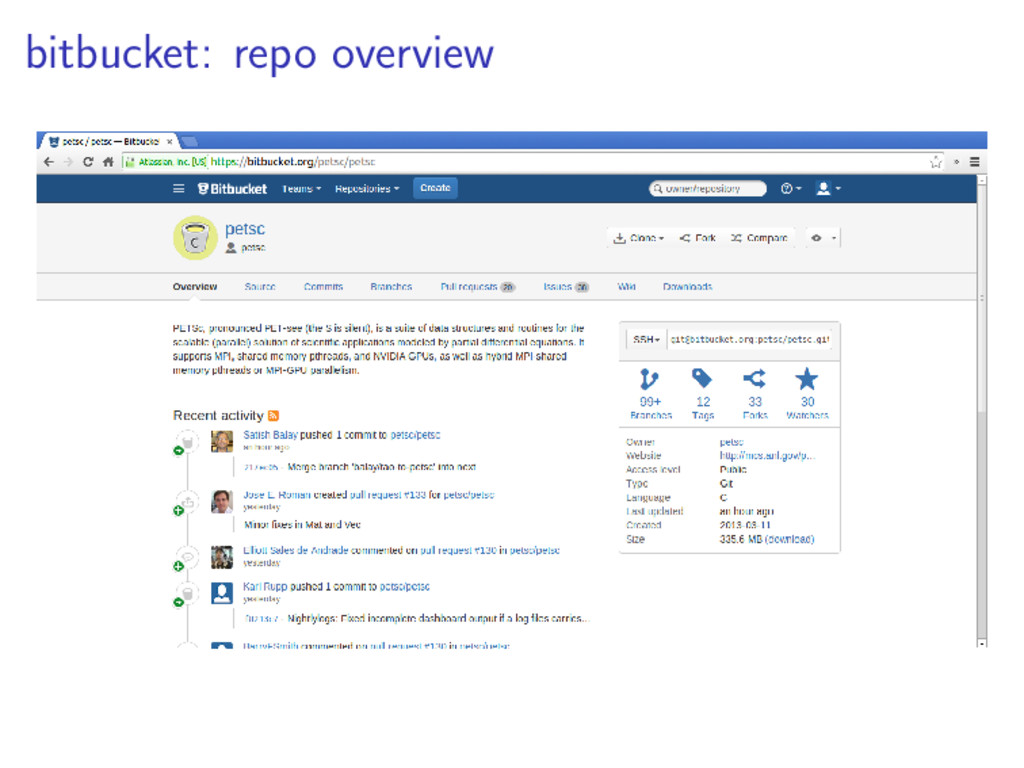
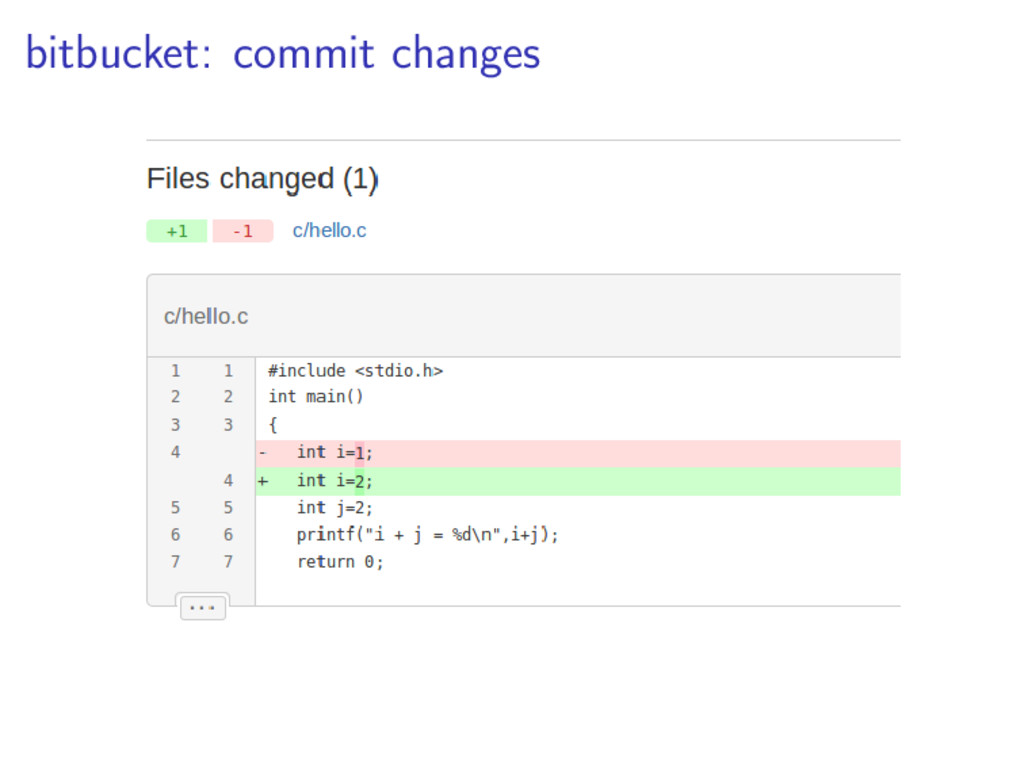
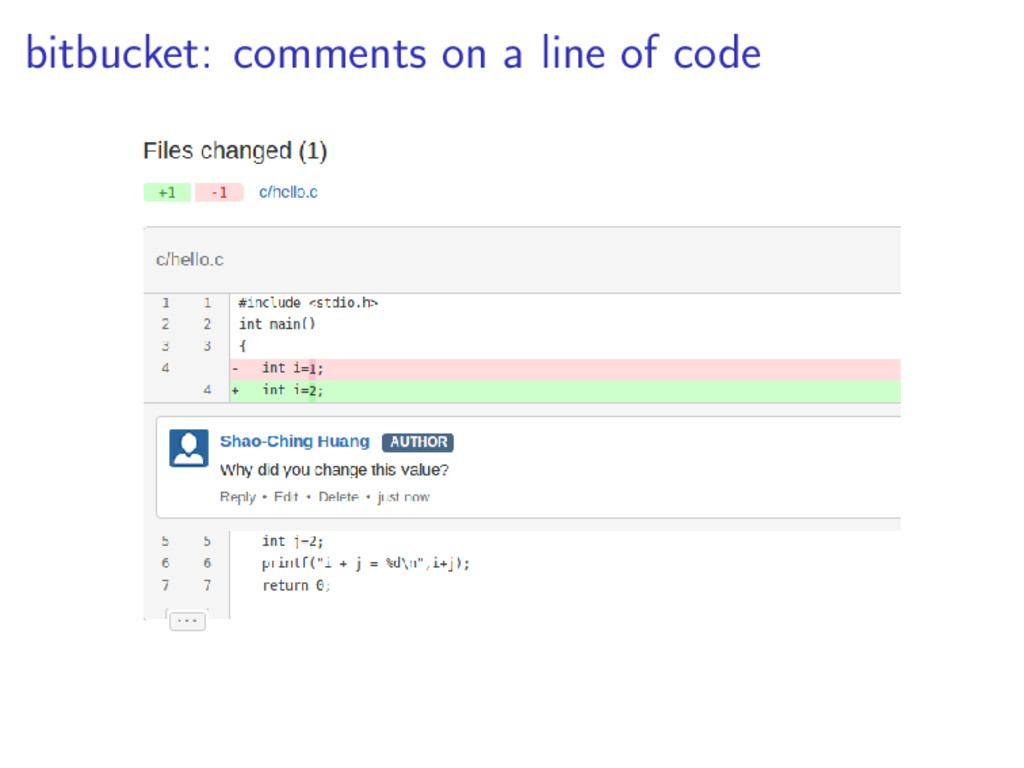
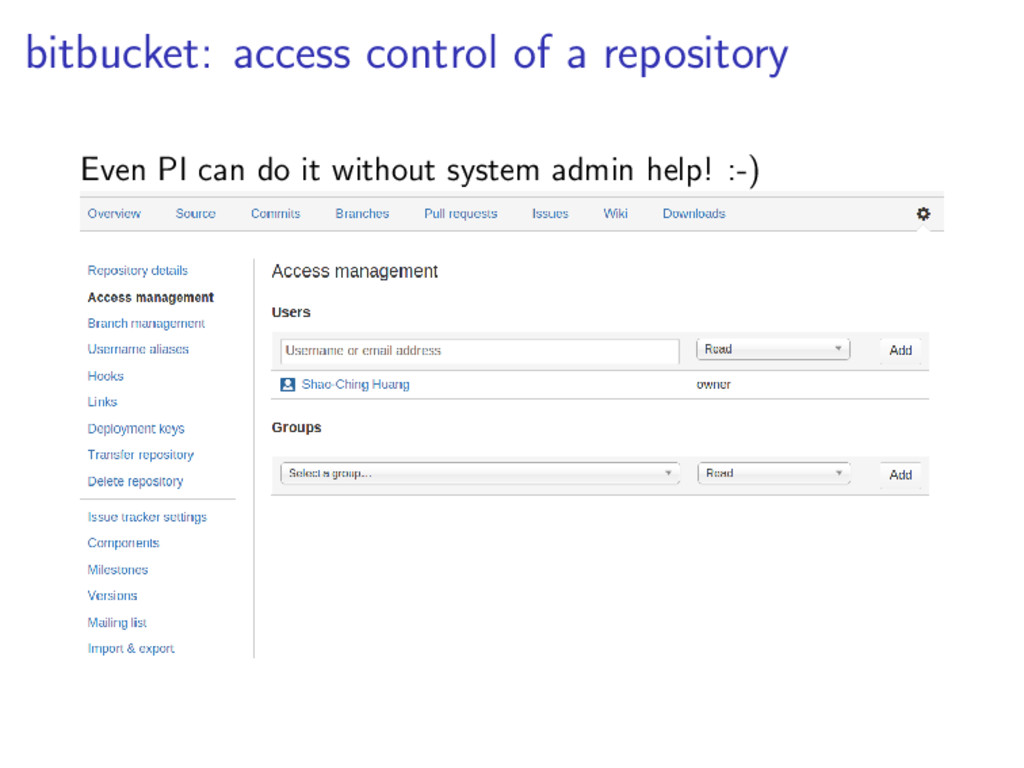
    easy-to-use web interface, asethetically good looking access control made easy code/content review, commenting on particular lines get issue tracking, wiki “for free” pull request (PR) enabling collaboration You will want to do this anyway after your git server went down a few times :-)
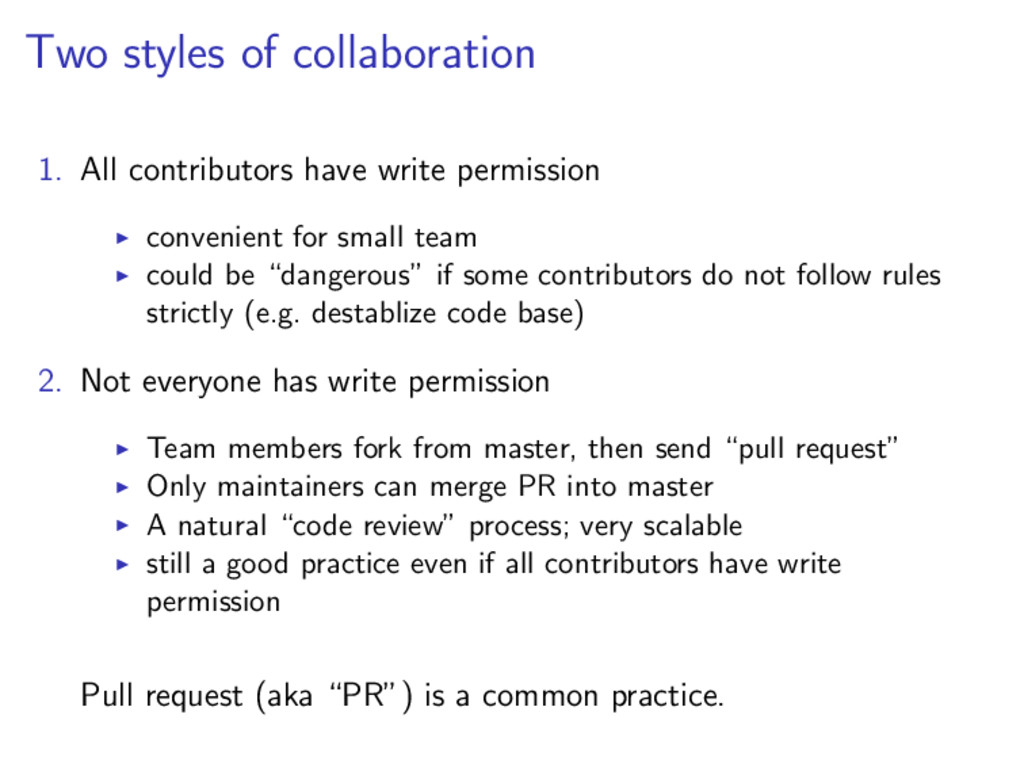
  34. Two styles of collaboration 1. All contributors have write permission

    convenient for small team could be “dangerous” if some contributors do not follow rules strictly (e.g. destablize code base) 2. Not everyone has write permission Team members fork from master, then send “pull request” Only maintainers can merge PR into master A natural “code review” process; very scalable still a good practice even if all contributors have write permission Pull request (aka “PR”) is a common practice.
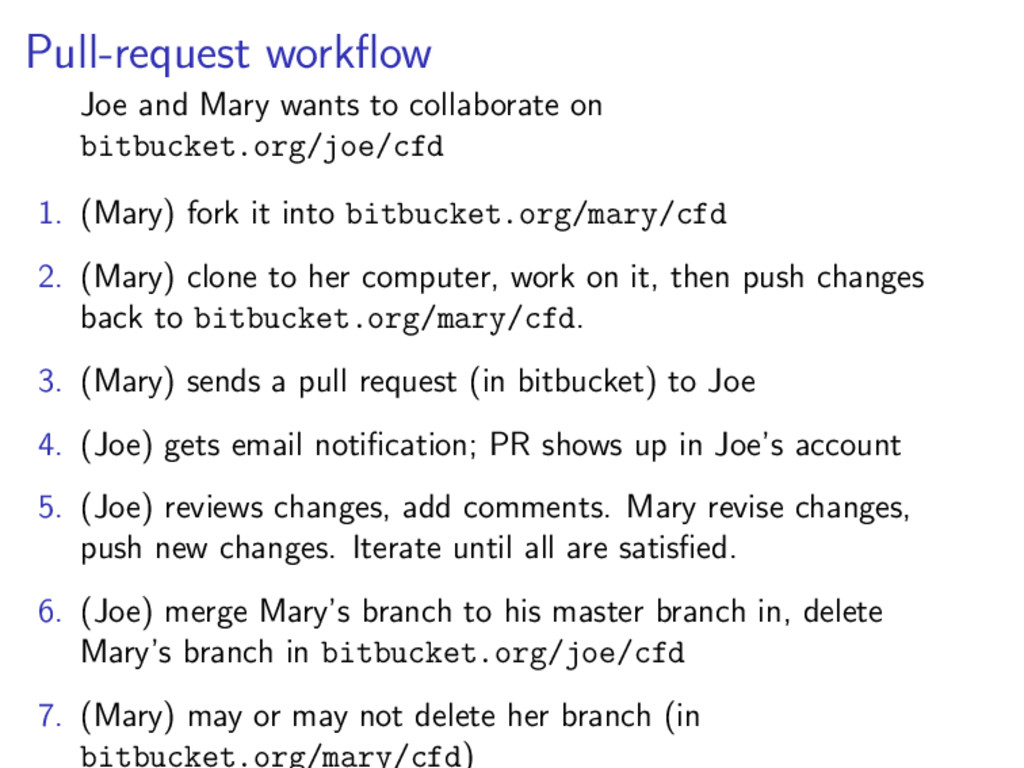
  35. Pull-request workflow Joe and Mary wants to collaborate on bitbucket.org/joe/cfd

    1. (Mary) fork it into bitbucket.org/mary/cfd 2. (Mary) clone to her computer, work on it, then push changes back to bitbucket.org/mary/cfd. 3. (Mary) sends a pull request (in bitbucket) to Joe 4. (Joe) gets email notification; PR shows up in Joe’s account 5. (Joe) reviews changes, add comments. Mary revise changes, push new changes. Iterate until all are satisfied. 6. (Joe) merge Mary’s branch to his master branch in, delete Mary’s branch in bitbucket.org/joe/cfd 7. (Mary) may or may not delete her branch (in bitbucket.org/mary/cfd)
  36. Getting help – read the fine manual $ man git

    $ man git-<command> # e.g. man git-commit $ git help <command> # e.g. git help commit git is not as hard as it may look if you actually use it.
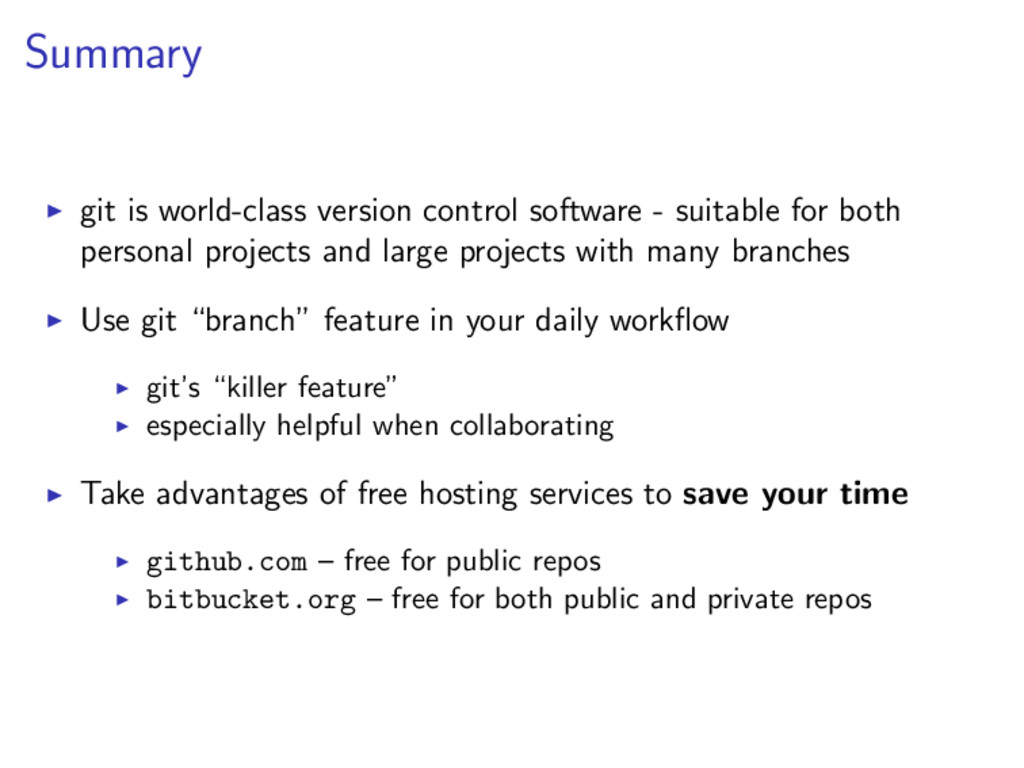
  37. Summary git is world-class version control software - suitable for

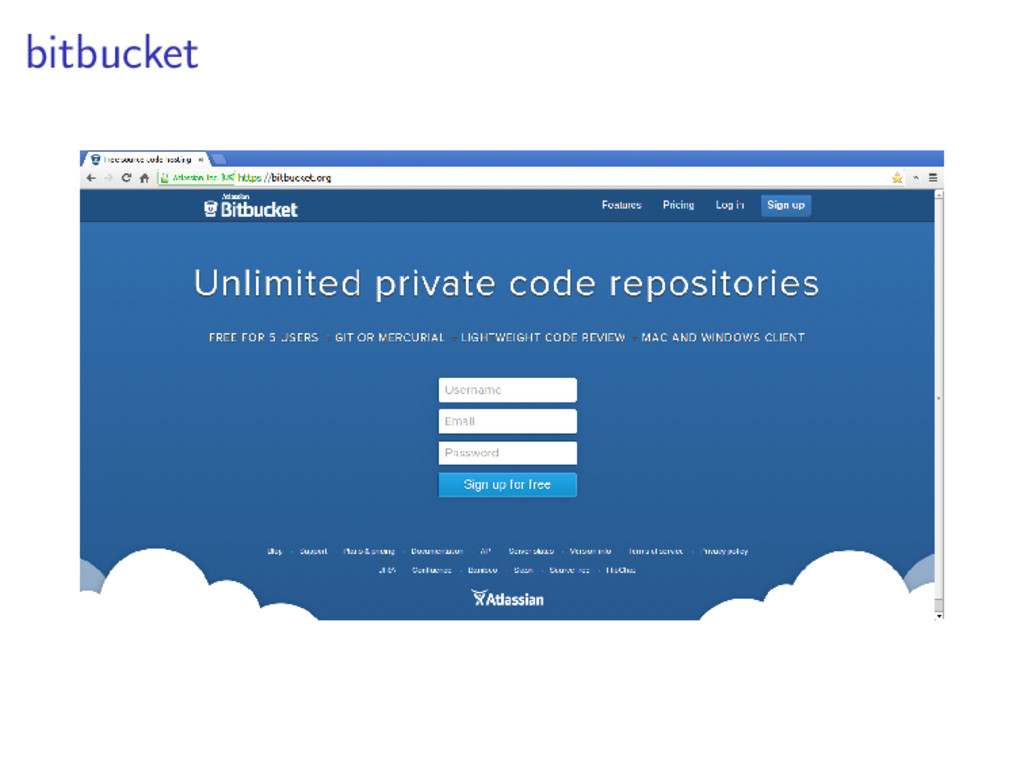
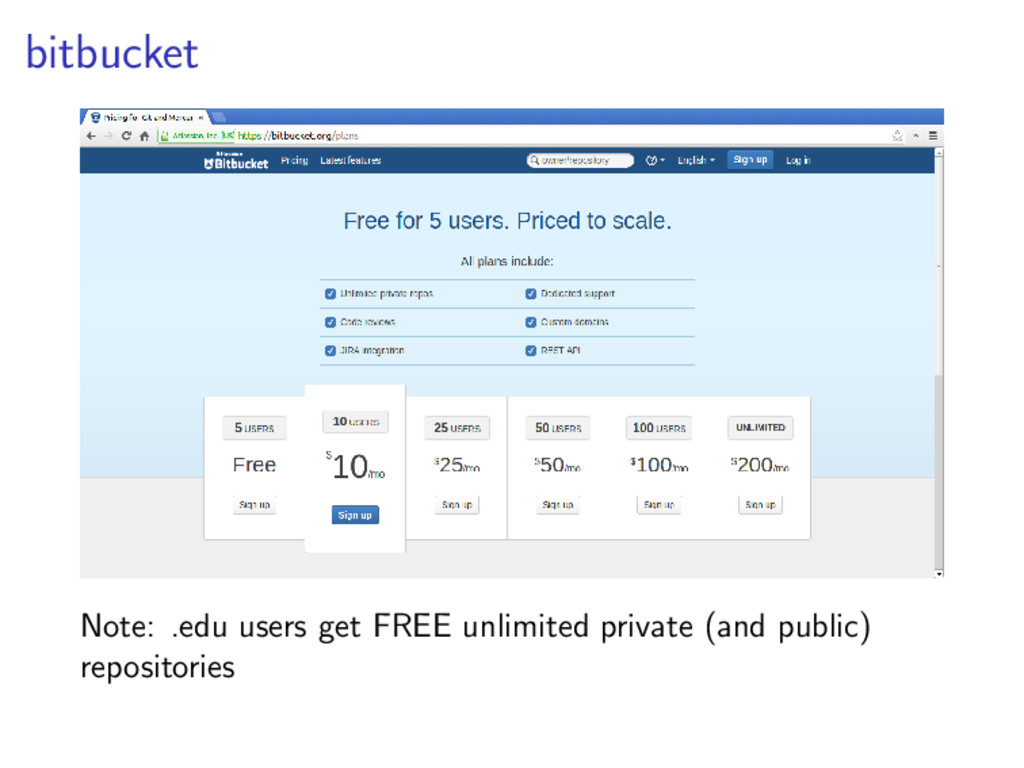
    both personal projects and large projects with many branches Use git “branch” feature in your daily workflow git’s “killer feature” especially helpful when collaborating Take advantages of free hosting services to save your time github.com – free for public repos bitbucket.org – free for both public and private repos
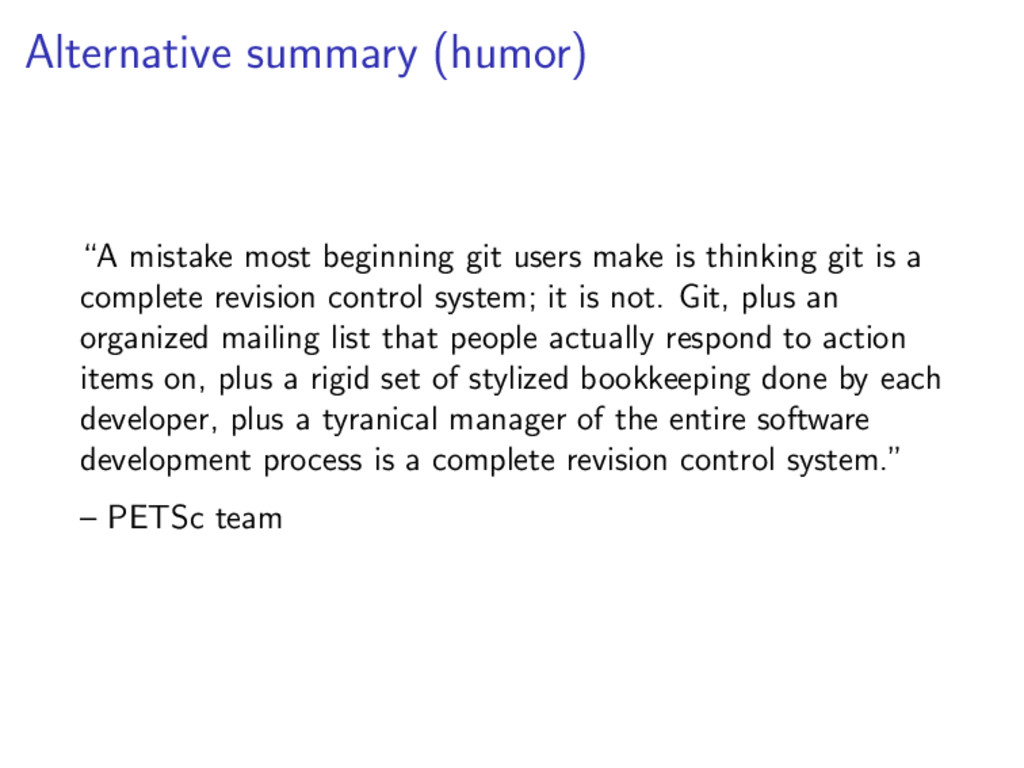
  38. Alternative summary (humor) “A mistake most beginning git users make

    is thinking git is a complete revision control system; it is not. Git, plus an organized mailing list that people actually respond to action items on, plus a rigid set of stylized bookkeeping done by each developer, plus a tyranical manager of the entire software development process is a complete revision control system.” – PETSc team