Upgrade to Pro
— share decks privately, control downloads, hide ads and more …
Speaker Deck
Sign up for free
Menu
Search
Features
All features
Private URLs
Password Protection
Custom URLS
Scheduled publishing
Remove Branding
Restrict embedding
Deck Collections
Notes
Features
All features
Private URLs
Password Protection
Custom URLS
Scheduled publishing
Remove Branding
Restrict embedding
Deck Collections
Notes
Explore
Featured decks
Featured speakers
Programming
Technology
Storyboards
Explore
Featured decks
Featured speakers
Programming
Technology
Storyboards
Pricing
Search
Sign in
Sign up for free
AMP開発におけるデザイナーとエンジニアの役割
Search
yakisoba
April 27, 2018
Programming
82
0
Share
Embed
Copy iframe code
Copy JS code
Copy link
Start on current slide
AMP開発におけるデザイナーとエンジニアの役割
AMP Roadshow Tokyo にて
一休のAMP初出しセッション
https://events.withgoogle.com/amp-roadshow-tokyo/
yakisoba
April 27, 2018
More Decks by yakisoba
See All by yakisoba
一休のAMPトラッキングの取り組み
tanakay
0
56
Other Decks in Programming
See All in Programming
JIS keyboard support in Omarchy
lef237
0
110
phperだってパンチカードでコーディングしたい
o0h
PRO
0
330
現場と育てるRailsモデリング 〜Spreadsheetから始めたモデル設計〜
siroemk
2
590
コードレビューのボトルネックを"する側"と"される側"の両面から解消する
yub0n
2
1.6k
Rでドレミ/Do-Re-Mi_with_R
florets1
0
130
最近”作らせてる” ローカルAIアプリの話
akit37
0
470
AIに “答え“を書かせるのを やめてみた
___akari11
0
120
npm との違いを手がかりにGo の依存管理を理解したい
optim
0
290
GemmaをJevのように使ってみる / Use Gemma like Jev
kishida
5
790
UPDATE をやめる — EF Core でマスタをバージョン管理する
panda728
PRO
0
1.2k
コードで差別化できない時代の ソフトウェアエンジニアリング / Software Engineering in an Era Where Code Doesn’t Differentiate
kishida
2
180
複雑なUIコンポーネントとの ⻑い付き合い⽅:波及するバグからテスト戦略を経て、安全な再設計へ
mixplace
0
410
Featured
See All Featured
Writing Fast Ruby
sferik
630
63k
Building Experiences: Design Systems, User Experience, and Full Site Editing
marktimemedia
1
630
Leadership Guide Workshop - DevTernity 2021
reverentgeek
1
400
Prompt Engineering for Job Search
mfonobong
0
520
Designing for humans not robots
tammielis
254
26k
Bioeconomy Workshop: Dr. Julius Ecuru, Opportunities for a Bioeconomy in West Africa
akademiya2063
PRO
1
410
The Illustrated Children's Guide to Kubernetes
chrisshort
51
53k
Side Projects
sachag
456
43k
Visualizing Your Data: Incorporating Mongo into Loggly Infrastructure
mongodb
50
10k
The Curse of the Amulet
leimatthew05
3
16k
Context Engineering - Making Every Token Count
addyosmani
9
1.2k
Discover your Explorer Soul
emna__ayadi
2
1.3k
Transcript
株式会社一休 林明 氏 デザイナー 株式会社一休 田中勇樹 氏 エンジニア
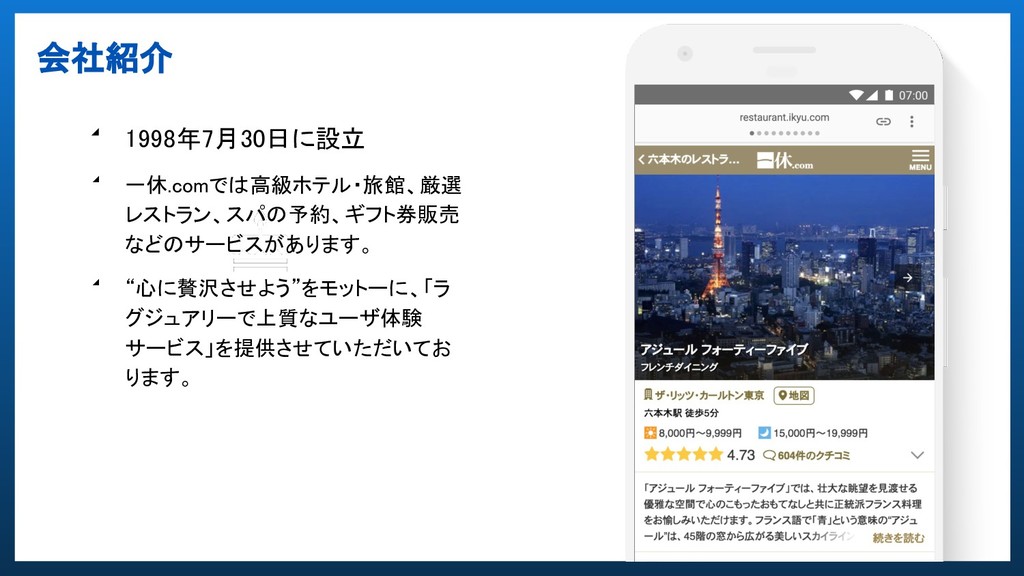
会社紹介 ◢ 1998年7月30日に設立 ◢ 一休.comでは高級ホテル・旅館、厳選 レストラン、スパの予約、ギフト券販売 などのサービスがあります。 ◢ “心に贅沢させよう”をモットーに、「ラ グジュアリーで上質なユーザ体験
サービス」を提供させていただいてお ります。
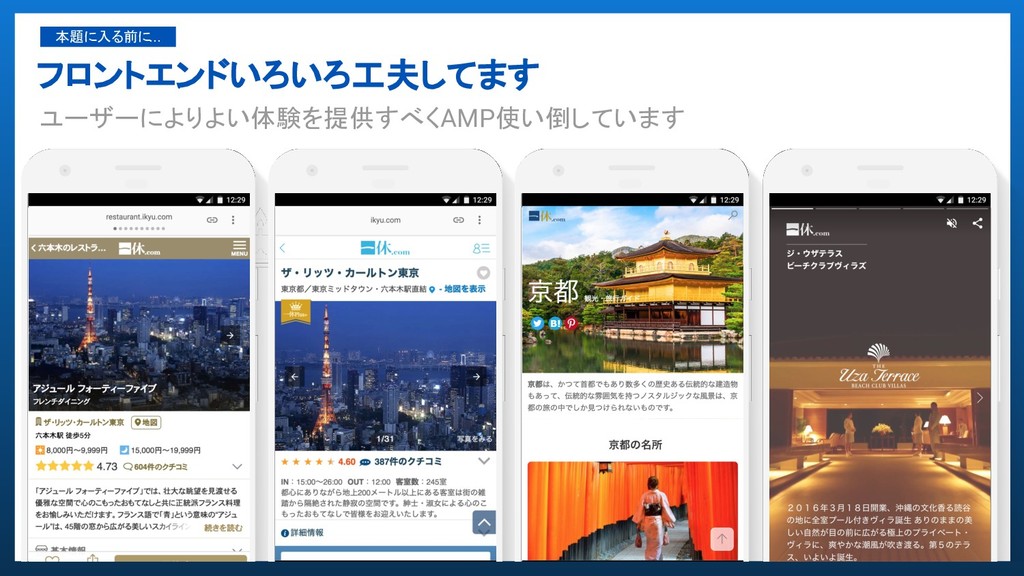
フロントエンドいろいろ工夫してます ユーザーによりよい体験を提供すべくAMP使い倒しています 本題に入る前に...
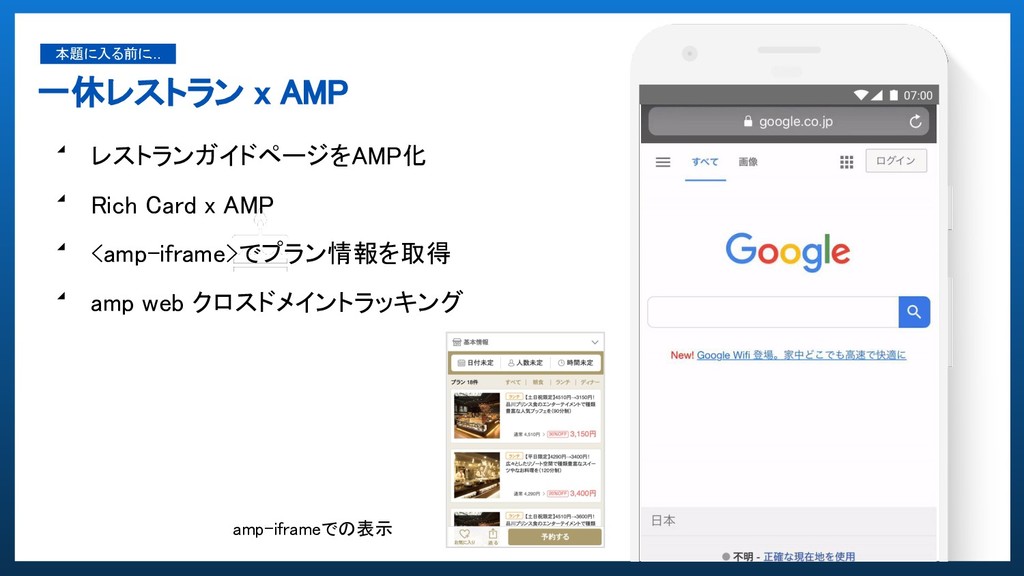
一休レストラン x AMP 本題に入る前に... ◢ レストランガイドページをAMP化 ◢ Rich Card x
AMP ◢ <amp-iframe>でプラン情報を取得 ◢ amp web クロスドメイントラッキング amp-iframeでの表示
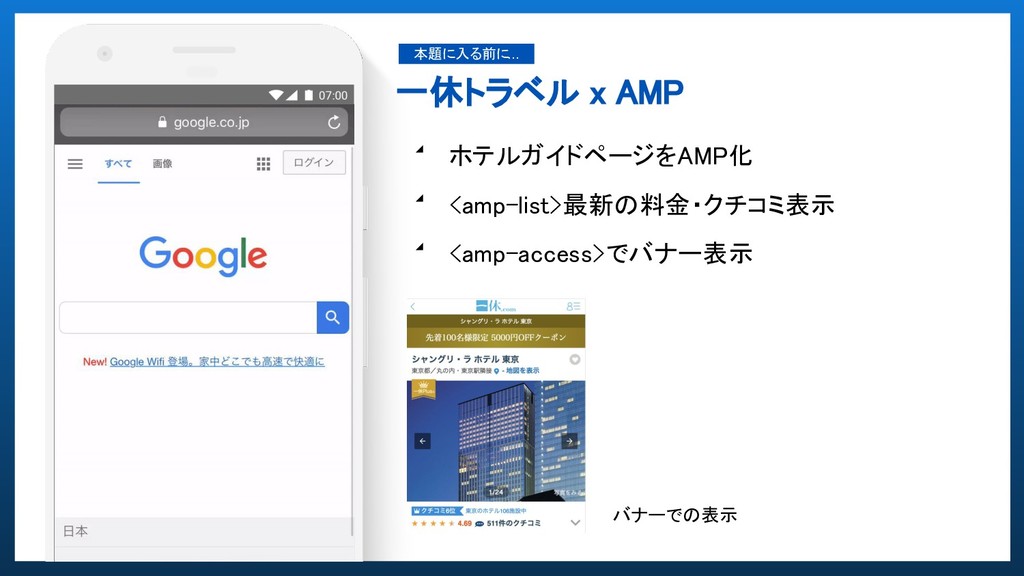
一休トラベル x AMP 本題に入る前に... ◢ ホテルガイドページをAMP化 ◢ <amp-list>最新の料金・クチコミ表示 ◢ <amp-access>でバナー表示
バナーでの表示
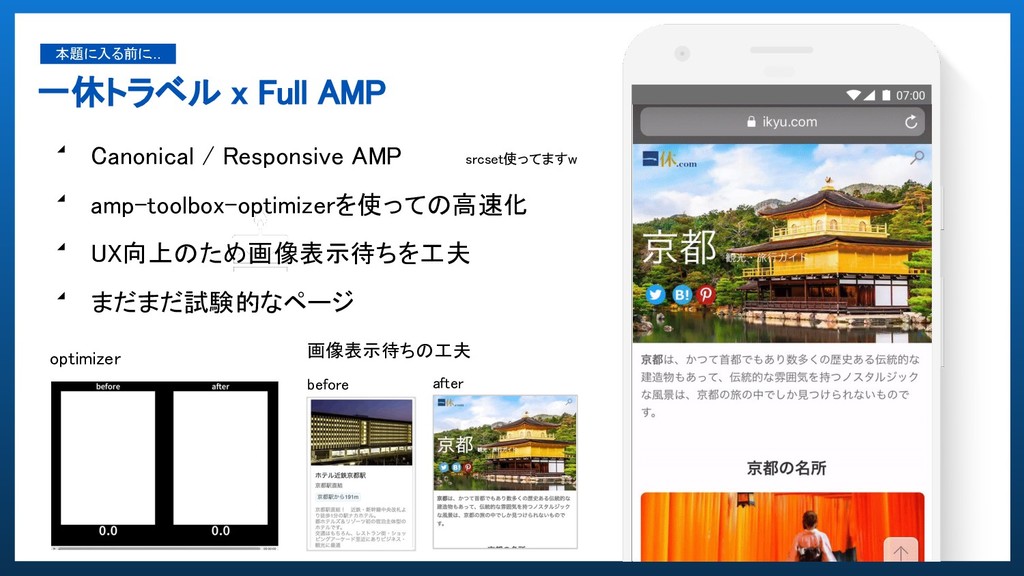
一休トラベル x Full AMP 本題に入る前に... ◢ Canonical / Responsive AMP
◢ amp-toolbox-optimizerを使っての高速化 ◢ UX向上のため画像表示待ちを工夫 ◢ まだまだ試験的なページ 画像表示待ちの工夫 srcset使ってますw before after optimizer
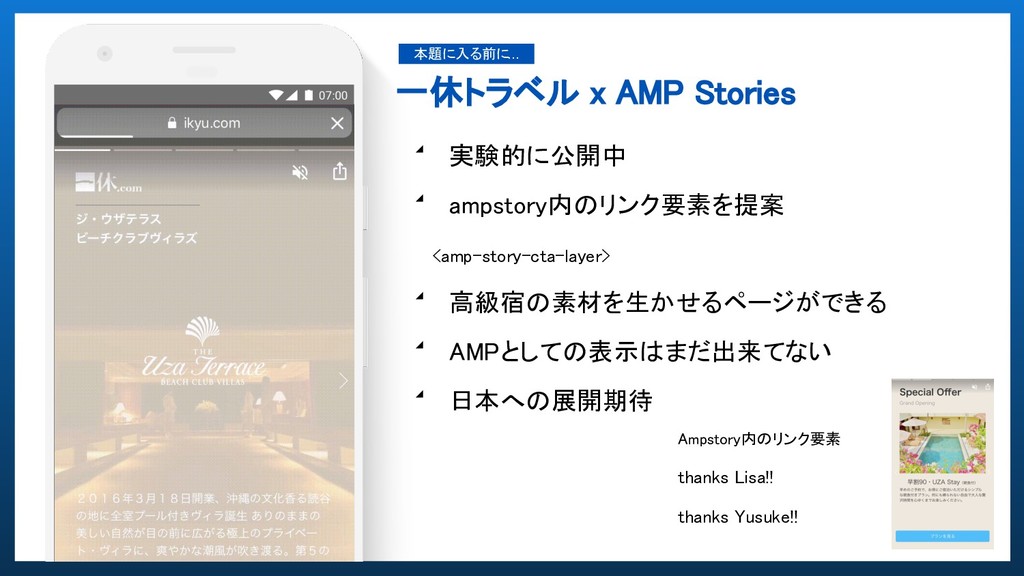
一休トラベル x AMP Stories 本題に入る前に... ◢ 実験的に公開中 ◢ ampstory内のリンク要素を提案 <amp-story-cta-layer>
◢ 高級宿の素材を生かせるページができる ◢ AMPとしての表示はまだ出来てない ◢ 日本への展開期待 Ampstory内のリンク要素 thanks Lisa!! thanks Yusuke!!
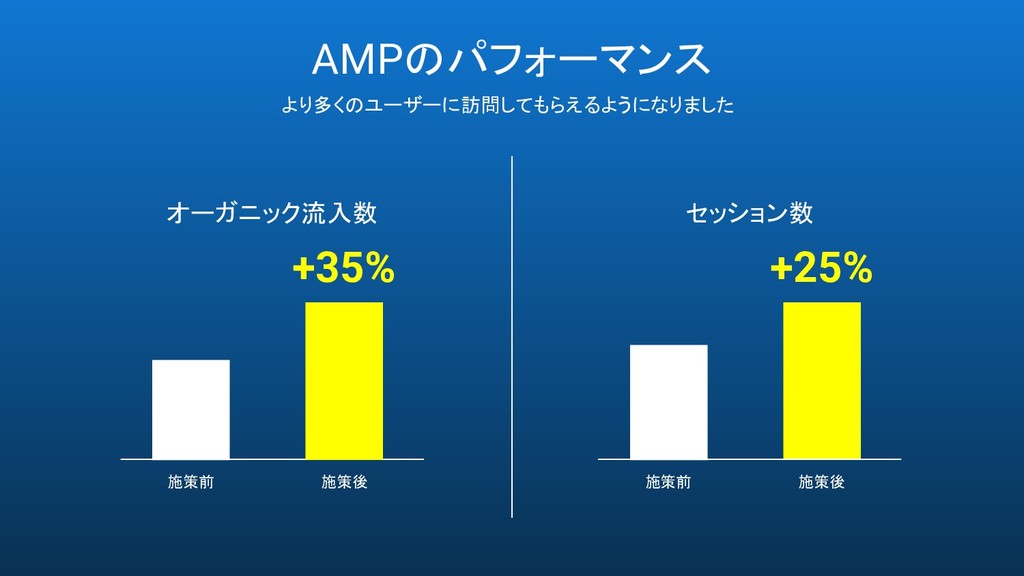
AMPのパフォーマンス オーガニック流入数 施策前 施策後 +25% セッション数 施策前 施策後 より多くのユーザーに訪問してもらえるようになりました +35%
どいう体制でAMPを作るのがベスト? 本題をそろそろ...
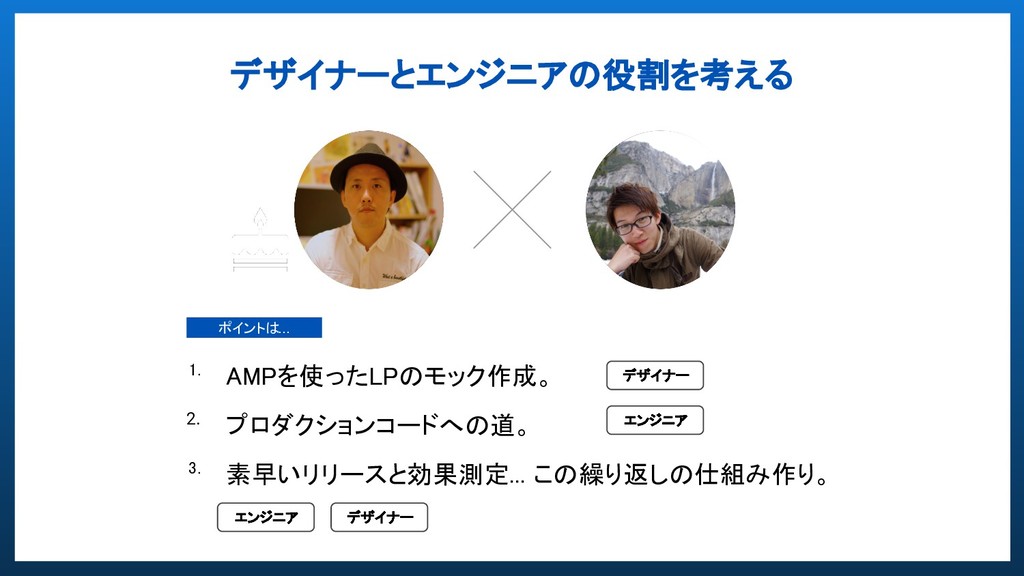
デザイナーとエンジニアの役割を考える 1. AMPを使ったLPのモック作成。 2. プロダクションコードへの道。 3. 素早いリリースと効果測定... この繰り返しの仕組み作り。 ポイントは... デザイナー
エンジニア デザイナー エンジニア
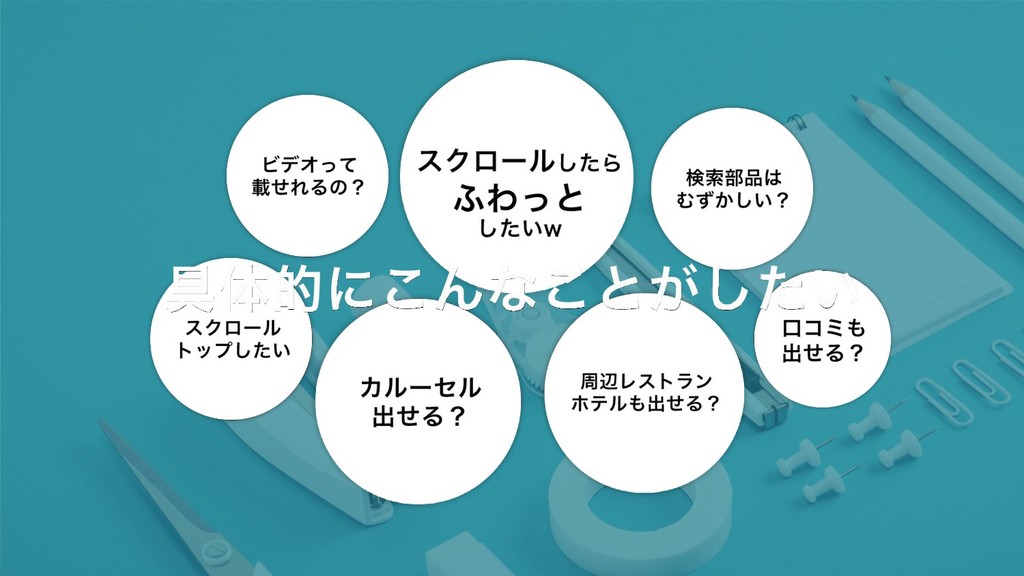
1. 見せて企画を通す! AMPを使ったプロトタイピング。 世の中にインパクトを与える多くのイノベーションを生み出します。 破壊的創造を目指し大胆にチャレンジし、数多くの失敗から学んでいきます。
None
None
None
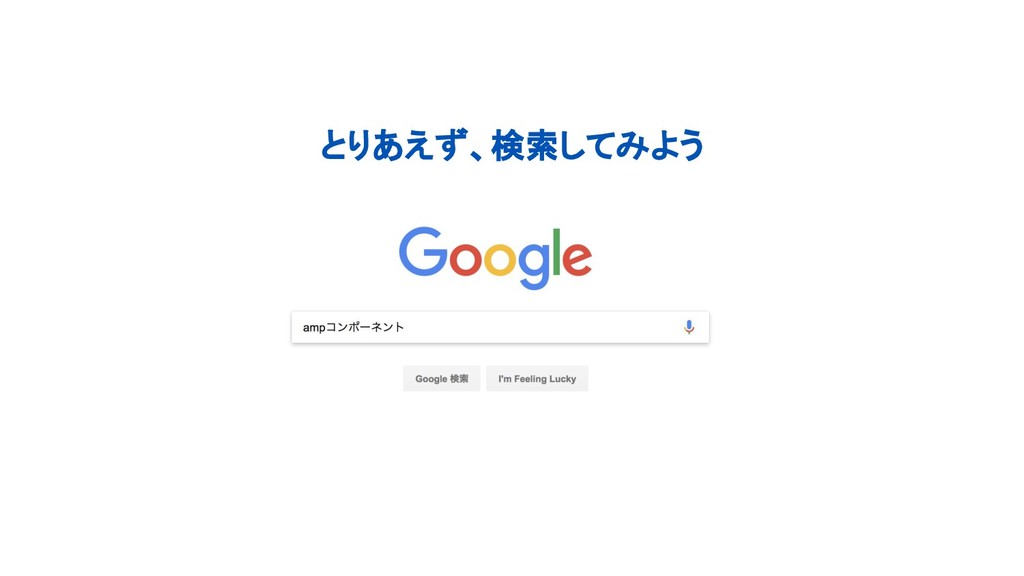
とりあえず、検索してみよう
None
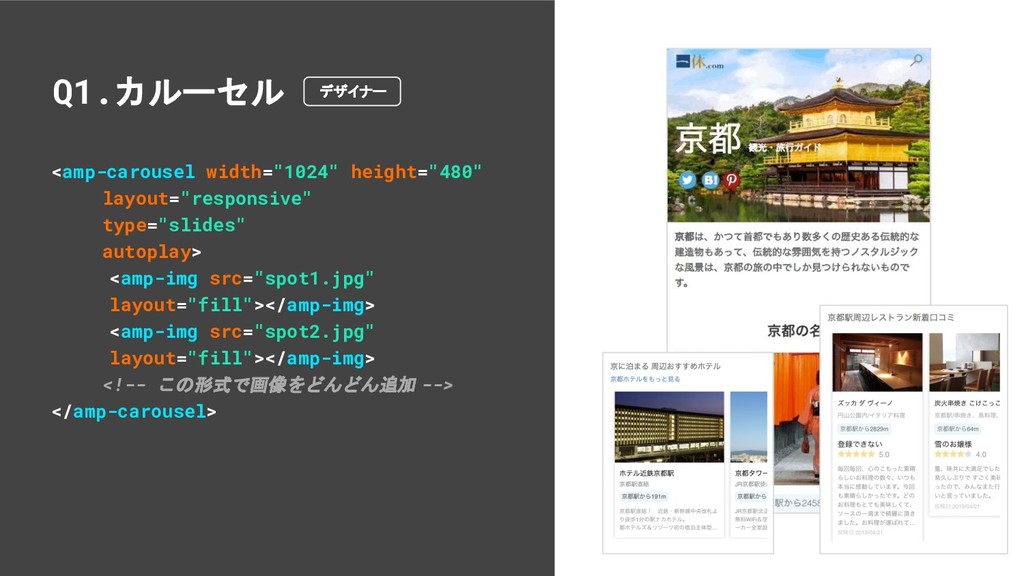
<amp-carousel width="1024" height="480" layout="responsive" type="slides" autoplay> <amp-img src="spot1.jpg" layout="fill"></amp-img> <amp-img
src="spot2.jpg" layout="fill"></amp-img> <!-- この形式で画像をどんどん追加 --> </amp-carousel> Q1.カルーセル デザイナー
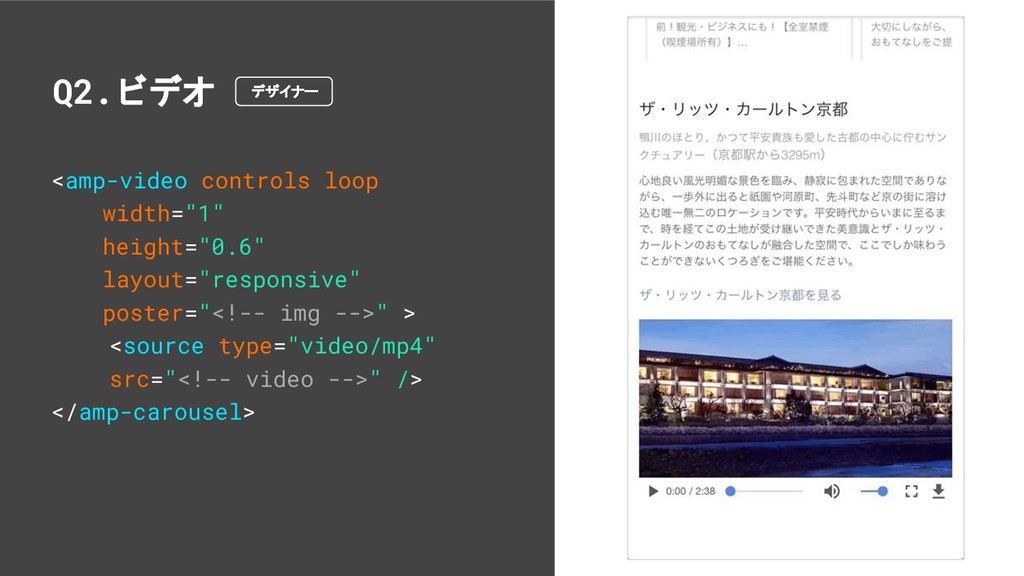
<amp-video controls loop width="1" height="0.6" layout="responsive" poster="<!-- img -->" >
<source type="video/mp4" src="<!-- video -->" /> </amp-carousel> Q2.ビデオ デザイナー
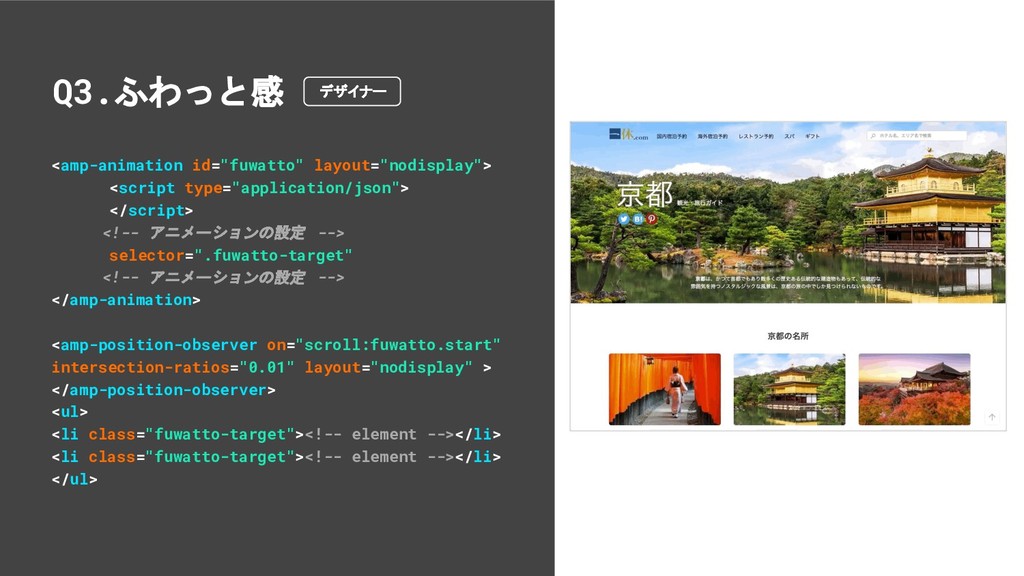
<amp-animation id="fuwatto" layout="nodisplay"> <script type="application/json"> </script> <!-- アニメーションの設定 --> selector=".fuwatto-target"
<!-- アニメーションの設定 --> </amp-animation> <amp-position-observer on="scroll:fuwatto.start" intersection-ratios="0.01" layout="nodisplay" > </amp-position-observer> <ul> <li class="fuwatto-target"><!-- element --></li> <li class="fuwatto-target"><!-- element --></li> </ul> Q3.ふわっと感 デザイナー
<amp-list template="list" item="Suggest" layout="flex-item" src="/suggest?q=" [src]="'/suggest?q=' + (autosuggest || '')"
hidden [hidden]="!search_active" > <template type="amp-mustache"> <a href="/search?kwd={{Name}}"> {{Name}} </a> </template> </amp-list> Q4.検索 エンジニア
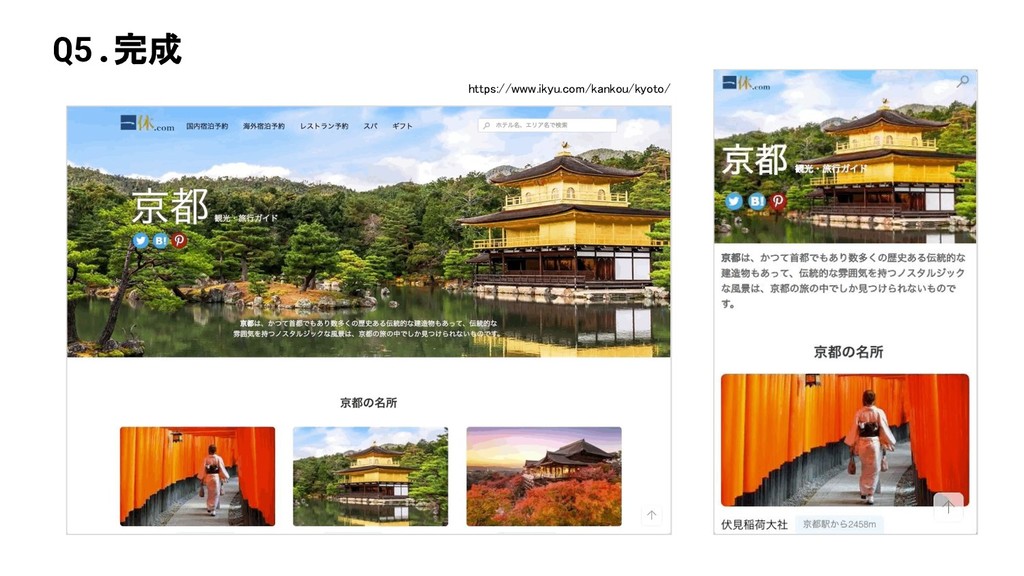
Q5.完成 https://www.ikyu.com/kankou/kyoto/
None
2. プロダクションコードへの道。 デザインモックを作ることは簡単でしたが、動的コンテンツにする際の対応と注意点 ◢ 動きのあるデザインをAMPでどう実現するか ◢ エンジニア視点での気をつけるべきポイント
宿泊のガイドでの要望と対応
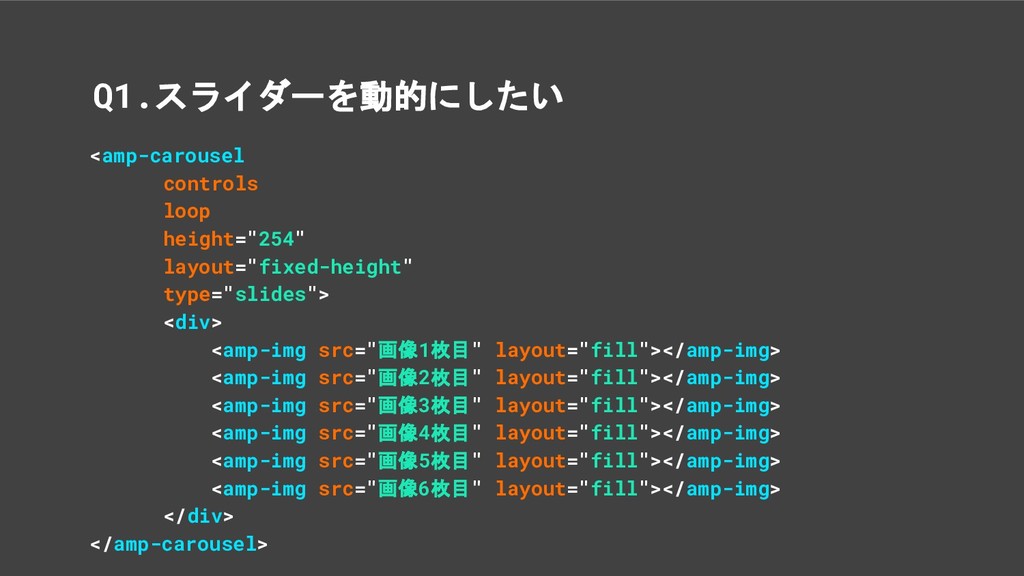
<amp-carousel controls loop height="254" layout="fixed-height" type="slides"> <div> <amp-img src="画像1枚目" layout="fill"></amp-img>
<amp-img src="画像2枚目" layout="fill"></amp-img> <amp-img src="画像3枚目" layout="fill"></amp-img> <amp-img src="画像4枚目" layout="fill"></amp-img> <amp-img src="画像5枚目" layout="fill"></amp-img> <amp-img src="画像6枚目" layout="fill"></amp-img> </div> </amp-carousel> Q1.スライダーを動的にしたい
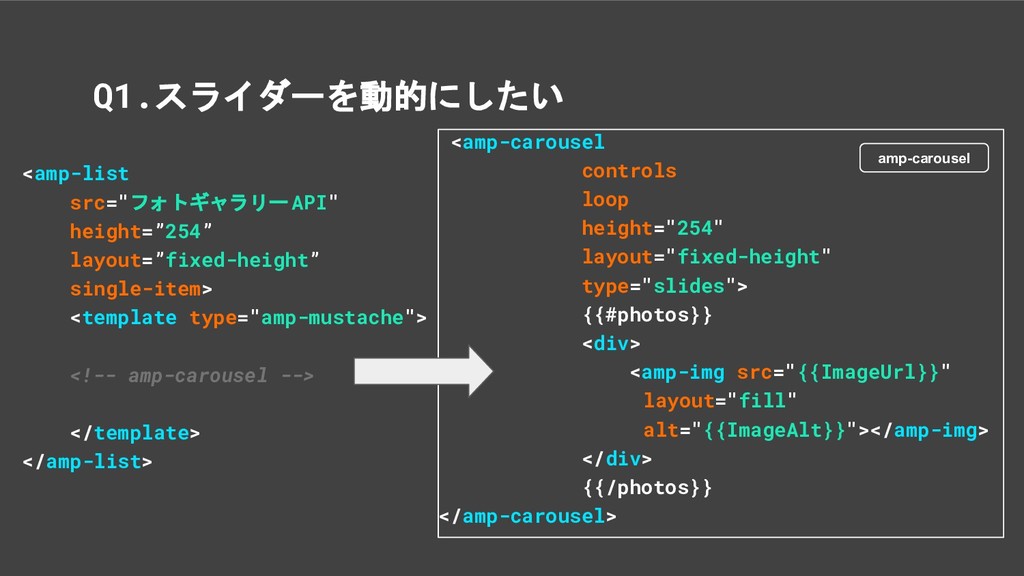
Q1.スライダーを動的にしたい <amp-list src="フォトギャラリーAPI" height=”254” layout=”fixed-height” single-item> <template type="amp-mustache"> <!-- amp-carousel
--> </template> </amp-list> <amp-carousel controls loop height="254" layout="fixed-height" type="slides"> {{#photos}} <div> <amp-img src="{{ImageUrl}}" layout="fill" alt="{{ImageAlt}}"></amp-img> </div> {{/photos}} </amp-carousel> amp-carousel
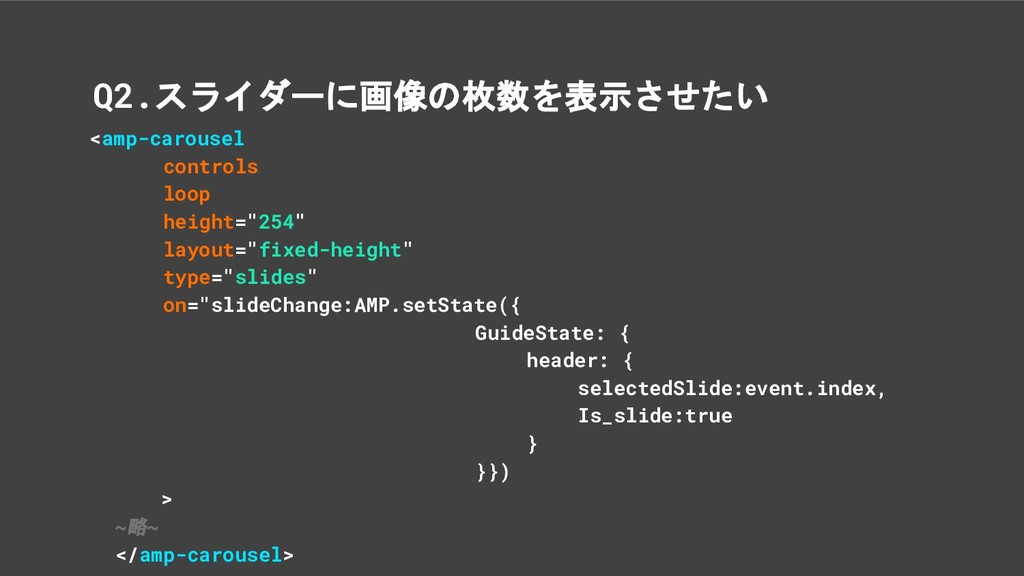
<amp-carousel controls loop height="254" layout="fixed-height" type="slides" on="slideChange:AMP.setState({ GuideState: { header:
{ selectedSlide:event.index, Is_slide:true } }}) > ~略~ </amp-carousel> Q2.スライダーに画像の枚数を表示させたい
Q2.スライダーに画像の枚数を表示させたい <amp-state id="GuideTopPhotoUrl" src="フォトギャラリーAPI"></amp-state> <!-- amp-carousel --> <div> <span [text]="!GuideState.header.is_slide
? '' : (GuideState.header.selectedSlide + 1) + '/' + (GuideTopPhotoUrl.items.photos.length + 1) "> </span> </div> 取得した位置/amp-stateで取得した件数 = リストで枚数表示を作る
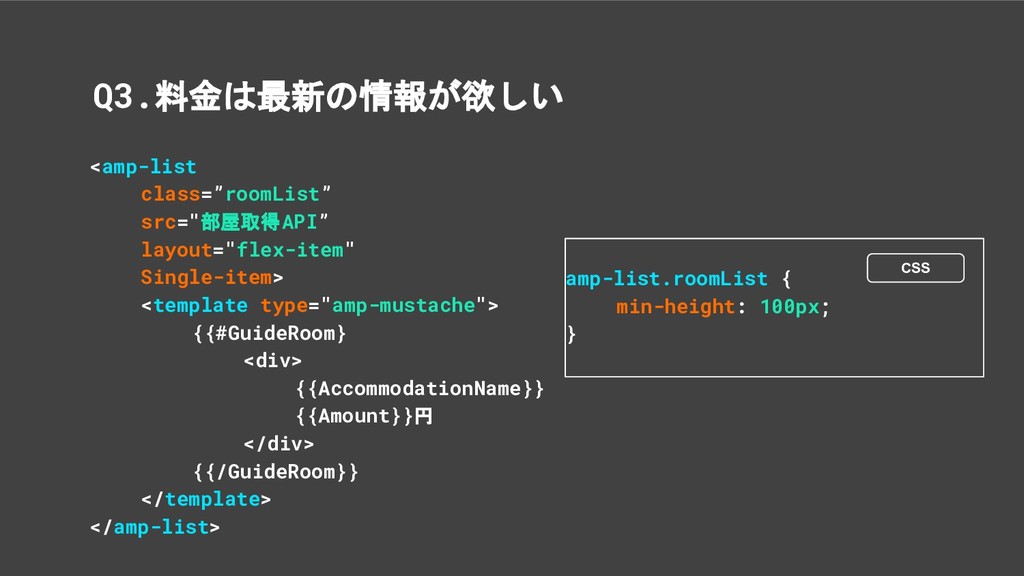
Q3.料金は最新の情報が欲しい <amp-list class=”roomList” src="部屋取得API” layout="flex-item" Single-item> <template type="amp-mustache"> {{#GuideRoom} <div>
{{AccommodationName}} {{Amount}}円 </div> {{/GuideRoom}} </template> </amp-list> amp-list.roomList { min-height: 100px; } CSS
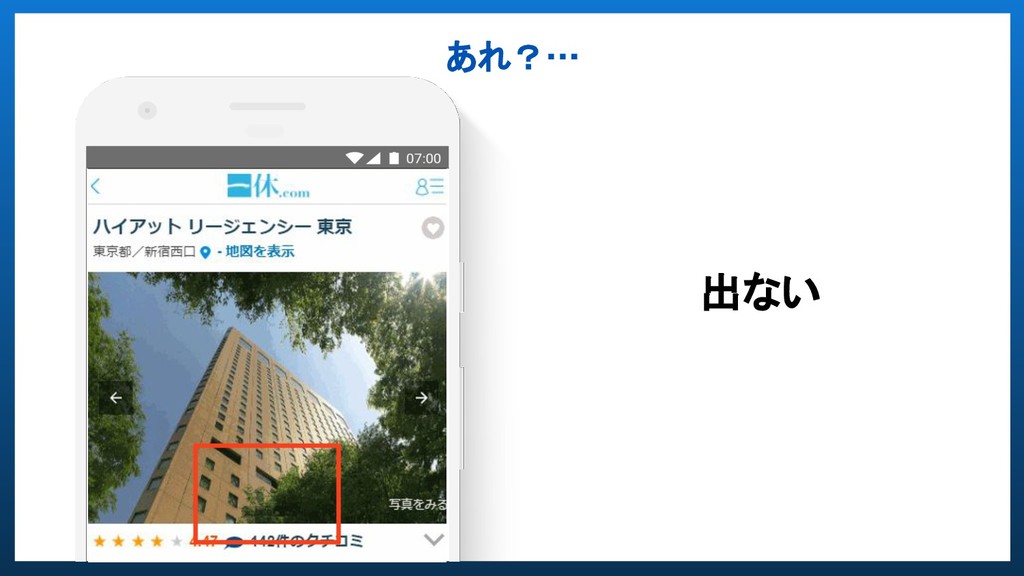
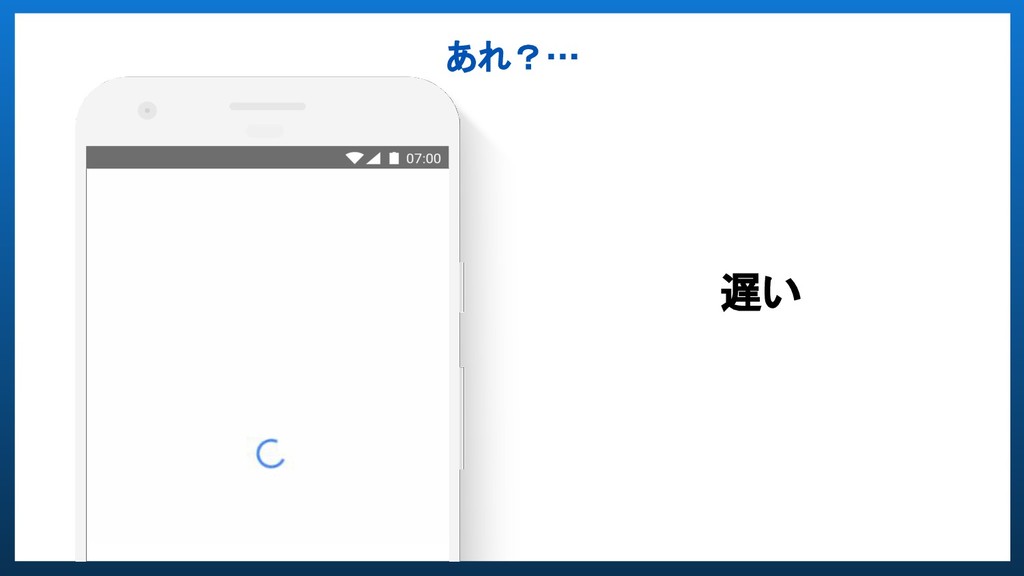
いろいろデザイン要件も満たしたし そろそろ大丈夫かな
あれ?… 出ない
あれ?… 遅い
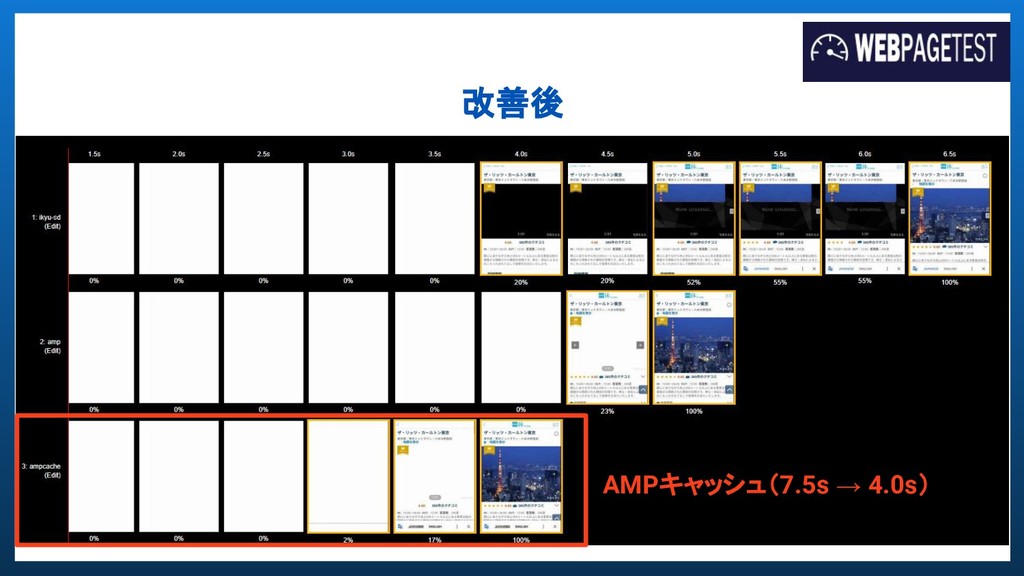
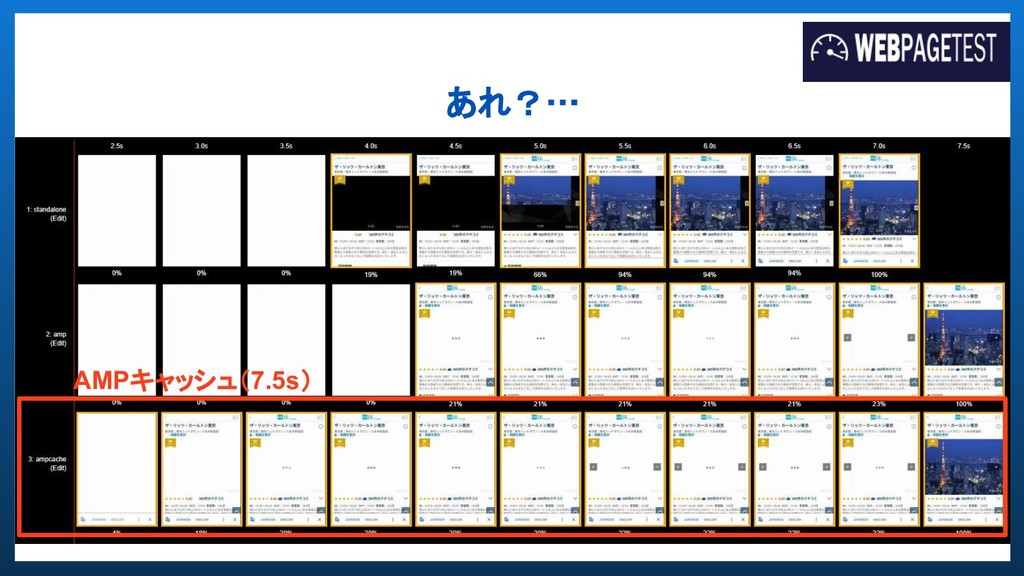
あれ?… AMPキャッシュ(7.5s)
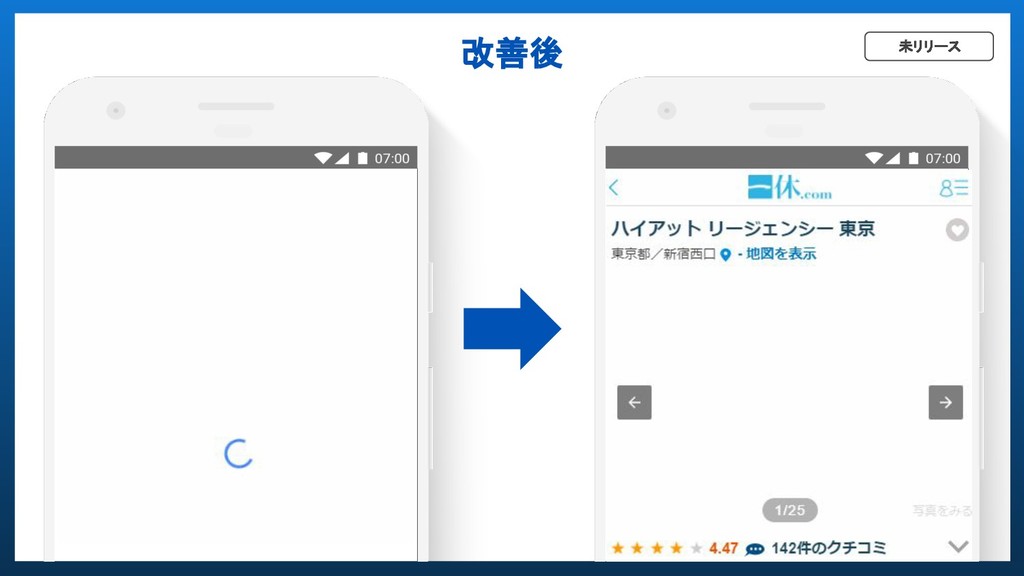
要件は満たしてるけど ユーザ体験が悪いことに気が付いた
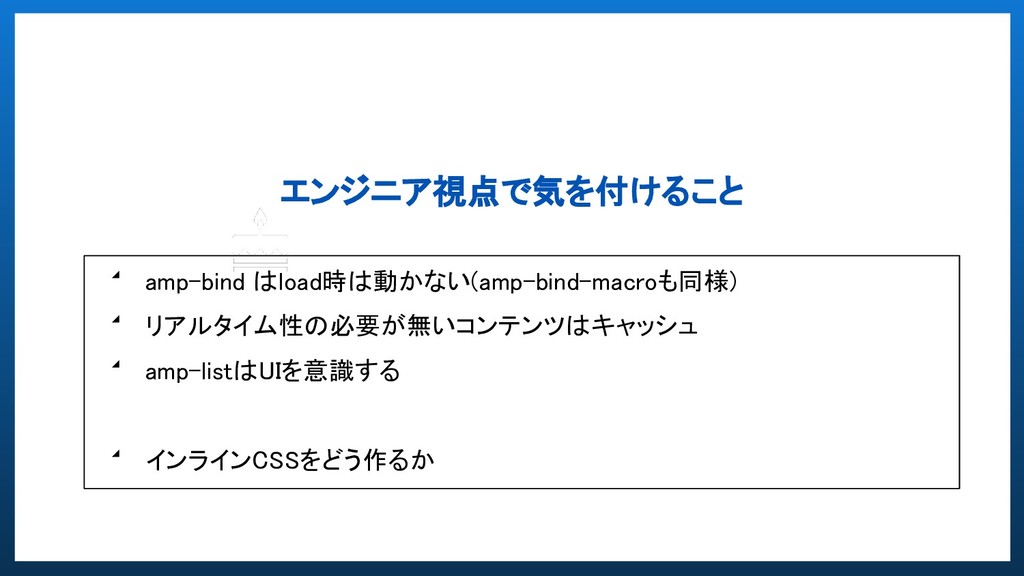
エンジニア視点で気を付けること ◢ amp-bind はload時は動かない(amp-bind-macroも同様) ◢ リアルタイム性の必要が無いコンテンツはキャッシュ ◢ amp-listはUIを意識する ◢
インラインCSSをどう作るか
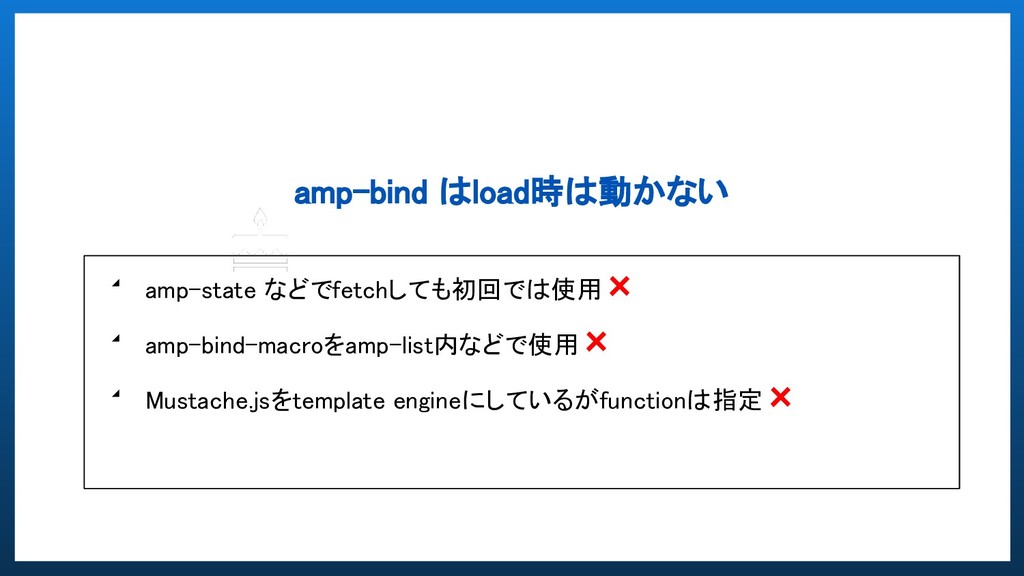
amp-bind はload時は動かない ◢ amp-state などでfetchしても初回では使用× ◢ amp-bind-macroをamp-list内などで使用× ◢ Mustache.jsをtemplate engineにしているがfunctionは指定×
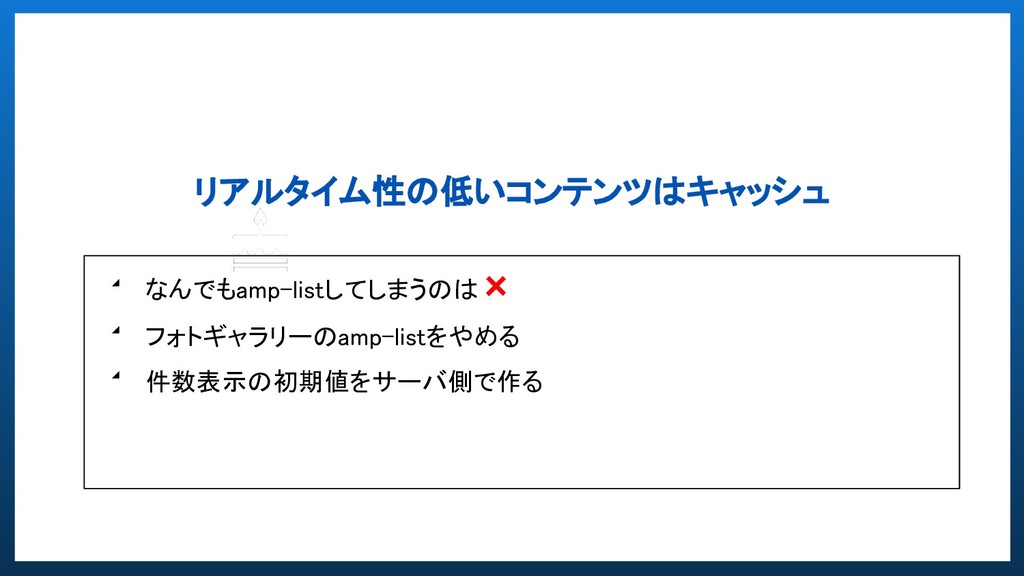
リアルタイム性の低いコンテンツはキャッシュ ◢ なんでもamp-listしてしまうのは× ◢ フォトギャラリーのamp-listをやめる ◢ 件数表示の初期値をサーバ側で作る
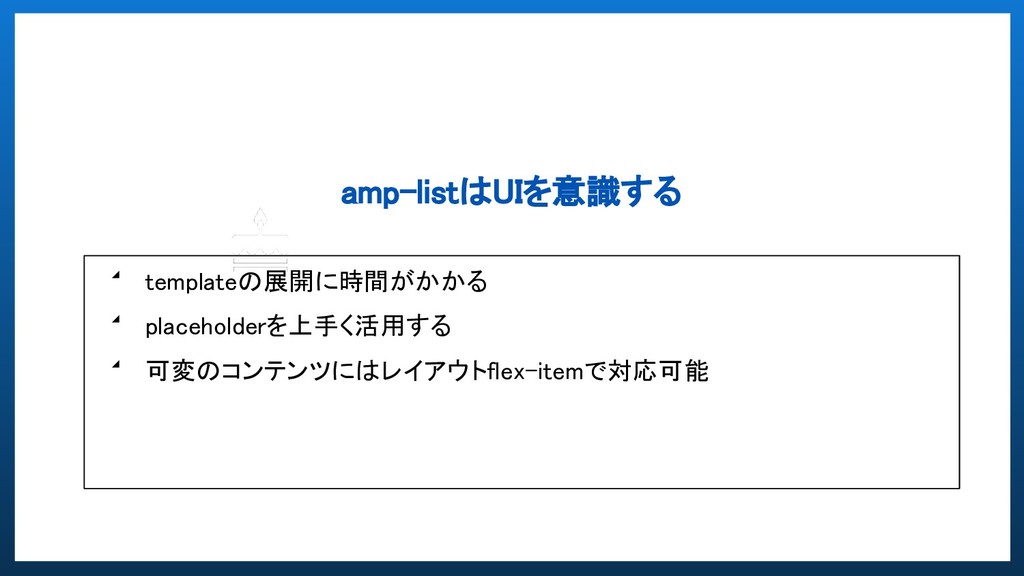
amp-listはUIを意識する ◢ templateの展開に時間がかかる ◢ placeholderを上手く活用する ◢ 可変のコンテンツにはレイアウトflex-itemで対応可能
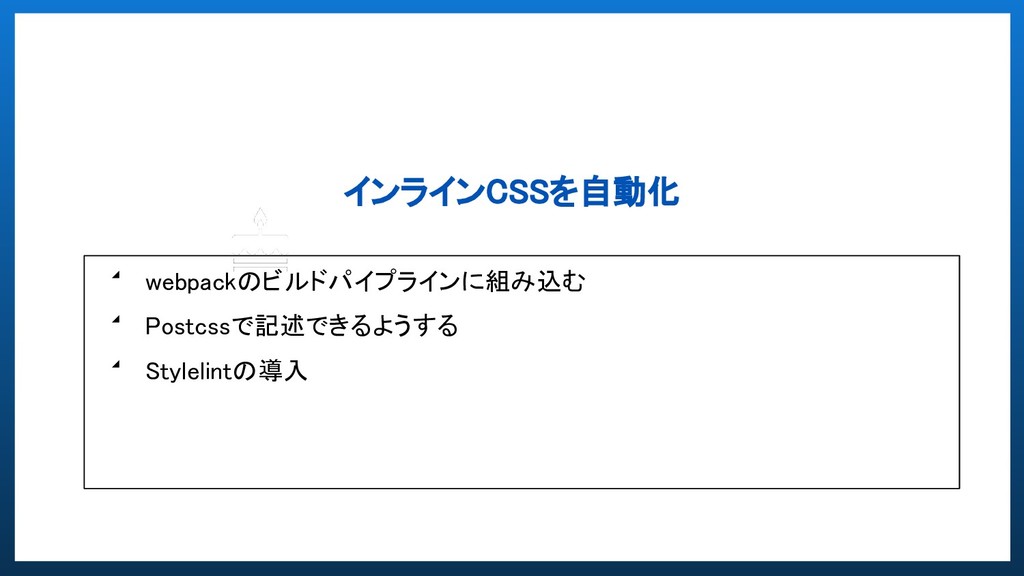
インラインCSSを自動化 ◢ webpackのビルドパイプラインに組み込む ◢ Postcssで記述できるようする ◢ Stylelintの導入
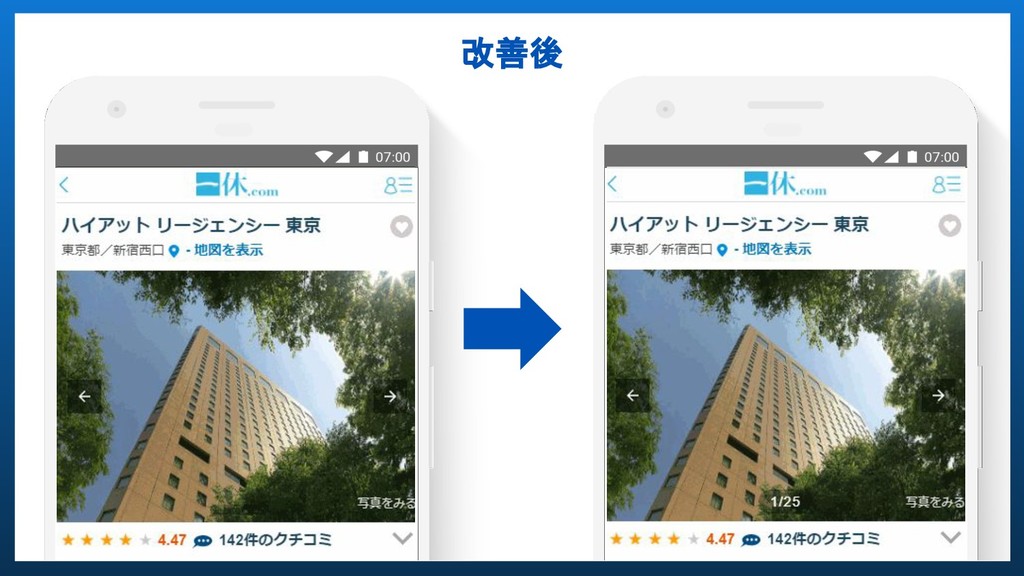
改善後 Postcssが記述しnpm run buildで [name].[chunkhash].css のファイルが自動で生成 サーバでそのファイルをインラインで展開することで styleの修正と共通化が簡単にできるようになった 標準CSSでのインライン直書き運用
別ページ使う場合同じスタイルをコピペ minifyは手動 例:Guide.594062ef840dabdebab7.css
改善後
改善後 未リリース
改善後 AMPキャッシュ(7.5s → 4.0s)
動作も早くなったし修正もしやすくなった
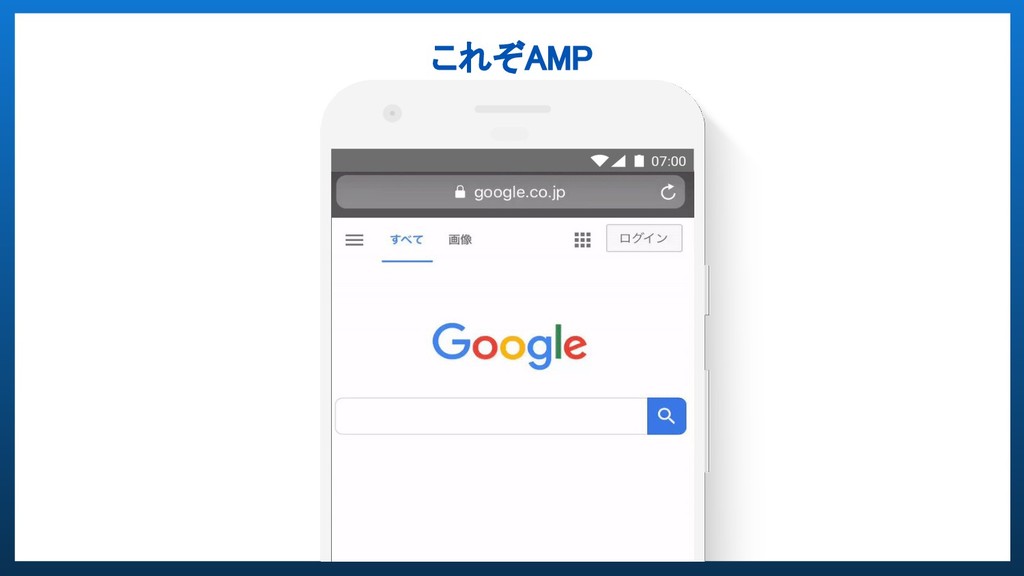
これぞAMP
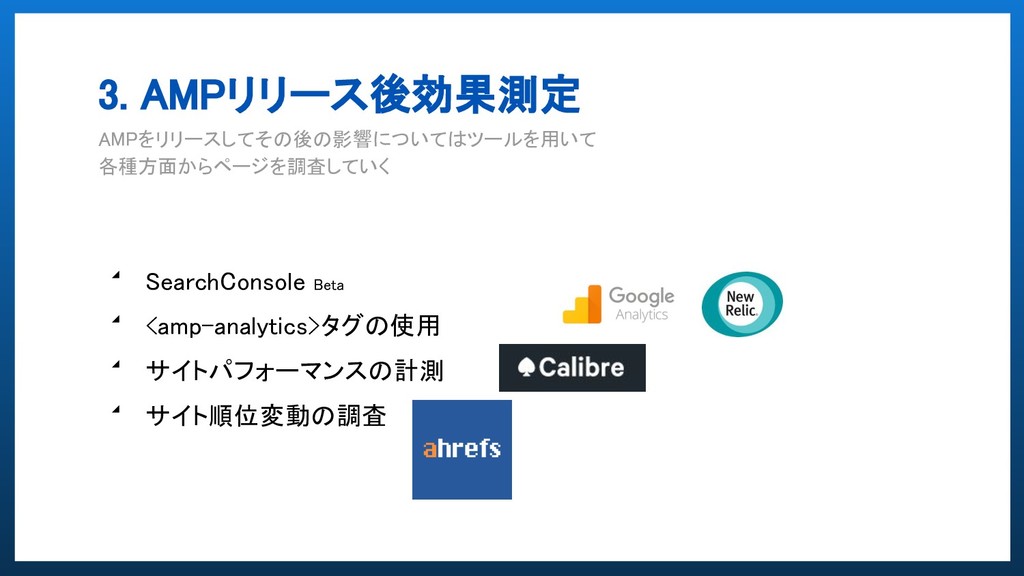
3. AMPリリース後効果測定 AMPをリリースしてその後の影響についてはツールを用いて 各種方面からページを調査していく ◢ SearchConsole Beta ◢
<amp-analytics>タグの使用 ◢ サイトパフォーマンスの計測 ◢ サイト順位変動の調査
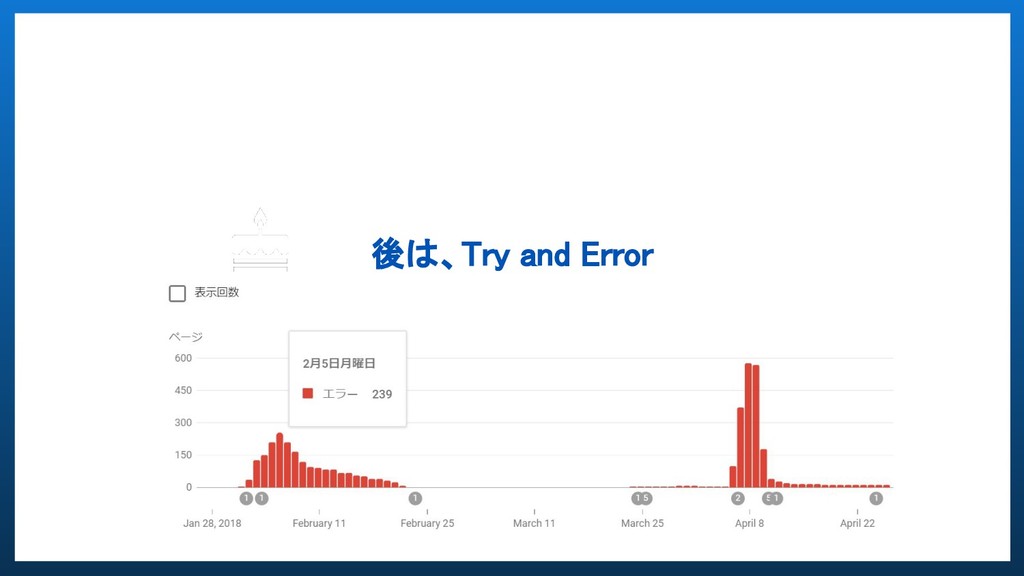
後は、Try and Error
今後の展望 ◢ AMP内のUXの向上 ◢ 状況次第でamp-story量産 ◢ AMP for Email
◢ AMP to PWA AMPの可能性
None
None
None


 tanakay
 lef237
 o0h
o0h
 siroemk
 yub0n
yub0n
 florets1
 akit37
 ___akari11
 optim
optim
 kishida
 panda728
 mixplace
 sferik
 marktimemedia
 reverentgeek
 mfonobong
 tammielis
 akademiya2063
 chrisshort
 sachag
 mongodb
 leimatthew05
 addyosmani
 emna__ayadi


![<amp-list template="list" item="Suggest" layout="flex-item" src="/suggest?q=" [src]="'/suggest?q=' + (autosuggest || '')"](https://files.speakerdeck.com/presentations/8044024b180b4d84bbaacfc258263edd/slide_19.jpg)
![Q2.スライダーに画像の枚数を表示させたい <amp-state id="GuideTopPhotoUrl" src="フォトギャラリーAPI"></amp-state> <!-- amp-carousel --> <div> <span [text]="!GuideState.header.is_slide](https://files.speakerdeck.com/presentations/8044024b180b4d84bbaacfc258263edd/slide_27.jpg)
![改善後 Postcssが記述しnpm run buildで [name].[chunkhash].css のファイルが自動で生成 サーバでそのファイルをインラインで展開することで styleの修正と共通化が簡単にできるようになった 標準CSSでのインライン直書き運用](https://files.speakerdeck.com/presentations/8044024b180b4d84bbaacfc258263edd/slide_39.jpg)