Upgrade to Pro — share decks privately, control downloads, hide ads and more …

ePOverviewSpring2013.pdf

Avatar for Teggin Teggin
March 05, 2013
5

 ePOverviewSpring2013.pdf

Avatar for Teggin

Teggin

March 05, 2013

Transcript

  1. ePortfolios at Virginia Tech Dr. Marc Zaldivar Dr. Teggin Summers

    ePortfolio Initiatives Learning Technologies [email protected] https://eportfolio.vt.edu
  2. Some framing questions • How much of learning is content?

    How much is process? • How do we measure process? • What is the difference between evaluation and assessment, formative and summative? • How much of a(n e)portfolio is a product? How much a process?
  3. A definition… • A portfolio is a purposeful collection of

    student work that exhibits the student's efforts, progress and achievements in one or more areas. The collection must include student participation in selecting contents, the criteria for selection; the criteria for judging merit, and evidence of student self-reflection. – Northwest Evaluation Association (1990). Portfolios and Assessment. Paper presented at the Annual Conference for the Northwest Evaluation Association.
  4. …definition • ePortfolios can "enable learners to manage the complexity

    and variability of learning designs and opportunities in formal and informal settings in order to gather evidence of their resultant deep learning.” Trent Batson, http://www.aaeebl.org/tbb?mode=PostView&bmi=1075857
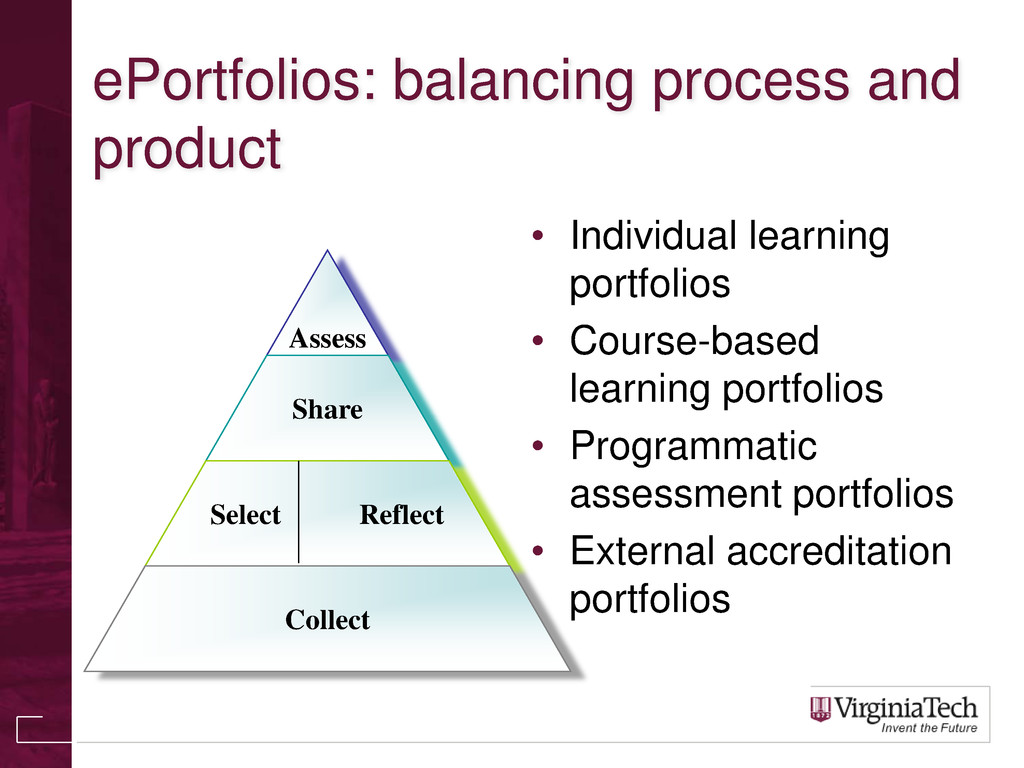
  5. ePortfolios: balancing process and product • Individual learning portfolios •

    Course-based learning portfolios • Programmatic assessment portfolios • External accreditation portfolios Assess Share Select Reflect Collect
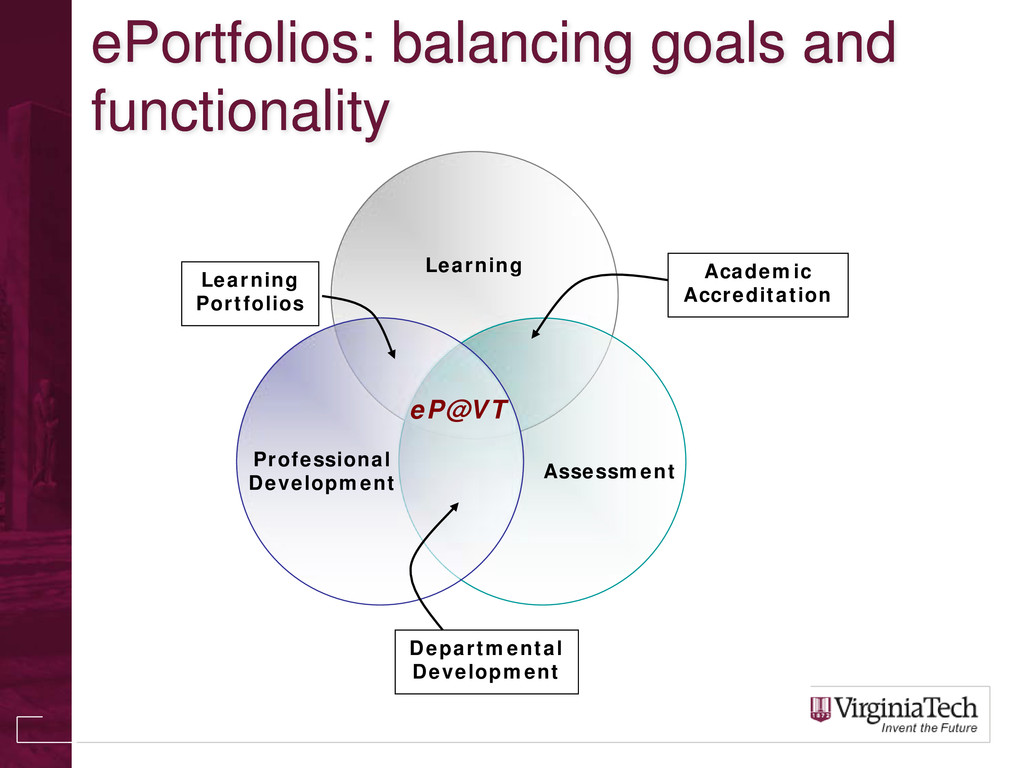
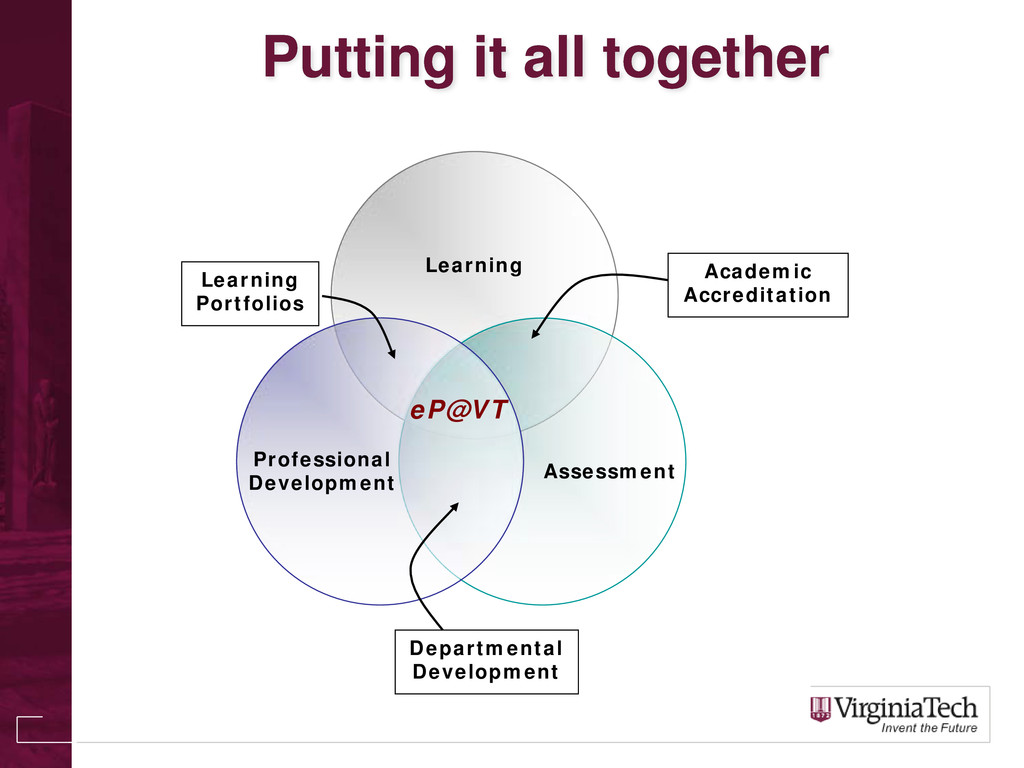
  6. ePortfolios: balancing goals and functionality Learning Assessment Professional Development Academic

    Accreditation Learning Portfolios Departmental Development eP@VT
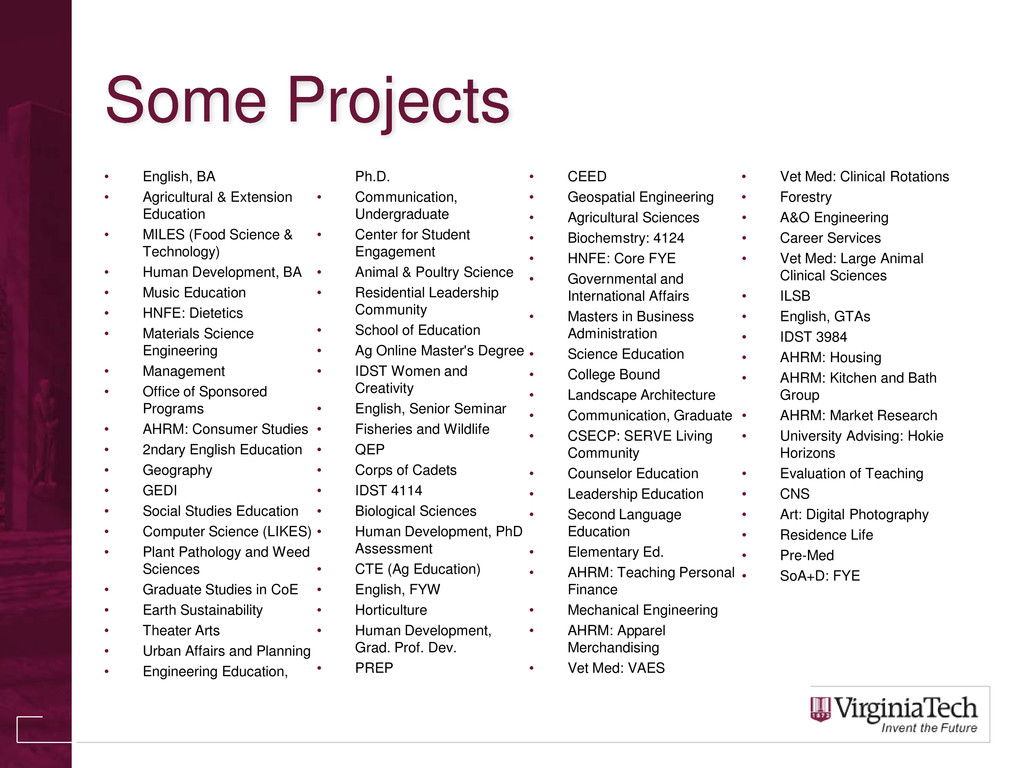
  7. Some Projects • English, BA • Agricultural & Extension Education

    • MILES (Food Science & Technology) • Human Development, BA • Music Education • HNFE: Dietetics • Materials Science Engineering • Management • Office of Sponsored Programs • AHRM: Consumer Studies • 2ndary English Education • Geography • GEDI • Social Studies Education • Computer Science (LIKES) • Plant Pathology and Weed Sciences • Graduate Studies in CoE • Earth Sustainability • Theater Arts • Urban Affairs and Planning • Engineering Education, Ph.D. • Communication, Undergraduate • Center for Student Engagement • Animal & Poultry Science • Residential Leadership Community • School of Education • Ag Online Master's Degree • IDST Women and Creativity • English, Senior Seminar • Fisheries and Wildlife • QEP • Corps of Cadets • IDST 4114 • Biological Sciences • Human Development, PhD Assessment • CTE (Ag Education) • English, FYW • Horticulture • Human Development, Grad. Prof. Dev. • PREP • CEED • Geospatial Engineering • Agricultural Sciences • Biochemstry: 4124 • HNFE: Core FYE • Governmental and International Affairs • Masters in Business Administration • Science Education • College Bound • Landscape Architecture • Communication, Graduate • CSECP: SERVE Living Community • Counselor Education • Leadership Education • Second Language Education • Elementary Ed. • AHRM: Teaching Personal Finance • Mechanical Engineering • AHRM: Apparel Merchandising • Vet Med: VAES • Vet Med: Clinical Rotations • Forestry • A&O Engineering • Career Services • Vet Med: Large Animal Clinical Sciences • ILSB • English, GTAs • IDST 3984 • AHRM: Housing • AHRM: Kitchen and Bath Group • AHRM: Market Research • University Advising: Hokie Horizons • Evaluation of Teaching • CNS • Art: Digital Photography • Residence Life • Pre-Med • SoA+D: FYE
  8. Advantages of “Folio Thinking” • Aids students’ self-assessment • Enables

    the tracking of student development over time • Emphasizes process over product • Highlights connections between assignments (and courses) • Facilitates academic richness - personal contact with instructors, advisors, and mentors
  9. Professional Development: They are watching… • CareerBuilder.com (2009) survey of

    ~3000 HR managers • Primary finding: 45% used social networking sites to research job candidates.
  10. Professional Development: They are watching… • Why they did NOT

    hire employees: • Candidate posted provocative or inappropriate photographs or information - 53 percent • Candidate posted content about them drinking or using drugs - 44 percent • Candidate bad-mouthed their previous employer, co- workers or clients - 35 percent • Candidate showed poor communication skills - 29 percent • Candidate made discriminatory comments - 26 percent • Candidate lied about qualifications - 24 percent • Candidate shared confidential information from previous employer - 20 percent
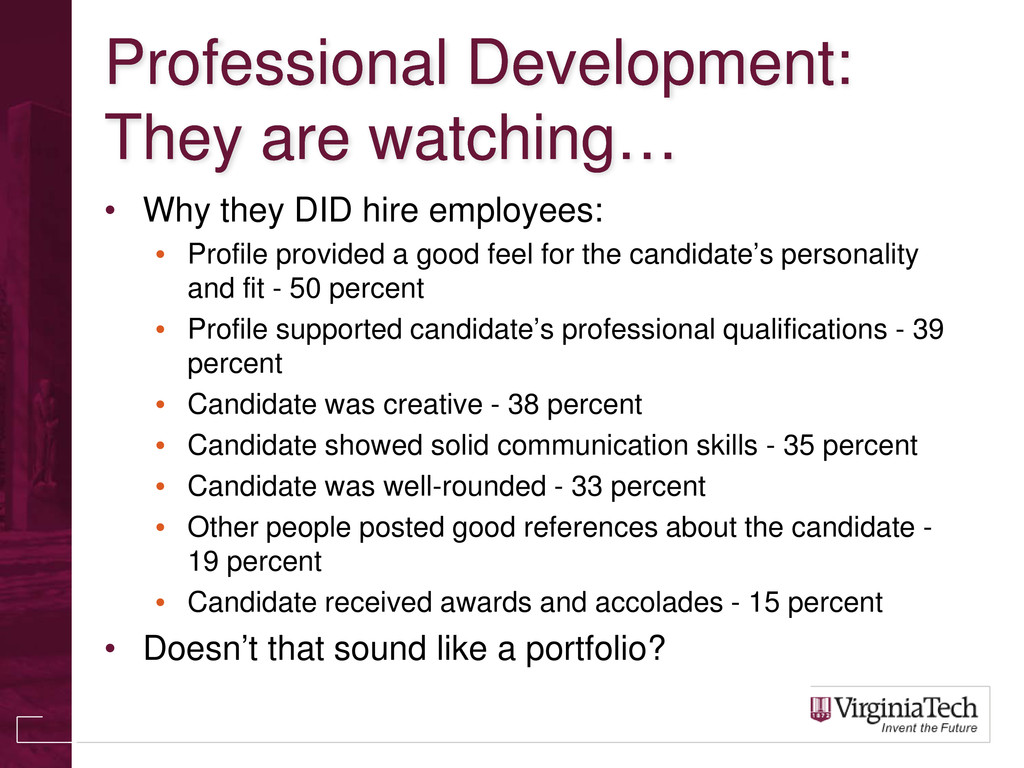
  11. Professional Development: They are watching… • Why they DID hire

    employees: • Profile provided a good feel for the candidate’s personality and fit - 50 percent • Profile supported candidate’s professional qualifications - 39 percent • Candidate was creative - 38 percent • Candidate showed solid communication skills - 35 percent • Candidate was well-rounded - 33 percent • Other people posted good references about the candidate - 19 percent • Candidate received awards and accolades - 15 percent • Doesn’t that sound like a portfolio?
  12. Professional Development: ePortfolios offer… • Focus on Growth and Continuity

    of Learning • Networked and Symphonic Selves (Cambridge, 2009) • Controlled and Presented by the Student • Direct (multimedia) examples of abilities and skills • Easily coordinated to professional standards
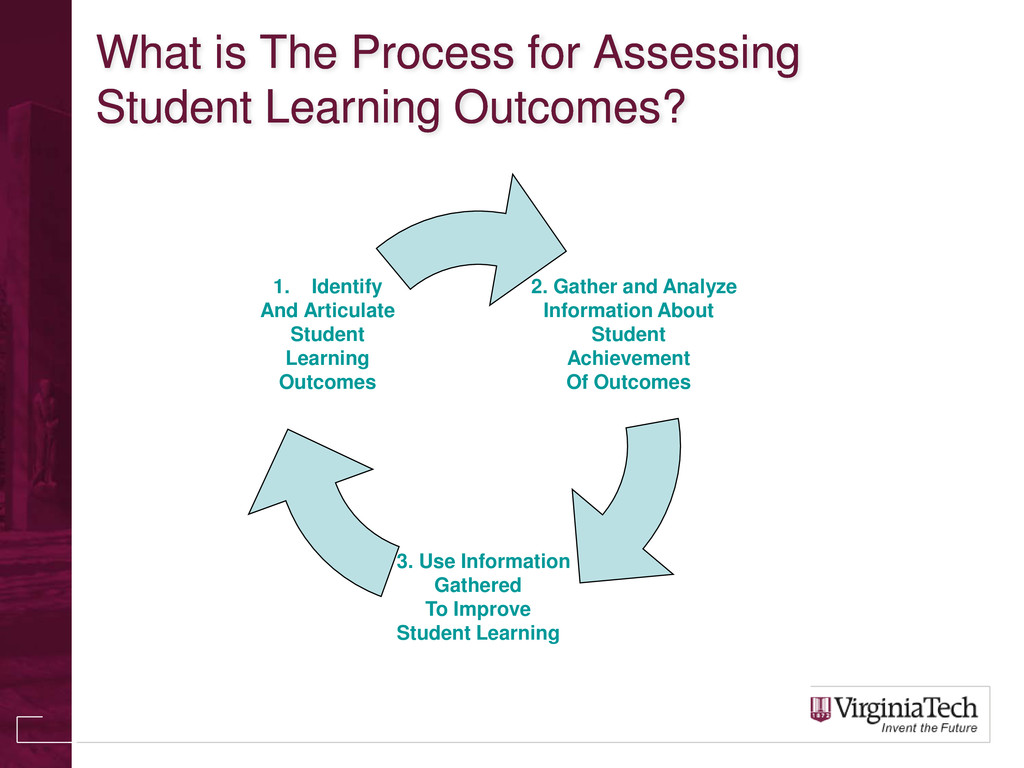
  13. What is The Process for Assessing Student Learning Outcomes? 2.

    Gather and Analyze Information About Student Achievement Of Outcomes 3. Use Information Gathered To Improve Student Learning 1. Identify And Articulate Student Learning Outcomes
  14. ePs for Assessment • Help us to provide evidence of

    our students’ achievement of learning outcomes. • Provide students and faculty a tool for organizing their assessment work. • Provide opportunities for students and faculty to reflect on teaching and learning. “We are being pummeled by a deluge of data and unless we create time and spaces in which to reflect, we will be left with only our reactions.” – Rebecca Blood
  15. Learning and Assessment • “For me, my ePortfolio was a

    personal learning space that I could tailor to reflect the teacher I had become at this point in my teaching career. By taking the time to intricately tie together all I had learned, I found that I had a better understanding of pedagogy and application within the English classroom as well. Thus, the connections that link together each page within my ePortfolio truly create a rich realm of learning, reflecting, and applying.” -- Crystal Beach, ’09, Secondary English Education, M.Ed.
  16. How do we do ePortfolio? • Relies on two tools

    within Scholar’s ePortfolio suite: • Portfolio templates (for self/programmatic reflection) • Matrix/Forms (for high-level assessment) • Tools can be added to existing course site(s) or put in a specially-dedicated ePortfolio site.
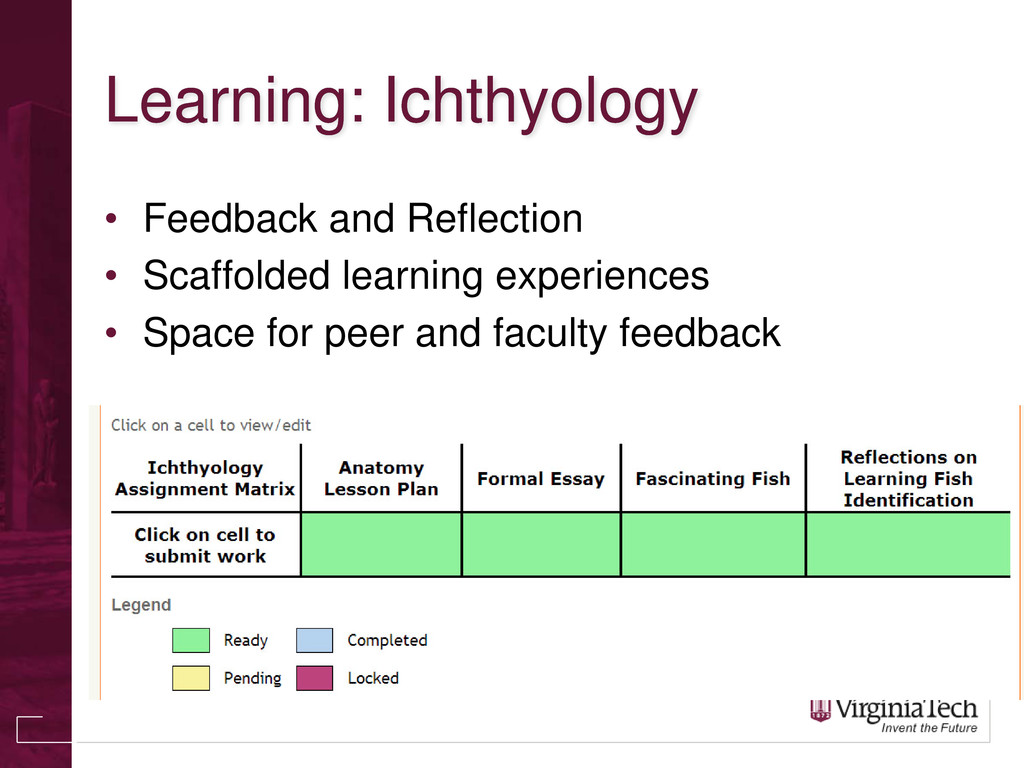
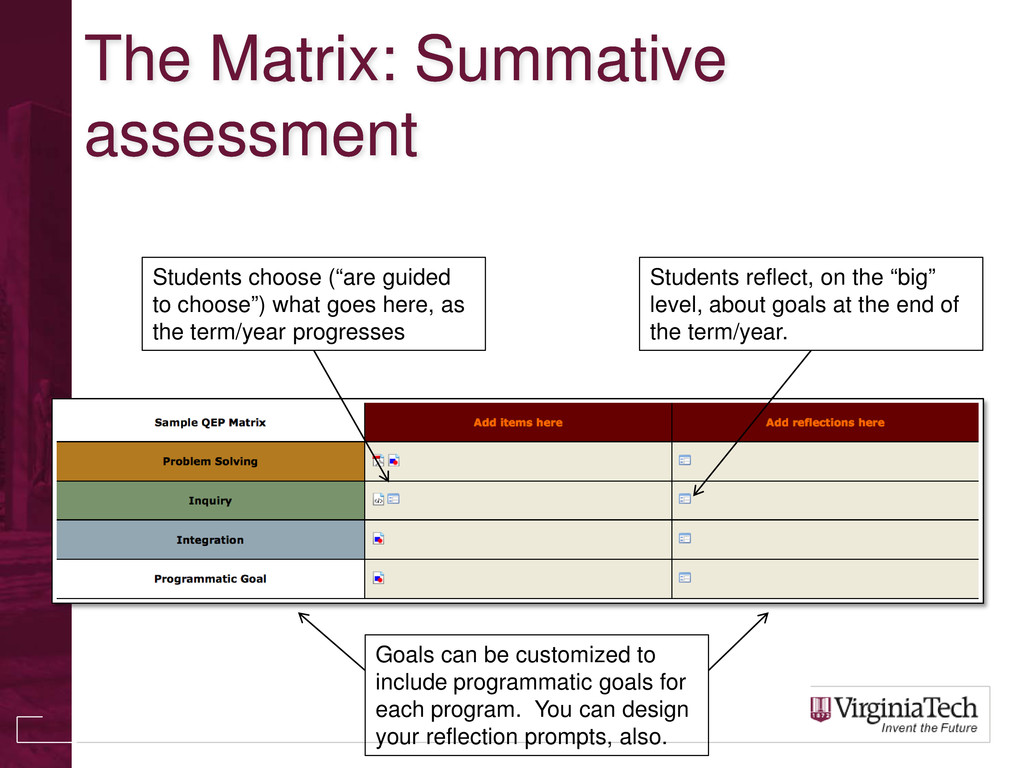
  17. The Matrix: Summative assessment Students choose (“are guided to choose”)

    what goes here, as the term/year progresses Students reflect, on the “big” level, about goals at the end of the term/year. Goals can be customized to include programmatic goals for each program. You can design your reflection prompts, also.
  18. New in Scholar • New and Improved Matrix Workflow •

    Submission notifications via email. • Evaluations can be hidden from students. • More feedback options (e.g., self-requested) • Can easily tie assignments to matrix cells, even across different Scholar sites. • Instructors/Organizers can automatically see all portfolio presentations in a site – no need for students to share with instructors!
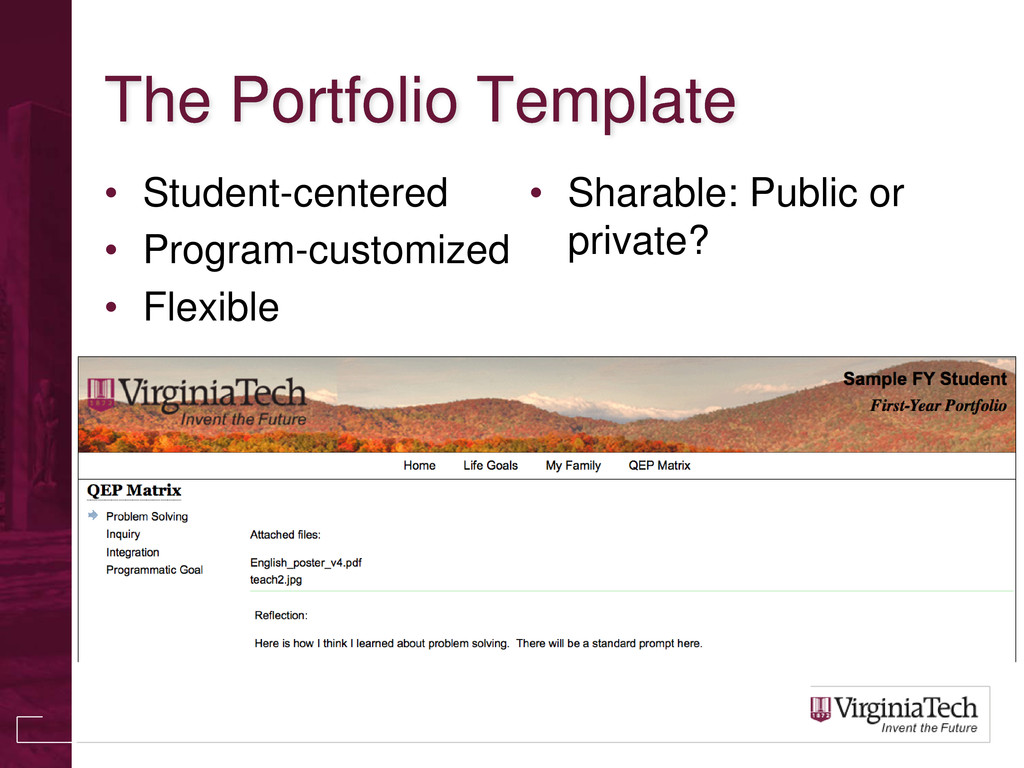
  19. Where to begin? • eP@VT • Flexible, student-centered template. •

    Easy way to start. • Work with an ePortfolio representative to start your own visioning process • [email protected] • [email protected] • [email protected] • https://eportfolio.vt.edu
  20. Development Process • Visioning process is key • Faculty must

    design how they would like the new system to function • Learning Technologies does the development • Support and guidance provided by Office of Academic Assessment, OLCS, and ePortfolio Initiatives.
  21. Faculty Visioning Process • Detailed in OSP Design Document •

    The Matrix • criteria/goals/etc. (rows) • time/courses/etc. (columns) • Forms - prompts within the system • Forms for reflection, feedback, and grading • Custom presentations
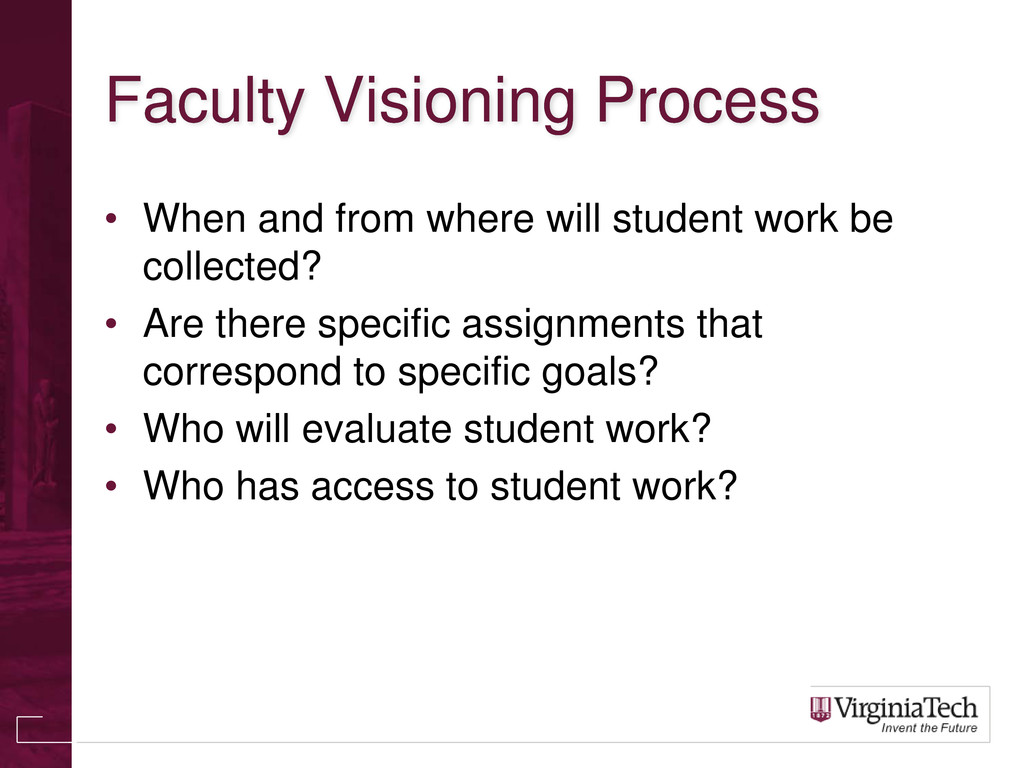
  22. Faculty Visioning Process • When and from where will student

    work be collected? • Are there specific assignments that correspond to specific goals? • Who will evaluate student work? • Who has access to student work?
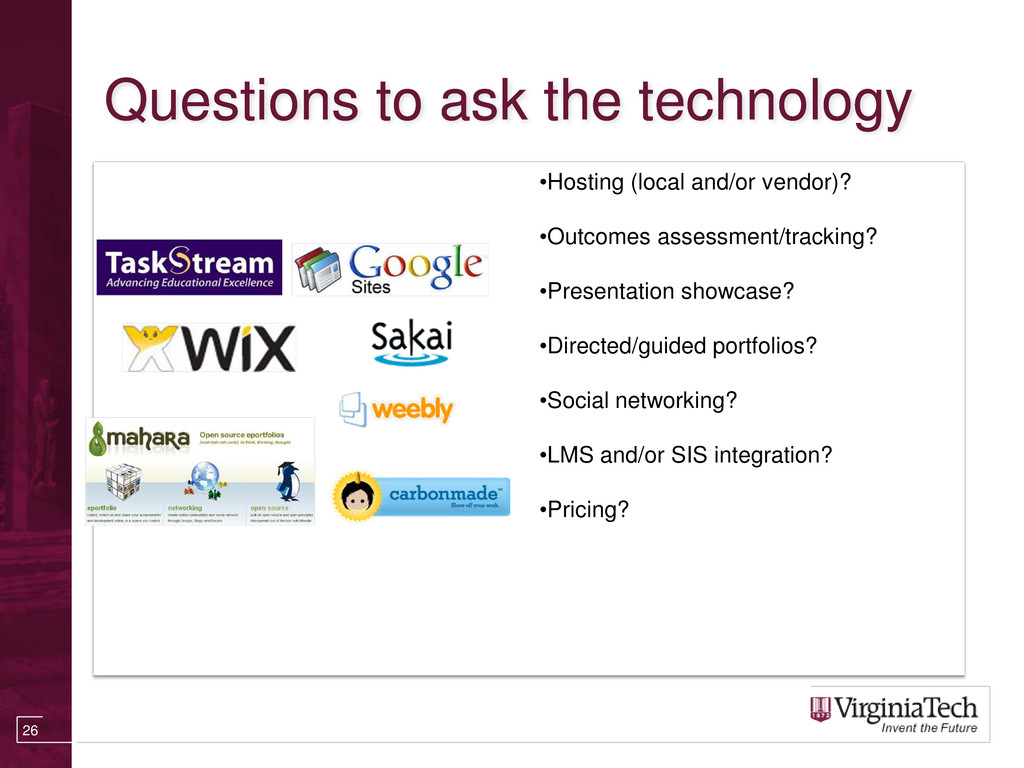
  23. Questions to ask the technology •Hosting (local and/or vendor)? •Outcomes

    assessment/tracking? •Presentation showcase? •Directed/guided portfolios? •Social networking? •LMS and/or SIS integration? •Pricing? 26