O N T E N D D E V E LO P E R S In mid-2016, my team and I were a few years in to an Angular 1 project, and despite our best efforts it was starting to get a little unruly. Sure we had guidelines we followed, high test coverage, a linter making sure we stayed in the lines, but we never really had confidence in what our code was doing. Despite our best efforts, our code wasn’t terribly clear and our tests were riddled with boilerplate. It was next to impossible to take a break from some part of the code, come back and understand, in a reasonable amount of time, what the code was doing. Luckily, at that time we were going to start a new project and we had complete freedom to figure out the stack. We looked at new frameworks, different languages all the while keeping in mind that whatever we chose needed to help us make our code more understandable and easier to test. To that end, we started looking at
I S N ’ T A B O U T Before I get into all of that, I think it’s important to set expectations. So here’s what this talk isn’t: it’s not a full comparison of each option we looked at. It’s not a deep dive into features of one choice or the other. And I’m not here to start an argument about why you should use types or not; I think you should. We can disagree. That’s cool. We can still be friends.
I S A B O U T This talk _is_ about why we chose types. I want to talk about the benefits we were looking for, and the tradeoffs we had to make. There are code examples in a couple of different languages, some of the syntax might to be unfamiliar, but I’ll do my best to explain everything.
D First, a little background on exactly what I mean when I talk about types. There’s a lot of different ways people use to describe type systems: strong vs weak, static vs dynamic. Strong and Weak are more subjective and have looser definitions; Static & Dynamic are more well defined.
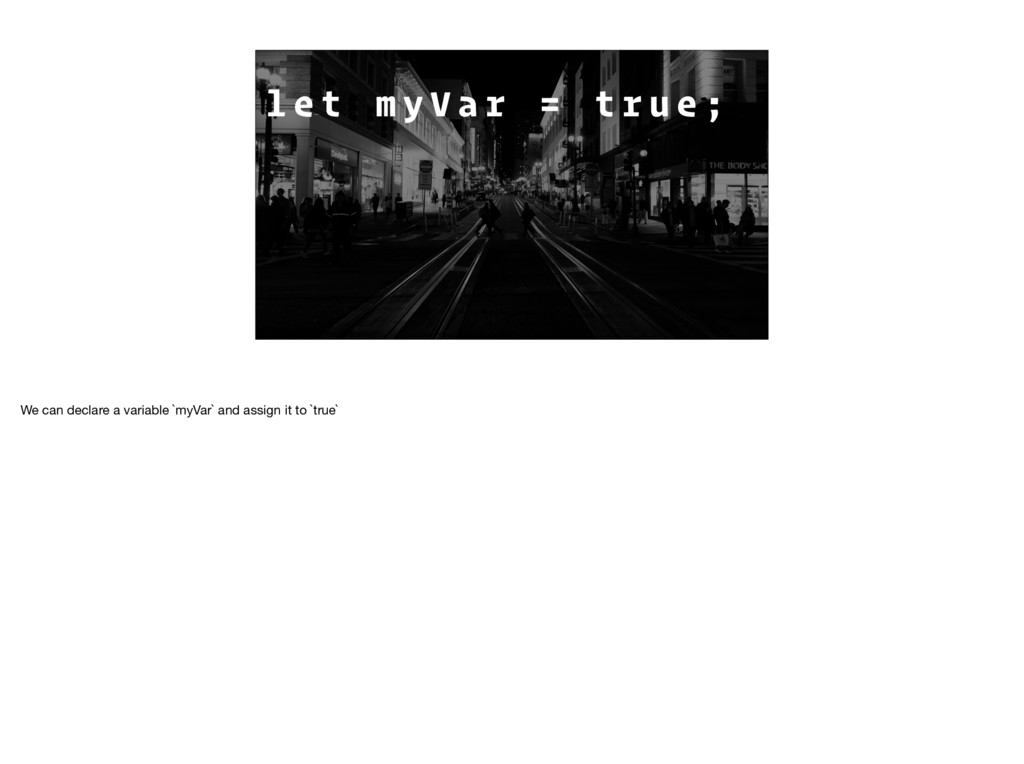
E C K E D AT R U N T I M E Dynamically typed languages have the types of their values checked at runtime. Another important point is that VALUES have types, but functions or variables do not.
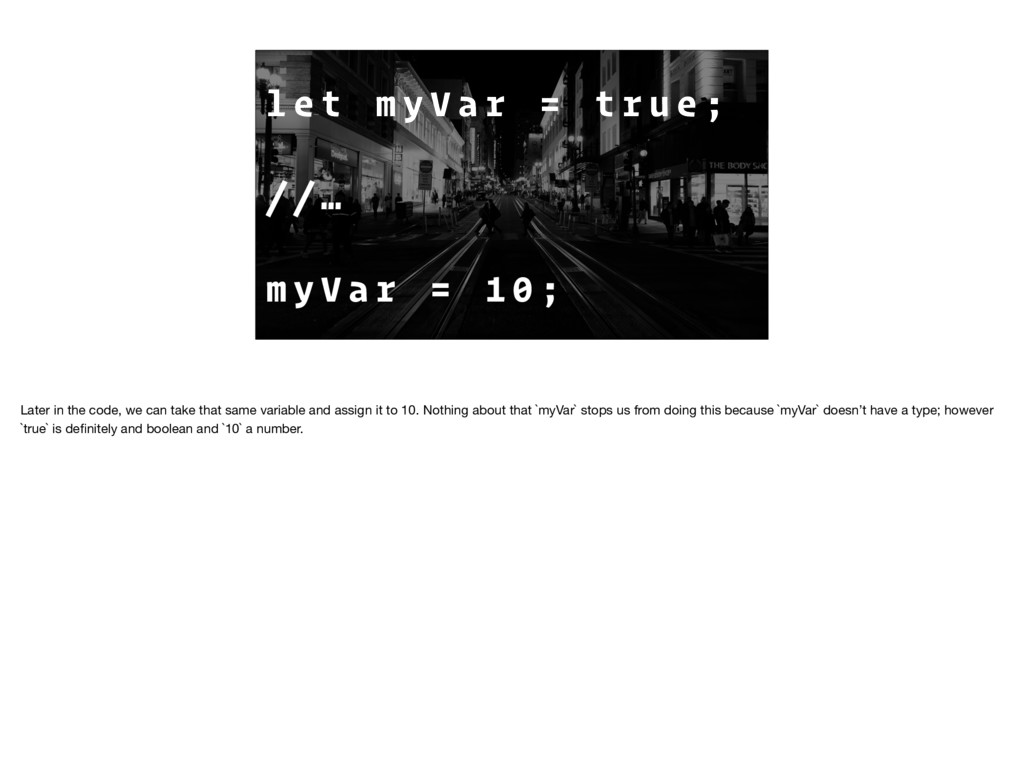
r u e ; / / … m y V a r = 1 0 ; Later in the code, we can take that same variable and assign it to 10. Nothing about that `myVar` stops us from doing this because `myVar` doesn’t have a type; however `true` is definitely and boolean and `10` a number.
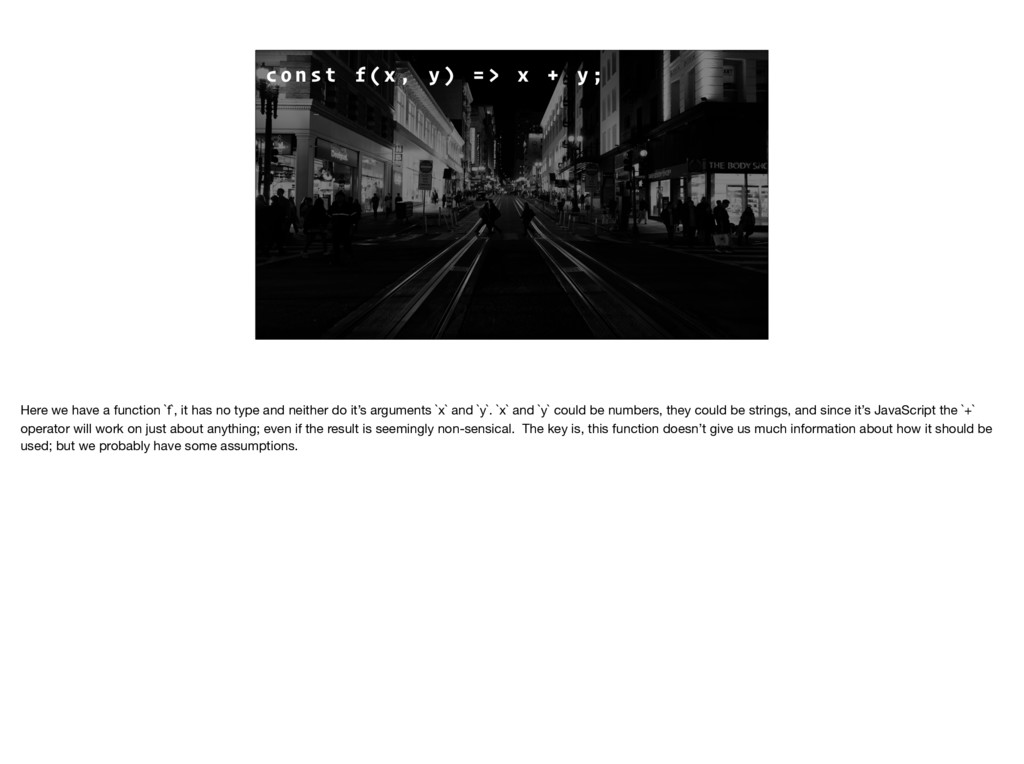
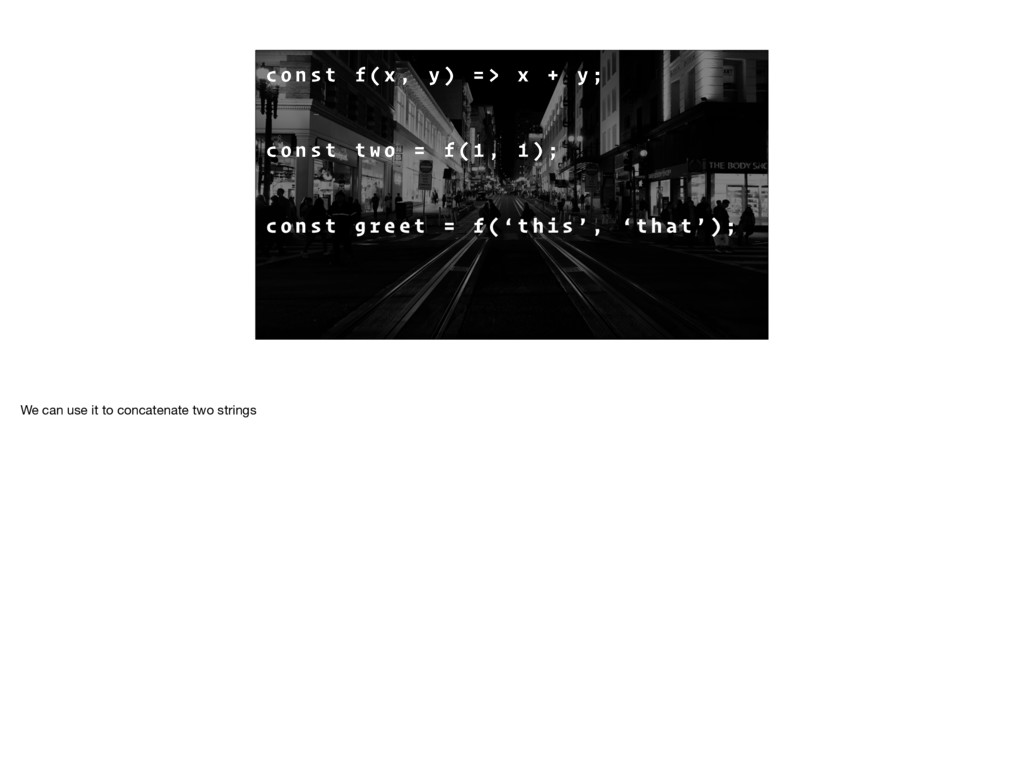
) = > x + y ; Here we have a function `f`, it has no type and neither do it’s arguments `x` and `y`. `x` and `y` could be numbers, they could be strings, and since it’s JavaScript the `+` operator will work on just about anything; even if the result is seemingly non-sensical. The key is, this function doesn’t give us much information about how it should be used; but we probably have some assumptions.
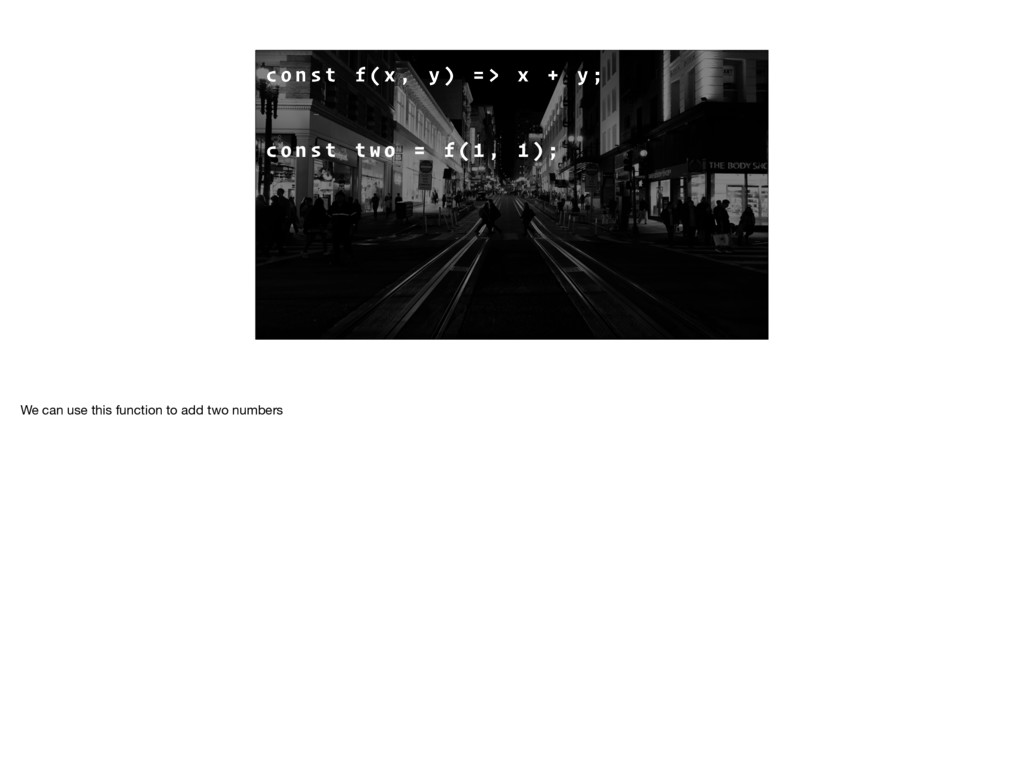
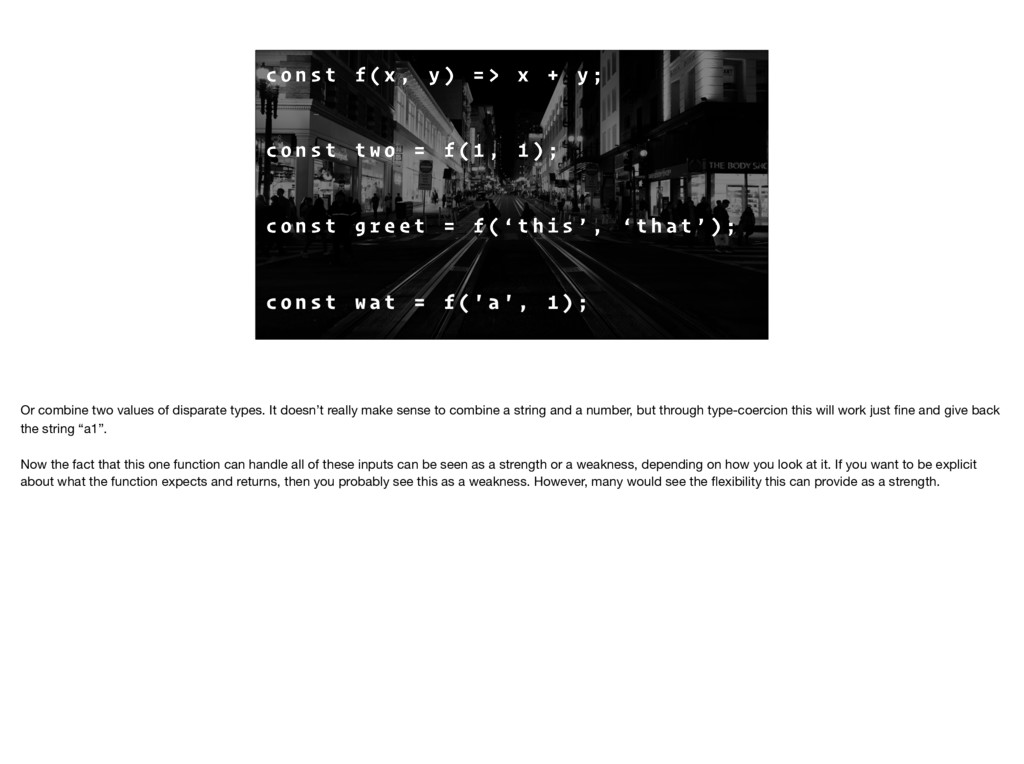
) = > x + y ; c o n s t t w o = f ( 1 , 1 ) ; c o n s t g r e e t = f ( ‘ t h i s ’ , ‘ t h a t ’ ) ; c o n s t w a t = f ( ' a ' , 1 ) ; Or combine two values of disparate types. It doesn’t really make sense to combine a string and a number, but through type-coercion this will work just fine and give back the string “a1”. Now the fact that this one function can handle all of these inputs can be seen as a strength or a weakness, depending on how you look at it. If you want to be explicit about what the function expects and returns, then you probably see this as a weakness. However, many would see the flexibility this can provide as a strength.
E C K E D AT CO M P I L E T I M E Statically typed languages have their types checked at compile time. Values, functions, variables, they all have types and the compiler ensures that they all line up before the program can even be run.
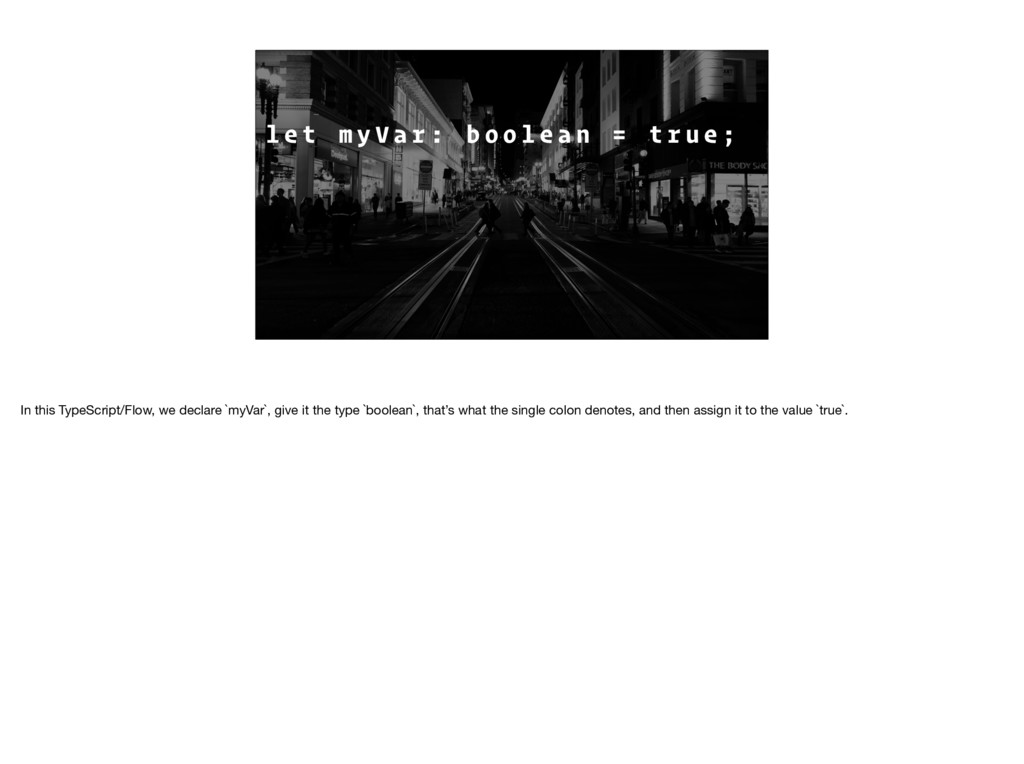
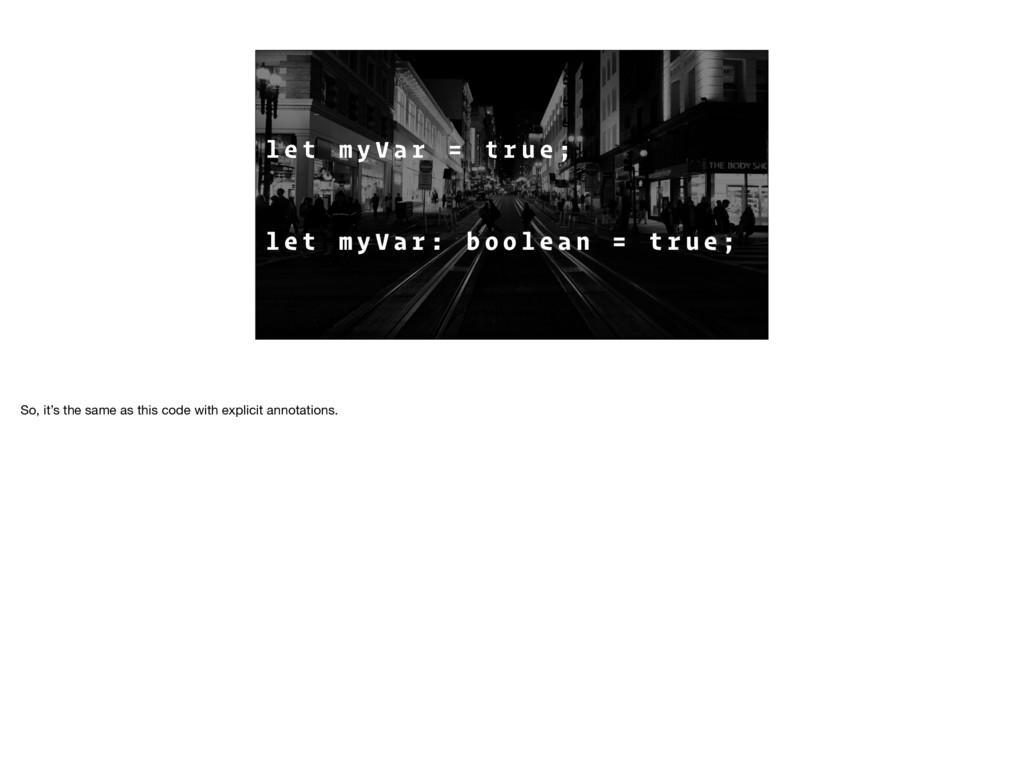
o o l e a n = t r u e ; In this TypeScript/Flow, we declare `myVar`, give it the type `boolean`, that’s what the single colon denotes, and then assign it to the value `true`.
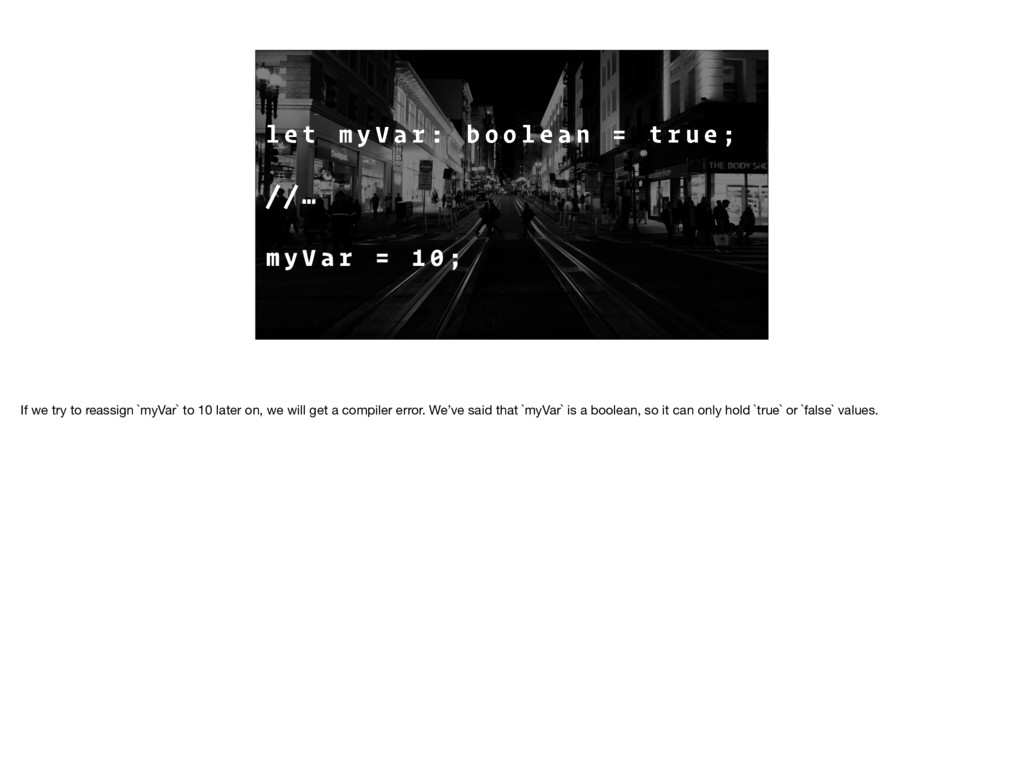
o o l e a n = t r u e ; / / … m y V a r = 1 0 ; If we try to reassign `myVar` to 10 later on, we will get a compiler error. We’ve said that `myVar` is a boolean, so it can only hold `true` or `false` values.
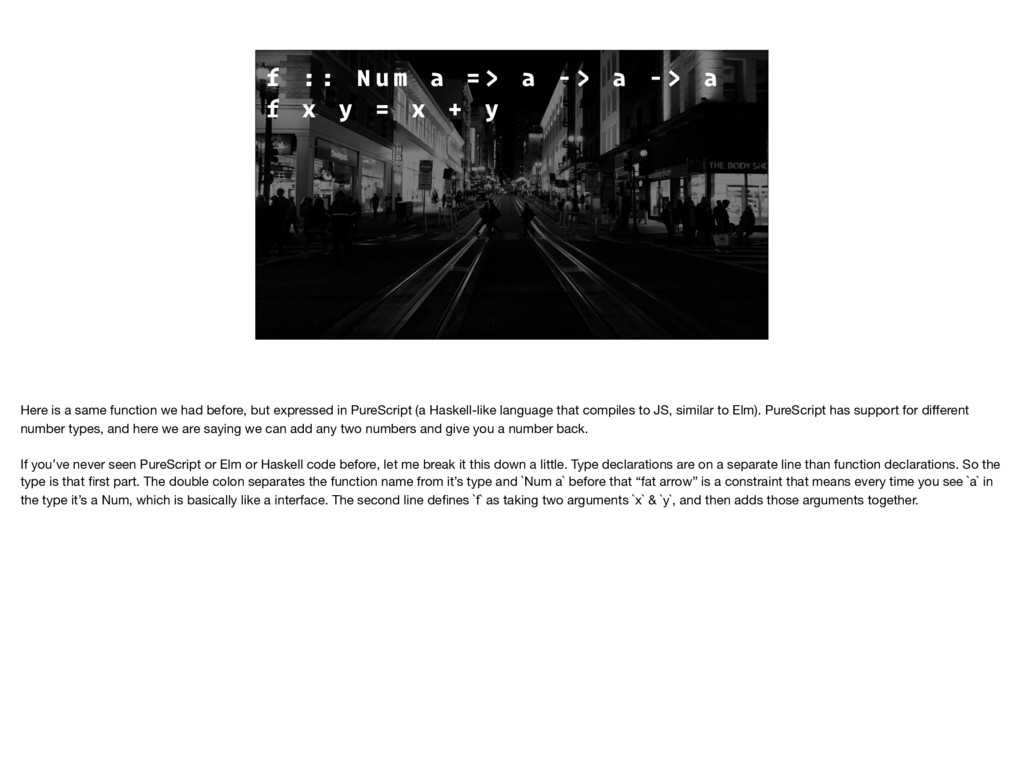
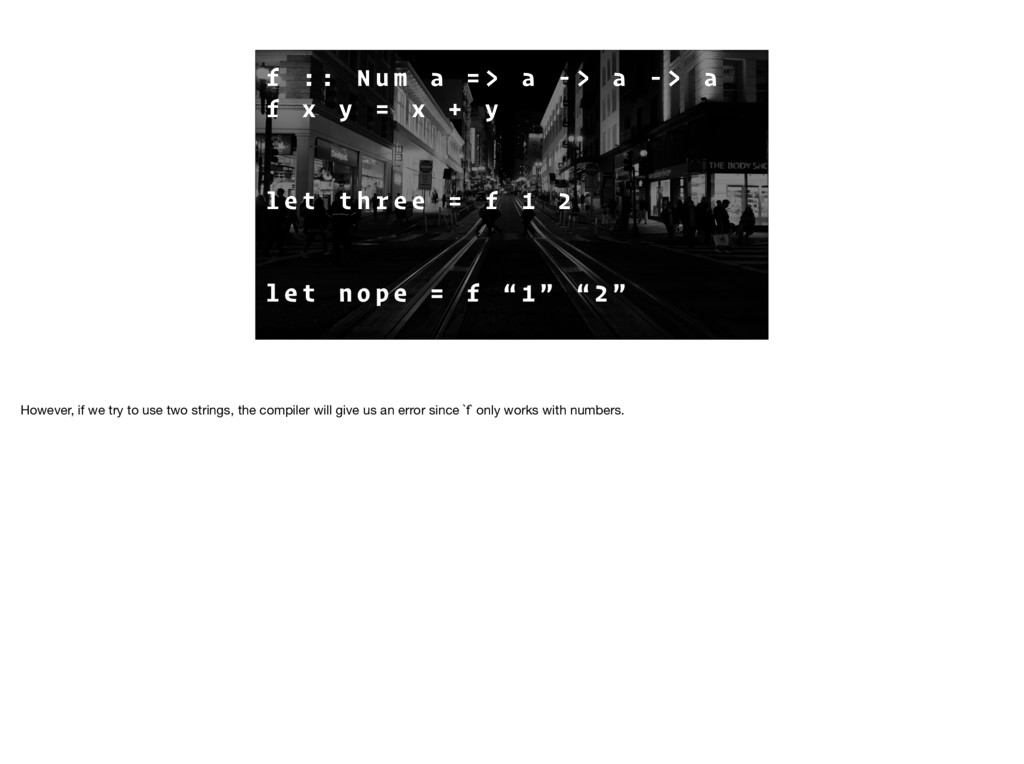
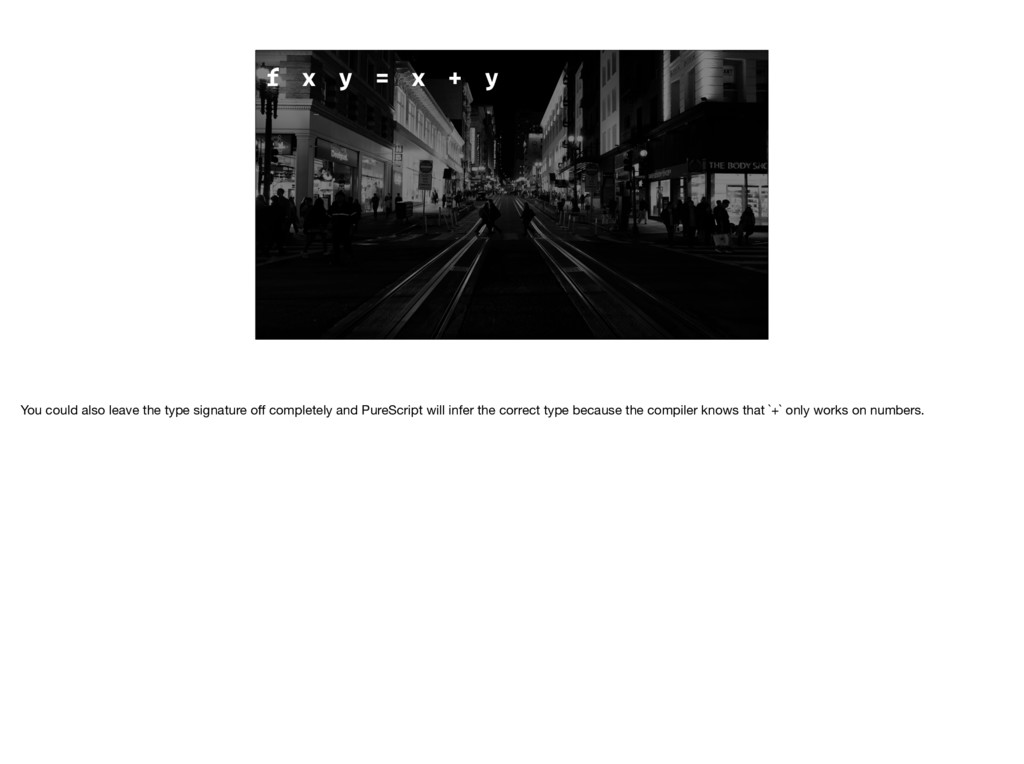
- > a - > a f x y = x + y Here is a same function we had before, but expressed in PureScript (a Haskell-like language that compiles to JS, similar to Elm). PureScript has support for different number types, and here we are saying we can add any two numbers and give you a number back. If you’ve never seen PureScript or Elm or Haskell code before, let me break it this down a little. Type declarations are on a separate line than function declarations. So the type is that first part. The double colon separates the function name from it’s type and `Num a` before that “fat arrow” is a constraint that means every time you see `a` in the type it’s a Num, which is basically like a interface. The second line defines `f` as taking two arguments `x` & `y`, and then adds those arguments together.
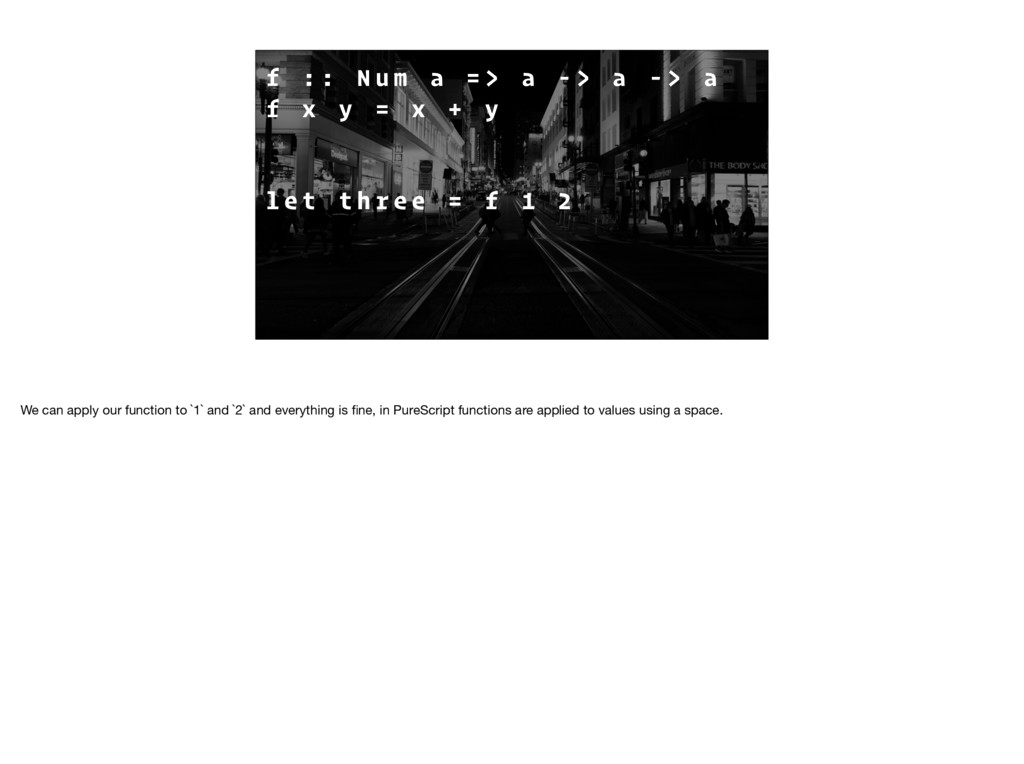
- > a - > a f x y = x + y l e t t h r e e = f 1 2 We can apply our function to `1` and `2` and everything is fine, in PureScript functions are applied to values using a space.
- > a - > a f x y = x + y l e t t h r e e = f 1 2 l e t n o p e = f “ 1 ” “ 2 ” However, if we try to use two strings, the compiler will give us an error since `f` only works with numbers.
N C E This feature is called type inference; when you can omit type annotations and the compiler will do its best to figure everything out. TypeScript & Flow also have this feature.
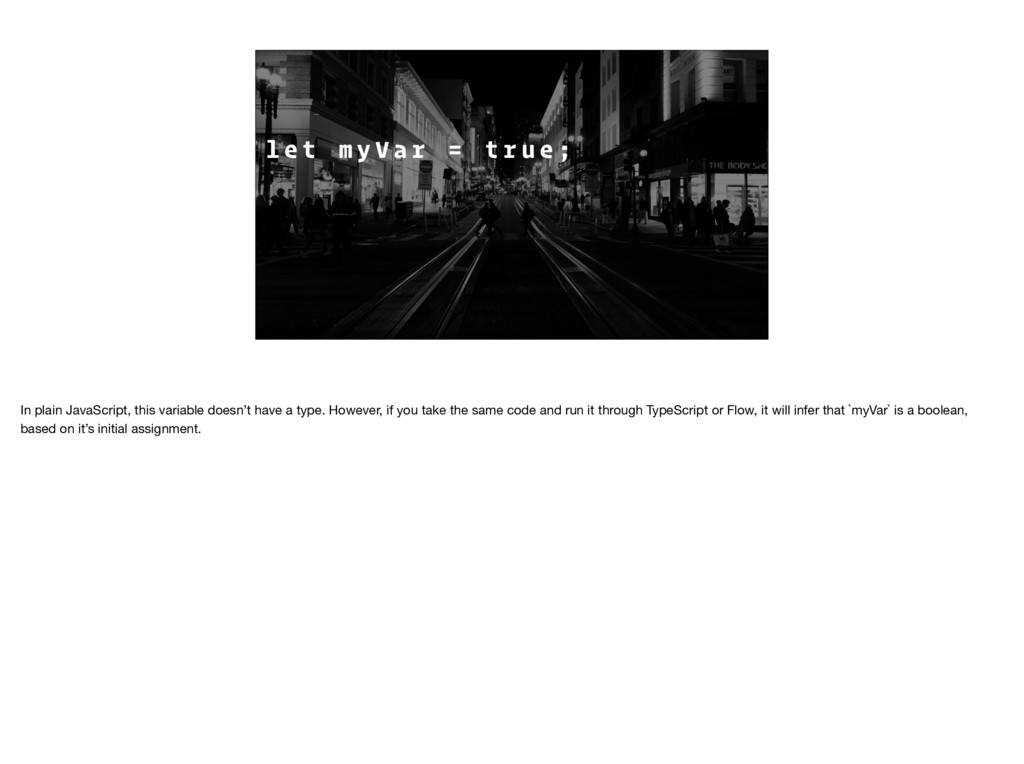
r u e ; l e t m y V a r : b o o l e a n = t r u e ; In plain JavaScript, this variable doesn’t have a type. However, if you take the same code and run it through TypeScript or Flow, it will infer that `myVar` is a boolean, based on it’s initial assignment.
L I T E R A L LY T H E W O R S T Strings are literally the worst. Consider all the possible values of a string. Are those really ALL valid for your function? Probably not. We assume that only certain strings are going to be valid. Even with static types, if we use the `string` type, we lose some precision. Obviously, strings are needed, let’s say you've got some user input or something, fine, but using strings on data you control should be avoided.
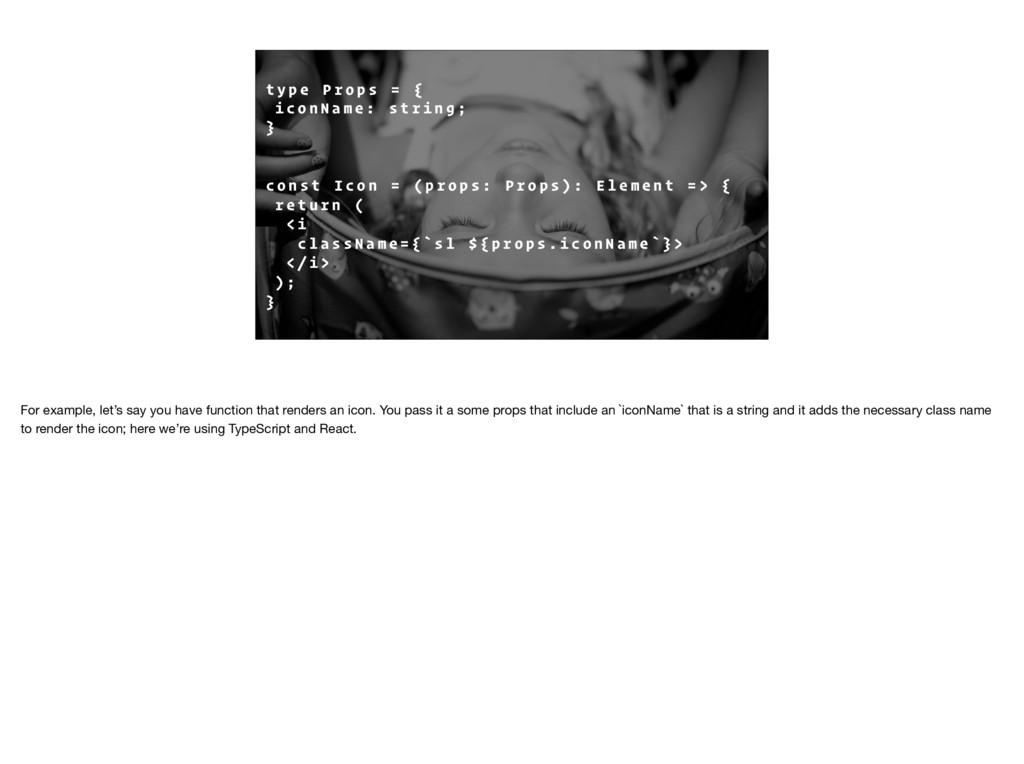
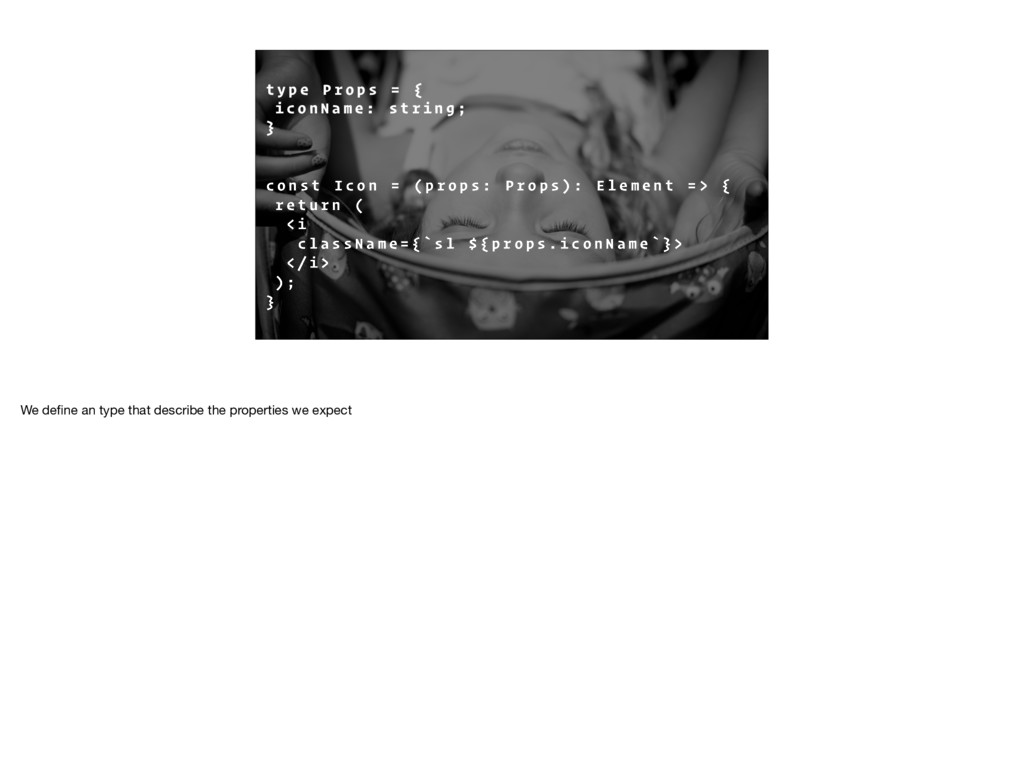
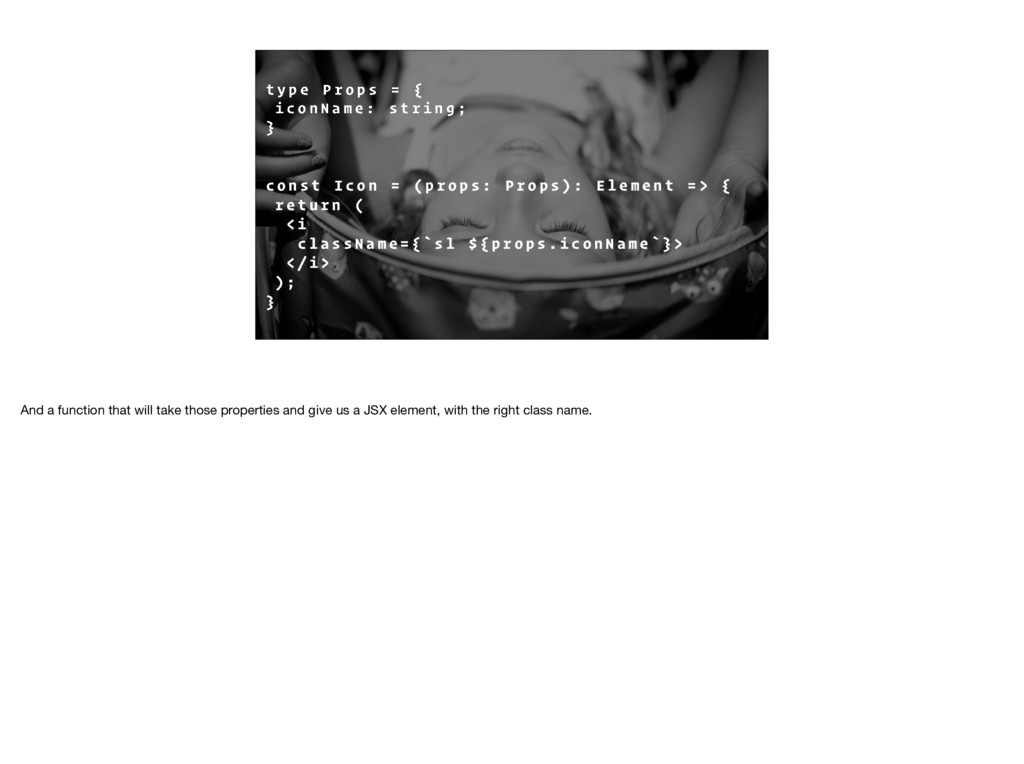
{ i c o n N a m e : s t r i n g ; } c o n s t I c o n = ( p r o p s : P r o p s ) : E l e m e n t = > { r e t u r n ( < i c l a s s N a m e = { ` s l $ { p r o p s . i c o n N a m e ` } > < / i > ) ; } For example, let’s say you have function that renders an icon. You pass it a some props that include an `iconName` that is a string and it adds the necessary class name to render the icon; here we’re using TypeScript and React.
{ i c o n N a m e : s t r i n g ; } c o n s t I c o n = ( p r o p s : P r o p s ) : E l e m e n t = > { r e t u r n ( < i c l a s s N a m e = { ` s l $ { p r o p s . i c o n N a m e ` } > < / i > ) ; } We define an type that describe the properties we expect
{ i c o n N a m e : s t r i n g ; } c o n s t I c o n = ( p r o p s : P r o p s ) : E l e m e n t = > { r e t u r n ( < i c l a s s N a m e = { ` s l $ { p r o p s . i c o n N a m e ` } > < / i > ) ; } And a function that will take those properties and give us a JSX element, with the right class name.
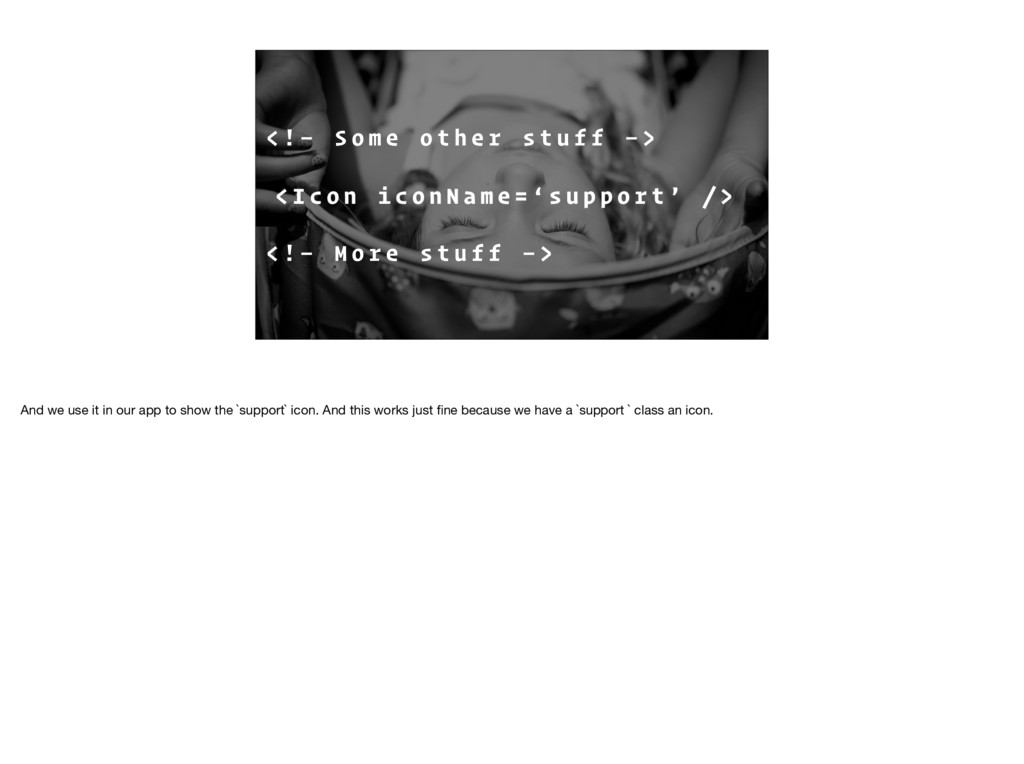
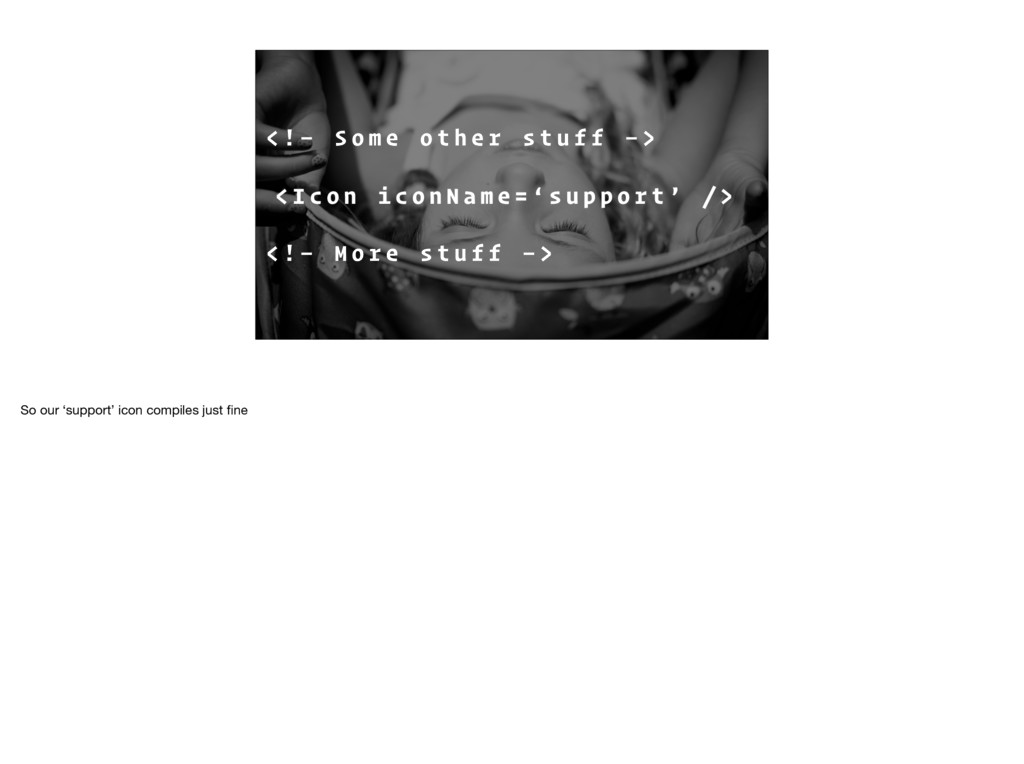
e r s t u f f — > < I c o n i c o n N a m e = ‘ s u p p o r t ’ / > < ! — M o r e s t u f f — > And we use it in our app to show the `support` icon. And this works just fine because we have a `support ` class an icon.
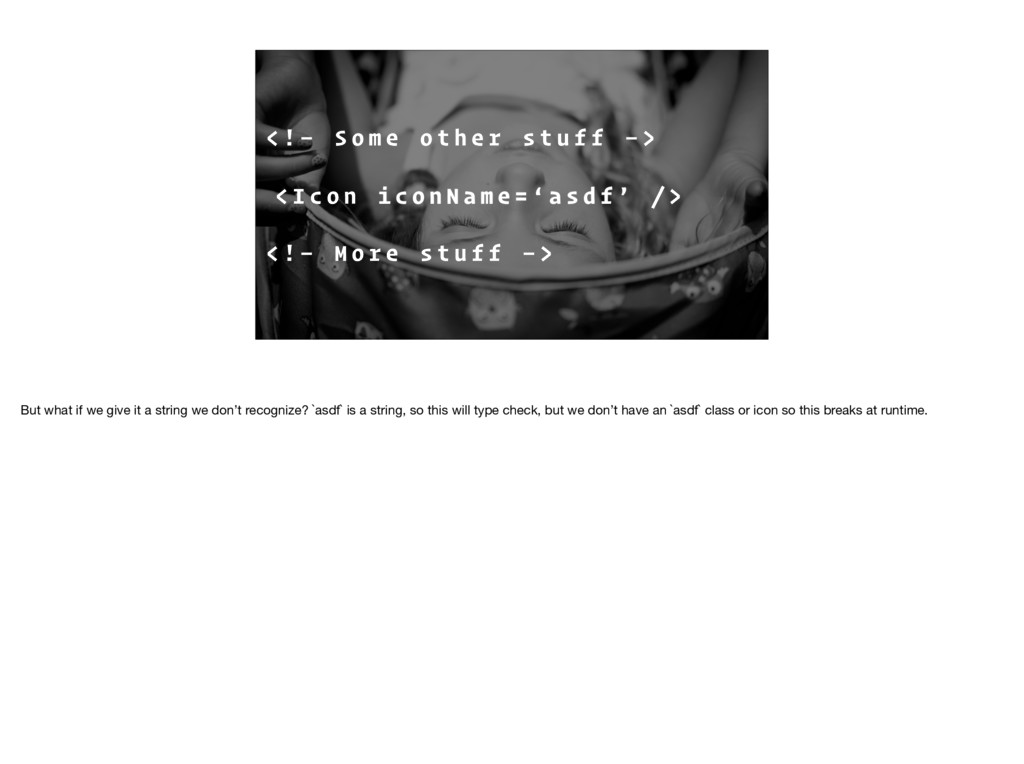
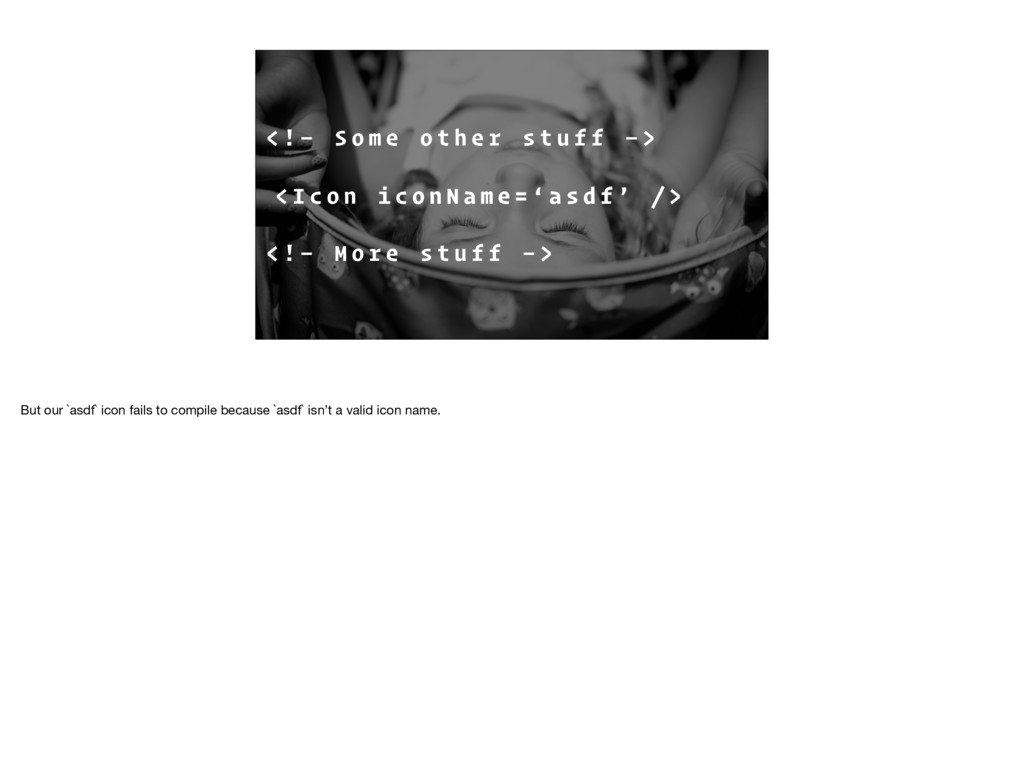
e r s t u f f — > < I c o n i c o n N a m e = ‘ a s d f ’ / > < ! — M o r e s t u f f — > But what if we give it a string we don’t recognize? `asdf` is a string, so this will type check, but we don’t have an `asdf` class or icon so this breaks at runtime.
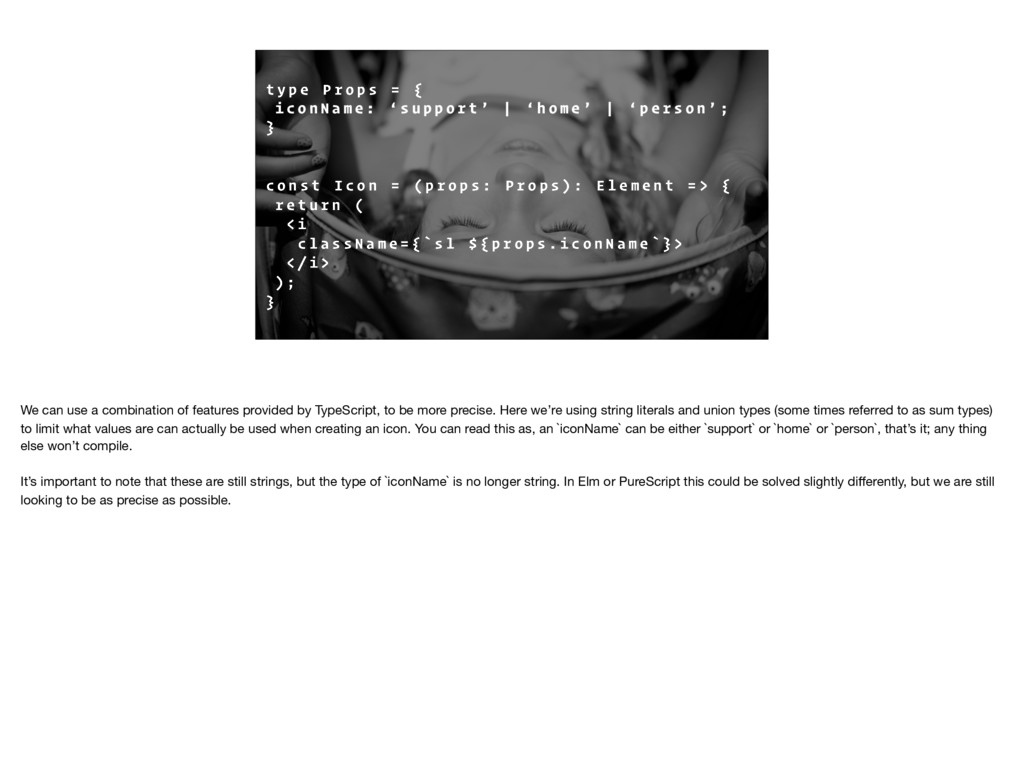
{ i c o n N a m e : ‘ s u p p o r t ’ | ‘ h o m e ’ | ‘ p e r s o n ’ ; } c o n s t I c o n = ( p r o p s : P r o p s ) : E l e m e n t = > { r e t u r n ( < i c l a s s N a m e = { ` s l $ { p r o p s . i c o n N a m e ` } > < / i > ) ; } We can use a combination of features provided by TypeScript, to be more precise. Here we’re using string literals and union types (some times referred to as sum types) to limit what values are can actually be used when creating an icon. You can read this as, an `iconName` can be either `support` or `home` or `person`, that’s it; any thing else won’t compile. It’s important to note that these are still strings, but the type of `iconName` is no longer string. In Elm or PureScript this could be solved slightly differently, but we are still looking to be as precise as possible.
e r s t u f f — > < I c o n i c o n N a m e = ‘ a s d f ’ / > < ! — M o r e s t u f f — > But our `asdf` icon fails to compile because `asdf` isn’t a valid icon name.
R I A N T S This next one might be a little more obvious but types allow us to say exactly what our functions expect, and ensure at compile time, that the values flowing into (and out of) our functions are exactly what we expect. We can create a function that only takes numbers, and if we try to give it anything else, we will get an error.
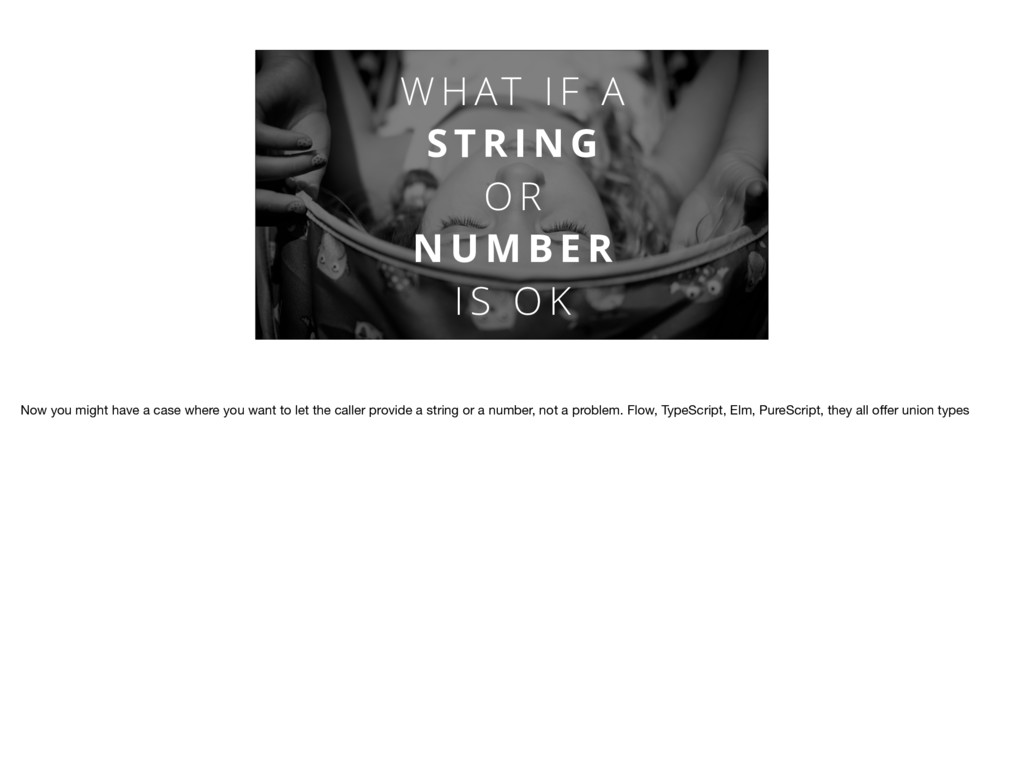
N G O R N U M B E R I S O K Now you might have a case where you want to let the caller provide a string or a number, not a problem. Flow, TypeScript, Elm, PureScript, they all offer union types
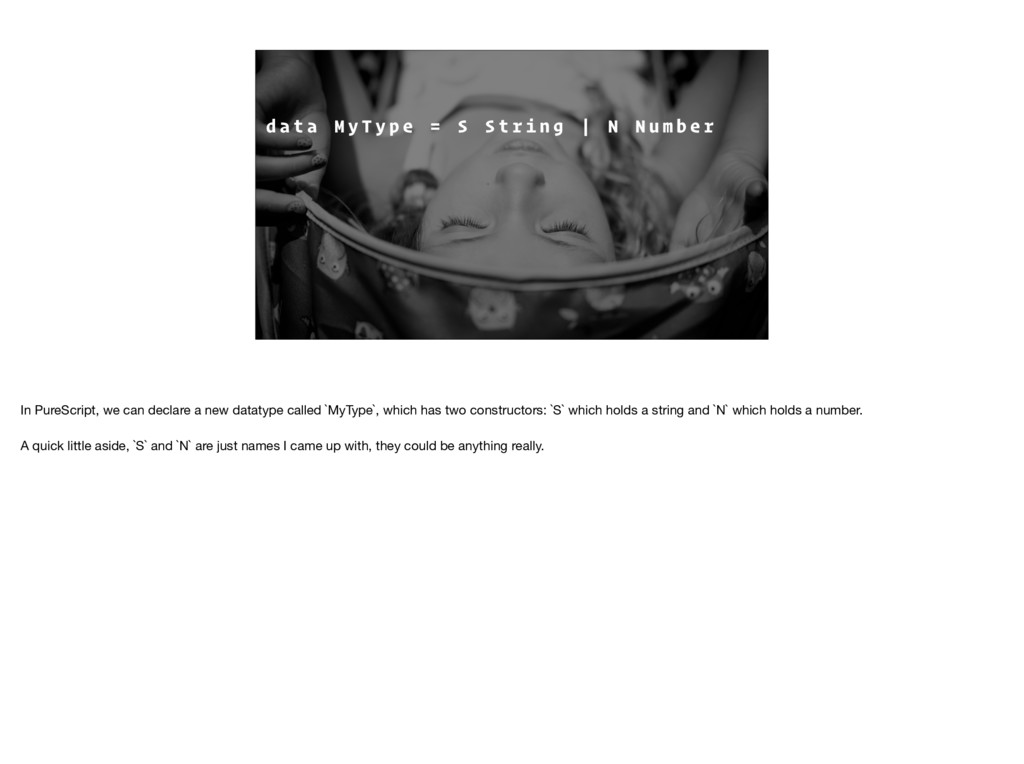
= S S t r i n g | N N u m b e r m y F u n c : : M y T y p e - > B o o l e a n m y F u n c ( S _ ) = f a l s e m y F u n c ( N _ ) = t r u e In PureScript, we can declare a new datatype called `MyType`, which has two constructors: `S` which holds a string and `N` which holds a number. A quick little aside, `S` and `N` are just names I came up with, they could be anything really.
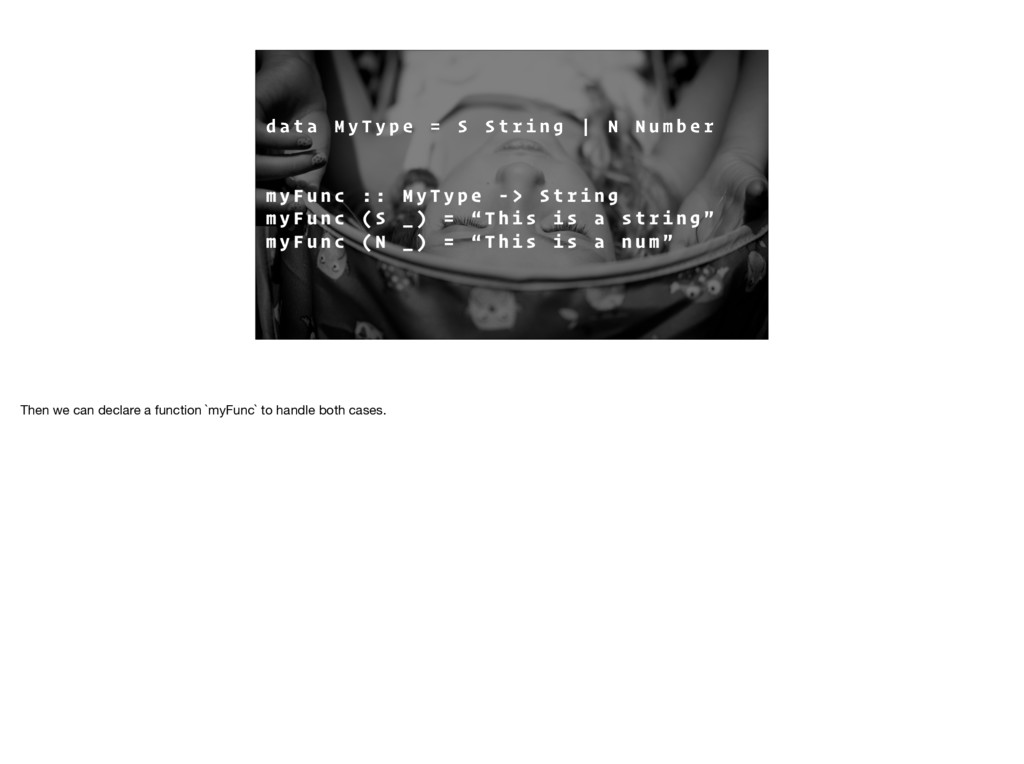
= S S t r i n g | N N u m b e r m y F u n c : : M y T y p e - > S t r i n g m y F u n c ( S _ ) = “ T h i s i s a s t r i n g ” m y F u n c ( N _ ) = “ T h i s i s a n u m ” Then we can declare a function `myFunc` to handle both cases.
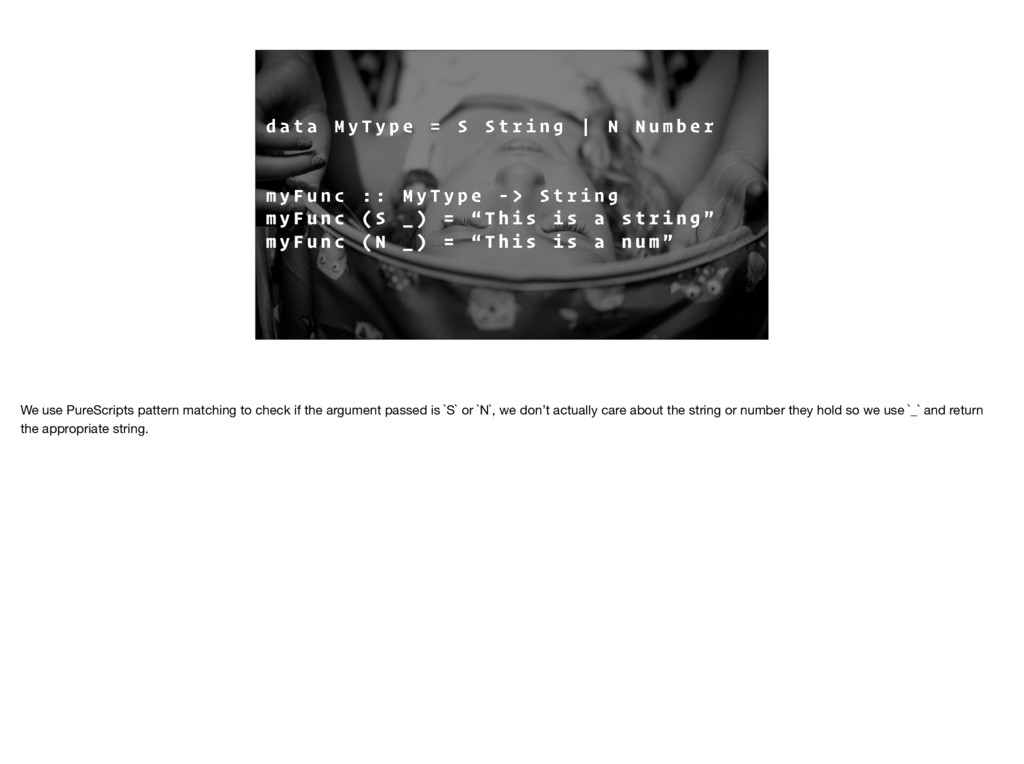
= S S t r i n g | N N u m b e r m y F u n c : : M y T y p e - > S t r i n g m y F u n c ( S _ ) = “ T h i s i s a s t r i n g ” m y F u n c ( N _ ) = “ T h i s i s a n u m ” We use PureScripts pattern matching to check if the argument passed is `S` or `N`, we don’t actually care about the string or number they hold so we use `_` and return the appropriate string.
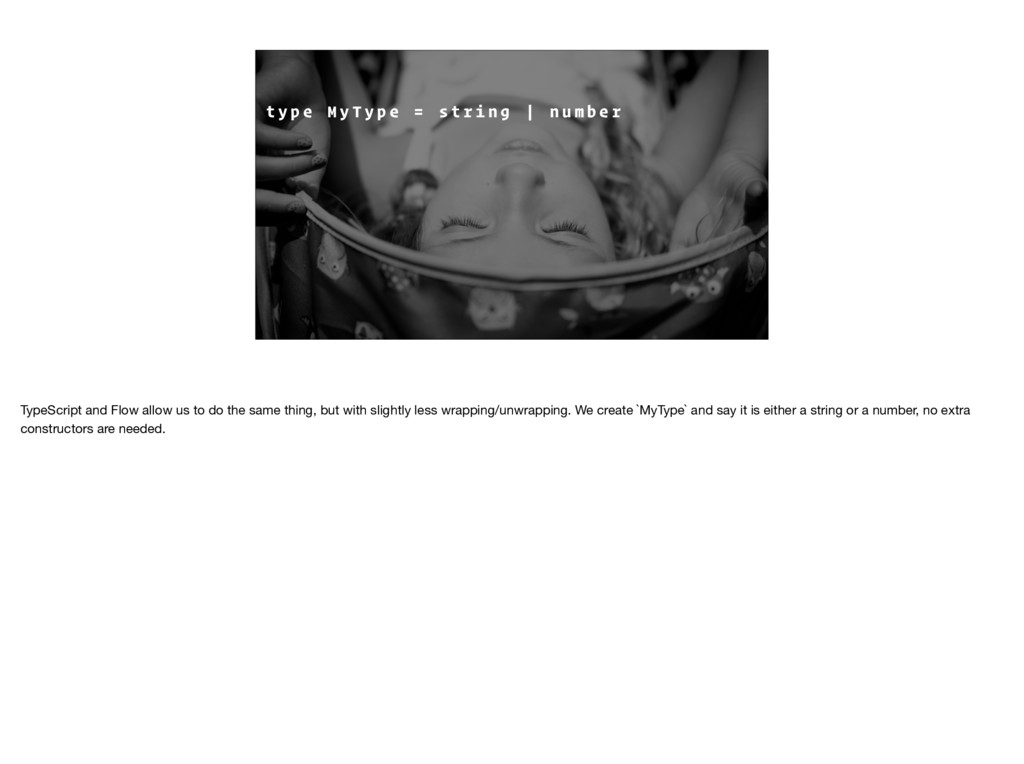
= s t r i n g | n u m b e r c o n s t m y F u n c = ( m : M y T y p e ) : b o o l e a n = > { r e t u r n t y p e o f m = = = ‘ s t r i n g ’ ? f a l s e : t r u e } TypeScript and Flow allow us to do the same thing, but with slightly less wrapping/unwrapping. We create `MyType` and say it is either a string or a number, no extra constructors are needed.
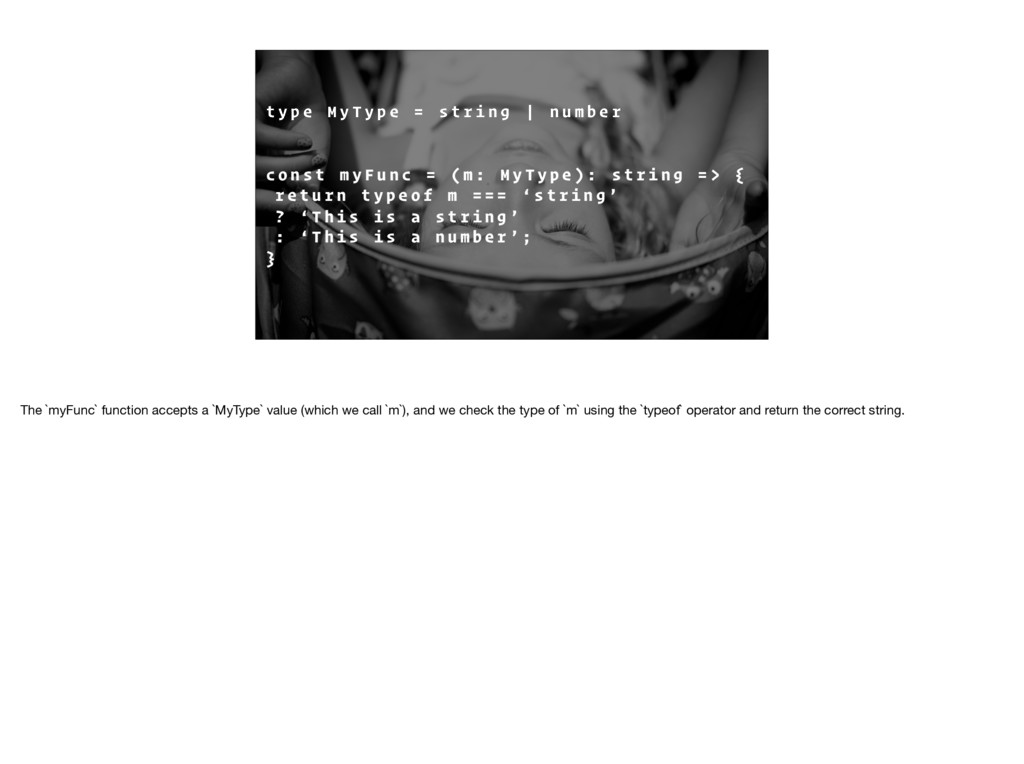
= s t r i n g | n u m b e r c o n s t m y F u n c = ( m : M y T y p e ) : s t r i n g = > { r e t u r n t y p e o f m = = = ‘ s t r i n g ’ ? ‘ T h i s i s a s t r i n g ’ : ‘ T h i s i s a n u m b e r ’ ; } The `myFunc` function accepts a `MyType` value (which we call `m`), and we check the type of `m` using the `typeof` operator and return the correct string.
T I O N A L A R G U M E N T S Functions that take optional arguments are fairly common in JavaScript, so how can we handle that with types? Luckily, all of the options we looked at have some what to say that a value is optional.
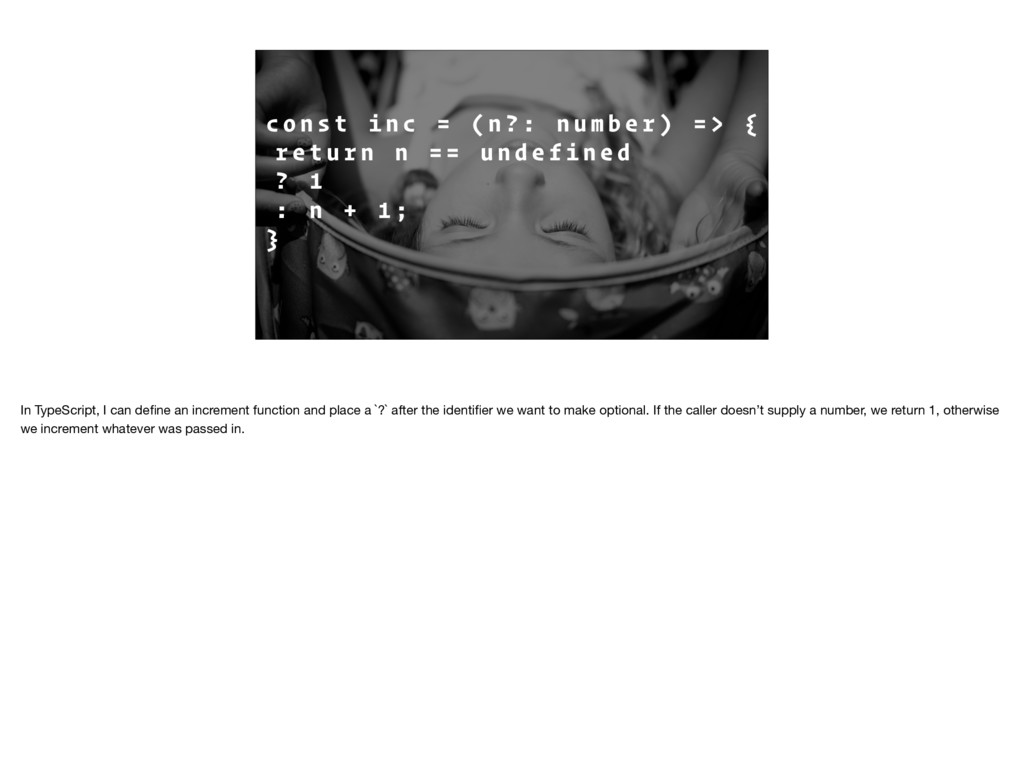
n ? : n u m b e r ) = > { r e t u r n n = = u n d e f i n e d ? 1 : n + 1 ; } In TypeScript, I can define an increment function and place a `?` after the identifier we want to make optional. If the caller doesn’t supply a number, we return 1, otherwise we increment whatever was passed in.
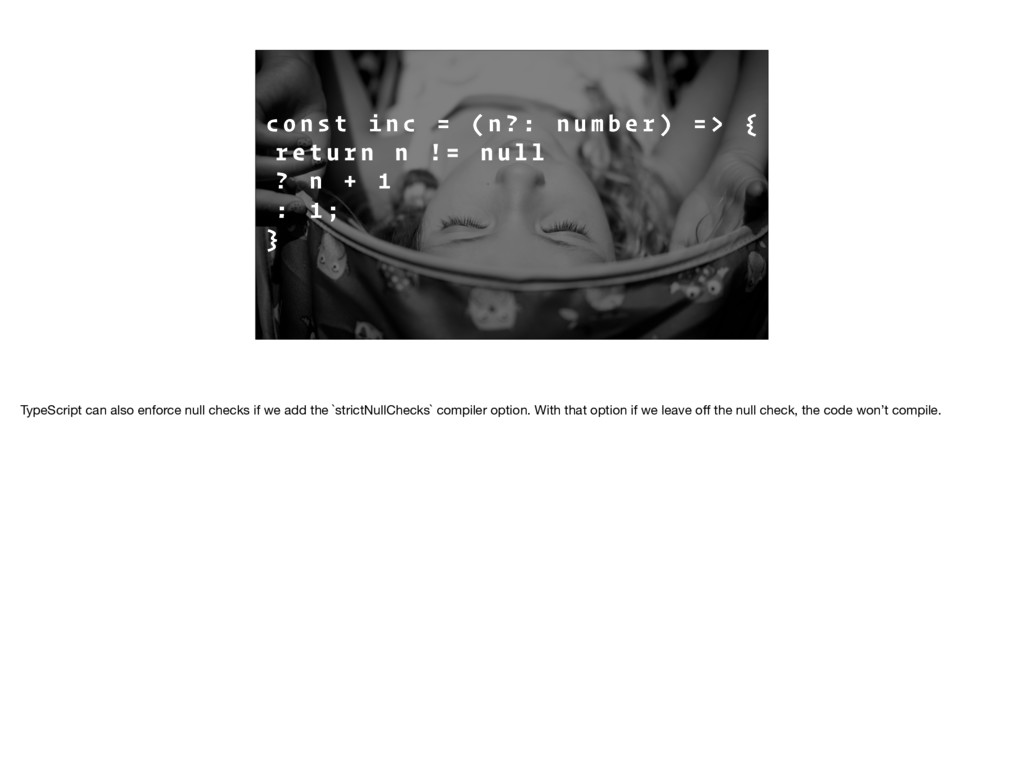
n ? : n u m b e r ) = > { r e t u r n n ! = n u l l ? n + 1 : 1 ; } TypeScript can also enforce null checks if we add the `strictNullChecks` compiler option. With that option if we leave off the null check, the code won’t compile.
= N o t h i n g | J u s t a PureScript has something similar: a datatype called `Maybe` that we can use to show that something may or may not exist. A value of `Maybe` is either Nothing, similar to null, or Just the value.
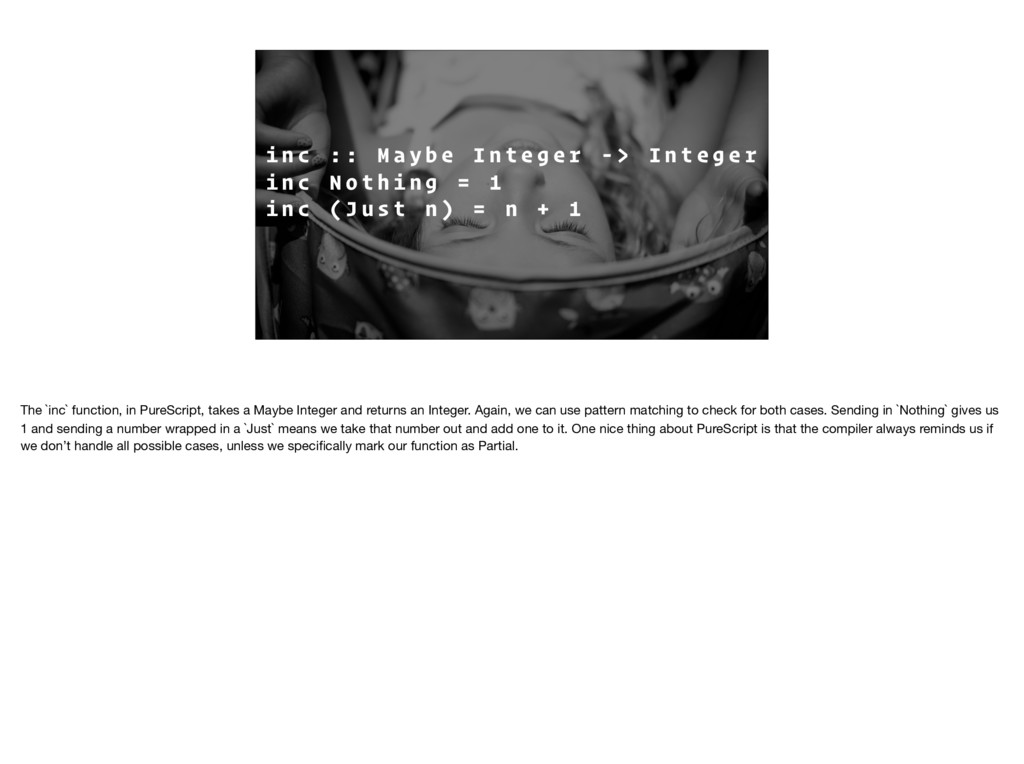
I n t e g e r - > I n t e g e r i n c N o t h i n g = 1 i n c ( J u s t n ) = n + 1 The `inc` function, in PureScript, takes a Maybe Integer and returns an Integer. Again, we can use pattern matching to check for both cases. Sending in `Nothing` gives us 1 and sending a number wrapped in a `Just` means we take that number out and add one to it. One nice thing about PureScript is that the compiler always reminds us if we don’t handle all possible cases, unless we specifically mark our function as Partial.
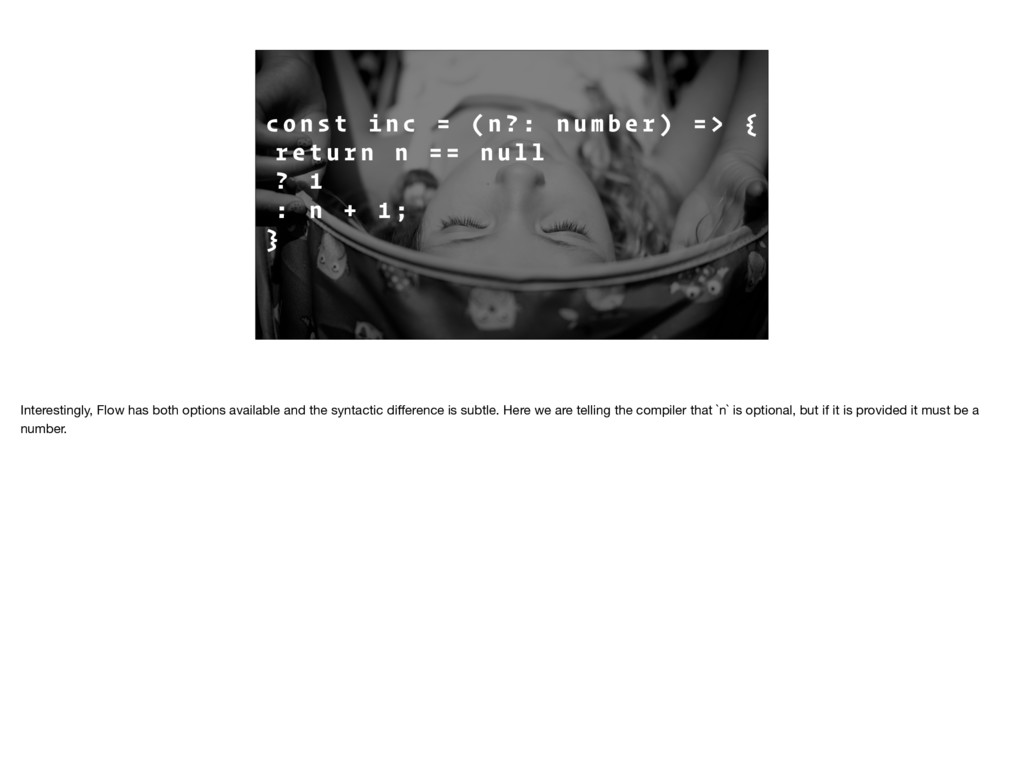
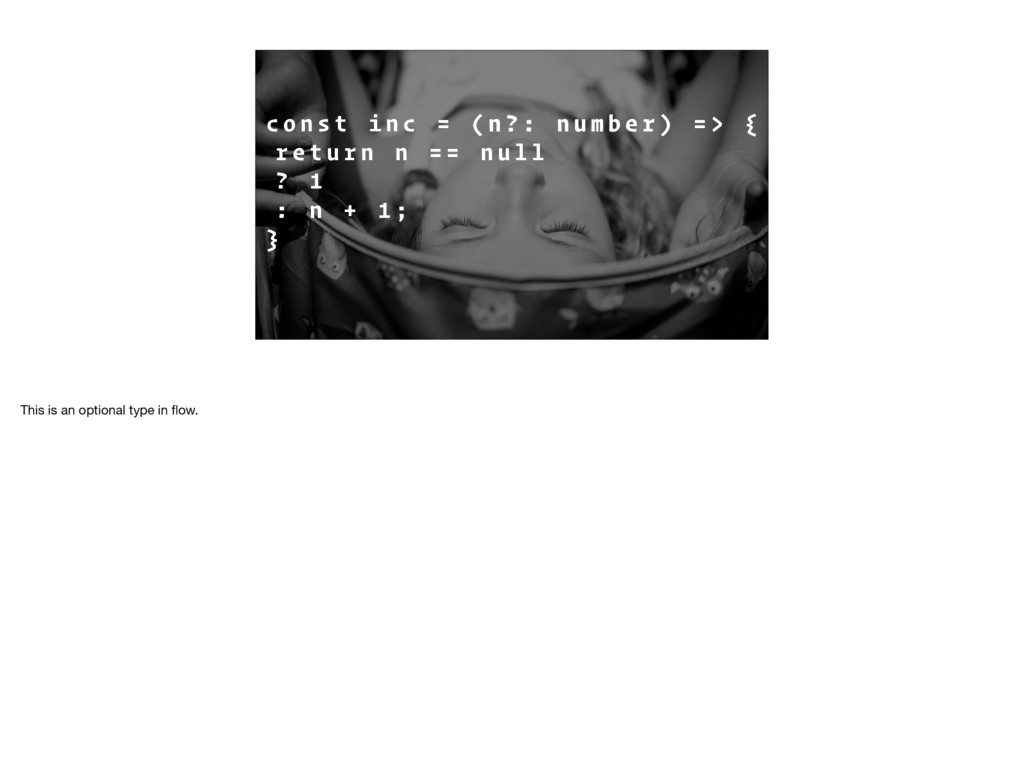
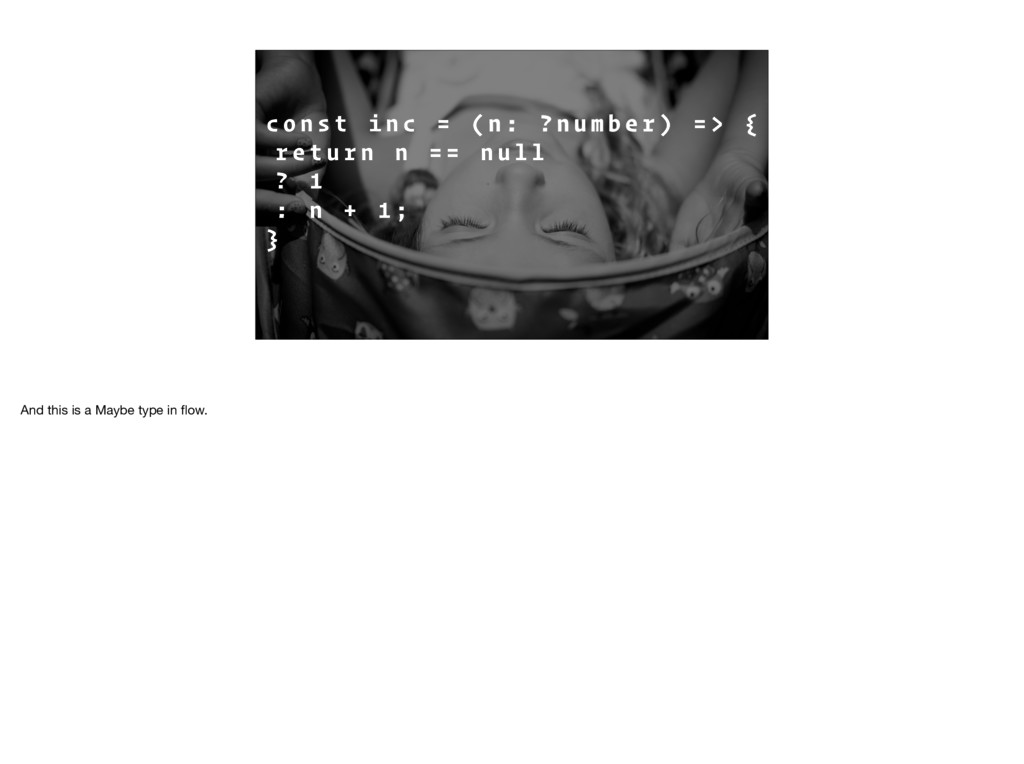
n ? : n u m b e r ) = > { r e t u r n n = = n u l l ? 1 : n + 1 ; } Interestingly, Flow has both options available and the syntactic difference is subtle. Here we are telling the compiler that `n` is optional, but if it is provided it must be a number.
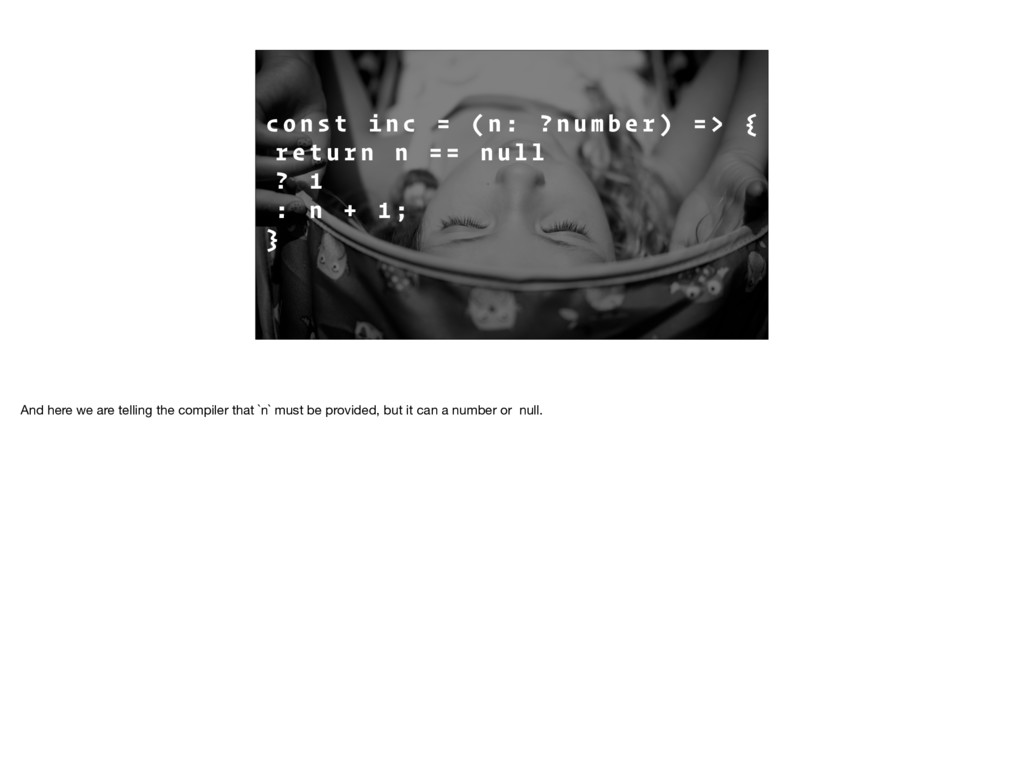
n : ? n u m b e r ) = > { r e t u r n n = = n u l l ? 1 : n + 1 ; } And here we are telling the compiler that `n` must be provided, but it can a number or null.
I O N The next benefit we were looking for was test reduction. But we weren’t trying to completely get rid of having to write tests; having types, doesn’t mean you don’t have tests.
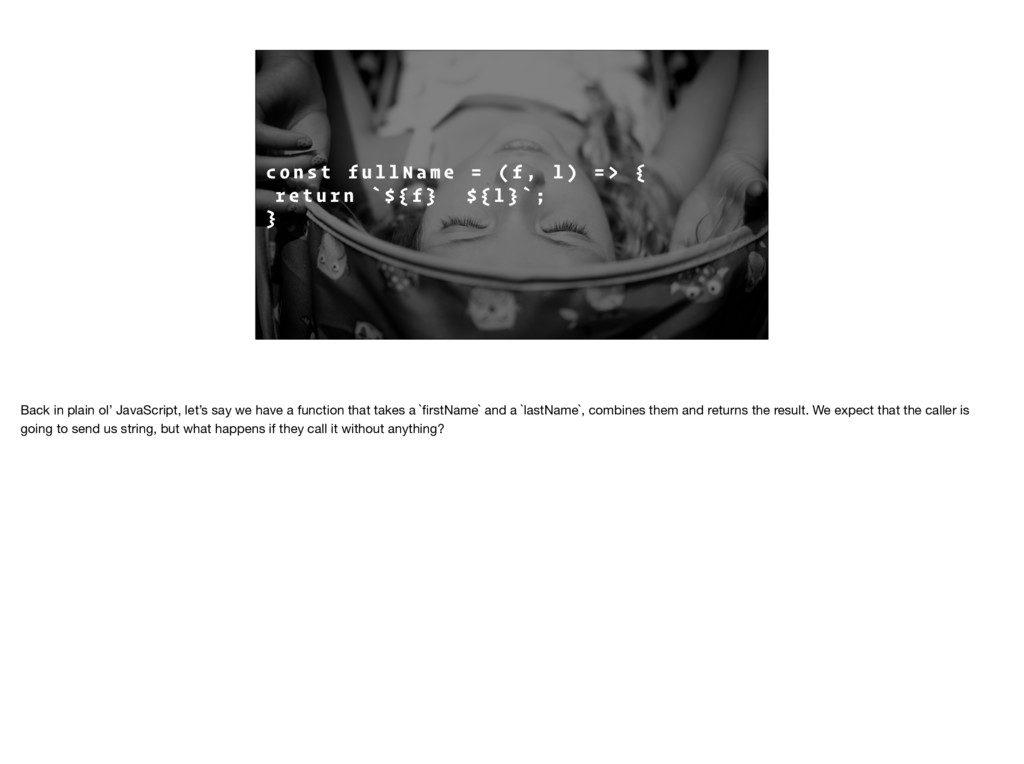
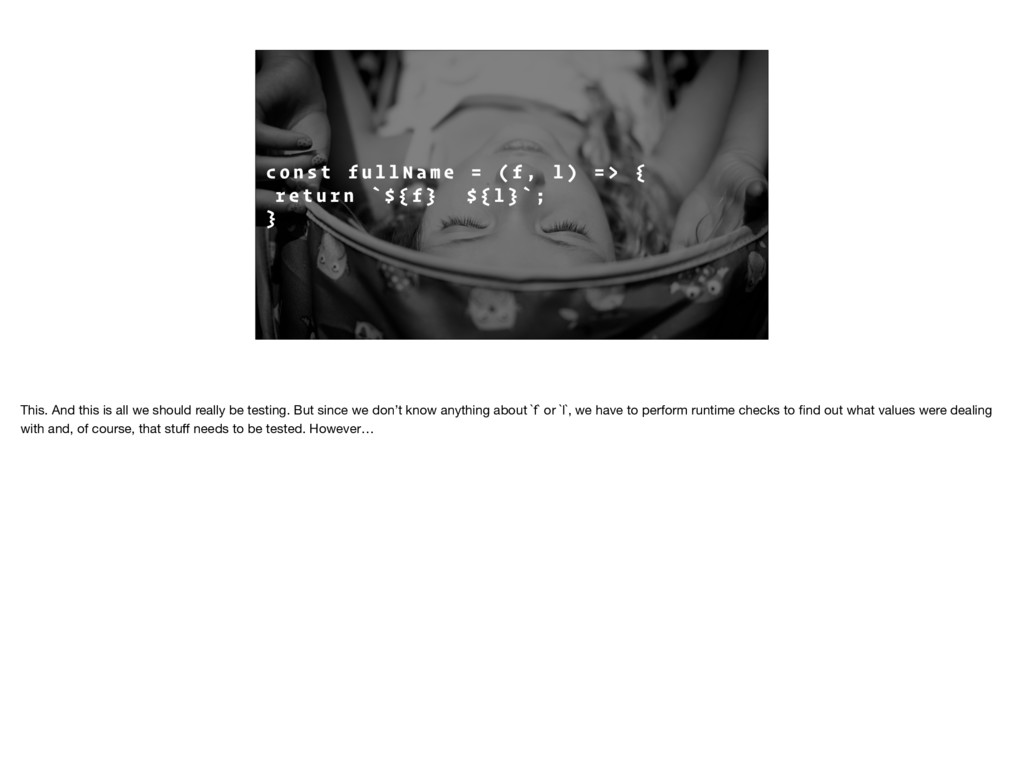
a m e = ( f , l ) = > { r e t u r n ` $ { f } $ { l } ` ; } Back in plain ol’ JavaScript, let’s say we have a function that takes a `firstName` and a `lastName`, combines them and returns the result. We expect that the caller is going to send us string, but what happens if they call it without anything?
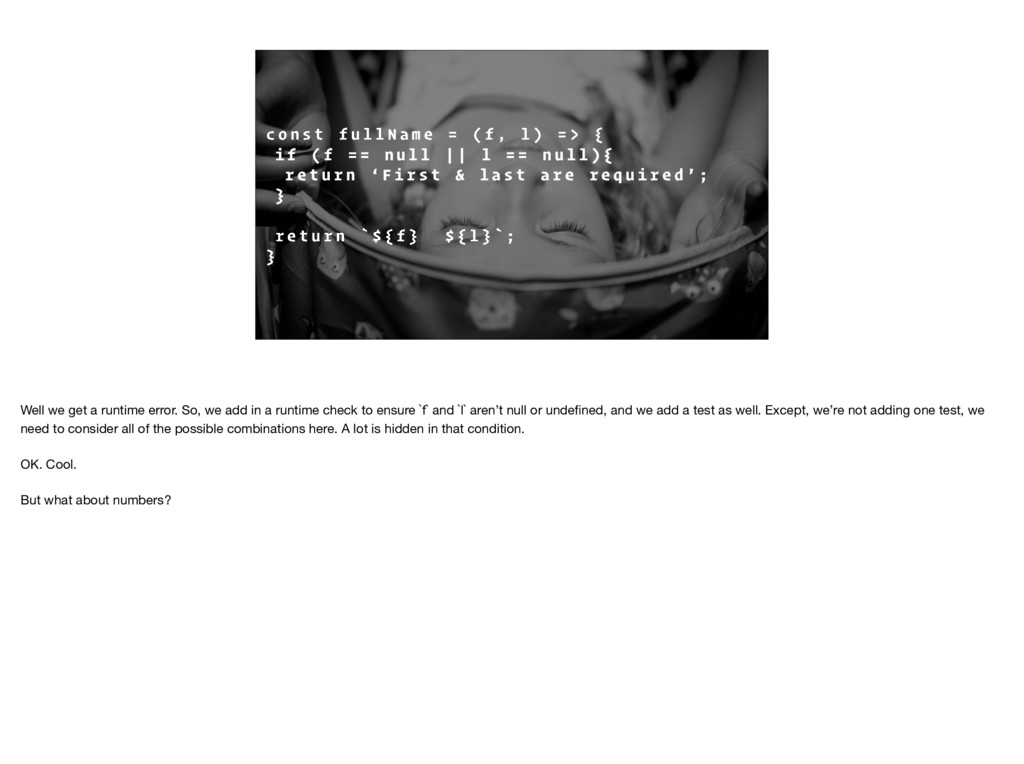
a m e = ( f , l ) = > { i f ( f = = n u l l | | l = = n u l l ) { r e t u r n ‘ F i r s t & l a s t a r e r e q u i r e d ’ ; } r e t u r n ` $ { f } $ { l } ` ; } Well we get a runtime error. So, we add in a runtime check to ensure `f` and `l` aren’t null or undefined, and we add a test as well. Except, we’re not adding one test, we need to consider all of the possible combinations here. A lot is hidden in that condition. OK. Cool. But what about numbers?
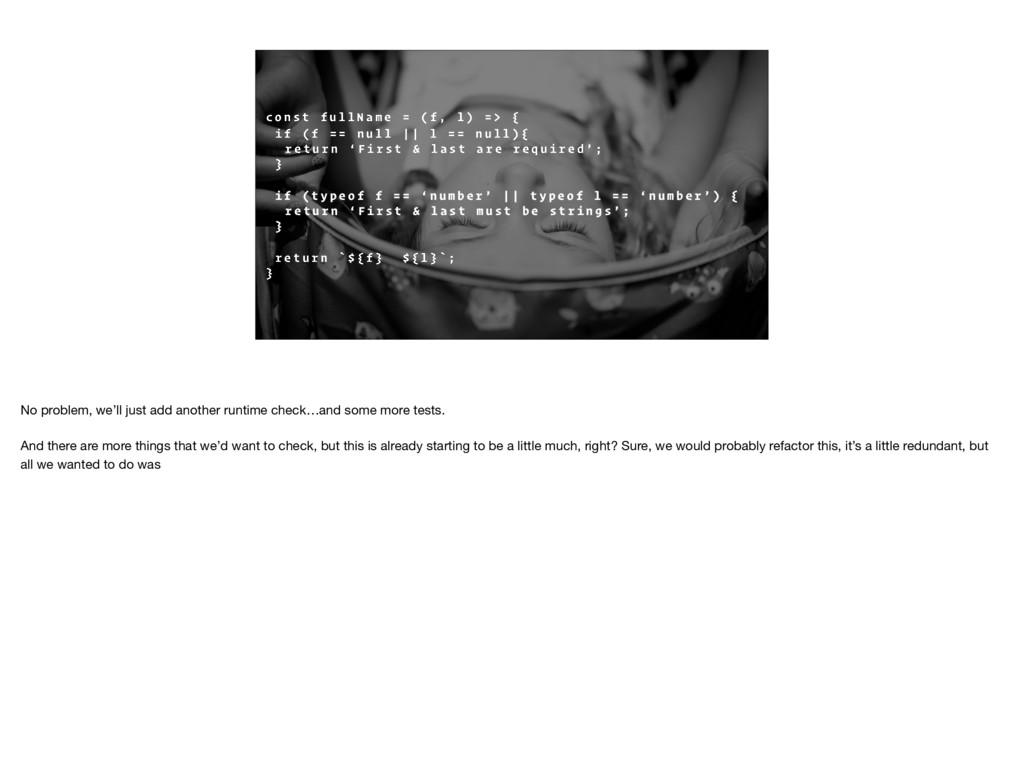
a m e = ( f , l ) = > { i f ( f = = n u l l | | l = = n u l l ) { r e t u r n ‘ F i r s t & l a s t a r e r e q u i r e d ’ ; } i f ( t y p e o f f = = ‘ n u m b e r ’ | | t y p e o f l = = ‘ n u m b e r ’ ) { r e t u r n ‘ F i r s t & l a s t m u s t b e s t r i n g s ’ ; } r e t u r n ` $ { f } $ { l } ` ; } No problem, we’ll just add another runtime check…and some more tests. And there are more things that we’d want to check, but this is already starting to be a little much, right? Sure, we would probably refactor this, it’s a little redundant, but all we wanted to do was
a m e = ( f , l ) = > { r e t u r n ` $ { f } $ { l } ` ; } This. And this is all we should really be testing. But since we don’t know anything about `f` or `l`, we have to perform runtime checks to find out what values were dealing with and, of course, that stuff needs to be tested. However…
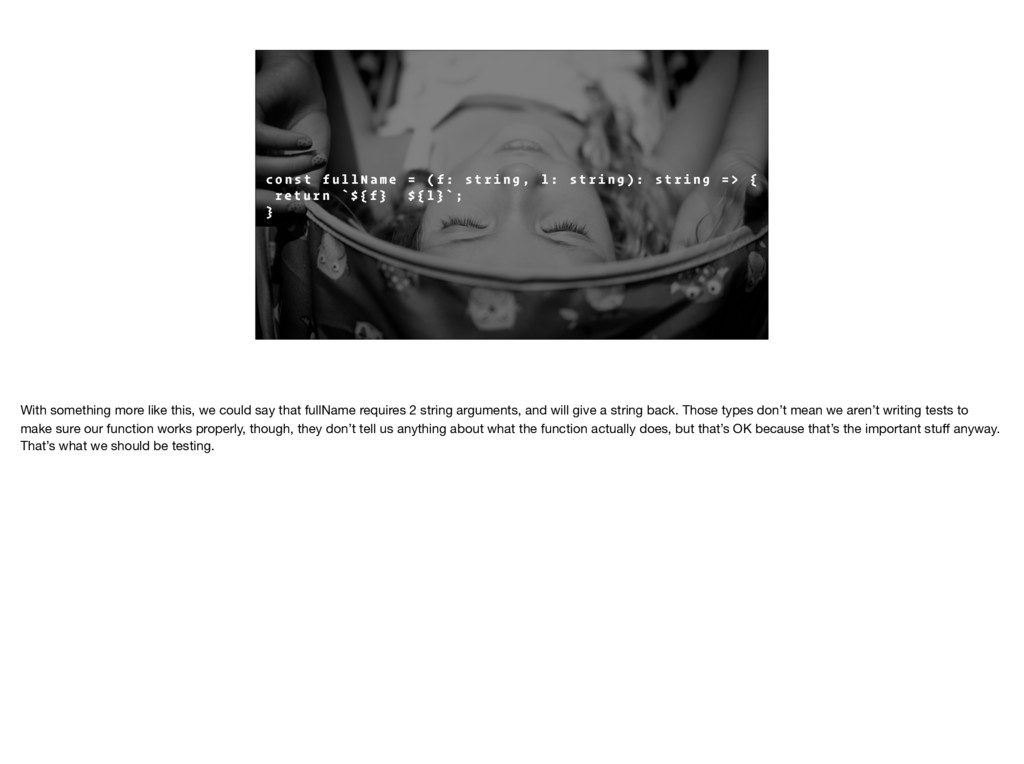
a m e = ( f : s t r i n g , l : s t r i n g ) : s t r i n g = > { r e t u r n ` $ { f } $ { l } ` ; } With something more like this, we could say that fullName requires 2 string arguments, and will give a string back. Those types don’t mean we aren’t writing tests to make sure our function works properly, though, they don’t tell us anything about what the function actually does, but that’s OK because that’s the important stuff anyway. That’s what we should be testing.
us was the ability to define the shape of the data we were concerned with, rather than it’s name. Let’s take that `fullName` function little further, what if it took off the first name and last name from some object and then concatenated the two?
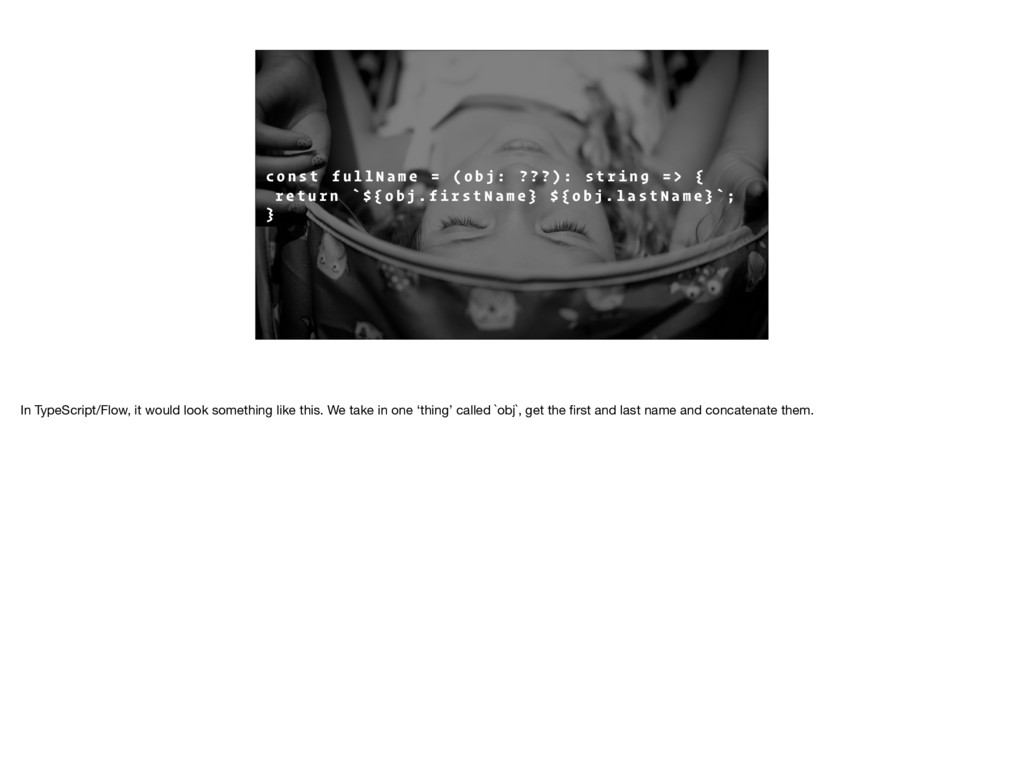
a m e = ( o b j : ? ? ? ) : s t r i n g = > { r e t u r n ` $ { o b j . f i r s t N a m e } $ { o b j . l a s t N a m e } ` ; } In TypeScript/Flow, it would look something like this. We take in one ‘thing’ called `obj`, get the first and last name and concatenate them.
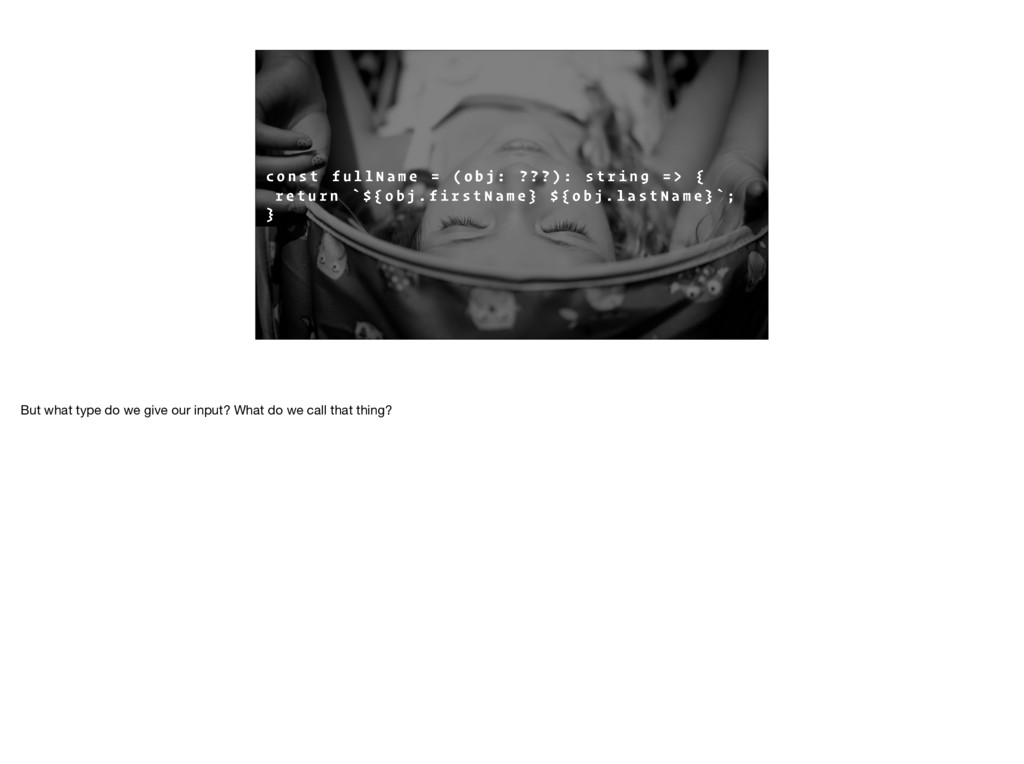
a m e = ( o b j : ? ? ? ) : s t r i n g = > { r e t u r n ` $ { o b j . f i r s t N a m e } $ { o b j . l a s t N a m e } ` ; } But what type do we give our input? What do we call that thing?
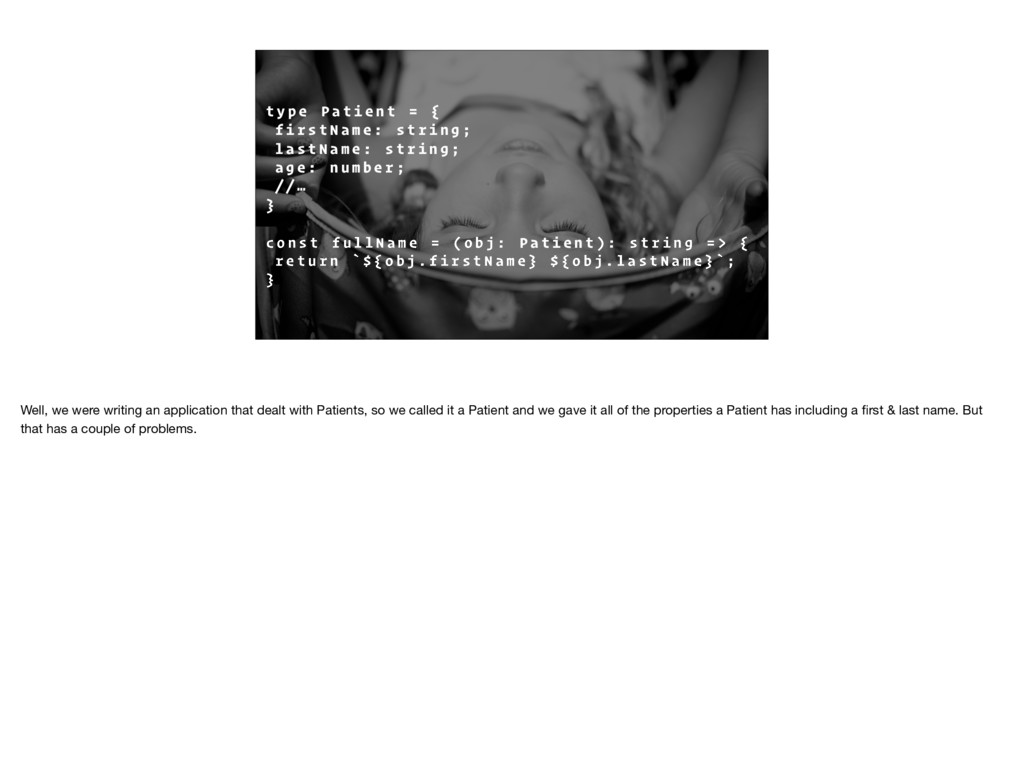
t = { f i r s t N a m e : s t r i n g ; l a s t N a m e : s t r i n g ; a g e : n u m b e r ; / / … } c o n s t f u l l N a m e = ( o b j : P a t i e n t ) : s t r i n g = > { r e t u r n ` $ { o b j . f i r s t N a m e } $ { o b j . l a s t N a m e } ` ; } Well, we were writing an application that dealt with Patients, so we called it a Patient and we gave it all of the properties a Patient has including a first & last name. But that has a couple of problems.
The first problem was pretty obvious if you think about it. We just coupled our `fullName` function directly to a Patient, what happens if we want to use the same function on a Doctor?
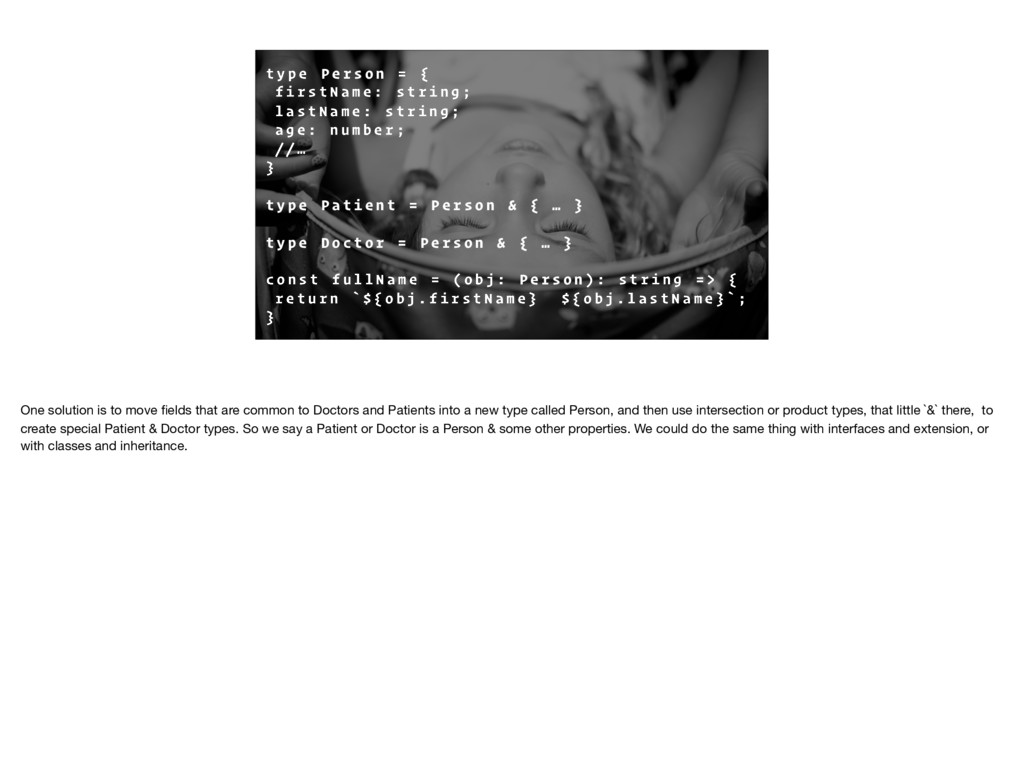
= { f i r s t N a m e : s t r i n g ; l a s t N a m e : s t r i n g ; a g e : n u m b e r ; / / … } t y p e P a t i e n t = P e r s o n & { … } t y p e D o c t o r = P e r s o n & { … } c o n s t f u l l N a m e = ( o b j : P e r s o n ) : s t r i n g = > { r e t u r n ` $ { o b j . f i r s t N a m e } $ { o b j . l a s t N a m e } ` ; } One solution is to move fields that are common to Doctors and Patients into a new type called Person, and then use intersection or product types, that little `&` there, to create special Patient & Doctor types. So we say a Patient or Doctor is a Person & some other properties. We could do the same thing with interfaces and extension, or with classes and inheritance.
Moving shared properties to a new type is good, but it doesn’t solve the other problem: our function is asking for way more than it needs. That Person type could have all kinds of properties on it, but all that function needs is something with a first and last name.
a m e = ( o b j : { f i r s t N a m e : s t r i n g , l a s t n a m e : s t r i n g } ) : s t r i n g = > { r e t u r n ` $ { o b j . f i r s t N a m e } $ { o b j . l a s t N a m e } ` ; } Alternatively, we could do something like this. Here we’re just specifying the shape of our input. Now, anything that has at least a `firstName` property and a `lastName` property, both of which are strings, will work.
T Y P I N G Typescript calls this `structural typing`, you may have also heard it called ‘row polymorphism’; you can think of it as static duck-typing. We simply specify the shape our input objects should have.
a m e = ( o b j : { f i r s t N a m e : s t r i n g , l a s t n a m e : s t r i n g } ) : s t r i n g = > { r e t u r n ` $ { o b j . f i r s t N a m e } $ { o b j . l a s t N a m e } ` ; } Now, code like this can get a little verbose since we need to describe all of the properties we expect. Here, we’re only dealing with first and last name and it’s already starting to be a bit much.
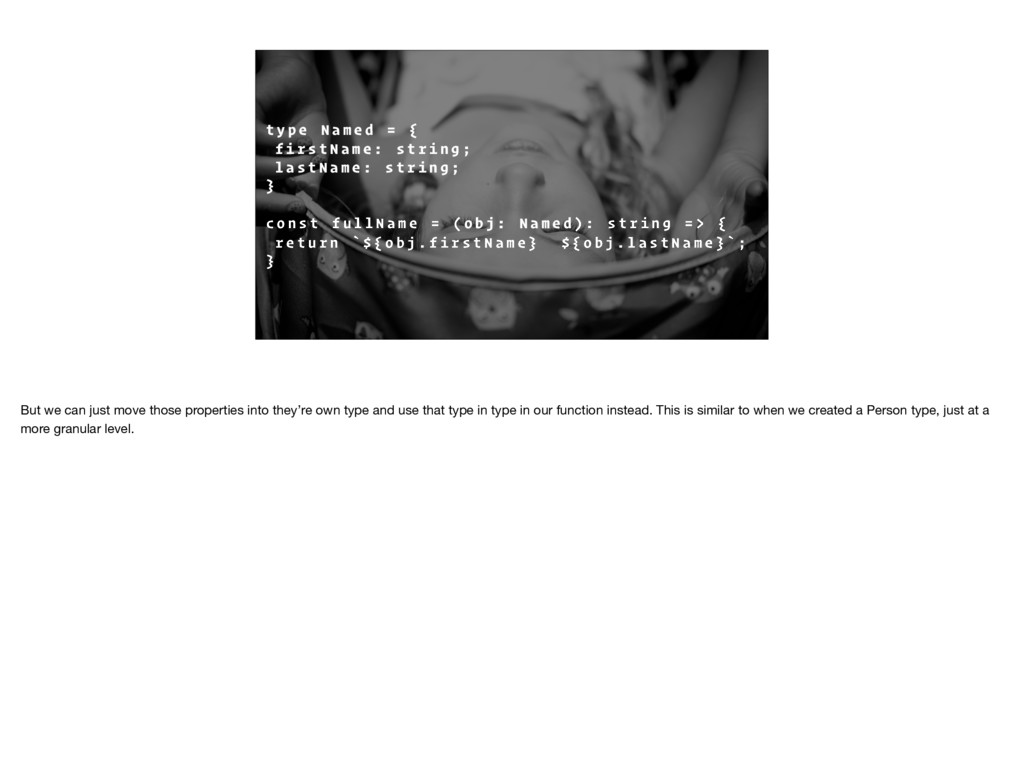
{ f i r s t N a m e : s t r i n g ; l a s t N a m e : s t r i n g ; } c o n s t f u l l N a m e = ( o b j : N a m e d ) : s t r i n g = > { r e t u r n ` $ { o b j . f i r s t N a m e } $ { o b j . l a s t N a m e } ` ; } But we can just move those properties into they’re own type and use that type in type in our function instead. This is similar to when we created a Person type, just at a more granular level.
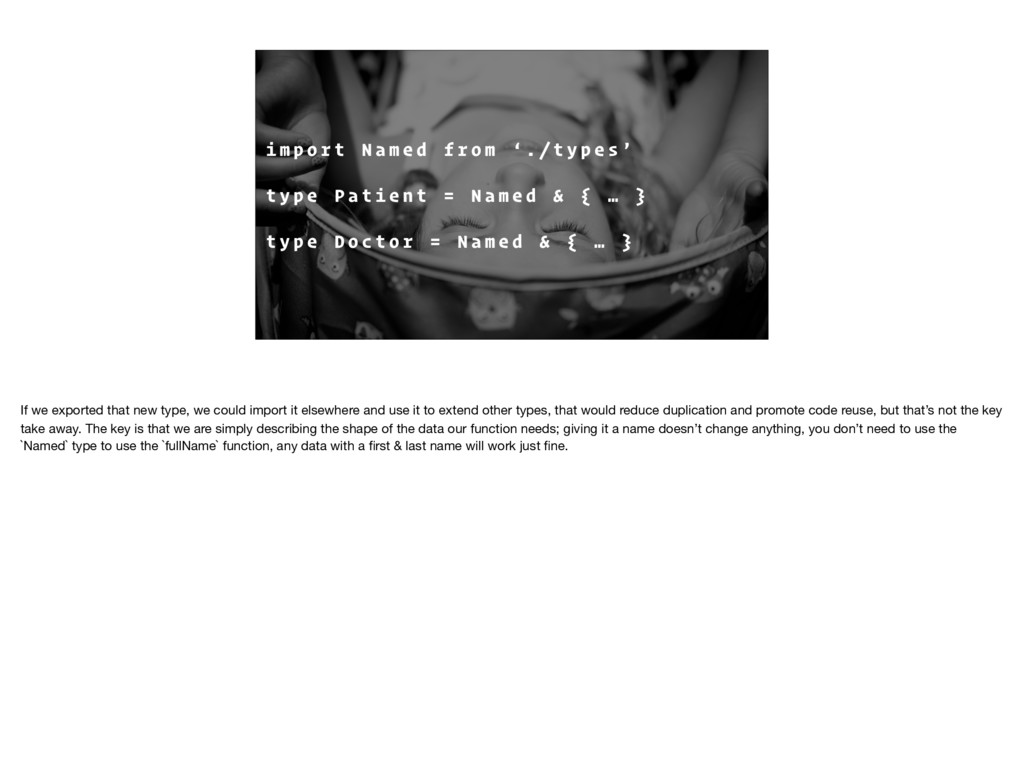
d f r o m ‘ . / t y p e s ’ t y p e P a t i e n t = N a m e d & { … } t y p e D o c t o r = N a m e d & { … } If we exported that new type, we could import it elsewhere and use it to extend other types, that would reduce duplication and promote code reuse, but that’s not the key take away. The key is that we are simply describing the shape of the data our function needs; giving it a name doesn’t change anything, you don’t need to use the `Named` type to use the `fullName` function, any data with a first & last name will work just fine.
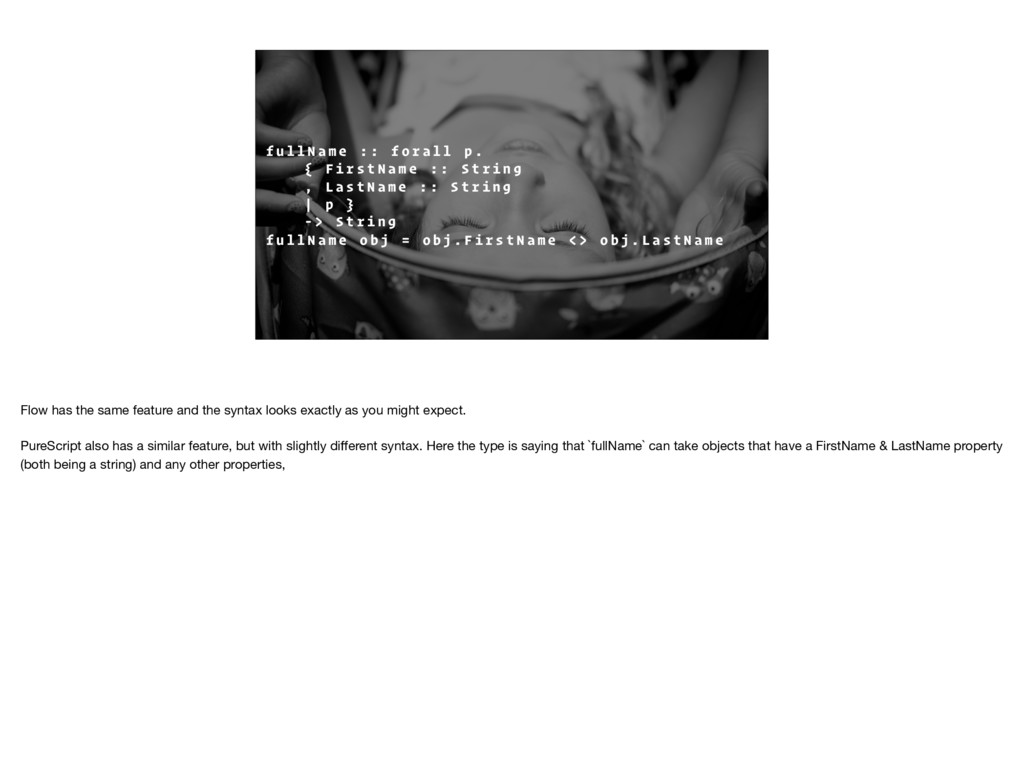
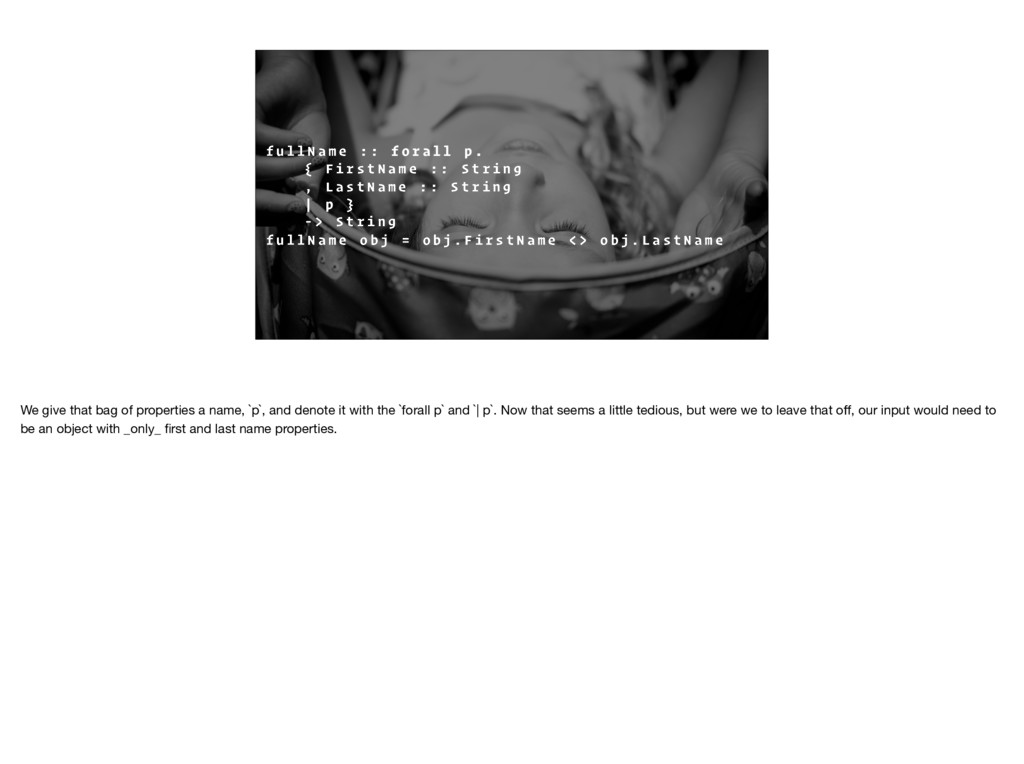
f o r a l l p . { F i r s t N a m e : : S t r i n g , L a s t N a m e : : S t r i n g | p } - > S t r i n g f u l l N a m e o b j = o b j . F i r s t N a m e < > o b j . L a s t N a m e Flow has the same feature and the syntax looks exactly as you might expect. PureScript also has a similar feature, but with slightly different syntax. Here the type is saying that `fullName` can take objects that have a FirstName & LastName property (both being a string) and any other properties,
f o r a l l p . { F i r s t N a m e : : S t r i n g , L a s t N a m e : : S t r i n g | p } - > S t r i n g f u l l N a m e o b j = o b j . F i r s t N a m e < > o b j . L a s t N a m e We give that bag of properties a name, `p`, and denote it with the `forall p` and `| p`. Now that seems a little tedious, but were we to leave that off, our input would need to be an object with _only_ first and last name properties.
E S H A P E O F O U R DATA , N OT I T S N A M E This idea, that we could describe the shape of our data, was huge for our team. It allows us to write functions that say exactly what they need and, with some degree of confidence, say what that function might do because we’ve limited it’s scope. This is particularly true in languages like PureScript or Elm which restrict side-effects and enforce immutability.
H AT CO D E I S G O I N G TO D O W I T H O U T R U N N I N G I T But, honestly, this is what it all comes down to: being able to be precise with the types in our code, being able to enforce invariants, ensure that functions only know as much about the data they are working on as needed. All of that aids in your ability to understand what your code is going to. Of course, your ability to understand what is going on changes between languages: Elm offers more than TypeScript or Flow, and PureScript offers more than Elm, but all of them increase your ability to reason about your code, and that is a huge benefit for our team.
mention the tooling. I’m not huge on tooling as an argument for static types, hence the small heading, but it’s still a thing and static types definitely enable better tooling. However, with new features like destructuring & default arguments, and tools like Tern you can write just JavaScript and get really nice editor integration. Not to mention the integrations already available. So while static types help make tooling better, there are plenty of options for JavaScript.
T Y The first thing to consider is how easy the type system is going to be for a new member of the team to pickup, and this really goes to how familiar the syntax is. TypeScript or Flow is going to be more familiar to someone with a Java or C# background. While PureScript or Elm will be more familiar to someone coming from Haskell. And neither are going to be terribly familiar to someone with no previous experience with any type system; though TypeScript & Flow will probably be more familiar since it’s just JavaScript. But everything was unfamiliar to us at some point, so while there will be some ramp up time, people will get familiar with the language; it just takes time.
type annotations is going to increase how verbose your code is, especially if you move to Flow or TypeScript & especially when you consider generics. A language like PureScript can help, since the types and function definitions are separated so types are mixed in with function definitions and good type inference can reduce how much extra typing has to be done, but ultimately there is just more information and that’s going to take up more space.
D S T E P To be honest, this wasn’t really an issue for our team. We already knew we were going to have some kind of build step. Even if we went with no types, we’d still want to look at code splitting, minification, transpiliation. But if you’re not already building JS, this is something to consider.
F I L E S Definition files. Basically, you can grab a module not written with Flow/TypeScript annotations, and separately pull down a file that defines the types used in that module. Definitions files are awesome, and super helpful, but they do come with a few problems
T H D E F I N I T I O N S The first thing to keep in mind is that definition files aren’t authored by the same person as the module; it’s generally another developer lending a hand. Unfortunately, that means they might not stay in-sync with the module since they are developed separately. If you’re like we were early on, and always on the latest version of modules, you could find yourself out of sync pretty often. We solved that by simply locking down our dependencies to a specific known-good version; something we needed to do at some point in the project any way. Secondly, there is always the possibility that there is no definition file for the library you are using. In that case, there are two options. One is to just use the `any` type, which in my opinion is a non-starter. The other, which we've taken more than one, is to author your own definition file; which is what we did.
to forego type checking: the `any` type. If you add the `any` annotation, no type checking takes place for that value/function/whatever. It seems like a great idea for quick prototyping, or when you want to work with some library that doesn’t have a definition file written.
A L LY T H E W O R S T Let’s consider for a moment that we’ve already made the decision to add static types to our JavaScript, why would want to disable checking? We throw out all of the benefits we get from static typing.
R E N C E Flow and TypeScript both have the `any` type and they both have type inference, but how they handle `any` when inferring the types in your code is different.
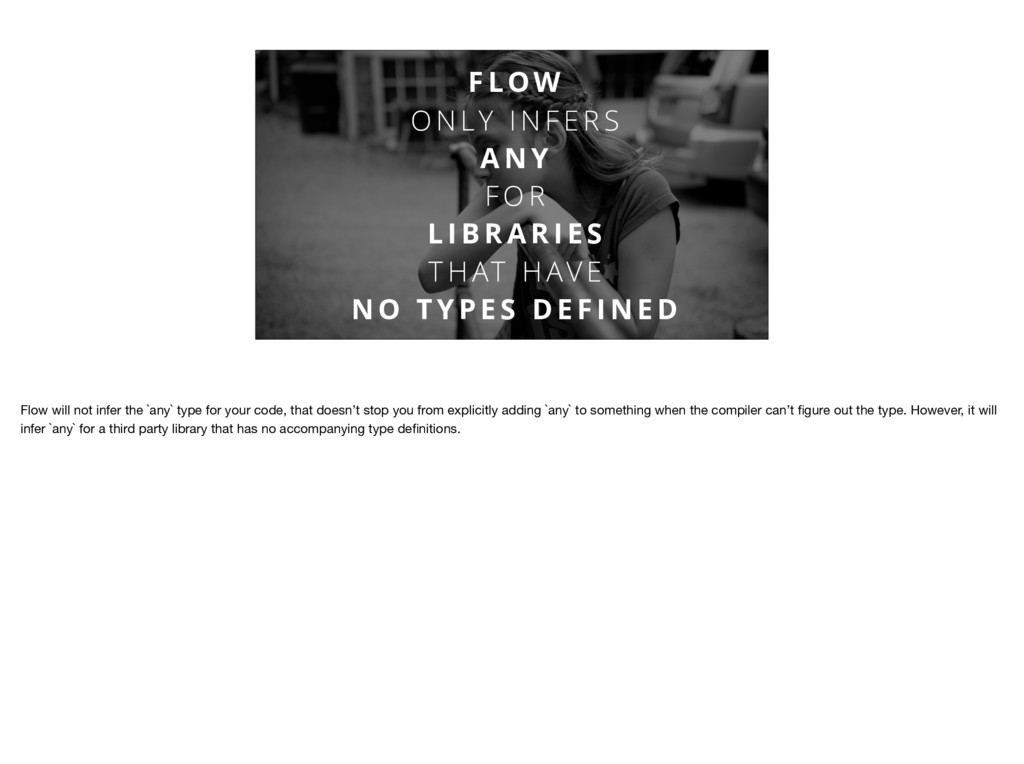
S A N Y F O R L I B R A R I E S T H AT H AV E N O T Y P E S D E F I N E D Flow will not infer the `any` type for your code, that doesn’t stop you from explicitly adding `any` to something when the compiler can’t figure out the type. However, it will infer `any` for a third party library that has no accompanying type definitions.
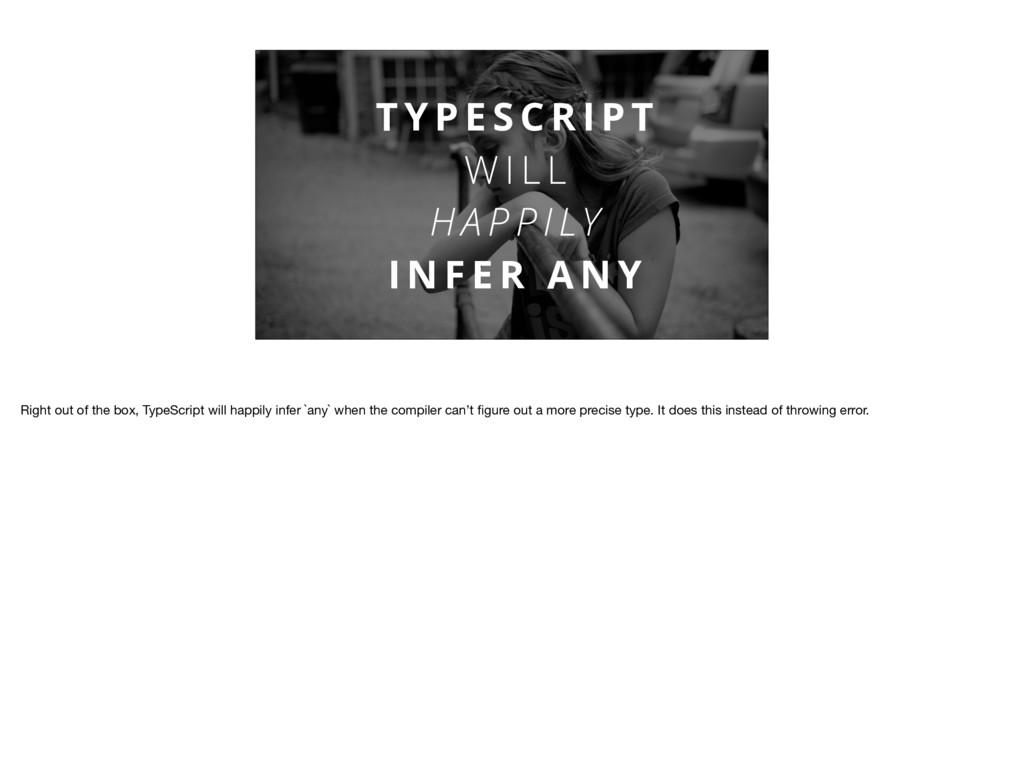
W I L L H A P P I LY I N F E R A N Y Right out of the box, TypeScript will happily infer `any` when the compiler can’t figure out a more precise type. It does this instead of throwing error.
L D D I S A B L E T H AT Luckily, TypeScript comes with a way to opt-out of this in the form of a compiler option called `no-implicity-any`. So instead of choosing `any` the TypeScript compiler will give you an error; you can still be explicit and add `any`. Of course, you should never do that because any is literally the worst.
k e T h i n g < T > ( … a r g s : [ ] a n y ) : T h i n g < T > { … } Here’s a function that, more or less, comes from our project, and I’d like to use it to illustrate some of the problems with `any`. But first, a little detour, because this function uses an advanced feature of TypeScript/Flow called generics, which needs a little bit of explanation first.
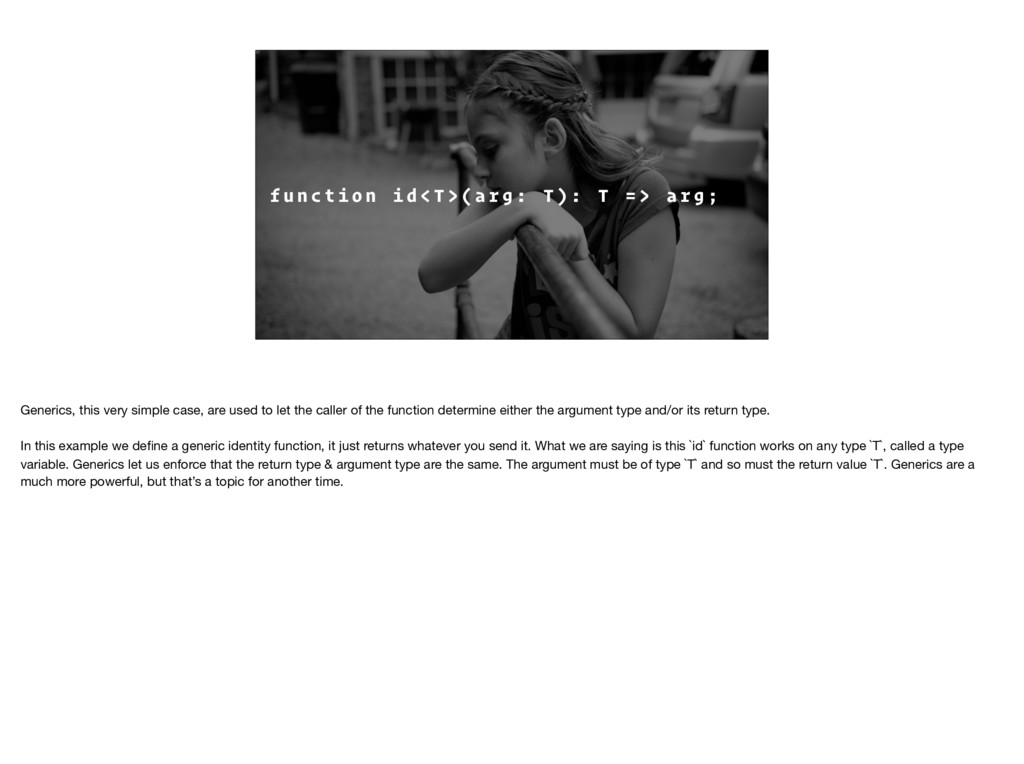
< T > ( a r g : T ) : T = > a r g ; Generics, this very simple case, are used to let the caller of the function determine either the argument type and/or its return type. In this example we define a generic identity function, it just returns whatever you send it. What we are saying is this `id` function works on any type `T`, called a type variable. Generics let us enforce that the return type & argument type are the same. The argument must be of type `T` and so must the return value `T`. Generics are a much more powerful, but that’s a topic for another time.
L I E That type is a lie. I mean, it’s totally valid, don’t get me wrong…but it’s still lying to you. That type isn’t being honest about the arguments in expects. There are a bunch of ways to improve that type, the simplest, and the one that our team really needed, is
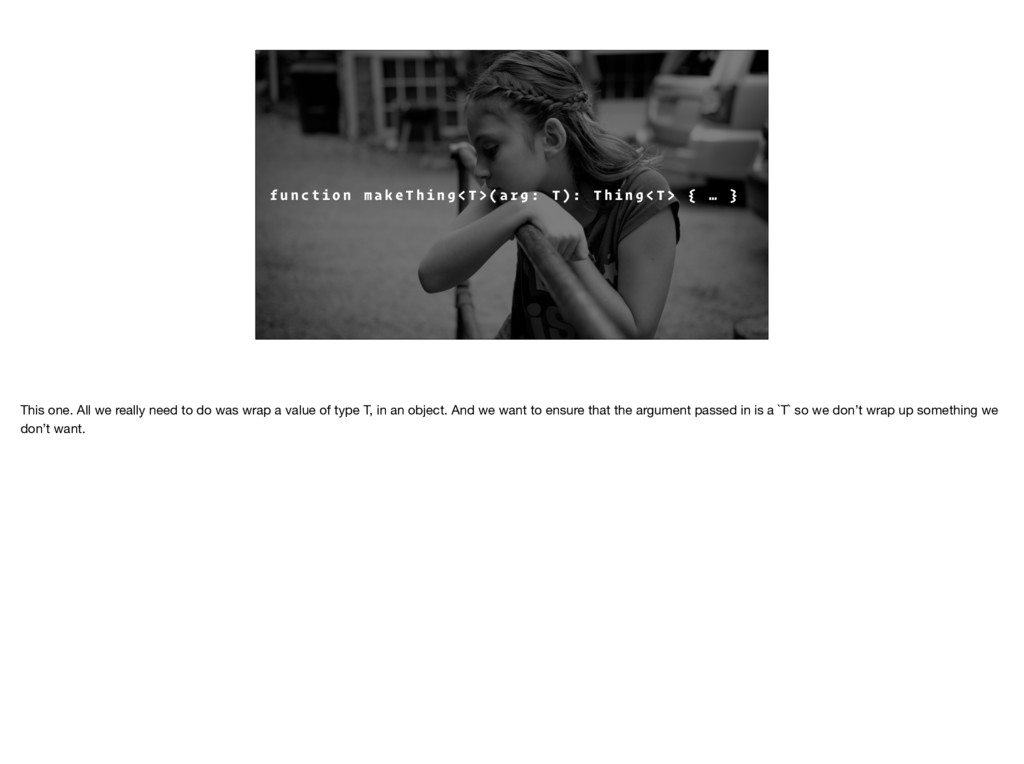
k e T h i n g < T > ( a r g : T ) : T h i n g < T > { … } This one. All we really need to do was wrap a value of type T, in an object. And we want to ensure that the argument passed in is a `T` so we don’t wrap up something we don’t want.
E R I TA N C E & S T R I N G S H A S I T ’ S P L AC E Any, like inheritance and strings has it’s place. But when you use it, it greatly inhibits everything we hope to gain from static typing.
Depending on experience level & background there is going to be some increased ramp-up time; especially if your team has never dealt with static type systems before.
static type information means adding more code, there’s no two ways about it. Type inference helps, but at the end of the day there is just more code to read and write.
is the one of the biggest tradeoffs and one we didn’t fully appreciate. If you’re using large, well-known libraries there is likely a typed version, or type definitions for it. But that isn’t always the case, especially for smaller libraries. Luckily, there are options. The one our team prefers is writing our own definitions for the bits we need. It takes extra time, but it’s far safer.
really cuts into the benefits that static types are meant to bring. If you’re using TypeScript, don’t let the compiler infer it. If you’re using Flow, add a definition file to any third-party lib you use. If you use Elm or PureScript…nevermind then; they don’t have this problem.
T Is it worth it? Obviously I think so, right? Our team started using TypeScript toward the end of 2016 and we’ve gone through a lot of the pains outlined here. We’ve hit issues with ramp up time for new developers. We’ve had to get used to writing more verbose code and we’ve fought the urge to just at `any` whenever things got a little to annoying. And we did all of that because of what we gained by introducing types far outweighed any of the pain we had to go through. We have more confidence in what our code does, our tests focus more on the logic of our code than before, and developers that have never been in our code before can quickly figure out what is going on. All because we decided to add types.
If you haven’t already, you should give it a shot. Maybe going all the way to PureScript or Elm is going to work for you, it didn’t for us (despite my best efforts), so check out TypeScript or Flow. Find a small project to try it out on, or a big project like we did. Build a single piece of an existing project using types. Whatever. I think you’ll find that what you gain is well worth any trade-offs you have to make.
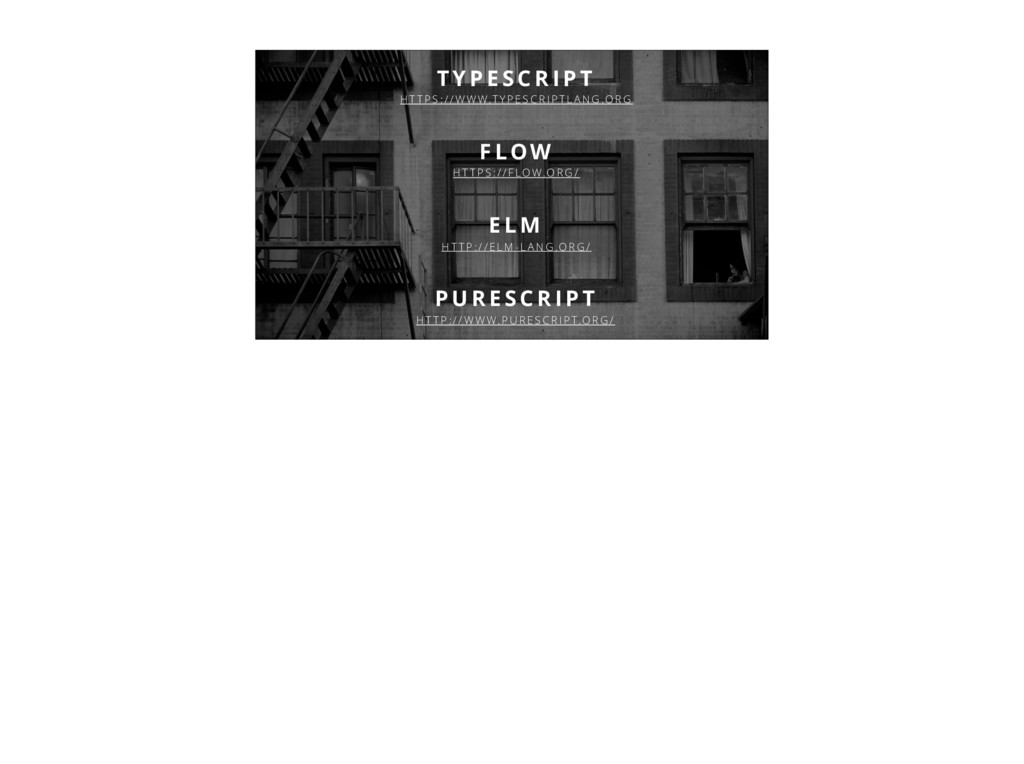
H T T P S : / / W W W.T Y P E S C R I P T L A N G .O R G F LOW H T T P S : / / F LO W.O R G / E L M H T T P : / / E L M - L A N G .O R G / P U R E S C R I P T H T T P : / / W W W. P U R E S C R I P T.O R G /
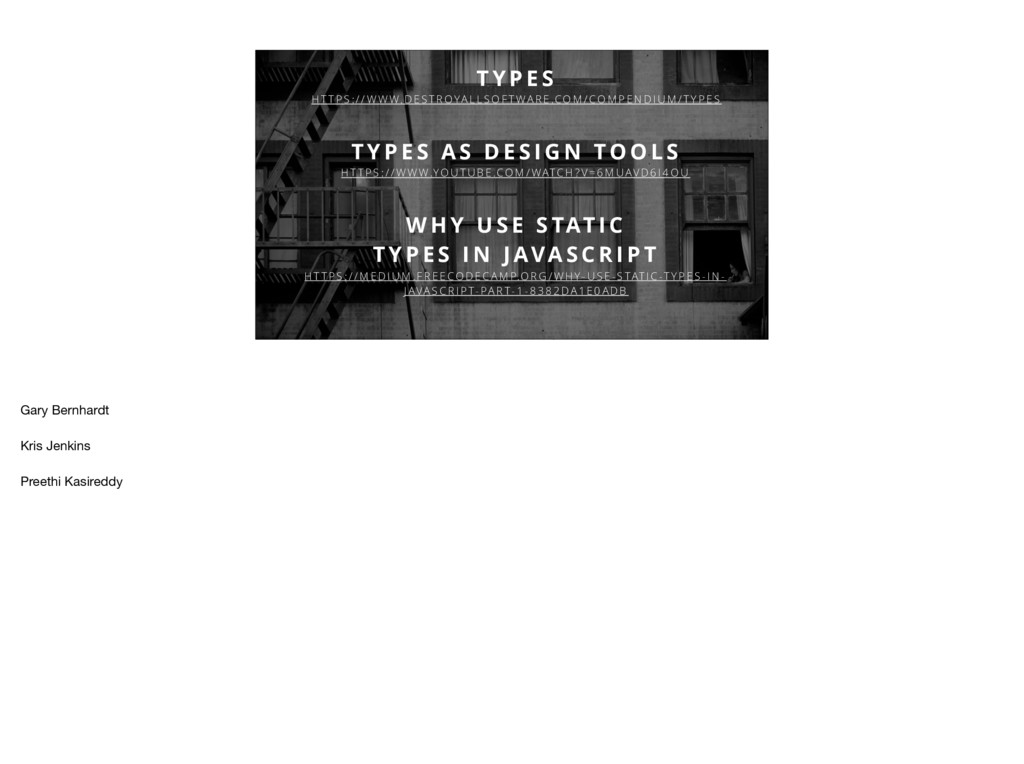
: / / W W W. D E S T R O YA L L S O F T WA R E .CO M / CO M P E N D I U M / T Y P E S T Y P E S A S D E S I G N TO O L S H T T P S : / / W W W.YO U T U B E .CO M / WATC H ? V = 6 M U AV D 6 I 4 O U W H Y U S E S TAT I C T Y P E S I N J AVA S C R I P T H T T P S : / / M E D I U M . F R E E CO D E C A M P.O R G / W H Y - U S E - S TAT I C -T Y P E S - I N - J AVA S C R I P T- PA R T- 1 - 8 3 8 2 DA 1 E 0 A D B Gary Bernhardt Kris Jenkins Preethi Kasireddy

 SiteGround - Reliable hosting with speed, security, and support you can count on.


 prota
prota
 tosite
 ivargrimstad
 ___akari11
 neuecc
 dske104
 kmars0605
 artoy
artoy
 rollbear
 naokihaba
 morizo_1984
 shihochan
 yeseniaperezcruz
 addyosmani
 tmiket
 tomoyanonymous
 codingconduct
 reverentgeek
 szymonslowik
 aleyda
 livdayseo
 gurzu
gurzu
 marketingsoph