short text shown below your webpage title in Google search results, Gives users a quick idea of what your page contains and help them decide whether to click.
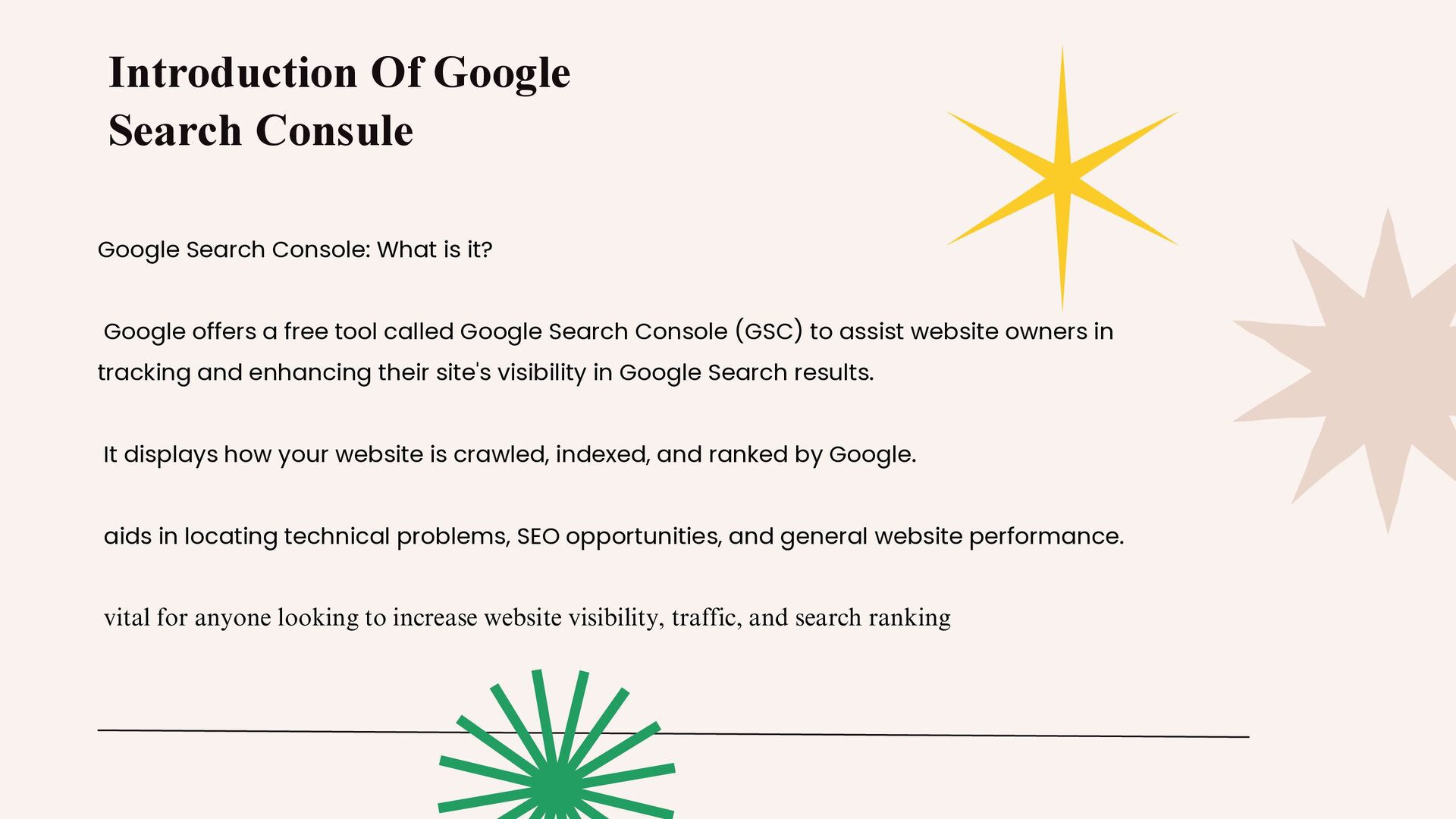
it? Google offers a free tool called Google Search Console (GSC) to assist website owners in tracking and enhancing their site's visibility in Google Search results. It displays how your website is crawled, indexed, and ranked by Google. aids in locating technical problems, SEO opportunities, and general website performance. vital for anyone looking to increase website visibility, traffic, and search ranking
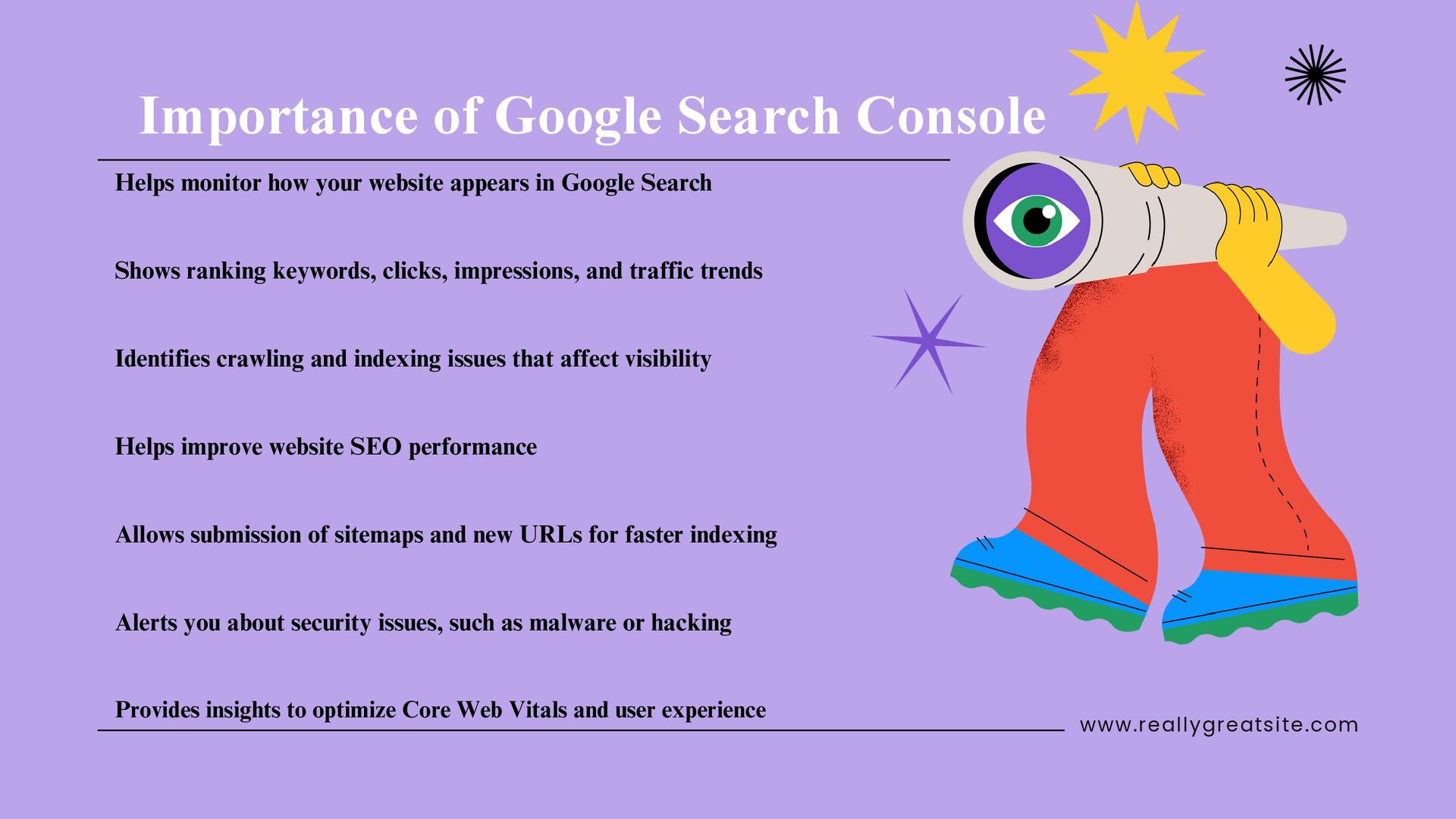
website appears in Google Search Shows ranking keywords, clicks, impressions, and traffic trends Identifies crawling and indexing issues that affect visibility Helps improve website SEO performance Allows submission of sitemaps and new URLs for faster indexing Alerts you about security issues, such as malware or hacking Provides insights to optimize Core Web Vitals and user experience
screen is called the Dashboard. It provides a brief overview of the overall functionality of your website. displays crucial metrics like: Total number of clicks Total impressions Status of indexing Status of page experience draws attention to mistakes, cautions, and important information. enables you to quickly assess the SEO health of your website. DashBoard Overview
results for your website are displayed in the Performance Report. shows important metrics: Total Clicks: The number of times visitors have clicked on your website Total Impressions – How many times your pages appeared in search Click-Through Rate (CTR) is calculated by dividing clicks by impressions. Average Position: Your Google ranking Helps identify top-performing keywords and pages. Shows performance by queries, pages, countries, devices, and search appearance. Performance Report
Tool demonstrates how a particular webpage on your website is crawled, indexed, and processed by Google. Ads in determining whether a URL is indexed. shows crucial information such as: Date of last crawl Crawl condition Status of indexing Usability on mobile devices Organised information enables you to request that new or updated pages be indexed. aids in identifying and resolving problems that prevent your page from showing up in Google searches. URL Inspection Tool
is displayed in the Index Coverage Report. aids in determining which pages are: Valid (indexed successfully) Error (not able to be indexed) Caution (problems that require attention) Excluded (not indexed, whether on purpose or accidentally) gives specific explanations for indexing issues. aids in locating and resolving problems like: 404 errors Redirect problems Robots.txt has blocked Duplicate pages Crucial to making sure your key pages show up in Google searches What is the Index Coverage Report Index Coverage Report
of your website. It helps Google discover, crawl, and index your pages faster. You submit your sitemap in Google Search Console under Indexing → Sitemaps. Why is a Sitemap Important? Helps Google find new or updated pages quickly Improves overall indexing efficiency Shows if Google successfully fetched the sitemap Reports any errors in the submitted sitemap Essential for new websites or sites with many pages What to Submit? Usually: yourdomain.com/sitemap.xml What is a Sitemap? Sitemap
that shows if your website is easy to use on mobile devices. Helps identify issues that affect user experience on smartphones. Common Issues It Detects: Text too small to read Clickable elements too close Content wider than the screen Viewport not set properly Incompatible plugins Why Mobile Usability Matters: Most users browse on mobile Directly affects rankings on Google Improves user experience & reduces bounce rate Helps ensure mobile-first indexing Mobile Usability
to your webpage Helps Google identify important information like: Breadcrumbs Products Reviews FAQs Videos Events Makes your pages more search-friendly and organized Enhancements in Google Search Console show how structured data (schema) is implemented on your website. They help Google understand your content better and display rich results in search. What Are Enhancements? Enhancements {Schema & Rich Result }
Google may show your page with enhanced search features, such as: ⭐ Star ratings 📦 Product price & availability ❓ FAQ dropdowns 🧭 Breadcrumbs 🎥 Video thumbnails t Enhancements {Schema & Rich Result }


 jacobian
 marktimemedia
 uxyall
 sachag
 sugarenia
 lfama
lfama
 frankvandijk
 cassininazir
 addyosmani
 paigeccino
 oripsolob
 carmenintech
![www.reallygreatsite.com Stay Connected Contact Information [email protected] Digital Pundit 91+9173749033](https://files.speakerdeck.com/presentations/a64bab96c86f400b906056d7356b3420/slide_13.jpg)