(Presented 10/21/2015 at ISISPL; the talk was not recorded)
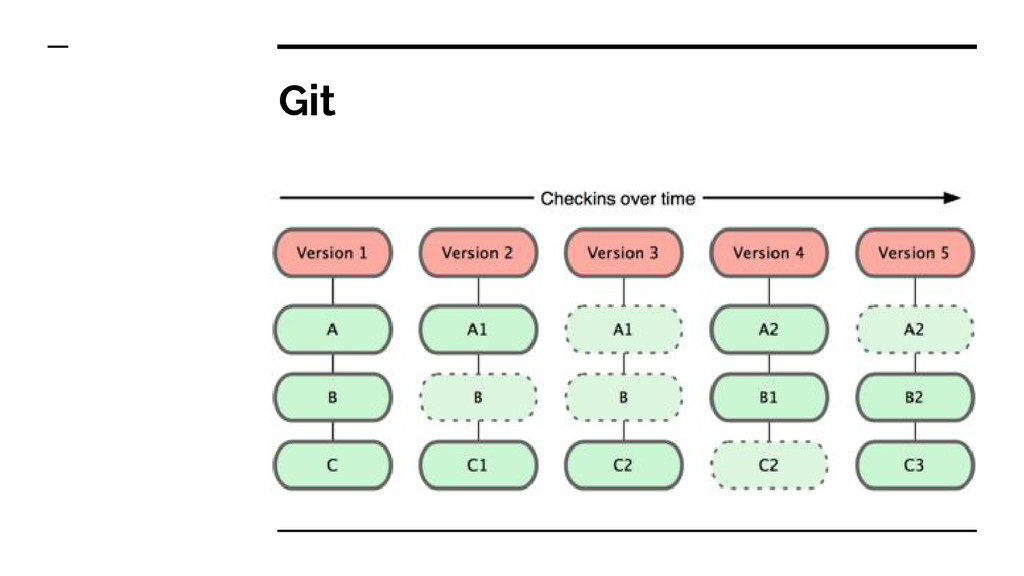
Now days GIT is widely excepted worldwide by developers. This presentation was head start for the GIT beginner. Even people who already using GIT can also find it useful.
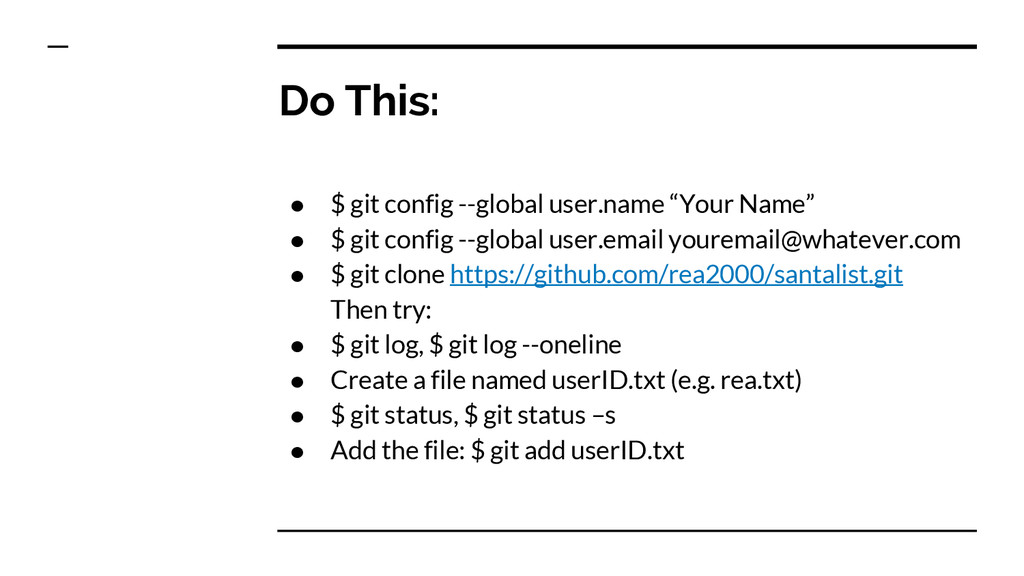
email for Git to use when you commit: a. $ git config --global user.name “Vijay Vankhede” b. $ git config --global user.email [email protected] 2. You can call git config –list to verify these are set. 3. These will be set globally for all Git projects you work with.
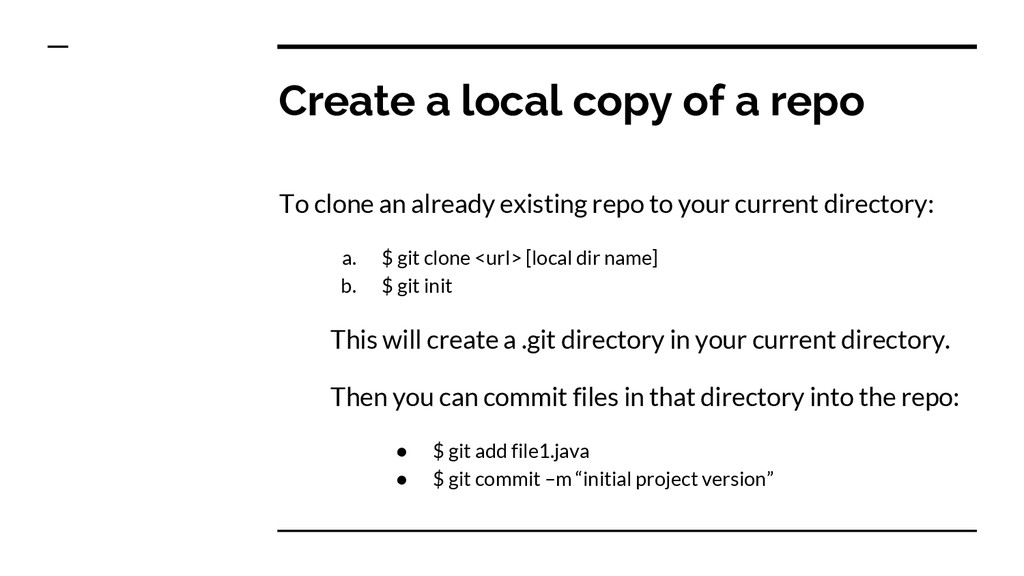
already existing repo to your current directory: a. $ git clone <url> [local dir name] b. $ git init This will create a .git directory in your current directory. Then you can commit files in that directory into the repo: • $ git add file1.java • $ git commit –m “initial project version”
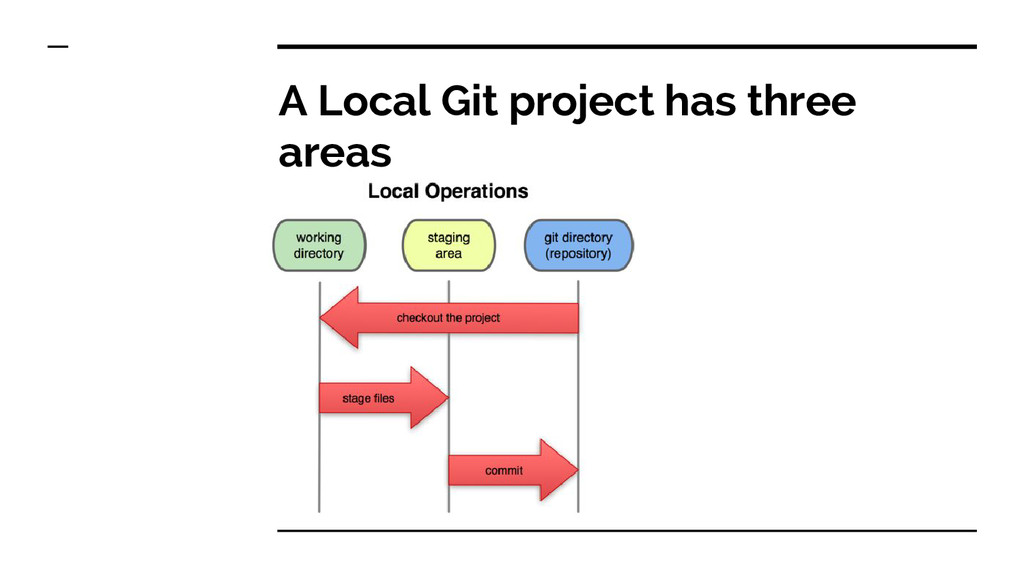
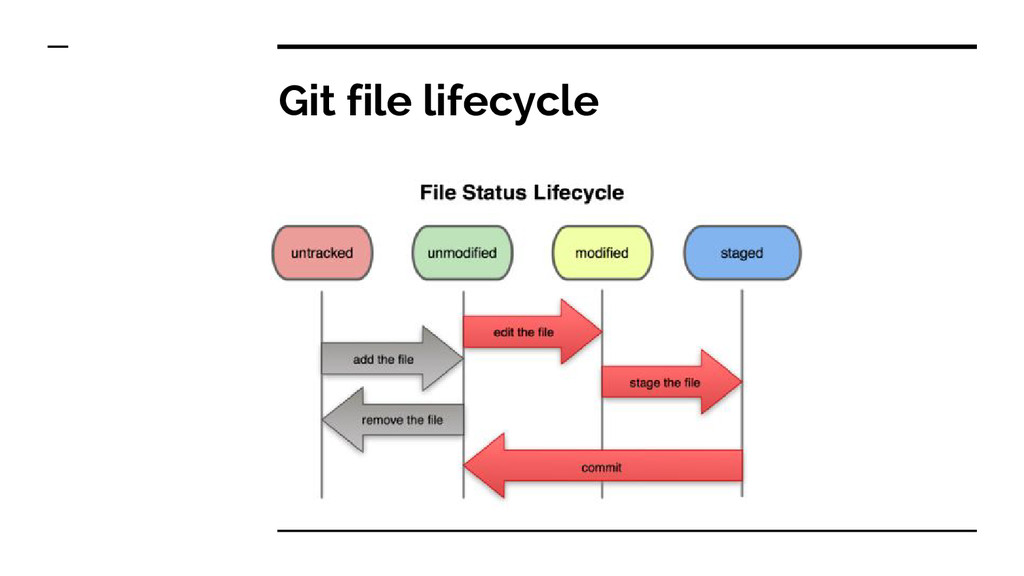
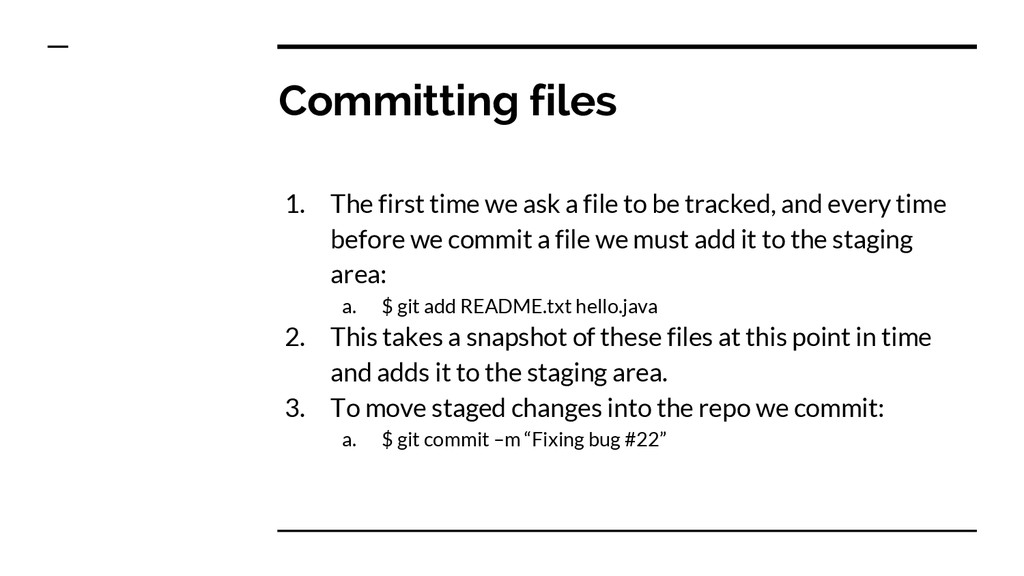
to be tracked, and every time before we commit a file we must add it to the staging area: a. $ git add README.txt hello.java 2. This takes a snapshot of these files at this point in time and adds it to the staging area. 3. To move staged changes into the repo we commit: a. $ git commit –m “Fixing bug #22”
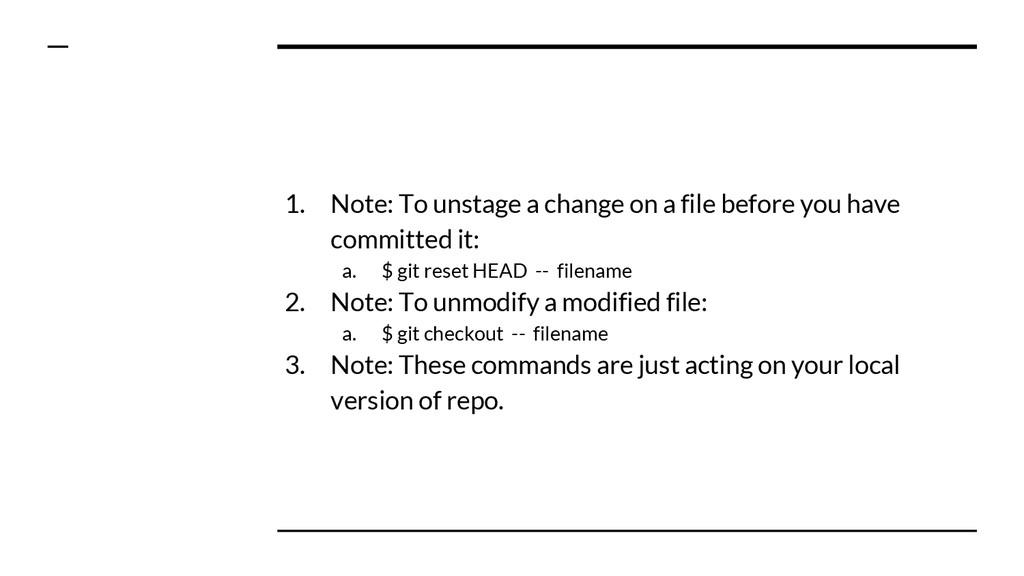
you have committed it: a. $ git reset HEAD -- filename 2. Note: To unmodify a modified file: a. $ git checkout -- filename 3. Note: These commands are just acting on your local version of repo.
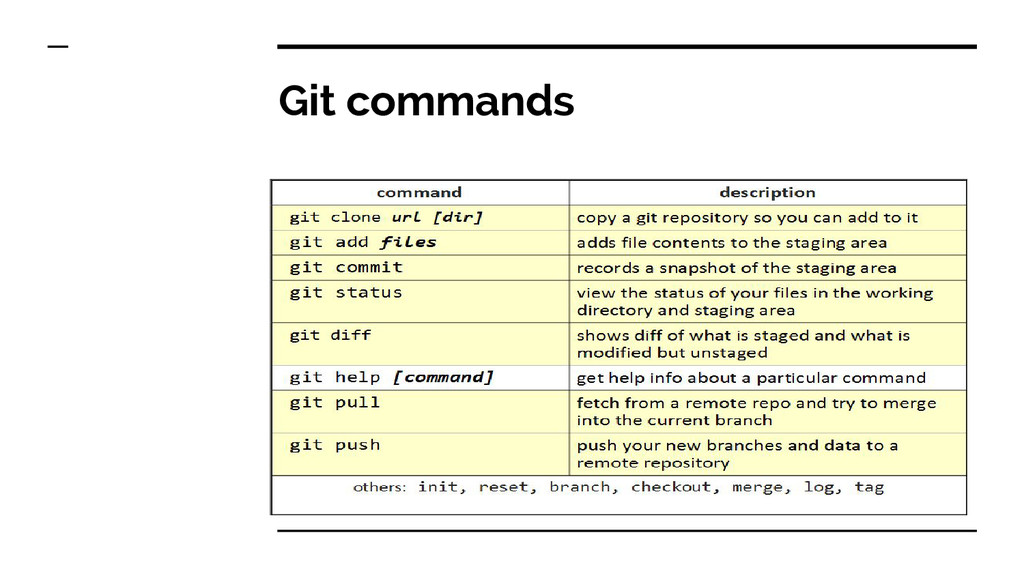
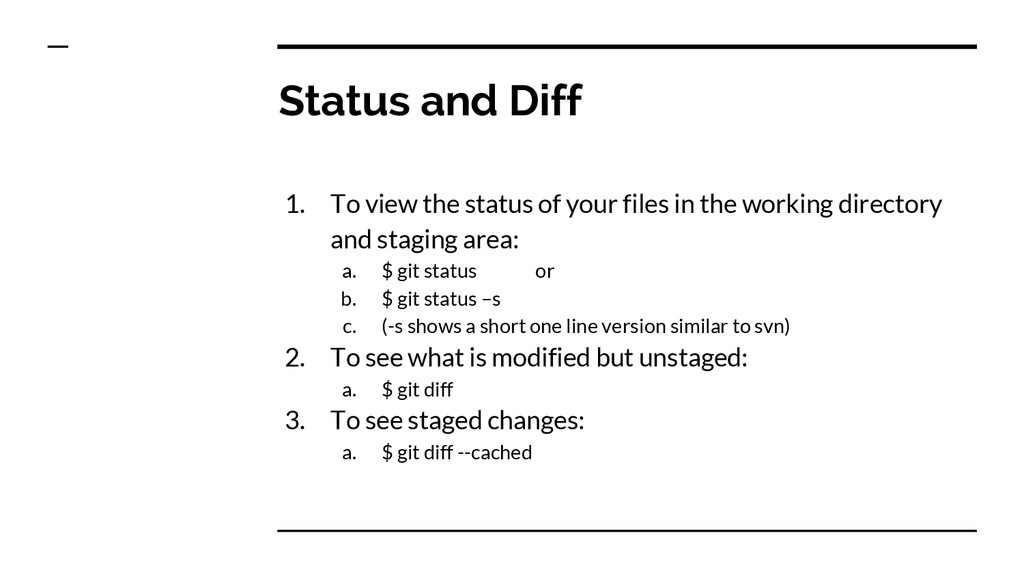
files in the working directory and staging area: a. $ git status or b. $ git status –s c. (-s shows a short one line version similar to svn) 2. To see what is modified but unstaged: a. $ git diff 3. To see staged changes: a. $ git diff --cached
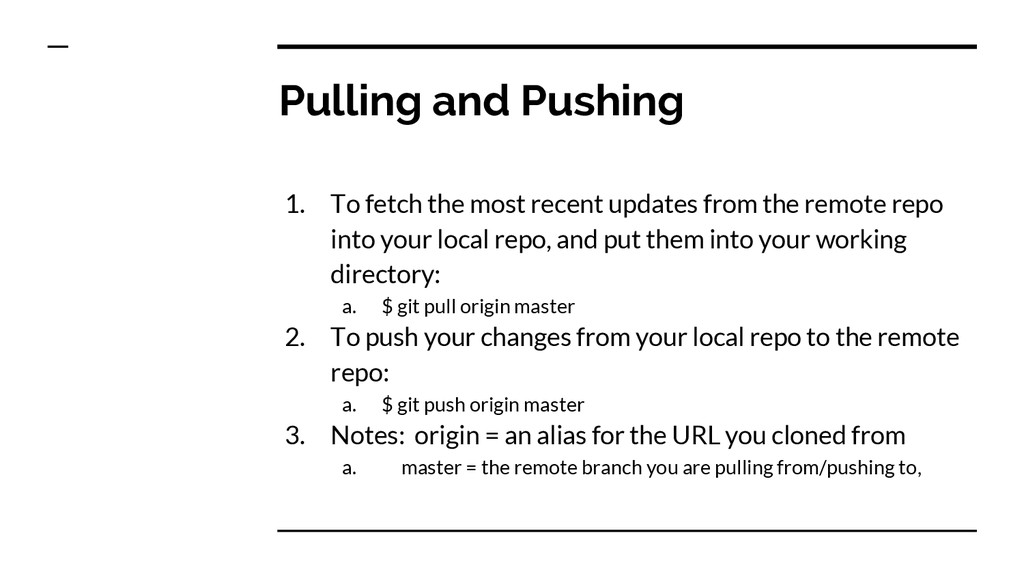
from the remote repo into your local repo, and put them into your working directory: a. $ git pull origin master 2. To push your changes from your local repo to the remote repo: a. $ git push origin master 3. Notes: origin = an alias for the URL you cloned from a. master = the remote branch you are pulling from/pushing to,
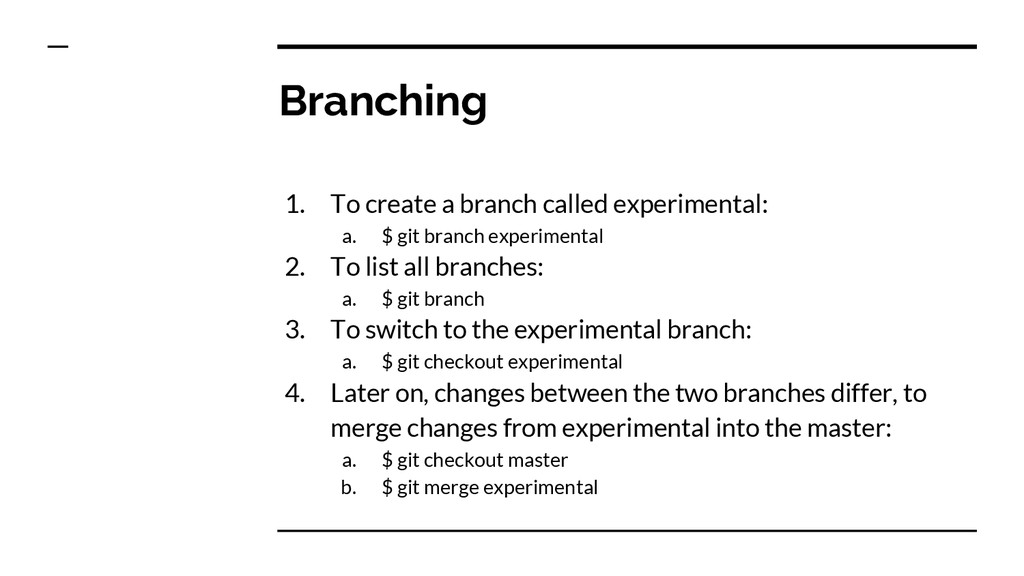
git branch experimental 2. To list all branches: a. $ git branch 3. To switch to the experimental branch: a. $ git checkout experimental 4. Later on, changes between the two branches differ, to merge changes from experimental into the master: a. $ git checkout master b. $ git merge experimental
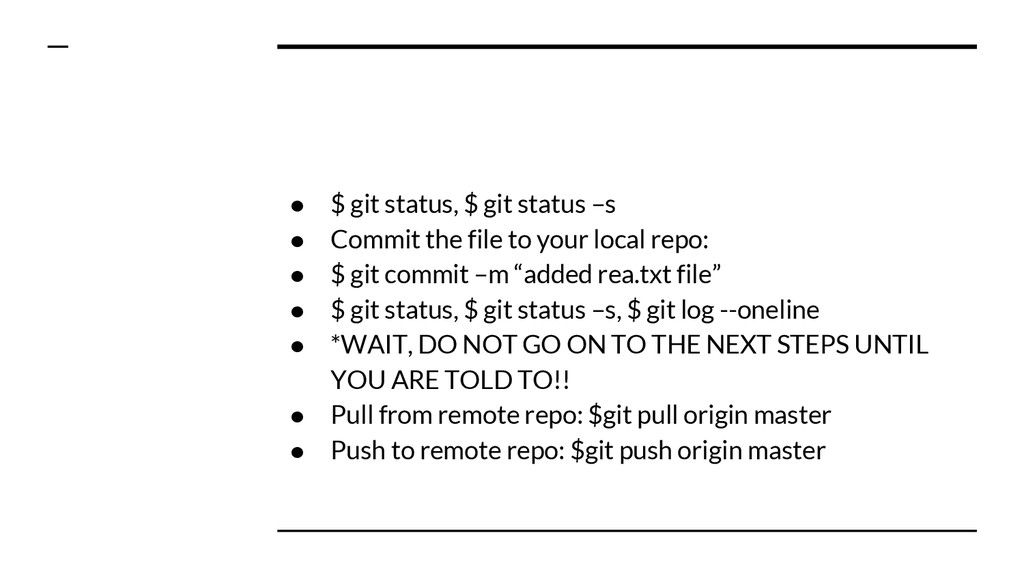
the file to your local repo: • $ git commit –m “added rea.txt file” • $ git status, $ git status –s, $ git log --oneline • *WAIT, DO NOT GO ON TO THE NEXT STEPS UNTIL YOU ARE TOLD TO!! • Pull from remote repo: $git pull origin master • Push to remote repo: $git push origin master


 terurou
 kenichiodo
 ezaki
ezaki
 pfn
pfn
 odashi
 teamlab
 usanchuu
 grimoh
 greenmidori
 gionn
gionn
 emna__ayadi
 skipperchong
 jonoalderson
 notwaldorf
 marktimemedia
 inesmontani
 jct
jct
 katiecoart
 jmmastey
 speakerdeck
 deanohume
 sergeychernyshev