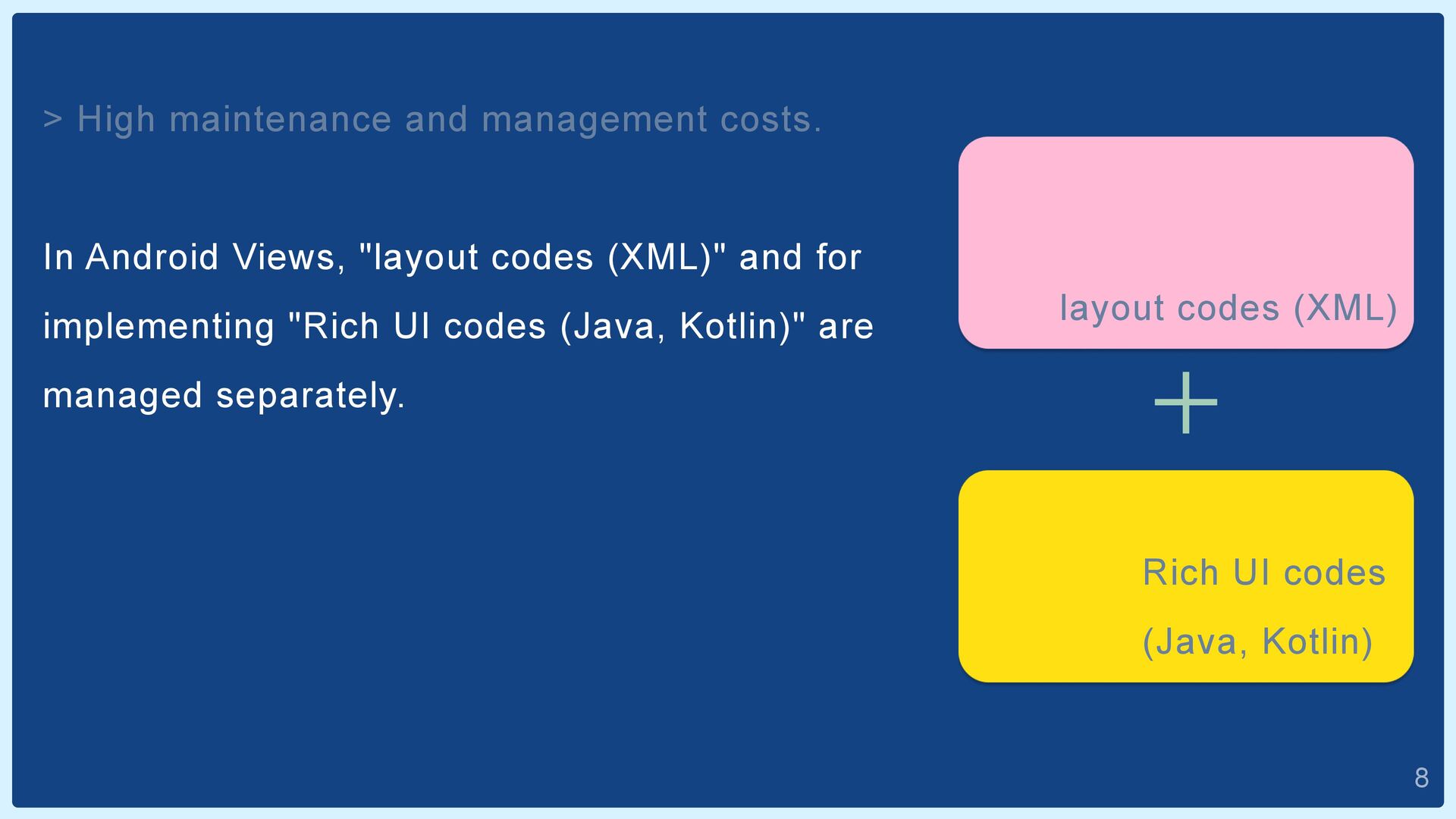
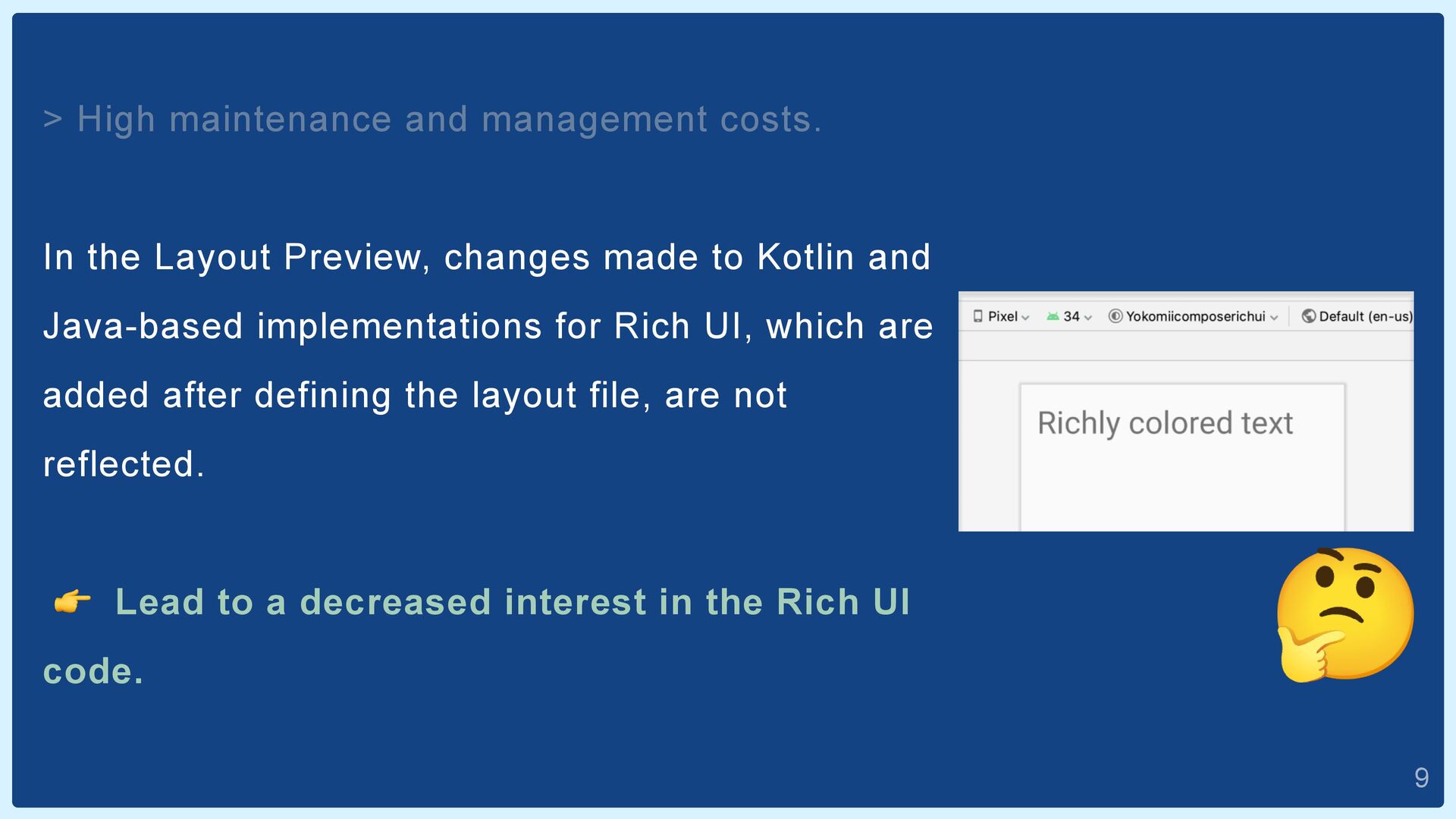
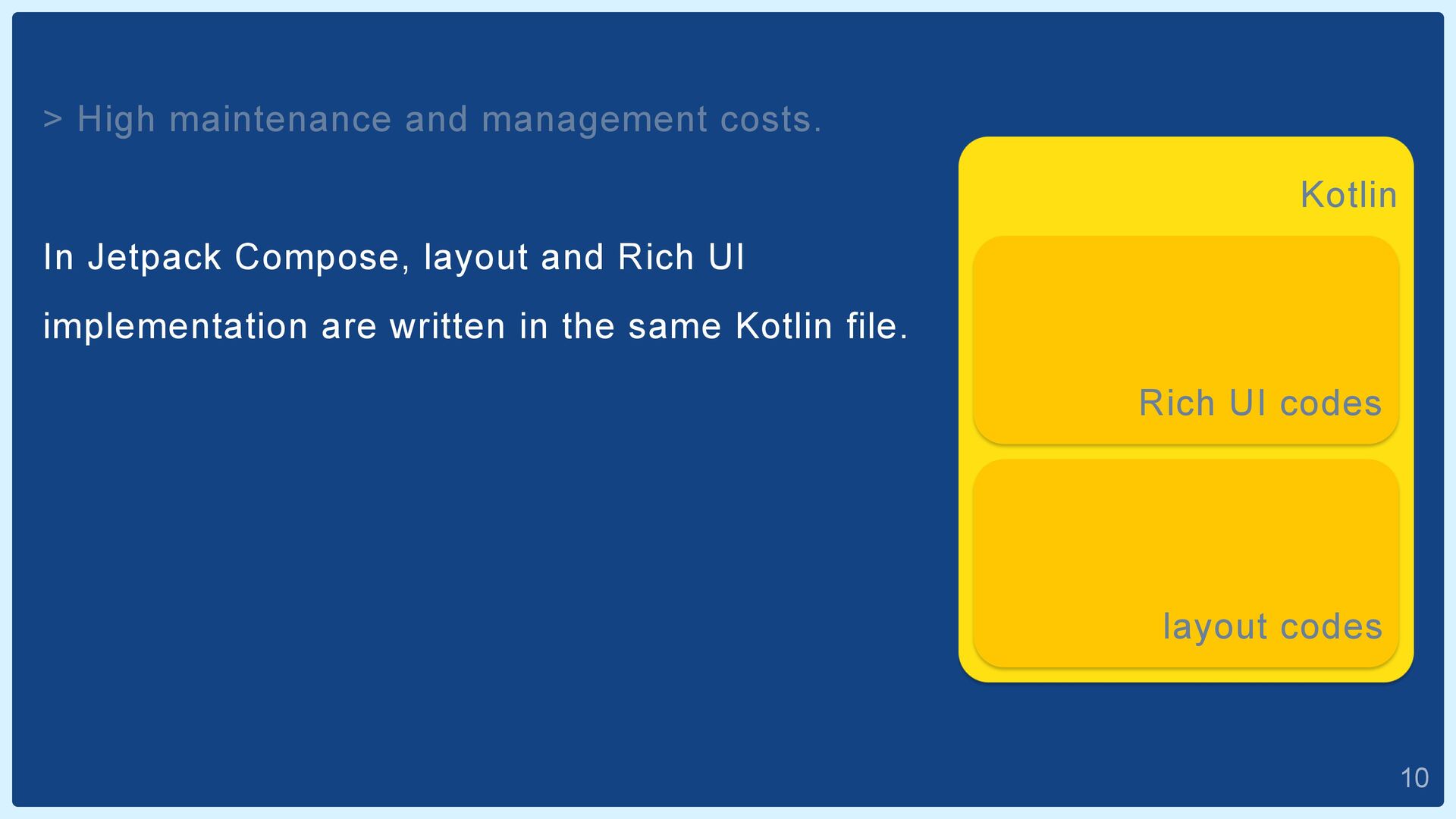
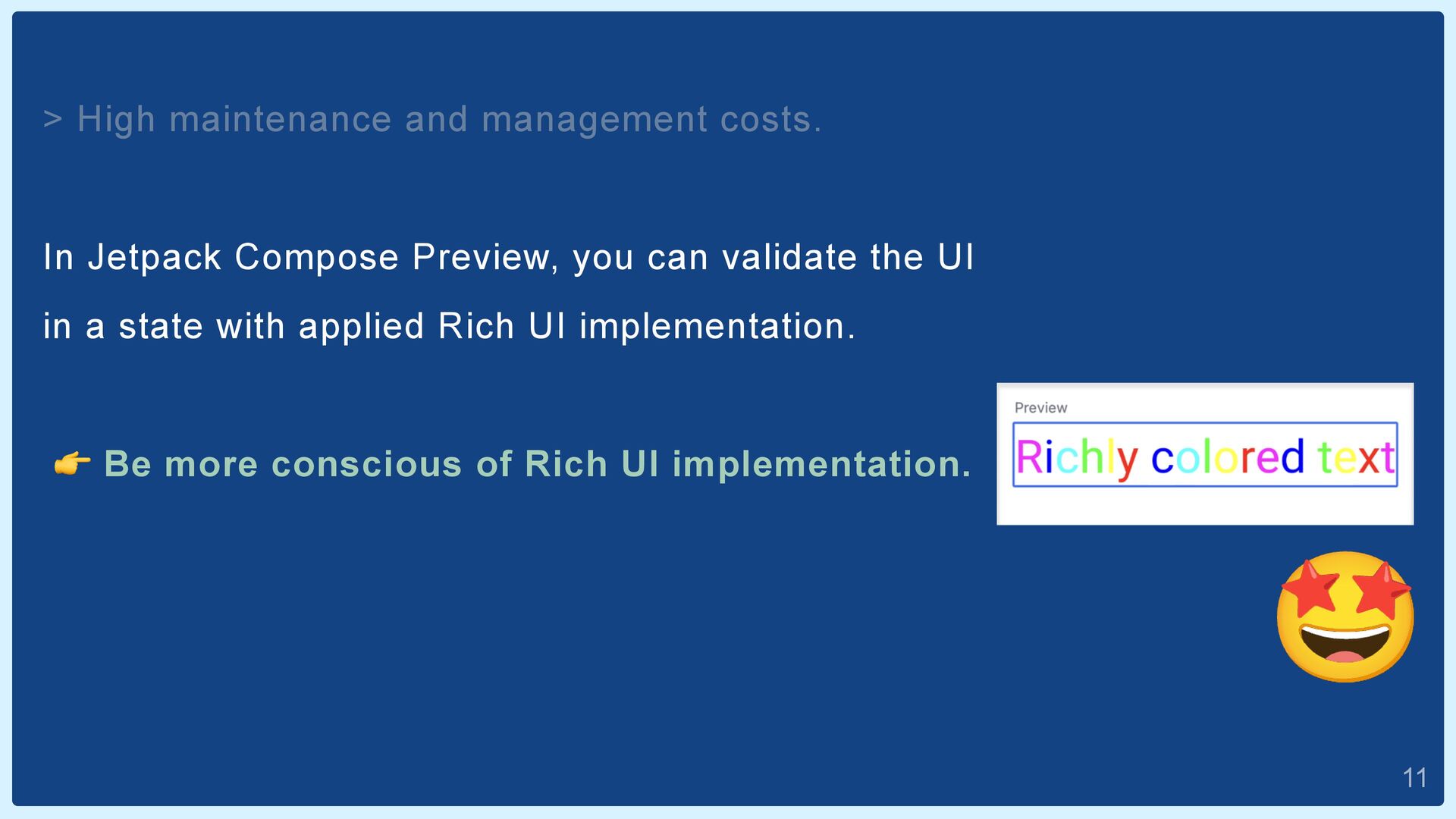
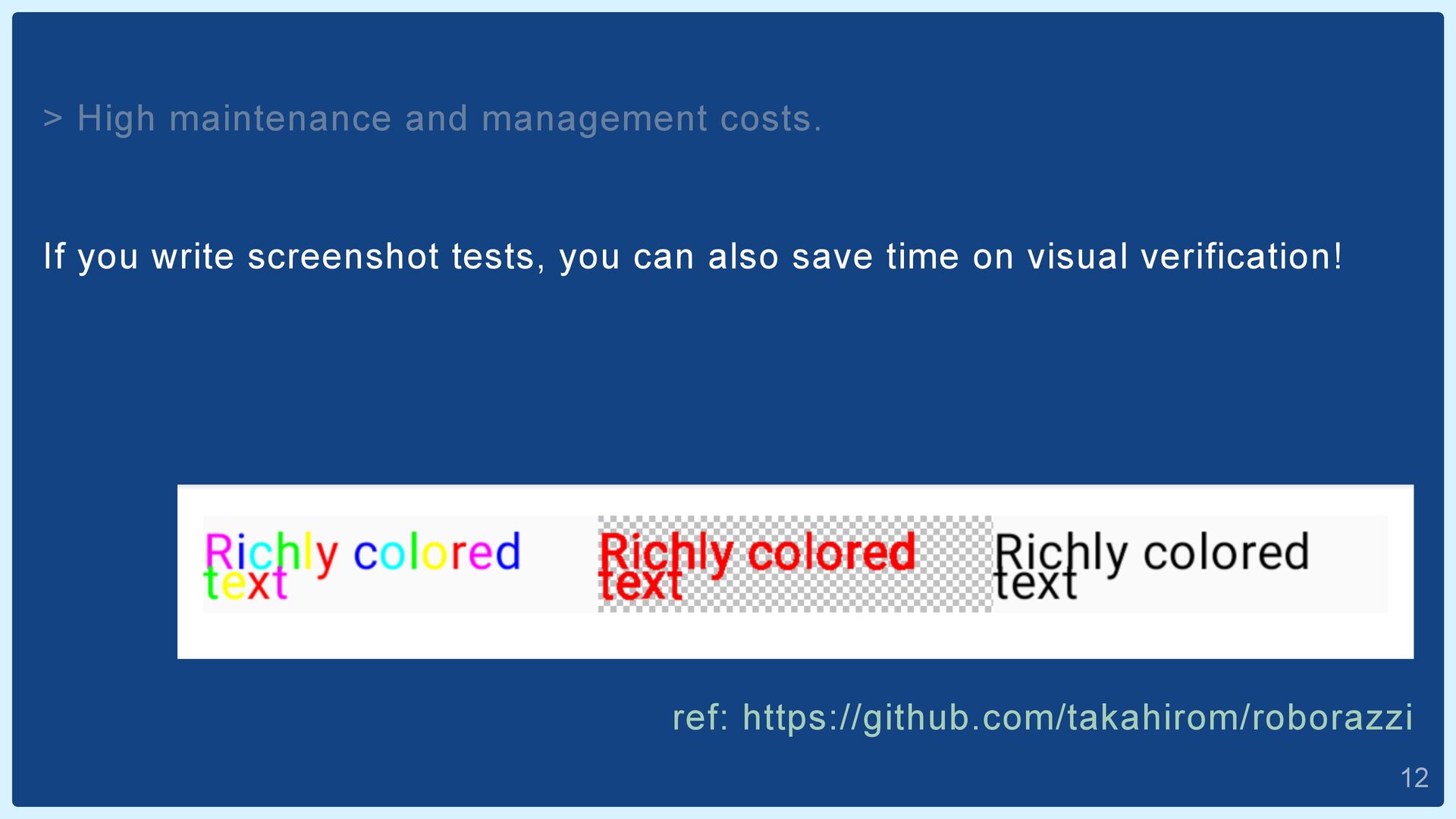
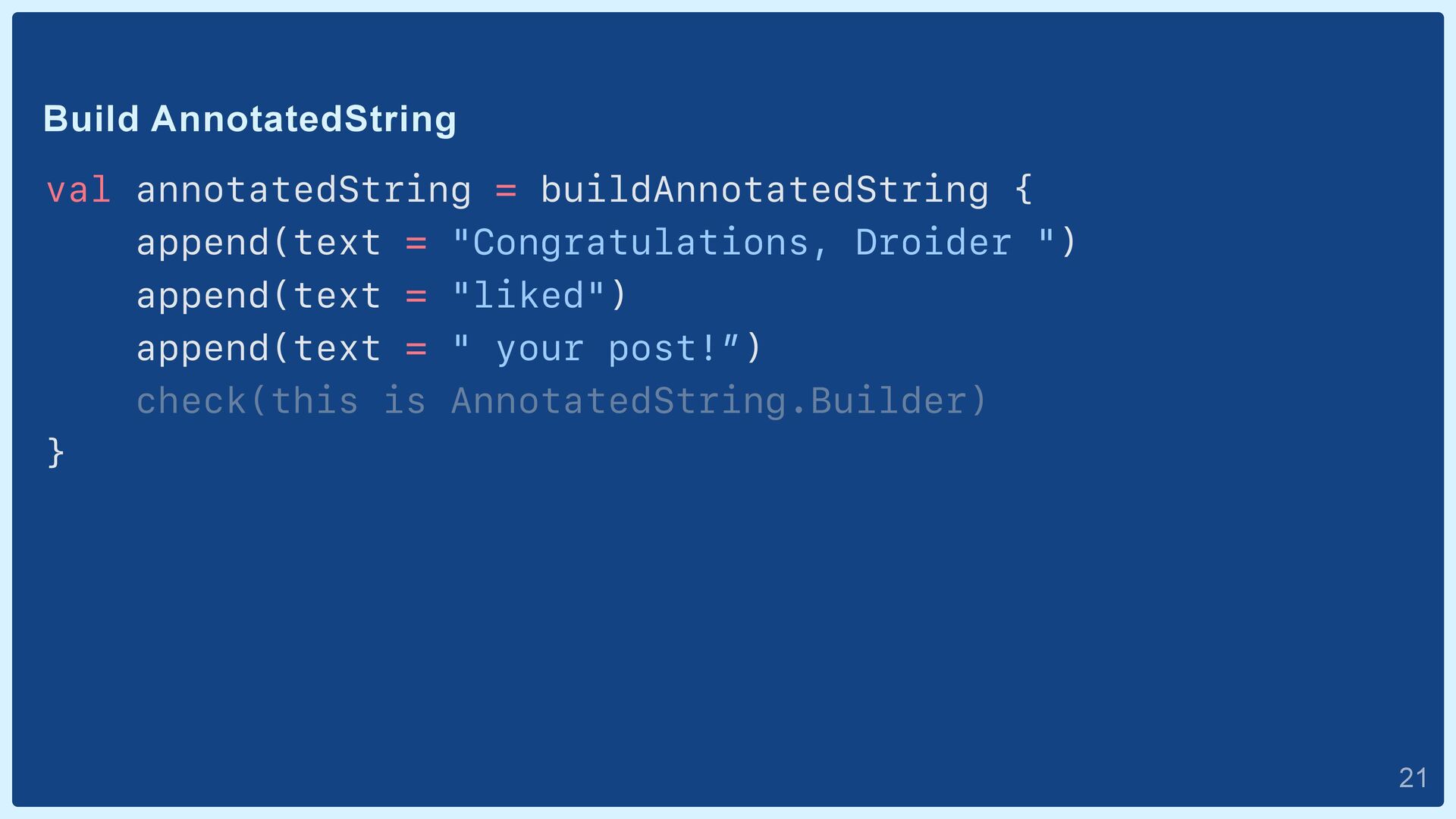
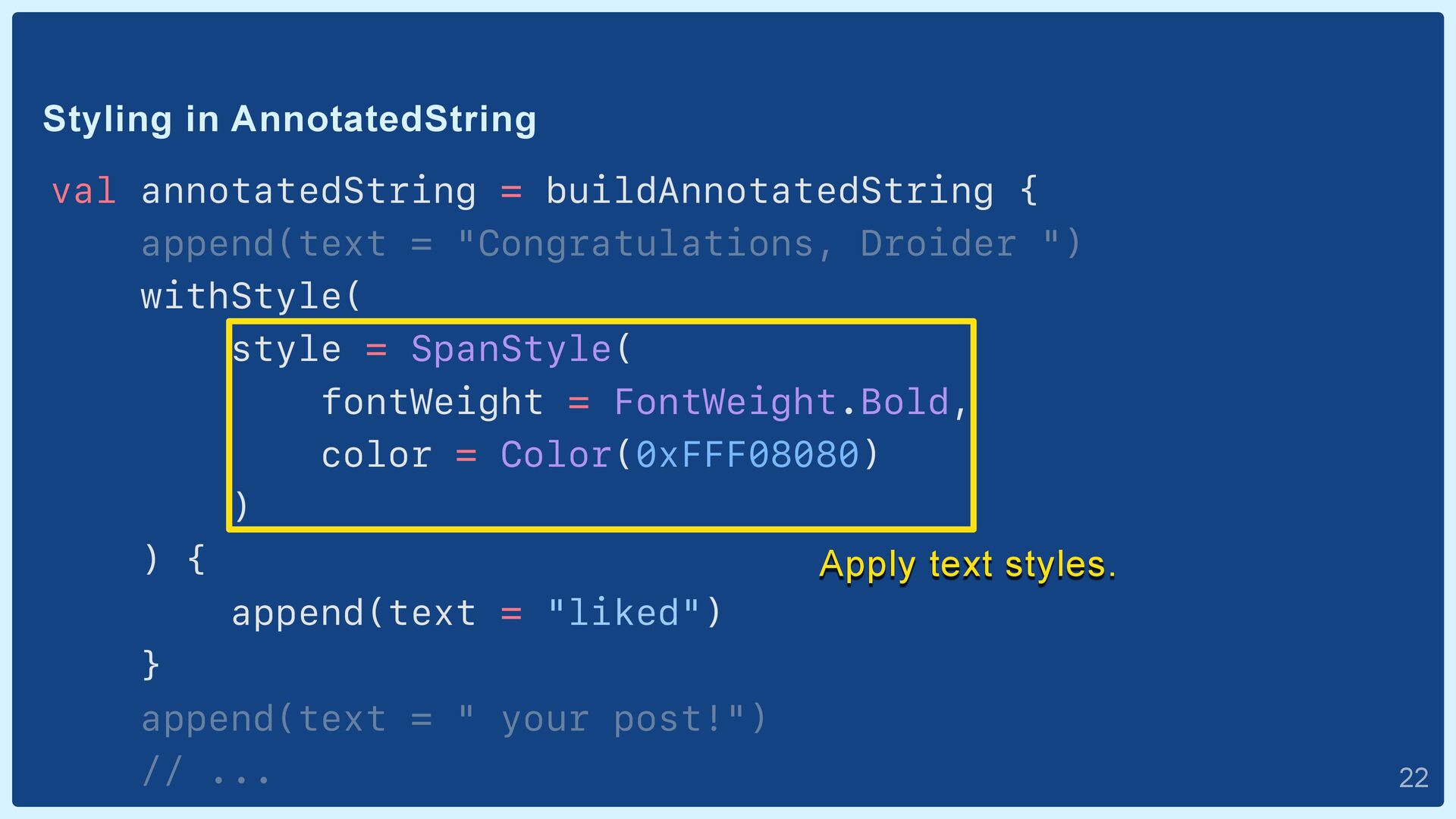
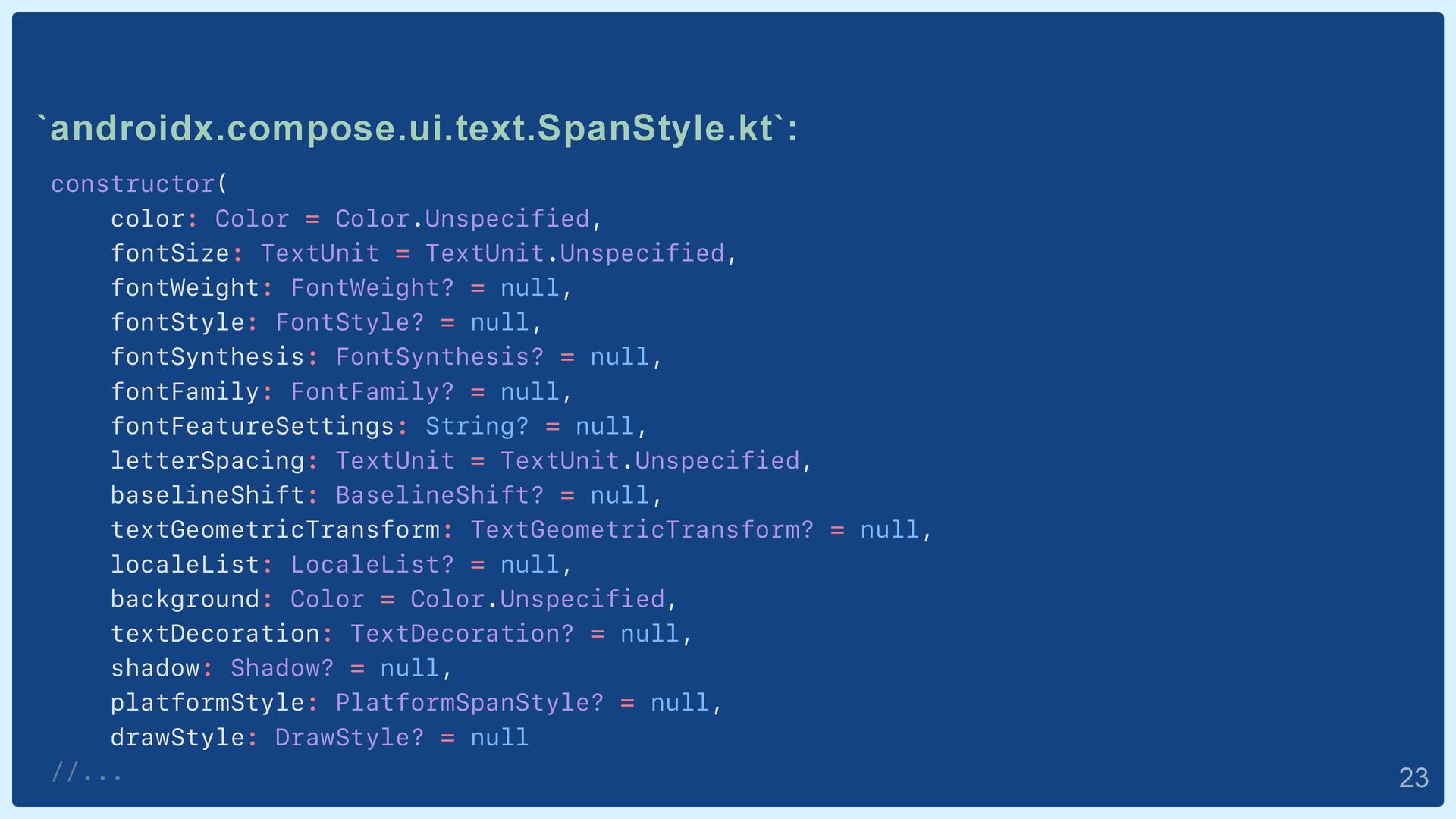
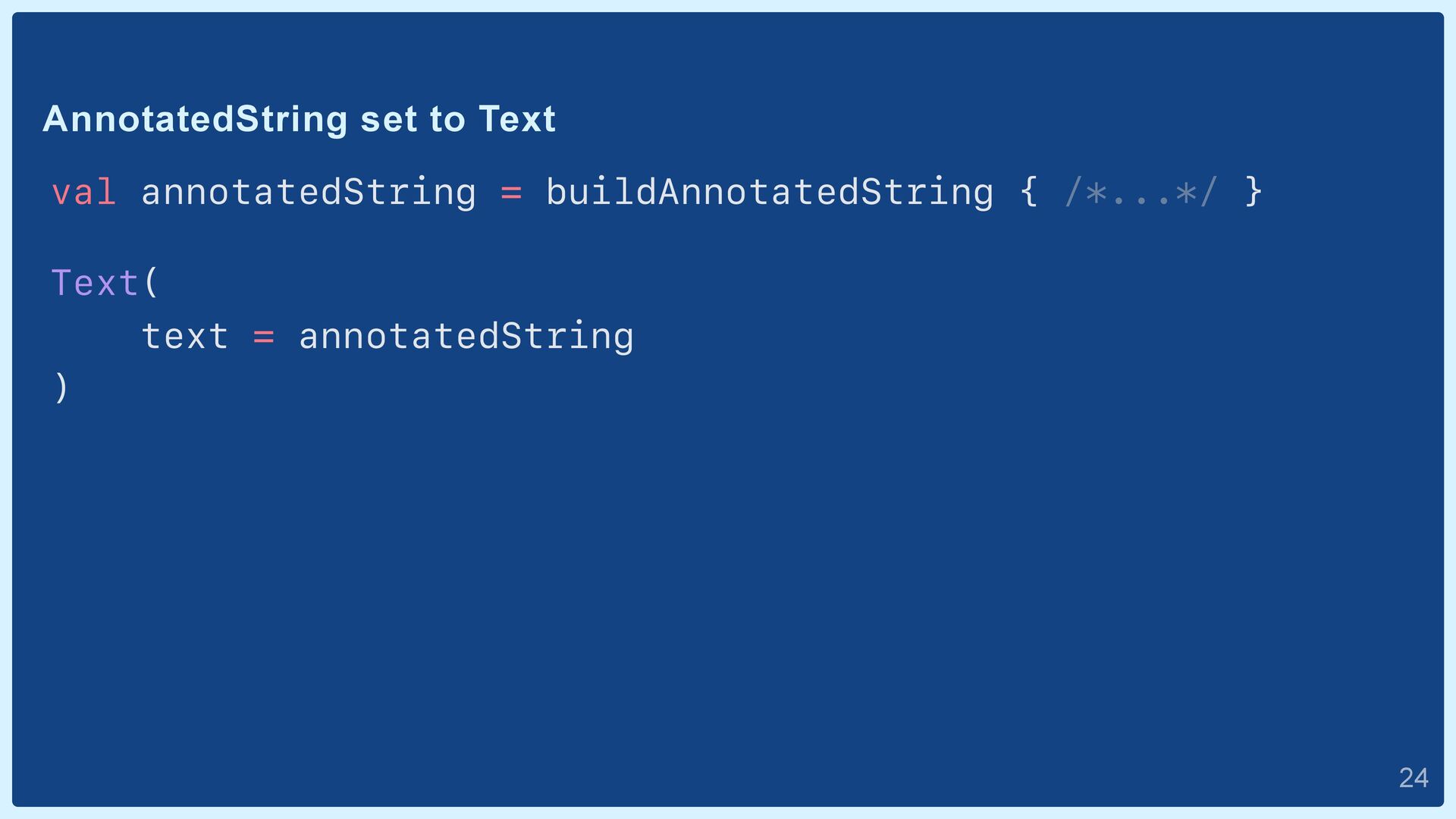
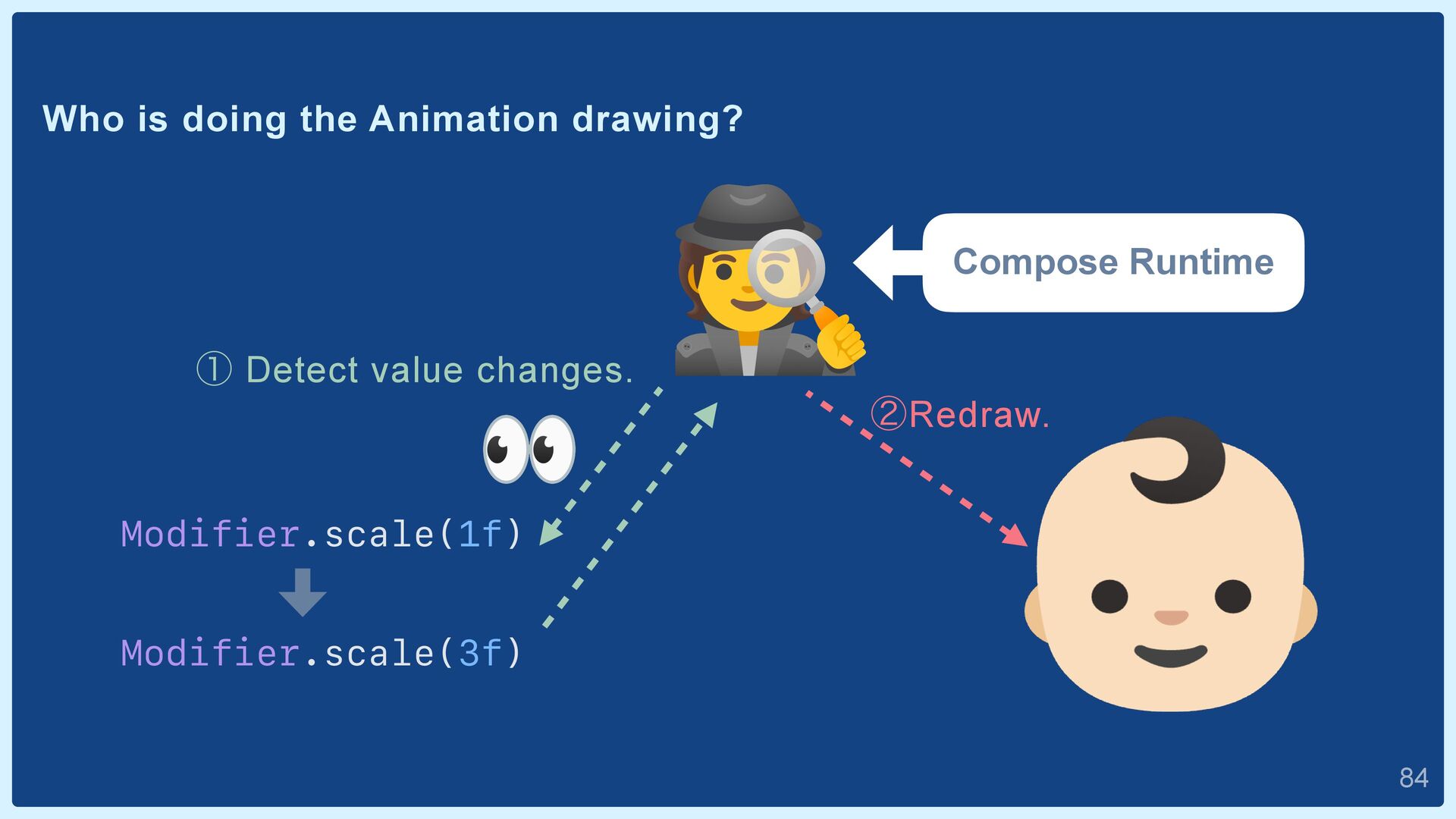
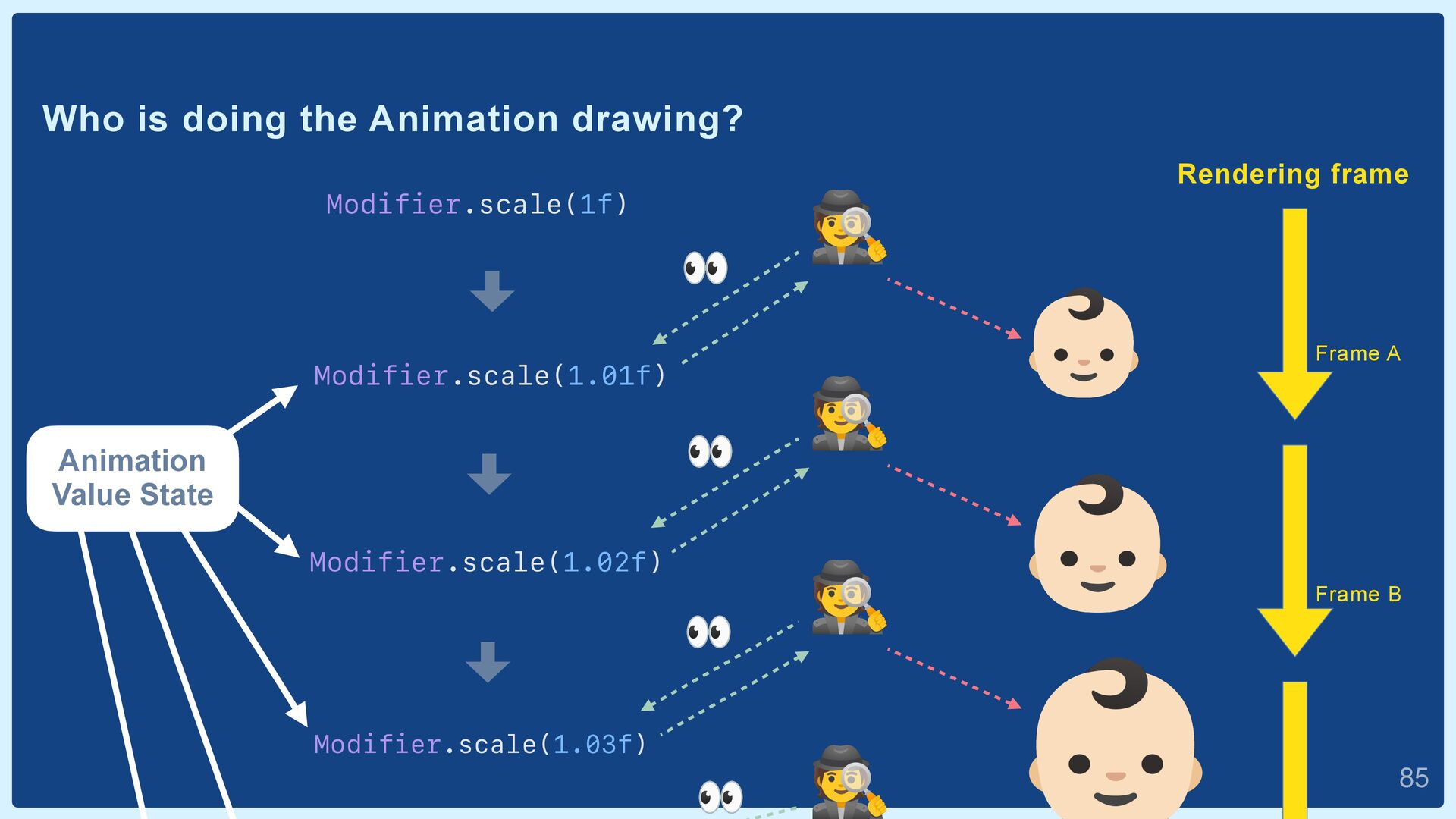
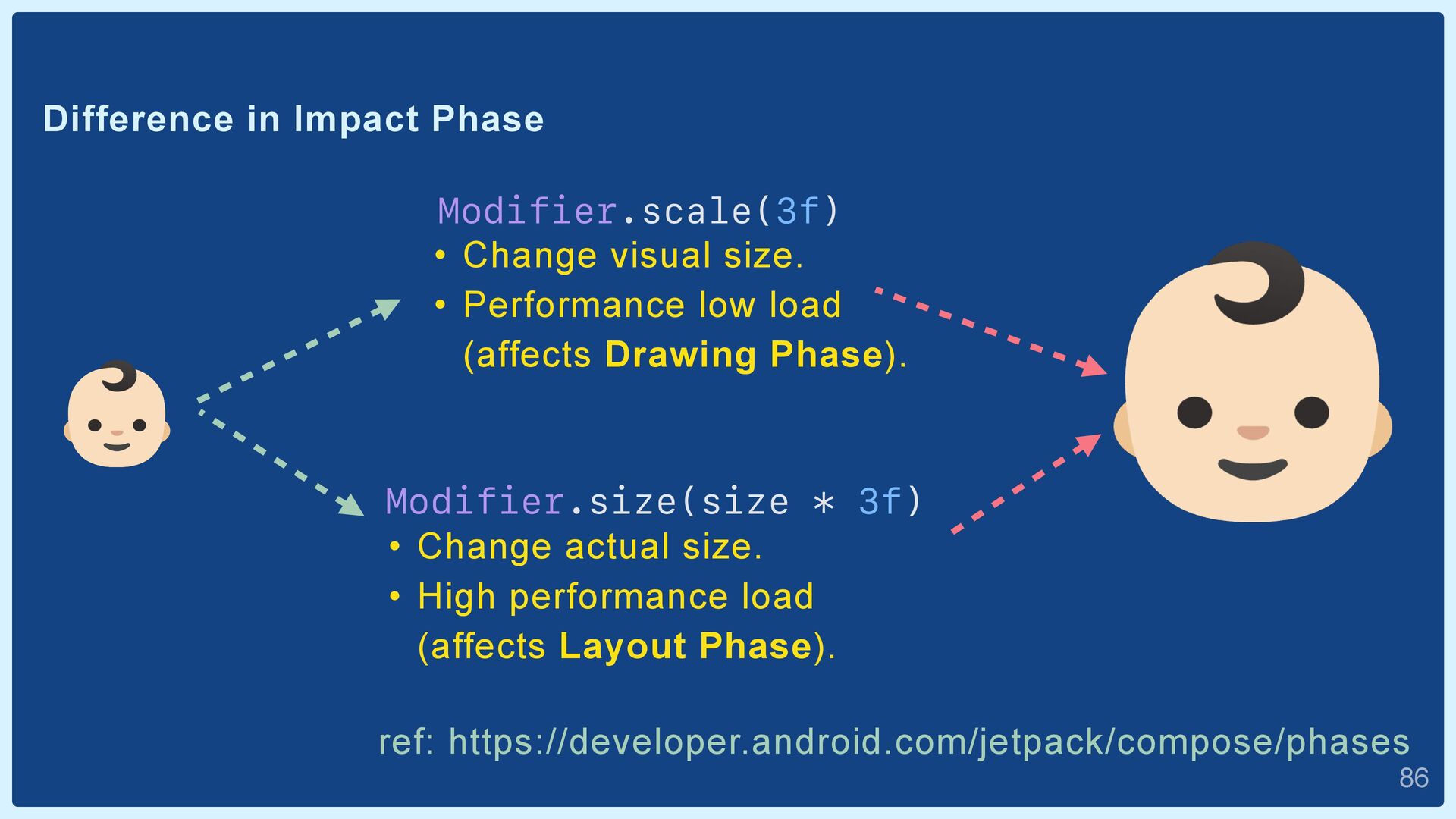
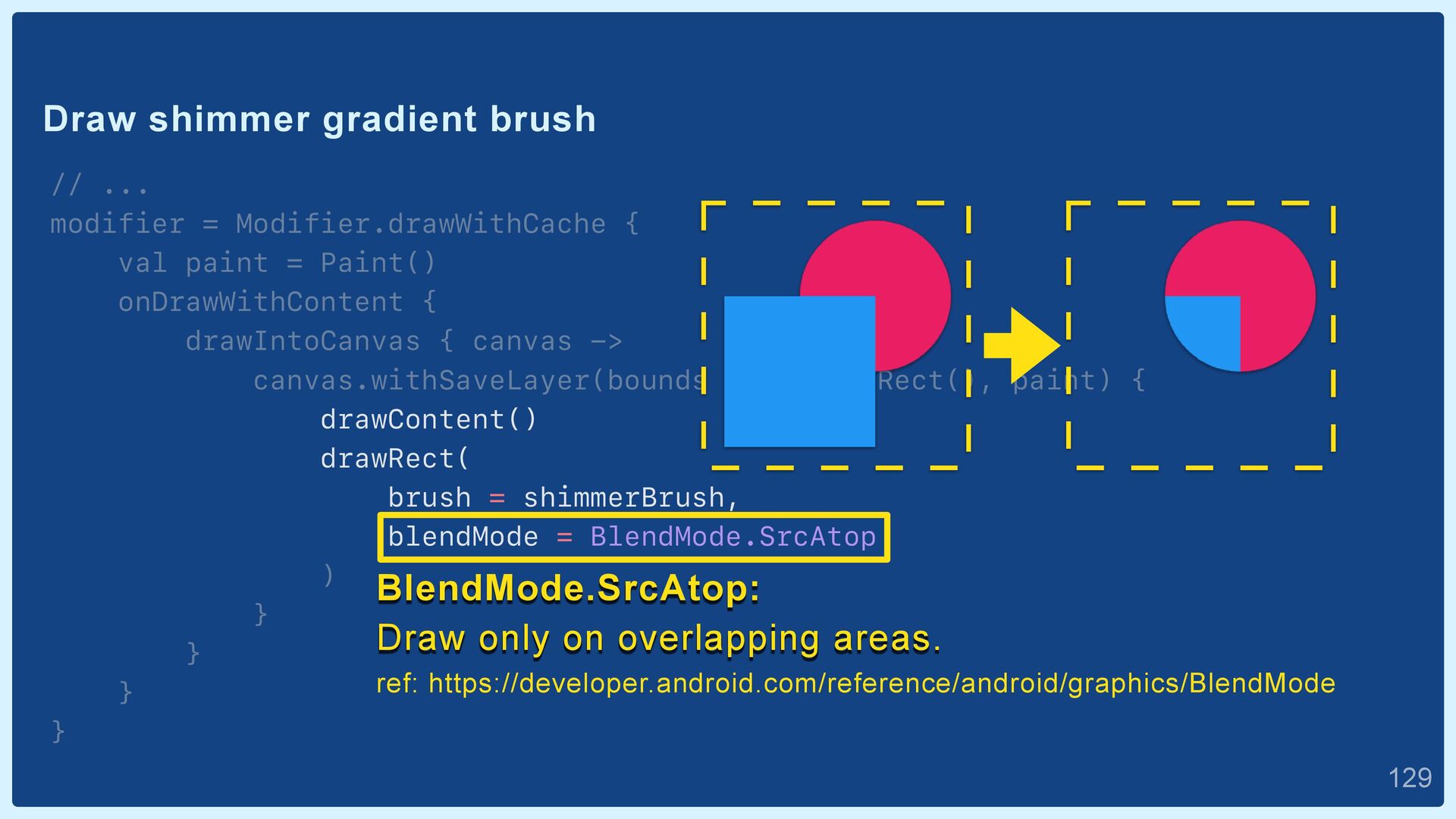
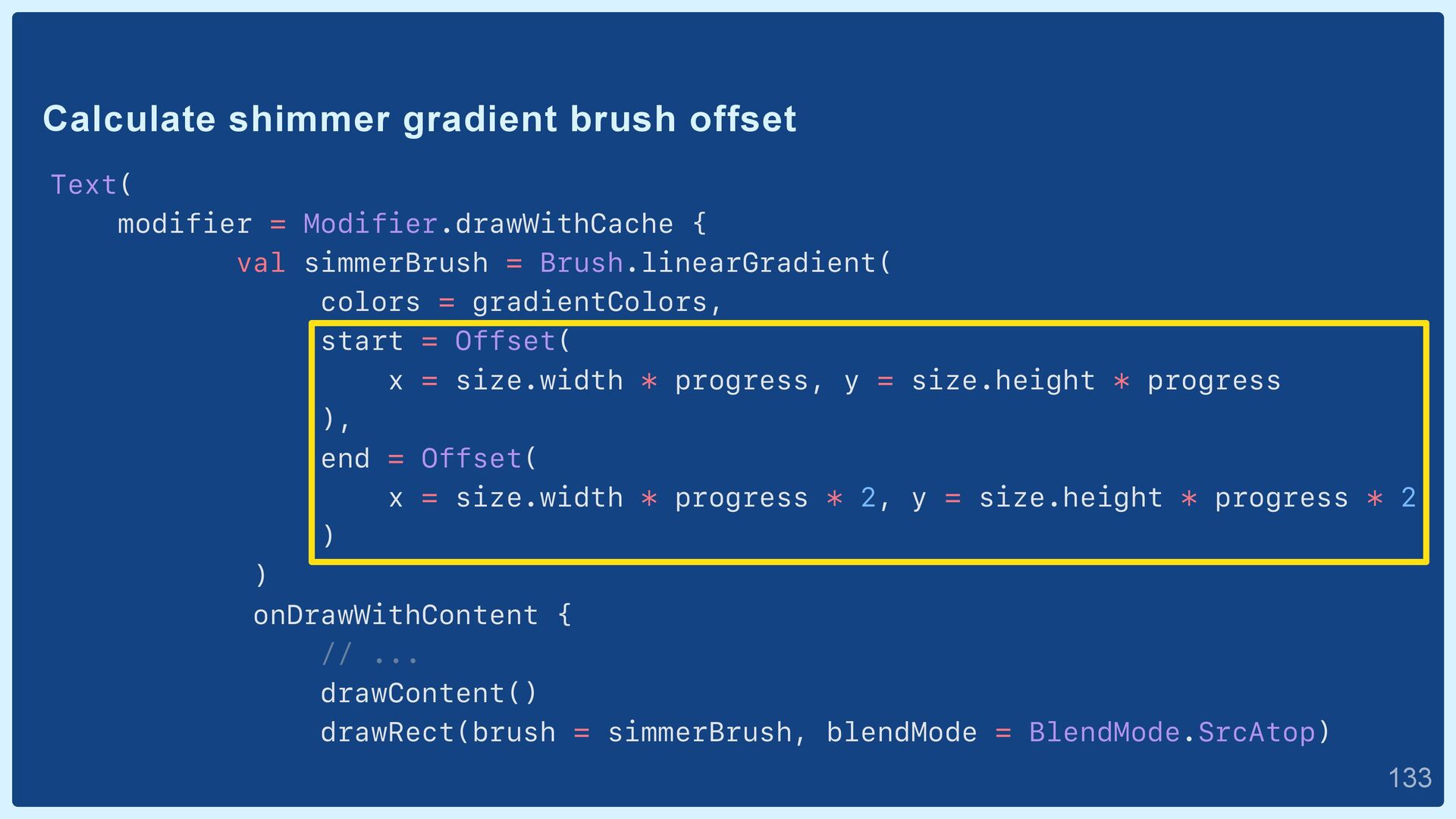
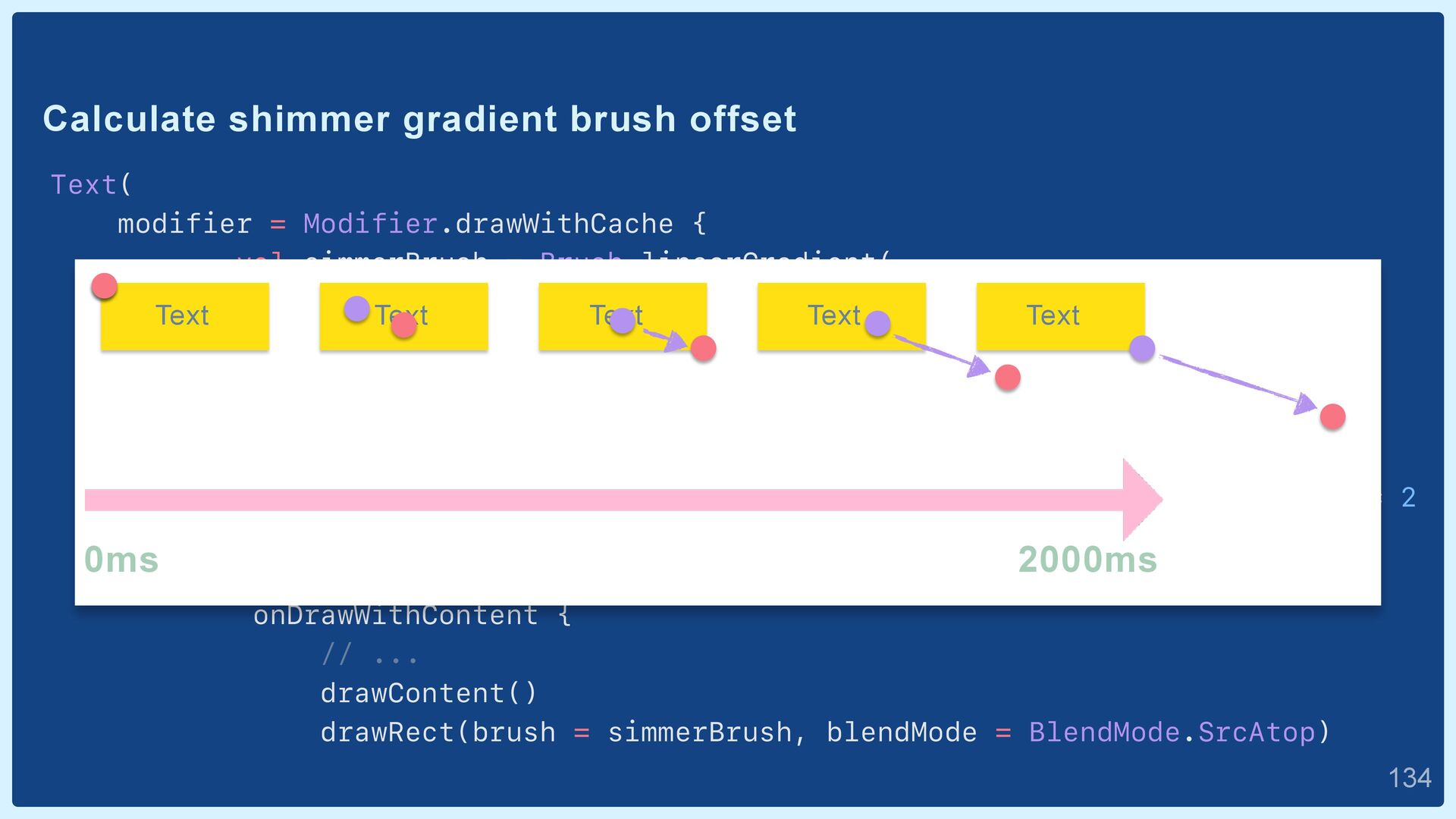
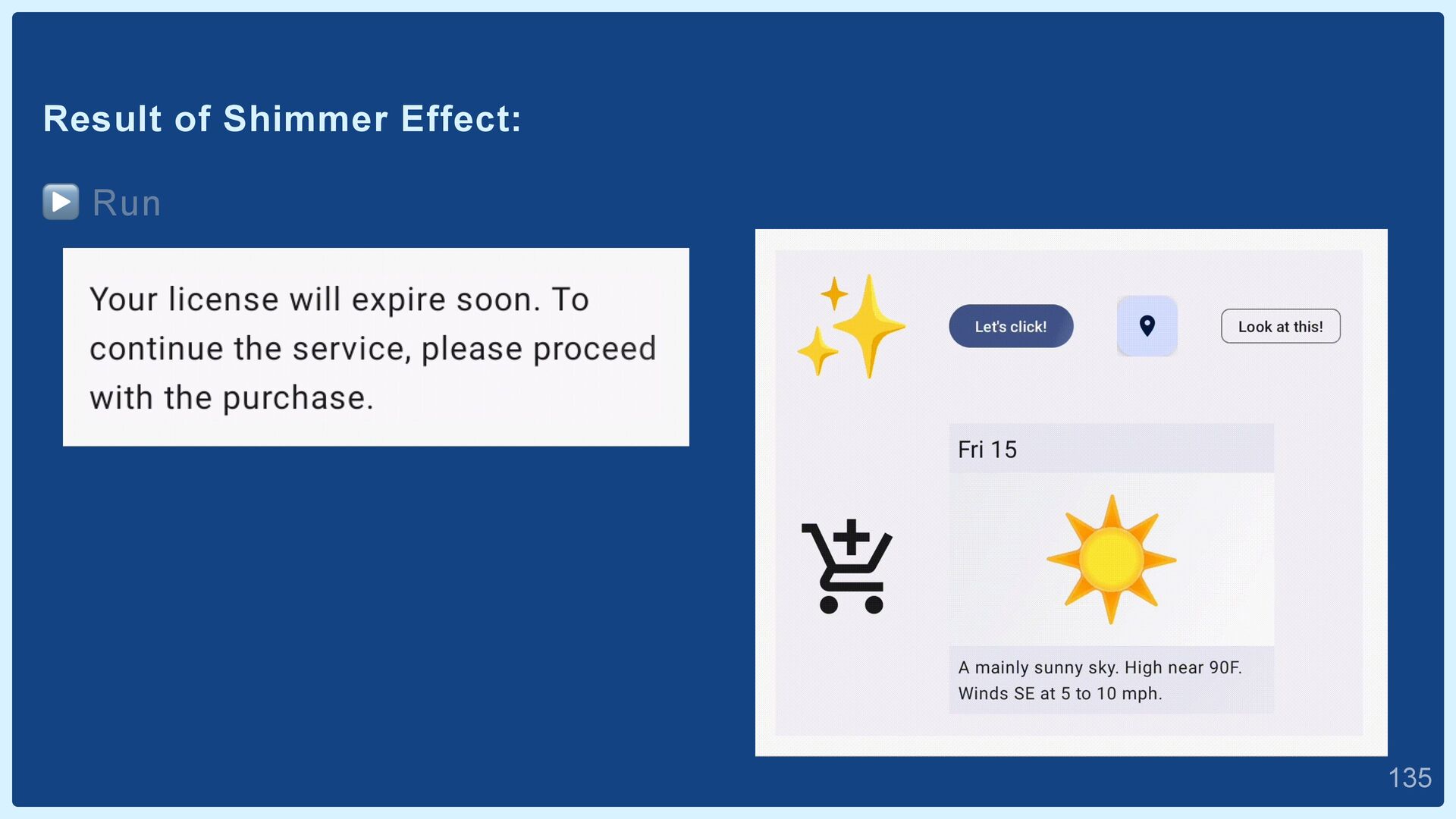
changes made to Kotlin and Java-based implementations for Rich UI, which are added after defining the layout file, are not reflected. 👉 Lead to a decreased interest in the Rich UI code.  9
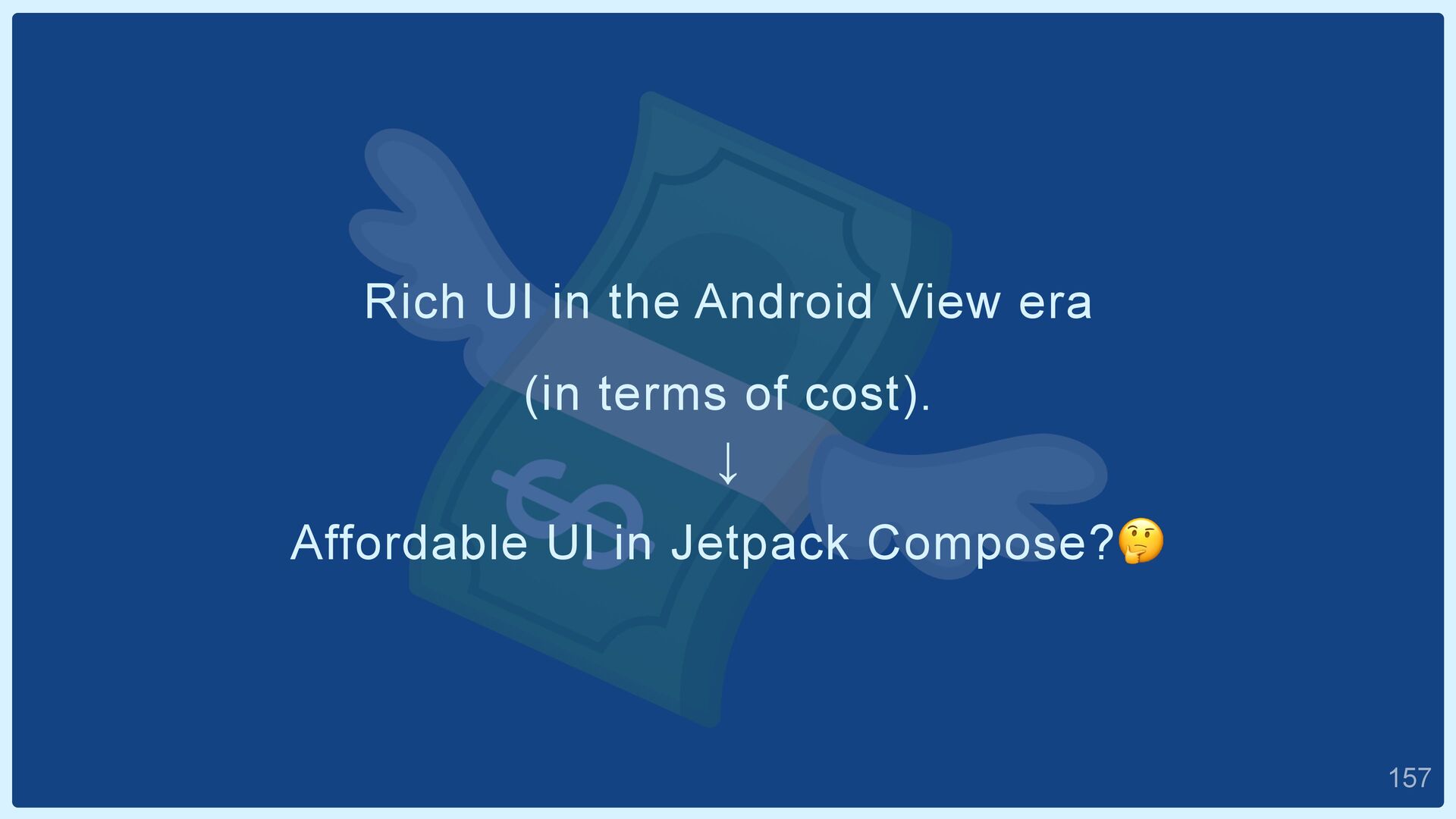
Implementation method is not clear. ↓ Development difficulty is judged to be high. ↓ Cost is judged to be high. 👉 How about trying to learn the implementation method?  15
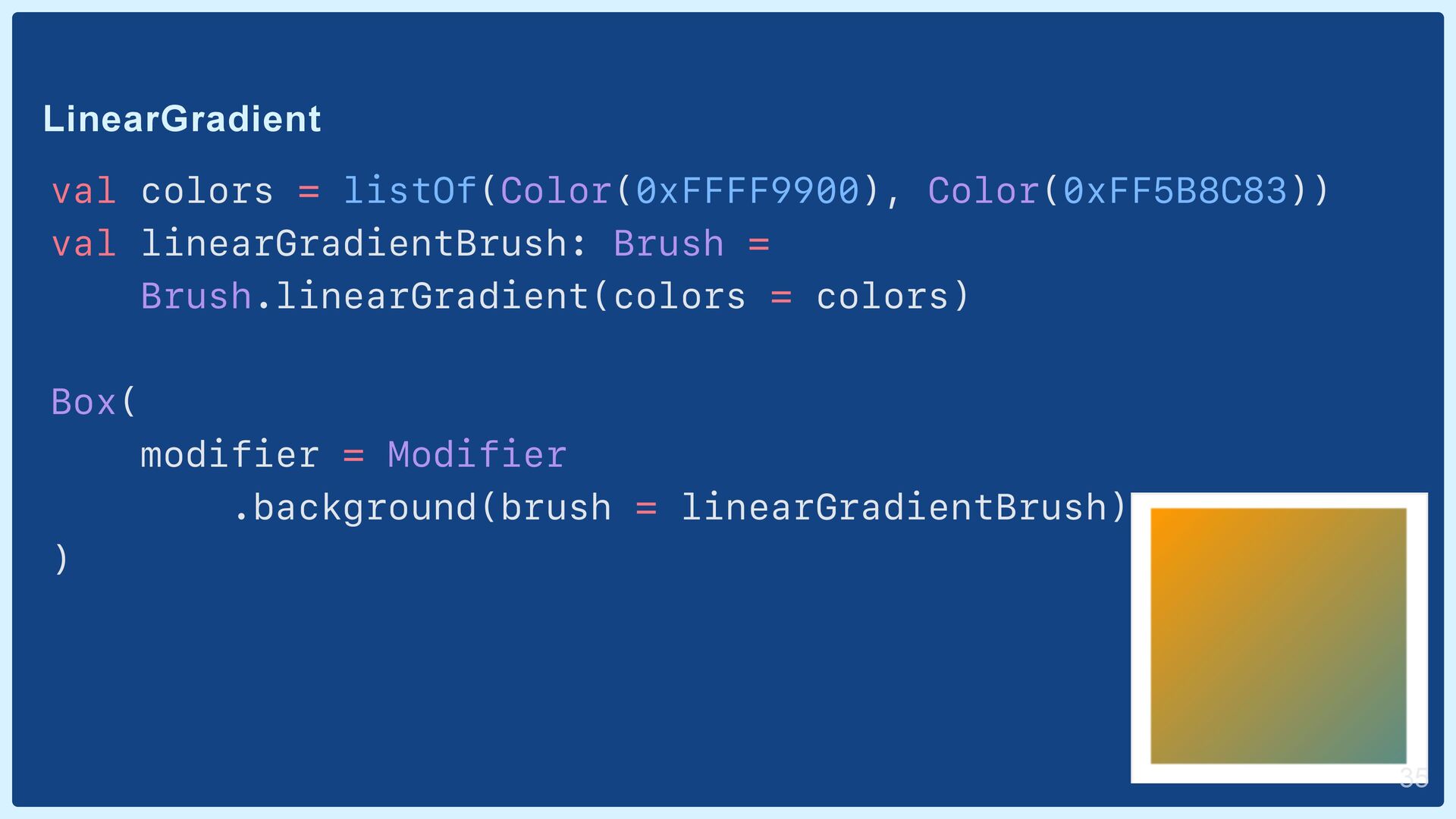
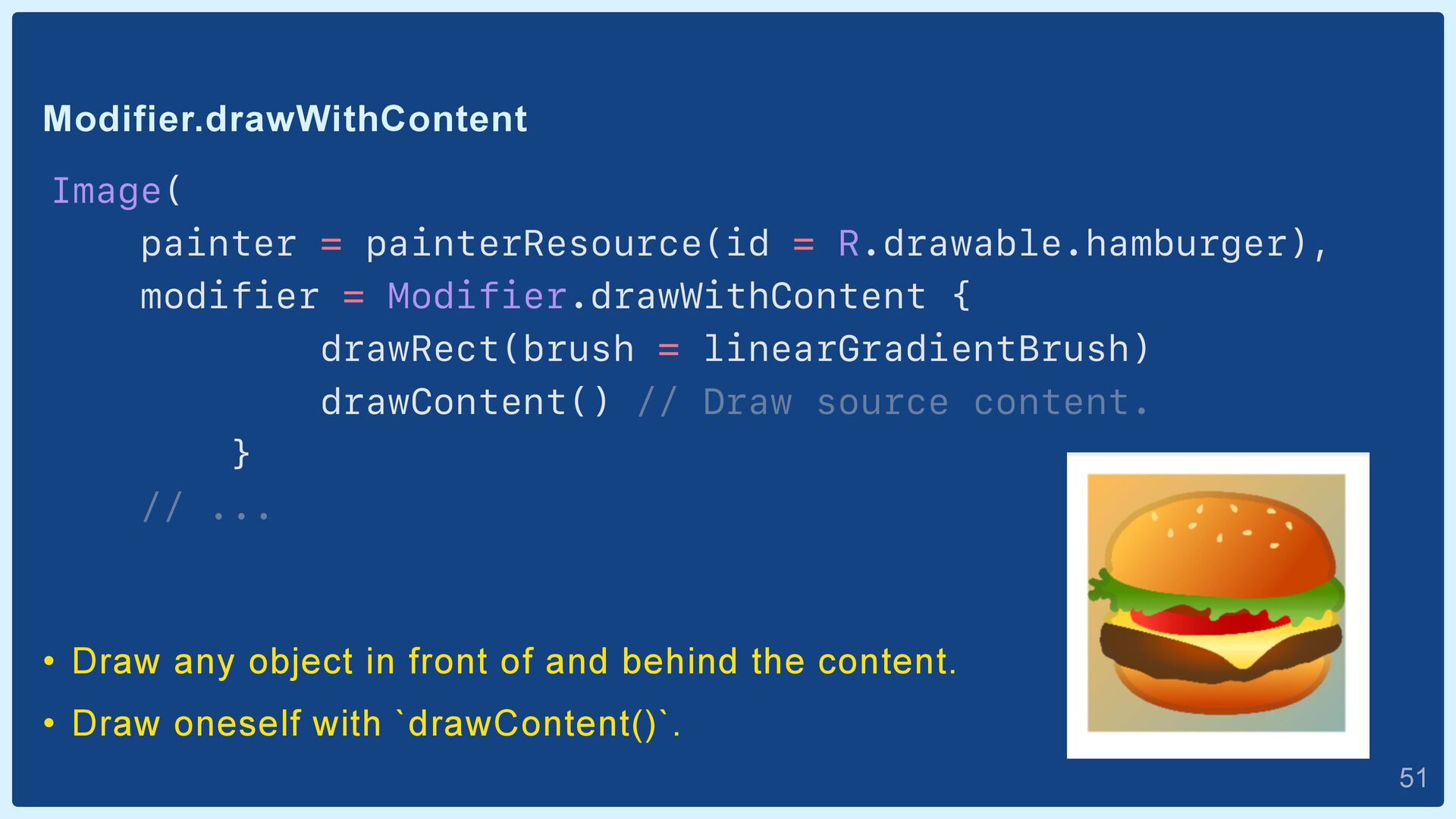
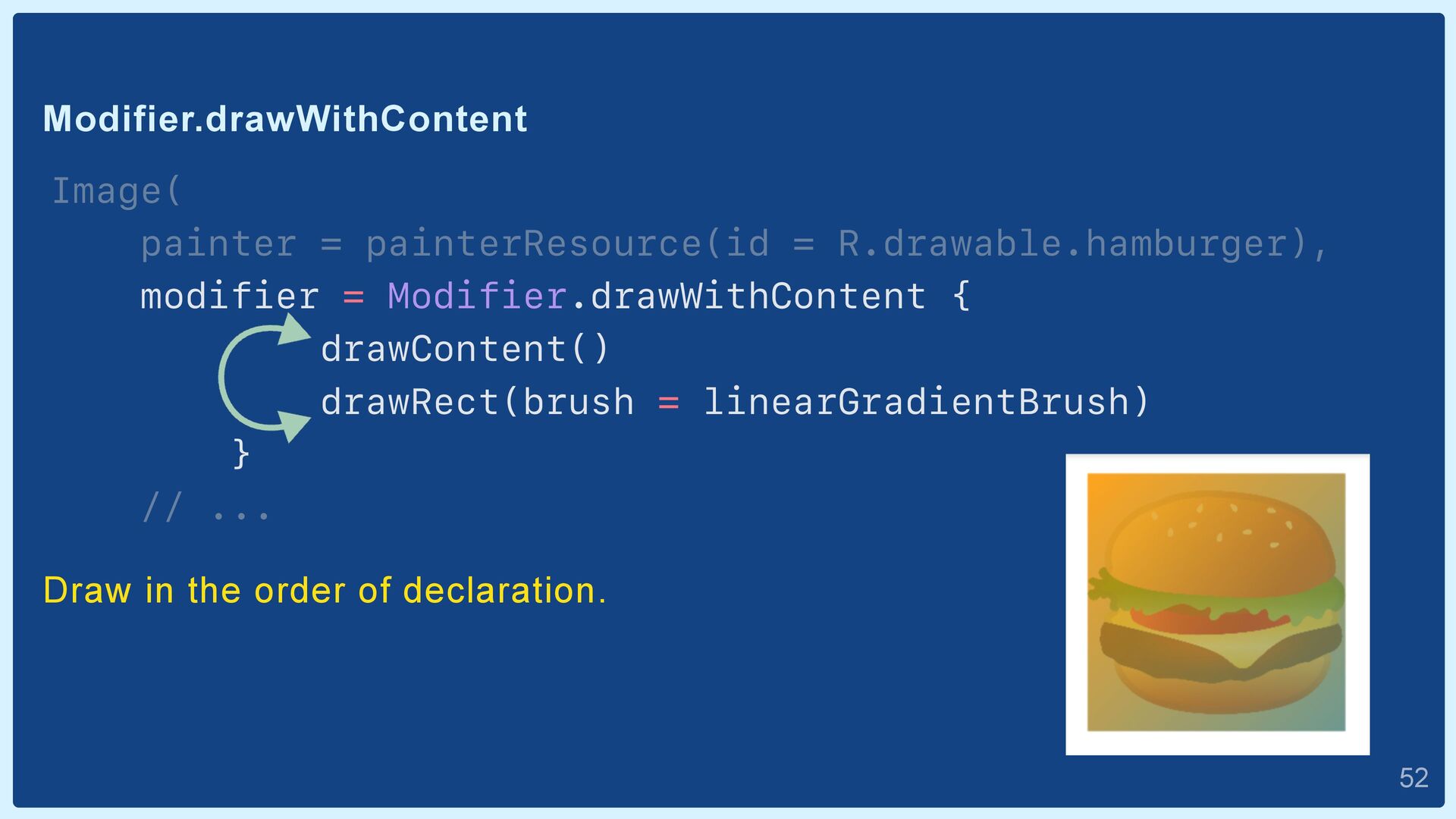
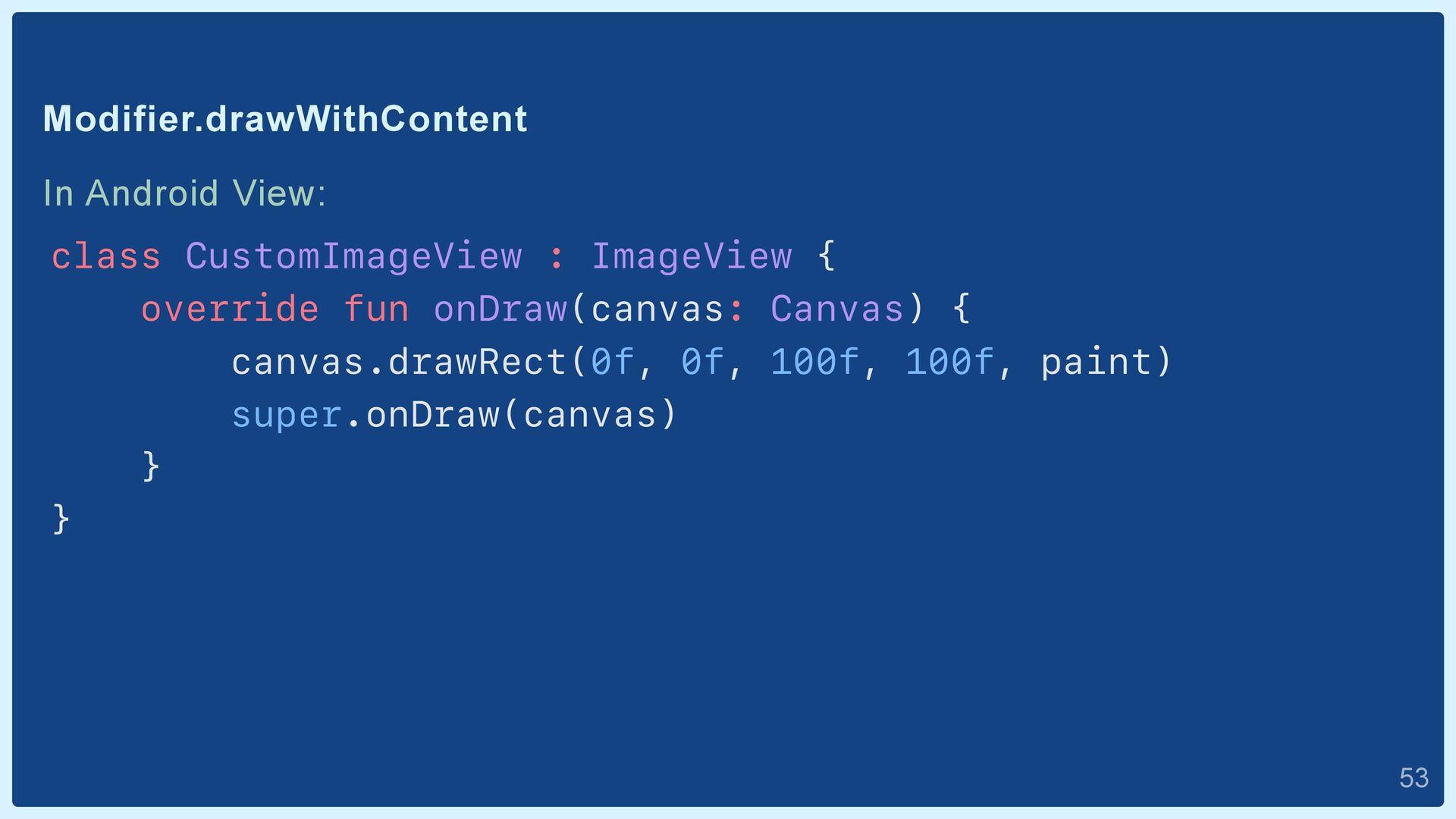
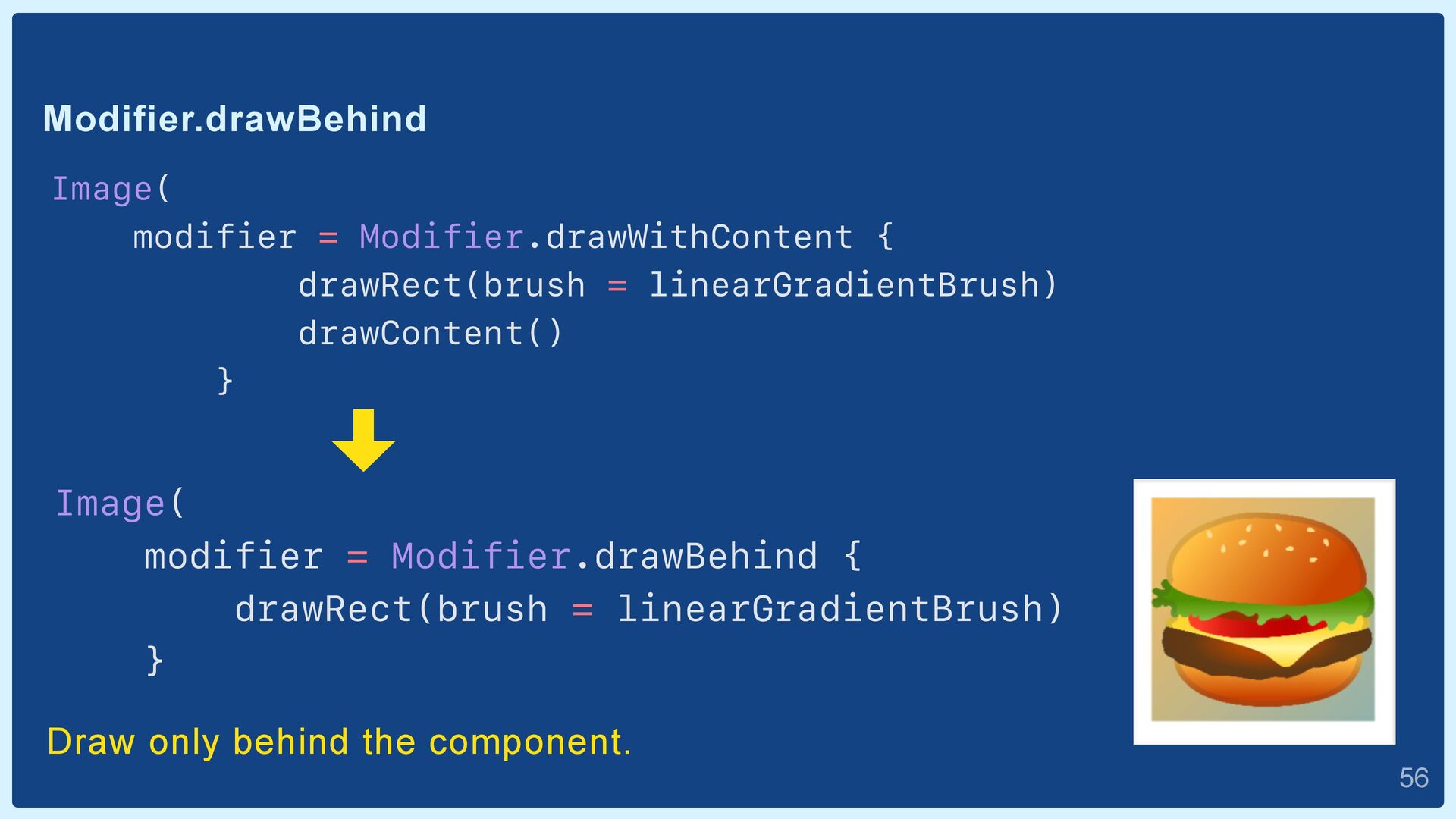
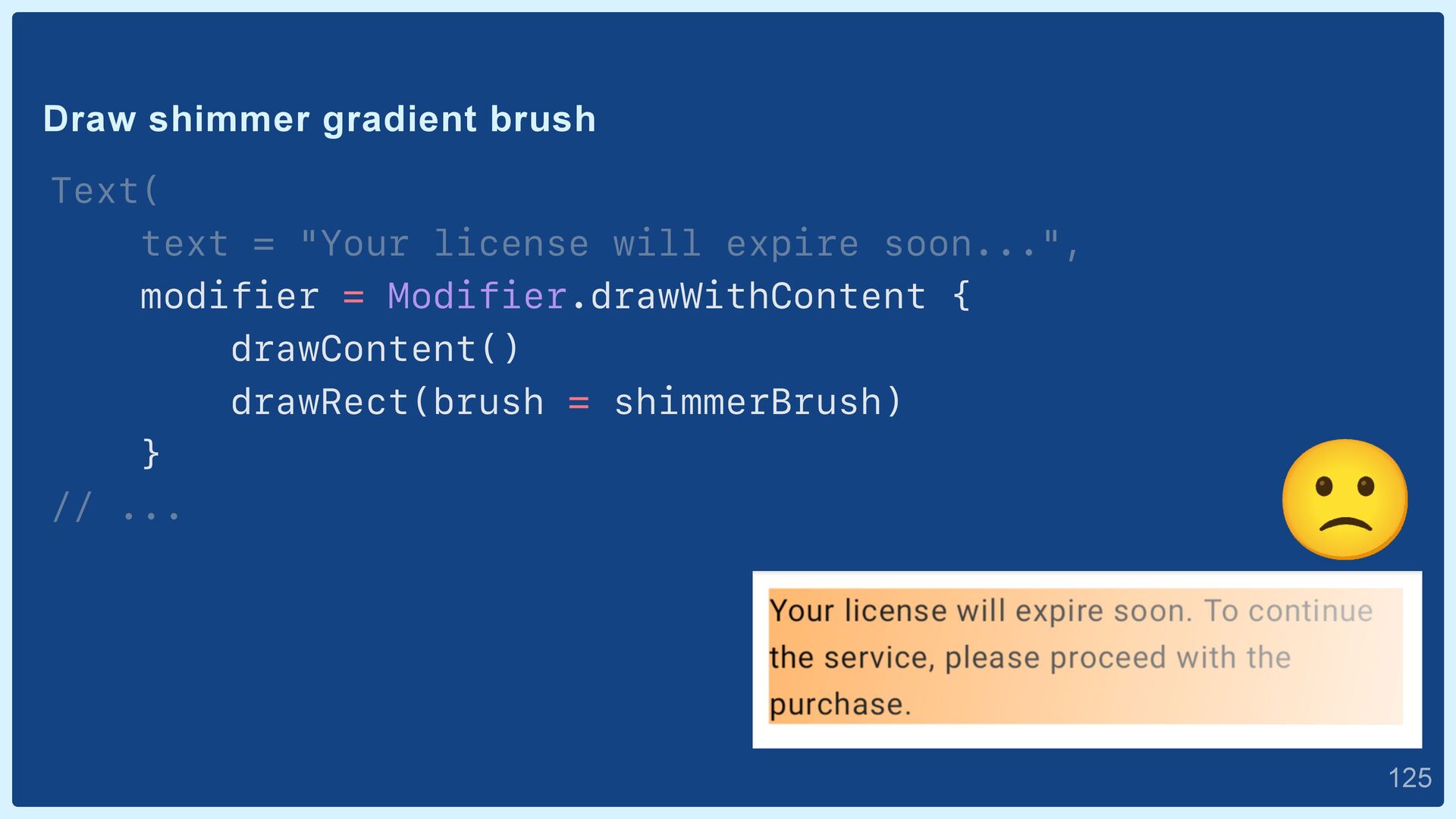
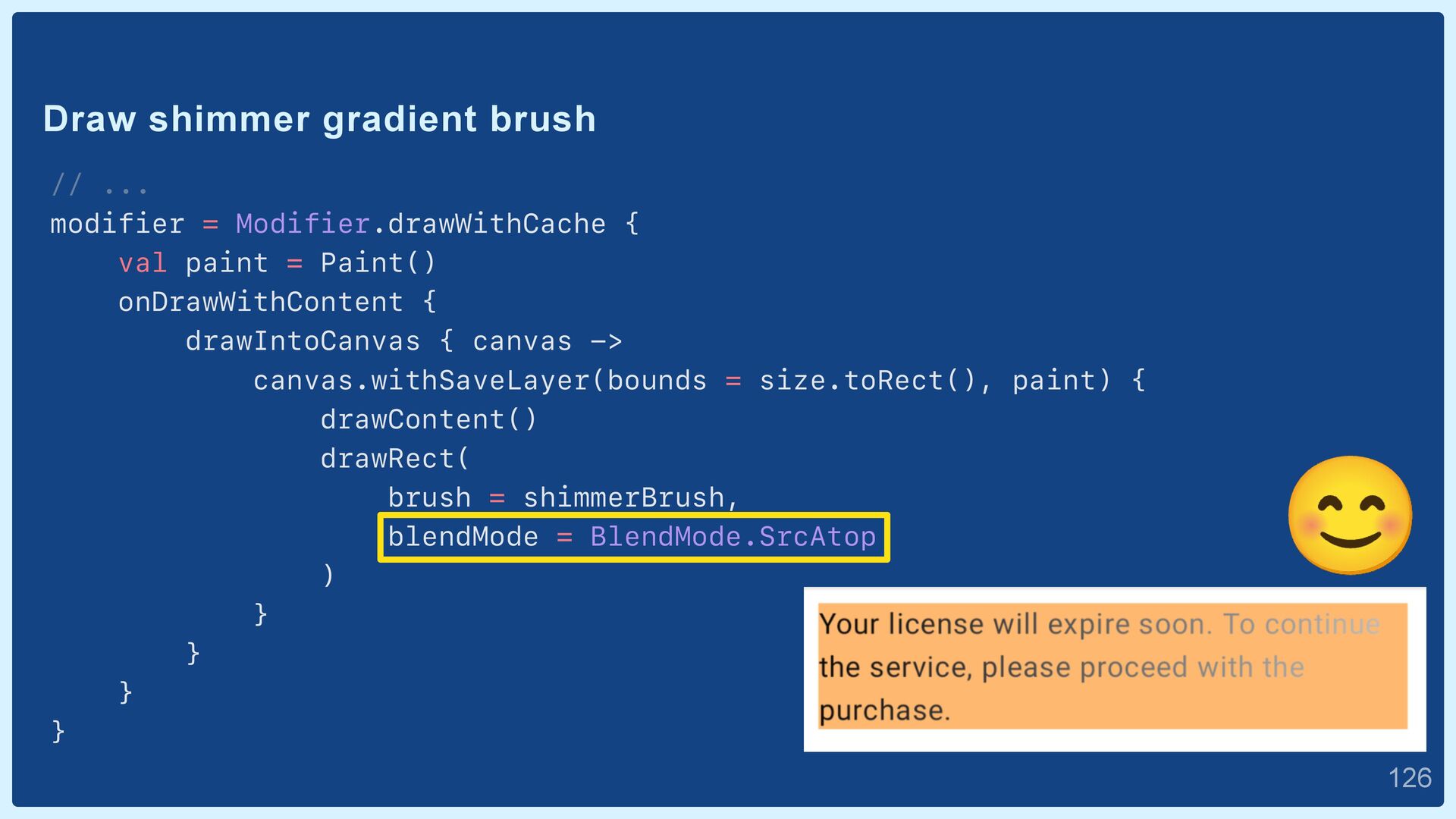
{ drawRect(brush = linearGradientBrush) drawContent() // Draw source content. } // ... • Draw any object in front of and behind the content. • Draw oneself with `drawContent()`.  51
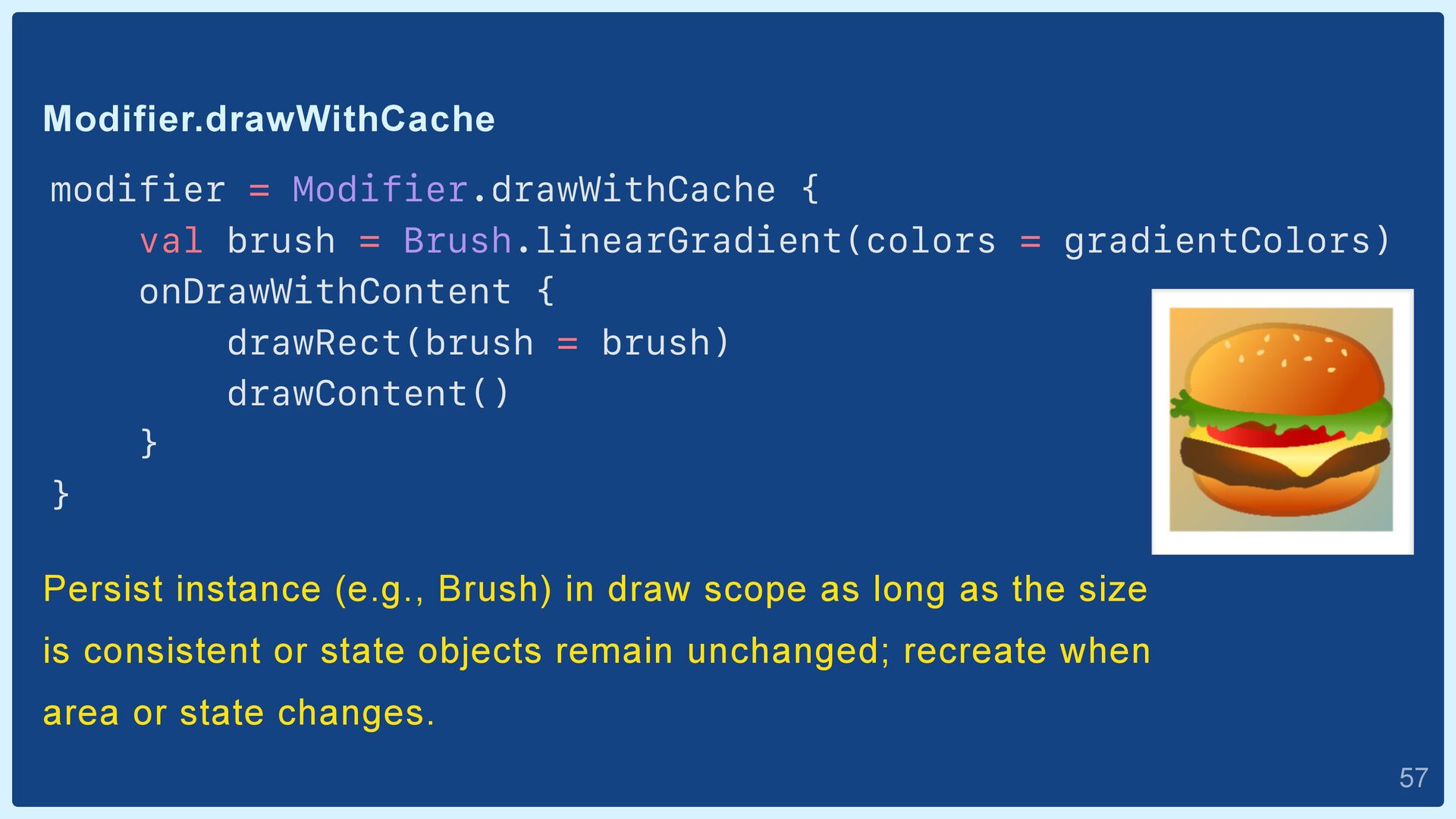
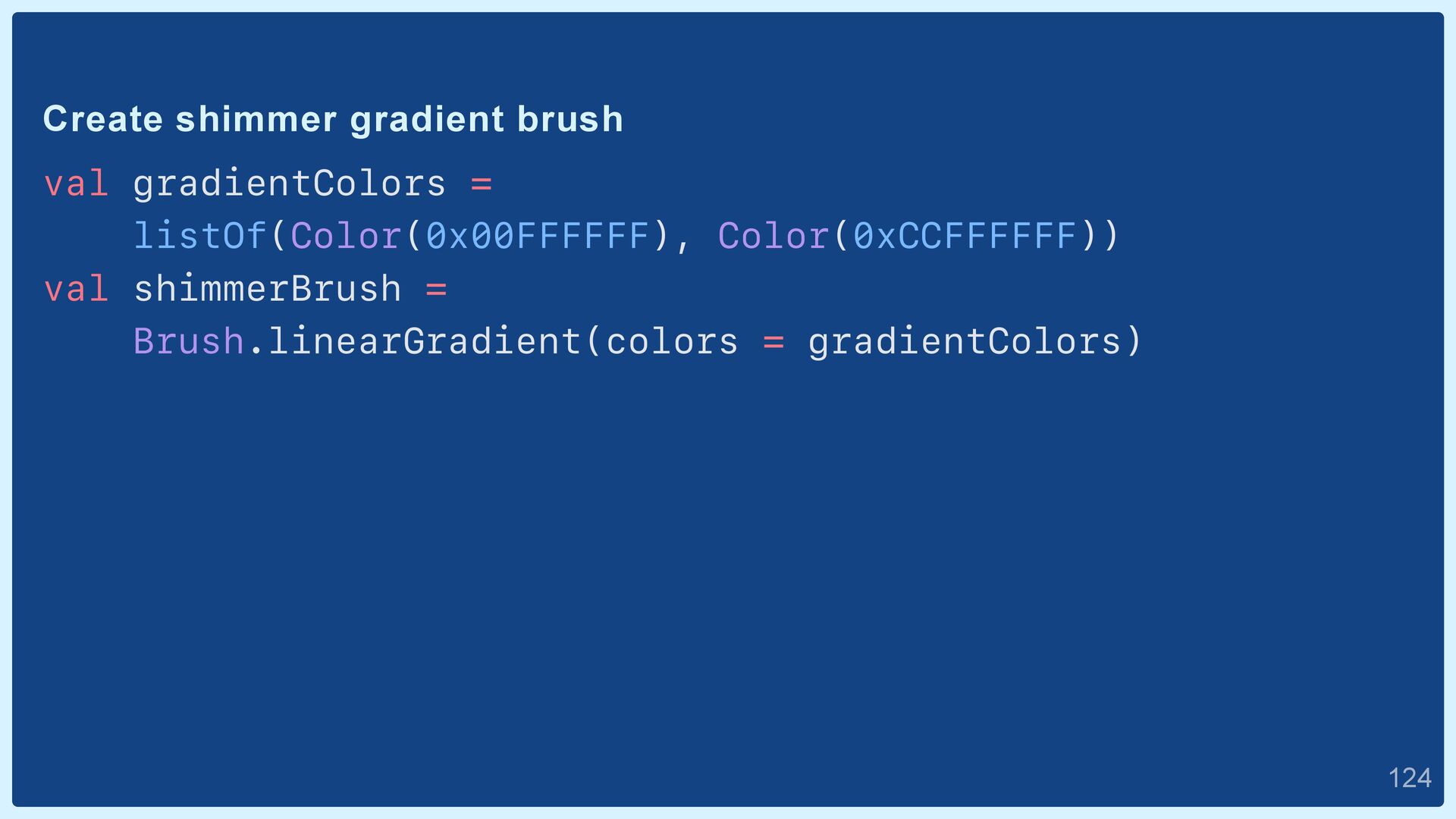
gradientColors) onDrawWithContent { drawRect(brush = brush) drawContent() } } Persist instance (e.g., Brush) in draw scope as long as the size is consistent or state objects remain unchanged; recreate when area or state changes.  57
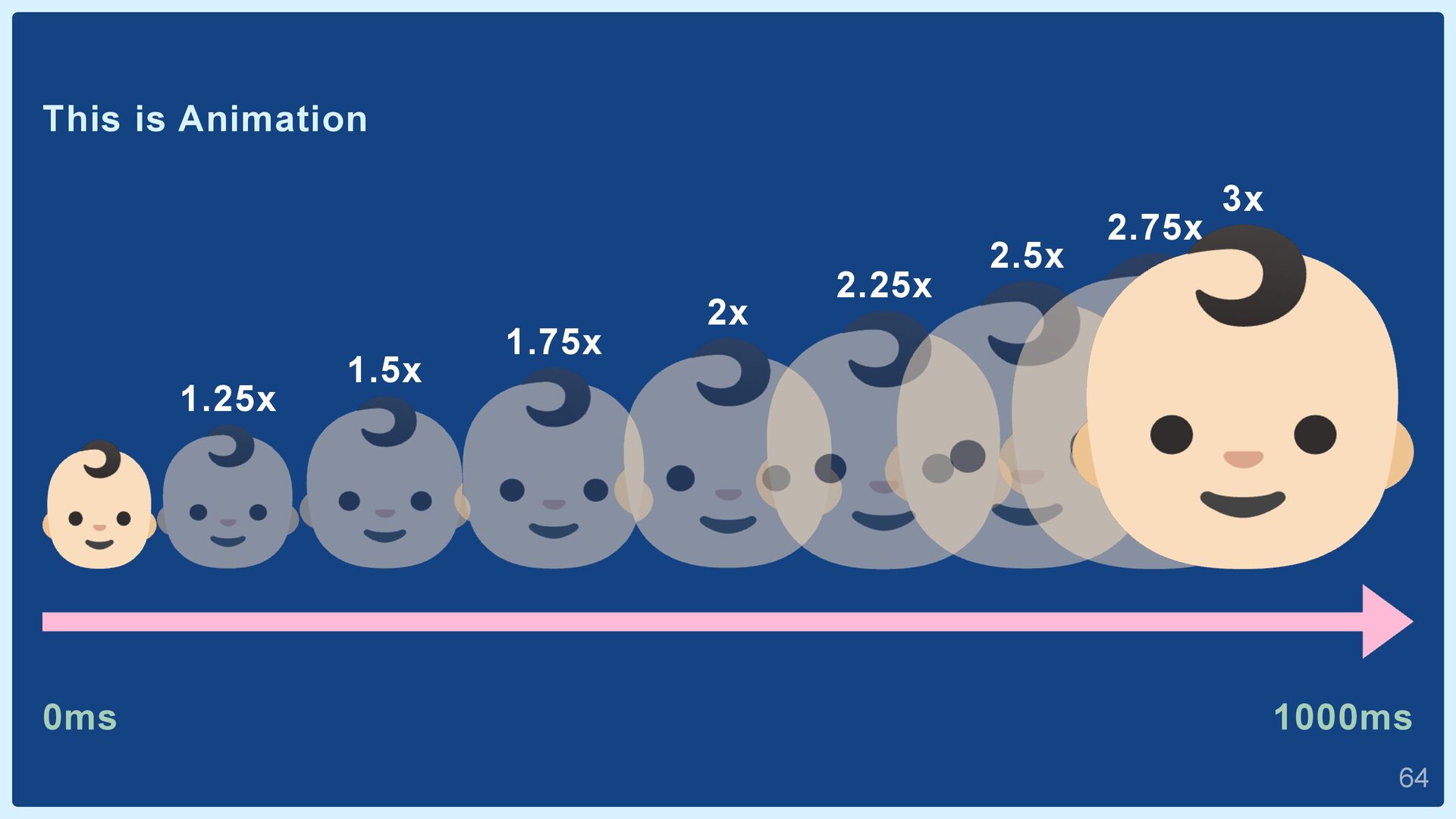
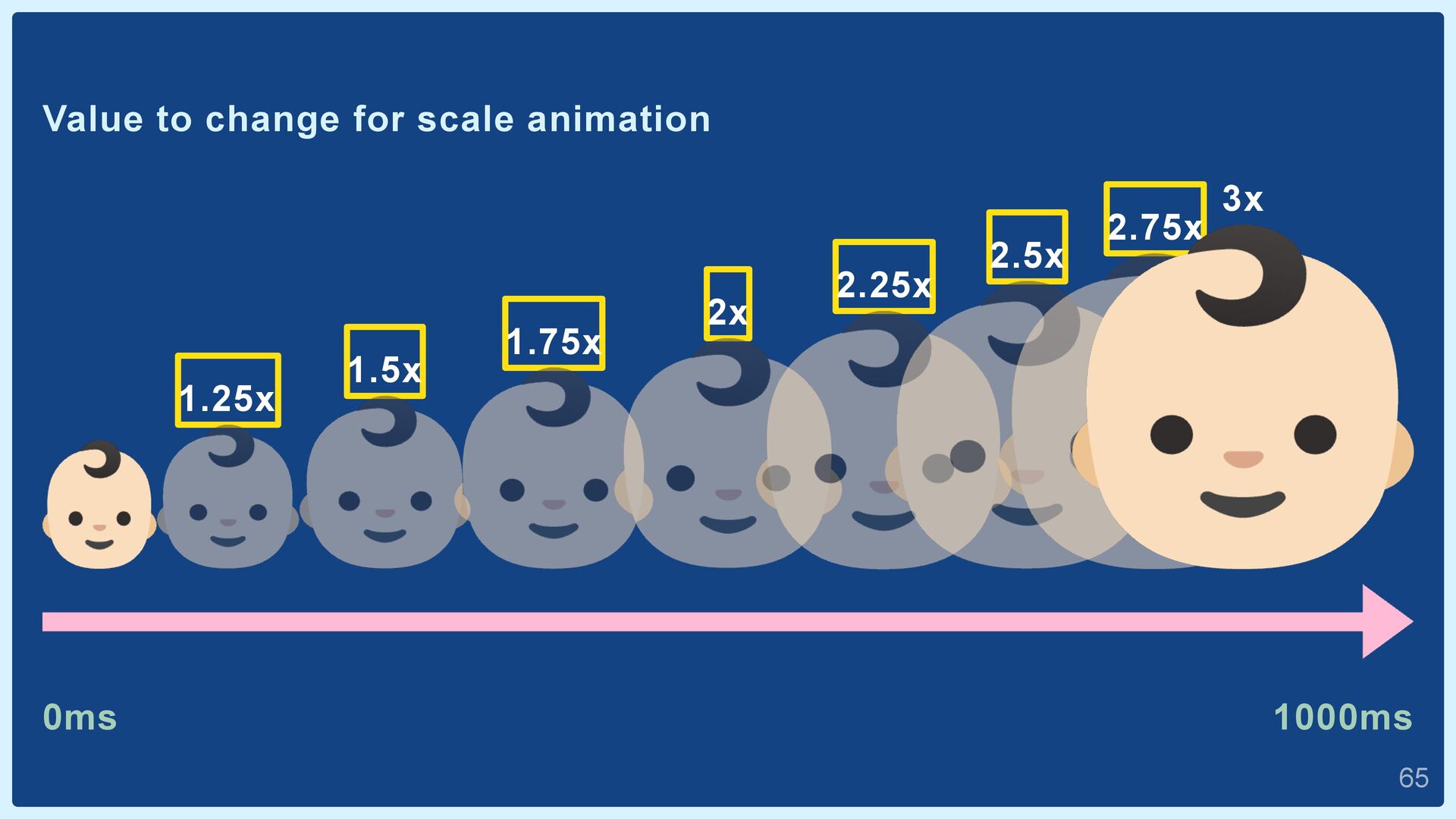
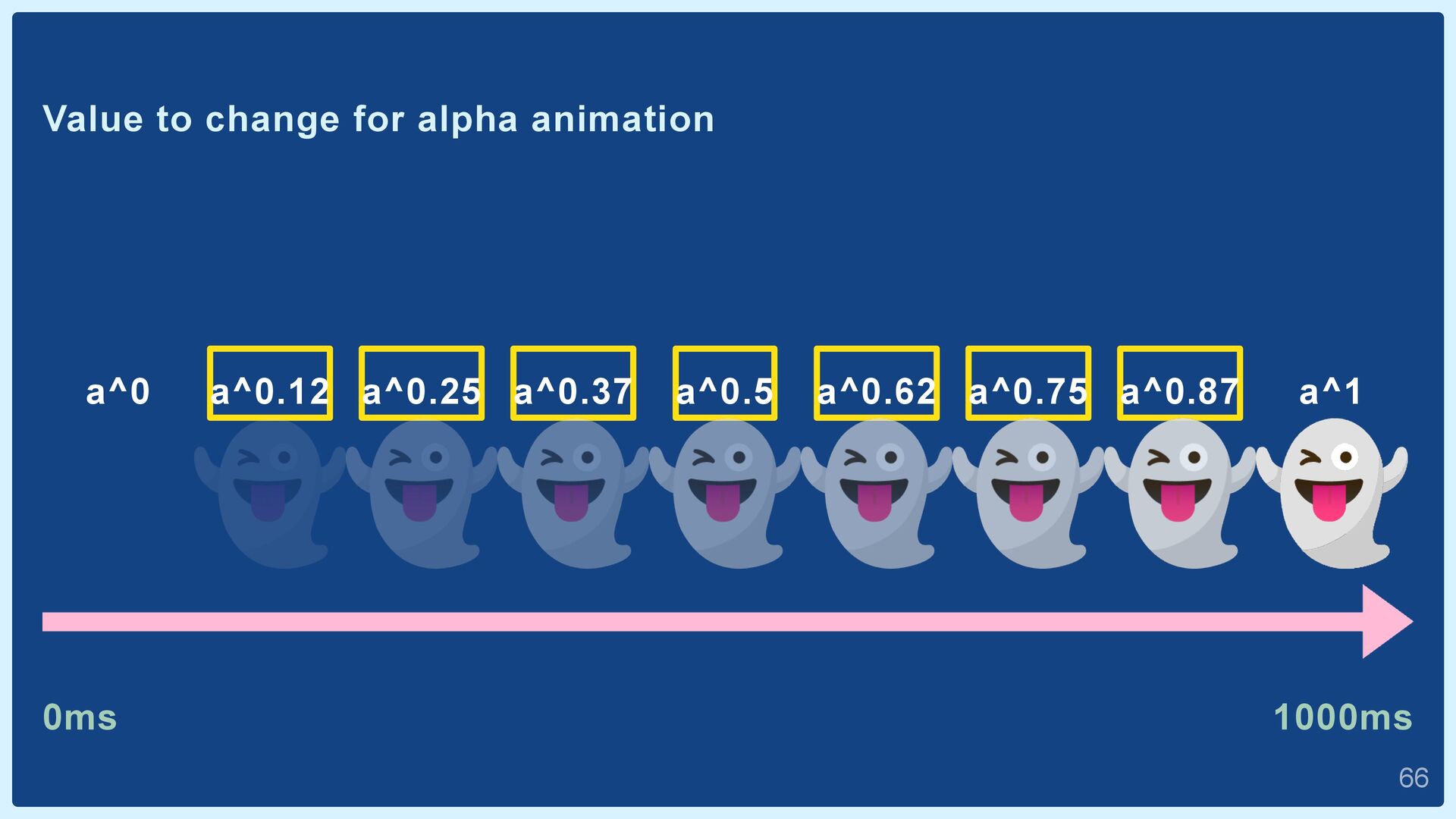
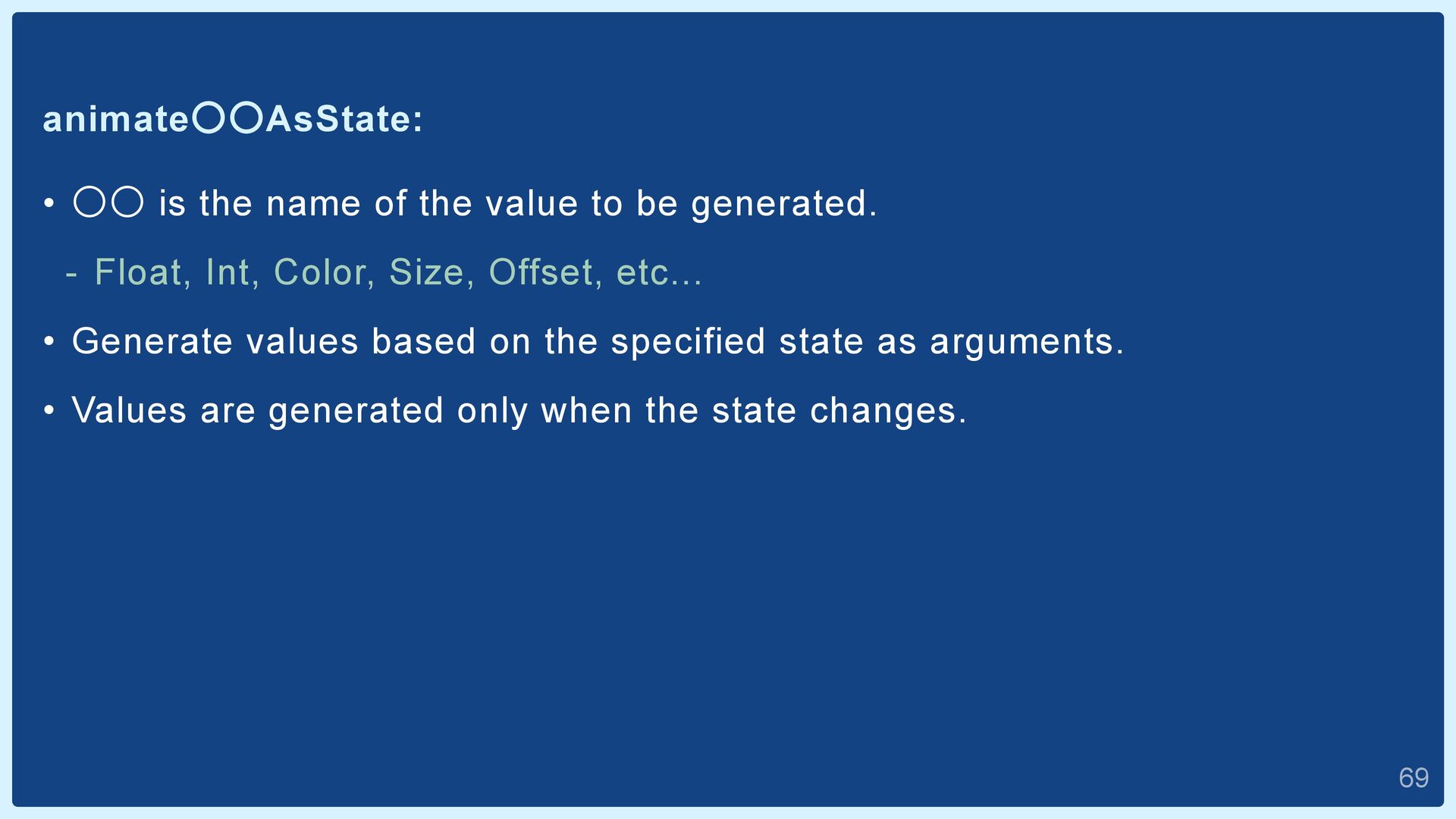
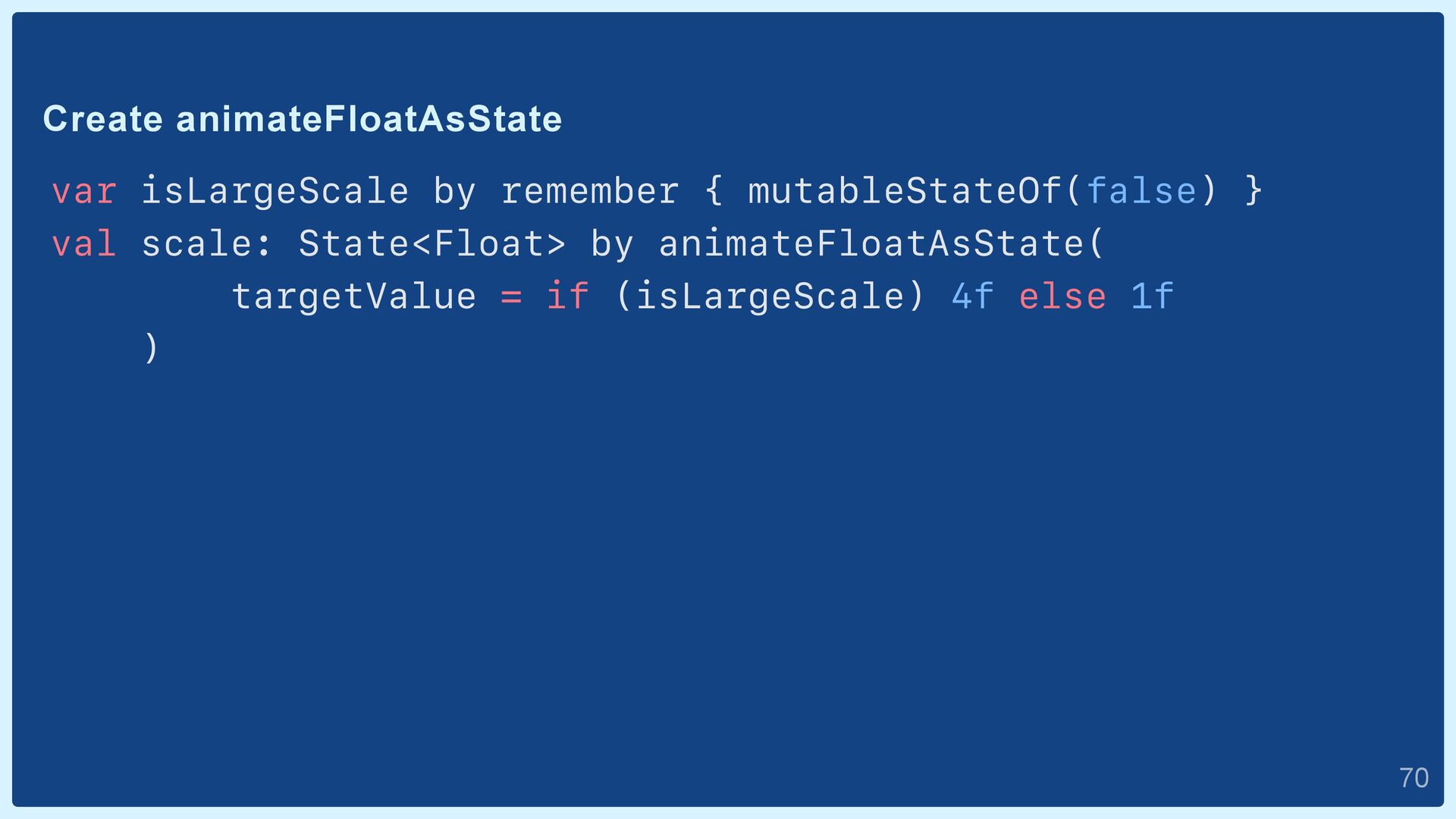
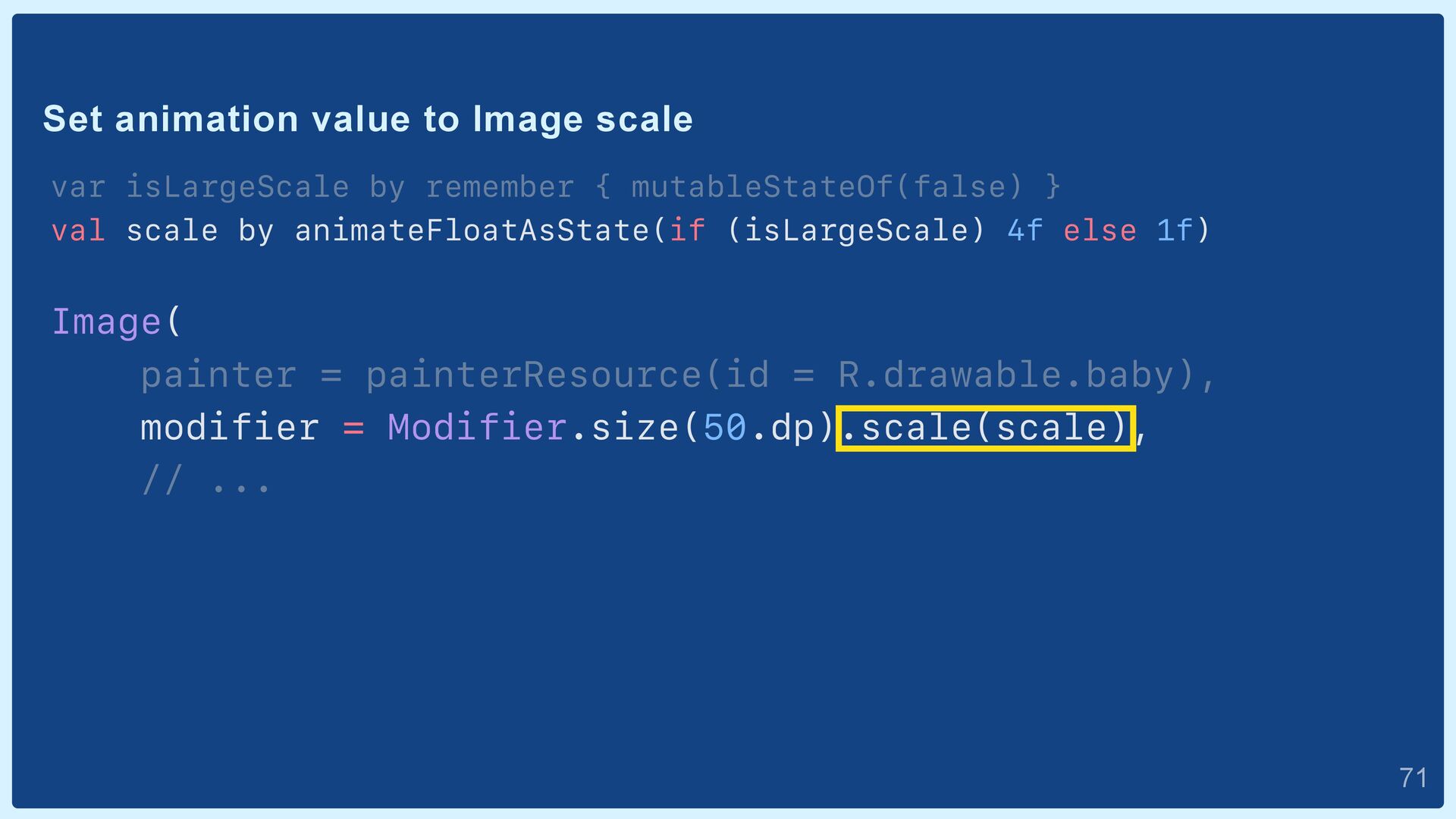
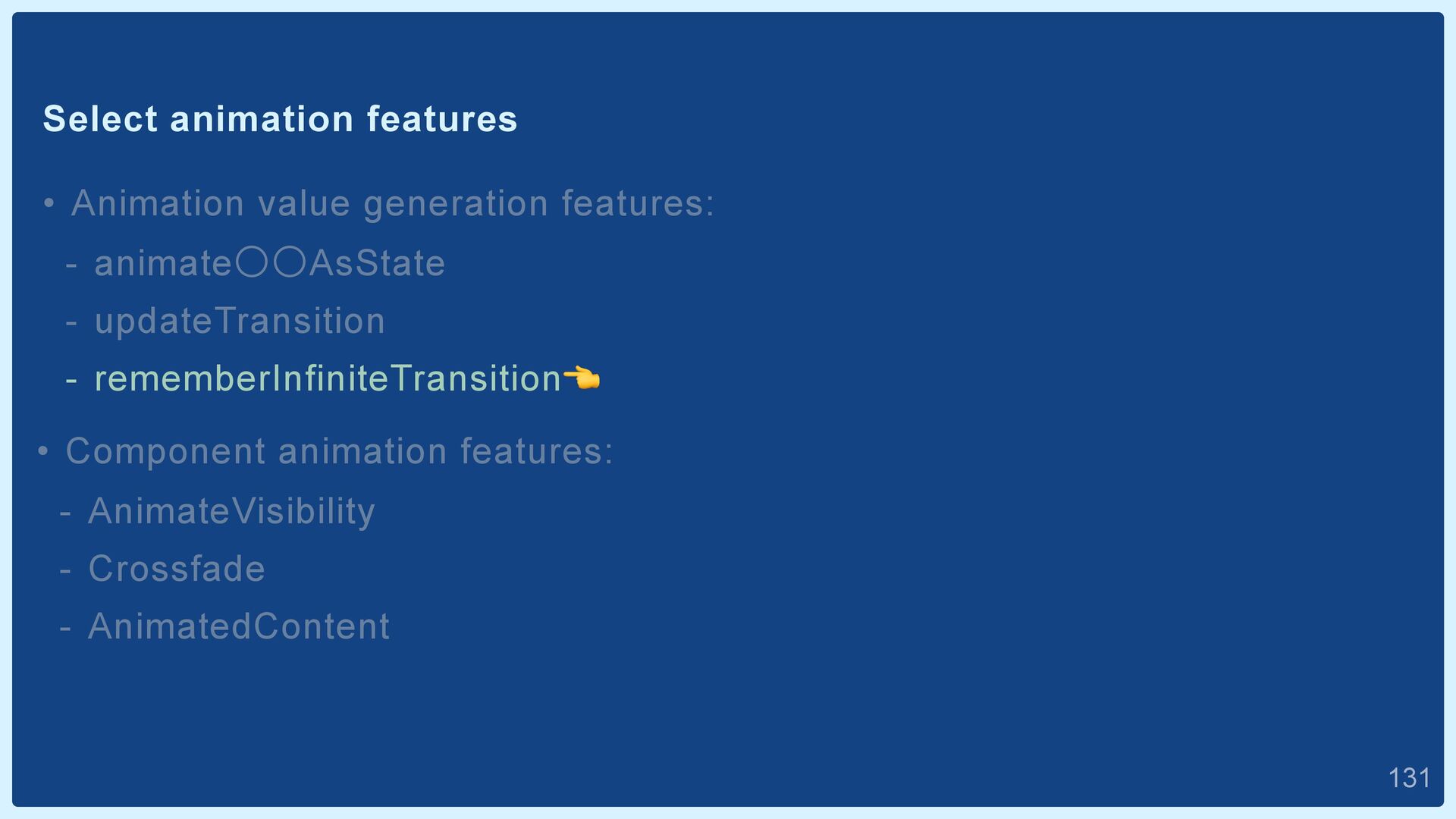
be generated. - Float, Int, Color, Size, Offset, etc... • Generate values based on the specified state as arguments. • Values are generated only when the state changes.  69
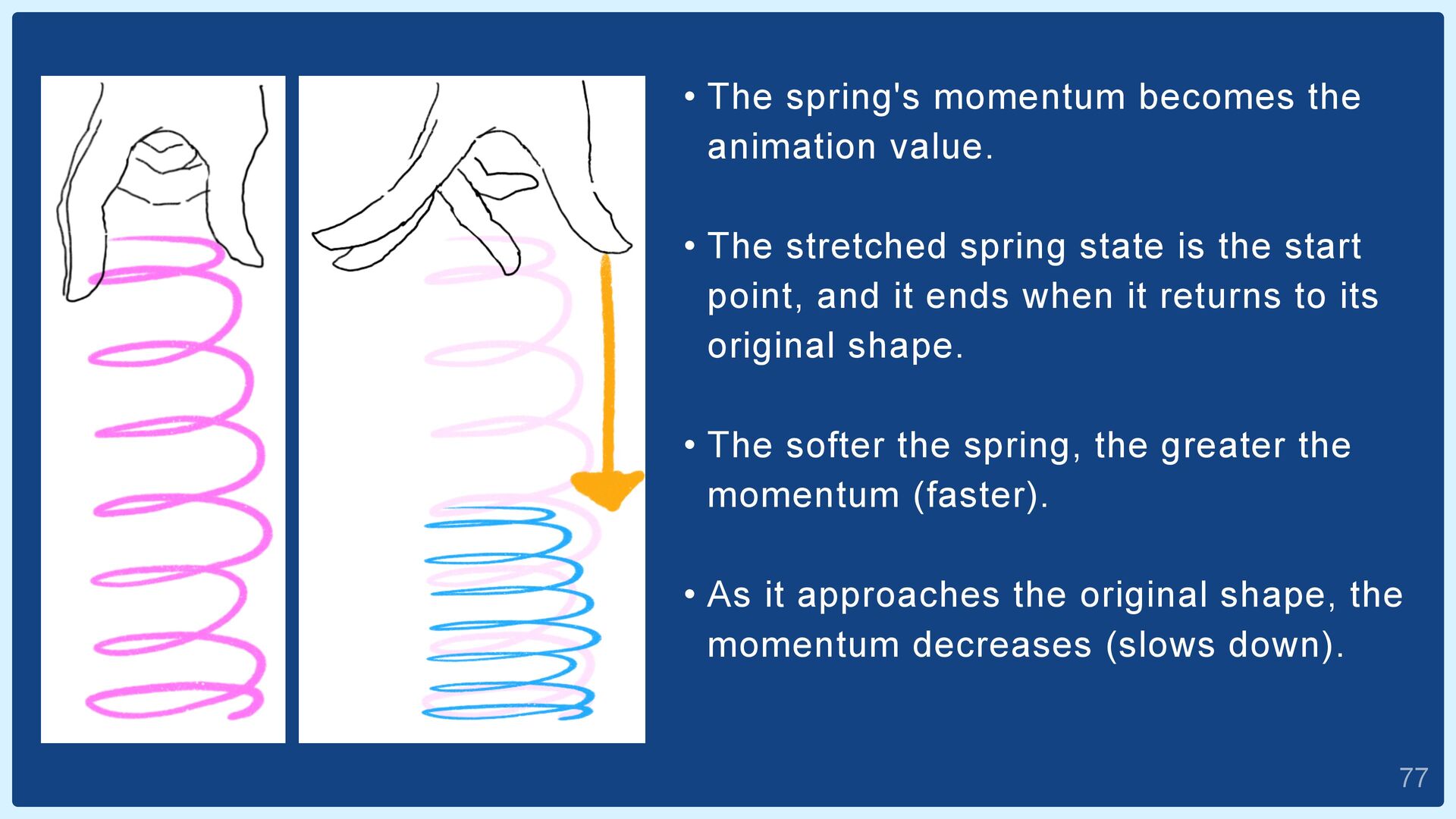
stretched spring state is the start point, and it ends when it returns to its original shape. • The softer the spring, the greater the momentum (faster). • As it approaches the original shape, the momentum decreases (slows down).  77
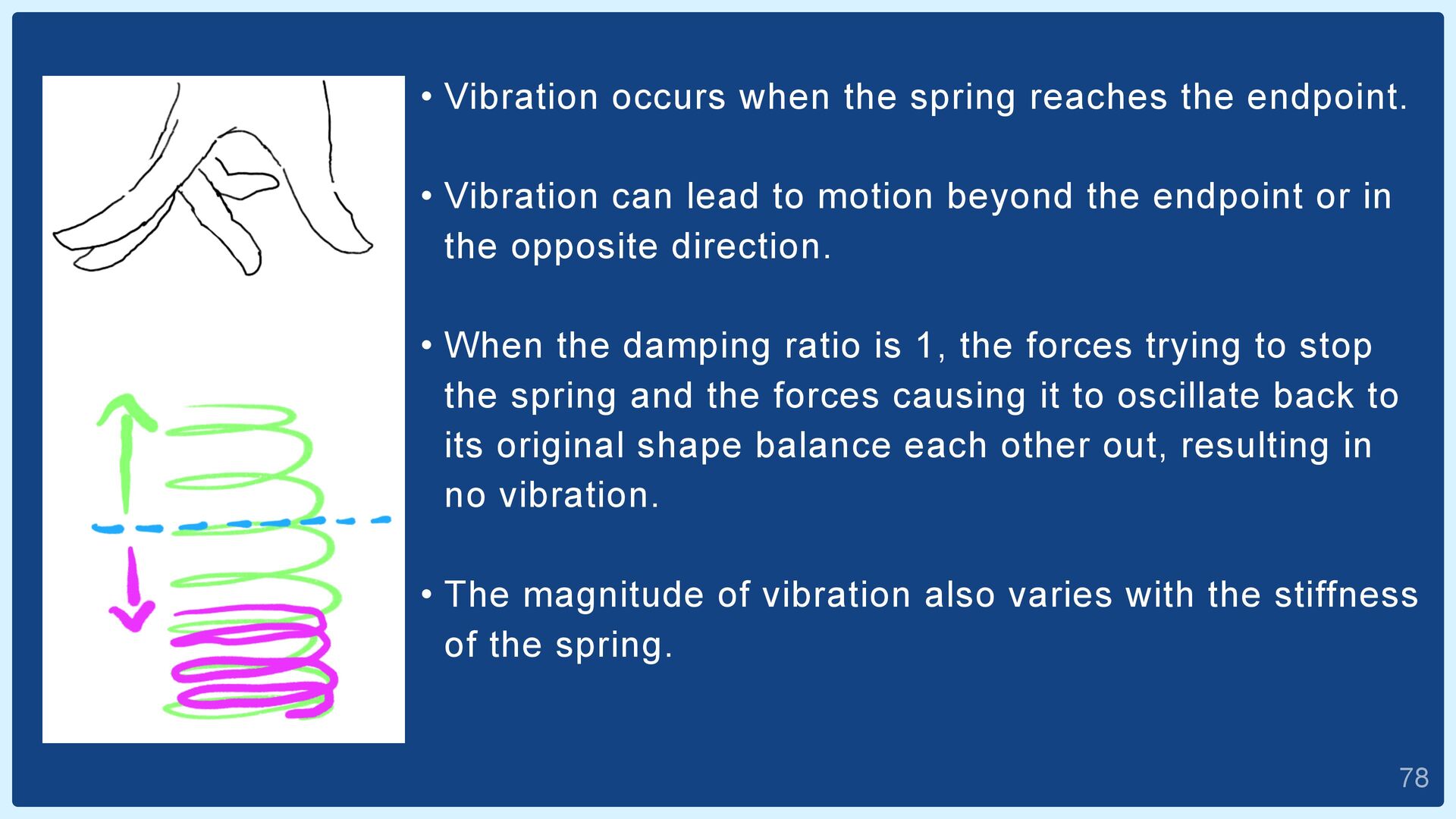
Vibration can lead to motion beyond the endpoint or in the opposite direction. • When the damping ratio is 1, the forces trying to stop the spring and the forces causing it to oscillate back to its original shape balance each other out, resulting in no vibration. • The magnitude of vibration also varies with the stiffness of the spring.  78
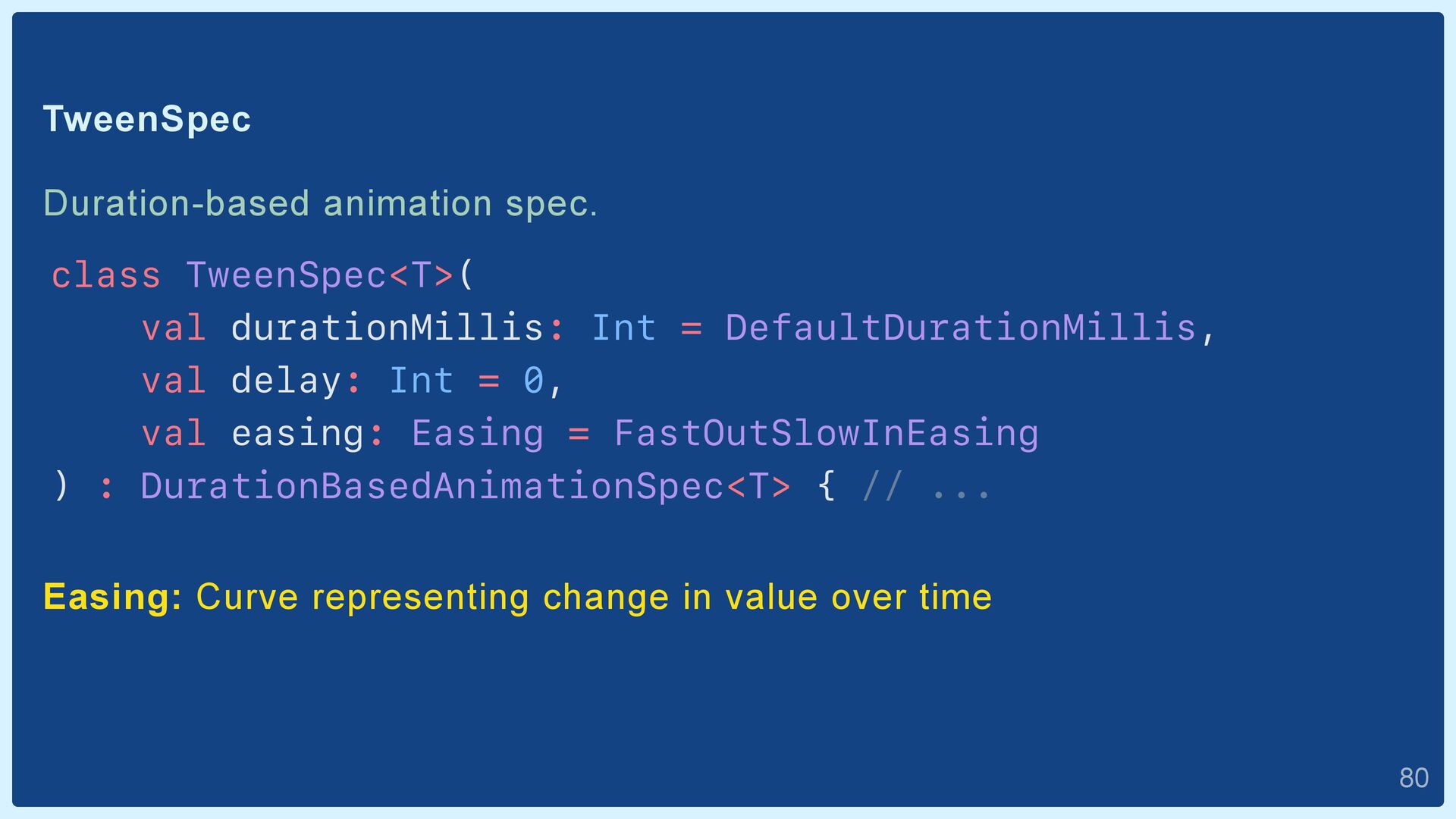
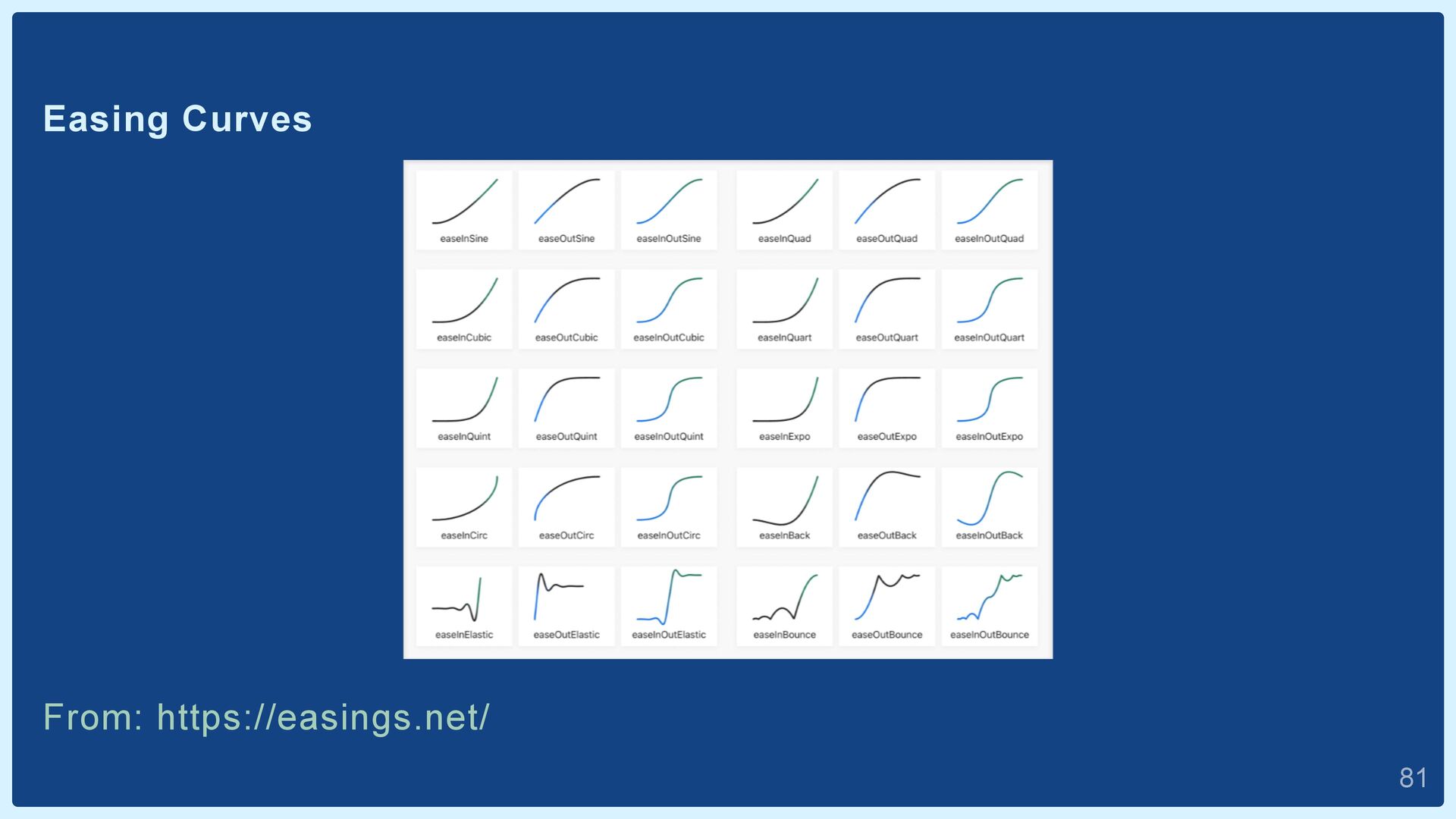
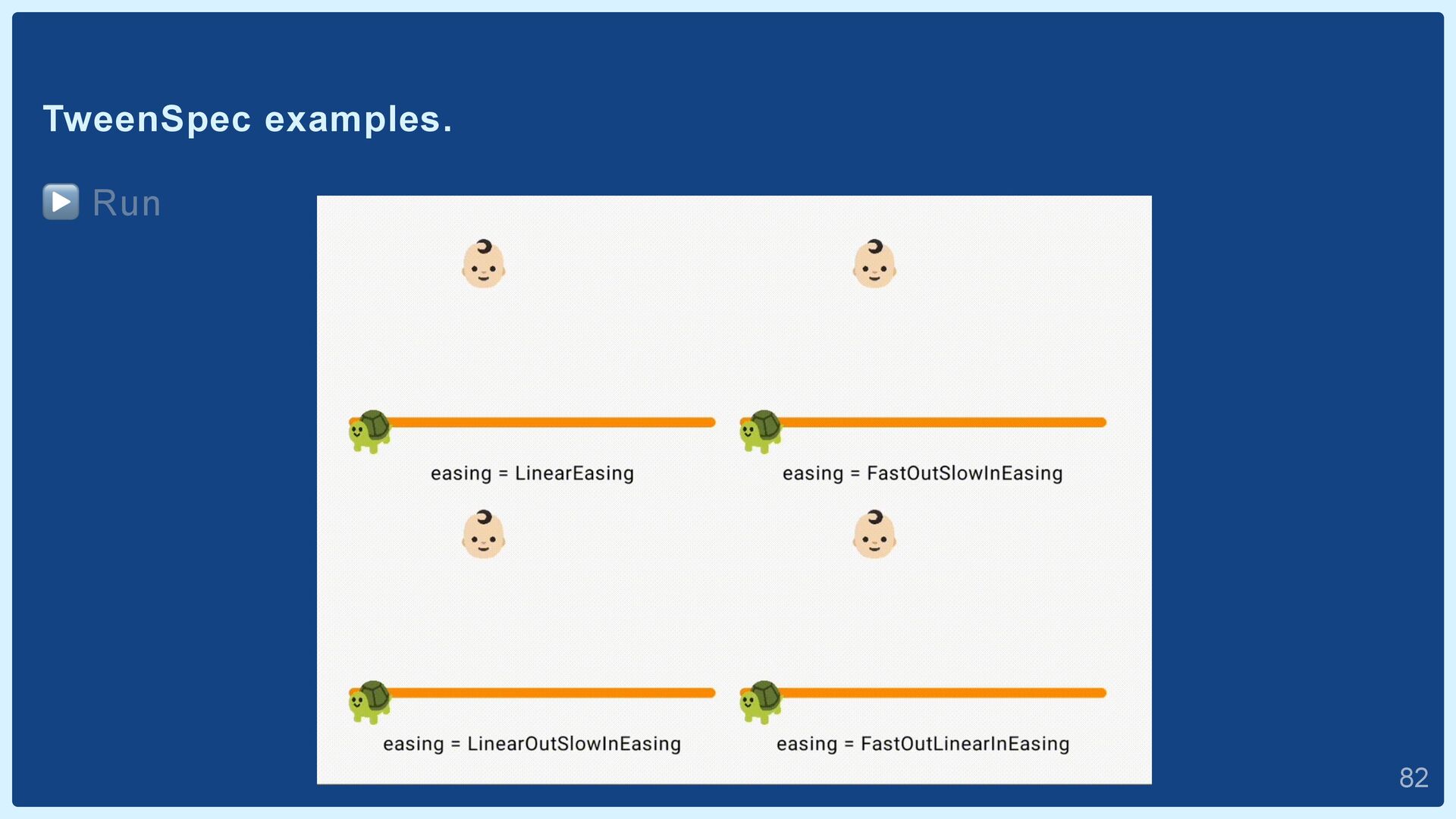
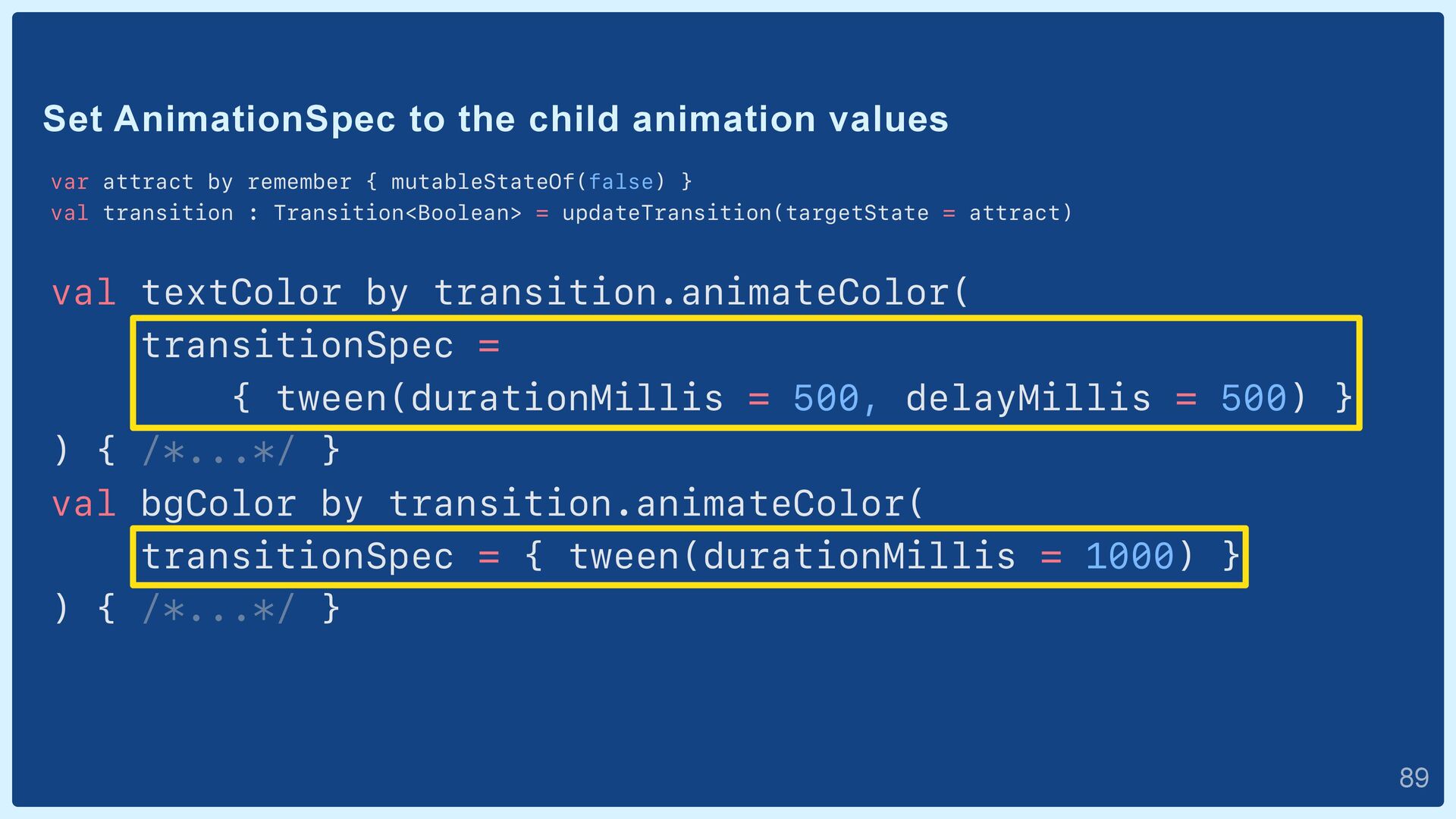
DefaultDurationMillis, val delay: Int = 0, val easing: Easing = FastOutSlowInEasing ) : DurationBasedAnimationSpec<T> { // ... Easing: Curve representing change in value over time  80
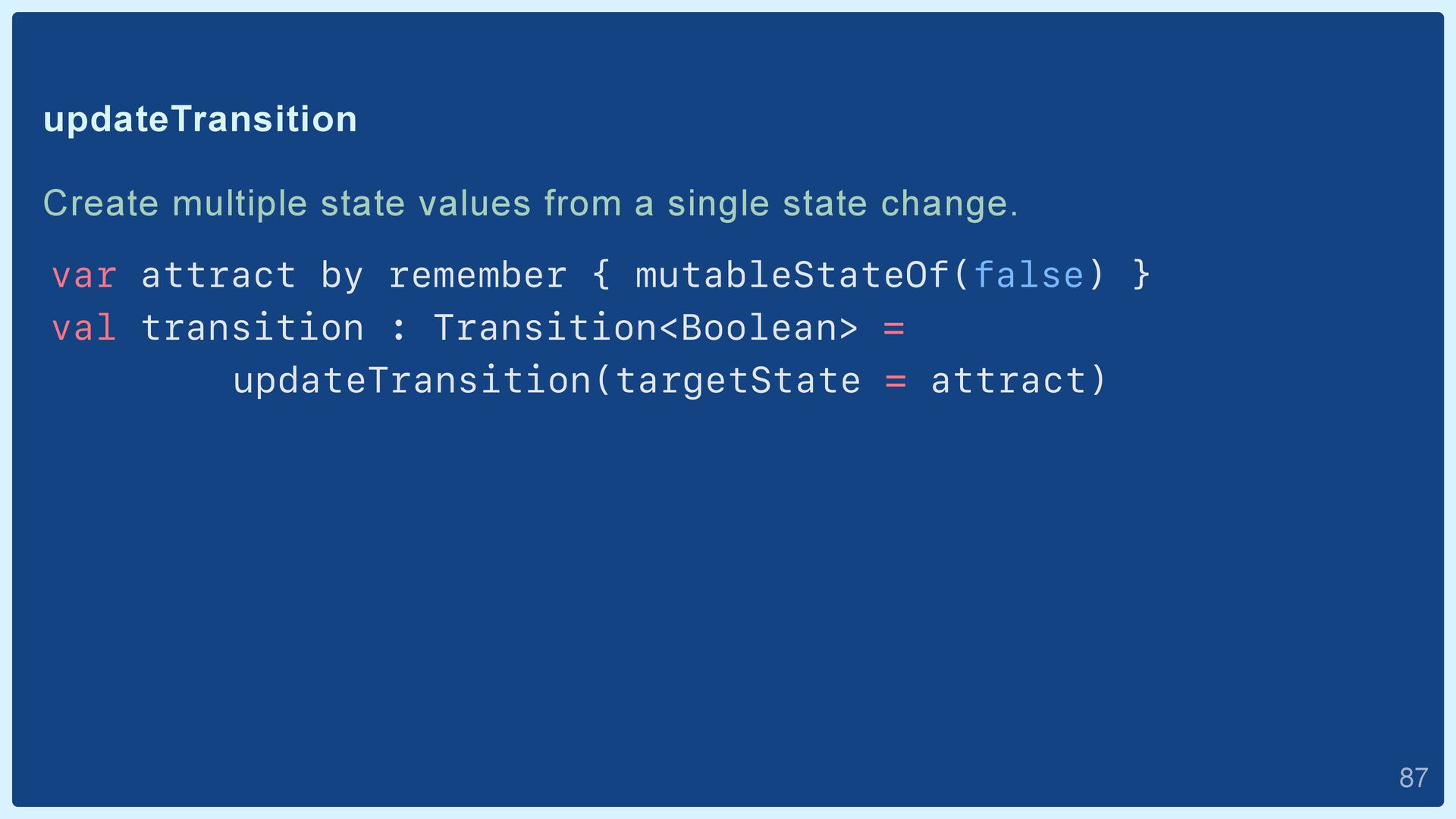
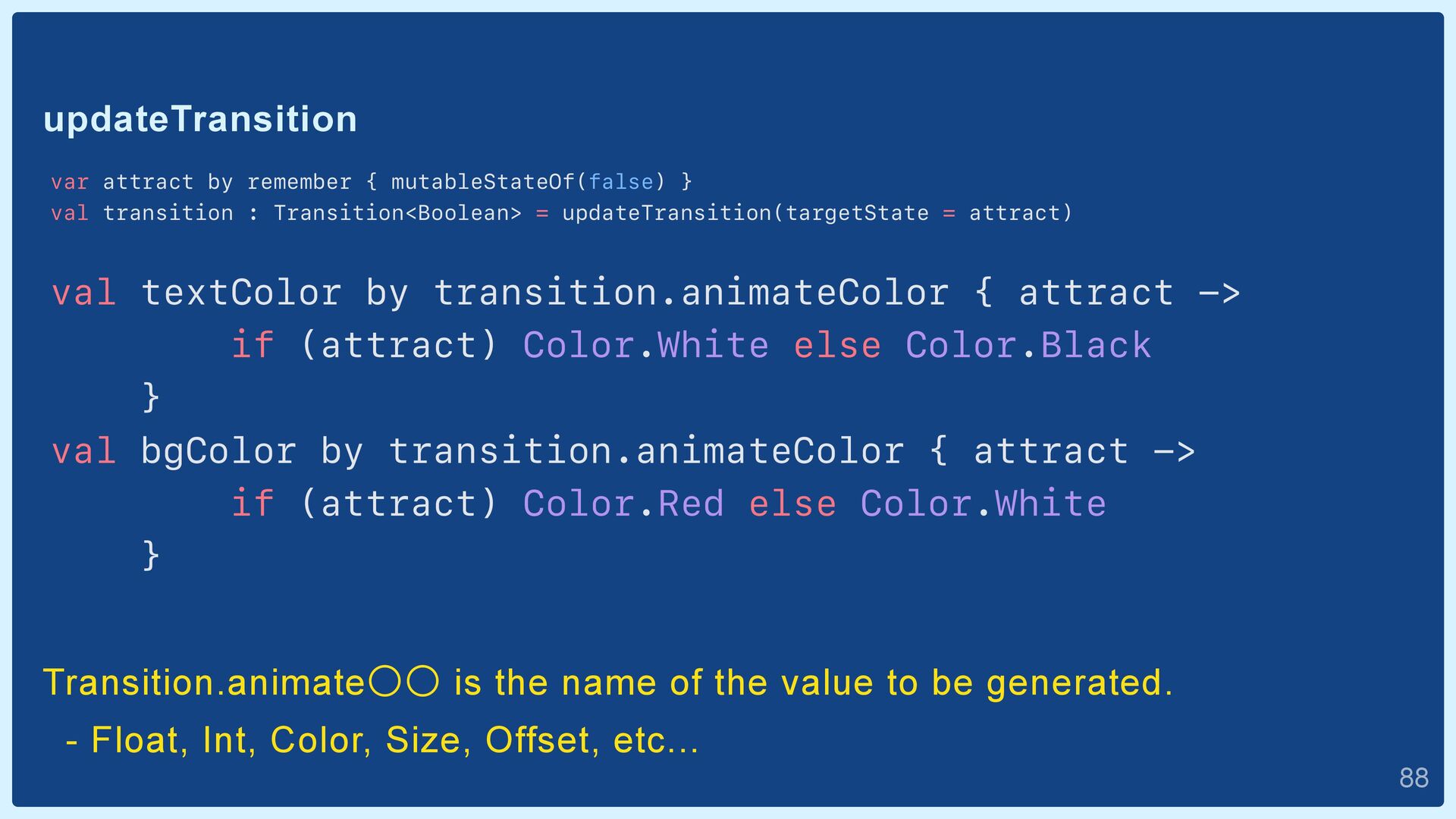
: Transition<Boolean> = updateTransition(targetState = attract) val textColor by transition.animateColor { attract -> if (attract) Color.White else Color.Black } val bgColor by transition.animateColor { attract -> if (attract) Color.Red else Color.White } Transition.animateʓʓ is the name of the value to be generated. - Float, Int, Color, Size, Offset, etc...  88
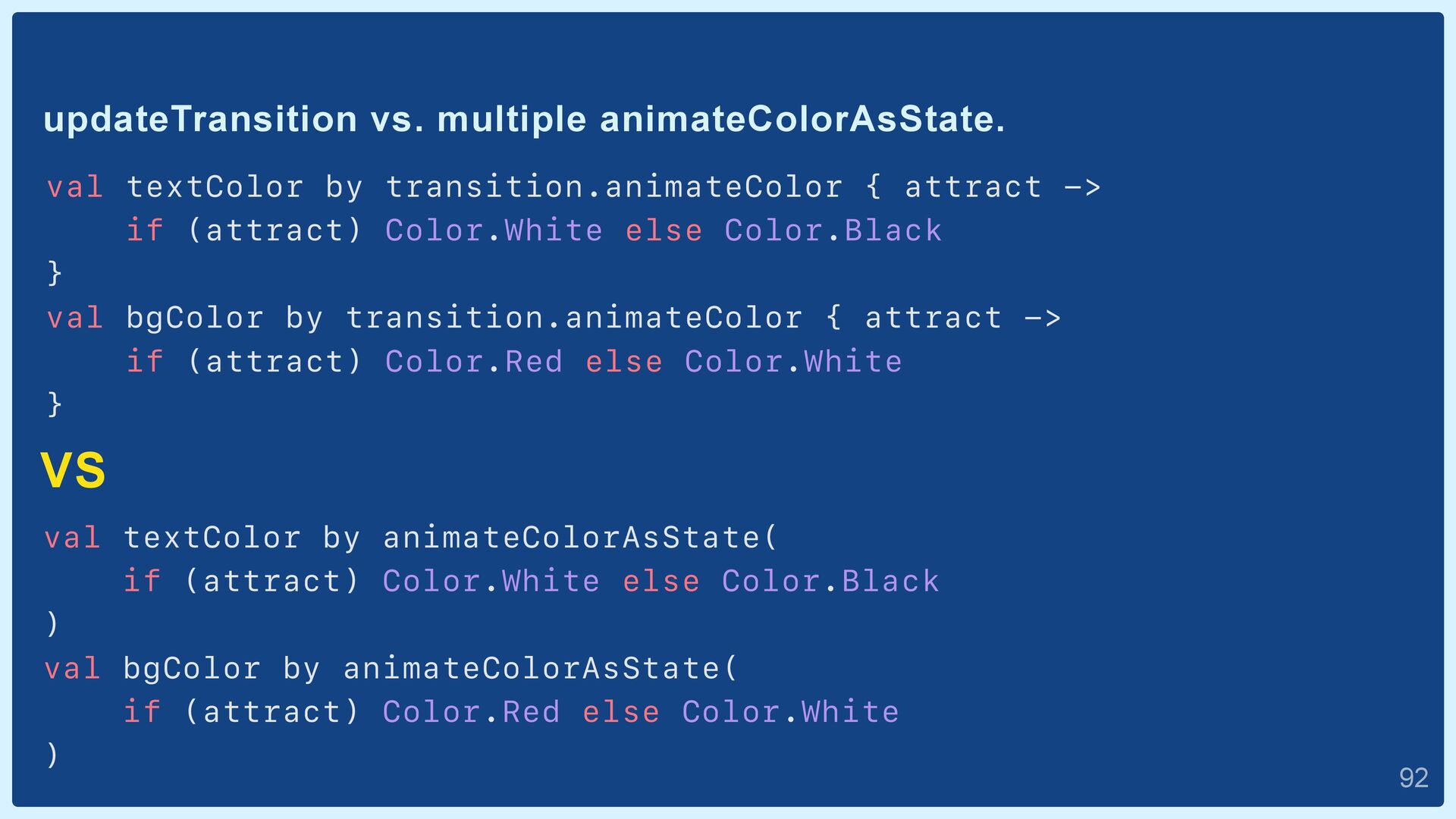
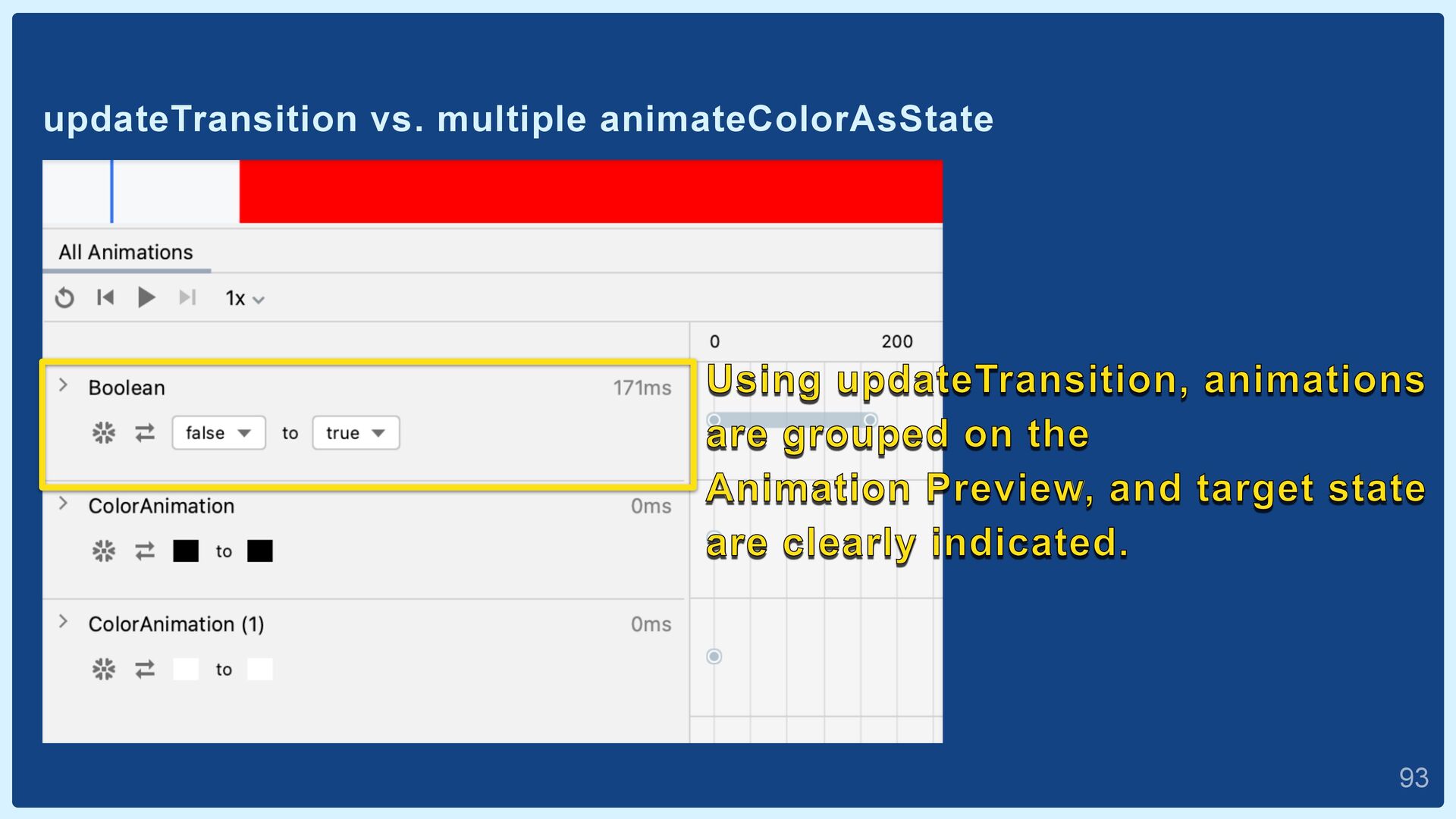
-> if (attract) Color.White else Color.Black } val bgColor by transition.animateColor { attract -> if (attract) Color.Red else Color.White } VS val textColor by animateColorAsState( if (attract) Color.White else Color.Black ) val bgColor by animateColorAsState( if (attract) Color.Red else Color.White )  92
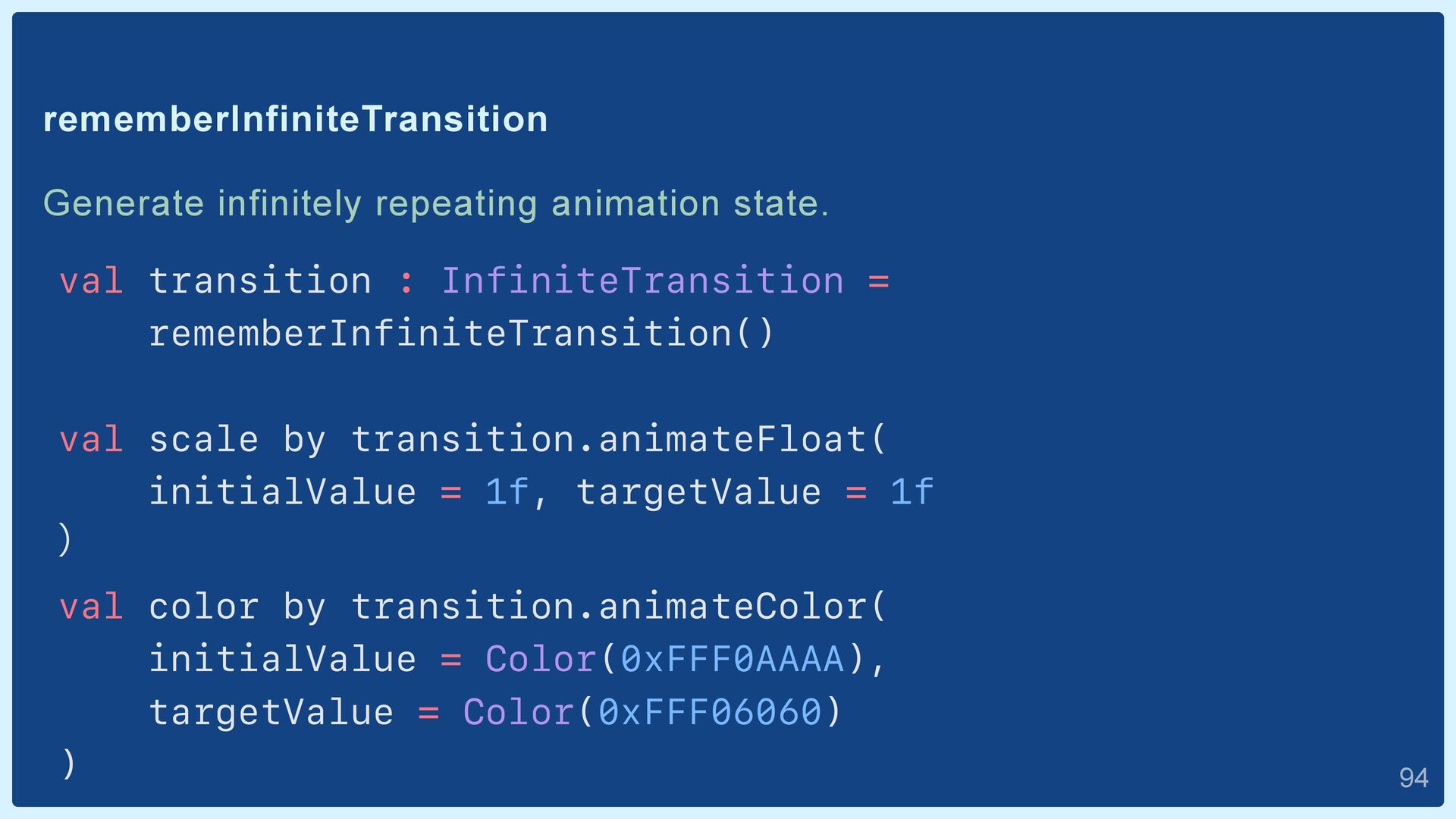
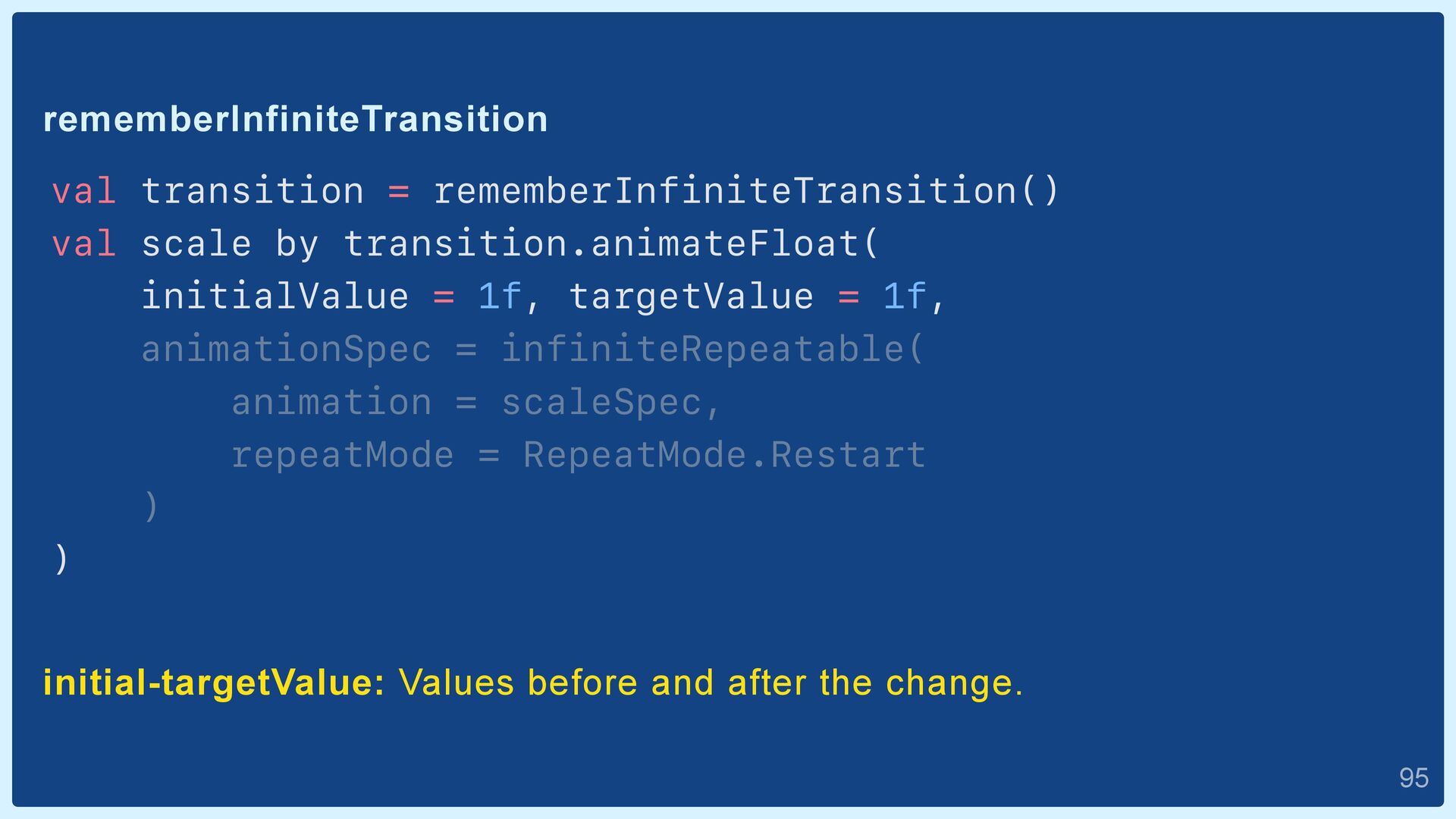
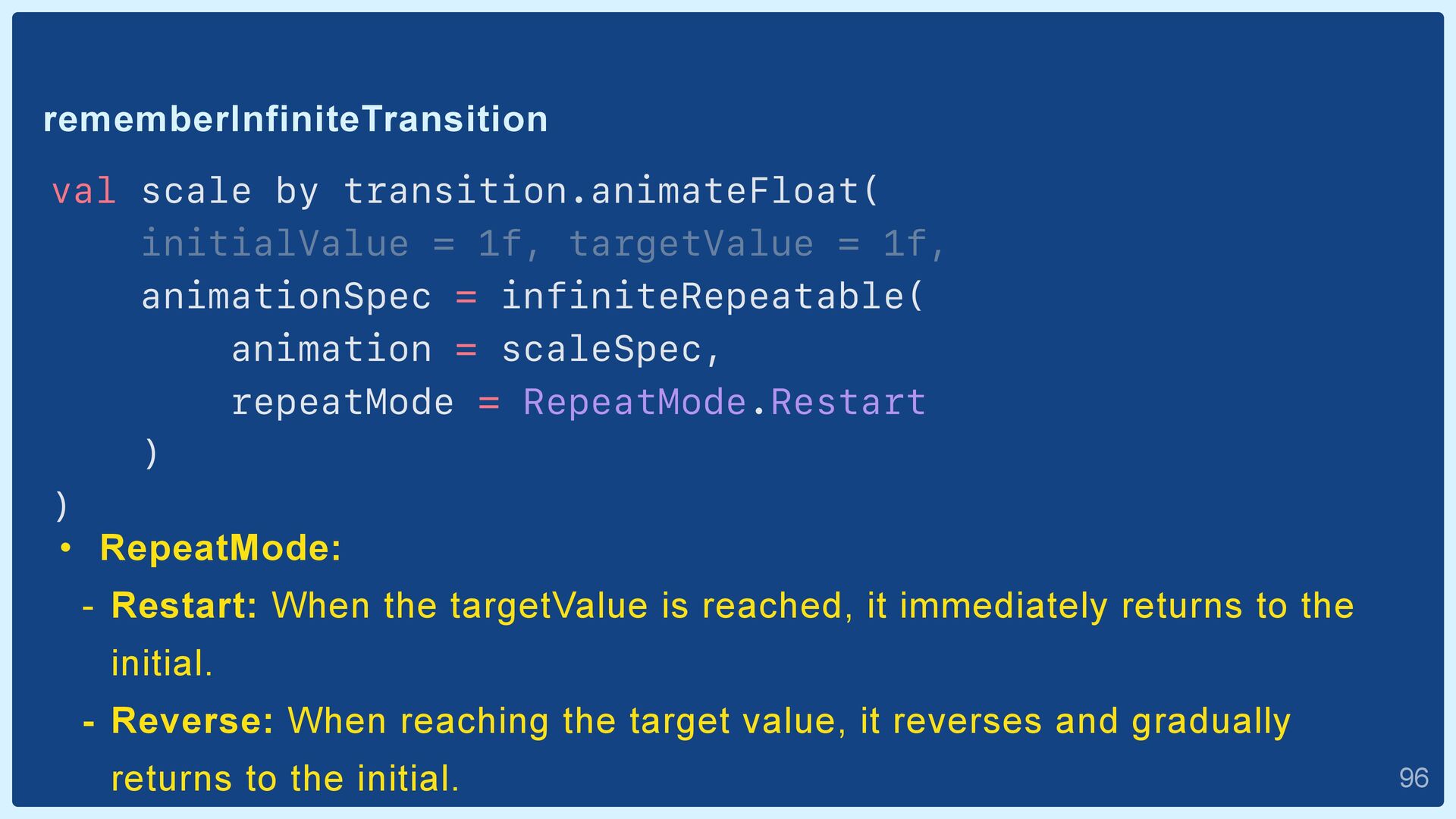
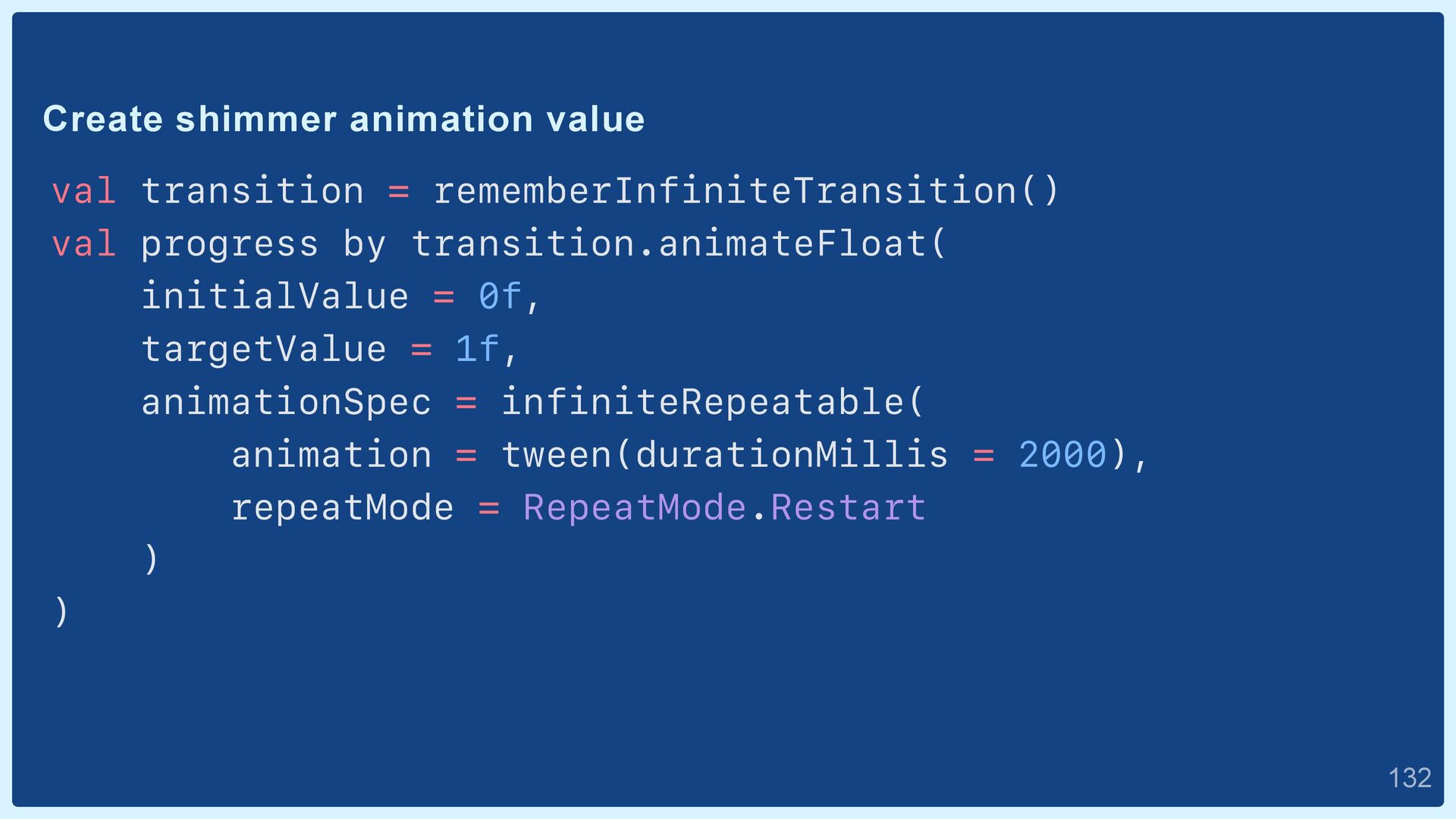
1f, animationSpec = infiniteRepeatable( animation = scaleSpec, repeatMode = RepeatMode.Restart ) ) • RepeatMode: - Restart: When the targetValue is reached, it immediately returns to the initial. - Reverse: When reaching the target value, it reverses and gradually returns to the initial.  96
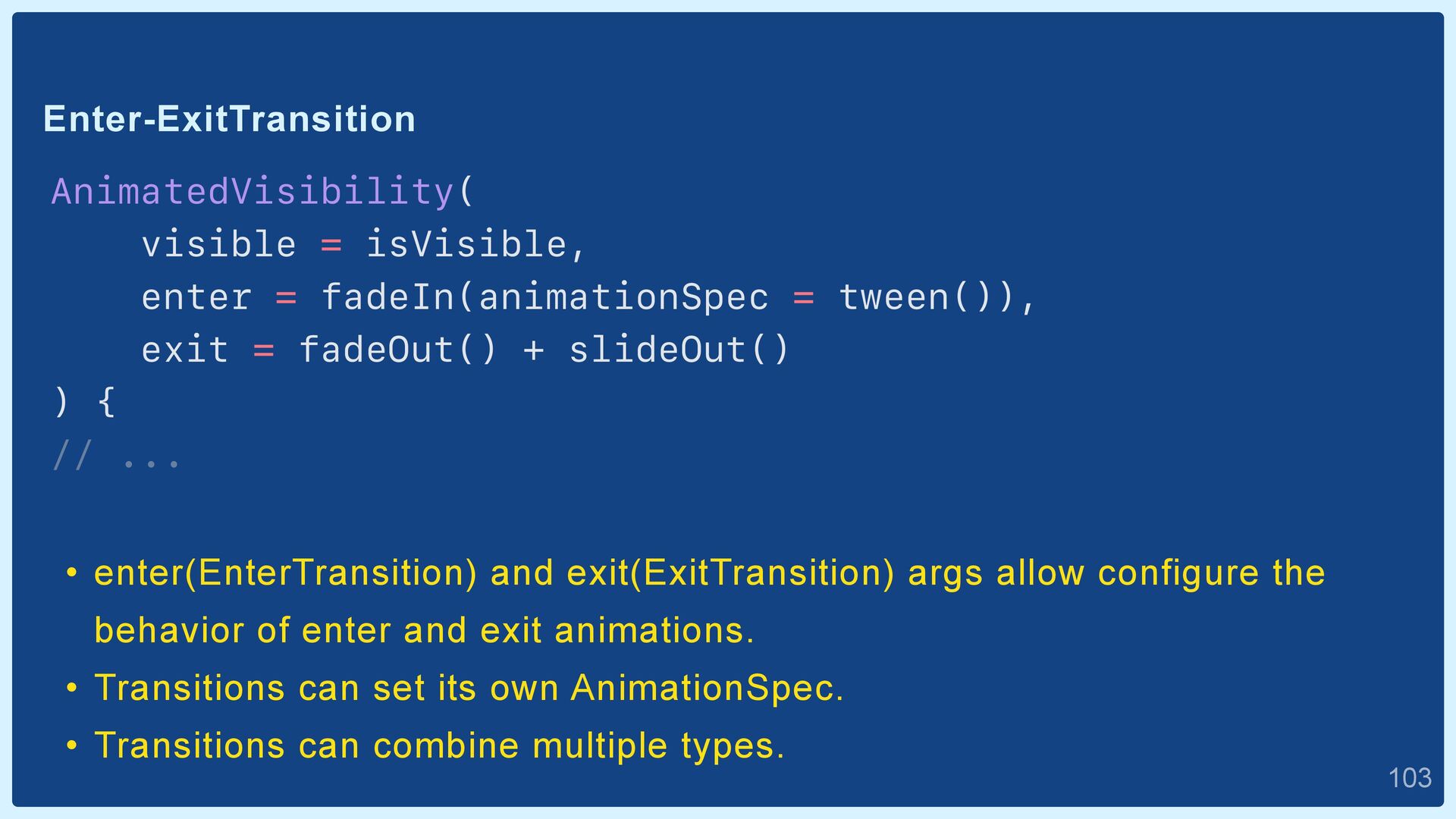
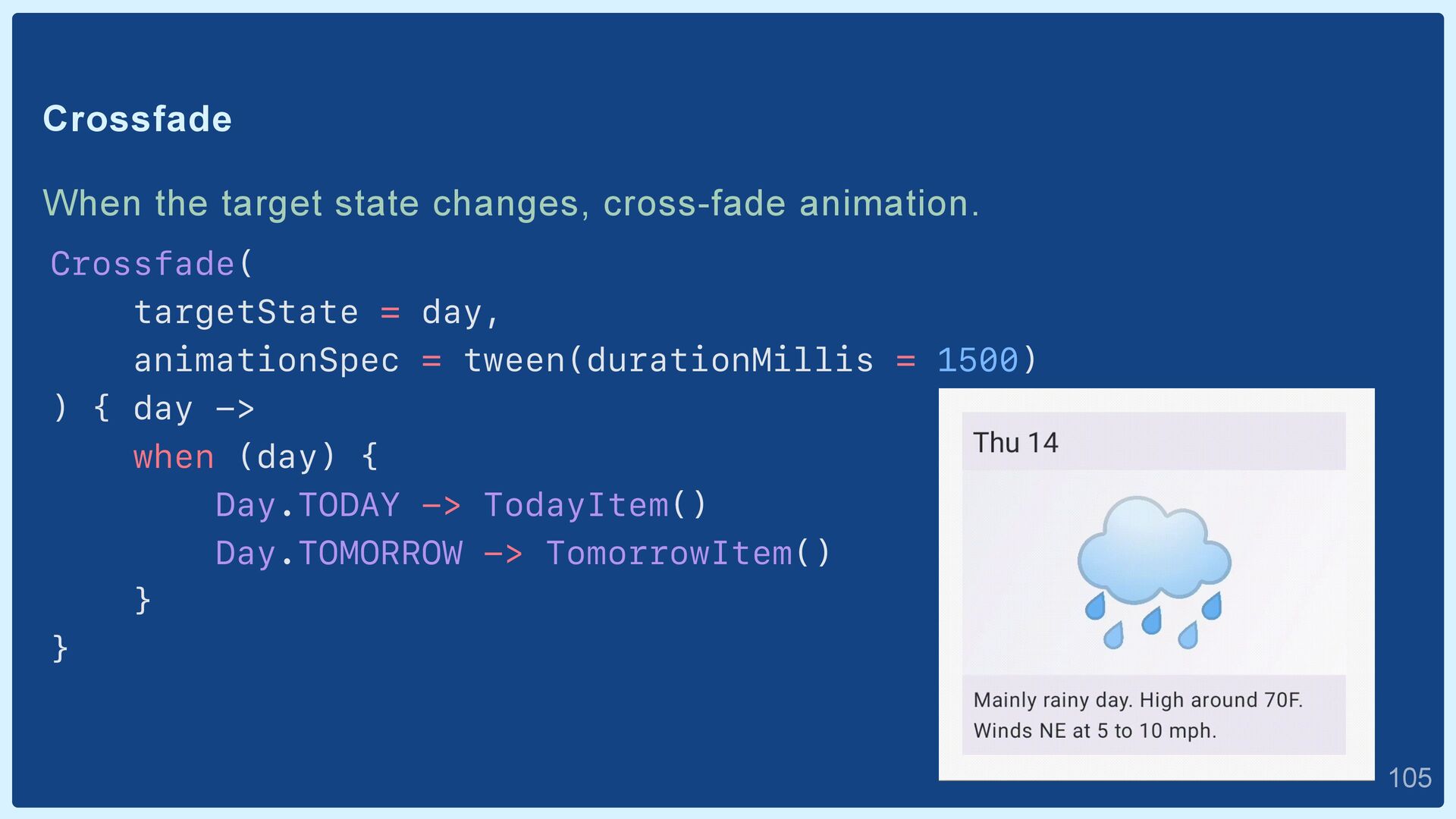
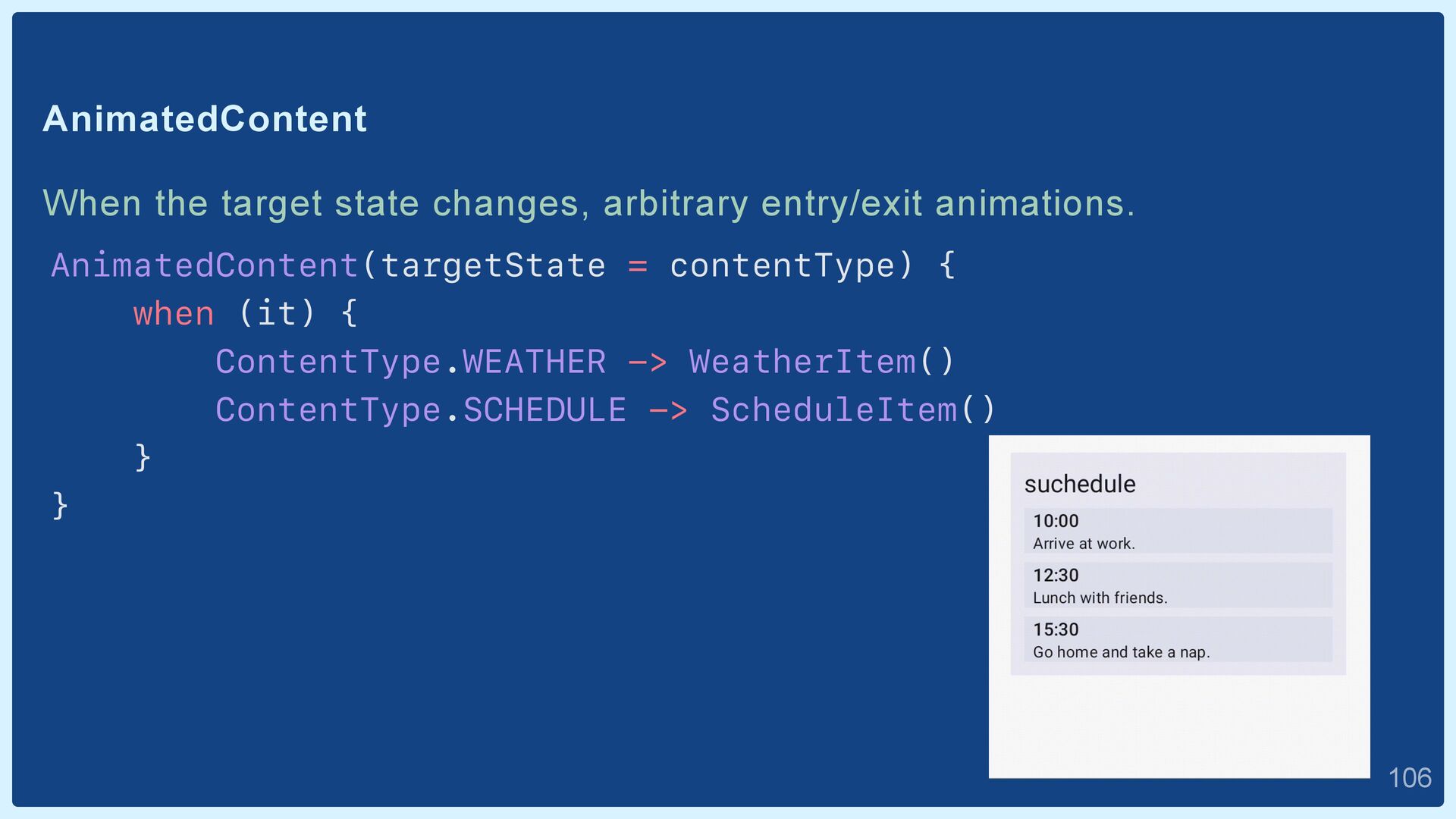
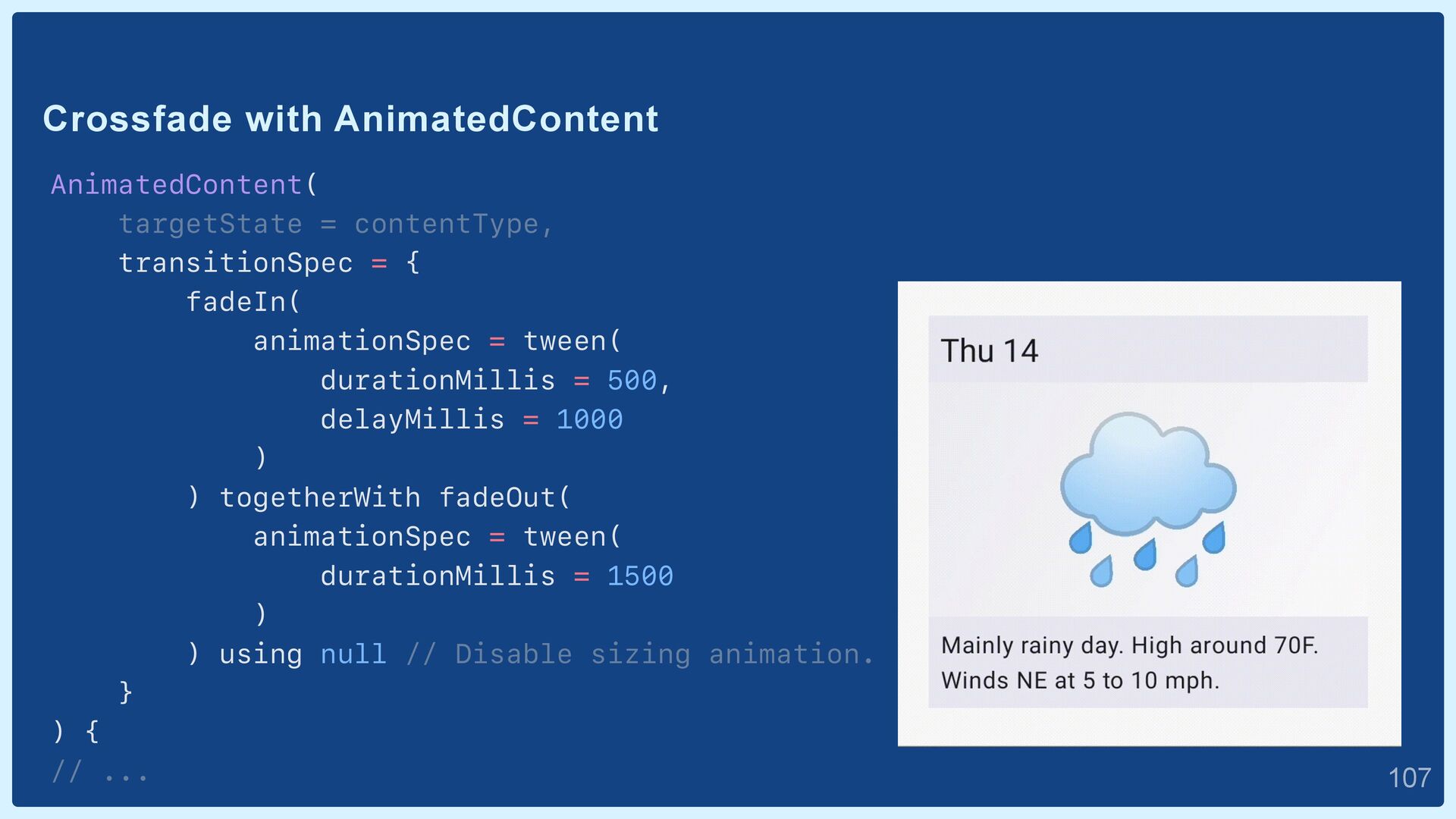
exit = fadeOut() + slideOut() ) { // ... • enter(EnterTransition) and exit(ExitTransition) args allow configure the behavior of enter and exit animations. • Transitions can set its own AnimationSpec. • Transitions can combine multiple types.  103
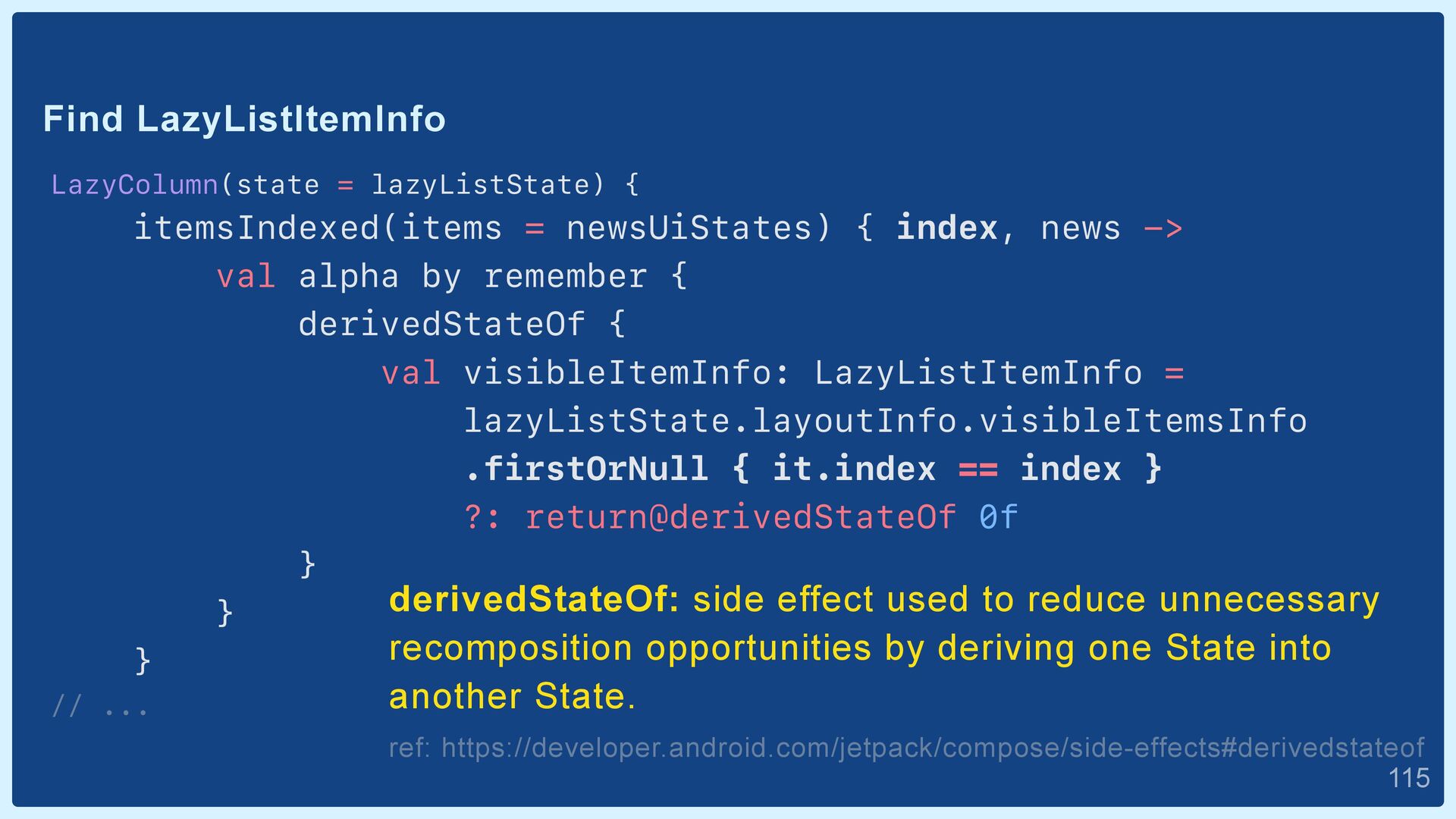
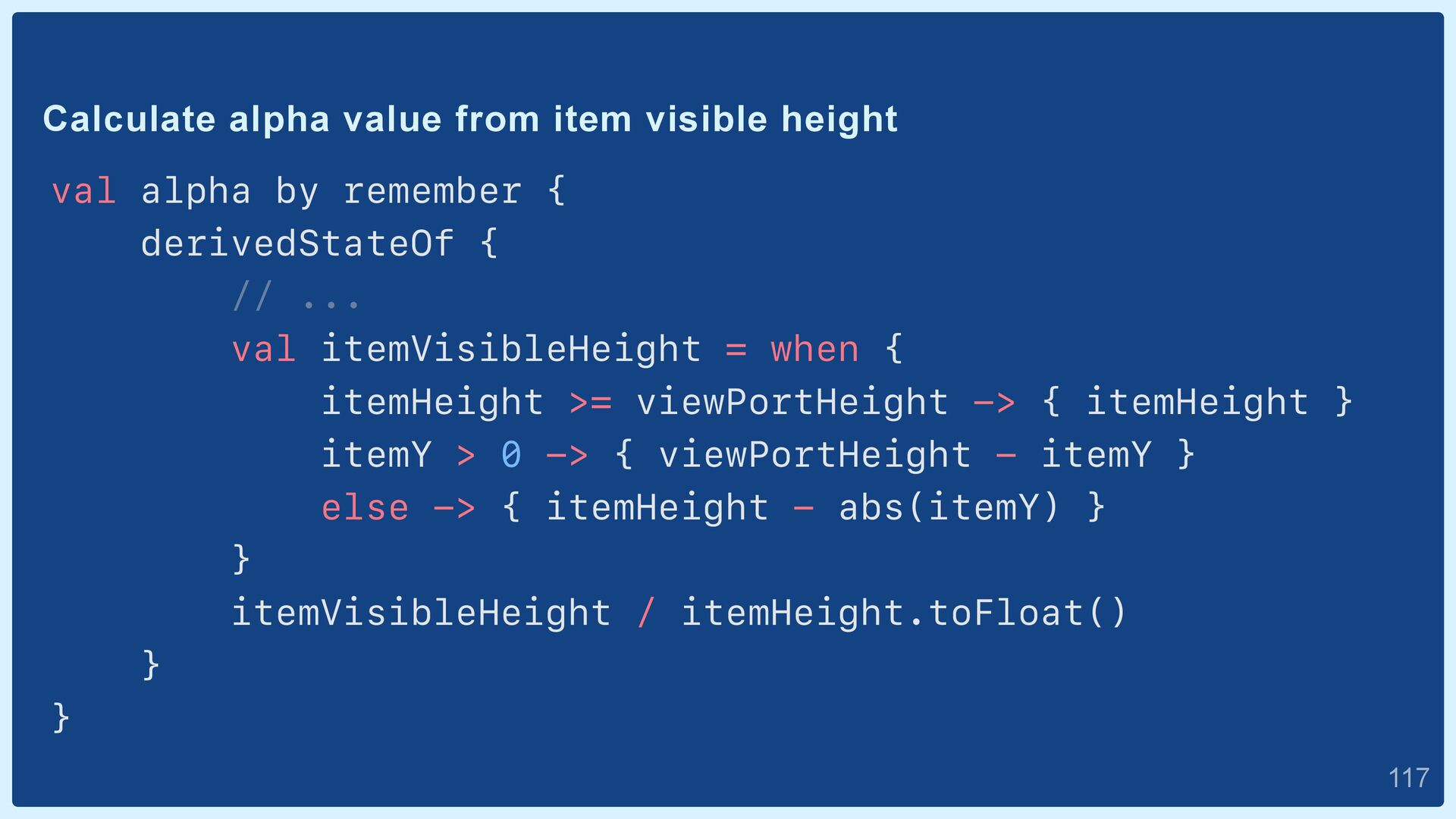
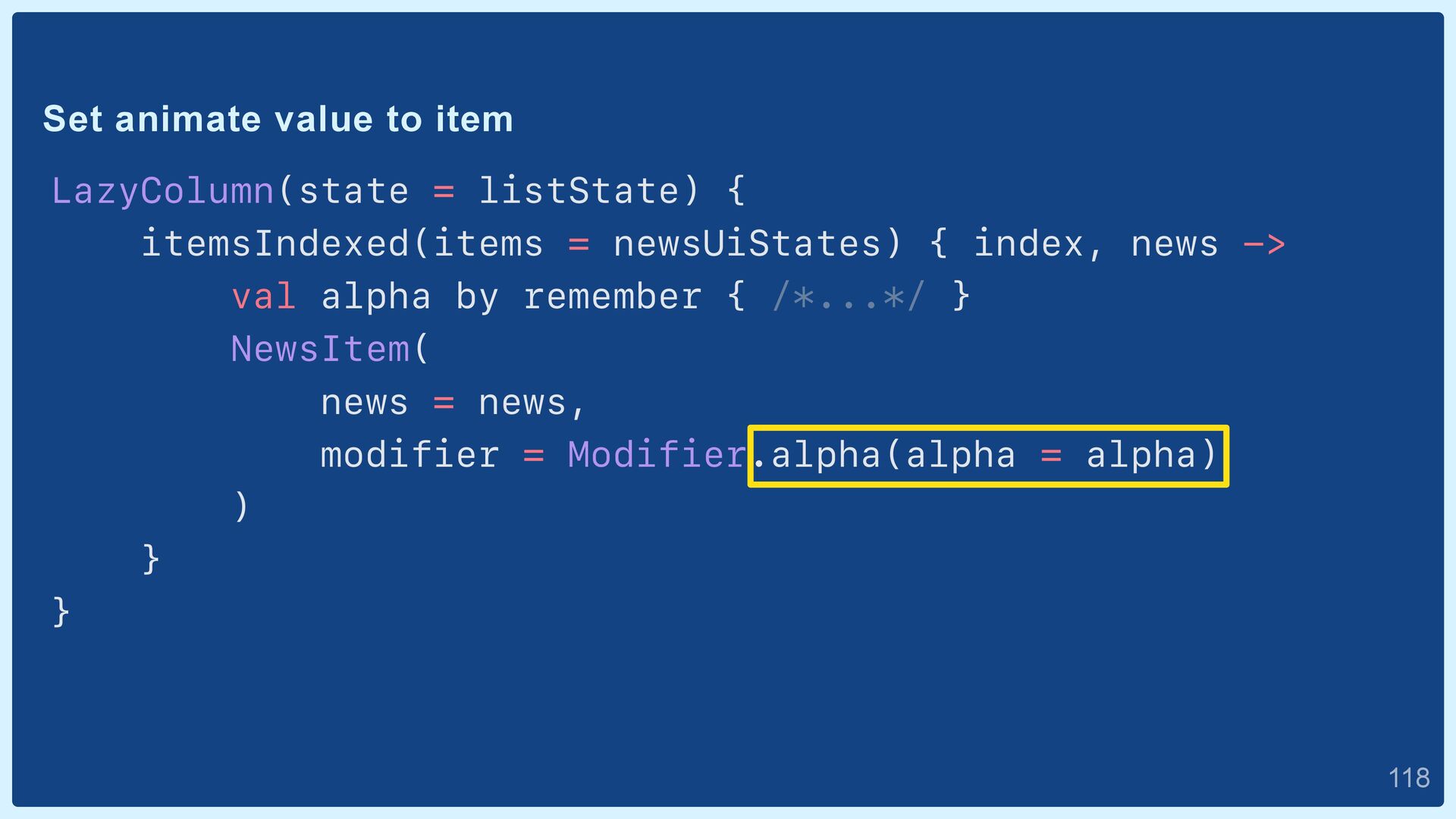
index, news -> val alpha by remember { derivedStateOf { val visibleItemInfo: LazyListItemInfo = lazyListState.layoutInfo.visibleItemsInfo .firstOrNull { it.index == index } ?: return@derivedStateOf 0f } } } // ... derivedStateOf: side effect used to reduce unnecessary recomposition opportunities by deriving one State into another State. ref: https://developer.android.com/jetpack/compose/side-effects#derivedstateof  115
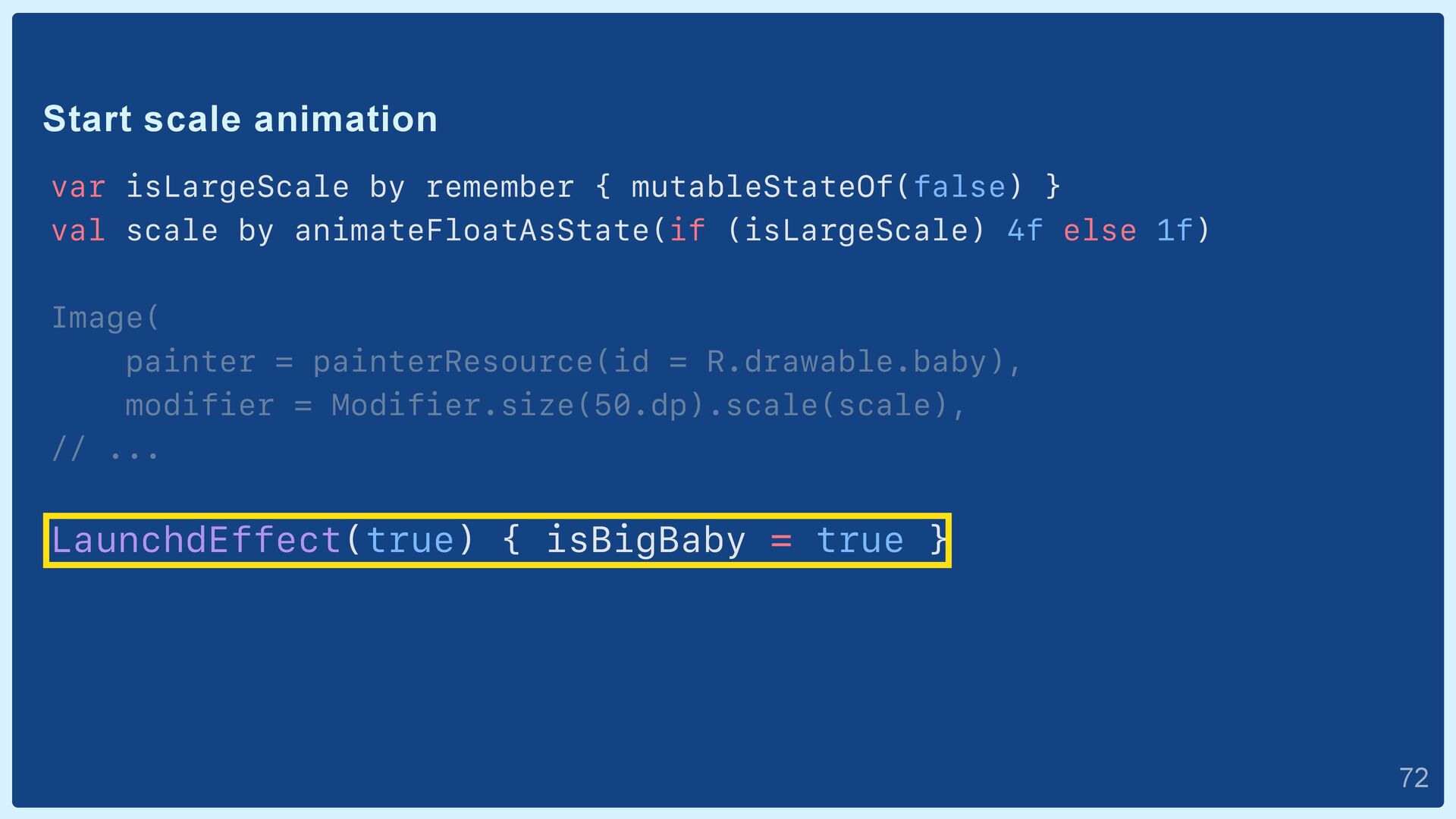
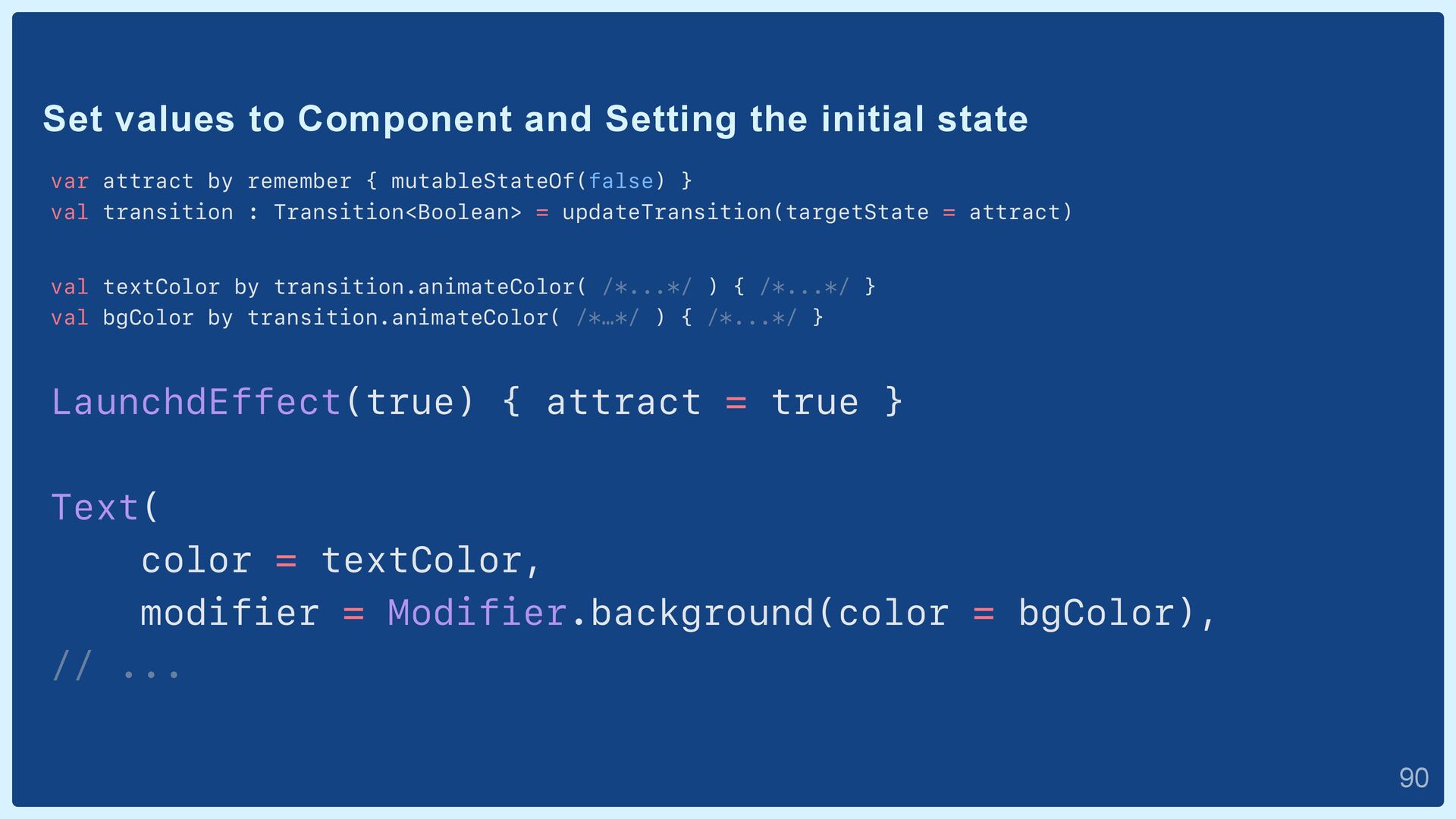
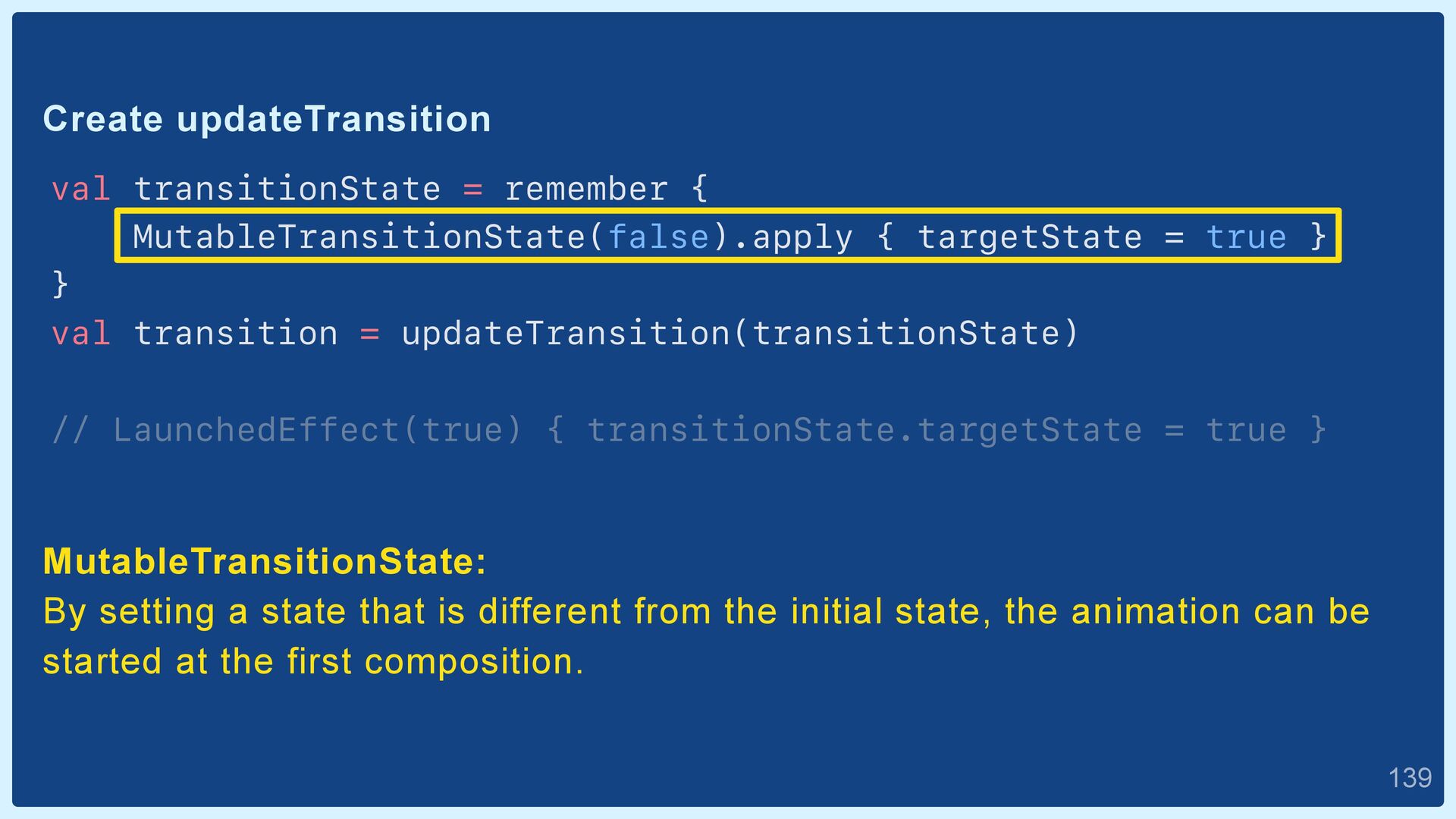
= true } } val transition = updateTransition(transitionState) // LaunchedEffect(true) { transitionState.targetState = true } MutableTransitionState: By setting a state that is different from the initial state, the animation can be started at the first composition.  139
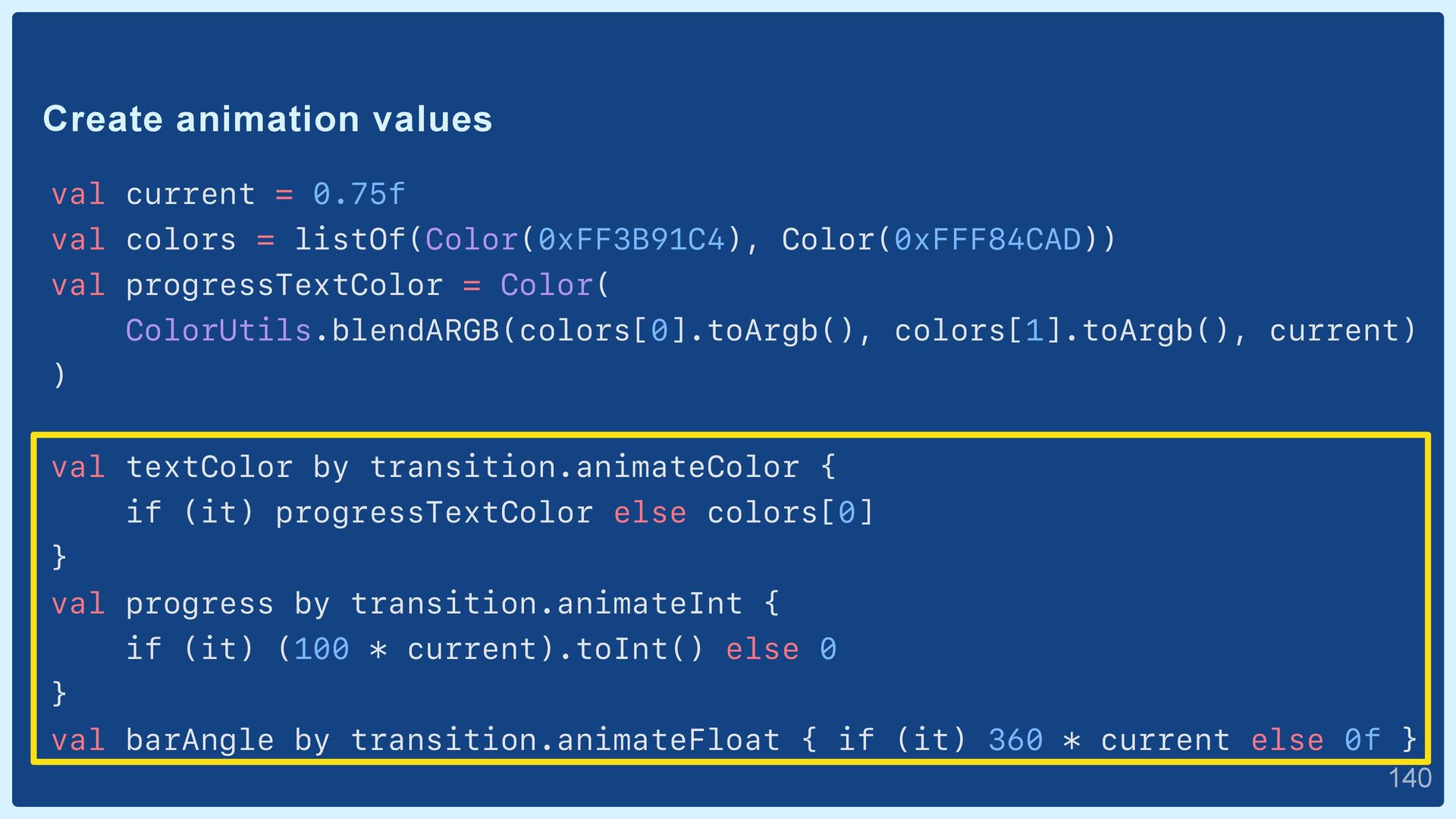
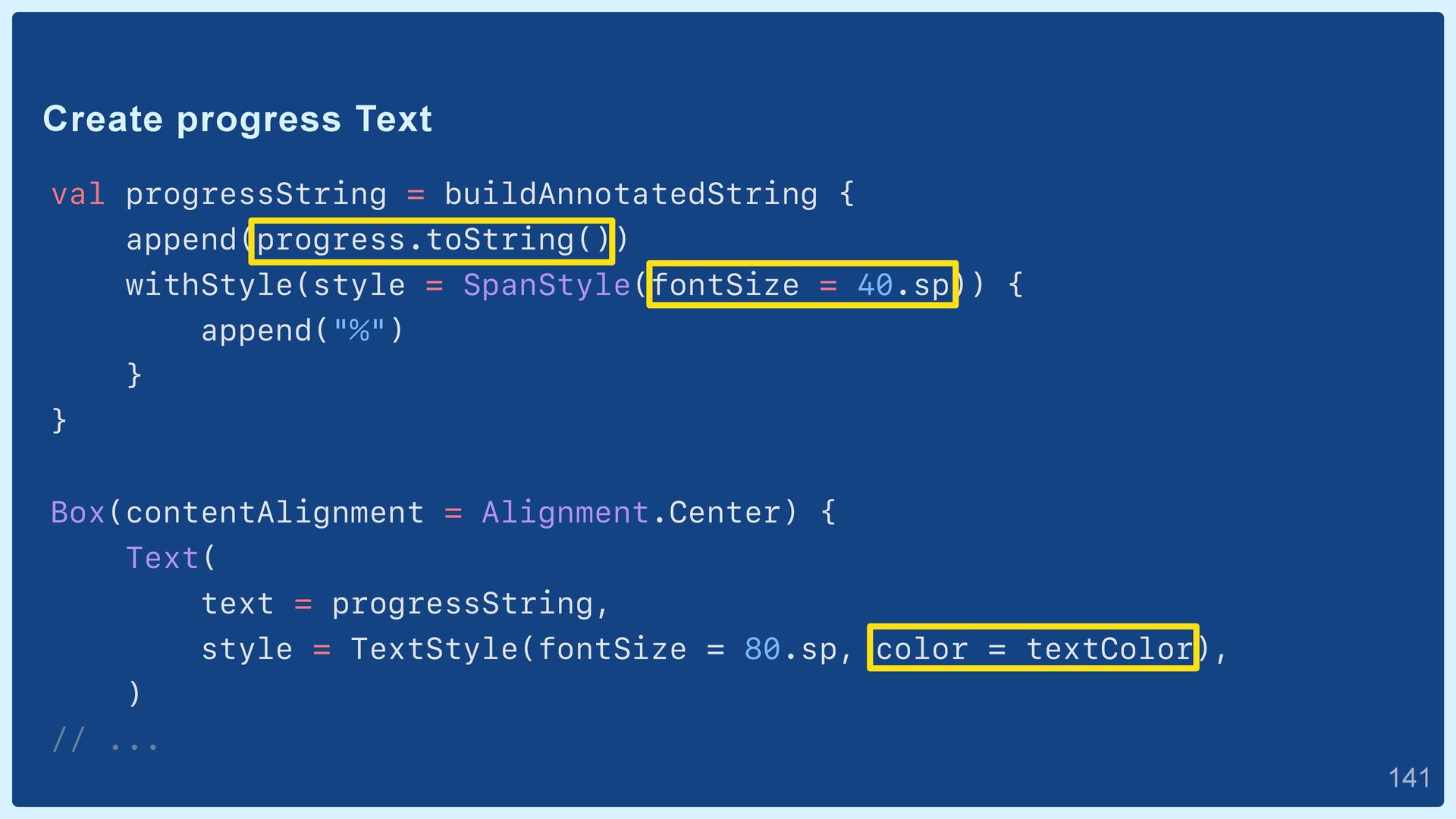
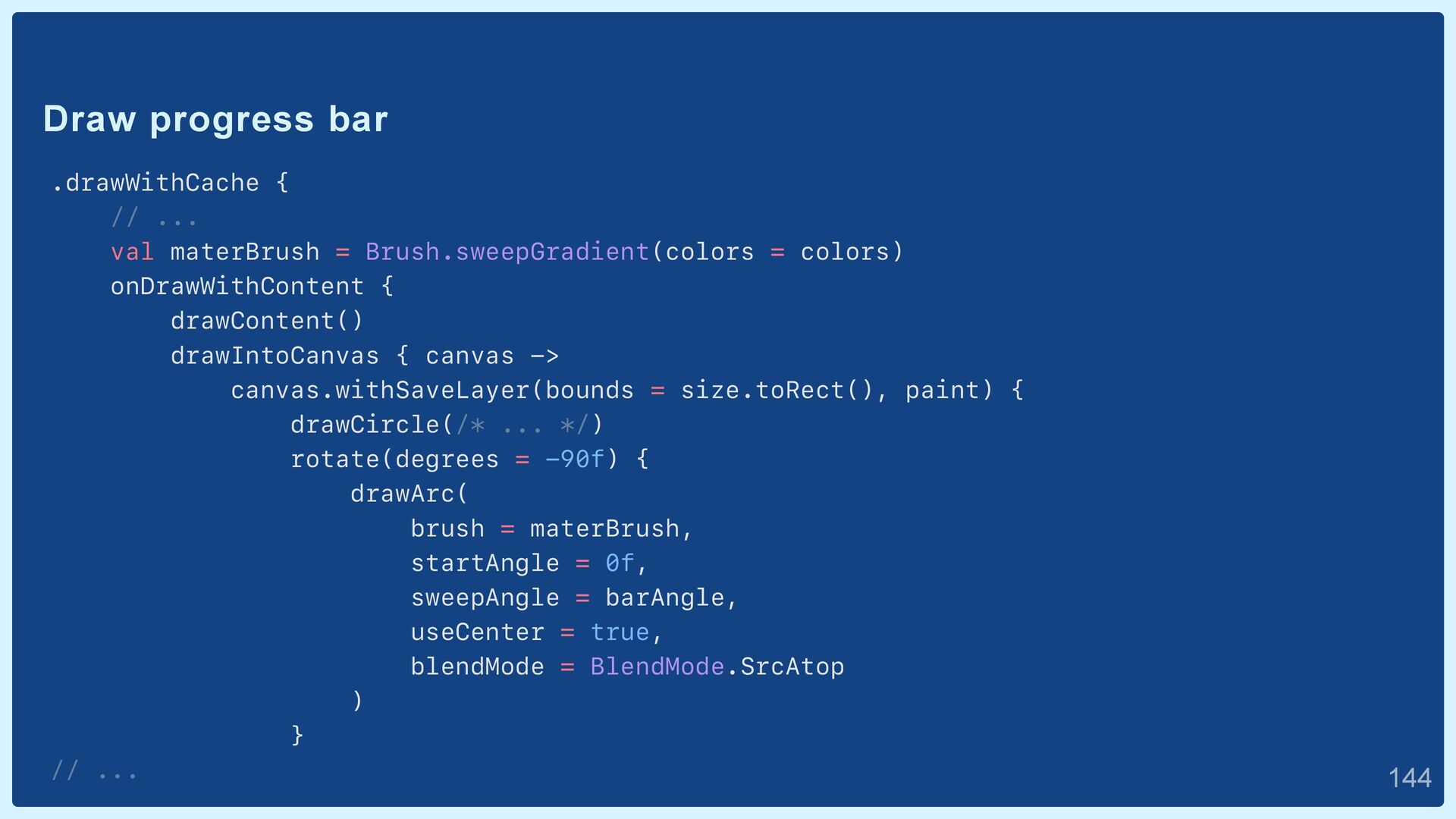
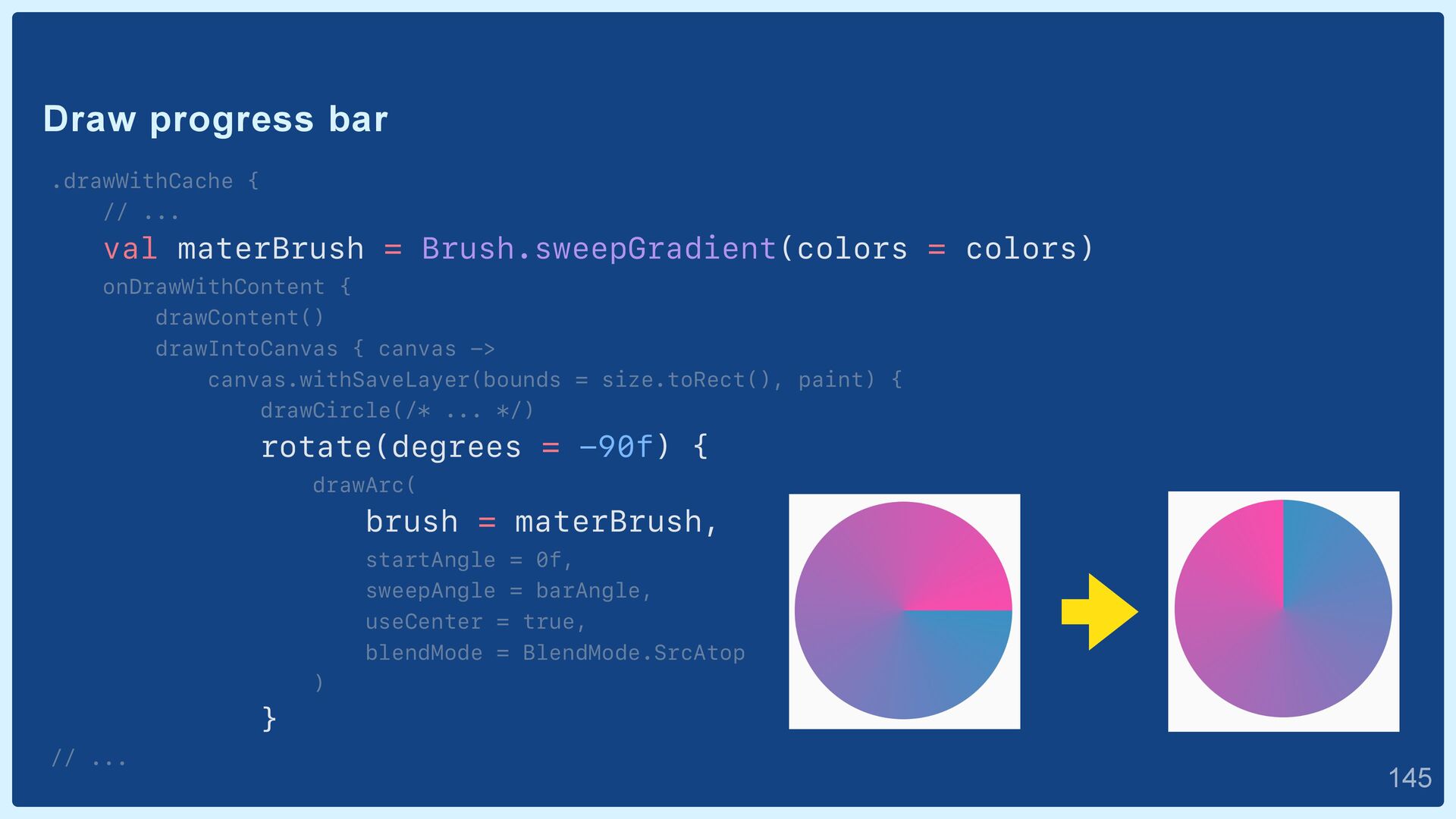
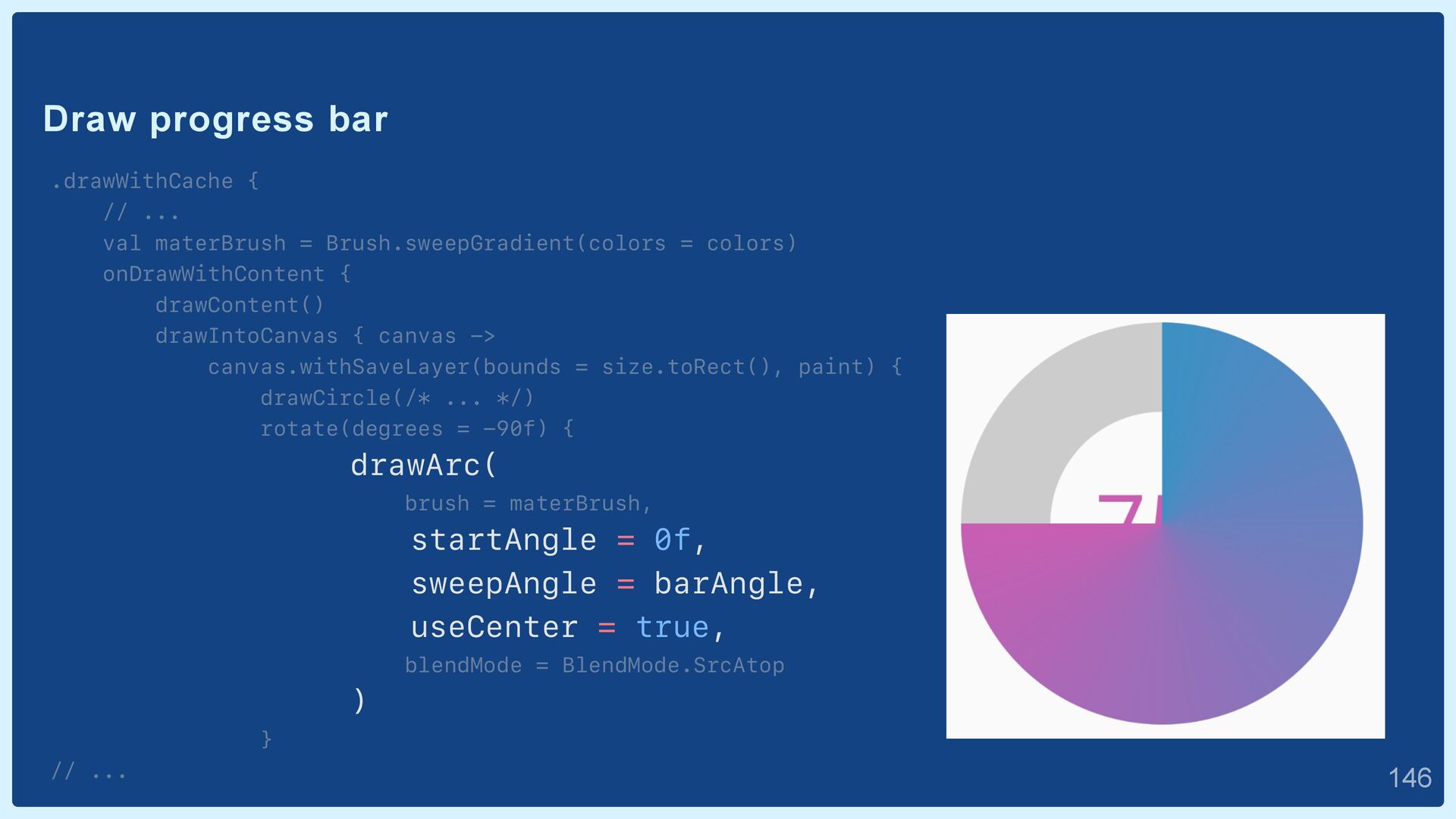
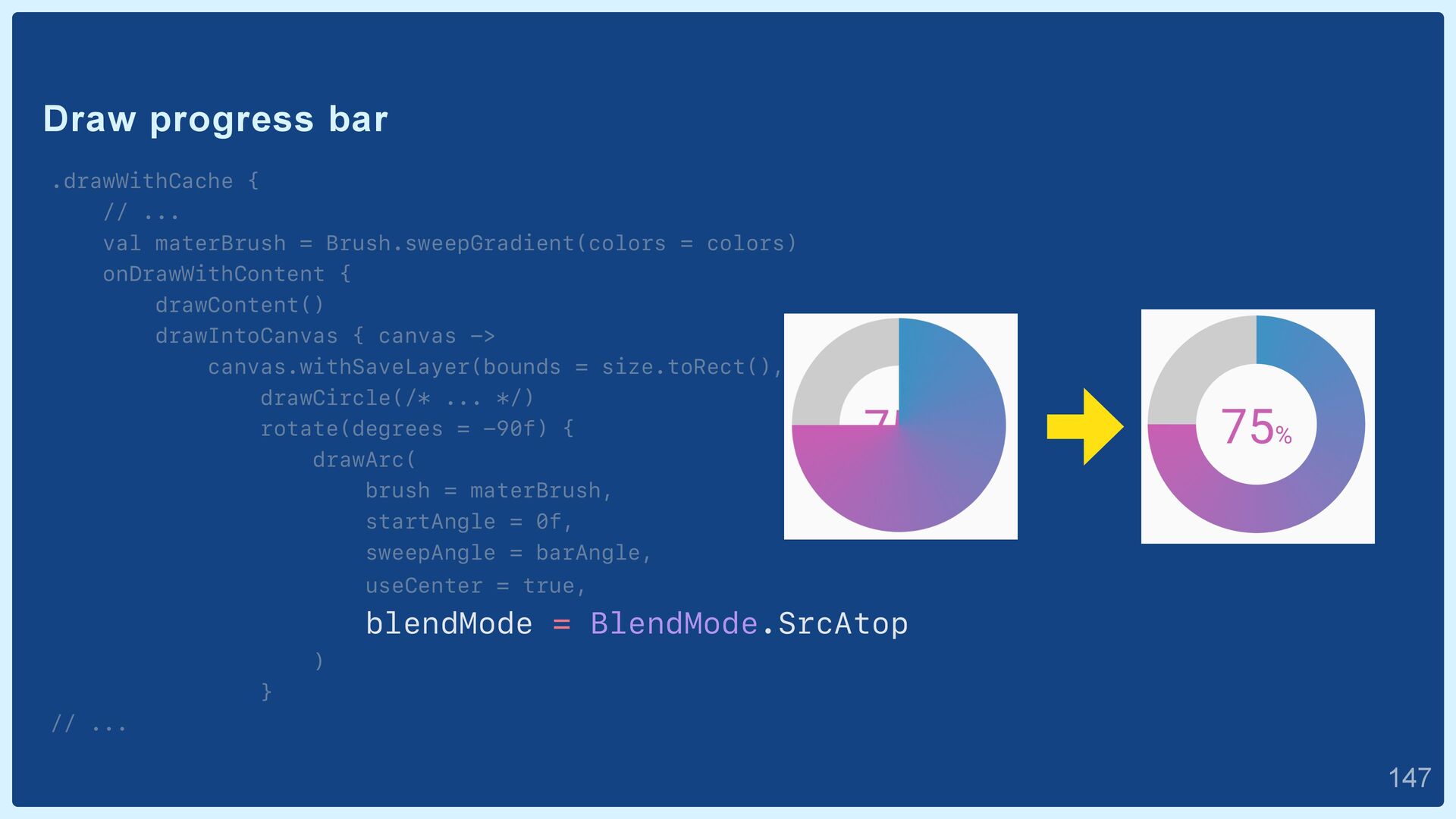
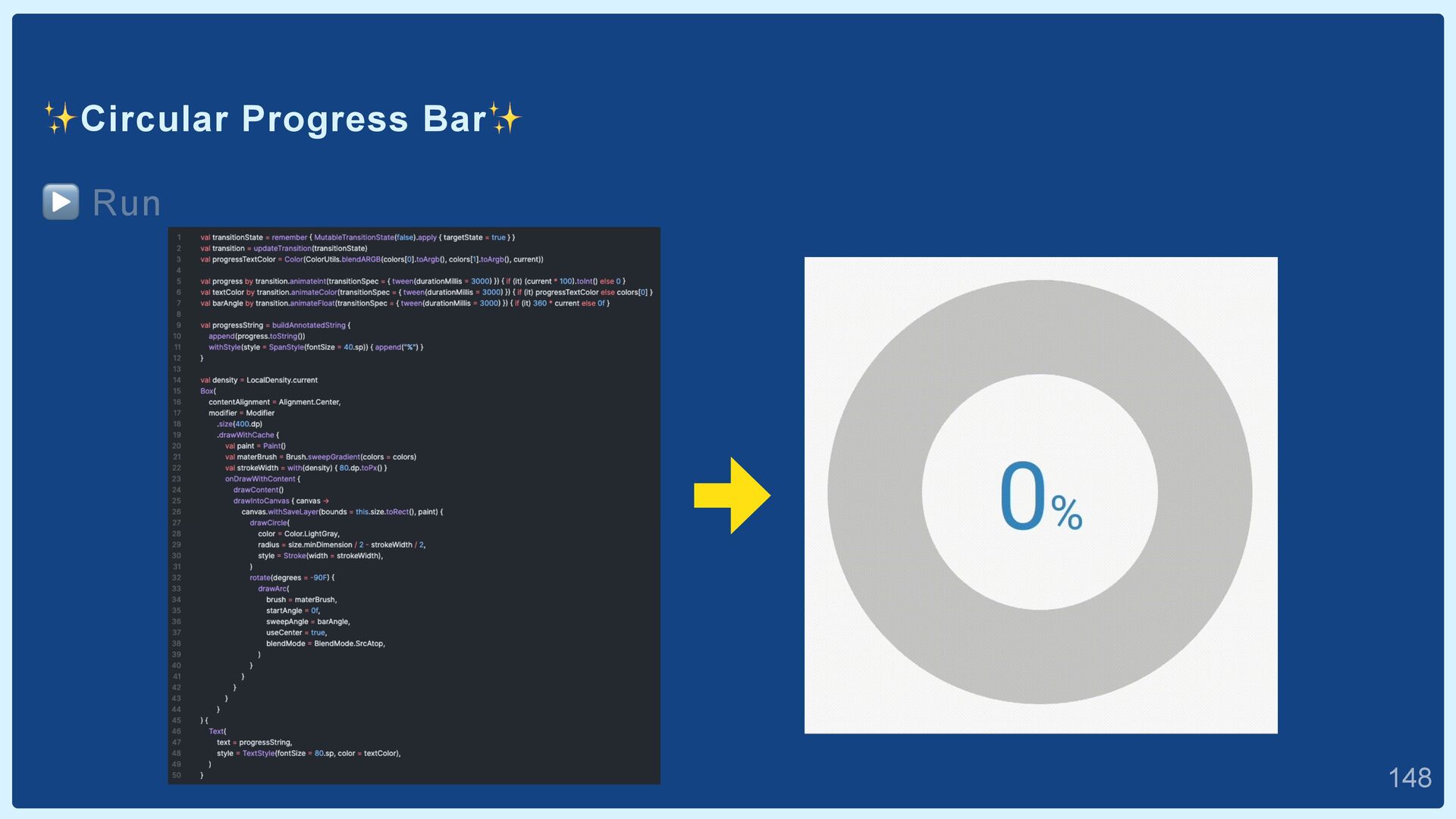
listOf(Color(0xFF3B91C4), Color(0xFFF84CAD)) val progressTextColor = Color( ColorUtils.blendARGB(colors[0].toArgb(), colors[1].toArgb(), current) ) val textColor by transition.animateColor { if (it) progressTextColor else colors[0] } val progress by transition.animateInt { if (it) (100 * current).toInt() else 0 } val barAngle by transition.animateFloat { if (it) 360 * current else 0f }  140
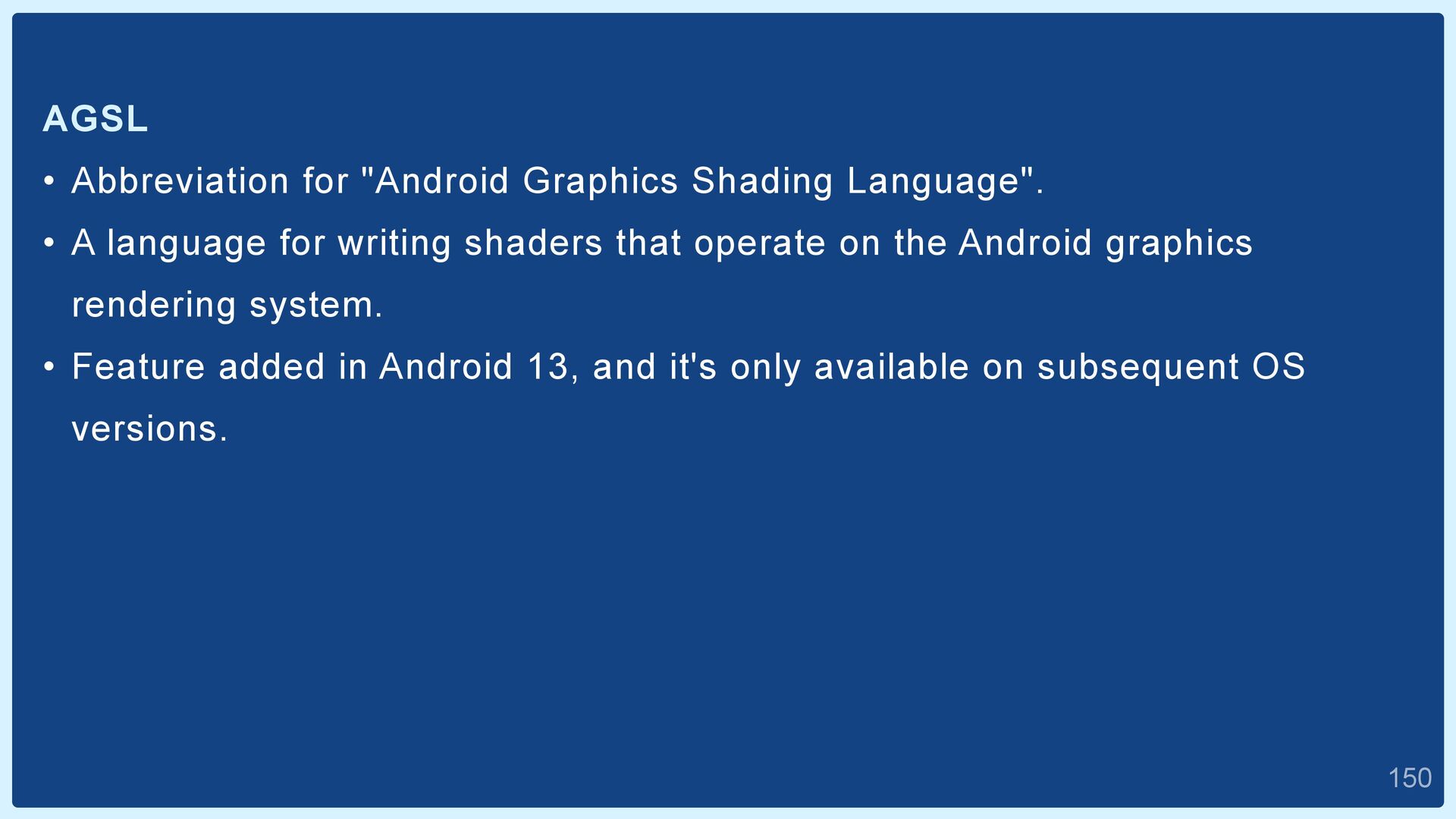
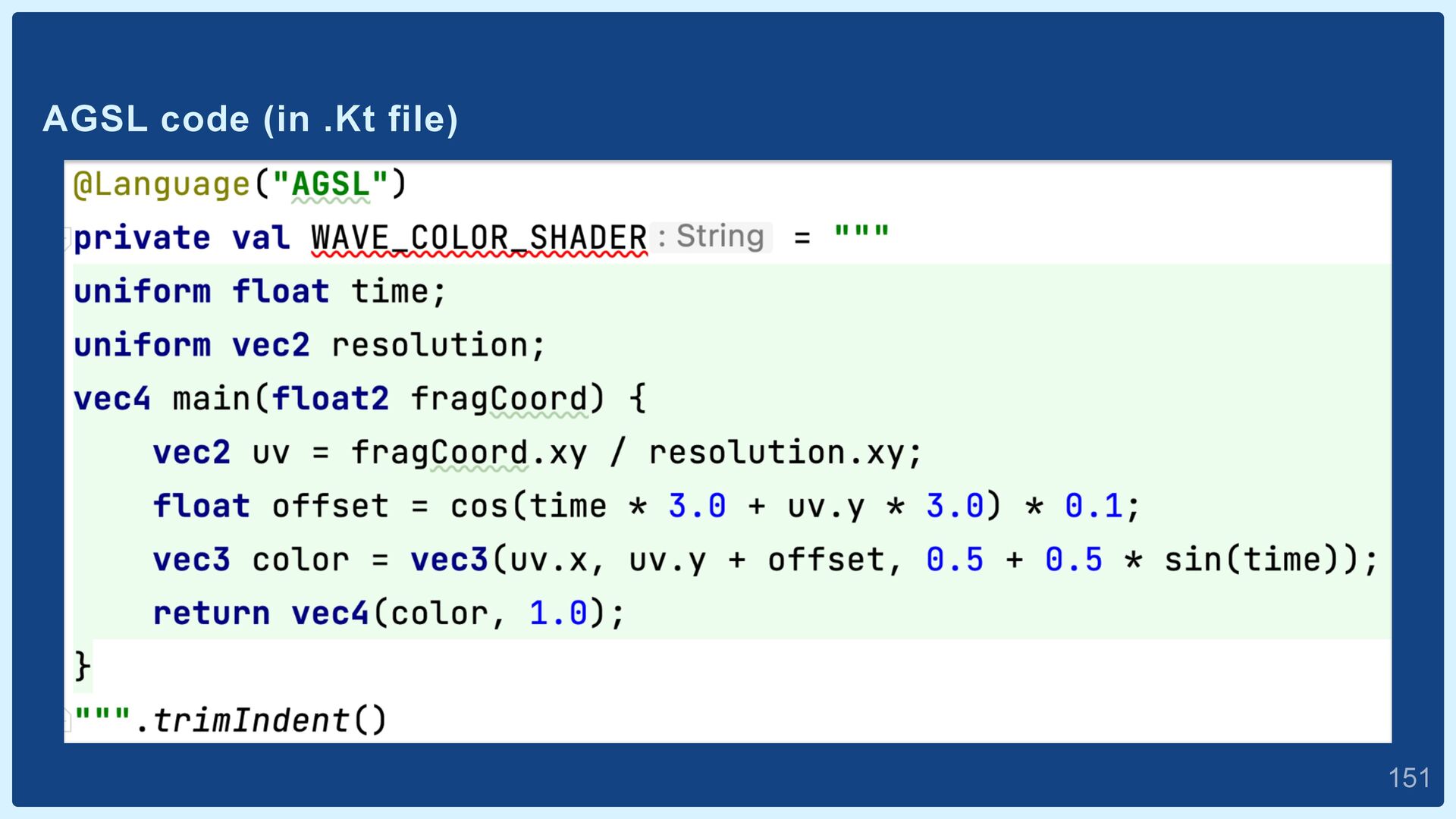
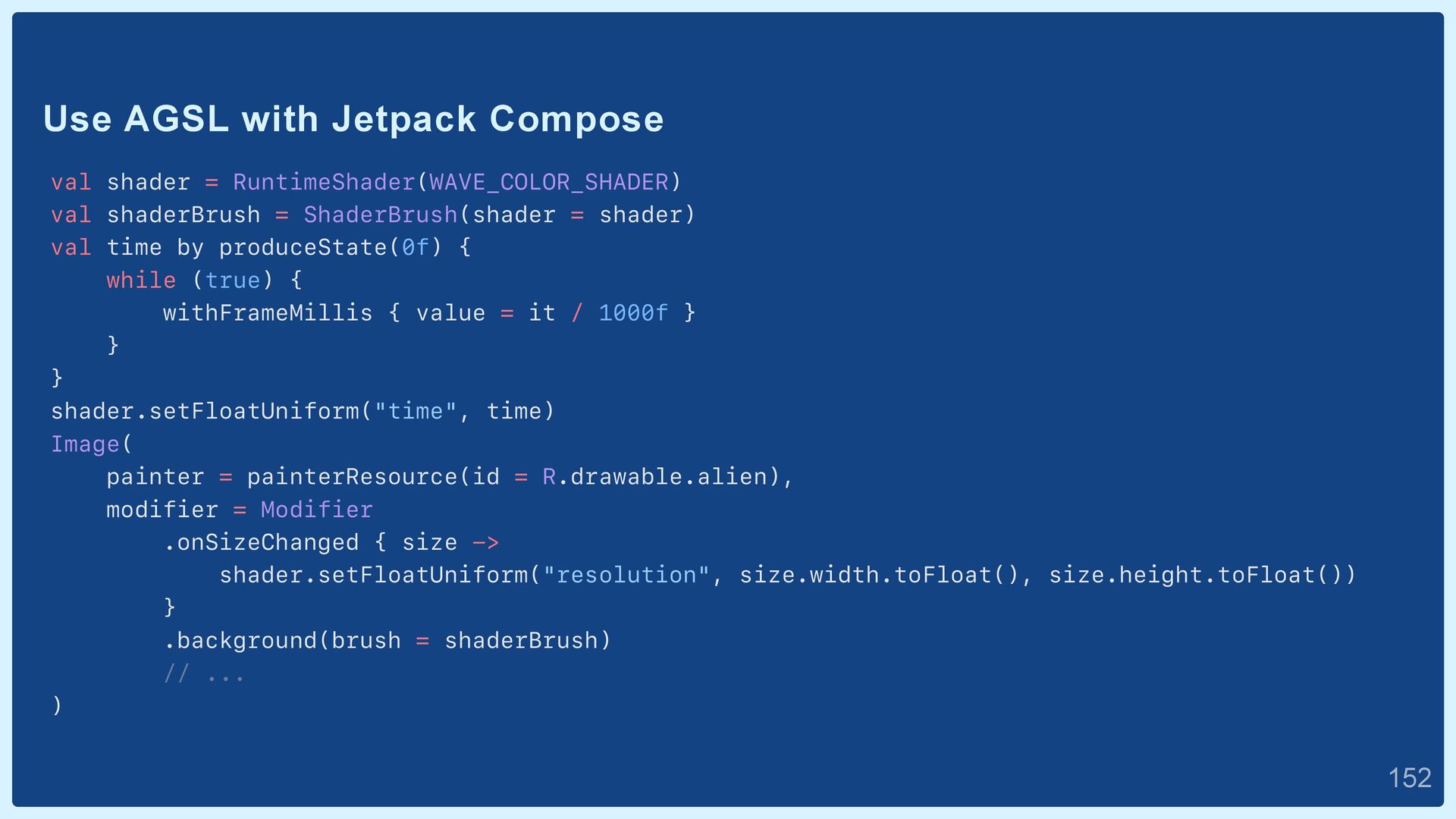
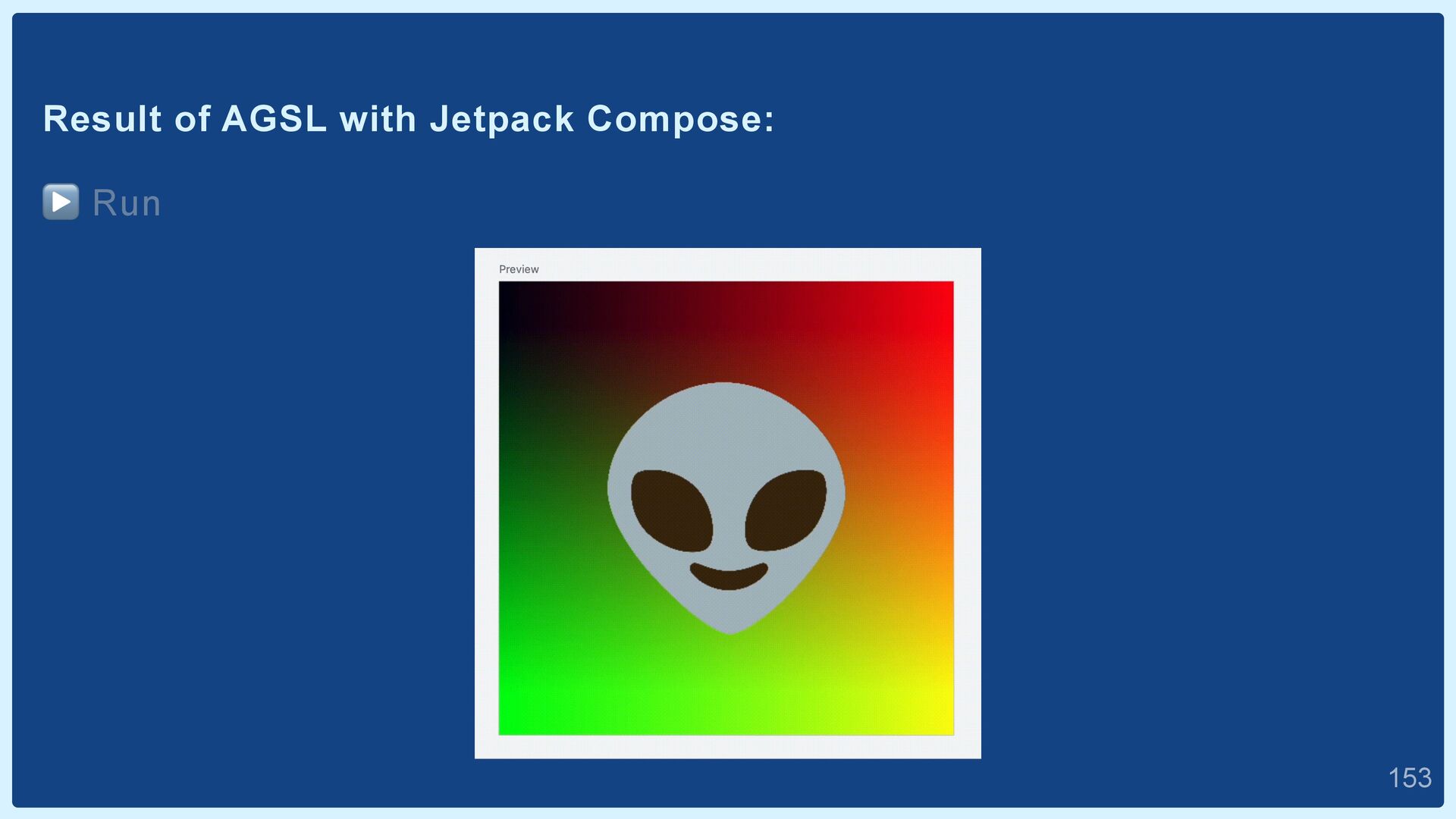
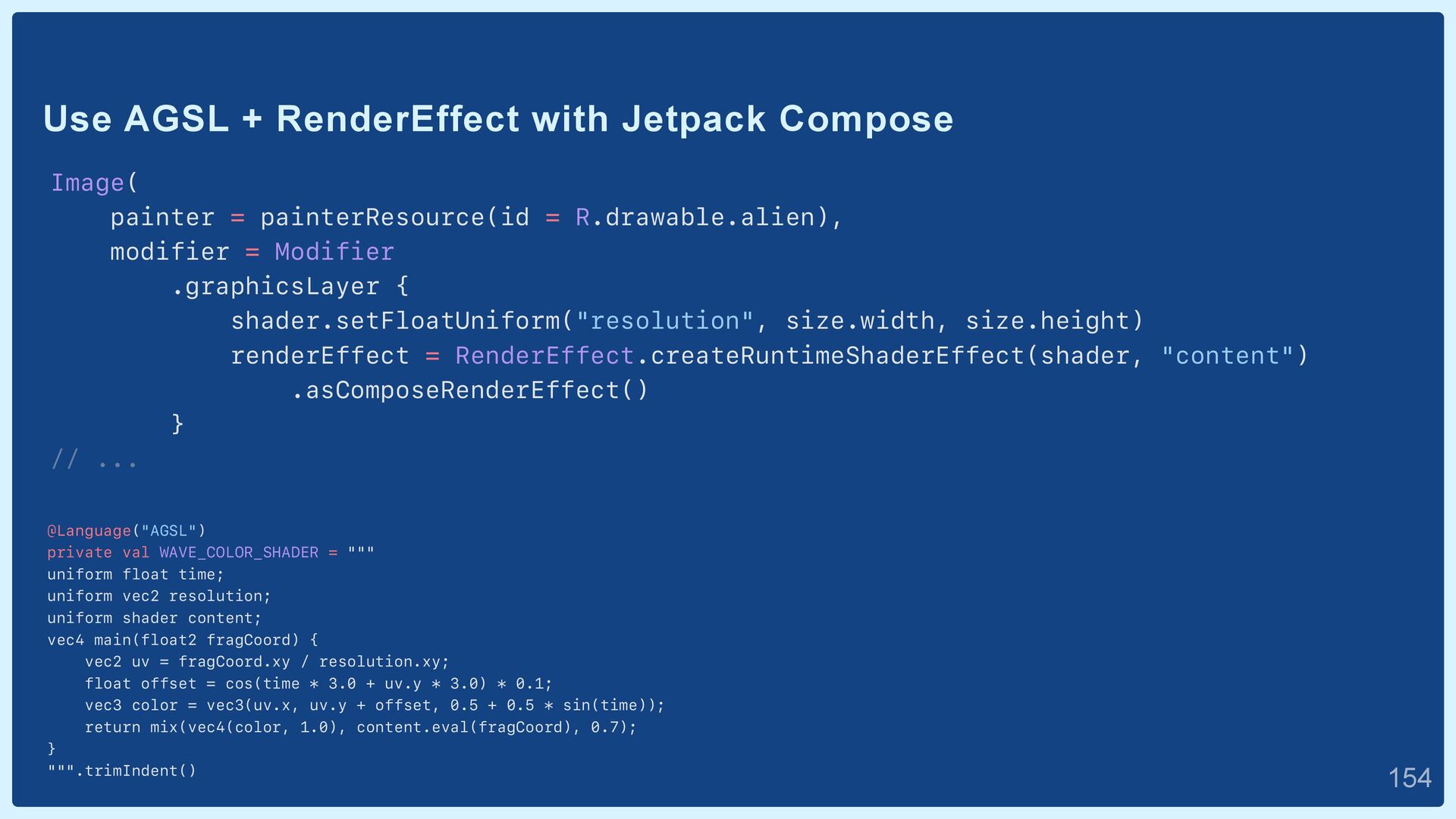
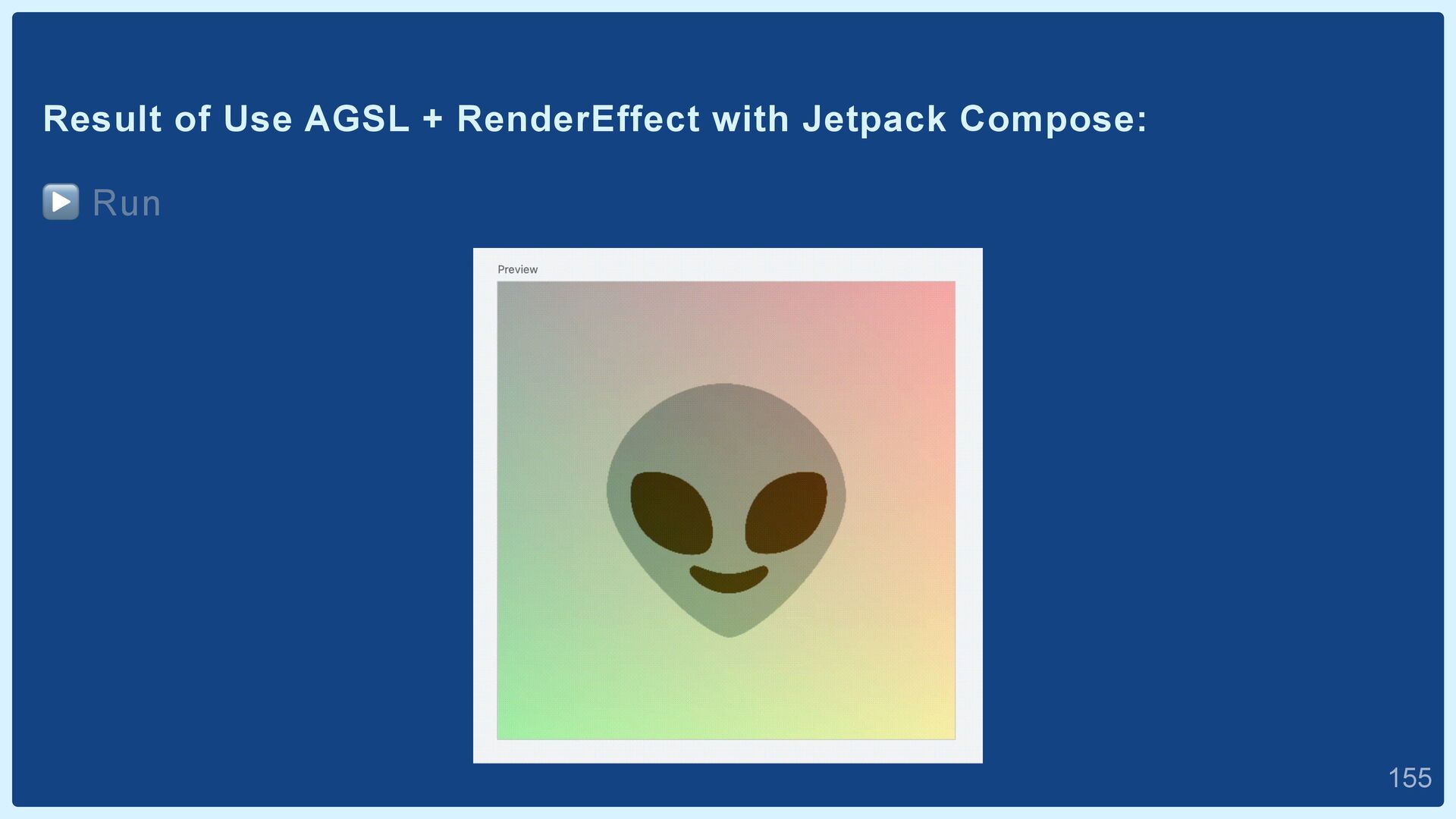
language for writing shaders that operate on the Android graphics rendering system. • Feature added in Android 13, and it's only available on subsequent OS versions.  150


 yokomii
 lemiorhan
 erikaheidi
 rocio
rocio
 aleyda
 aki_iinuma
 uxyall
 codingconduct
 kimpetersen
 addyosmani
 letsgokoyo
.png) helenjbeal
helenjbeal
 retrage
![About Me: yokomii Android Engineer at Nikkei inc @iimokoy [email protected]](https://files.speakerdeck.com/presentations/f377f6e7b90f47d68bc722539b37fd24/slide_1.jpg)