Share
Unlocking Livebook's Potential
Livebook is an interactive Notebook-style Elixir application that lets you write reproducible, shareable, deployable, extensible, interactive, and integrated Elixir workflows (and even has support for Erlang!). With these characteristics in mind, Livebook is fast becoming the premier gateway application to introduce newcomers to all that the language has to offer.
Despite all of these benefits, many people have barely scratched the surface of what is possible in Livebook. After having spent the better part of six months pushing the limits of Livebook’s capabilities and extending its functionality with new libraries, I’m sharing some of my takeaways about how to get the most out of Livebook. By using existing tools it offers as well as building your own tools, Livebook has everything needed to be the premier notebook development environment and be a mainstay in every Elixir developer’s toolkit.
If you’ve wondered what is possible in Livebook and want to see real examples, this talk is for you!

Andrés Alejos
Transcript
209 slides
-
Disclaimer The views expressed in this presentation are that of
the speaker and do not represent the views of the United States Government, the DoD, or ARCYBER. -
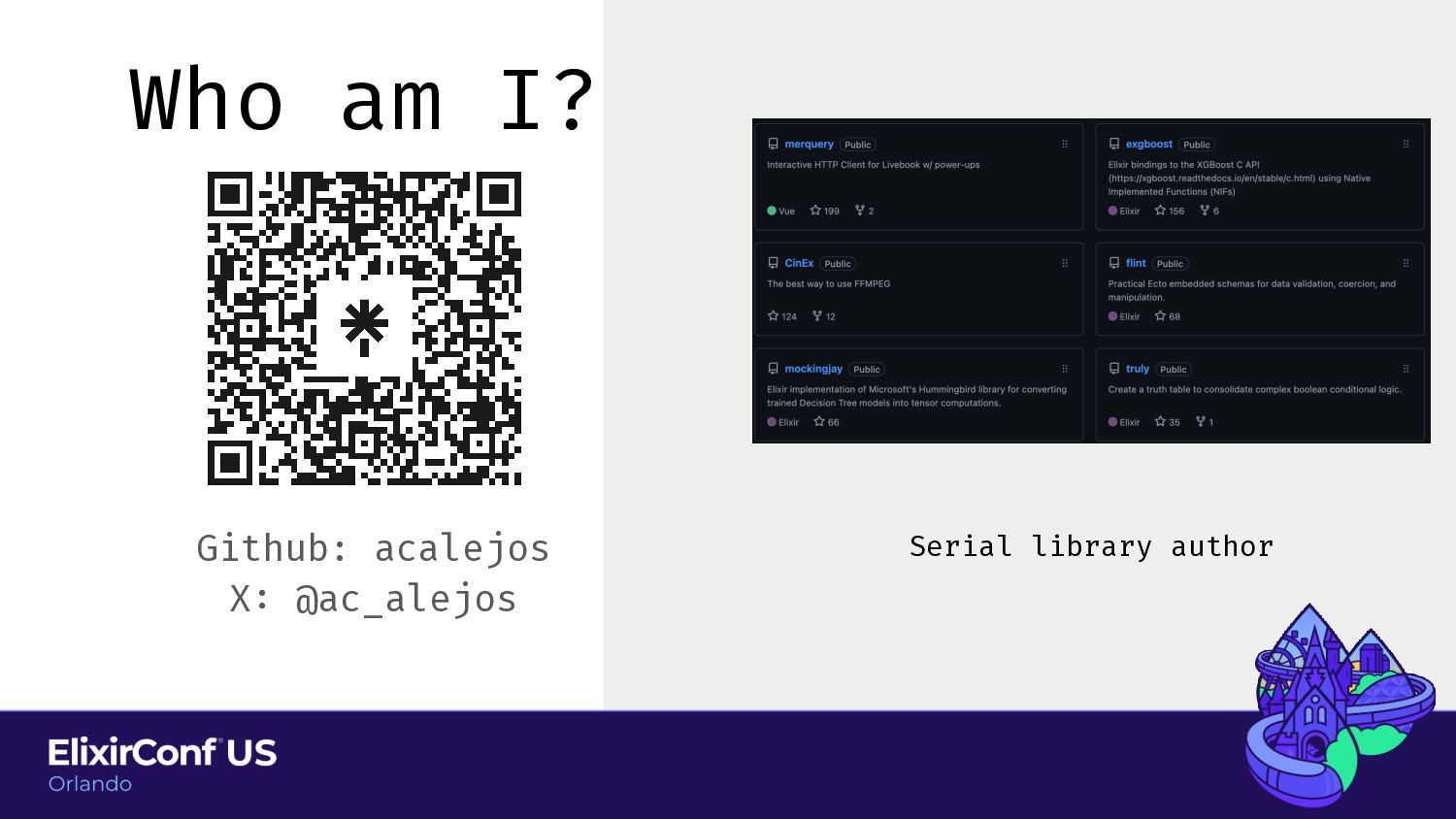
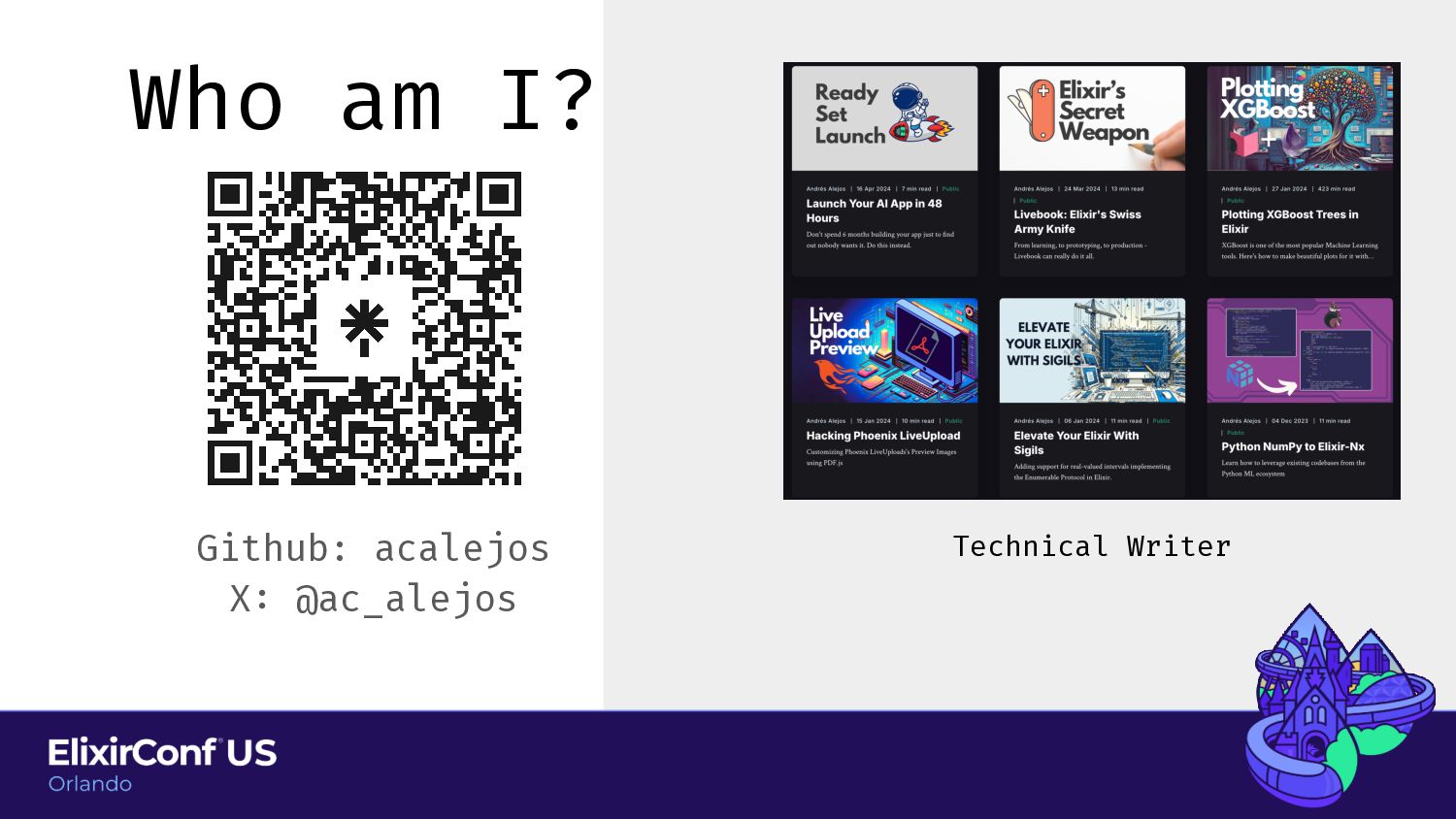
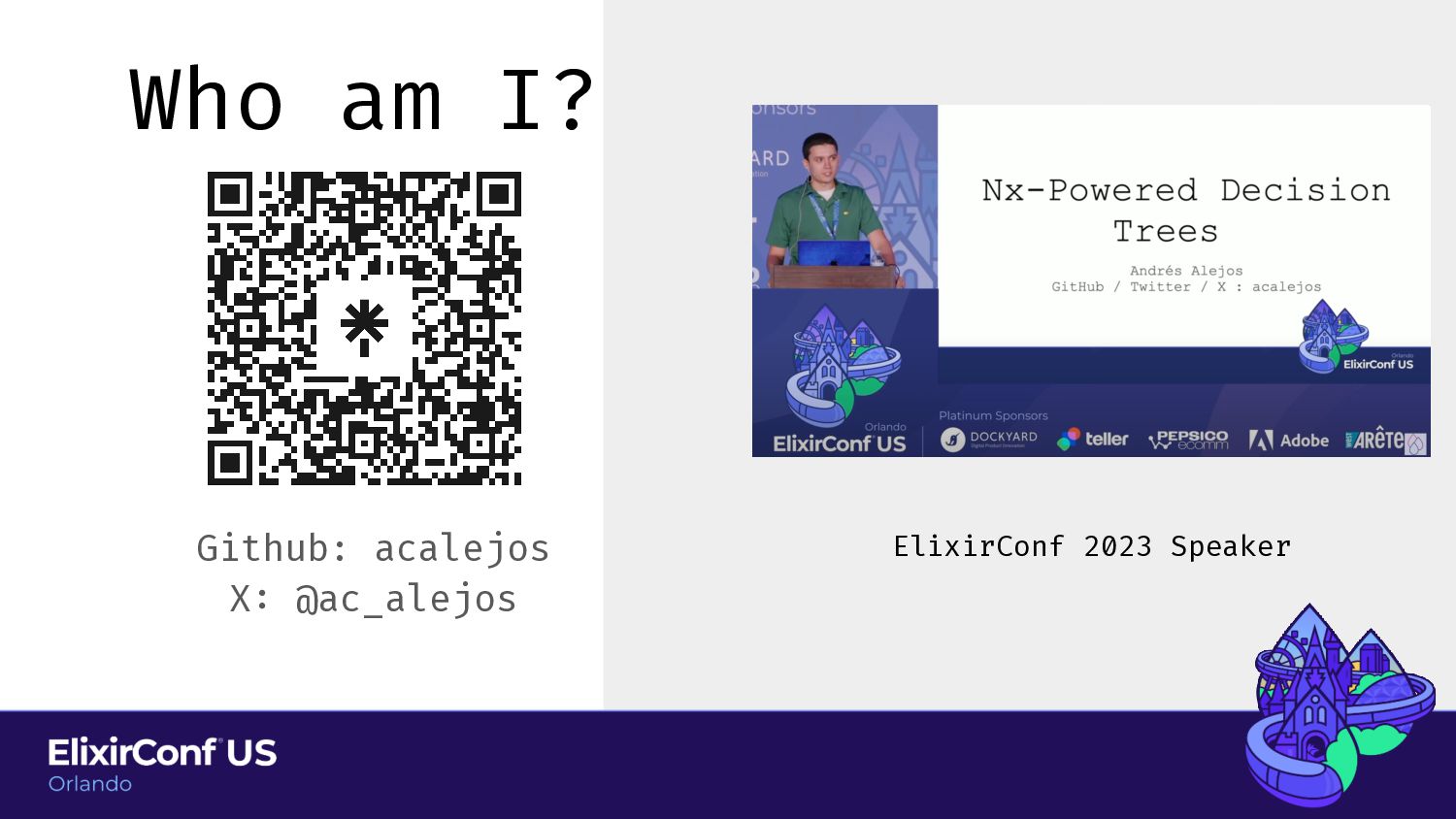
Who am I? Github: acalejos X : @ac_alejos Unoff i
cial Livebook expert -
Agenda Caveats Intro to Livebook Kino In Depth Hacking Livebook
Resources • What this talk is and what it isn’t. • Set expectations for the rest of the talk. -
Agenda Caveats Intro to Livebook Kino In Depth Hacking Livebook
Resources • What this talk is and what it isn’t. • Set expectations for the rest of the talk. -
Agenda Caveats Intro to Livebook Kino In Depth Hacking Livebook
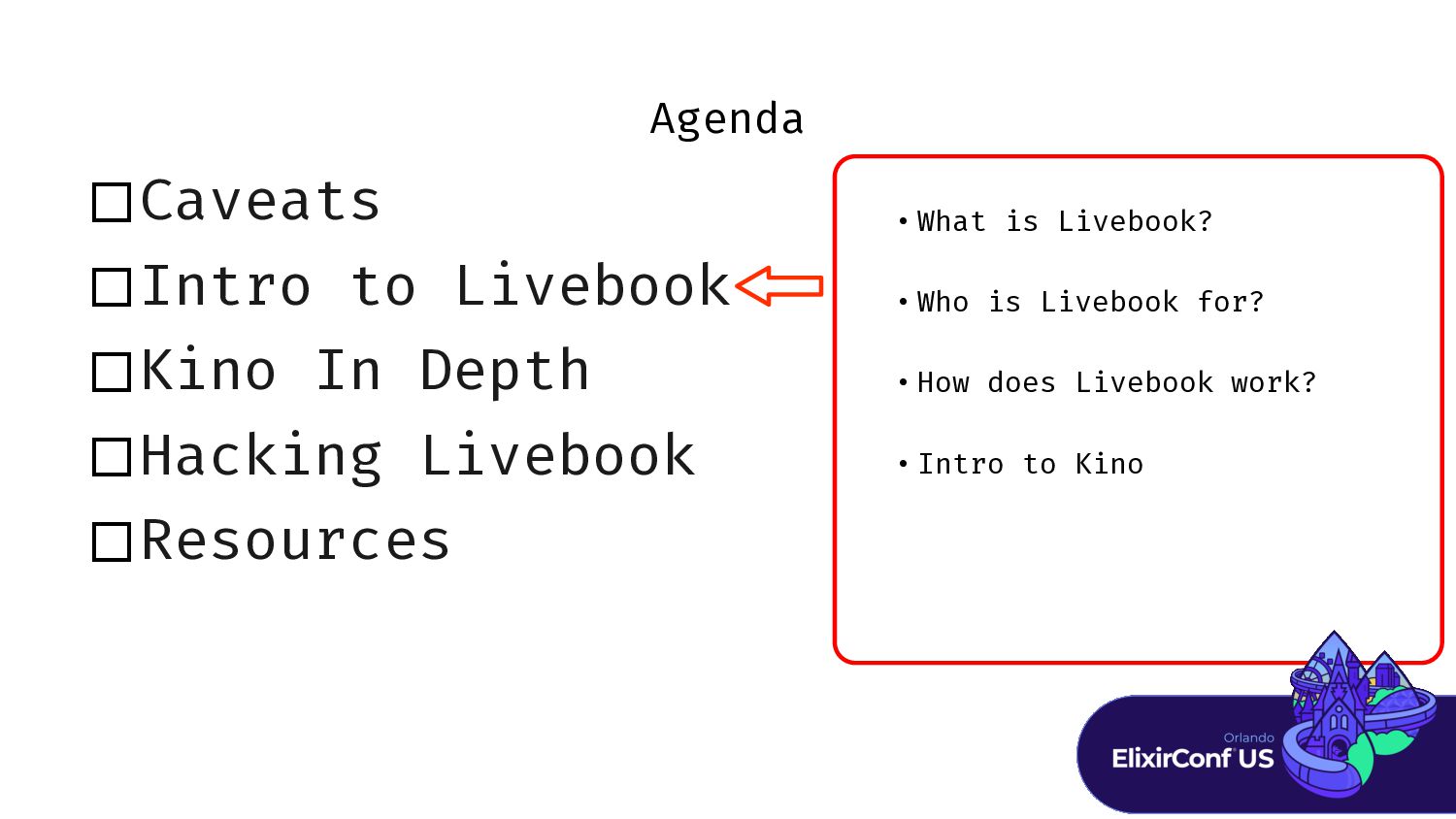
Resources • What is Livebook? • Who is Livebook for? • How does Livebook work? • Intro to Kino -
Agenda Caveats Intro to Livebook Kino In Depth Hacking Livebook
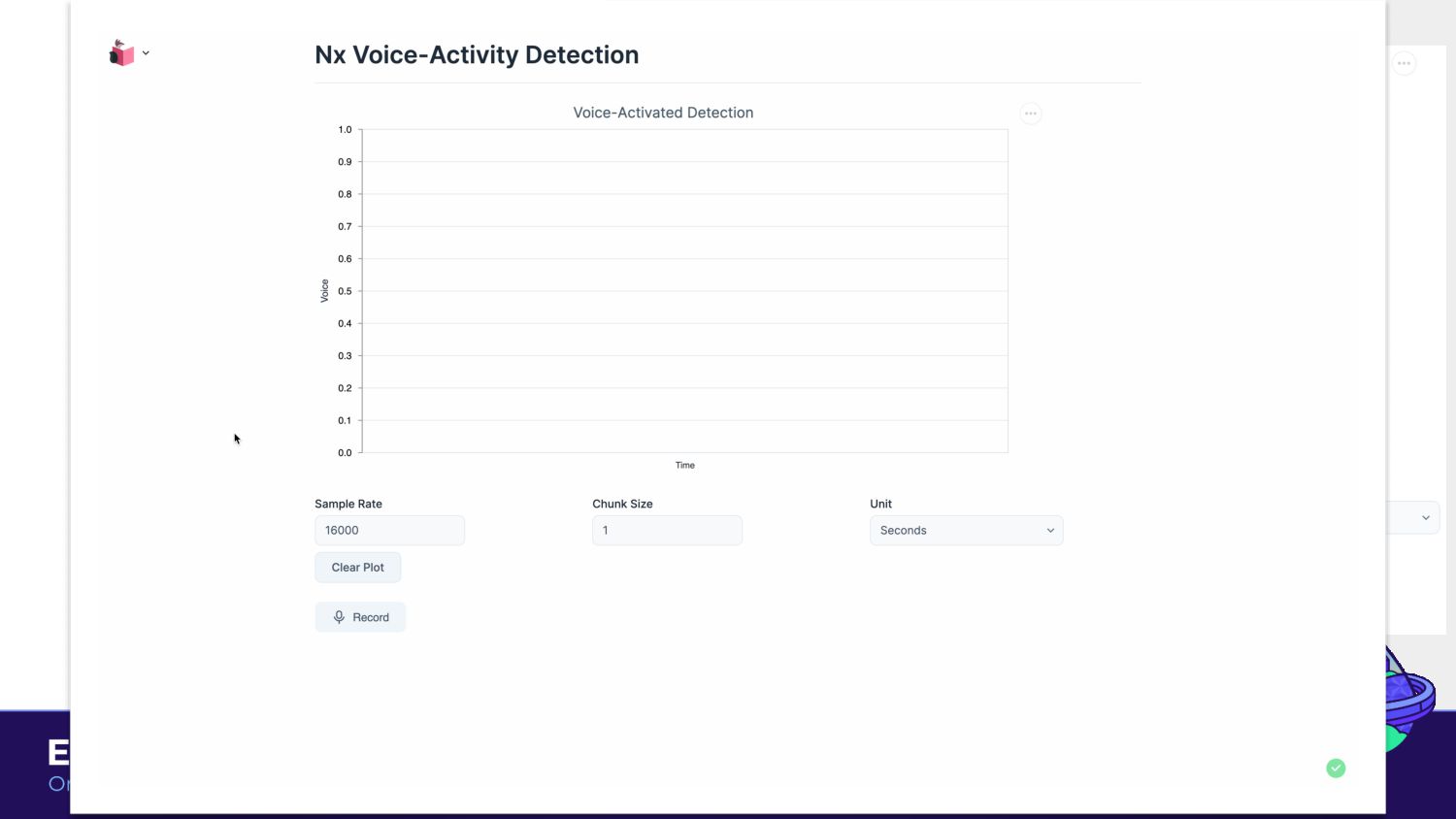
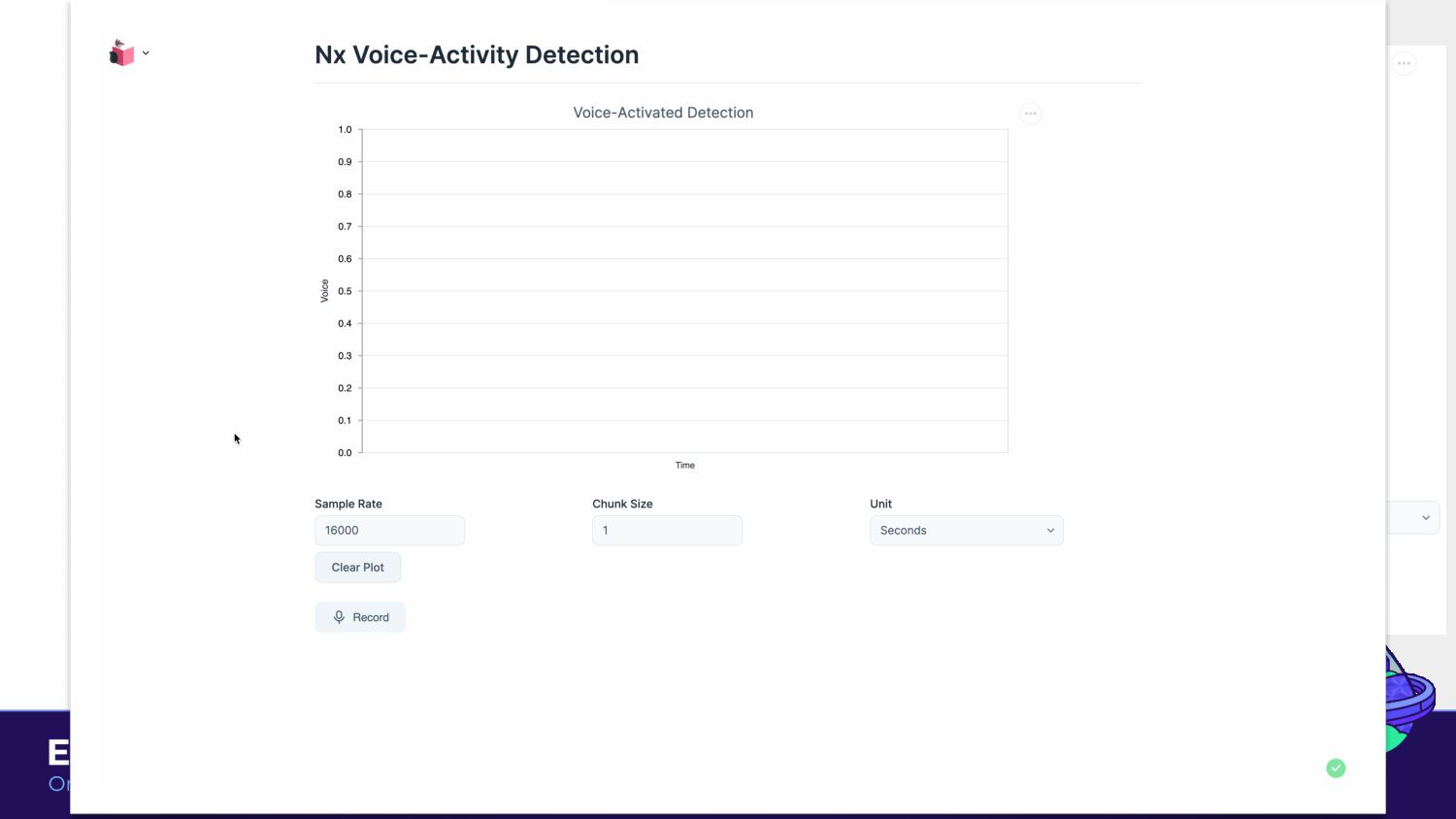
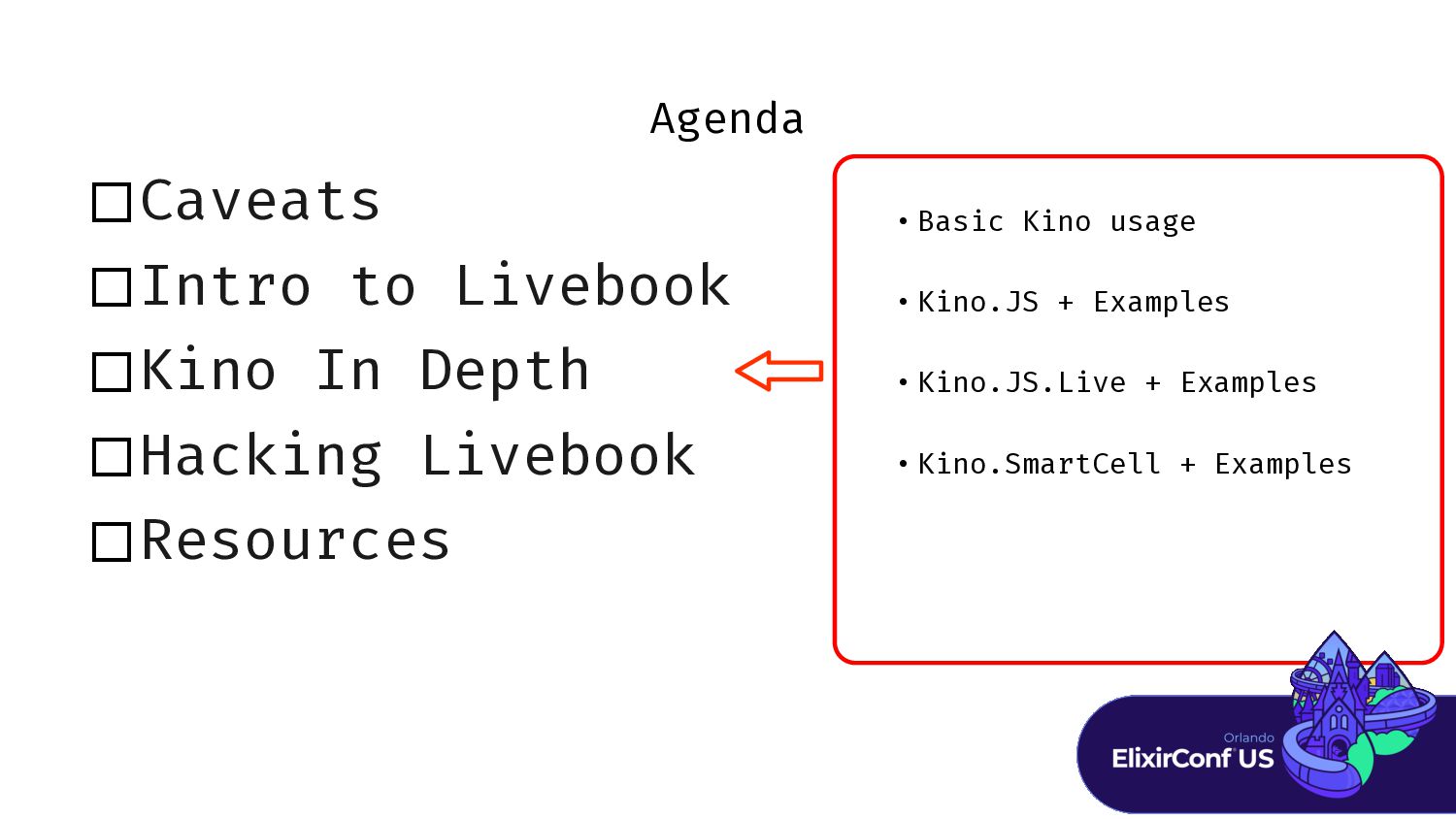
Resources • Basic Kino usage • Kino.JS + Examples • Kino.JS.Live + Examples • Kino.SmartCell + Examples -
Agenda Caveats Intro to Livebook Kino In Depth Hacking Livebook
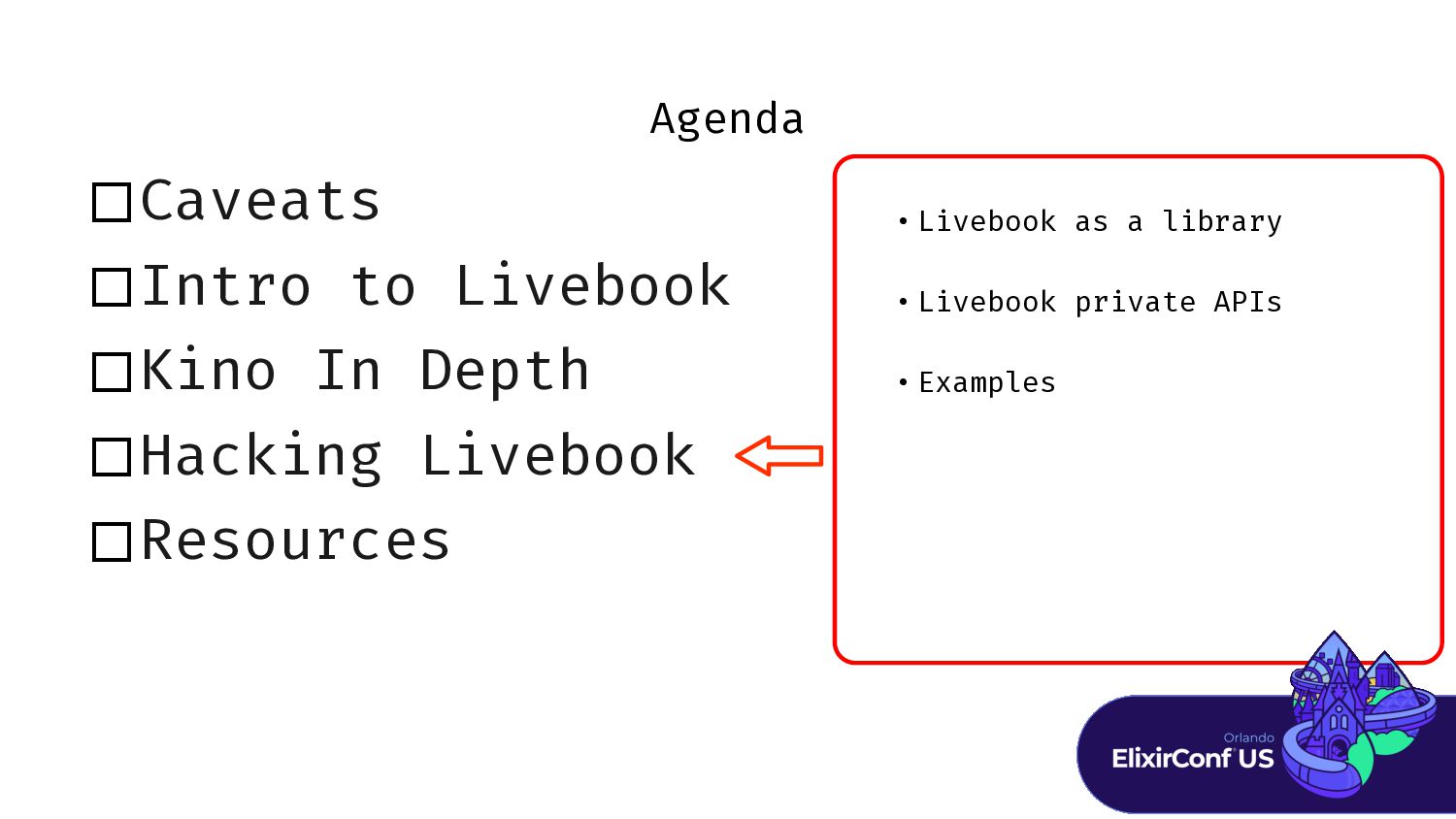
Resources • Livebook as a library • Livebook private APIs • Examples -
Agenda Caveats Intro to Livebook Kino In Depth Hacking Livebook
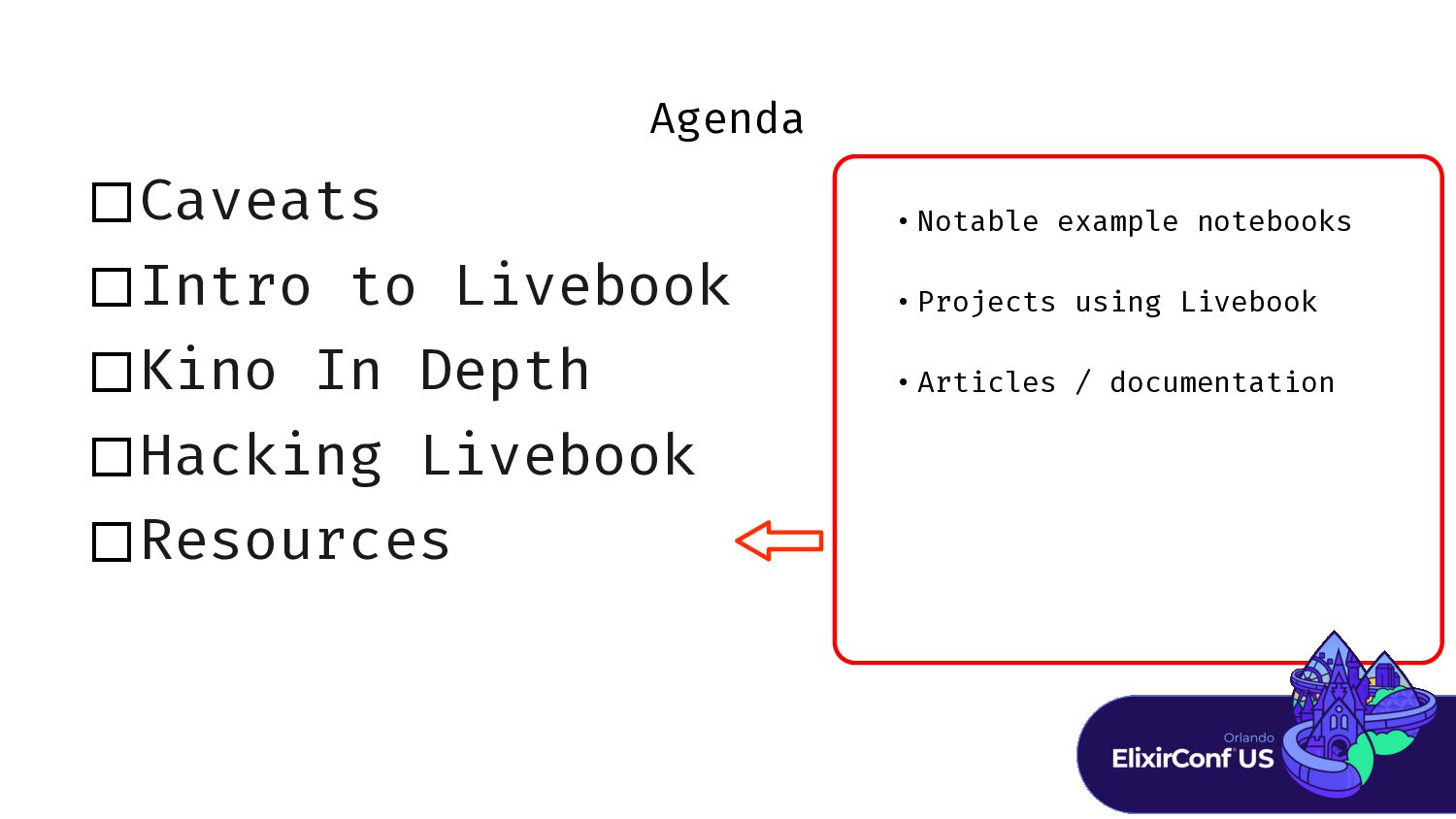
Resources • Notable example notebooks • Projects using Livebook • Articles / documentation -
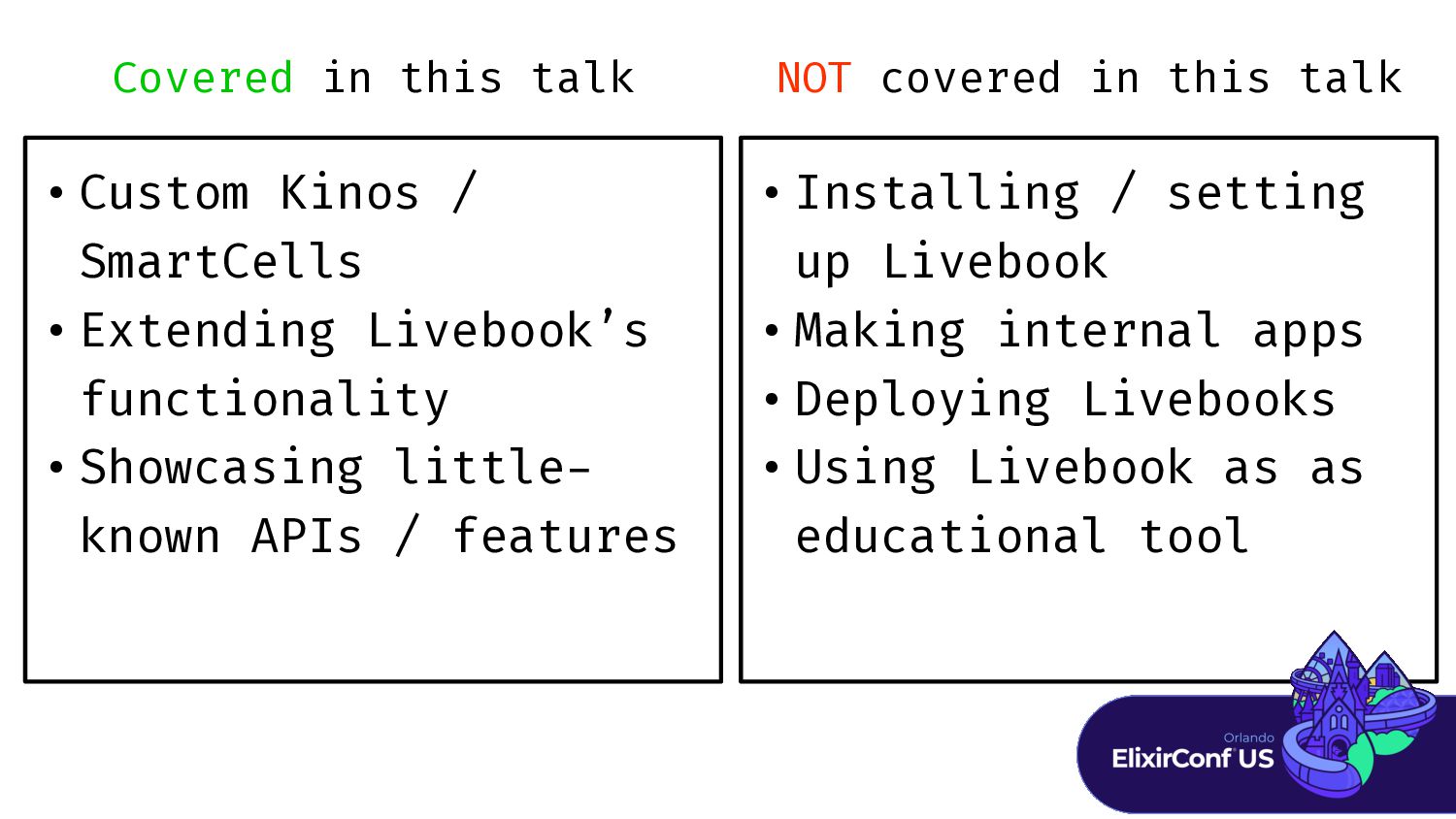
Covered in this talk • Custom Kinos / SmartCells •
Extending Livebook’s functionality • Showcasing little - known APIs / features • Installing / setting up Livebook • Making internal apps • Deploying Livebooks • Using Livebook as as educational tool NOT covered in this talk -
This talk will be fairly dense with information. But please
bear with me because I have plenty of demos : ) -
“Livebook is an interactive Notebook-style Elixir application that lets you
write reproducible, shareable, deployable, extensible, interactive, and integrated Elixir workflows (and even has support for Erlang!).” What is Livebook -
“Livebook is an interactive Notebook-style Elixir application that lets you
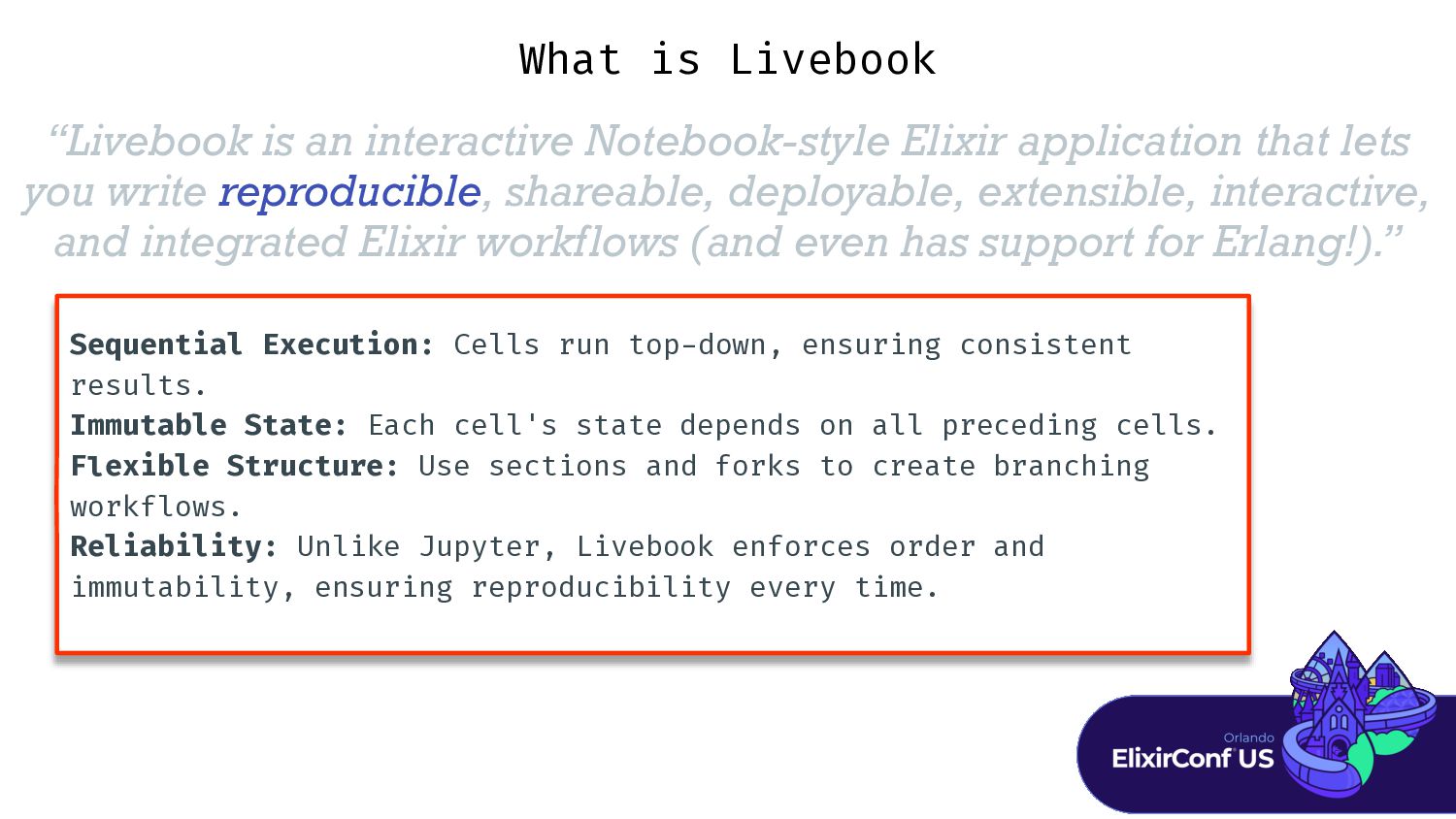
write reproducible, shareable, deployable, extensible, interactive, and integrated Elixir workflows (and even has support for Erlang!).” What is Livebook Sequential Execution: Cells run top - down, ensuring consistent results. Immutable State: Each cell's state depends on all preceding cells. F l exible Structure: Use sections and forks to create branching workflows. Reliability: Unlike Jupyter, Livebook enforces order and immutability, ensuring reproducibility every time. -
“Livebook is an interactive Notebook-style Elixir application that lets you
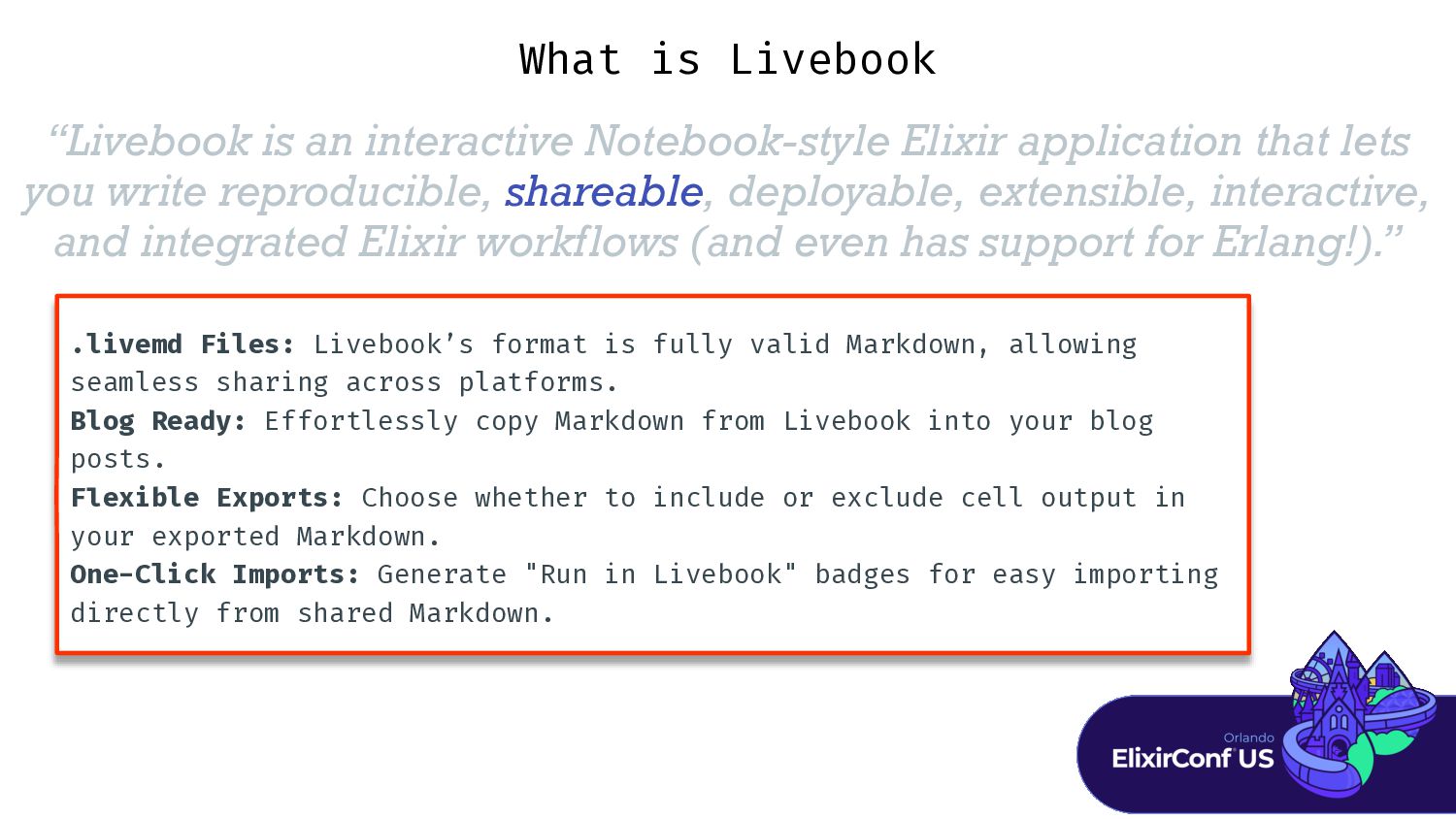
write reproducible, shareable, deployable, extensible, interactive, and integrated Elixir workflows (and even has support for Erlang!).” What is Livebook .livemd Files: Livebook’s format is fully valid Markdown, allowing seamless sharing across platforms. Blog Ready: Effortlessly copy Markdown from Livebook into your blog posts. F l exible Exports: Choose whether to include or exclude cell output in your exported Markdown. One-Click Imports: Generate "Run in Livebook" badges for easy importing directly from shared Markdown. -
“Livebook is an interactive Notebook-style Elixir application that lets you
write reproducible, shareable, deployable, extensible, interactive, and integrated Elixir workflows (and even has support for Erlang!).” What is Livebook Versatile Deployment: Deploy Livebook apps locally or in the cloud with f i rst - class support for HuggingFace Spaces. Multi-Session Apps: Support for apps where each connection spawns a new instance, ideal for scalability. Customizable Visibility: Choose to hide or reveal source code, protecting proprietary details or sharing knowledge. Rich Output Control: Deploy apps with only the interactive elements, tailoring the user experience to your needs. -
“Livebook is an interactive Notebook-style Elixir application that lets you
write reproducible, shareable, deployable, extensible, interactive, and integrated Elixir workflows (and even has support for Erlang!).” What is Livebook Built - in Integrations: Livebook includes out - of - the - box support for Slack, databases (PostgreSQL, MySQL, etc.), VegaLite plotting, and more. Powered by Kino: Most integrations are built on the open - source Kino library, making it easy to contribute your own extensions. Custom Extensions: Use Kino abstractions like Kino.JS, Kino.JS.Live, and Kino.SmartCell to create new features, leveraging familiar Elixir concepts. Runtime as a Behaviour: Custom runtimes possible as behaviour. See new fly.io runtime and proposed k8s runtime. -
“Livebook is an interactive Notebook-style Elixir application that lets you
write reproducible, shareable, deployable, extensible, interactive, and integrated Elixir workflows (and even has support for Erlang!).” What is Livebook Kino Library: Add interactive experiences to Livebook using Kino.JS, Kino.JS.Live, and Kino.SmartCell. Built - in Interactivity: Utilize libraries like kino_bumblebee for GUIs or VegaLite for interactive plots and graphics. VegaLite Support: Create dynamic plots with VegaLite, enhancing your data visualization within Livebook. -
“Livebook is an interactive Notebook-style Elixir application that lets you
write reproducible, shareable, deployable, extensible, interactive, and integrated Elixir workflows (and even has support for Erlang!).” What is Livebook F l exible Runtimes: Livebook can attach to a running Elixir node, enabling seamless use from prototyping to production. Production Use: Leverage Livebook for live dashboards and system introspection in real - time. Node Integration: Interact with Livebook as a node within your Elixir cluster, just like any other Elixir node. -
“Livebook is an interactive Notebook-style Elixir application that lets you
write reproducible, shareable, deployable, extensible, interactive, and integrated Elixir workflows (and even has support for Erlang!).” Next - generation, supercharged IEx What is Livebook -
“Client-driven interactive widgets for Livebook. Kino is the library used
by Livebook to render rich and interactive outputs directly from your Elixir code.” - Kino Docs -
“Client-driven interactive widgets for Livebook. Kino is the library used
by Livebook to render rich and interactive outputs directly from your Elixir code.” - Kino Docs “The entry-point to extensibility in Livebook. ” - Me -
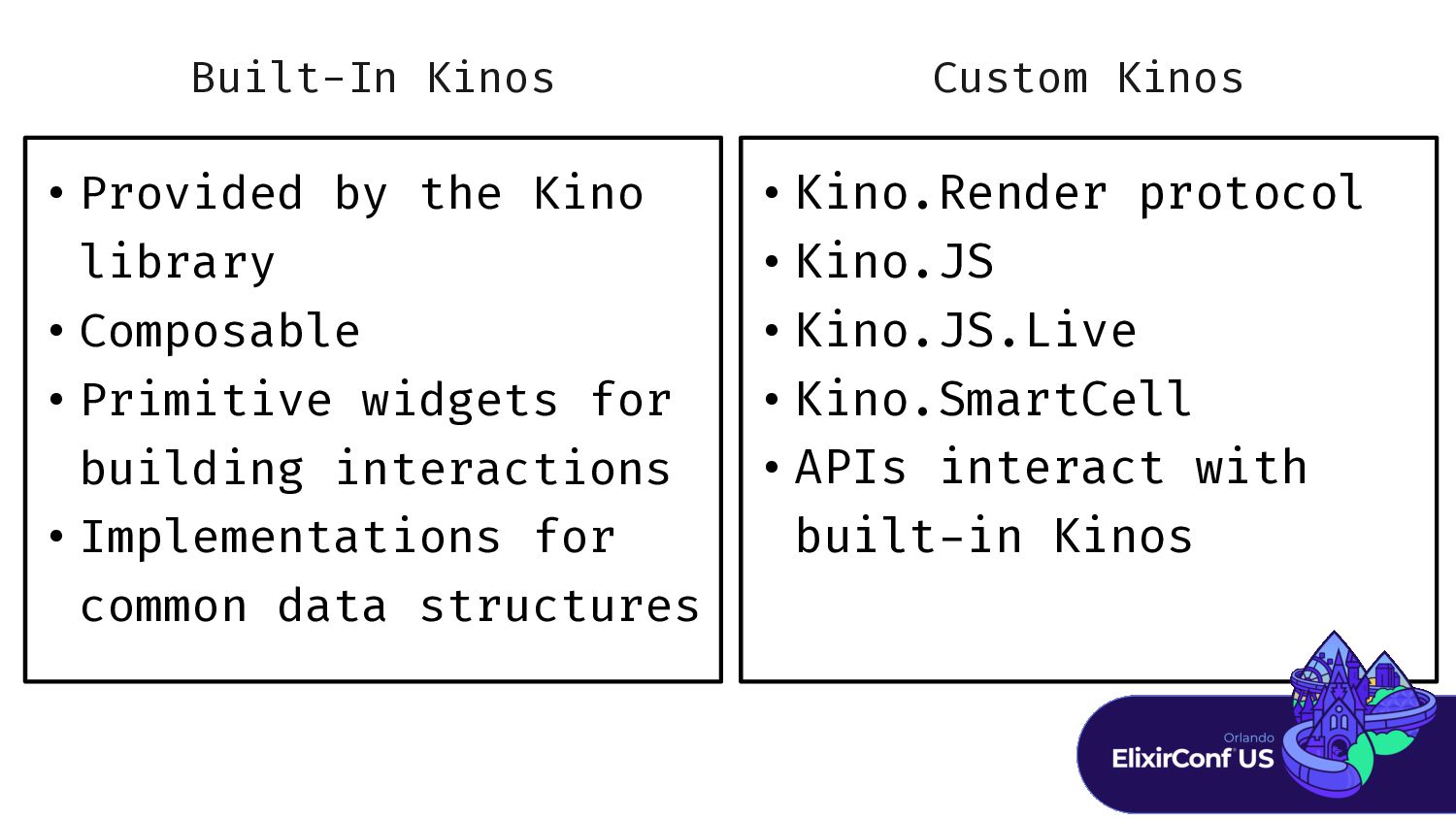
Built-In Kinos • Provided by the Kino library • Composable
• Primitive widgets for building interactions • Implementations for common data structures • Kino.Render protocol • Kino.JS • Kino.JS.Live • Kino.SmartCell • APIs interact with built - in Kinos Custom Kinos -
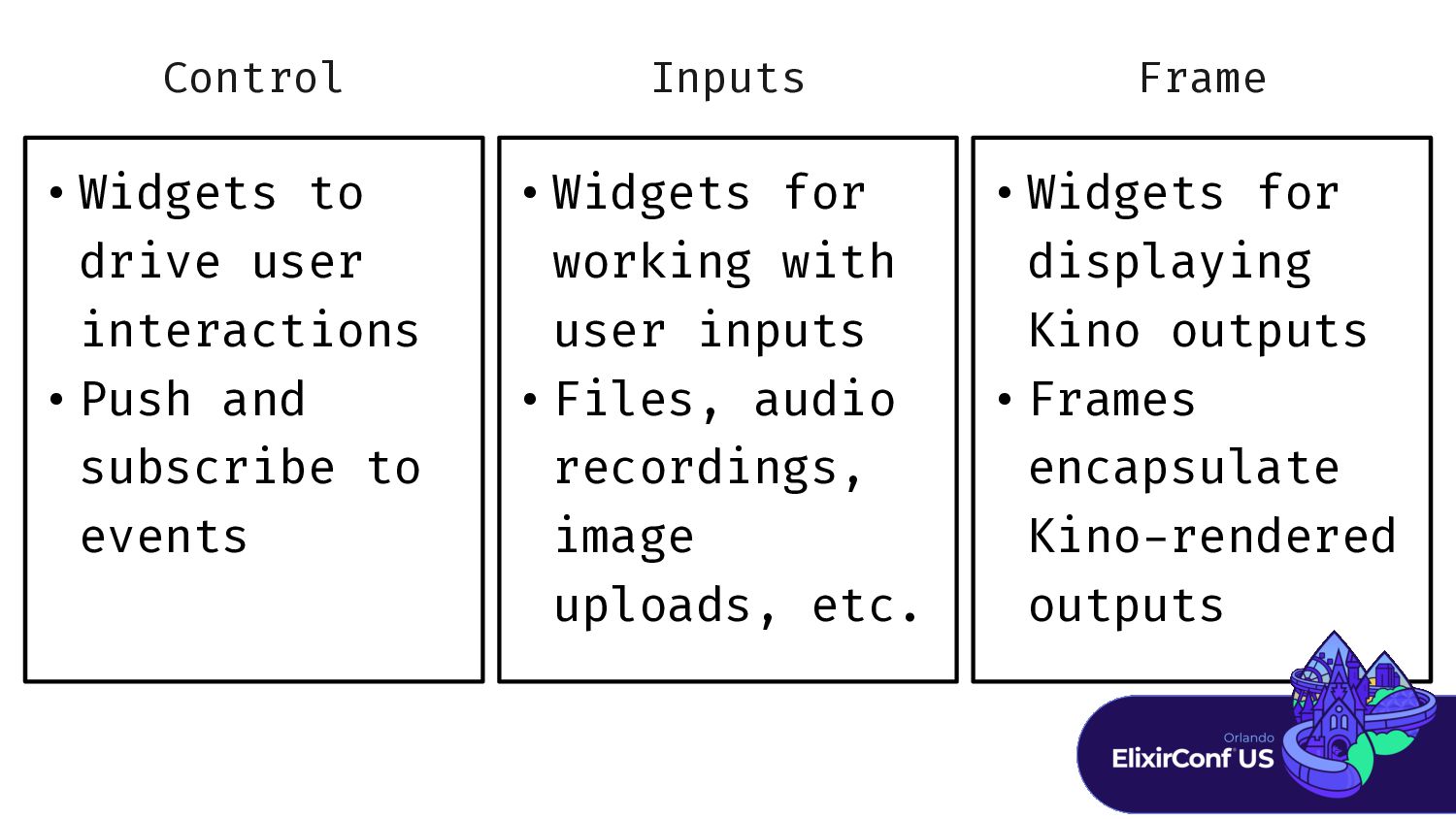
Control • Widgets to drive user interactions • Push and
subscribe to events • Widgets for working with user inputs • Files, audio recordings, image uploads, etc. • Widgets for displaying Kino outputs • Frames encapsulate Kino - rendered outputs Inputs Frame -
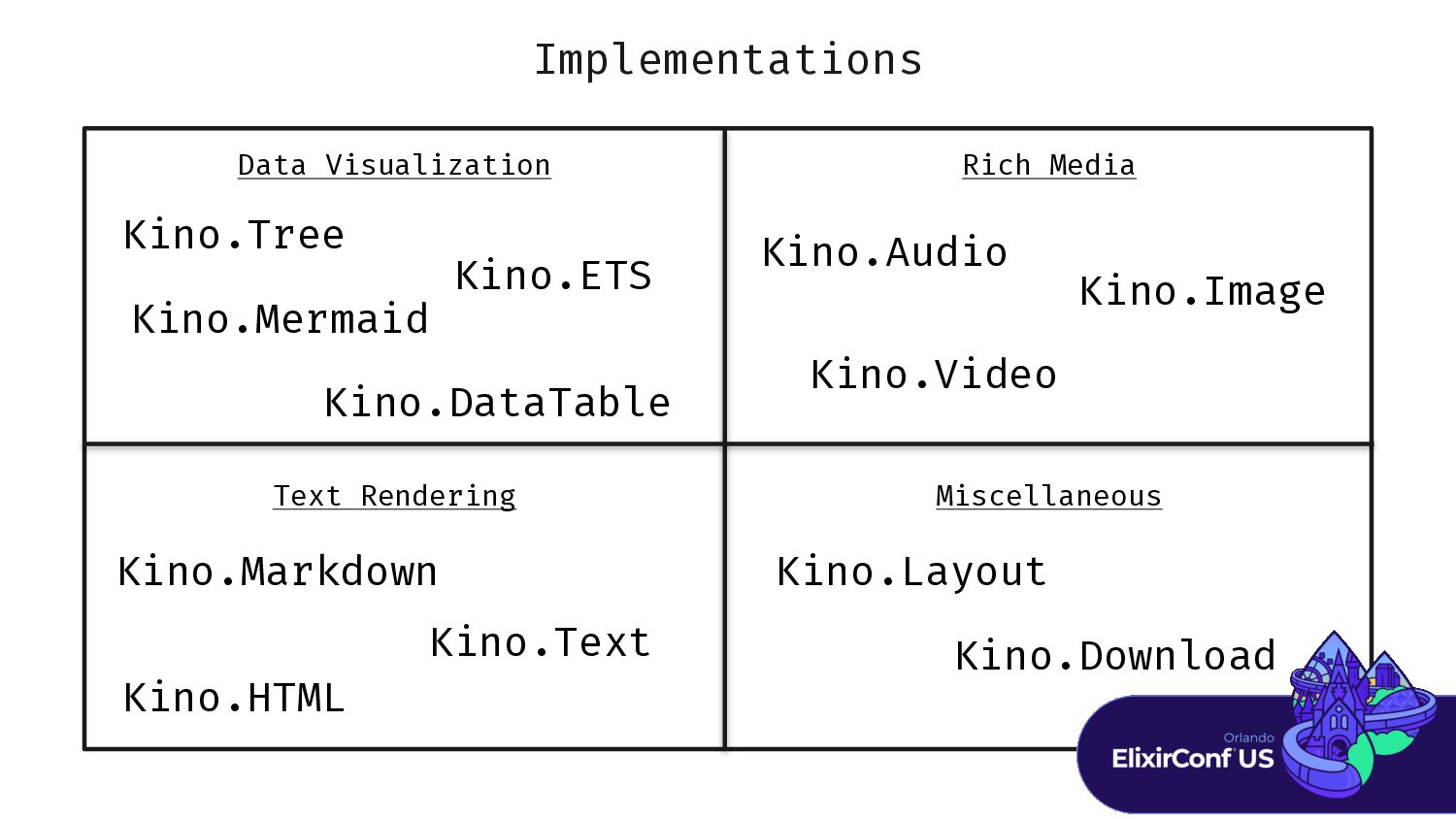
Implementations Data Visualization Rich Media Text Rendering Miscellaneous Kino.Audio Kino.Video
Kino.Image Kino.DataTable Kino.Tree Kino.ETS Kino.Mermaid Kino.Markdown Kino.Text Kino.HTML Kino.Layout Kino.Download -
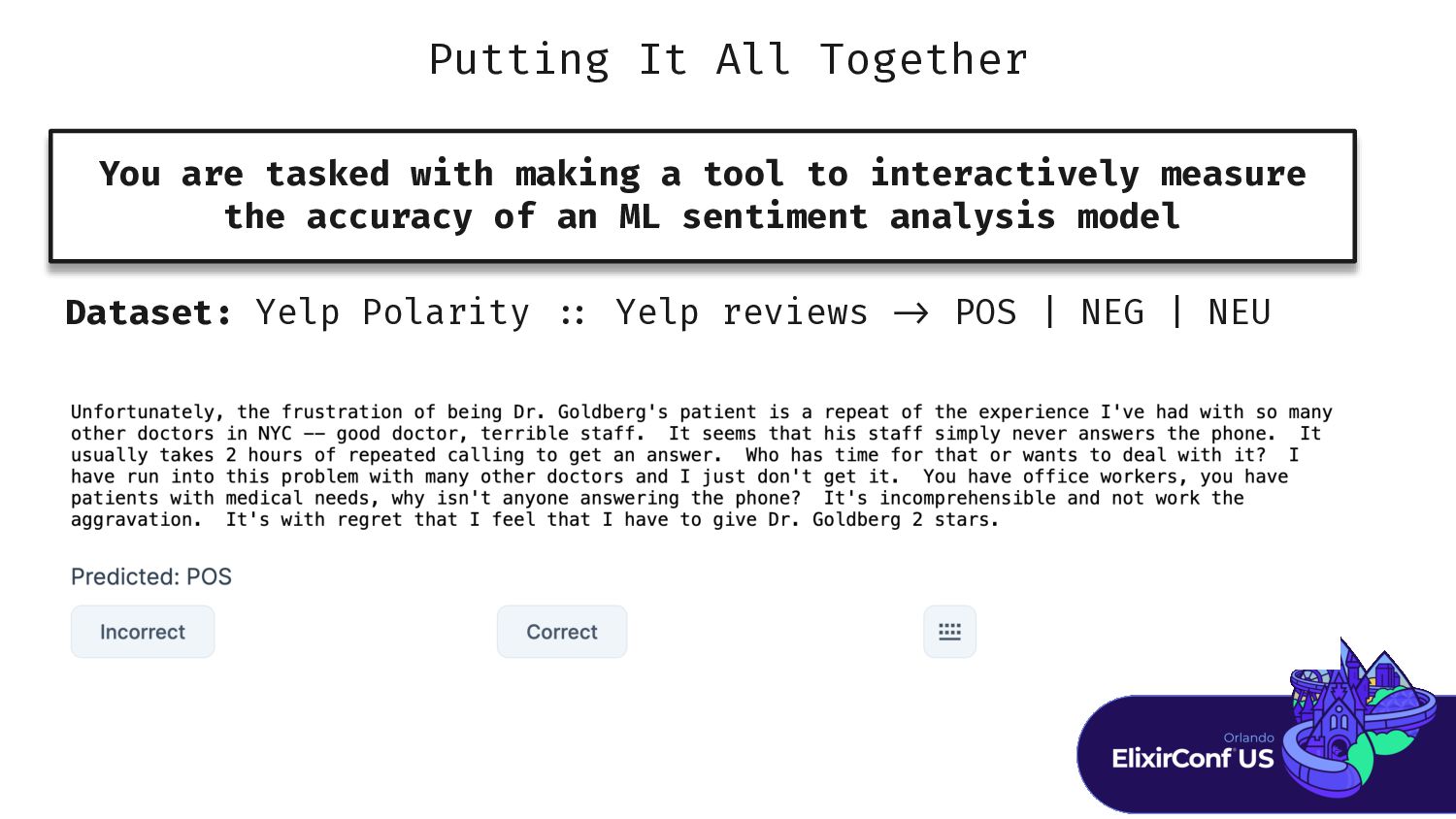
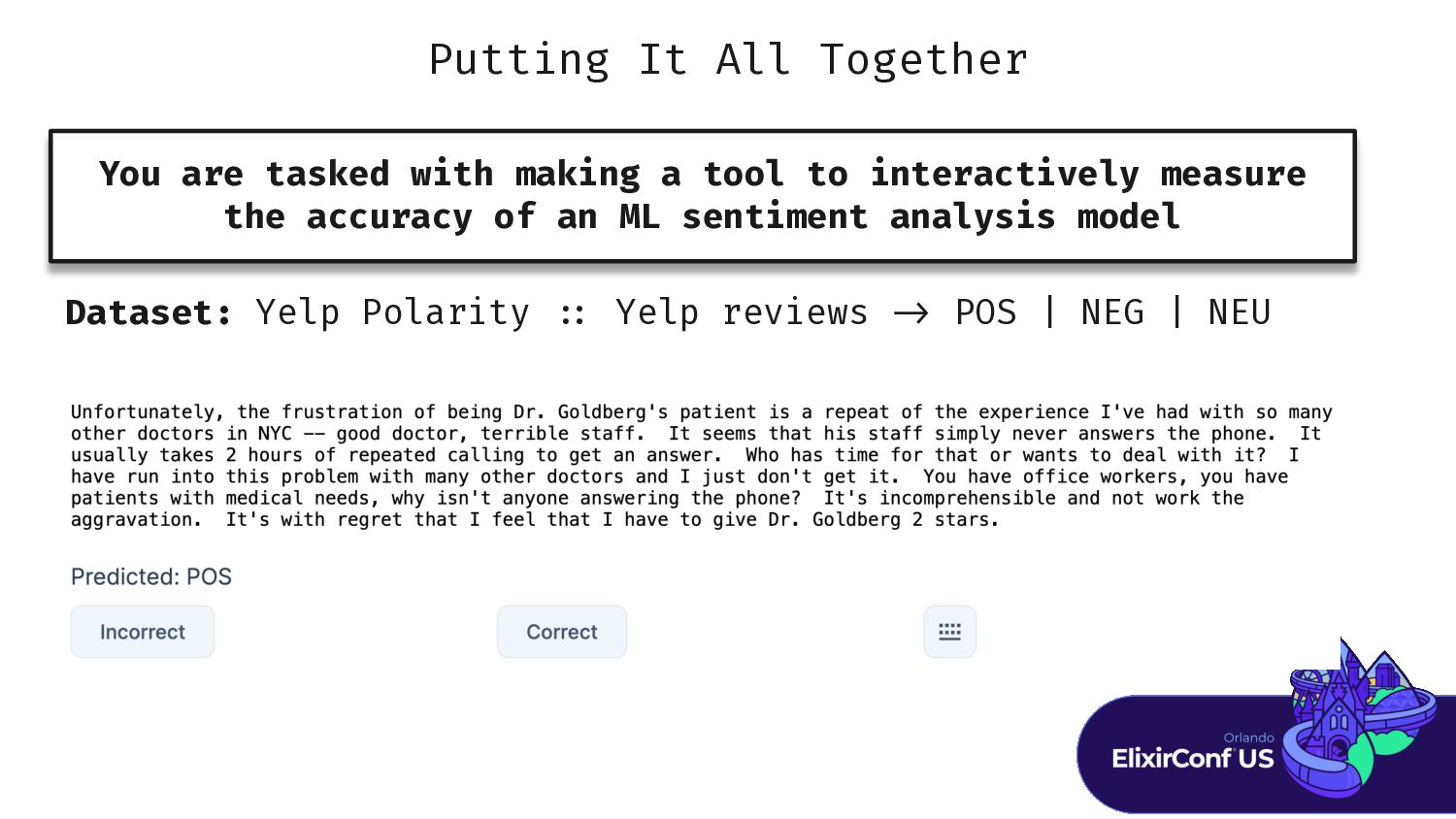
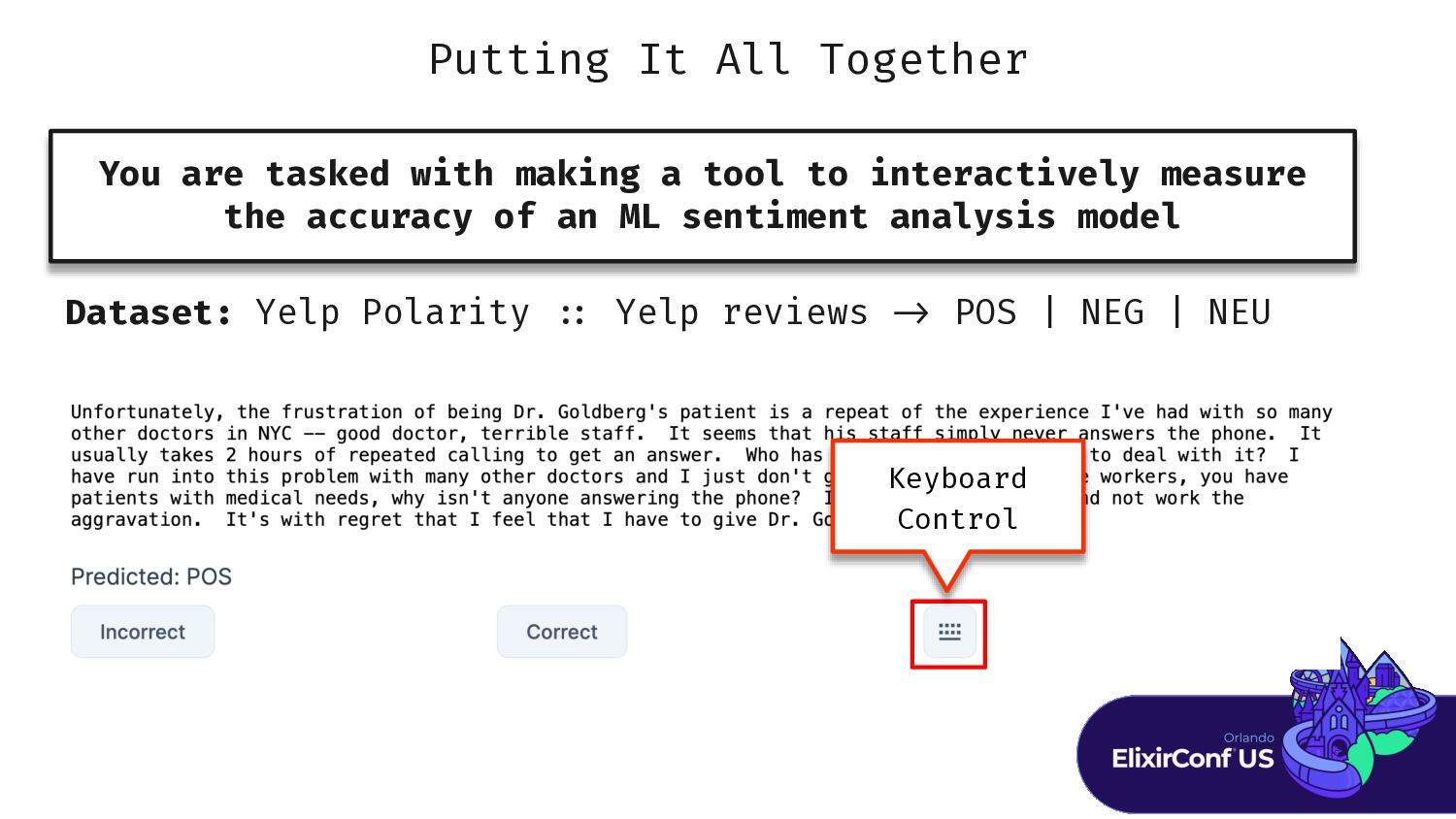
Putting It All Together You are tasked with making a
tool to interactively measure the accuracy of an ML sentiment analysis model Dataset: Yelp Polarity : : Yelp reviews - > POS | NEG | NEU -
Putting It All Together You are tasked with making a
tool to interactively measure the accuracy of an ML sentiment analysis model Dataset: Yelp Polarity : : Yelp reviews - > POS | NEG | NEU -
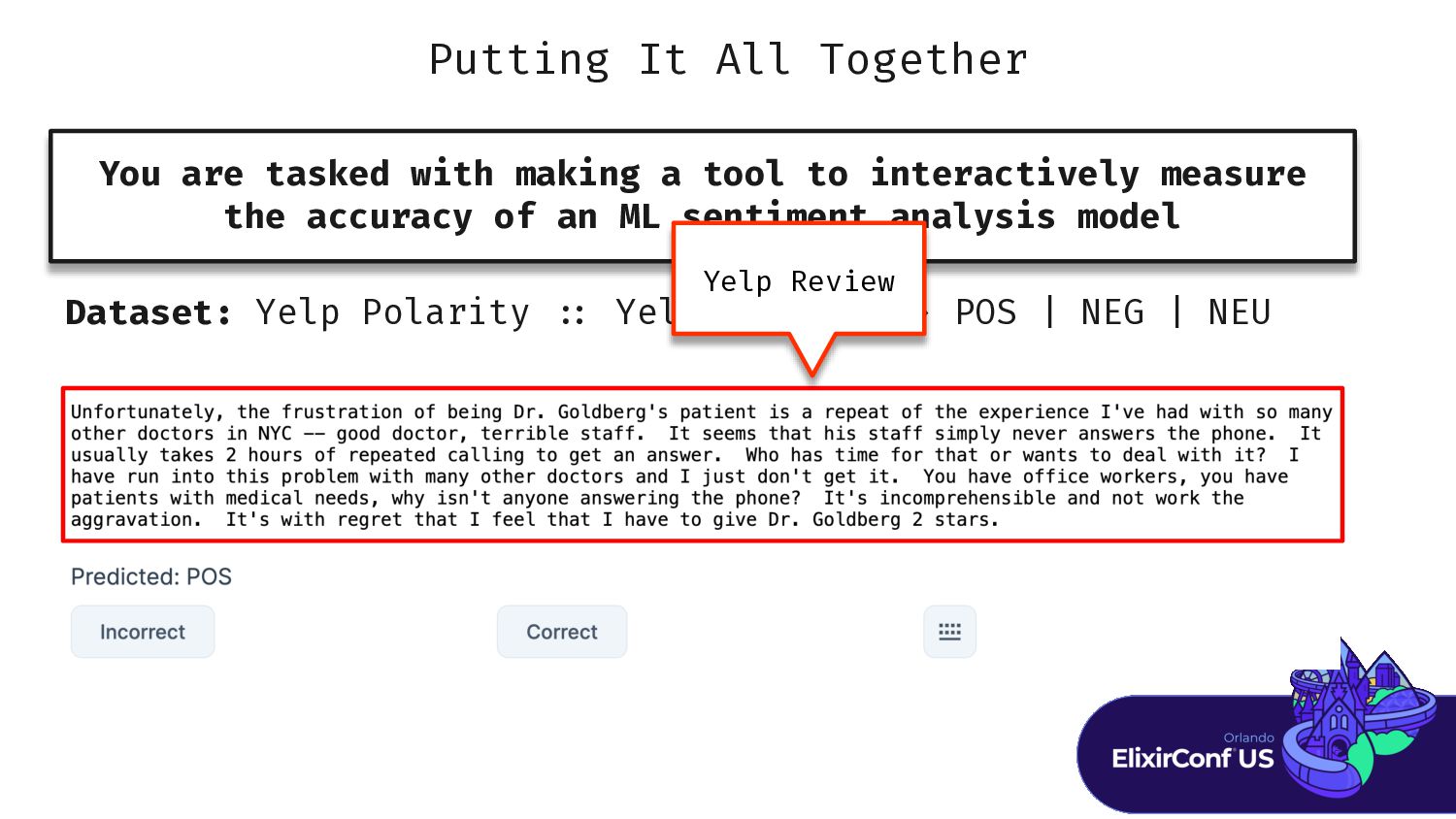
Putting It All Together You are tasked with making a
tool to interactively measure the accuracy of an ML sentiment analysis model Dataset: Yelp Polarity : : Yelp reviews - > POS | NEG | NEU Yelp Review -
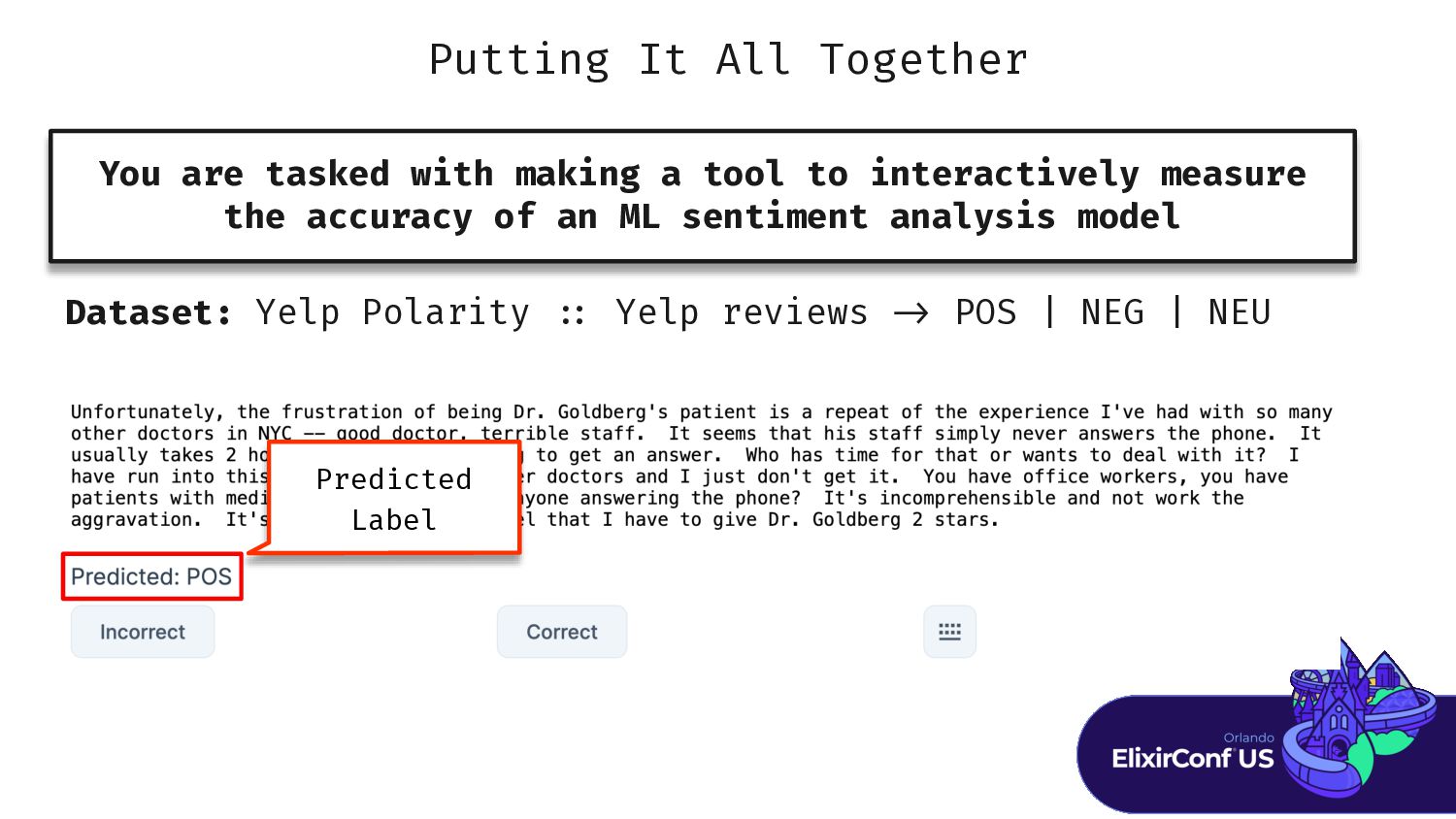
Putting It All Together You are tasked with making a
tool to interactively measure the accuracy of an ML sentiment analysis model Dataset: Yelp Polarity : : Yelp reviews - > POS | NEG | NEU Predicted Label -
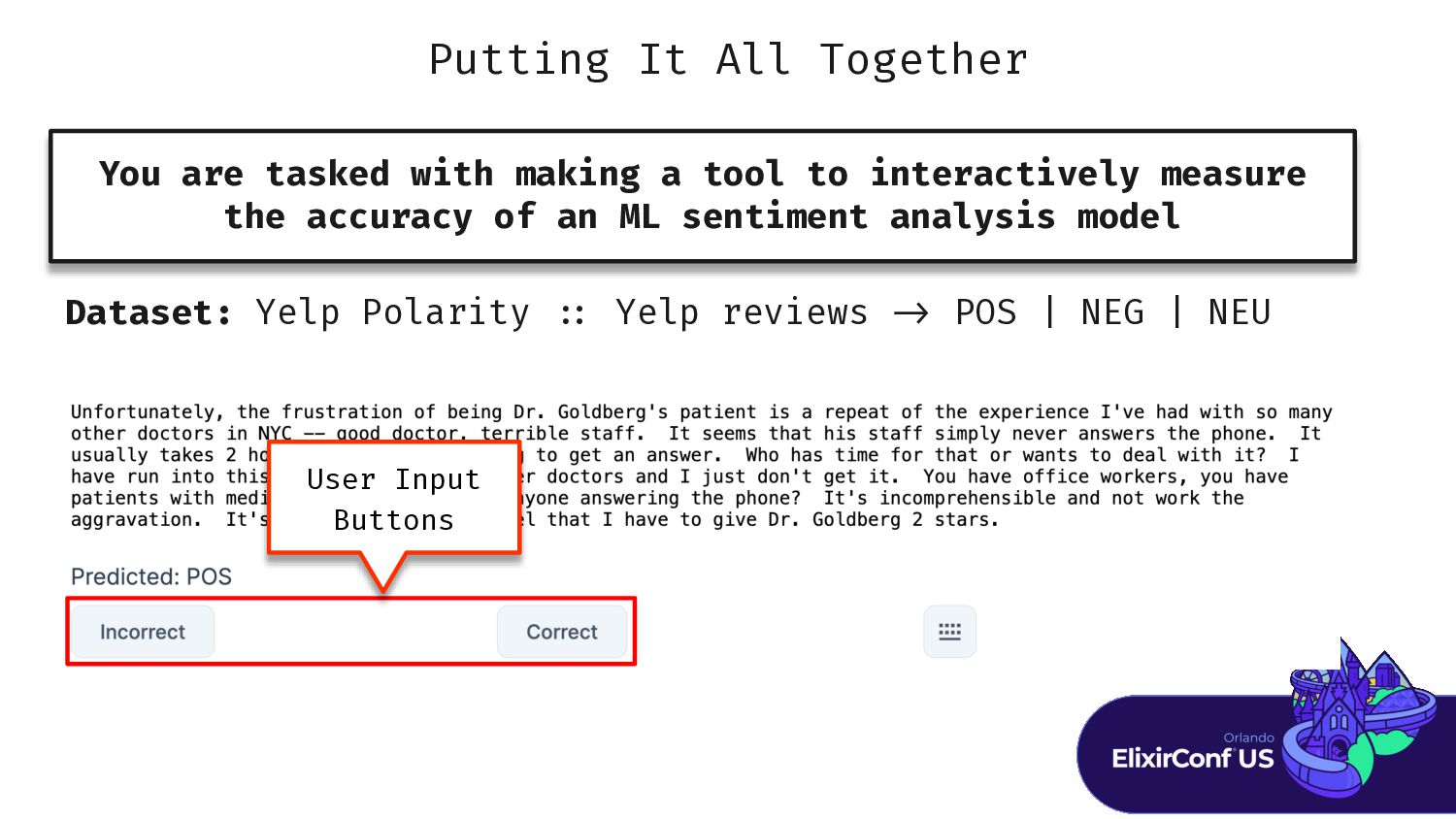
Putting It All Together You are tasked with making a
tool to interactively measure the accuracy of an ML sentiment analysis model Dataset: Yelp Polarity : : Yelp reviews - > POS | NEG | NEU User Input Buttons -
Putting It All Together You are tasked with making a
tool to interactively measure the accuracy of an ML sentiment analysis model Dataset: Yelp Polarity : : Yelp reviews - > POS | NEG | NEU Keyboard Control -
Setup Data % % r r r r r r
r S S S S S S S .Y Y Y Y Y Y Y Y Y Y Y Y Y Y Y Y Y Y Y . . . . . . . . . . . -
Setup Data % % r r r r r r
r S S S S S S S .Y Y Y Y Y Y Y Y Y Y Y Y Y Y Y Y Y Y Y . . . . . . . . . . . r r r r r r r r E E E E . . . . . . . . . . . . . . 1 1 ) -
Setup Data % % r r r r r r
r S S S S S S S .Y Y Y Y Y Y Y Y Y Y Y Y Y Y Y Y Y Y Y . . . . . . . . . . . r r r r r r r r E E E E . . . . . . . . . . . . . . 1 1 ) -
Setup Data % % r r r r r r
r S S S S S S S .Y Y Y Y Y Y Y Y Y Y Y Y Y Y Y Y Y Y Y . . . . . . . . . . . r r r r r r r r E E E E . . . . . . . . . . . . . . 1 1 ) {: : : , , , , , , , , , , , , , B B B B B B B B B . . . . . . . . . . . . . : : : , " " " " " " " " " " " " " " " " " " " " " " " " " " " " " " " " " " " " " " " " " " " " " " " " "} } -
Setup Data % % r r r r r r
r S S S S S S S .Y Y Y Y Y Y Y Y Y Y Y Y Y Y Y Y Y Y Y . . . . . . . . . . . r r r r r r r r E E E E . . . . . . . . . . . . . . 1 1 ) {: : : , , , , , , , , , , , , , B B B B B B B B B . . . . . . . . . . . . . : : : , " " " " " " " " " " " " " " " " " " " " " " " " " " " " " " " " " " " " " " " " " " " " " " " " "} } {: : : , , , , , , , , , , , , B B B B B B B B B . . . . . . . . . . . . . . . . . : : : , " " " " " " " b b b b b b b b b b b b b b } } -
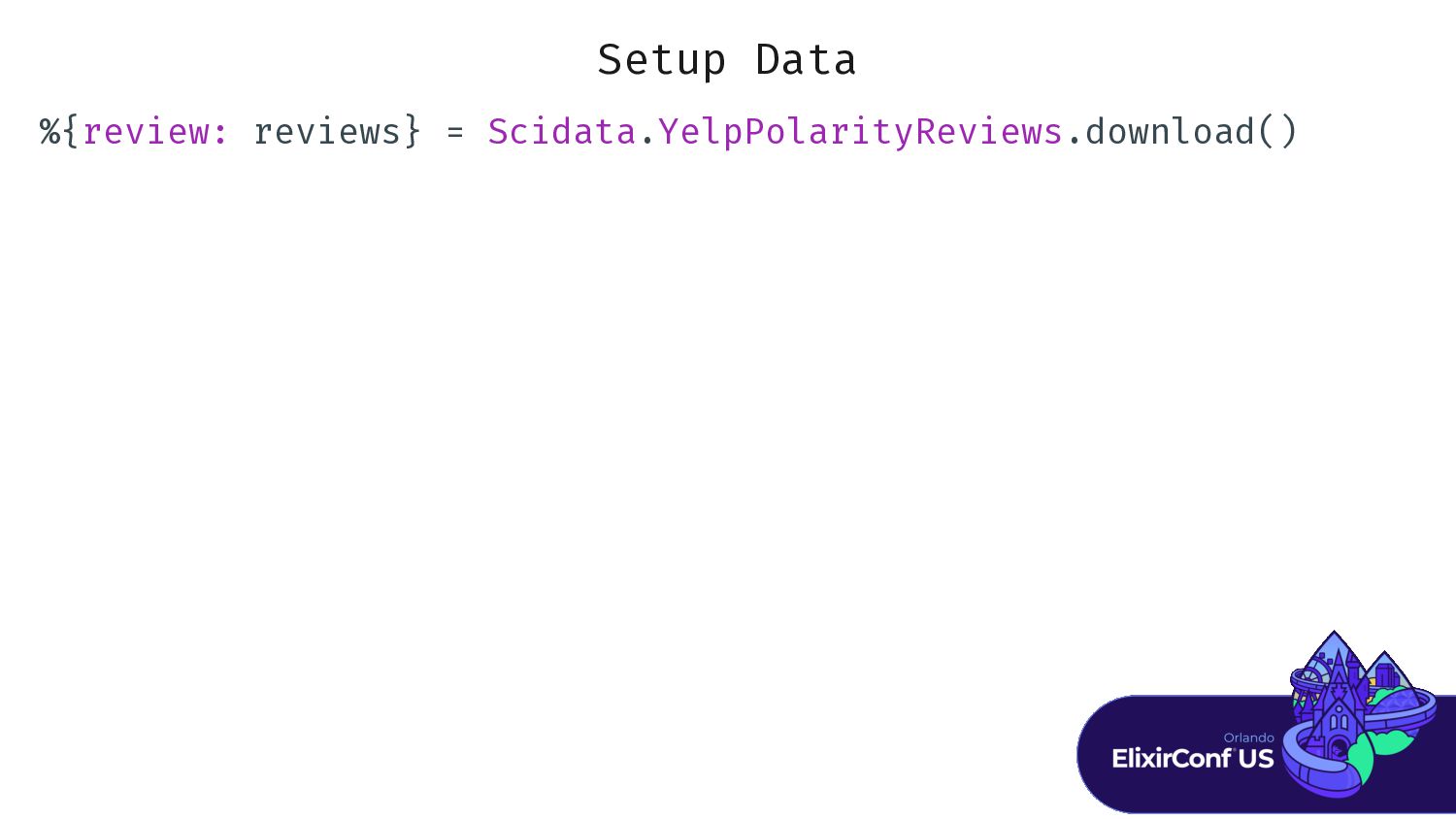
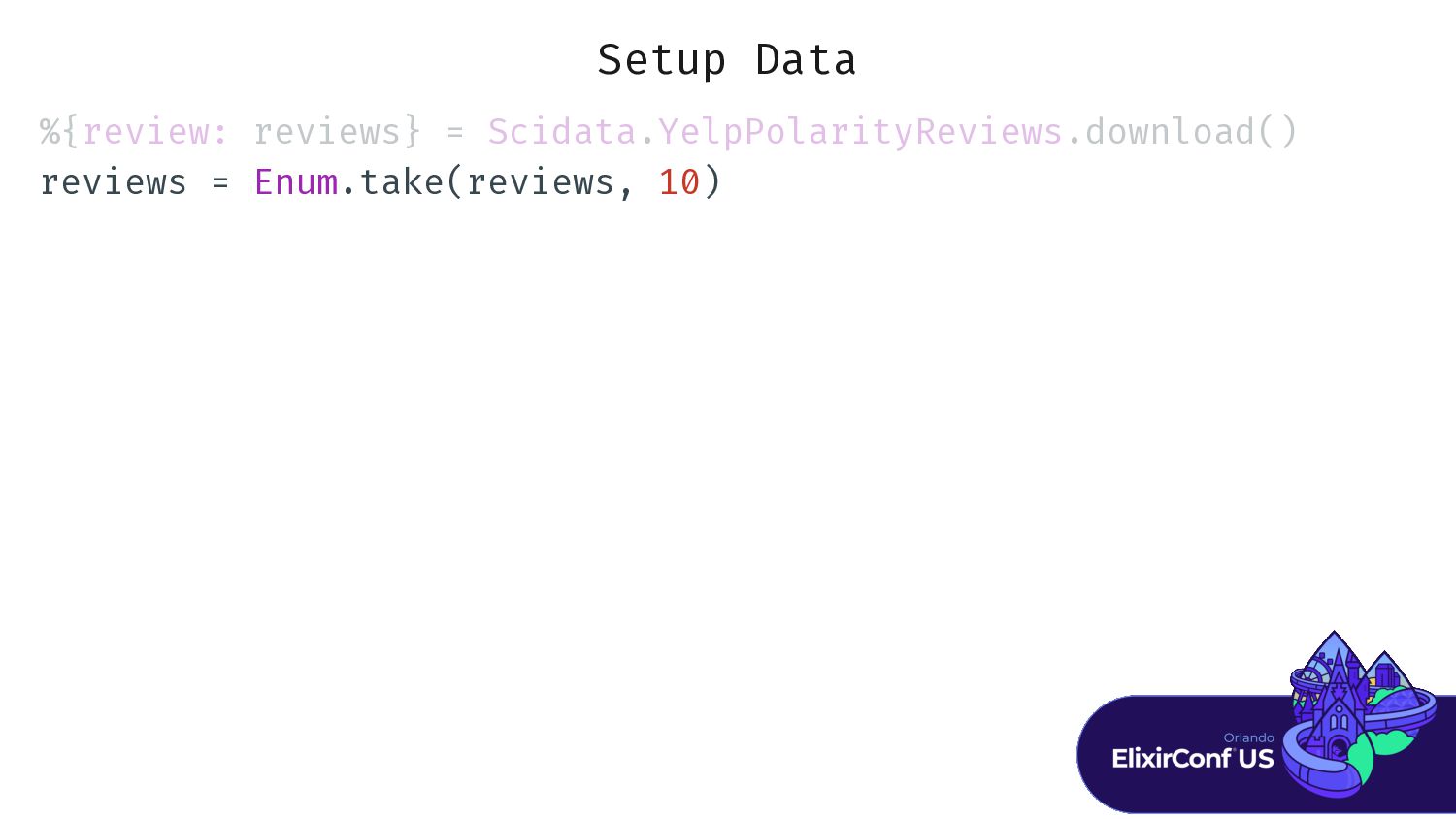
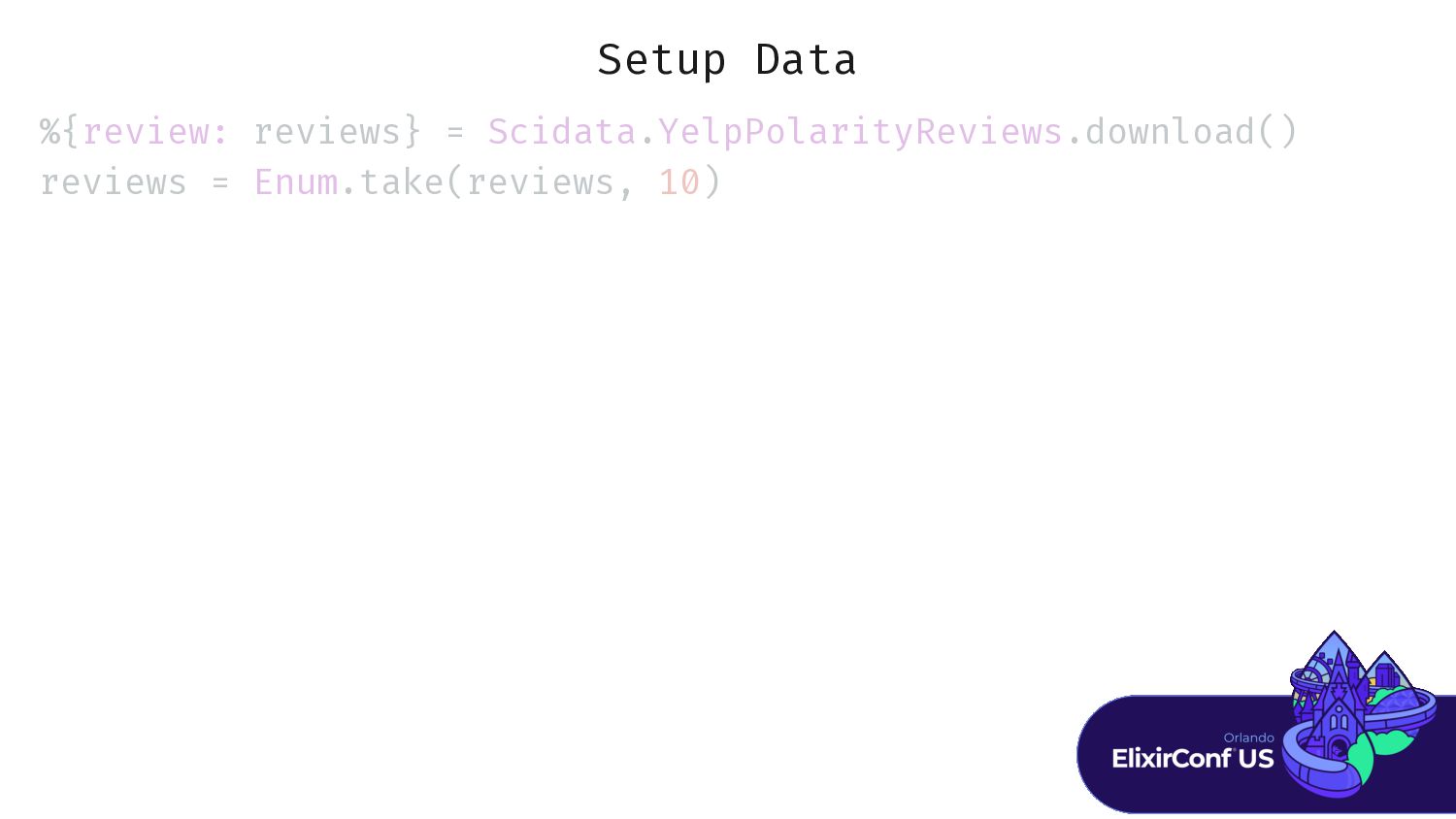
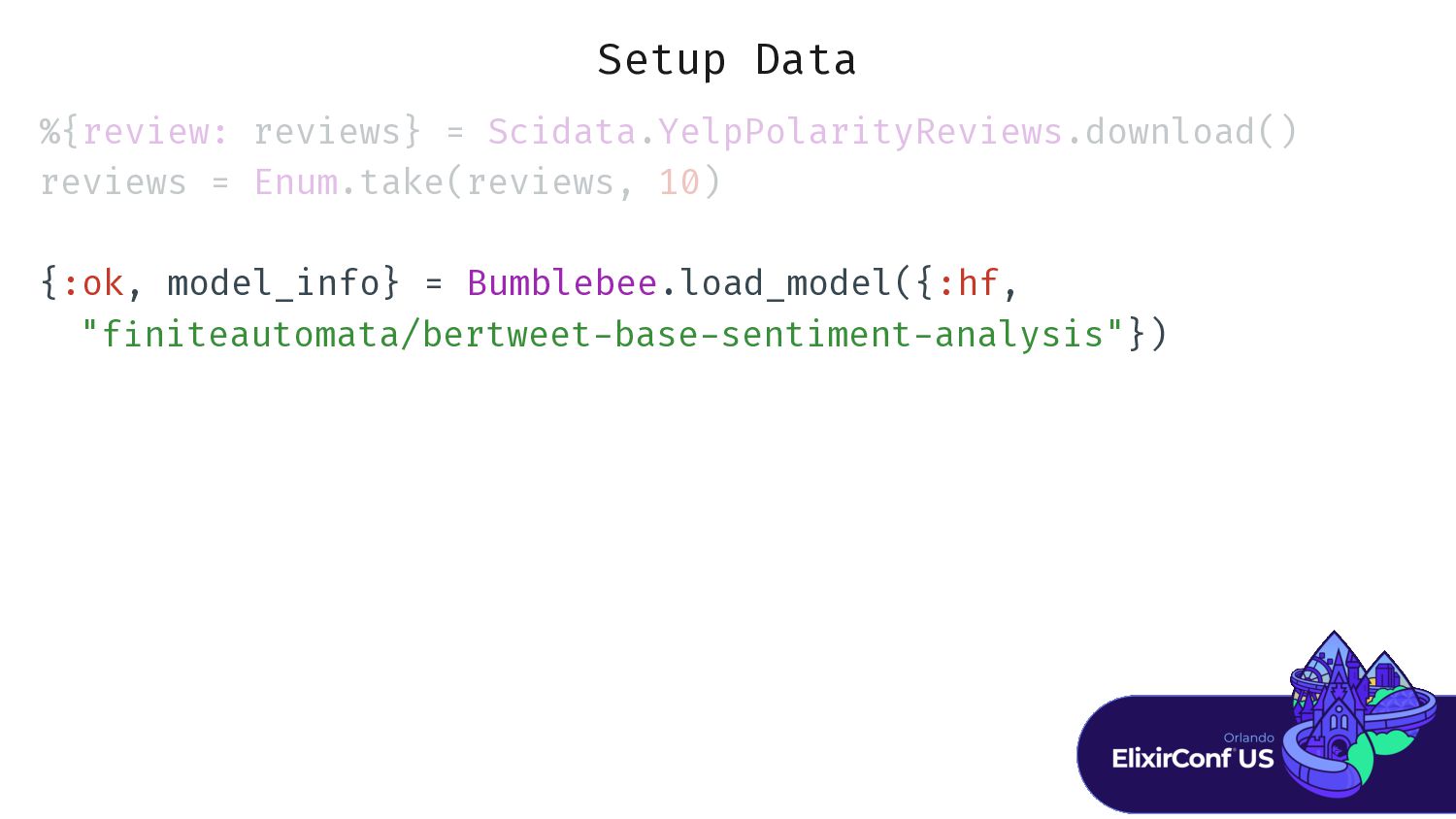
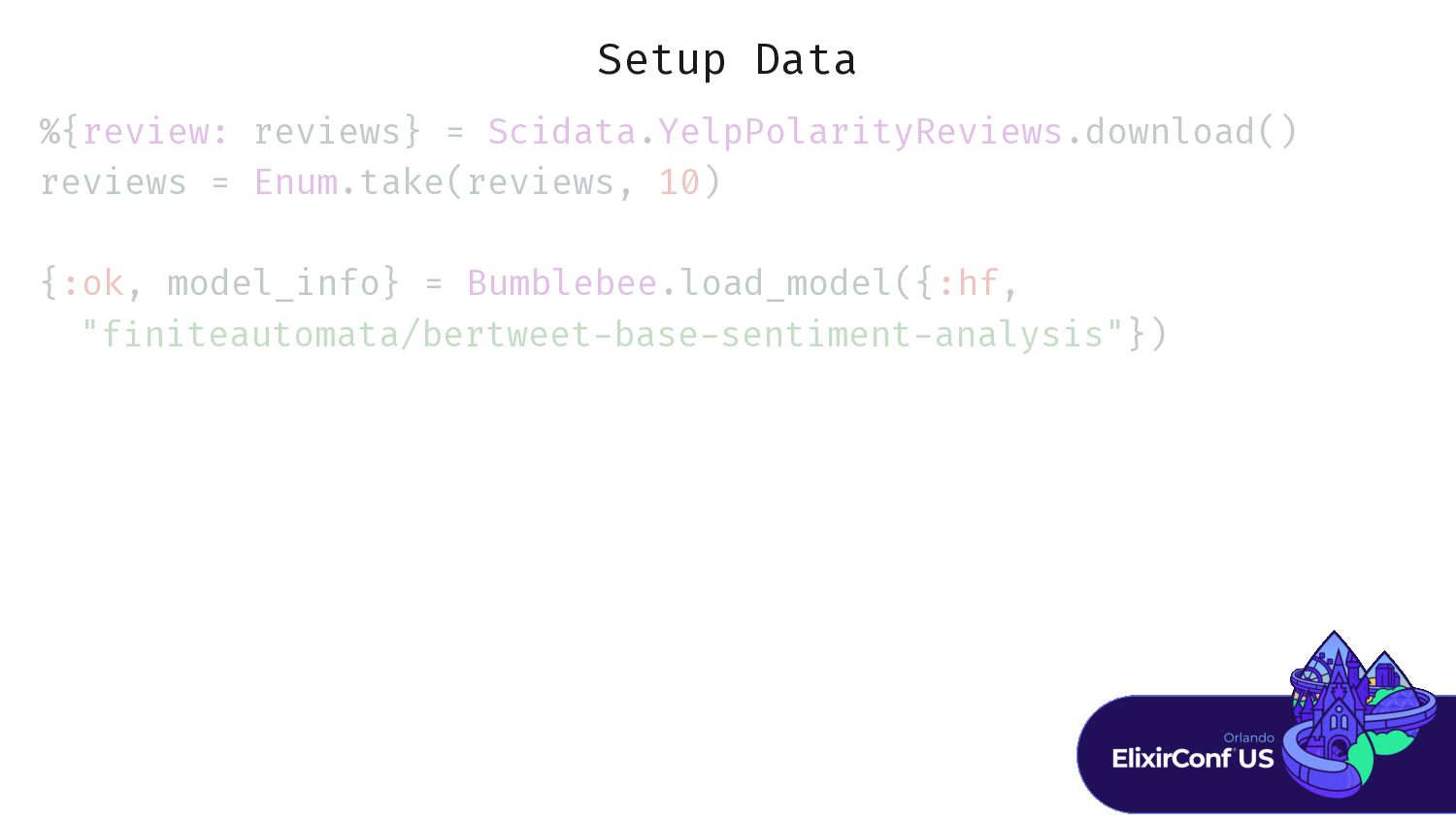
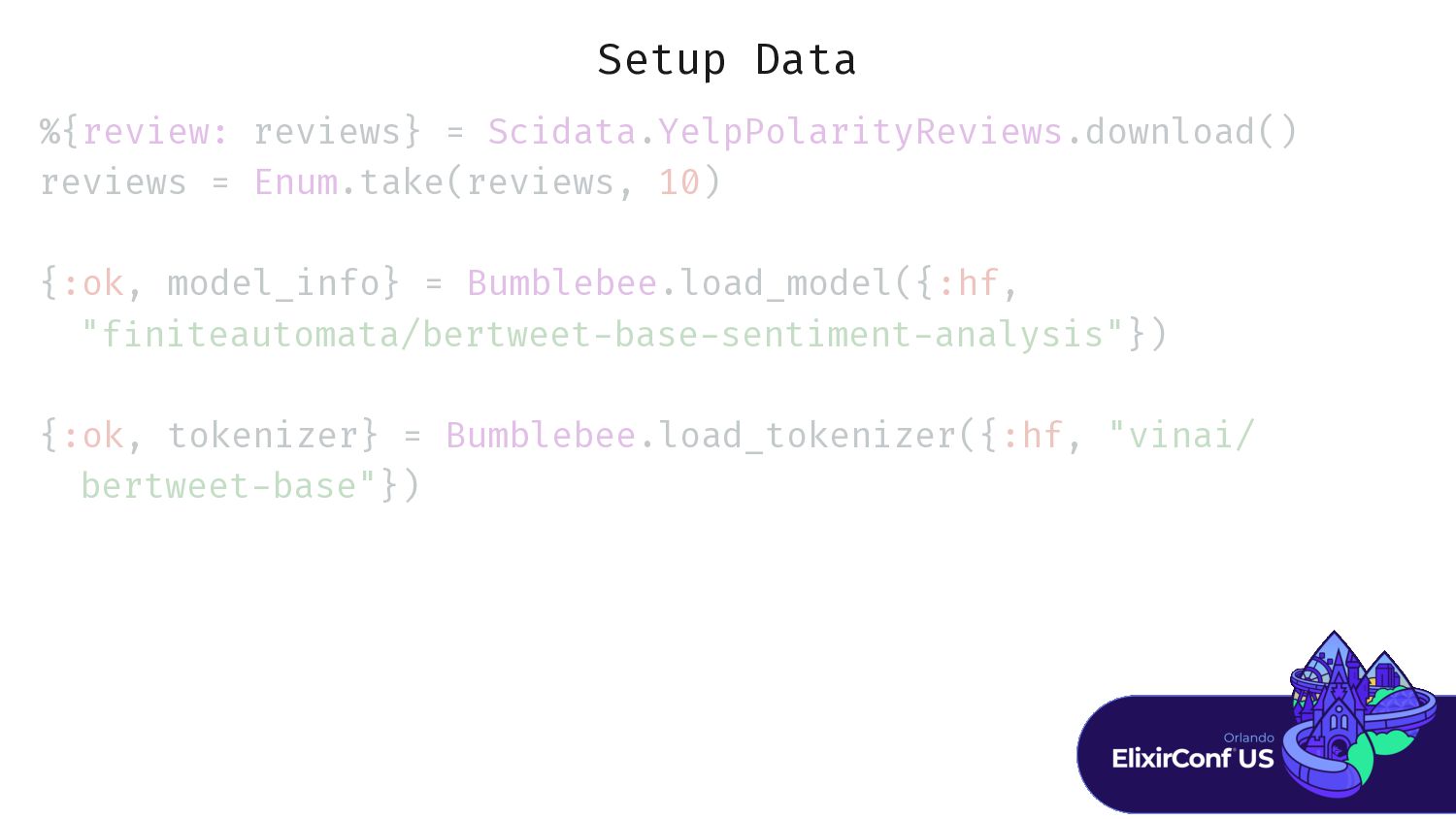
Setup Data %{review: reviews} = Scidata.YelpPolarityReviews.download() reviews = Enum.take(reviews, 10)
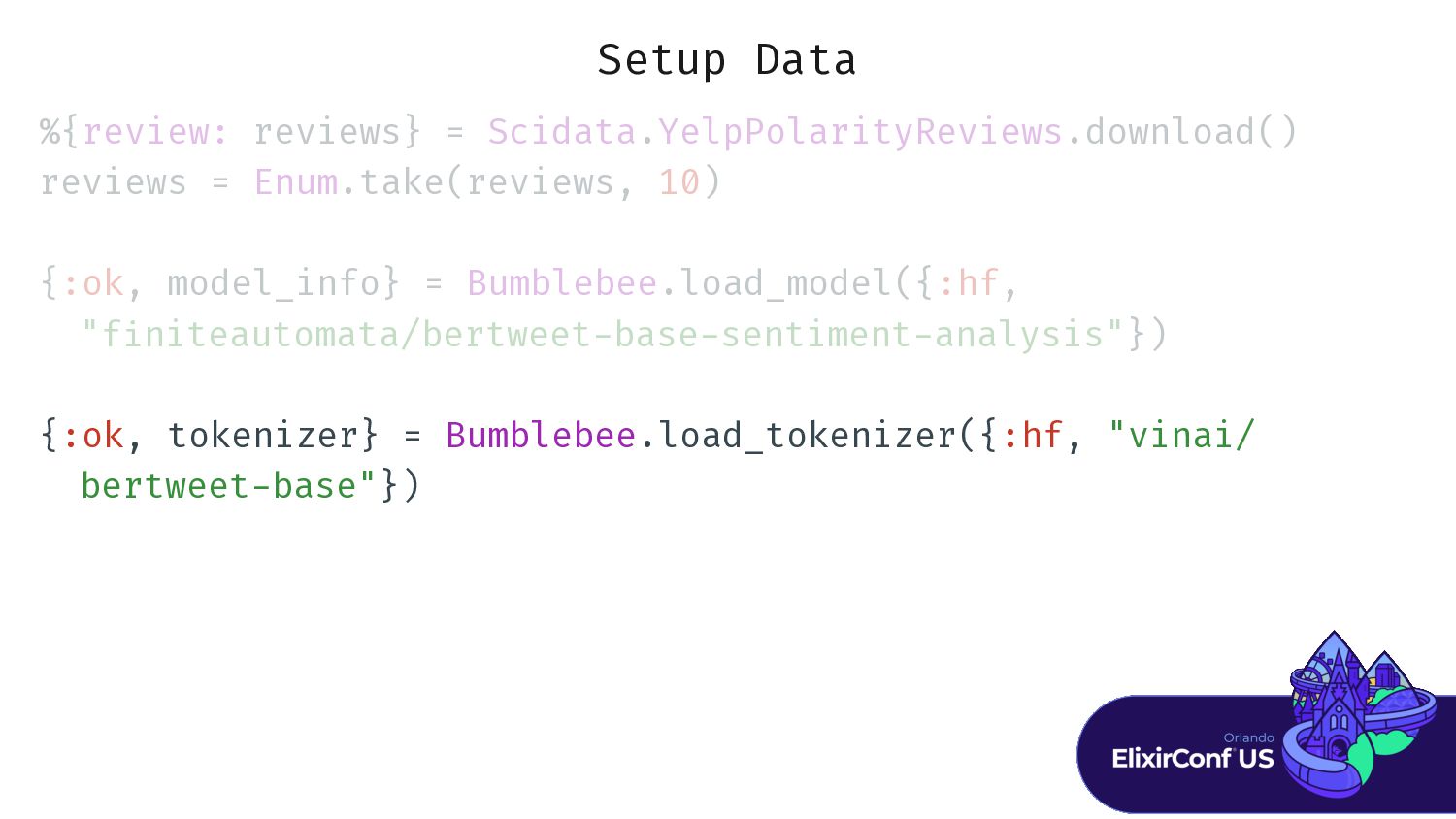
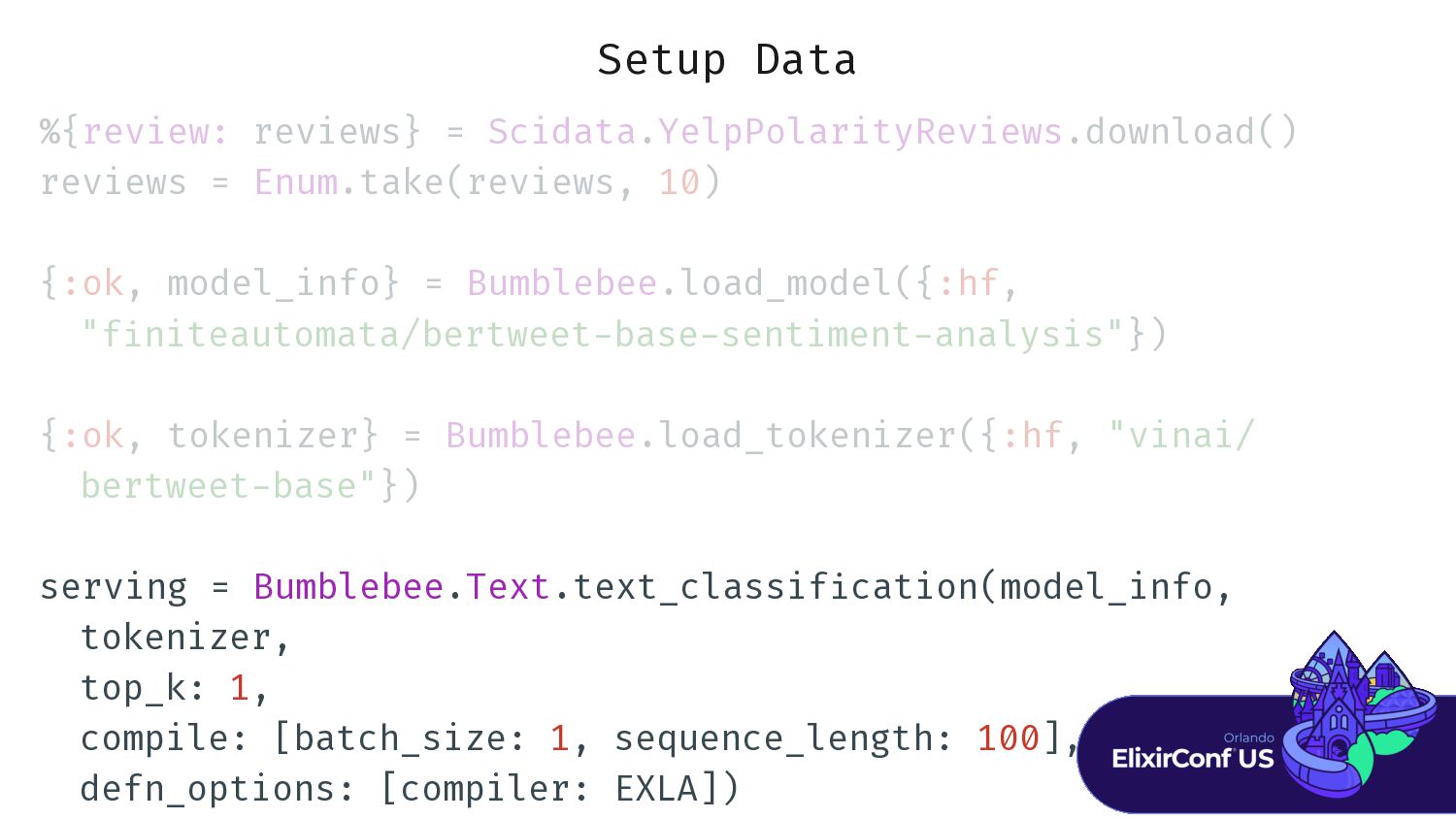
{:ok, model_info} = Bumblebee.load_model({:hf, "f - {:ok, tokenizer} = Bumblebee.load_tokenizer({:hf, "vinai/ bertweet - serving = Bumblebee.Text.text_classif i cation(model_info, tokenizer, top_k: 1, compile: [batch_size: 1, sequence_length: 100], defn_options: [compiler: EXLA]) -
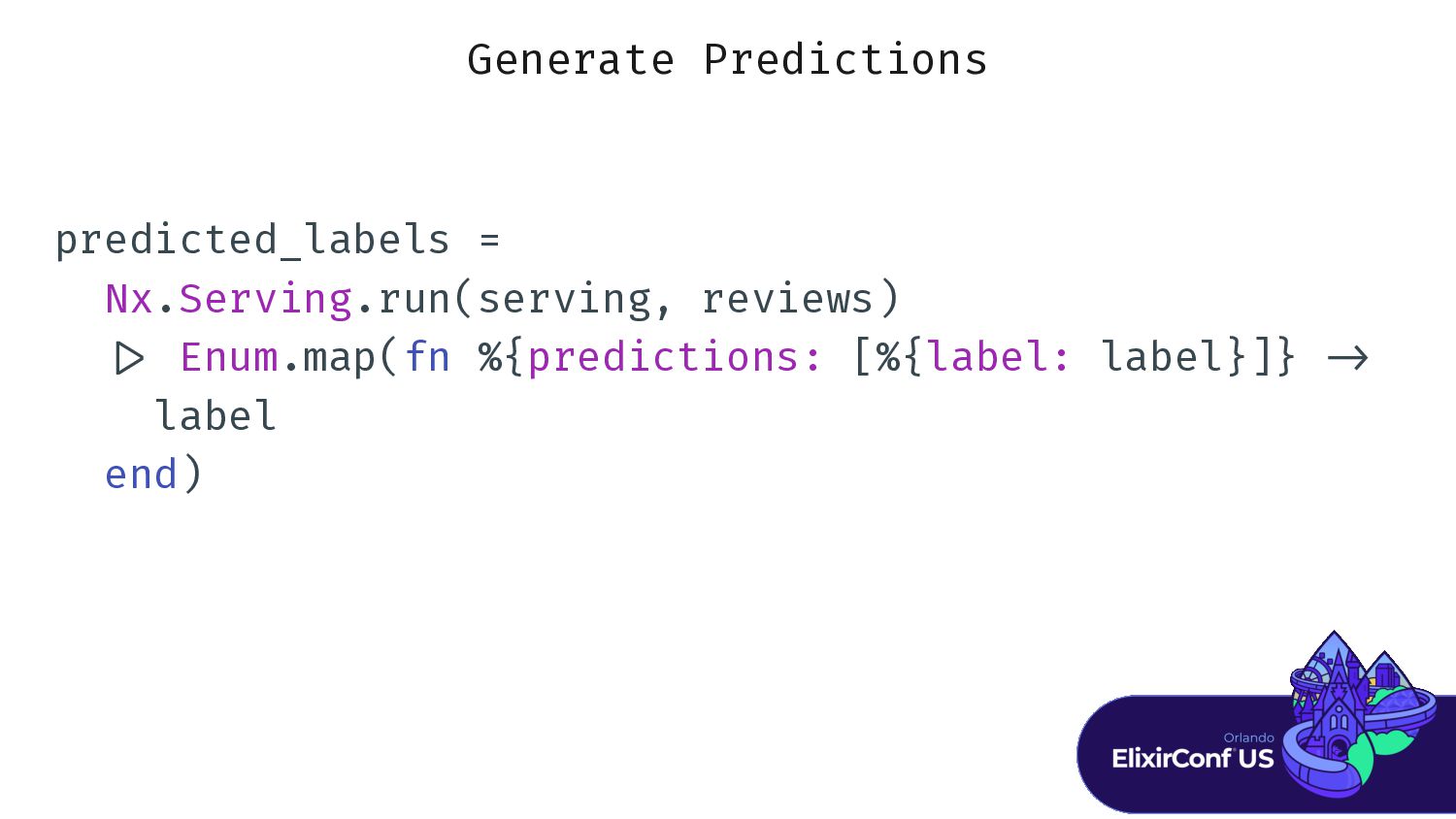
Generate Predictions predicted_labels = Nx.Serving.run(serving, reviews) | > Enum.map(fn %{predictions:
[%{label: label}]} - > label end) -
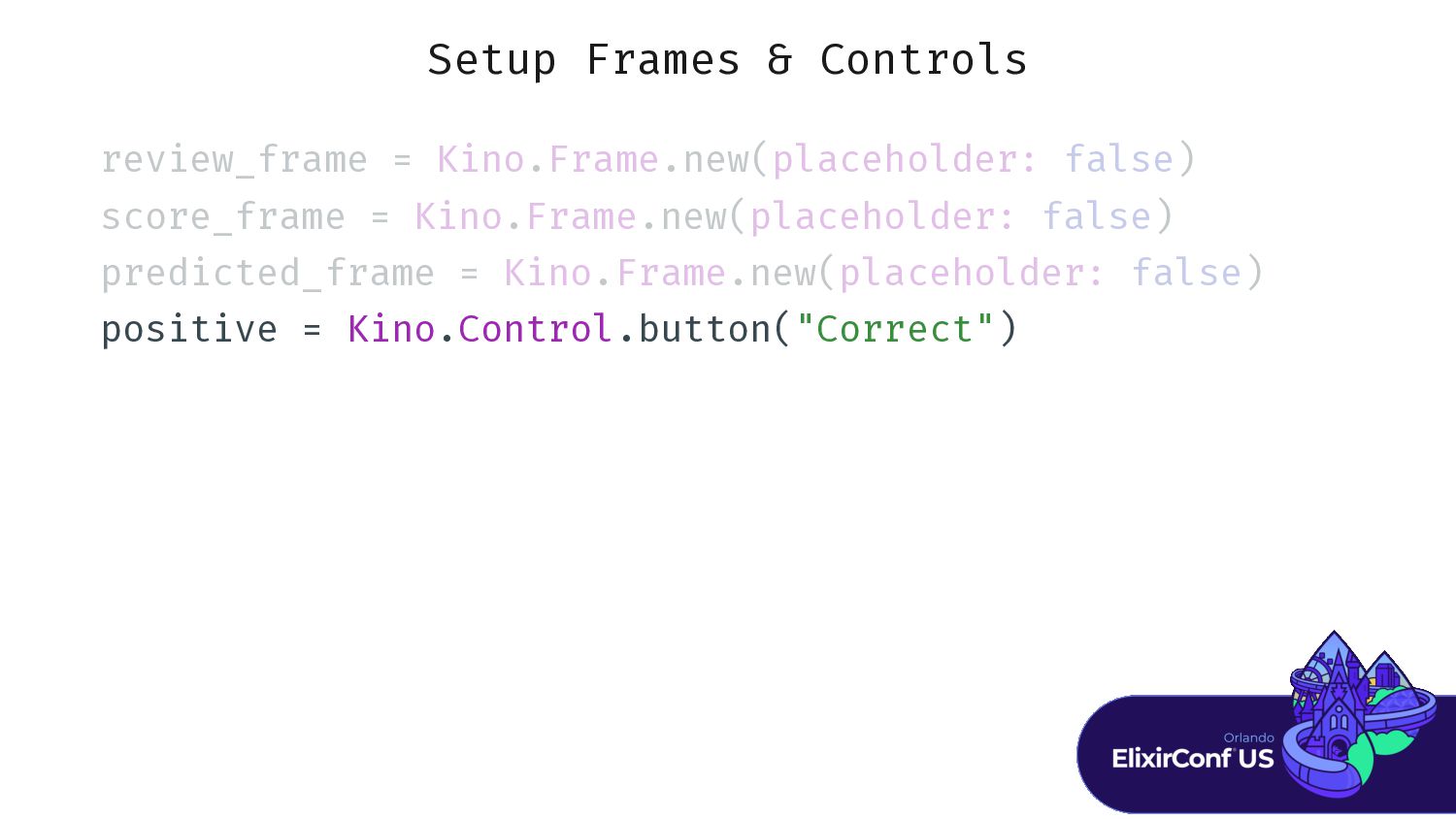
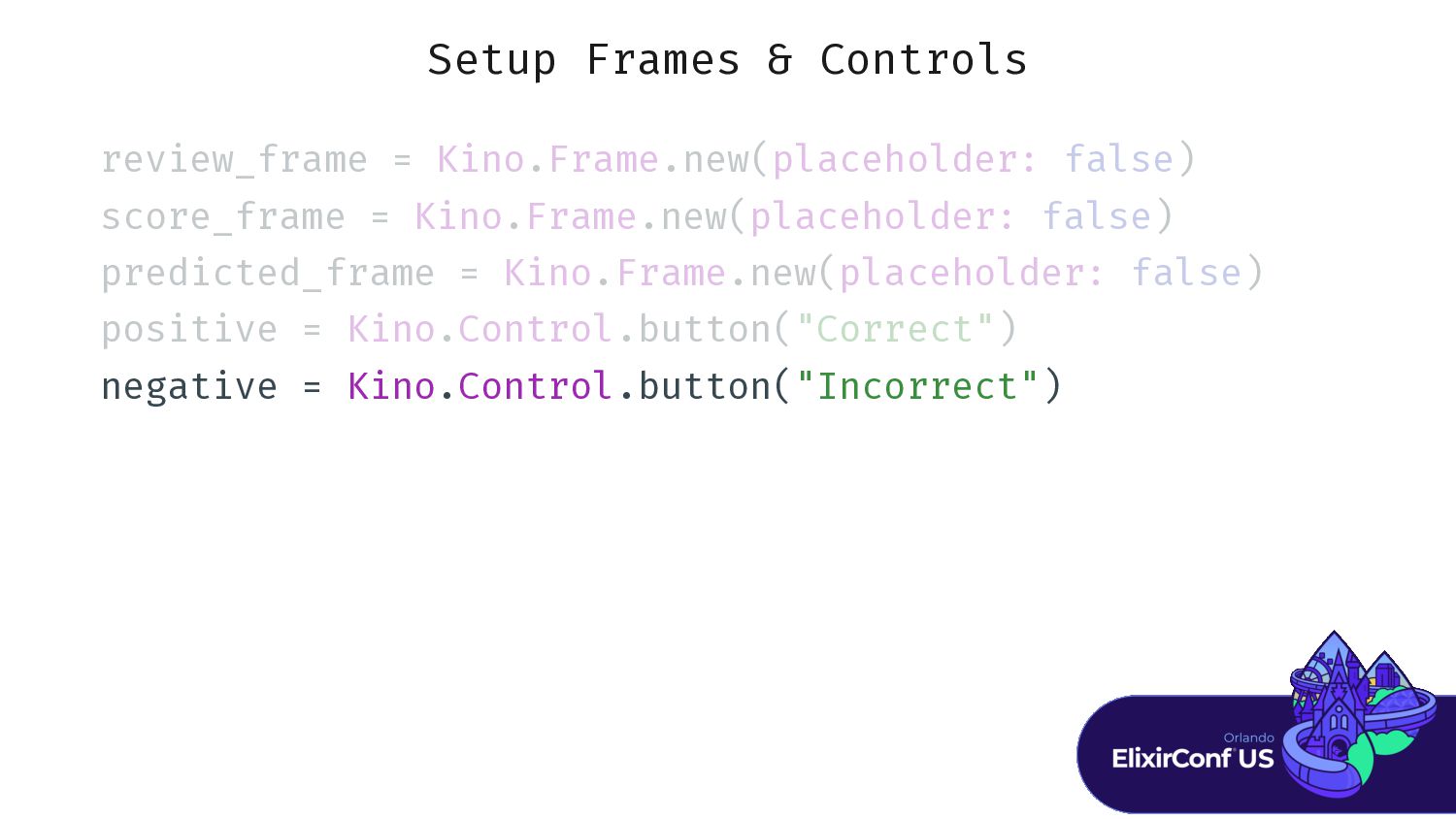
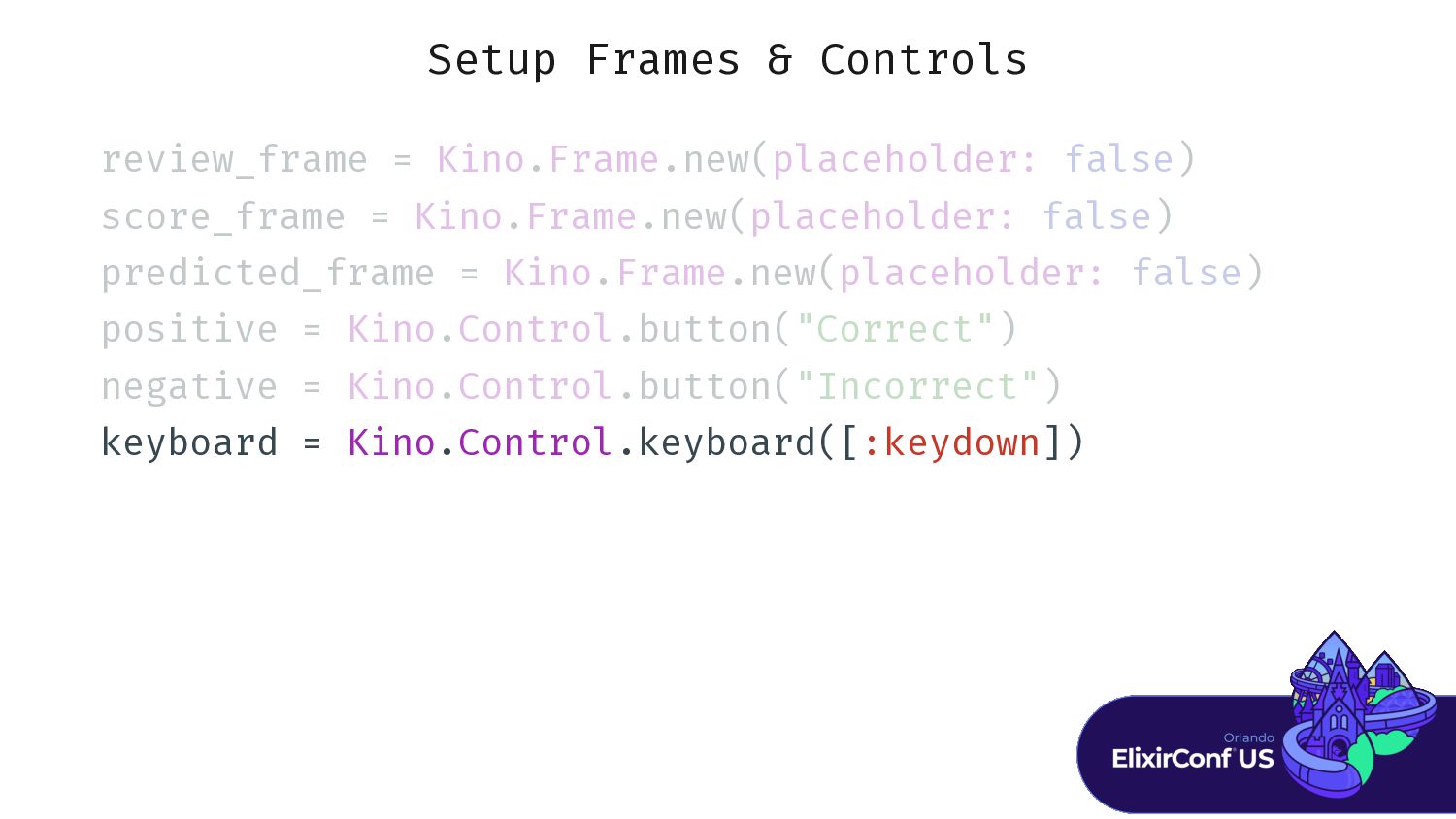
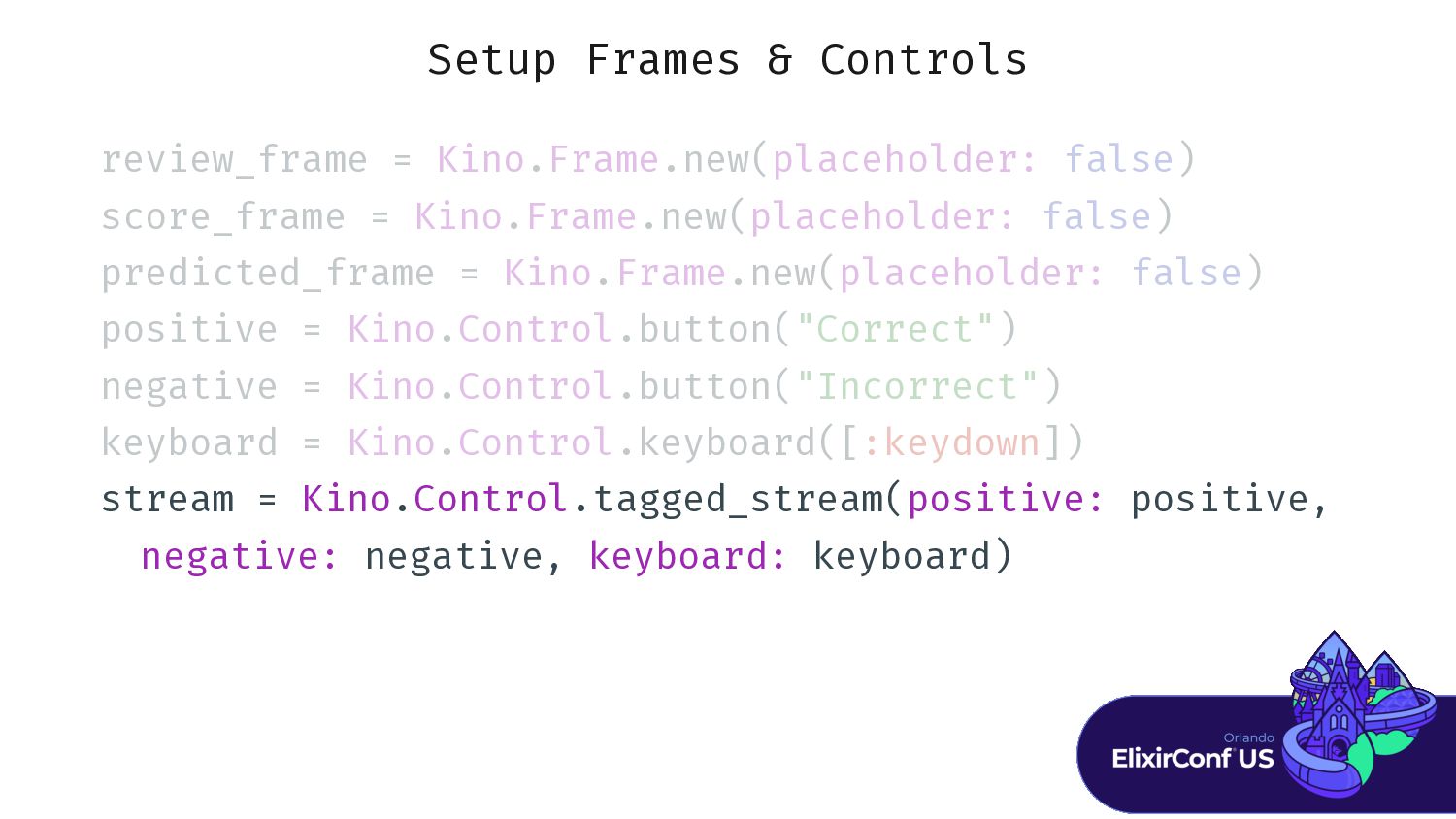
Setup Frames & Controls r r r r r r
r r r r r r r K K K K .F F F F F . . . . . p p p p p p p p p p p p f f f f f ) -
Setup Frames & Controls r r r r r r
r r r r r r r K K K K .F F F F F . . . . . p p p p p p p p p p p p f f f f f ) s s s s s s s s s s s s K K K K .F F F F F . . . . . p p p p p p p p p p p p f f f f f ) -
Setup Frames & Controls r r r r r r
r r r r r r r K K K K .F F F F F . . . . . p p p p p p p p p p p p f f f f f ) s s s s s s s s s s s s K K K K .F F F F F . . . . . p p p p p p p p p p p p f f f f f ) p p p p p p p p p p p p p p p p K K K K .F F F F F . . . . . p p p p p p p p p p p p f f f f f ) -
Setup Frames & Controls r r r r r r
r r r r r r r K K K K .F F F F F . . . . . p p p p p p p p p p p p f f f f f ) s s s s s s s s s s s s K K K K .F F F F F . . . . . p p p p p p p p p p p p f f f f f ) p p p p p p p p p p p p p p p p K K K K .F F F F F . . . . . p p p p p p p p p p p p f f f f f ) p p p p p p p p p K K K K .C C C C C C C . . . . . . . . " " " " " " " " ") -
Setup Frames & Controls r r r r r r
r r r r r r r K K K K .F F F F F . . . . . p p p p p p p p p p p p f f f f f ) s s s s s s s s s s s s K K K K .F F F F F . . . . . p p p p p p p p p p p p f f f f f ) p p p p p p p p p p p p p p p p K K K K .F F F F F . . . . . p p p p p p p p p p p p f f f f f ) p p p p p p p p p K K K K .C C C C C C C . . . . . . . . " " " " " " " " ") n n n n n n n n n K K K K .C C C C C C C . . . . . . . . " " " " " " " " " " ") -
Setup Frames & Controls r r r r r r
r r r r r r r K K K K .F F F F F . . . . . p p p p p p p p p p p p f f f f f ) s s s s s s s s s s s s K K K K .F F F F F . . . . . p p p p p p p p p p p p f f f f f ) p p p p p p p p p p p p p p p p K K K K .F F F F F . . . . . p p p p p p p p p p p p f f f f f ) p p p p p p p p p K K K K .C C C C C C C . . . . . . . . " " " " " " " " ") n n n n n n n n n K K K K .C C C C C C C . . . . . . . . " " " " " " " " " " ") k k k k k k k k k K K K K .C C C C C C C . . . . . . . . . . . : : : : : : : : ] ] -
Setup Frames & Controls r r r r r r
r r r r r r r K K K K .F F F F F . . . . . p p p p p p p p p p p p f f f f f ) s s s s s s s s s s s s K K K K .F F F F F . . . . . p p p p p p p p p p p p f f f f f ) p p p p p p p p p p p p p p p p K K K K .F F F F F . . . . . p p p p p p p p p p p p f f f f f ) p p p p p p p p p K K K K .C C C C C C C . . . . . . . . " " " " " " " " ") n n n n n n n n n K K K K .C C C C C C C . . . . . . . . " " " " " " " " " " ") k k k k k k k k k K K K K .C C C C C C C . . . . . . . . . . . : : : : : : : : ] ] s s s s s s s K K K K .C C C C C C C . . . . . . . . . . . . . . . p p p p p p p p p n n n n n n n n n k k k k k k k k k -
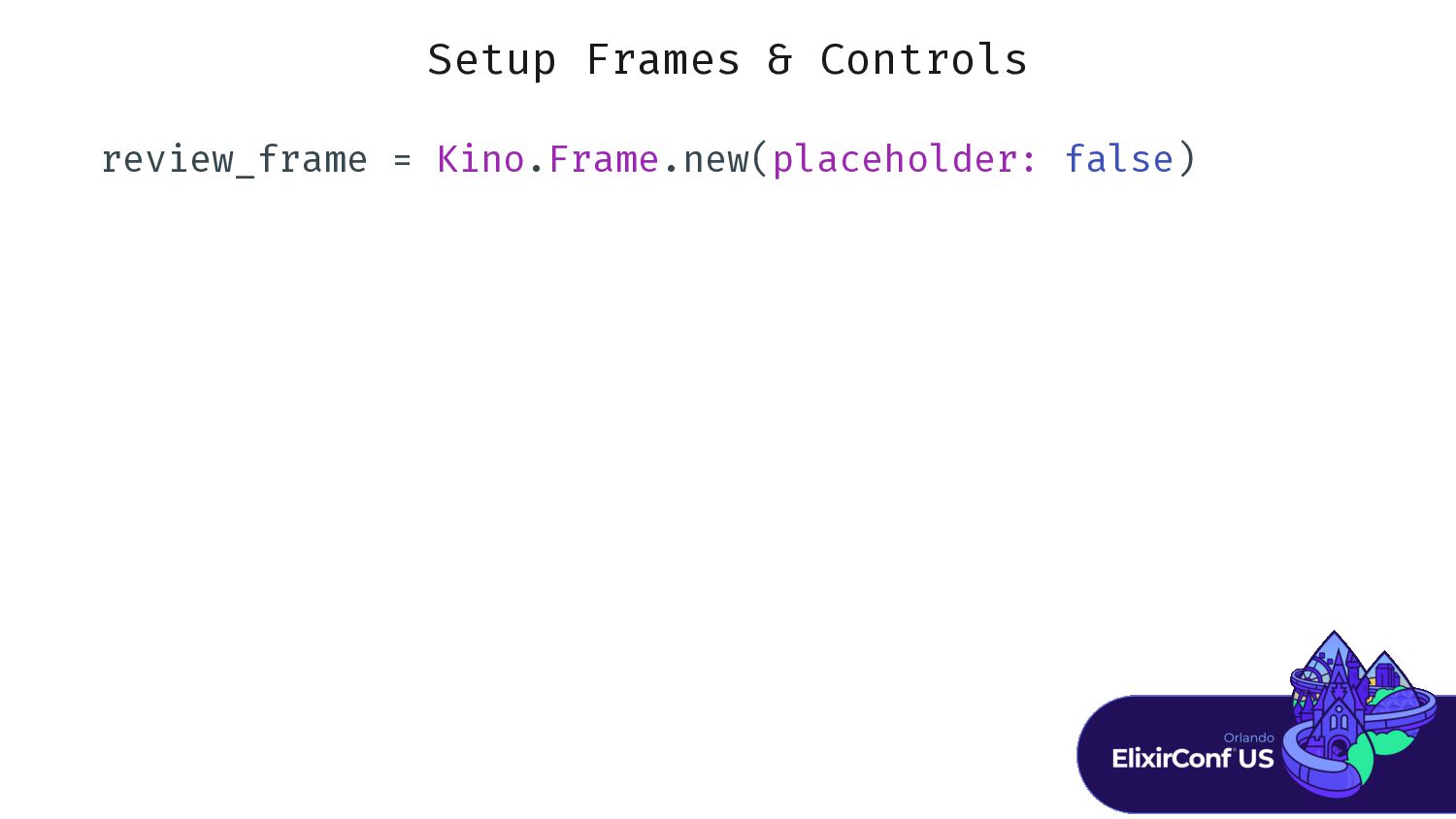
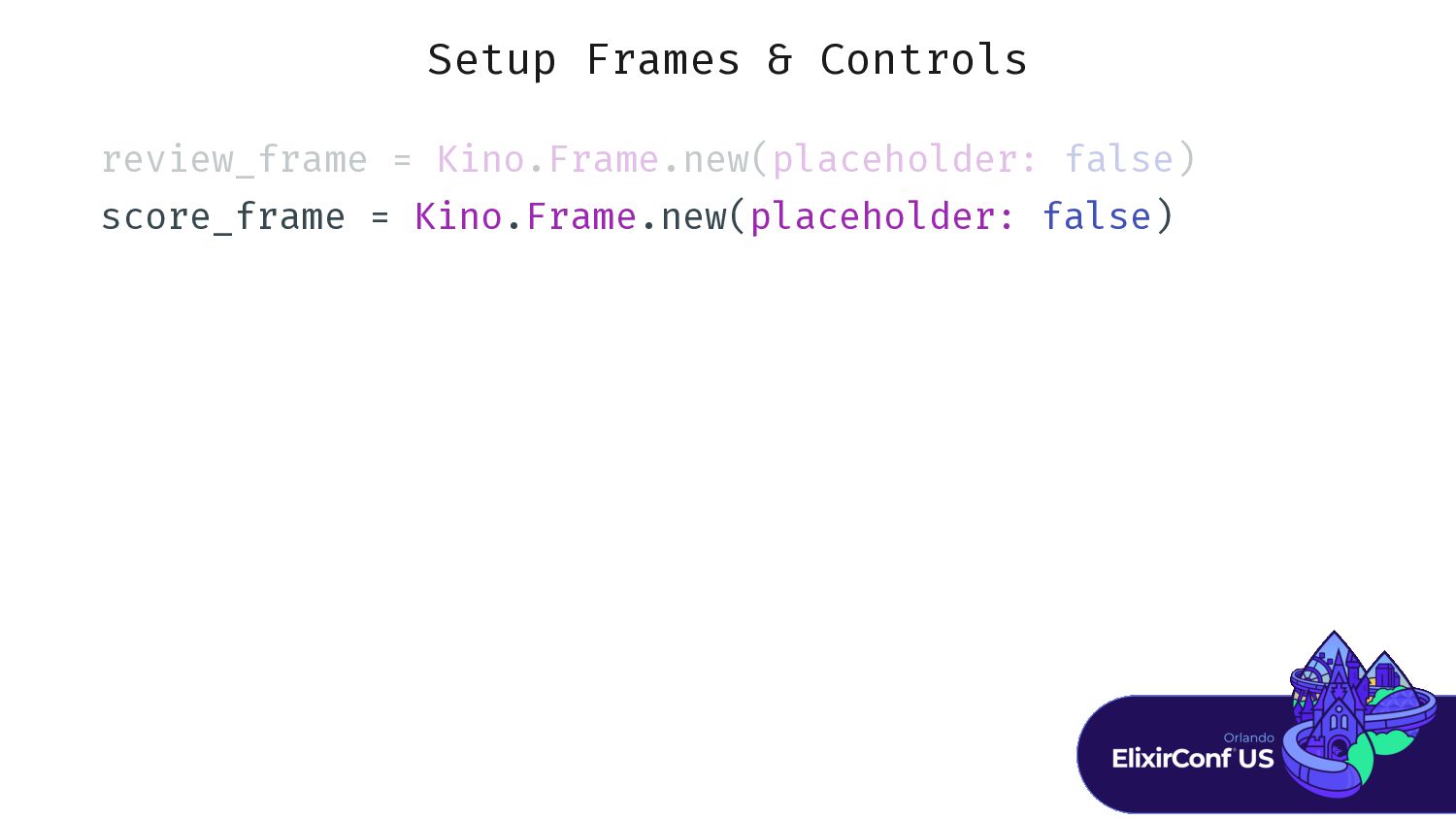
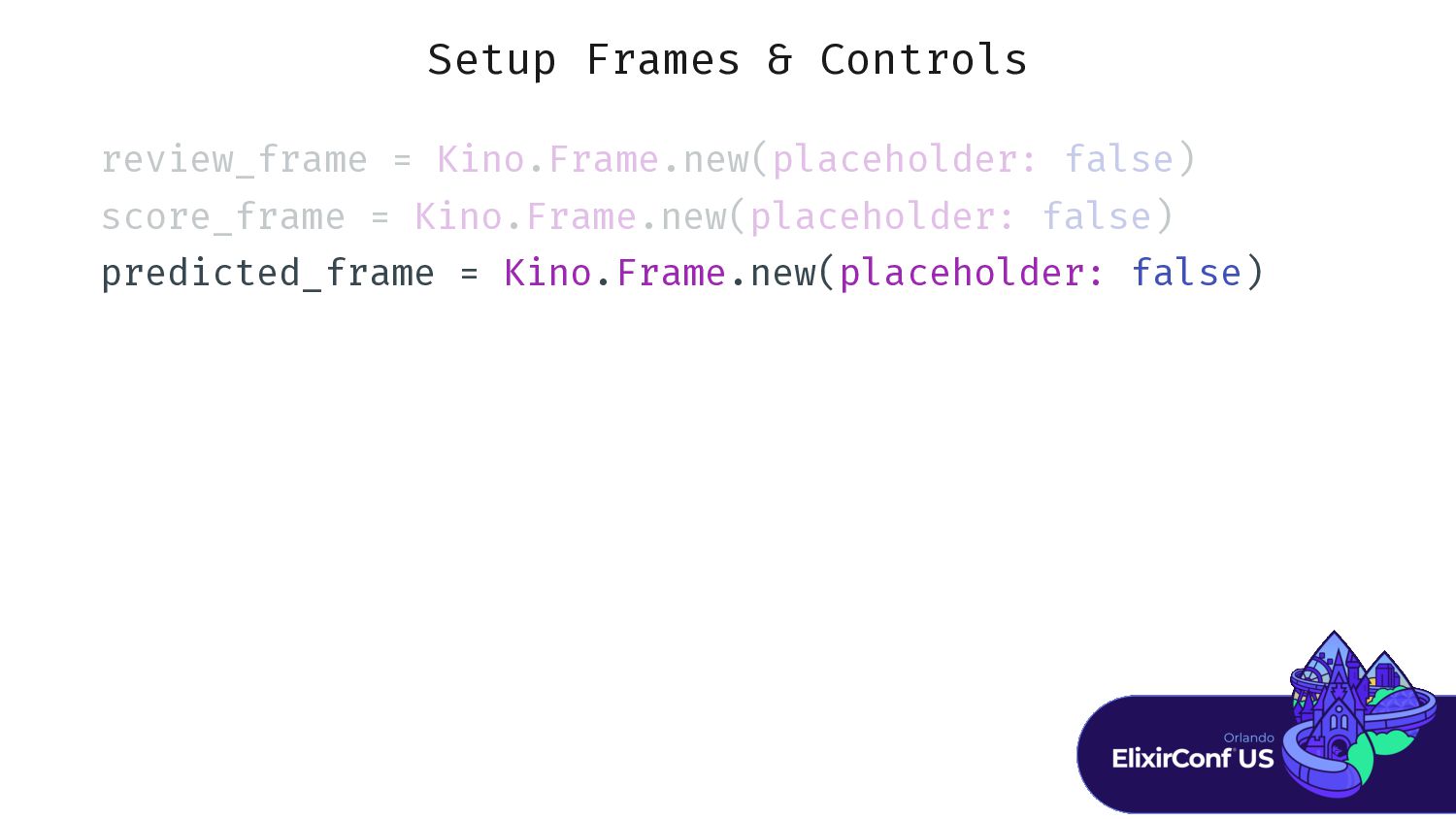
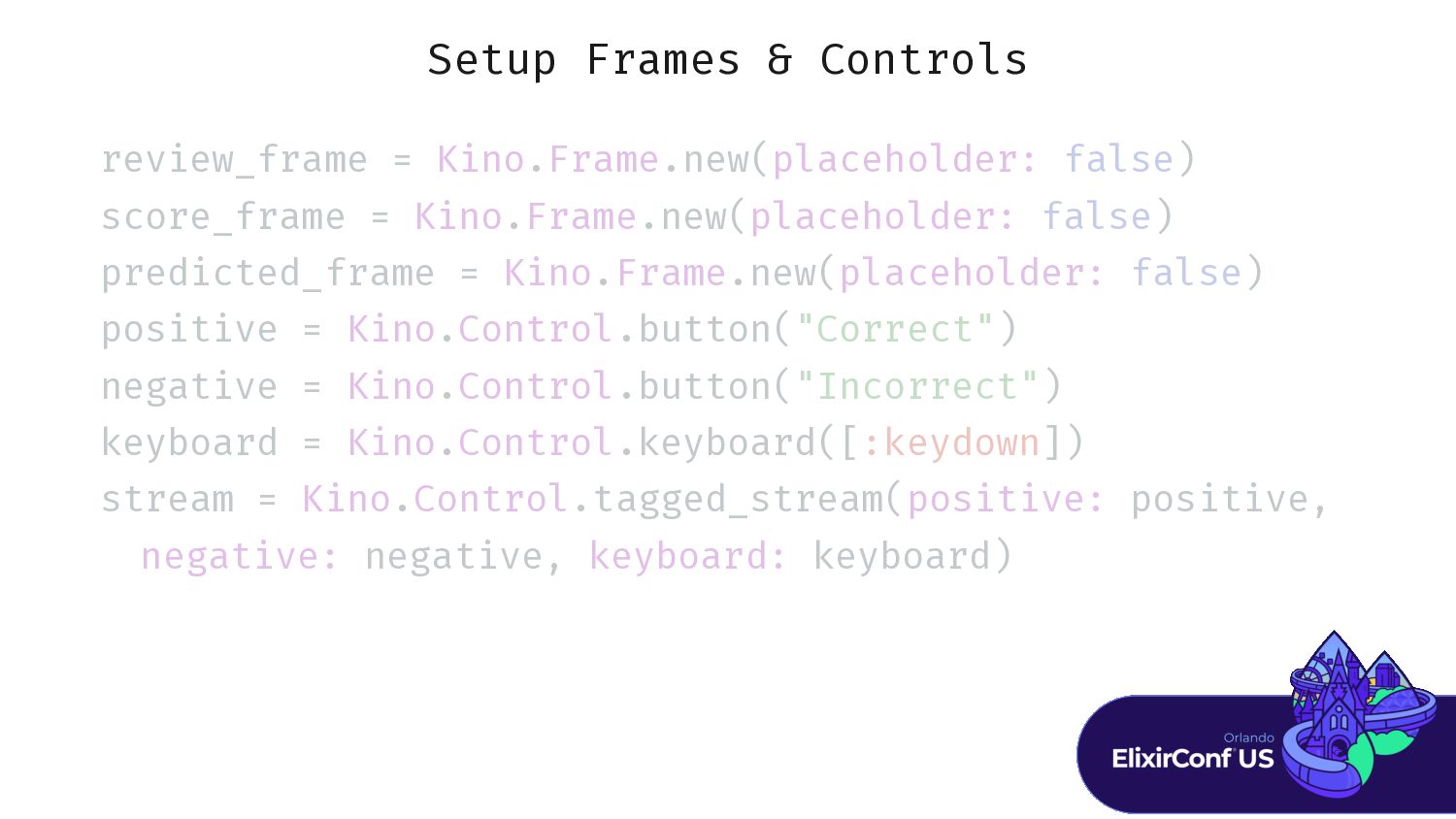
Setup Frames & Controls review_frame = Kino.Frame.new(placeholder: false) score_frame =
Kino.Frame.new(placeholder: false) predicted_frame = Kino.Frame.new(placeholder: false) positive = Kino.Control.button("Correct") negative = Kino.Control.button("Incorrect") keyboard = Kino.Control.keyboard([:keydown]) stream = Kino.Control.tagged_stream(positive: positive, negative: negative, keyboard: keyboard) -
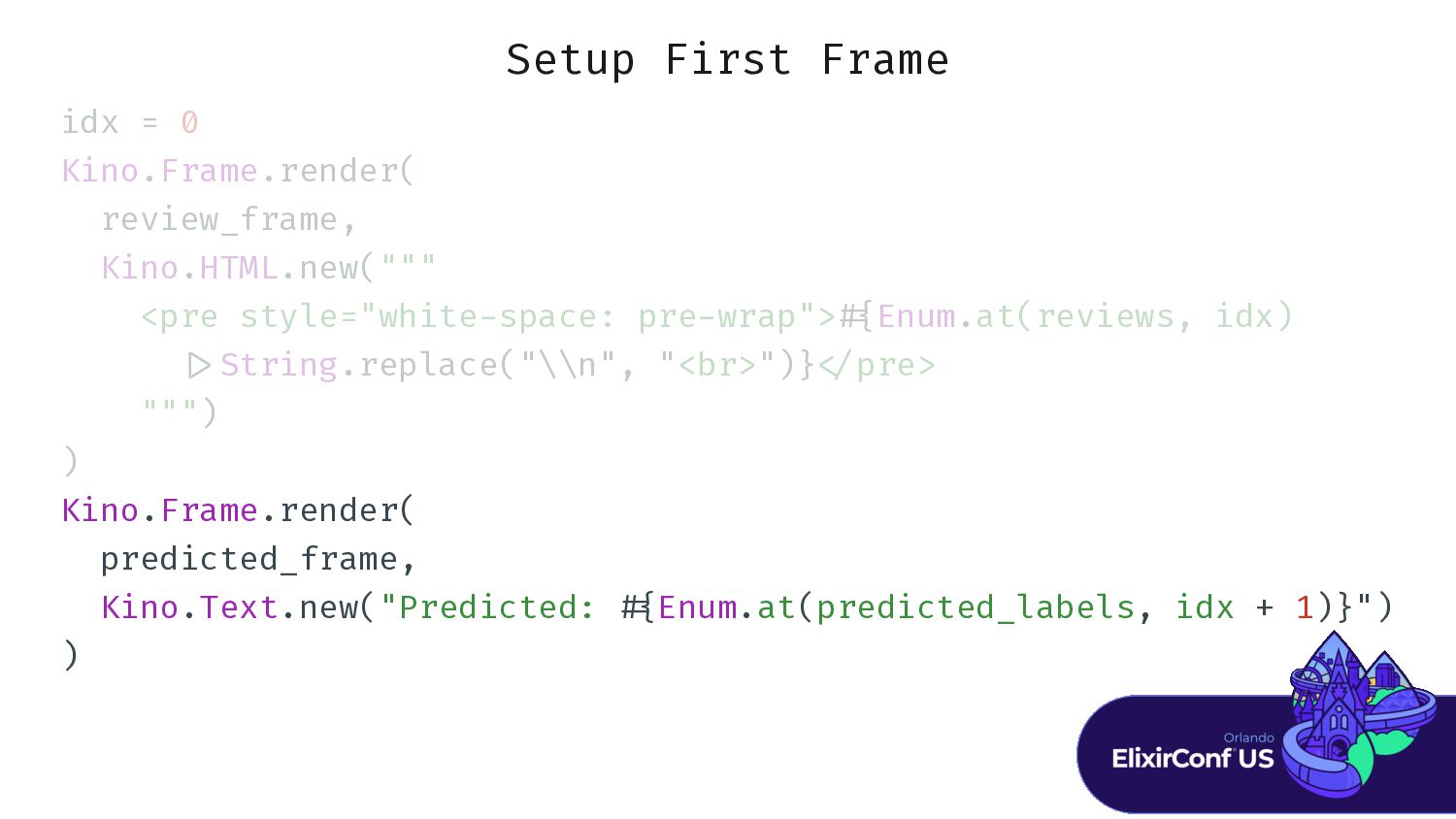
Setup First Frame i i i i 0 K K
K K .F F F F F . . . . . . . . K K K K .H H H H . . . . . """ < < < < < < < < < < < < < < < < < < < < < < < < < < < < < < < < < # E E E E .a a a a a a a a a a a a a a a S S S S S S . . . . . . . . . . . . . . . . < < < < " " " / / / / / """) ) -
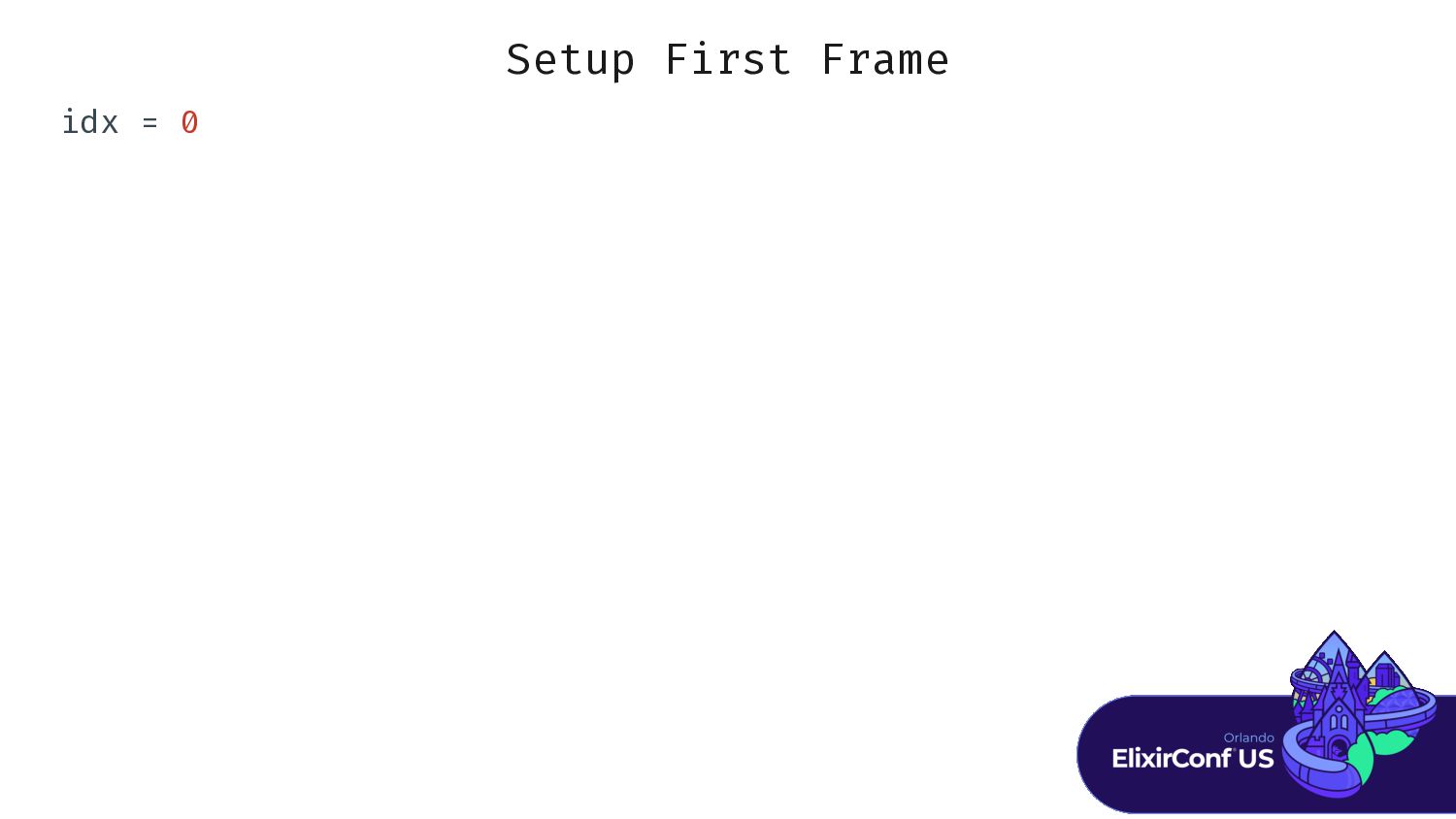
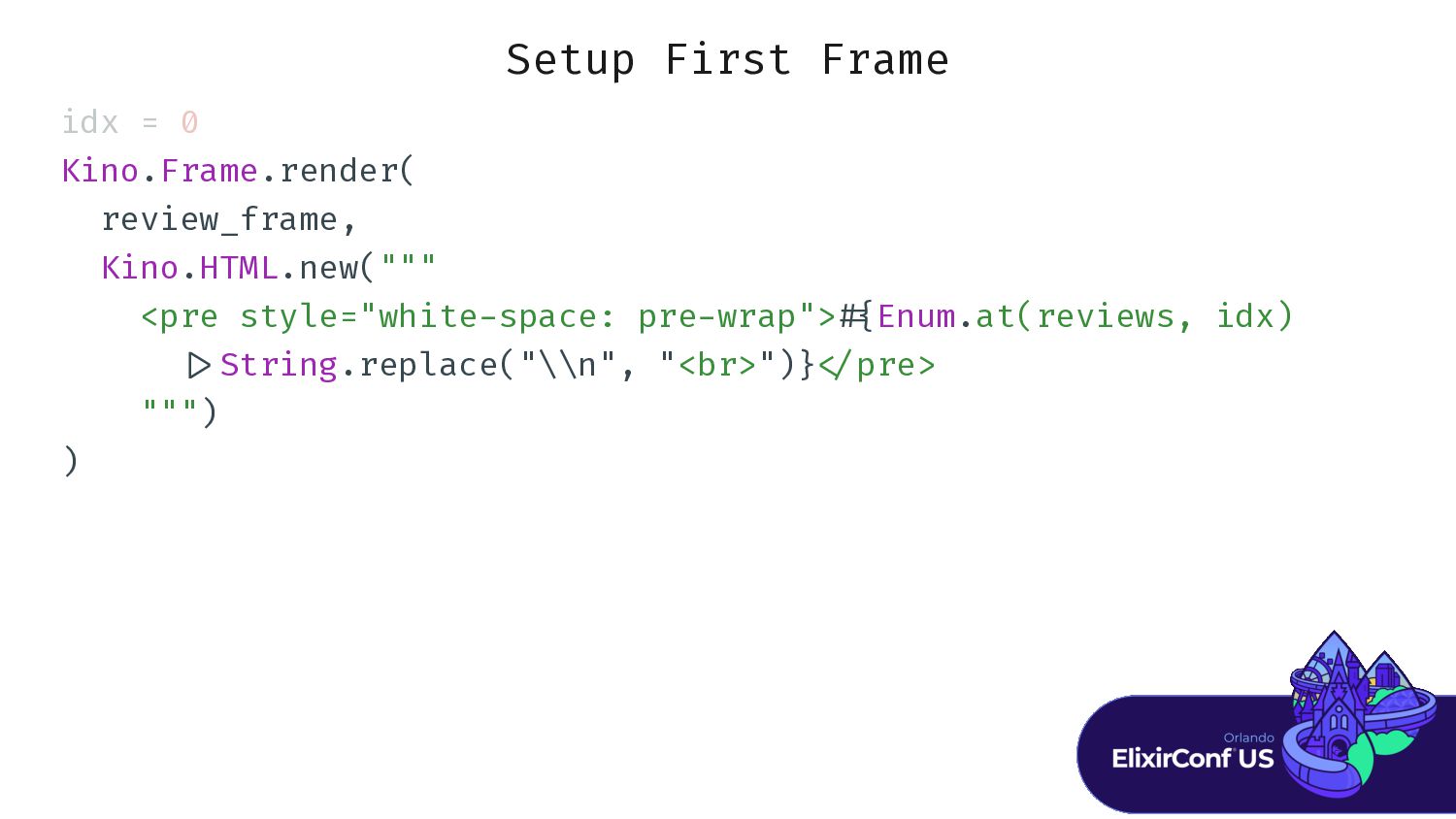
Setup First Frame idx = 0 Kino.Frame.render( review_frame, Kino.HTML.new(""" <pre
style="white / Kino.Frame.render( predicted_frame, Kino.Text.new("Predicted: # { Enum.at(predicted_labels, idx + 1)}") ) -
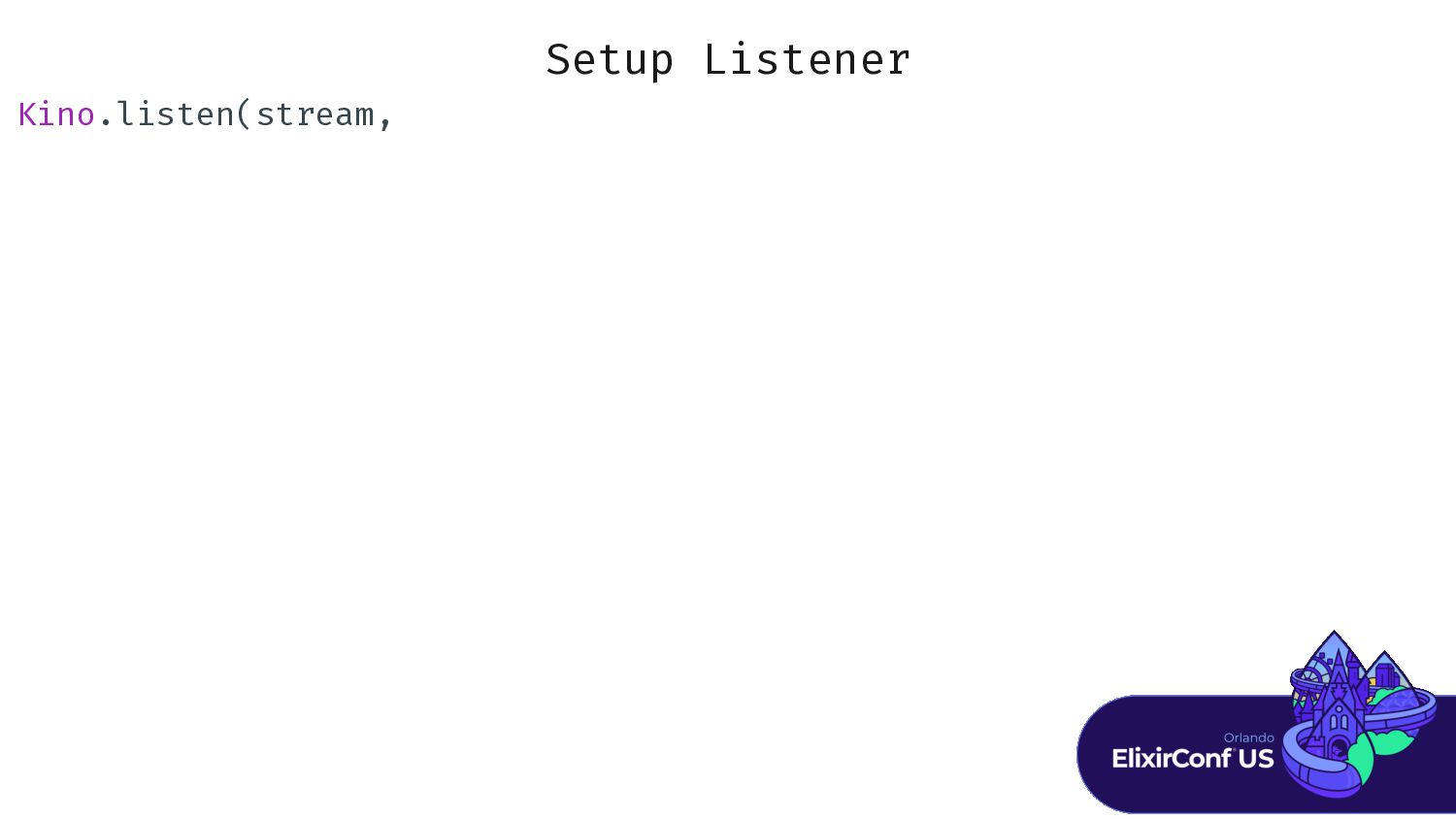
Setup Listener K K K K . . . .
. . . . . . . . . . . -
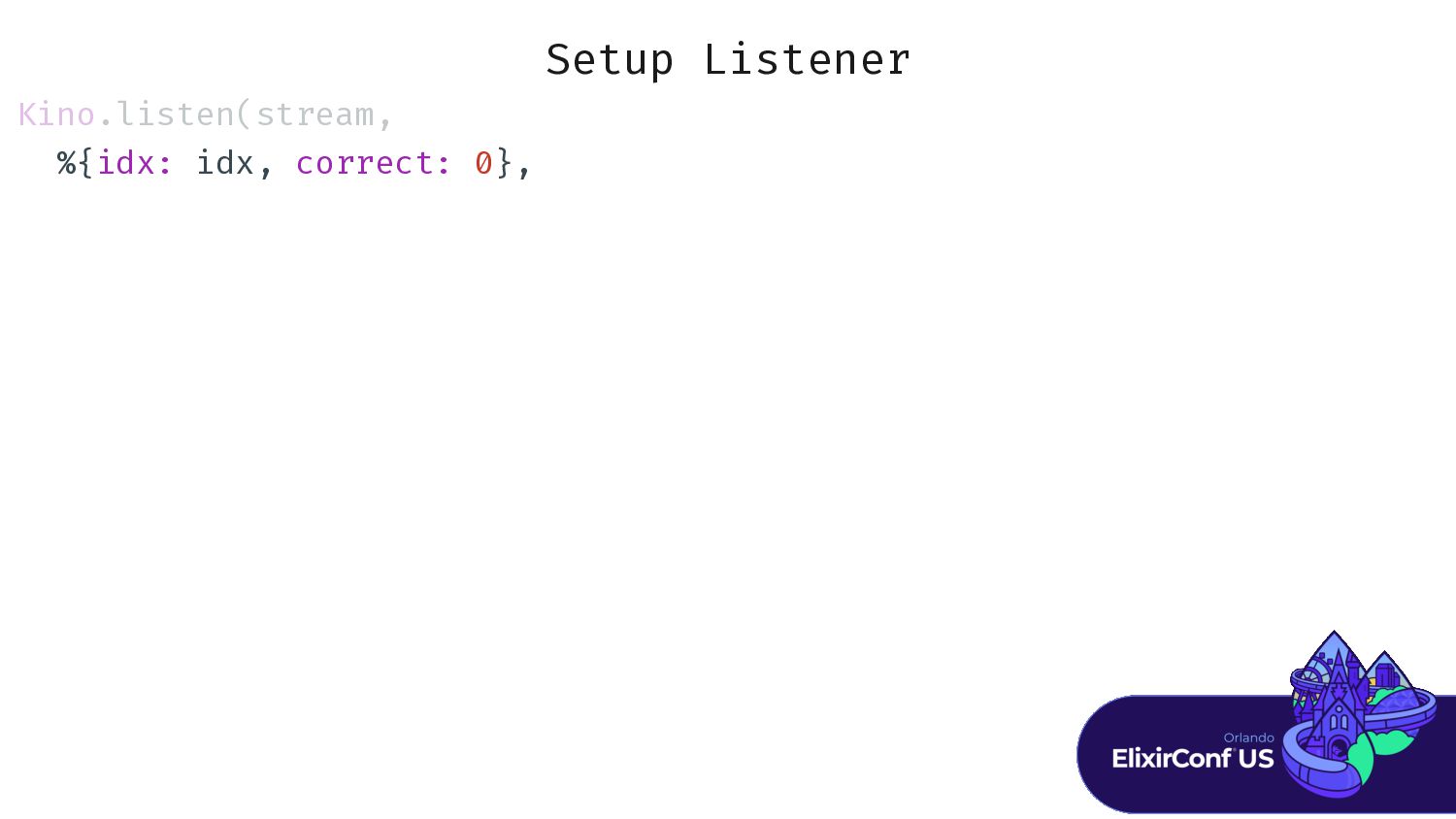
Setup Listener K K K K . . . .
. . . . . . . . . . . i i i i c c c c c c c c 0} } -
Setup Listener K K K K . . . .
. . . . . . . . . . . i i i i c c c c c c c c 0} } f f {: : : : : : : : : , , , k k k k " " " " " " " " " " " "}} } } } c c c c c c c c c c c c c c c c 1} } -
Setup Listener K K K K . . . .
. . . . . . . . . . . i i i i c c c c c c c c 0} } f f {: : : : : : : : : , , , k k k k " " " " " " " " " " " "}} } } } c c c c c c c c c c c c c c c c 1} } : : : : : : : : : , , , k k k k " " " " " " " " " " "}} } } } } } } } } -
Setup Listener K K K K . . . .
. . . . . . . . . . . i i i i c c c c c c c c 0} } f f {: : : : : : : : : , , , k k k k " " " " " " " " " " " "}} } } } c c c c c c c c c c c c c c c c 1} } : : : : : : : : : , , , k k k k " " " " " " " " " " "}} } } } } } } } } : : : : : : : : : , , , , , , , , , , c c c c c c c c c c c c c c c c 1} } -
Setup Listener K K K K . . . .
. . . . . . . . . . . i i i i c c c c c c c c 0} } f f {: : : : : : : : : , , , k k k k " " " " " " " " " " " "}} } } } c c c c c c c c c c c c c c c c 1} } : : : : : : : : : , , , k k k k " " " " " " " " " " "}} } } } } } } } } : : : : : : : : : , , , , , , , , , , c c c c c c c c c c c c c c c c 1} } : : : : : : : : : , , , , , , , , , , , , , , , -
Setup Listener K K K K . . . .
. . . . . . . . . . . i i i i c c c c c c c c 0} } f f {: : : : : : : : : , , , k k k k " " " " " " " " " " " "}} } } } c c c c c c c c c c c c c c c c 1} } : : : : : : : : : , , , k k k k " " " " " " " " " " "}} } } } } } } } } : : : : : : : : : , , , , , , , , , , c c c c c c c c c c c c c c c c 1} } : : : : : : : : : , , , , , , , , , , , , , , , : : : : : , , , , , , , -
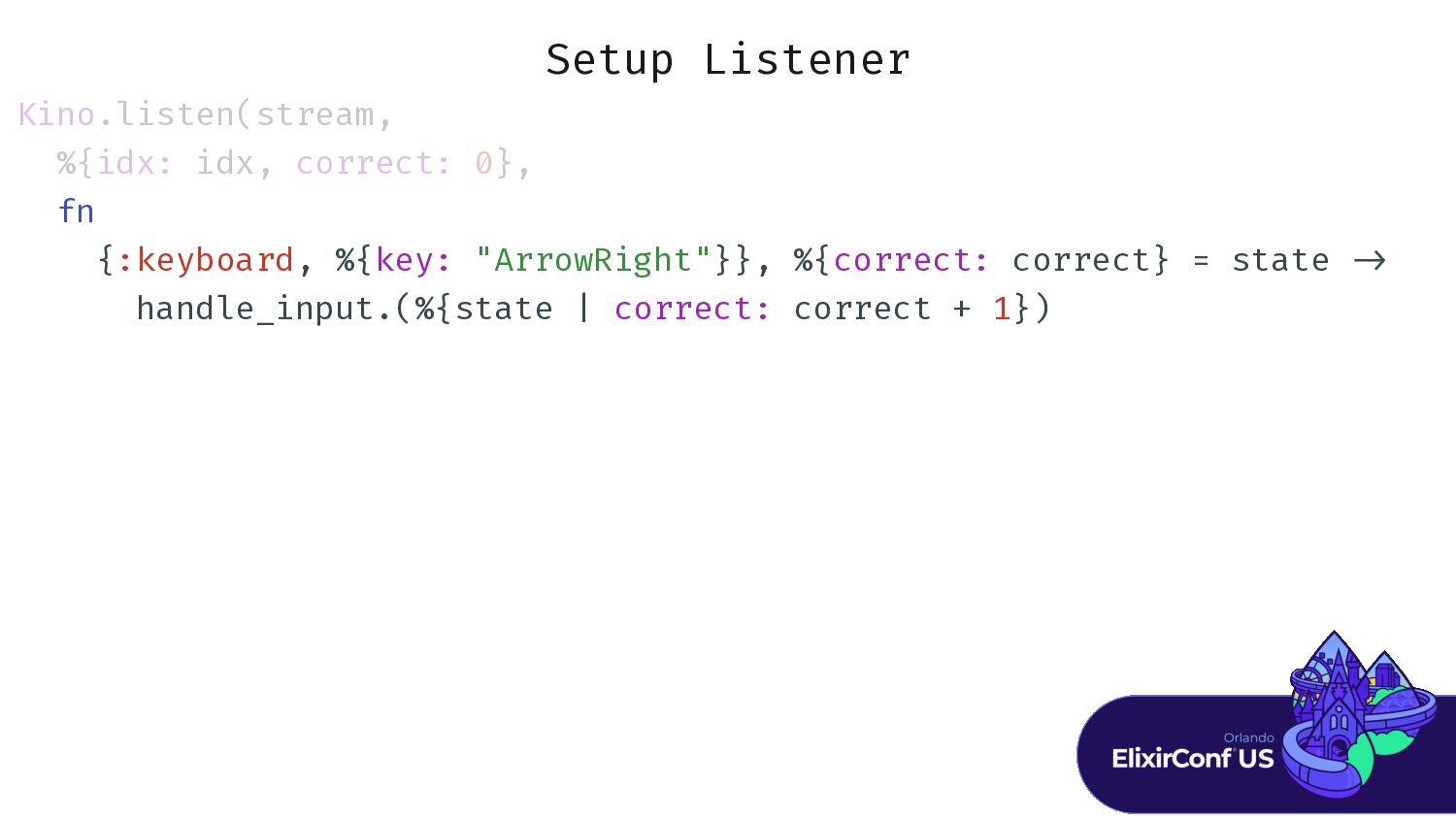
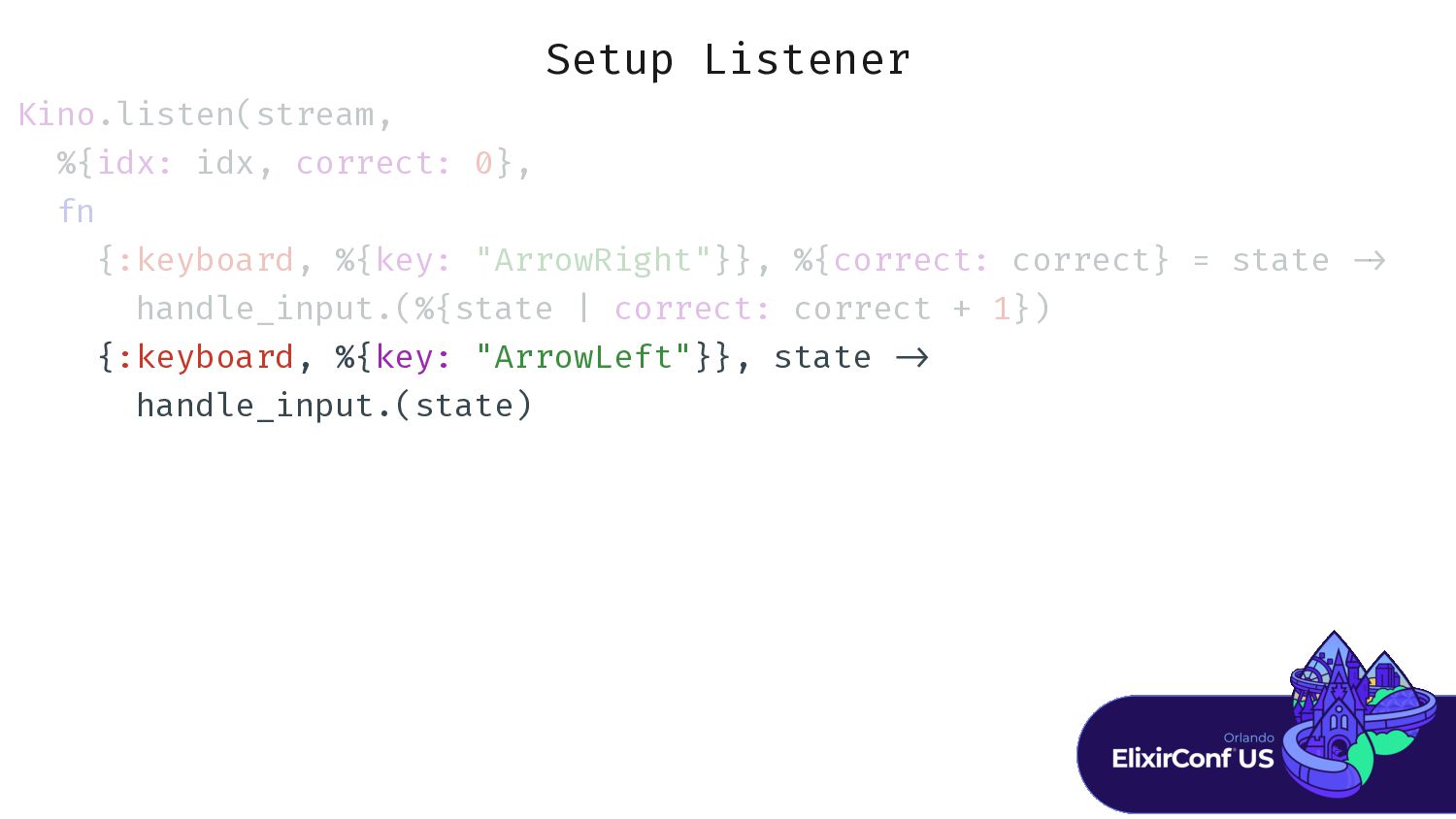
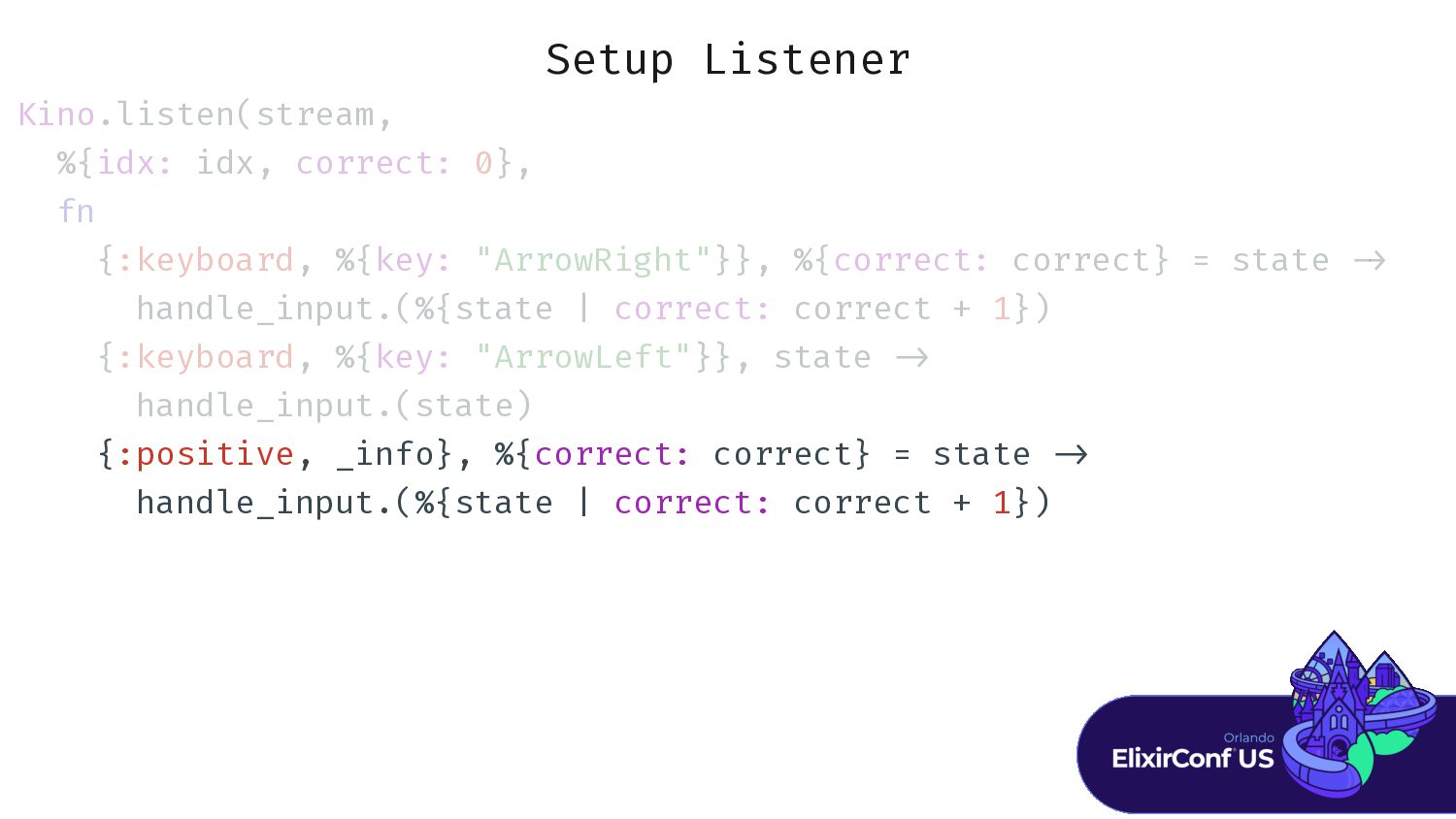
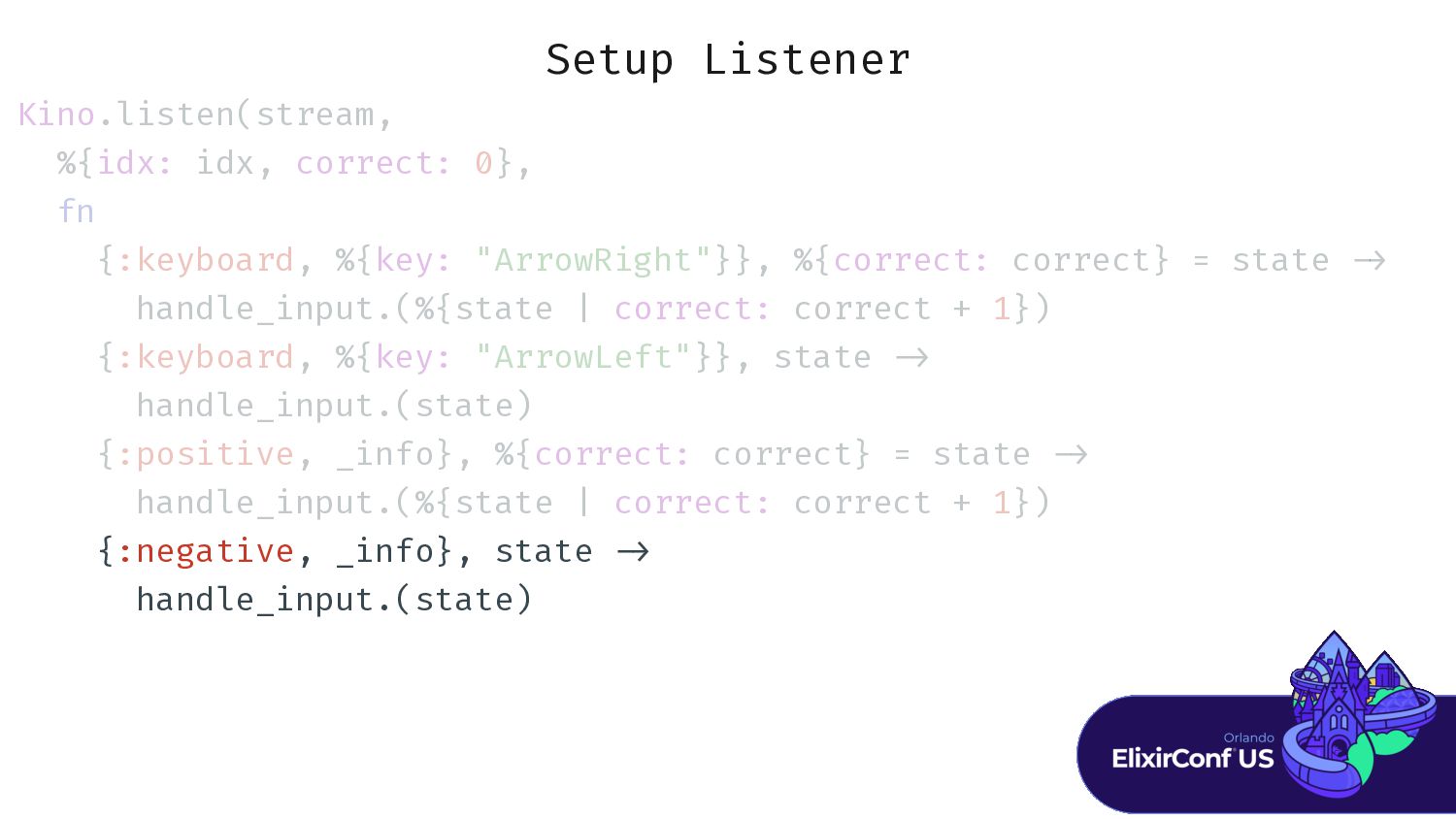
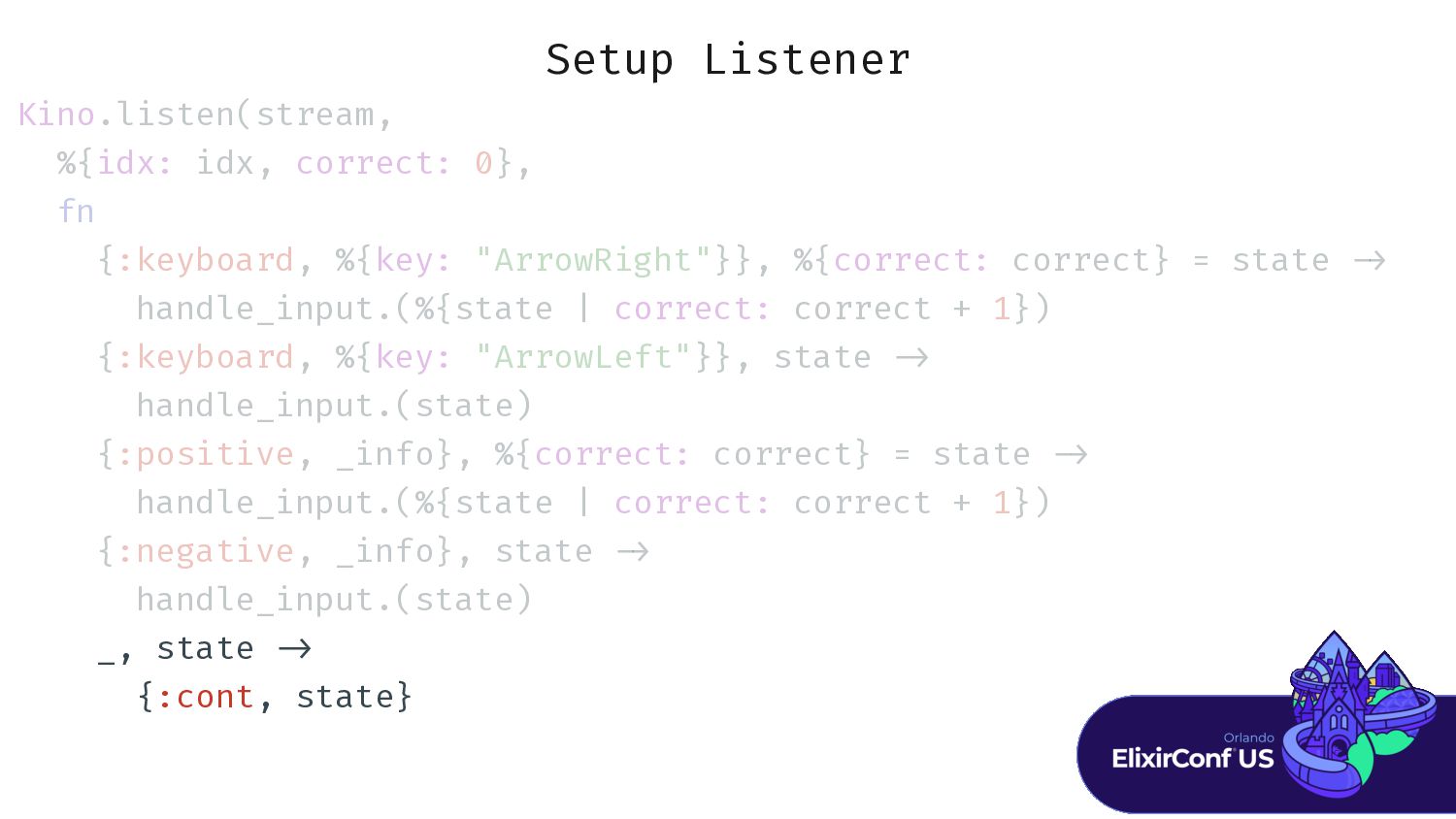
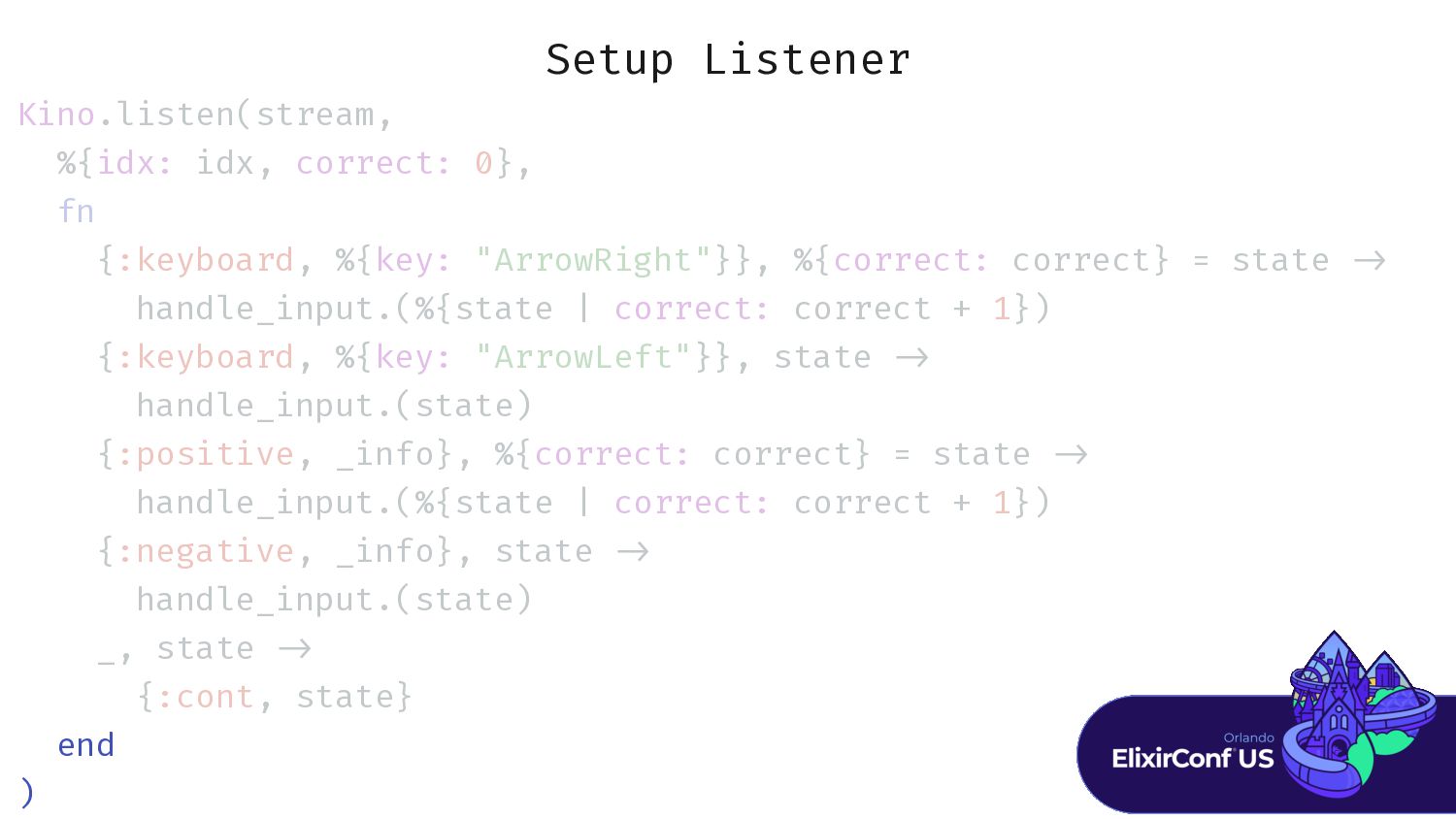
Setup Listener Kino.listen(stream, %{idx: idx, correct: 0}, fn {:keyboard, %{key:
"ArrowRight"}}, %{correct: correct} = state > {:keyboard, %{key: "ArrowLeft"}}, state > {:positive, _info}, %{correct: correct} = state > {:negative, _info}, state > _, state > end ) -
Input Handler h h h h h h h h
h h h h h f f i i i i c c c c c c c c -
Input Handler h h h h h h h h
h h h h h f f i i i i c c c c c c c c F F F F F . . . . . . . . . . . . . . . . . . . . 1) ) 1 1 1 , 2) -
Input Handler h h h h h h h h
h h h h h f f i i i i c c c c c c c c F F F F F . . . . . . . . . . . . . . . . . . . . 1) ) 1 1 1 , 2) K K K K .T T T T . . . . . " " " " " " " " " " " # a a a a a a a a } # i i i + 1} ) -
Input Handler h h h h h h h h
h h h h h f f i i i i c c c c c c c c F F F F F . . . . . . . . . . . . . . . . . . . . 1) ) 1 1 1 , 2) K K K K .T T T T . . . . . " " " " " " " " " " " # a a a a a a a a } # i i i + 1} ) K K K K .F F F F F . . . . . . . . . . . . . . . . . . . . . . . . . . -
Input Handler h h h h h h h h
h h h h h f f i i i i c c c c c c c c F F F F F . . . . . . . . . . . . . . . . . . . . 1) ) 1 1 1 , 2) K K K K .T T T T . . . . . " " " " " " " " " " " # a a a a a a a a } # i i i + 1} ) K K K K .F F F F F . . . . . . . . . . . . . . . . . . . . . . . . . . -
Input Handler h h h h h h h h
h h h h h f f i i i i c c c c c c c c F F F F F . . . . . . . . . . . . . . . . . . . . 1) ) 1 1 1 , 2) K K K K .T T T T . . . . . " " " " " " " " " " " # a a a a a a a a } # i i i + 1} ) K K K K .F F F F F . . . . . . . . . . . . . . . . . . . . . . . . . . i i 1 d d -
Input Handler h h h h h h h h
h h h h h f f i i i i c c c c c c c c F F F F F . . . . . . . . . . . . . . . . . . . . 1) ) 1 1 1 , 2) K K K K .T T T T . . . . . " " " " " " " " " " " # a a a a a a a a } # i i i + 1} ) K K K K .F F F F F . . . . . . . . . . . . . . . . . . . . . . . . . . i i 1 d d K K K K .F F F F F . . . . . . . . . . . . . . . . . . . . -
Input Handler h h h h h h h h
h h h h h f f i i i i c c c c c c c c F F F F F . . . . . . . . . . . . . . . . . . . . 1) ) 1 1 1 , 2) K K K K .T T T T . . . . . " " " " " " " " " " " # a a a a a a a a } # i i i + 1} ) K K K K .F F F F F . . . . . . . . . . . . . . . . . . . . . . . . . . i i 1 d d K K K K .F F F F F . . . . . . . . . . . . . . . . . . . . K K K K .F F F F F . . . . . . . . . . . . . . . . . . . . . . . -
Input Handler h h h h h h h h
h h h h h f f i i i i c c c c c c c c F F F F F . . . . . . . . . . . . . . . . . . . . 1) ) 1 1 1 , 2) K K K K .T T T T . . . . . " " " " " " " " " " " # a a a a a a a a } # i i i + 1} ) K K K K .F F F F F . . . . . . . . . . . . . . . . . . . . . . . . . . i i 1 d d K K K K .F F F F F . . . . . . . . . . . . . . . . . . . . K K K K .F F F F F . . . . . . . . . . . . . . . . . . . . . . . : : : : : e e e e … e e e e e e -
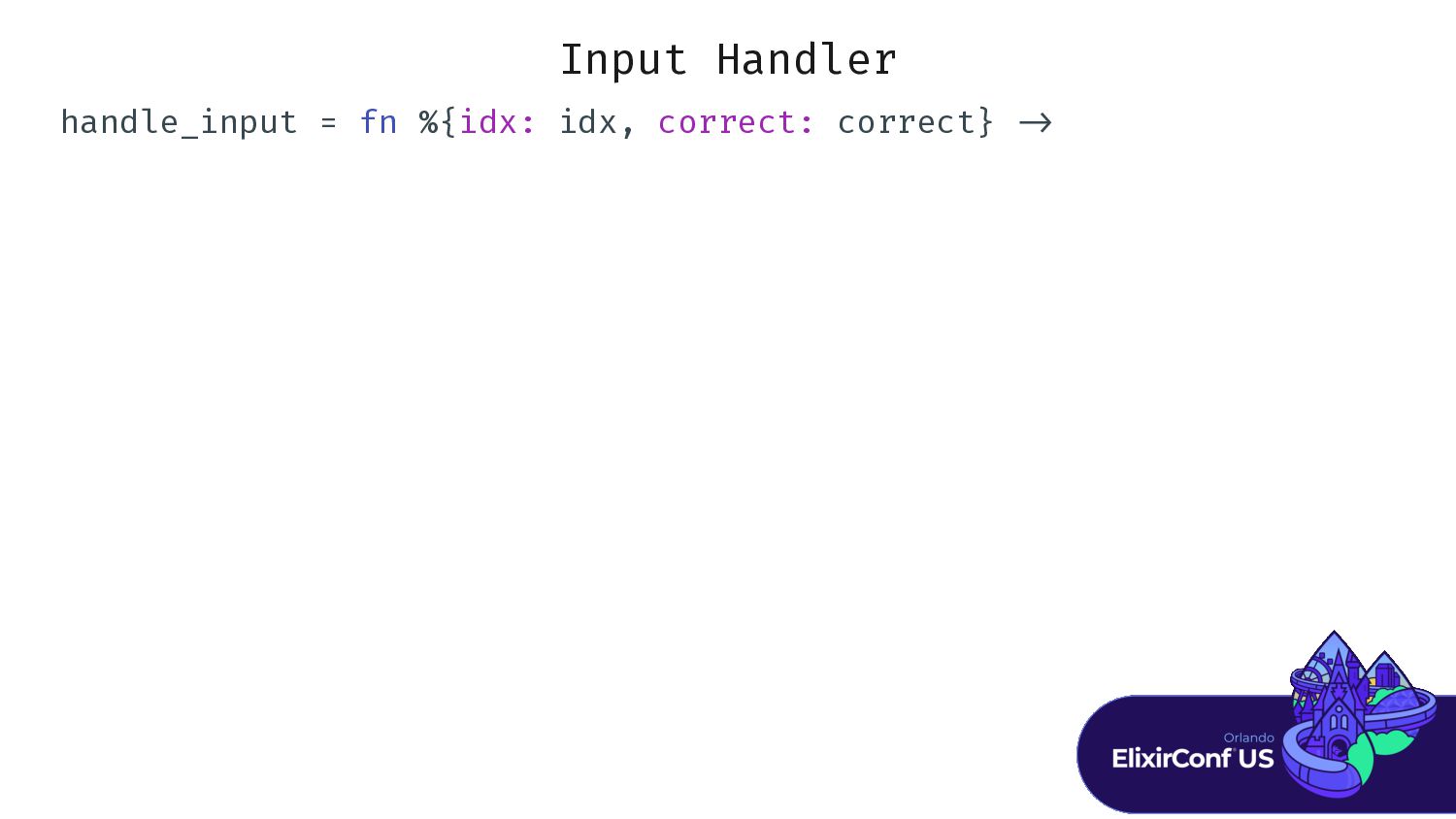
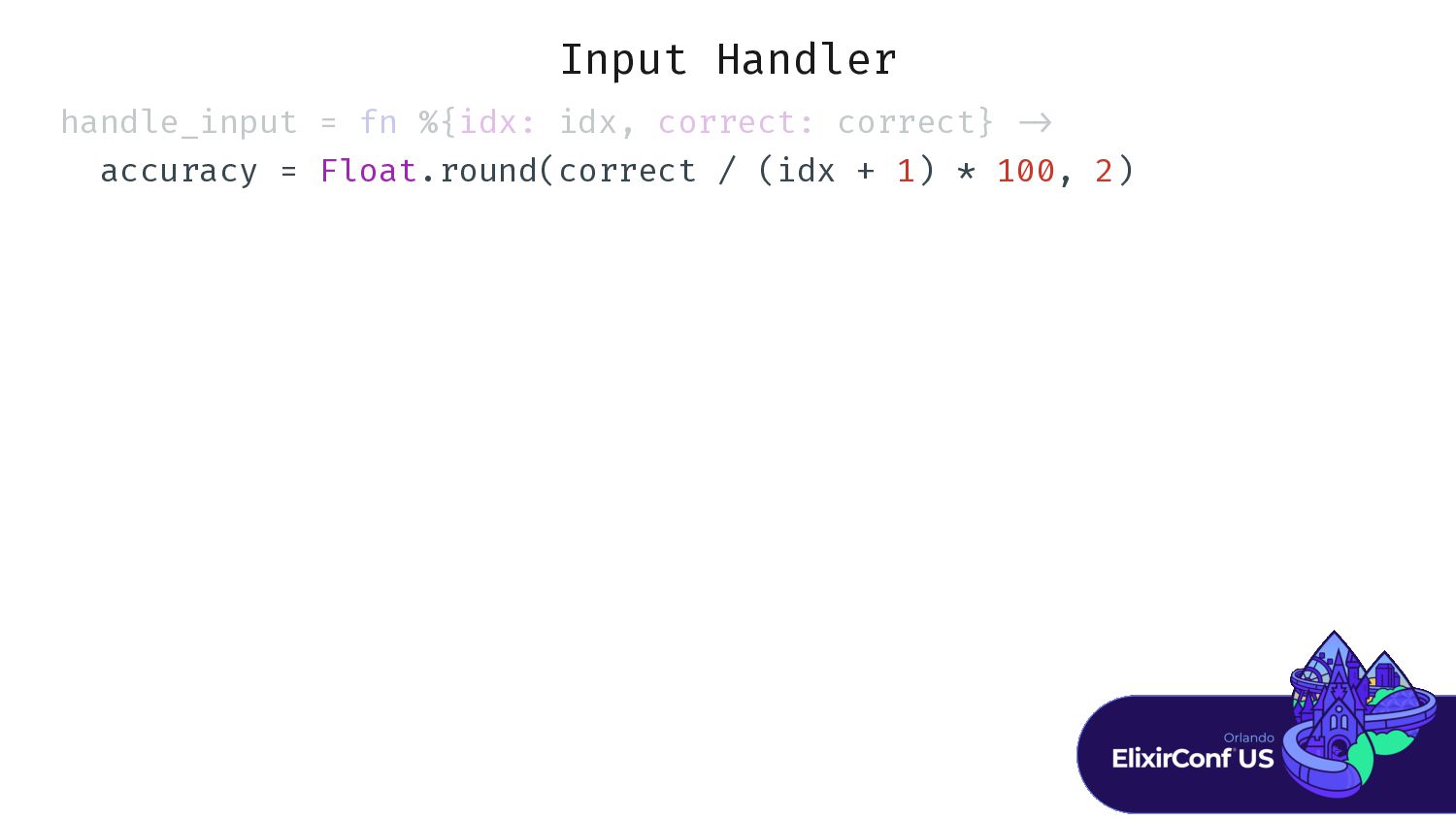
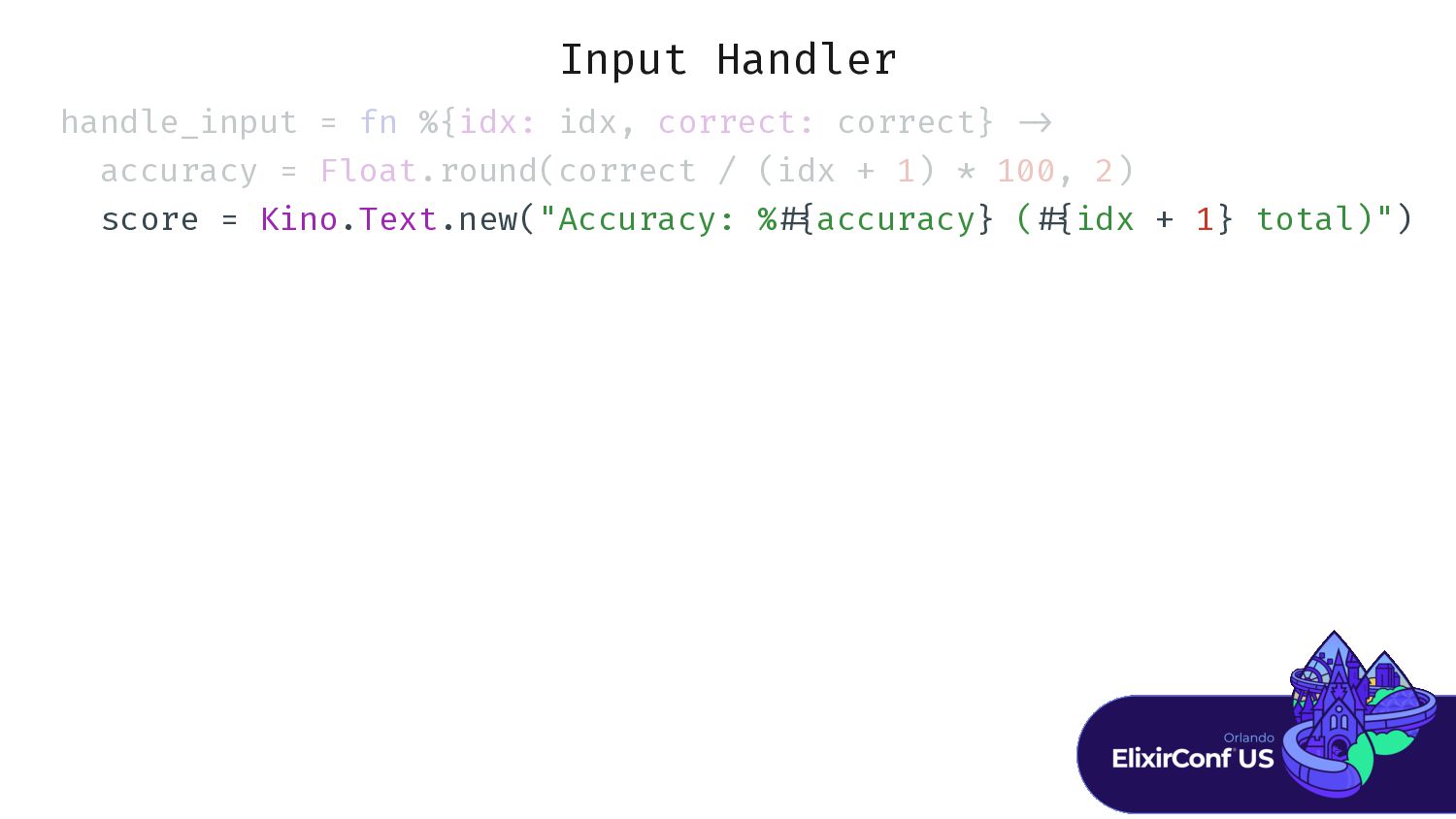
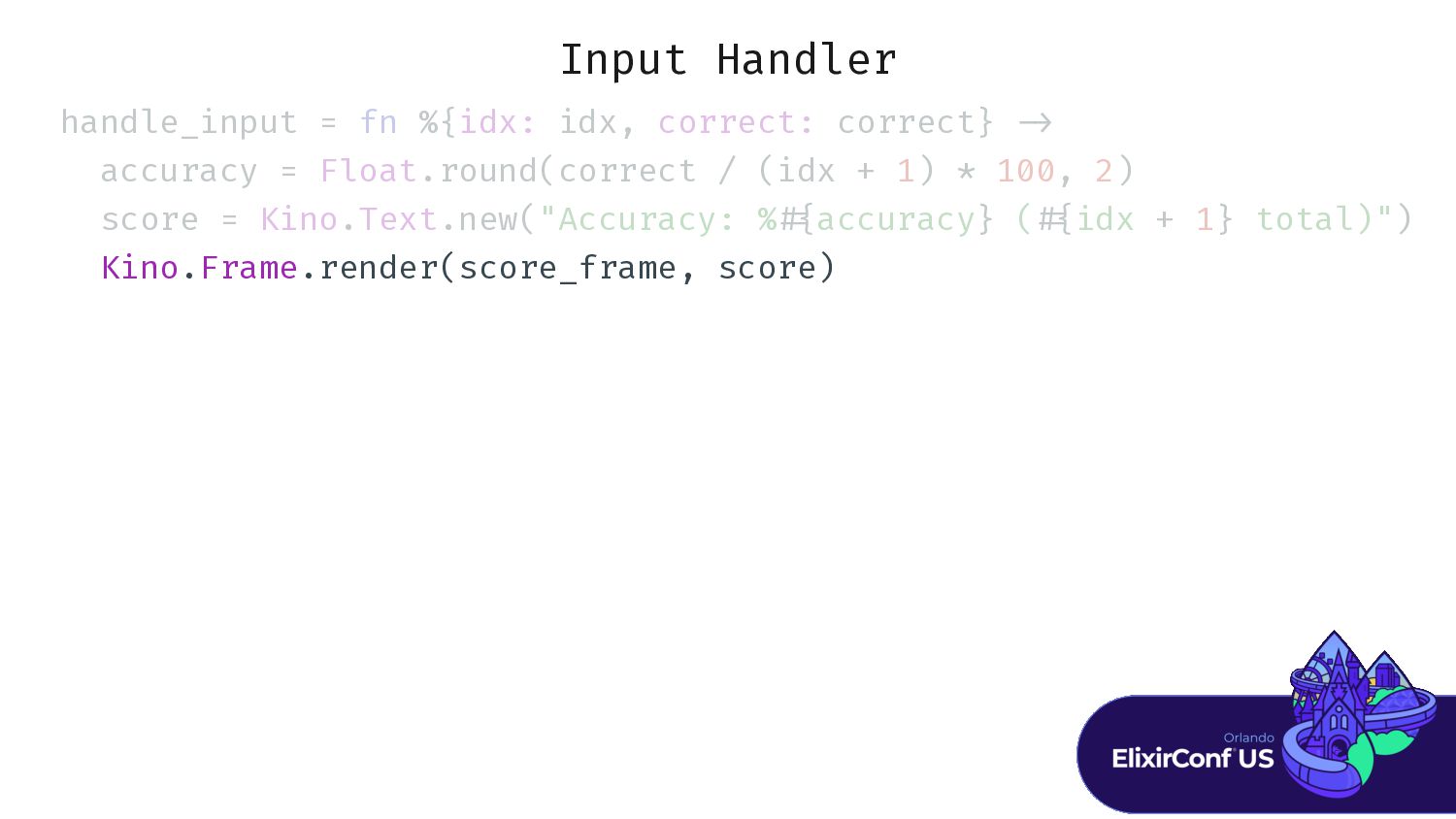
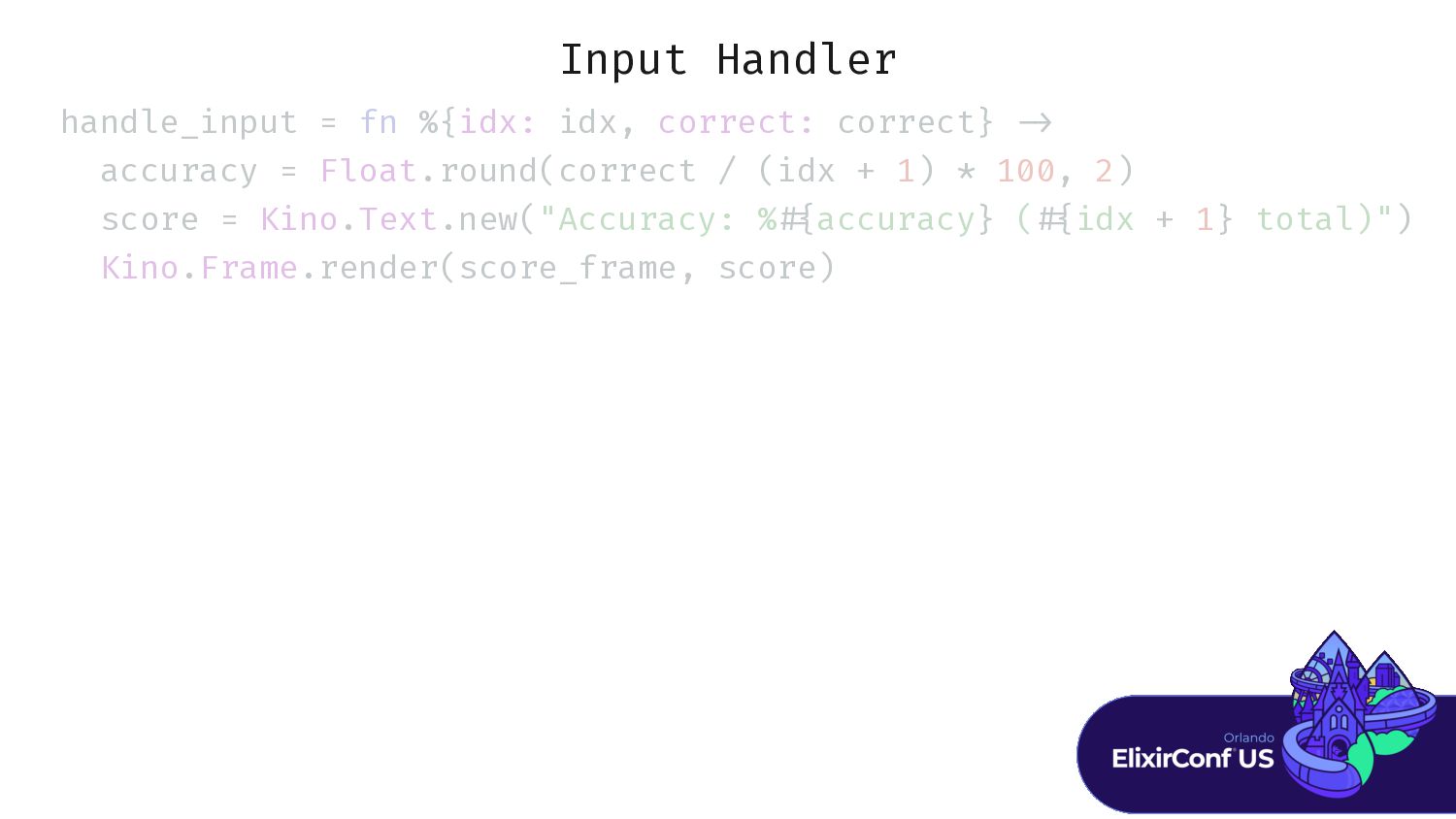
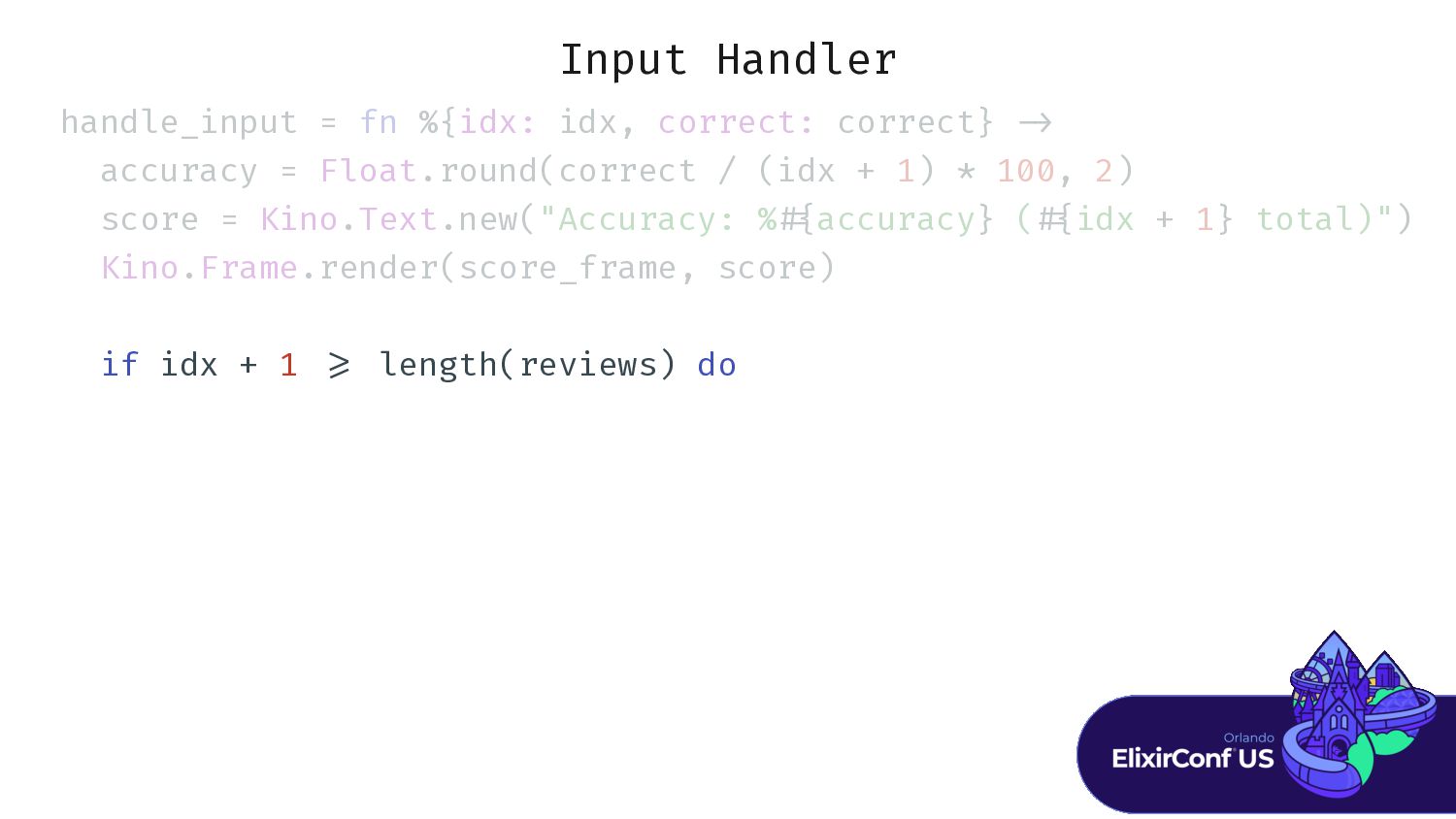
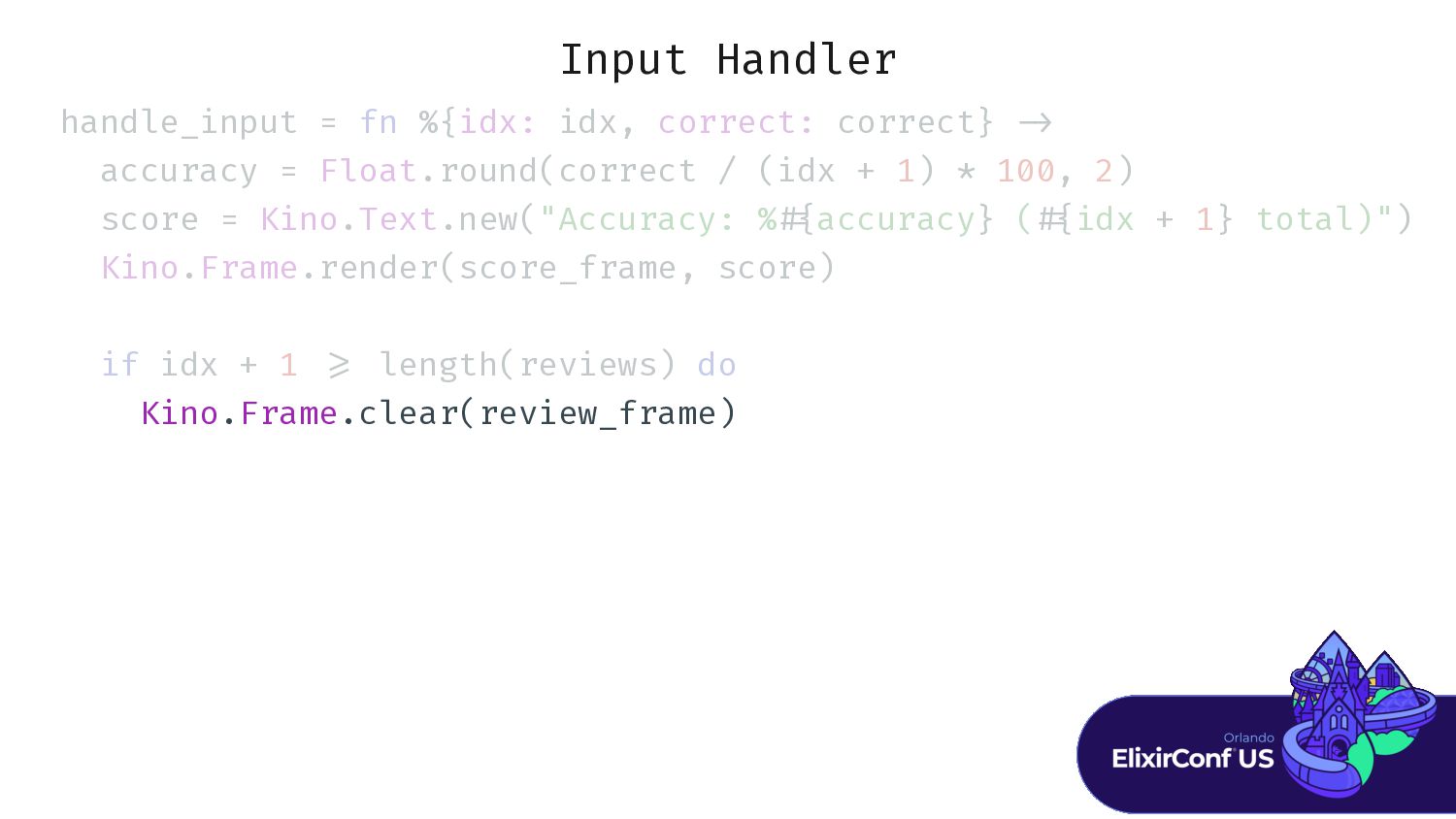
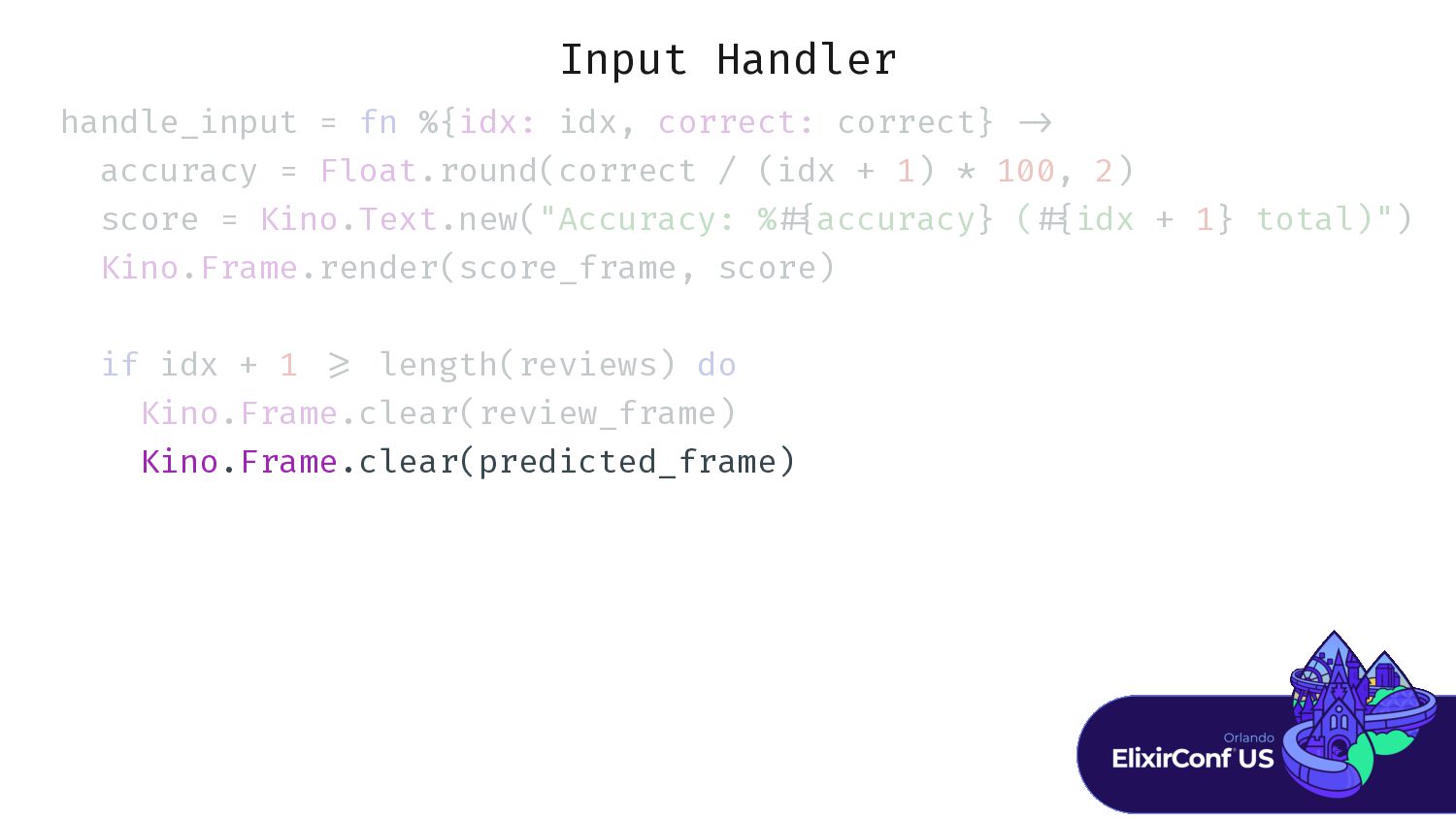
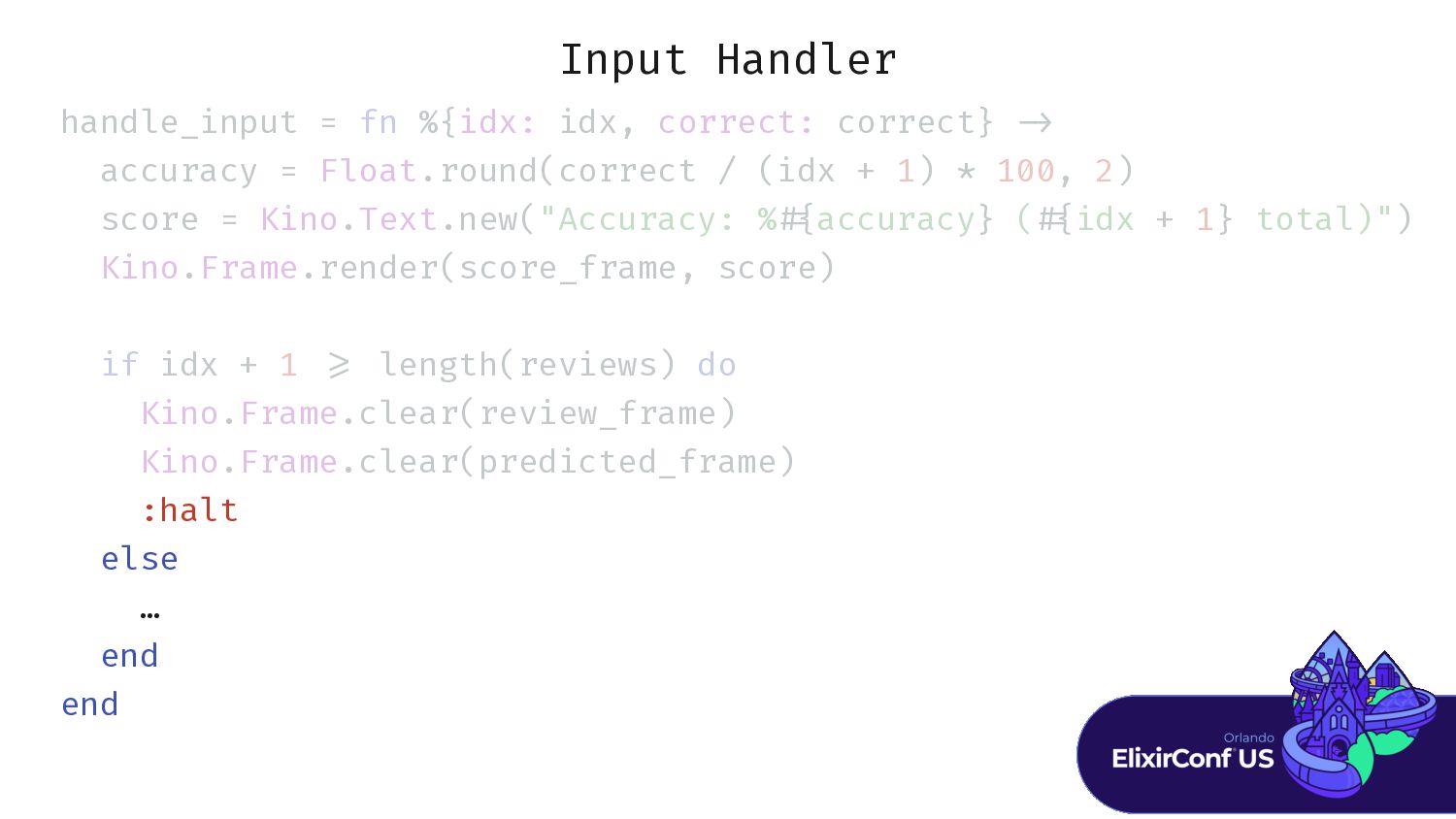
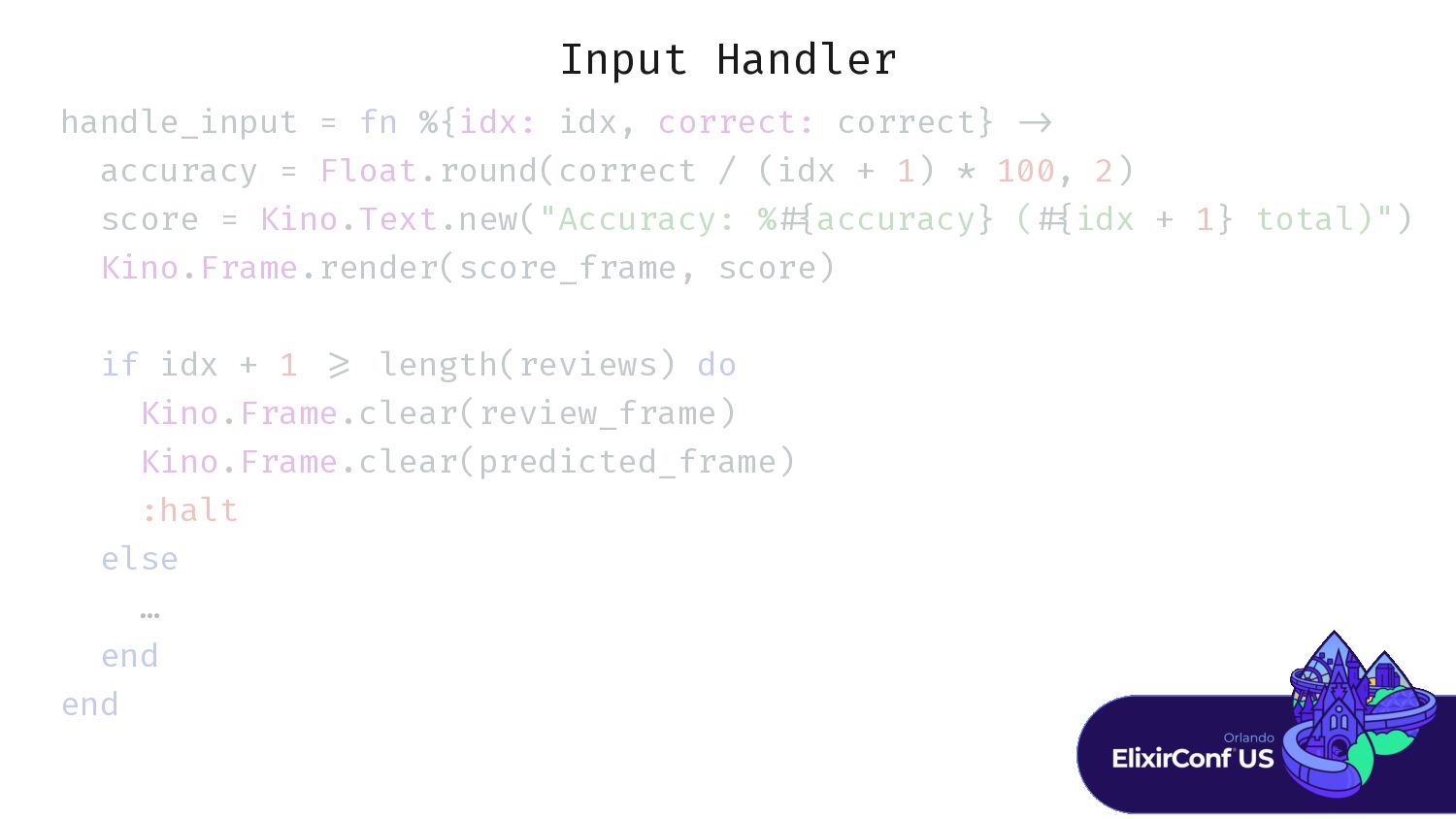
Input Handler handle_input = fn %{idx: idx, correct: correct} >
accuracy = F l score = Kino.Text.new("Accuracy: % { Kino.Frame.render(score_frame, score) if idx + 1 = Kino.Frame.clear(review_frame) Kino.Frame.clear(predicted_frame) :halt else … end end -
Input Handler … E E E E . . .
. . . . . . . . . . . . . 1) ) S S S S S S . . . . . . . . . " " " " ", " " " " " ") -
Input Handler … E E E E . . .
. . . . . . . . . . . . . 1) ) S S S S S S . . . . . . . . . " " " " ", " " " " " ") -
Input Handler … E E E E . . .
. . . . . . . . . . . . . 1) ) S S S S S S . . . . . . . . . " " " " ", " " " " " ") K K K K .F F F F F . . . . . . . . K K K K .H H H H . . . . . """ # r r r r r r } < < < < < """) -
Input Handler … E E E E . . .
. . . . . . . . . . . . . 1) ) S S S S S S . . . . . . . . . " " " " ", " " " " " ") K K K K .F F F F F . . . . . . . . K K K K .H H H H . . . . . """ # r r r r r r } < < < < < """) -
Input Handler … E E E E . . .
. . . . . . . . . . . . . 1) ) S S S S S S . . . . . . . . . " " " " ", " " " " " ") K K K K .F F F F F . . . . . . . . K K K K .H H H H . . . . . """ # r r r r r r } < < < < < """) K K K K .F F F F F . . . . . . . . K K K K .T T T T . . . . . . P P P P P P P P P P E E E E .a a (p p p p p p p p p p p p p p p p , i i i 1) ) ") -
Input Handler … E E E E . . .
. . . . . . . . . . . . . 1) ) S S S S S S . . . . . . . . . " " " " ", " " " " " ") K K K K .F F F F F . . . . . . . . K K K K .H H H H . . . . . """ # r r r r r r } < < < < < """) K K K K .F F F F F . . . . . . . . K K K K .T T T T . . . . . . P P P P P P P P P P E E E E .a a (p p p p p p p p p p p p p p p p , i i i 1) ) ") : : : : : , , , i i i i 1, c c c c c c c c -
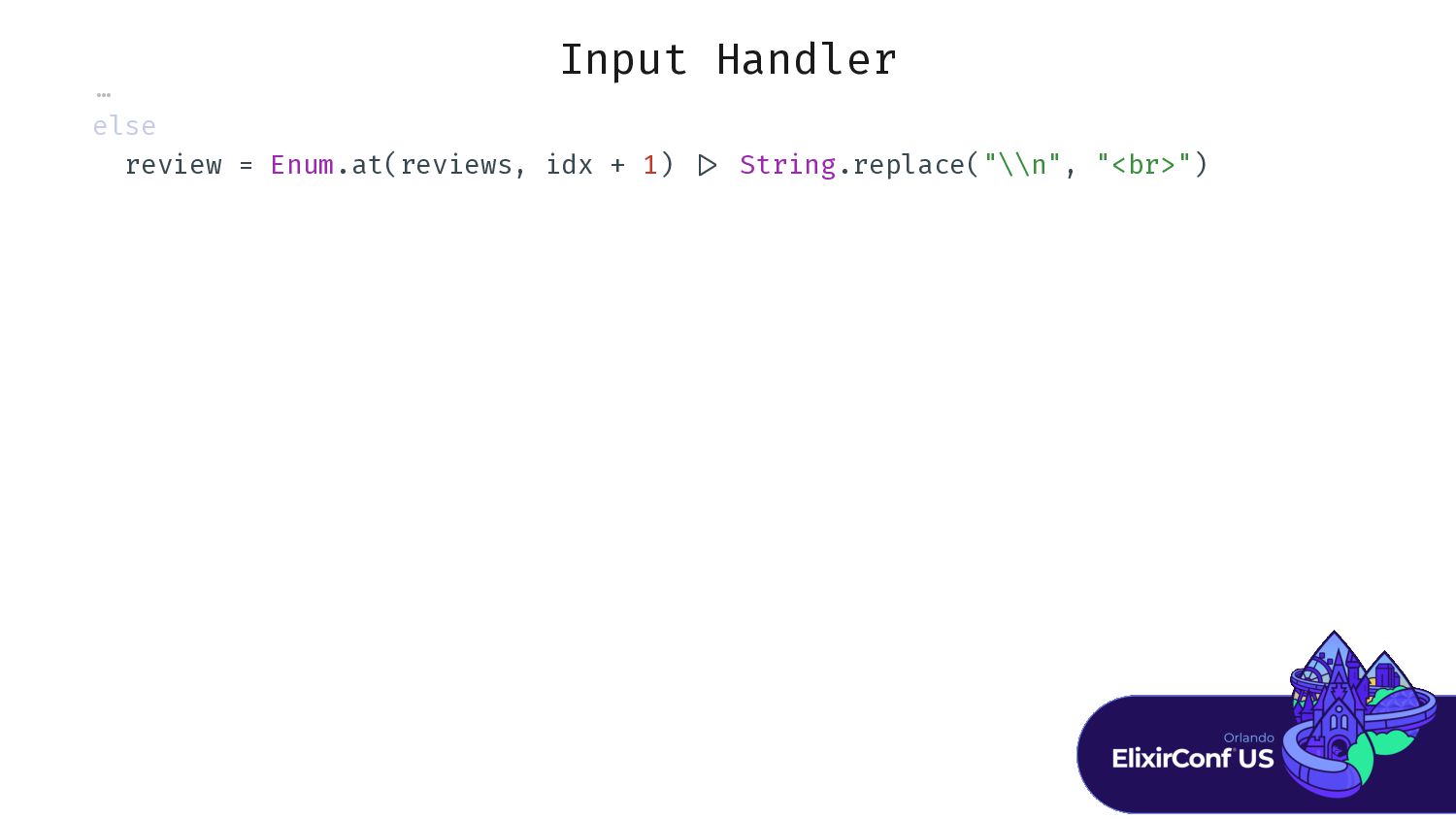
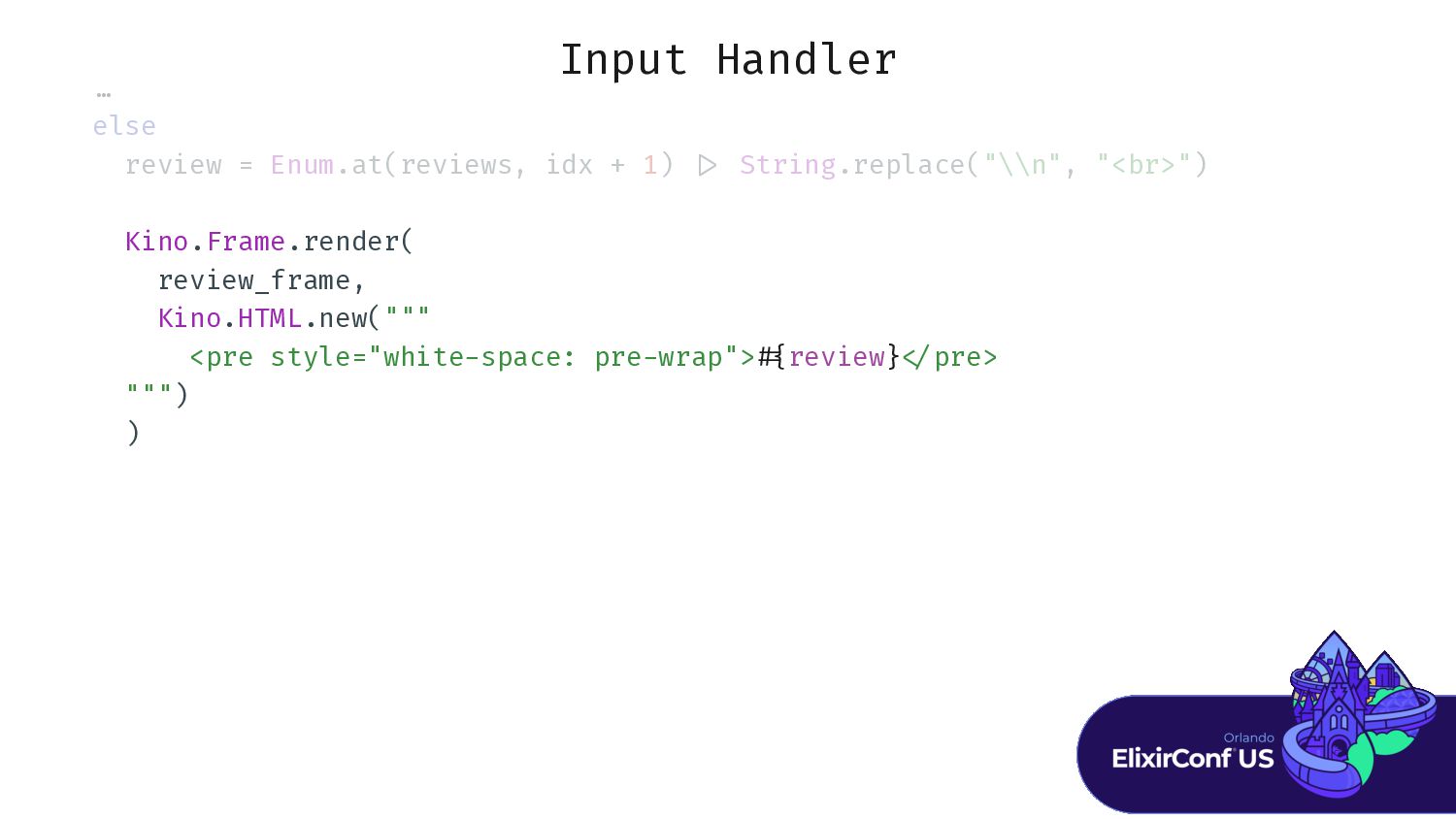
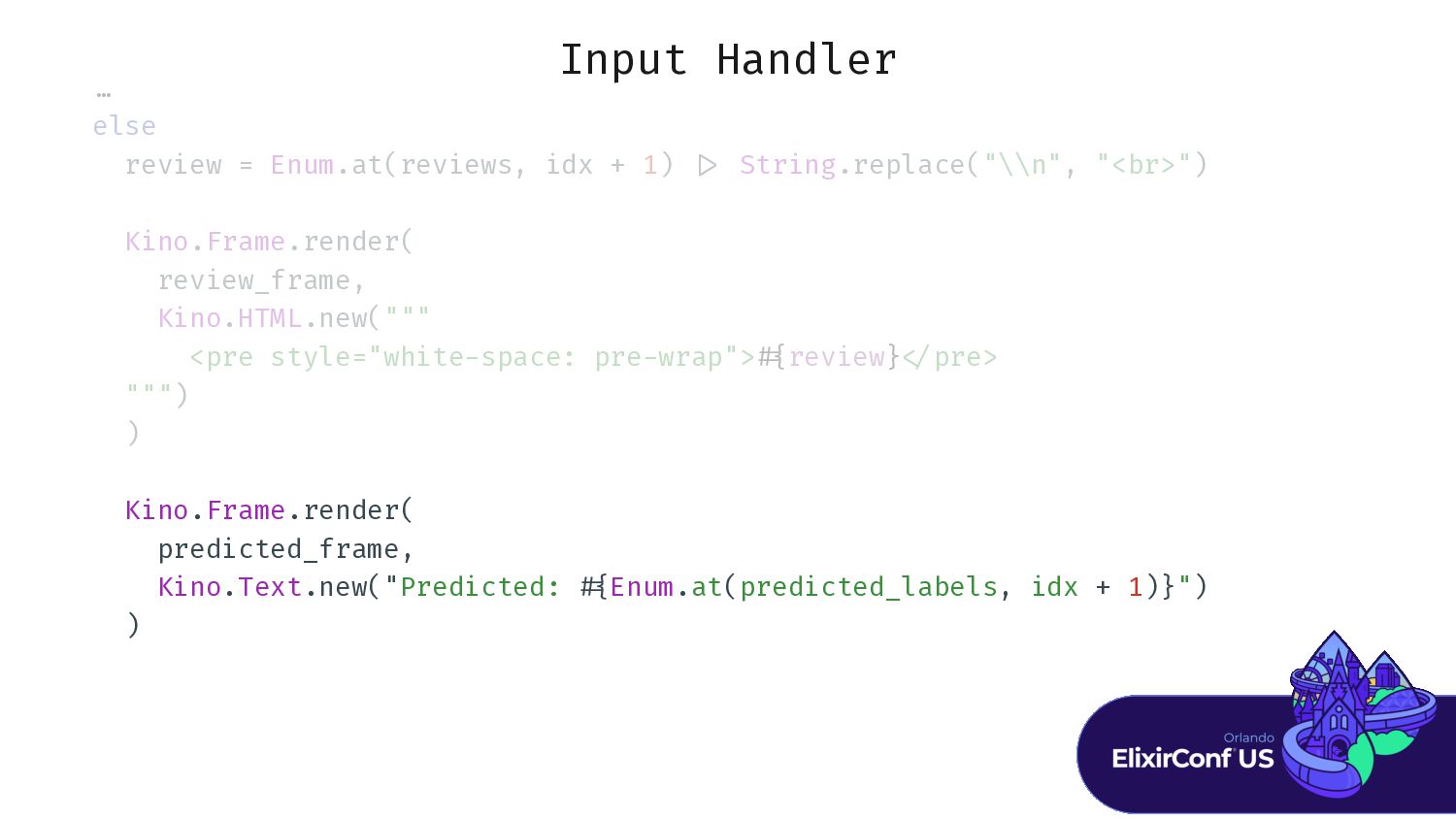
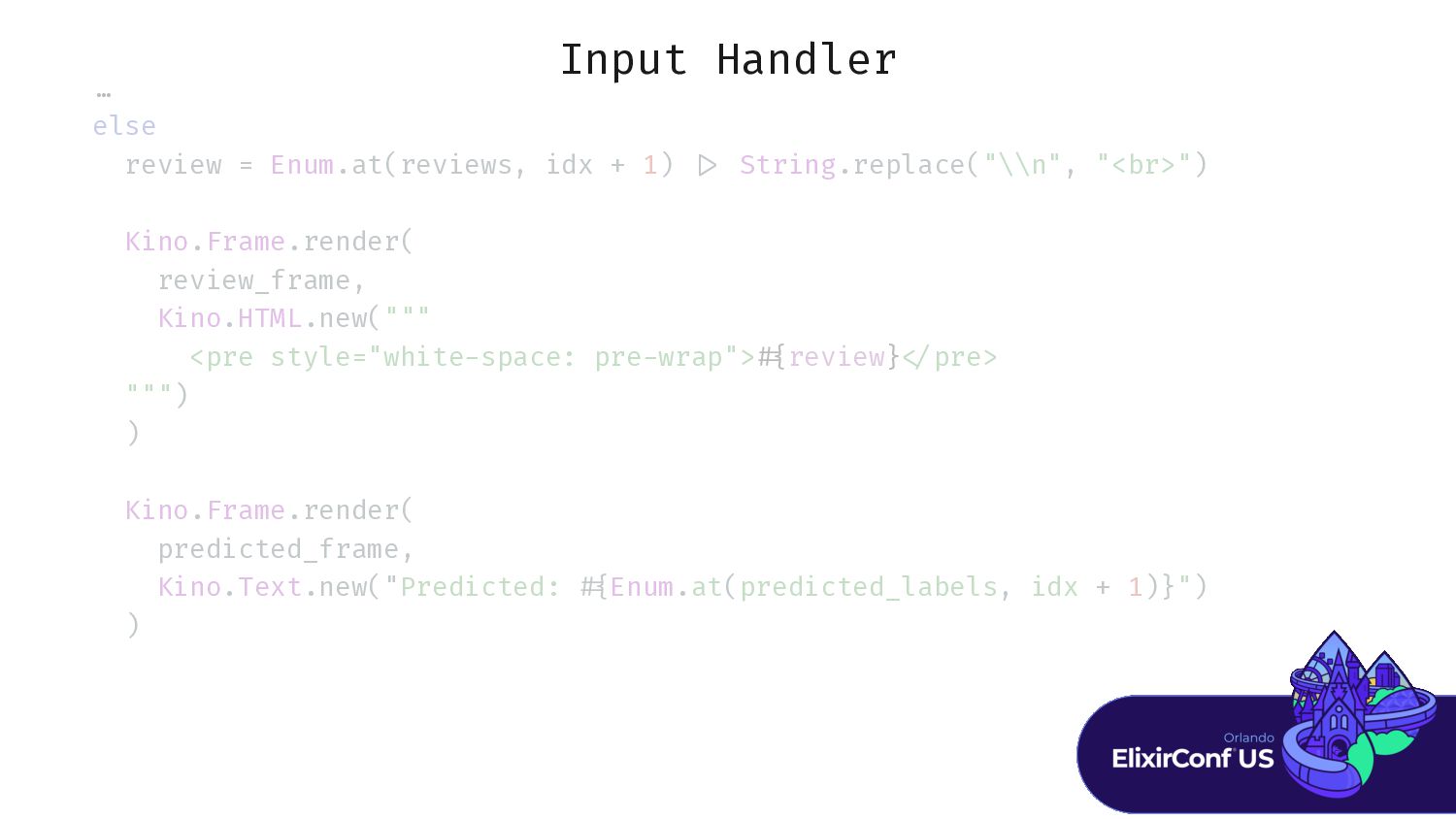
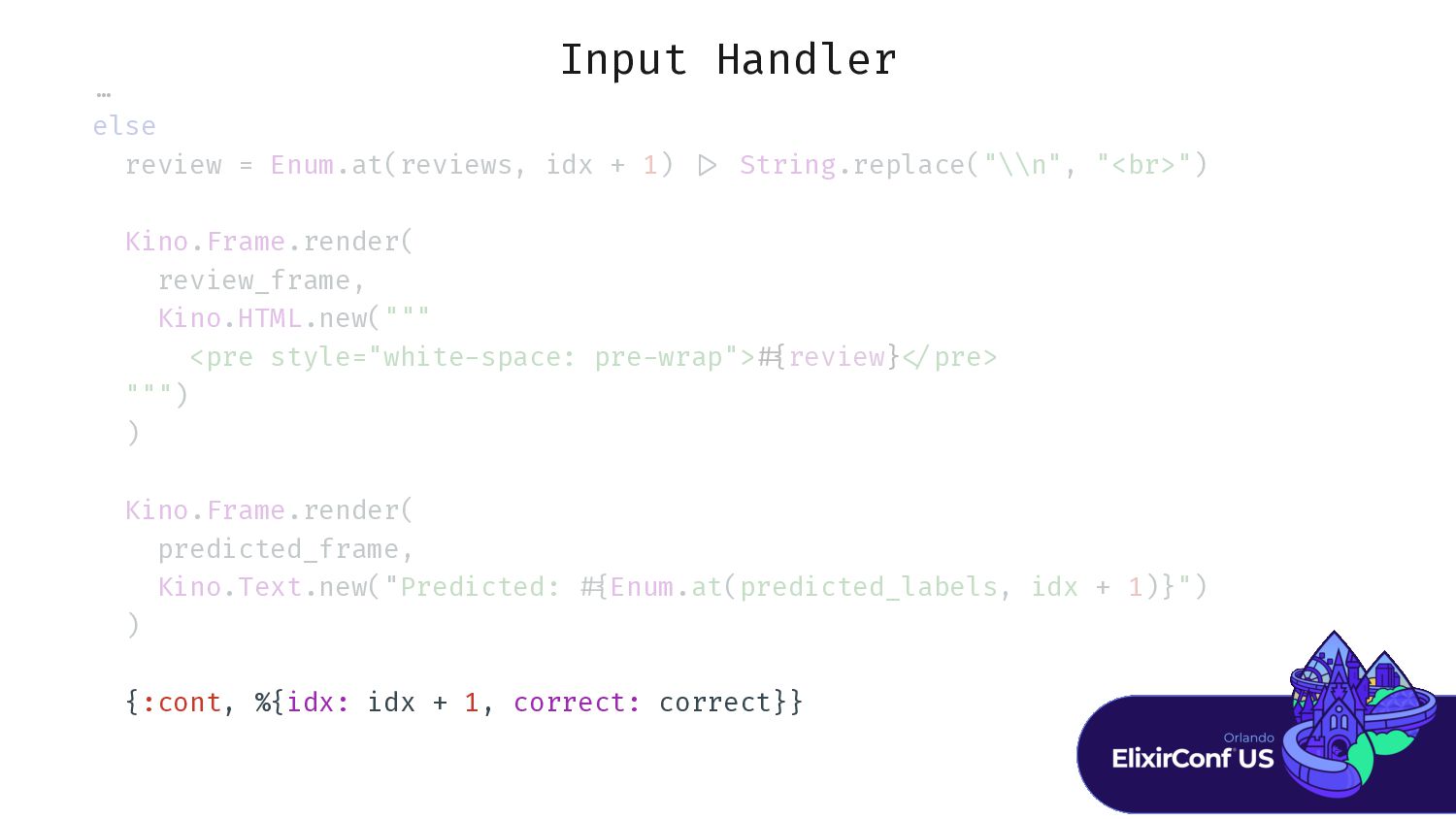
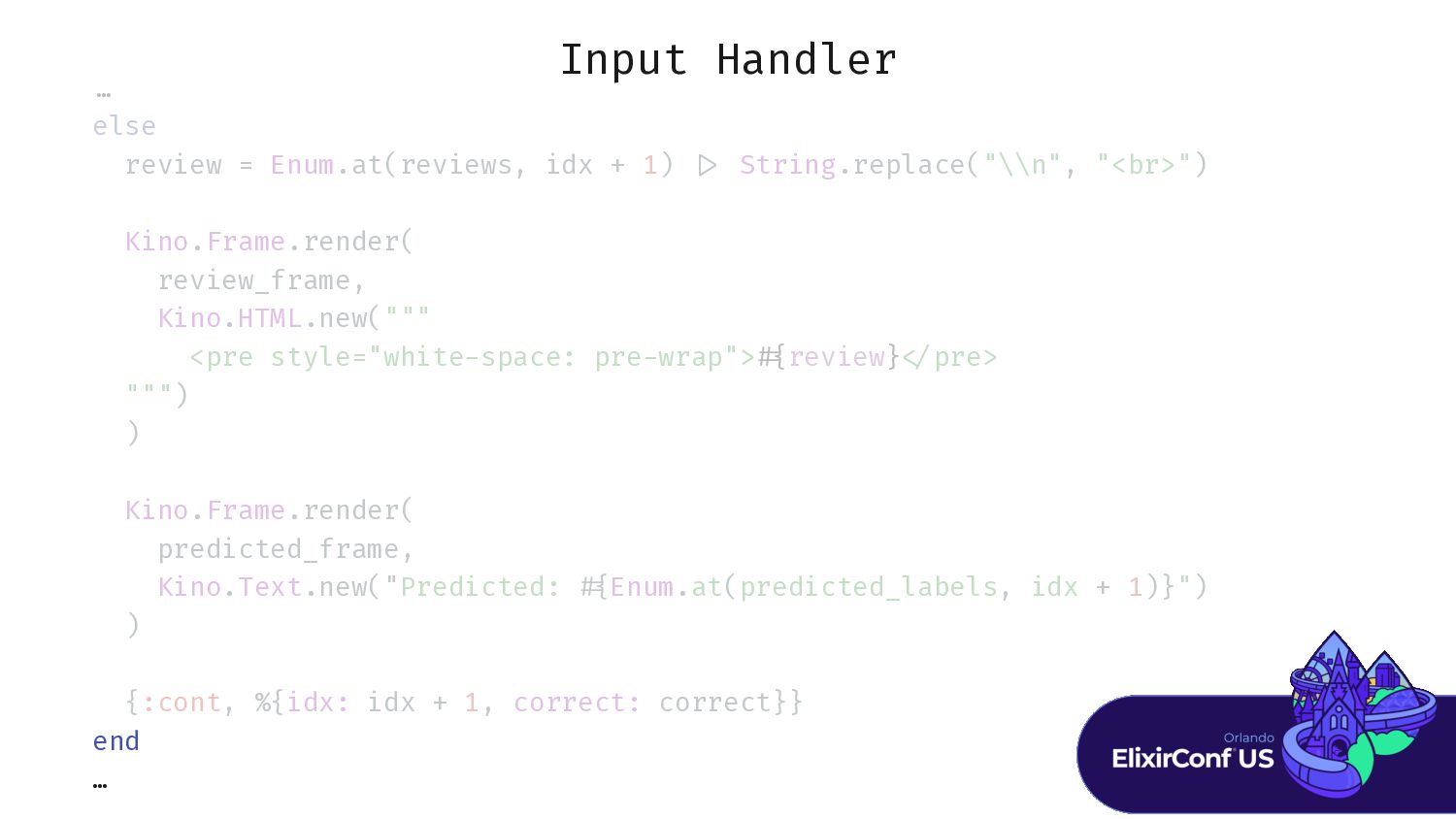
Input Handler … else review = Enum.at(reviews, idx + 1)
> Kino.Frame.render( review_frame, Kino.HTML.new(""" <pre style="white / Kino.Frame.render( predicted_frame, Kino.Text.new("Predicted: { {:cont, %{idx: idx + 1, correct: correct}} end … -
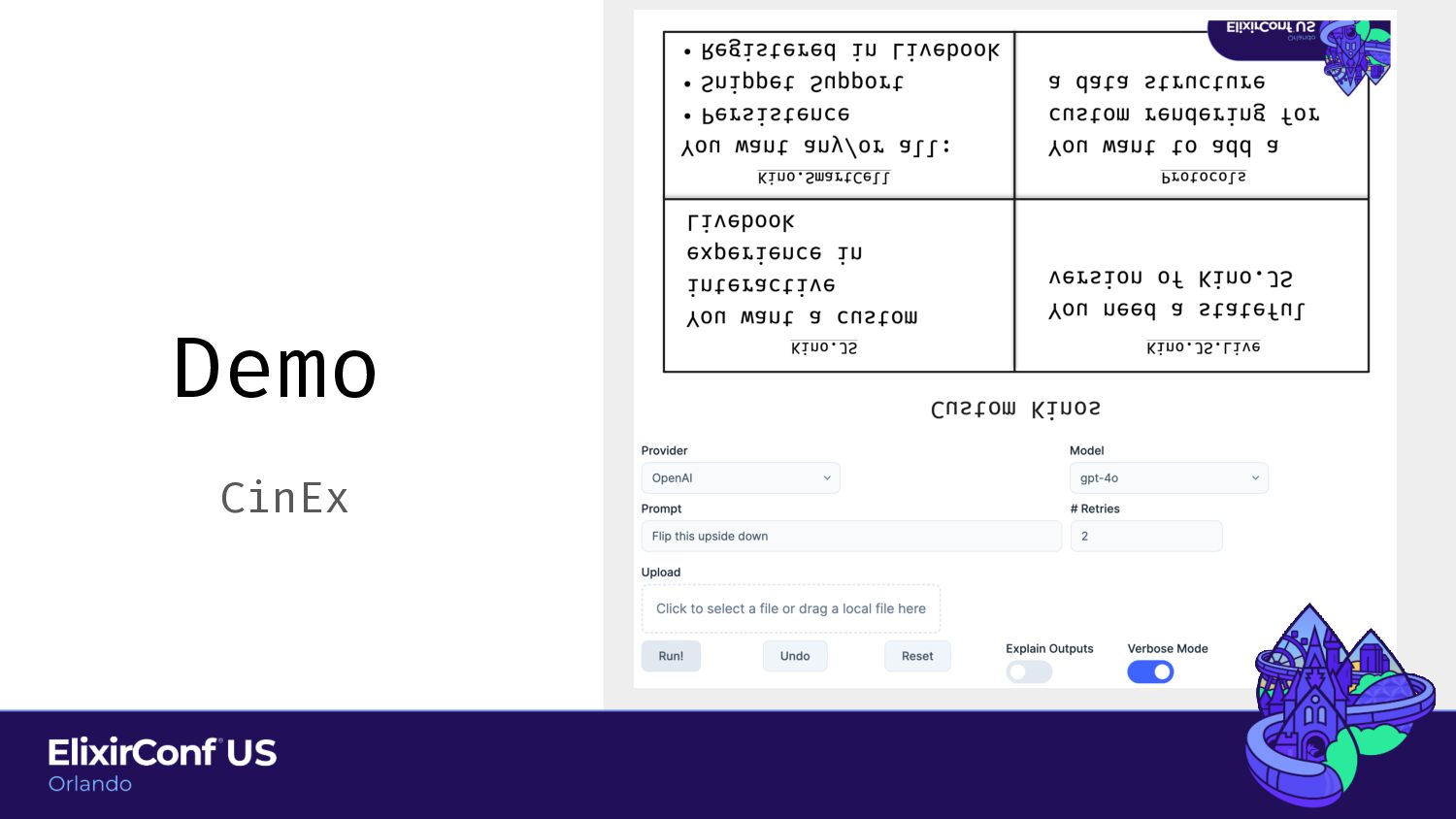
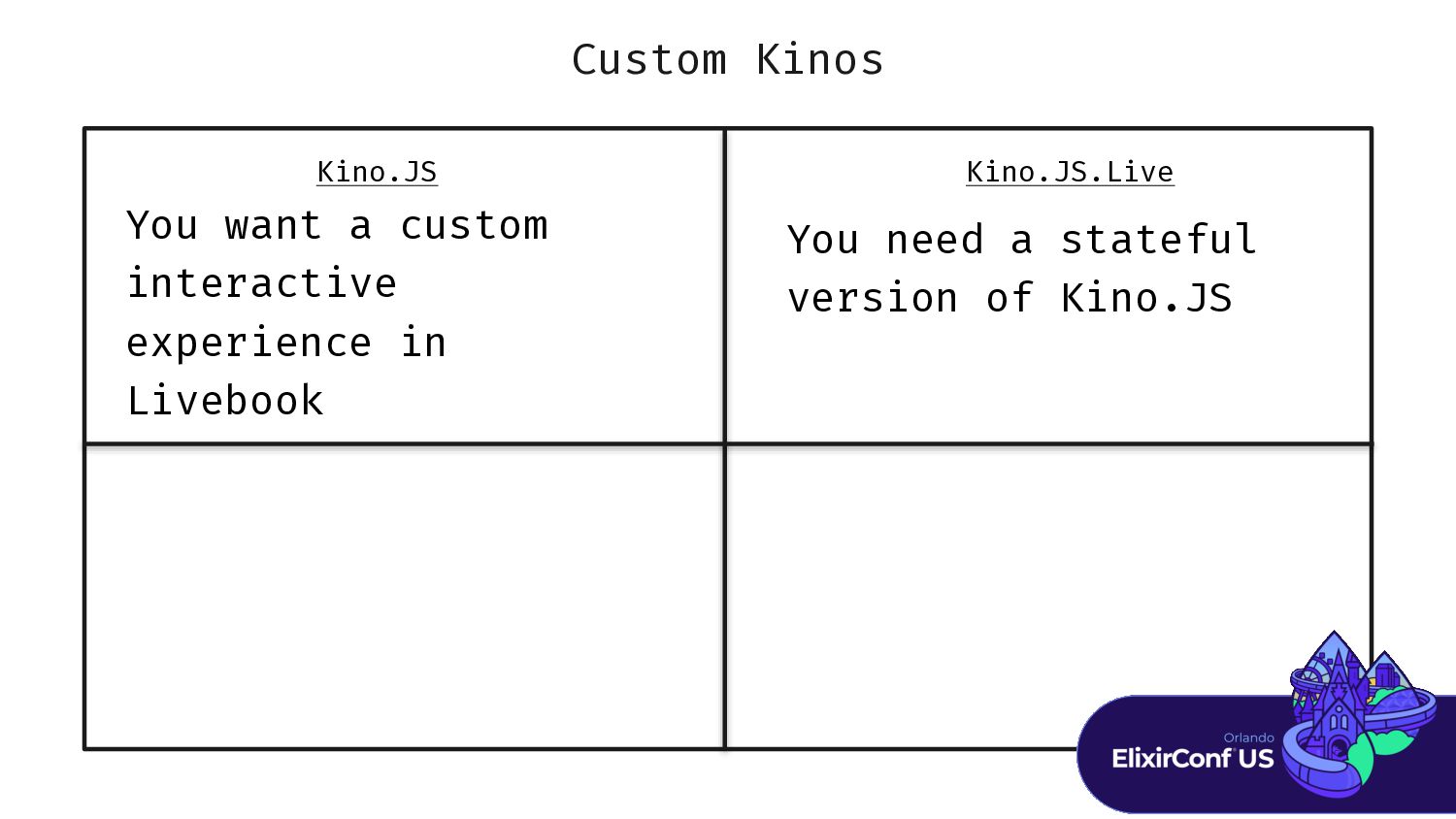
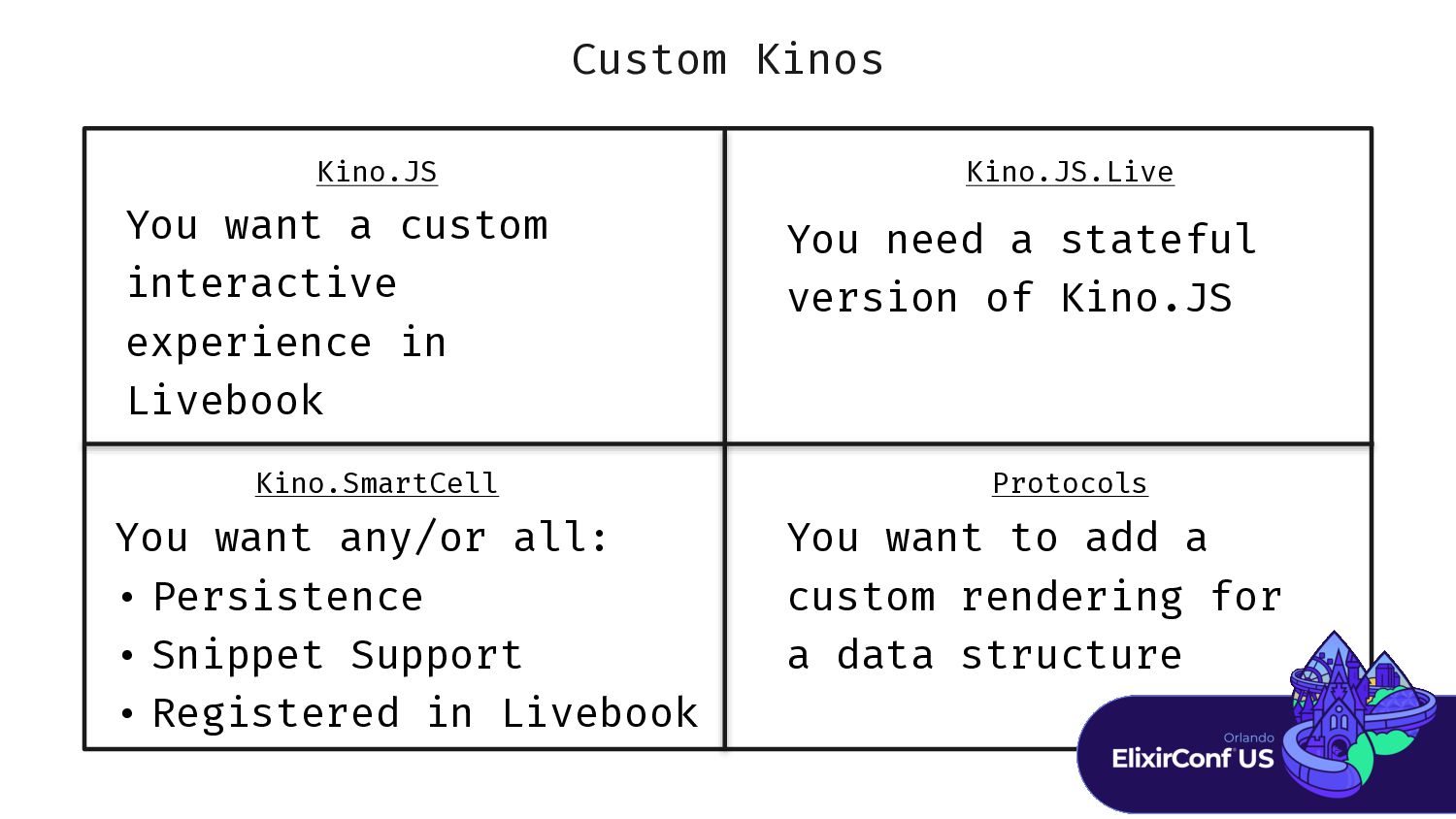
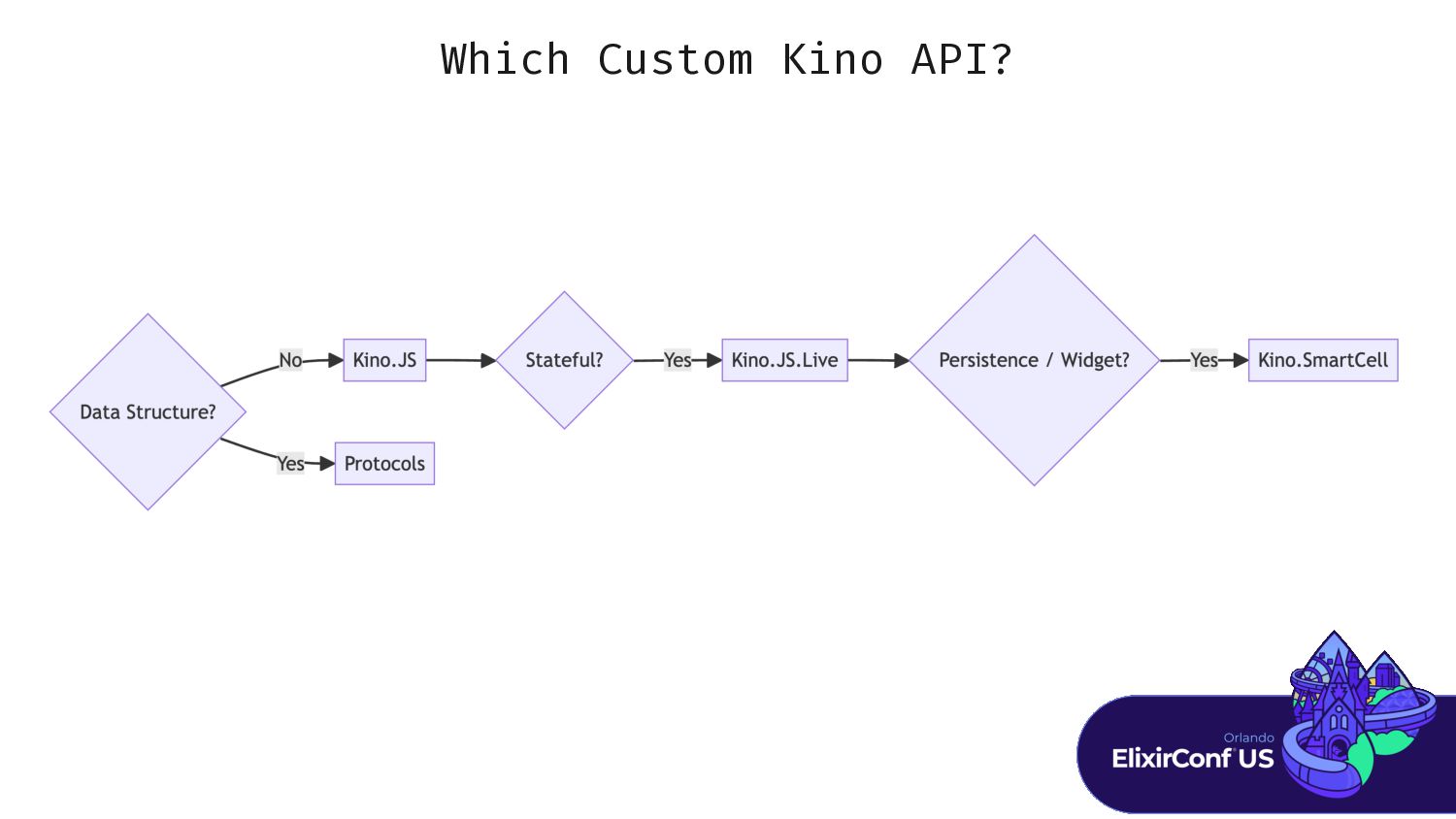
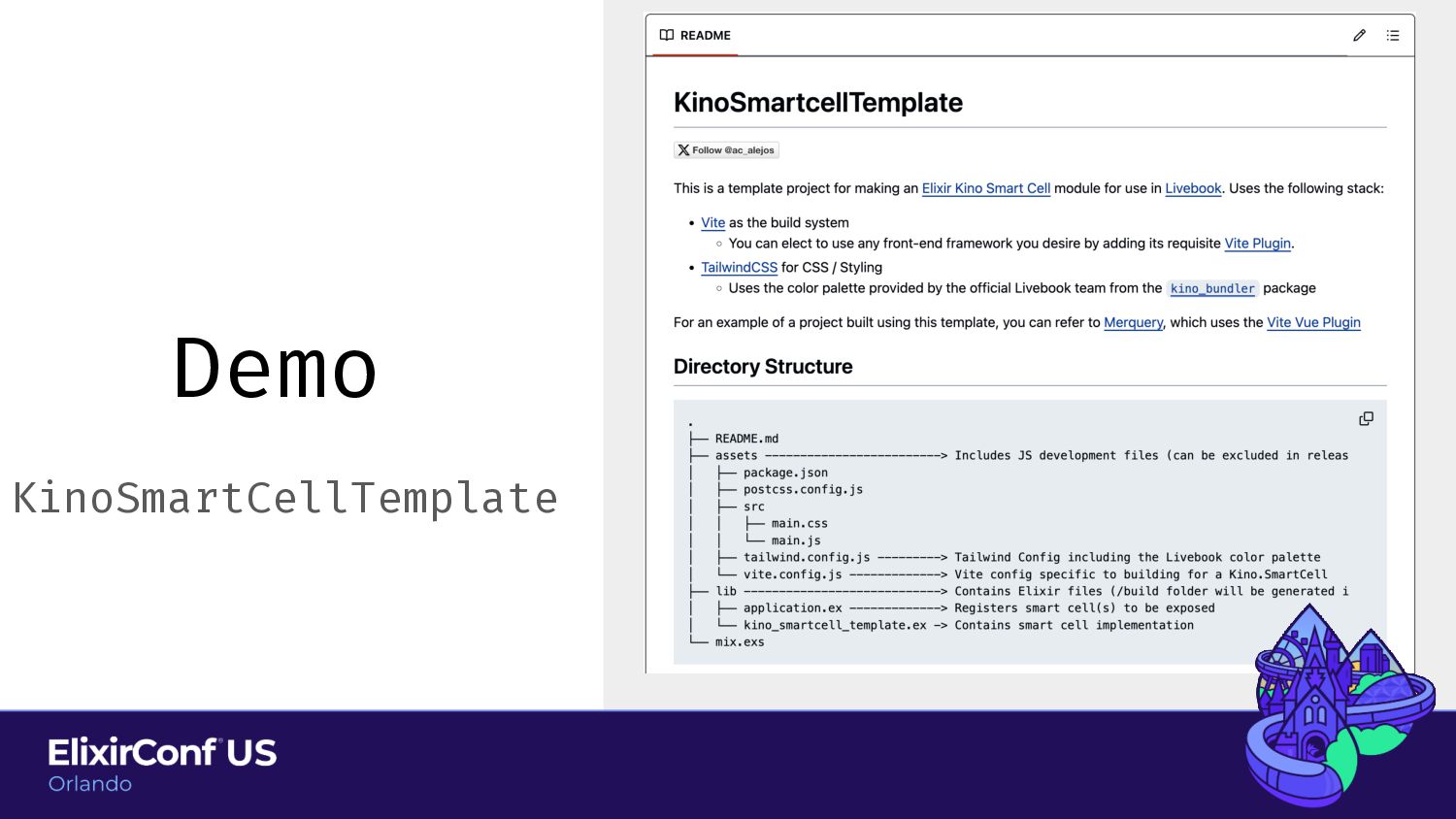
Custom Kinos Kino.JS Kino.JS.Live You need a stateful version of
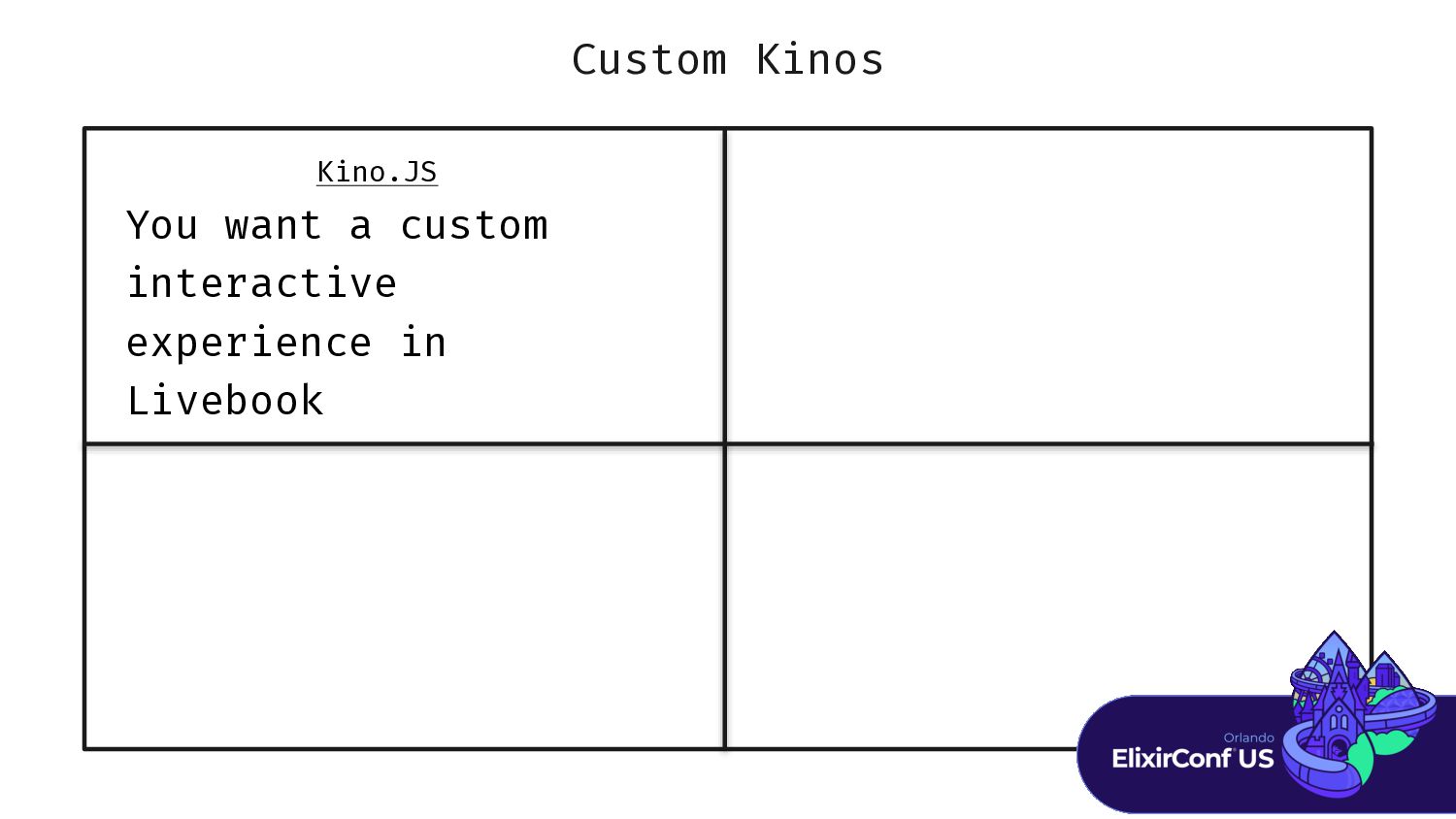
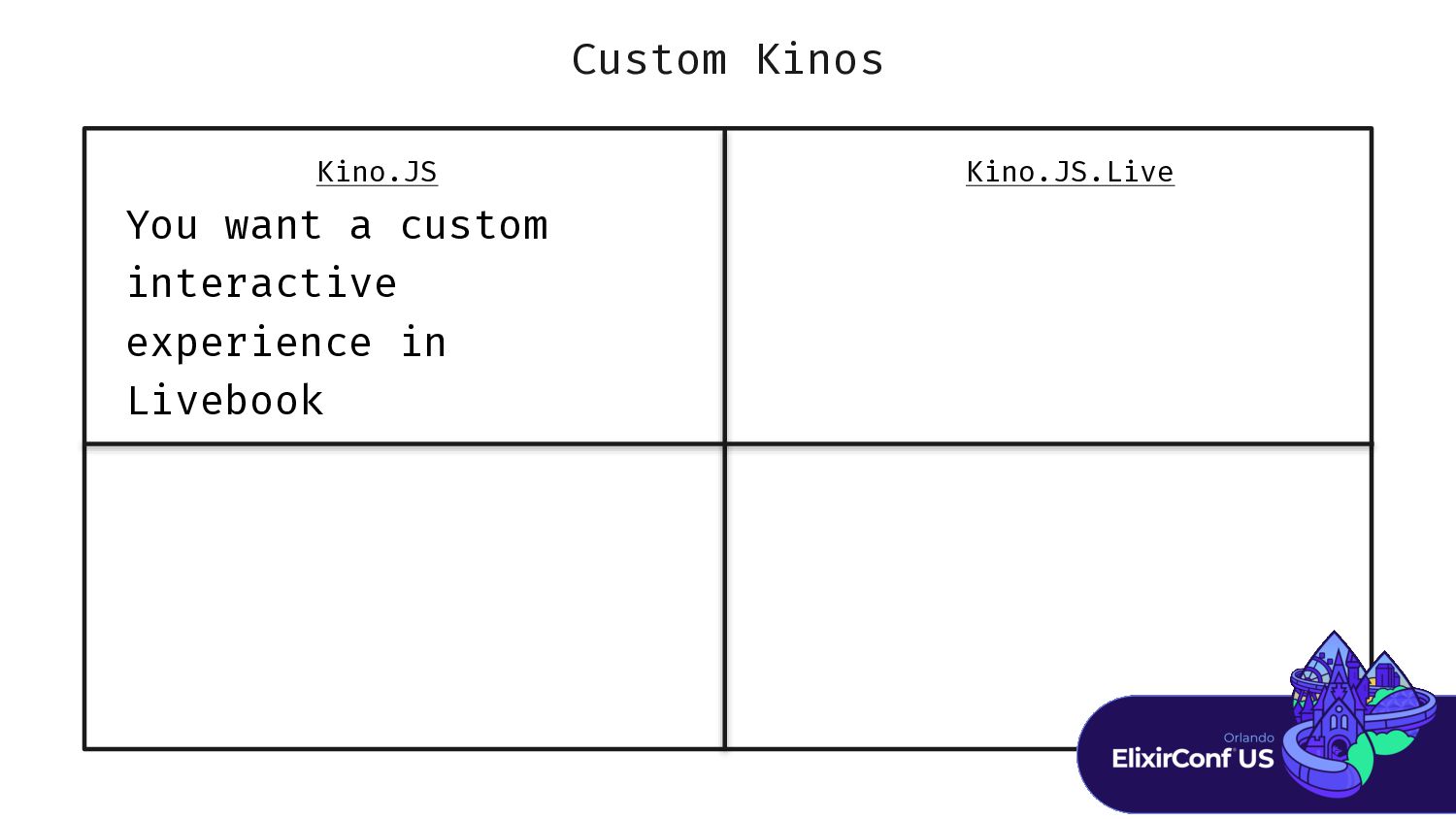
Kino.JS You want a custom interactive experience in Livebook -
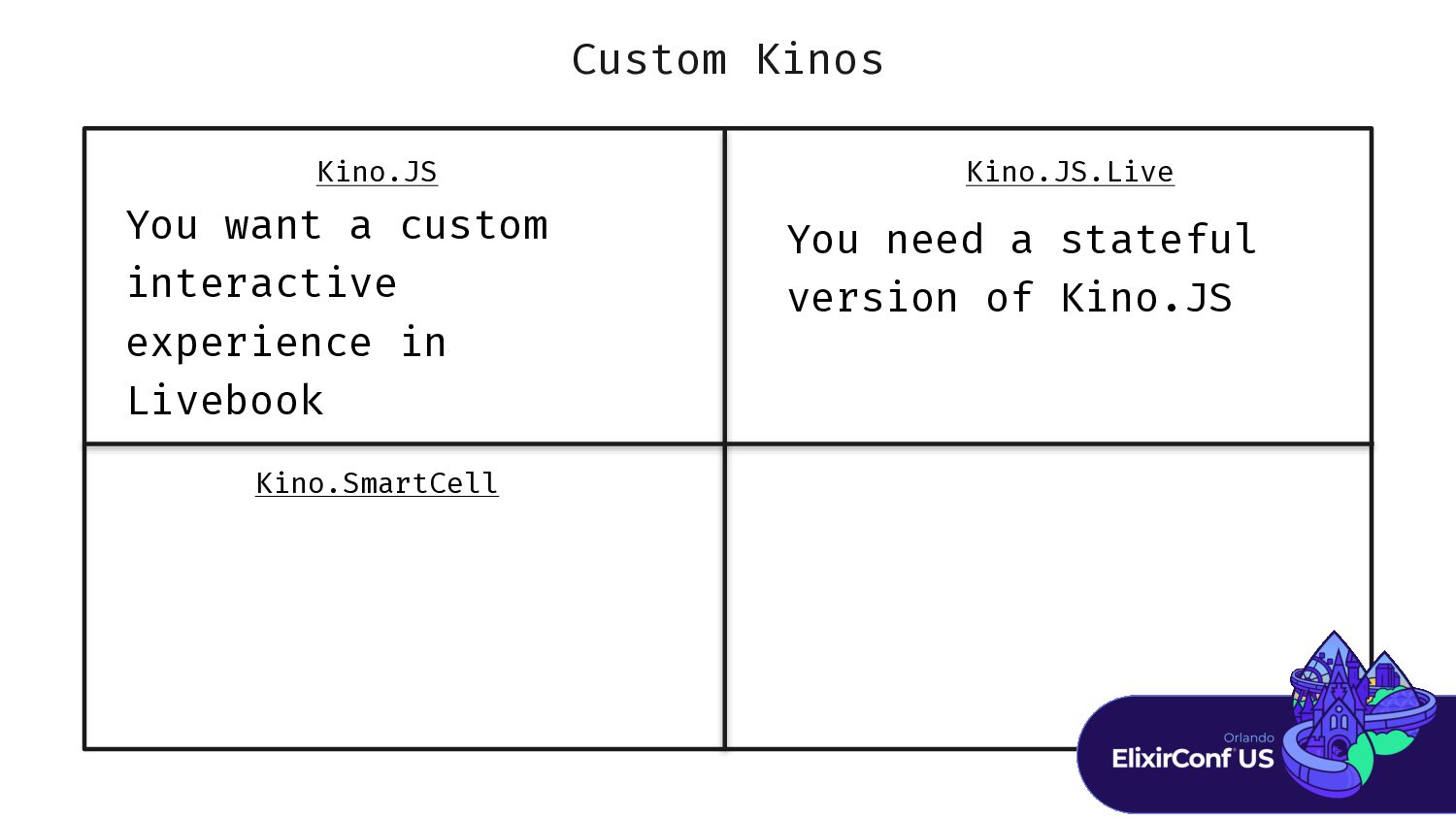
Custom Kinos Kino.JS Kino.JS.Live Kino.SmartCell You need a stateful version
of Kino.JS You want a custom interactive experience in Livebook -
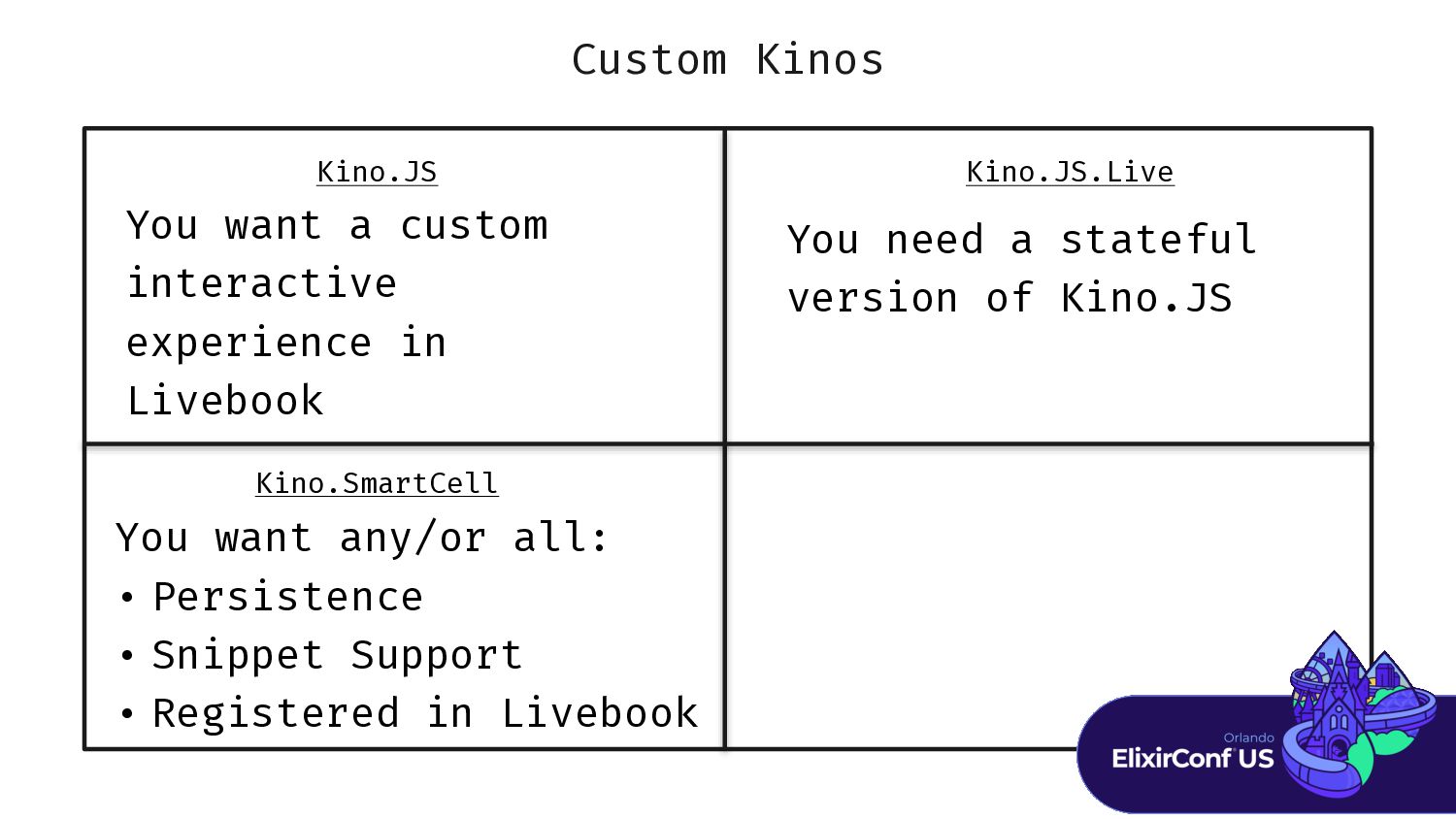
Custom Kinos Kino.JS Kino.JS.Live Kino.SmartCell You need a stateful version
of Kino.JS You want any/or all: • Persistence • Snippet Support • Registered in Livebook You want a custom interactive experience in Livebook -
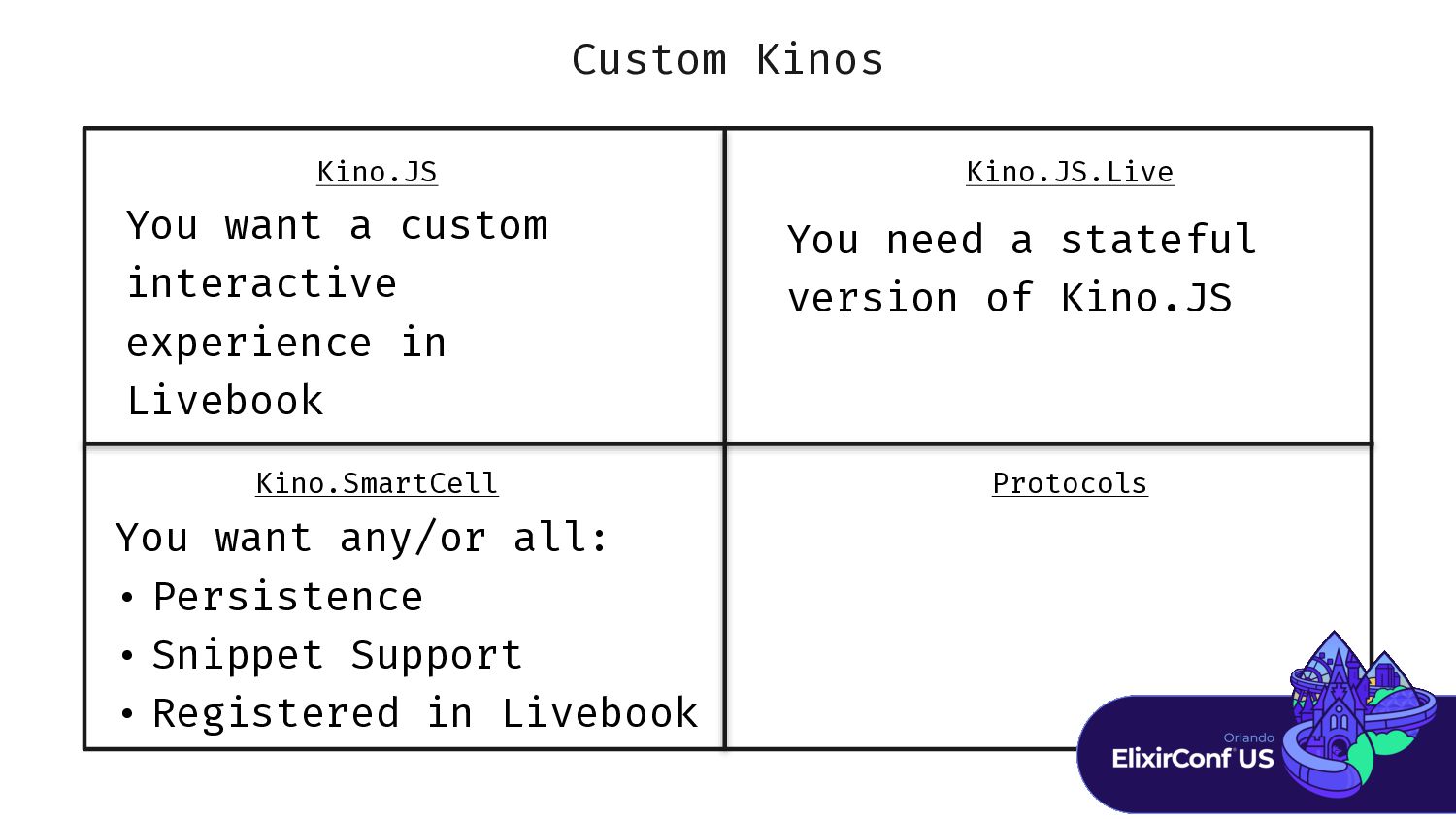
Custom Kinos Protocols Kino.JS Kino.JS.Live Kino.SmartCell You need a stateful
version of Kino.JS You want any/or all: • Persistence • Snippet Support • Registered in Livebook You want a custom interactive experience in Livebook -
Custom Kinos Protocols Kino.JS Kino.JS.Live Kino.SmartCell You want to add
a custom rendering for a data structure You need a stateful version of Kino.JS You want any/or all: • Persistence • Snippet Support • Registered in Livebook You want a custom interactive experience in Livebook -
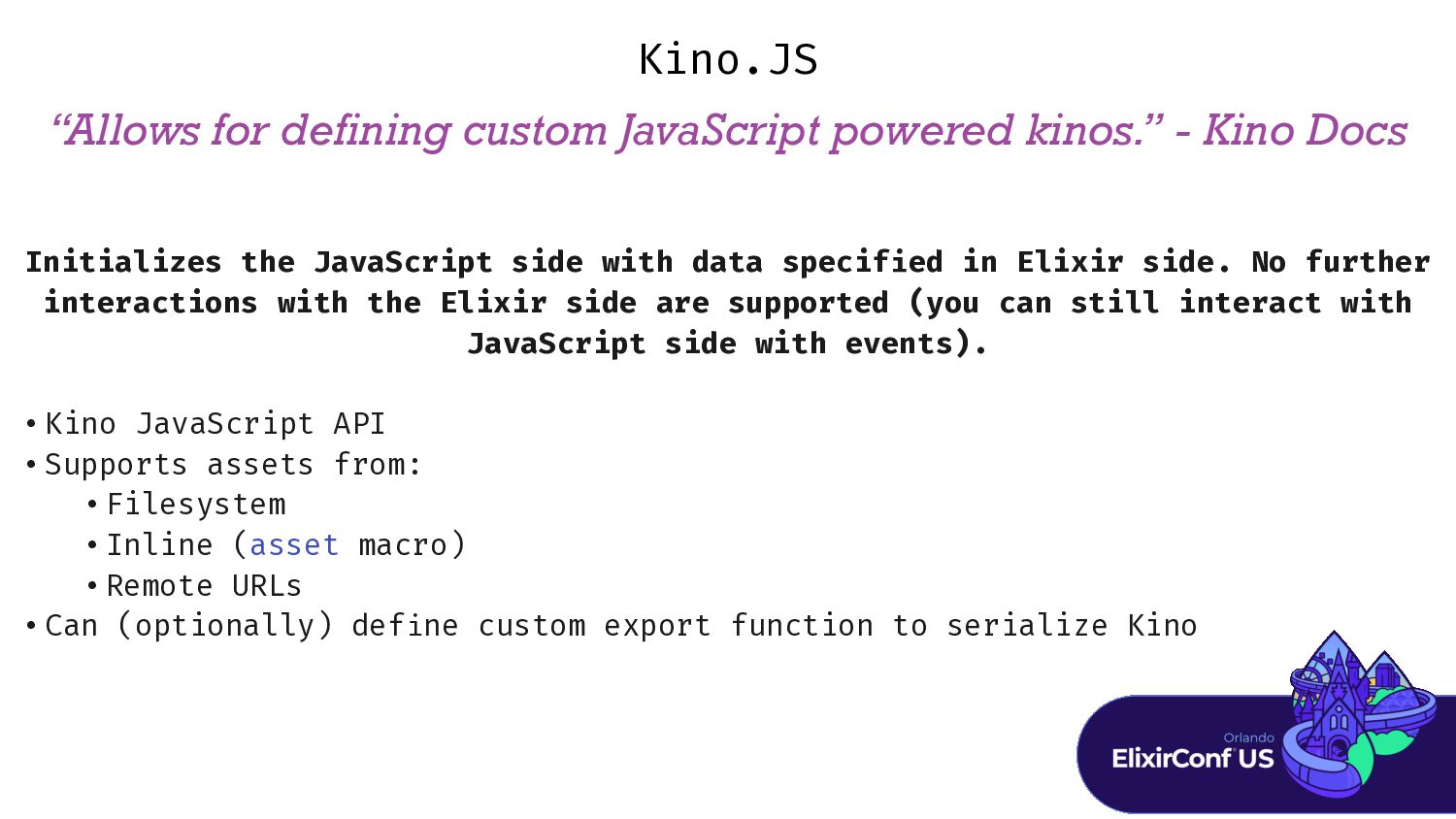
“Allows for defining custom JavaScript powered kinos.” - Kino Docs
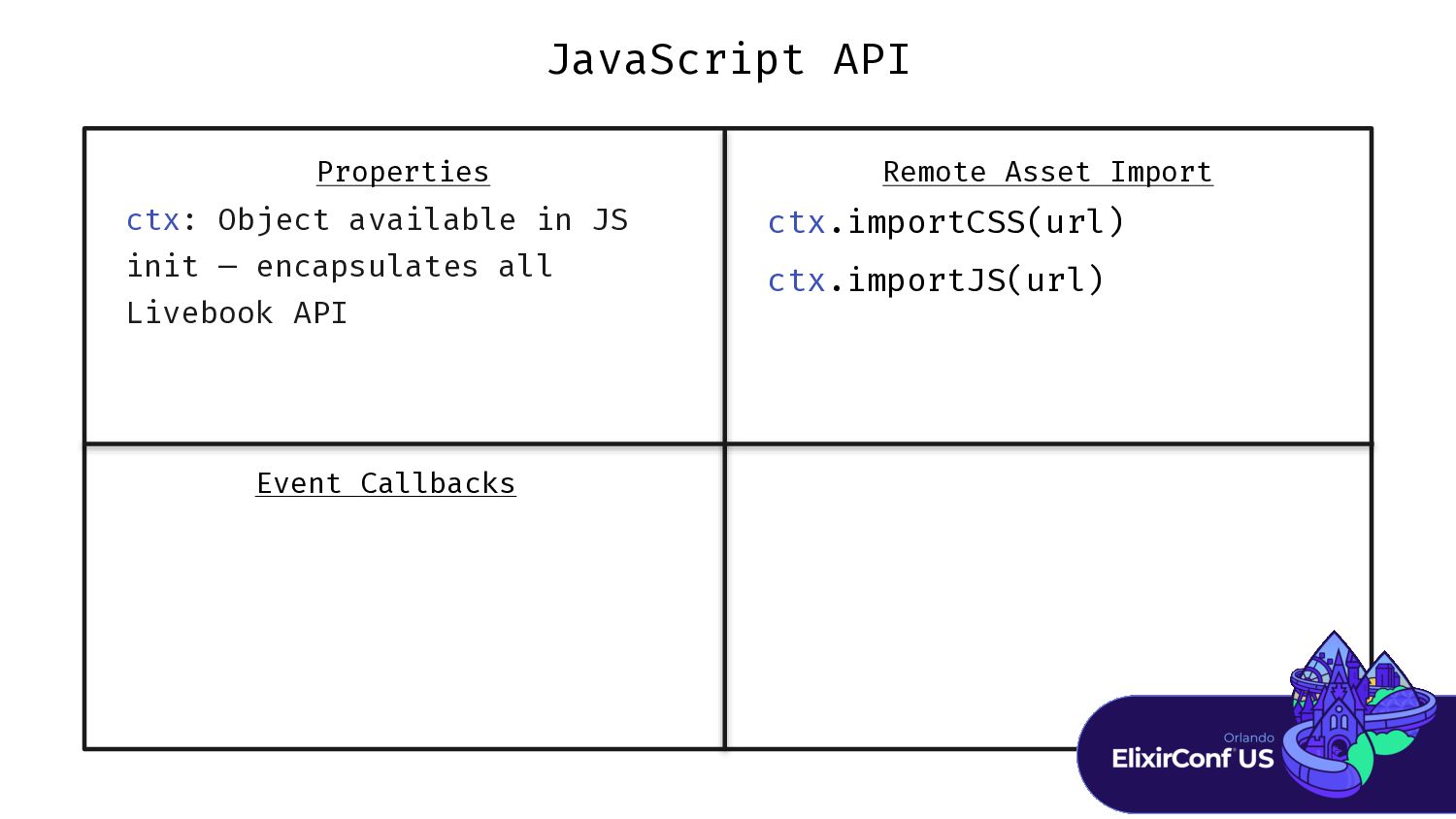
Kino.JS Initializes the JavaScript side with data specif i ed in Elixir side. No further interactions with the Elixir side are supported (you can still interact with JavaScript side with events). • Kino JavaScript API • Supports assets from: • Filesystem • Inline (asset macro) • Remote URLs • Can (optionally) def i ne custom export function to serialize Kino -
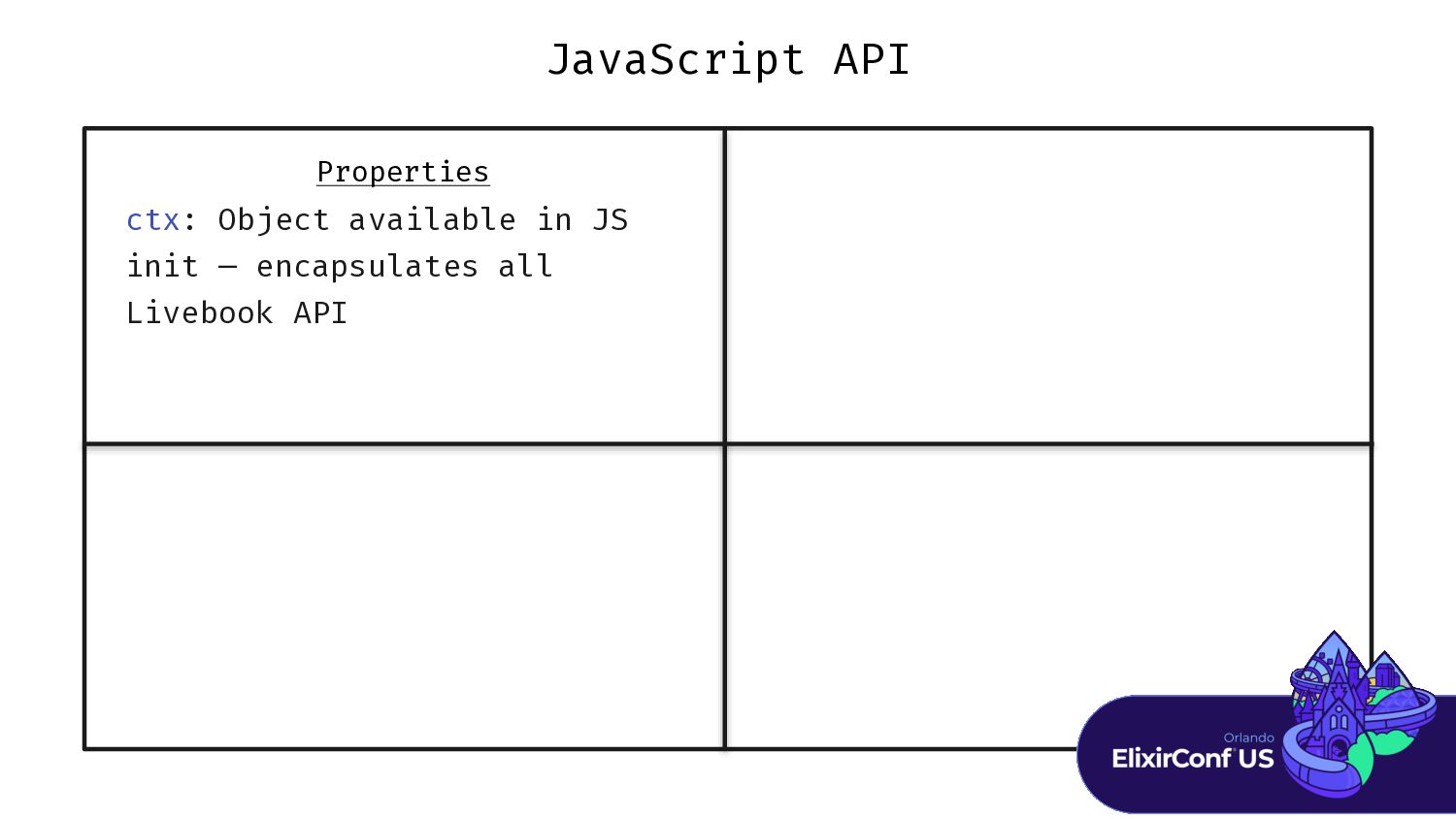
JavaScript API Properties ctx: Object available in JS init —
encapsulates all Livebook API -
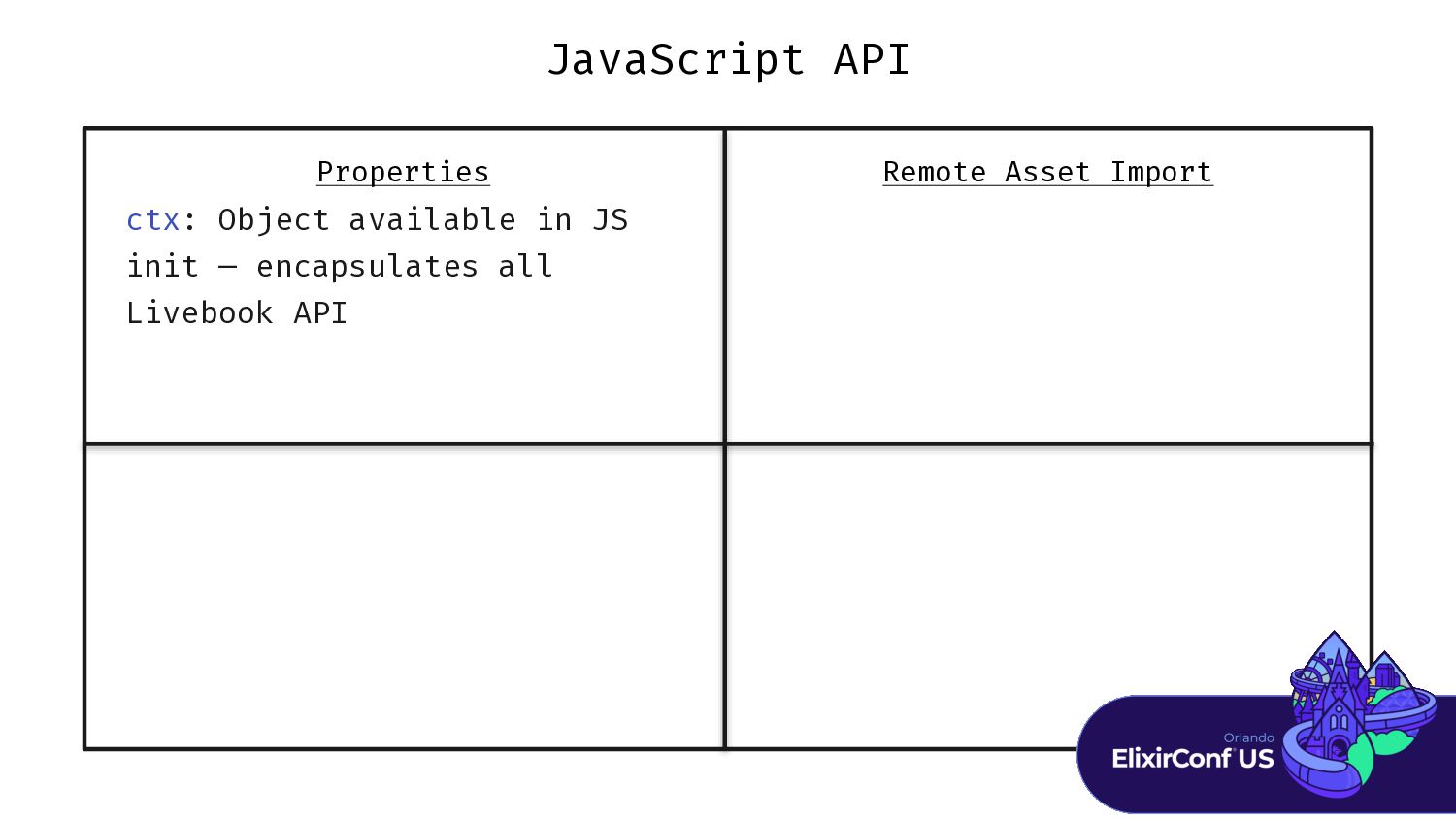
JavaScript API Properties Remote Asset Import ctx: Object available in
JS init — encapsulates all Livebook API -
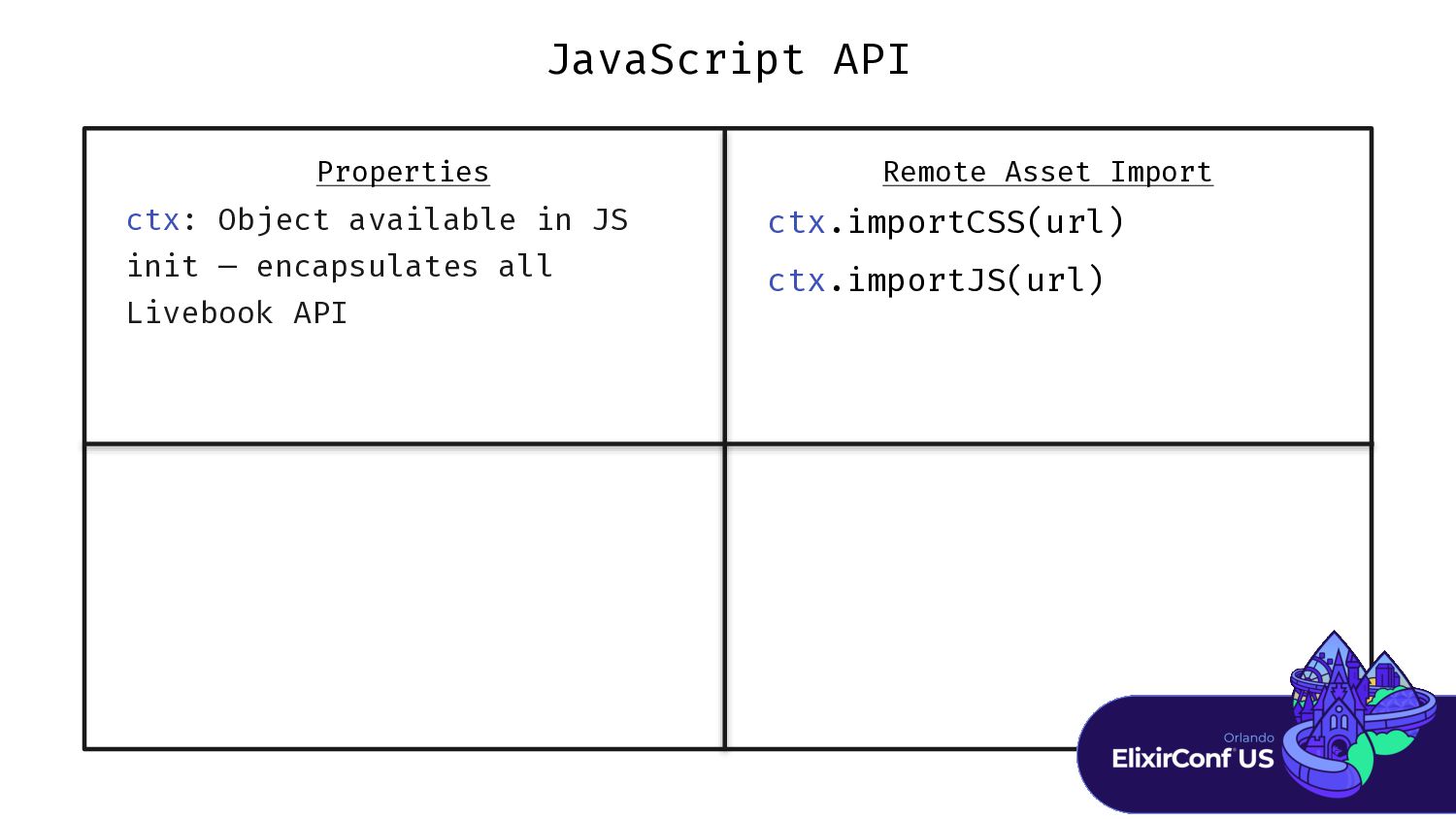
JavaScript API Properties Remote Asset Import ctx.importCSS(url) ctx.importJS(url) ctx: Object
available in JS init — encapsulates all Livebook API -
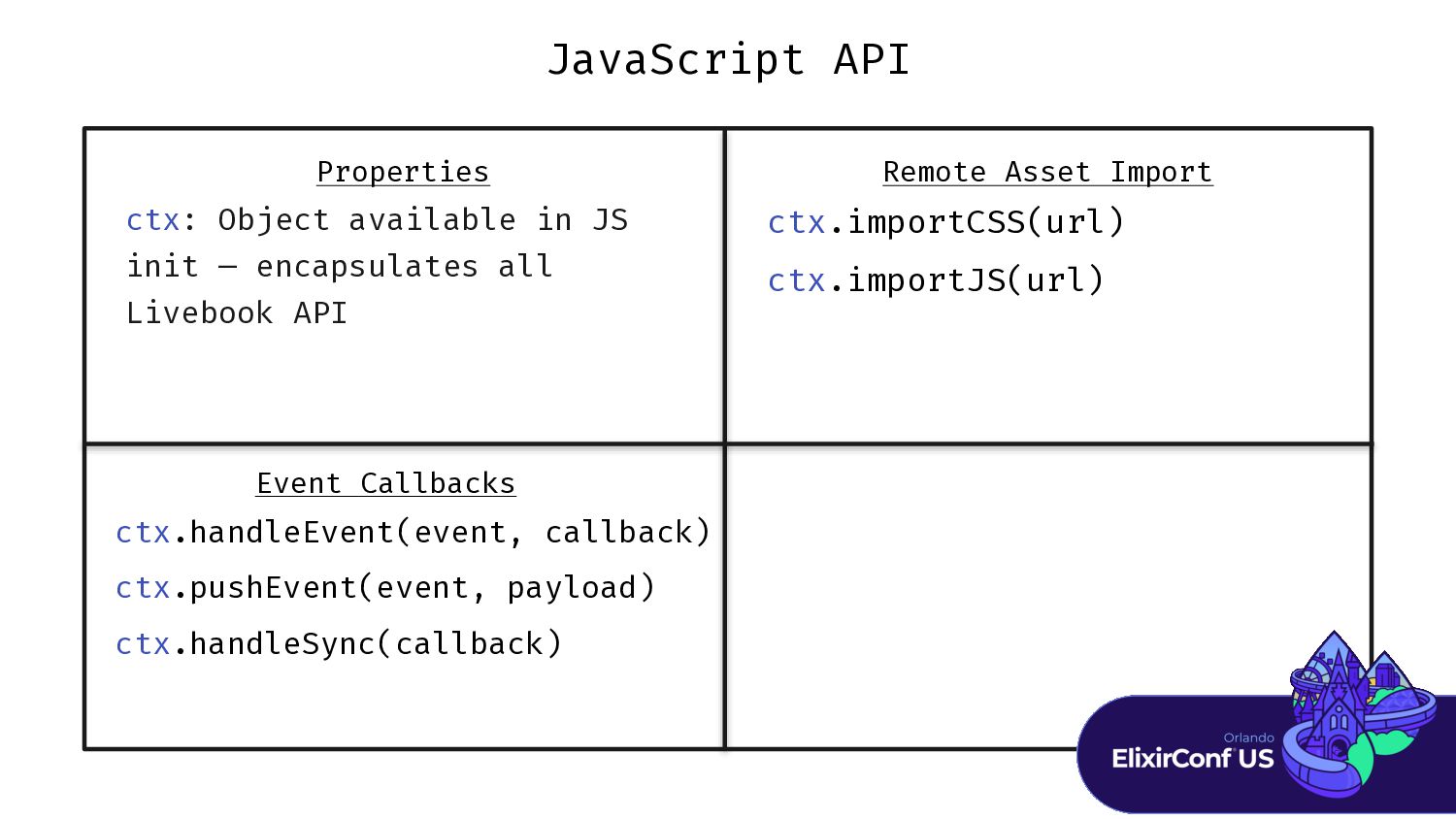
JavaScript API Properties Remote Asset Import Event Callbacks ctx.importCSS(url) ctx.importJS(url)
ctx: Object available in JS init — encapsulates all Livebook API -
JavaScript API Properties Remote Asset Import Event Callbacks ctx.importCSS(url) ctx.importJS(url)
ctx.handleEvent(event, callback) ctx.pushEvent(event, payload) ctx.handleSync(callback) ctx: Object available in JS init — encapsulates all Livebook API -
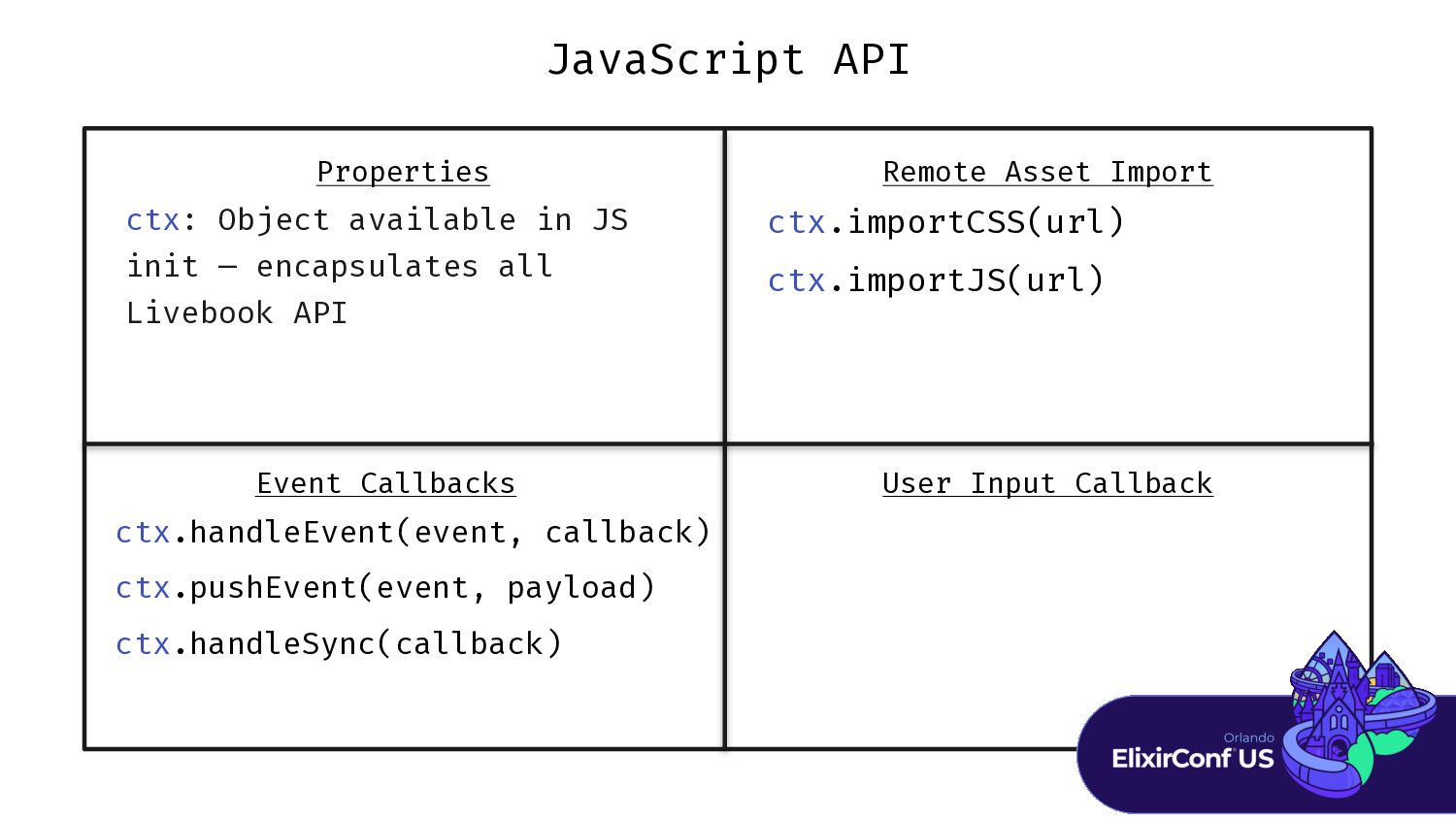
JavaScript API User Input Callback Properties Remote Asset Import Event
Callbacks ctx.importCSS(url) ctx.importJS(url) ctx.handleEvent(event, callback) ctx.pushEvent(event, payload) ctx.handleSync(callback) ctx: Object available in JS init — encapsulates all Livebook API -
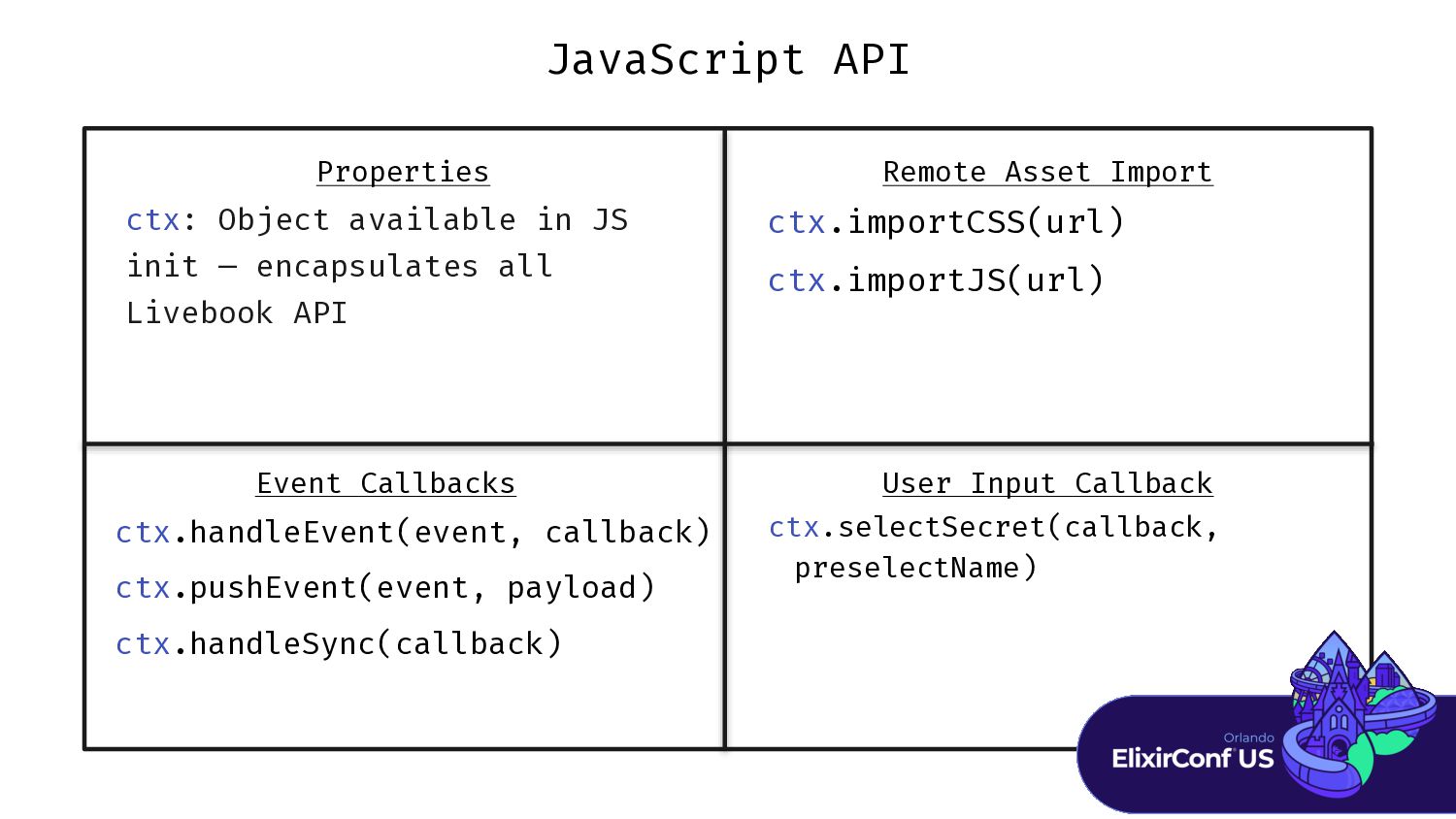
JavaScript API User Input Callback Properties Remote Asset Import Event
Callbacks ctx.selectSecret(callback, preselectName) ctx.importCSS(url) ctx.importJS(url) ctx.handleEvent(event, callback) ctx.pushEvent(event, payload) ctx.handleSync(callback) ctx: Object available in JS init — encapsulates all Livebook API -
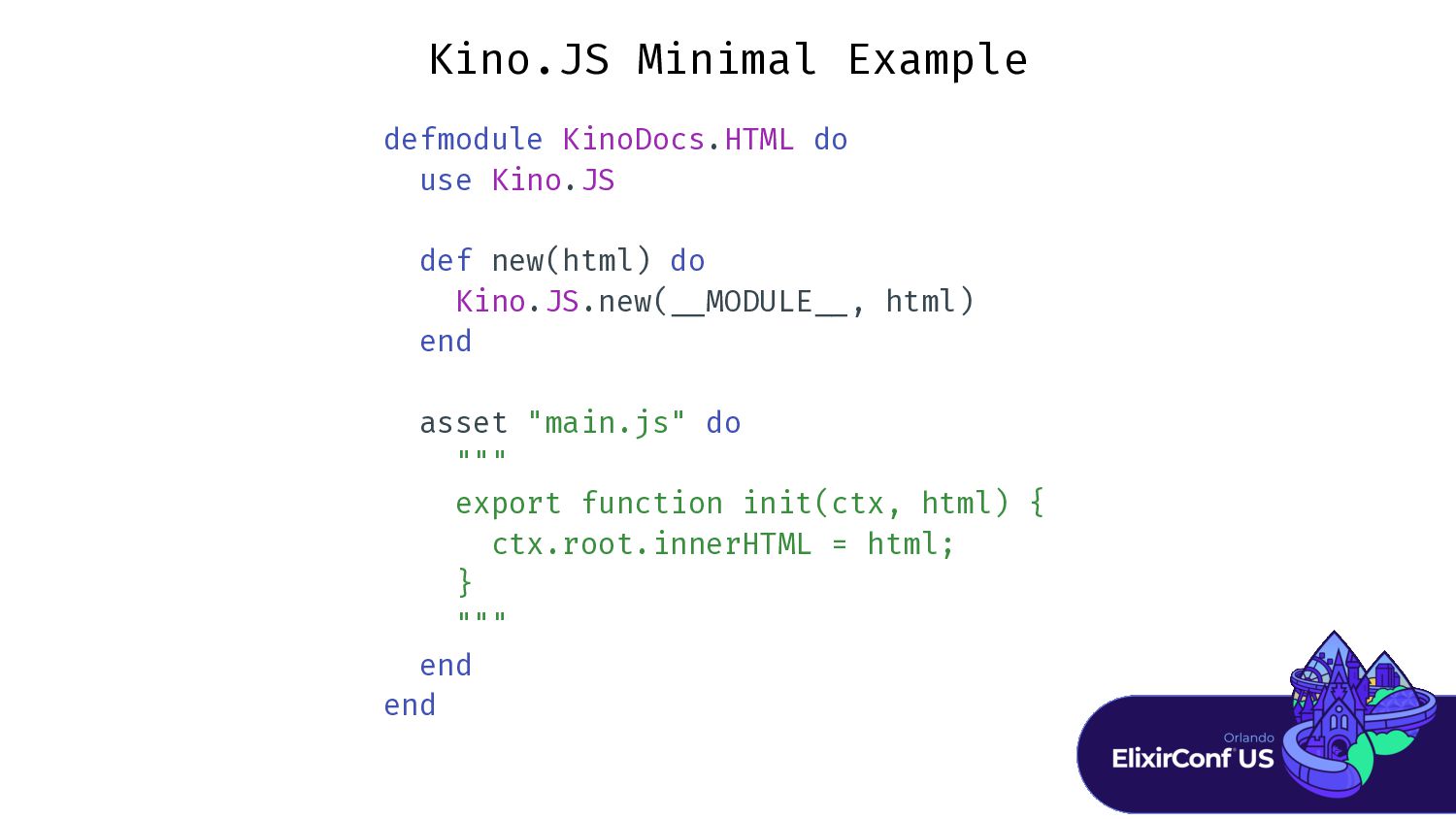
Kino.JS Minimal Example defmodule KinoDocs.HTML do use Kino.JS def new(html)
do Kino.JS.new( _ _ MODULE _ _ , html) end asset "main.js" do """ export function init(ctx, html) { ctx.root.innerHTML = html; } """ end end -
“Introduces state and event-driven capabilities to JavaScript powered kinos. In
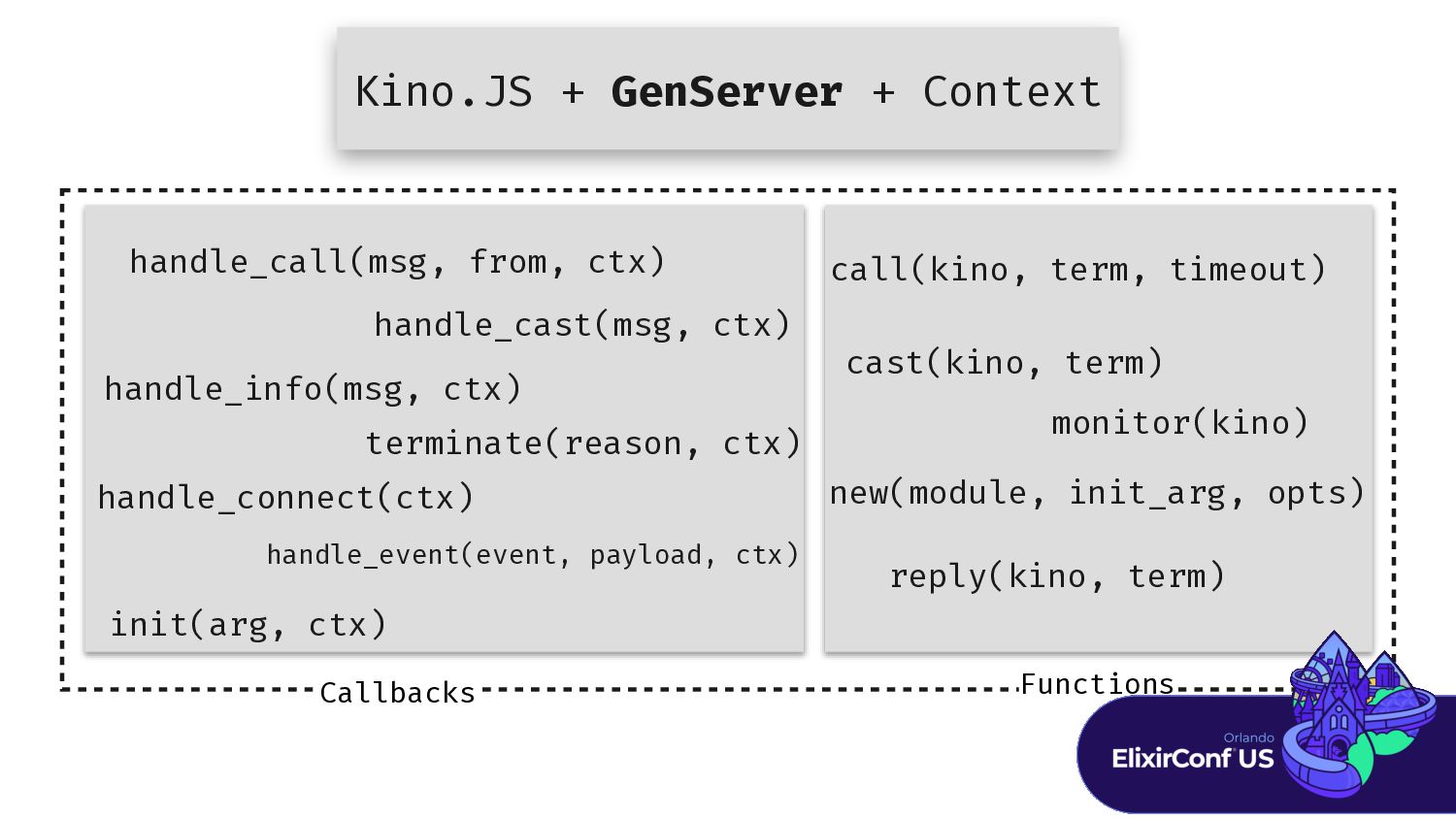
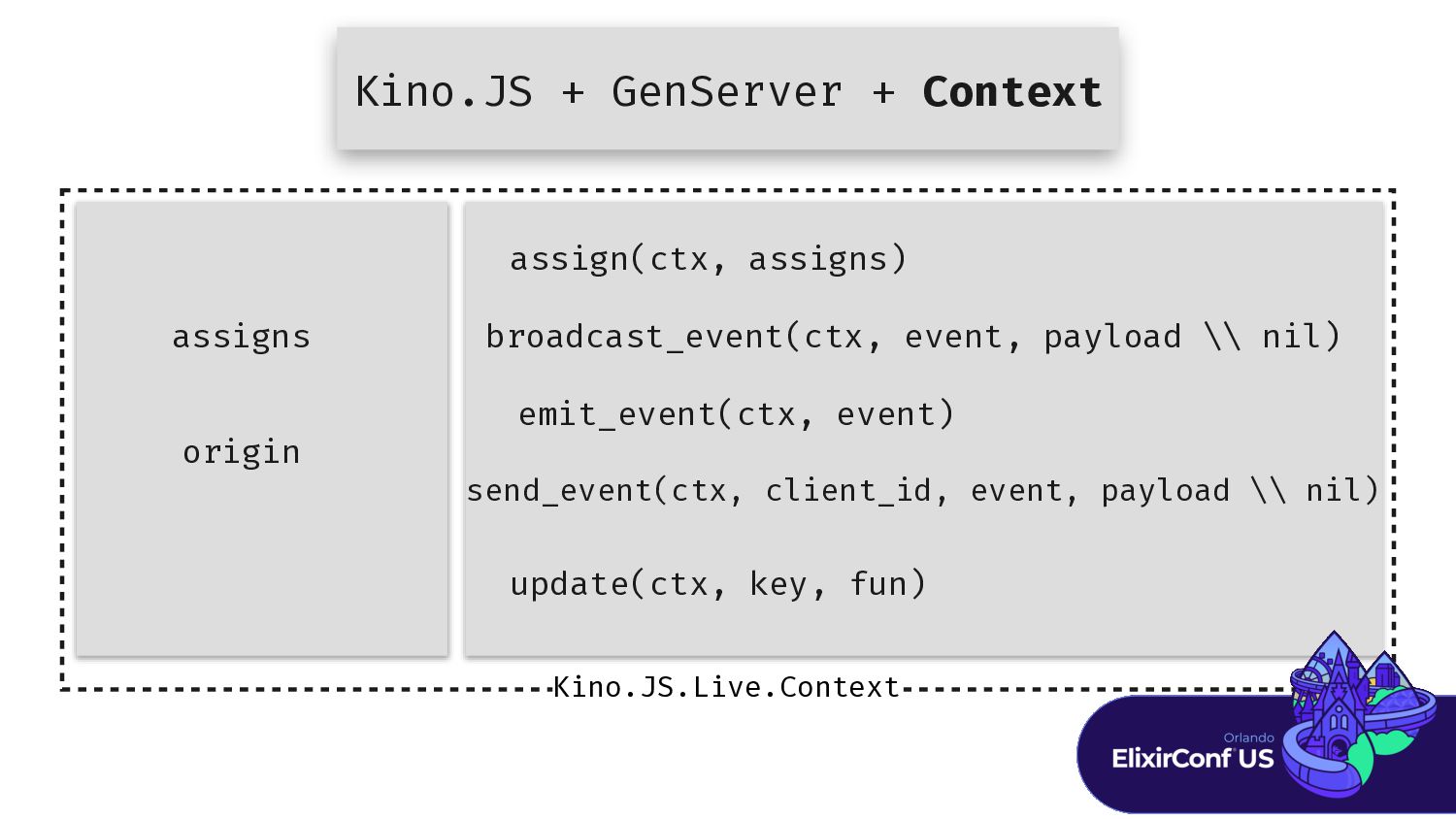
addition [to what’s included in Kino.JS], each live kino has a server process running on the Elixir side, responsible for maintaining state and able to communicate with the JavaScript side at any time.” - Kino Docs Kino.JS.Live Kino.JS + GenServer + Context -
Kino.JS + GenServer + Context Callbacks handle_call(msg, from, ctx) handle_cast(msg,
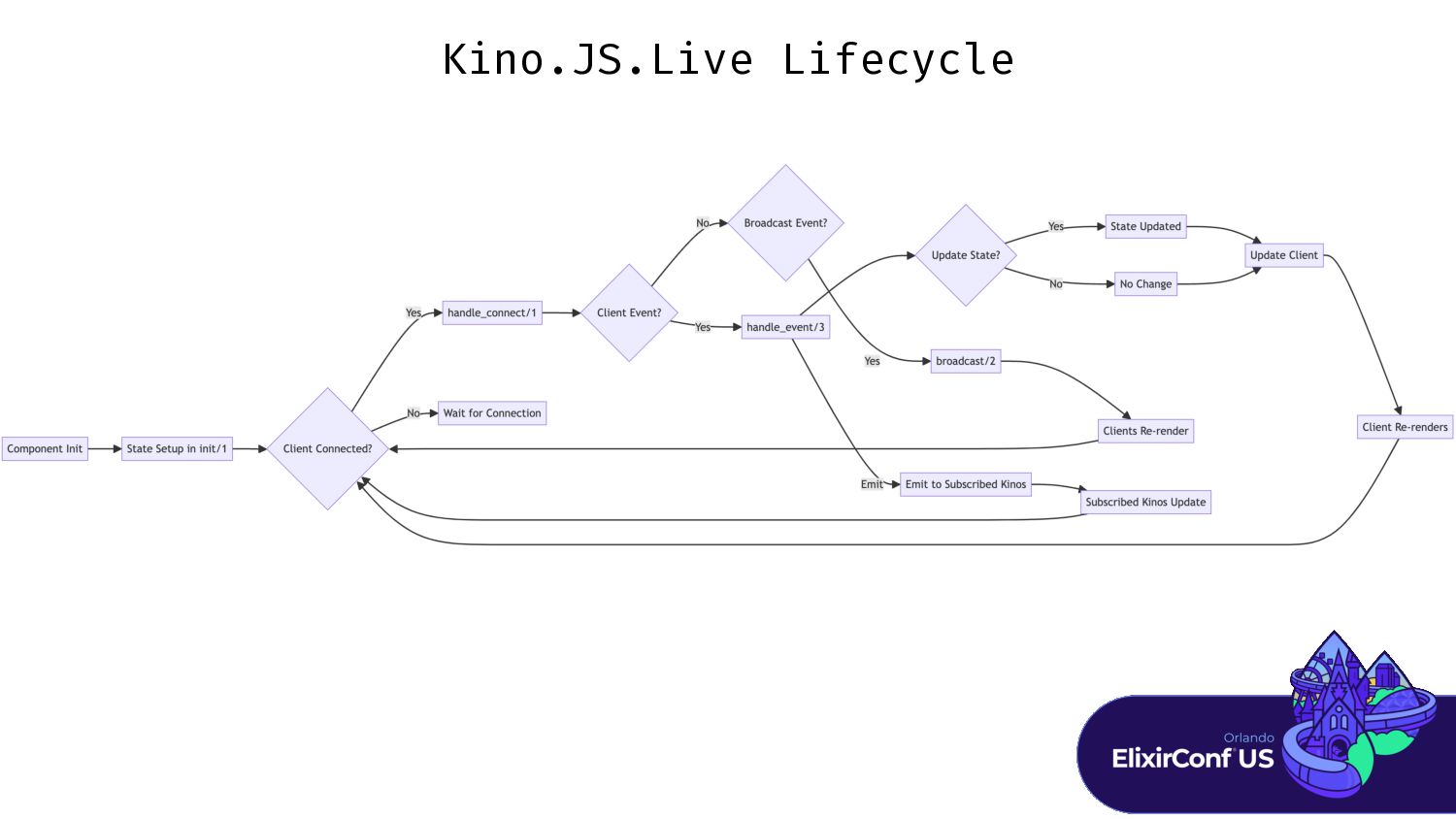
ctx) handle_info(msg, ctx) init(arg, ctx) terminate(reason, ctx) handle_connect(ctx) handle_event(event, payload, ctx) Functions call(kino, term, timeout) cast(kino, term) monitor(kino) new(module, init_arg, opts) reply(kino, term) -
Kino.JS + GenServer + Context Kino.JS.Live.Context assign(ctx, assigns) broadcast_event(ctx, event,
payload \\ nil) emit_event(ctx, event) send_event(ctx, client_id, event, payload \\ nil) update(ctx, key, fun) assigns origin -
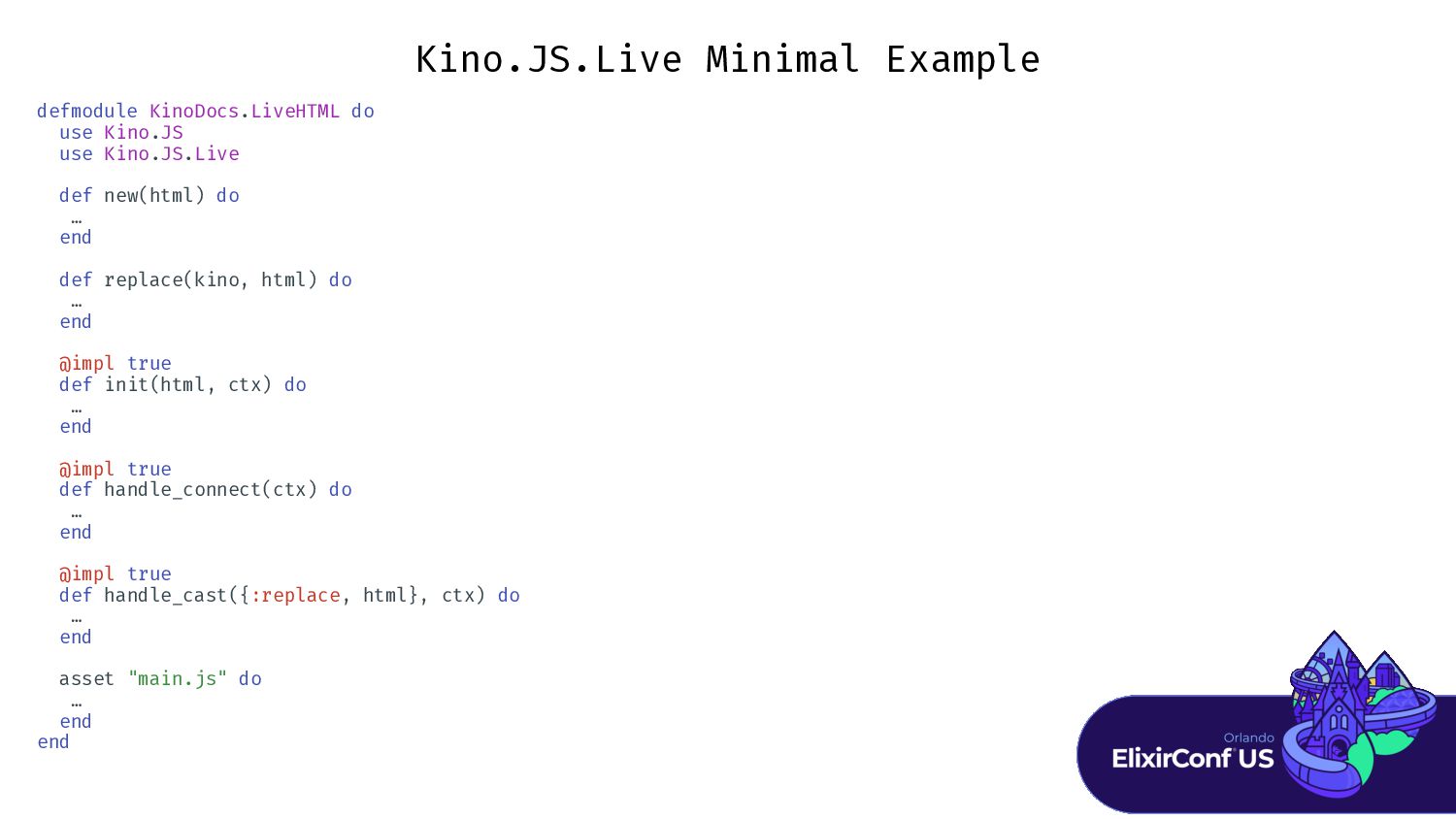
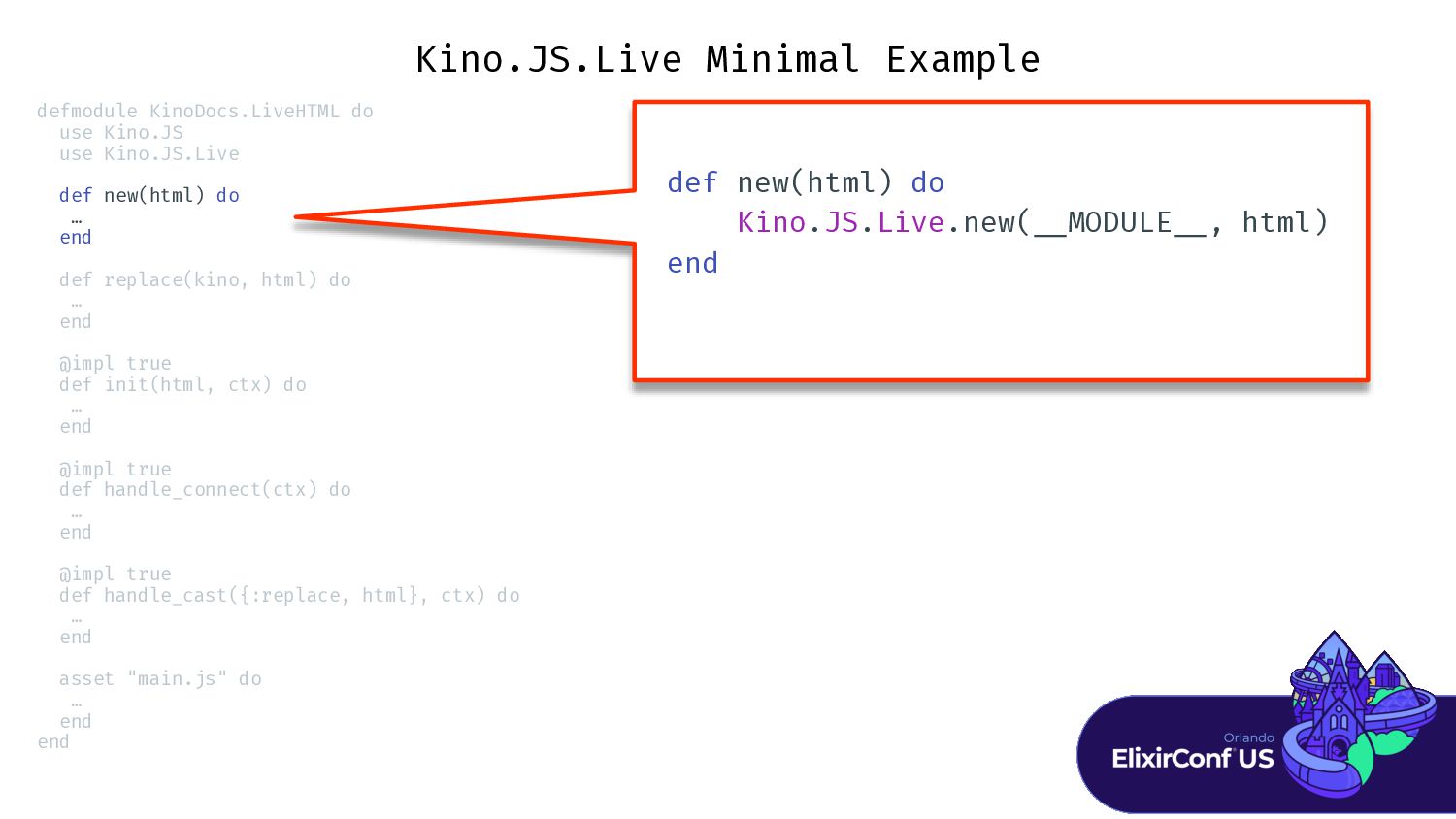
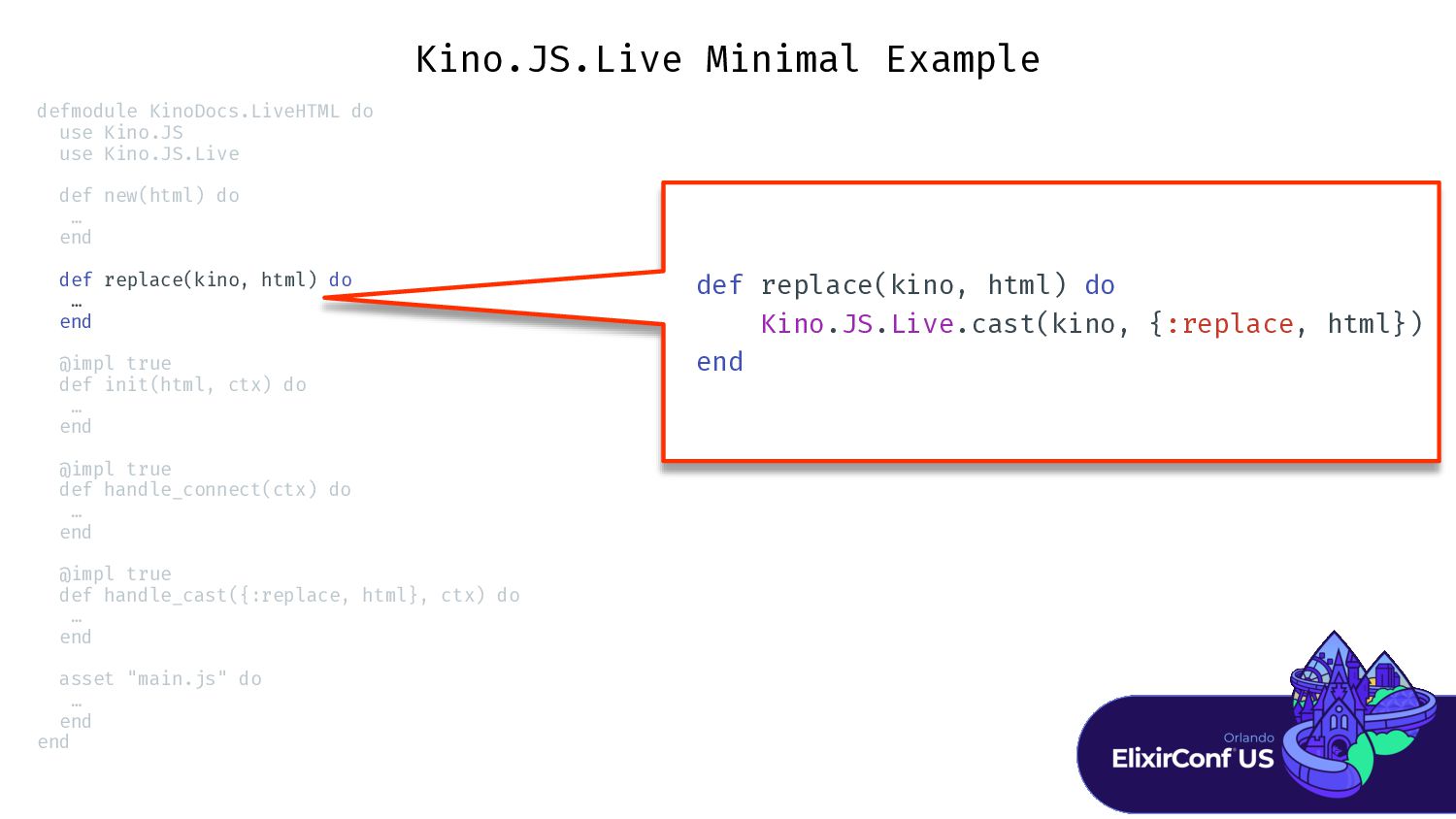
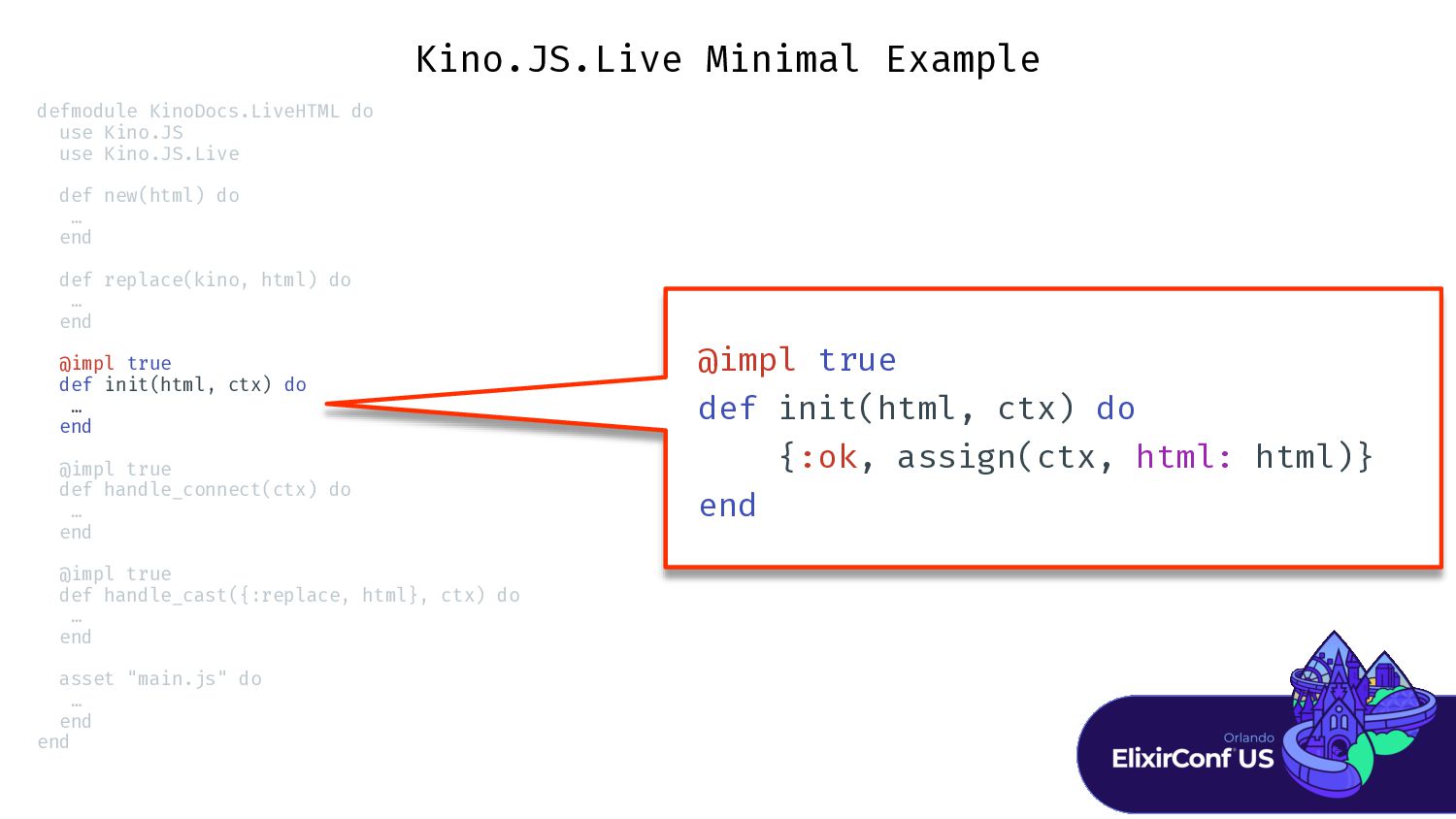
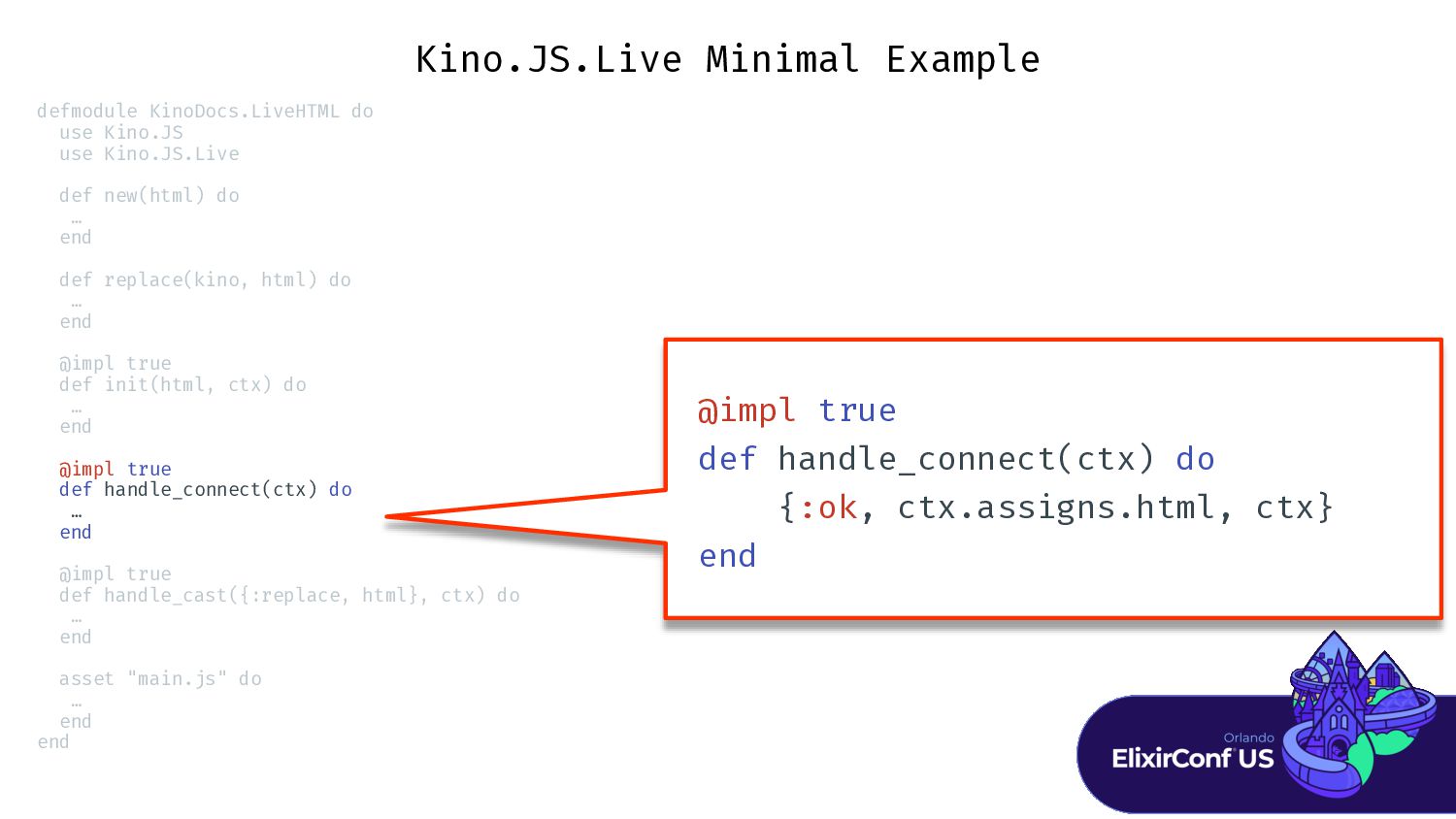
Kino.JS.Live Minimal Example defmodule KinoDocs.LiveHTML do use Kino.JS use Kino.JS.Live
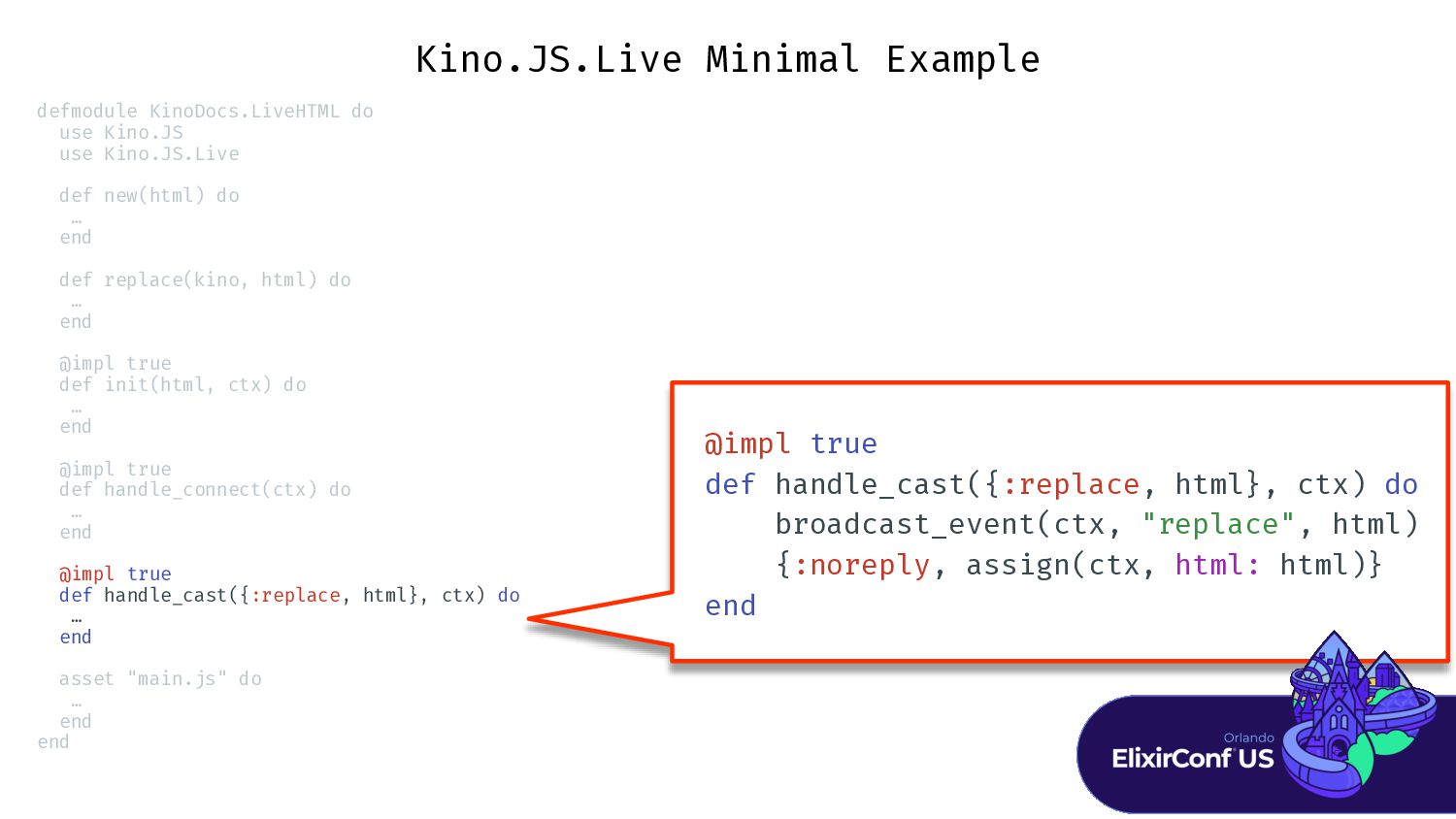
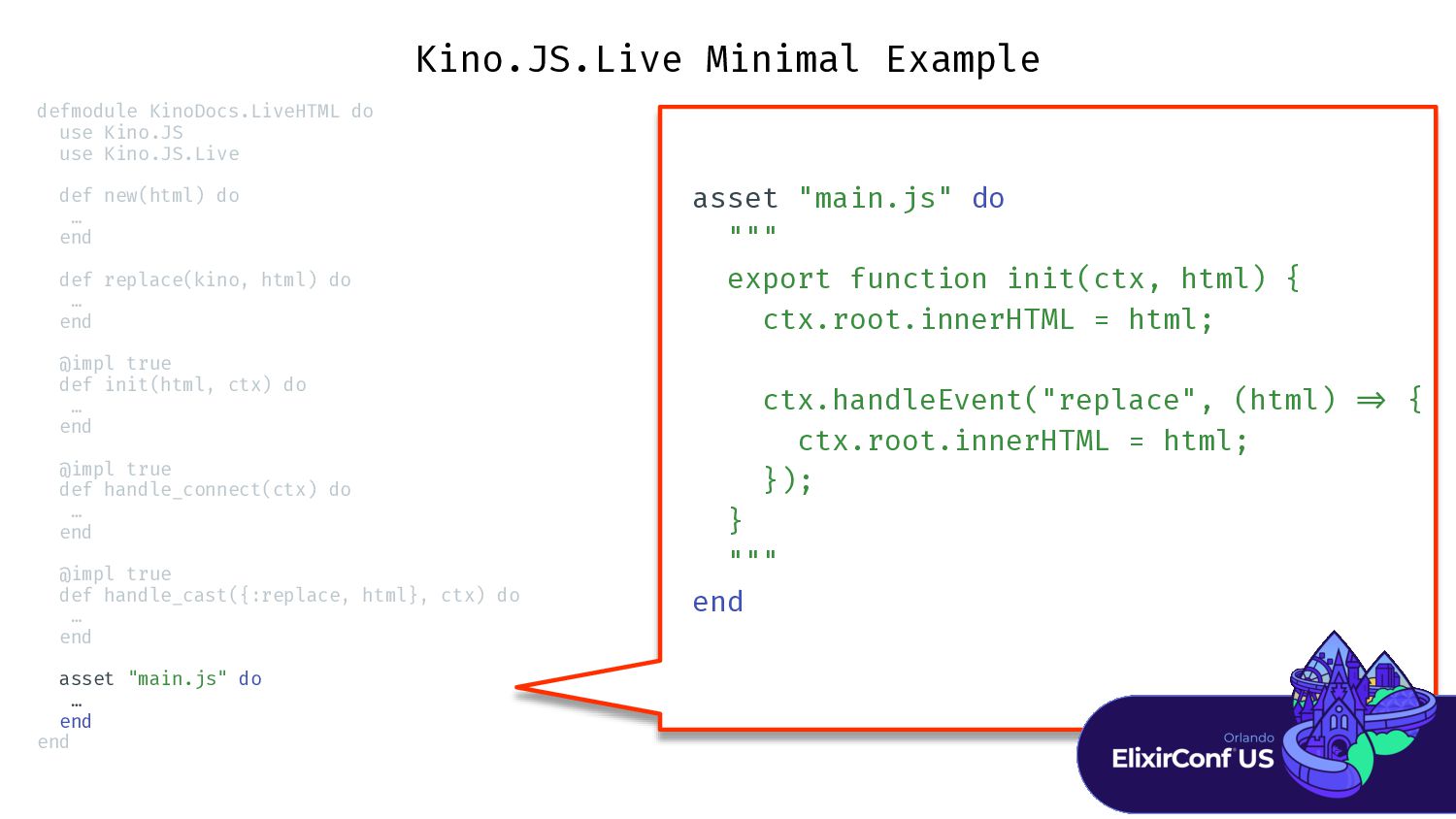
def new(html) do … end def replace(kino, html) do … end @impl true def init(html, ctx) do … end @impl true def handle_connect(ctx) do … end @impl true def handle_cast({:replace, html}, ctx) do … end asset "main.js" do … end end -
Kino.JS.Live Minimal Example defmodule KinoDocs.LiveHTML do use Kino.JS use Kino.JS.Live
def new(html) do … end def replace(kino, html) do … end @impl true def init(html, ctx) do … end @impl true def handle_connect(ctx) do … end @impl true def handle_cast({:replace, html}, ctx) do … end asset "main.js" do … end end def new(html) do Kino.JS.Live.new( _ _ MODULE _ _ , html) end -
Kino.JS.Live Minimal Example defmodule KinoDocs.LiveHTML do use Kino.JS use Kino.JS.Live
def new(html) do … end def replace(kino, html) do … end @impl true def init(html, ctx) do … end @impl true def handle_connect(ctx) do … end @impl true def handle_cast({:replace, html}, ctx) do … end asset "main.js" do … end end def replace(kino, html) do Kino.JS.Live.cast(kino, {:replace, html}) end -
Kino.JS.Live Minimal Example defmodule KinoDocs.LiveHTML do use Kino.JS use Kino.JS.Live
def new(html) do … end def replace(kino, html) do … end @impl true def init(html, ctx) do … end @impl true def handle_connect(ctx) do … end @impl true def handle_cast({:replace, html}, ctx) do … end asset "main.js" do … end end @impl true def init(html, ctx) do {:ok, assign(ctx, html: html)} end -
Kino.JS.Live Minimal Example defmodule KinoDocs.LiveHTML do use Kino.JS use Kino.JS.Live
def new(html) do … end def replace(kino, html) do … end @impl true def init(html, ctx) do … end @impl true def handle_connect(ctx) do … end @impl true def handle_cast({:replace, html}, ctx) do … end asset "main.js" do … end end @impl true def handle_connect(ctx) do {:ok, ctx.assigns.html, ctx} end -
Kino.JS.Live Minimal Example defmodule KinoDocs.LiveHTML do use Kino.JS use Kino.JS.Live
def new(html) do … end def replace(kino, html) do … end @impl true def init(html, ctx) do … end @impl true def handle_connect(ctx) do … end @impl true def handle_cast({:replace, html}, ctx) do … end asset "main.js" do … end end @impl true def handle_cast({:replace, html}, ctx) do broadcast_event(ctx, "replace", html) {:noreply, assign(ctx, html: html)} end -
Kino.JS.Live Minimal Example defmodule KinoDocs.LiveHTML do use Kino.JS use Kino.JS.Live
def new(html) do … end def replace(kino, html) do … end @impl true def init(html, ctx) do … end @impl true def handle_connect(ctx) do … end @impl true def handle_cast({:replace, html}, ctx) do … end asset "main.js" do … end end asset "main.js" do """ export function init(ctx, html) { ctx.root.innerHTML = html; ctx.handleEvent("replace", (html) = > { ctx.root.innerHTML = html; }); } """ end -
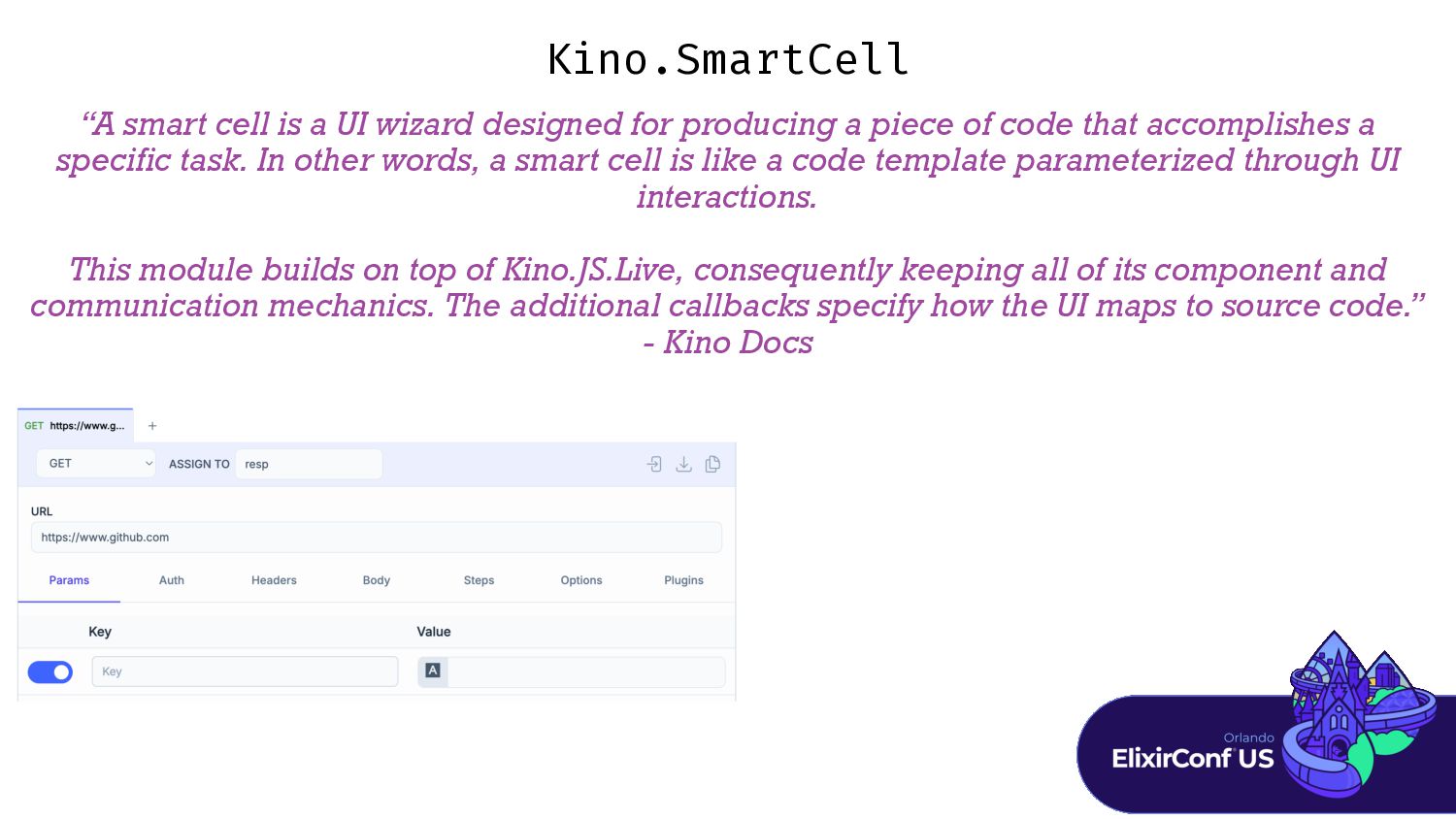
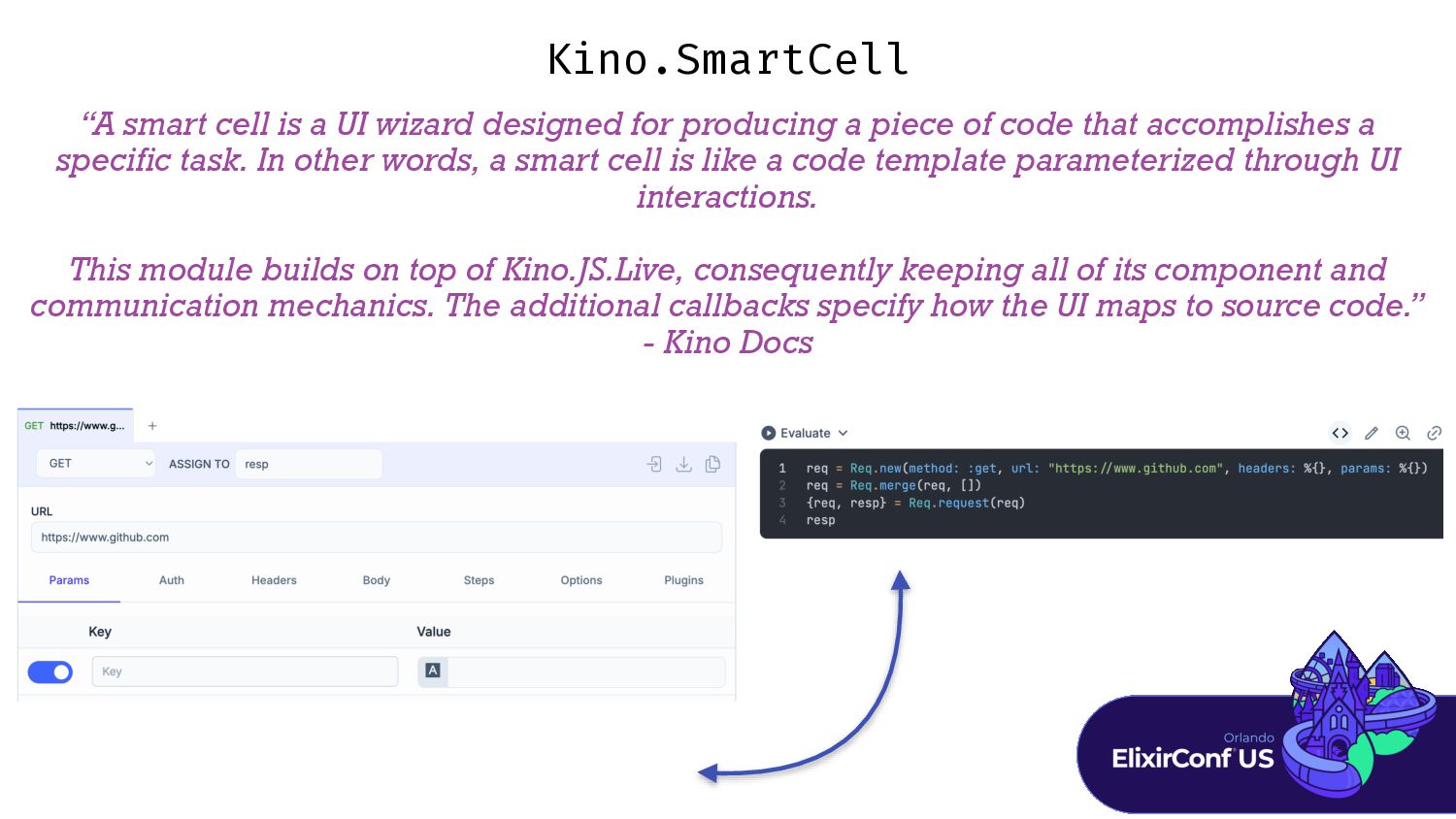
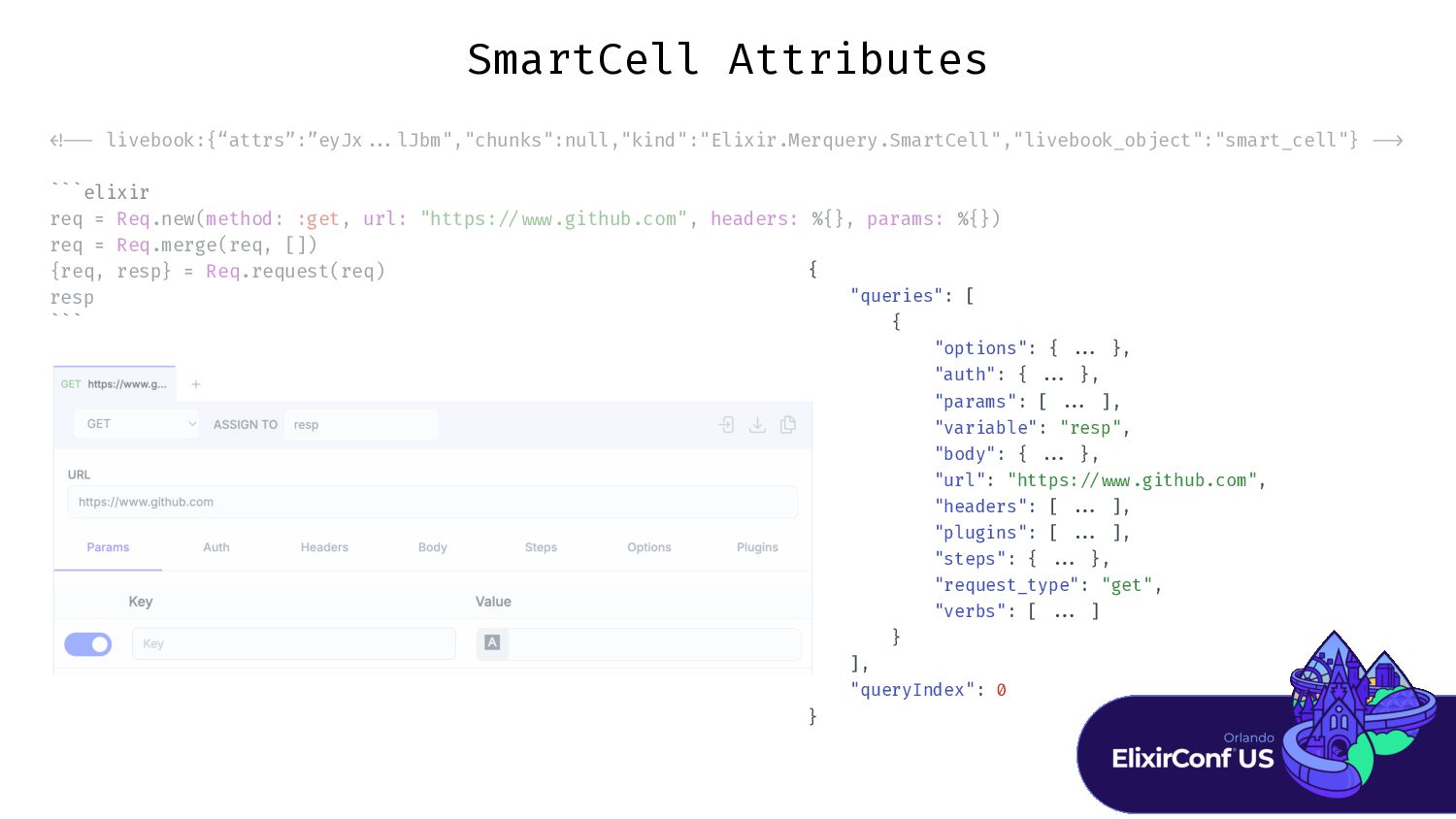
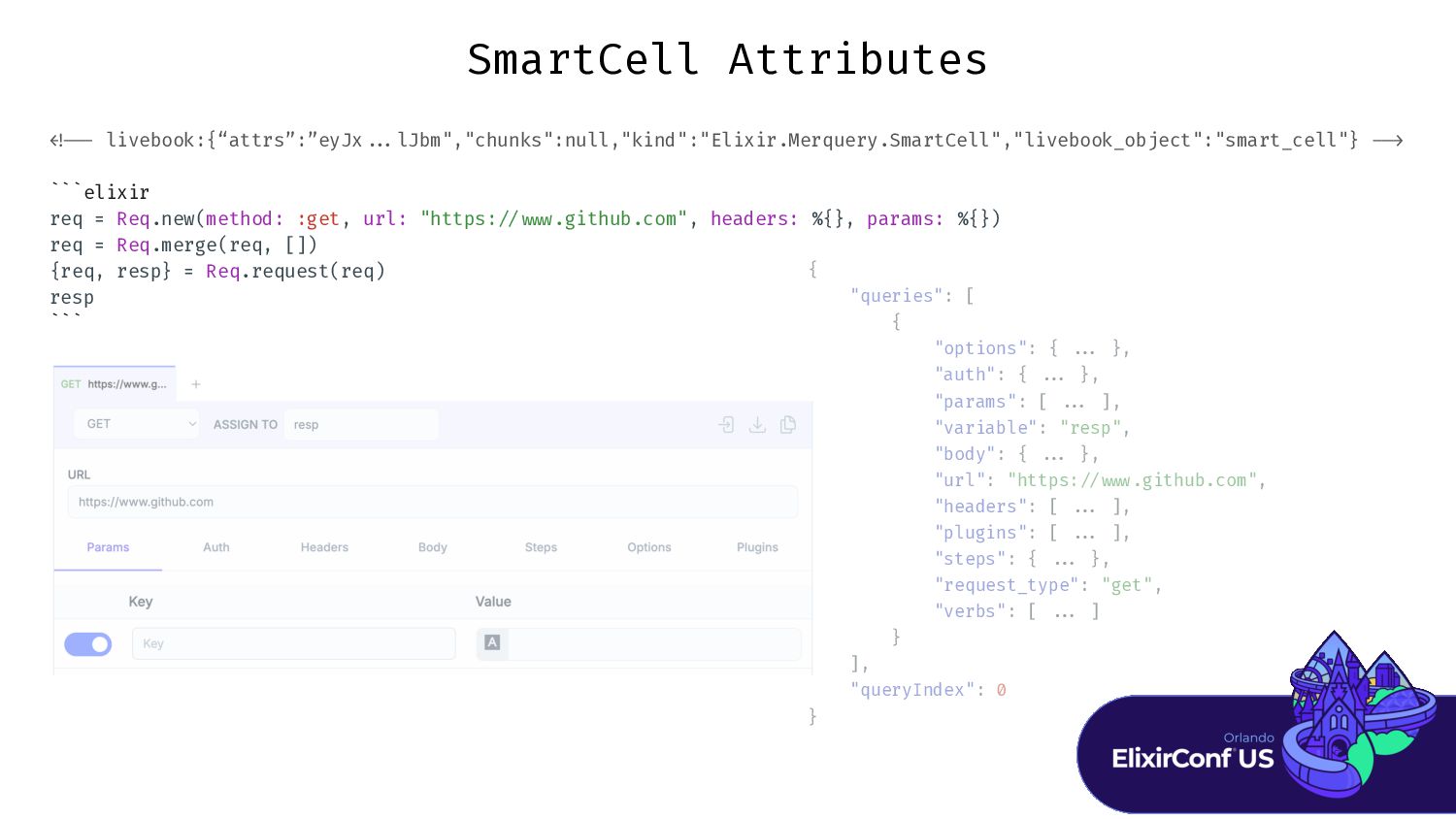
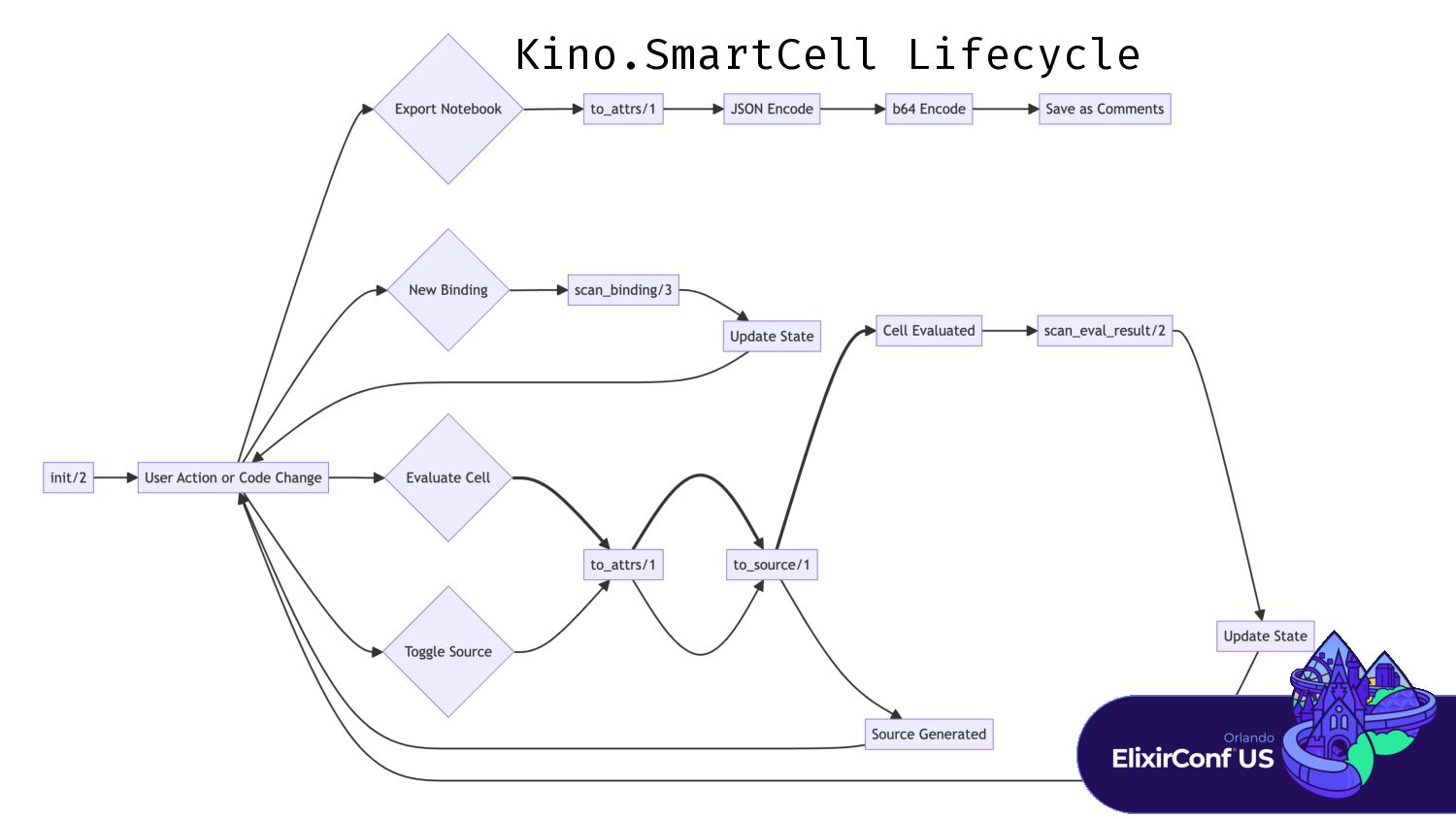
“A smart cell is a UI wizard designed for producing
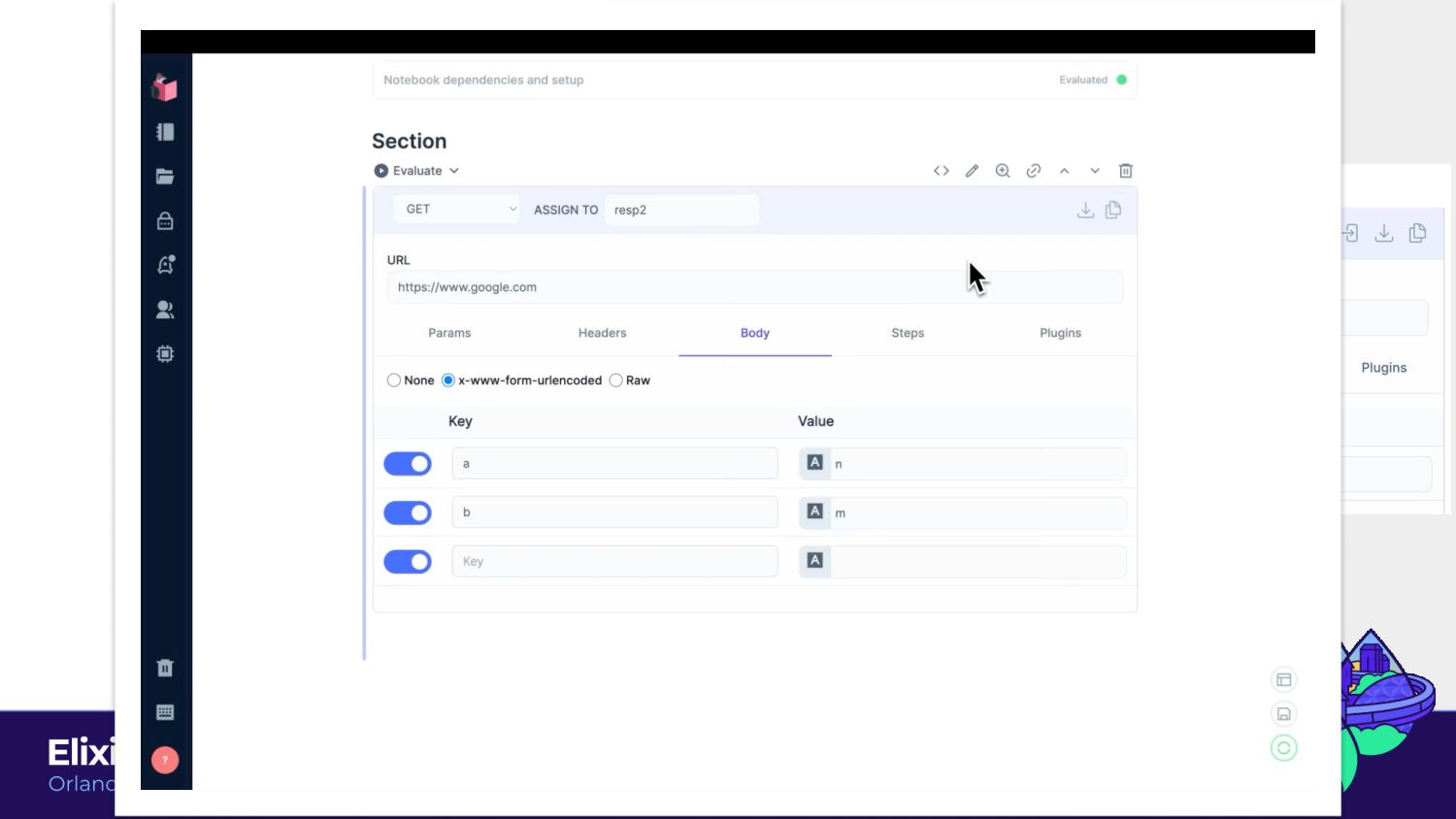
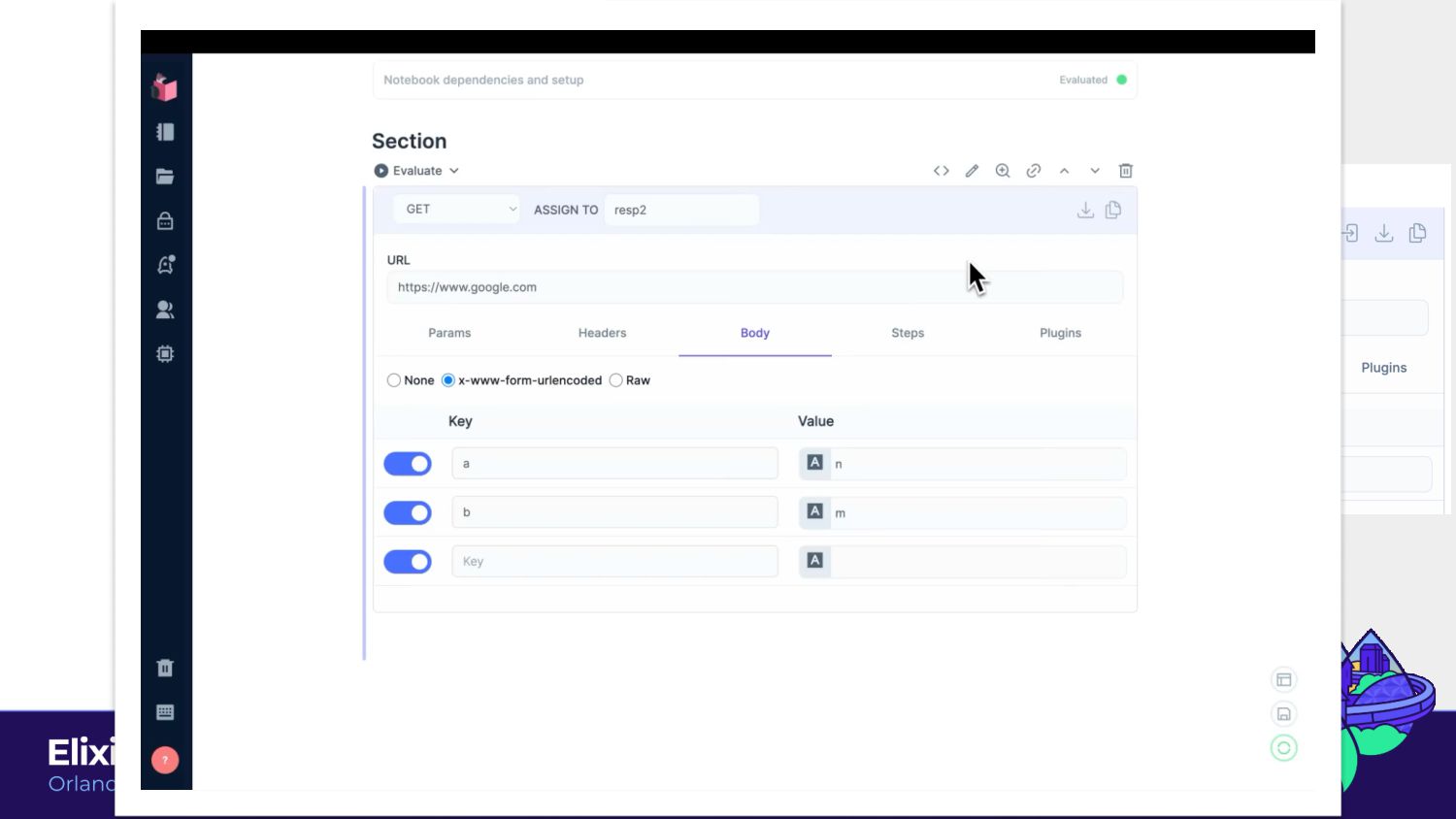
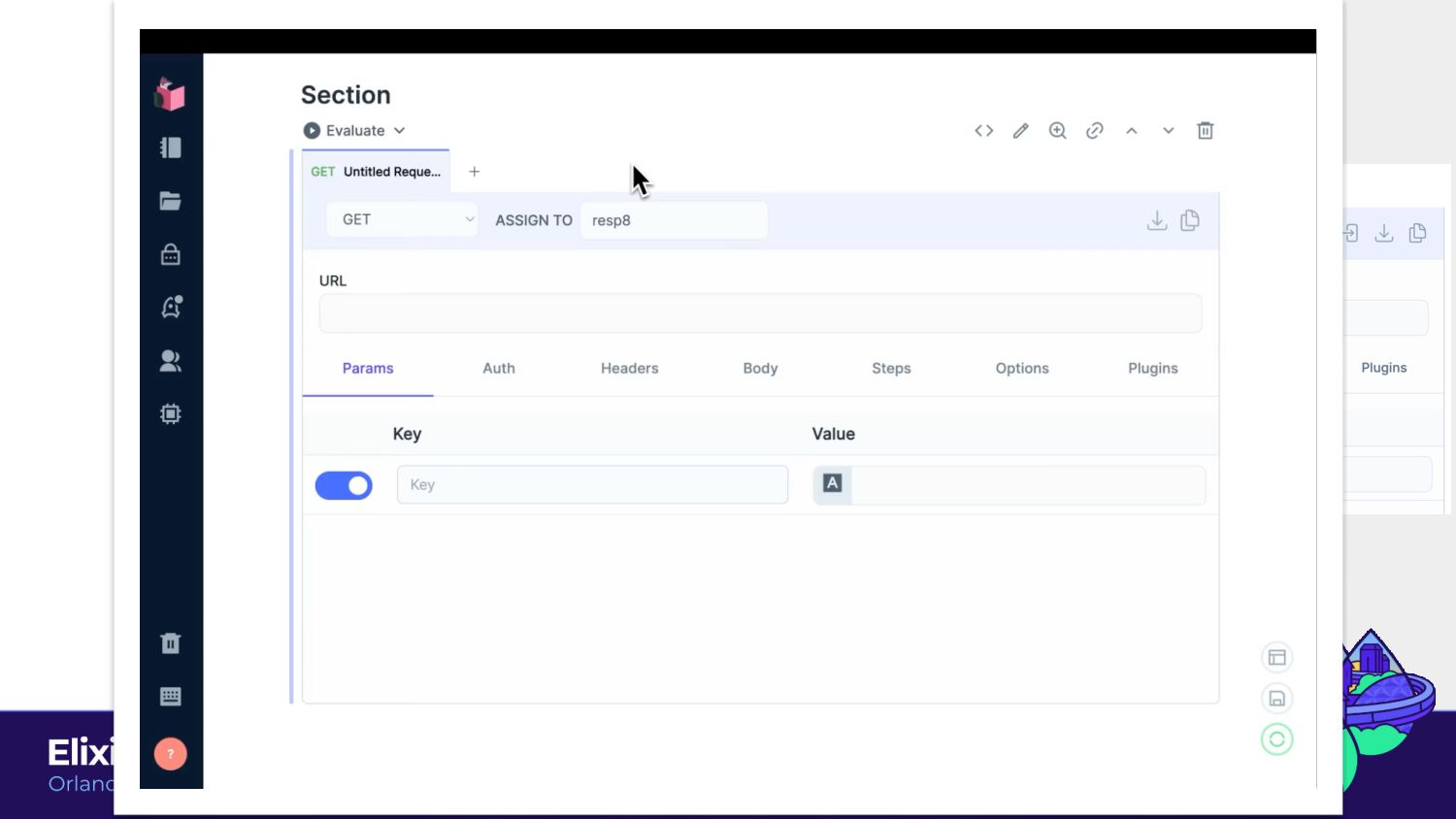
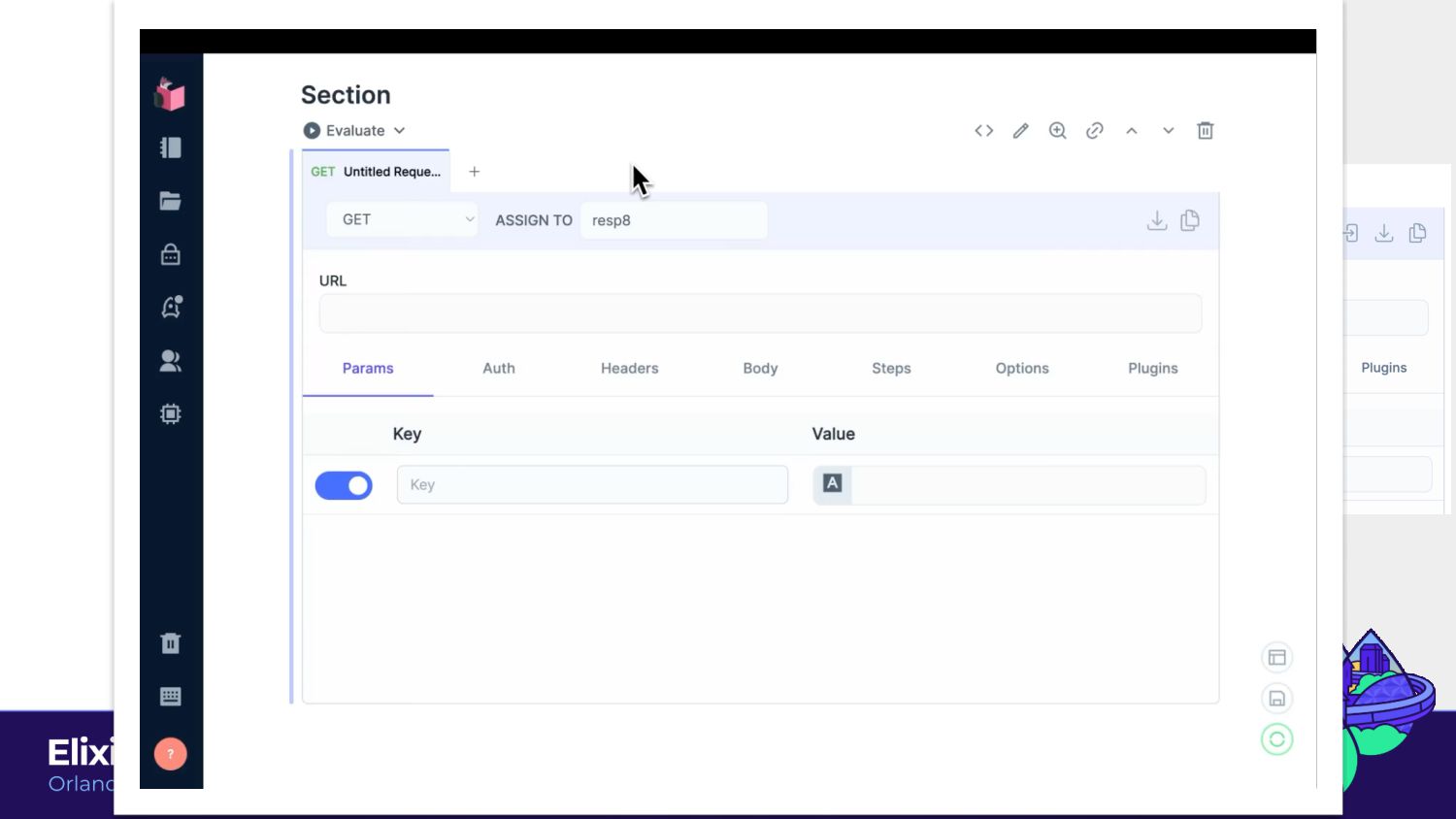
a piece of code that accomplishes a specific task. In other words, a smart cell is like a code template parameterized through UI interactions. This module builds on top of Kino.JS.Live, consequently keeping all of its component and communication mechanics. The additional callbacks specify how the UI maps to source code.” - Kino Docs Kino.SmartCell -
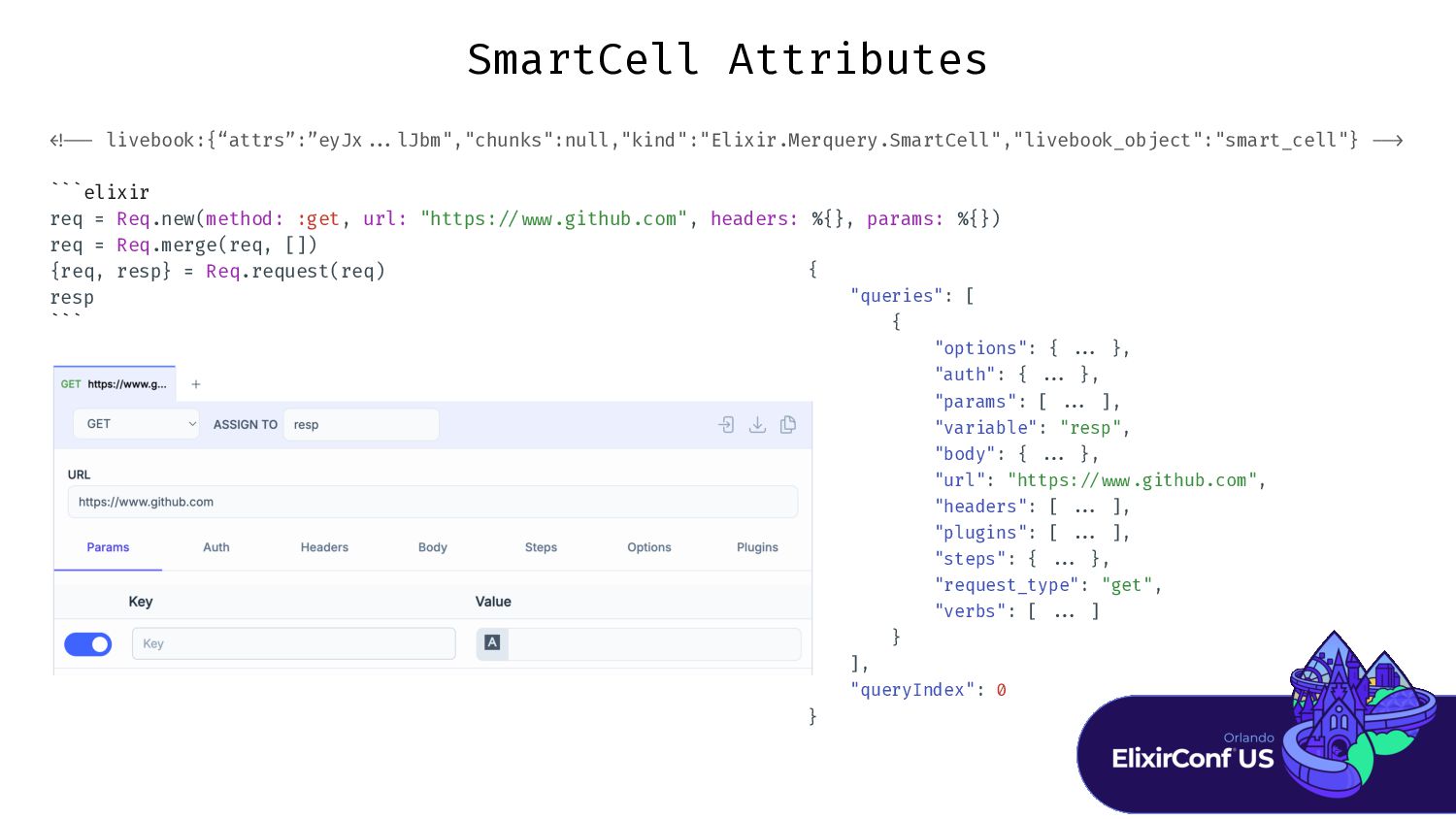
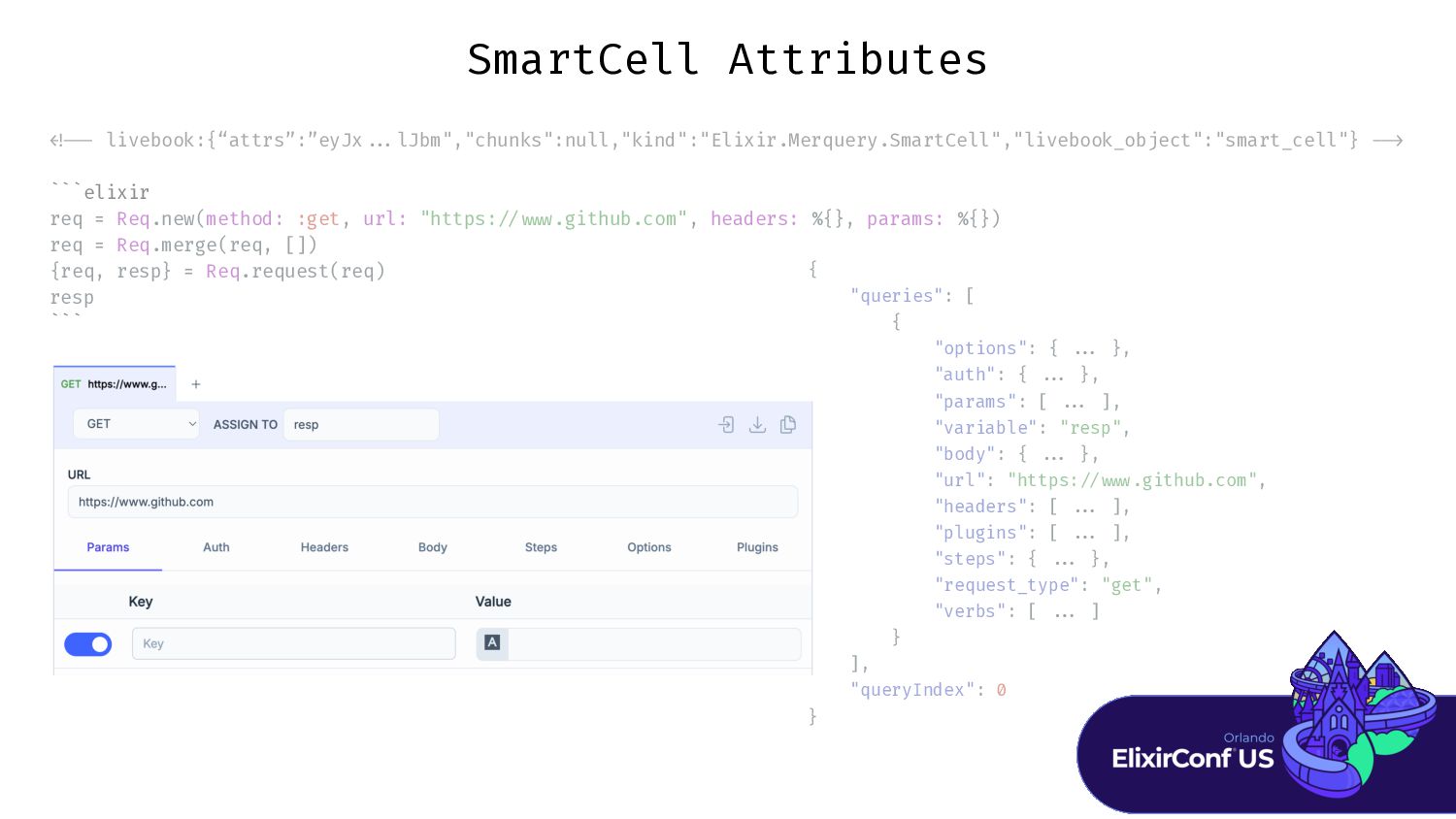
< ! - - livebook:{“attrs”:”eyJx . . . lJbm","chunks":null,"kind":"Elixir.Merquery.SmartCell","livebook_object":"smart_cell"} -
- > ` ` ` elixir req = Req.new(method: :get, url: "https: / / w w w .github.com", headers: %{}, params: %{}) req = Req.merge(req, []) {req, resp} = Req.request(req) resp ` ` ` SmartCell Attributes { "queries": [ { "options": { . . . }, "auth": { . . . }, "params": [ . . . ], "variable": "resp", "body": { . . . }, "url": "https: / / w w w .github.com", "headers": [ . . . ], "plugins": [ . . . ], "steps": { . . . }, "request_type": "get", "verbs": [ . . . ] } ], "queryIndex": 0 } -
> ` req = Req.new(method: :get, url: "https: w req
= Req.merge(req, []) {req, resp} = Req.request(req) resp ` SmartCell Attributes { "queries": [ { "options": { . "auth": { . "params": [ . "variable": "resp", "body": { . "url": "https: w "headers": [ . "plugins": [ . "steps": { . "request_type": "get", "verbs": [ . } ], "queryIndex": 0 } -
> ` req = Req.new(method: :get, url: "https: w req
= Req.merge(req, []) {req, resp} = Req.request(req) resp ` SmartCell Attributes { "queries": [ { "options": { . . . }, "auth": { . . . }, "params": [ . . . ], "variable": "resp", "body": { . . . }, "url": "https: / / w w w .github.com", "headers": [ . . . ], "plugins": [ . . . ], "steps": { . . . }, "request_type": "get", "verbs": [ . . . ] } ], "queryIndex": 0 } -
< ! - - livebook:{“attrs”:”eyJx . . . lJbm","chunks":null,"kind":"Elixir.Merquery.SmartCell","livebook_object":"smart_cell"} -
- > ` ` ` elixir req = Req.new(method: :get, url: "https: / / w w w .github.com", headers: %{}, params: %{}) req = Req.merge(req, []) {req, resp} = Req.request(req) resp ` ` ` SmartCell Attributes { "queries": [ { "options": { . "auth": { . "params": [ . "variable": "resp", "body": { . "url": "https: w "headers": [ . "plugins": [ . "steps": { . "request_type": "get", "verbs": [ . } ], "queryIndex": 0 } -
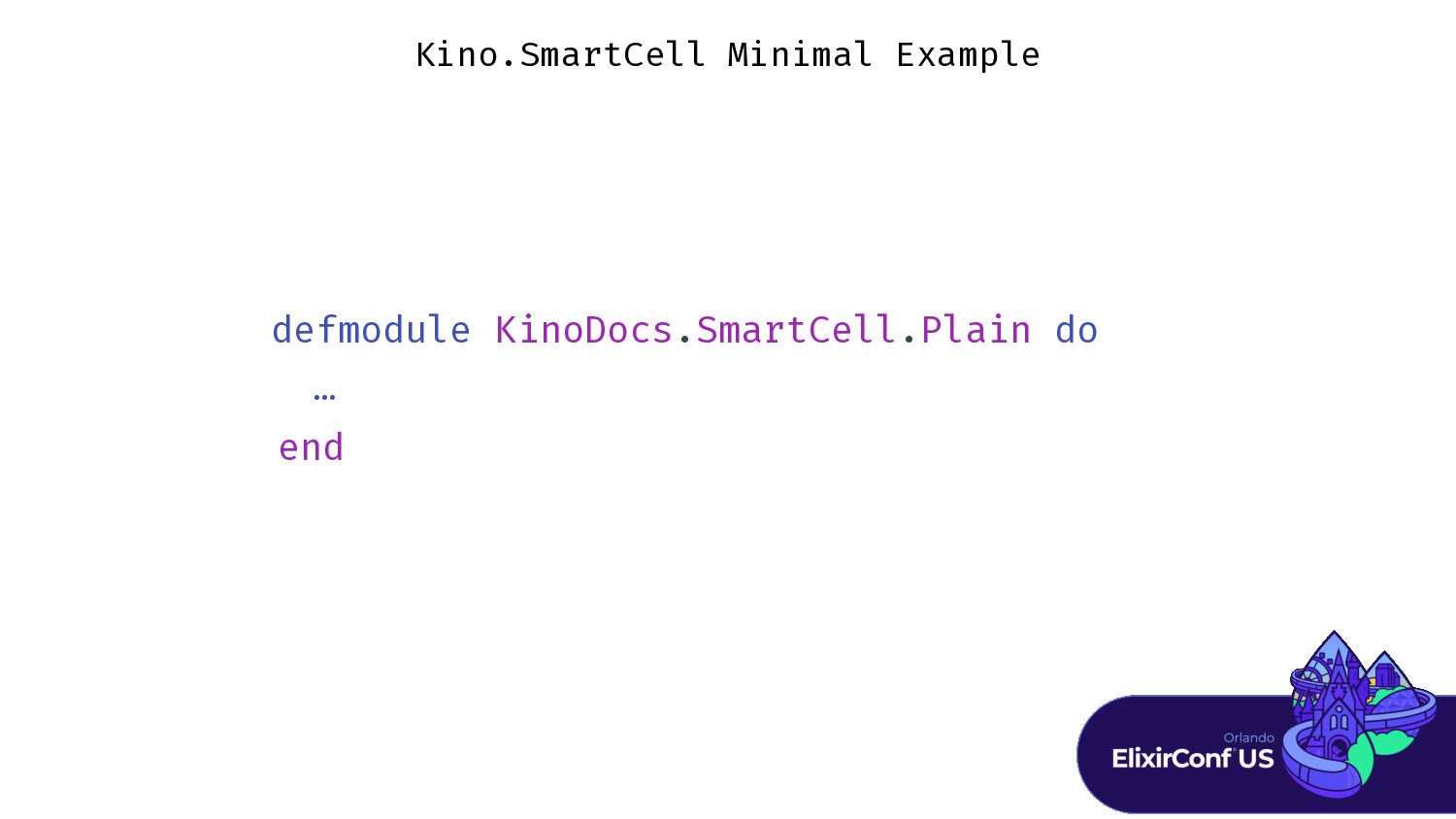
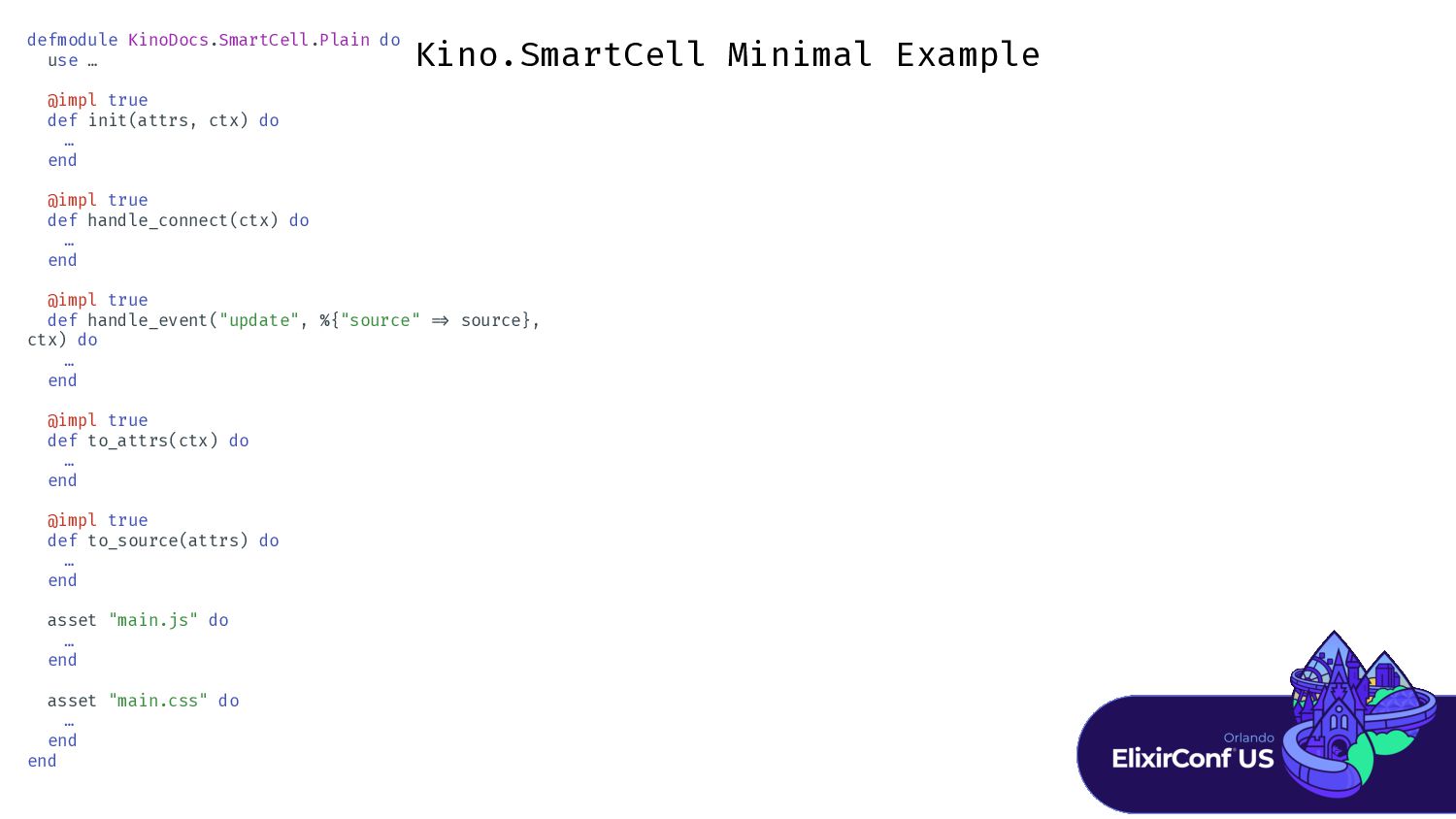
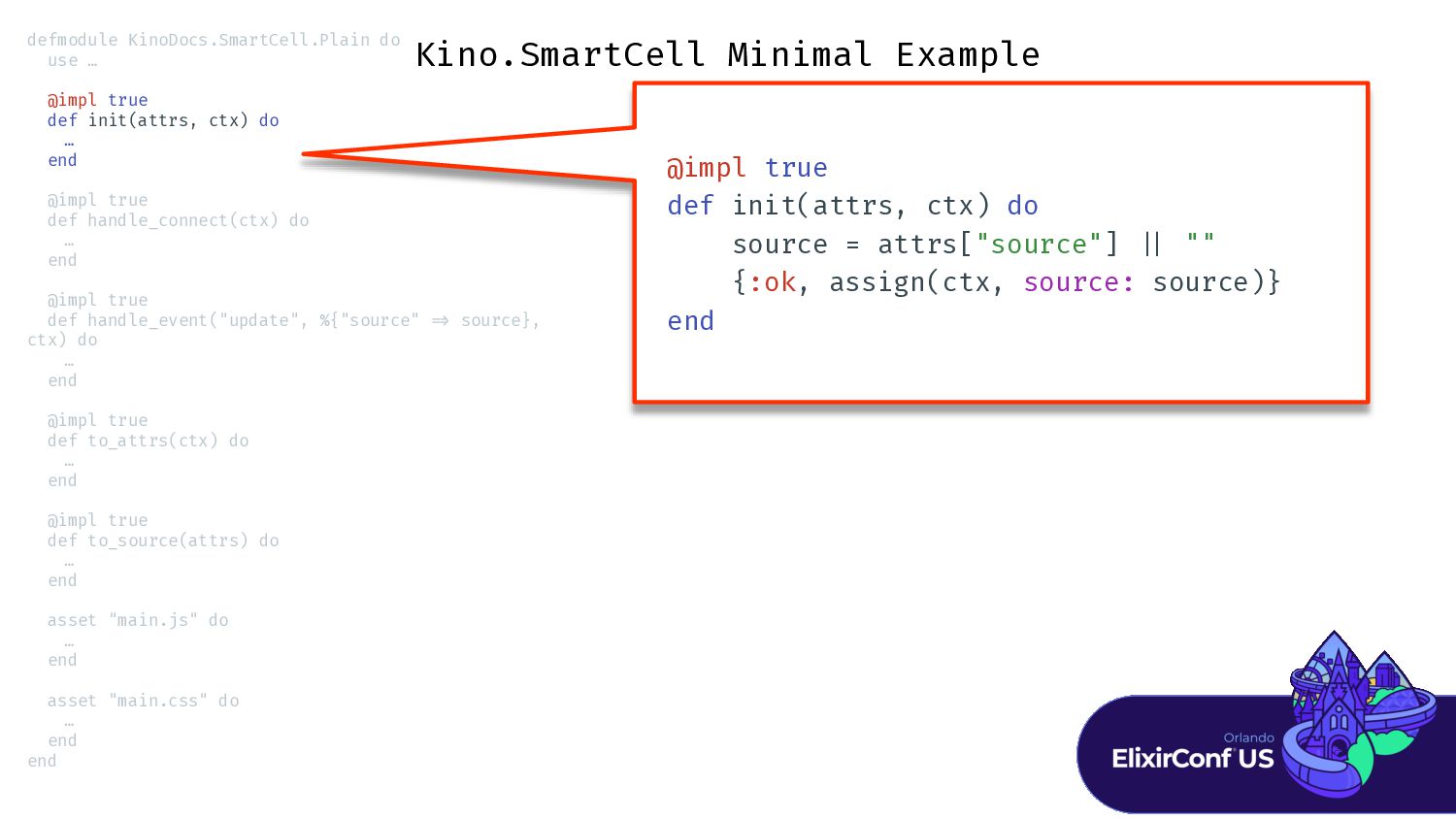
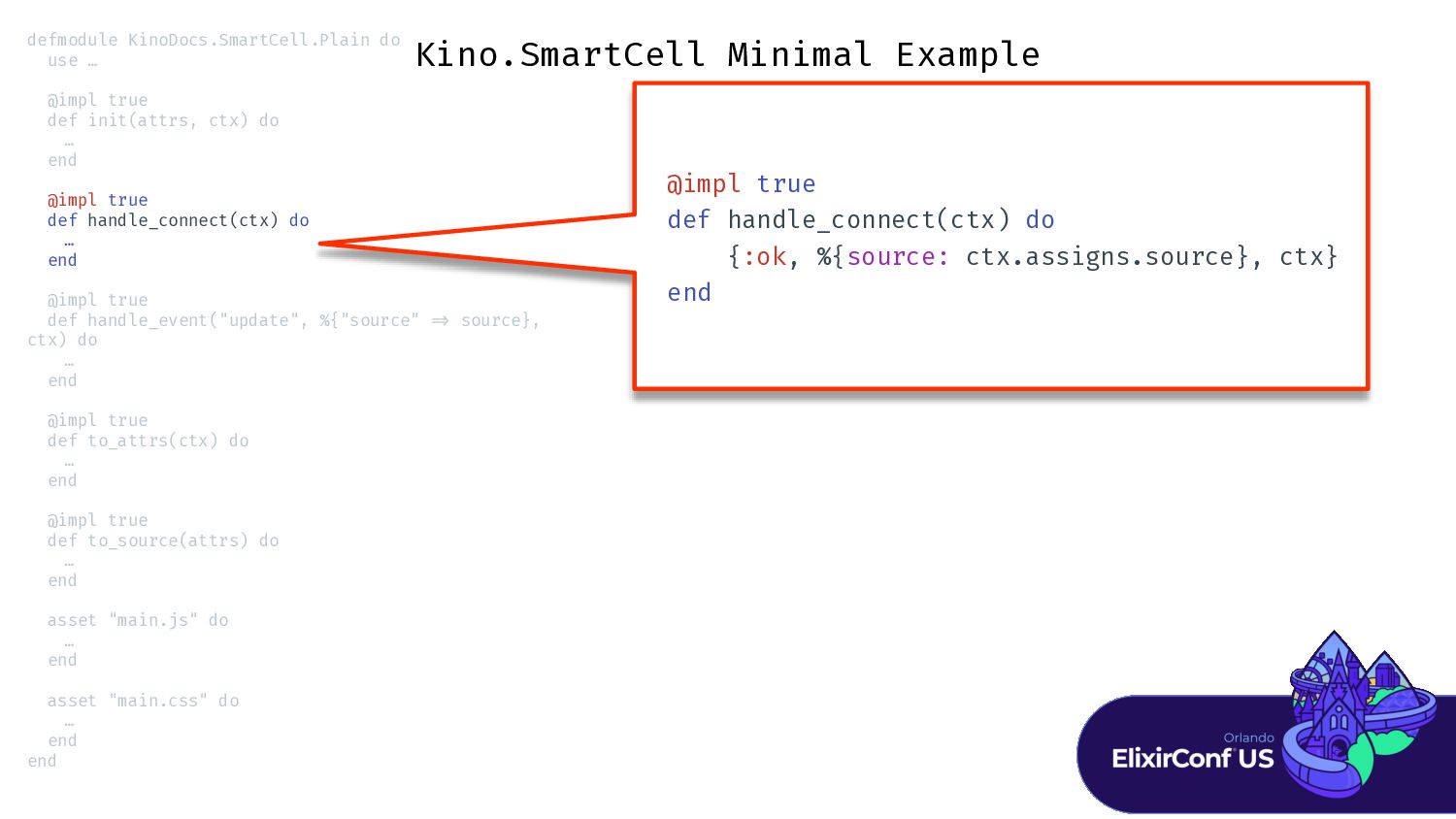
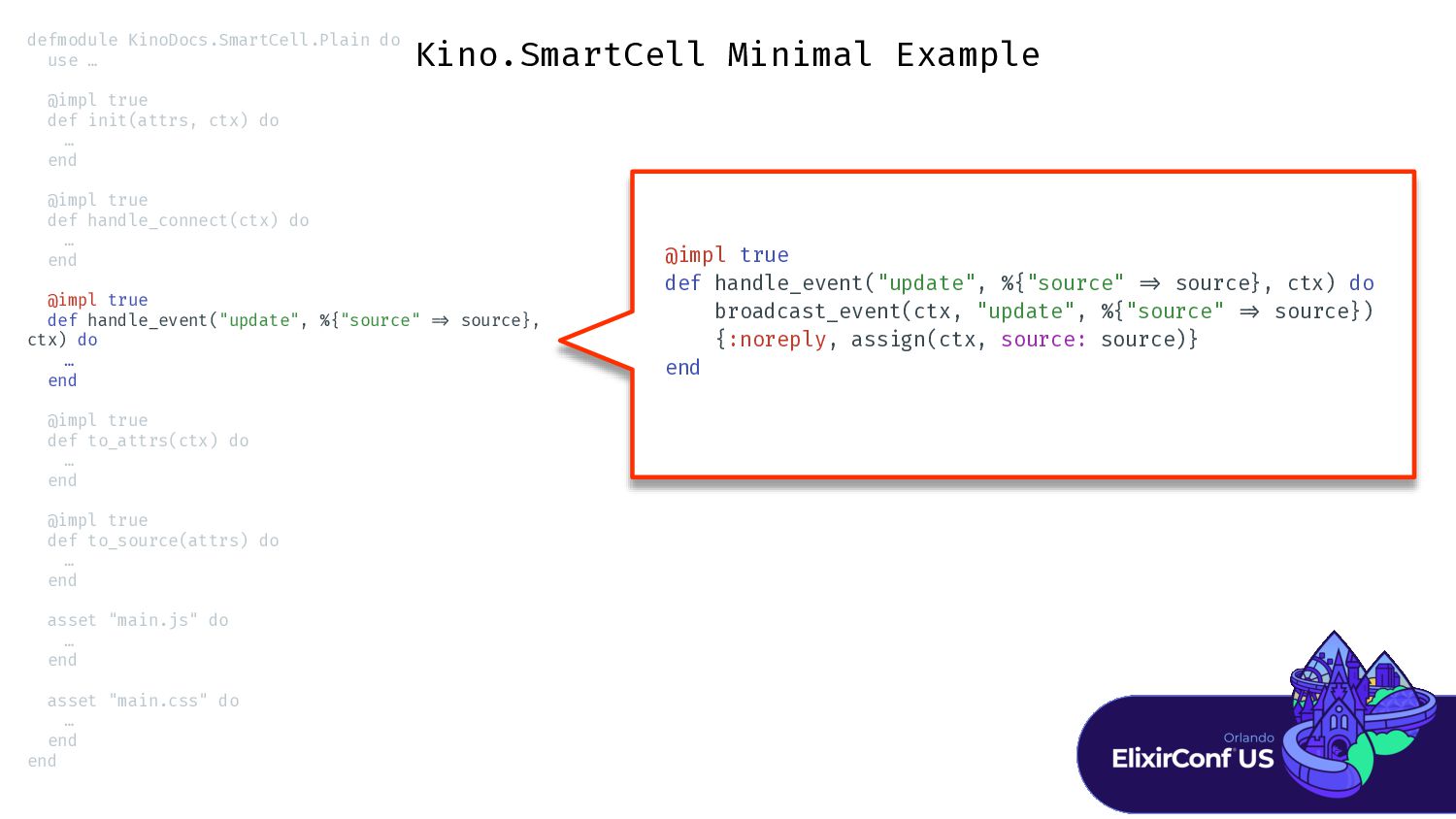
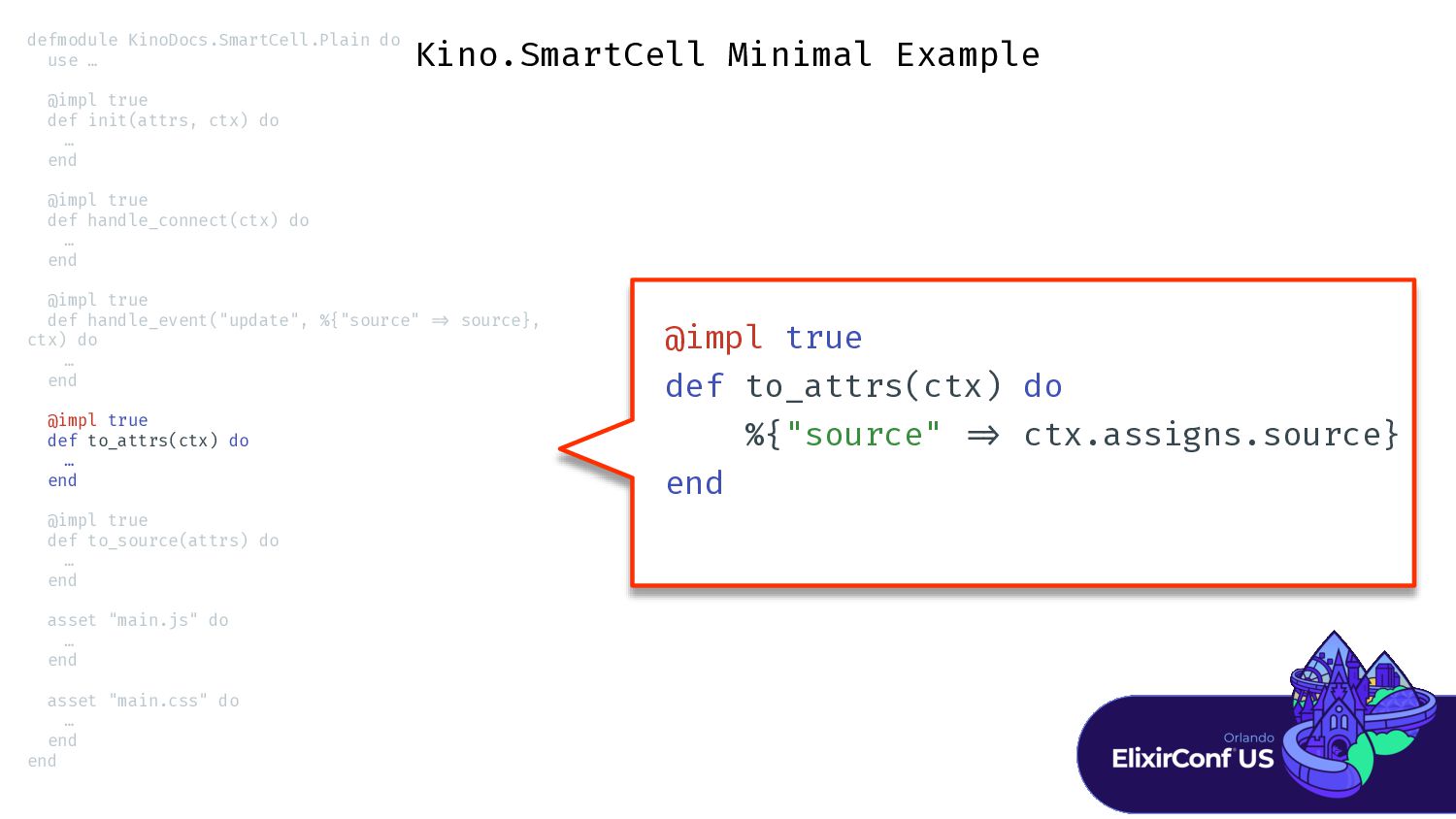
Kino.SmartCell Minimal Example defmodule KinoDocs.SmartCell.Plain do use … @impl true
def init(attrs, ctx) do … end @impl true def handle_connect(ctx) do … end @impl true def handle_event("update", %{"source" = > source}, ctx) do … end @impl true def to_attrs(ctx) do … end @impl true def to_source(attrs) do … end asset "main.js" do … end asset "main.css" do … end end -
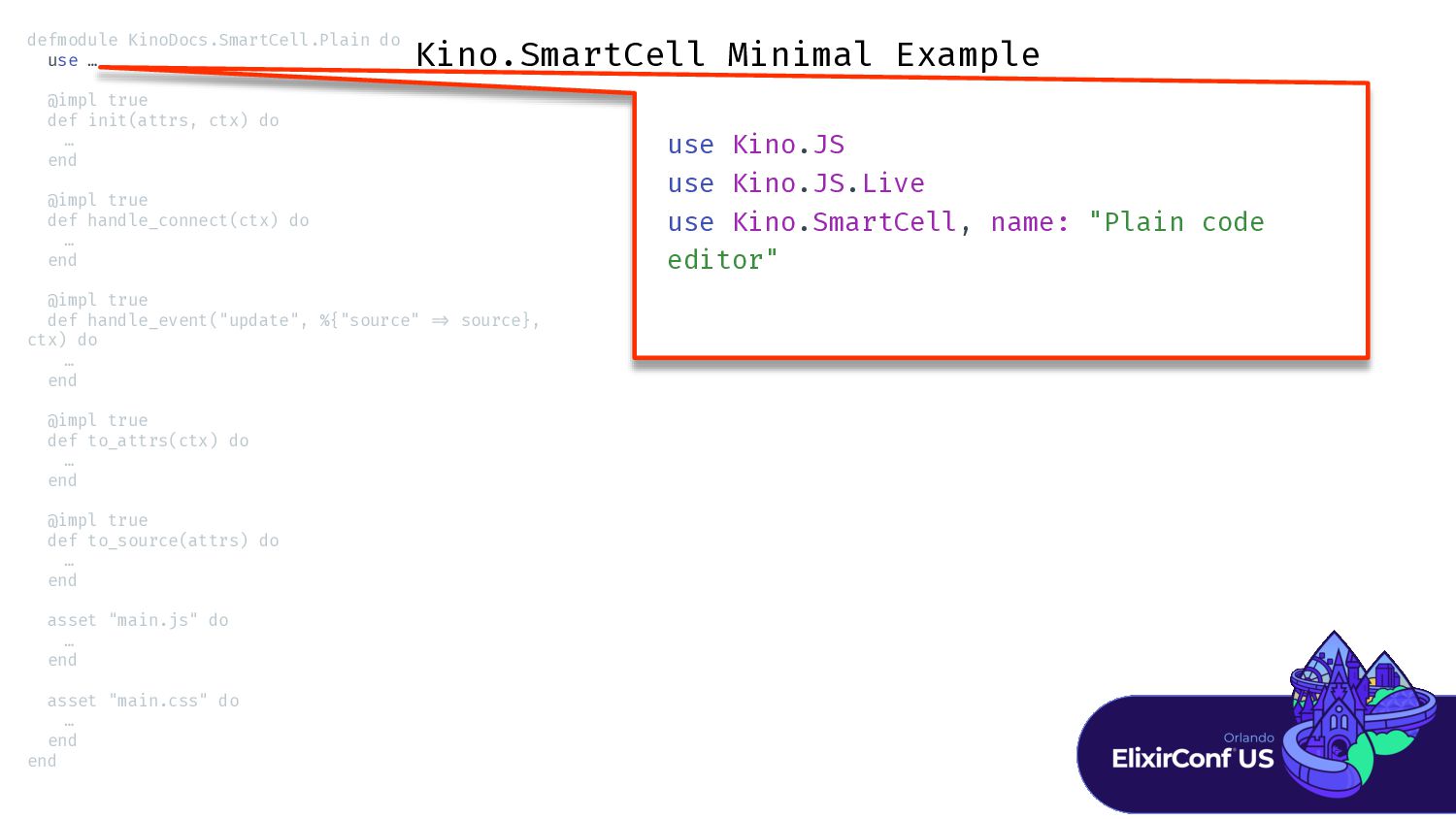
Kino.SmartCell Minimal Example use Kino.JS use Kino.JS.Live use Kino.SmartCell, name:
"Plain code editor" defmodule KinoDocs.SmartCell.Plain do use … @impl true def init(attrs, ctx) do … end @impl true def handle_connect(ctx) do … end @impl true def handle_event("update", %{"source" = > source}, ctx) do … end @impl true def to_attrs(ctx) do … end @impl true def to_source(attrs) do … end asset "main.js" do … end asset "main.css" do … end end -
Kino.SmartCell Minimal Example @impl true def init(attrs, ctx) do source
= attrs["source"] | | "" {:ok, assign(ctx, source: source)} end defmodule KinoDocs.SmartCell.Plain do use … @impl true def init(attrs, ctx) do … end @impl true def handle_connect(ctx) do … end @impl true def handle_event("update", %{"source" = > source}, ctx) do … end @impl true def to_attrs(ctx) do … end @impl true def to_source(attrs) do … end asset "main.js" do … end asset "main.css" do … end end -
Kino.SmartCell Minimal Example @impl true def handle_connect(ctx) do {:ok, %{source:
ctx.assigns.source}, ctx} end defmodule KinoDocs.SmartCell.Plain do use … @impl true def init(attrs, ctx) do … end @impl true def handle_connect(ctx) do … end @impl true def handle_event("update", %{"source" = > source}, ctx) do … end @impl true def to_attrs(ctx) do … end @impl true def to_source(attrs) do … end asset "main.js" do … end asset "main.css" do … end end -
Kino.SmartCell Minimal Example @impl true def handle_event("update", %{"source" = >
source}, ctx) do broadcast_event(ctx, "update", %{"source" = > source}) {:noreply, assign(ctx, source: source)} end defmodule KinoDocs.SmartCell.Plain do use … @impl true def init(attrs, ctx) do … end @impl true def handle_connect(ctx) do … end @impl true def handle_event("update", %{"source" = > source}, ctx) do … end @impl true def to_attrs(ctx) do … end @impl true def to_source(attrs) do … end asset "main.js" do … end asset "main.css" do … end end -
Kino.SmartCell Minimal Example @impl true def to_attrs(ctx) do %{"source" =
> ctx.assigns.source} end defmodule KinoDocs.SmartCell.Plain do use … @impl true def init(attrs, ctx) do … end @impl true def handle_connect(ctx) do … end @impl true def handle_event("update", %{"source" = > source}, ctx) do … end @impl true def to_attrs(ctx) do … end @impl true def to_source(attrs) do … end asset "main.js" do … end asset "main.css" do … end end -
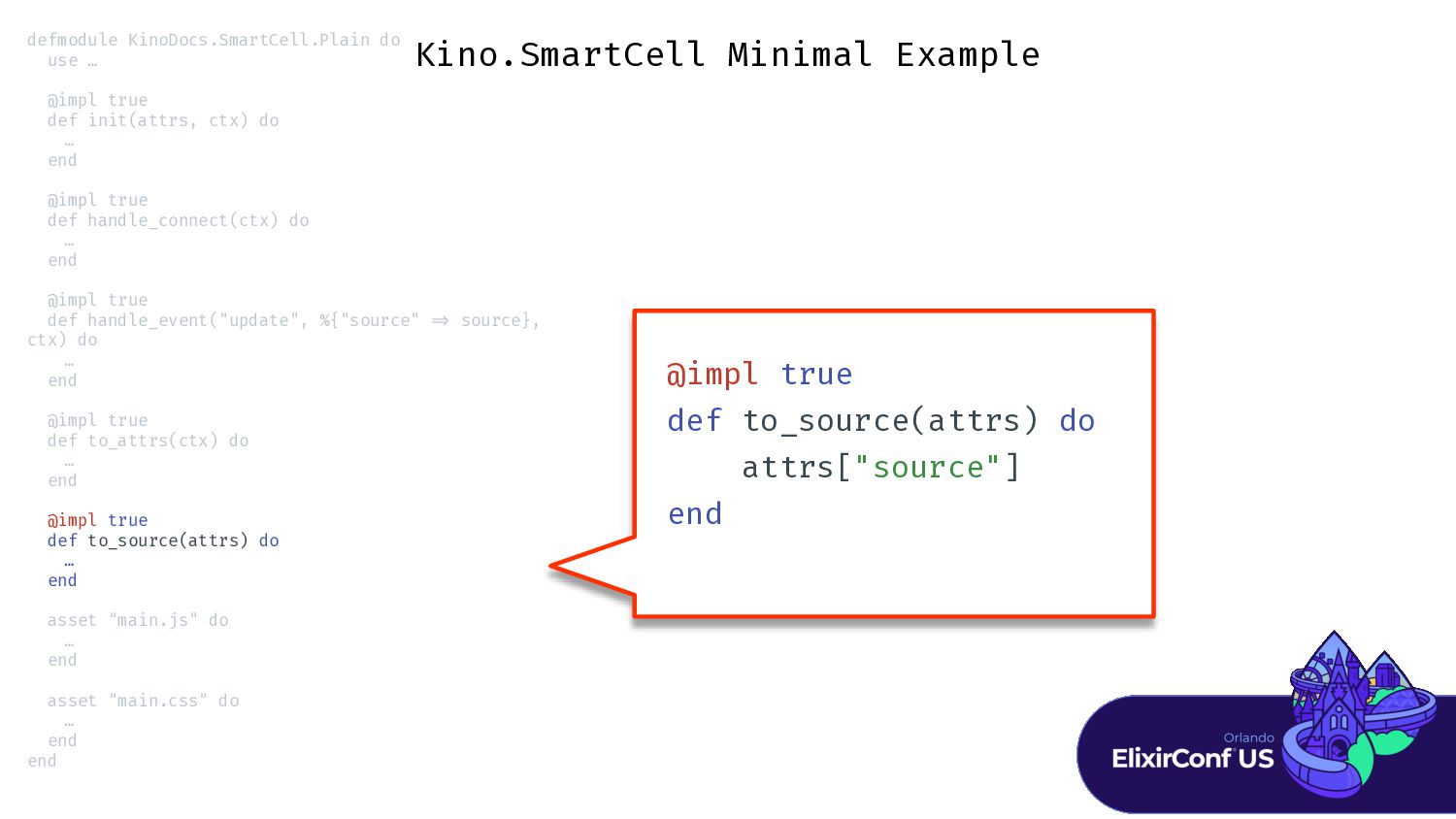
Kino.SmartCell Minimal Example @impl true def to_source(attrs) do attrs["source"] end
defmodule KinoDocs.SmartCell.Plain do use … @impl true def init(attrs, ctx) do … end @impl true def handle_connect(ctx) do … end @impl true def handle_event("update", %{"source" = > source}, ctx) do … end @impl true def to_attrs(ctx) do … end @impl true def to_source(attrs) do … end asset "main.js" do … end asset "main.css" do … end end -
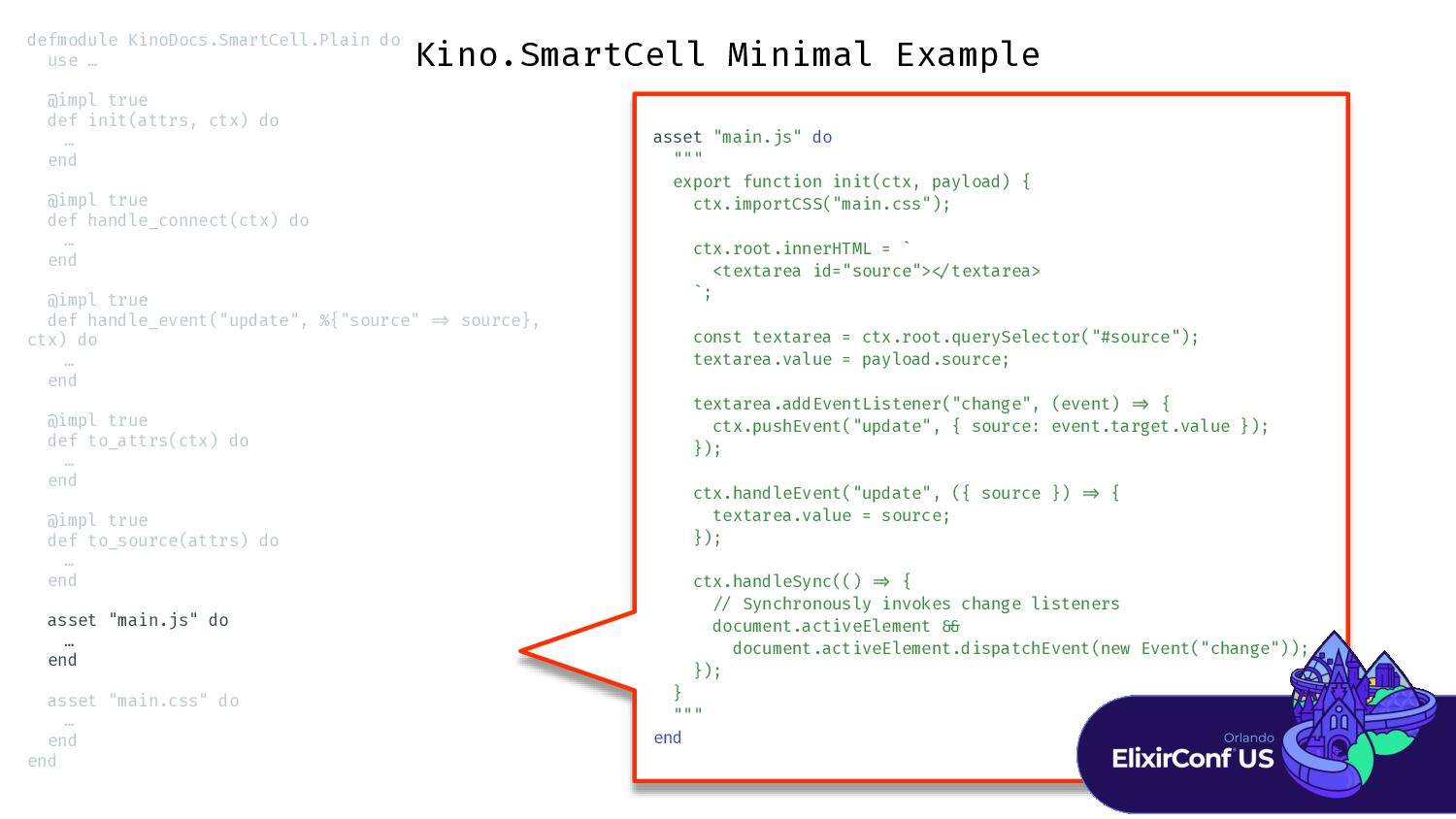
Kino.SmartCell Minimal Example asset "main.js" do """ export function init(ctx,
payload) { ctx.importCSS("main.css"); ctx.root.innerHTML = ` <textarea id="source"> < / textarea> `; const textarea = ctx.root.querySelector("#source"); textarea.value = payload.source; textarea.addEventListener("change", (event) = > { ctx.pushEvent("update", { source: event.target.value }); }); ctx.handleEvent("update", ({ source }) = > { textarea.value = source; }); ctx.handleSync(() = > { / / Synchronously invokes change listeners document.activeElement & & document.activeElement.dispatchEvent(new Event("change")); }); } """ end defmodule KinoDocs.SmartCell.Plain do use … @impl true def init(attrs, ctx) do … end @impl true def handle_connect(ctx) do … end @impl true def handle_event("update", %{"source" = > source}, ctx) do … end @impl true def to_attrs(ctx) do … end @impl true def to_source(attrs) do … end asset "main.js" do … end asset "main.css" do … end end -
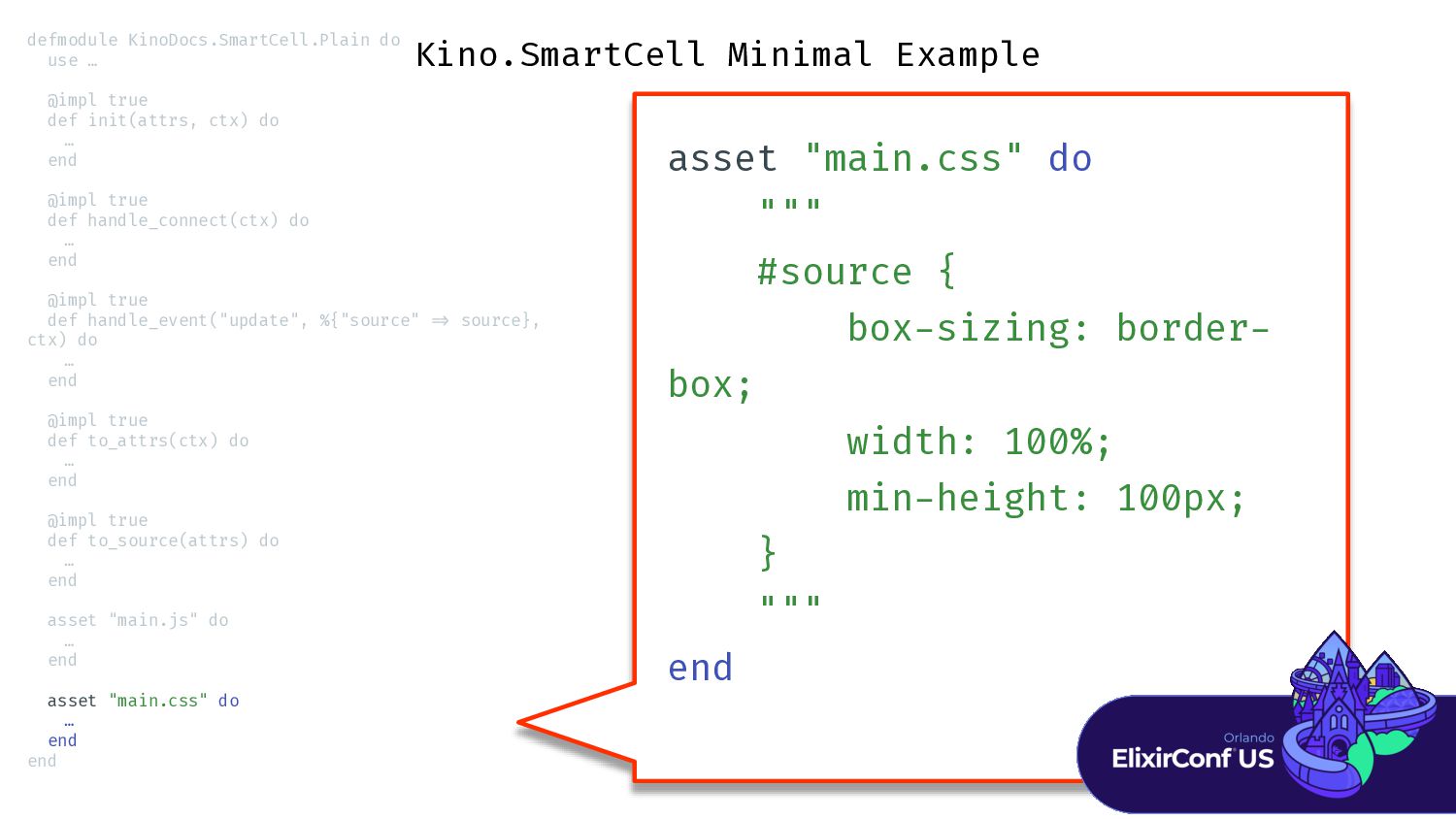
Kino.SmartCell Minimal Example asset "main.css" do """ #source { box
- sizing: border - box; width: 100%; min - height: 100px; } """ end defmodule KinoDocs.SmartCell.Plain do use … @impl true def init(attrs, ctx) do … end @impl true def handle_connect(ctx) do … end @impl true def handle_event("update", %{"source" = > source}, ctx) do … end @impl true def to_attrs(ctx) do … end @impl true def to_source(attrs) do … end asset "main.js" do … end asset "main.css" do … end end -
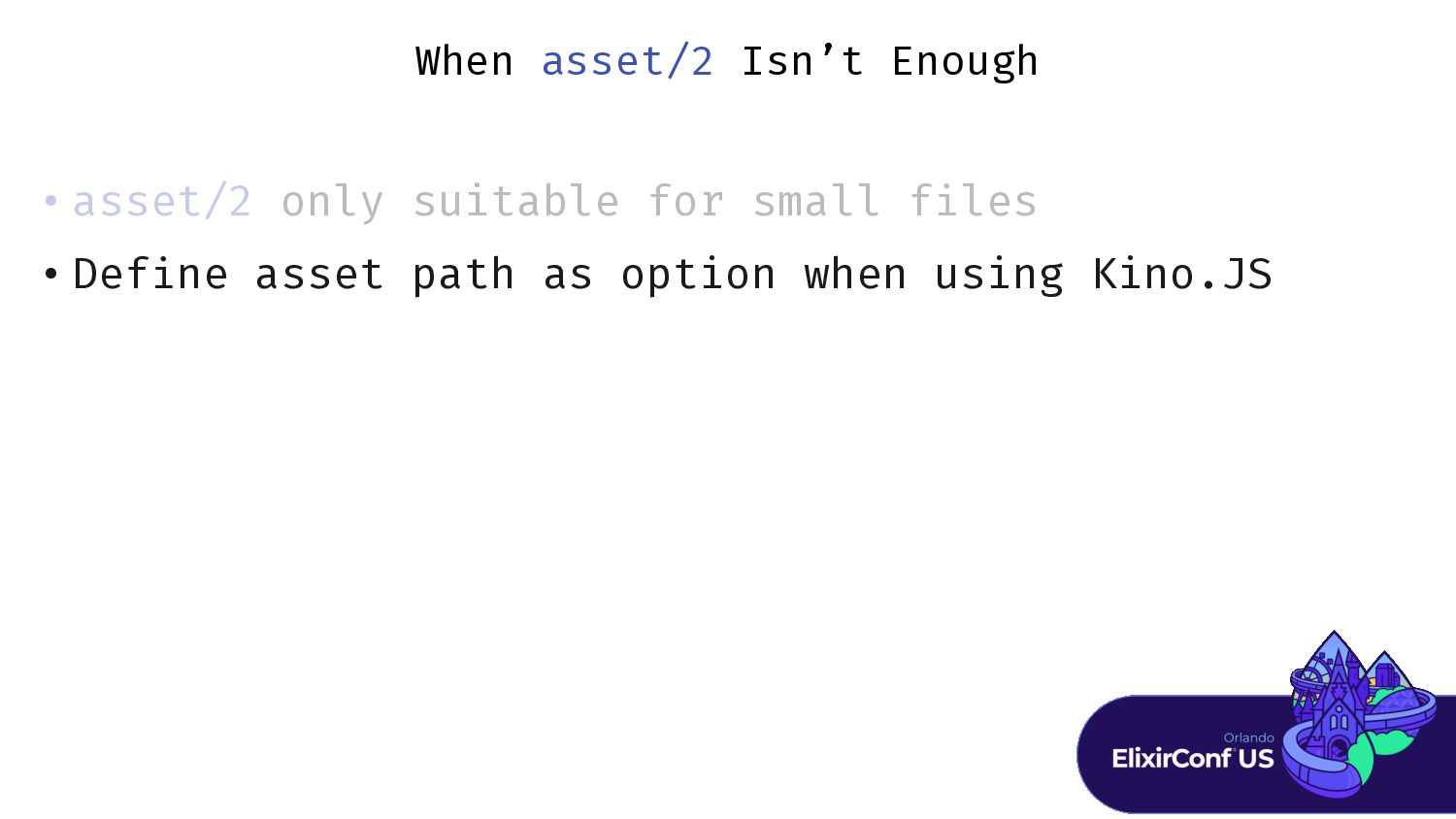
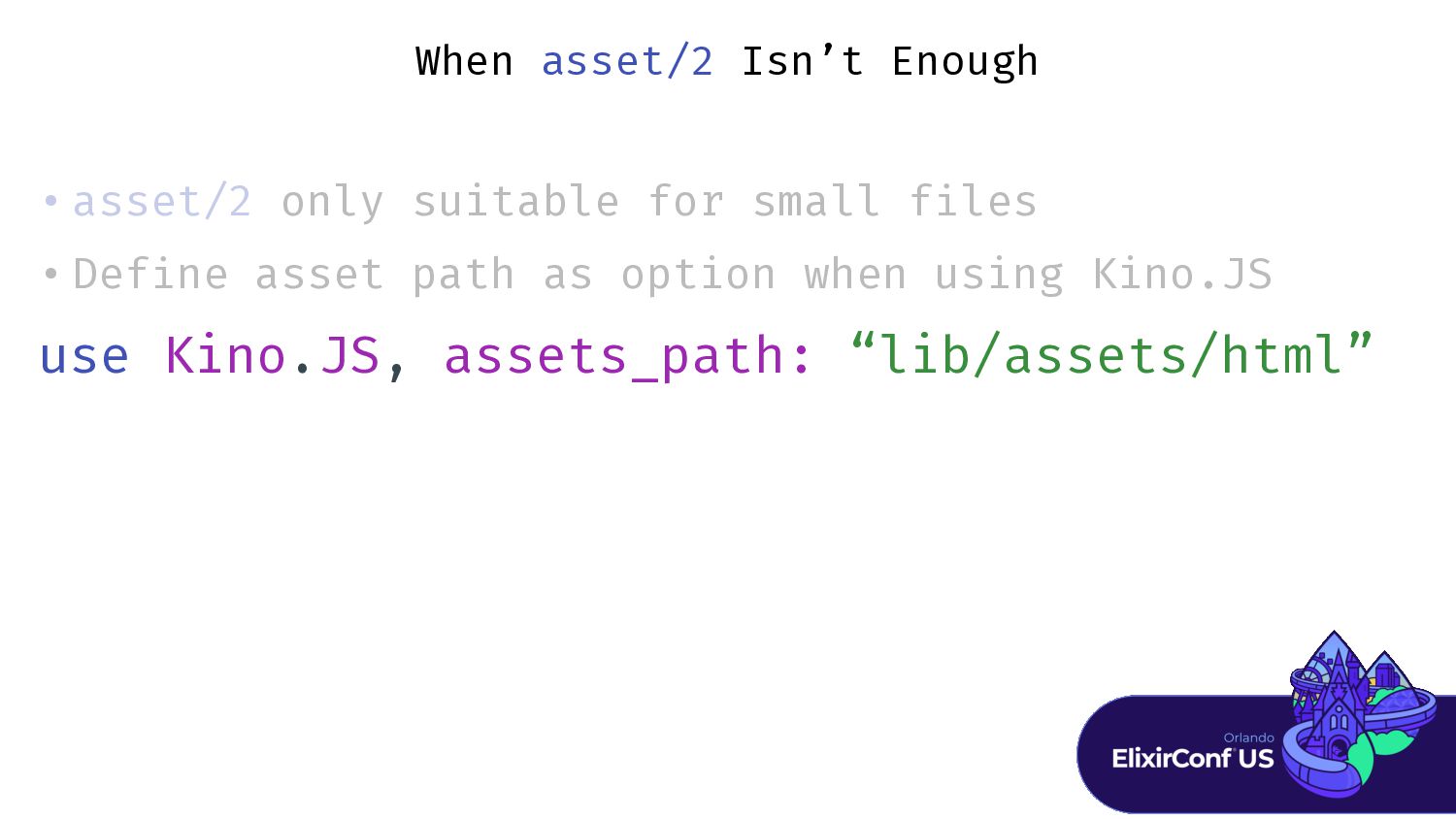
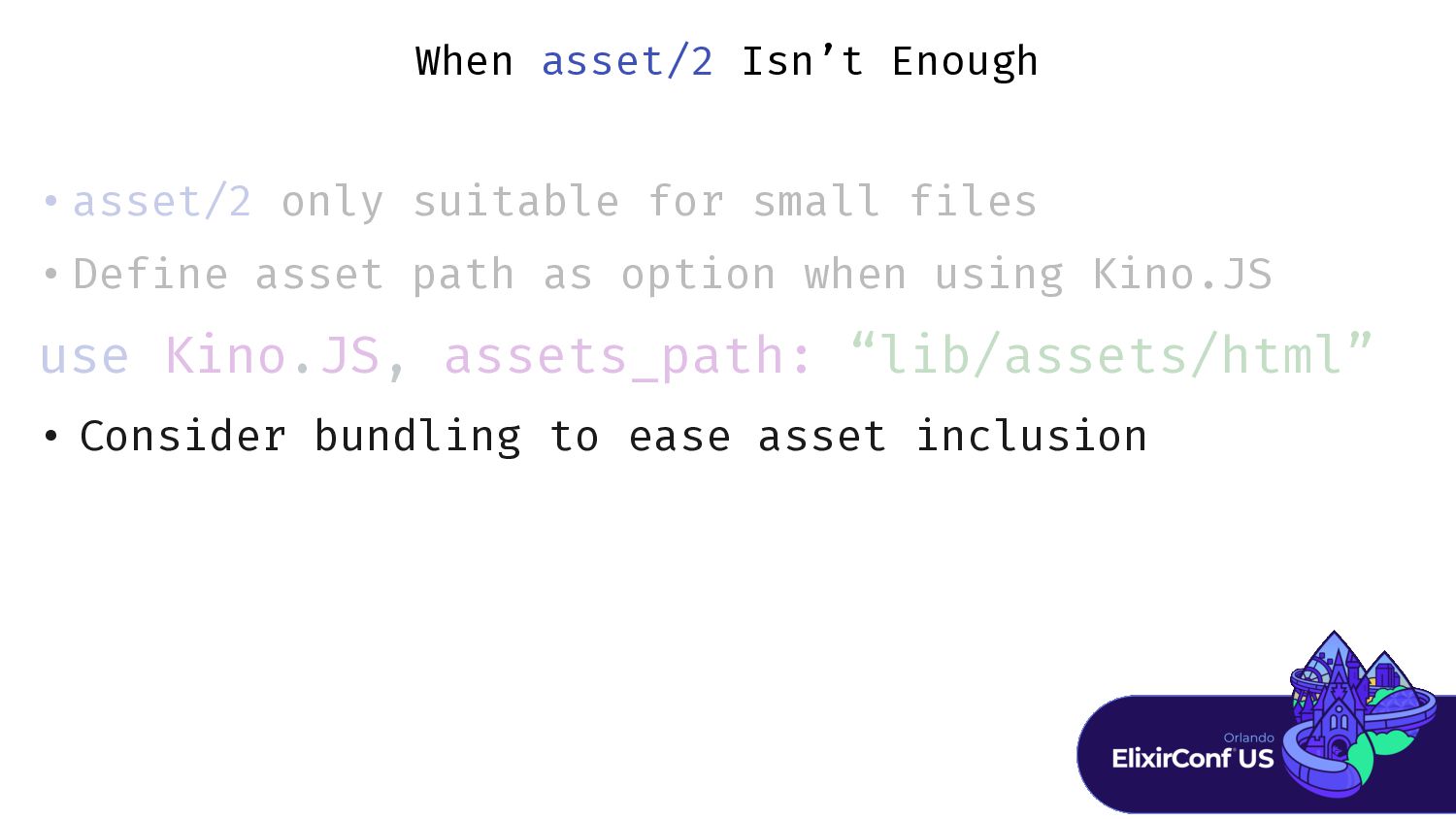
When asset/2 Isn’t Enough • asset/2 only suitable for small
f i • Def i ne asset path as option when using Kino.JS -
When asset/2 Isn’t Enough • asset/2 only suitable for small
f i • Def i use Kino.JS, assets_path: “lib/assets/html” -
When asset/2 Isn’t Enough • asset/2 only suitable for small
f i • Def i use Kino.JS, assets_path: “lib/assets/html” • Consider bundling to ease asset inclusion -
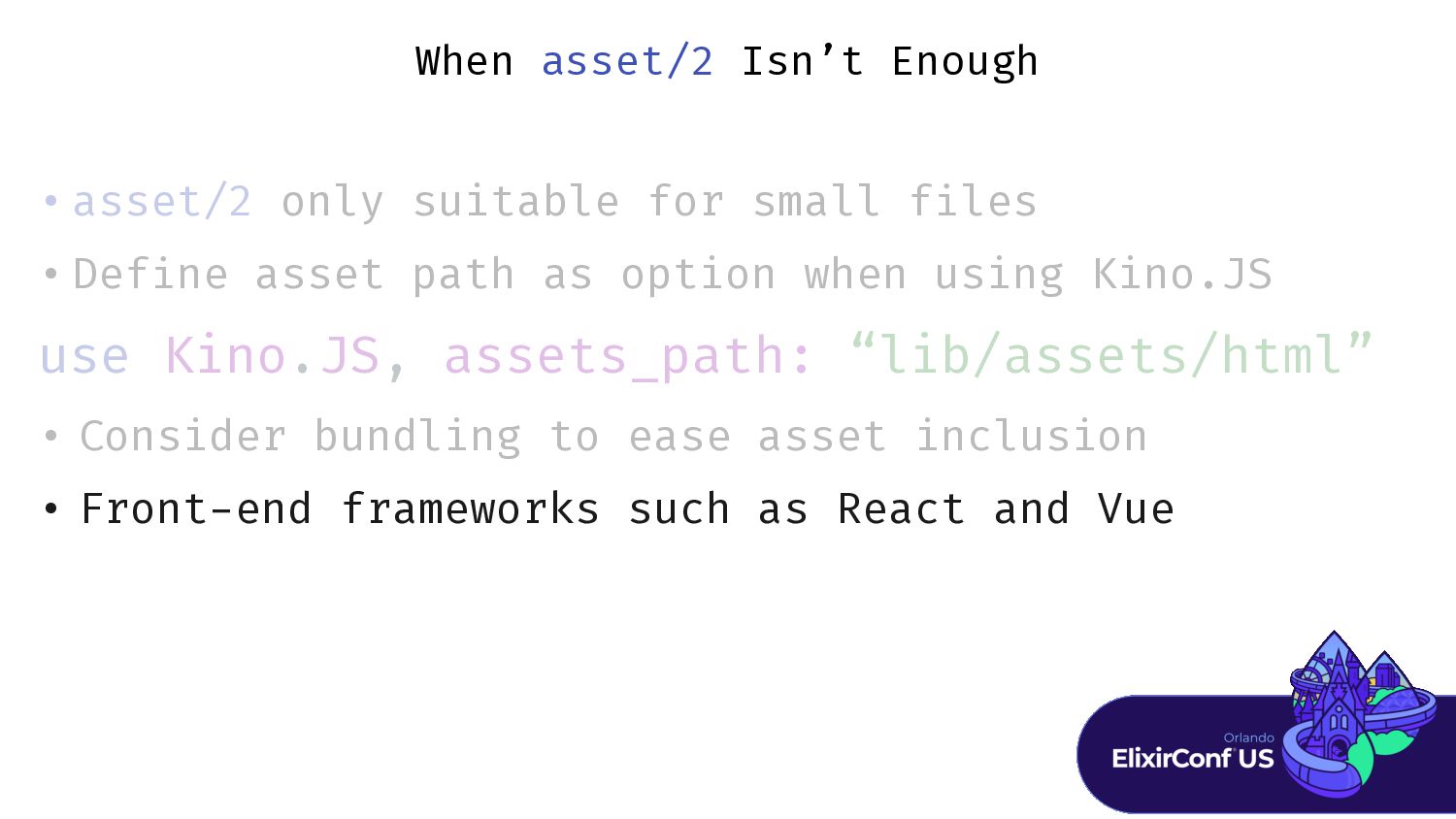
When asset/2 Isn’t Enough • asset/2 only suitable for small
f i • Def i use Kino.JS, assets_path: “lib/assets/html” • Consider bundling to ease asset inclusion • Front - end frameworks such as React and Vue -
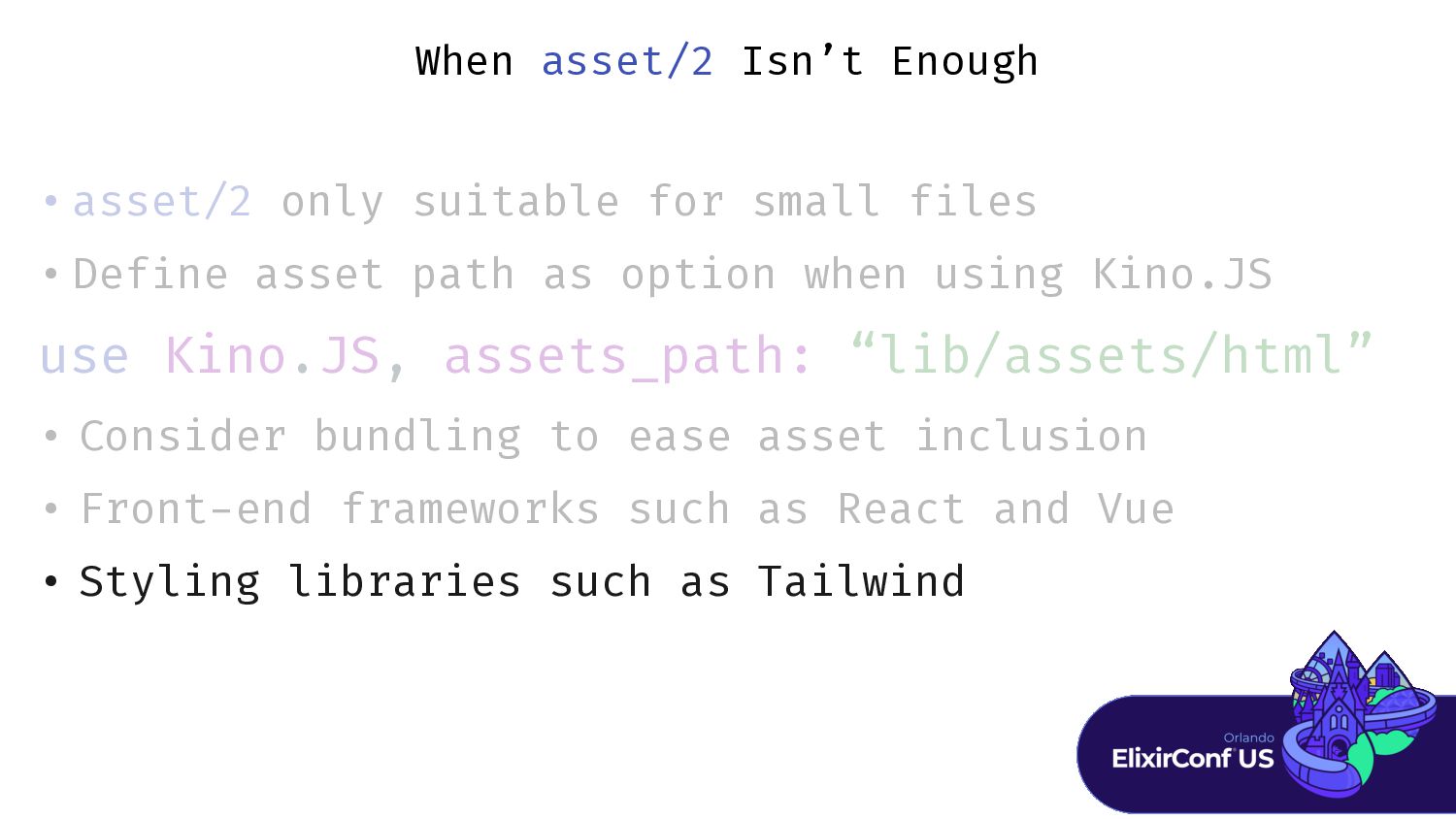
When asset/2 Isn’t Enough • asset/2 only suitable for small
f i • Def i use Kino.JS, assets_path: “lib/assets/html” • Consider bundling to ease asset inclusion • Front - • Styling libraries such as Tailwind -
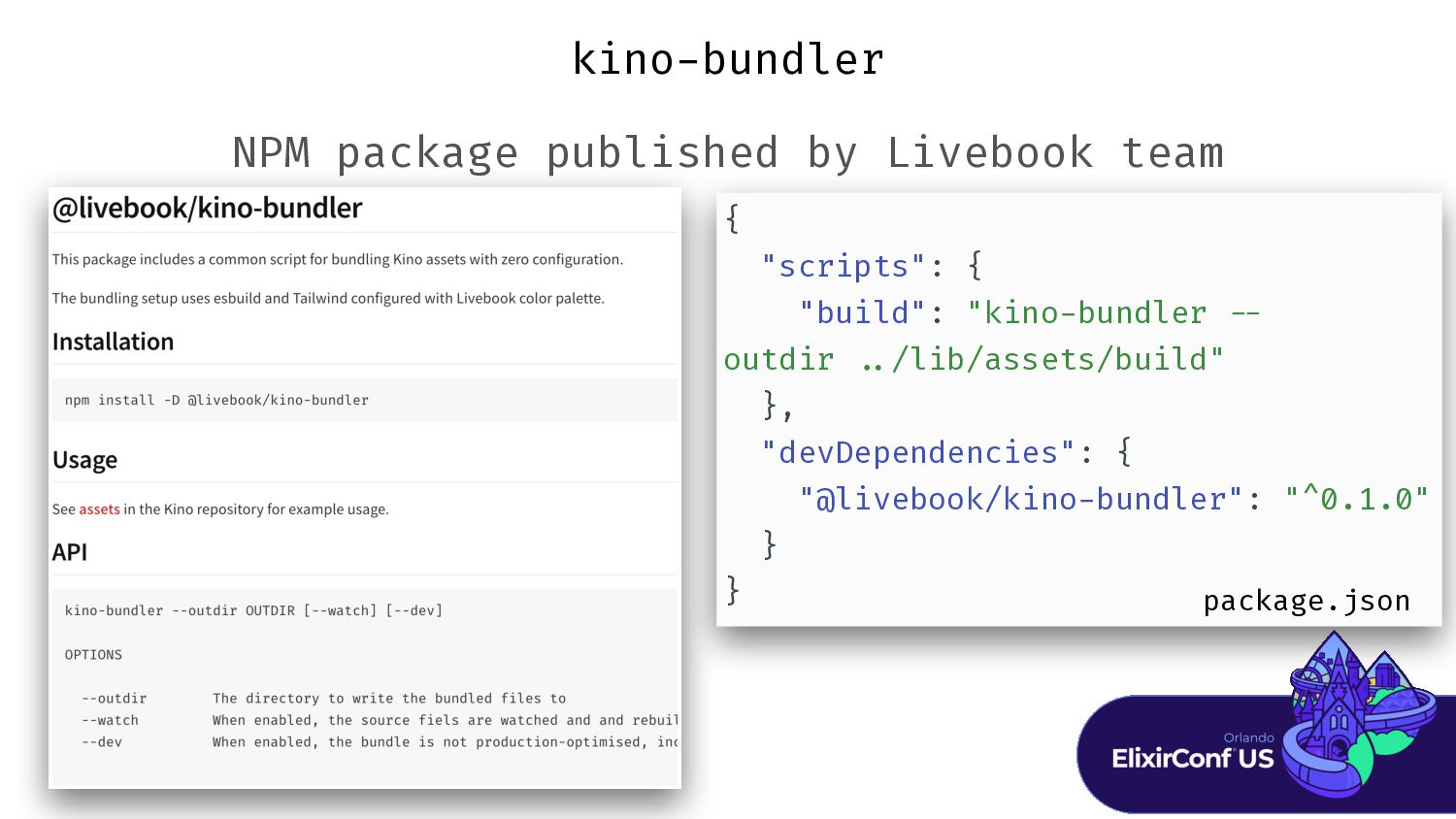
kino - bundler NPM package published by Livebook team {
"scripts": { "build": "kino - bundler - - outdir . . /lib/assets/build" }, "devDependencies": { "@livebook/kino - bundler": "^0.1.0" } } package.json -
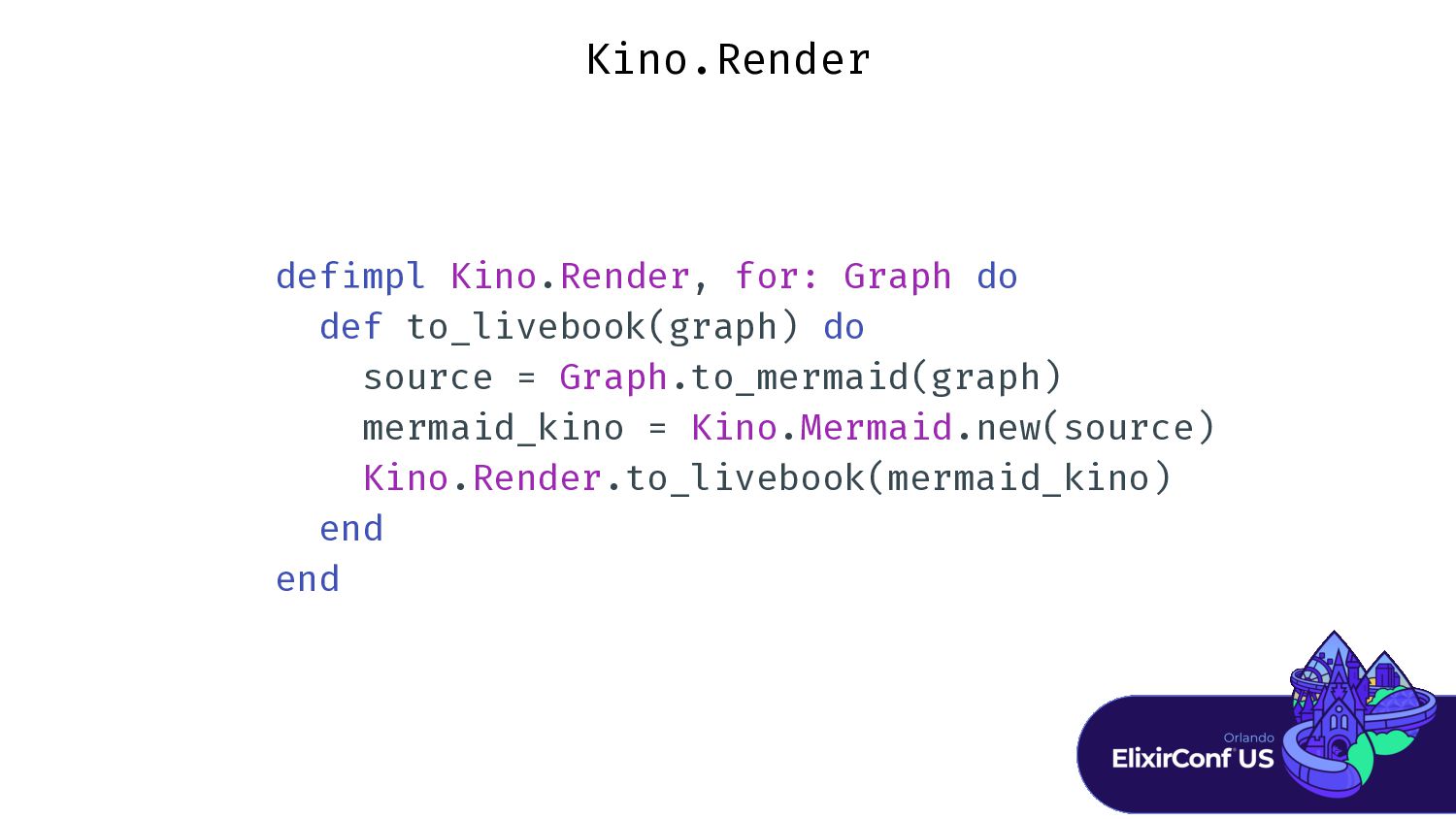
Kino.Render def i mpl Kino.Render, for: Graph do def to_livebook(graph)
do source = Graph.to_mermaid(graph) mermaid_kino = Kino.Mermaid.new(source) Kino.Render.to_livebook(mermaid_kino) end end -
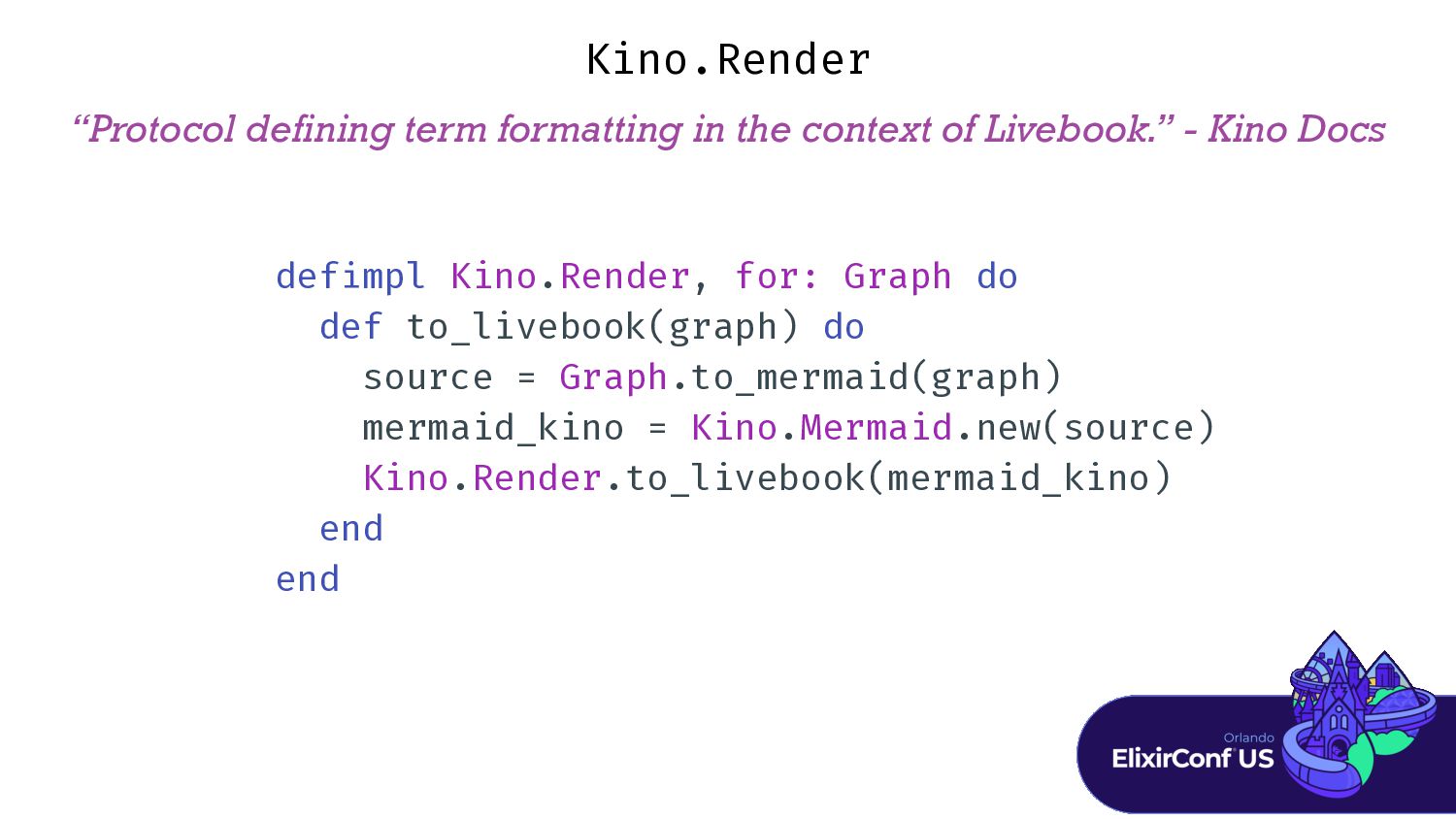
“Protocol defining term formatting in the context of Livebook.” -
Kino Docs Kino.Render def i mpl Kino.Render, for: Graph do def to_livebook(graph) do source = Graph.to_mermaid(graph) mermaid_kino = Kino.Mermaid.new(source) Kino.Render.to_livebook(mermaid_kino) end end -
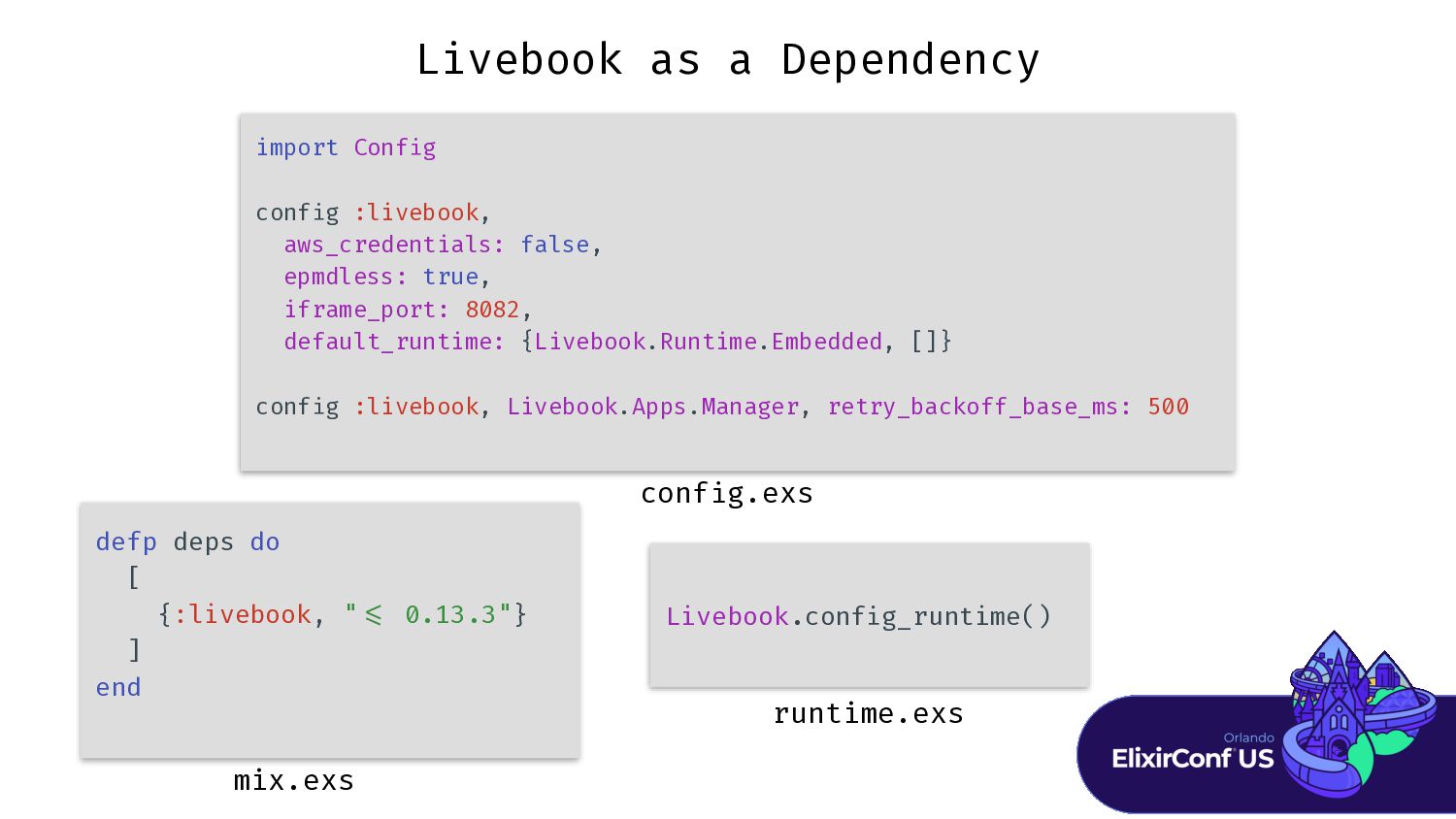
Livebook as a Dependency import Conf i g conf i
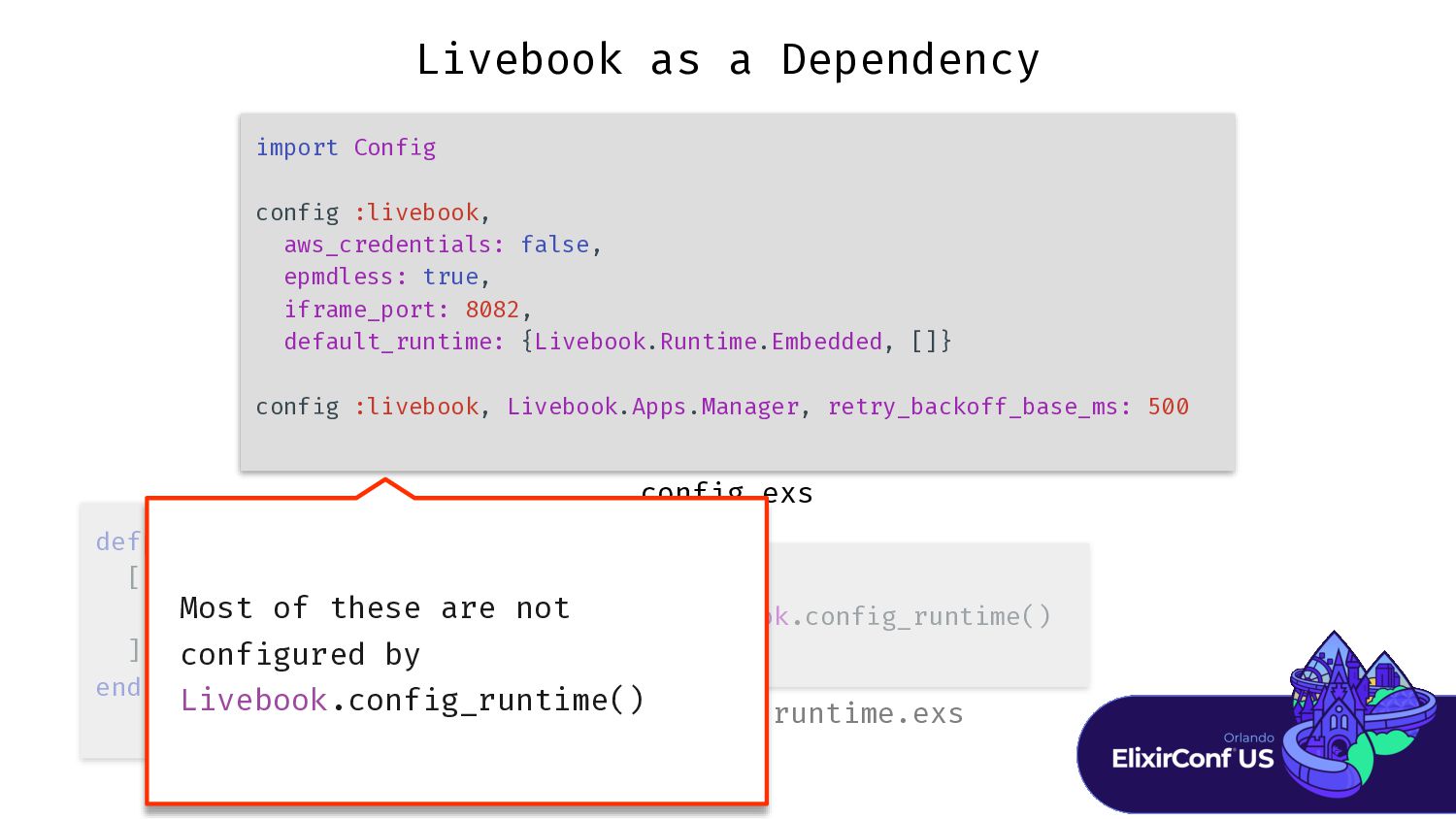
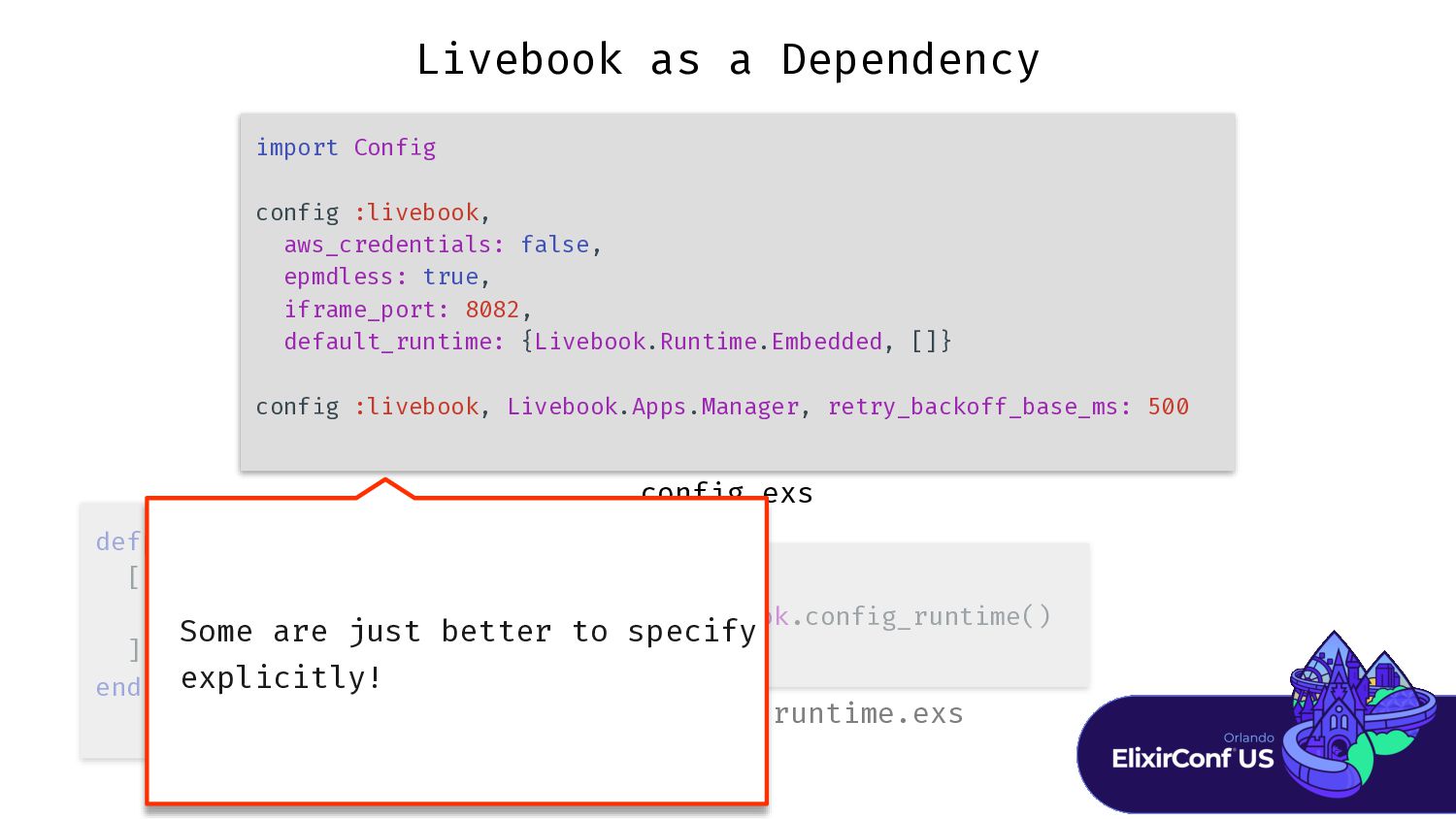
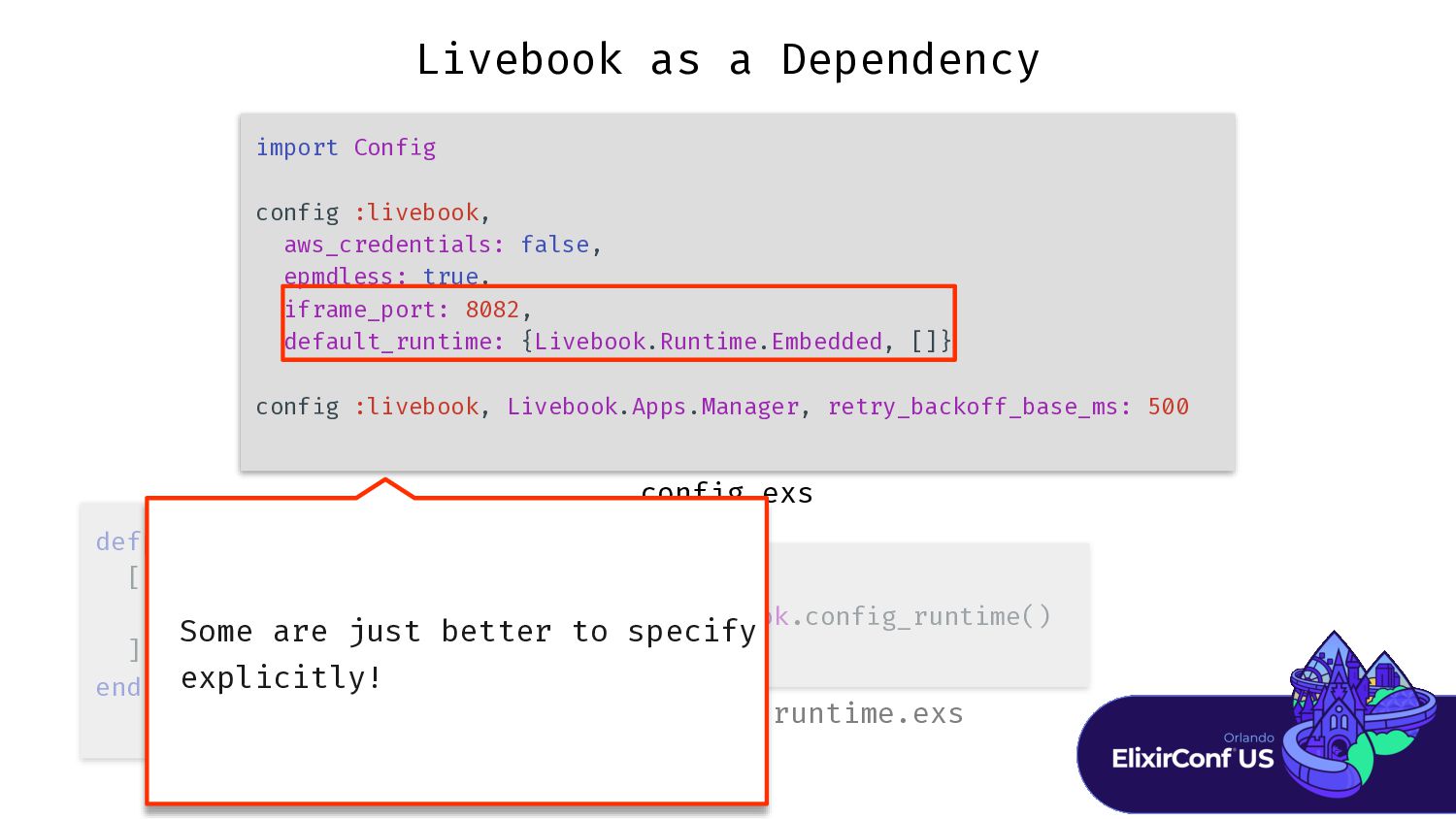
g :livebook, aws_credentials: false, epmdless: true, iframe_port: 8082, default_runtime: {Livebook.Runtime.Embedded, []} conf i g :livebook, Livebook.Apps.Manager, retry_backoff_base_ms: 500 Livebook.conf i g_runtime() defp deps do [ {:livebook, " < = 0.13.3"} ] end runtime.exs mix.exs conf i g.exs -
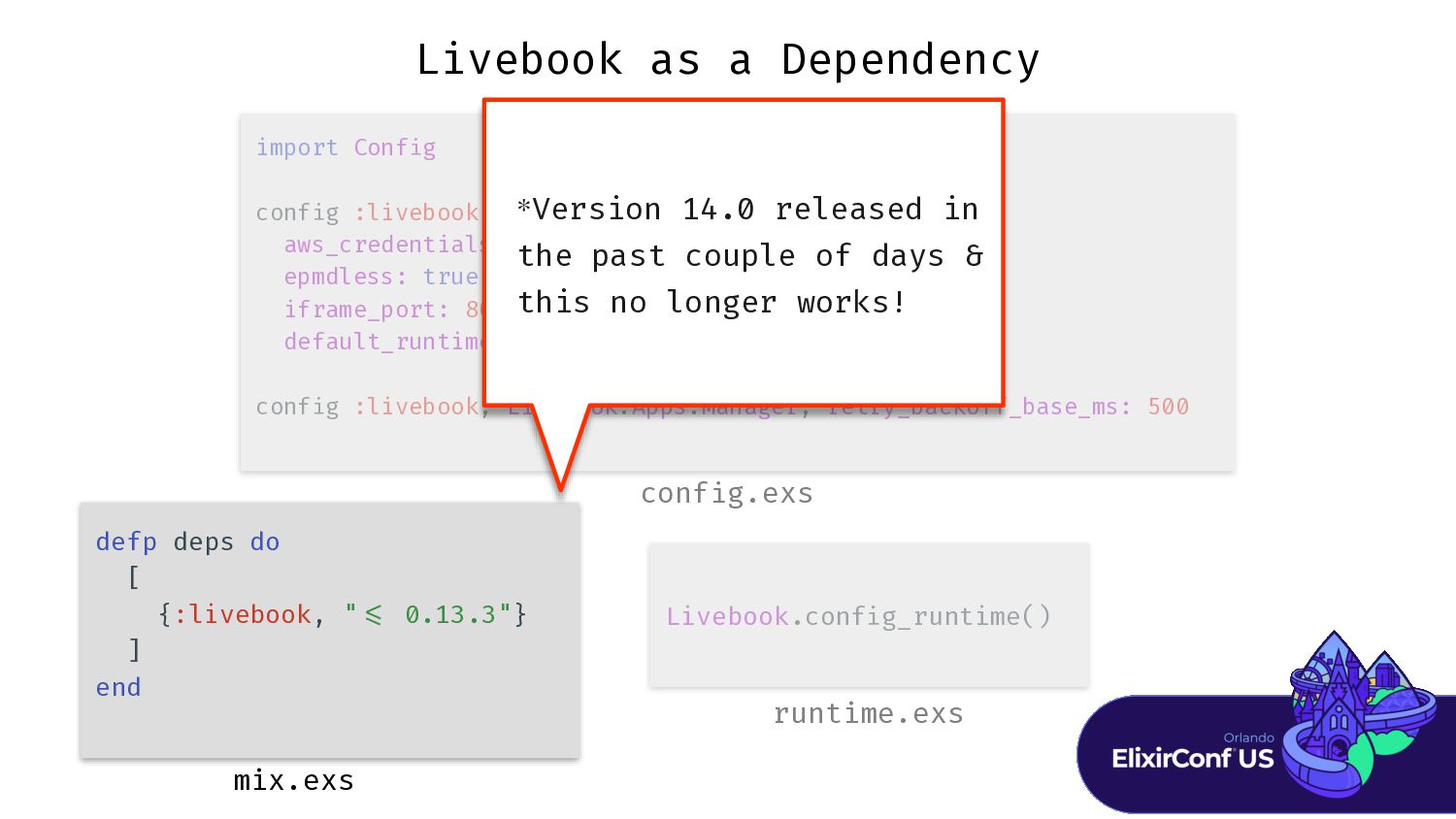
Livebook as a Dependency import Conf i conf i aws_credentials:
false, epmdless: true, iframe_port: 8082, default_runtime: {Livebook.Runtime.Embedded, []} conf i Livebook.conf i defp deps do [ {:livebook, " < = 0.13.3"} ] end runtime.exs mix.exs conf i Version 14.0 released in the past couple of days & this no longer works! * -
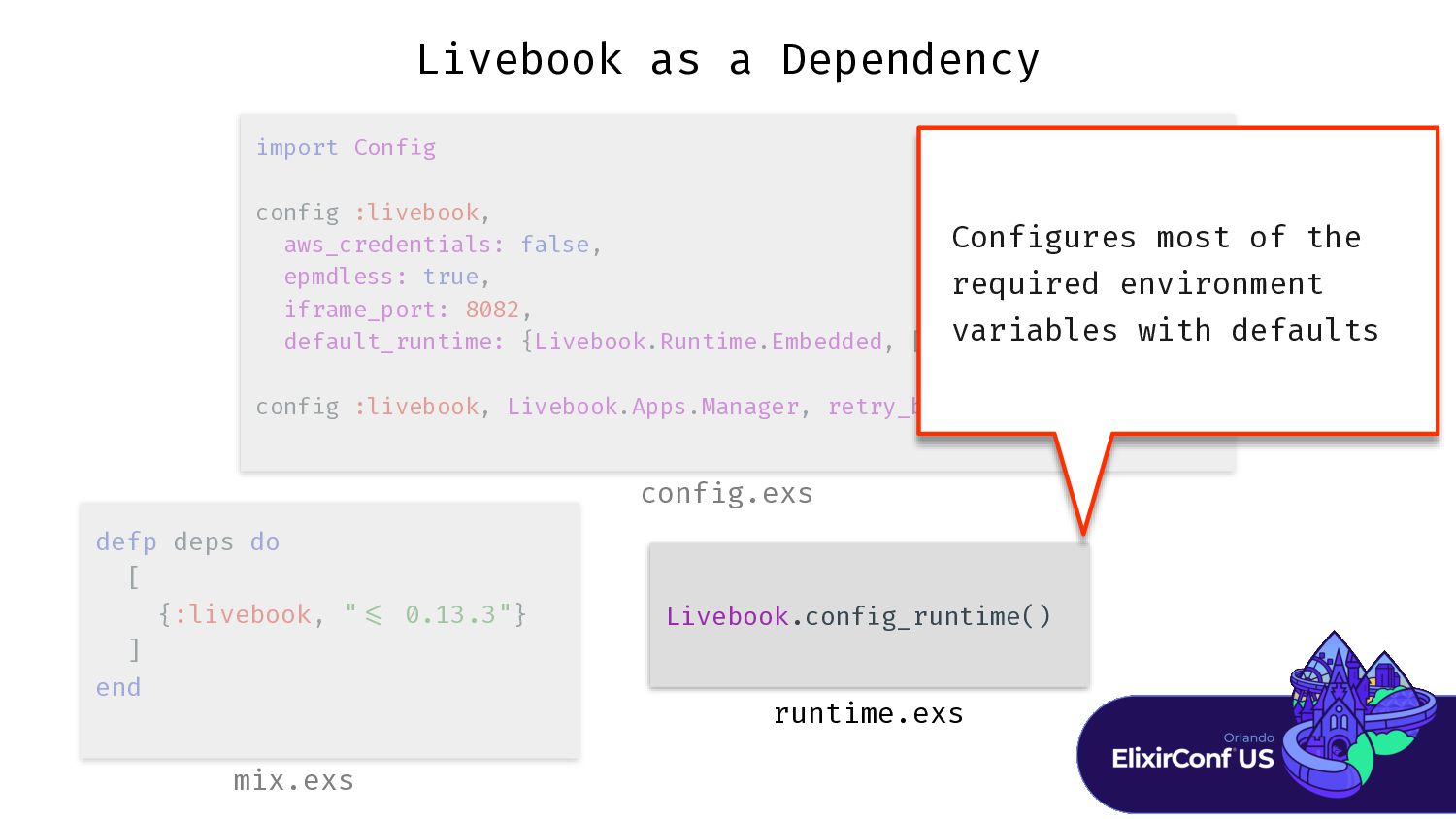
Livebook as a Dependency import Conf i conf i aws_credentials:
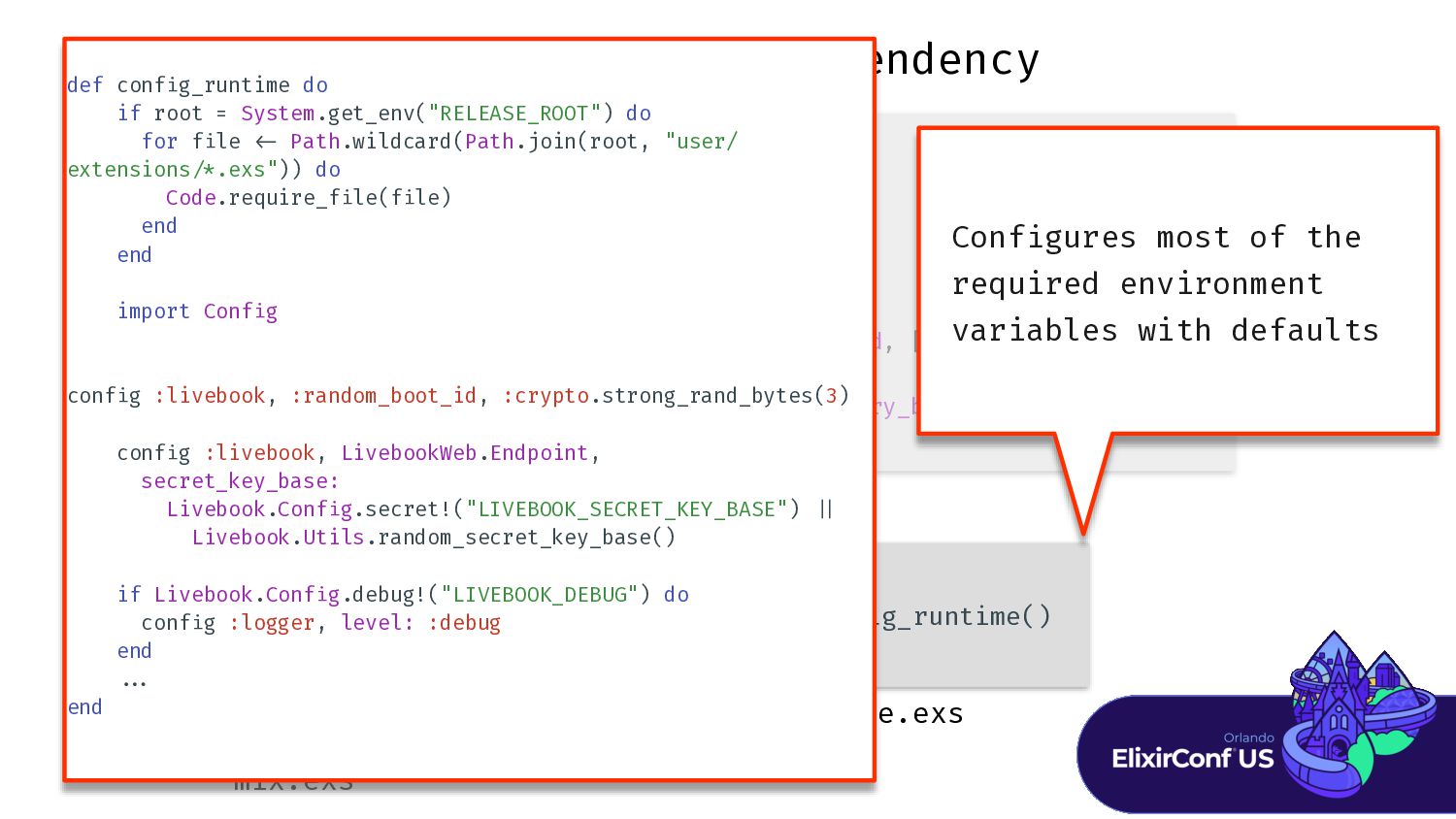
false, epmdless: true, iframe_port: 8082, default_runtime: {Livebook.Runtime.Embedded, []} conf i Livebook.conf i g_runtime() defp deps do [ {:livebook, " = ] end runtime.exs mix.exs conf i Conf i gures most of the required environment variables with defaults -
Livebook as a Dependency import Conf i conf i aws_credentials:
false, epmdless: true, iframe_port: 8082, default_runtime: {Livebook.Runtime.Embedded, []} conf i Livebook.conf i g_runtime() defp deps do [ {:livebook, " = ] end runtime.exs mix.exs conf i Conf i gures most of the required environment variables with defaults def conf i g_runtime do if root = System.get_env("RELEASE_ROOT") do for f i le < - Path.wildcard(Path.join(root, "user/ extensions / * .exs")) do Code.require_f i le(f i le) end end import Conf i g conf i g :livebook, :random_boot_id, :crypto.strong_rand_bytes(3) conf i g :livebook, LivebookWeb.Endpoint, secret_key_base: Livebook.Conf i g.secret!("LIVEBOOK_SECRET_KEY_BASE") | | Livebook.Utils.random_secret_key_base() if Livebook.Conf i g.debug!("LIVEBOOK_DEBUG") do conf i g :logger, level: :debug end . . . end -
Livebook as a Dependency import Conf i g conf i
g :livebook, aws_credentials: false, epmdless: true, iframe_port: 8082, default_runtime: {Livebook.Runtime.Embedded, []} conf i g :livebook, Livebook.Apps.Manager, retry_backoff_base_ms: 500 Livebook.conf i defp deps do [ {:livebook, " = ] end runtime.exs mix.exs conf i g.exs Most of these are not conf i gured by Livebook.conf i g_runtime() -
Livebook as a Dependency import Conf i g conf i
g :livebook, aws_credentials: false, epmdless: true, iframe_port: 8082, default_runtime: {Livebook.Runtime.Embedded, []} conf i g :livebook, Livebook.Apps.Manager, retry_backoff_base_ms: 500 Livebook.conf i defp deps do [ {:livebook, " = ] end runtime.exs mix.exs conf i g.exs Some are just better to specify explicitly! -
Private APIs Livebook is built on GenServer - > We
can message it! -
Private APIs Livebook is built on GenServer - > We
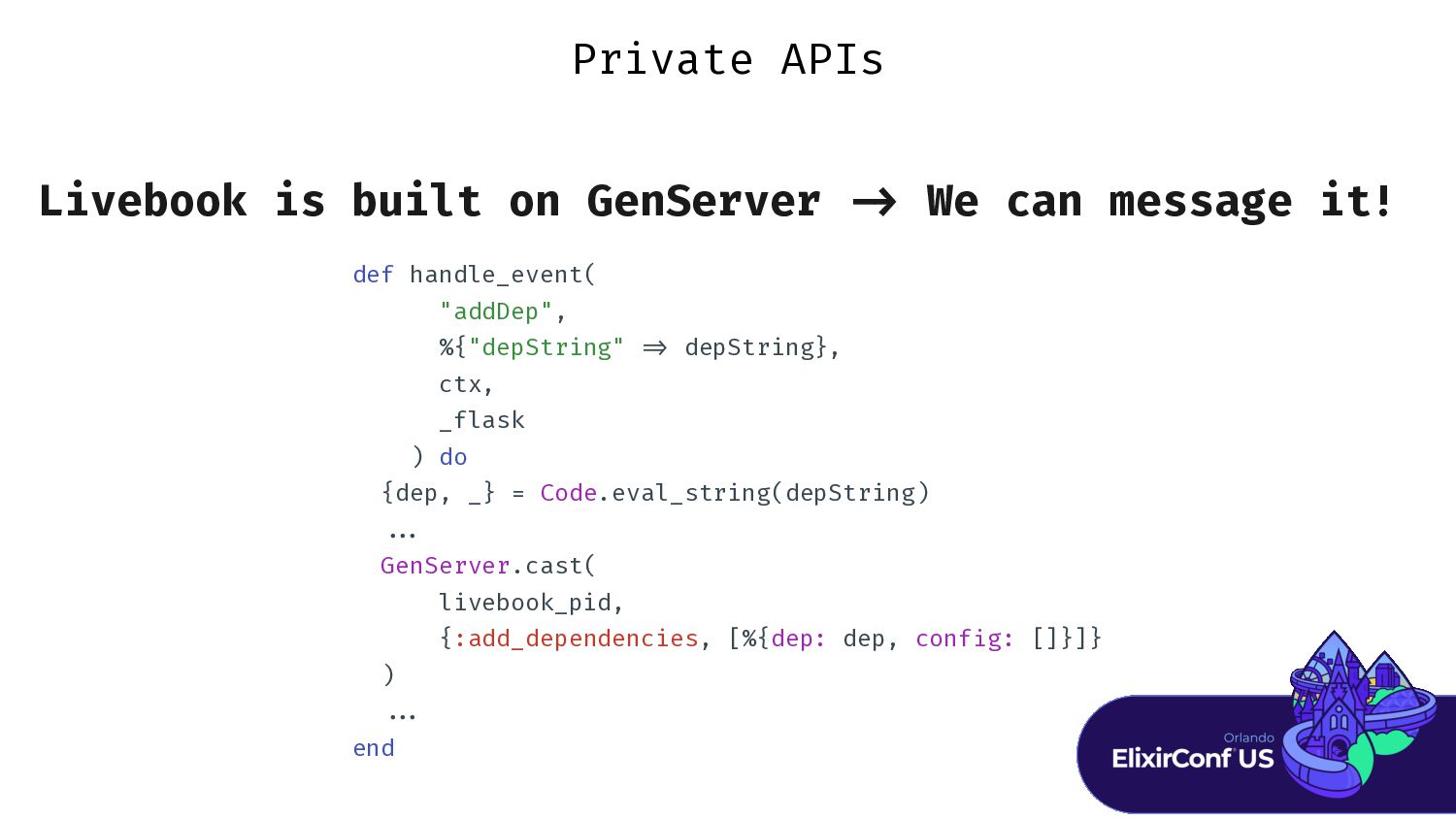
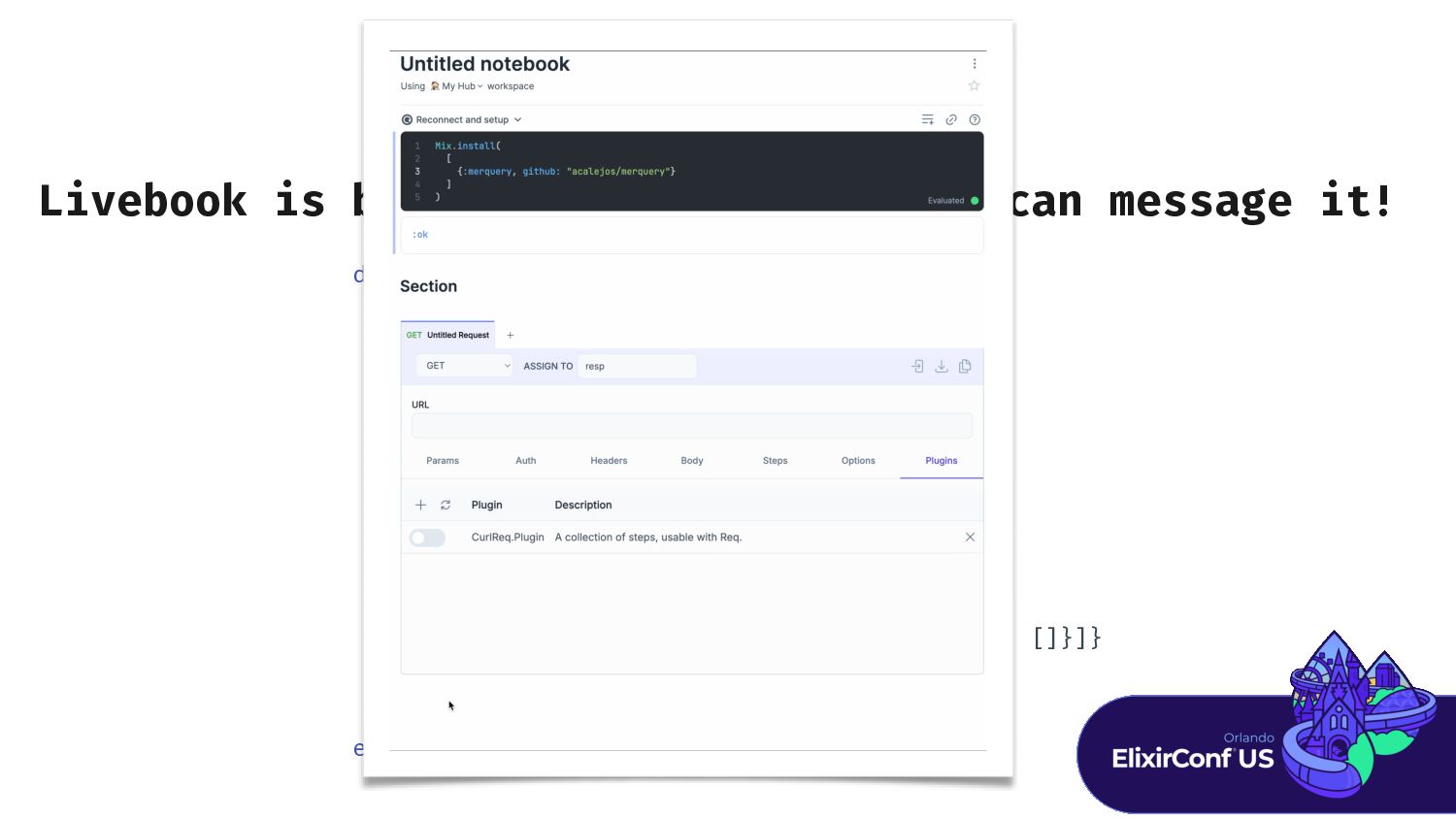
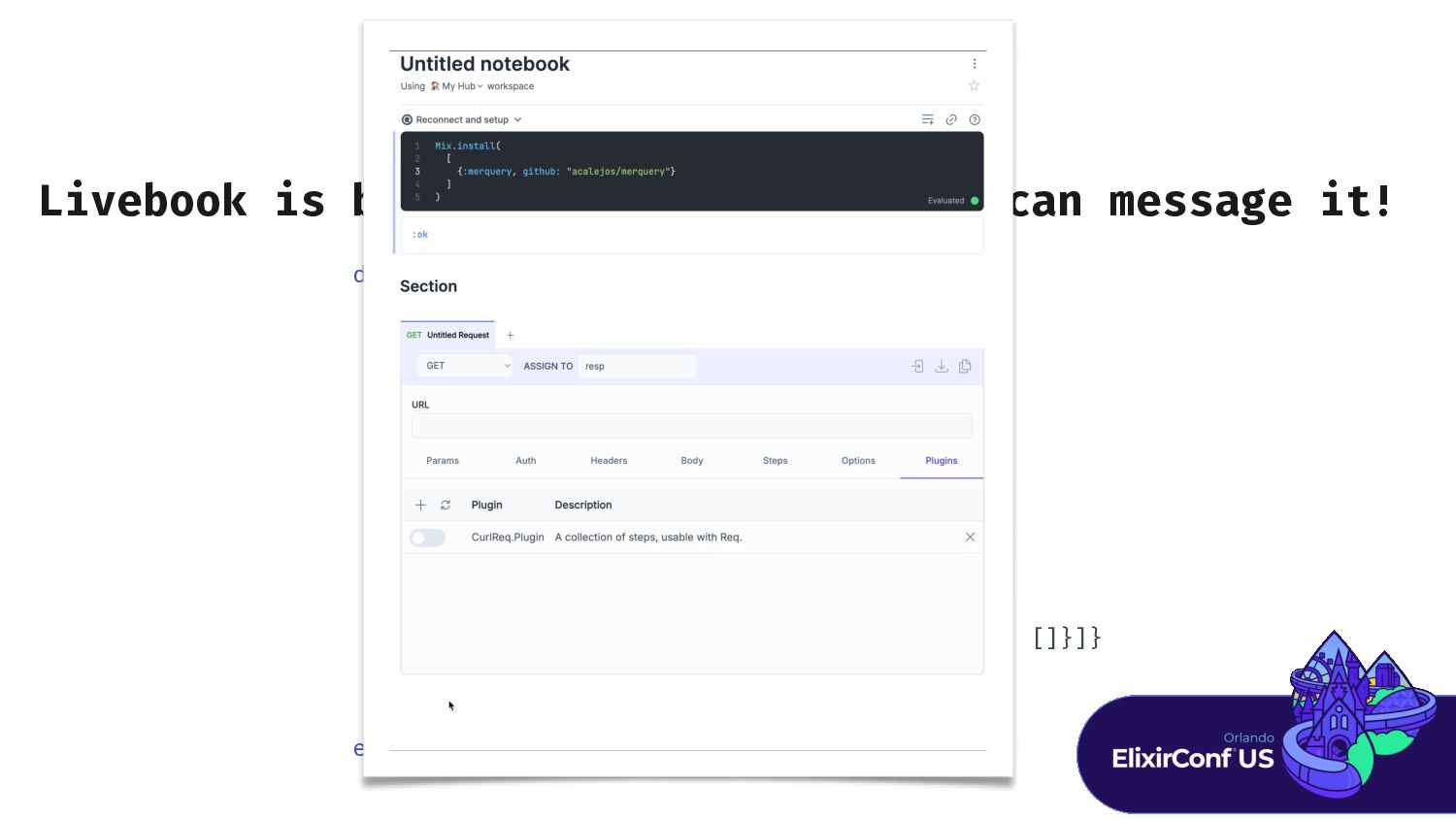
can message it! def handle_event( "addDep", %{"depString" = > depString}, ctx, _flask ) do {dep, _} = Code.eval_string(depString) . . . GenServer.cast( livebook_pid, {:add_dependencies, [%{dep: dep, conf i g: []}]} ) . . . end -
Private APIs Livebook is built on GenServer - > We
can message it! def handle_event( "addDep", %{"depString" = > depString}, ctx, _flask ) do {dep, _} = Code.eval_string(depString) . . . GenServer.cast( livebook_pid, {:add_dependencies, [%{dep: dep, conf i g: []}]} ) . . . end -
Private APIs Livebook is built on GenServer - > We
can message it! def handle_event( "addDep", %{"depString" = > depString}, ctx, _flask ) do {dep, _} = Code.eval_string(depString) . . . GenServer.cast( livebook_pid, {:add_dependencies, [%{dep: dep, conf i g: []}]} ) . . . end -
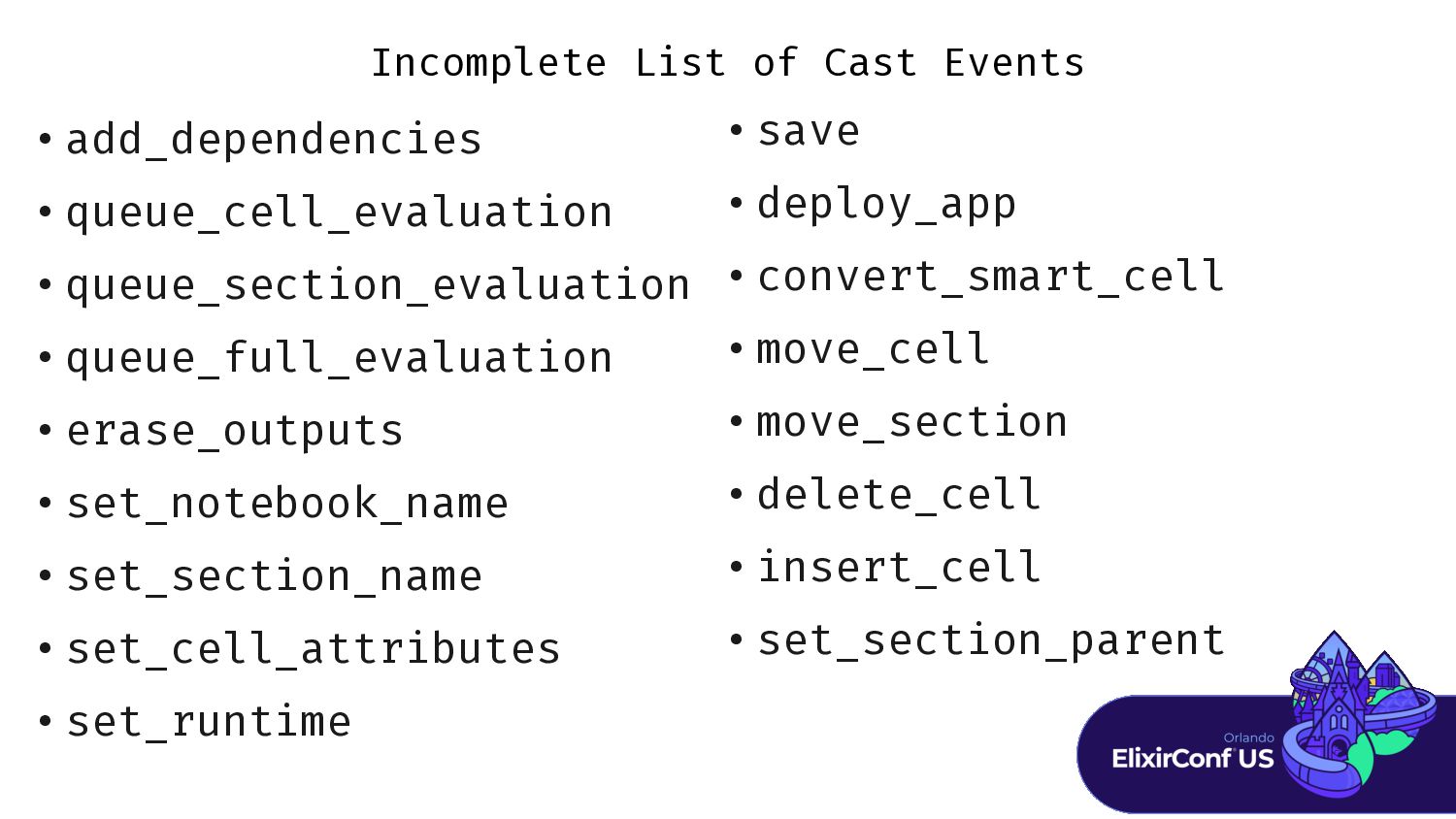
Incomplete List of Cast Events • add_dependencies • queue_cell_evaluation •
queue_section_evaluation • queue_full_evaluation • erase_outputs • set_notebook_name • set_section_name • set_cell_attributes • set_runtime • save • deploy_app • convert_smart_cell • move_cell • move_section • delete_cell • insert_cell • set_section_parent -
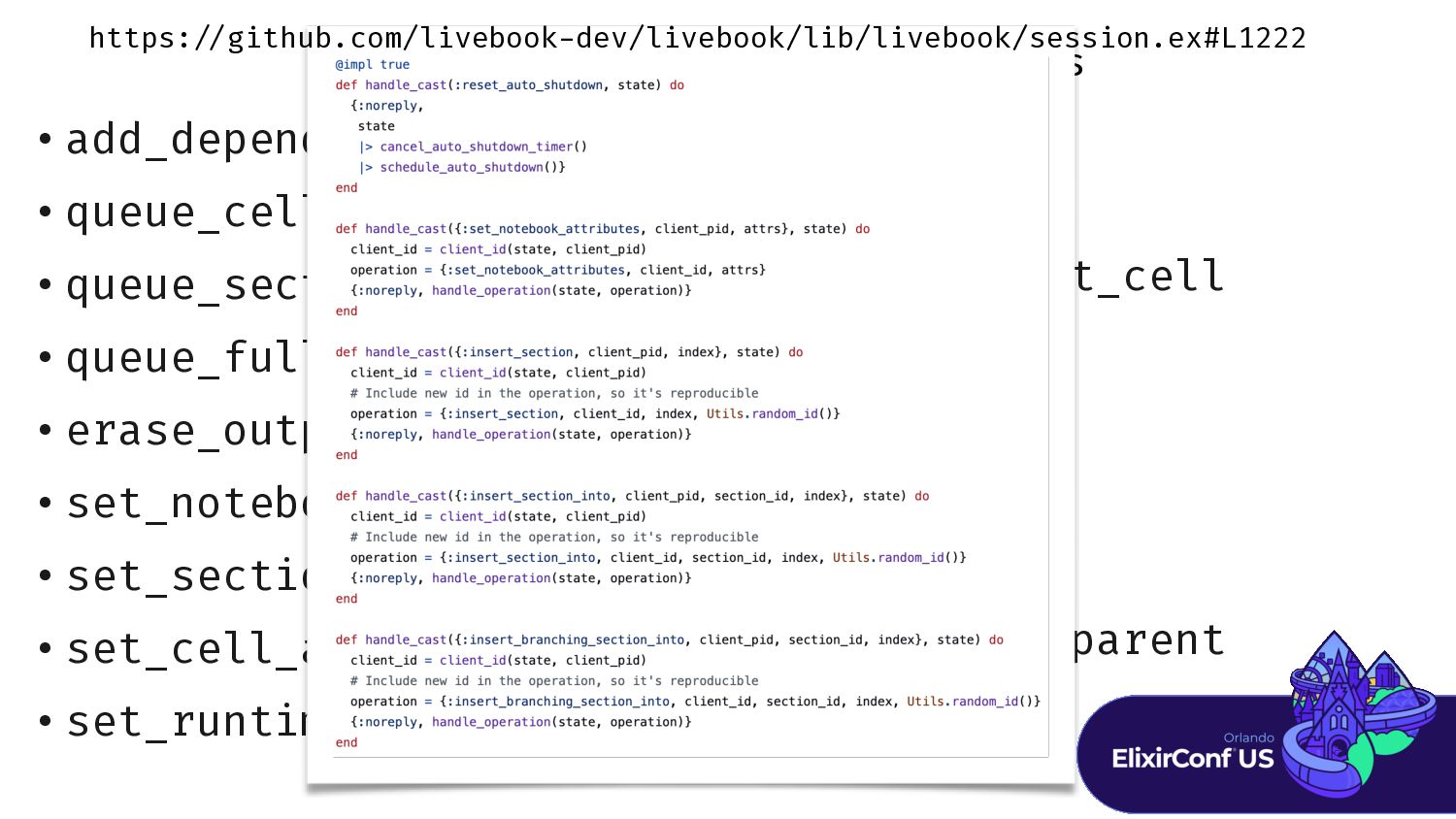
Incomplete List of Cast Events • add_dependencies • queue_cell_evaluation •
queue_section_evaluation • queue_full_evaluation • erase_outputs • set_notebook_name • set_section_name • set_cell_attributes • set_runtime • save • deploy_app • convert_smart_cell • move_cell • move_section • delete_cell • insert_cell • set_section_parent https: / / github.com/livebook - dev/livebook/lib/livebook/session.ex#L1222 -
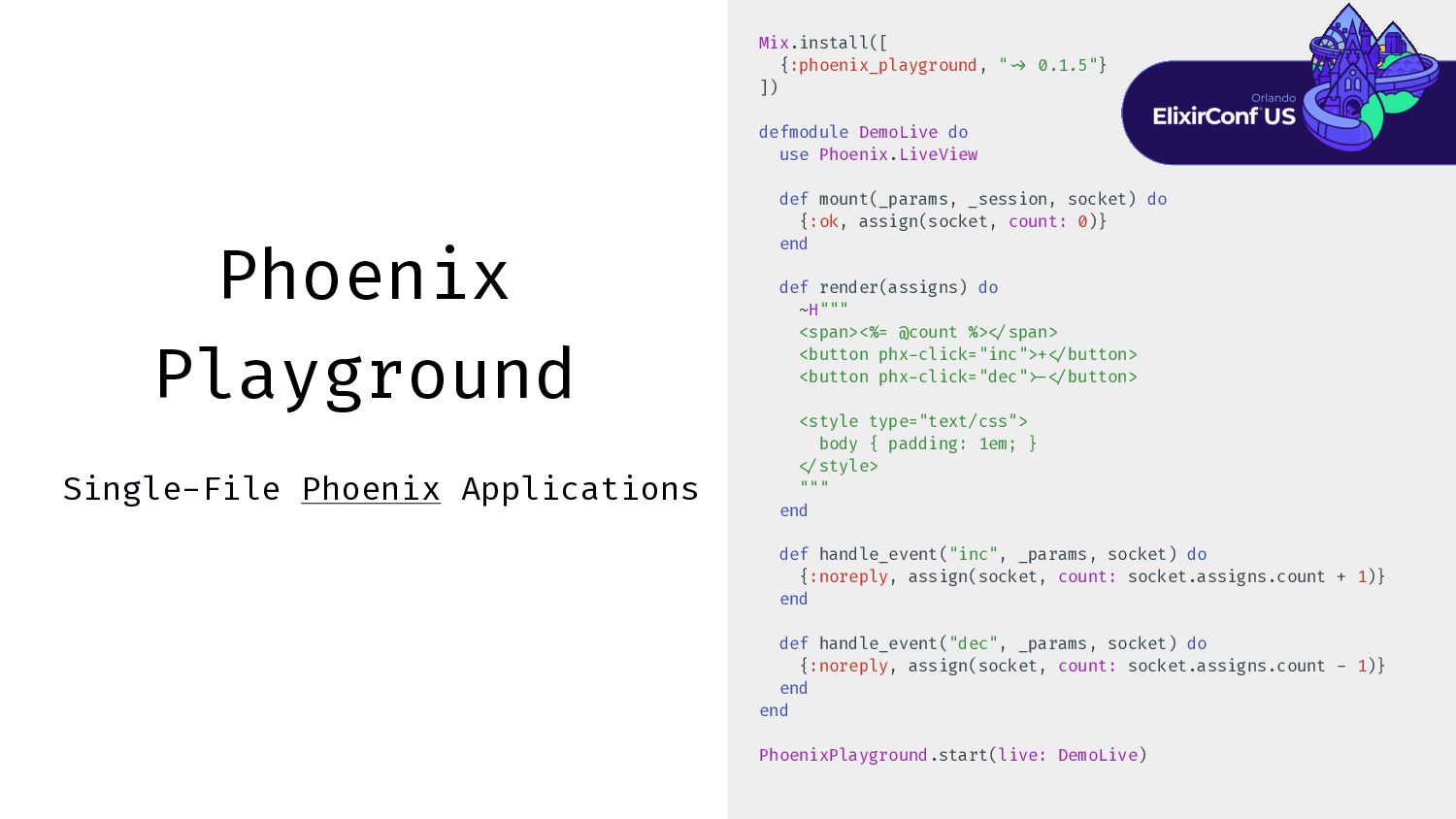
Phoenix Playground Single-File Phoenix Applications Mix.install([ {:phoenix_playground, " ~ >
0.1.5"} ]) defmodule DemoLive do use Phoenix.LiveView def mount(_params, _session, socket) do {:ok, assign(socket, count: 0)} end def render(assigns) do ~H""" <span><%= @count %> < / span> <button phx - click="inc">+ < / button> <button phx - click="dec" > - < / button> <style type="text/css"> body { padding: 1em; } < / style> """ end def handle_event("inc", _params, socket) do {:noreply, assign(socket, count: socket.assigns.count + 1)} end def handle_event("dec", _params, socket) do {:noreply, assign(socket, count: socket.assigns.count - 1)} end end PhoenixPlayground.start(live: DemoLive)
 acalejos
 jcasabona
 aleyda
 marcduiker
 apolaine
 tammyeverts
 greggifford
 smashingmag
 matthewcrist
 brad_frost
 kneath
 hannesfritz
 3n



![Setup Layout Kino.Layout.grid([ review_frame, predicted_frame, Kino.Layout.grid([negative, positive, keyboard], columns: 3),](https://files.speakerdeck.com/presentations/ed55f025647049e384076dc2741b036b/slide_97.jpg)