Lock in $30 Savings on PRO—Offer Ends Soon! ⏳

Linux Interview Questions For Devops By ScholarHat

Avatar for Rhorsch Rhorsch
June 30, 2025
6

Linux Interview Questions For Devops By ScholarHat

Linux interview questions for DevOps contribute significantly to the technical literature by bridging practical system knowledge with real-world deployment scenarios. They encapsulate essential concepts such as process management, networking, and automation that are fundamental to modern CI/CD pipelines. These questions serve as a standardized metric for evaluating DevOps proficiency, ensuring industry-ready skillsets. By documenting common challenges and solutions, they enrich the collective understanding of Linux in production environments. Ultimately, they guide both learners and practitioners in mastering the core of scalable infrastructure management.

Avatar for Rhorsch

Rhorsch

June 30, 2025
Tweet

Transcript

  1. Mastering Linux for DevOps Interviews Linux proficiency is a cornerstone

    for success in today's DevOps landscape, impacting over 80% of roles. This presentation will cover essential Linux commands and concepts crucial for excelling in DevOps interviews. So, lets get into linux interview questions for devops
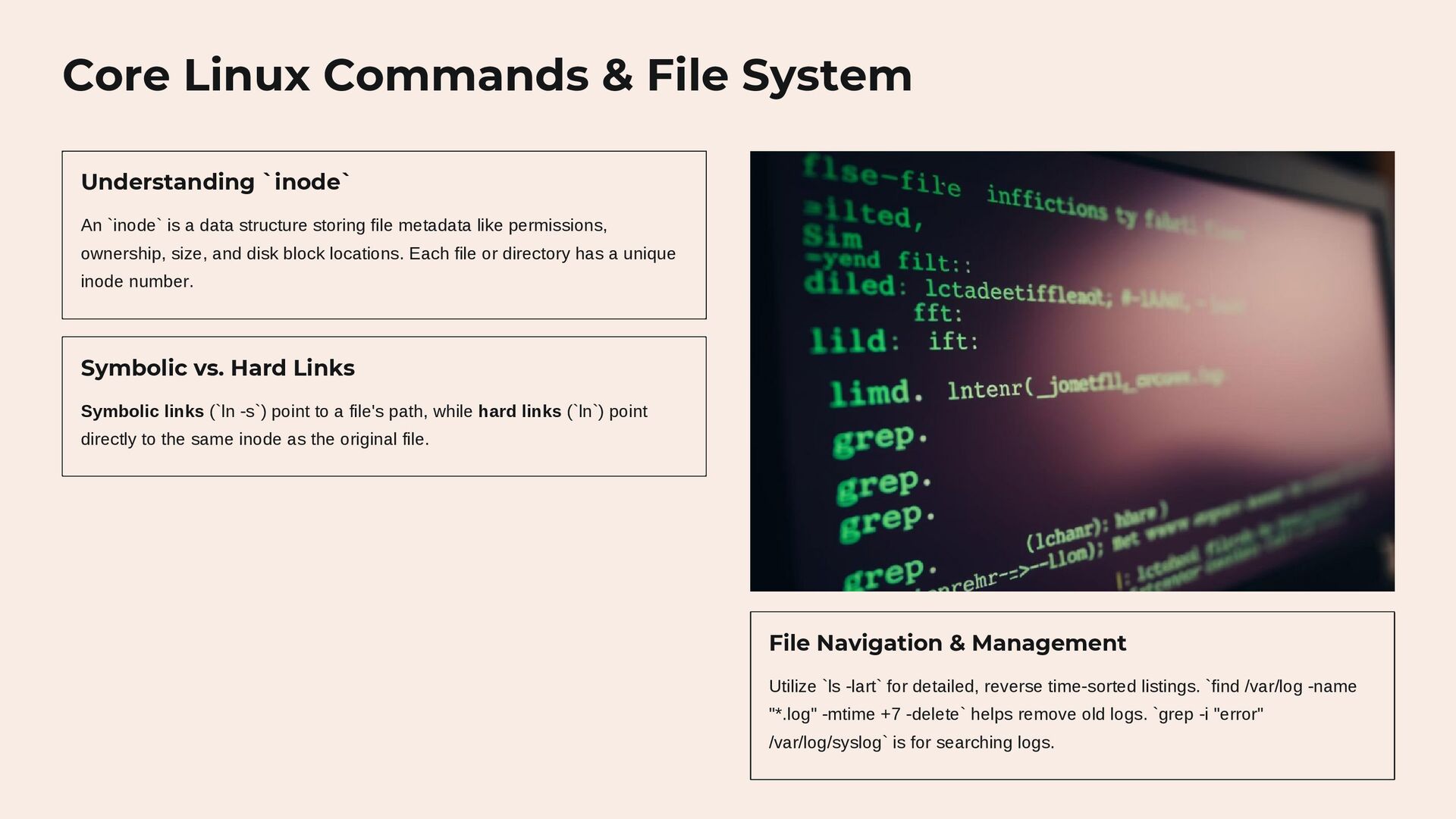
  2. Core Linux Commands & File System Understanding `inode` An `inode`

    is a data structure storing file metadata like permissions, ownership, size, and disk block locations. Each file or directory has a unique inode number. Symbolic vs. Hard Links Symbolic links (`ln -s`) point to a file's path, while hard links (`ln`) point directly to the same inode as the original file. File Navigation & Management Utilize `ls -lart` for detailed, reverse time-sorted listings. `find /var/log -name "*.log" -mtime +7 -delete` helps remove old logs. `grep -i "error" /var/log/syslog` is for searching logs.
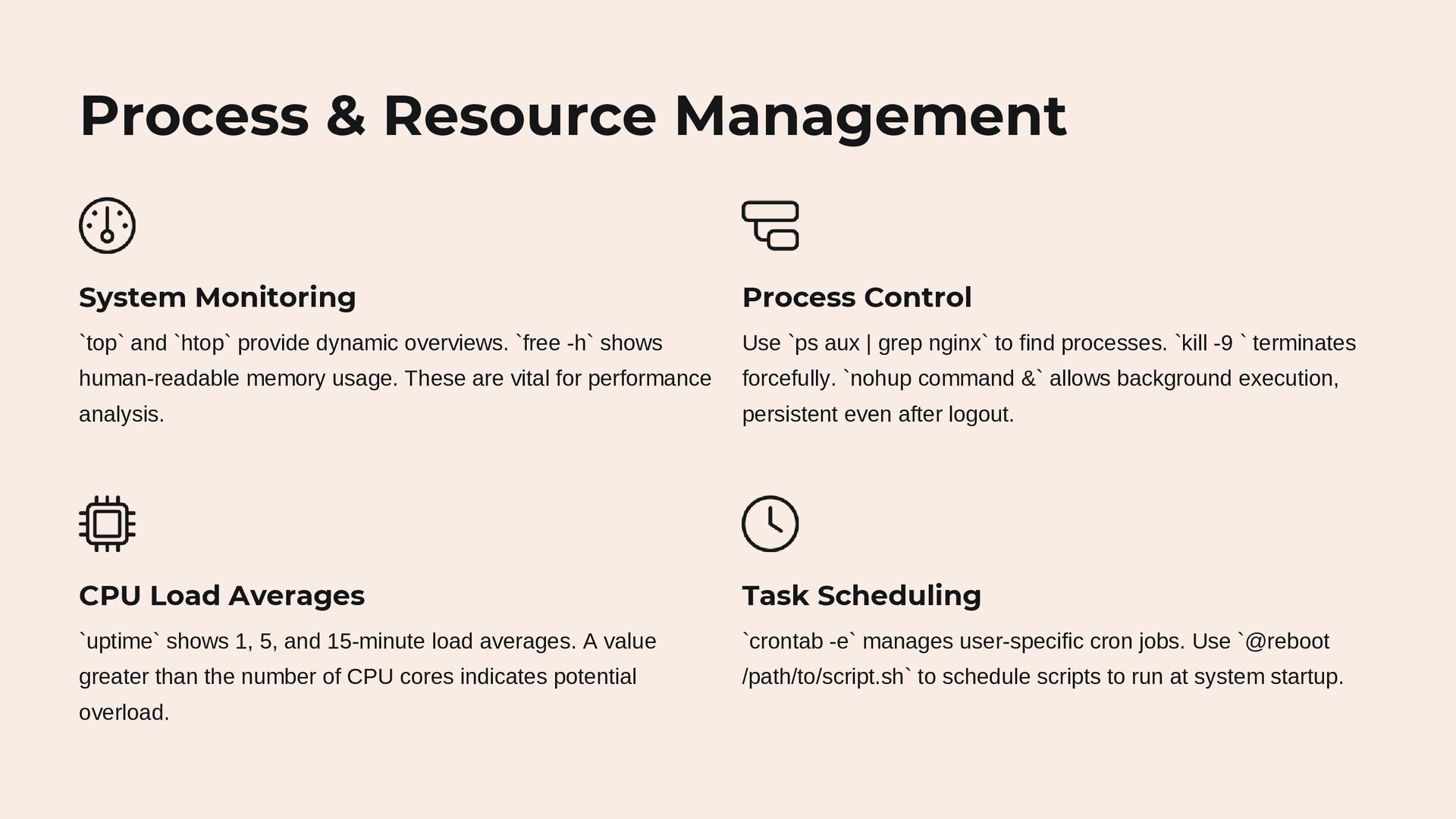
  3. Process & Resource Management System Monitoring `top` and `htop` provide

    dynamic overviews. `free -h` shows human-readable memory usage. These are vital for performance analysis. Process Control Use `ps aux | grep nginx` to find processes. `kill -9 ` terminates forcefully. `nohup command &` allows background execution, persistent even after logout. CPU Load Averages `uptime` shows 1, 5, and 15-minute load averages. A value greater than the number of CPU cores indicates potential overload. Task Scheduling `crontab -e` manages user-specific cron jobs. Use `@reboot /path/to/script.sh` to schedule scripts to run at system startup.
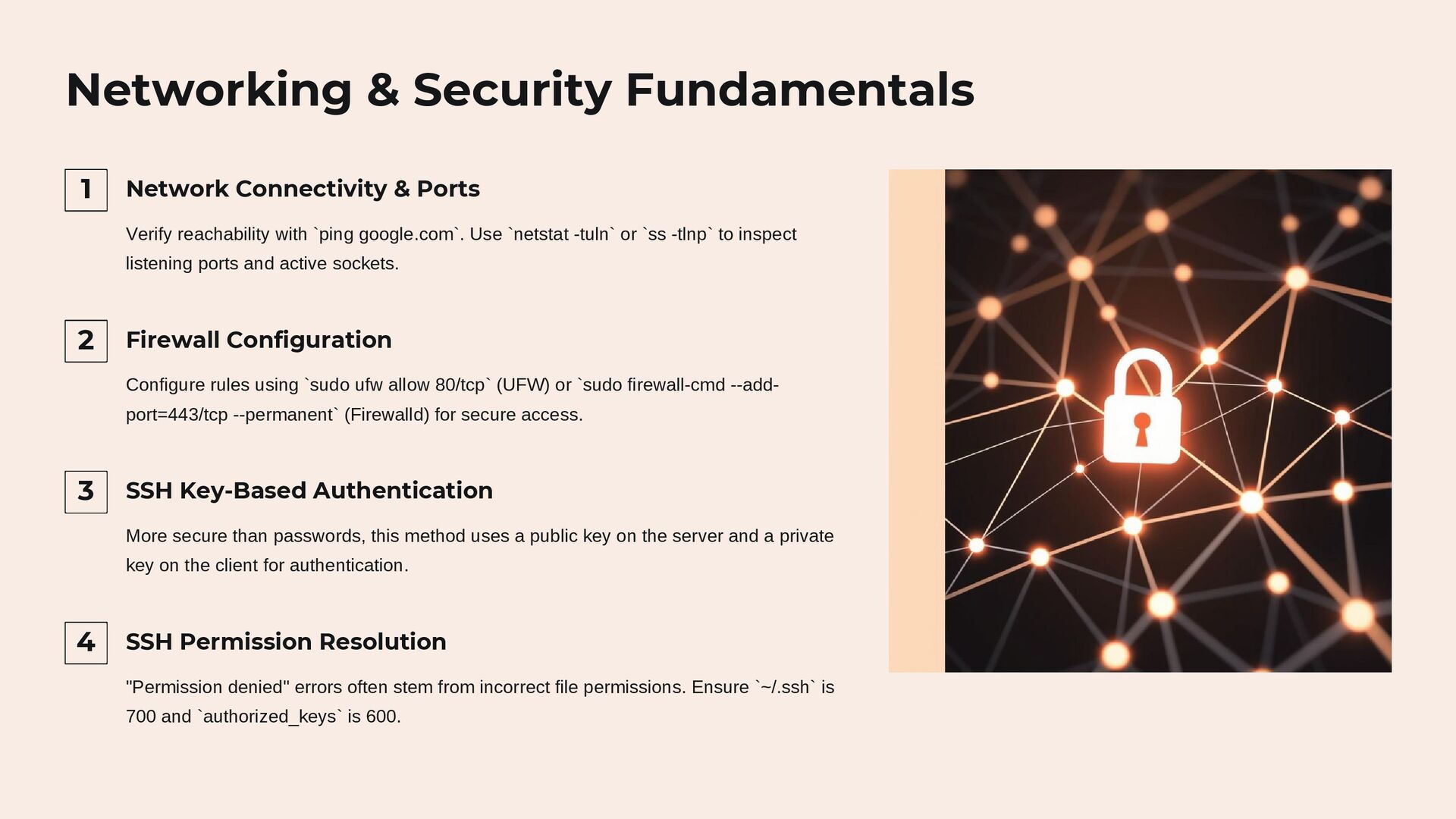
  4. Networking & Security Fundamentals 1 Network Connectivity & Ports Verify

    reachability with `ping google.com`. Use `netstat -tuln` or `ss -tlnp` to inspect listening ports and active sockets. 2 Firewall Configuration Configure rules using `sudo ufw allow 80/tcp` (UFW) or `sudo firewall-cmd --add- port=443/tcp --permanent` (Firewalld) for secure access. 3 SSH Key-Based Authentication More secure than passwords, this method uses a public key on the server and a private key on the client for authentication. 4 SSH Permission Resolution "Permission denied" errors often stem from incorrect file permissions. Ensure `~/.ssh` is 700 and `authorized_keys` is 600.
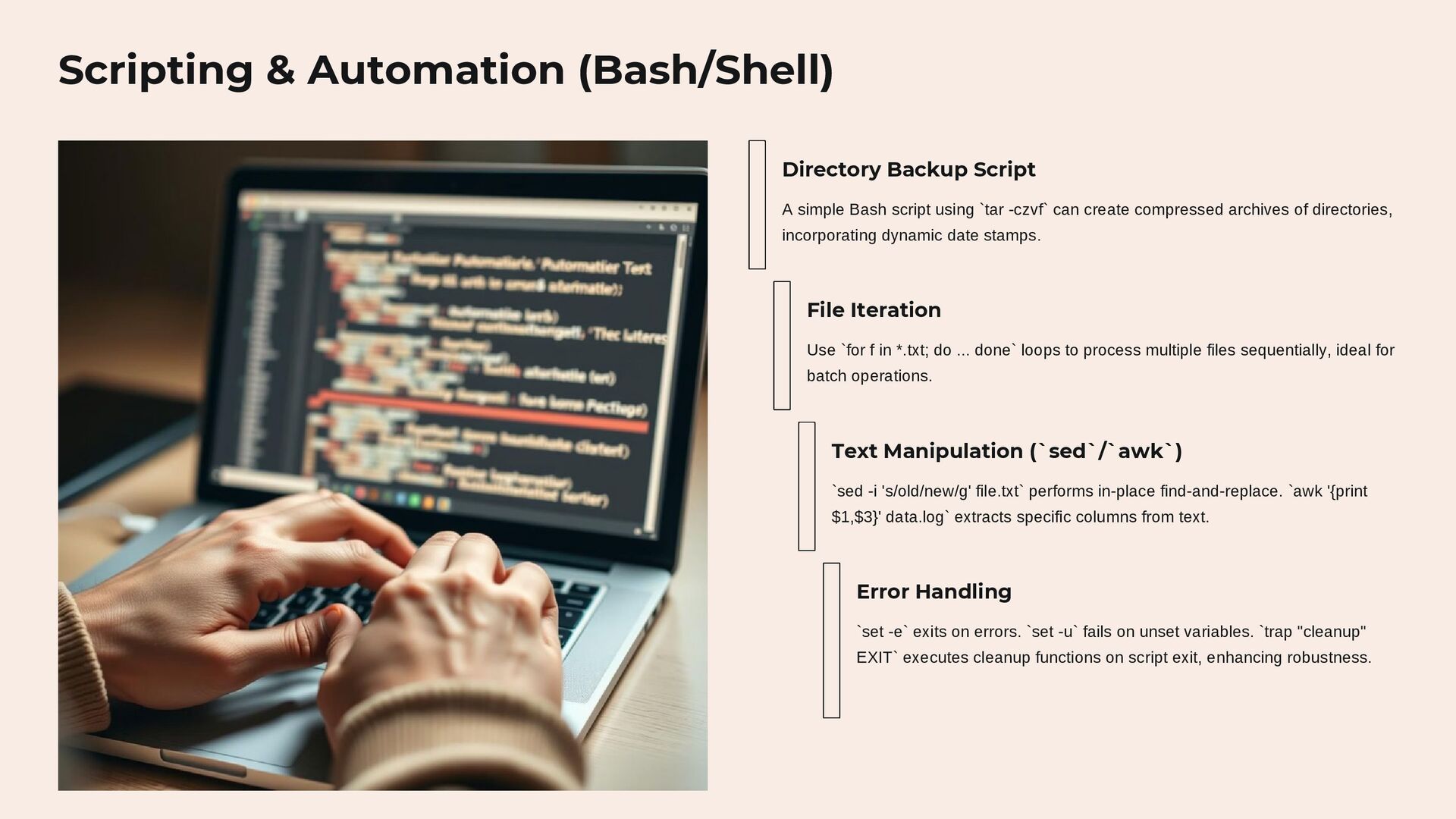
  5. Scripting & Automation (Bash/Shell) Directory Backup Script A simple Bash

    script using `tar -czvf` can create compressed archives of directories, incorporating dynamic date stamps. File Iteration Use `for f in *.txt; do ... done` loops to process multiple files sequentially, ideal for batch operations. Text Manipulation (`sed`/`awk`) `sed -i 's/old/new/g' file.txt` performs in-place find-and-replace. `awk '{print $1,$3}' data.log` extracts specific columns from text. Error Handling `set -e` exits on errors. `set -u` fails on unset variables. `trap "cleanup" EXIT` executes cleanup functions on script exit, enhancing robustness.
  6. Package Management & Troubleshooting Software Installation Use `sudo apt update

    && sudo apt install nginx` for Debian/Ubuntu, and `sudo yum install httpd` for RHEL/CentOS. Dependency Issues Resolve with `sudo apt --fix-broken install` (Debian/Ubuntu) or `yum deplist package- name` (RHEL/CentOS). High Disk Usage Diagnose using `df -h` for partition usage, `du -sh /var/log` for directory sizes, and `find / -size +1G` for large files. Service Debugging Check service status with `systemctl status `, view logs with `journalctl -xeu `, and inspect configuration files.
  7. Advanced Topics & Containerization Relevance 1 LVM (Logical Volume Management)

    LVM provides flexible disk management by abstracting physical volumes into volume groups, allowing for on-the- fly resizing of logical volumes. 2 cgroups & Namespaces These kernel features are foundational for containers: `cgroups` limit resource usage (CPU, memory), while `namespaces` isolate processes, networks, and file systems. 1 Linux & Containerization Docker containers leverage Linux kernel features. Kubernetes orchestrates these containers efficiently across Linux nodes, making Linux essential for modern containerized environments. 2 CI/CD Pipeline Integration A common CI/CD step on Linux involves automating tasks like `git pull`, `docker build`, `docker run`, and `systemctl restart service` via SSH for deployment.
  8. Conclusion: Beyond the Commands Continuous Learning Linux proficiency is an

    ongoing journey, not a static skill. The DevOps landscape evolves rapidly, demanding constant adaptation. Problem-Solving Focus Interviewers value your ability to solve complex problems more than rote memorization of commands. Demonstrate critical thinking. Understand the "Why" Go beyond knowing how commands work; understand their underlying principles and why they are used in specific scenarios. Daily Practice Regular practice on a Linux VM (e.g., Ubuntu Server) is crucial for solidifying your skills and staying current.