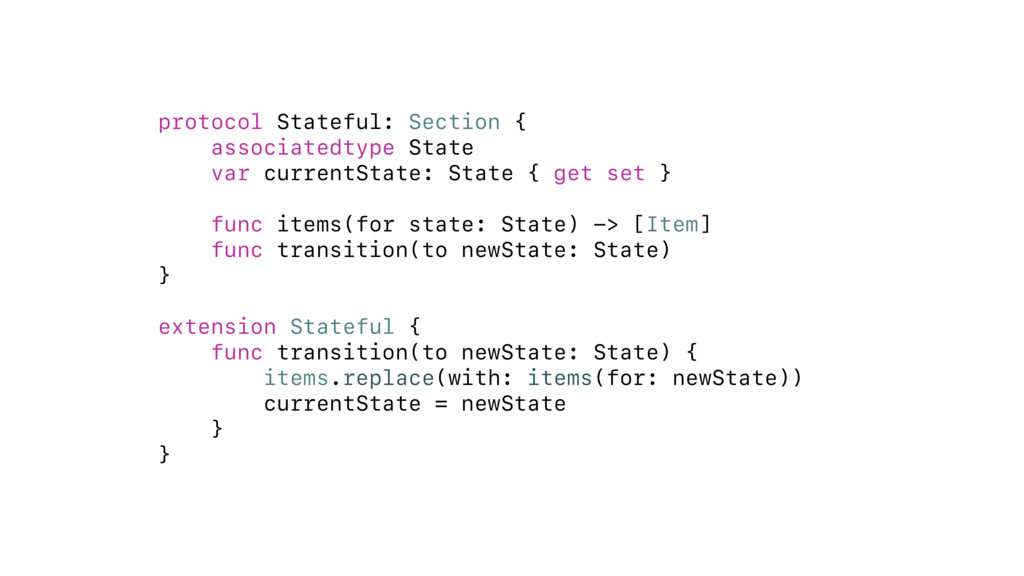
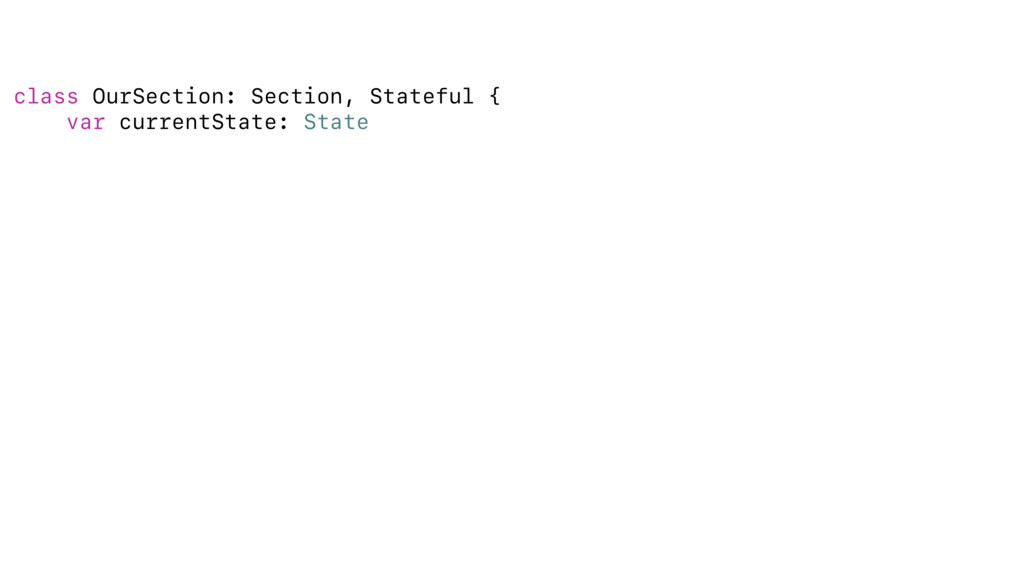
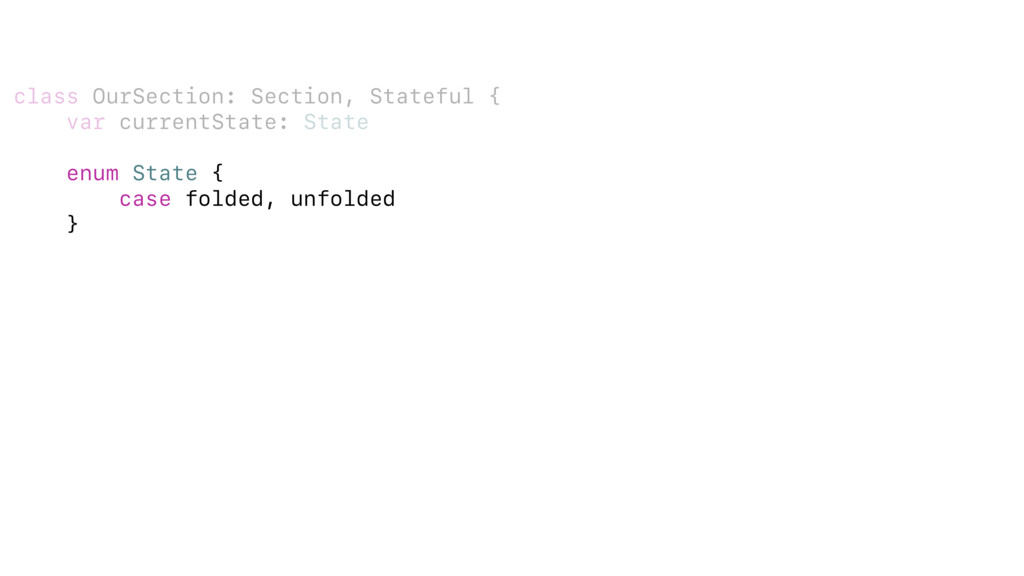
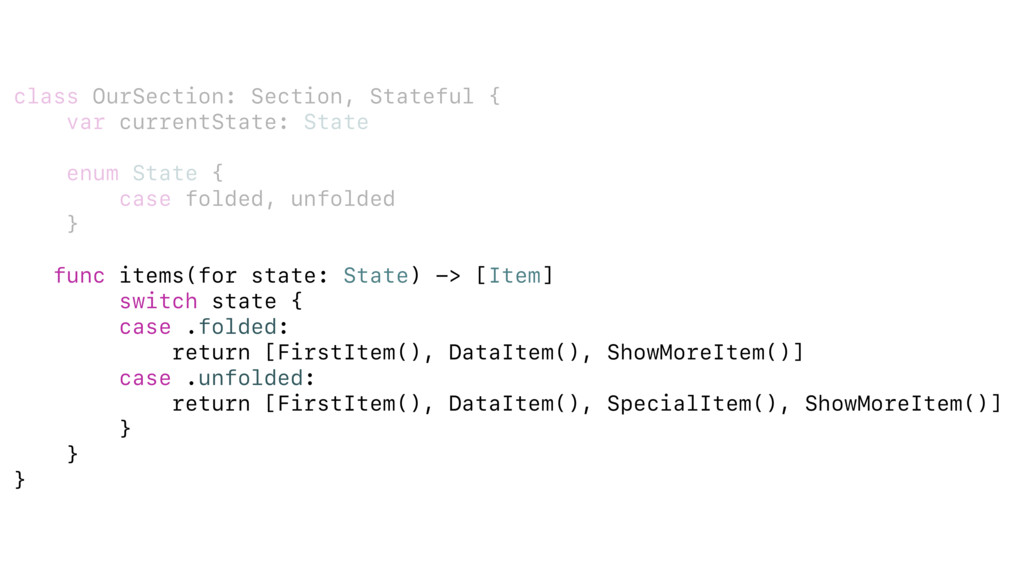
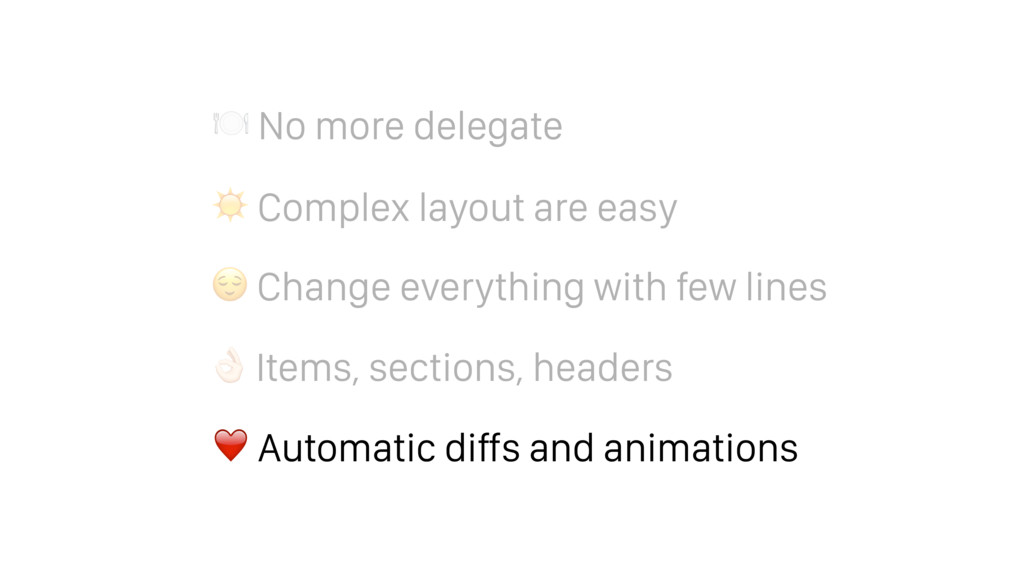
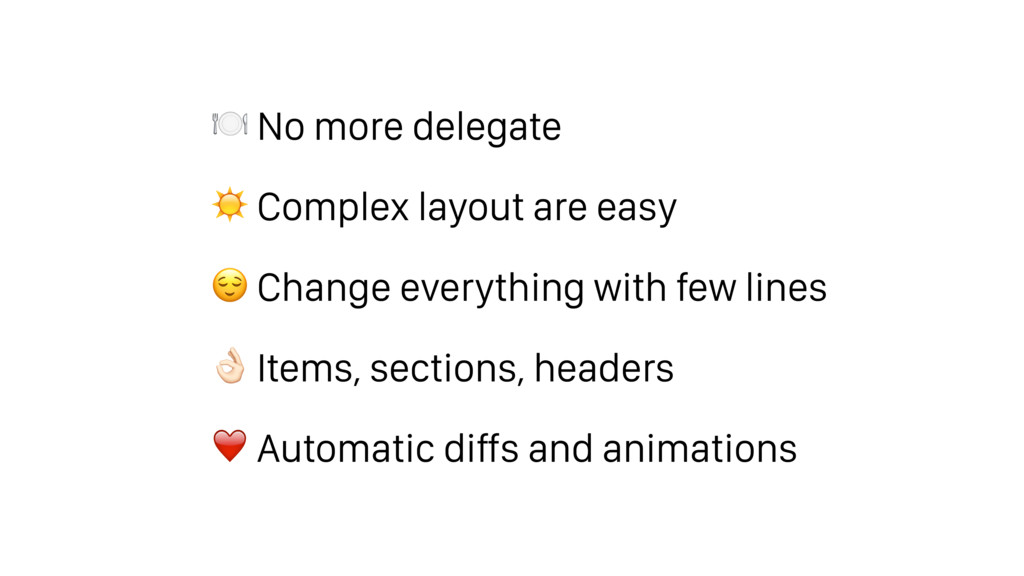
None of us thought that tableview layouts coud fun or easy. After we sat down and solved the issues once and for all, we changed our minds. In this talk we are going tell you all how we did it.
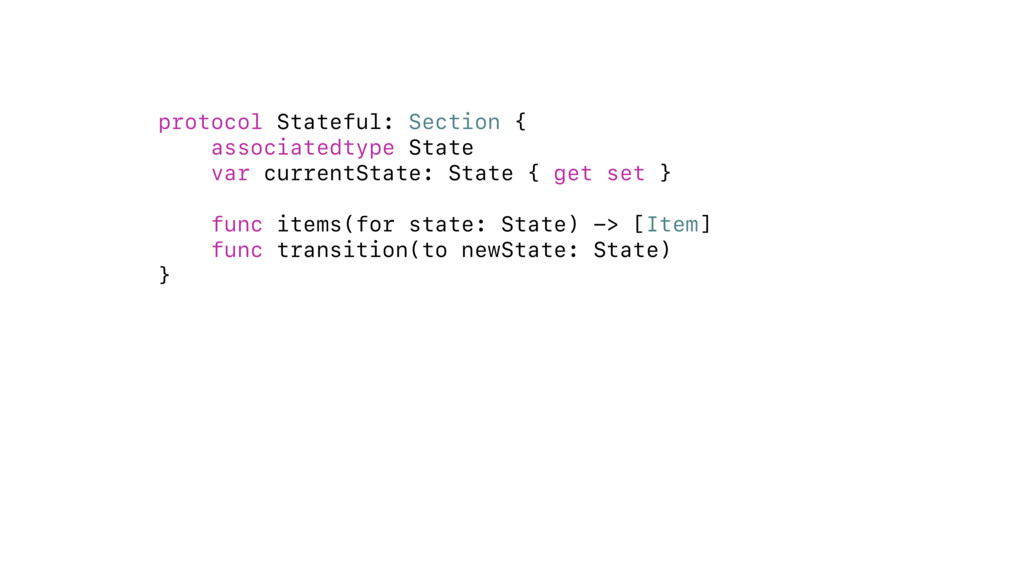
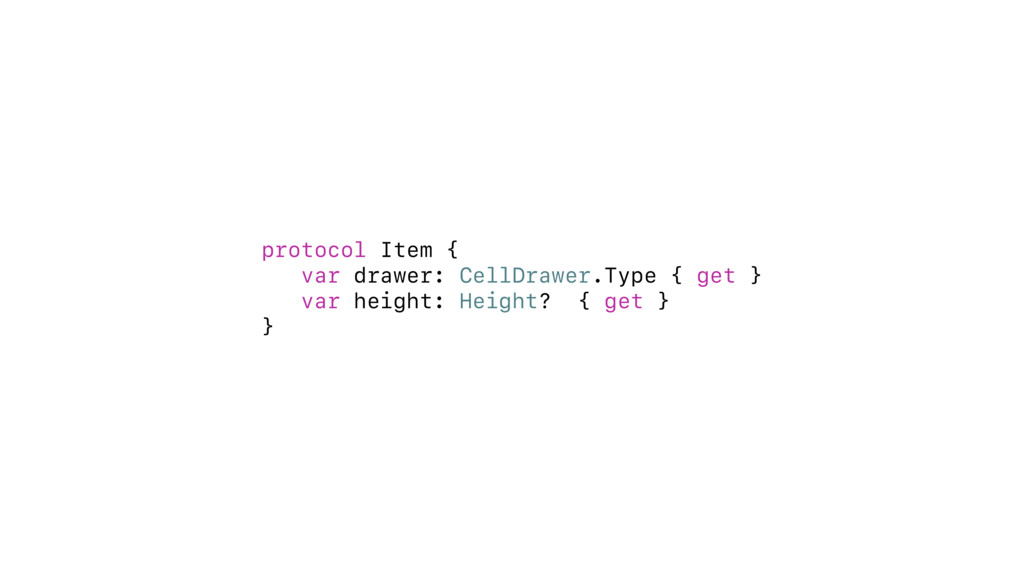
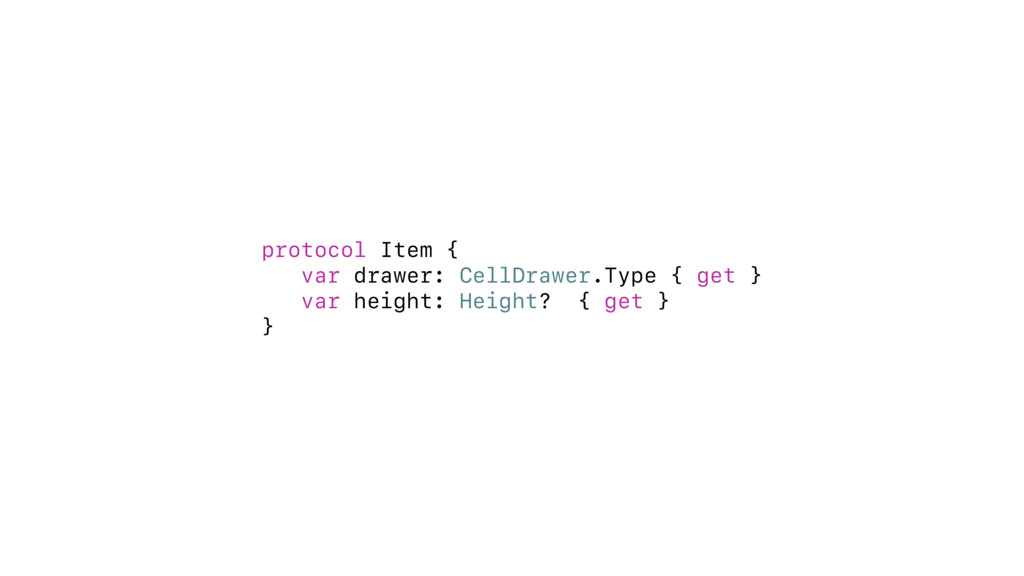
set } } protocol Section { var items: [Item] { get set } var header: HeaderFooter? { get } var footer: HeaderFooter? { get } } protocol Item { var drawer: CellDrawer.Type { get } var height: Height? { get } }
set } } protocol Section { var items: [Item] { get set } var header: HeaderFooter? { get } var footer: HeaderFooter? { get } } protocol Item { var drawer: CellDrawer.Type { get } var height: Height? { get } } protocol HeaderFooter { var drawer: HeaderFooterDrawer.Type { get } var height: Height? { get } }
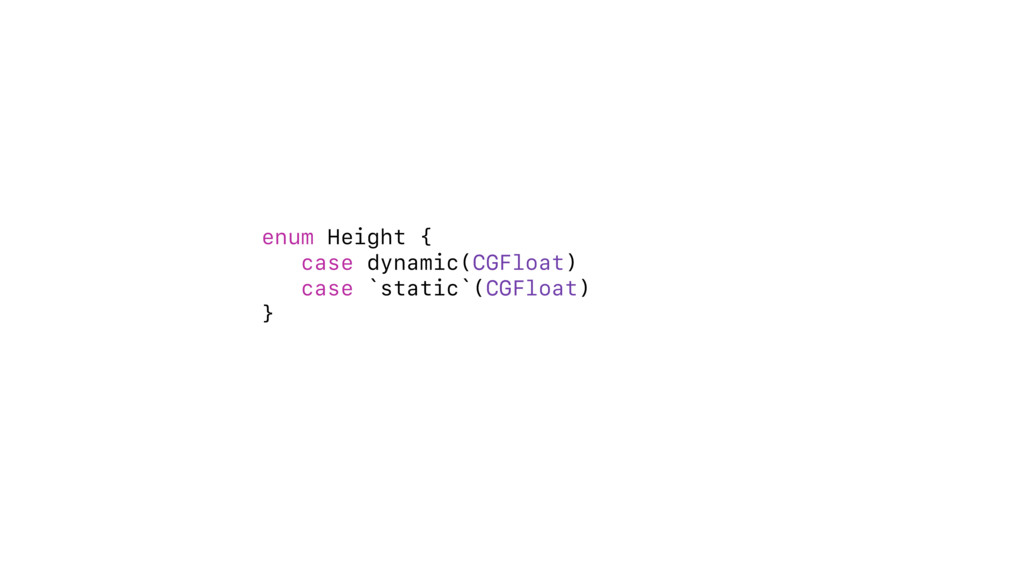
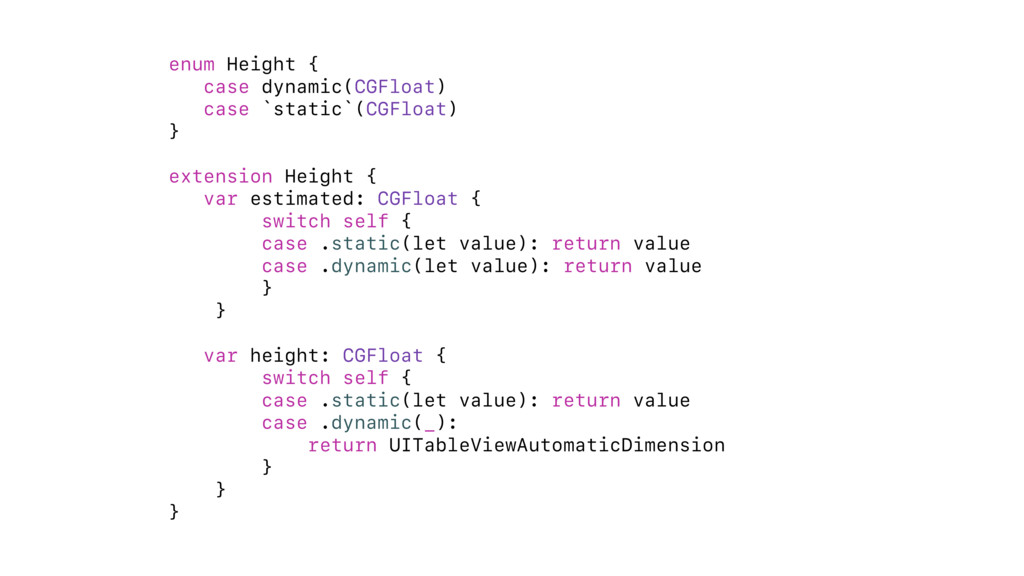
{ var estimated: CGFloat { switch self { case .static(let value): return value case .dynamic(let value): return value } } var height: CGFloat { switch self { case .static(let value): return value case .dynamic(_): return UITableViewAutomaticDimension } } }
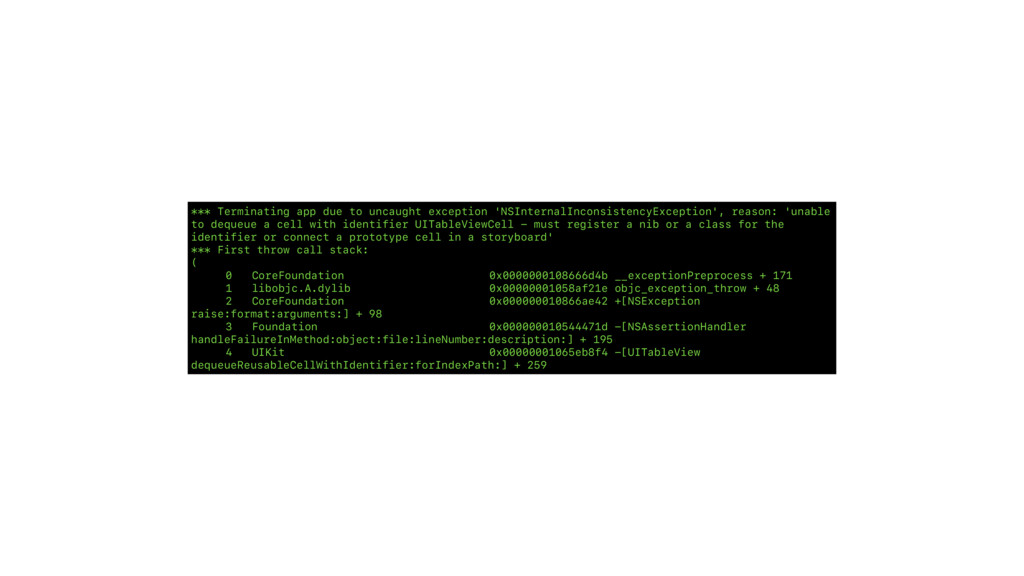
to dequeue a cell with identifier UITableViewCell - must register a nib or a class for the identifier or connect a prototype cell in a storyboard' *** First throw call stack: ( 0 CoreFoundation 0x0000000108666d4b __exceptionPreprocess + 171 1 libobjc.A.dylib 0x00000001058af21e objc_exception_throw + 48 2 CoreFoundation 0x000000010866ae42 +[NSException raise:format:arguments:] + 98 3 Foundation 0x000000010544471d -[NSAssertionHandler handleFailureInMethod:object:file:lineNumber:description:] + 195 4 UIKit 0x00000001065eb8f4 -[UITableView dequeueReusableCellWithIdentifier:forIndexPath:] + 259


 kasacchiful
 gam0022
 oku053
 seike460
 kenjiyoneyama
 ichirokano2
 minodriven
 eed3si9n
 sorah
sorah
 palkan
 mofurune
 taiseiue
 aleyda
 inesmontani
 eileencodes
 techseoconnect
 jonoalderson
 joshbly
 dougneiner
 tamaranovitovic
 kastner
 sferik
 aemeredith





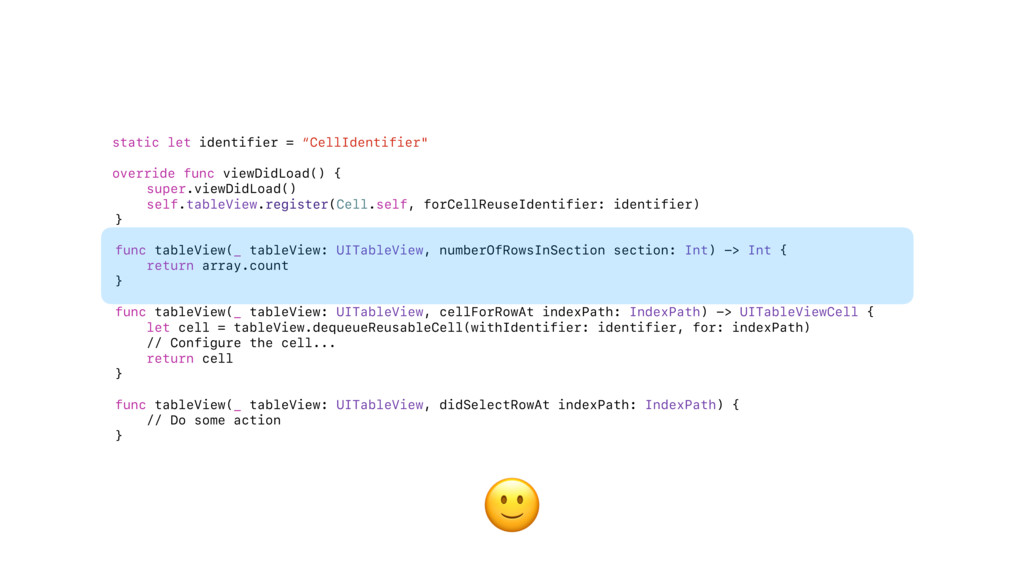
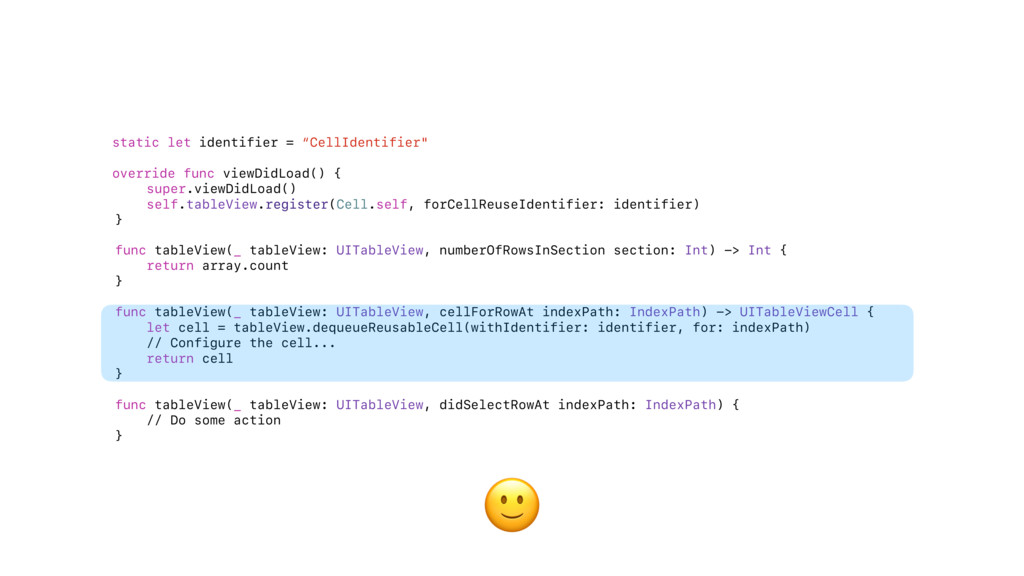
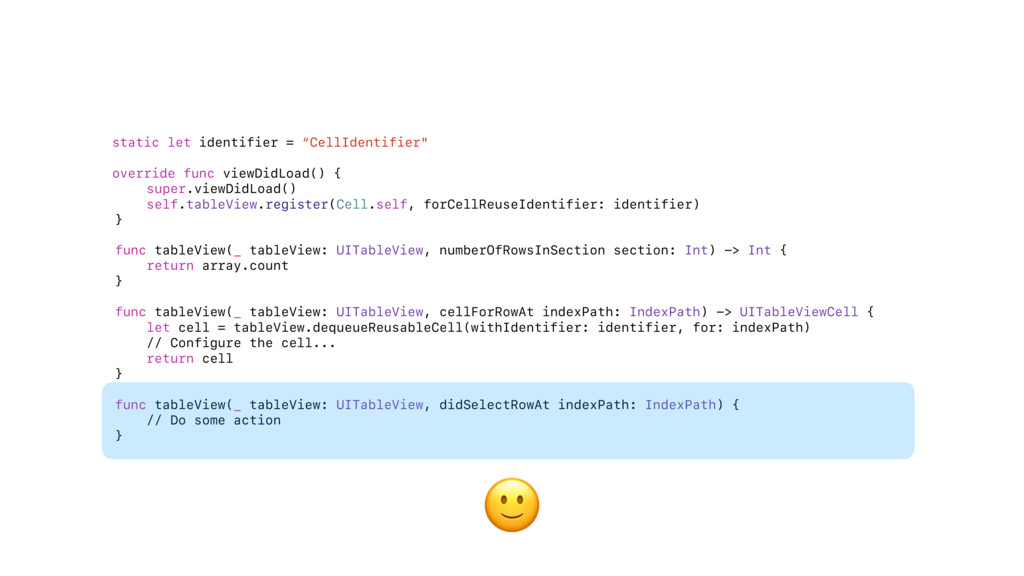
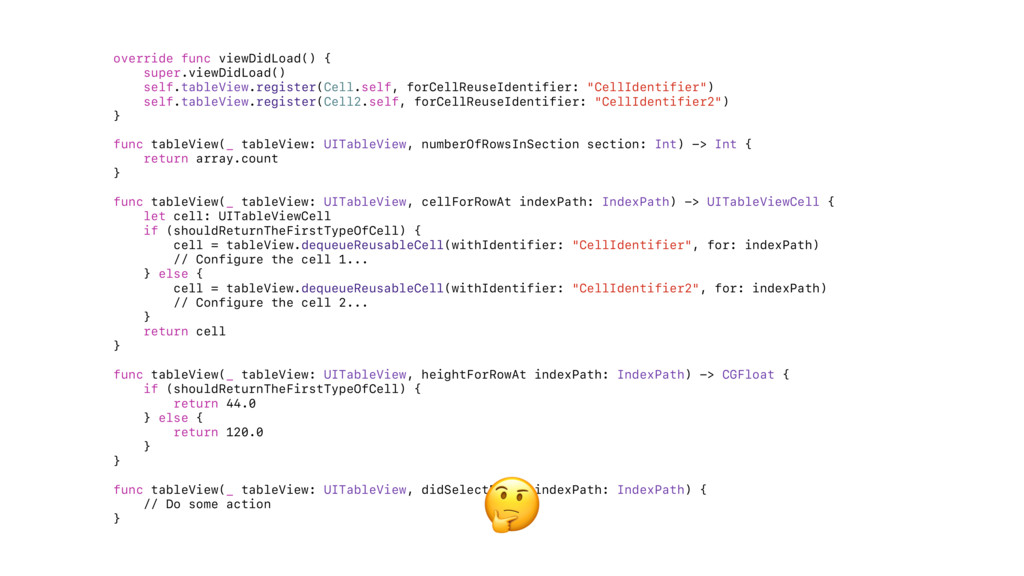
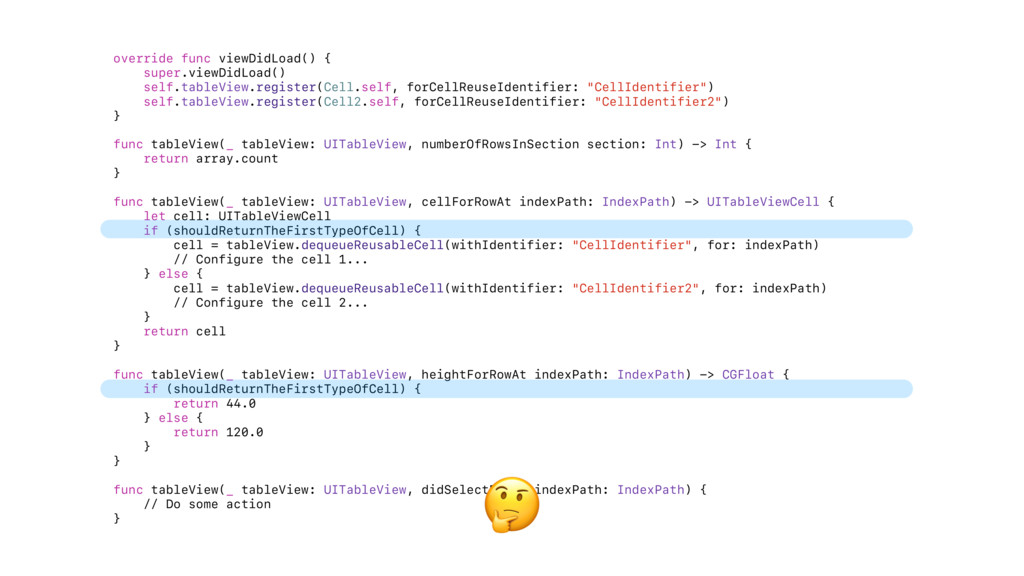
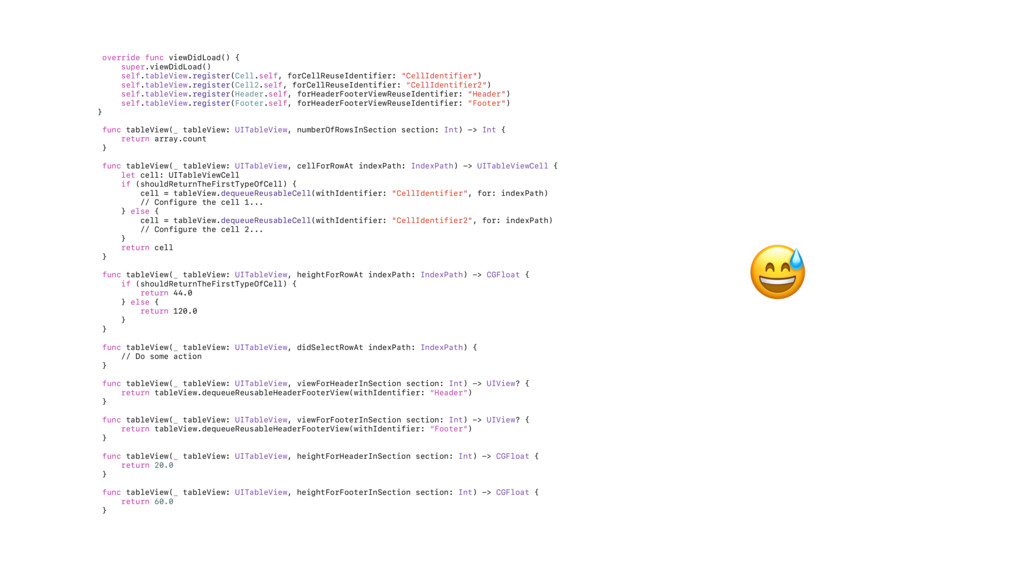
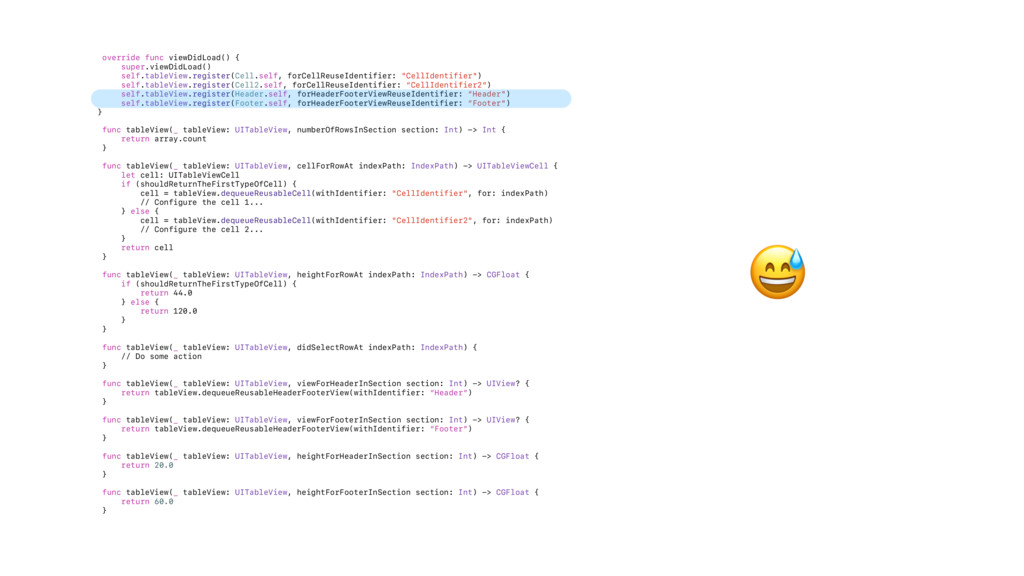
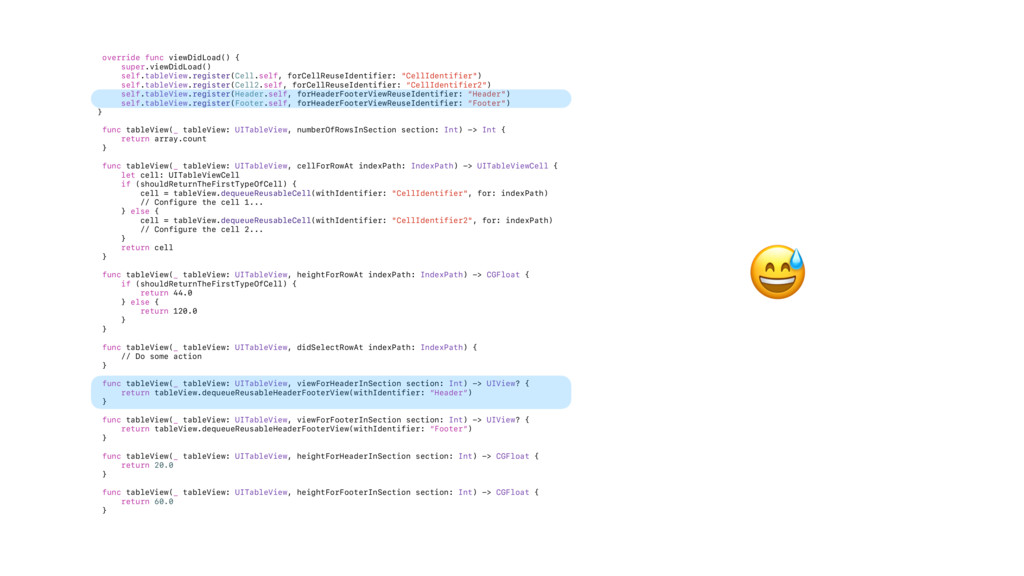
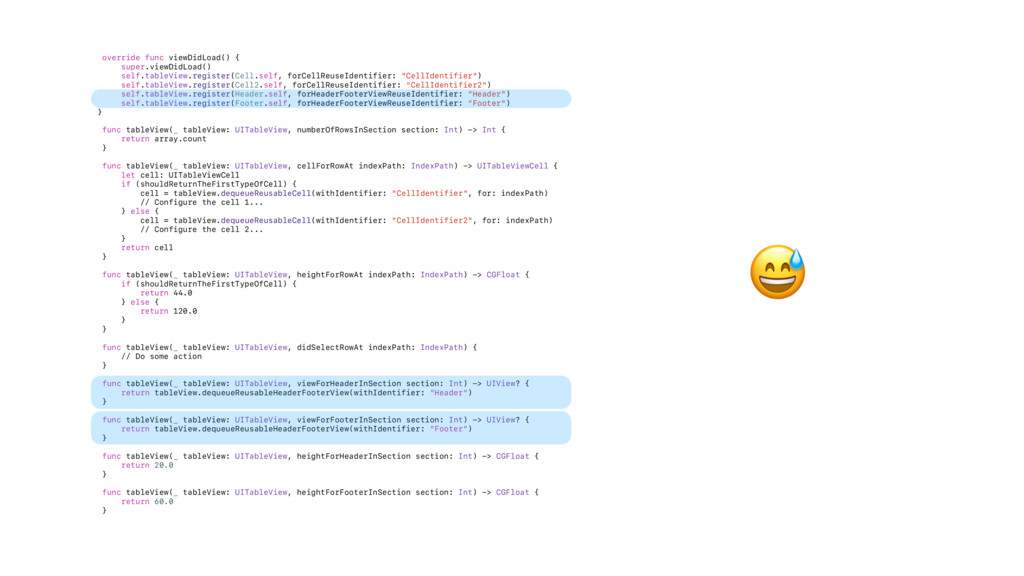
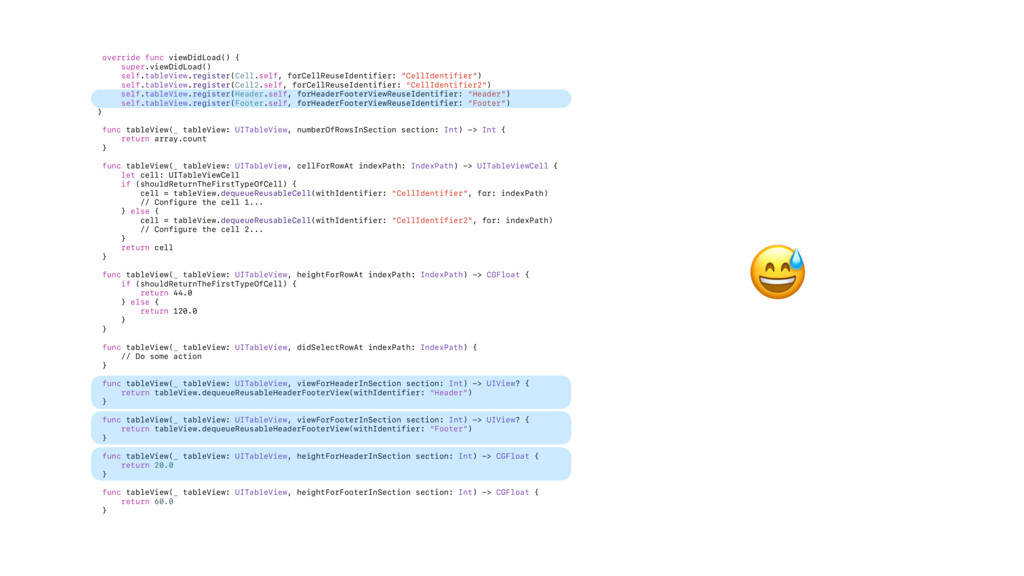
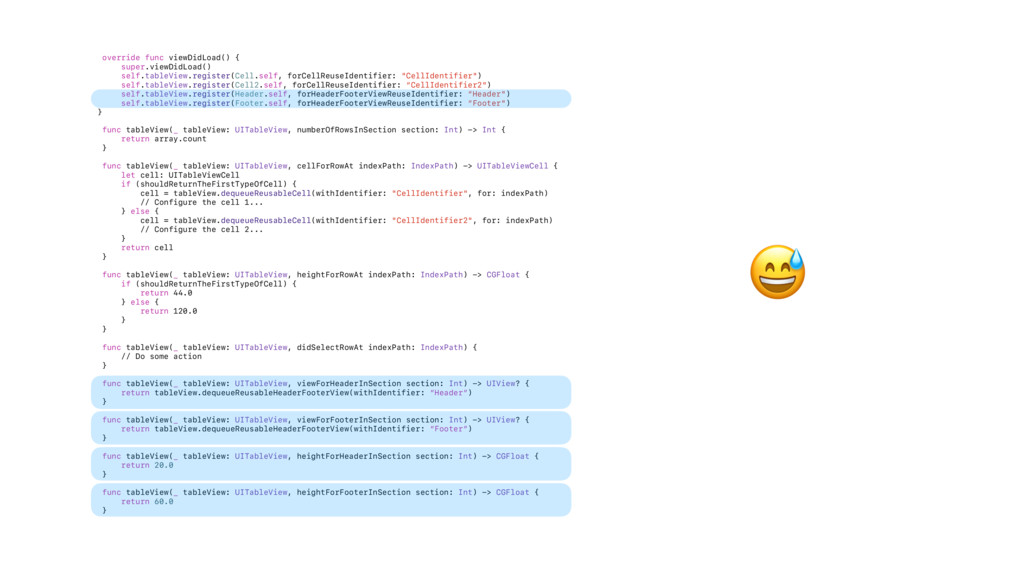
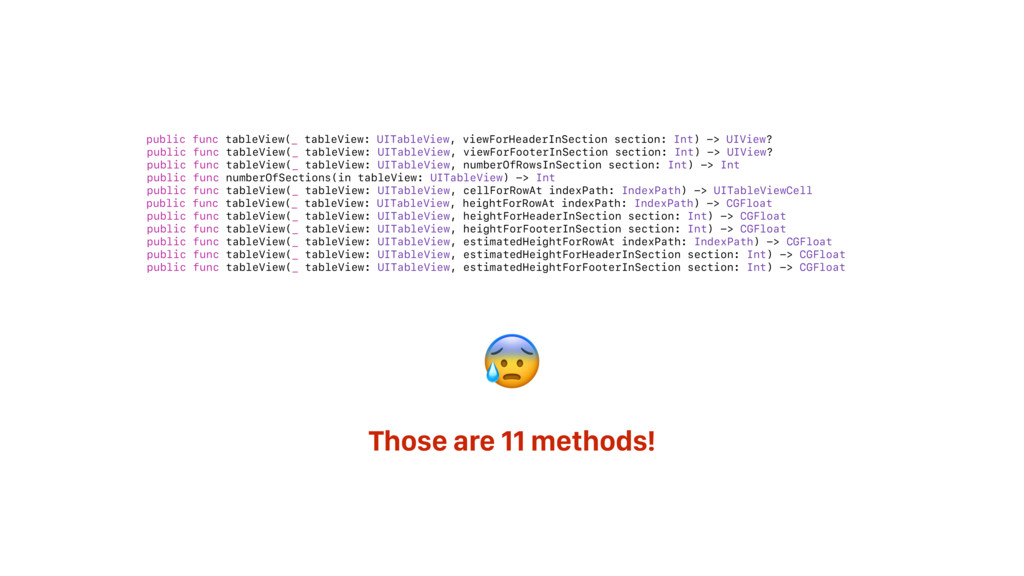
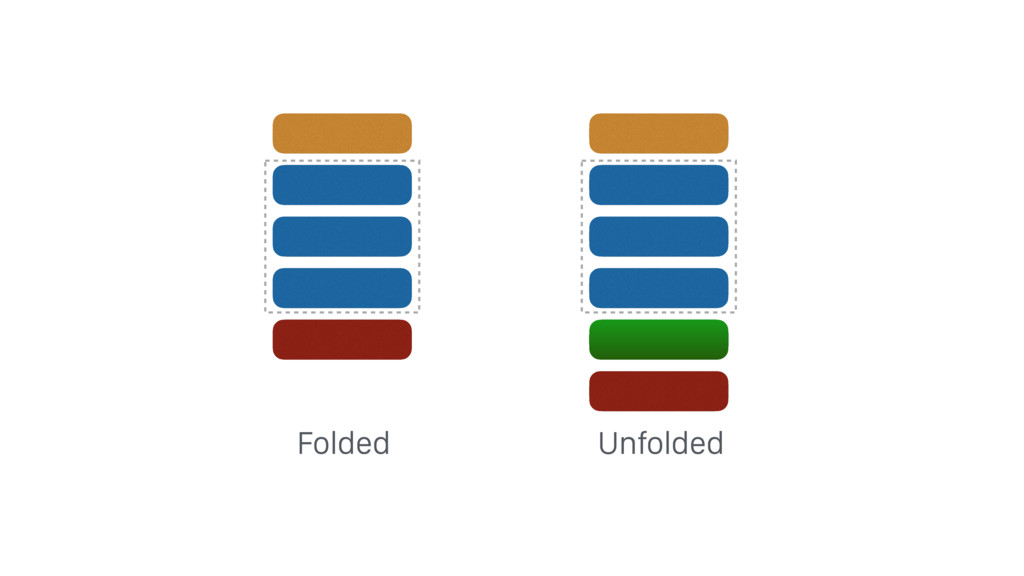

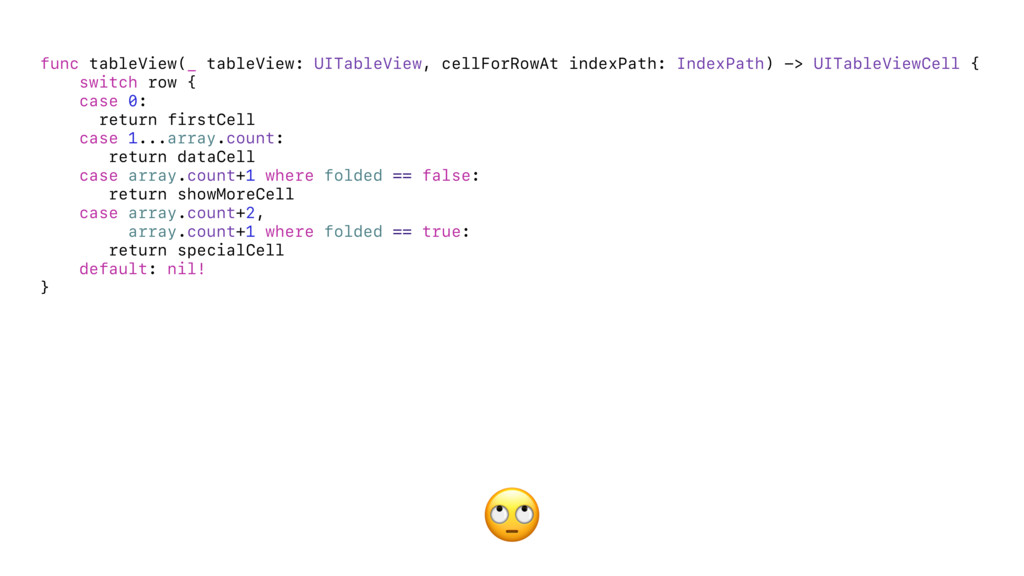
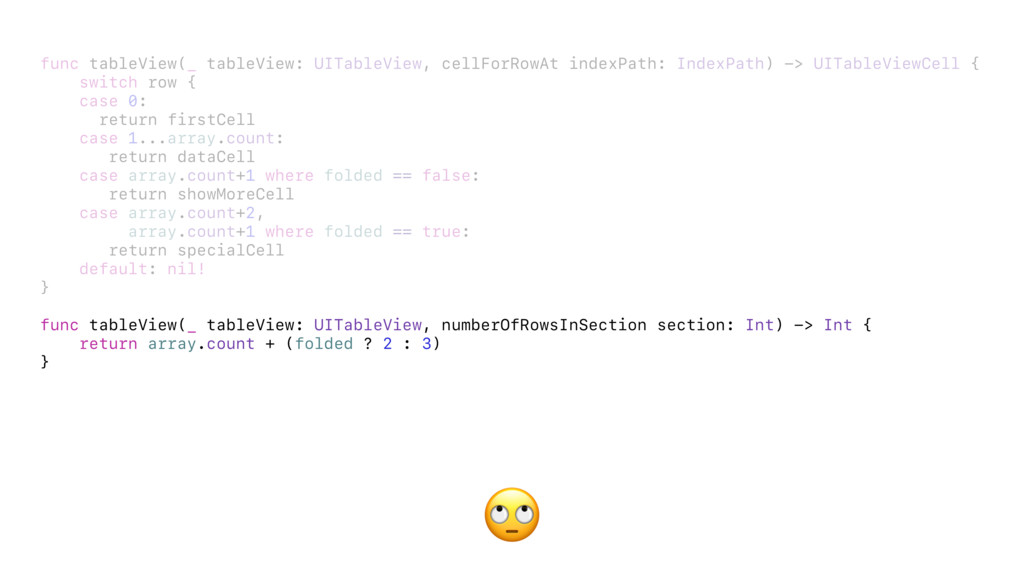
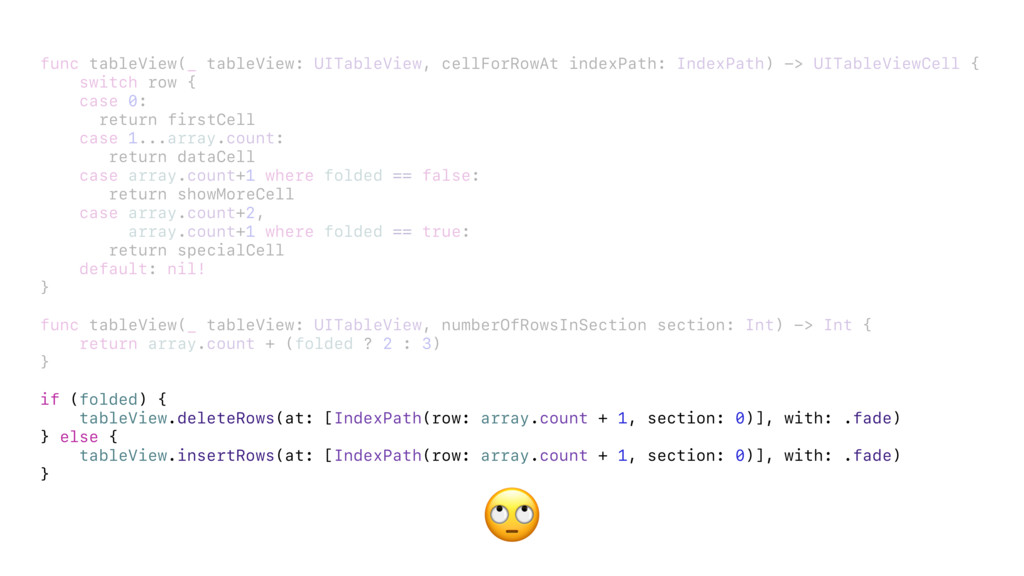






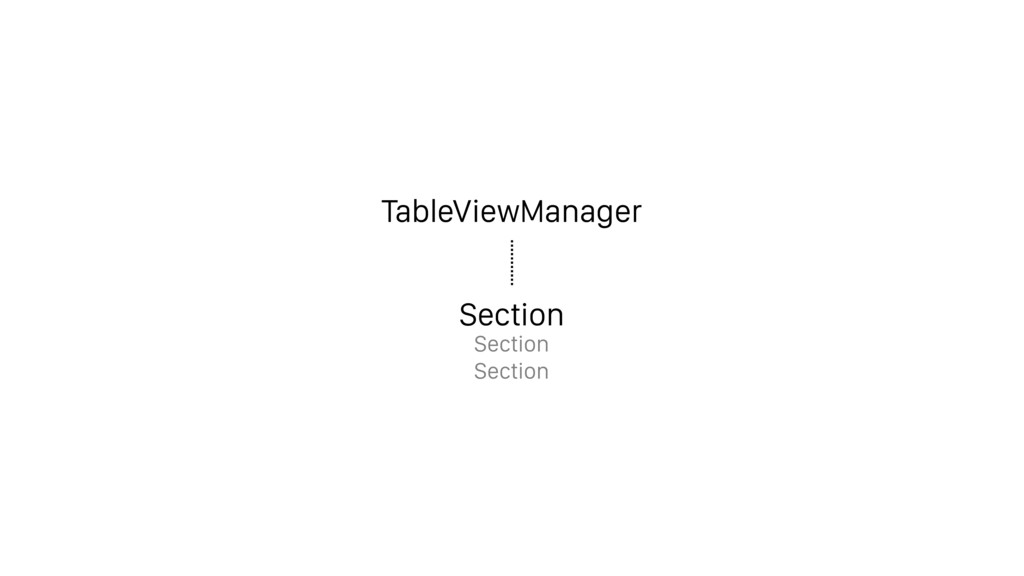
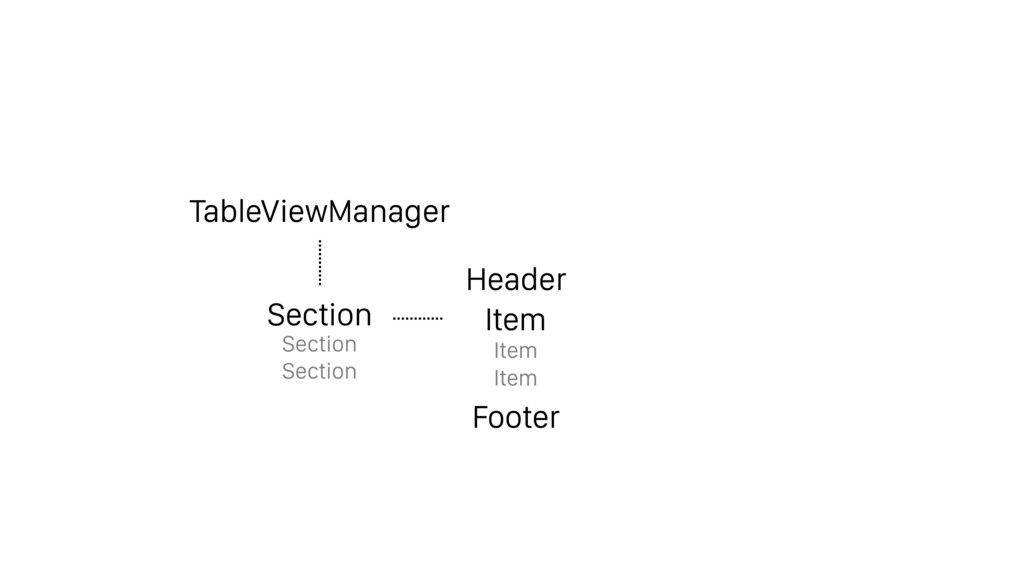
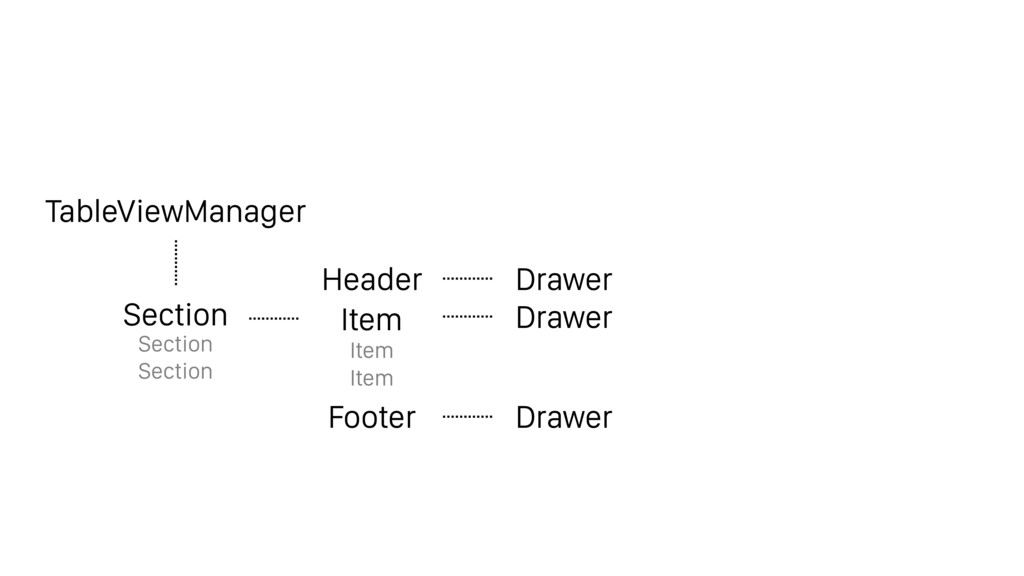
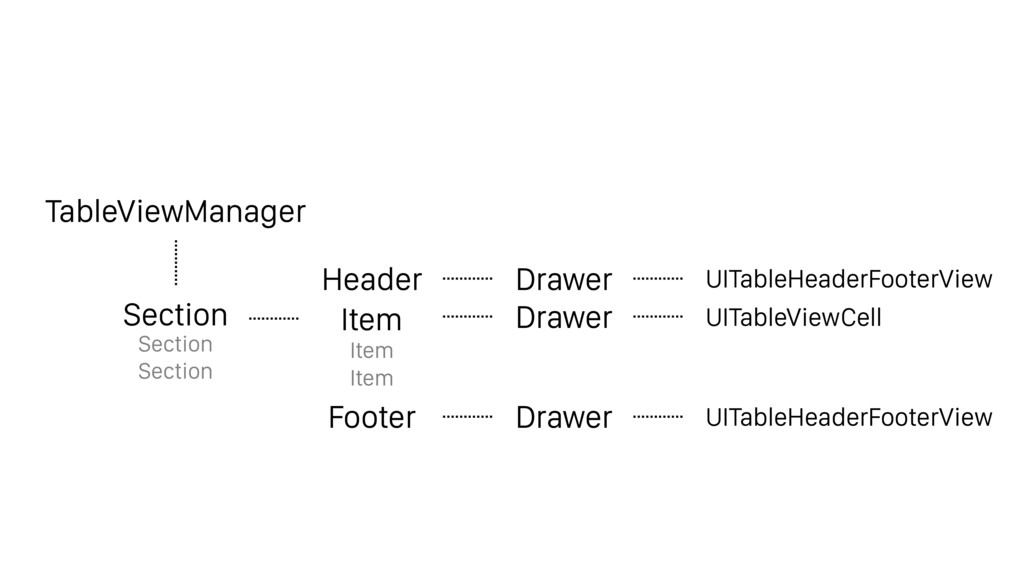
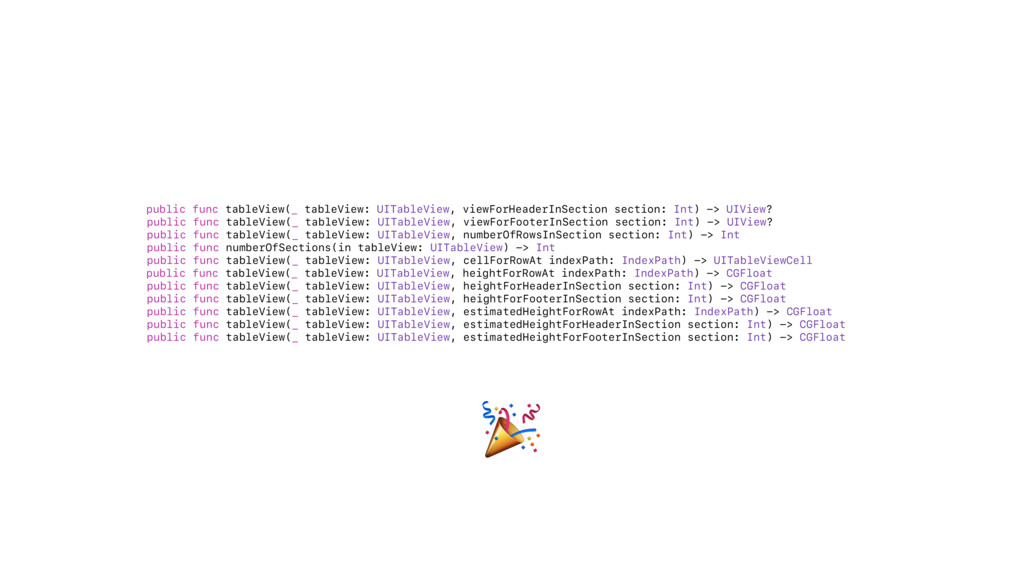
![protocol TableViewManager: UITableViewDelegate, UITableViewDataSource { var sections: [Section] { get](https://files.speakerdeck.com/presentations/a188b4f7c74448f3a2023b0ed71fce6b/slide_42.jpg)
![protocol TableViewManager: UITableViewDelegate, UITableViewDataSource { var sections: [Section] { get](https://files.speakerdeck.com/presentations/a188b4f7c74448f3a2023b0ed71fce6b/slide_43.jpg)
![protocol TableViewManager: UITableViewDelegate, UITableViewDataSource { var sections: [Section] { get](https://files.speakerdeck.com/presentations/a188b4f7c74448f3a2023b0ed71fce6b/slide_44.jpg)
![protocol TableViewManager: UITableViewDelegate, UITableViewDataSource { var sections: [Section] { get](https://files.speakerdeck.com/presentations/a188b4f7c74448f3a2023b0ed71fce6b/slide_45.jpg)

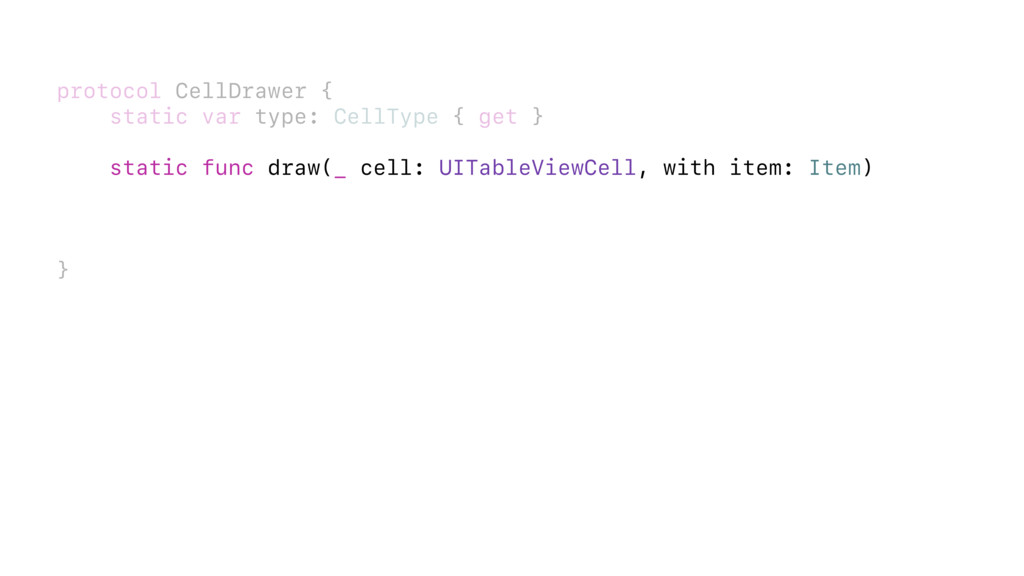
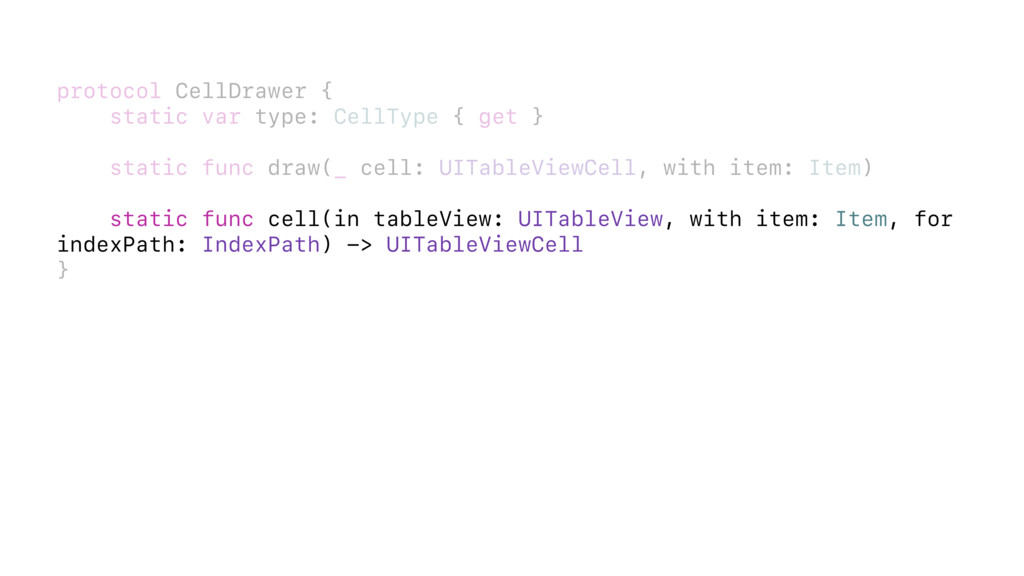
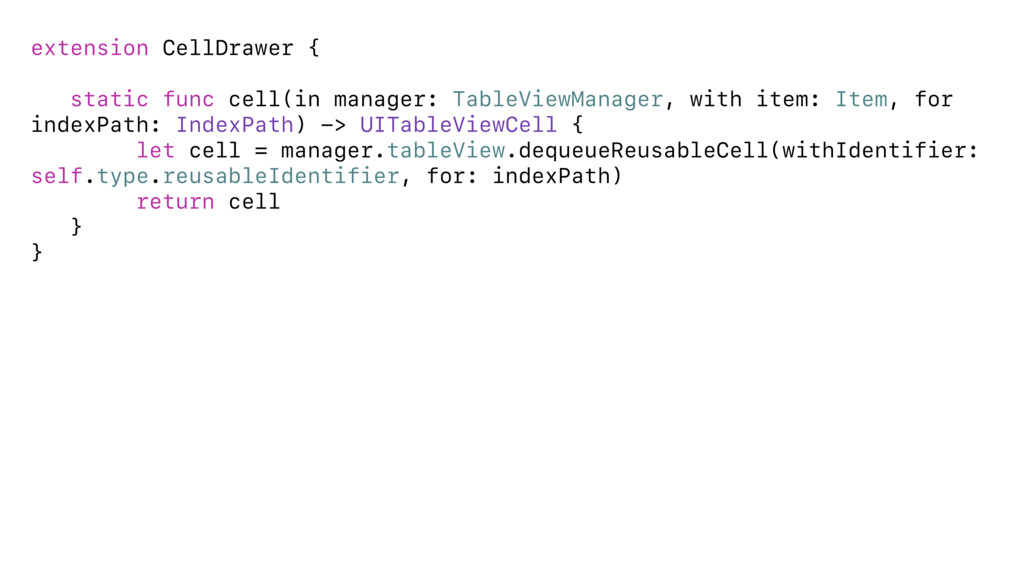
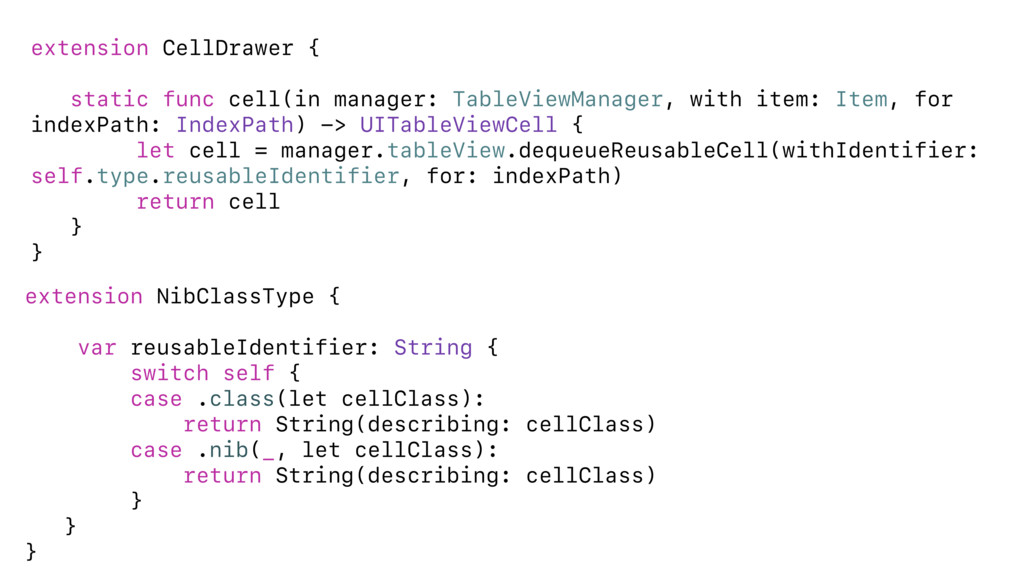


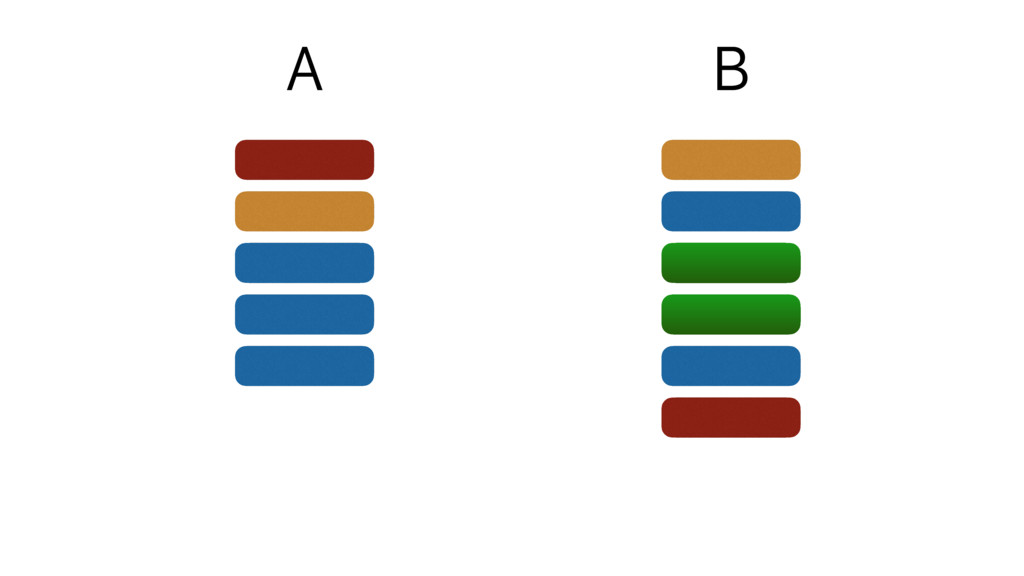
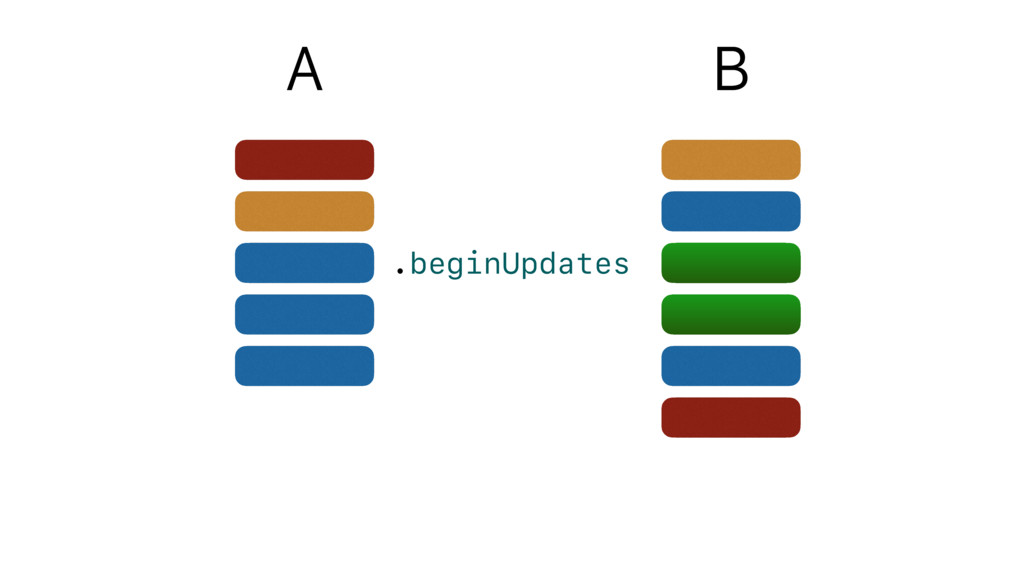
![A B .moves([0,4])](https://files.speakerdeck.com/presentations/a188b4f7c74448f3a2023b0ed71fce6b/slide_64.jpg)
![A B .deletes([3])](https://files.speakerdeck.com/presentations/a188b4f7c74448f3a2023b0ed71fce6b/slide_65.jpg)
![A B .inserts([2,3])](https://files.speakerdeck.com/presentations/a188b4f7c74448f3a2023b0ed71fce6b/slide_66.jpg)
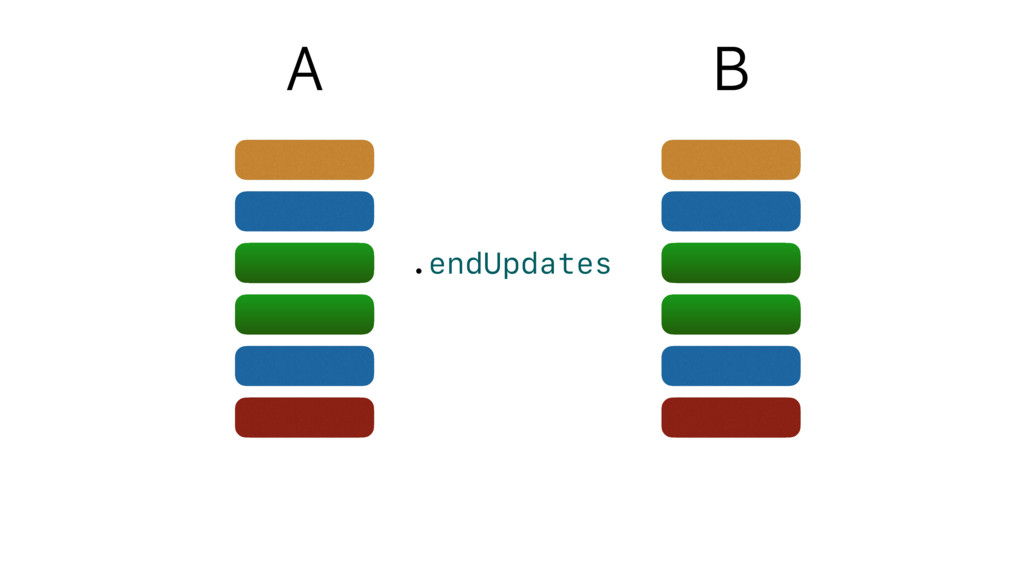
![enum ArrayChanges { case inserts([Int]) case deletes([Int]) case moves([(Int, Int)])](https://files.speakerdeck.com/presentations/a188b4f7c74448f3a2023b0ed71fce6b/slide_69.jpg)
![enum ArrayChanges { case inserts([Int]) case deletes([Int]) case moves([(Int, Int)])](https://files.speakerdeck.com/presentations/a188b4f7c74448f3a2023b0ed71fce6b/slide_70.jpg)