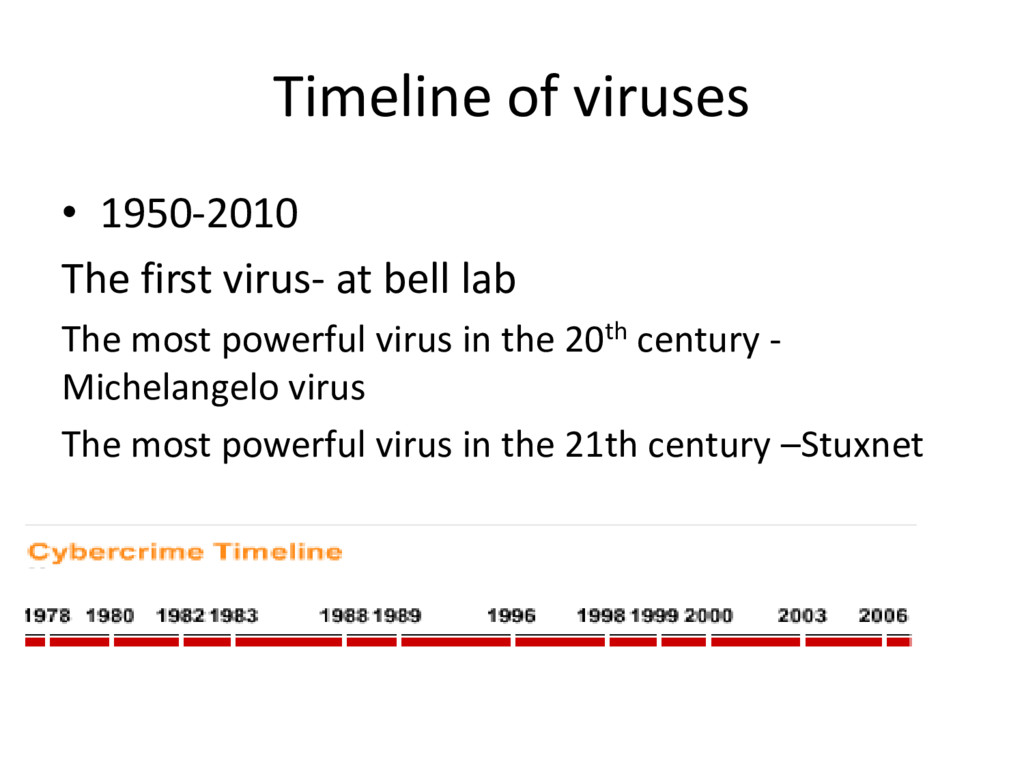
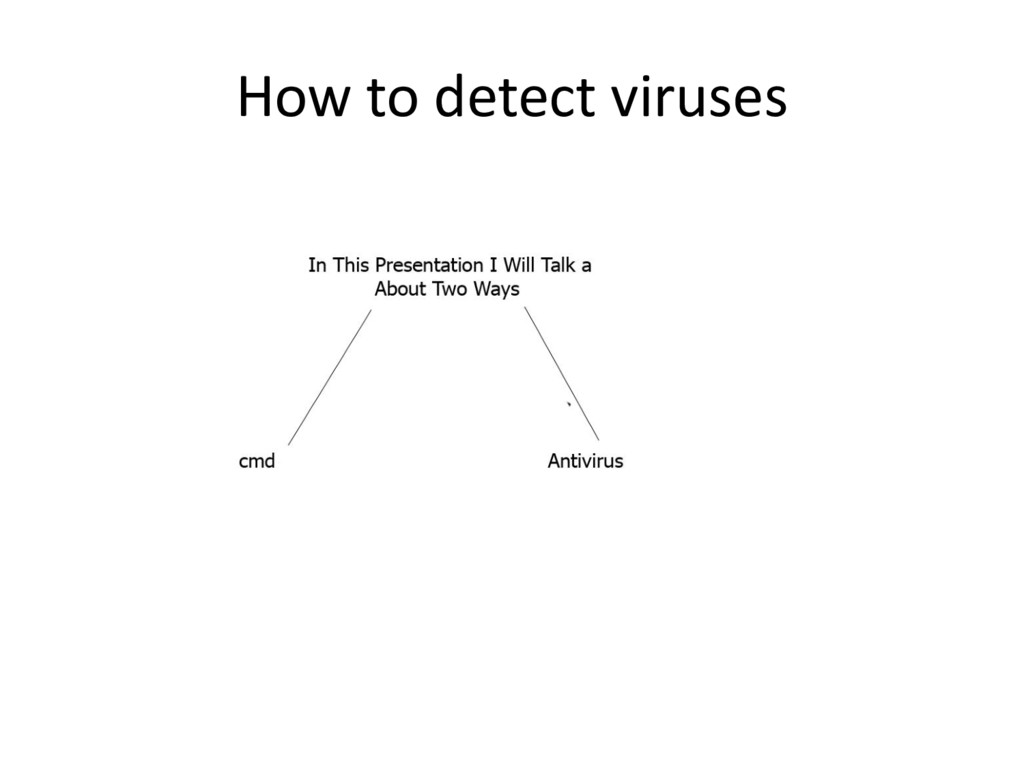
• Timeline of malwares . • Main characteristics of malwares. • Types of malwares. • Virus classification based on target . • Detecting the virus • The antivirus • who write the viruses • Stuxnet • Recommendation
enhancing innovation and productivity .nevertheless , the increasing dependency on the internet and other communication network means that the internet has become a popular and efficient way to spread the computer viruses and other types of malicious software or Malware .
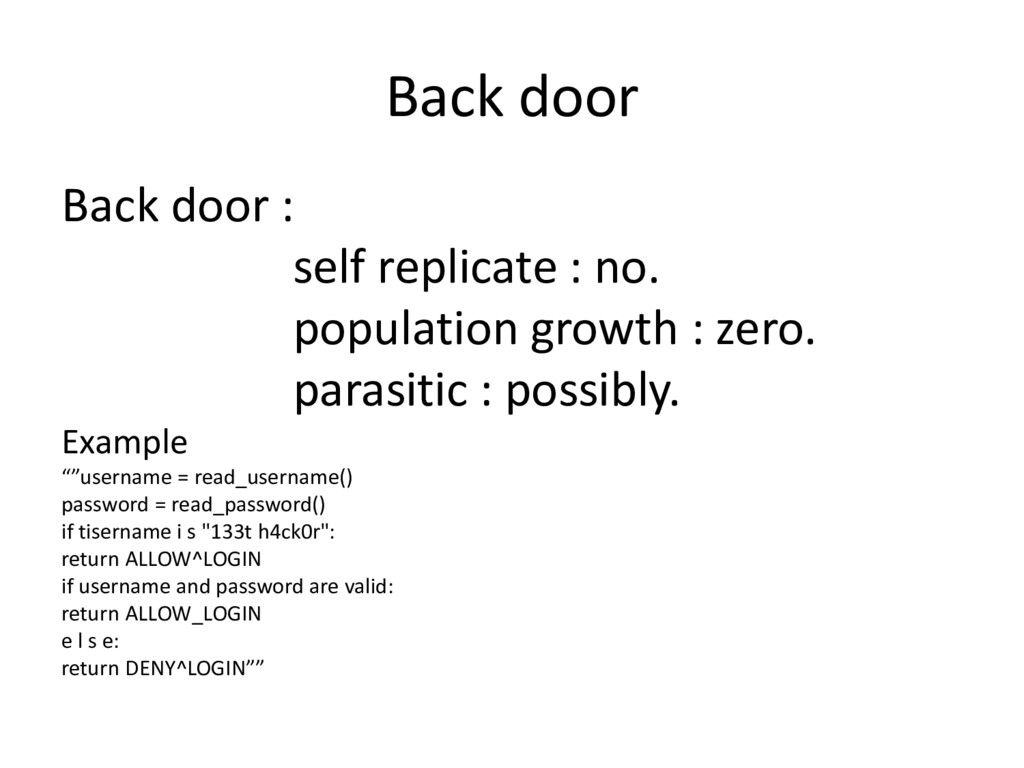
growth : zero. parasitic : possibly. Example “”username = read_username() password = read_password() if tisername i s "133t h4ck0r": return ALLOW^LOGIN if username and password are valid: return ALLOW_LOGIN e l s e: return DENY^LOGIN””
antivirus What is the antivirus Definition : Antivirus is a software that can delete viruses ,prevent access to infected files and often eliminate the infection.
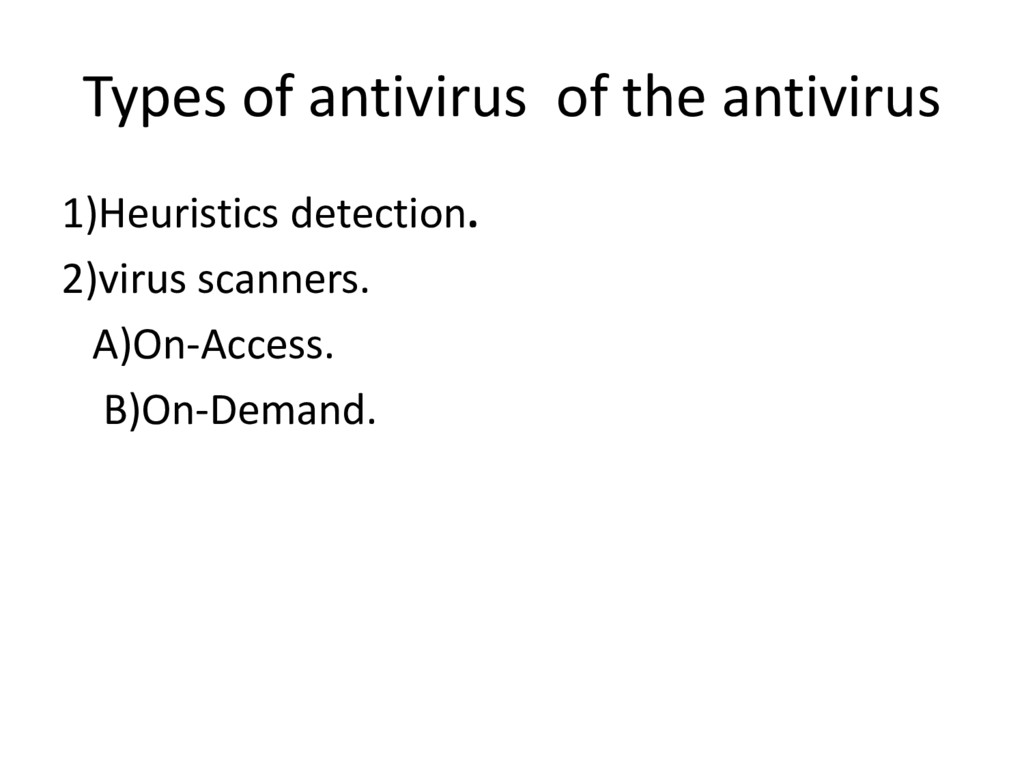
some code is a virus or not which is in purest form of detection results in a Boolean value yes there is a virus- so it is infected no there is no virus. 2)Identification : once a virus is detected the identification process may be distinct from detection or identification may occur as a side effect of detection . 3)Disinfection : is the process of removing detected viruses this is something called cleaning .
possibility that someone could prevent himself from malware %100 because every malware has its own characteristics and works different than any other malware so the user must take care and pay attention when using the internet or using any other peripherals like USB –Flash and also the user must make sure that an Email is from a known place and also the websites are famous, chose a good antivirus and make sure of its updates .
2006, definition and timeline pp. 11-33 andpp.53-70. • 2) Cio website for the malware timeline • http://www.cio.com/article/116250/A_Brief_History_o f_Malware_and_Cybercrime _(accessed july15, 2012) • 3) Eric Filio, Springer, computer viruses from theory to application2005, viruses or worms life cycle, pp.87-90. • 4) Paul Oldfield, Sophos, viruses and spam what you need to know, 2004, pp.27-52.


 endonanana
 masakiokuda
 kenichiodo
 shugo
shugo
 ykanoh
 akhino
 iktakahiro
 greenmidori
 hiracky16
 onk
onk
 recruitengineers
 raspython3
 stuffmc
 inesmontani
 skipperchong
 swwweet
 sstephenson
 tammyeverts
 addyosmani
 takai
takai
 mayatellez
 kastner
 mfonobong
 helmedeiros