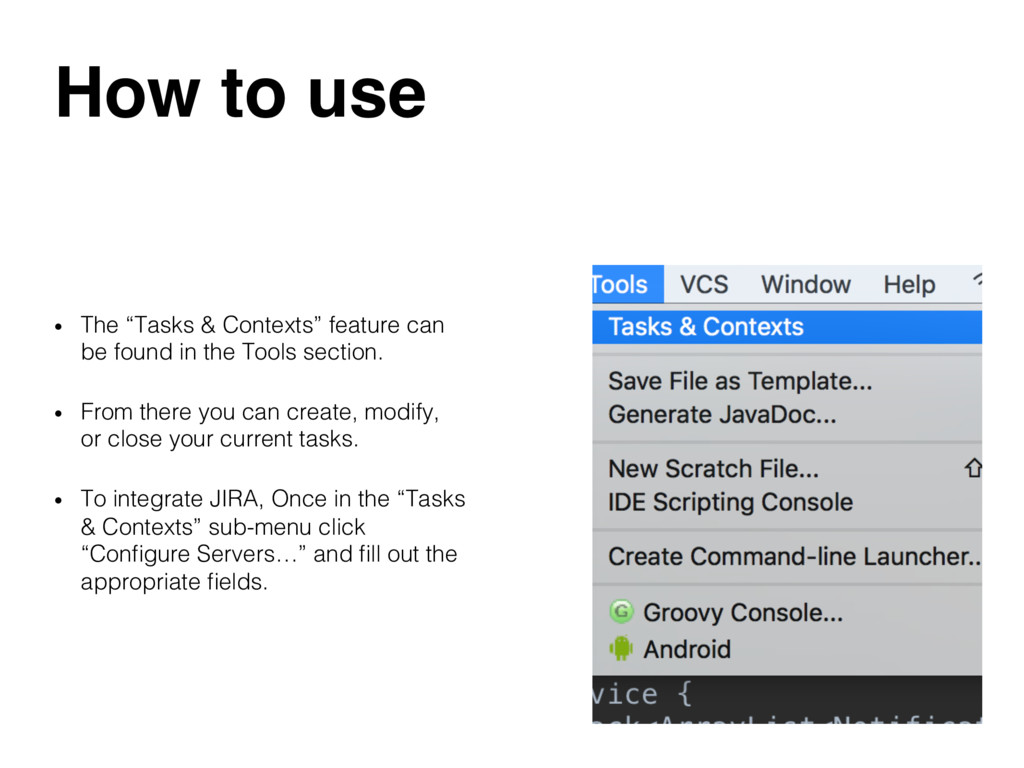
be found in the Tools section.! • From there you can create, modify, or close your current tasks.! • To integrate JIRA, Once in the “Tasks & Contexts” sub-menu click “Configure Servers…” and fill out the appropriate fields.!
tasks as Android Studio will allow you to manage them.! • Less cognitive load on the developer as Android Studio will keep track of your context.! • You can update JIRA tickets and your git repo through Android Studio.!


 akperkins
 marketingsoph
 wayneb77
.png) helenjbeal
helenjbeal
 marcduiker
 portentint
 yeseniaperezcruz
 eileencodes
 helmedeiros
 427marketing
 aleyda
 tenderlove
 palkan