
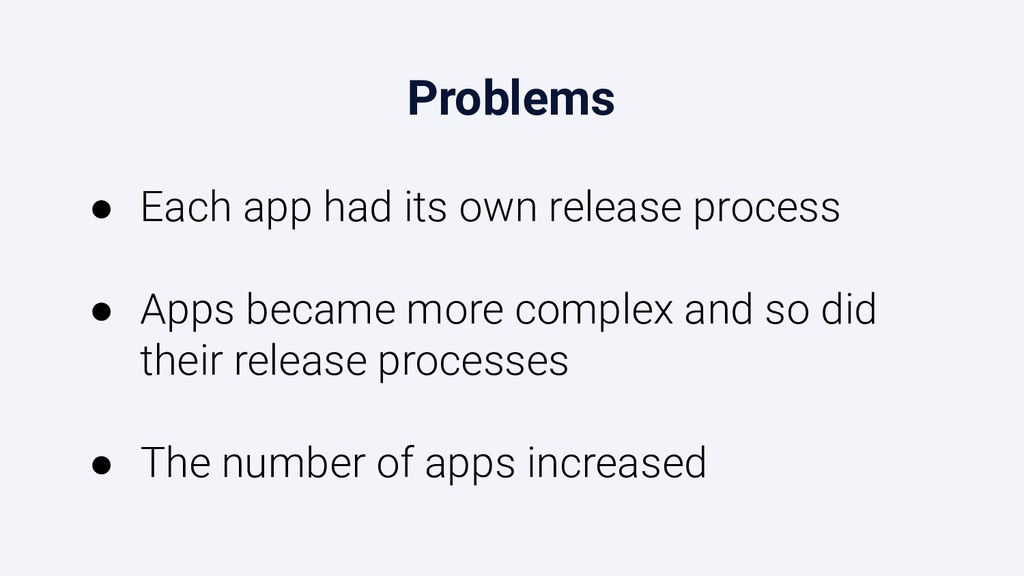
Mobile app releases are a manual, tedious and error-prone process when done at scale.
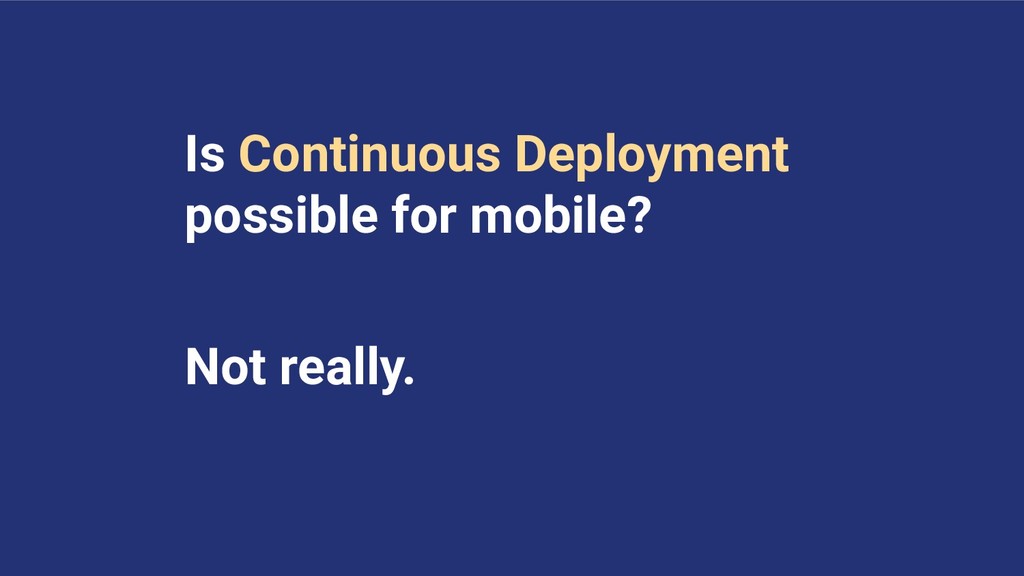
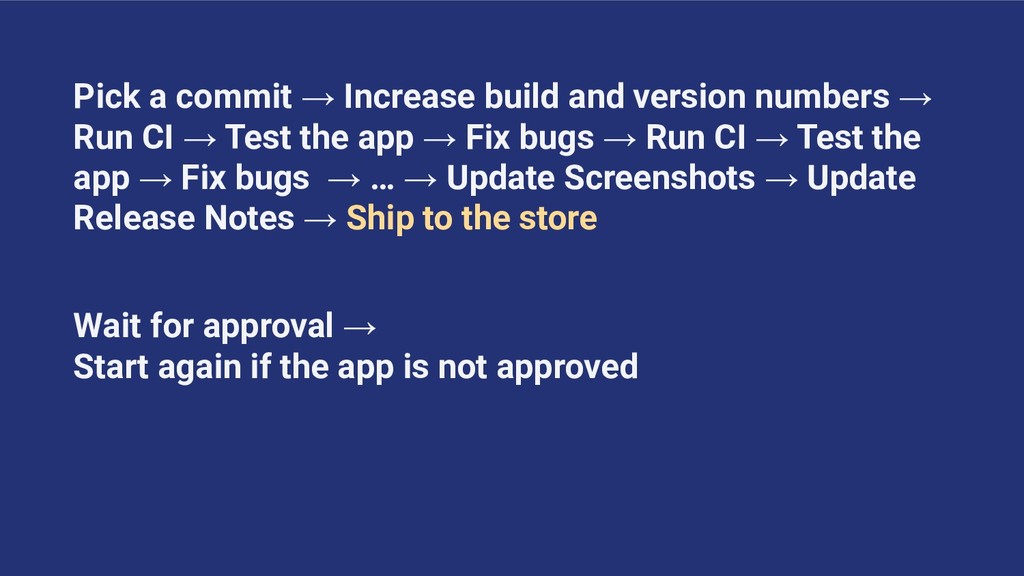
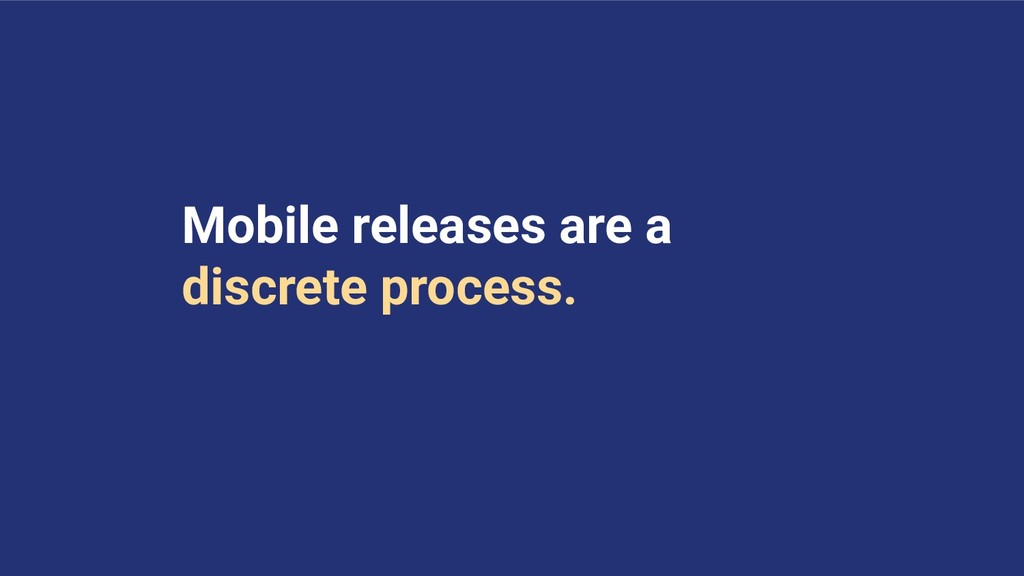
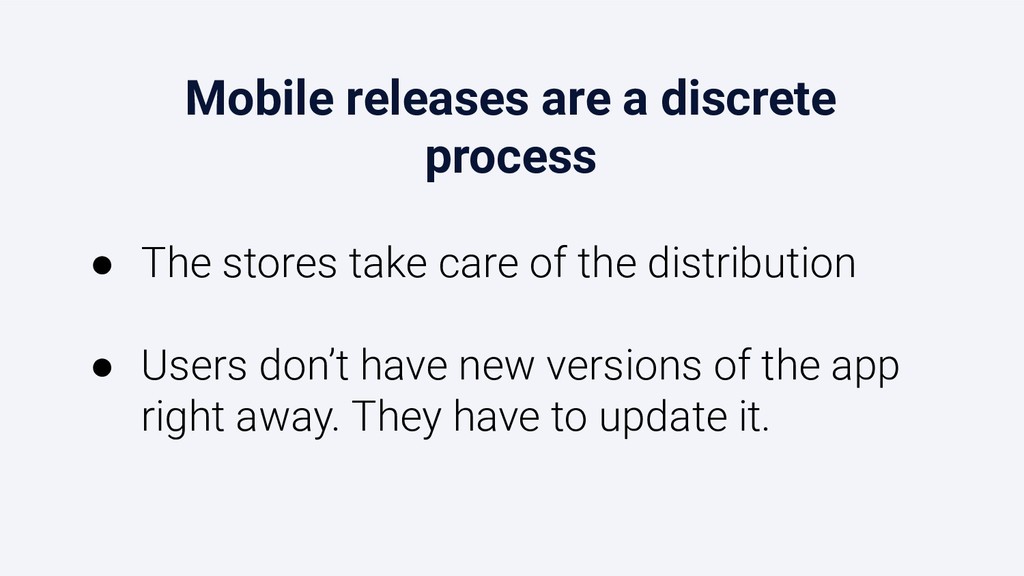
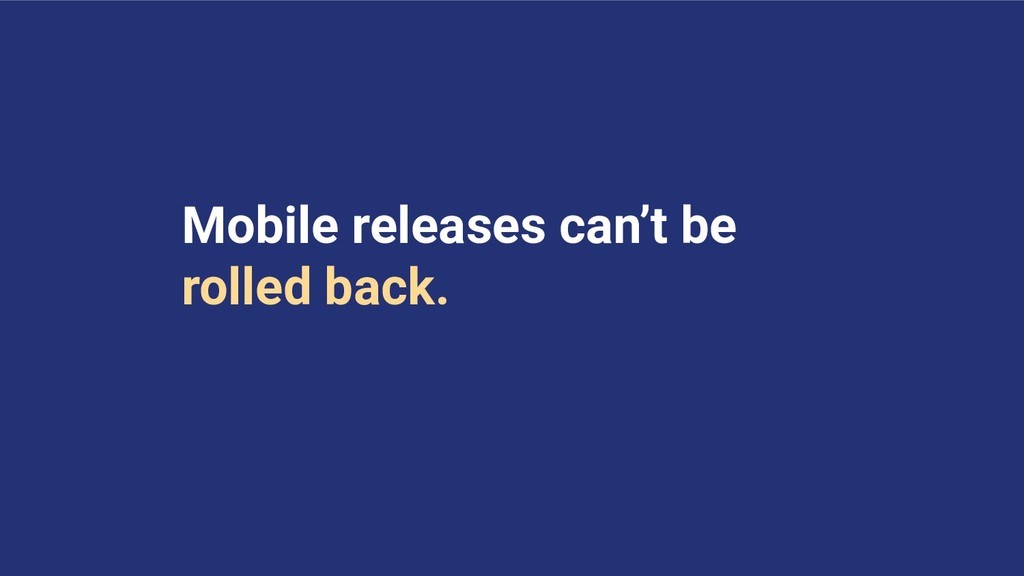
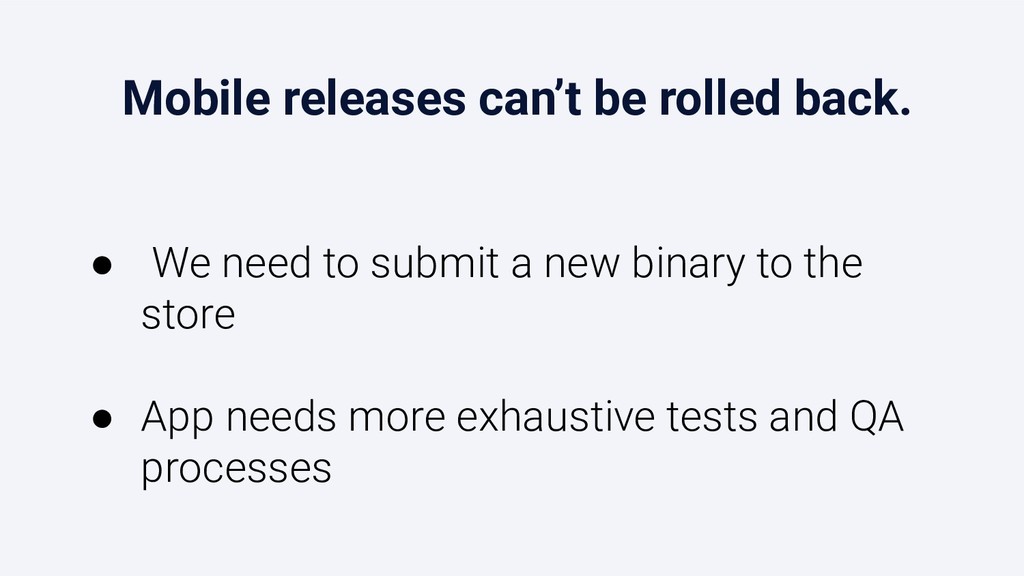
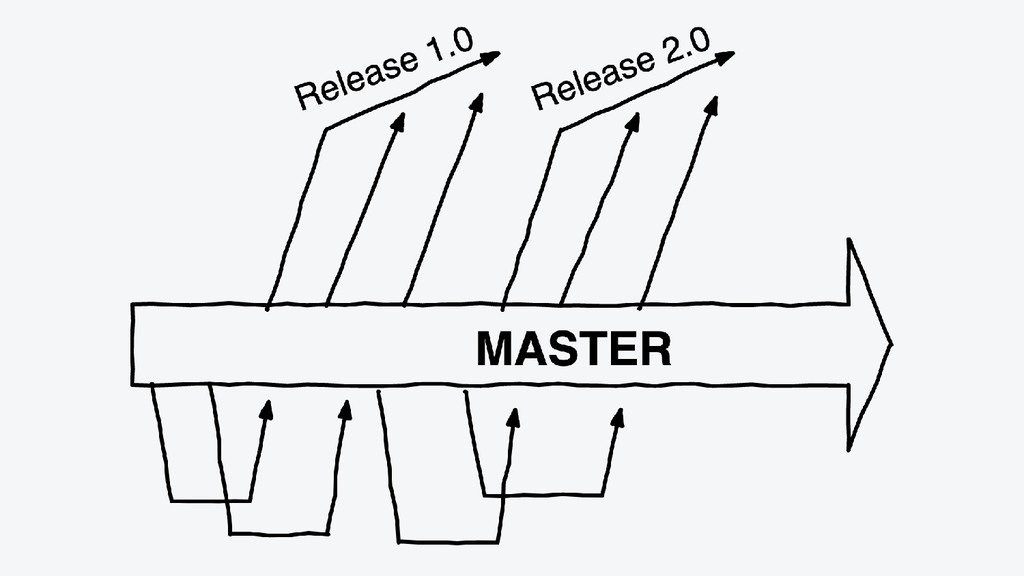
It is not possible to follow a continuous delivery (CD) approach because binaries need to be submitted to the stores, and once published they can’t be rolled back. Moreover, mobile releases can take several days to complete.
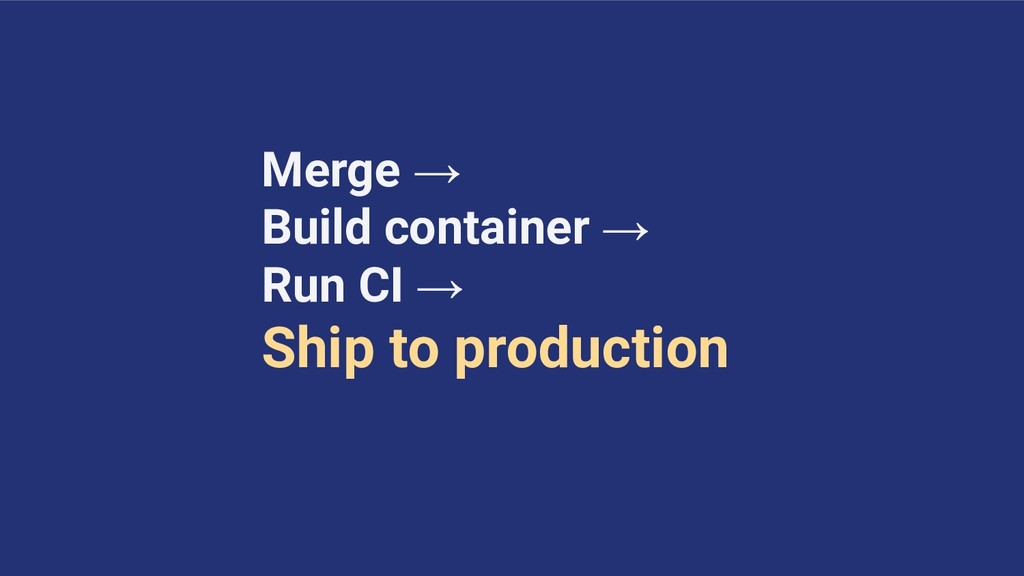
In contrast, we deploy the web version of Shopify around 50 times a day. We identified this gap between web and mobile releases as a problem.
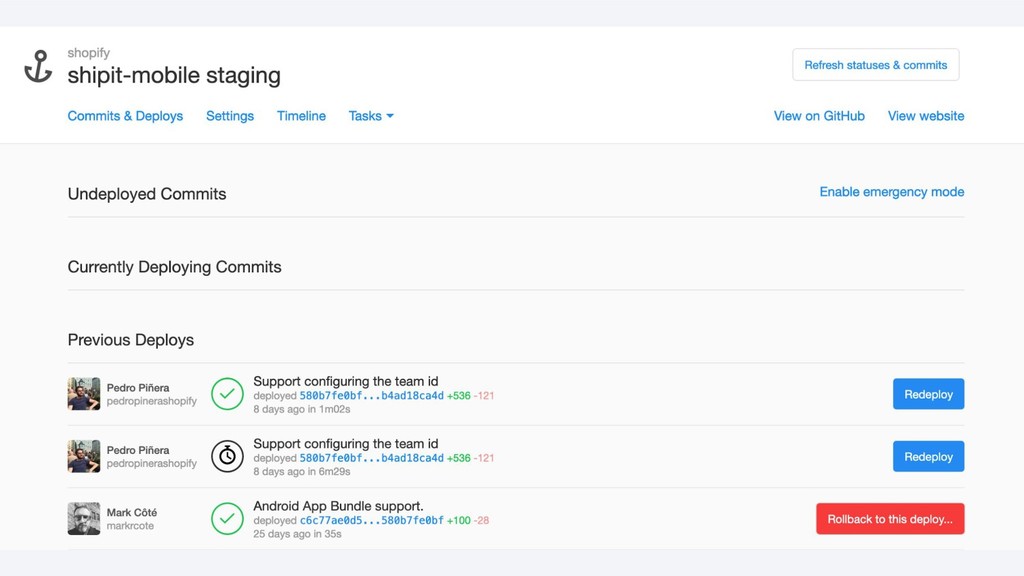
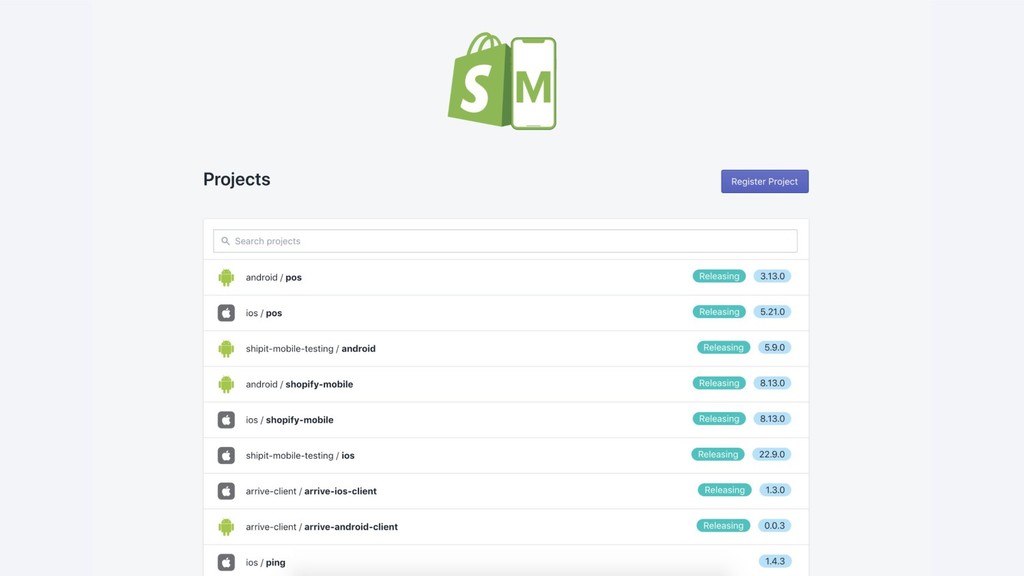
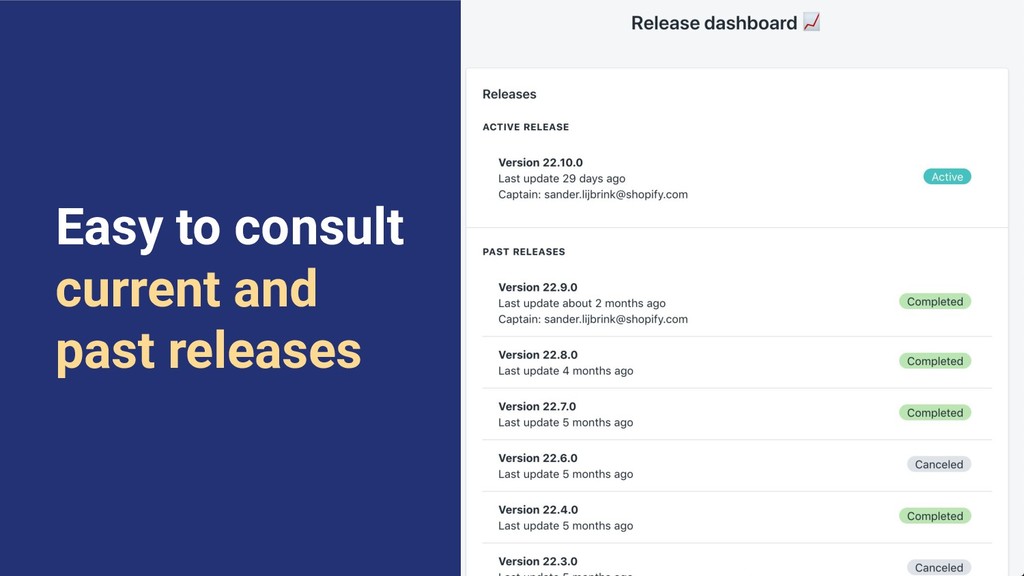
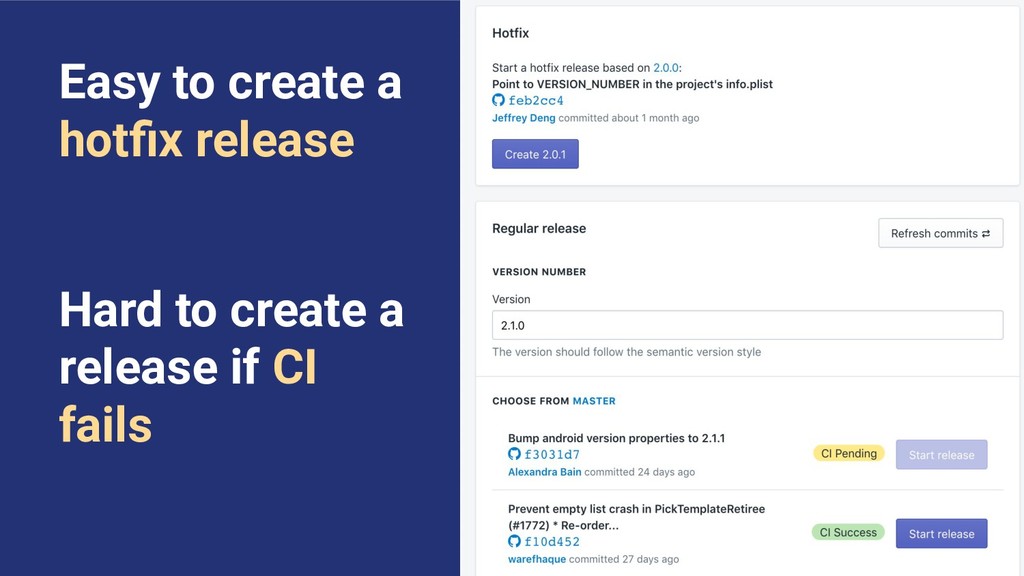
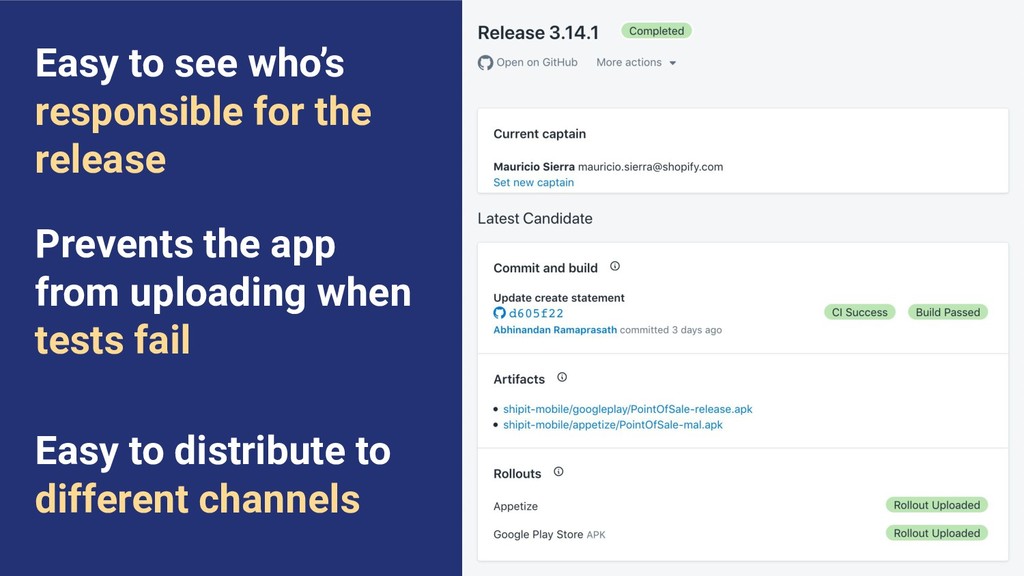
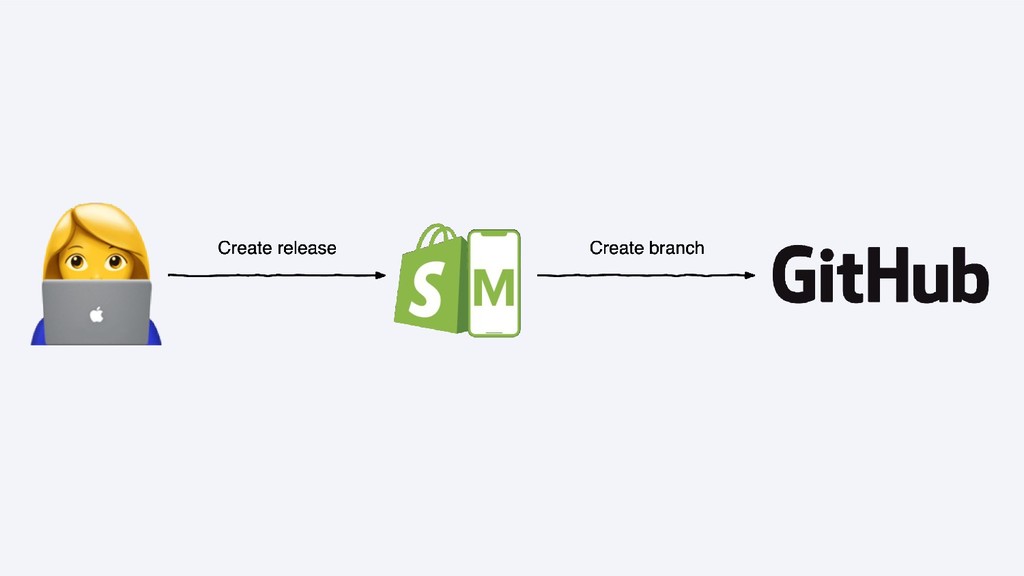
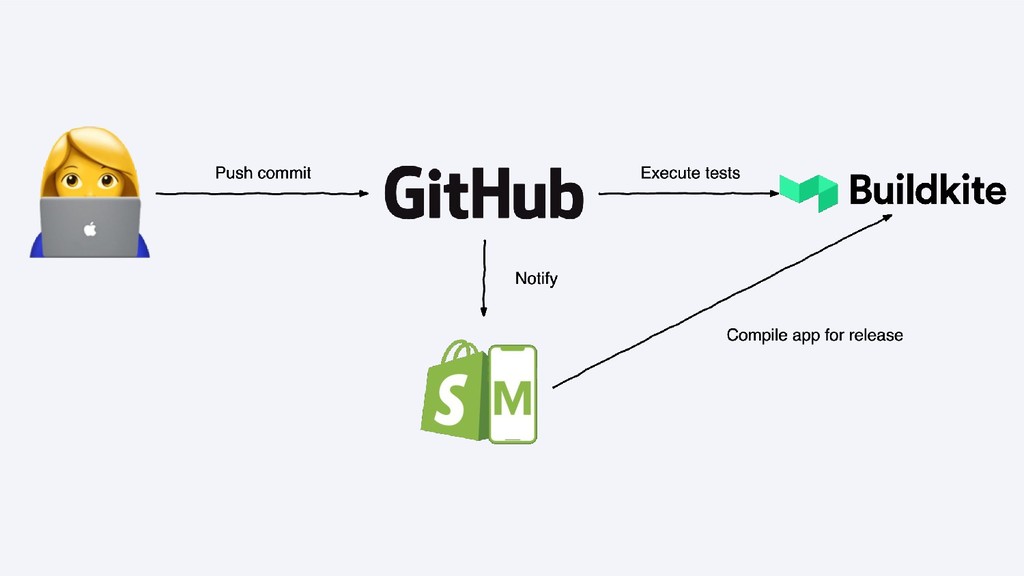
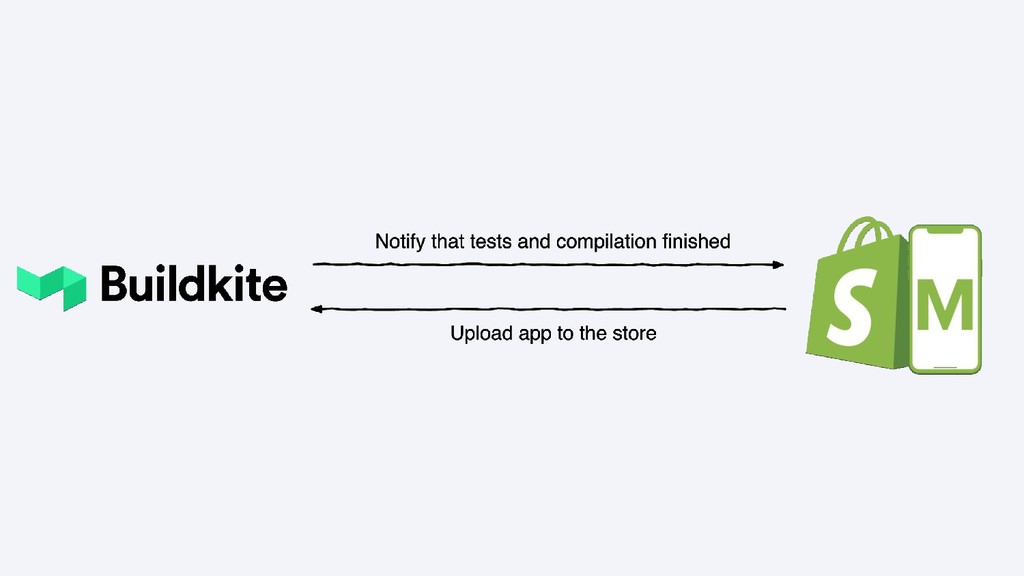
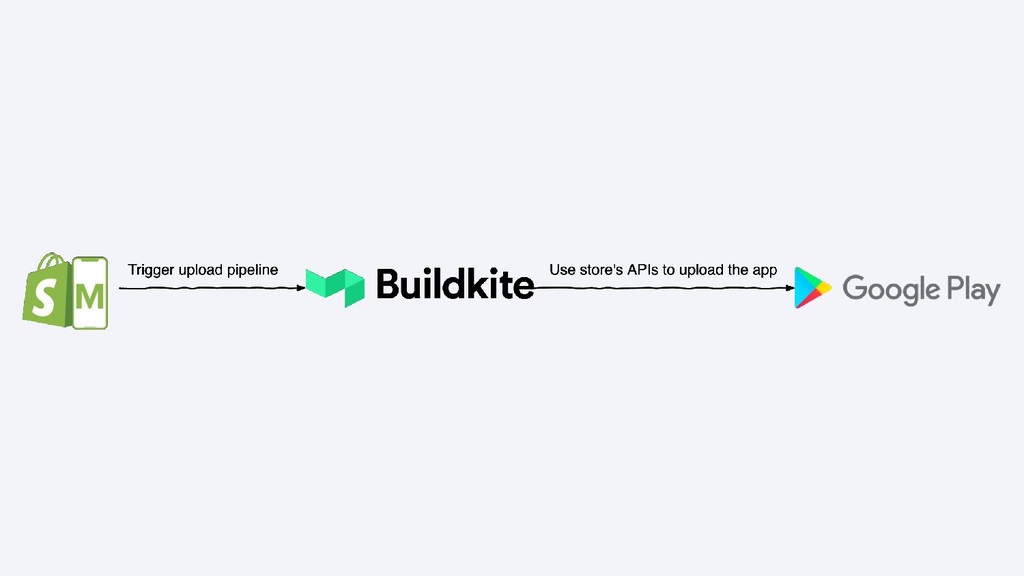
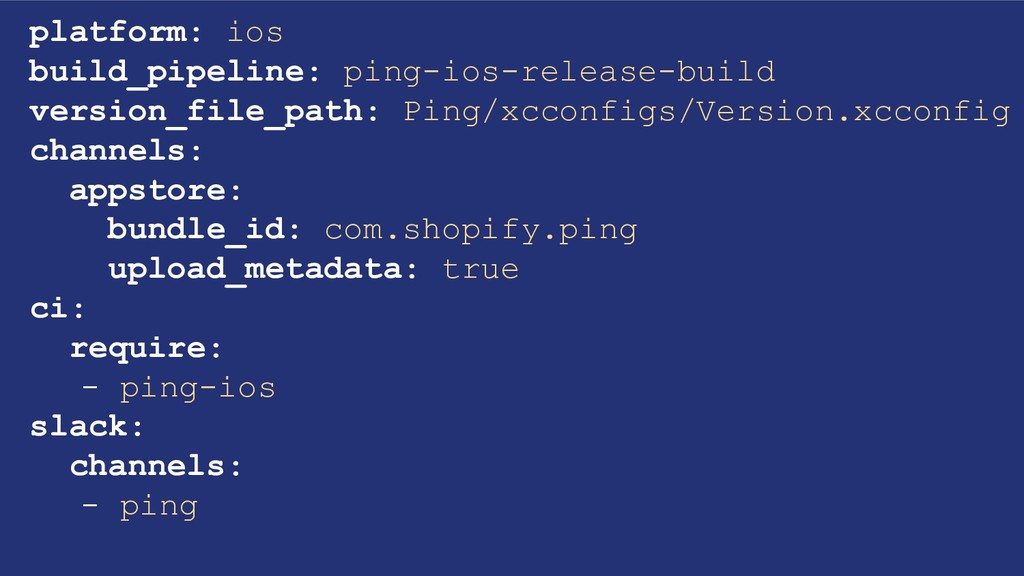
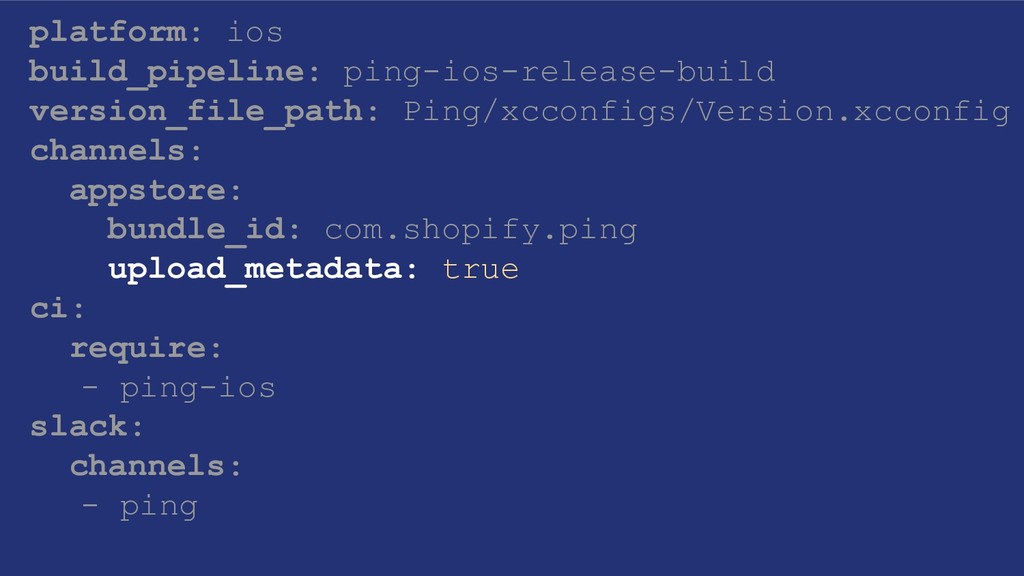
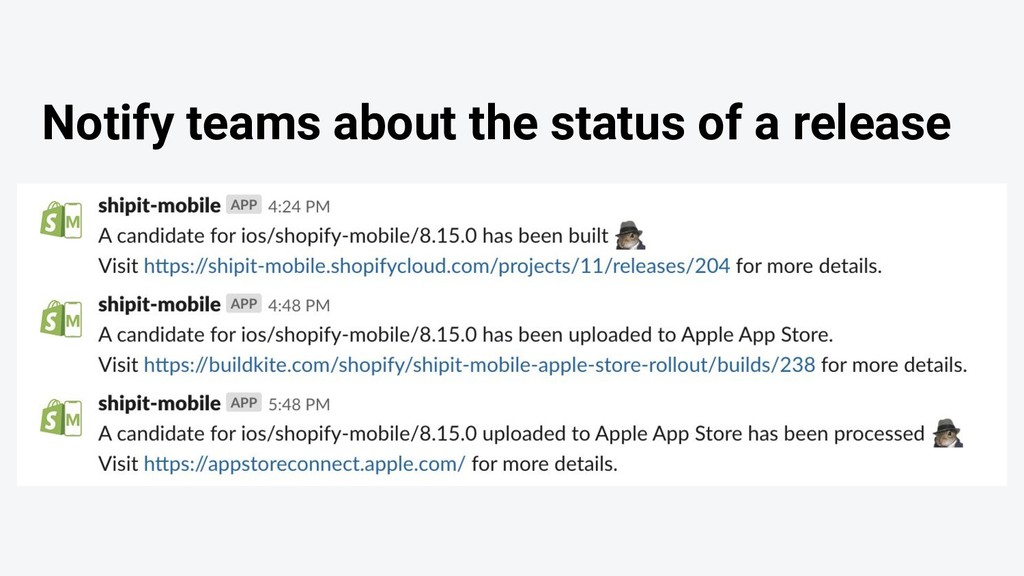
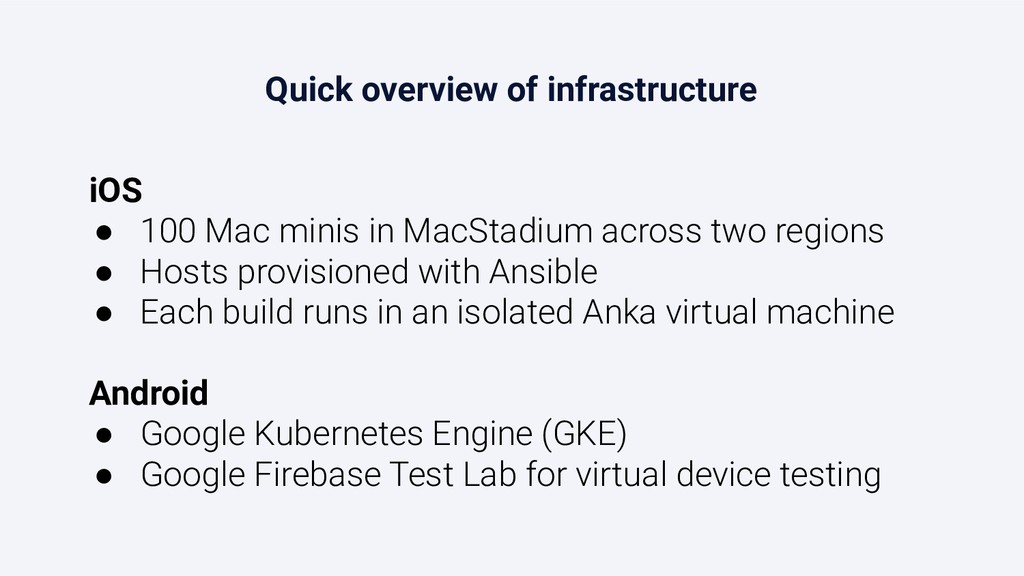
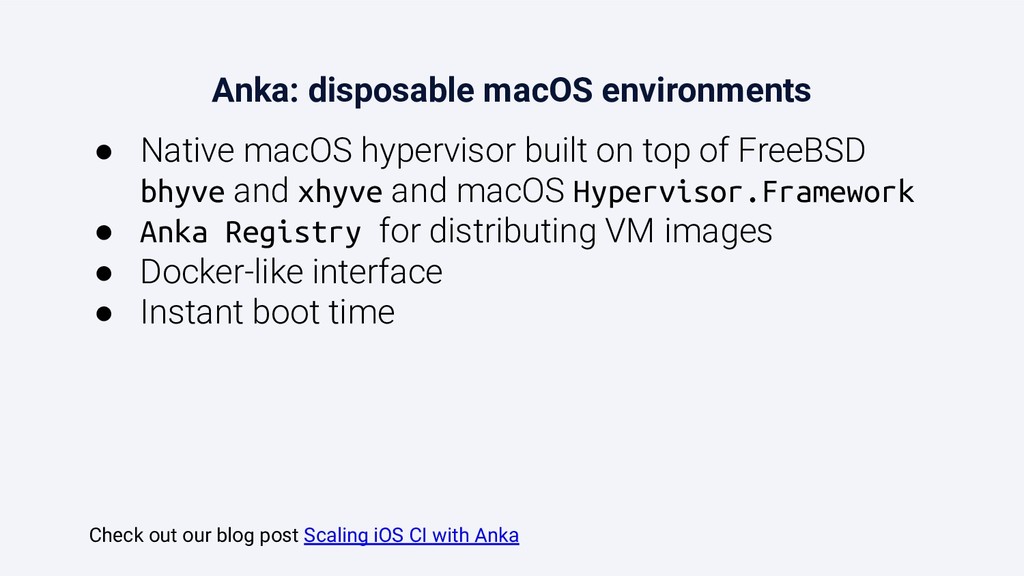
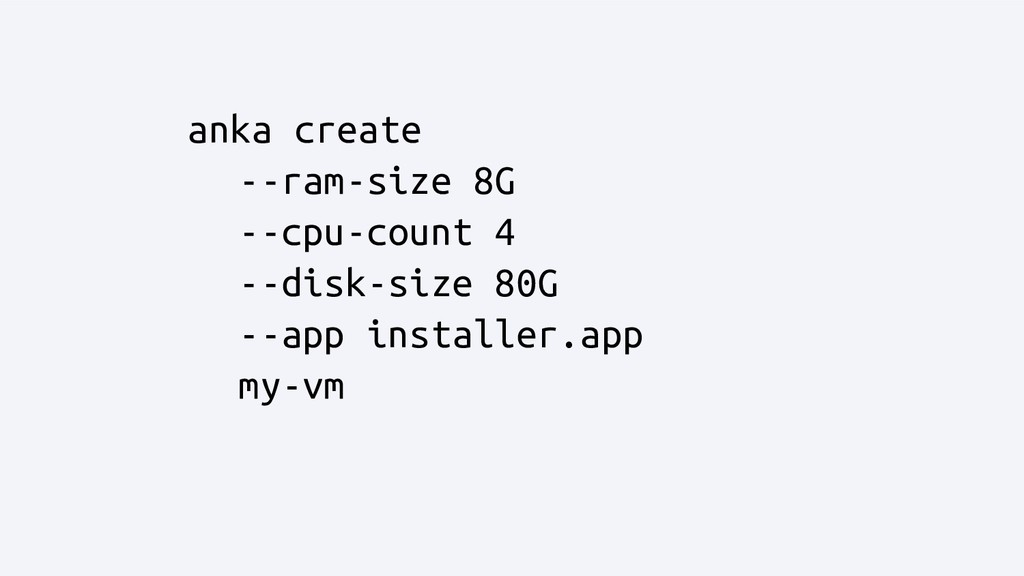
In this talk, I’ll explain how my team built a continuous integration (CI) system for our mobile apps (Android and iOS), and how we used this infrastructure as a foundation to build a Ruby on Rails application and other tools to automate and orchestrate releases to Google Play and the App Store, reducing the need for human interaction as much as possible.
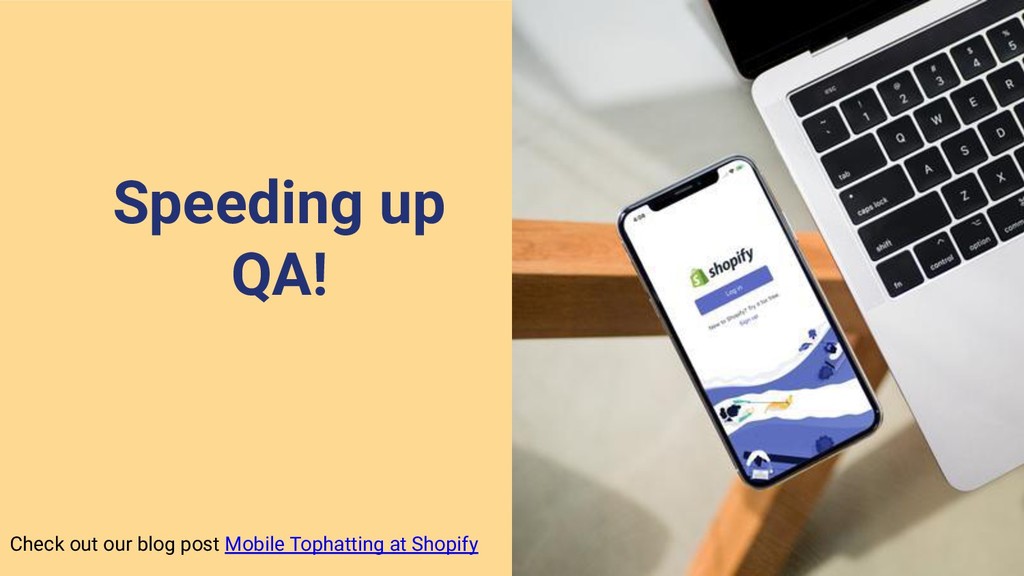
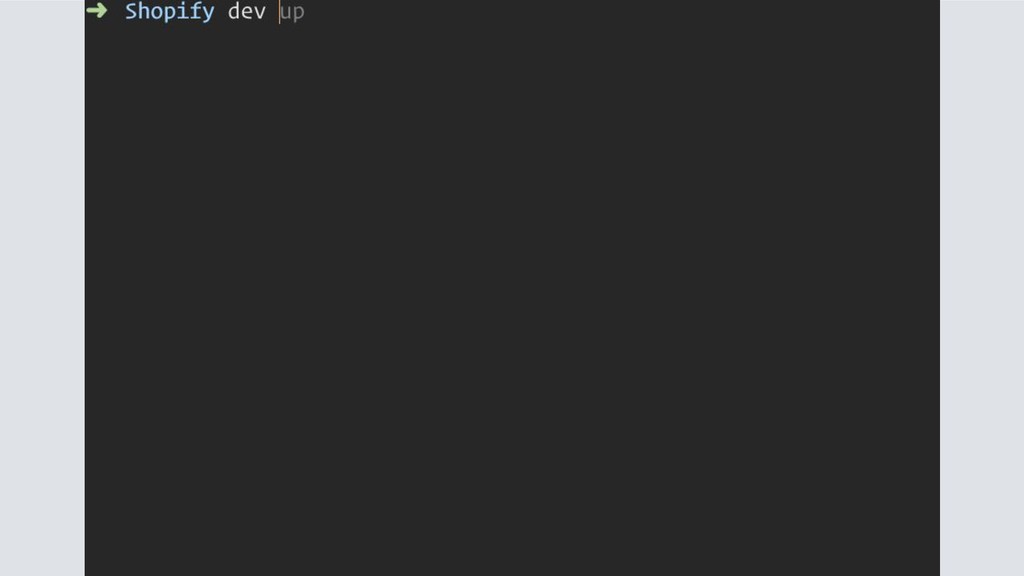
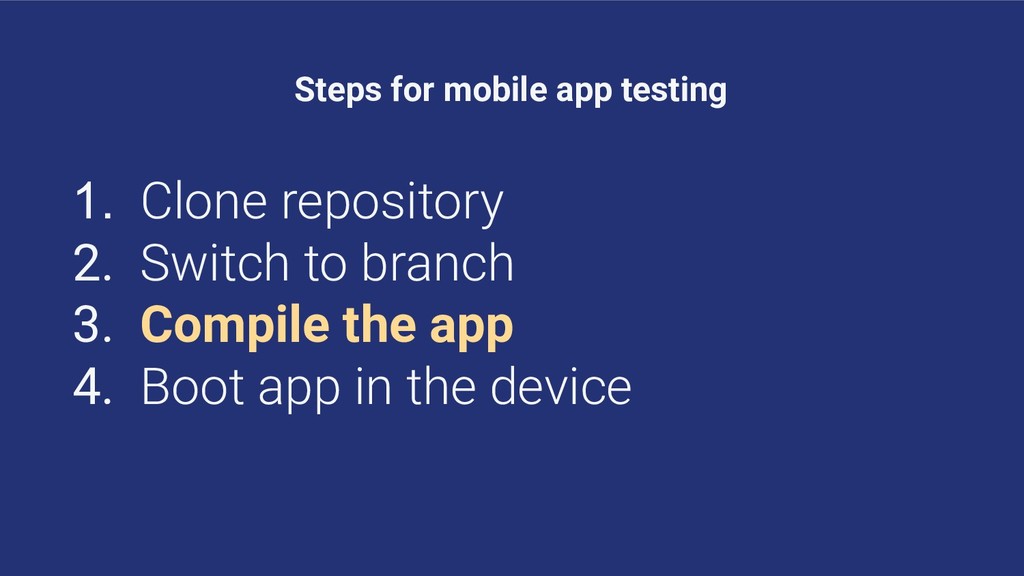
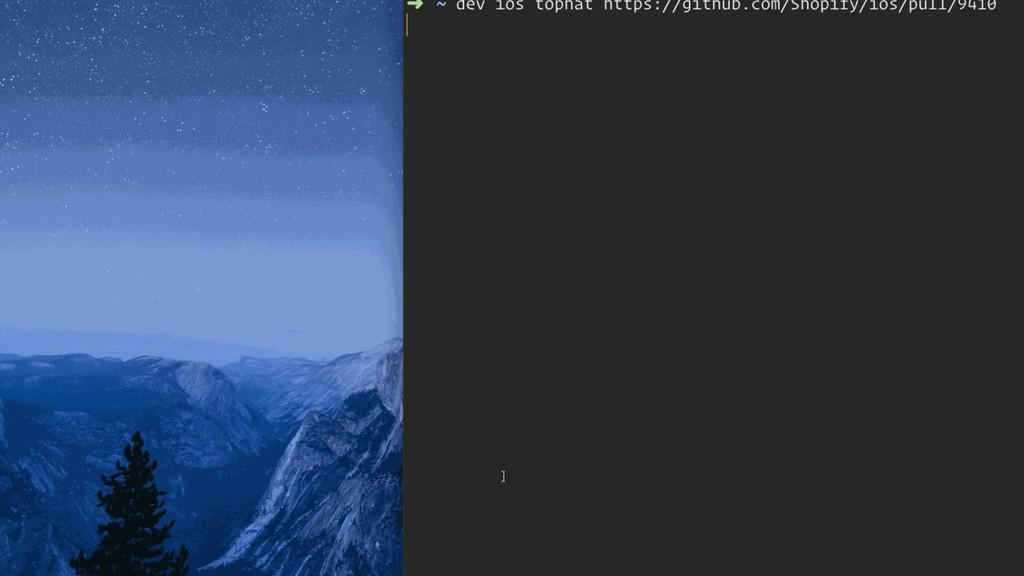
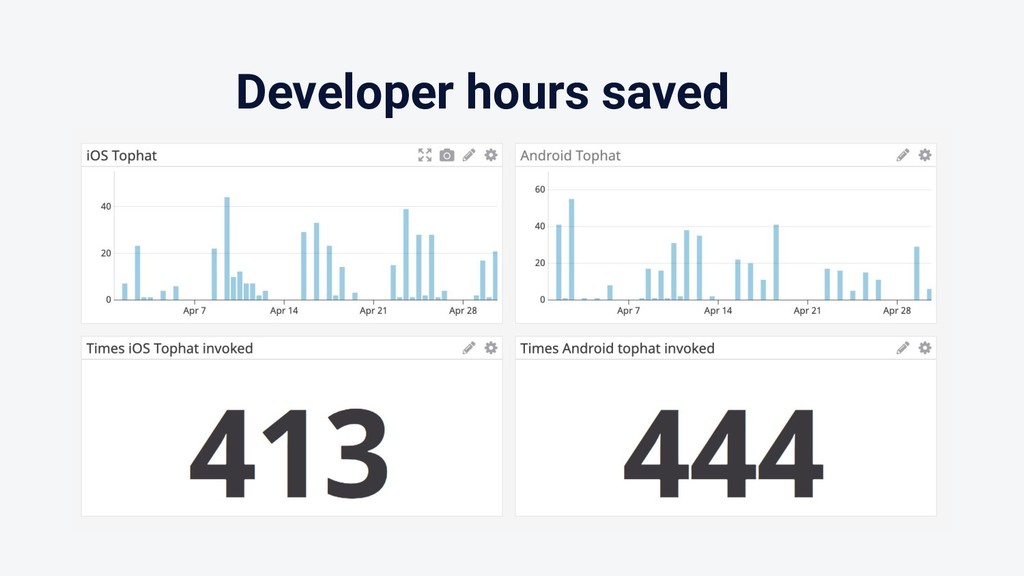
We’ll see the challenges of standardizing the release process and the coordination with third-party services like GitHub and the store APIs, and how we made it easier for developers to test the apps.


 alexrs95
 morizo_1984
 steliosf
 a_matsuda
 rkaga
rkaga
 ryu1013
 florets1
 minodriven
 htkym
htkym
 lynnswap
 koic
koic
 gam0022
 kawashimo0
 badams
 speakerdeck
 tmiket
 asonas
 sferik
 jakevdp
 tenderlove
 konakalab
 bkeepers
 tammyeverts
 katarinadahlin
 mlcsv
mlcsv





![Thanks! [email protected] @alexrs95](https://files.speakerdeck.com/presentations/8825772509bc403983247922a55eba20/slide_45.jpg)

![Thanks! [email protected] @alexrs95](https://files.speakerdeck.com/presentations/8825772509bc403983247922a55eba20/slide_47.jpg)

![• anka clone [OPTIONS] VM_ID NEW_VM_NAME • anka run [OPTIONS]](https://files.speakerdeck.com/presentations/8825772509bc403983247922a55eba20/slide_52.jpg)