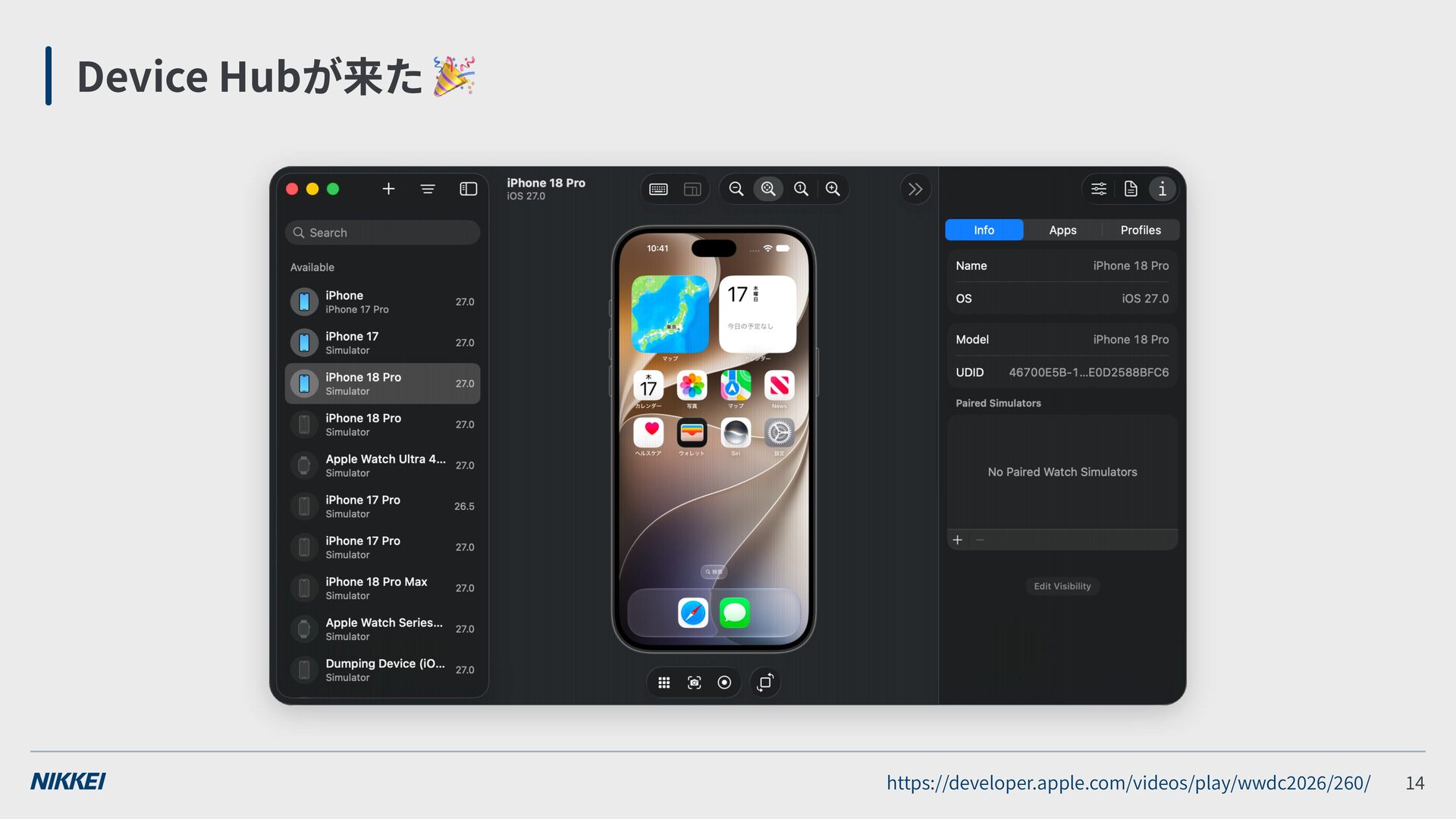
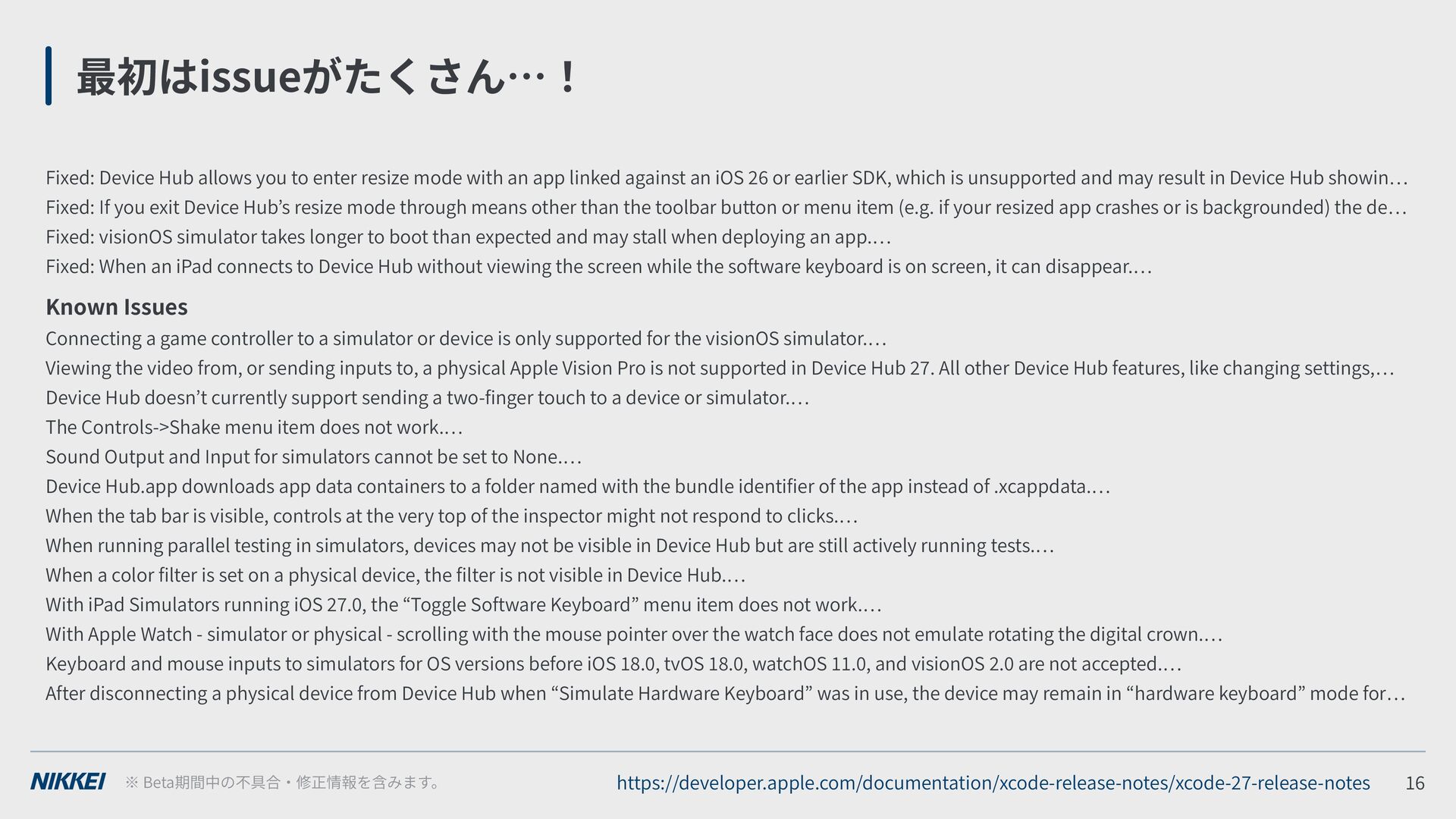
with an app linked against an iOS or earlier SDK, which is unsupported and may result in Device Hub showin Fixed: If you exit Device Hub s resize mode through means other than the toolbar button or menu item (e.g. if your resized app crashes or is backgrounded) the de Fixed: visionOS simulator takes longer to boot than expected and may stall when deploying an app. Fixed: When an iPad connects to Device Hub without viewing the screen while the software keyboard is on screen, it can disappear. Known Issues Connecting a game controller to a simulator or device is only supported for the visionOS simulator. Viewing the video from, or sending inputs to, a physical Apple Vision Pro is not supported in Device Hub . All other Device Hub features, like changing settings, Device Hub doesn t currently support sending a two- nger touch to a device or simulator. The Controls->Shake menu item does not work. Sound Output and Input for simulators cannot be set to None. Device Hub.app downloads app data containers to a folder named with the bundle identi er of the app instead of .xcappdata. When the tab bar is visible, controls at the very top of the inspector might not respond to clicks. When running parallel testing in simulators, devices may not be visible in Device Hub but are still actively running tests. When a color lter is set on a physical device, the lter is not visible in Device Hub. With iPad Simulators running iOS . , the Toggle Software Keyboard menu item does not work. With Apple Watch - simulator or physical - scrolling with the mouse pointer over the watch face does not emulate rotating the digital crown. Keyboard and mouse inputs to simulators for OS versions before iOS . , tvOS . , watchOS . , and visionOS . are not accepted. After disconnecting a physical device from Device Hub when Simulate Hardware Keyboard was in use, the device may remain in hardware keyboard mode for Beta https://developer.apple.com/documentation/xcode-release-notes/xcode- -release-notes

 SiteGround - Reliable hosting with speed, security, and support you can count on.


 gam0022
 yegor256
 gonta
gonta
 ryu1013
 dske104
 minodriven
 iwatsukayura
 uyuki234
 akihisaikeda
 tomokon
 hasutosasaki
 tanahiro2010
 codingconduct
 watany
 stephaniewalter
 chriscoyier
 sugarenia
 kevinliebholz
 kimpetersen
 honnibal
 katarinadahlin
 aleyda
 rabernat
 soudai