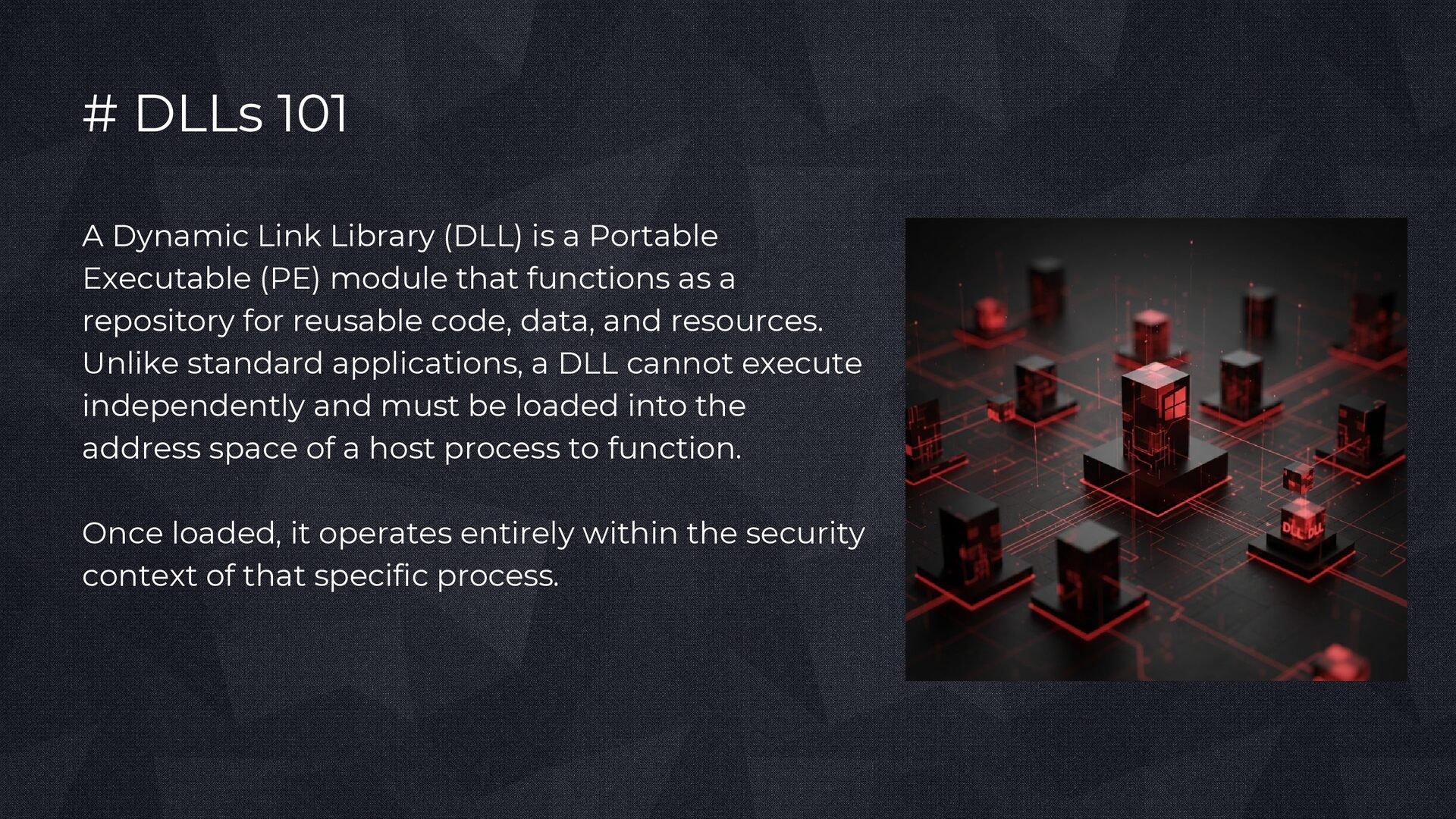
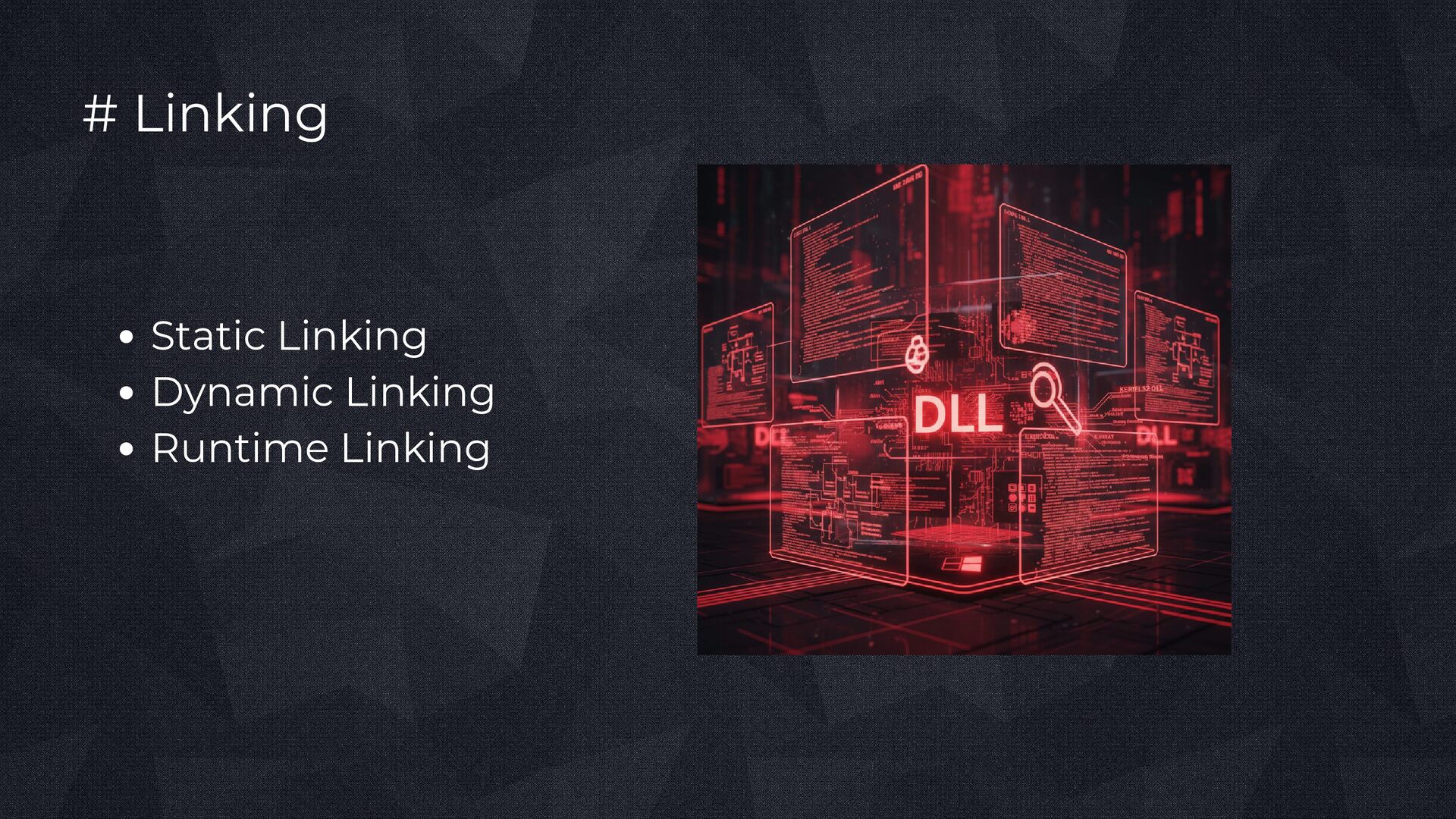
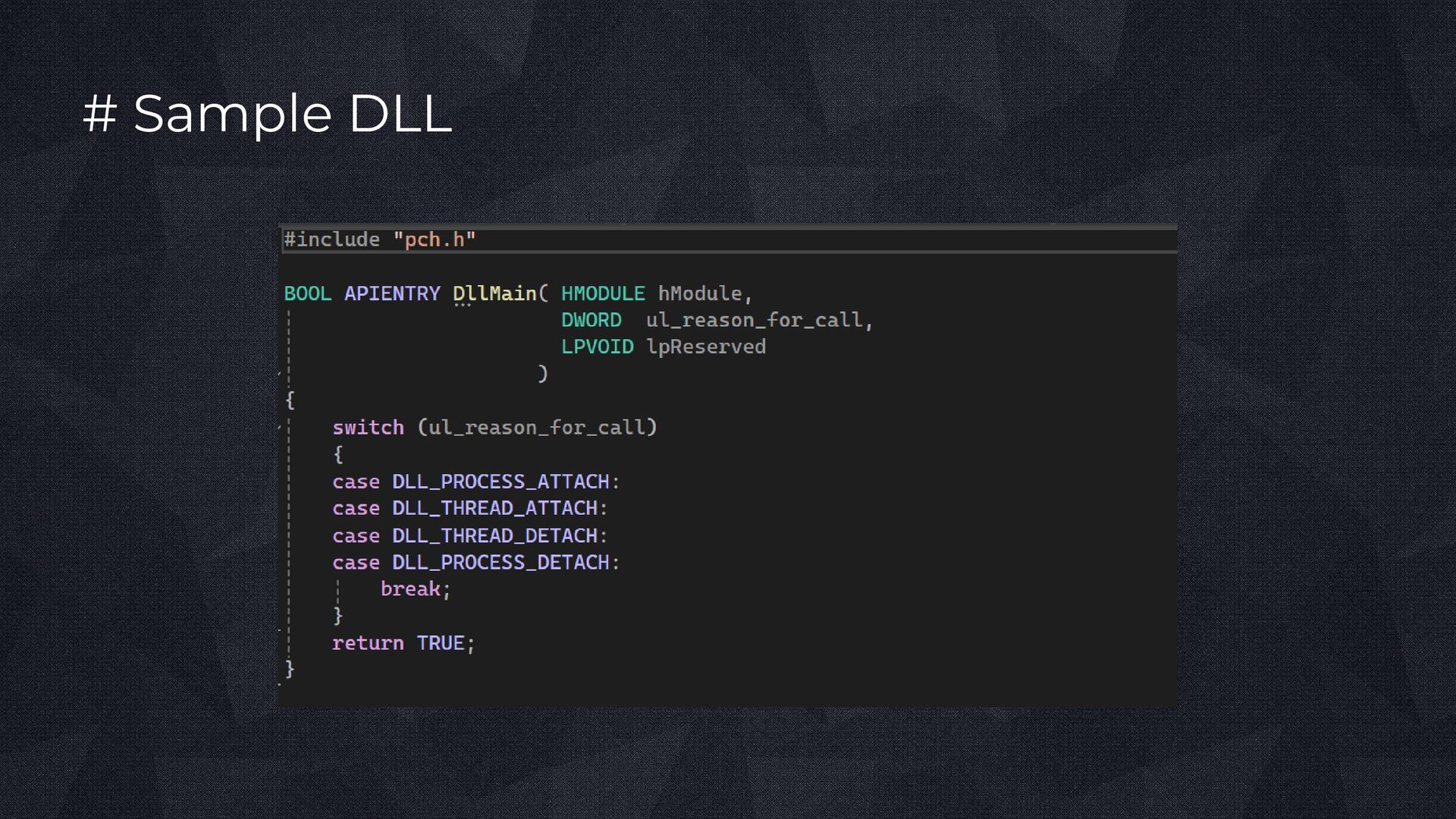
Portable Executable (PE) module that functions as a repository for reusable code, data, and resources. Unlike standard applications, a DLL cannot execute independently and must be loaded into the address space of a host process to function. Once loaded, it operates entirely within the security context of that specific process.
Portable Executable (PE) file format. It contains a DOS Header, NT Headers, an Optional Header, and Section Headers. The IMAGE_FILE_DLL flag identifies the file as a DLL. Important sections include .text, .data, .rdata, .idata, .edata, and .reloc. Data Directories define import tables, export tables, relocations, and TLS.
exposed to other modules. Functions may be exported by name or ordinal. The Import Table defines dependencies on external DLLs. The Import Address Table (IAT) is populated by the Windows loader.
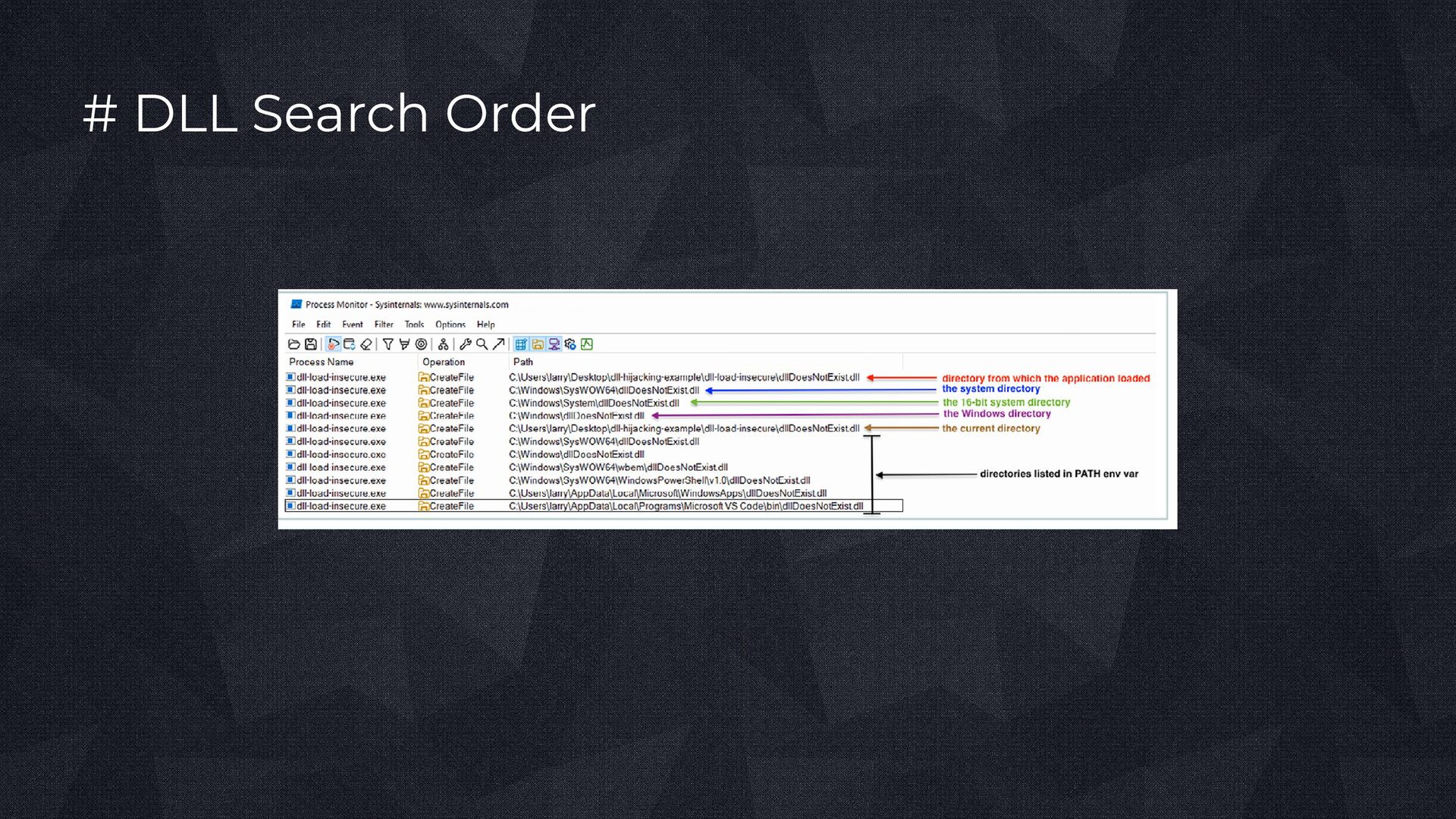
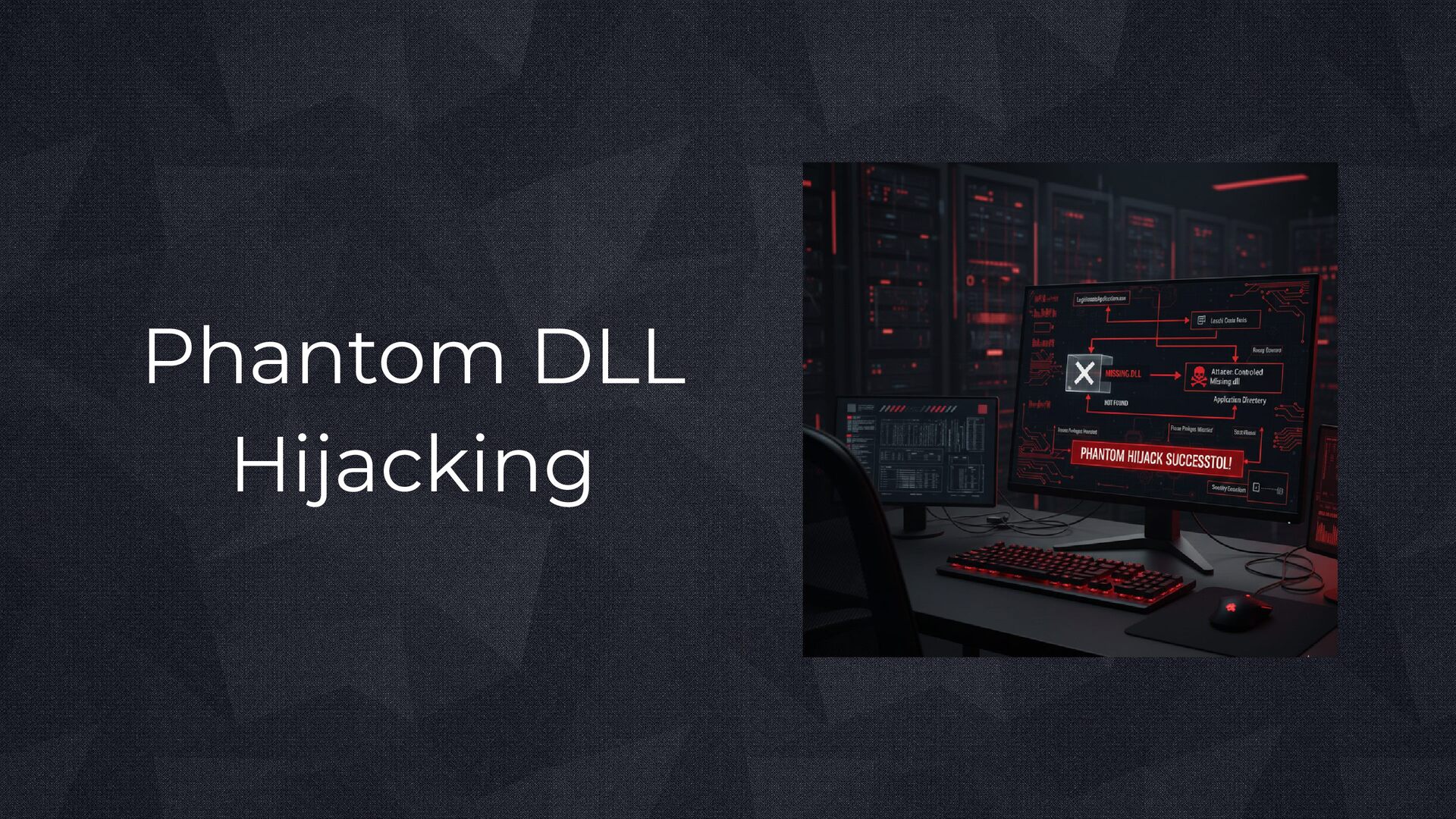
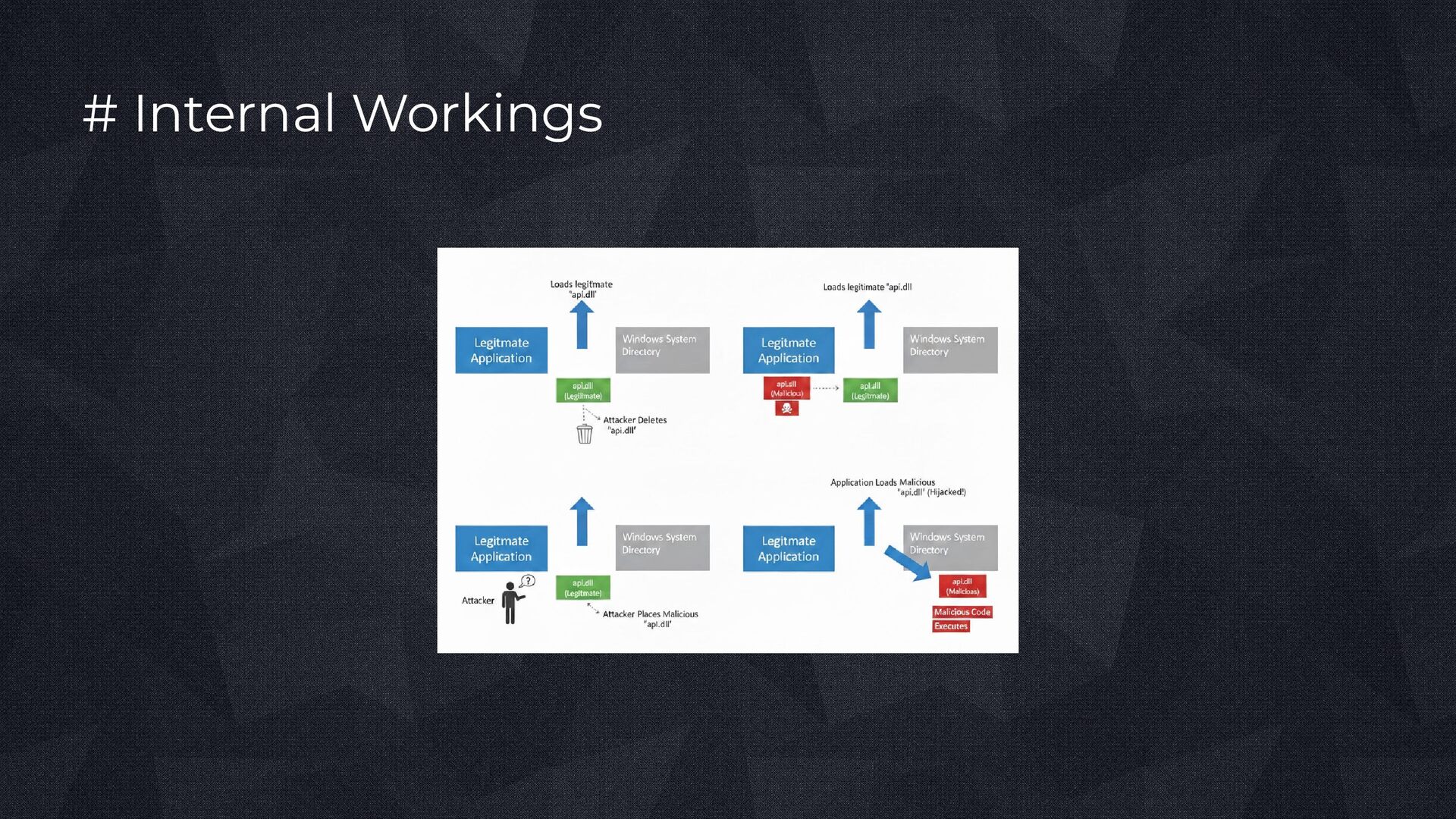
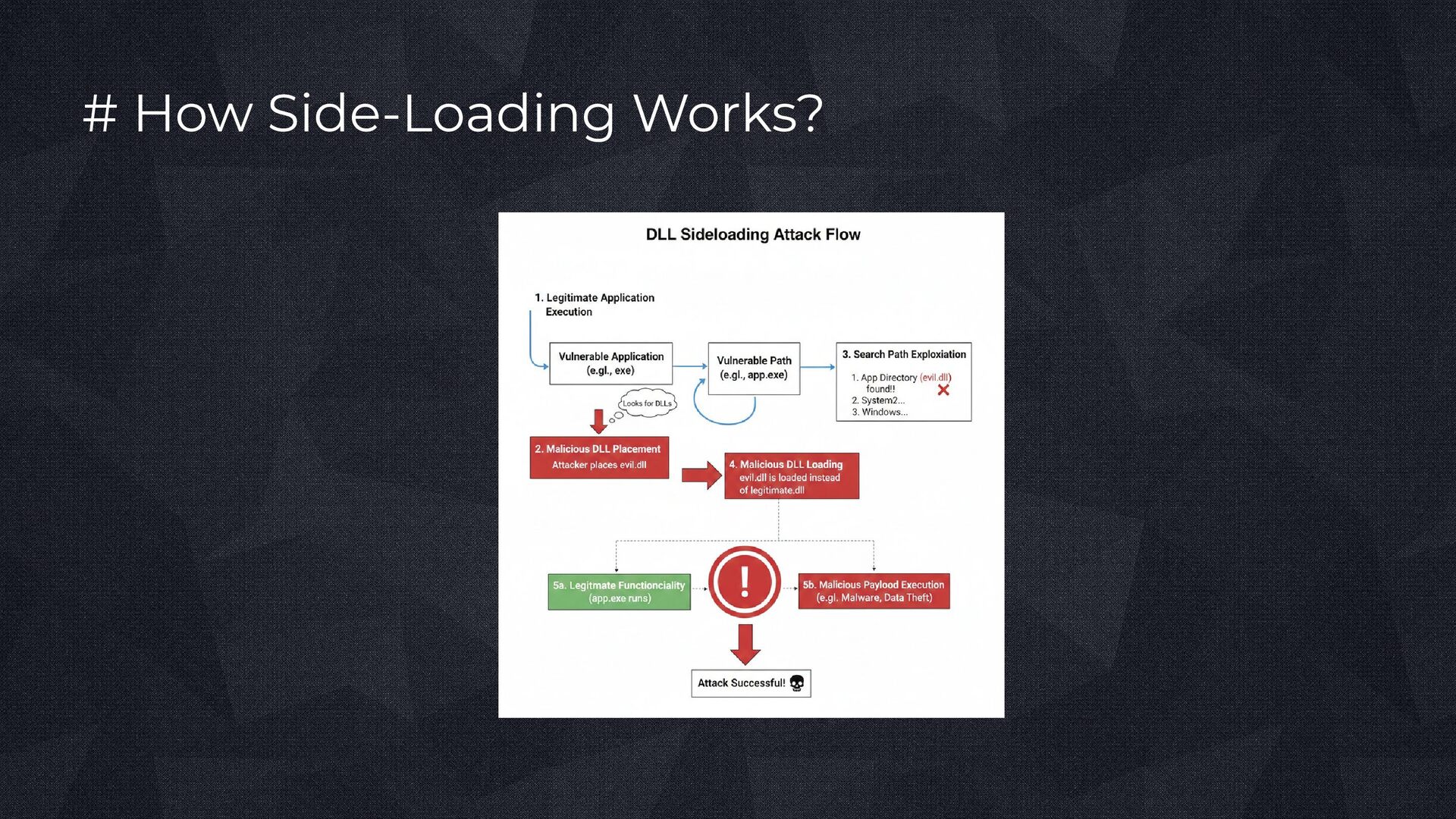
attempt to load DLLs that are missing or optional on the system. When the application searches for a non-existent dependency, Windows still follows its normal DLL search process. This missing dependency creates an opportunity for attackers to introduce a malicious DLL with the expected name. Since no legitimate file needs to be replaced, the attacker supplies the absent DLL, causing their code to be executed when the application loads it.
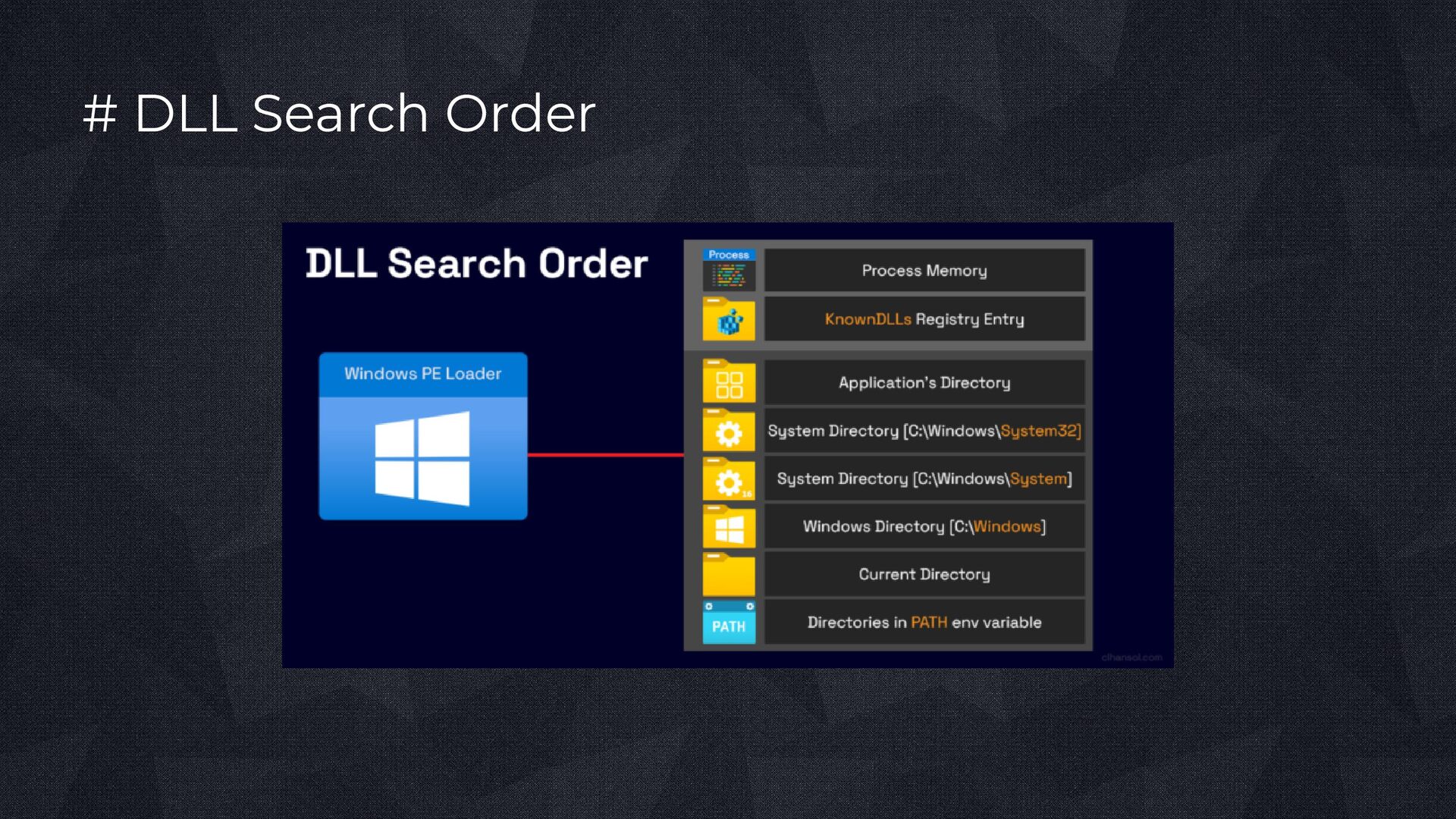
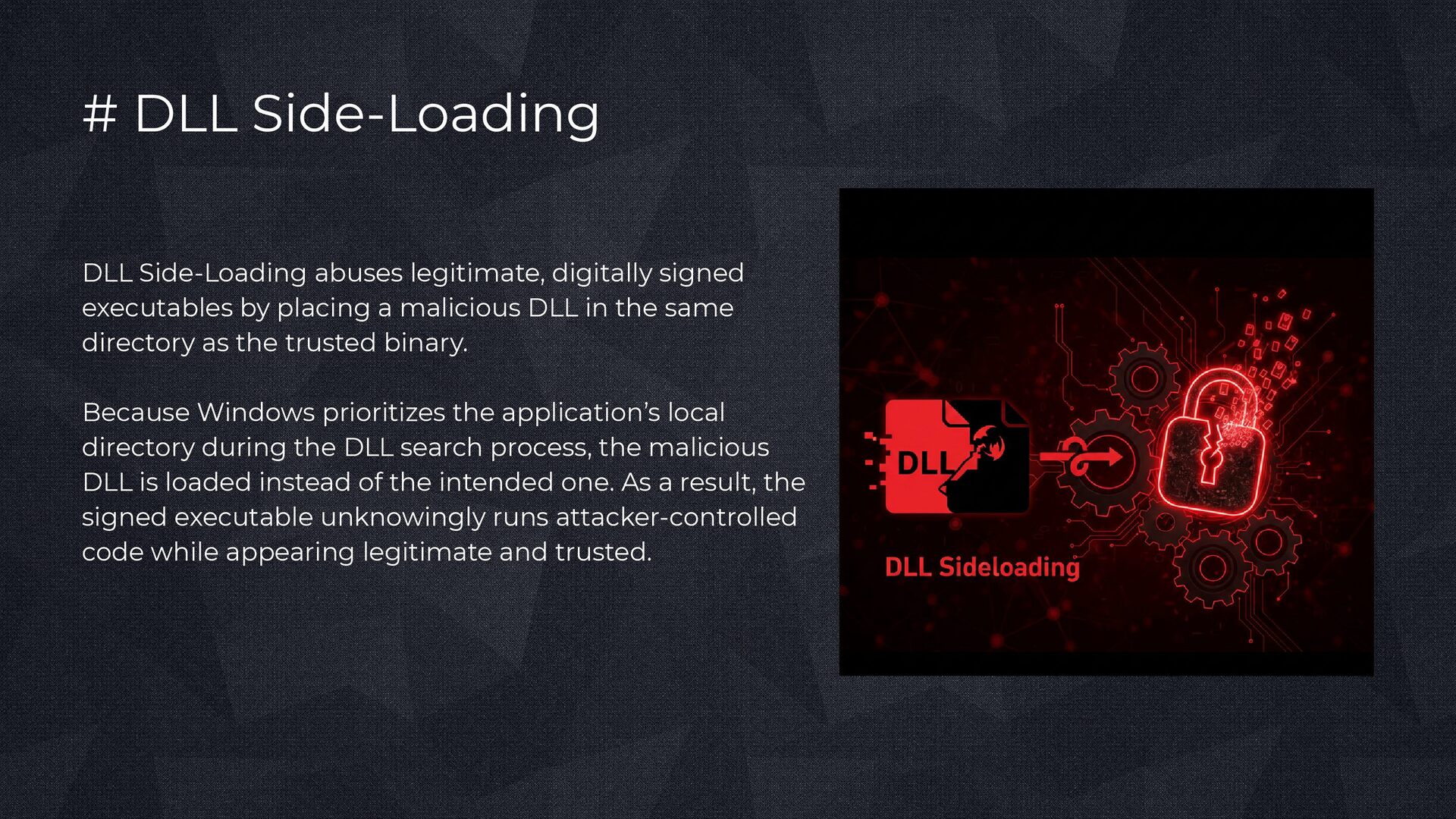
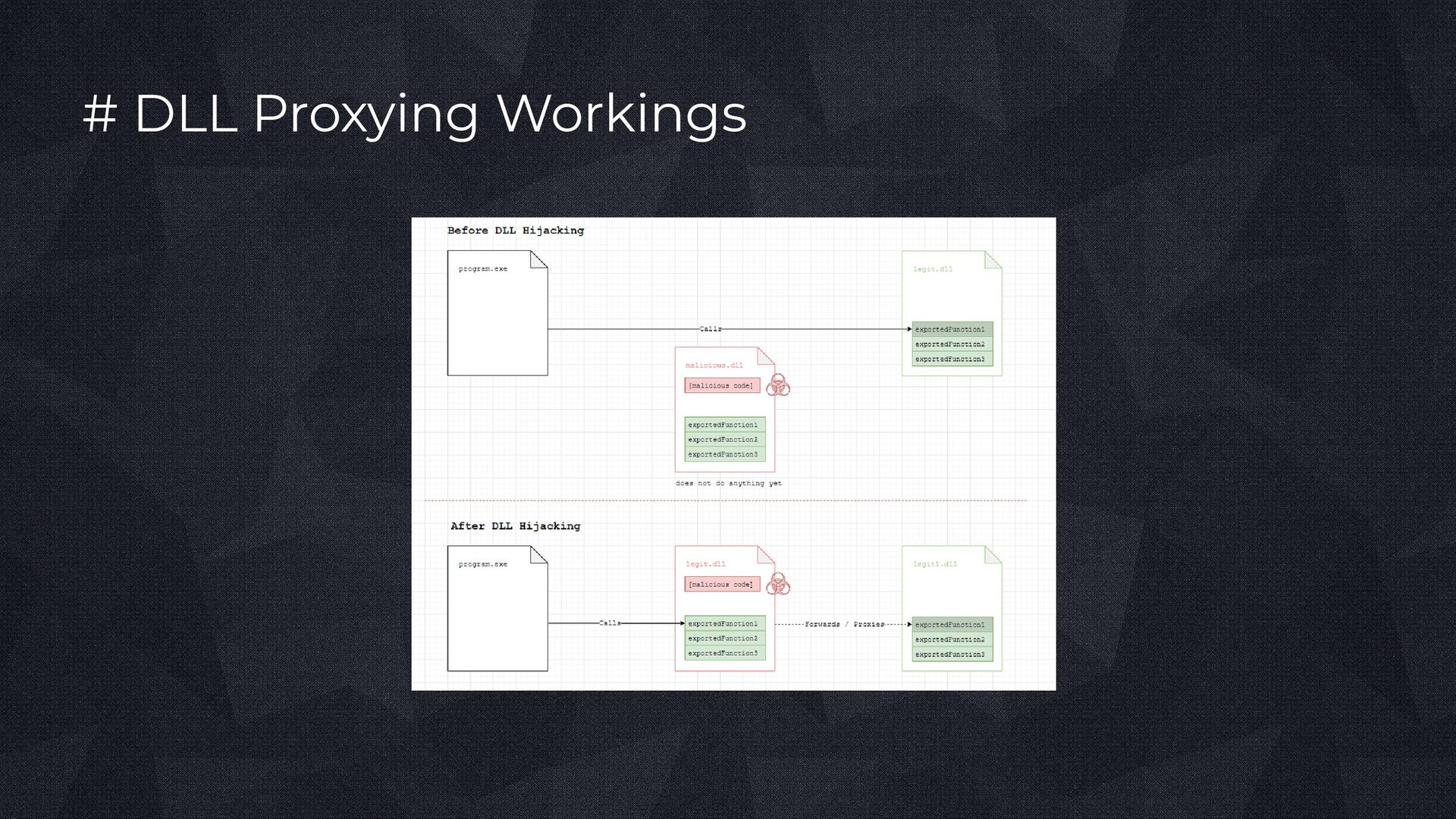
by placing a malicious DLL in the same directory as the trusted binary. Because Windows prioritizes the application’s local directory during the DLL search process, the malicious DLL is loaded instead of the intended one. As a result, the signed executable unknowingly runs attacker-controlled code while appearing legitimate and trusted.
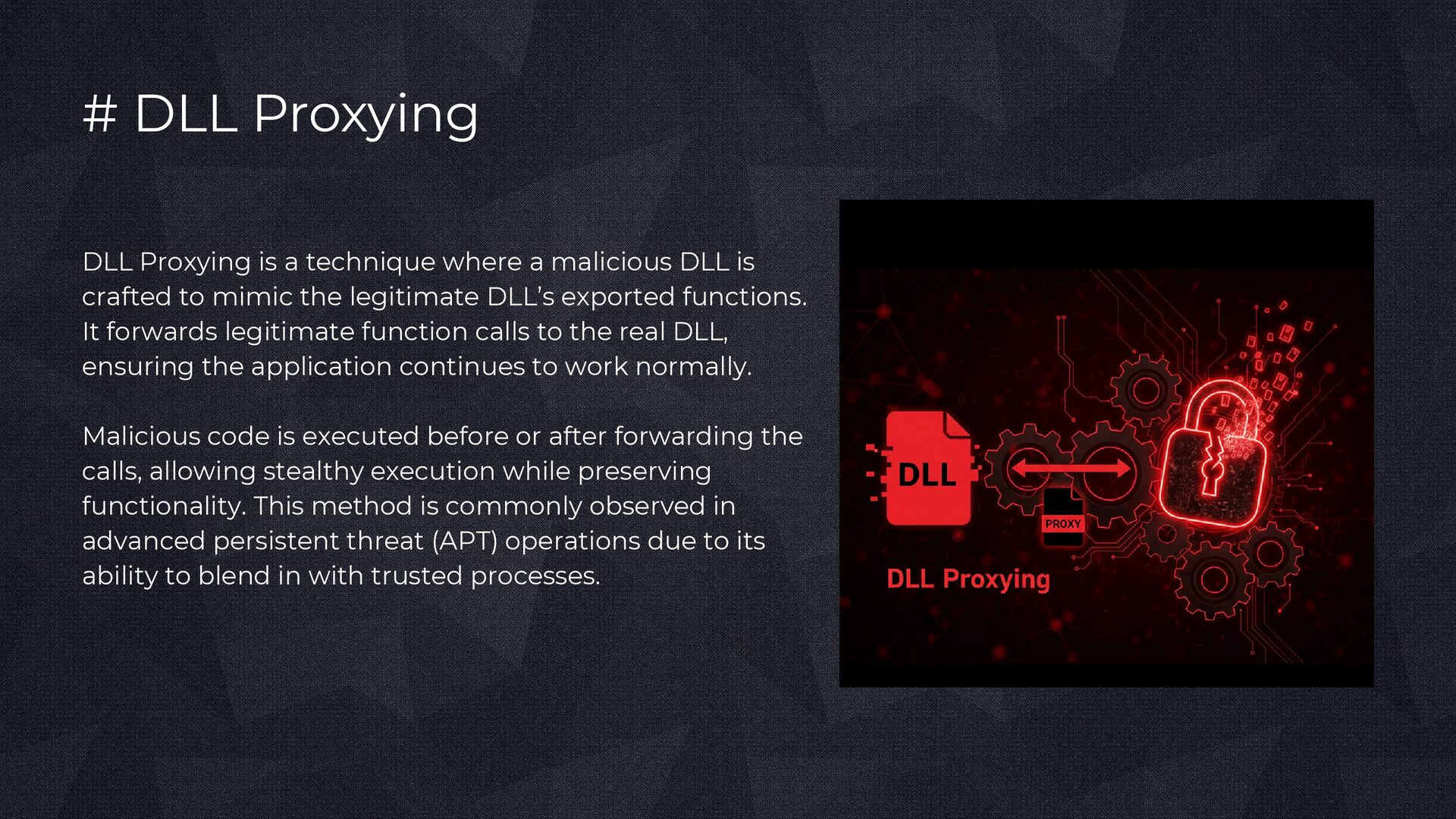
malicious DLL is crafted to mimic the legitimate DLL’s exported functions. It forwards legitimate function calls to the real DLL, ensuring the application continues to work normally. Malicious code is executed before or after forwarding the calls, allowing stealthy execution while preserving functionality. This method is commonly observed in advanced persistent threat (APT) operations due to its ability to blend in with trusted processes.
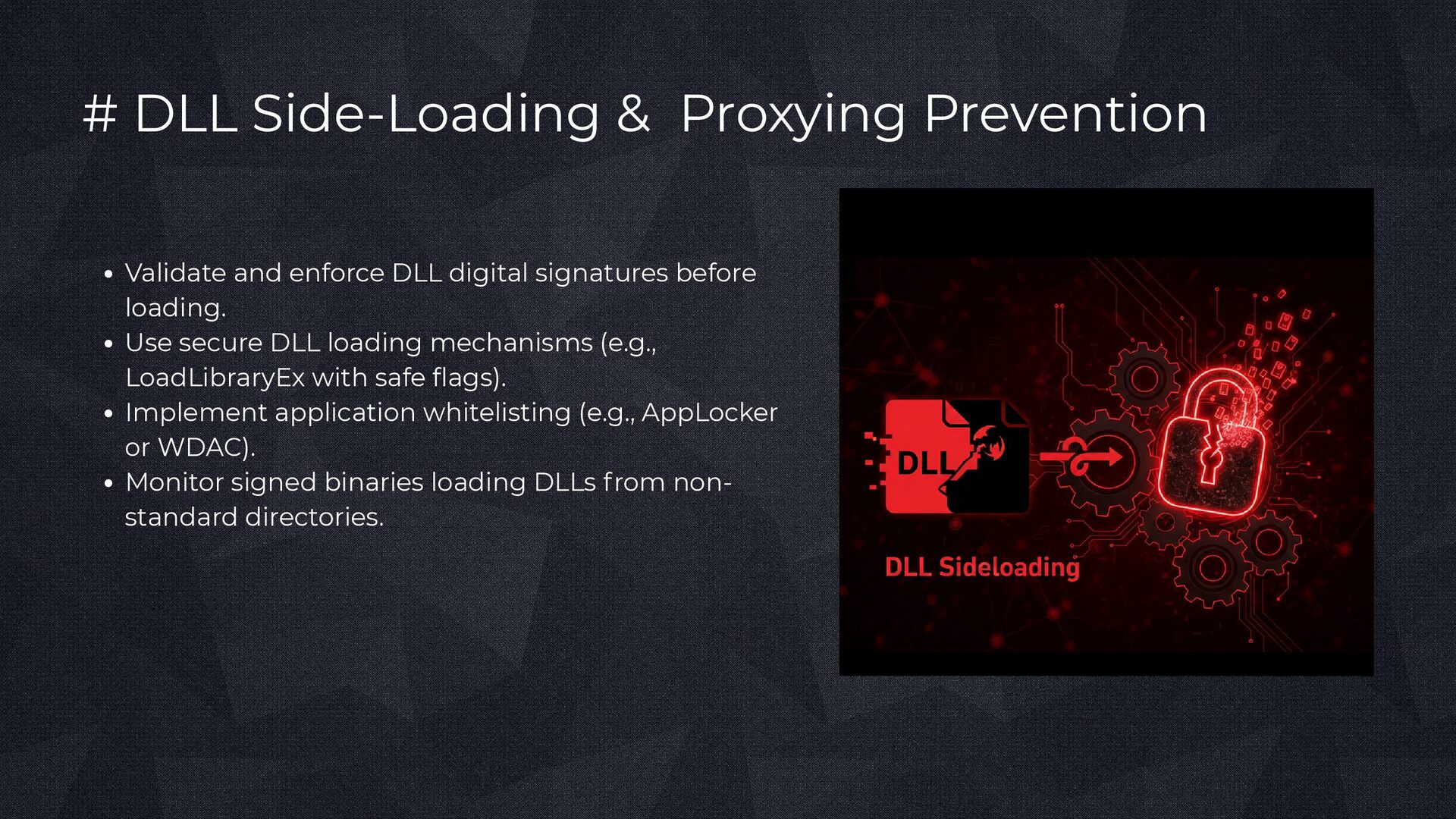
digital signatures before loading. Use secure DLL loading mechanisms (e.g., LoadLibraryEx with safe flags). Implement application whitelisting (e.g., AppLocker or WDAC). Monitor signed binaries loading DLLs from non- standard directories.
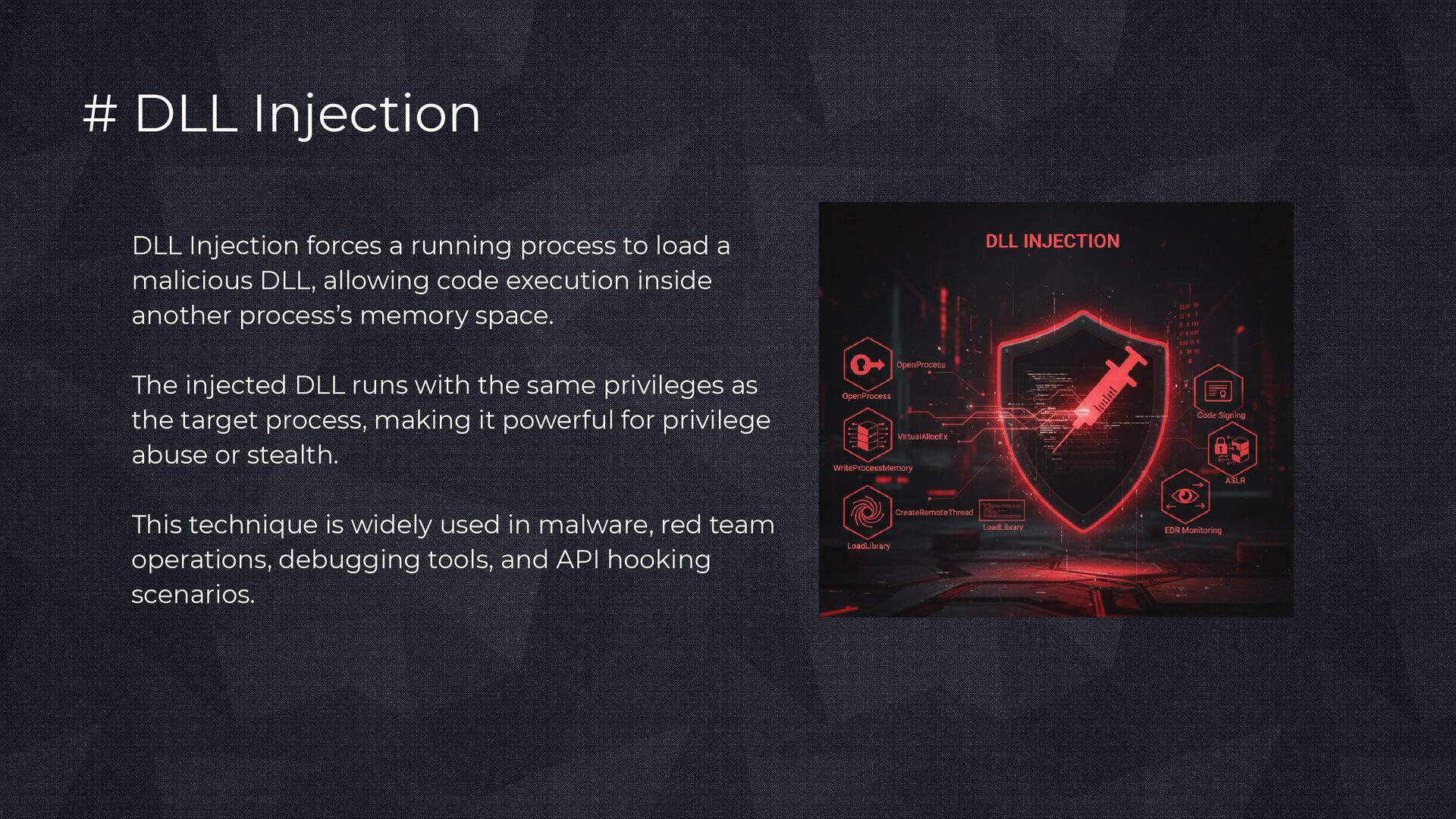
load a malicious DLL, allowing code execution inside another process’s memory space. The injected DLL runs with the same privileges as the target process, making it powerful for privilege abuse or stealth. This technique is widely used in malware, red team operations, debugging tools, and API hooking scenarios.
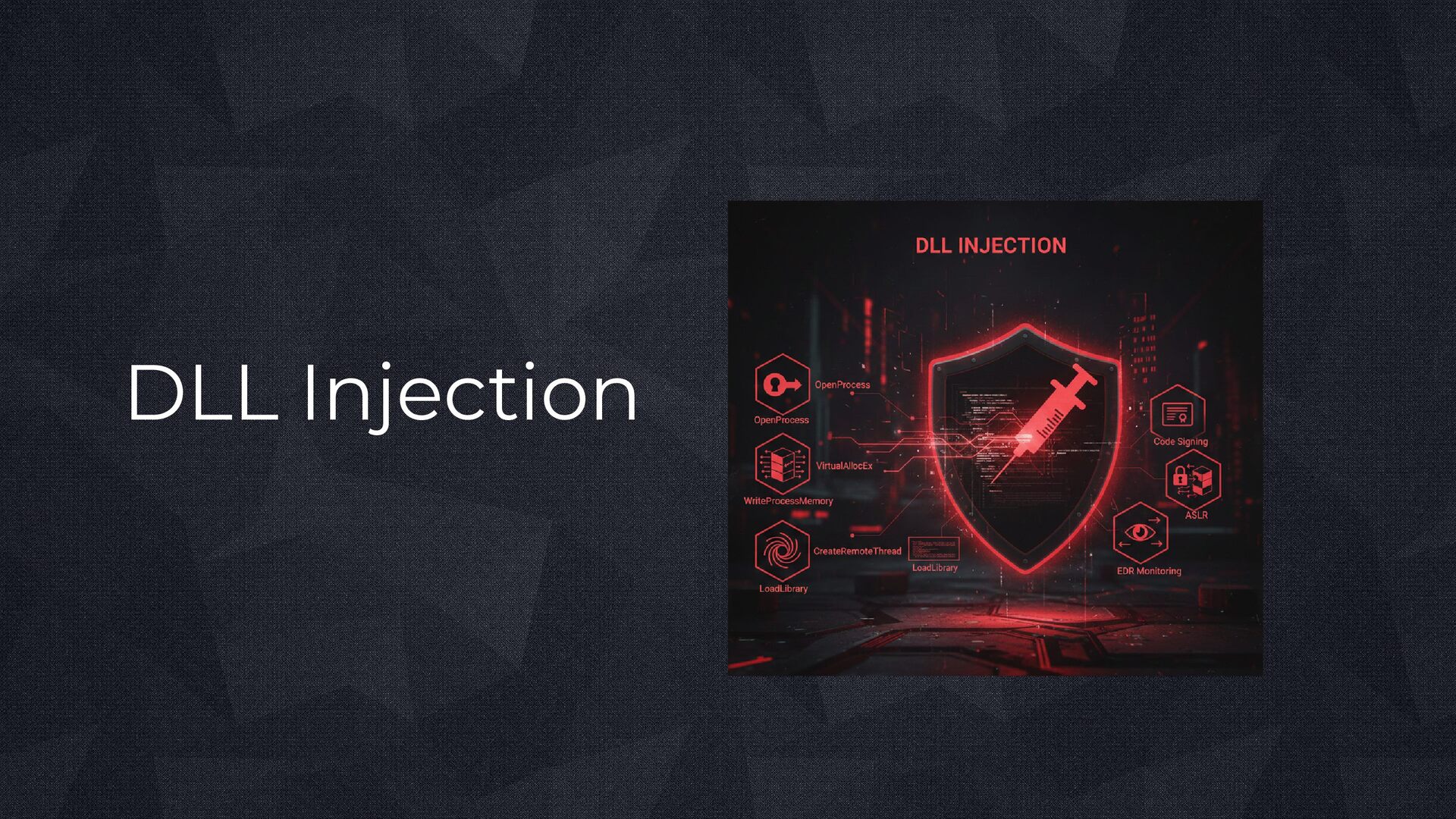
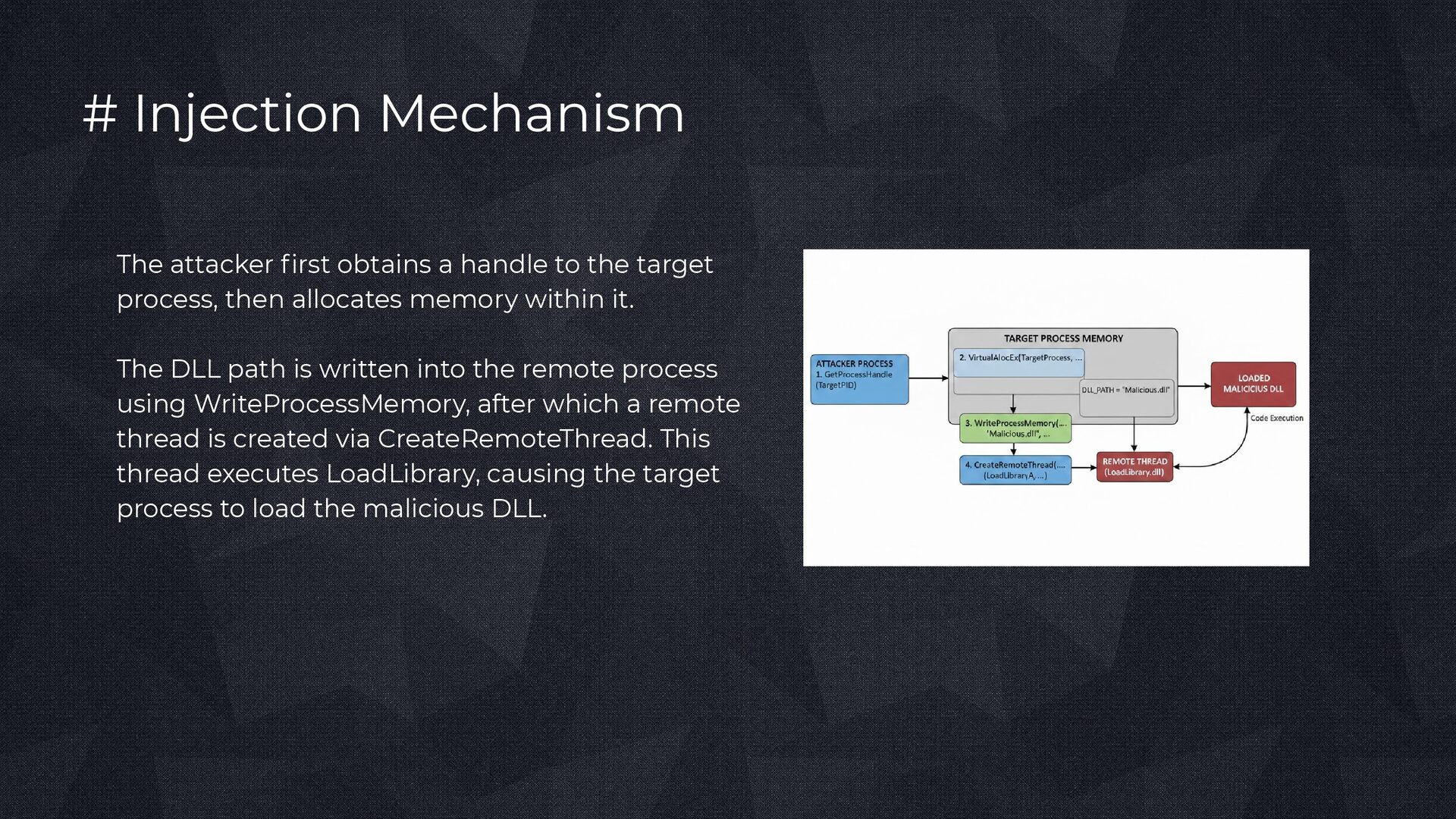
the target process, then allocates memory within it. The DLL path is written into the remote process using WriteProcessMemory, after which a remote thread is created via CreateRemoteThread. This thread executes LoadLibrary, causing the target process to load the malicious DLL.
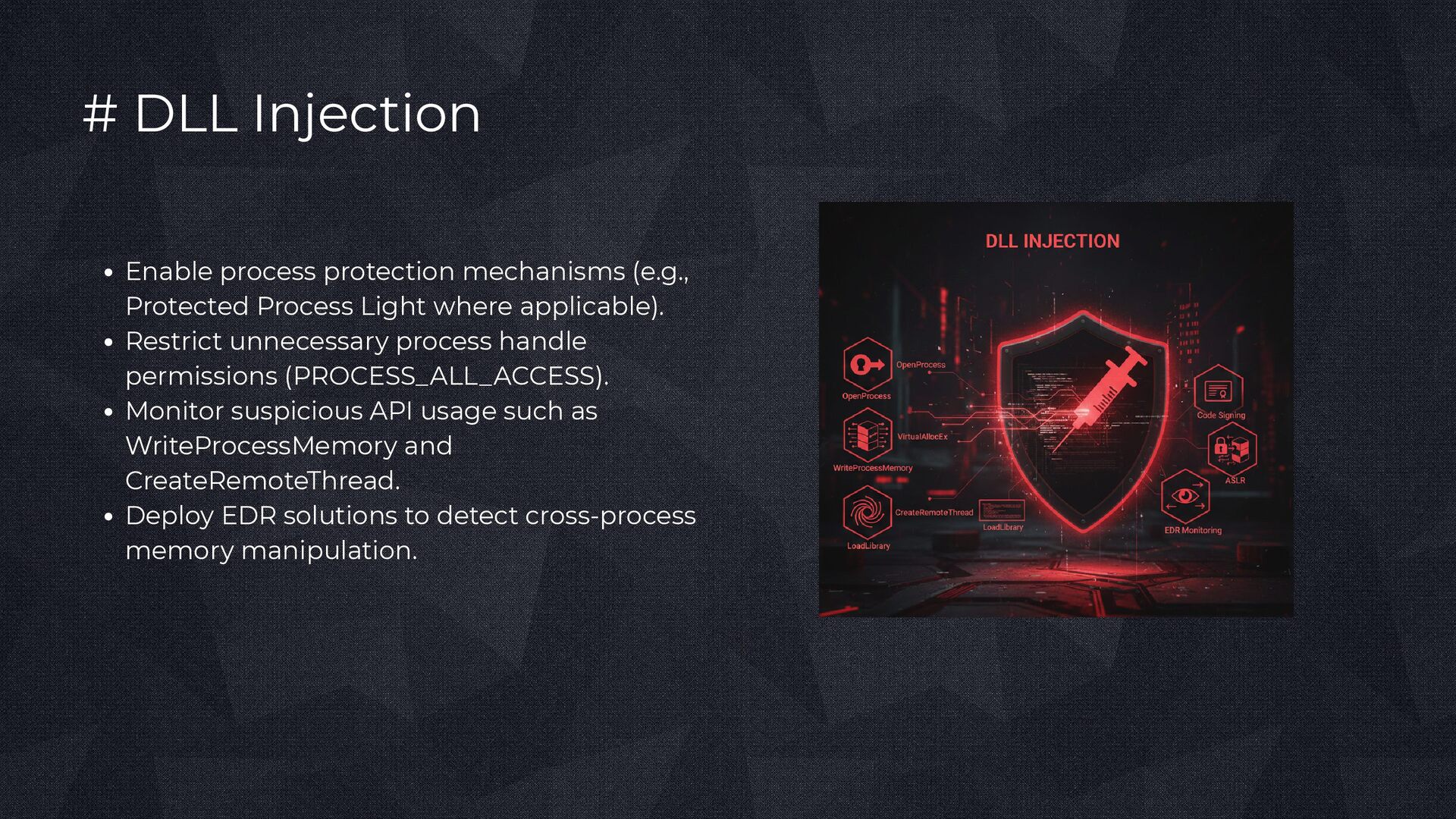
Light where applicable). Restrict unnecessary process handle permissions (PROCESS_ALL_ACCESS). Monitor suspicious API usage such as WriteProcessMemory and CreateRemoteThread. Deploy EDR solutions to detect cross-process memory manipulation.
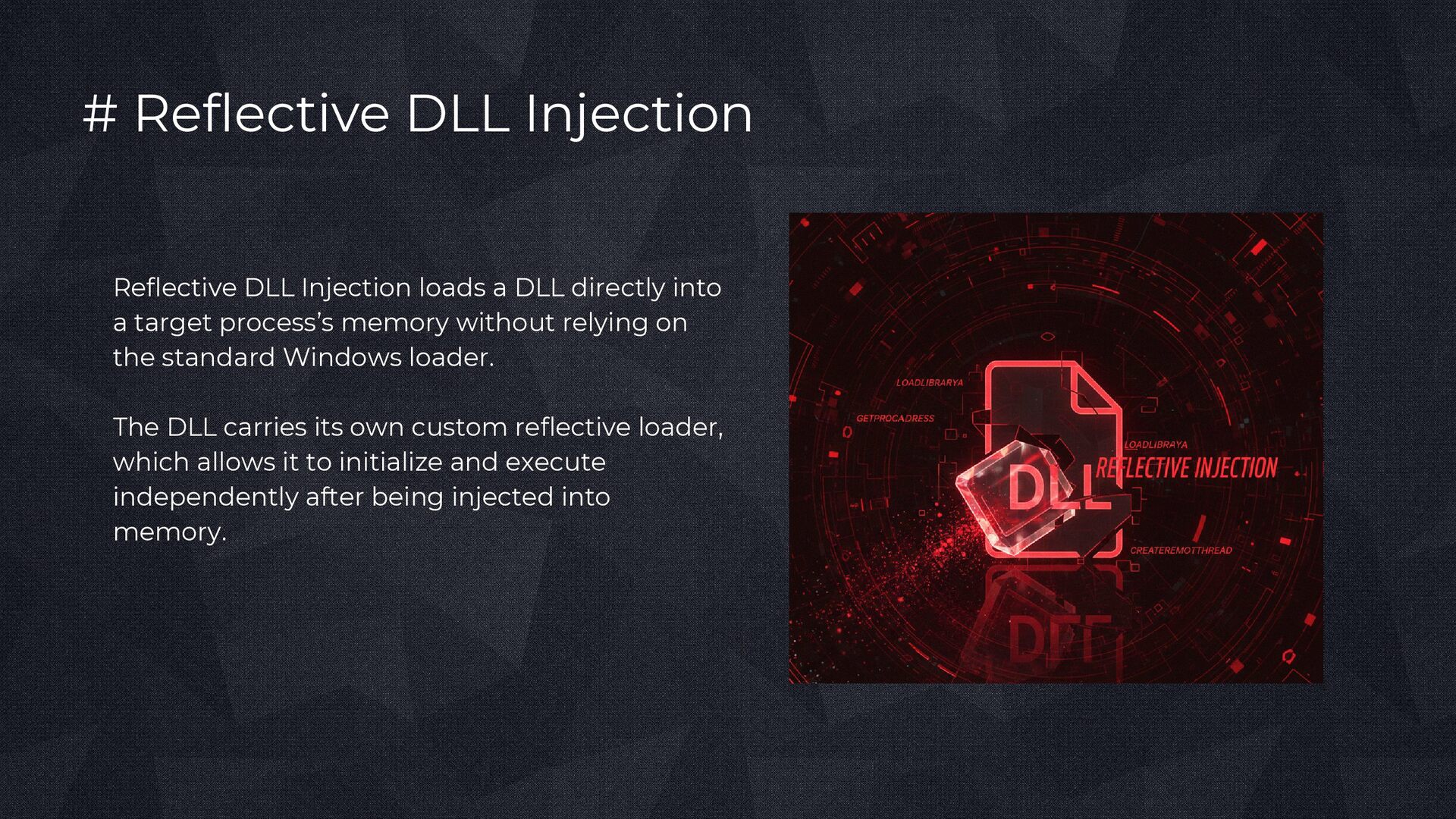
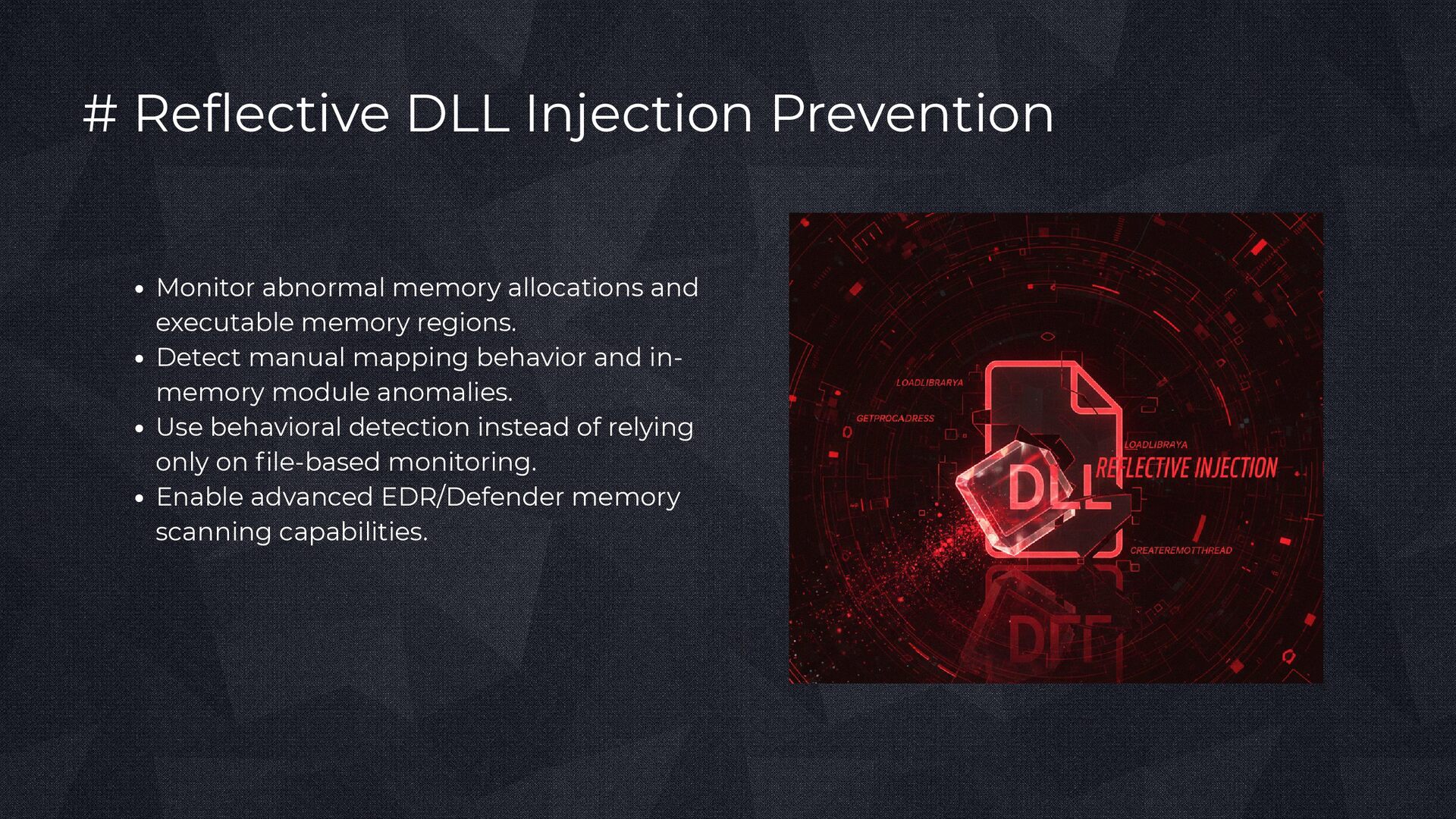
directly into a target process’s memory without relying on the standard Windows loader. The DLL carries its own custom reflective loader, which allows it to initialize and execute independently after being injected into memory.
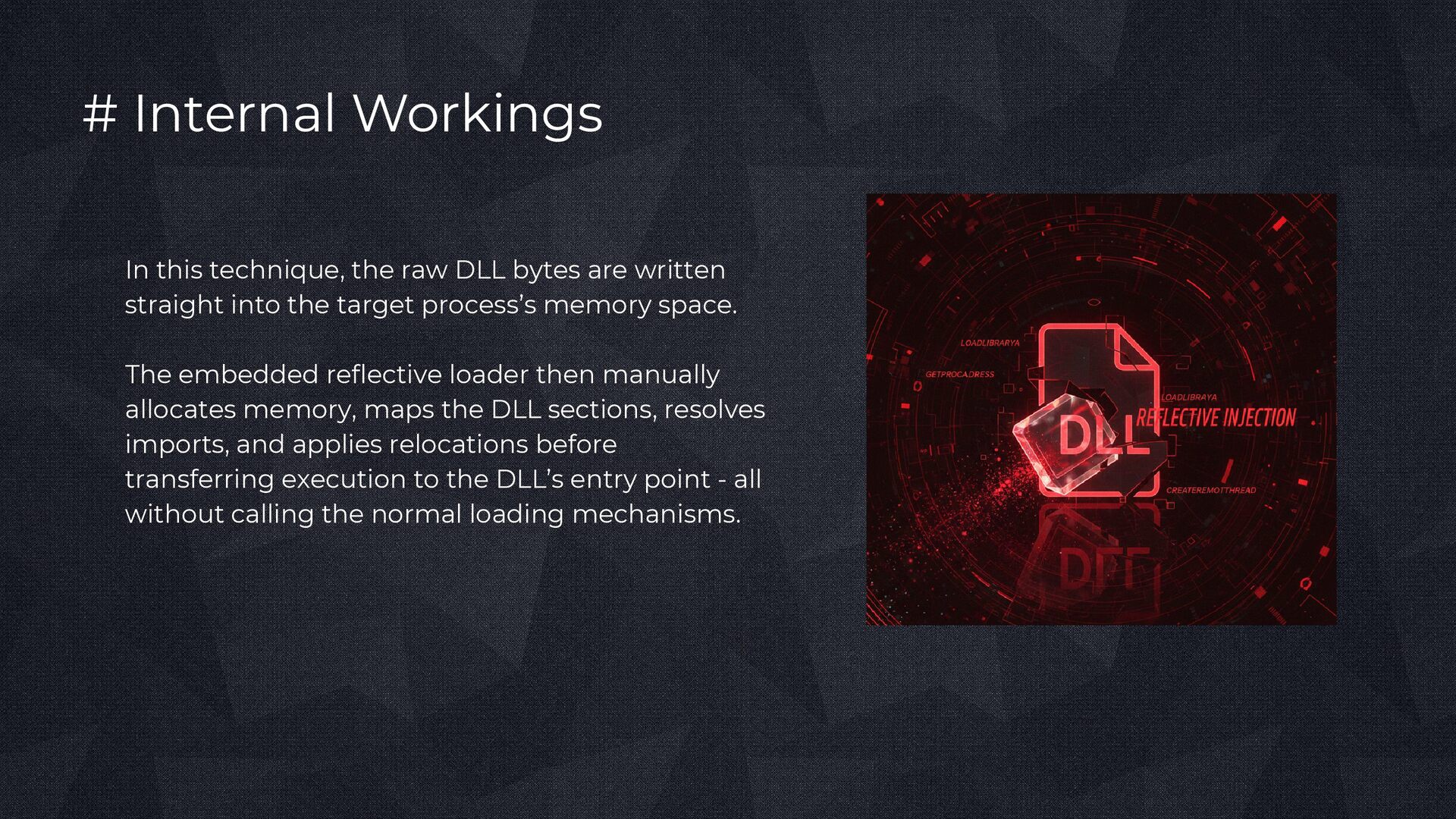
are written straight into the target process’s memory space. The embedded reflective loader then manually allocates memory, maps the DLL sections, resolves imports, and applies relocations before transferring execution to the DLL’s entry point - all without calling the normal loading mechanisms.
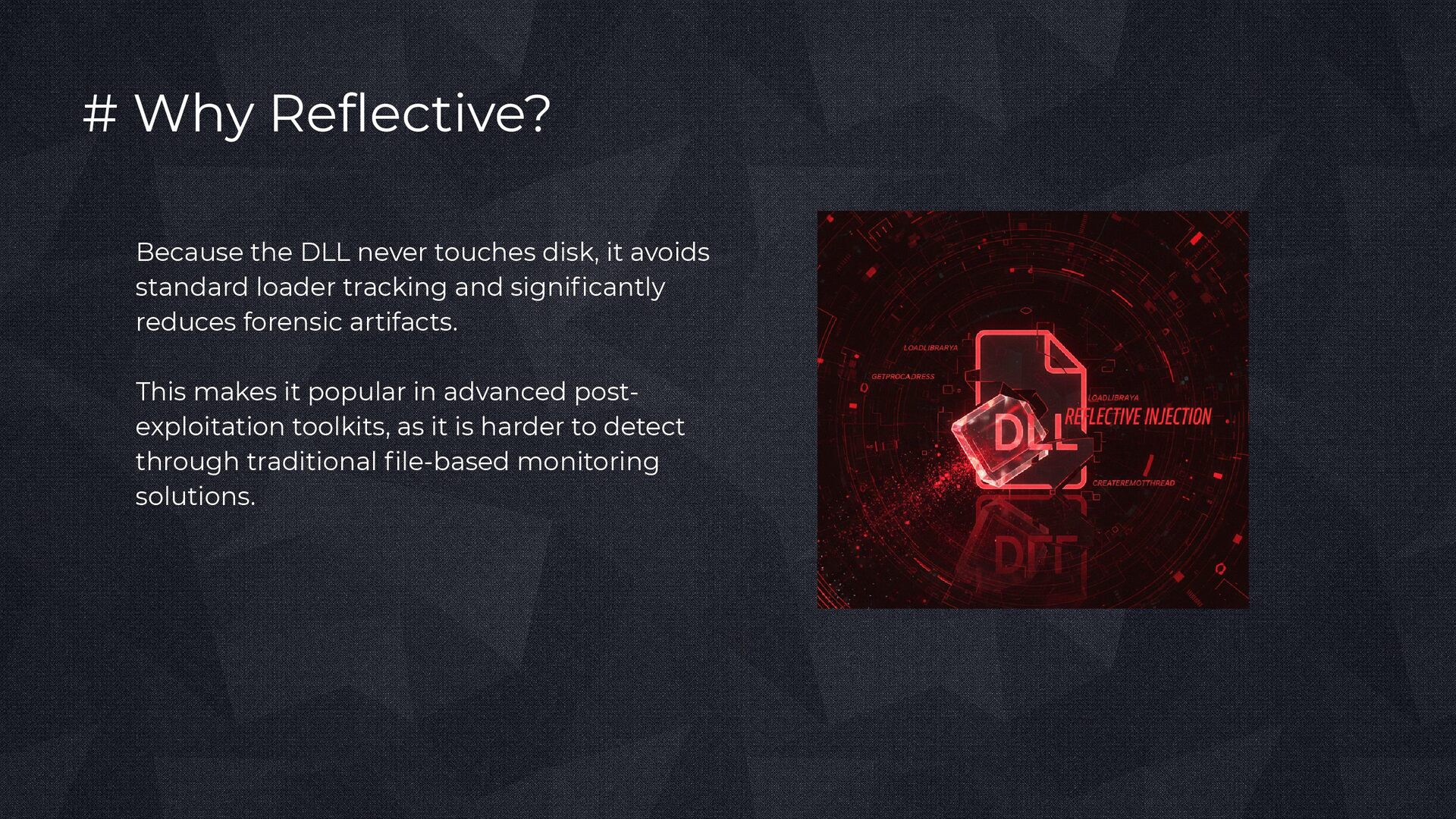
avoids standard loader tracking and significantly reduces forensic artifacts. This makes it popular in advanced post- exploitation toolkits, as it is harder to detect through traditional file-based monitoring solutions.