Upgrade to Pro — share decks privately, control downloads, hide ads and more …

React Native for ReactJS Developers

React Native for ReactJS Developers

Avatar for Barak Cohen

Barak Cohen

July 26, 2016

Other Decks in Programming

Transcript

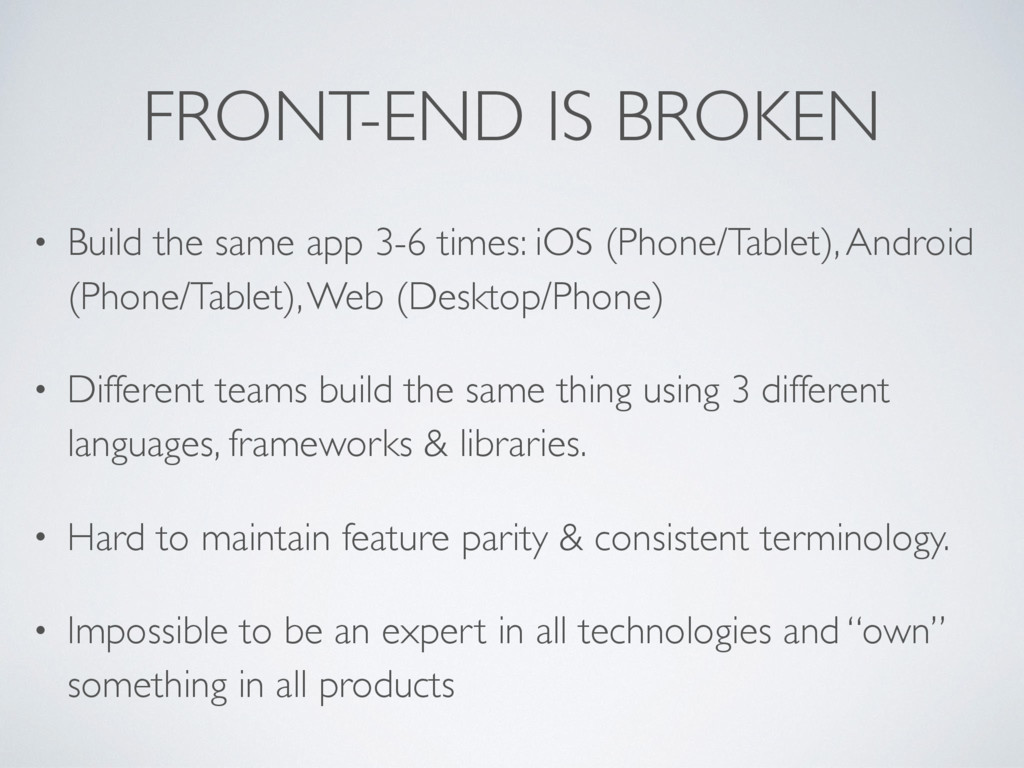
  1. FRONT-END IS BROKEN • Build the same app 3-6 times:

    iOS (Phone/Tablet), Android (Phone/Tablet), Web (Desktop/Phone) • Different teams build the same thing using 3 different languages, frameworks & libraries. • Hard to maintain feature parity & consistent terminology. • Impossible to be an expert in all technologies and “own” something in all products
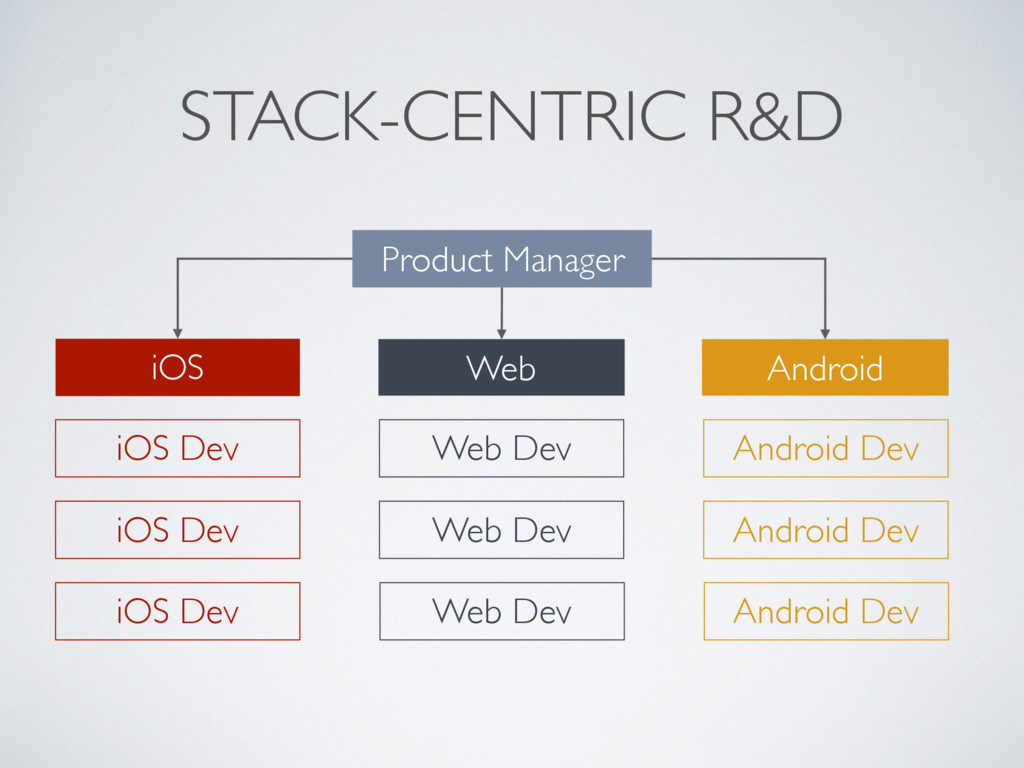
  2. STACK-CENTRIC R&D iOS Product Manager Web Android iOS Dev iOS

    Dev iOS Dev Web Dev Web Dev Web Dev Android Dev Android Dev Android Dev
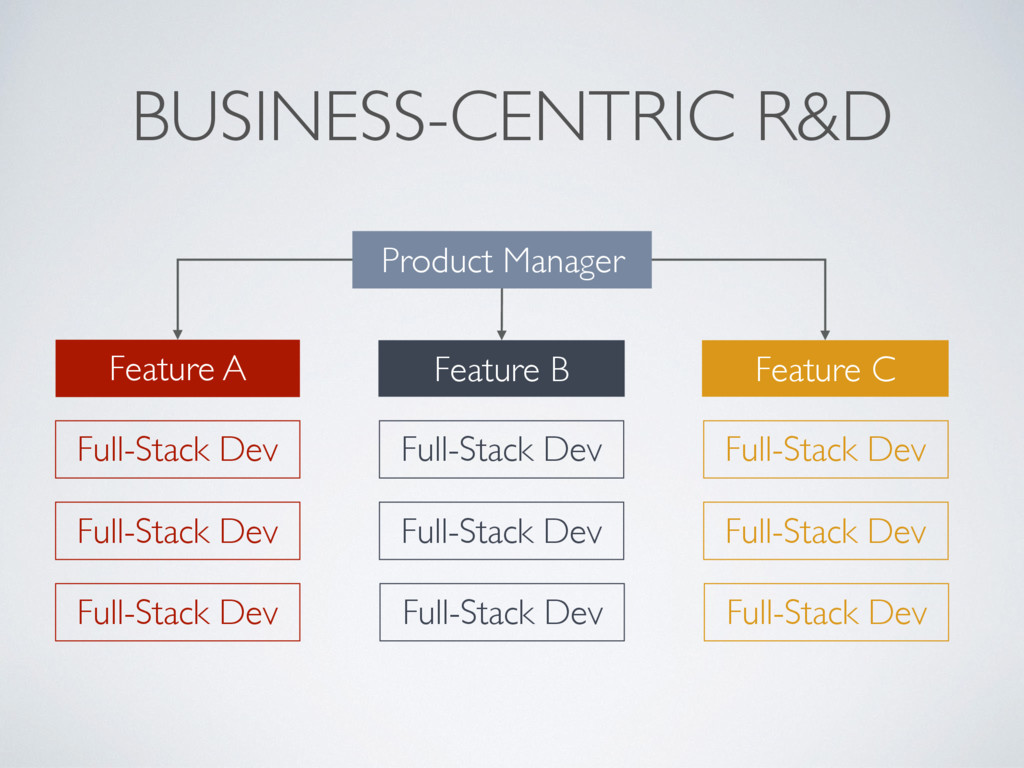
  3. BUSINESS-CENTRIC R&D Feature A Product Manager Feature B Feature C

    Full-Stack Dev Full-Stack Dev Full-Stack Dev Full-Stack Dev Full-Stack Dev Full-Stack Dev Full-Stack Dev Full-Stack Dev Full-Stack Dev
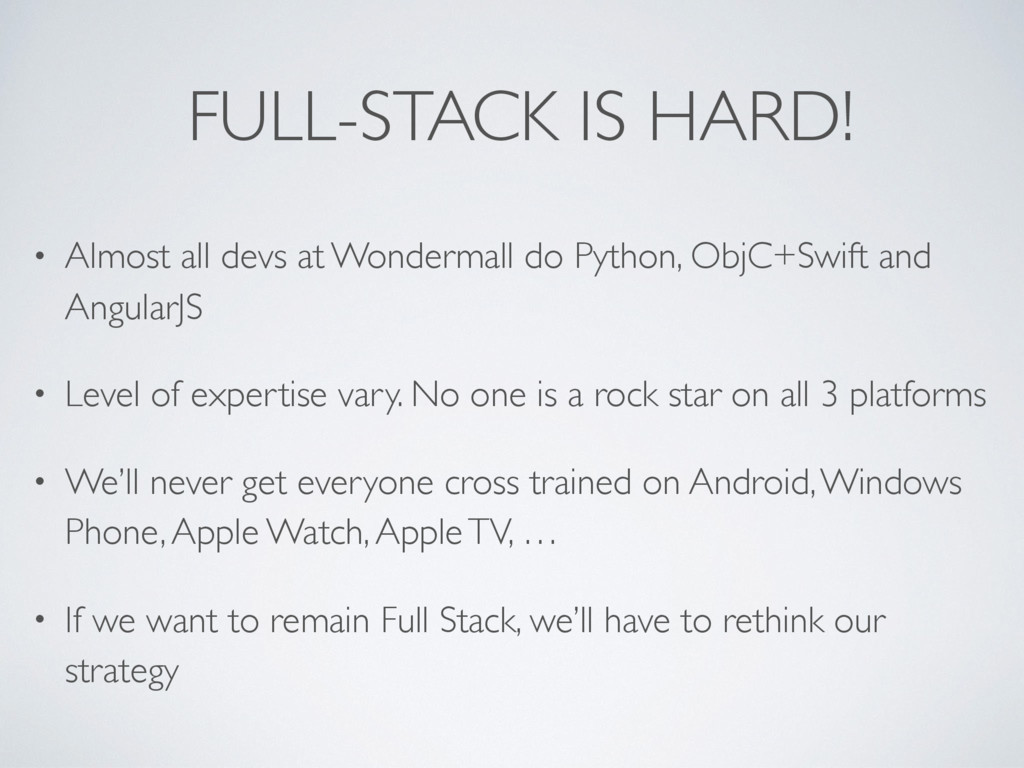
  4. FULL-STACK IS HARD! • Almost all devs at Wondermall do

    Python, ObjC+Swift and AngularJS • Level of expertise vary. No one is a rock star on all 3 platforms • We’ll never get everyone cross trained on Android, Windows Phone, Apple Watch, Apple TV, … • If we want to remain Full Stack, we’ll have to rethink our strategy
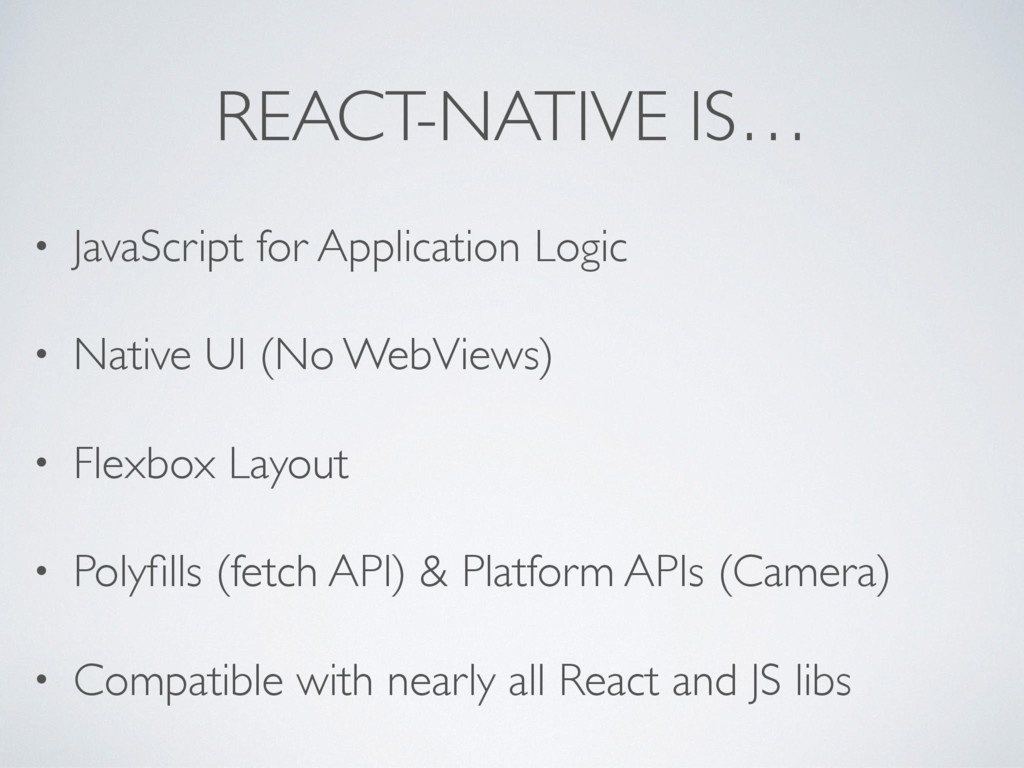
  5. REACT-NATIVE IS… • JavaScript for Application Logic • Native UI

    (No WebViews) • Flexbox Layout • Polyfills (fetch API) & Platform APIs (Camera) • Compatible with nearly all React and JS libs
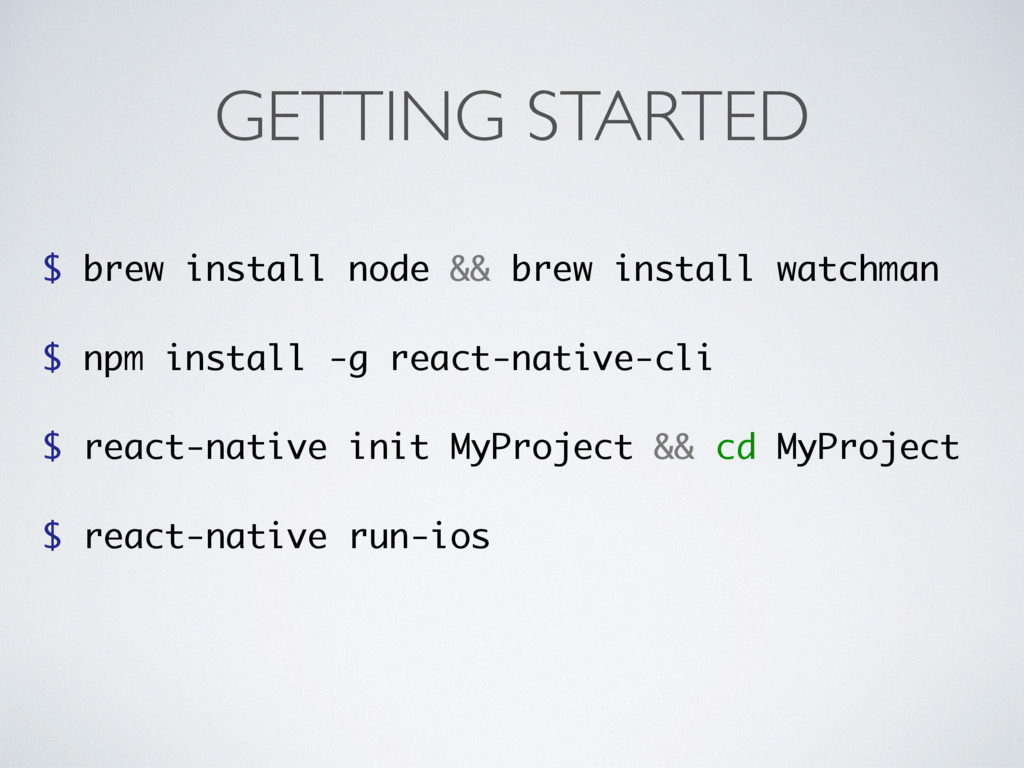
  6. GETTING STARTED $ brew install node && brew install watchman

    $ npm install -g react-native-cli $ react-native init MyProject && cd MyProject $ react-native run-ios
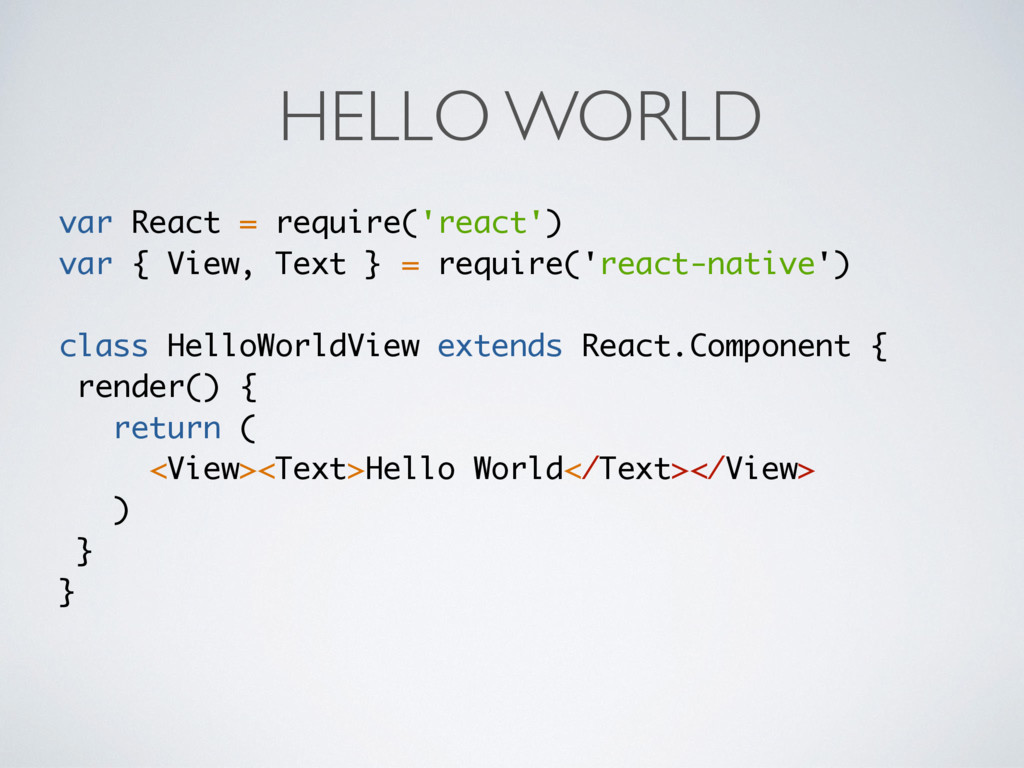
  7. HELLO WORLD var React = require('react') var { View, Text

    } = require('react-native') class HelloWorldView extends React.Component { render() { return ( <View><Text>Hello World</Text></View> ) } }
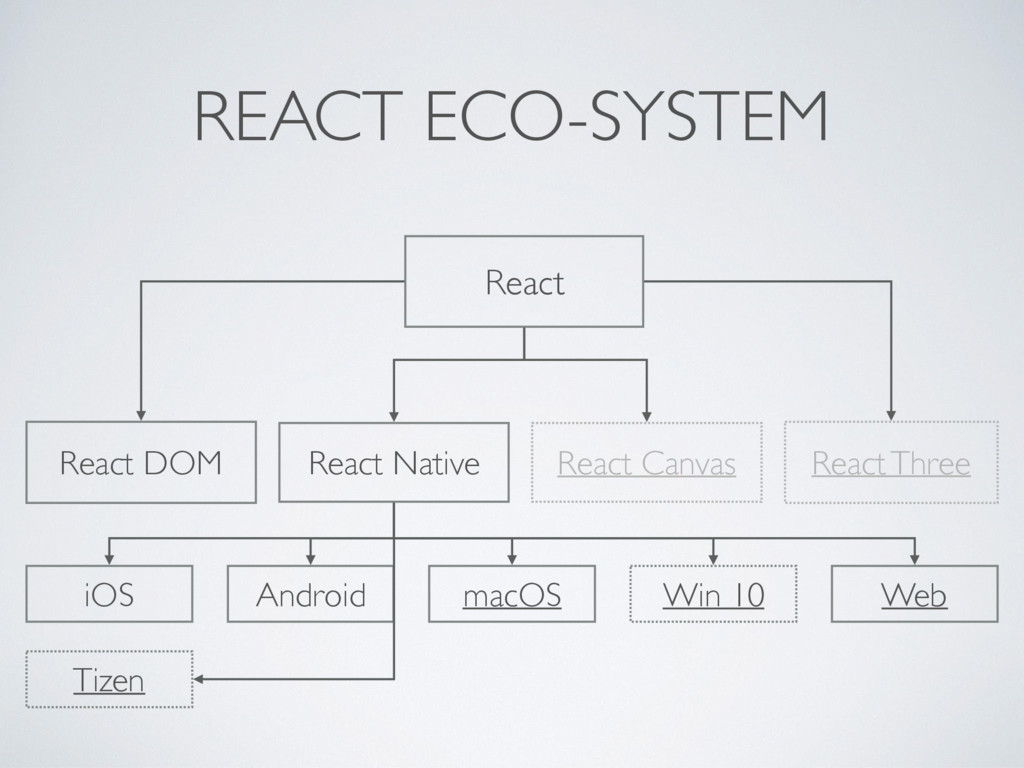
  8. React DOM React Native React React Canvas React Three iOS

    Android macOS Win 10 Web REACT ECO-SYSTEM Tizen
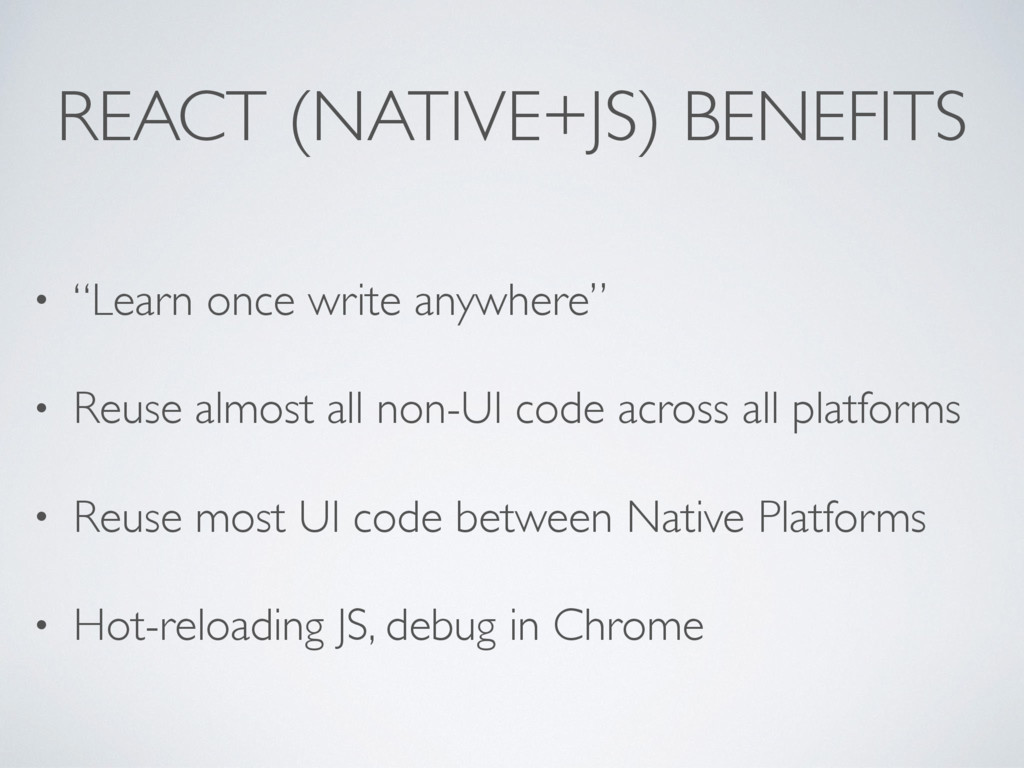
  9. REACT (NATIVE+JS) BENEFITS • “Learn once write anywhere” • Reuse

    almost all non-UI code across all platforms • Reuse most UI code between Native Platforms • Hot-reloading JS, debug in Chrome
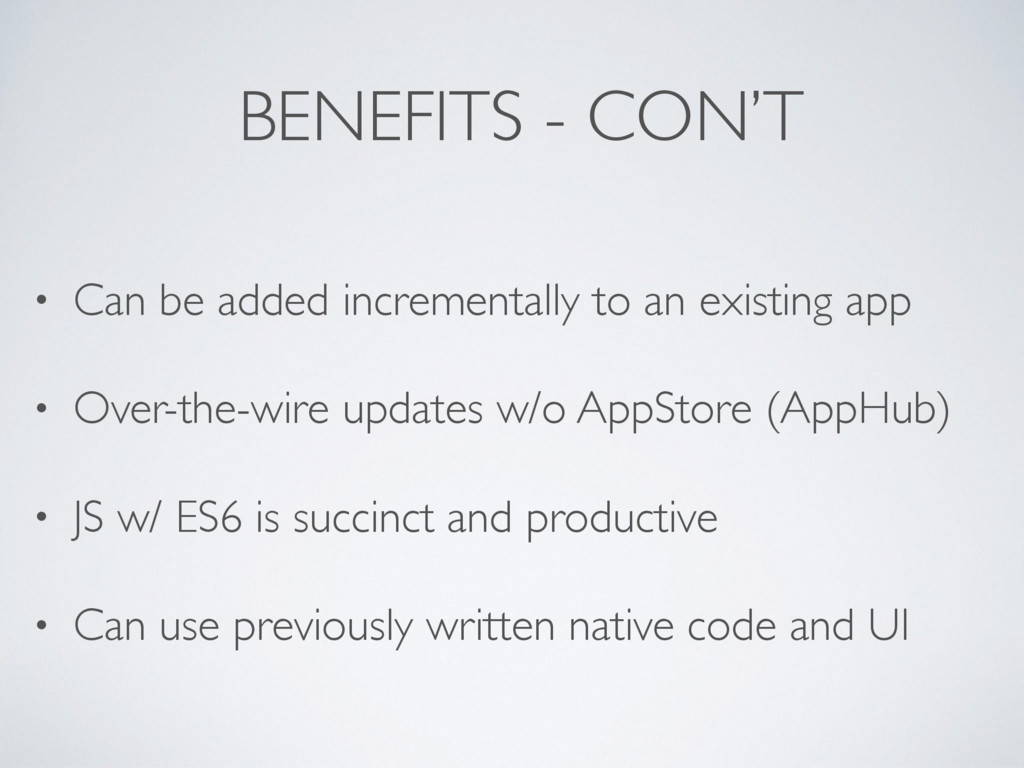
  10. BENEFITS - CON’T • Can be added incrementally to an

    existing app • Over-the-wire updates w/o AppStore (AppHub) • JS w/ ES6 is succinct and productive • Can use previously written native code and UI
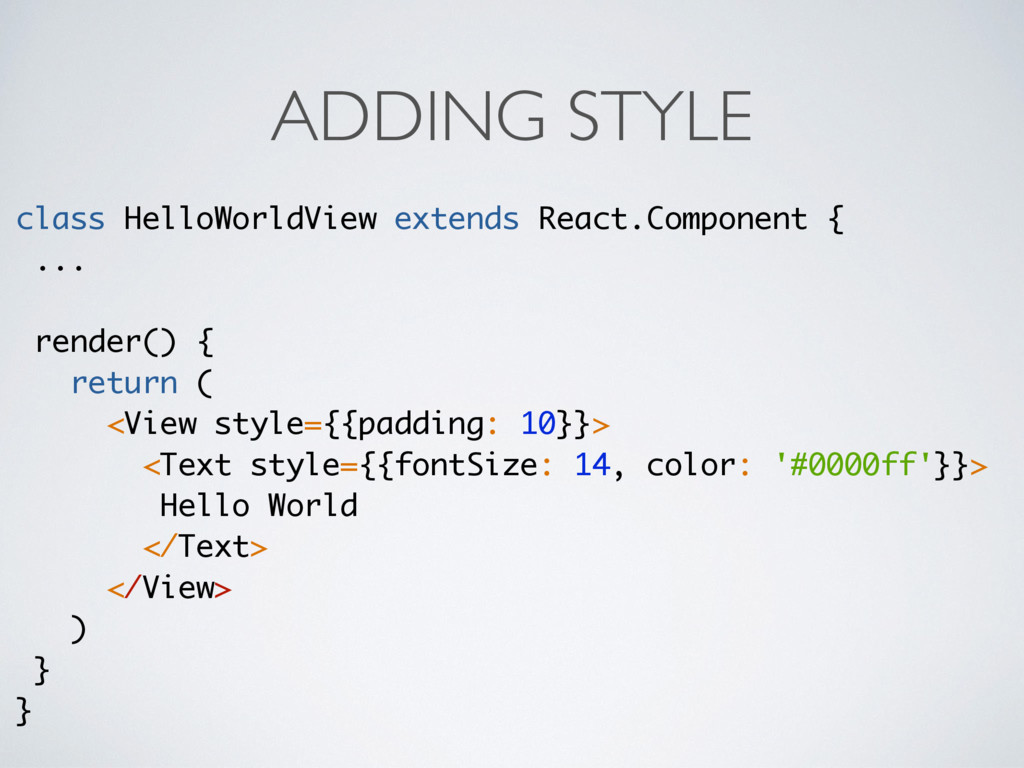
  11. ADDING STYLE class HelloWorldView extends React.Component { ... render() {

    return ( <View style={{padding: 10}}> <Text style={{fontSize: 14, color: '#0000ff'}}> Hello World </Text> </View> ) } }
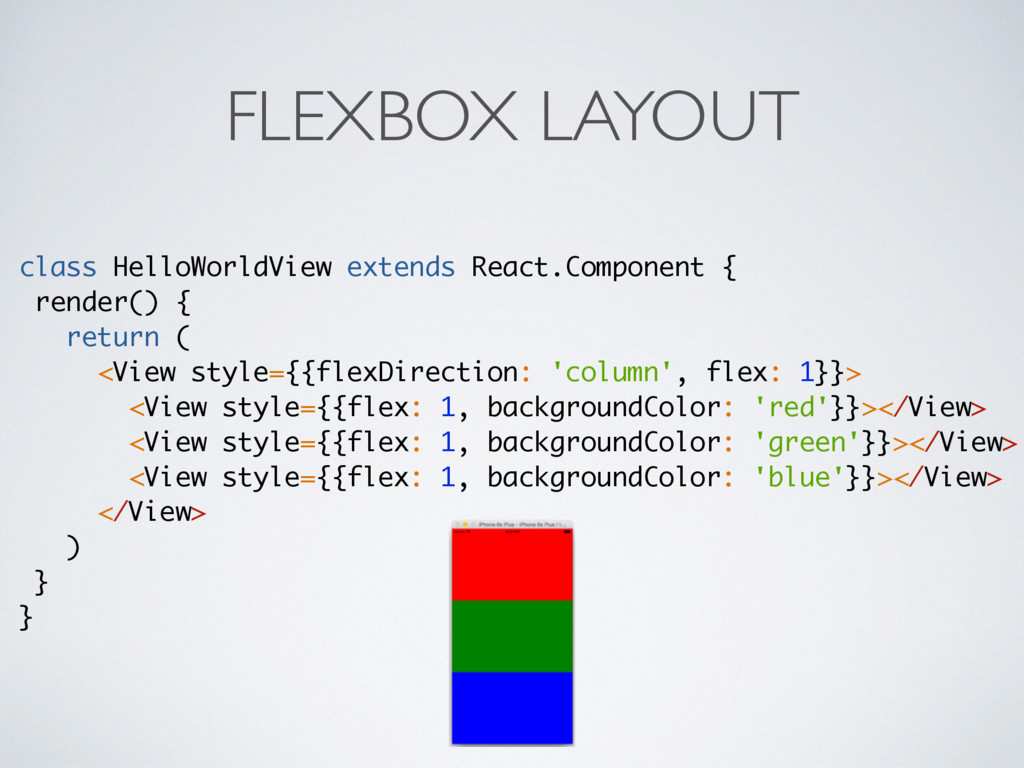
  12. FLEXBOX LAYOUT class HelloWorldView extends React.Component { render() { return

    ( <View style={{flexDirection: 'column', flex: 1}}> <View style={{flex: 1, backgroundColor: 'red'}}></View> <View style={{flex: 1, backgroundColor: 'green'}}></View> <View style={{flex: 1, backgroundColor: 'blue'}}></View> </View> ) } }
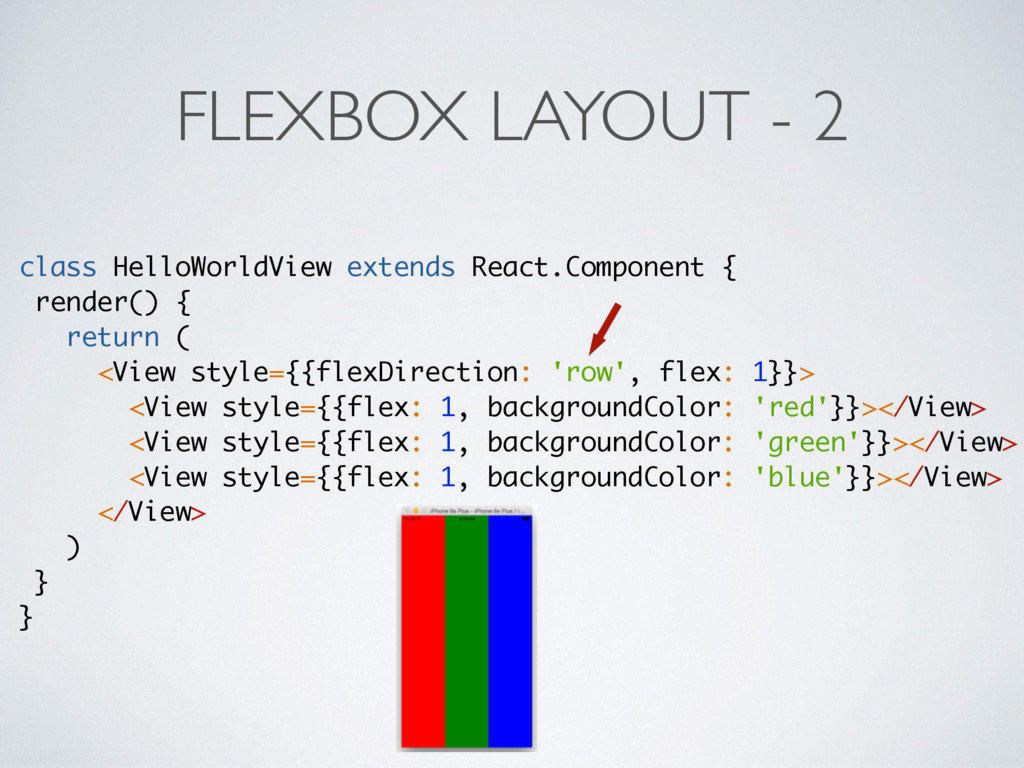
  13. FLEXBOX LAYOUT - 2 class HelloWorldView extends React.Component { render()

    { return ( <View style={{flexDirection: 'row', flex: 1}}> <View style={{flex: 1, backgroundColor: 'red'}}></View> <View style={{flex: 1, backgroundColor: 'green'}}></View> <View style={{flex: 1, backgroundColor: 'blue'}}></View> </View> ) } }
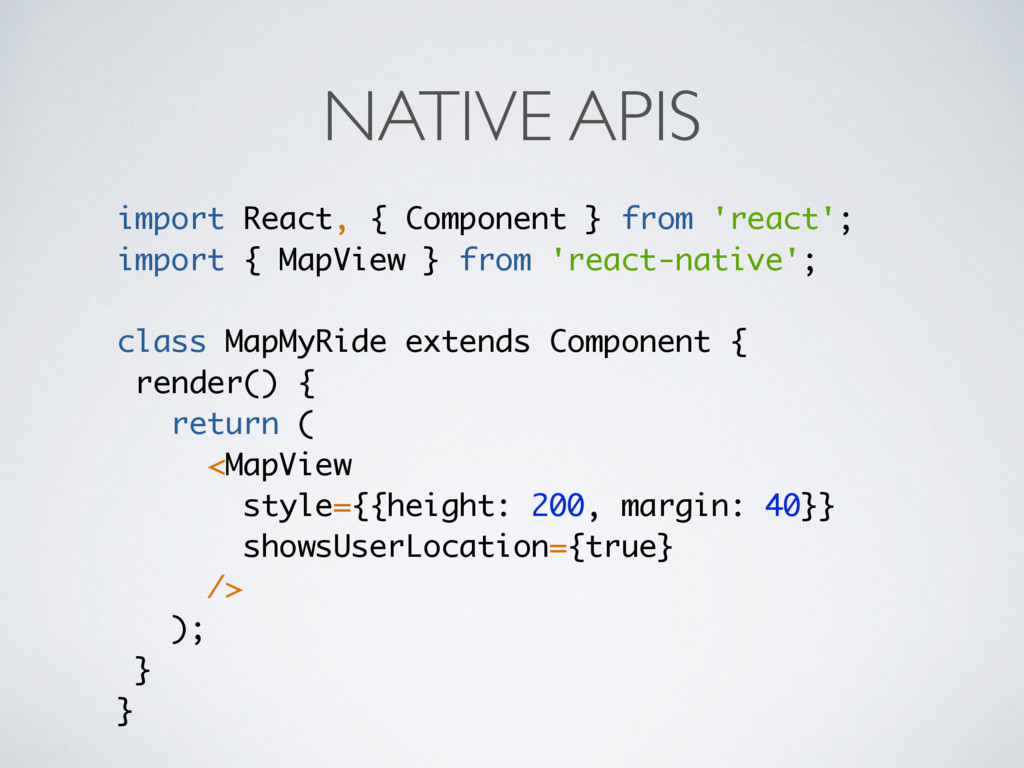
  14. NATIVE APIS import React, { Component } from 'react'; import

    { MapView } from 'react-native'; class MapMyRide extends Component { render() { return ( <MapView style={{height: 200, margin: 40}} showsUserLocation={true} /> ); } }
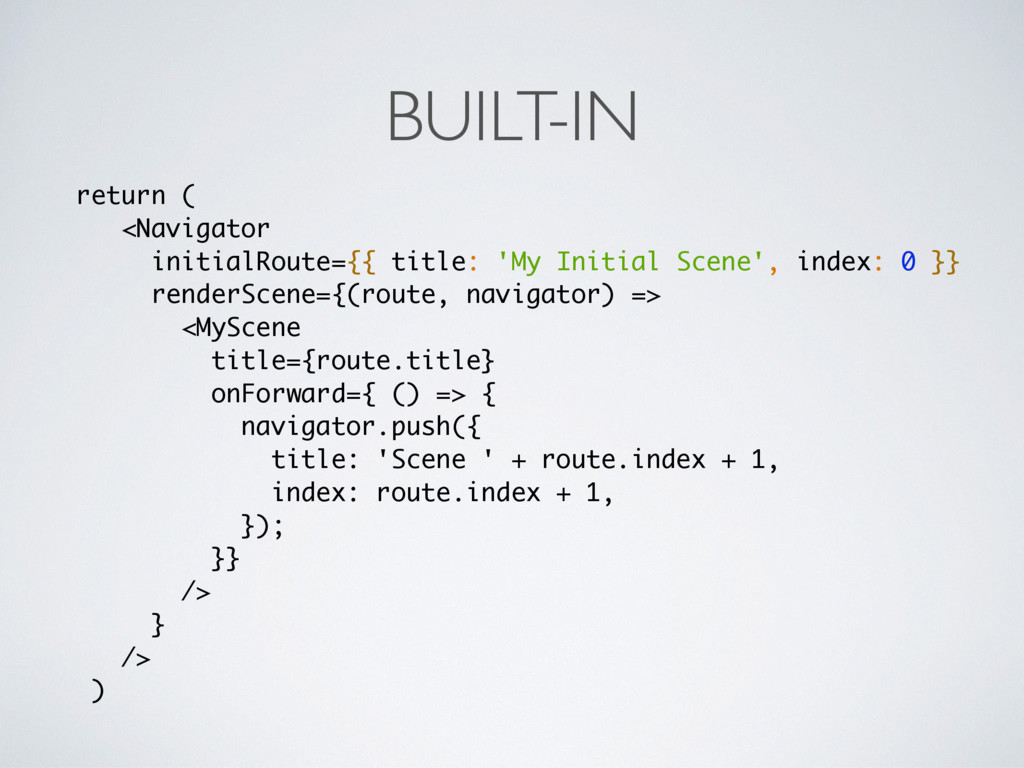
  15. return ( <Navigator initialRoute={{ title: 'My Initial Scene', index: 0

    }} renderScene={(route, navigator) => <MyScene title={route.title} onForward={ () => { navigator.push({ title: 'Scene ' + route.index + 1, index: route.index + 1, }); }} /> } /> ) BUILT-IN
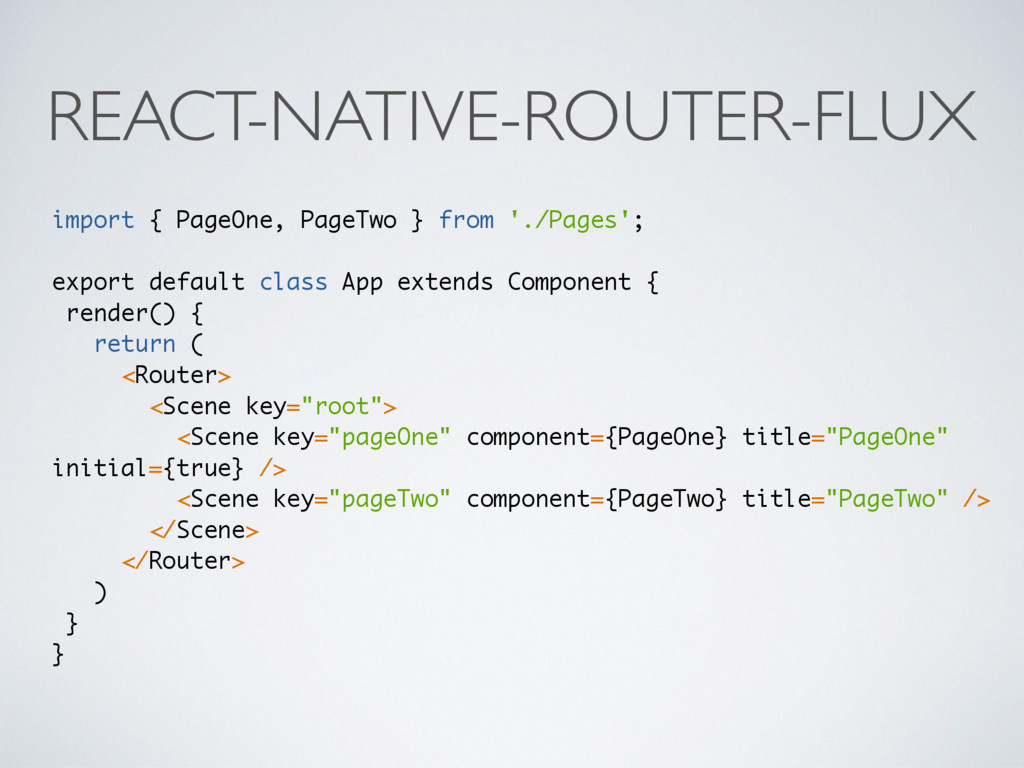
  16. REACT-NATIVE-ROUTER-FLUX import { PageOne, PageTwo } from './Pages'; export default

    class App extends Component { render() { return ( <Router> <Scene key="root"> <Scene key="pageOne" component={PageOne} title="PageOne" initial={true} /> <Scene key="pageTwo" component={PageTwo} title="PageTwo" /> </Scene> </Router> ) } }
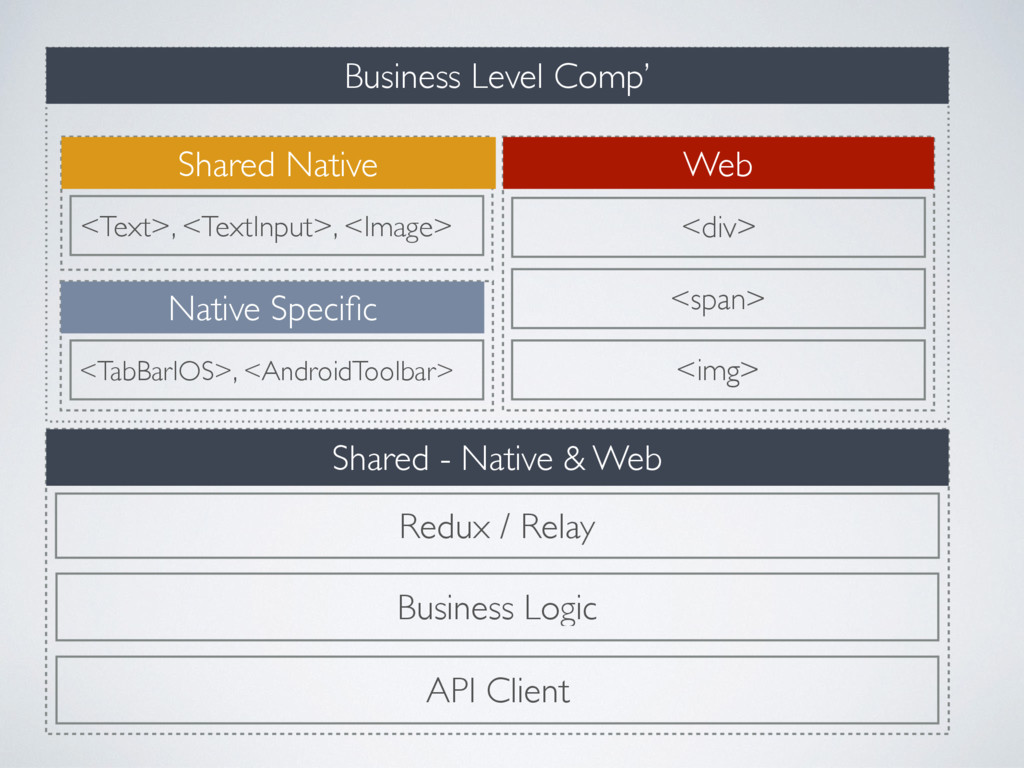
  17. Shared - Native & Web Redux / Relay API Client

    Business Logic Shared Native Native Specific <TabBarIOS>, <AndroidToolbar> <Text>, <TextInput>, <Image> Web <div> Business Level Comp’ <span> <img>
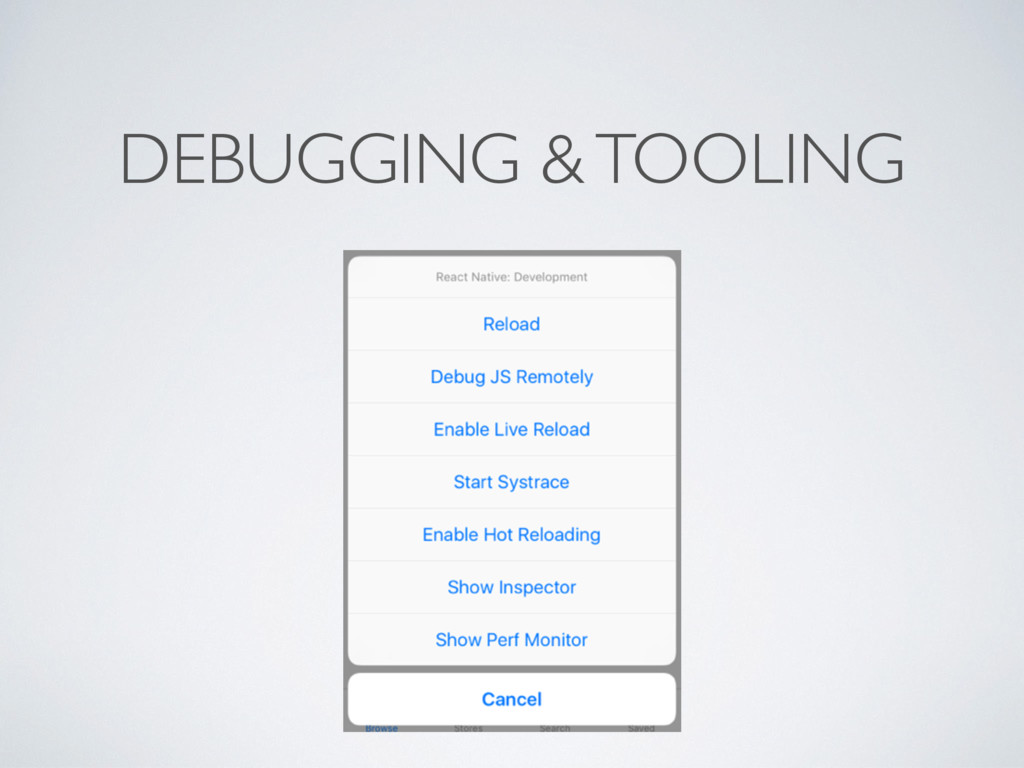
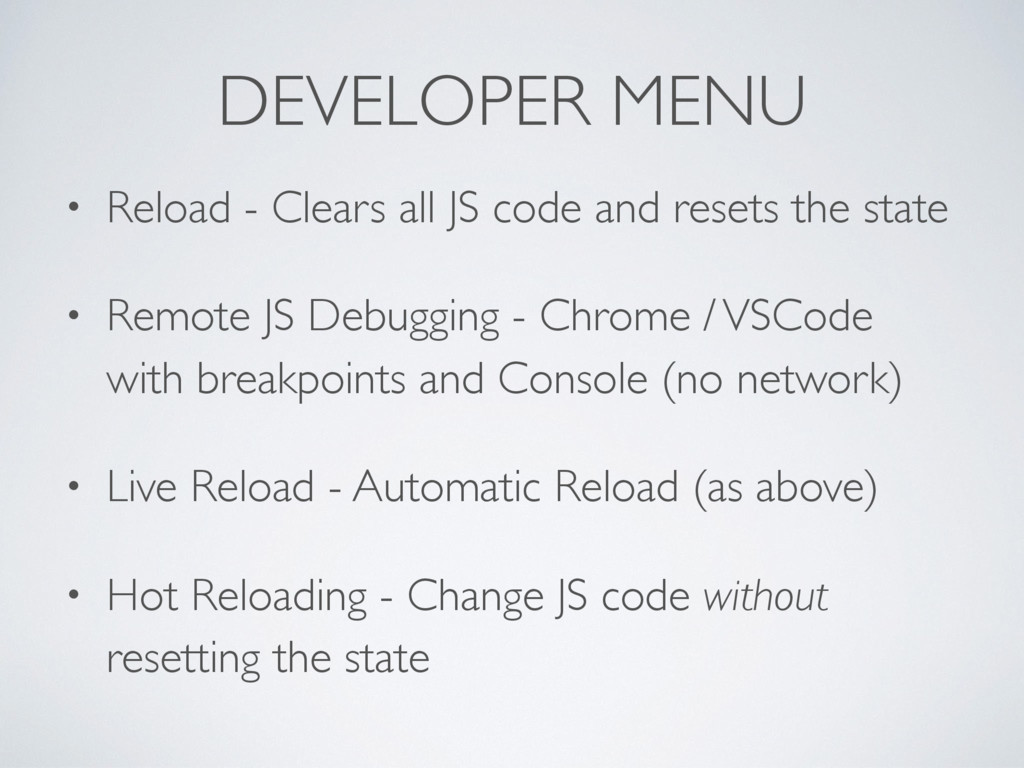
  18. • Reload - Clears all JS code and resets the

    state • Remote JS Debugging - Chrome / VSCode with breakpoints and Console (no network) • Live Reload - Automatic Reload (as above) • Hot Reloading - Change JS code without resetting the state DEVELOPER MENU
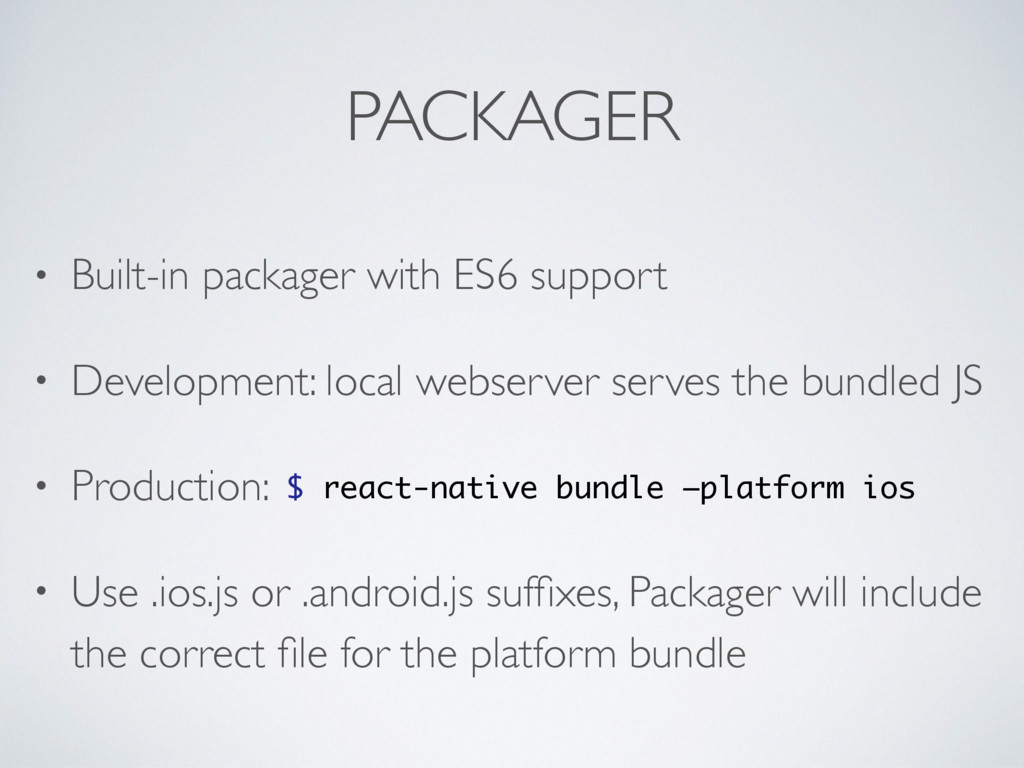
  19. PACKAGER • Built-in packager with ES6 support • Development: local

    webserver serves the bundled JS • Production: • Use .ios.js or .android.js suffixes, Packager will include the correct file for the platform bundle $ react-native bundle —platform ios
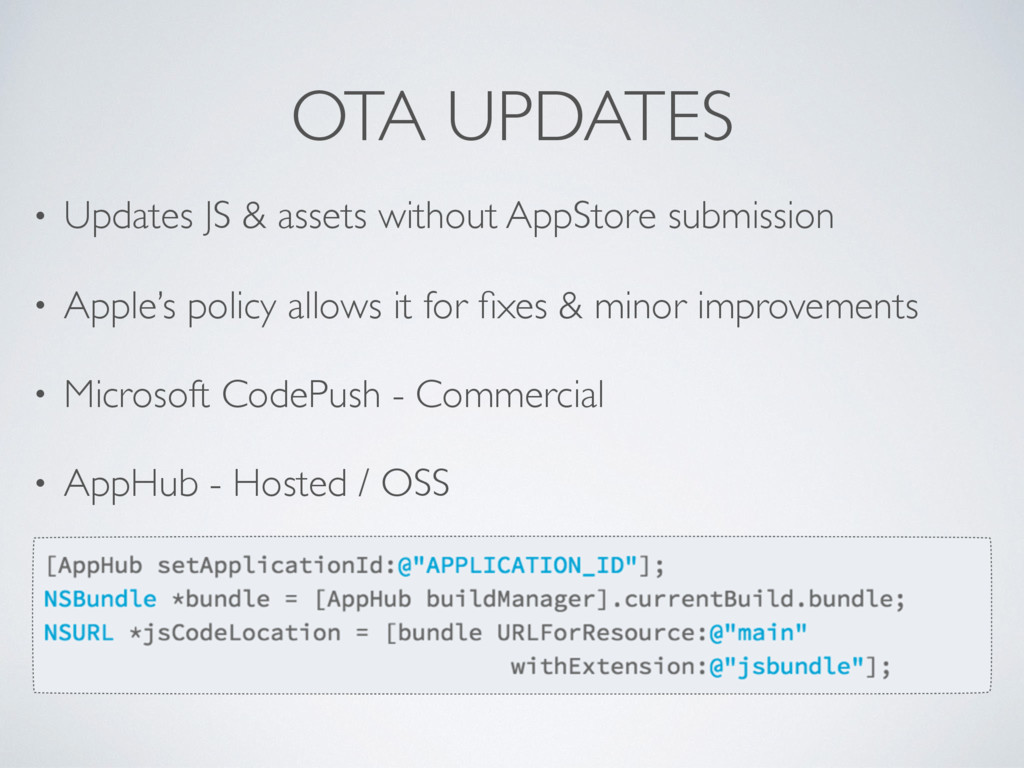
  20. OTA UPDATES • Updates JS & assets without AppStore submission

    • Apple’s policy allows it for fixes & minor improvements • Microsoft CodePush - Commercial • AppHub - Hosted / OSS
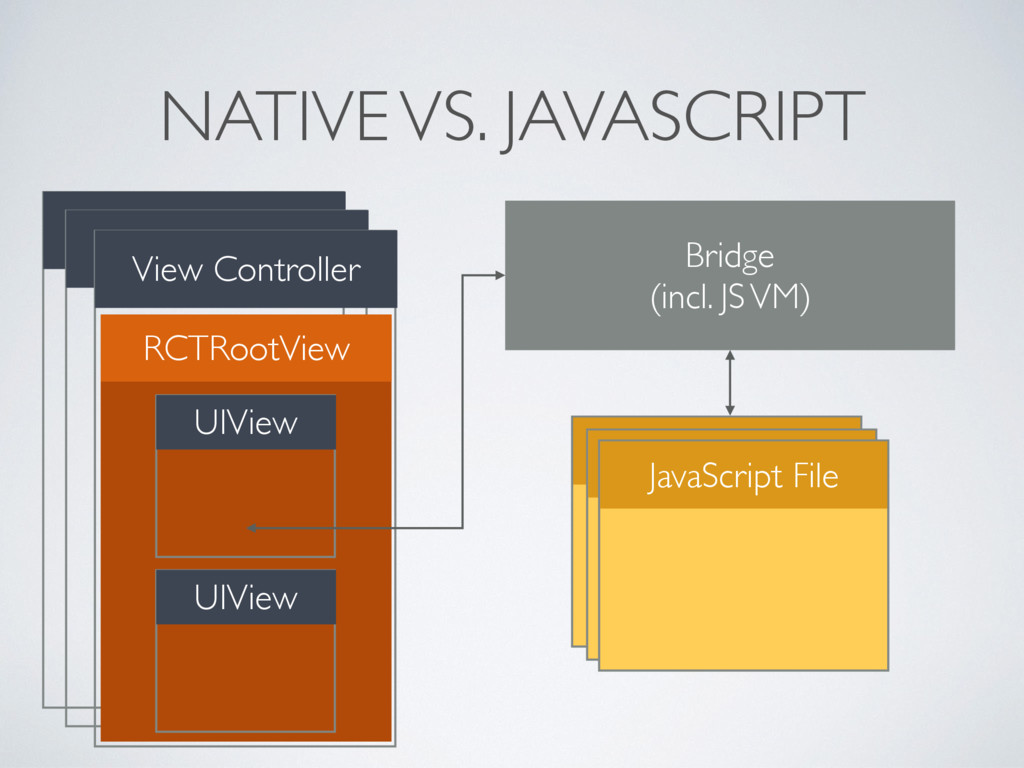
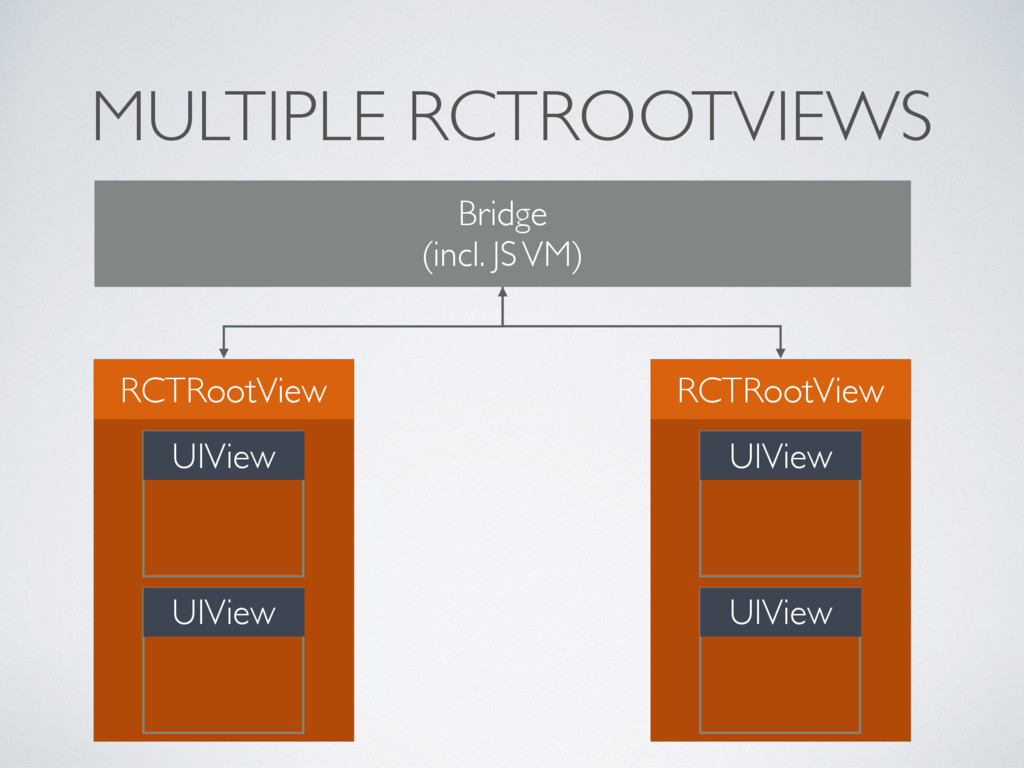
  21. NATIVE VS. JAVASCRIPT View Controller View Controller View Controller Bridge

    (incl. JS VM) JavaScript File JavaScript File JavaScript File RCTRootView UIView UIView
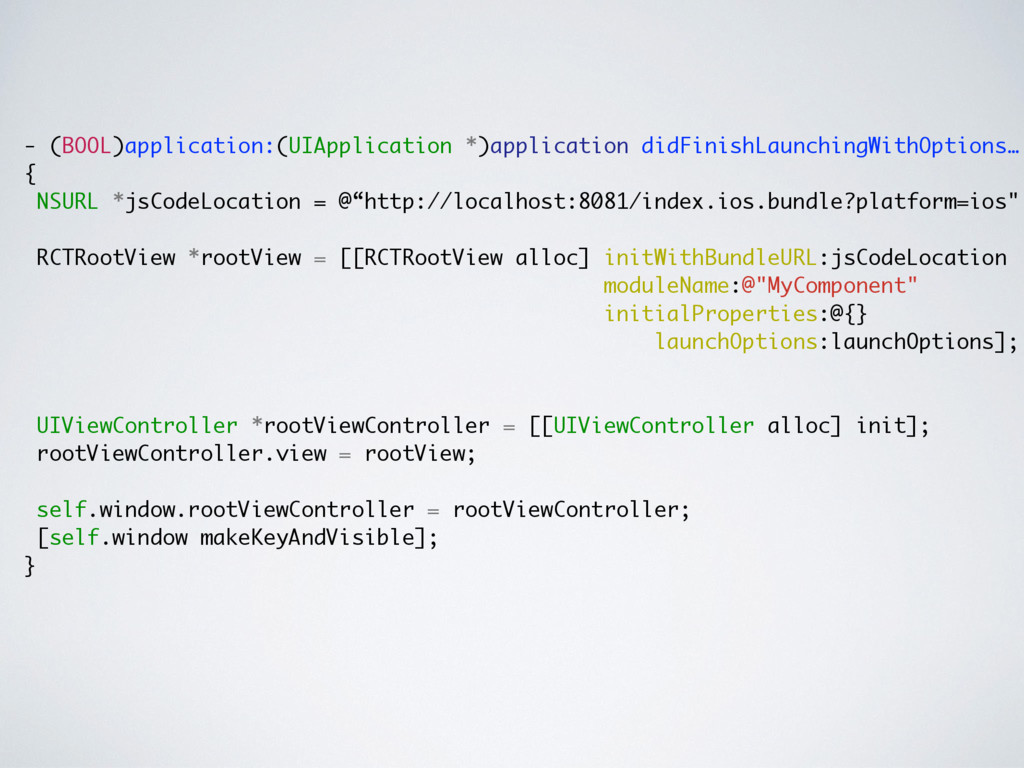
  22. - (BOOL)application:(UIApplication *)application didFinishLaunchingWithOptions… { NSURL *jsCodeLocation = @“http://localhost:8081/index.ios.bundle?platform=ios"; RCTRootView

    *rootView = [[RCTRootView alloc] initWithBundleURL:jsCodeLocation moduleName:@"MyComponent" initialProperties:@{} launchOptions:launchOptions]; UIViewController *rootViewController = [[UIViewController alloc] init]; rootViewController.view = rootView; self.window.rootViewController = rootViewController; [self.window makeKeyAndVisible]; }
  23. { // AppDelegate didFinishLaunchingWithOptions self.bridge = [[RCTBridge alloc] initWithBundleURL:@"localhost..." moduleProvider:nil

    launchOptions:nil] // When you want to show R/N view [[RCTRootView alloc] initWithBridge:self.bridge moduleName:"MyComponent"]; // Somewhere else [[RCTRootView alloc] initWithBridge:self.bridge moduleName:"MyOtherComponent"]; }
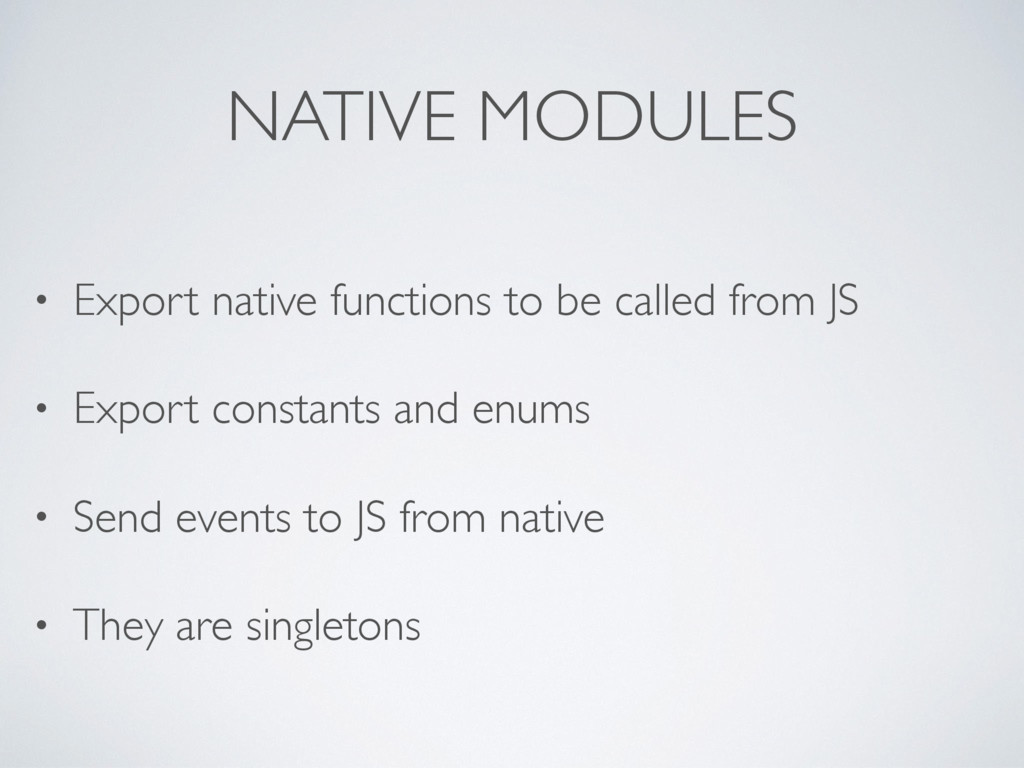
  24. NATIVE MODULES • Export native functions to be called from

    JS • Export constants and enums • Send events to JS from native • They are singletons
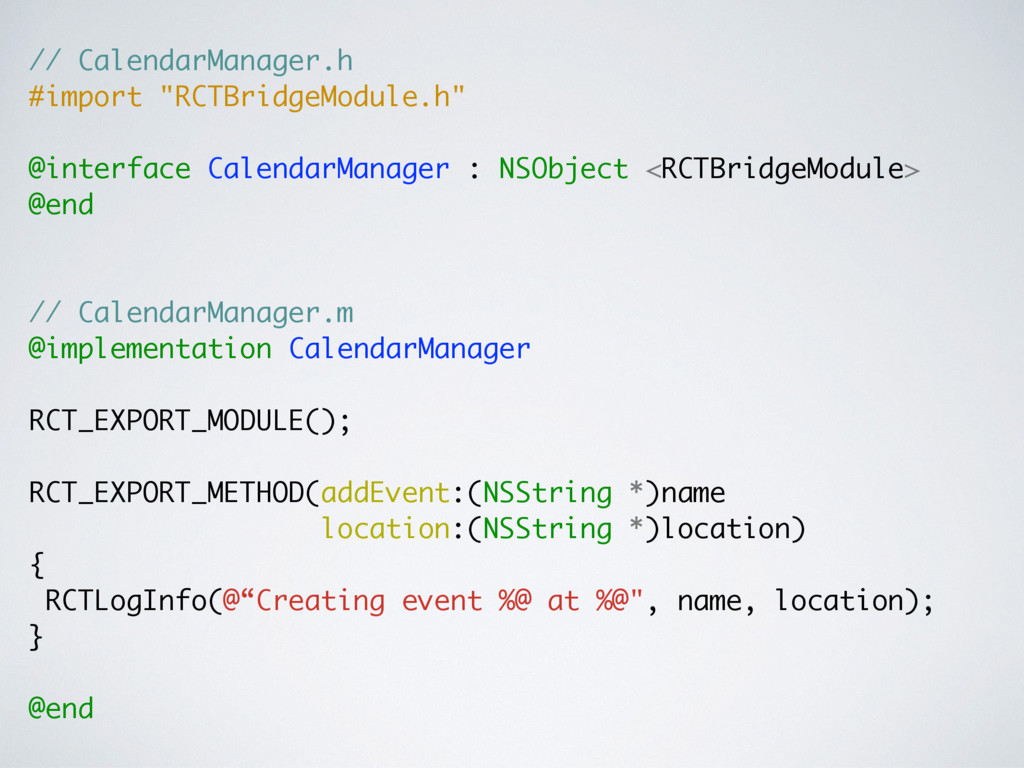
  25. // CalendarManager.h #import "RCTBridgeModule.h" @interface CalendarManager : NSObject <RCTBridgeModule> @end

    // CalendarManager.m @implementation CalendarManager RCT_EXPORT_MODULE(); RCT_EXPORT_METHOD(addEvent:(NSString *)name location:(NSString *)location) { RCTLogInfo(@“Creating event %@ at %@", name, location); } @end
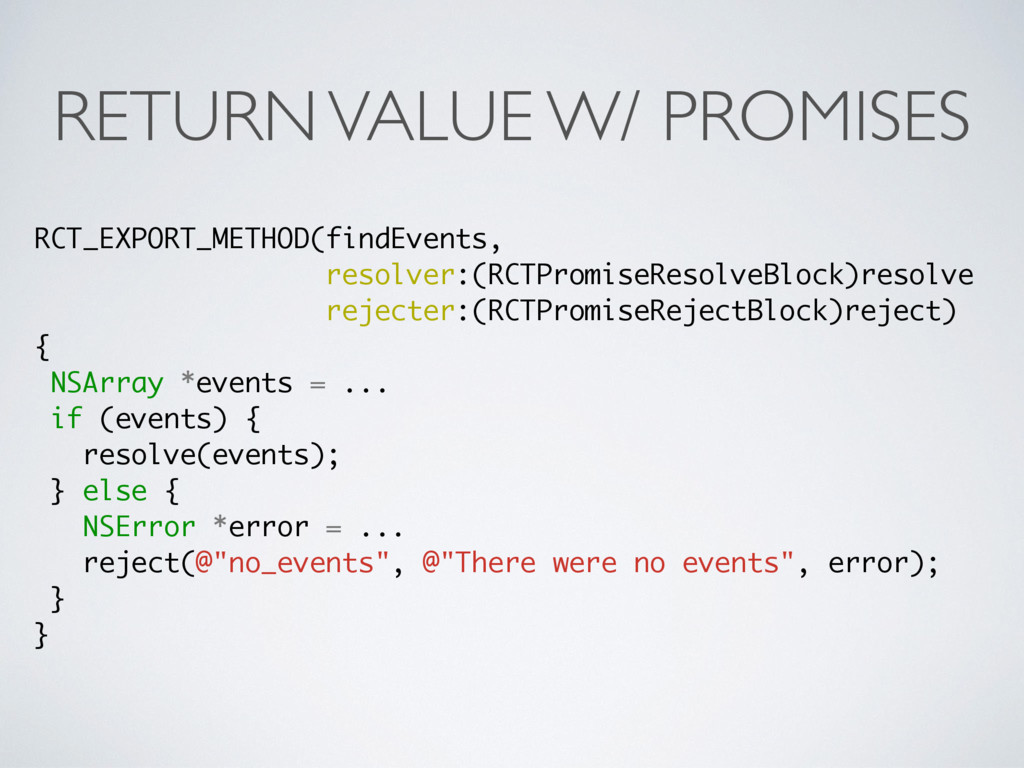
  26. RETURN VALUE W/ PROMISES RCT_EXPORT_METHOD(findEvents, resolver:(RCTPromiseResolveBlock)resolve rejecter:(RCTPromiseRejectBlock)reject) { NSArray *events

    = ... if (events) { resolve(events); } else { NSError *error = ... reject(@"no_events", @"There were no events", error); } }
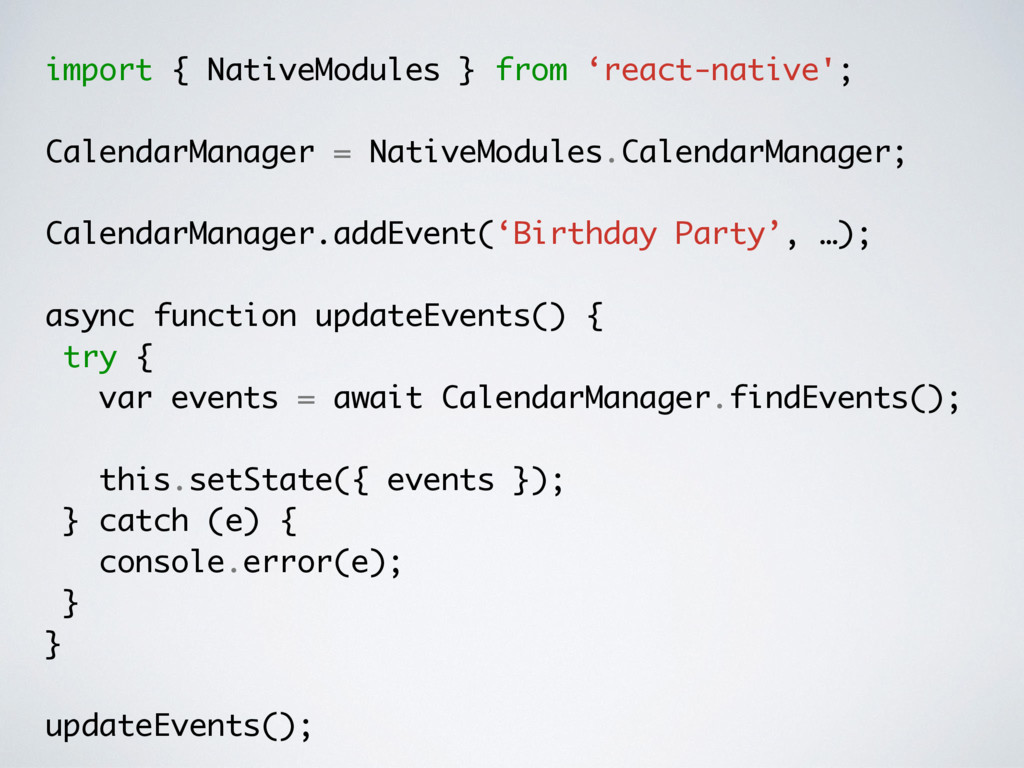
  27. import { NativeModules } from ‘react-native'; CalendarManager = NativeModules.CalendarManager; CalendarManager.addEvent(‘Birthday

    Party’, …); async function updateEvents() { try { var events = await CalendarManager.findEvents(); this.setState({ events }); } catch (e) { console.error(e); } } updateEvents();
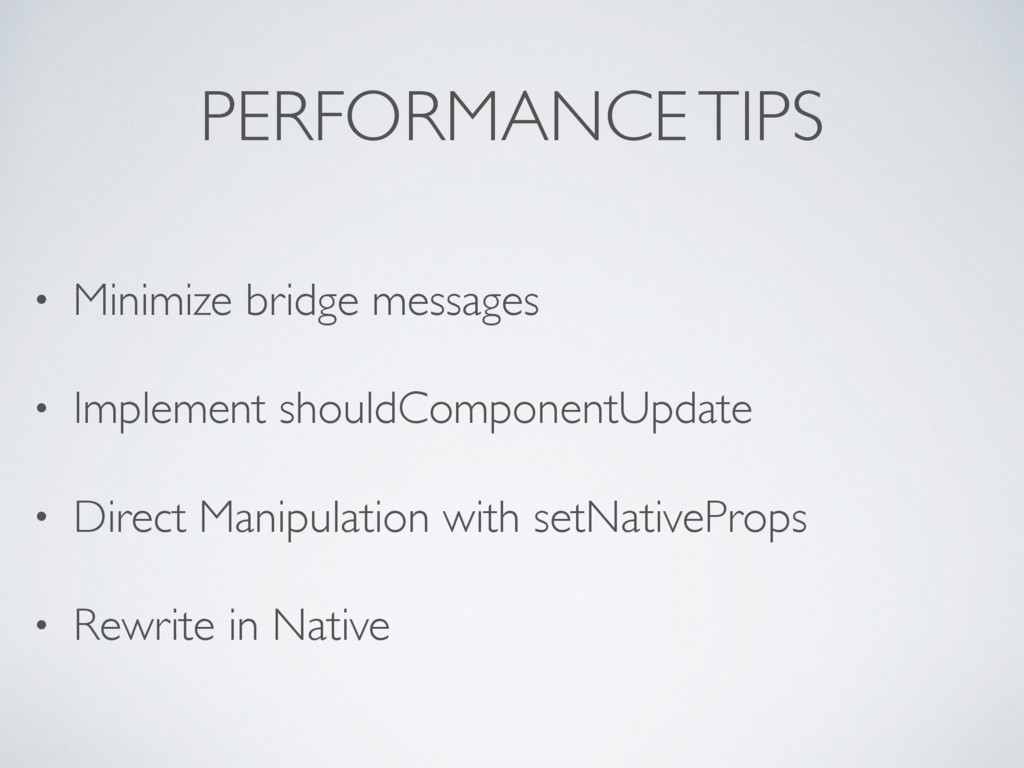
  28. PERFORMANCE TIPS • Minimize bridge messages • Implement shouldComponentUpdate •

    Direct Manipulation with setNativeProps • Rewrite in Native
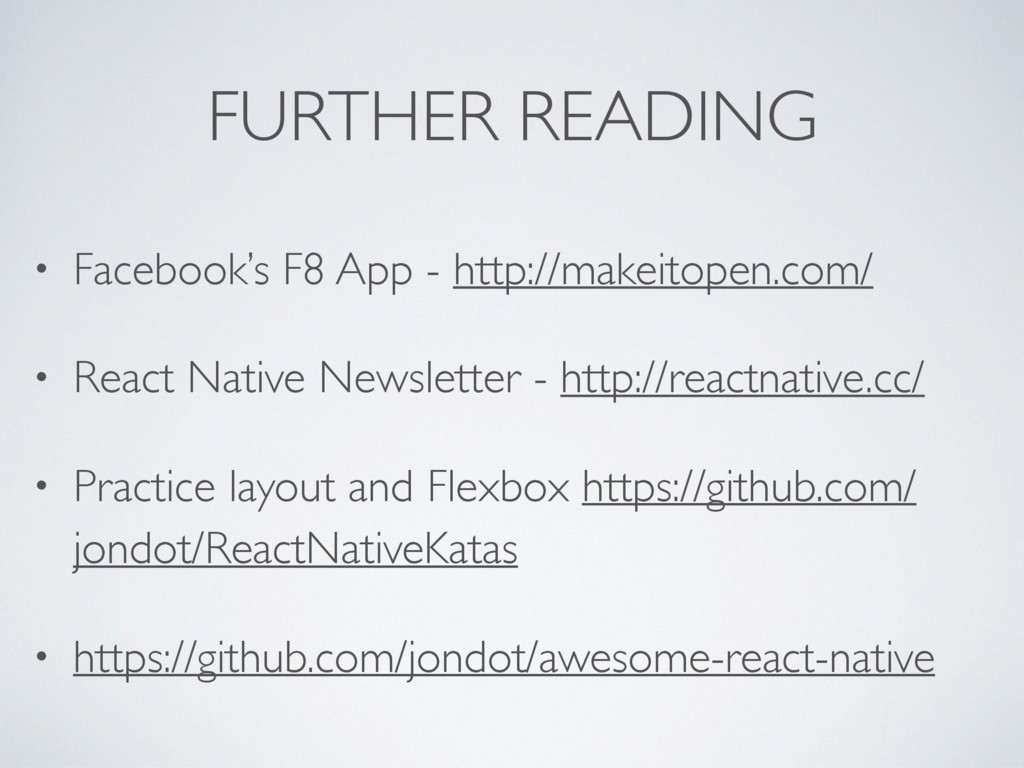
  29. FURTHER READING • Facebook’s F8 App - http://makeitopen.com/ • React

    Native Newsletter - http://reactnative.cc/ • Practice layout and Flexbox https://github.com/ jondot/ReactNativeKatas • https://github.com/jondot/awesome-react-native
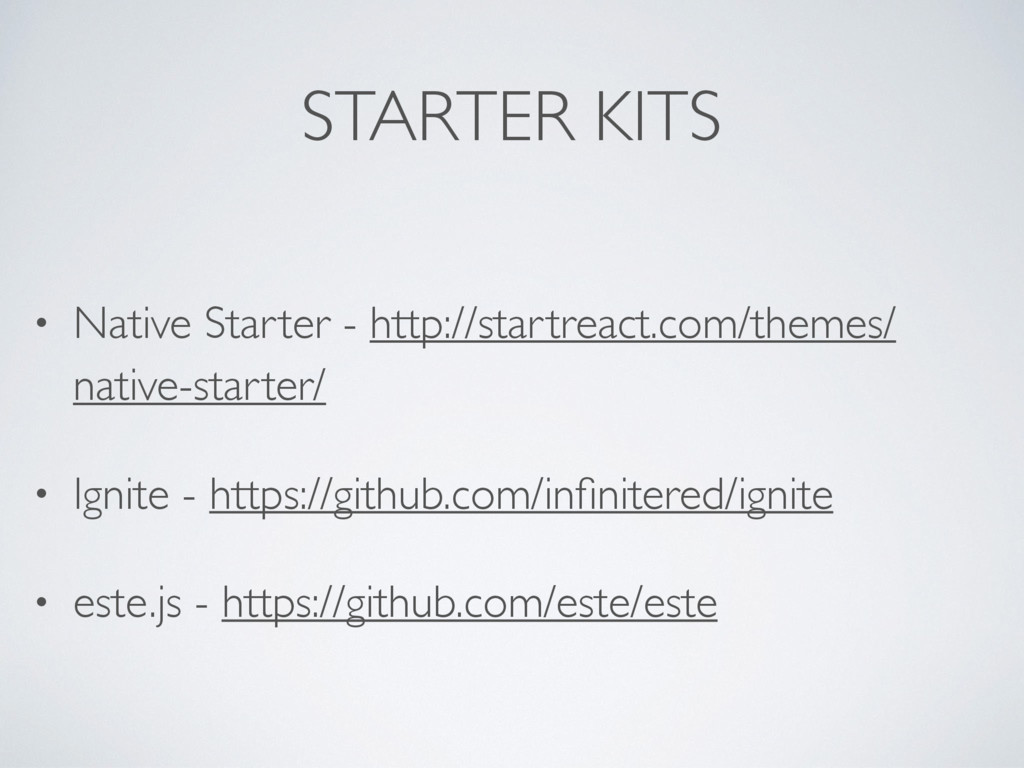
  30. STARTER KITS • Native Starter - http://startreact.com/themes/ native-starter/ • Ignite

    - https://github.com/infinitered/ignite • este.js - https://github.com/este/este