Upgrade to Pro — share decks privately, control downloads, hide ads and more …

Glow Architecture

Avatar for Chris Lu Chris Lu
November 08, 2015

Glow Architecture

Introduction of Glow, the distributed computing system for Golang

Avatar for Chris Lu

Chris Lu

November 08, 2015

Other Decks in Programming

Transcript

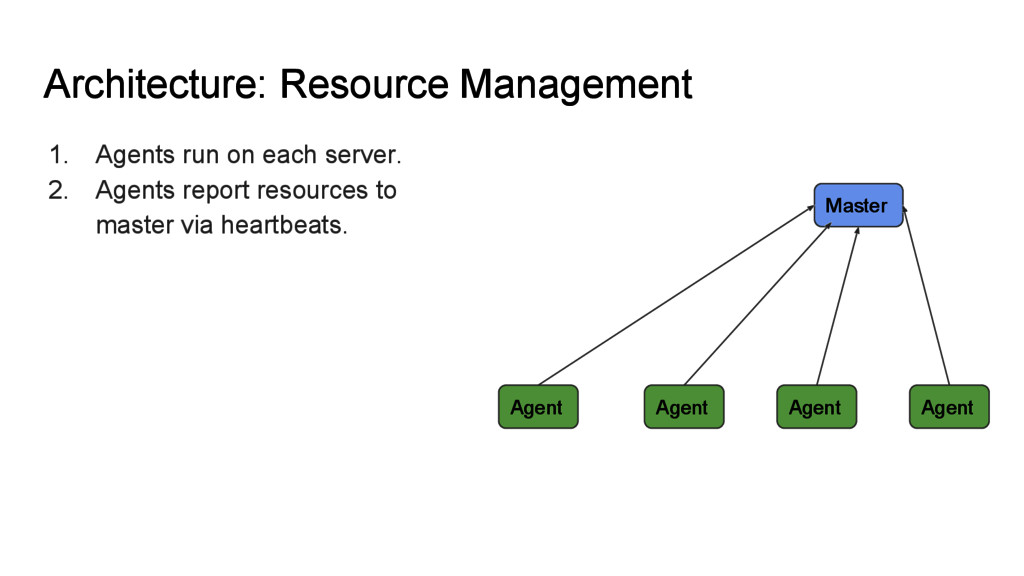
  1. Architecture: Resource Management 1. Agents run on each server. 2.

    Agents report resources to master via heartbeats. Master Agent Agent Agent Agent
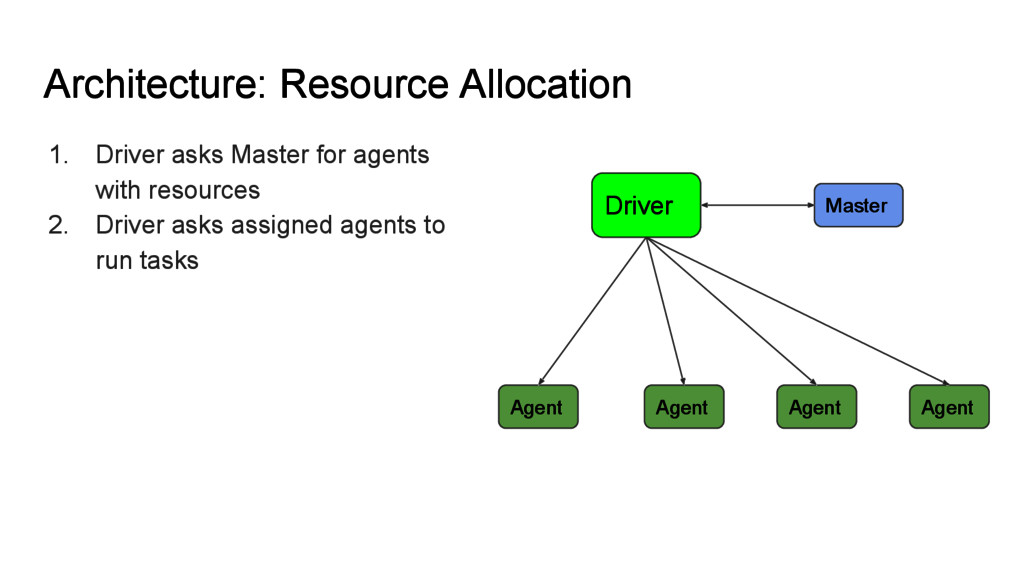
  2. Architecture: Resource Allocation 1. Driver asks Master for agents with

    resources 2. Driver asks assigned agents to run tasks Master Agent Agent Agent Agent Driver
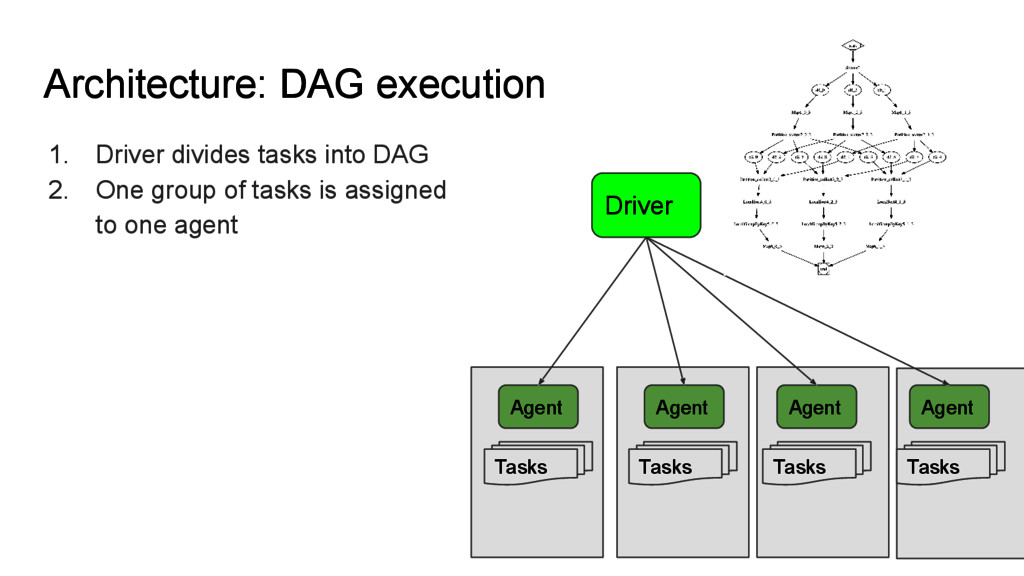
  3. Architecture: DAG execution 1. Driver divides tasks into DAG 2.

    One group of tasks is assigned to one agent Agent Agent Agent Agent Driver Tasks Tasks Tasks Tasks
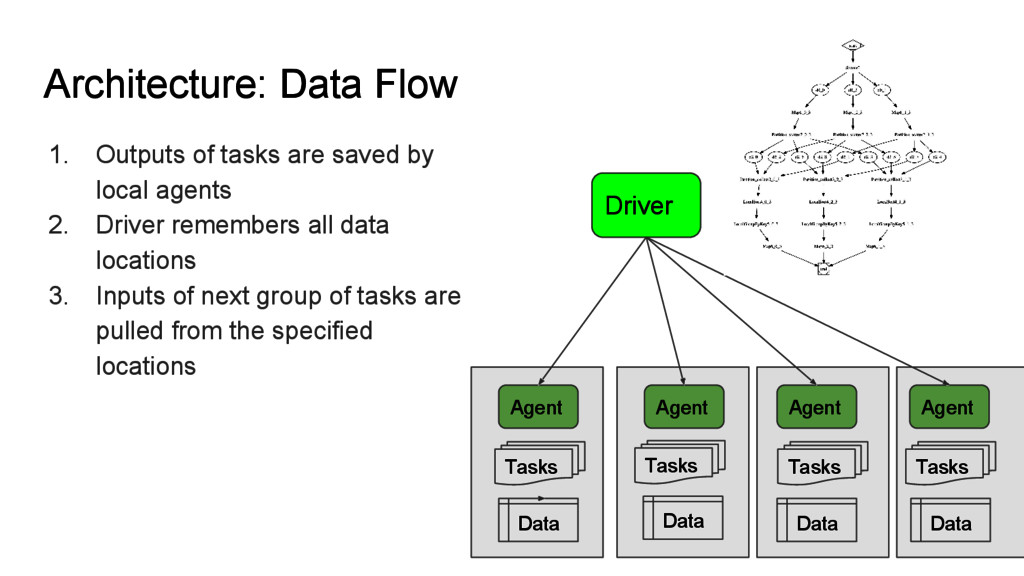
  4. Architecture: Data Flow 1. Outputs of tasks are saved by

    local agents 2. Driver remembers all data locations 3. Inputs of next group of tasks are pulled from the specified locations Agent Agent Agent Agent Driver Tasks Tasks Tasks Tasks Data Data Data Data
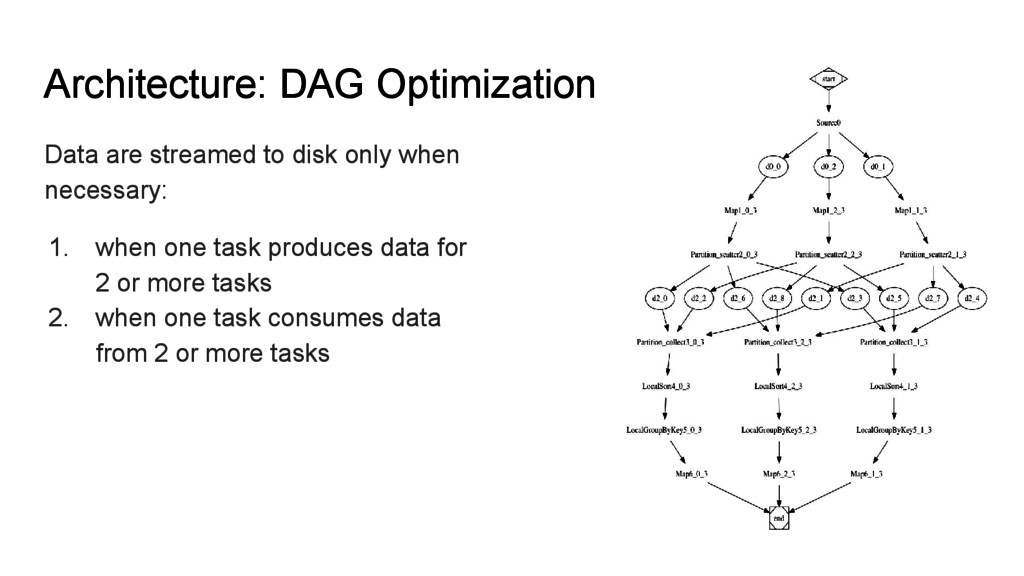
  5. Architecture: DAG Optimization Data are streamed to disk only when

    necessary: 1. when one task produces data for 2 or more tasks 2. when one task consumes data from 2 or more tasks
  6. Distributed Mode vs Standalone mode 1. Standalone mode is efficient

    without disk IO. ◦ Parallelize tasks via goroutines. ◦ No need for idiomatic but verbose sync/wait, etc 2. Use distributed mode when need to scale up.
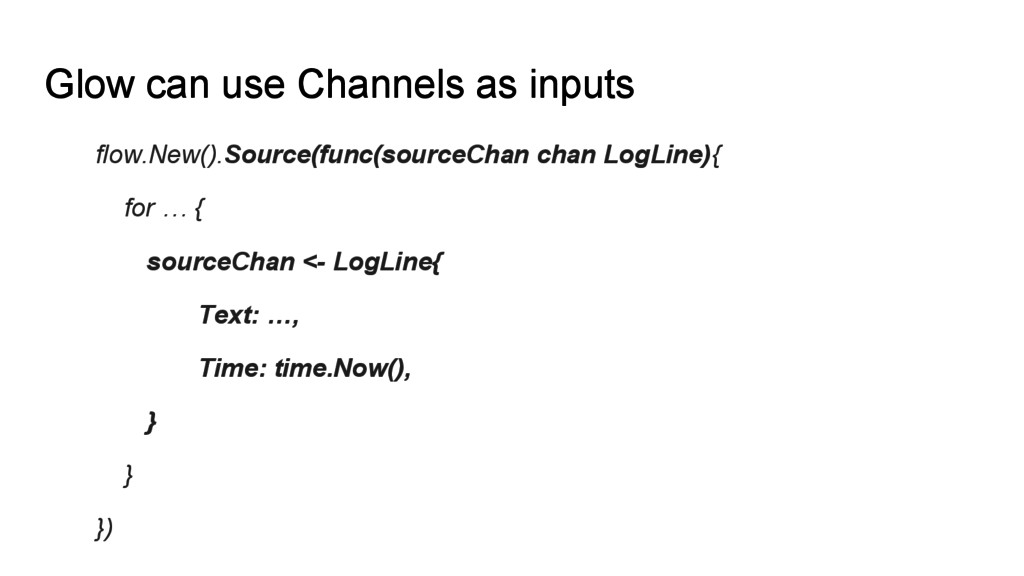
  7. Glow can use Channels as inputs flow.New().Source(func(sourceChan chan LogLine){ for

    … { sourceChan <- LogLine{ Text: …, Time: time.Now(), } } })
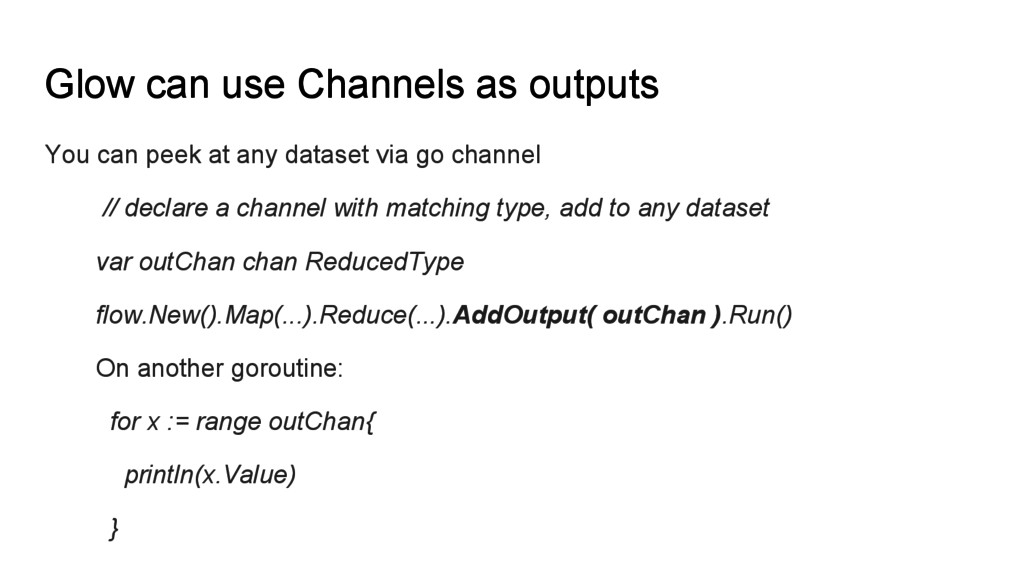
  8. Glow can use Channels as outputs You can peek at

    any dataset via go channel // declare a channel with matching type, add to any dataset var outChan chan ReducedType flow.New().Map(...).Reduce(...).AddOutput( outChan ).Run() On another goroutine: for x := range outChan{ println(x.Value) }
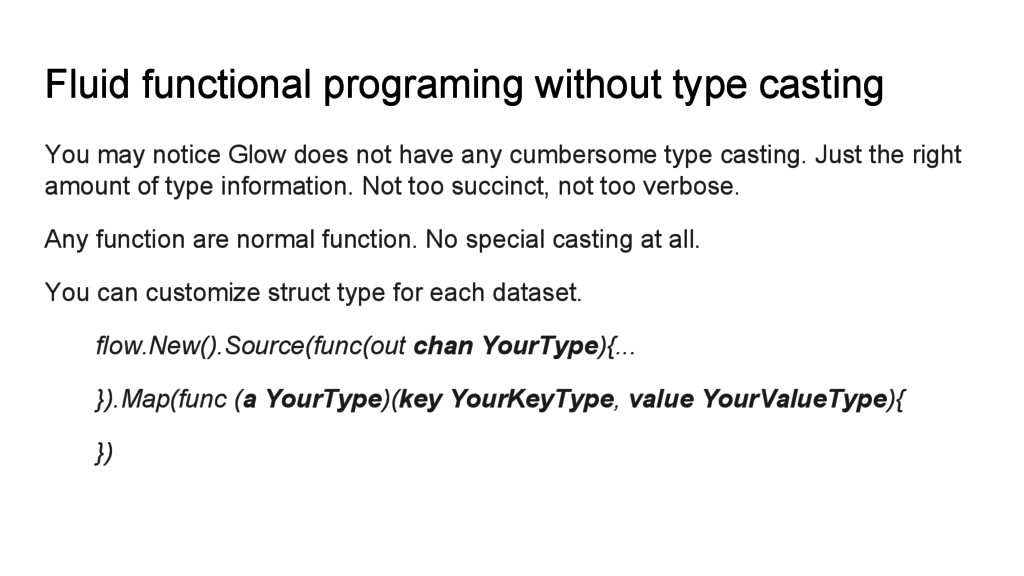
  9. Fluid functional programing without type casting You may notice Glow

    does not have any cumbersome type casting. Just the right amount of type information. Not too succinct, not too verbose. Any function are normal function. No special casting at all. You can customize struct type for each dataset. flow.New().Source(func(out chan YourType){... }).Map(func (a YourType)(key YourKeyType, value YourValueType){ })
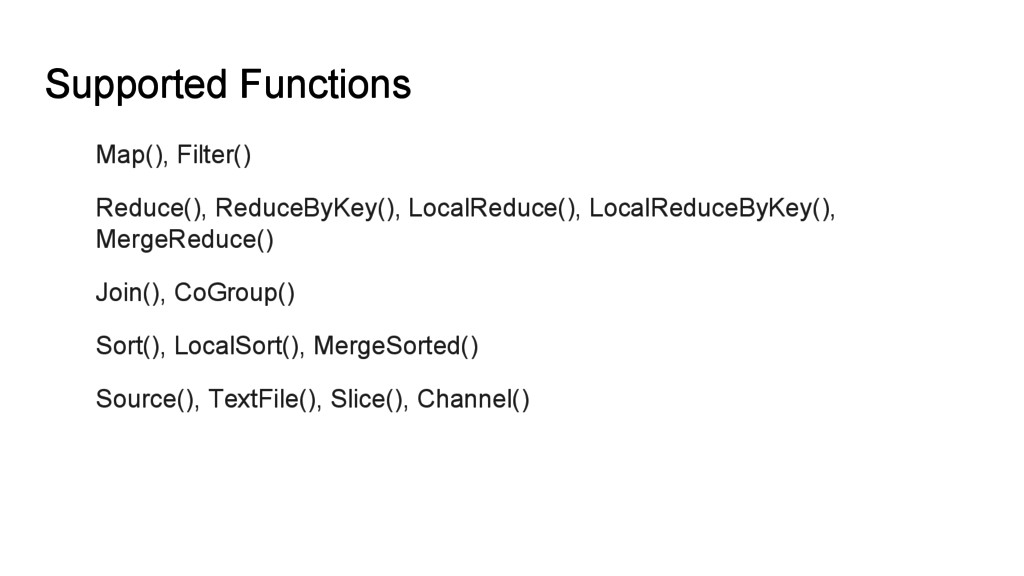
  10. Supported Functions Map(), Filter() Reduce(), ReduceByKey(), LocalReduce(), LocalReduceByKey(), MergeReduce() Join(),

    CoGroup() Sort(), LocalSort(), MergeSorted() Source(), TextFile(), Slice(), Channel()
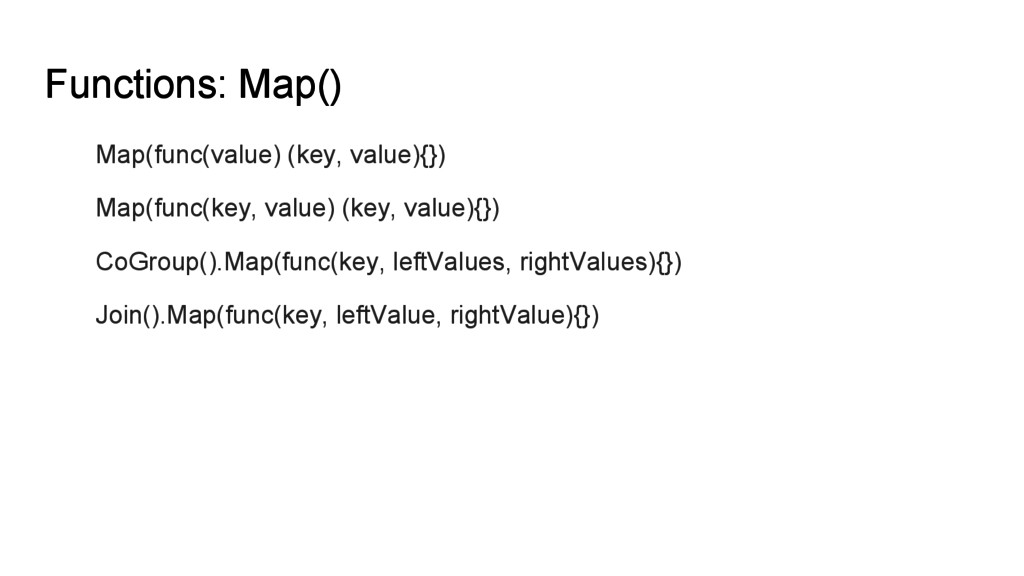
  11. Functions: Map() Map(func(value) (key, value){}) Map(func(key, value) (key, value){}) CoGroup().Map(func(key,

    leftValues, rightValues){}) Join().Map(func(key, leftValue, rightValue){})
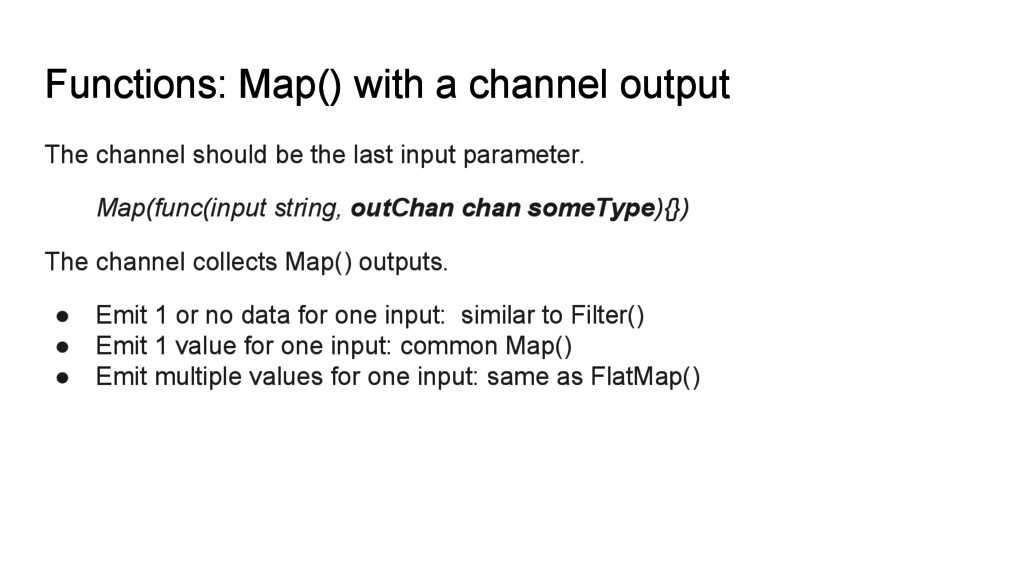
  12. Functions: Map() with a channel output The channel should be

    the last input parameter. Map(func(input string, outChan chan someType){}) The channel collects Map() outputs. • Emit 1 or no data for one input: similar to Filter() • Emit 1 value for one input: common Map() • Emit multiple values for one input: same as FlatMap()
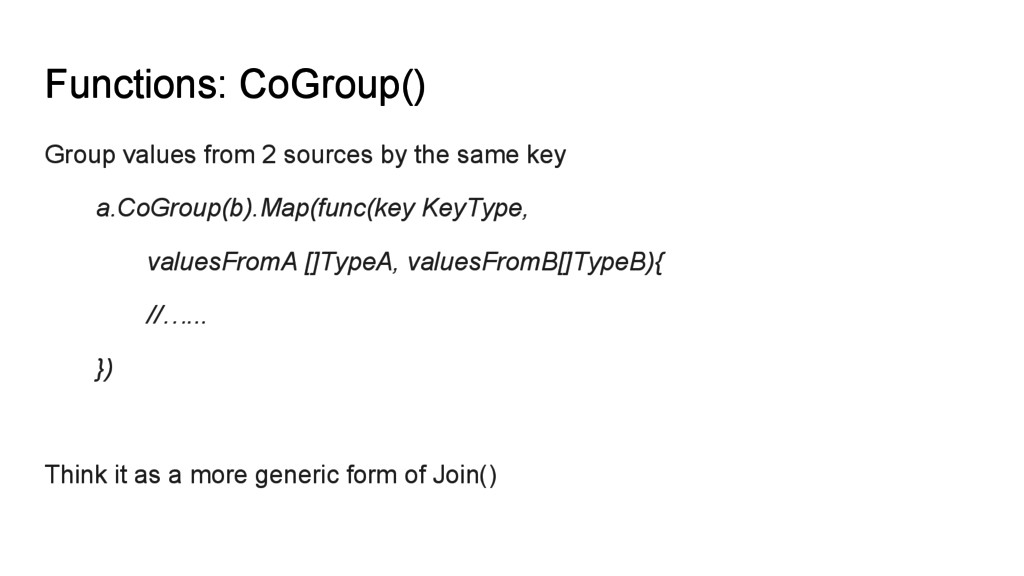
  13. Functions: CoGroup() Group values from 2 sources by the same

    key a.CoGroup(b).Map(func(key KeyType, valuesFromA []TypeA, valuesFromB[]TypeB){ //…... }) Think it as a more generic form of Join()
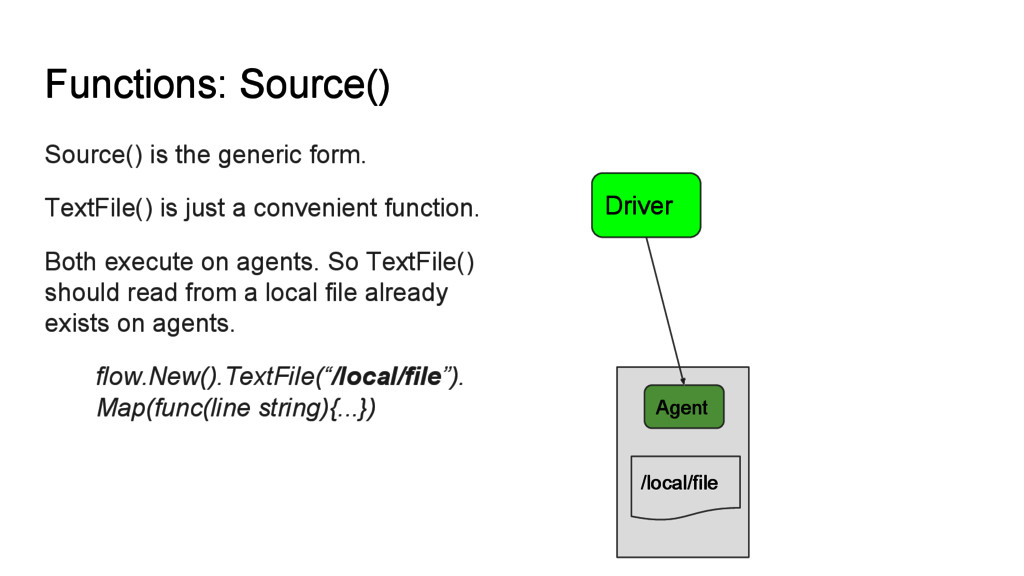
  14. Functions: Source() Source() is the generic form. TextFile() is just

    a convenient function. Both execute on agents. So TextFile() should read from a local file already exists on agents. flow.New().TextFile(“/local/file”). Map(func(line string){...}) Agent Driver /local/file
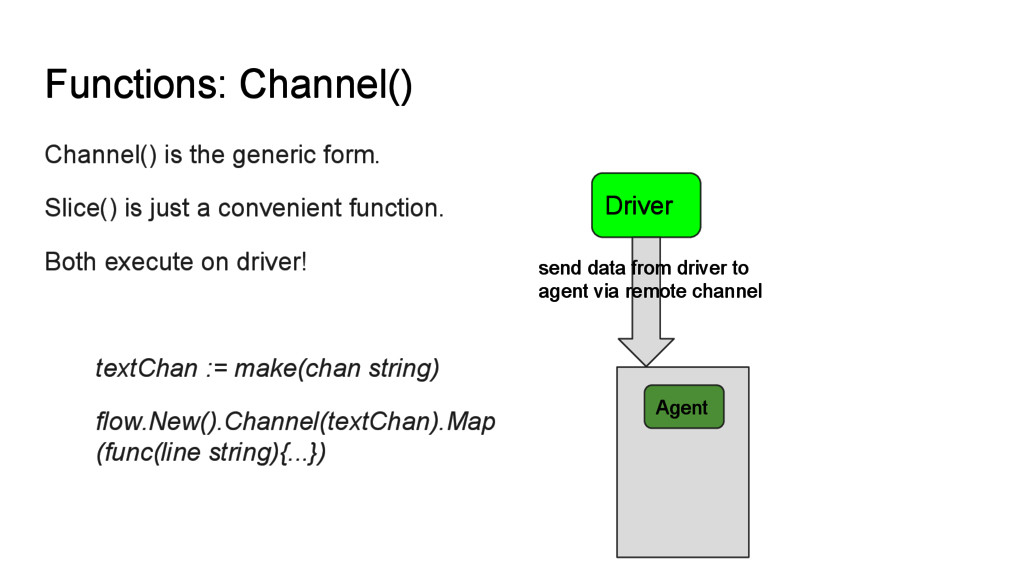
  15. Functions: Channel() Channel() is the generic form. Slice() is just

    a convenient function. Both execute on driver! textChan := make(chan string) flow.New().Channel(textChan).Map (func(line string){...}) Agent Driver send data from driver to agent via remote channel