Upgrade to Pro
— share decks privately, control downloads, hide ads and more …
Speaker Deck
Sign up for free
Menu
Search
Features
All features
Private URLs
Password Protection
Custom URLS
Scheduled publishing
Remove Branding
Restrict embedding
Deck Collections
Notes
Features
All features
Private URLs
Password Protection
Custom URLS
Scheduled publishing
Remove Branding
Restrict embedding
Deck Collections
Notes
Explore
Featured decks
Featured speakers
Programming
Technology
Storyboards
Explore
Featured decks
Featured speakers
Programming
Technology
Storyboards
Pricing
Search
Sign in
Sign up for free
Turbolinks 入門
Search
蒼時弦や
December 02, 2016
Programming
410
2
Share
Embed
Copy iframe code
Copy JS code
Copy link
Start on current slide
Turbolinks 入門
Ruby Conf Taiwan 2016 簡報
蒼時弦や
December 02, 2016
More Decks by 蒼時弦や
See All by 蒼時弦や
2024 - COSCUP - Clean Architecture in Rails
elct9620
2
240
2023 - RubyConfTW - Rethink Rails Architecture
elct9620
0
300
20230916 - DDDTW - 導入 Domain-Driven Design 的最佳時機
elct9620
0
540
2023 - WebConf - 選擇適合你的技能組合
elct9620
0
760
20230322 - Generative AI 小聚 ft. Happy Designer
elct9620
0
510
2022 - 默默會 - 重新學習 MVC 的 Model
elct9620
1
540
MOPCON 2022 - 從 Domain-Driven Design 看網站開發框架隱藏
elct9620
1
550
2022 - COSCUP - 我想慢慢寫程式該怎麼辦?
elct9620
0
340
2022 - COSCUP - 打造高速 Ruby 專案開發流程
elct9620
0
380
Other Decks in Programming
See All in Programming
sbt 2.0: takeoff
eed3si9n
0
160
パズルゲームの作り方 / how to make puzzle games
kaityo256
PRO
2
290
Railsのためのパスキー実践入門 〜マルチテナントSaaSでの意思決定〜
utakaha
2
550
コーディング自動化の次へ。人の介入をゼロにするファクトリーとサポートAIによる実践
timakin
4
3.5k
APNsからLive Activityを開始する話
yumnumm
0
170
ActionController meets Protocol Buffers
sorah
0
520
Agents on Rails - Rails at Scale 2026
irinanazarova
0
560
golang-bob.pdf
iwatsukayura
0
130
KiroのSpecで「五目並べ」を作ってみる
satoshi256kbyte
1
380
dotNET_vulnclicker_intro.pdf
deka_morita
0
140
AmebaブログはKMPから卒業します
kmars0605
0
190
個人開発者よ、Honoを使え(おじさんver)
tanahiro2010
2
260
Featured
See All Featured
Primal Persuasion: How to Engage the Brain for Learning That Lasts
tmiket
0
500
JavaScript: Past, Present, and Future - NDC Porto 2020
reverentgeek
52
6.1k
I Don’t Have Time: Getting Over the Fear to Launch Your Podcast
jcasabona
35
2.9k
Making the Leap to Tech Lead
cromwellryan
135
10k
Bridging the Design Gap: How Collaborative Modelling removes blockers to flow between stakeholders and teams @FastFlow conf
baasie
0
730
Technical Leadership for Architectural Decision Making
baasie
3
600
More Than Pixels: Becoming A User Experience Designer
marktimemedia
3
560
Templates, Plugins, & Blocks: Oh My! Creating the theme that thinks of everything
marktimemedia
31
2.9k
Faster Mobile Websites
deanohume
310
32k
Rebuilding a faster, lazier Slack
samanthasiow
85
9.7k
Git: the NoSQL Database
bkeepers
PRO
433
67k
How Fast Is Fast Enough? [PerfNow 2025]
tammyeverts
3
940
Transcript
Turbolinks 入門
WEB GENERATOR GAME DEVELOPER 襟 儘 䓛⛳ @elct9620
None
技術原理 Turbolinks API 效果展示 Turbolinks 入門
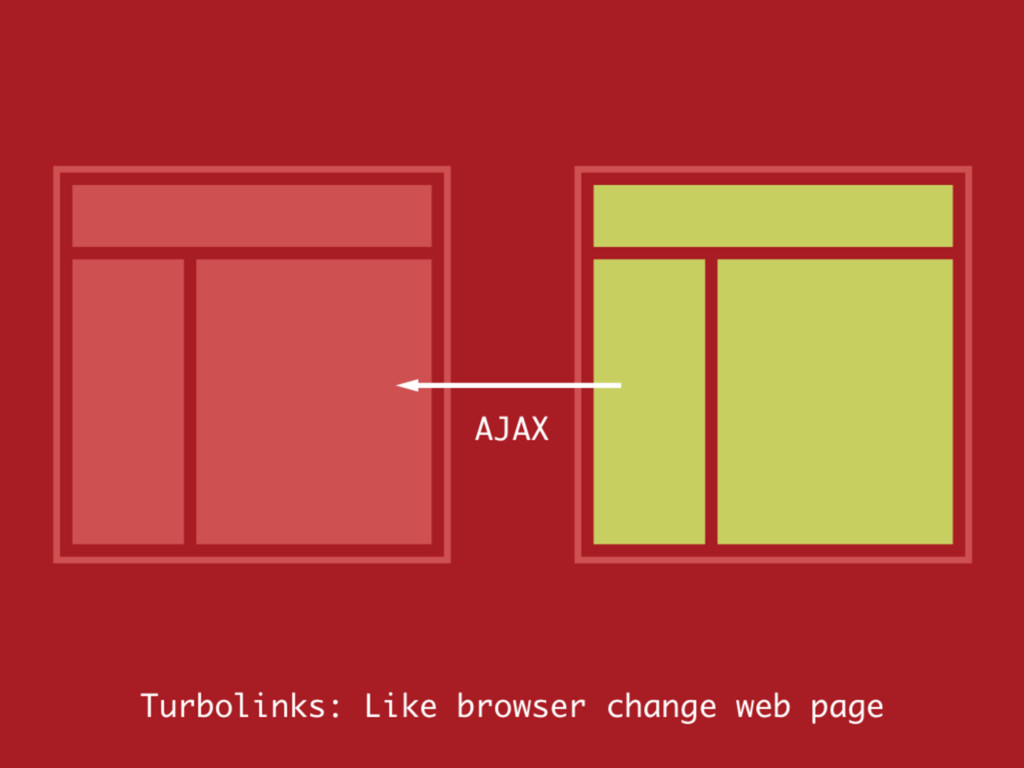
Turbolinks 是基於 HTML5 的 History API 所實現 的技術。 技術原理
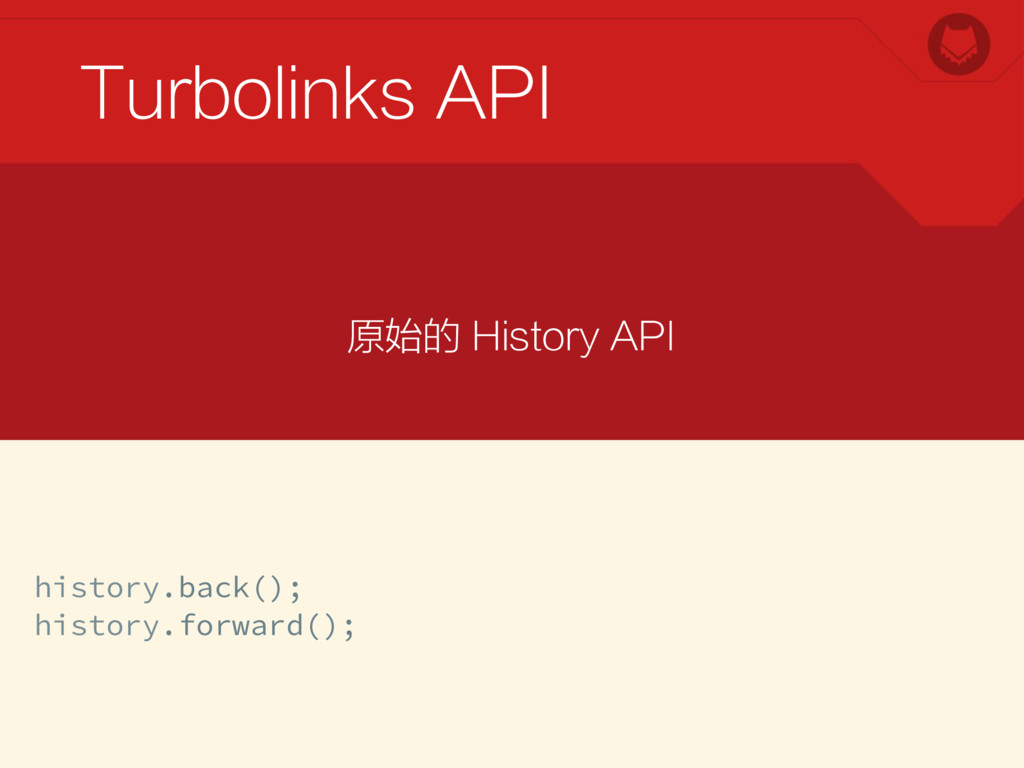
在過去 History API 只用於切換上一頁或者下一頁。 技術原理
Turbolinks API history.back(); history.forward(); 原始的 History API
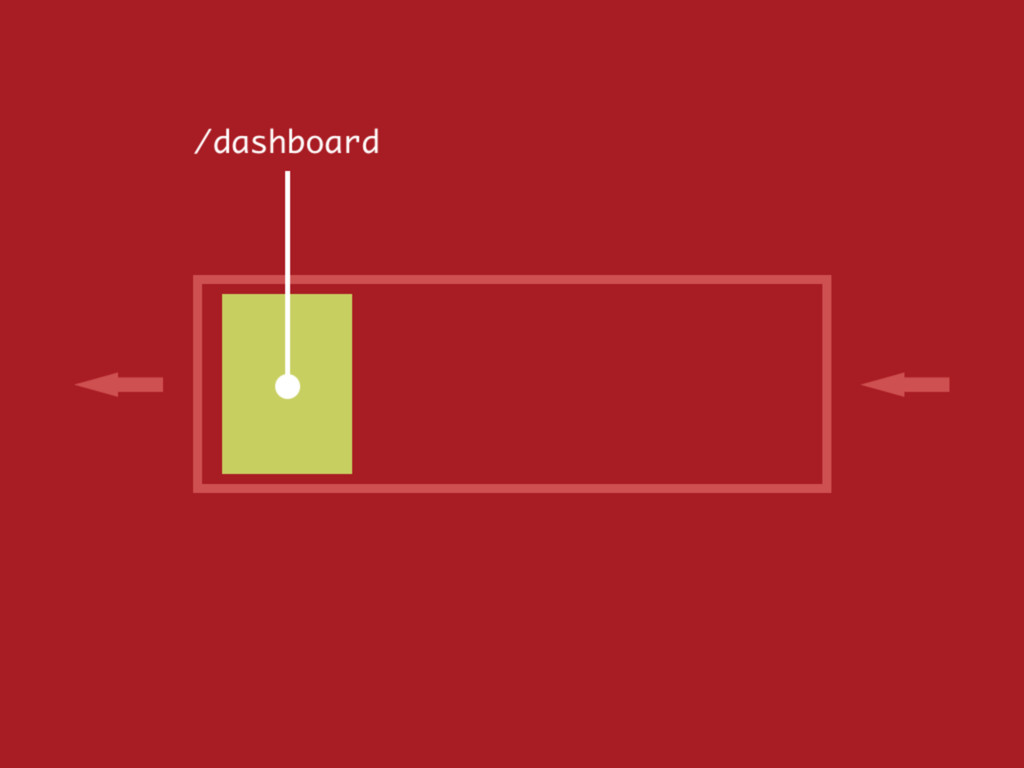
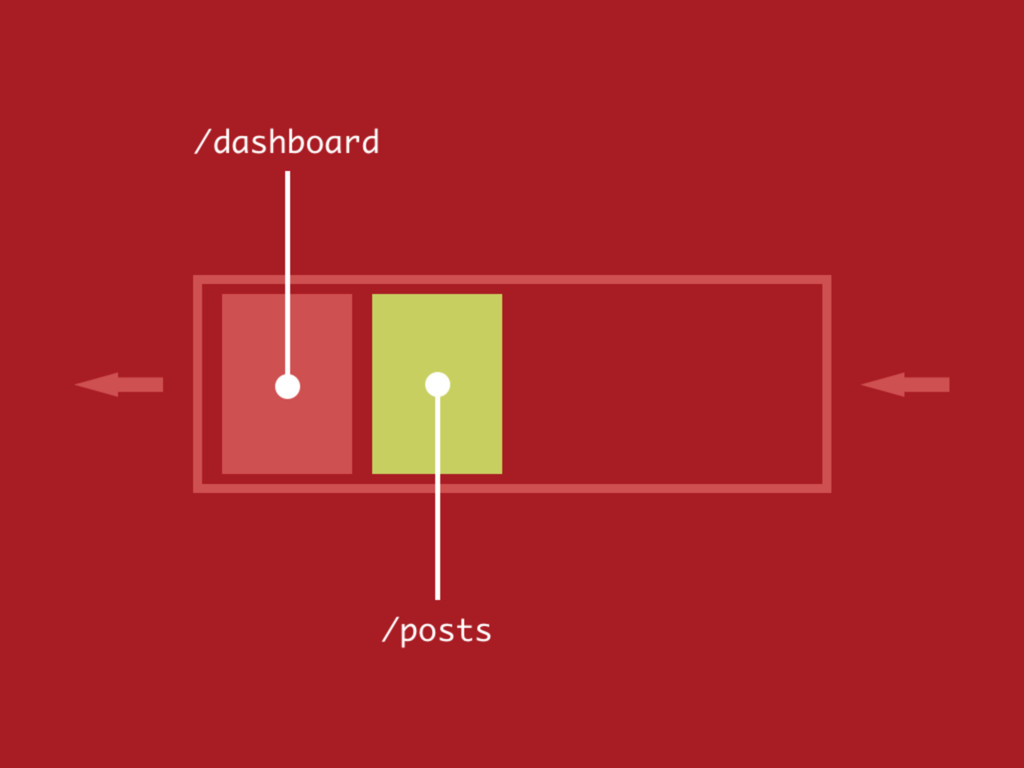
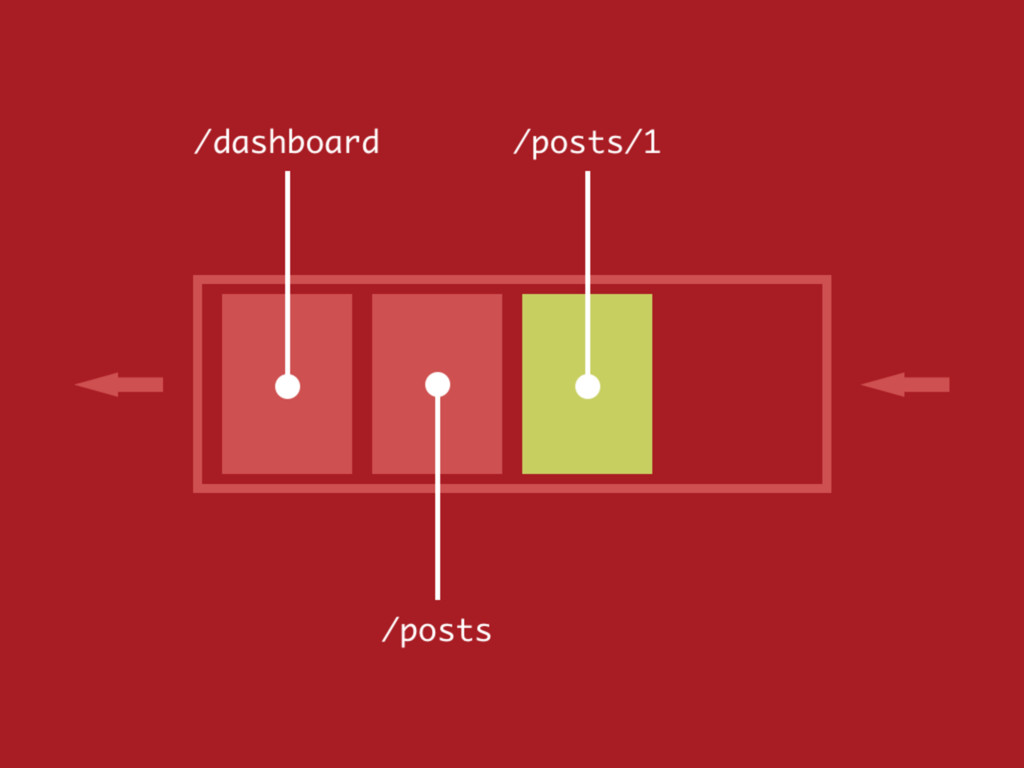
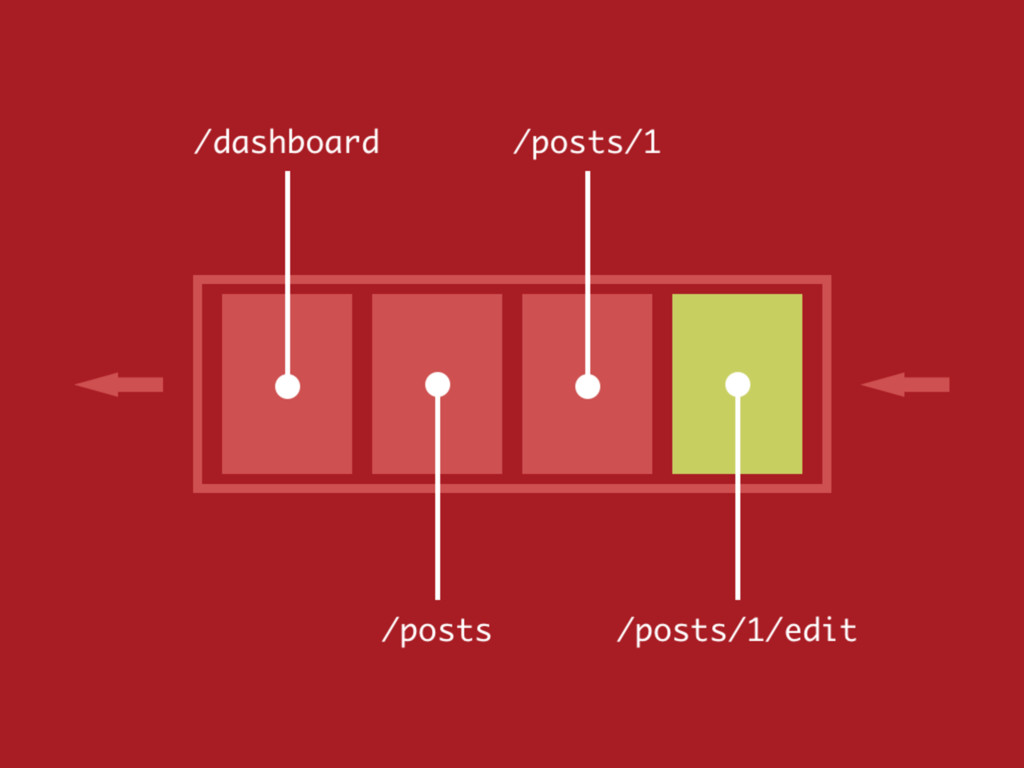
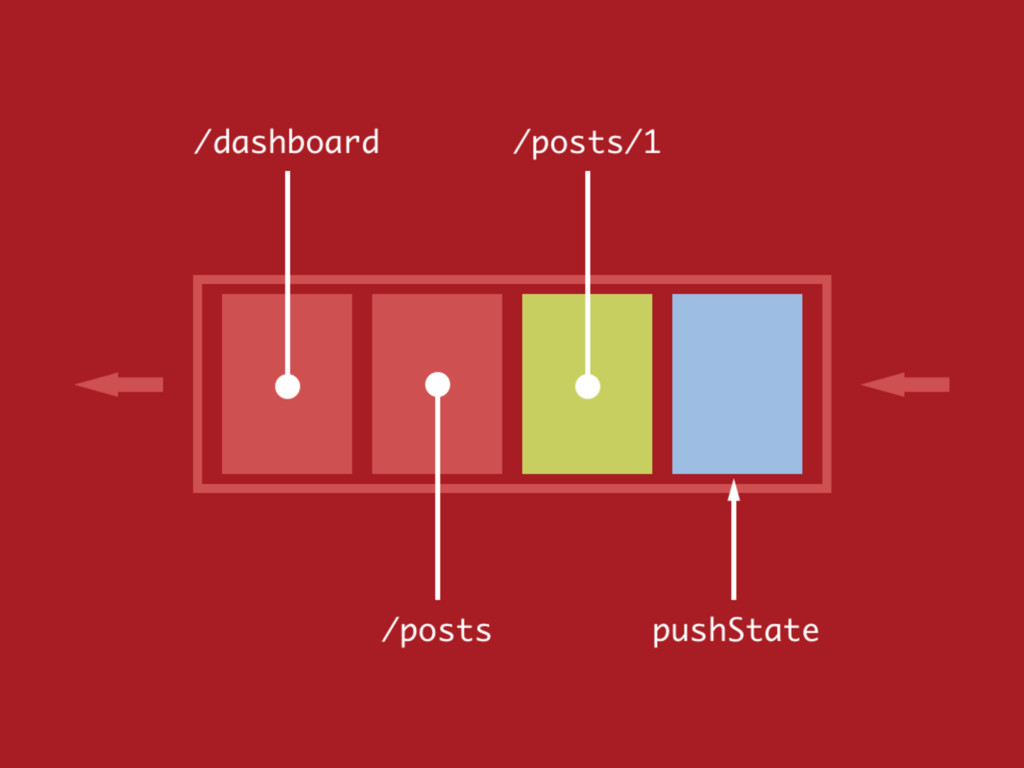
HTML5 新增的 pushState 功能則讓我們可以對瀏 覽紀錄進行操作。 技術原理
技術原理
技術原理
技術原理
技術原理
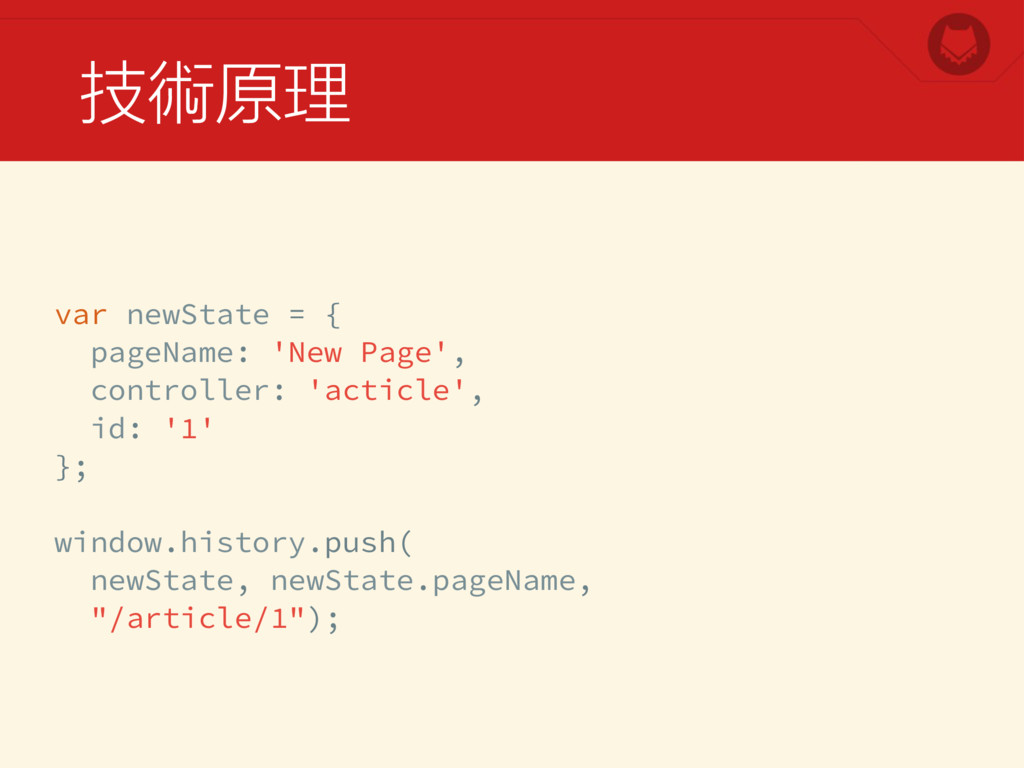
技術原理 var newState = { pageName: 'New Page', controller: 'acticle',
id: '1' }; window.history.push( newState, newState.pageName, "/article/1");
技術原理
技術原理
另外還有 popState 跟 history.state 可以讓我們存 取和捕捉目前的狀態。 技術原理
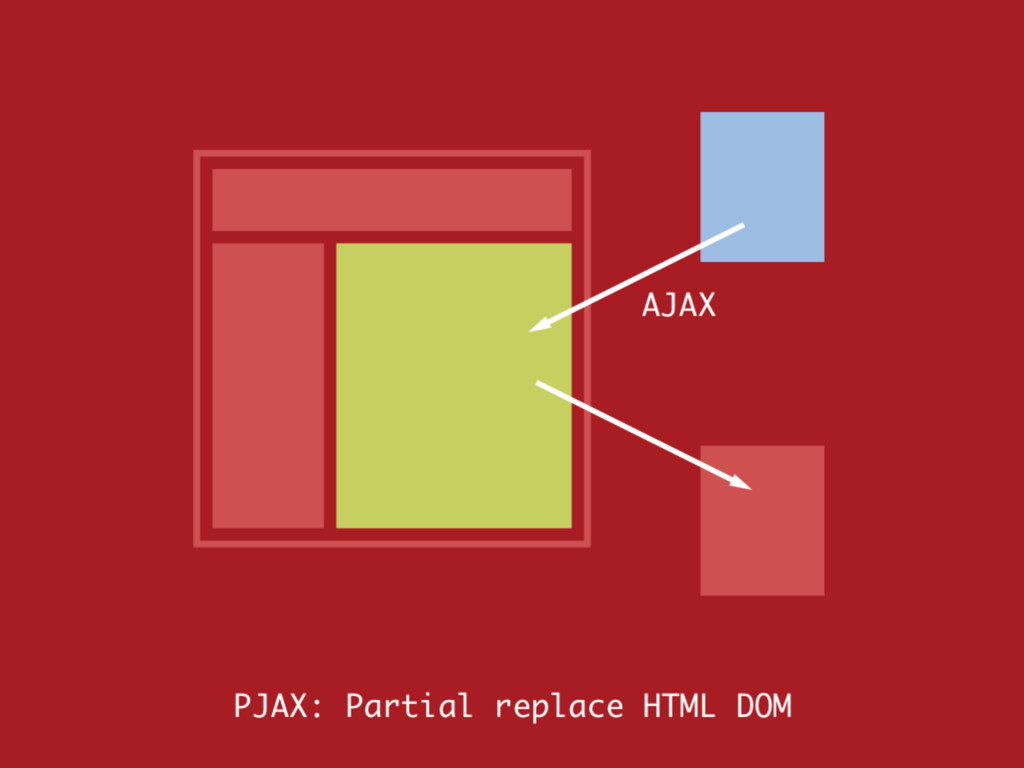
Turbolinks 是受到 PJAX 技術的影響產生的產物。 技術原理
技術原理
技術原理
很多時候我們在使用 Rails 會把 Turbolinks 關閉, 因為跟 JavaScript 常常出現衝突。 不過這只是因為沒有了解 Turbolinks
的使用方式而 已。 Turbolinks API
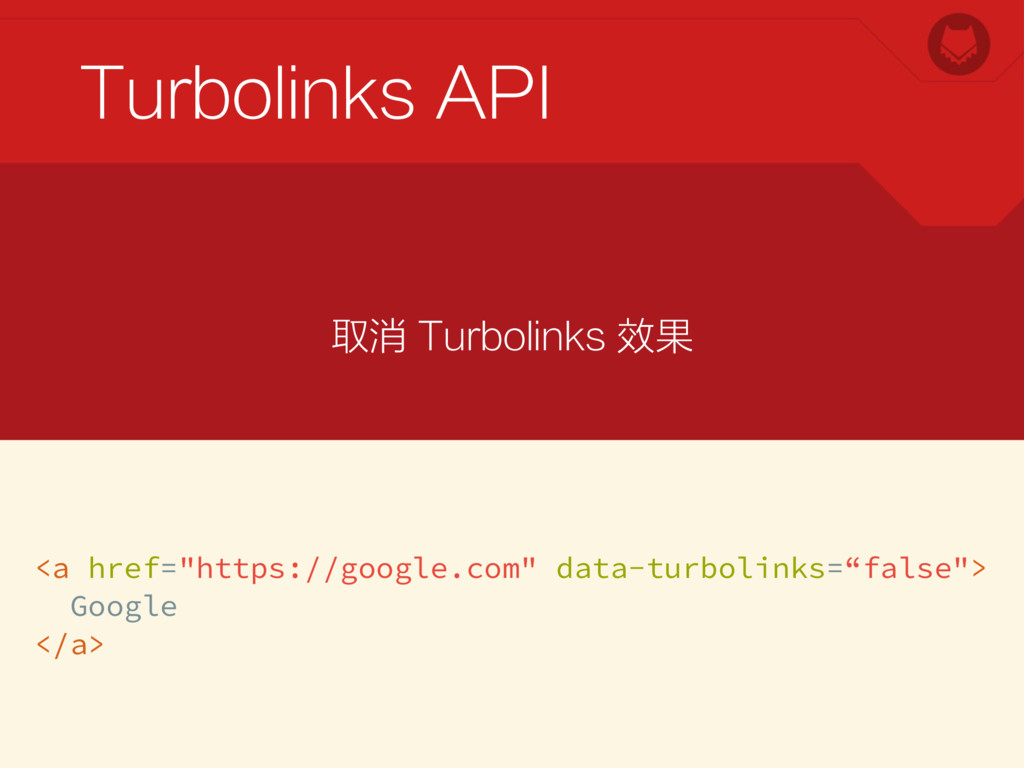
Turbolinks API <a href="https://google.com" data-turbolinks=“false"> Google </a> 取消 Turbolinks 效果
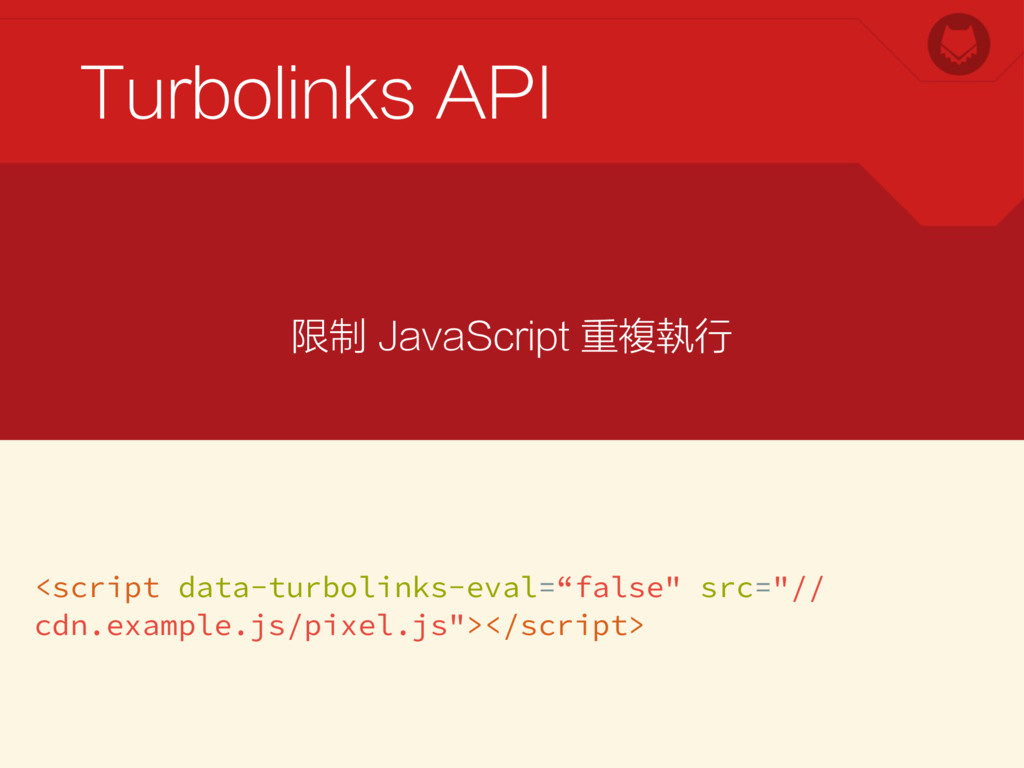
Turbolinks API <script data-turbolinks-eval=“false" src="// cdn.example.js/pixel.js"></script> 限制 JavaScript 重複執行
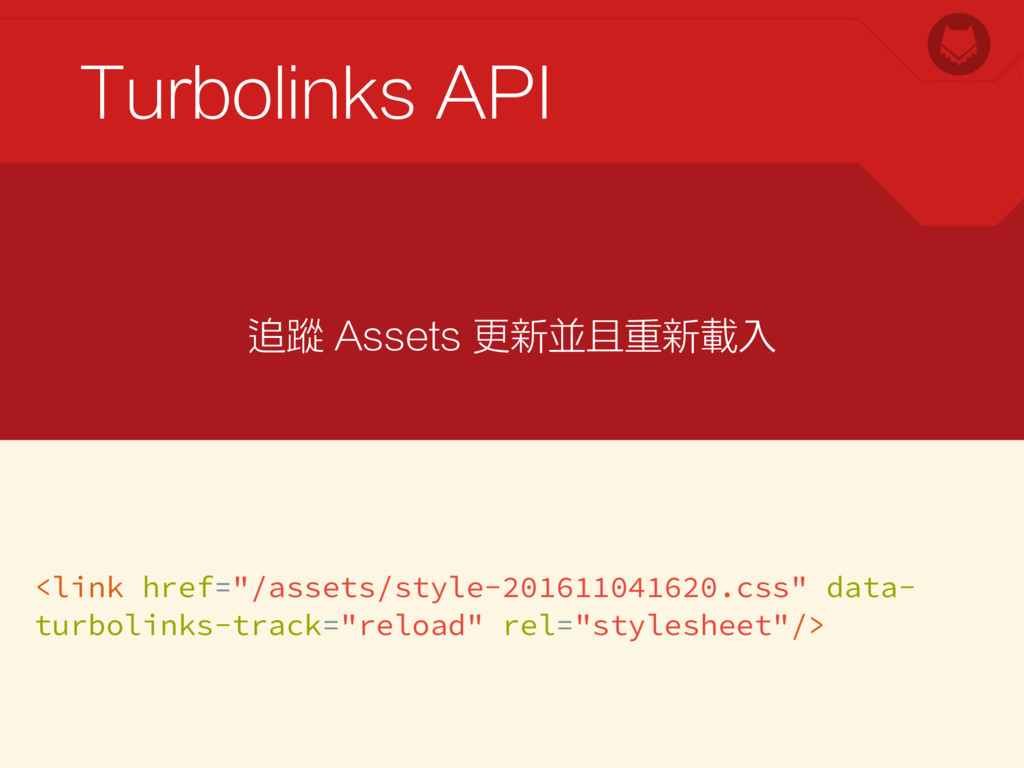
Turbolinks API <link href="/assets/style-201611041620.css" data- turbolinks-track="reload" rel="stylesheet"/> 追蹤 Assets 更新並且重新載入
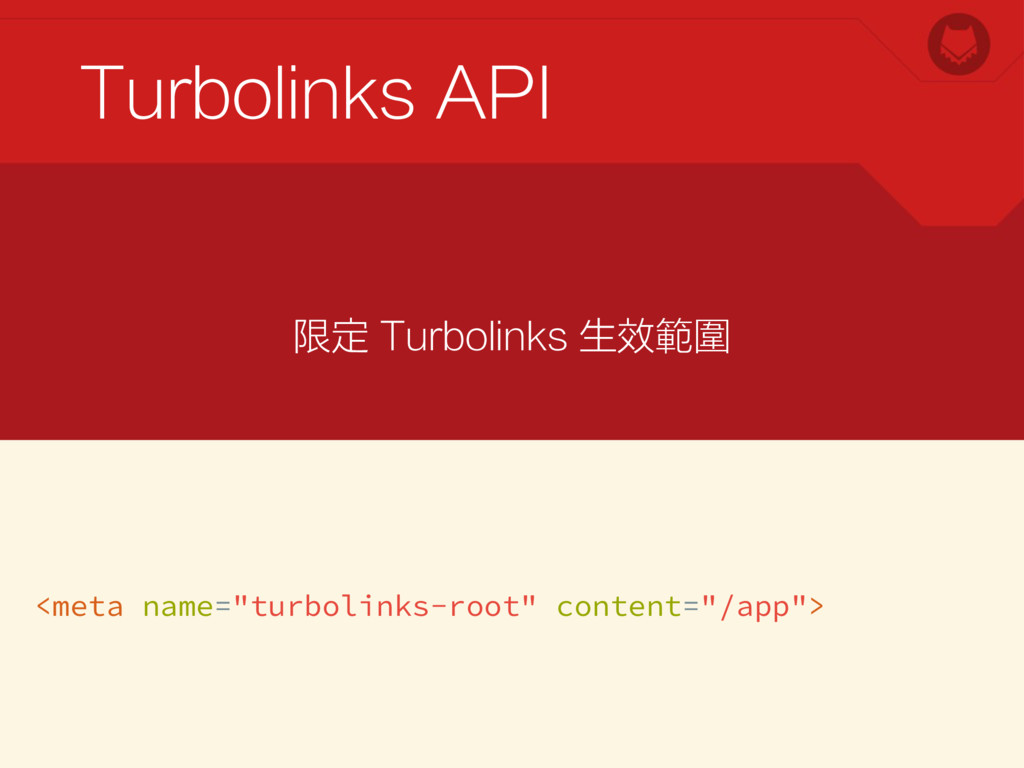
Turbolinks API <meta name="turbolinks-root" content="/app"> 限定 Turbolinks 生效範圍
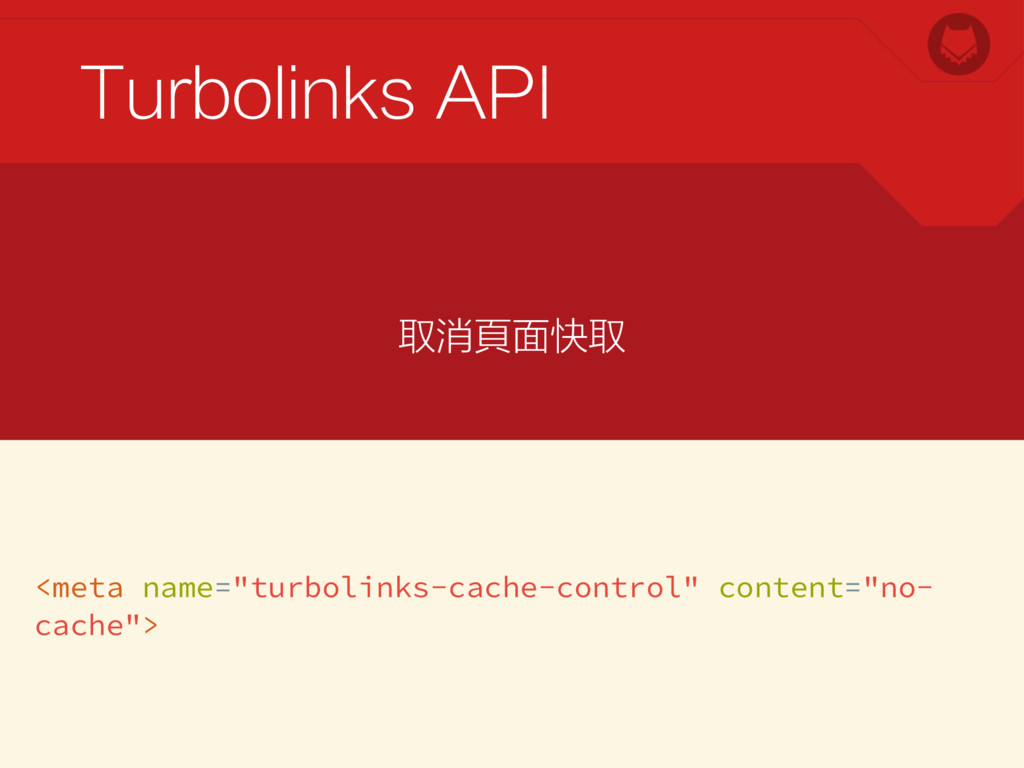
Turbolinks API <meta name="turbolinks-cache-control" content="no- cache"> 取消頁面快取
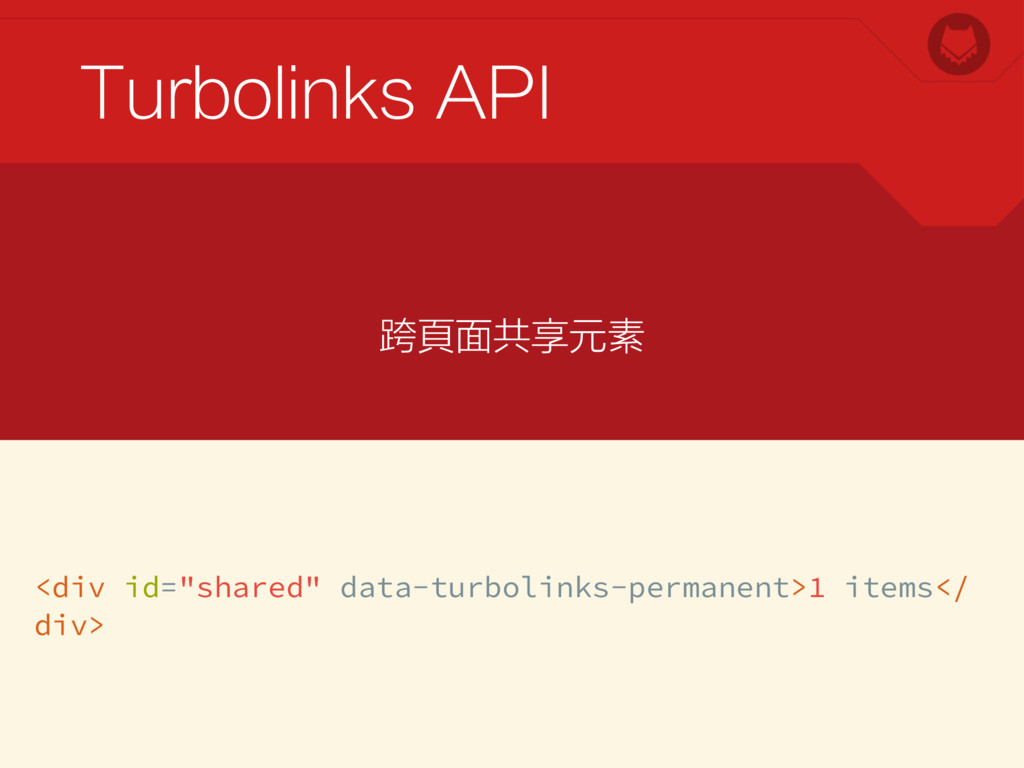
Turbolinks API <div id="shared" data-turbolinks-permanent>1 items</ div> 跨頁面共享元素
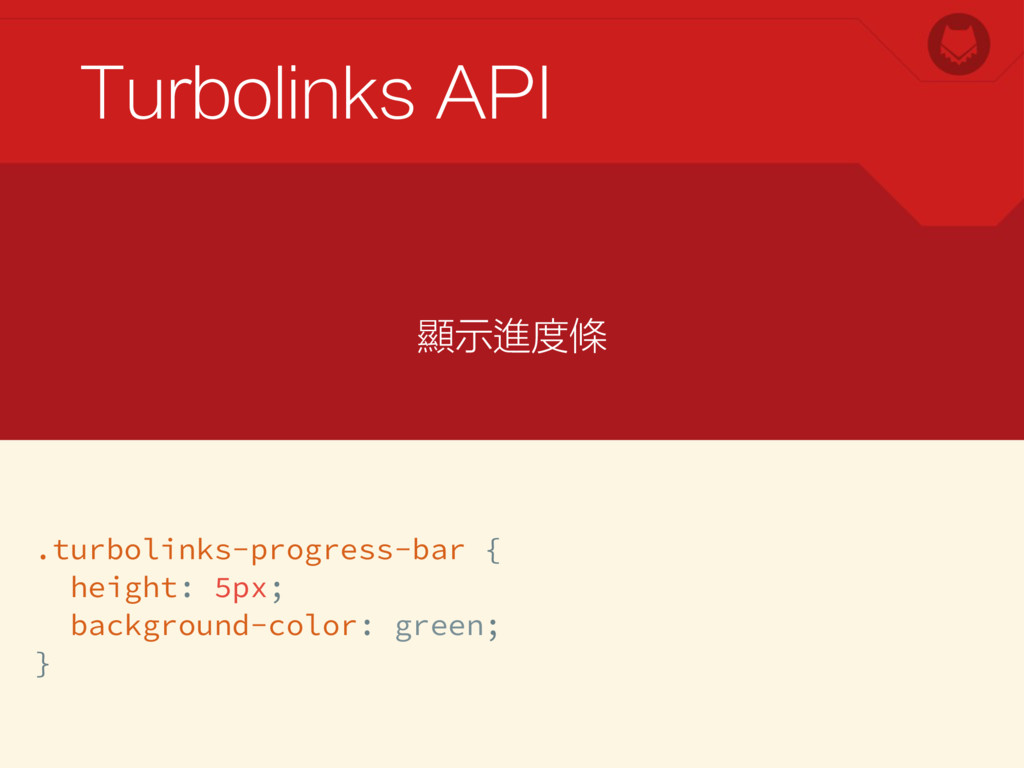
Turbolinks API .turbolinks-progress-bar { height: 5px; background-color: green; } 顯示進度條
雖然透過屬性的設定可以做到不少調整,但是與 JavaScript 搭配的時候,還是需要能夠相互搭配才 行。 Turbolinks API
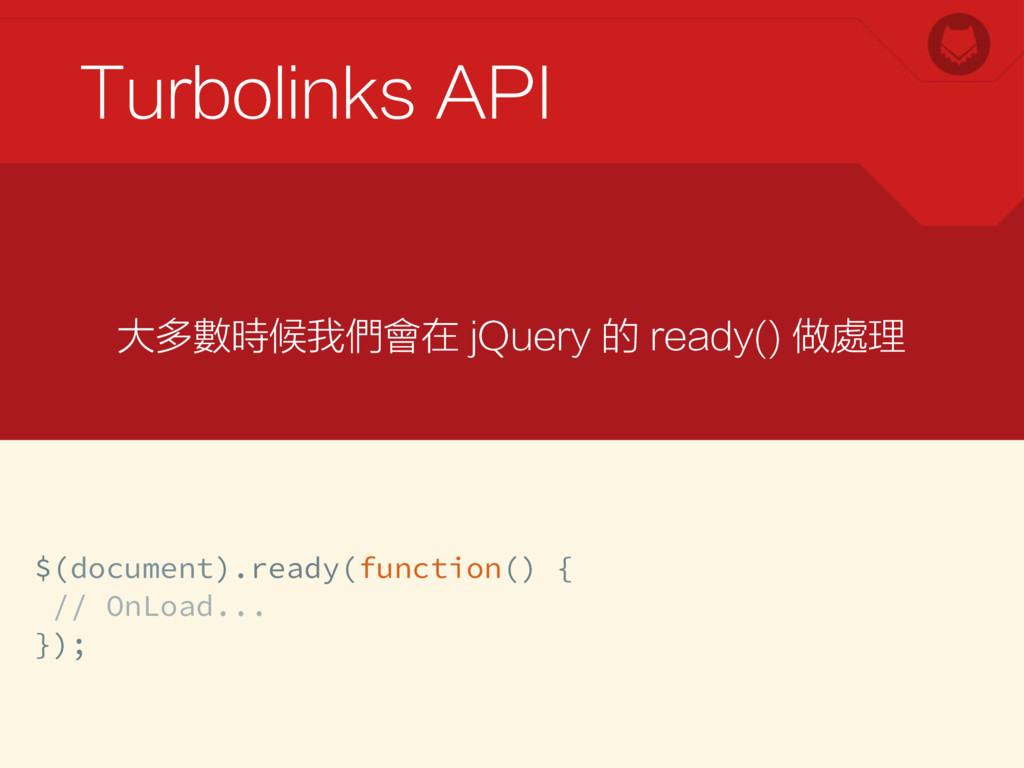
Turbolinks API $(document).ready(function() { // OnLoad... }); 大多數時候我們會在 jQuery 的
ready() 做處理
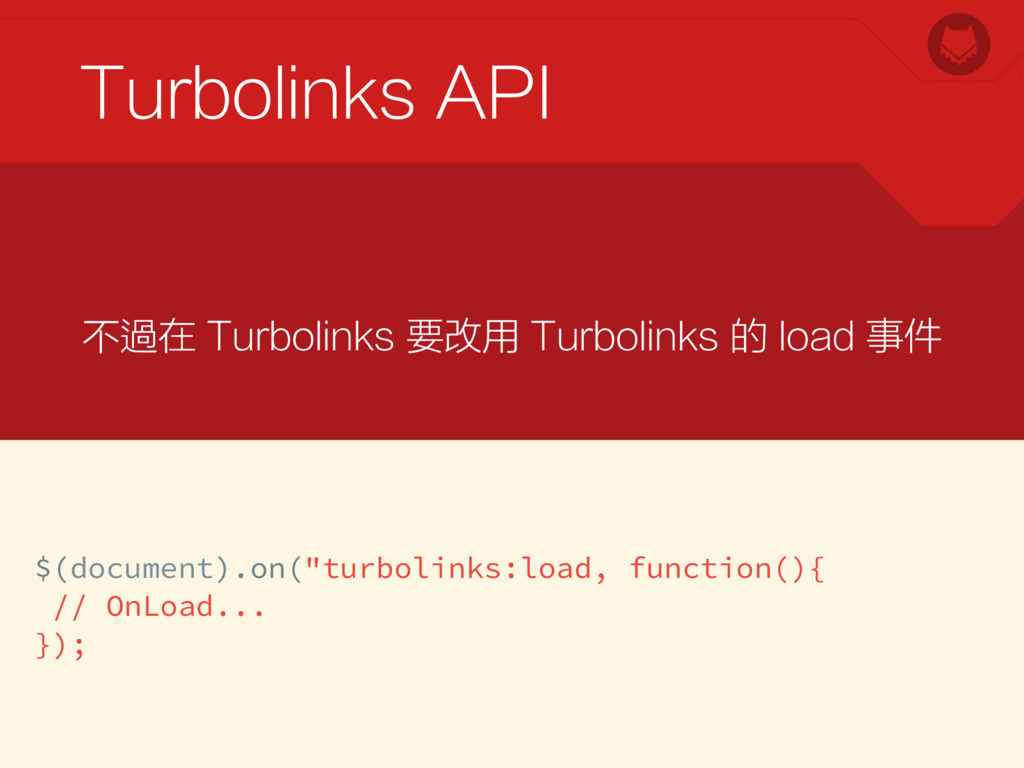
Turbolinks API $(document).on("turbolinks:load, function(){ // OnLoad... }); 不過在 Turbolinks 要改用
Turbolinks 的 load 事件
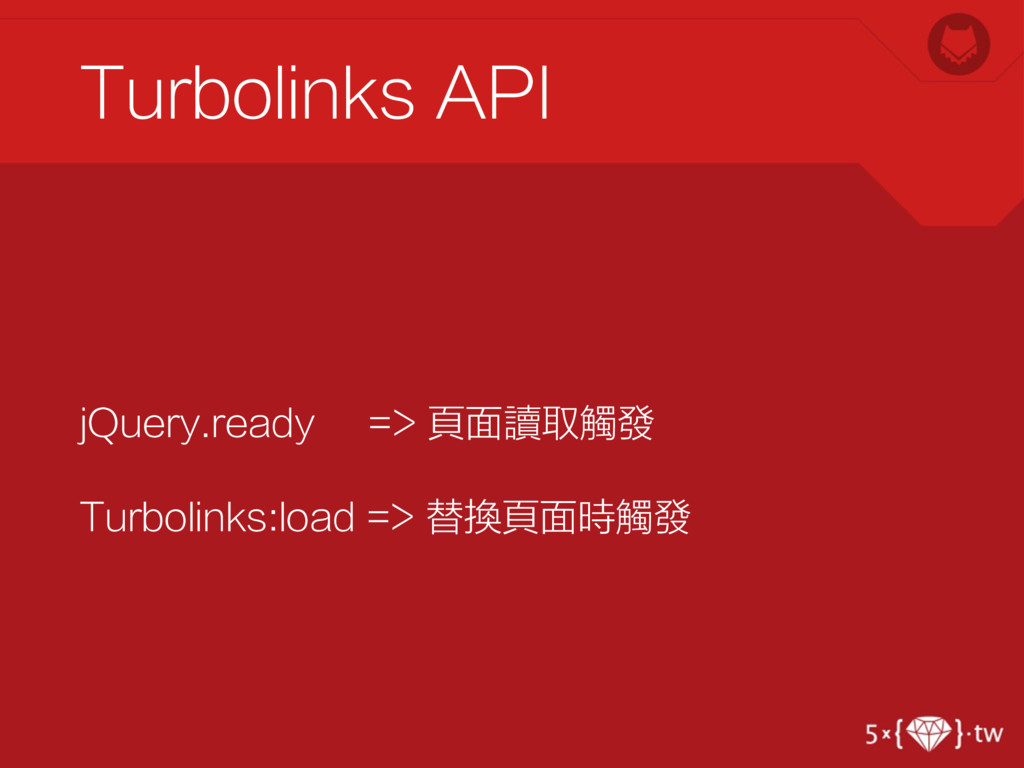
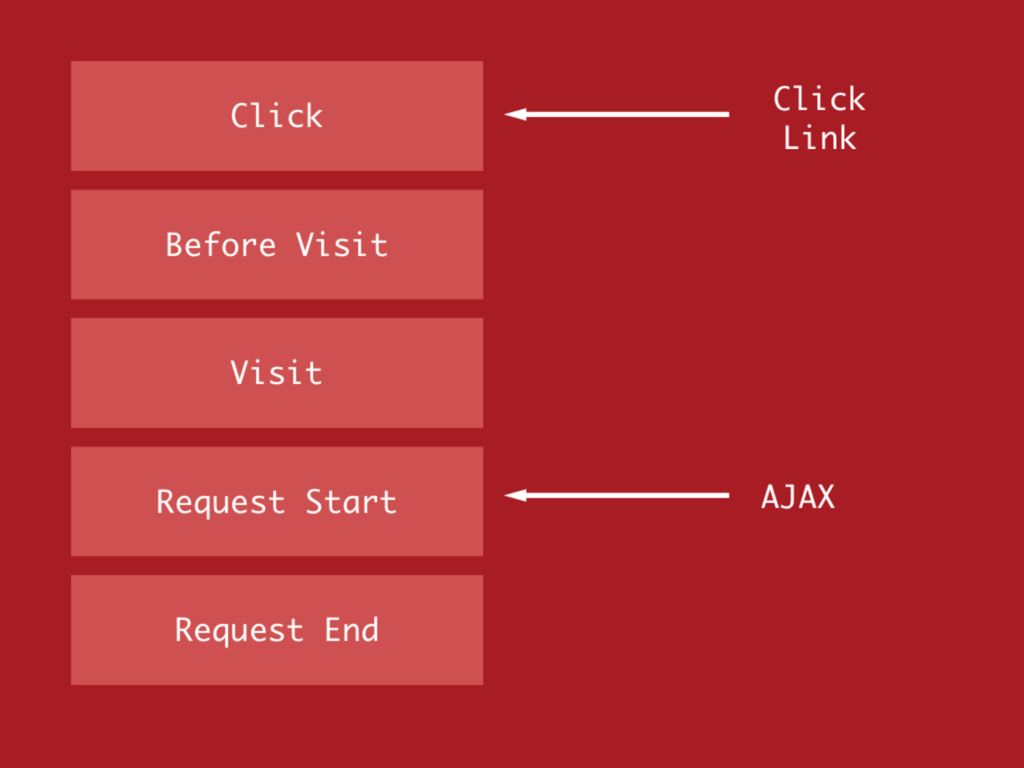
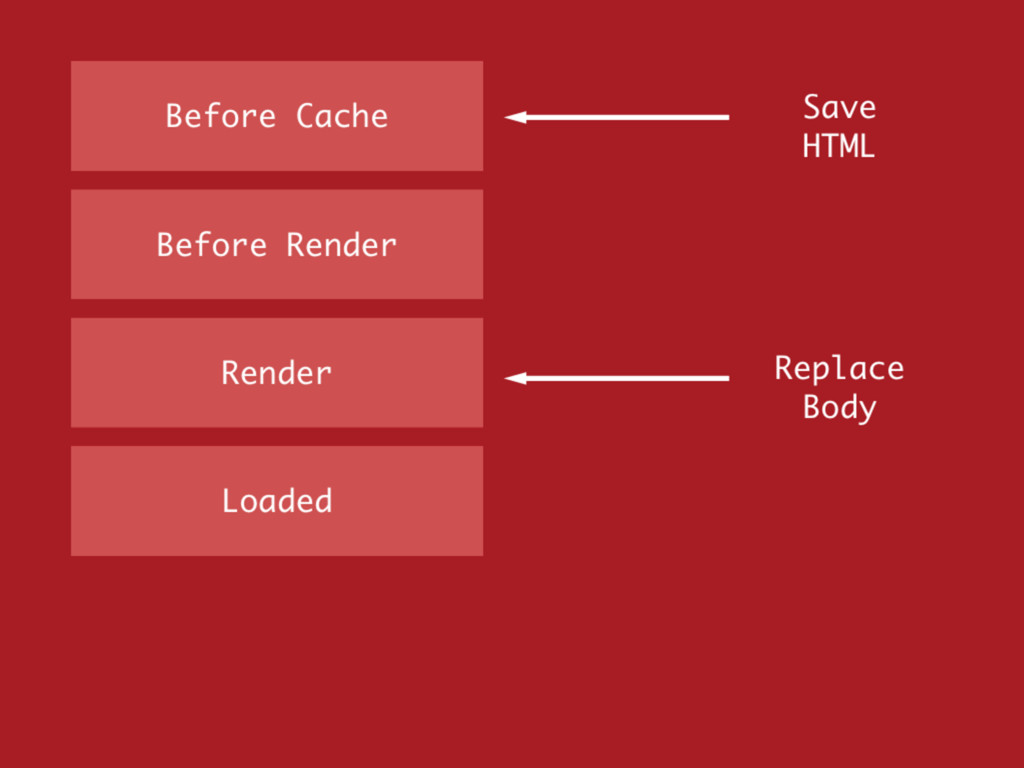
jQuery.ready => 頁面讀取觸發 Turbolinks:load => 替換頁面時觸發 Turbolinks API
jQuery.ready => 頁面讀取觸發 Turbolinks:load => 替換頁面時觸發 Turbolinks API
jQuery.ready => 頁面讀取觸發 Turbolinks:load => 替換頁面時觸發 Turbolinks API
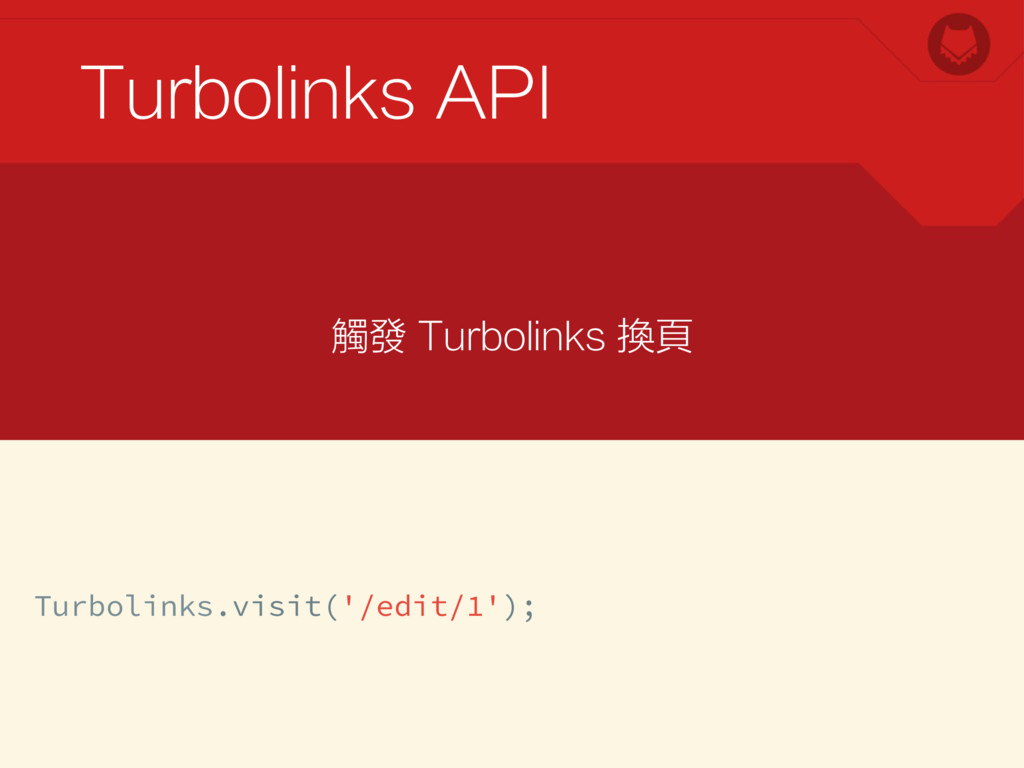
Turbolinks API Turbolinks.visit('/edit/1'); 觸發 Turbolinks 換頁
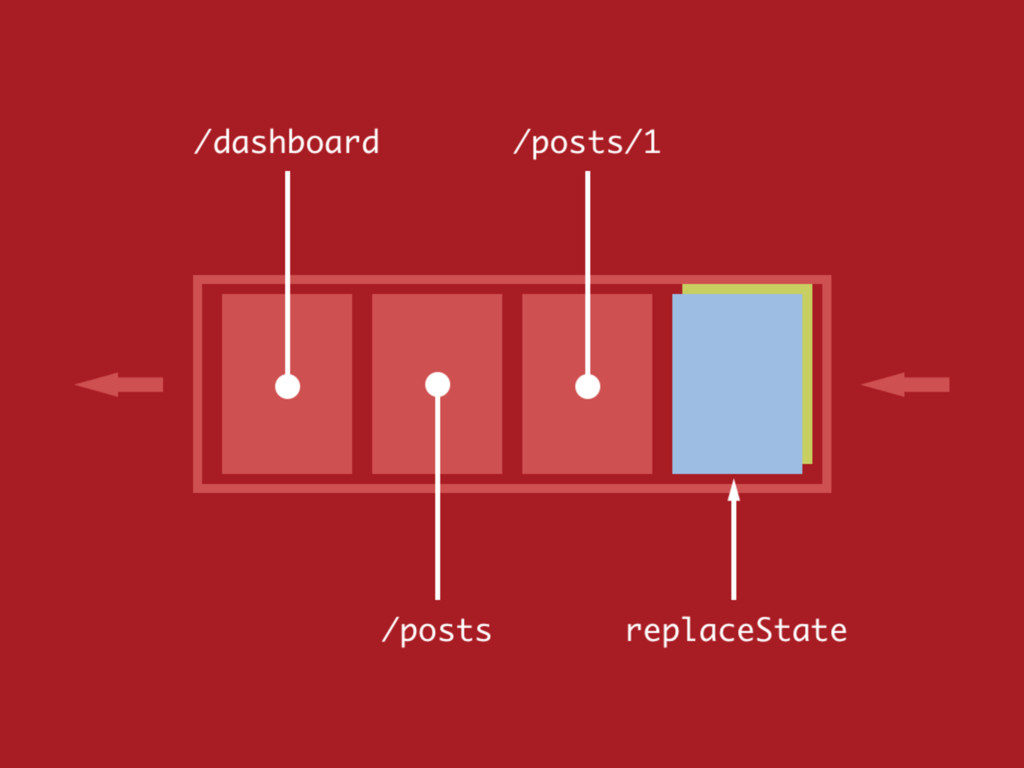
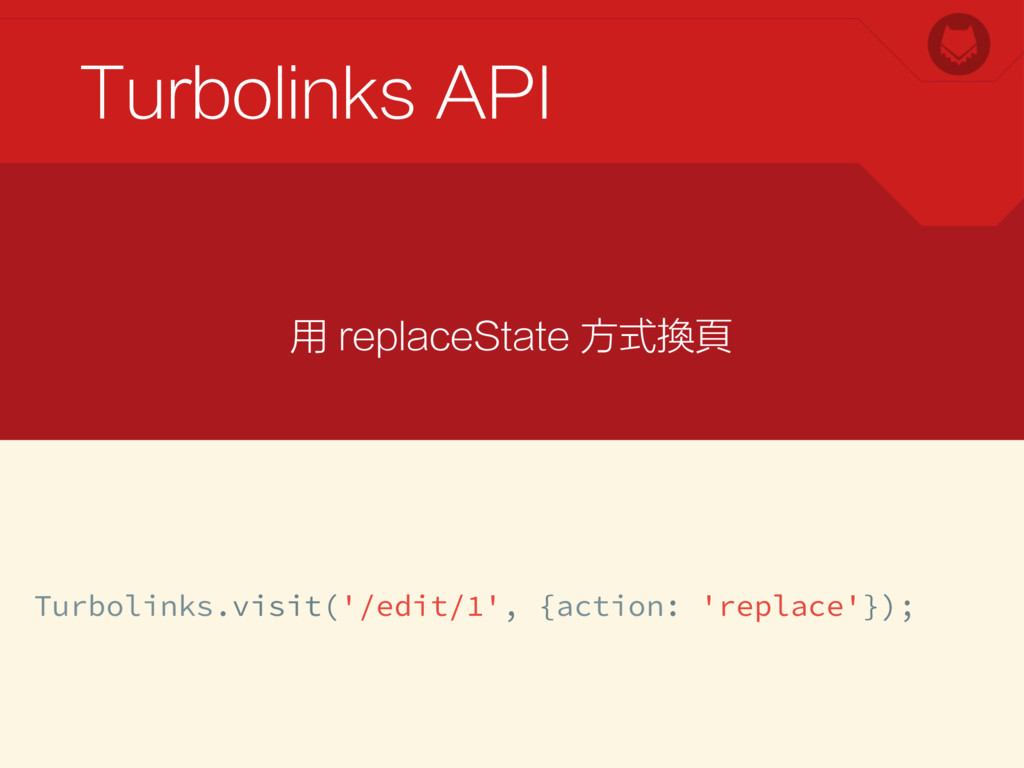
Turbolinks API Turbolinks.visit('/edit/1', {action: 'replace'}); 用 replaceState 方式換頁
Turbolinks API Turbolinks.clearCache(); 清除快取
Pinterest 效果 DEMO 時間
None


 elct9620
 eed3si9n
 kaityo256
 utakaha
 timakin
.jpg) yumnumm
yumnumm
 sorah
sorah
 irinanazarova
 iwatsukayura
 satoshi256kbyte
 deka_morita
 kmars0605
 tanahiro2010
 tmiket
 reverentgeek
 jcasabona
 cromwellryan
 baasie
 marktimemedia
 deanohume
 samanthasiow
 bkeepers
 tammyeverts