Upgrade to PRO for Only $50/Year—Limited-Time Offer! 🔥

Flutter On-device AI로 완성하는 오프라인 앱, 박제창 @DevFest...

Flutter On-device AI로 완성하는 오프라인 앱, 박제창 @DevFest INCHEON 2025

Flutter On-device AI로 완성하는 오프라인 앱
박제창, jaichangpark

DEVFEST INCHEON 2025
2025년 12월 06일 (토) 12시 00분 - 19시 00분
송도 컨벤시아

- https://www.ticketa.co/events/40
- https://devfest25.gdgincheon.dev/

Avatar for JaiChangPark

JaiChangPark

December 06, 2025
Tweet

More Decks by JaiChangPark

Other Decks in Programming

Transcript

  1. Editable Location 박제창 GDE Dart-Flutter, Flutter Seoul GDG Golang Kora

    Flutter On-device AI로 완성하는 오프라인 앱 2025 1
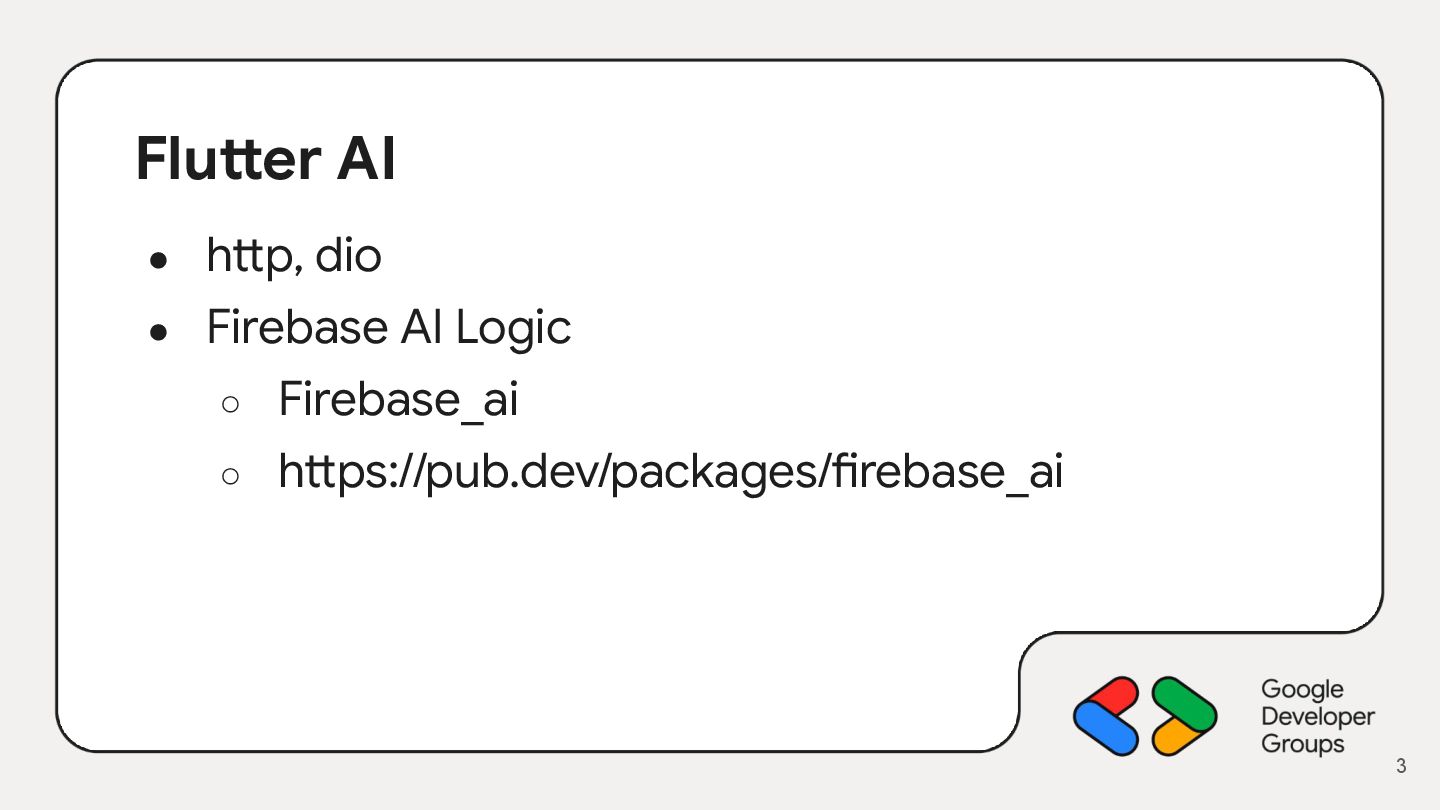
  2. Flutter AI • http, dio • Firebase AI Logic ◦

    Firebase_ai ◦ https://pub.dev/packages/firebase_ai 3
  3. 5

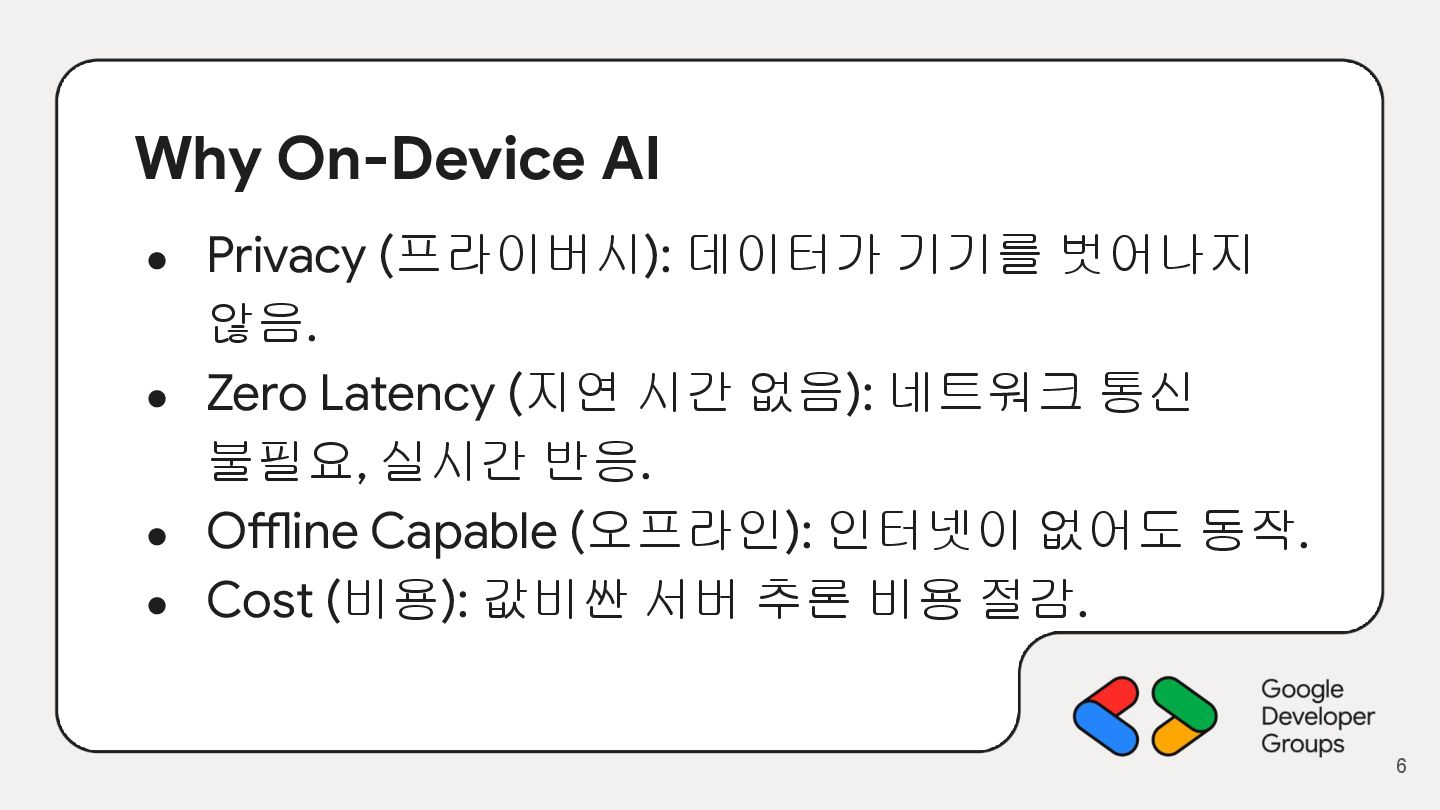
  4. Why On-Device AI • Privacy (프라이버시): 데이터가 기기를 벗어나지 않음.

    • Zero Latency (지연 시간 없음): 네트워크 통신 불필요, 실시간 반응. • Offline Capable (오프라인): 인터넷이 없어도 동작. • Cost (비용): 값비싼 서버 추론 비용 절감. 6
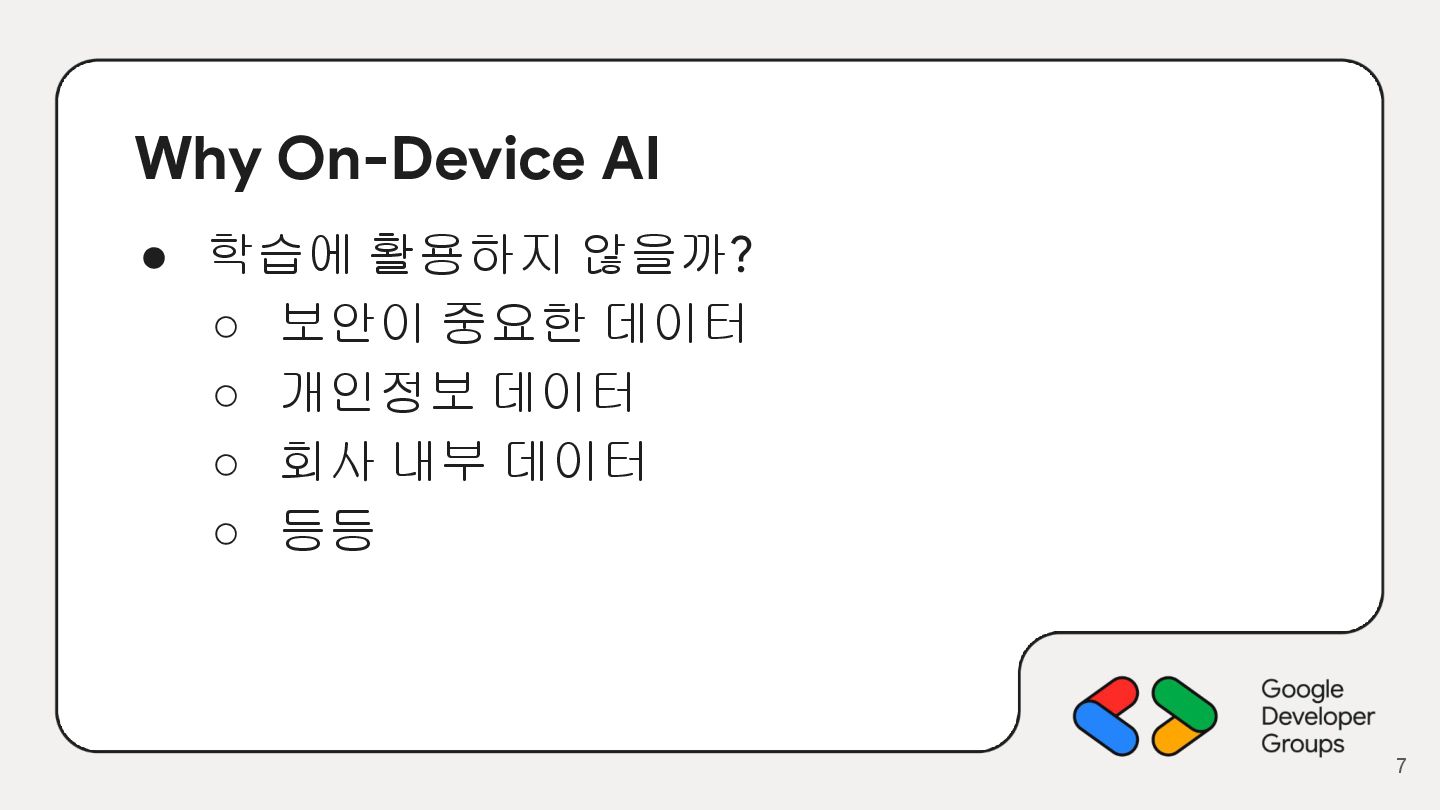
  5. Why On-Device AI • 학습에 활용하지 않을까? ◦ 보안이 중요한

    데이터 ◦ 개인정보 데이터 ◦ 회사 내부 데이터 ◦ 등등 7
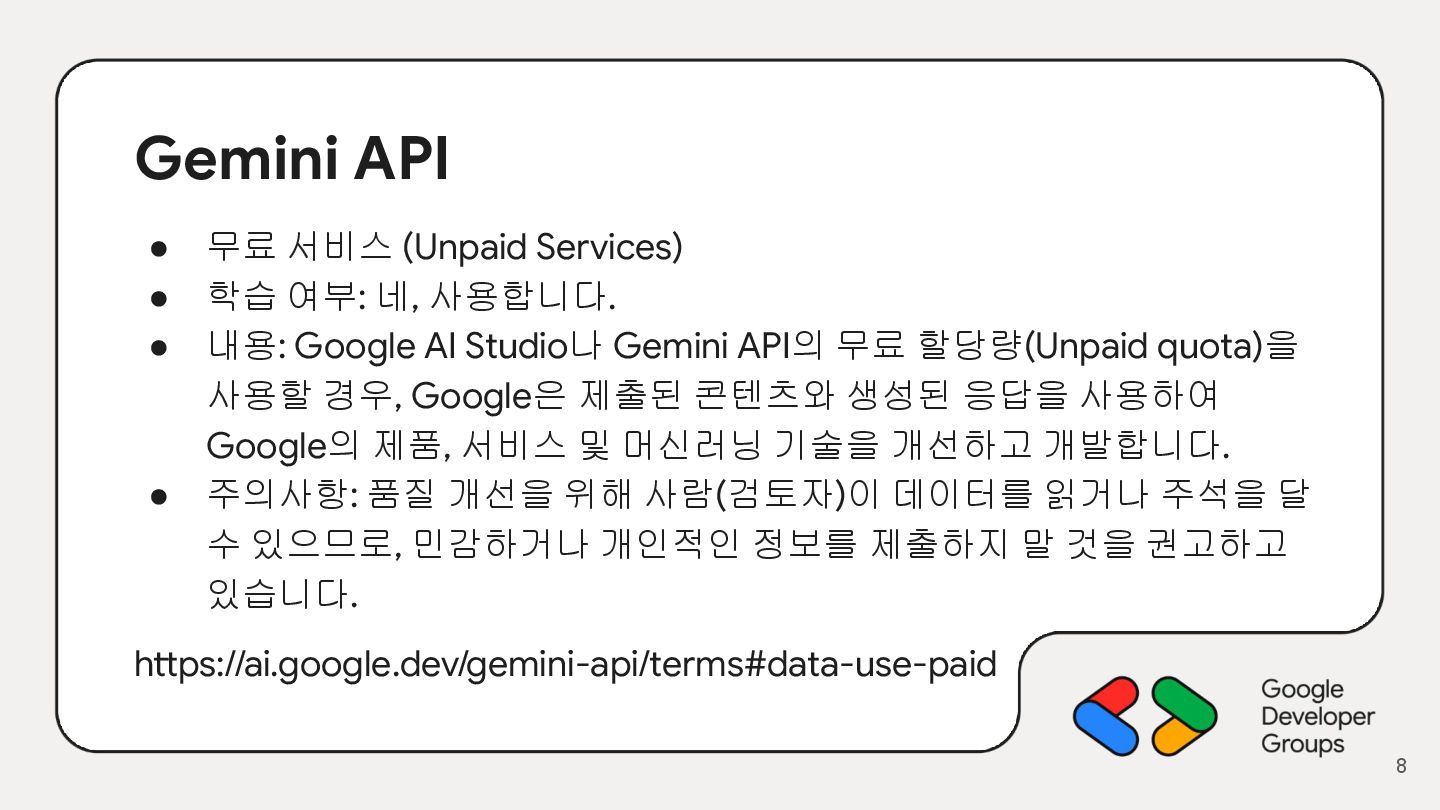
  6. Gemini API • 무료 서비스 (Unpaid Services) • 학습 여부:

    네, 사용합니다. • 내용: Google AI Studio나 Gemini API의 무료 할당량(Unpaid quota)을 사용할 경우, Google은 제출된 콘텐츠와 생성된 응답을 사용하여 Google의 제품, 서비스 및 머신러닝 기술을 개선하고 개발합니다. • 주의사항: 품질 개선을 위해 사람(검토자)이 데이터를 읽거나 주석을 달 수 있으므로, 민감하거나 개인적인 정보를 제출하지 말 것을 권고하고 있습니다. https://ai.google.dev/gemini-api/terms#data-use-paid 8
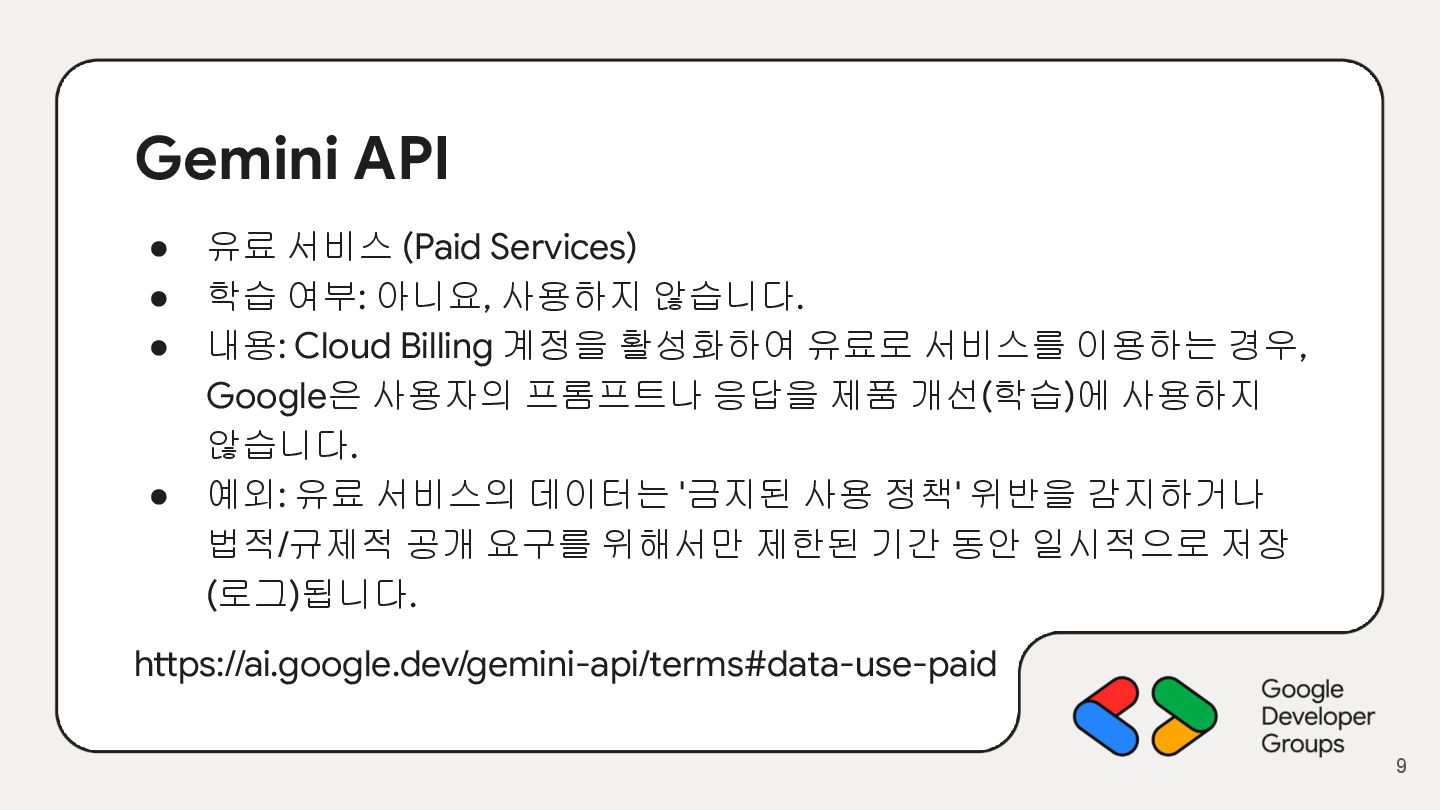
  7. Gemini API • 유료 서비스 (Paid Services) • 학습 여부:

    아니요, 사용하지 않습니다. • 내용: Cloud Billing 계정을 활성화하여 유료로 서비스를 이용하는 경우, Google은 사용자의 프롬프트나 응답을 제품 개선(학습)에 사용하지 않습니다. • 예외: 유료 서비스의 데이터는 '금지된 사용 정책' 위반을 감지하거나 법적/규제적 공개 요구를 위해서만 제한된 기간 동안 일시적으로 저장 (로그)됩니다. https://ai.google.dev/gemini-api/terms#data-use-paid 9
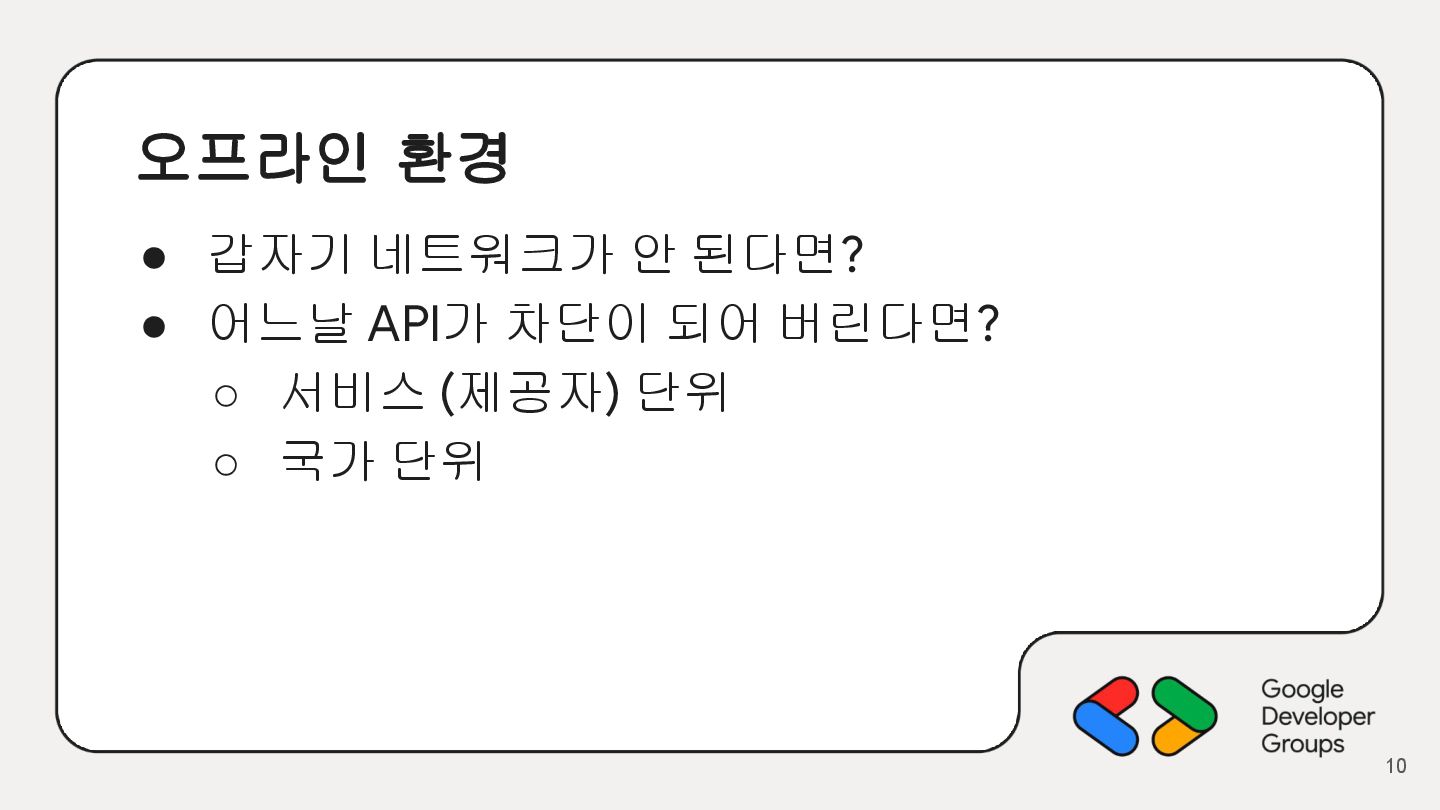
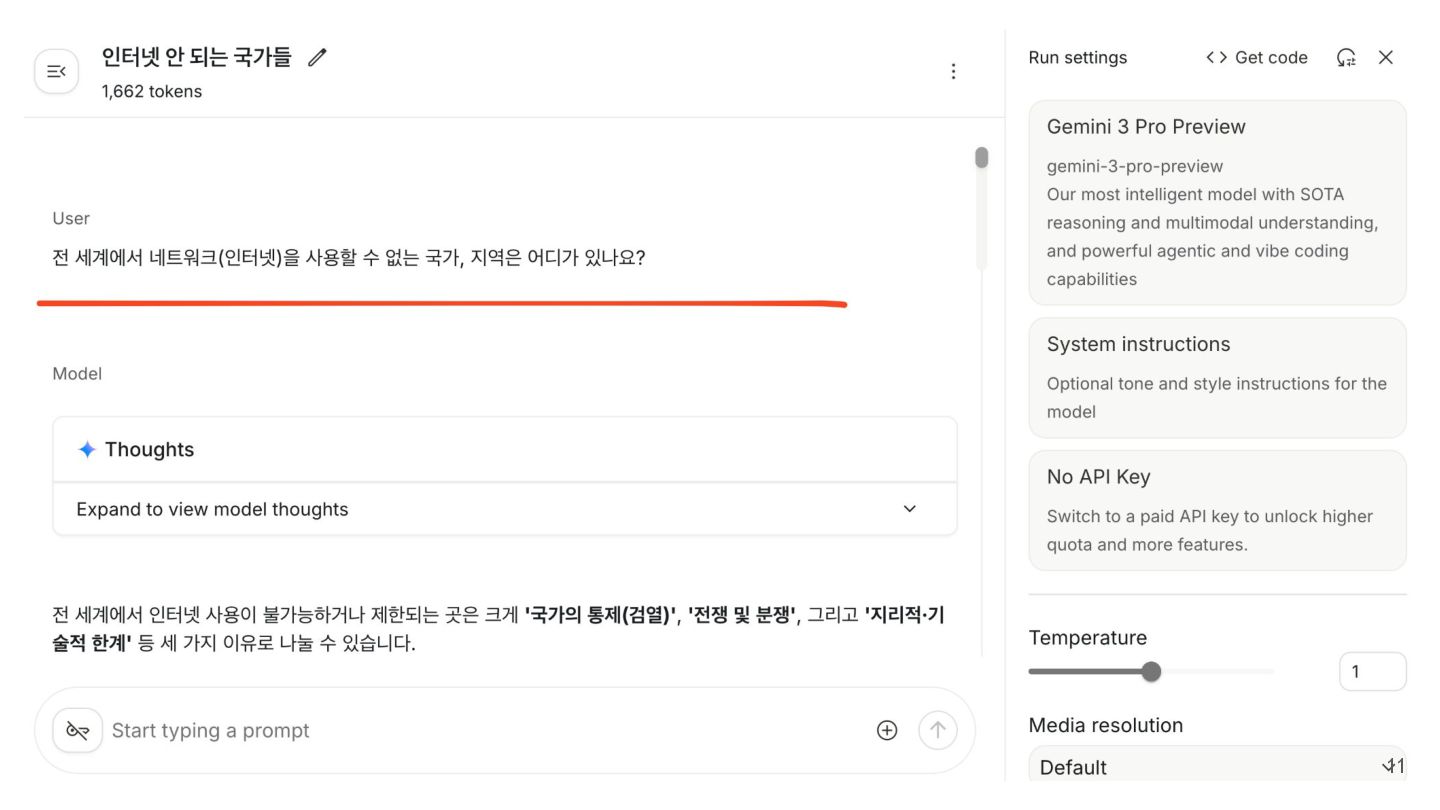
  8. 오프라인 환경 • 갑자기 네트워크가 안 된다면? • 어느날 API가

    차단이 되어 버린다면? ◦ 서비스 (제공자) 단위 ◦ 국가 단위 10
  9. 11

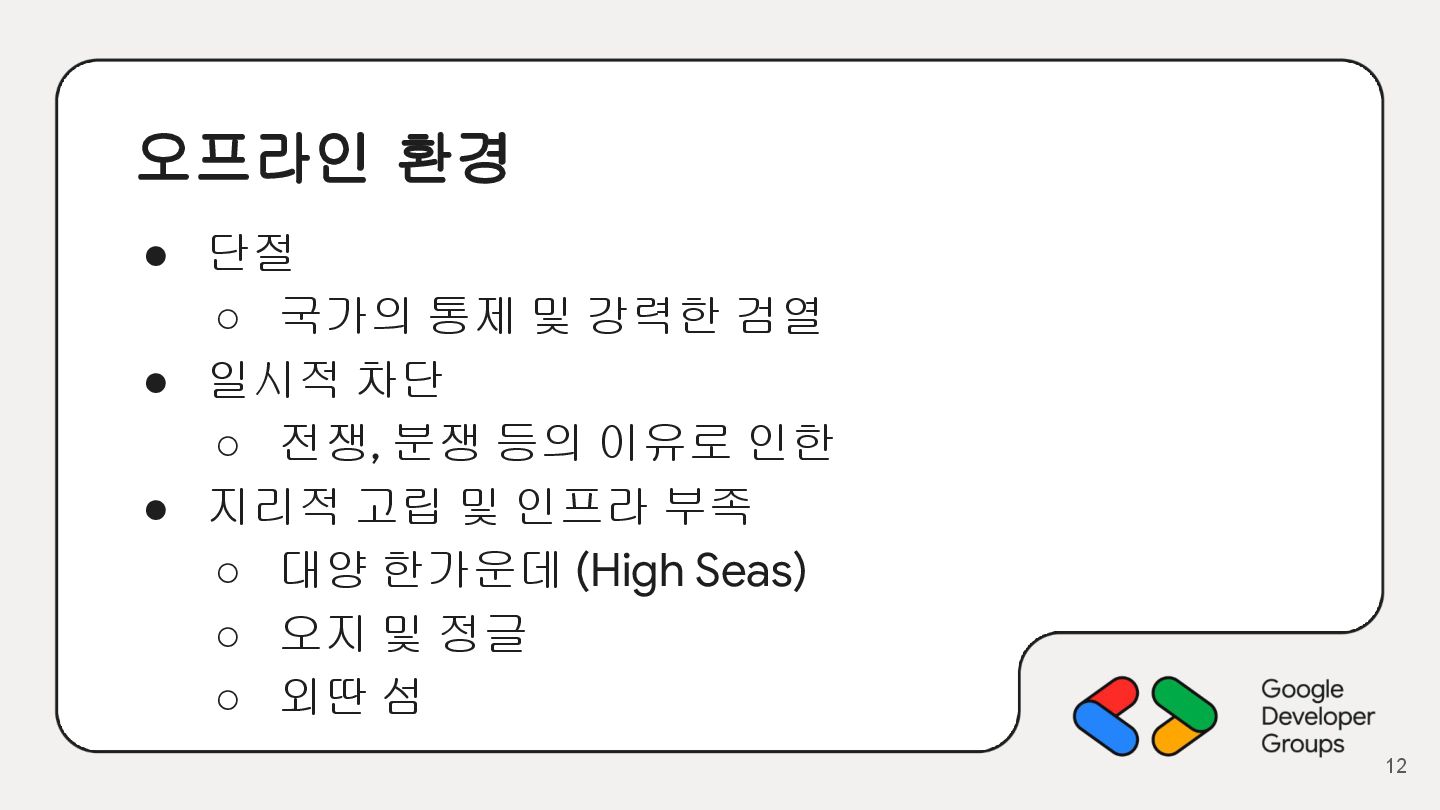
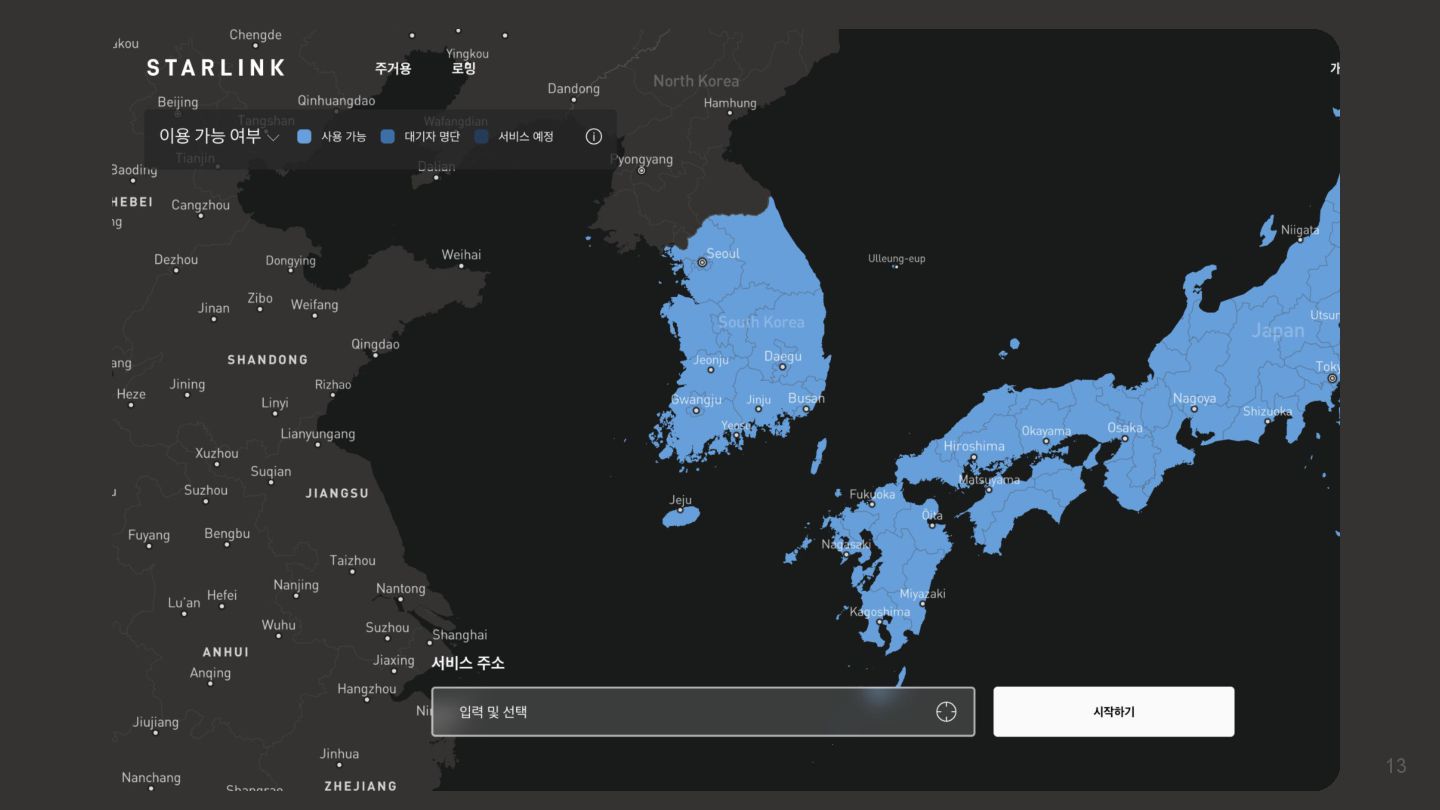
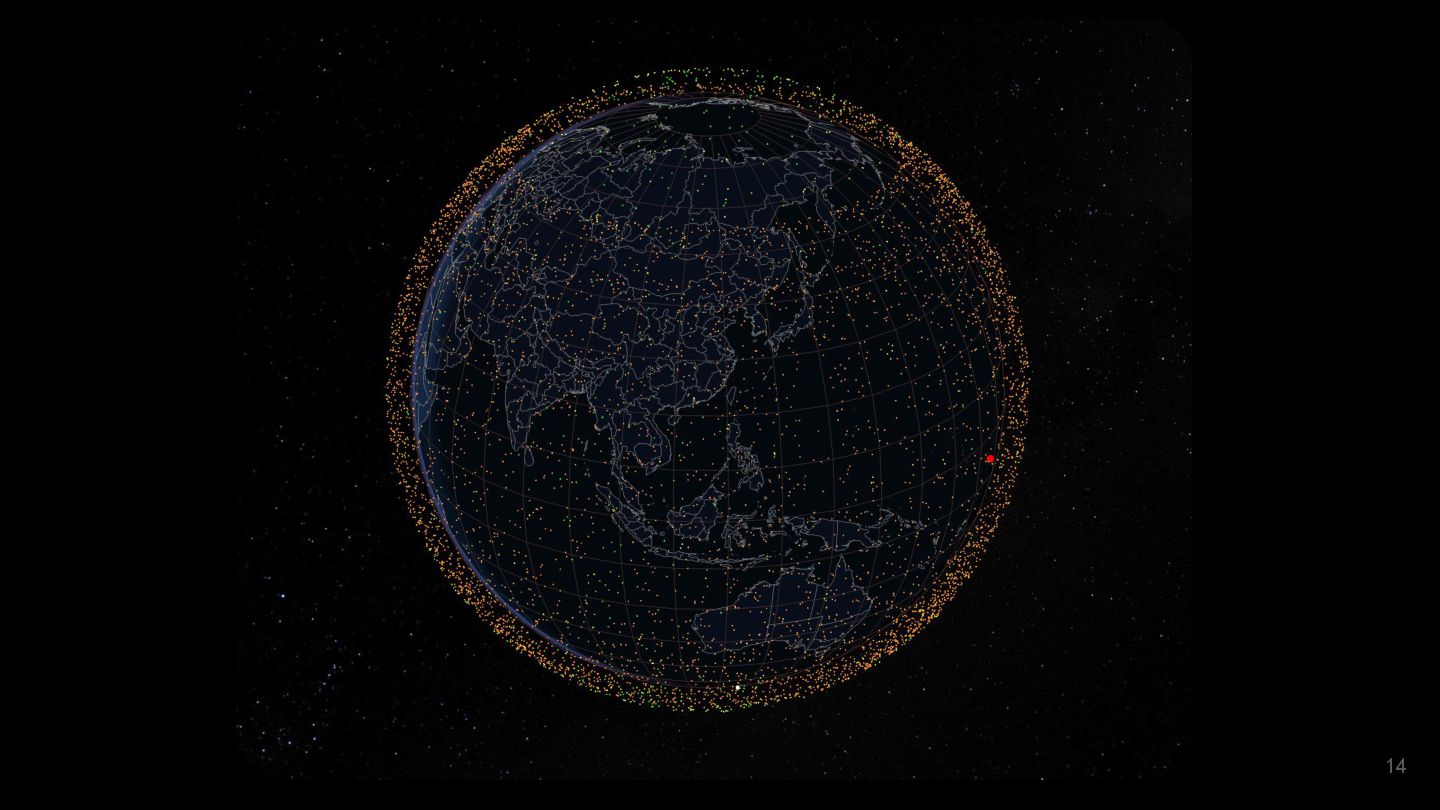
  10. 오프라인 환경 • 단절 ◦ 국가의 통제 및 강력한 검열

    • 일시적 차단 ◦ 전쟁, 분쟁 등의 이유로 인한 • 지리적 고립 및 인프라 부족 ◦ 대양 한가운데 (High Seas) ◦ 오지 및 정글 ◦ 외딴 섬 12
  11. 13

  12. 14

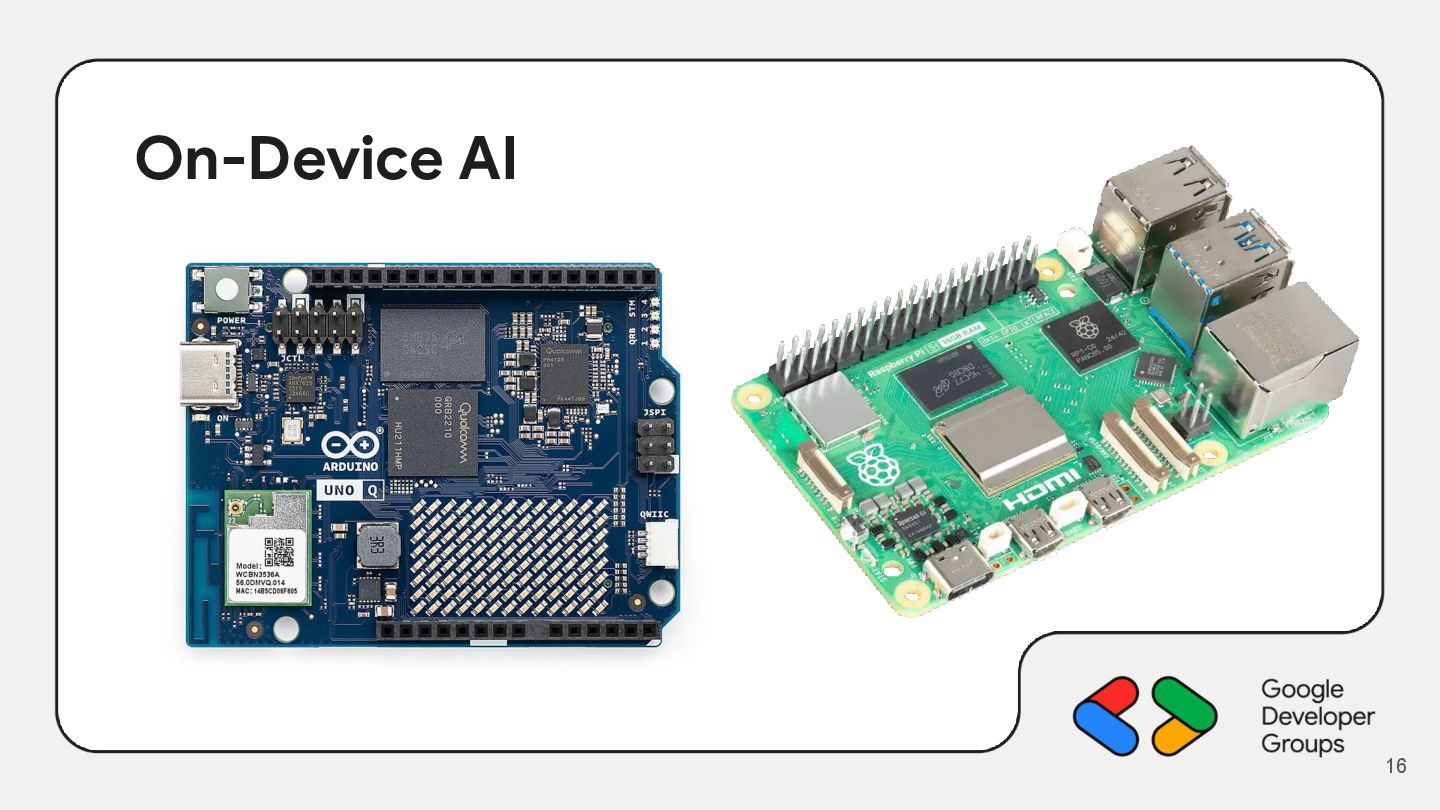
  13. On-Device AI • 생활가전 ◦ 개인화와 대화형으로 발전 • 로봇

    ◦ 가정용 • 헬스케어 ◦ 개인화 ◦ 데이터 분석 15
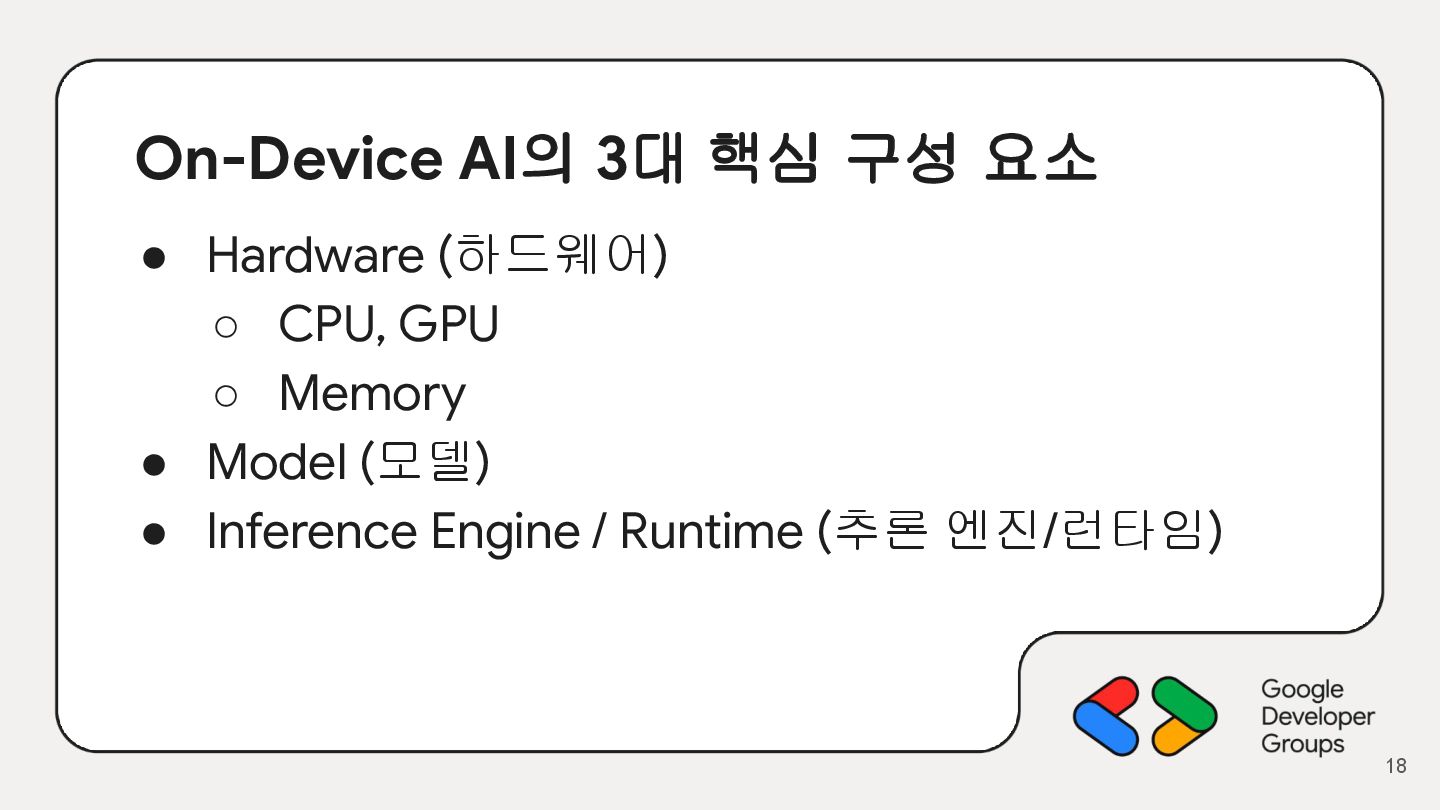
  14. On-Device AI의 3대 핵심 구성 요소 • Hardware (하드웨어) ◦

    CPU, GPU ◦ Memory • Model (모델) • Inference Engine / Runtime (추론 엔진/런타임) 18
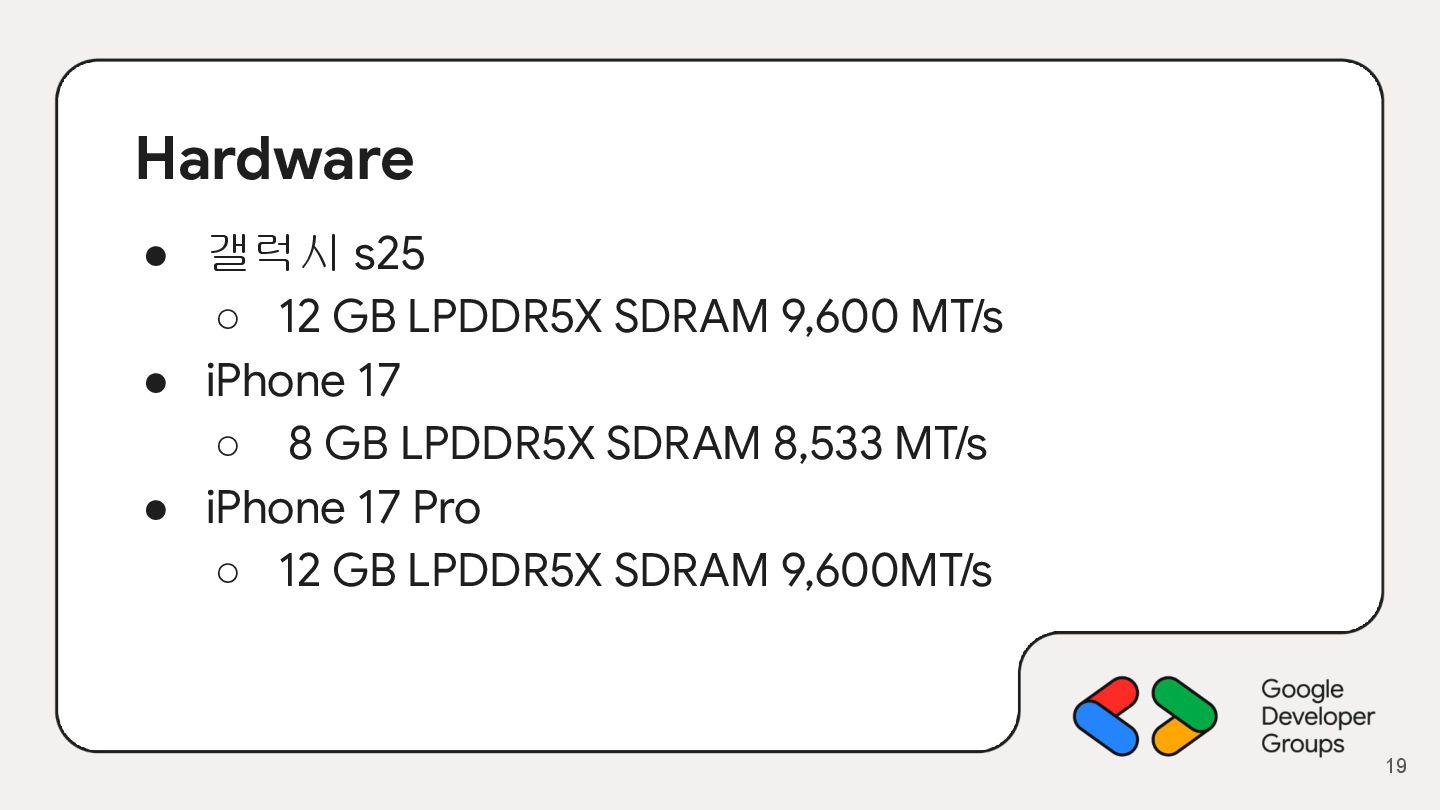
  15. Hardware • 갤럭시 s25 ◦ 12 GB LPDDR5X SDRAM 9,600

    MT/s • iPhone 17 ◦ 8 GB LPDDR5X SDRAM 8,533 MT/s • iPhone 17 Pro ◦ 12 GB LPDDR5X SDRAM 9,600MT/s 19
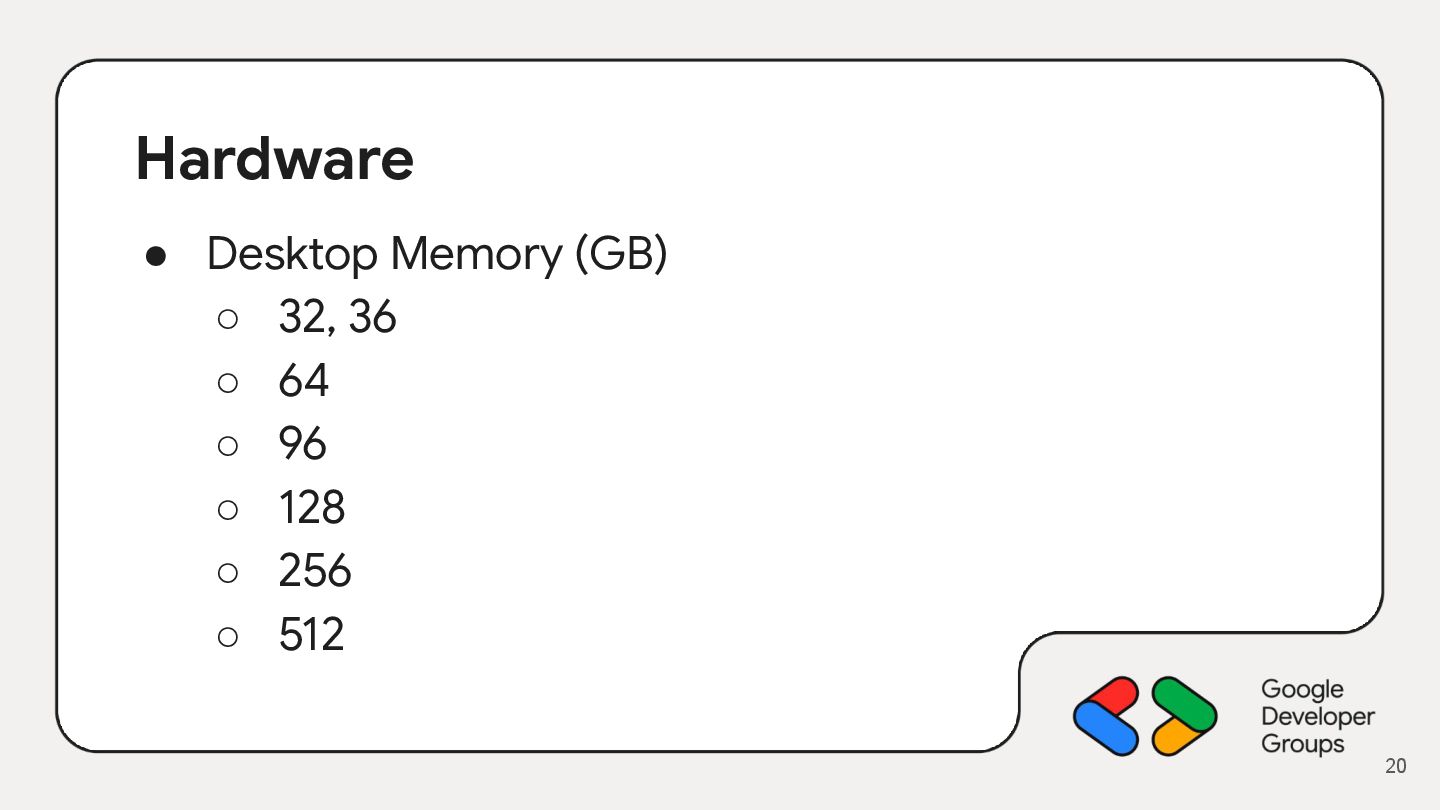
  16. Hardware • Desktop Memory (GB) ◦ 32, 36 ◦ 64

    ◦ 96 ◦ 128 ◦ 256 ◦ 512 20
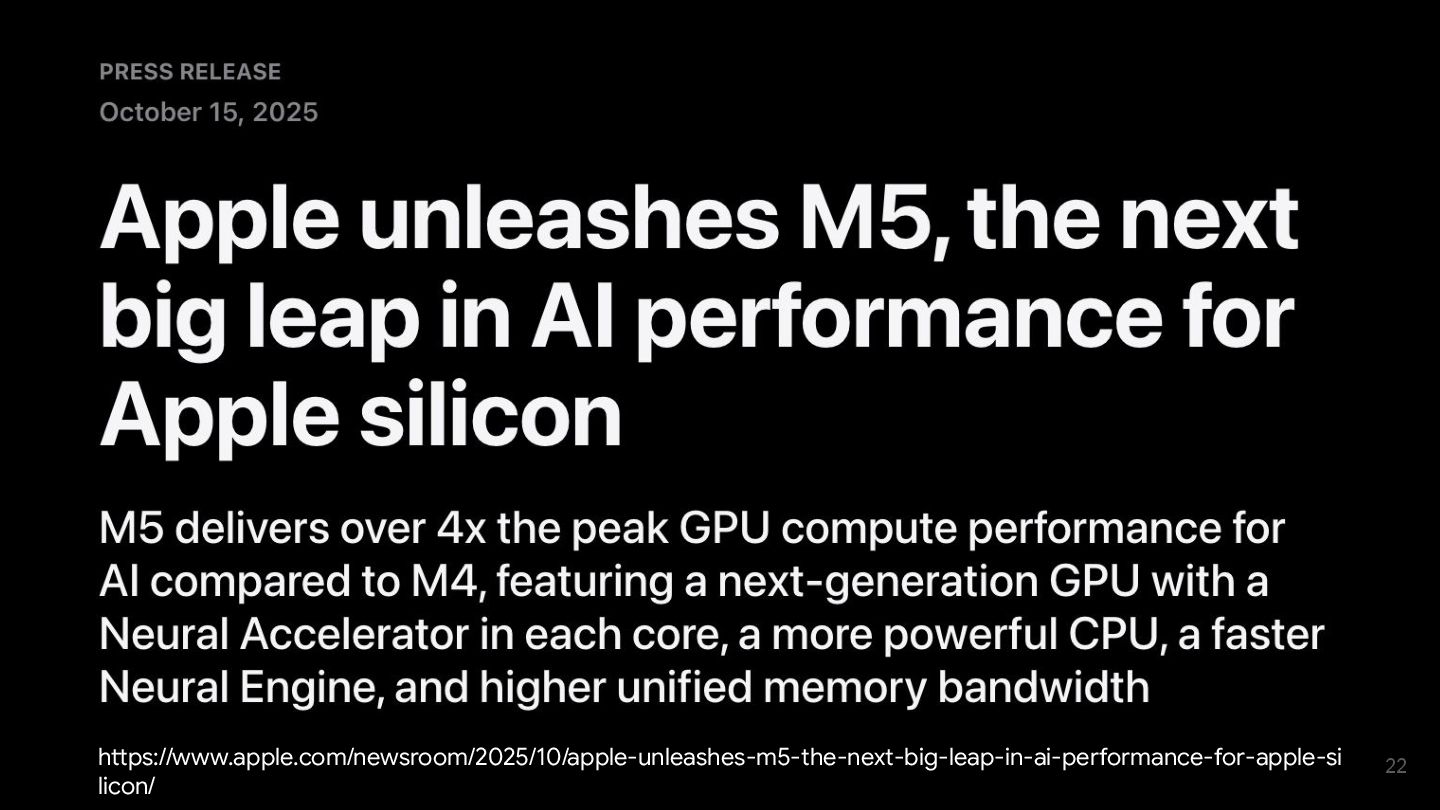
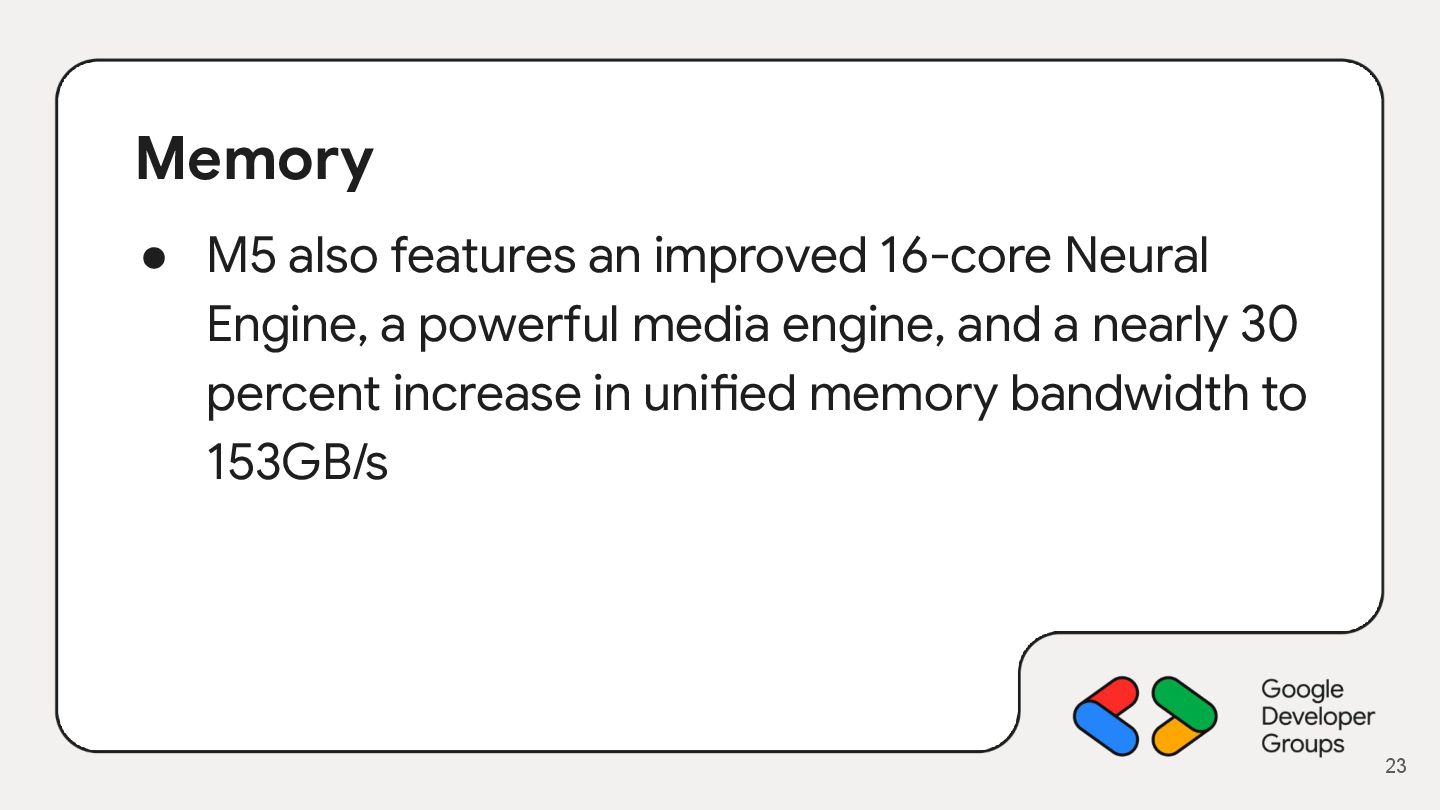
  17. Memory • M5 also features an improved 16-core Neural Engine,

    a powerful media engine, and a nearly 30 percent increase in unified memory bandwidth to 153GB/s 23
  18. 24

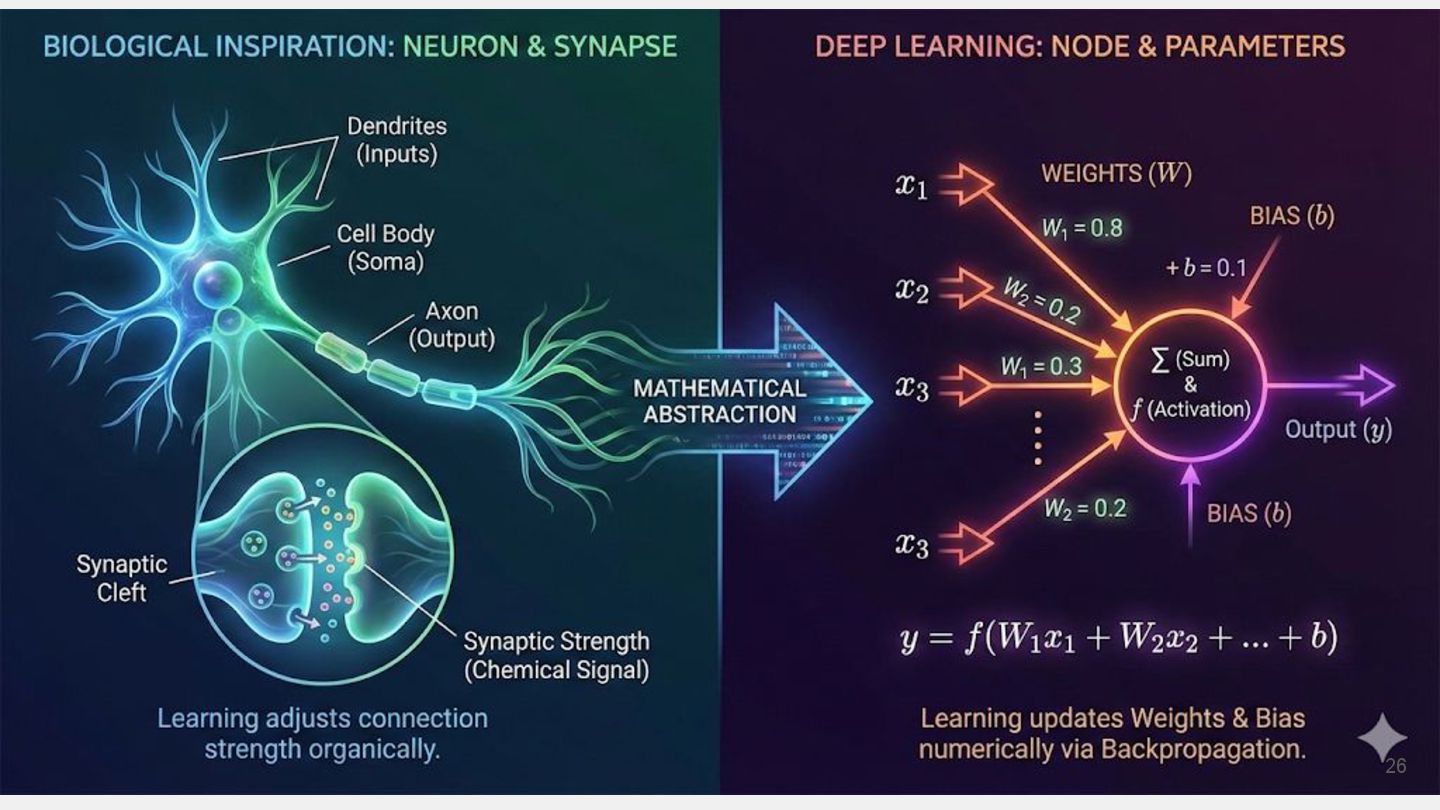
  19. 26

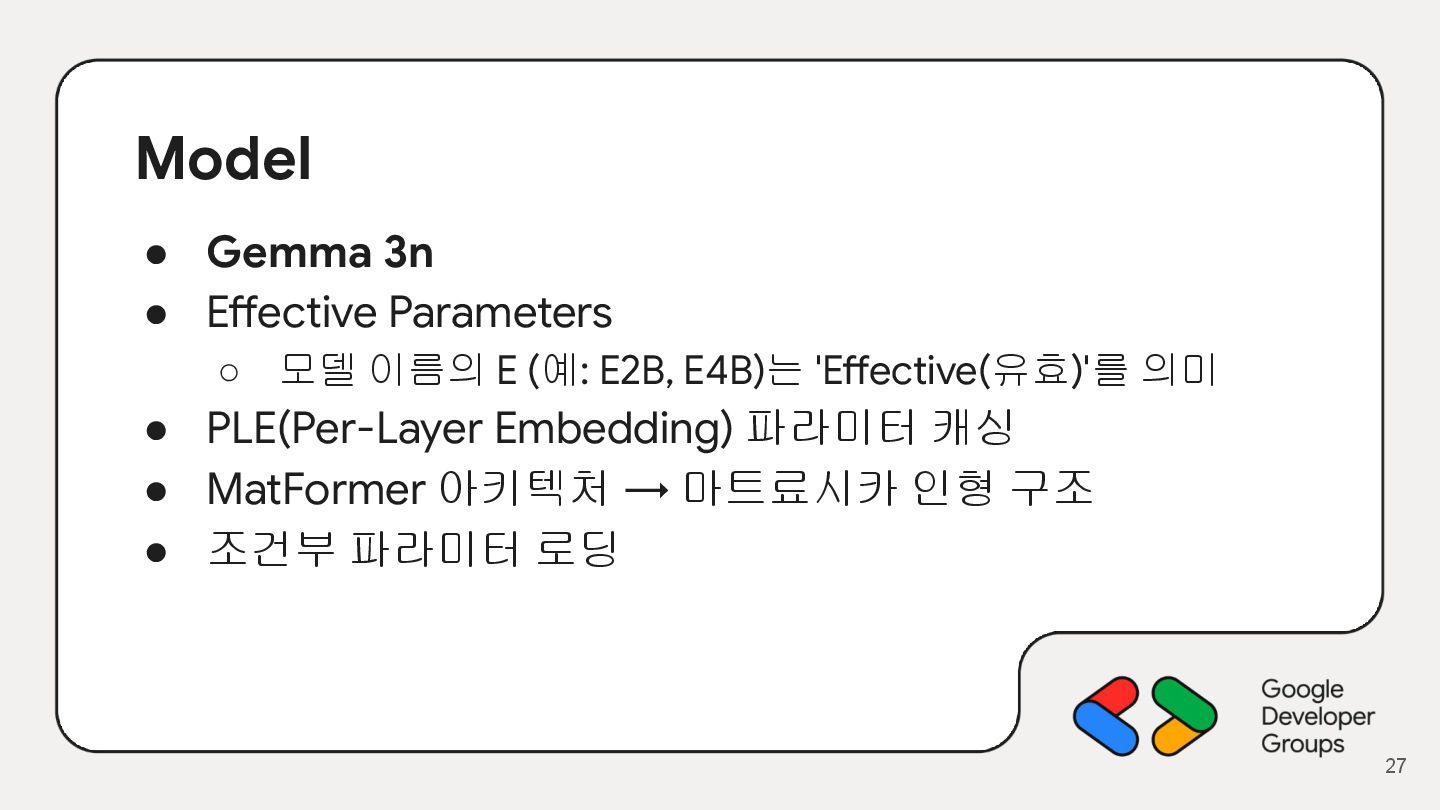
  20. Model • Gemma 3n • Effective Parameters ◦ 모델 이름의

    E (예: E2B, E4B)는 'Effective(유효)'를 의미 • PLE(Per-Layer Embedding) 파라미터 캐싱 • MatFormer 아키텍처 → 마트료시카 인형 구조 • 조건부 파라미터 로딩 27
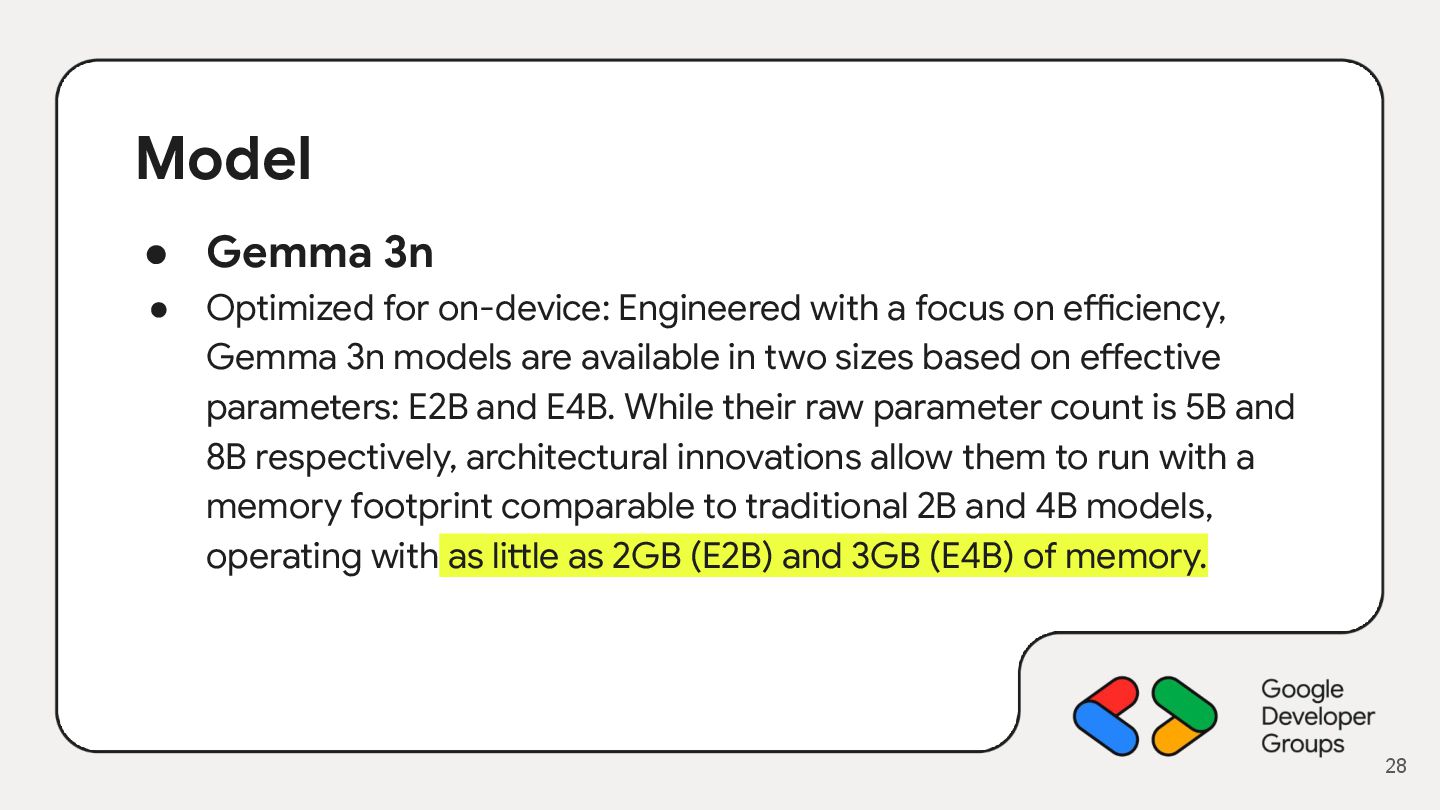
  21. Model • Gemma 3n • Optimized for on-device: Engineered with

    a focus on efficiency, Gemma 3n models are available in two sizes based on effective parameters: E2B and E4B. While their raw parameter count is 5B and 8B respectively, architectural innovations allow them to run with a memory footprint comparable to traditional 2B and 4B models, operating with as little as 2GB (E2B) and 3GB (E4B) of memory. 28
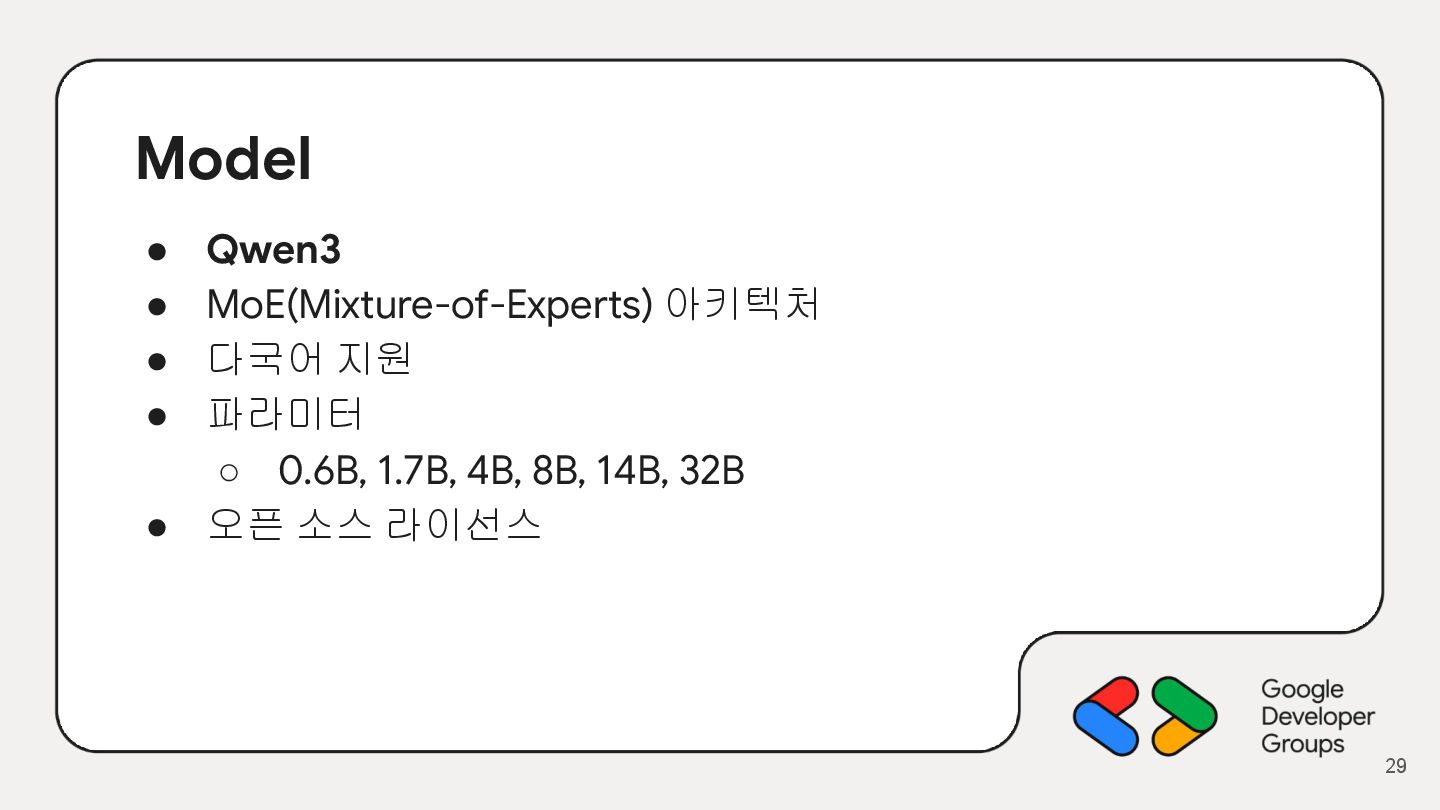
  22. Model • Qwen3 • MoE(Mixture-of-Experts) 아키텍처 • 다국어 지원 •

    파라미터 ◦ 0.6B, 1.7B, 4B, 8B, 14B, 32B • 오픈 소스 라이선스 29
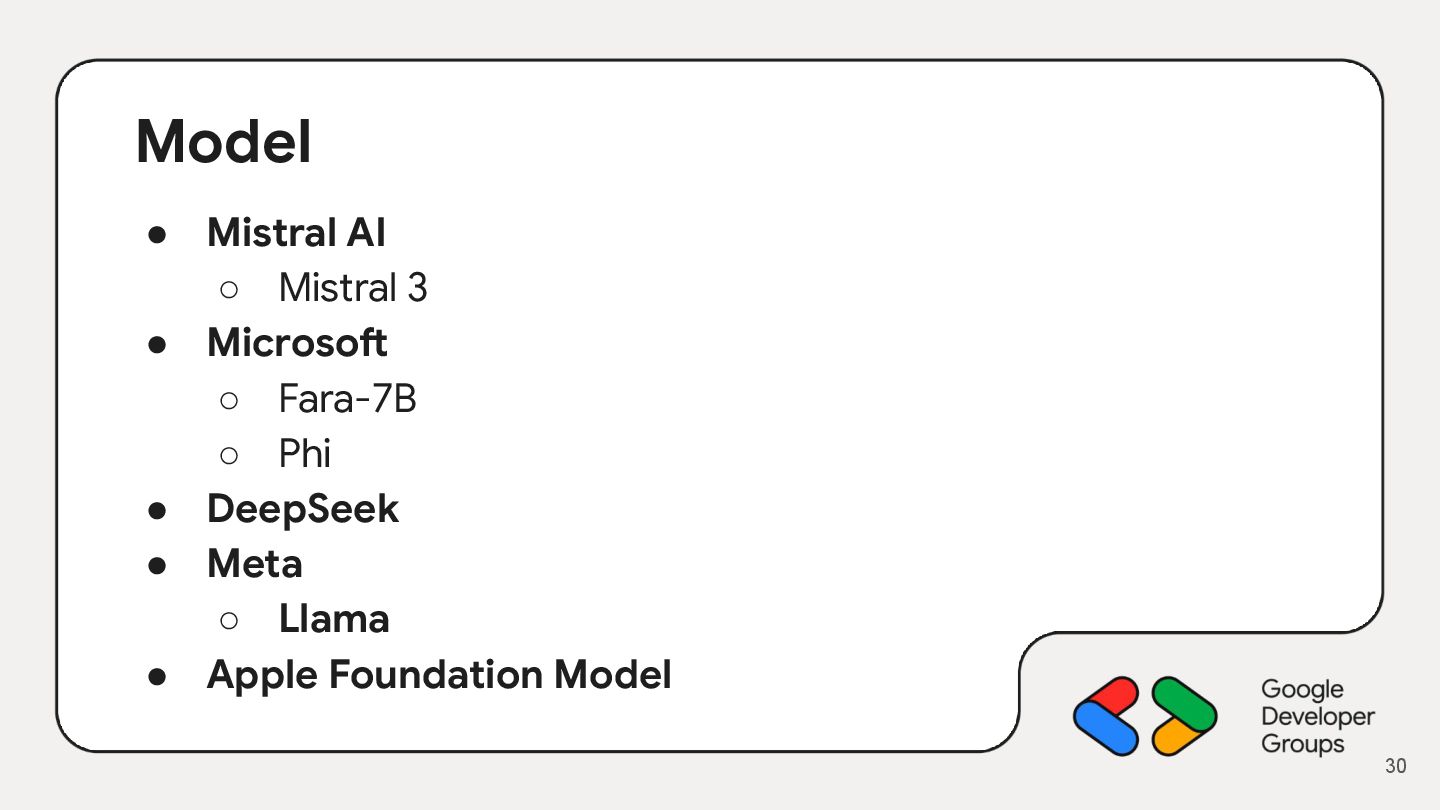
  23. Model • Mistral AI ◦ Mistral 3 • Microsoft ◦

    Fara-7B ◦ Phi • DeepSeek • Meta ◦ Llama • Apple Foundation Model 30
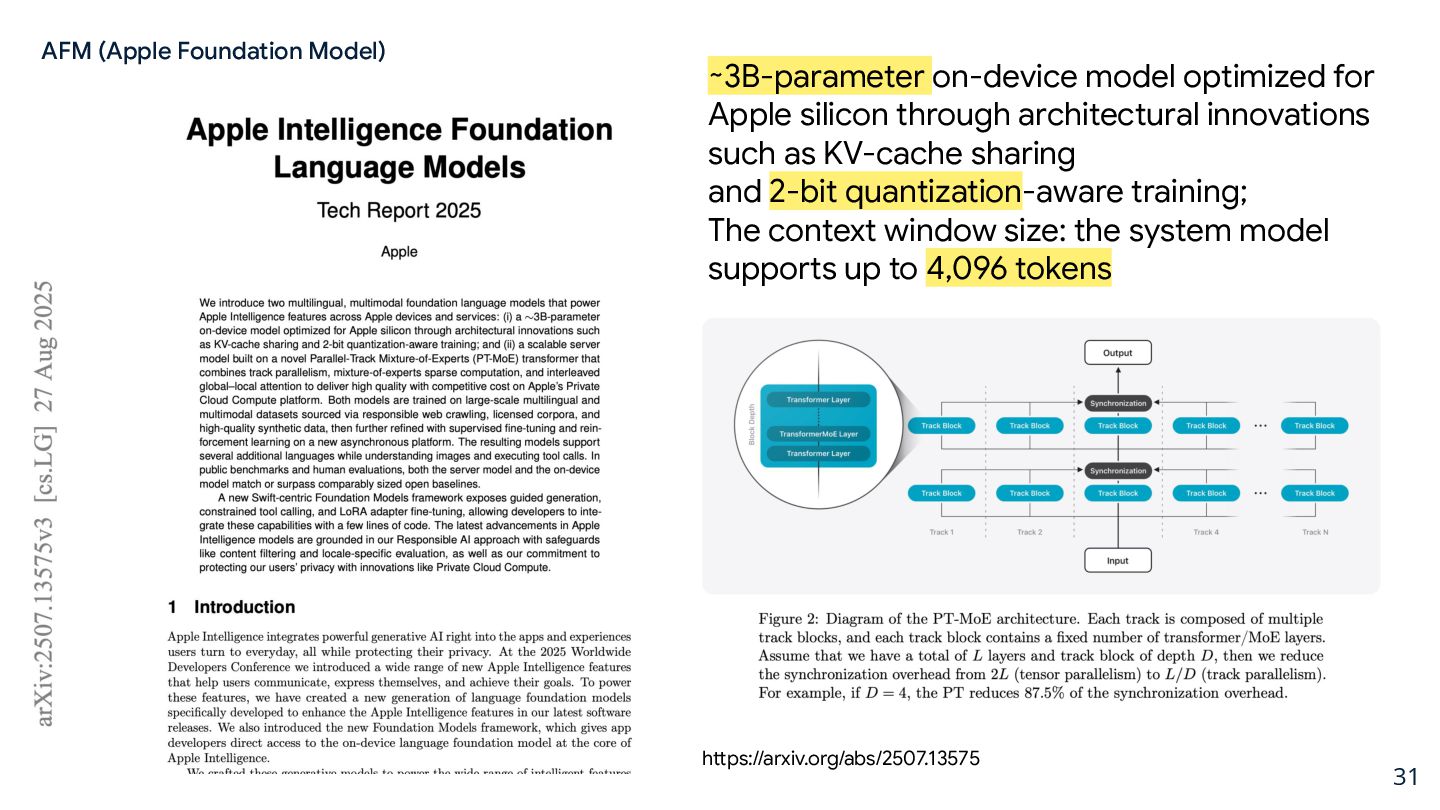
  24. 31 ∼3B-parameter on-device model optimized for Apple silicon through architectural

    innovations such as KV-cache sharing and 2-bit quantization-aware training; The context window size: the system model supports up to 4,096 tokens https://arxiv.org/abs/2507.13575 AFM (Apple Foundation Model)
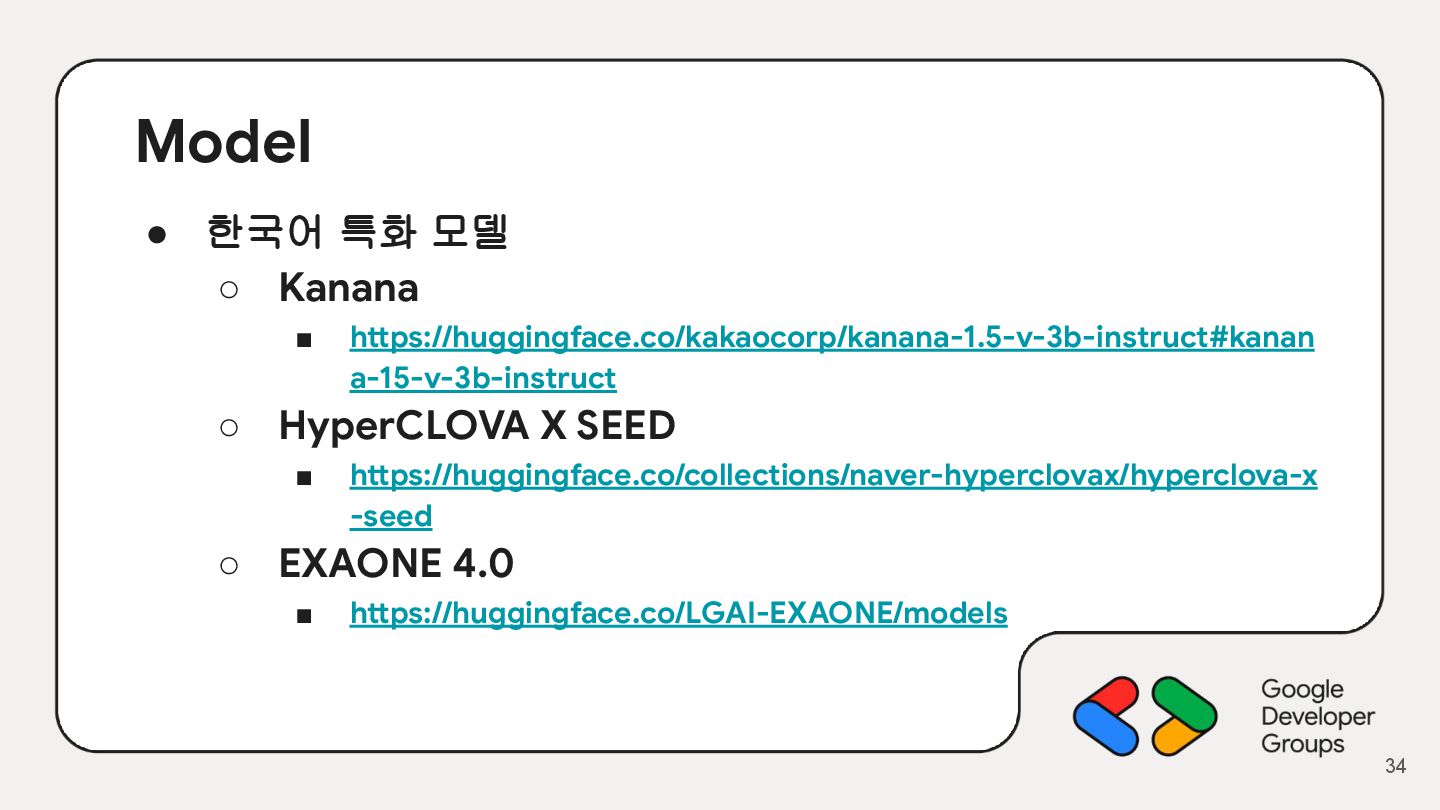
  25. Model • 한국어 특화 모델 ◦ Kanana ▪ https://huggingface.co/kakaocorp/kanana-1.5-v-3b-instruct#kanan a-15-v-3b-instruct

    ◦ HyperCLOVA X SEED ▪ https://huggingface.co/collections/naver-hyperclovax/hyperclova-x -seed ◦ EXAONE 4.0 ▪ https://huggingface.co/LGAI-EXAONE/models 34
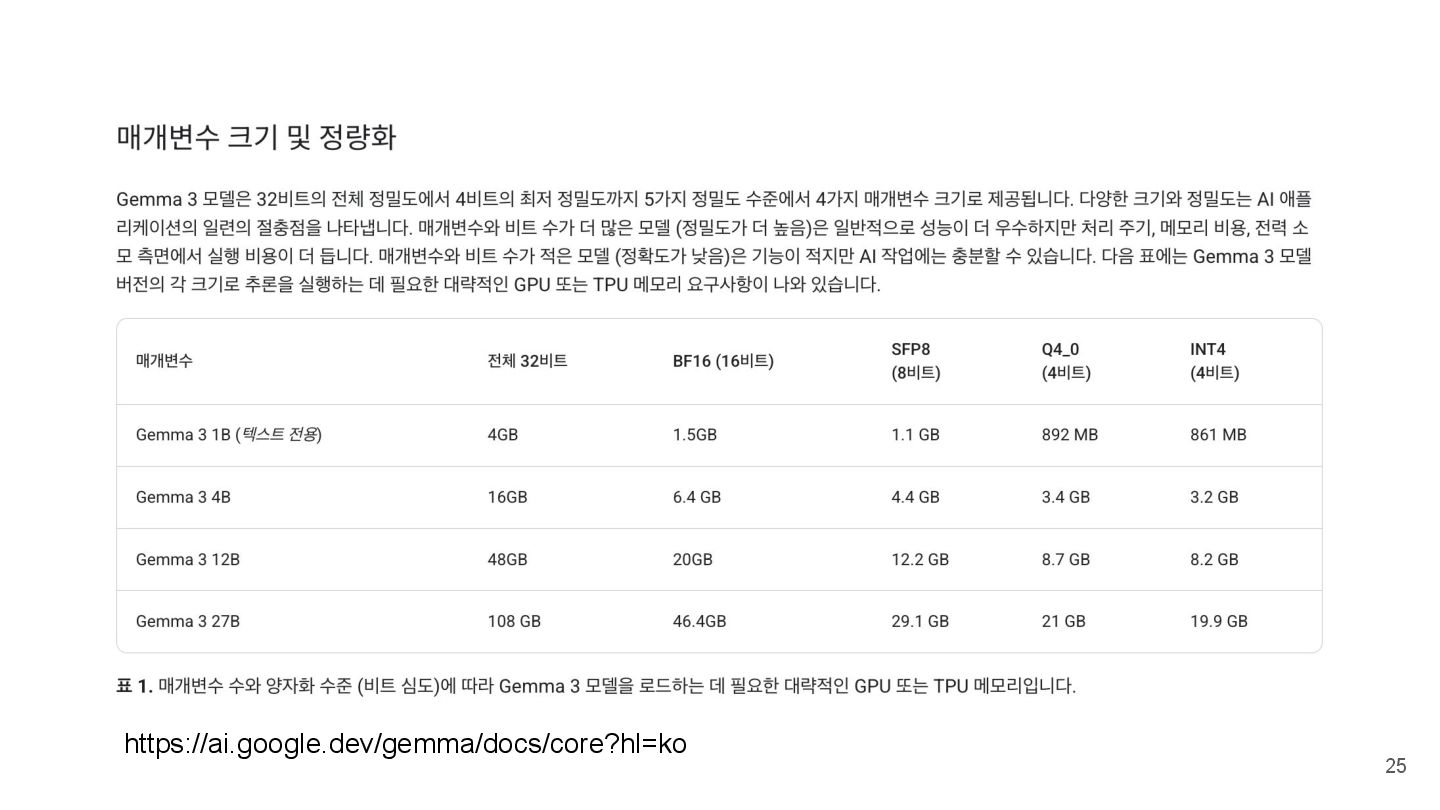
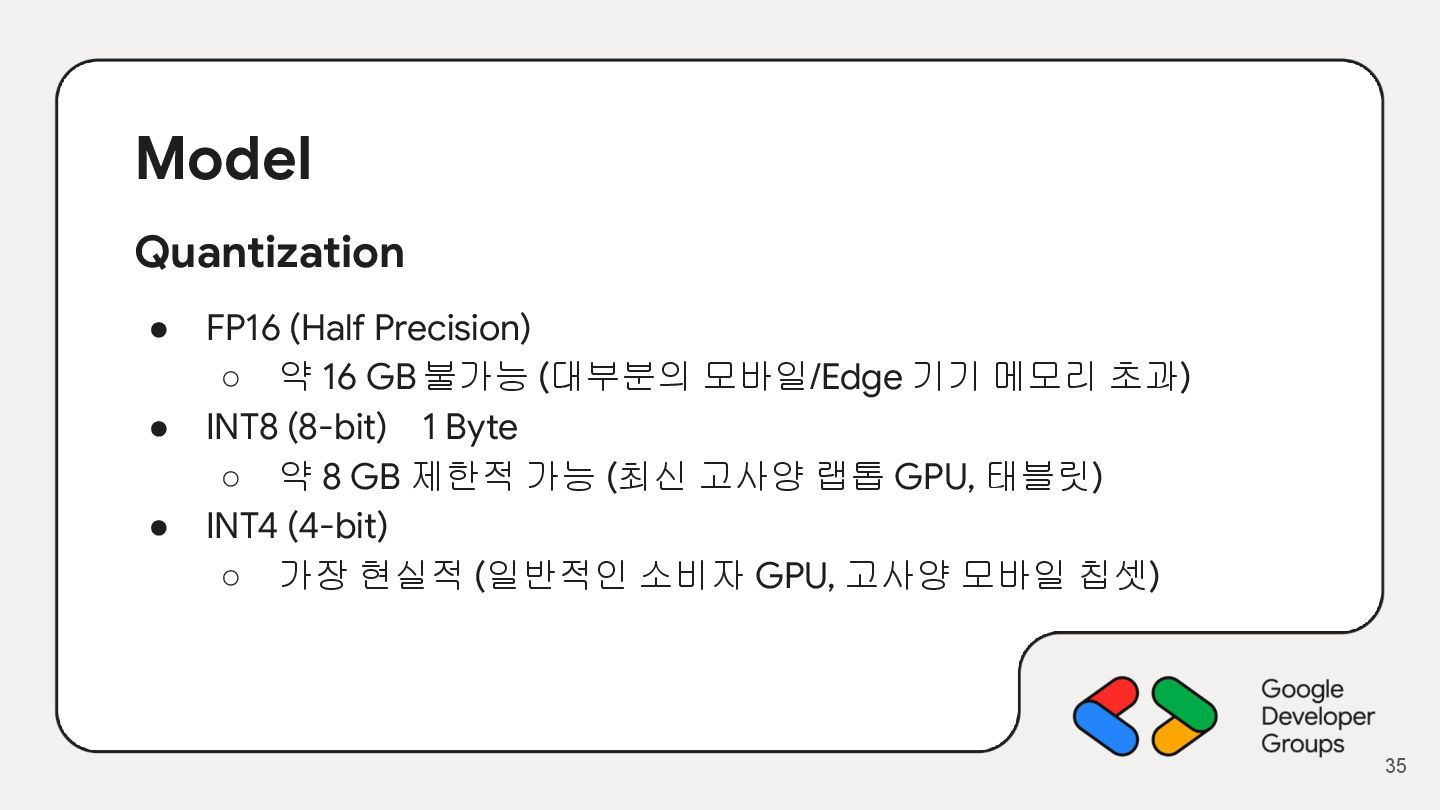
  26. Model Quantization • FP16 (Half Precision) ◦ 약 16 GB불가능

    (대부분의 모바일/Edge 기기 메모리 초과) • INT8 (8-bit) 1 Byte ◦ 약 8 GB 제한적 가능 (최신 고사양 랩톱 GPU, 태블릿) • INT4 (4-bit) ◦ 가장 현실적 (일반적인 소비자 GPU, 고사양 모바일 칩셋) 35
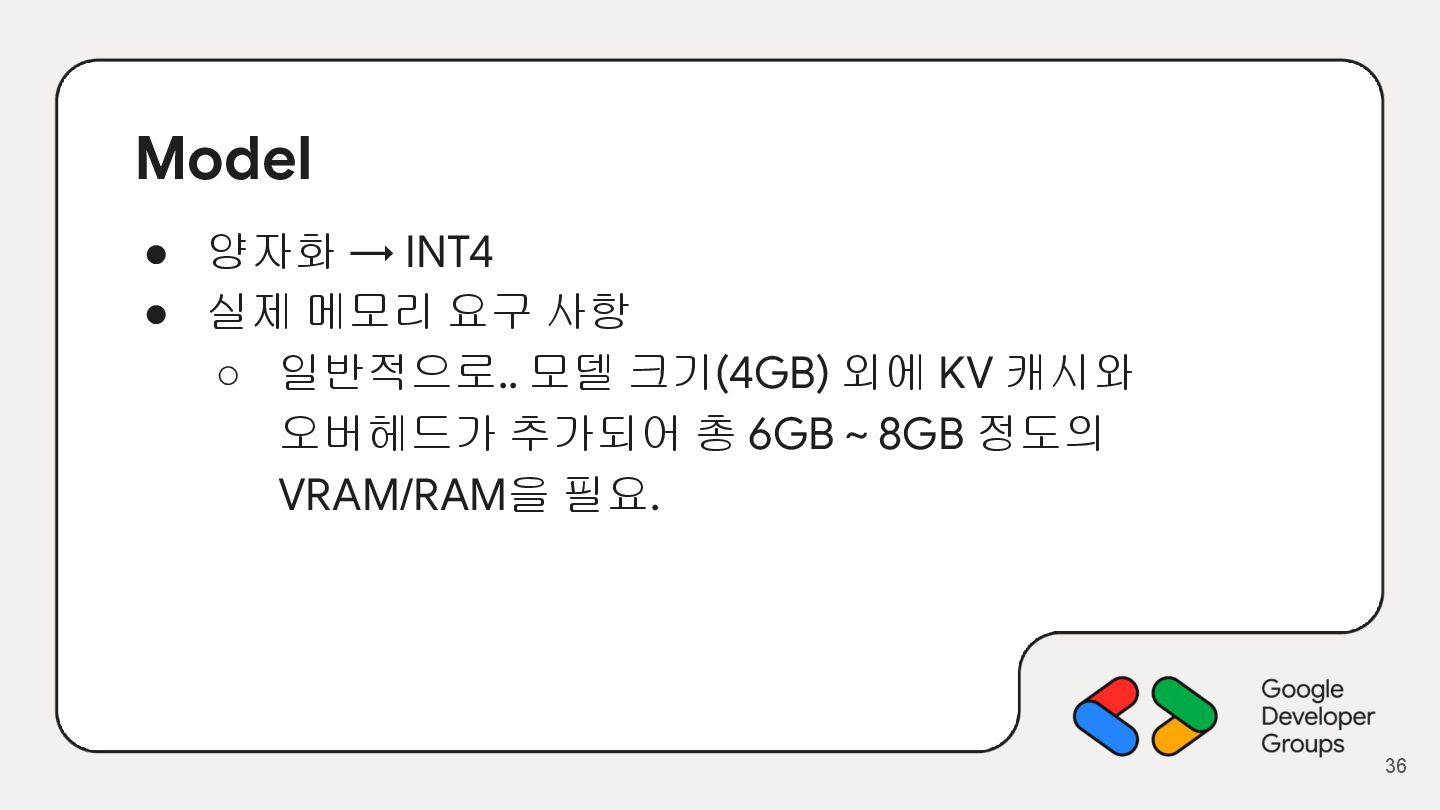
  27. Model • 양자화 → INT4 • 실제 메모리 요구 사항

    ◦ 일반적으로.. 모델 크기(4GB) 외에 KV 캐시와 오버헤드가 추가되어 총 6GB ~ 8GB 정도의 VRAM/RAM을 필요. 36
  28. 37

  29. 38

  30. 39

  31. 40

  32. 41

  33. 42

  34. 43

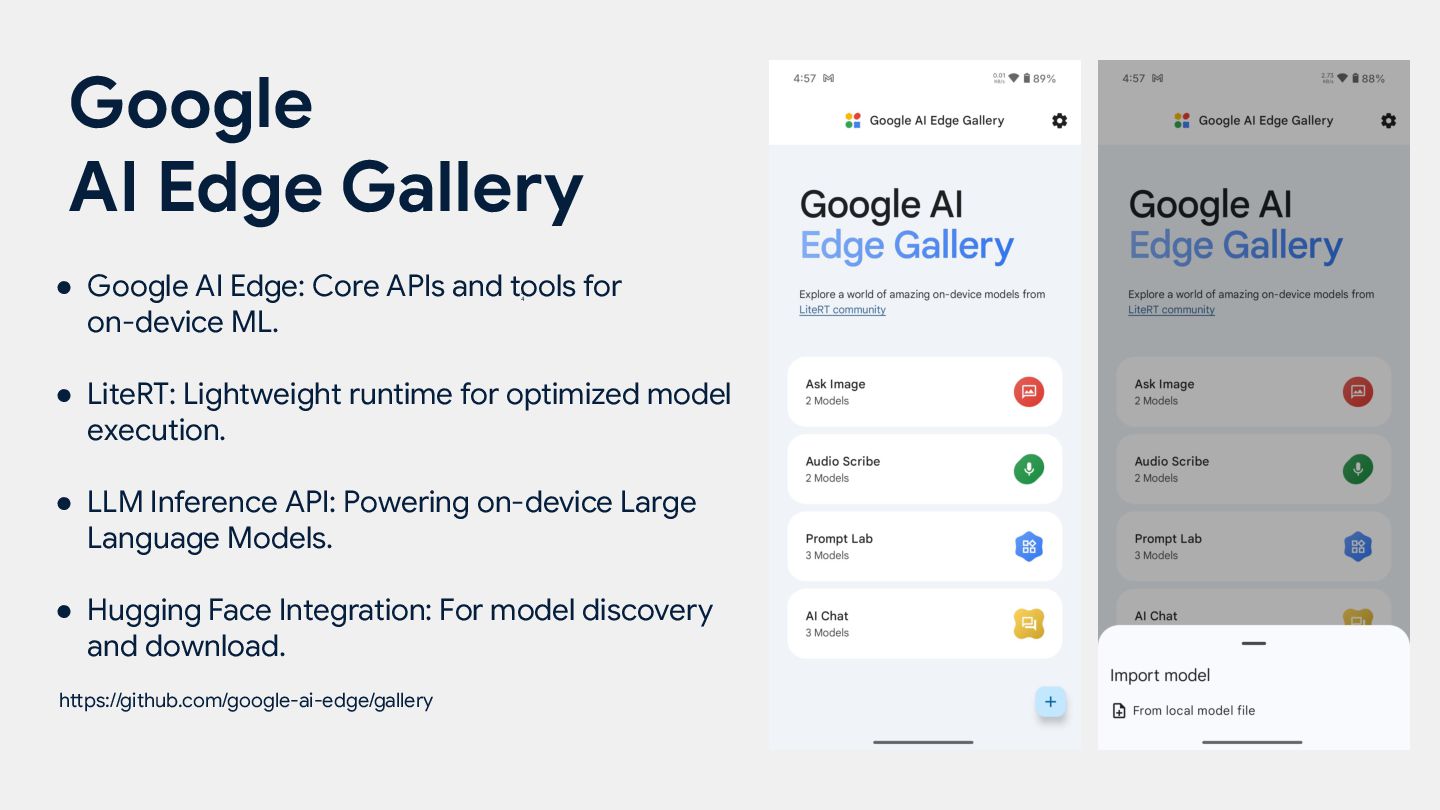
  35. • Google AI Edge: Core APIs and tools for on-device

    ML. • LiteRT: Lightweight runtime for optimized model execution. • LLM Inference API: Powering on-device Large Language Models. • Hugging Face Integration: For model discovery and download. https://github.com/google-ai-edge/gallery Google AI Edge Gallery 4 4
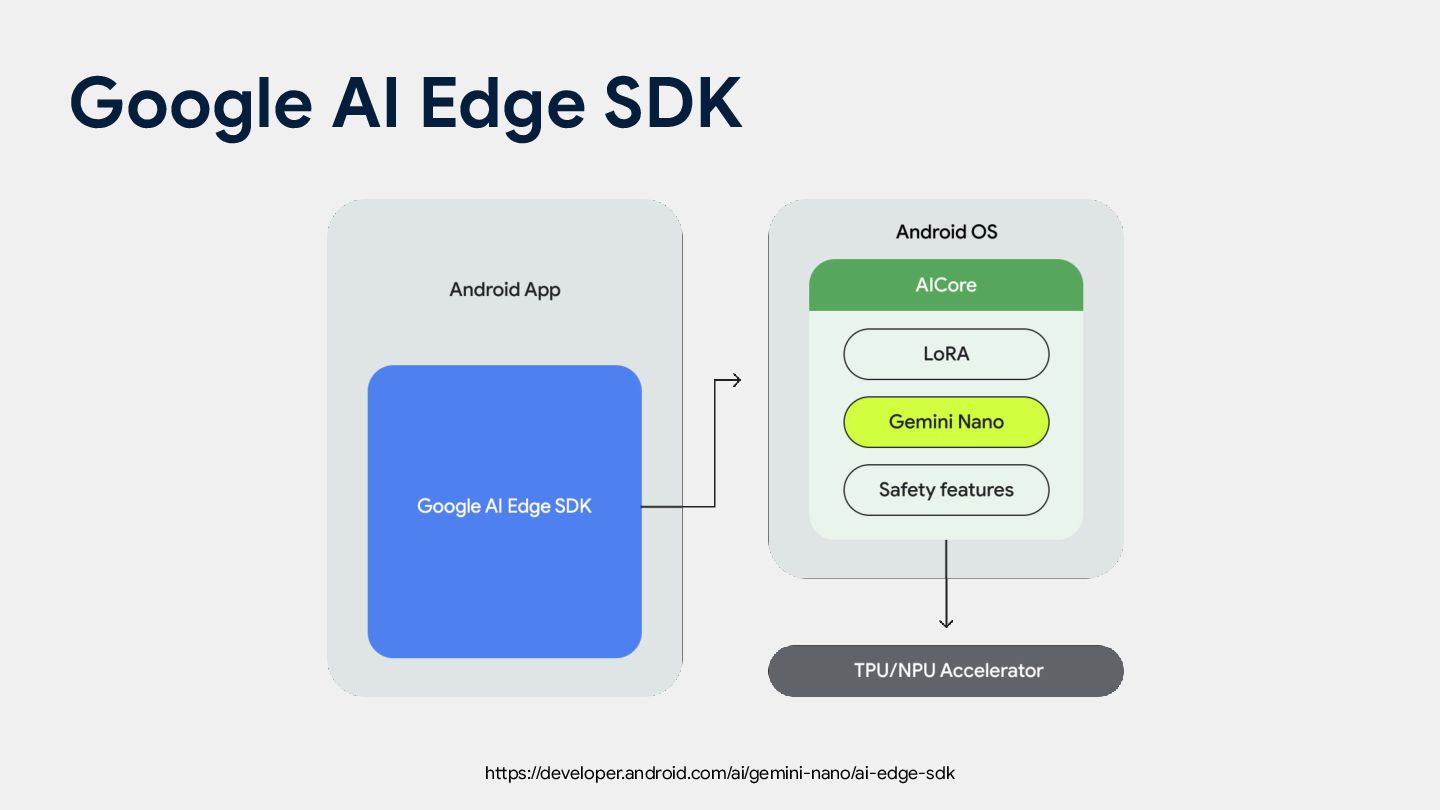
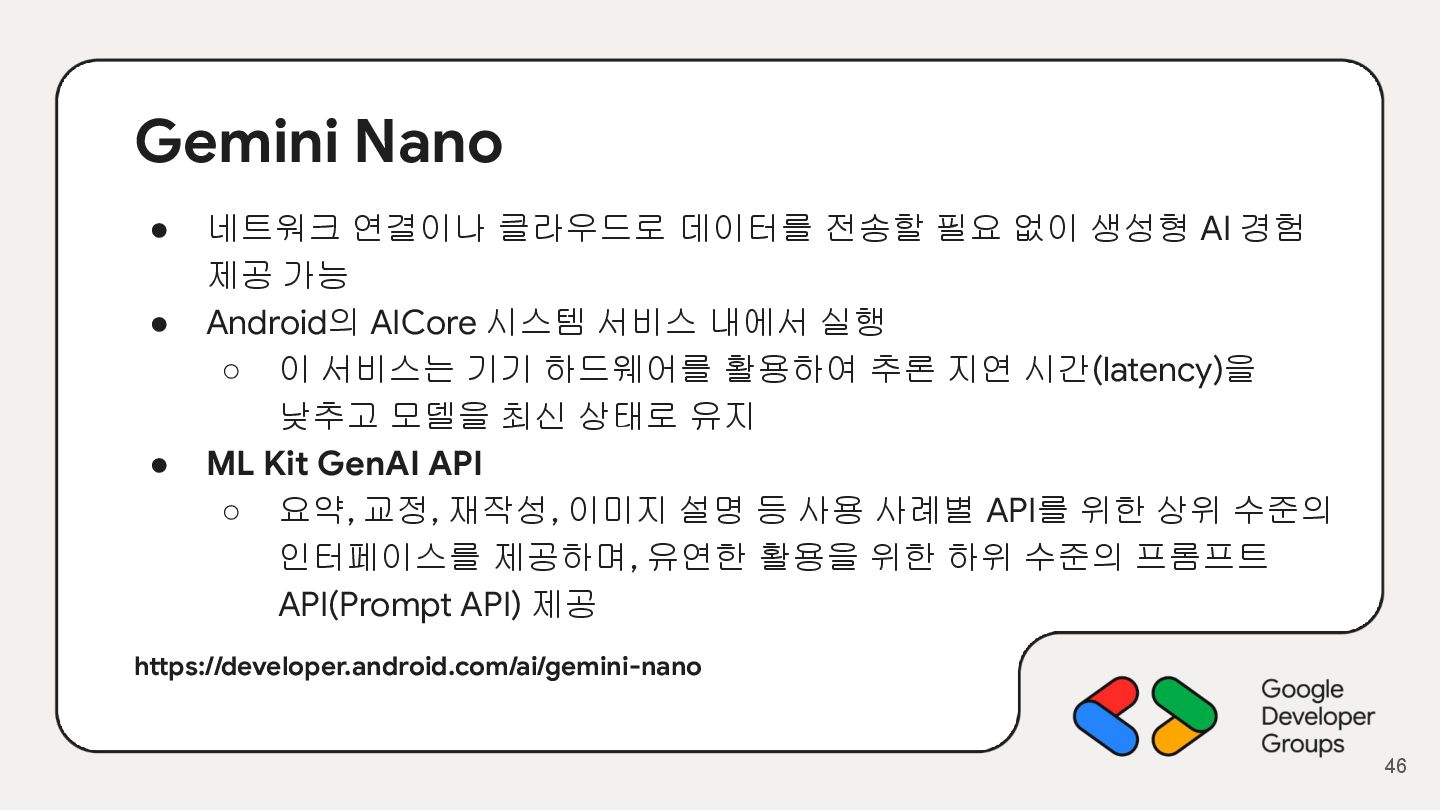
  36. Gemini Nano • 네트워크 연결이나 클라우드로 데이터를 전송할 필요 없이

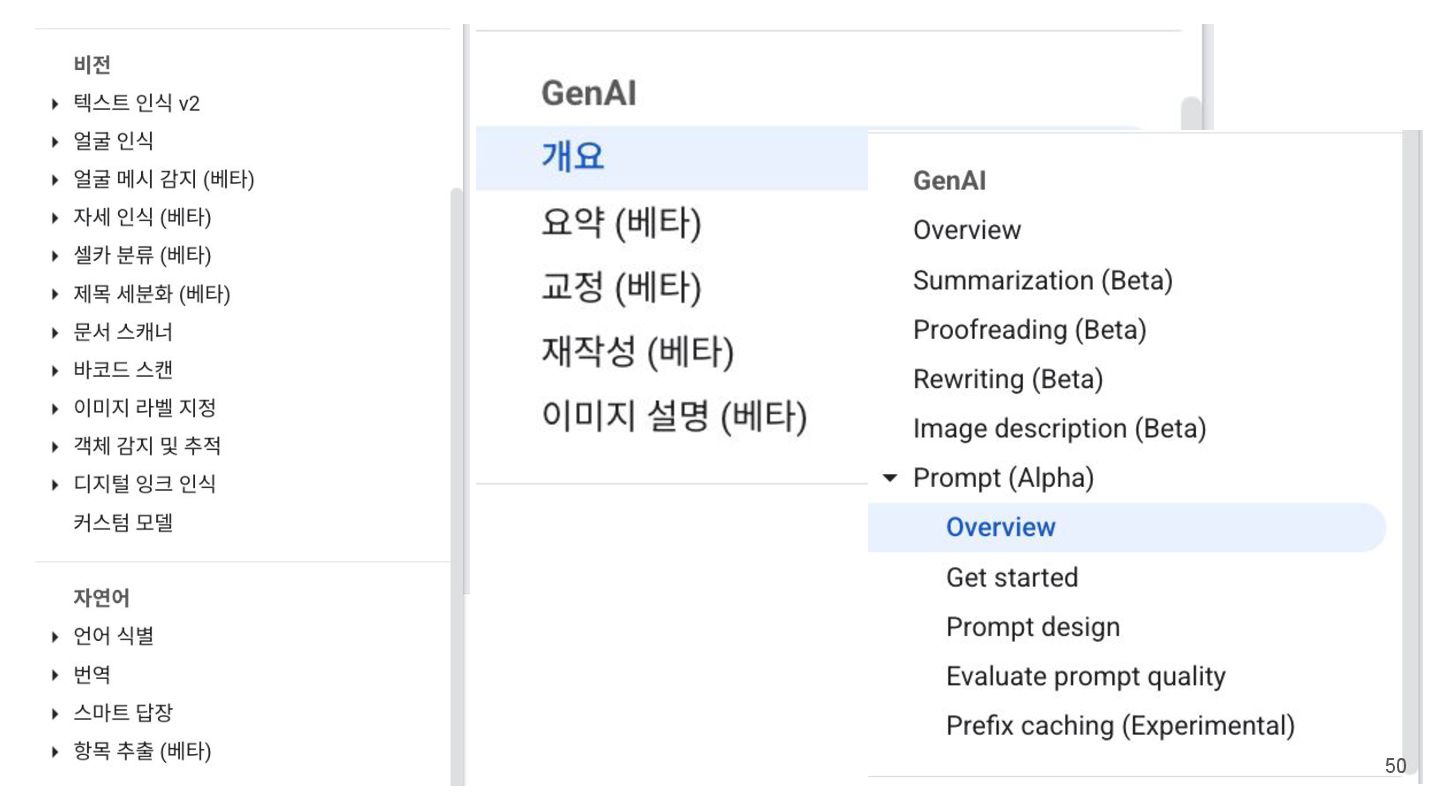
    생성형 AI 경험 제공 가능 • Android의 AICore 시스템 서비스 내에서 실행 ◦ 이 서비스는 기기 하드웨어를 활용하여 추론 지연 시간(latency)을 낮추고 모델을 최신 상태로 유지 • ML Kit GenAI API ◦ 요약, 교정, 재작성, 이미지 설명 등 사용 사례별 API를 위한 상위 수준의 인터페이스를 제공하며, 유연한 활용을 위한 하위 수준의 프롬프트 API(Prompt API) 제공 https://developer.android.com/ai/gemini-nano 46
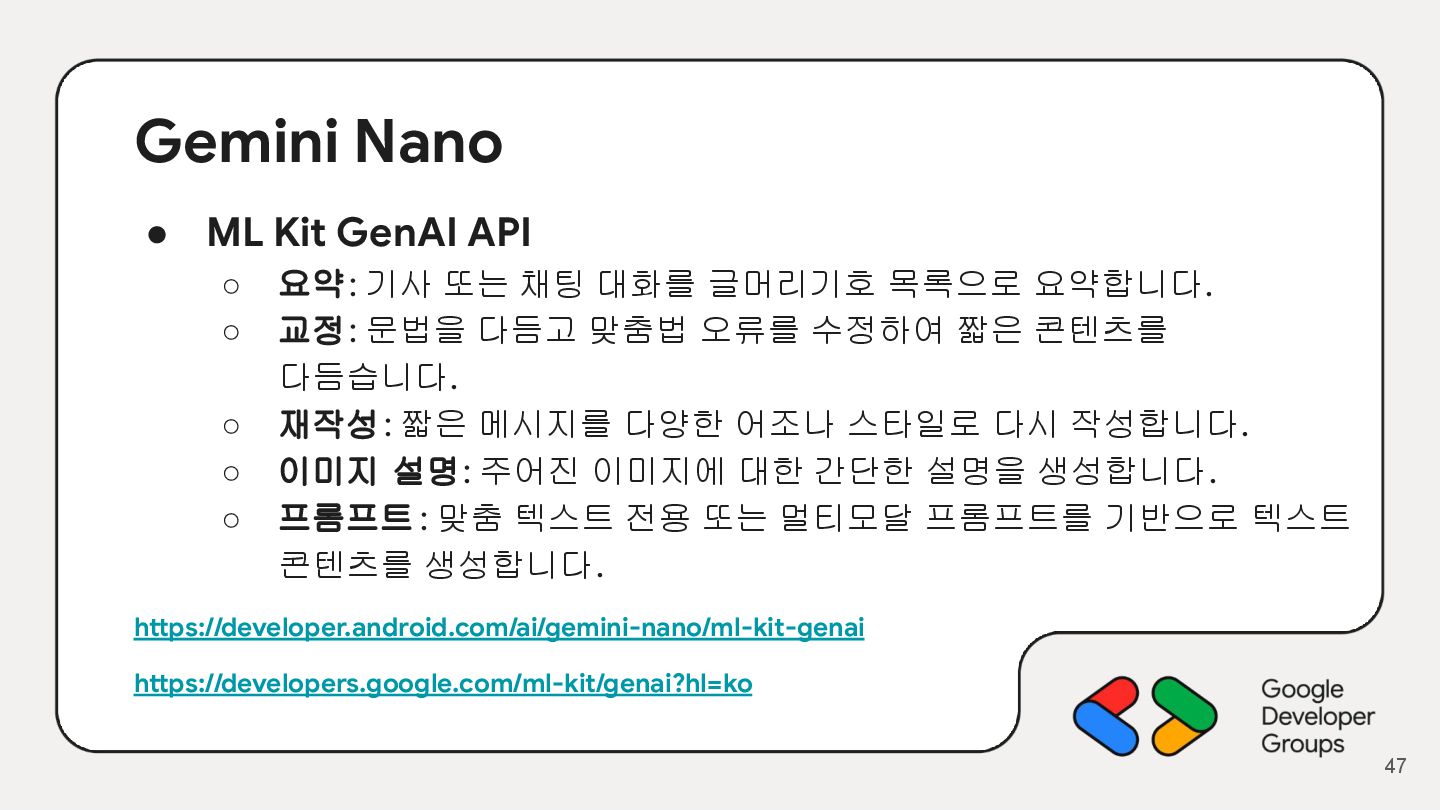
  37. Gemini Nano • ML Kit GenAI API ◦ 요약: 기사

    또는 채팅 대화를 글머리기호 목록으로 요약합니다. ◦ 교정: 문법을 다듬고 맞춤법 오류를 수정하여 짧은 콘텐츠를 다듬습니다. ◦ 재작성: 짧은 메시지를 다양한 어조나 스타일로 다시 작성합니다. ◦ 이미지 설명: 주어진 이미지에 대한 간단한 설명을 생성합니다. ◦ 프롬프트 : 맞춤 텍스트 전용 또는 멀티모달 프롬프트를 기반으로 텍스트 콘텐츠를 생성합니다. https://developer.android.com/ai/gemini-nano/ml-kit-genai https://developers.google.com/ml-kit/genai?hl=ko 47
  38. 49

  39. 50

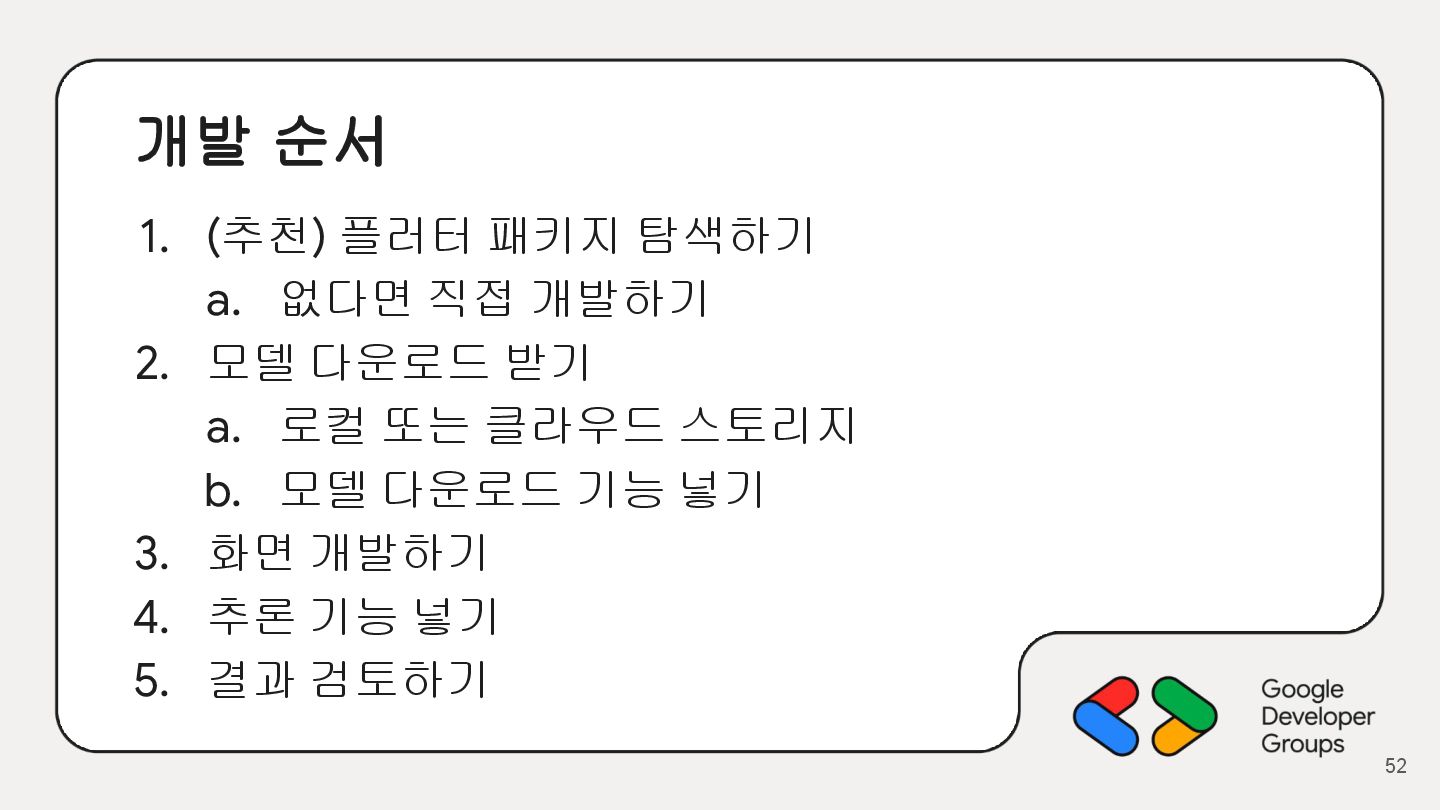
  40. 개발 순서 1. (추천) 플러터 패키지 탐색하기 a. 없다면 직접

    개발하기 2. 모델 다운로드 받기 a. 로컬 또는 클라우드 스토리지 b. 모델 다운로드 기능 넣기 3. 화면 개발하기 4. 추론 기능 넣기 5. 결과 검토하기 52
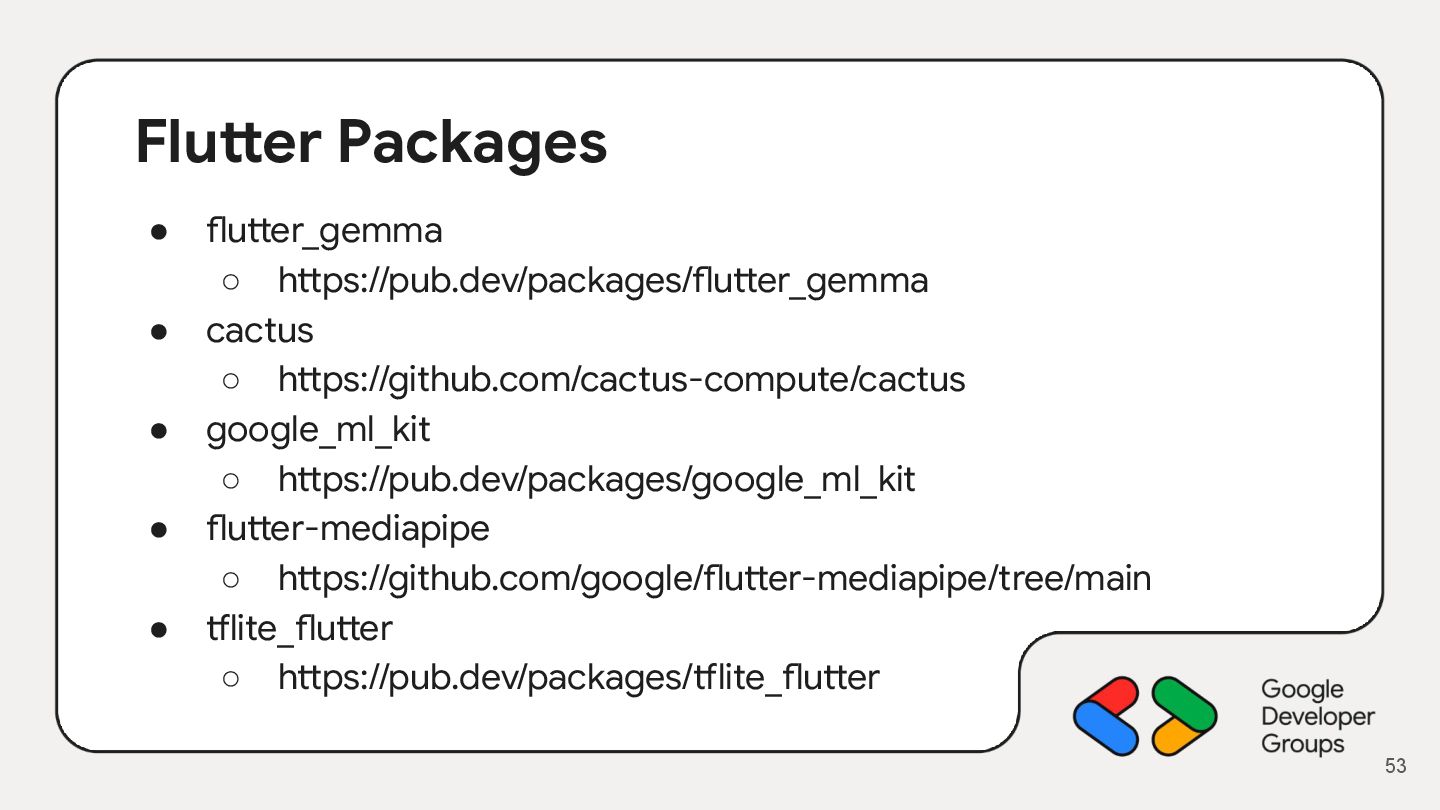
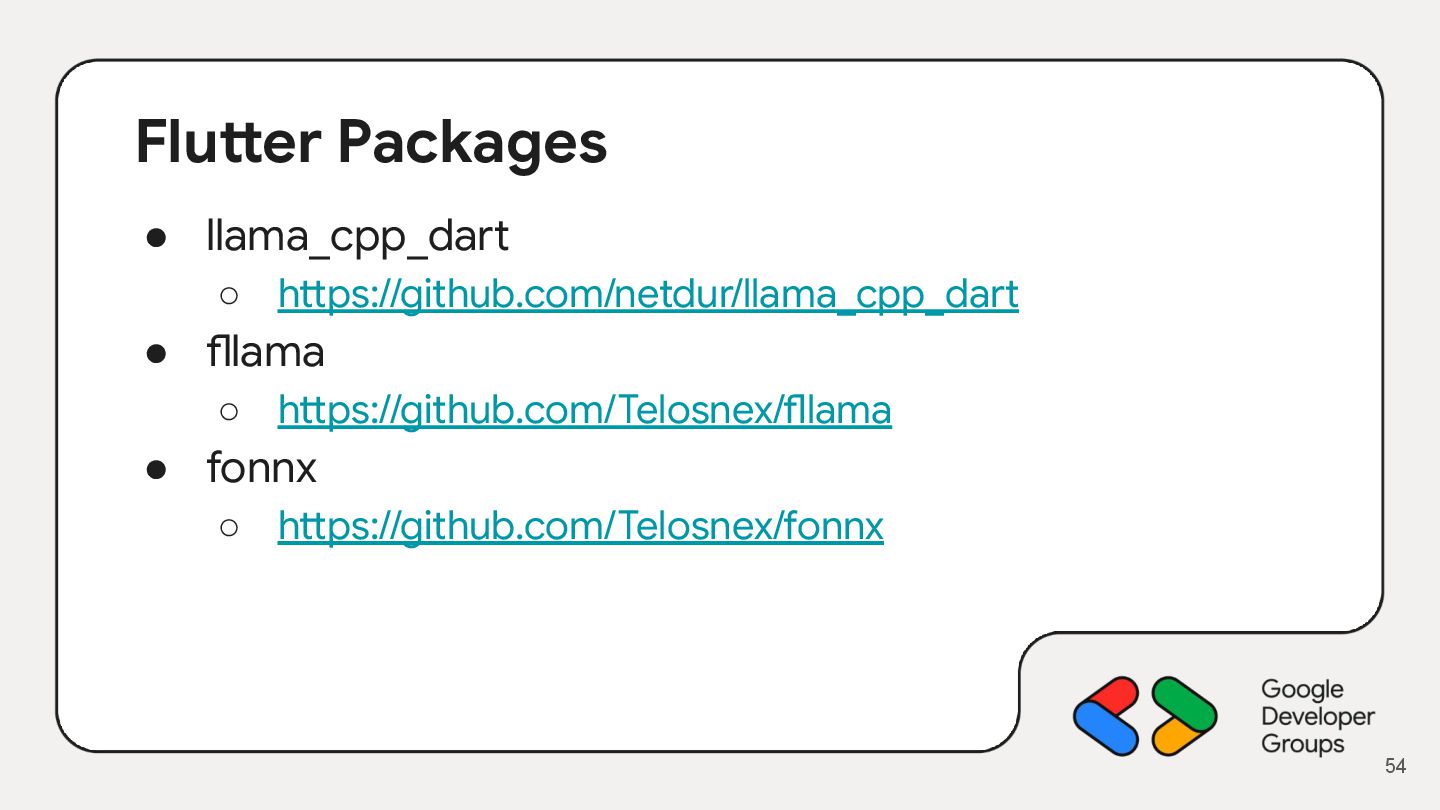
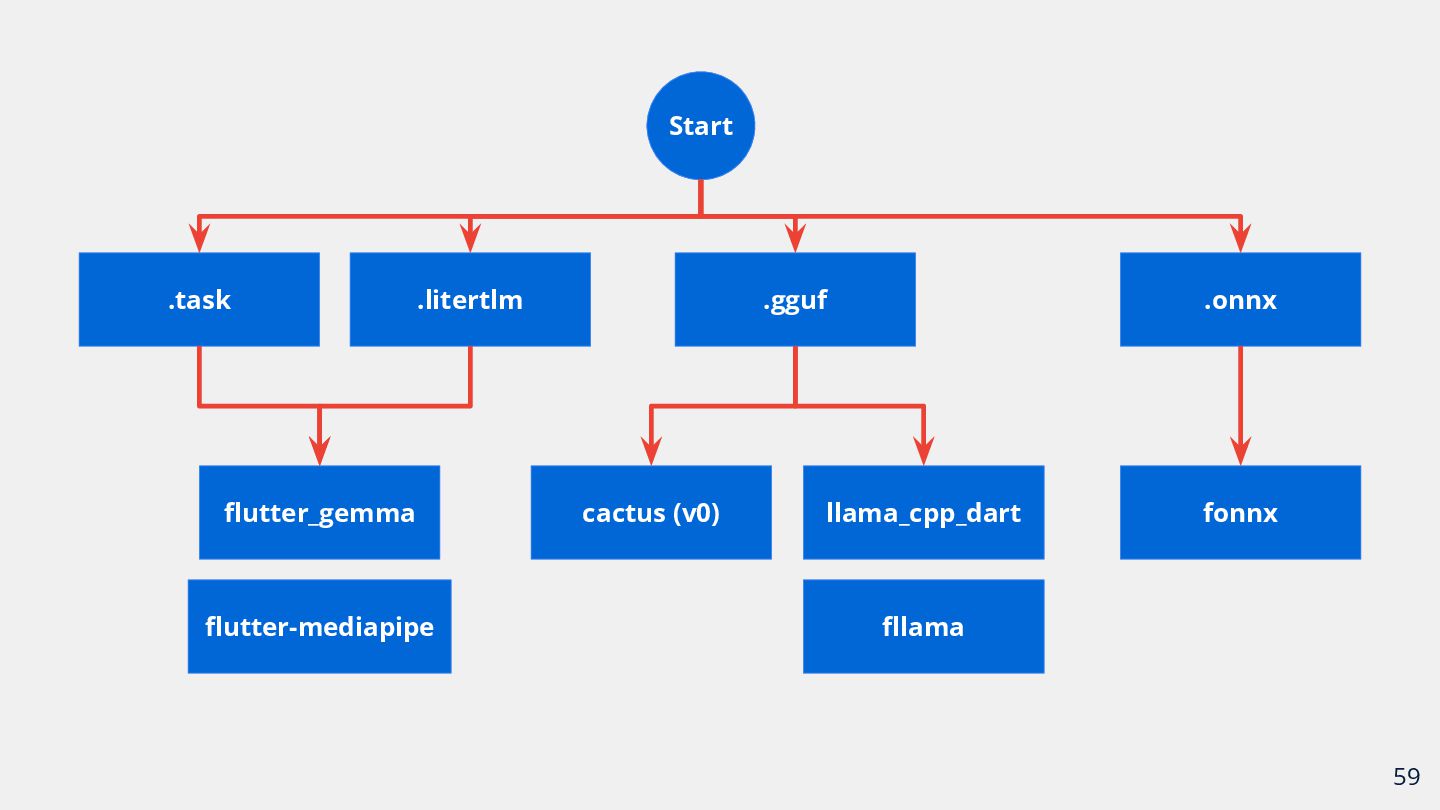
  41. Flutter Packages • flutter_gemma ◦ https://pub.dev/packages/flutter_gemma • cactus ◦ https://github.com/cactus-compute/cactus

    • google_ml_kit ◦ https://pub.dev/packages/google_ml_kit • flutter-mediapipe ◦ https://github.com/google/flutter-mediapipe/tree/main • tflite_flutter ◦ https://pub.dev/packages/tflite_flutter 53
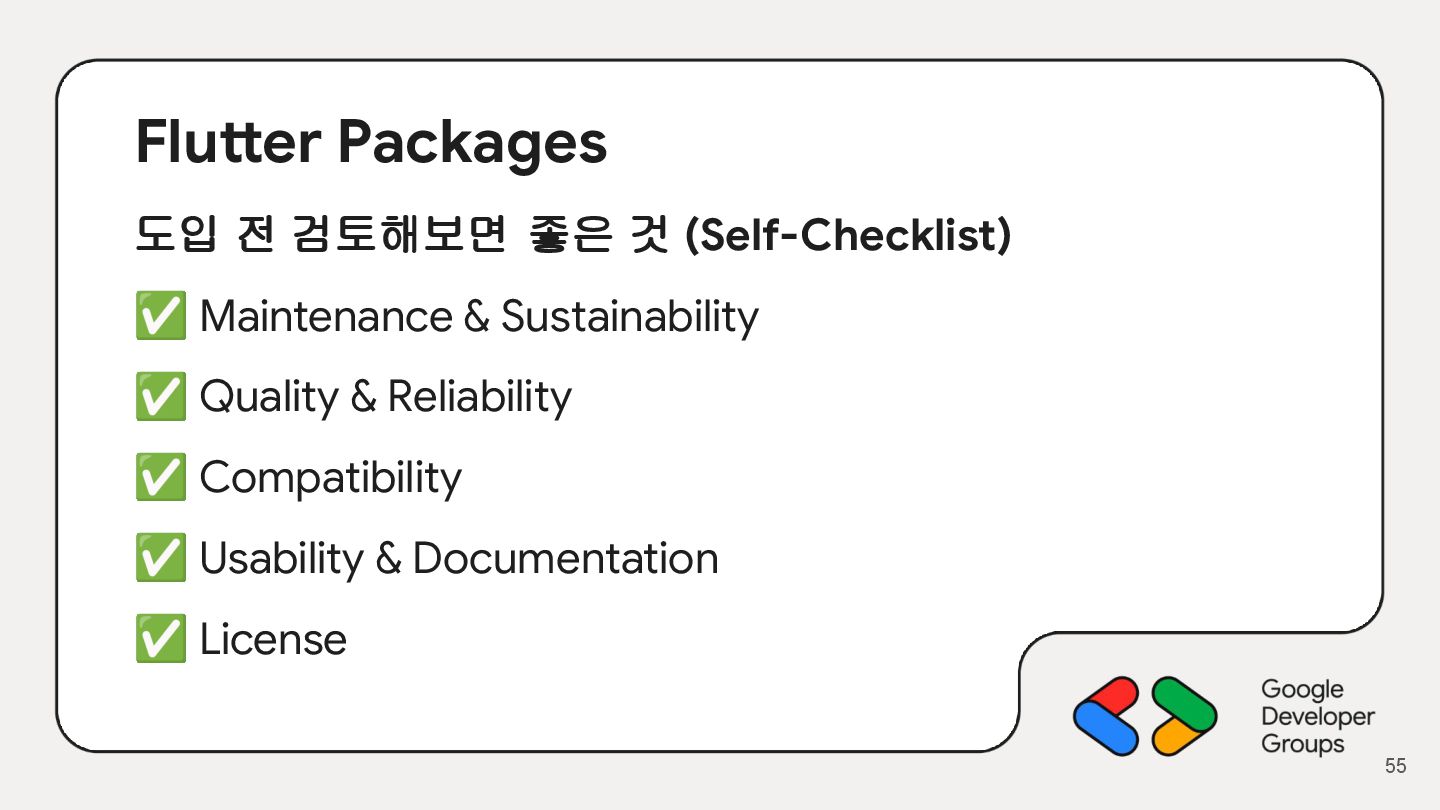
  42. Flutter Packages 도입 전 검토해보면 좋은 것 (Self-Checklist) ✅ Maintenance

    & Sustainability ✅ Quality & Reliability ✅ Compatibility ✅ Usability & Documentation ✅ License 55
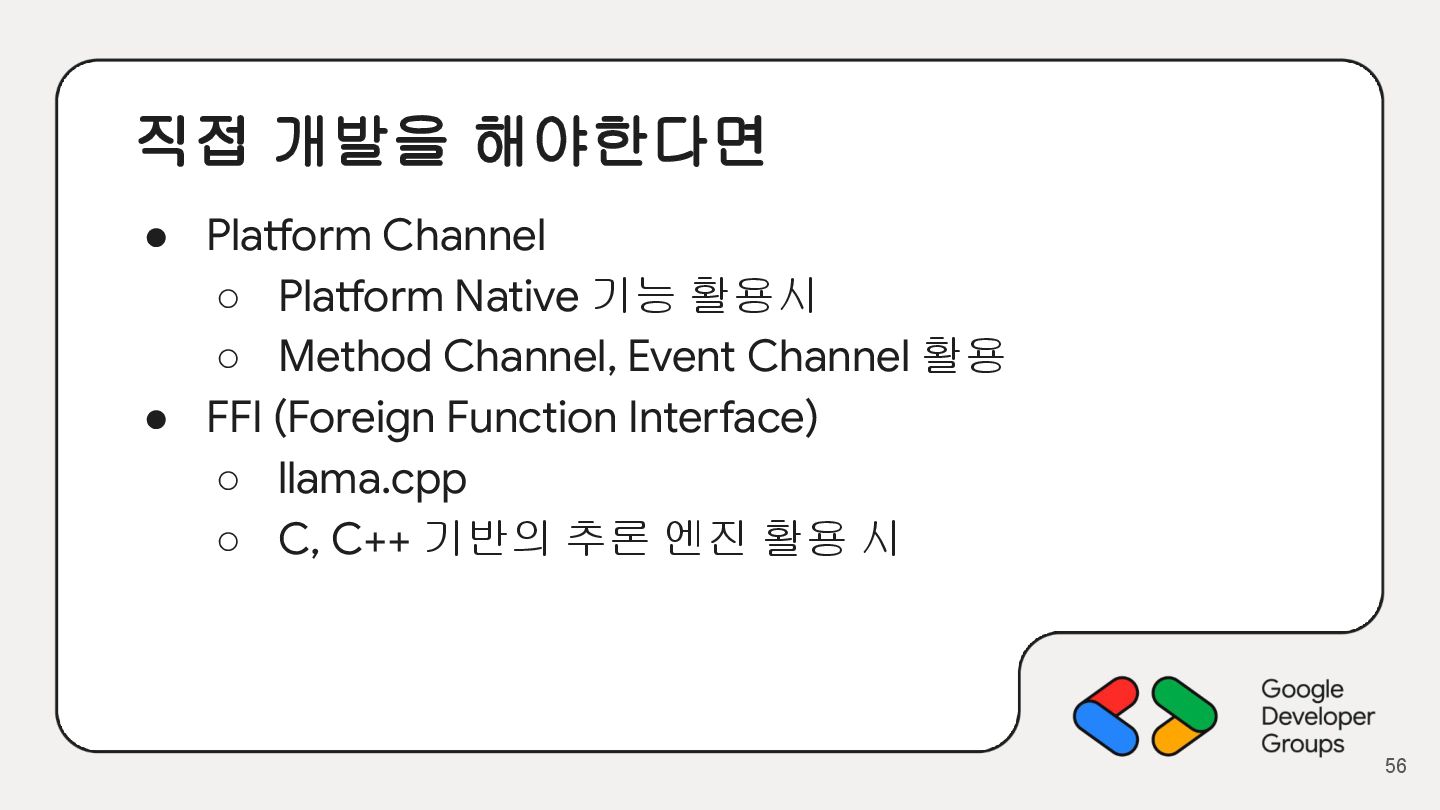
  43. 직접 개발을 해야한다면 • Platform Channel ◦ Platform Native 기능

    활용시 ◦ Method Channel, Event Channel 활용 • FFI (Foreign Function Interface) ◦ llama.cpp ◦ C, C++ 기반의 추론 엔진 활용 시 56
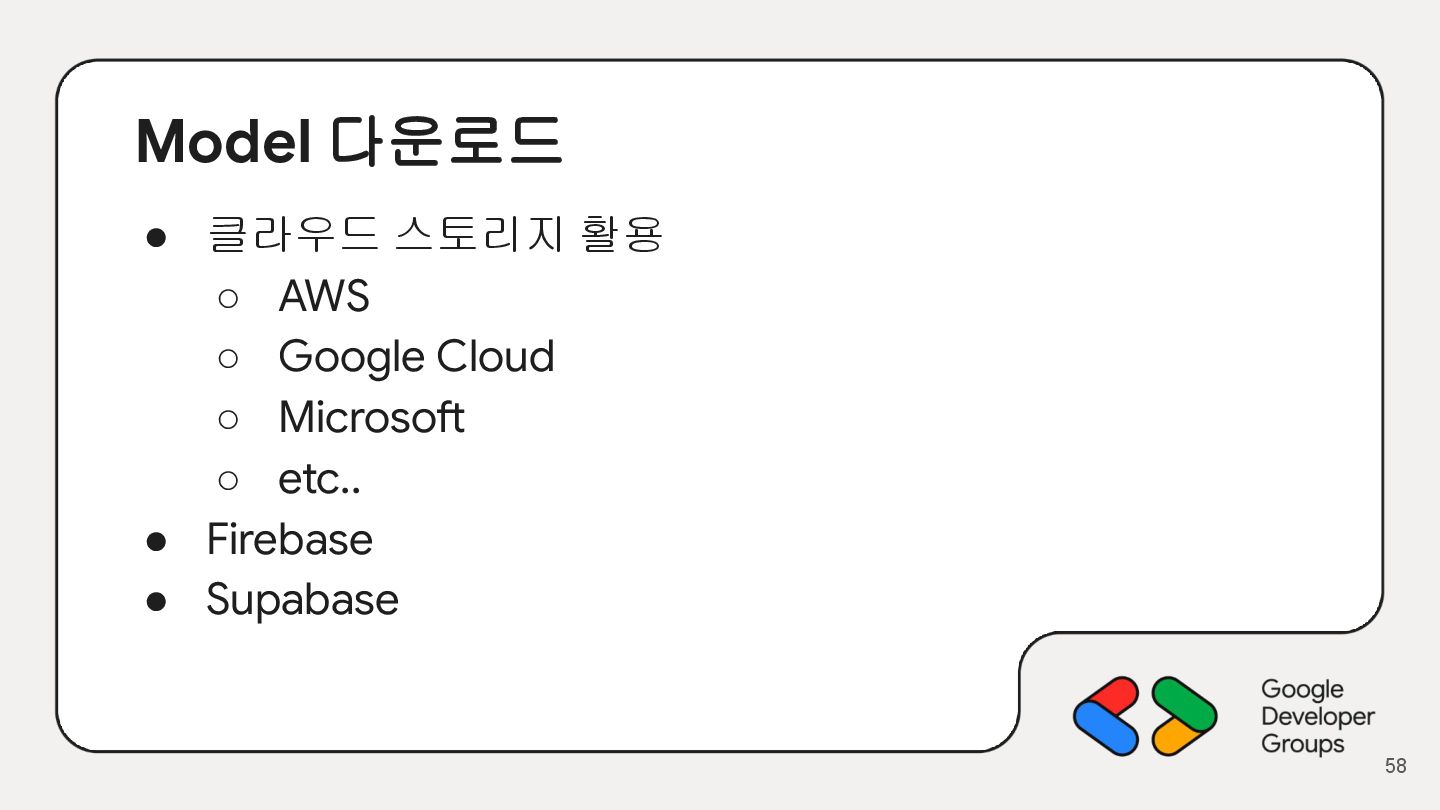
  44. Model 다운로드 • 클라우드 스토리지 활용 ◦ AWS ◦ Google

    Cloud ◦ Microsoft ◦ etc.. • Firebase • Supabase 58
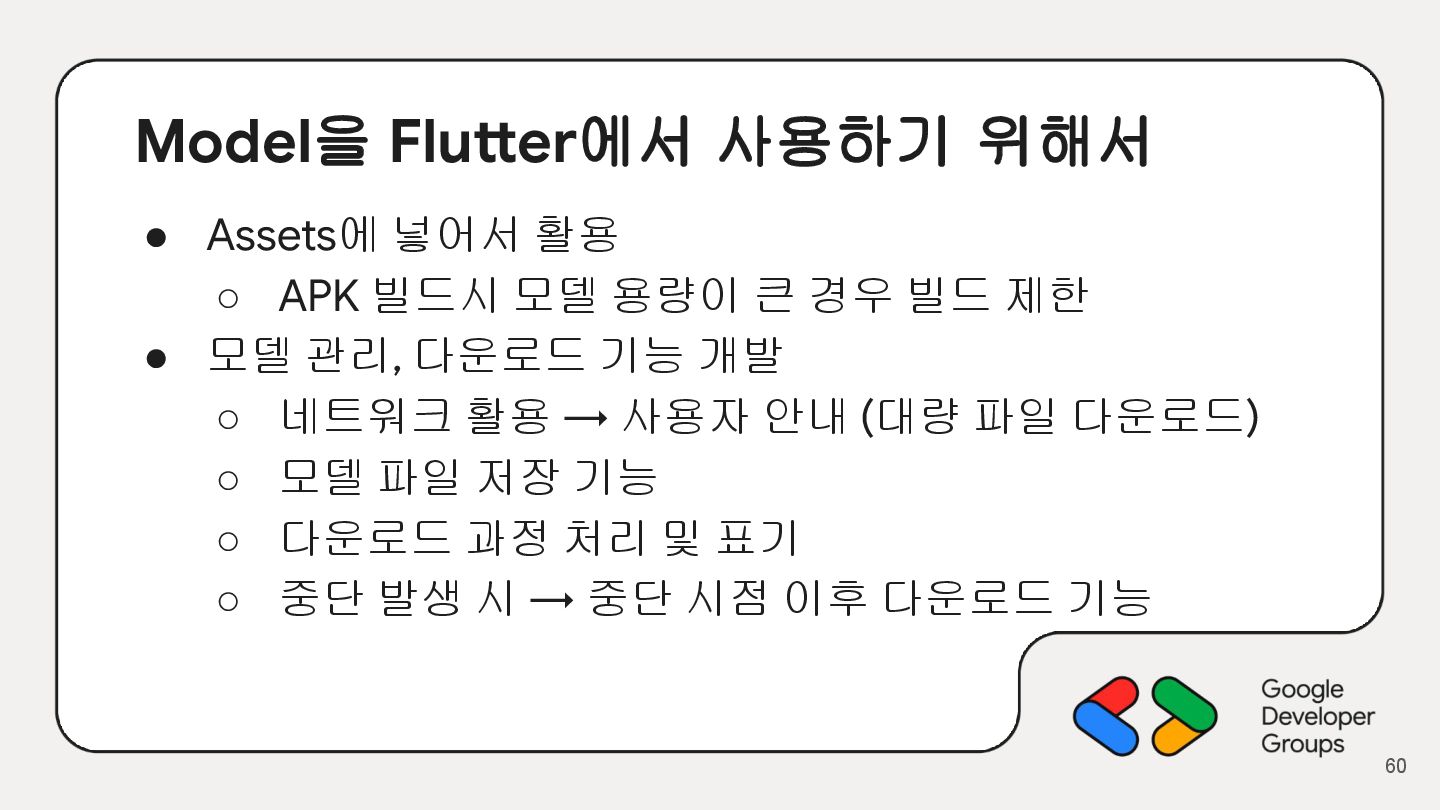
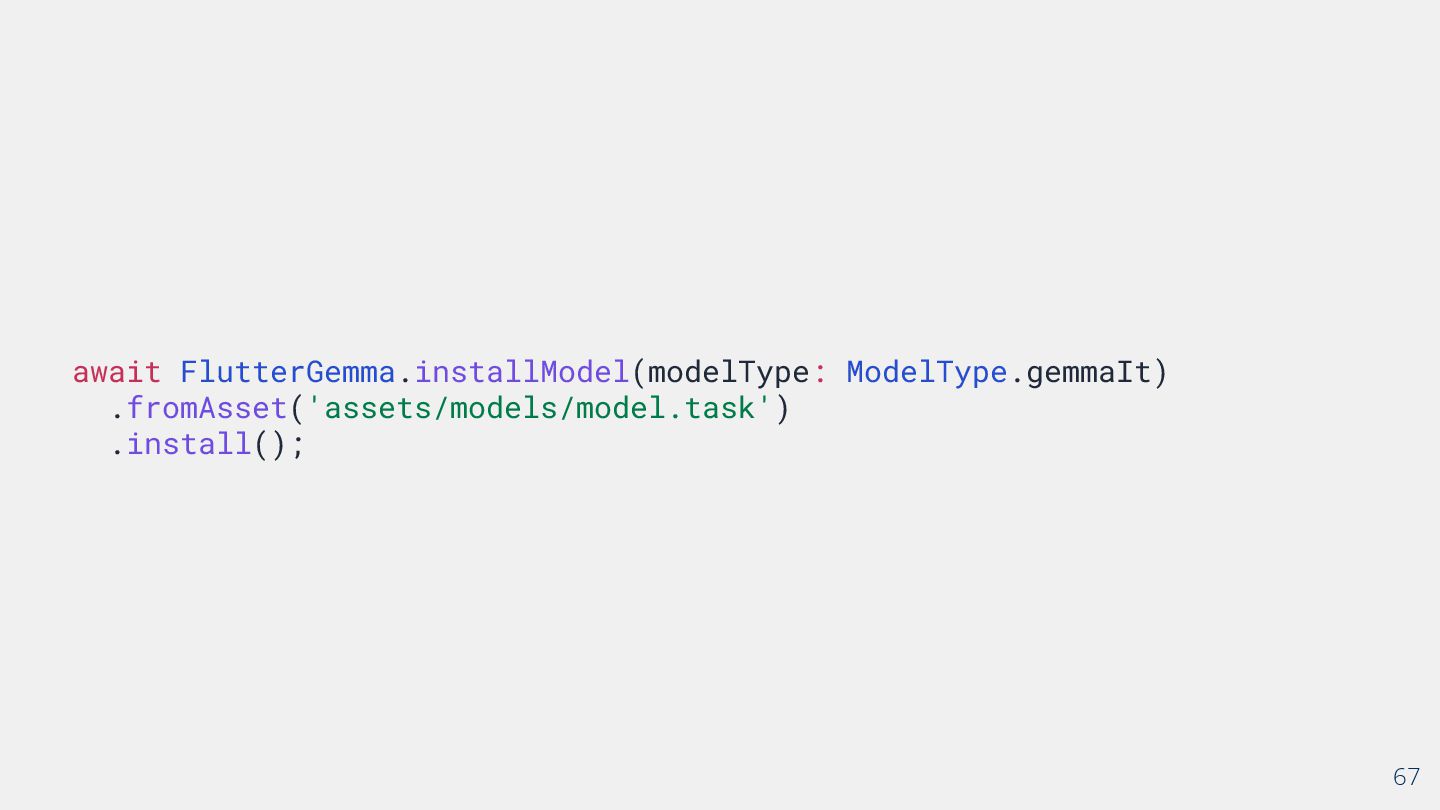
  45. Model을 Flutter에서 사용하기 위해서 • Assets에 넣어서 활용 ◦ APK

    빌드시 모델 용량이 큰 경우 빌드 제한 • 모델 관리, 다운로드 기능 개발 ◦ 네트워크 활용 → 사용자 안내 (대량 파일 다운로드) ◦ 모델 파일 저장 기능 ◦ 다운로드 과정 처리 및 표기 ◦ 중단 발생 시 → 중단 시점 이후 다운로드 기능 60
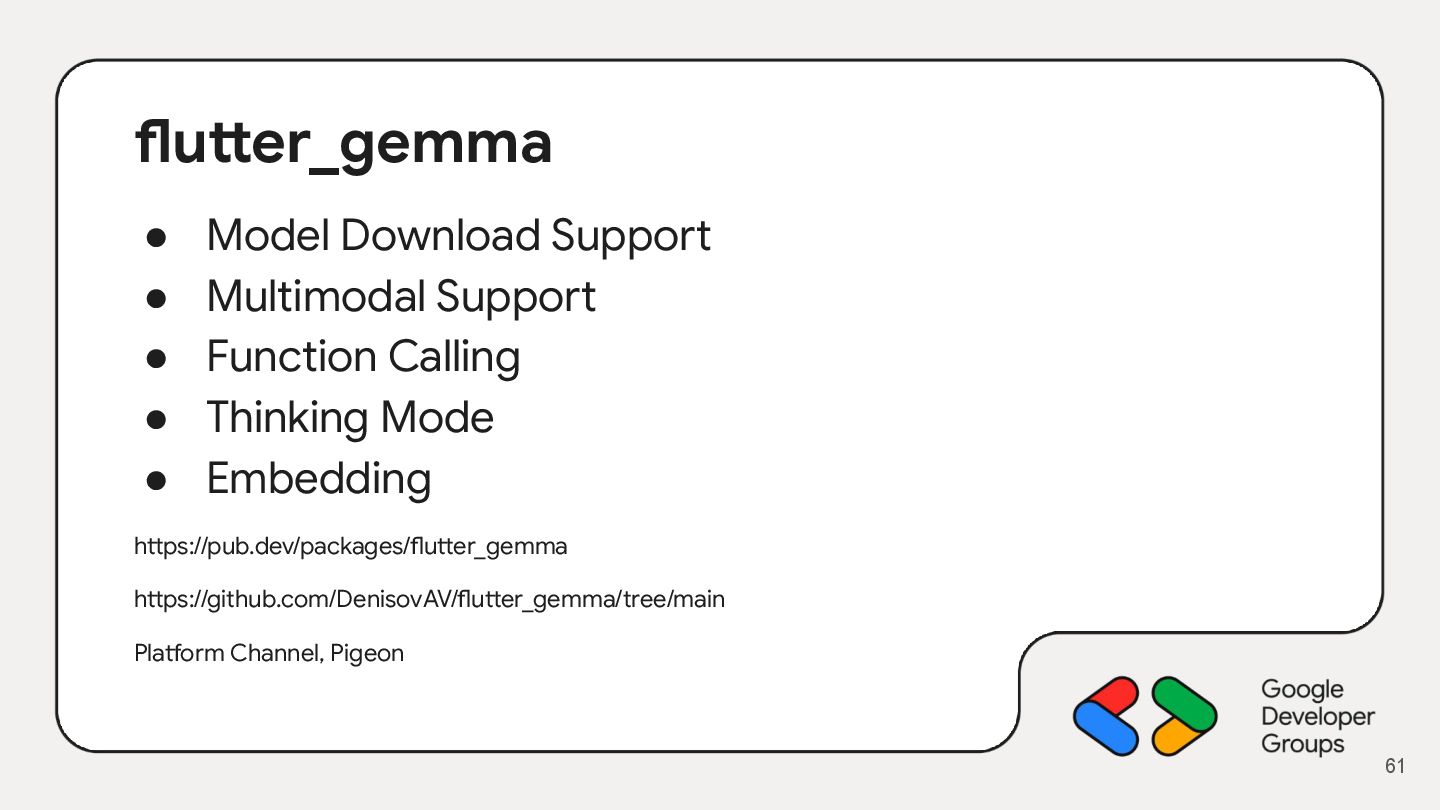
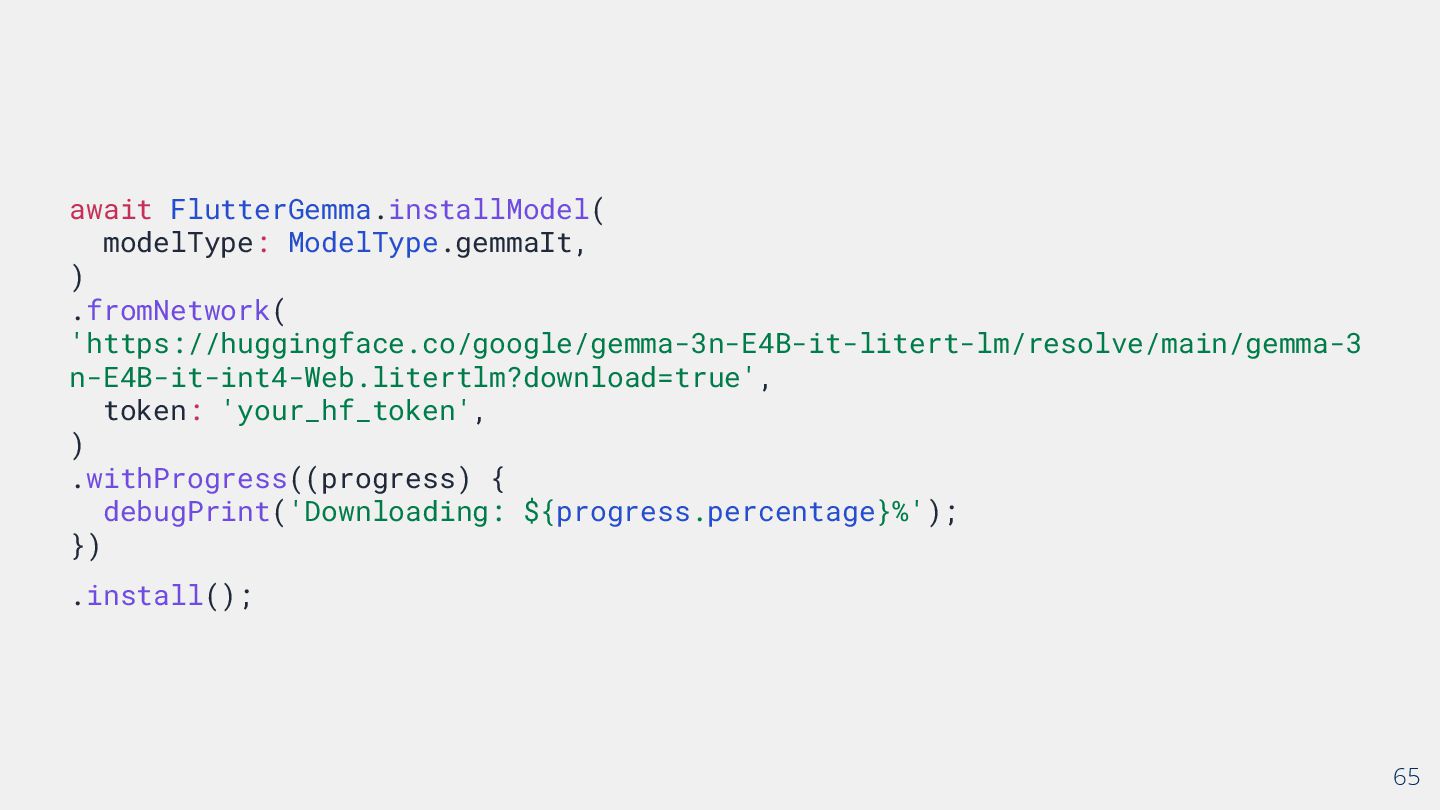
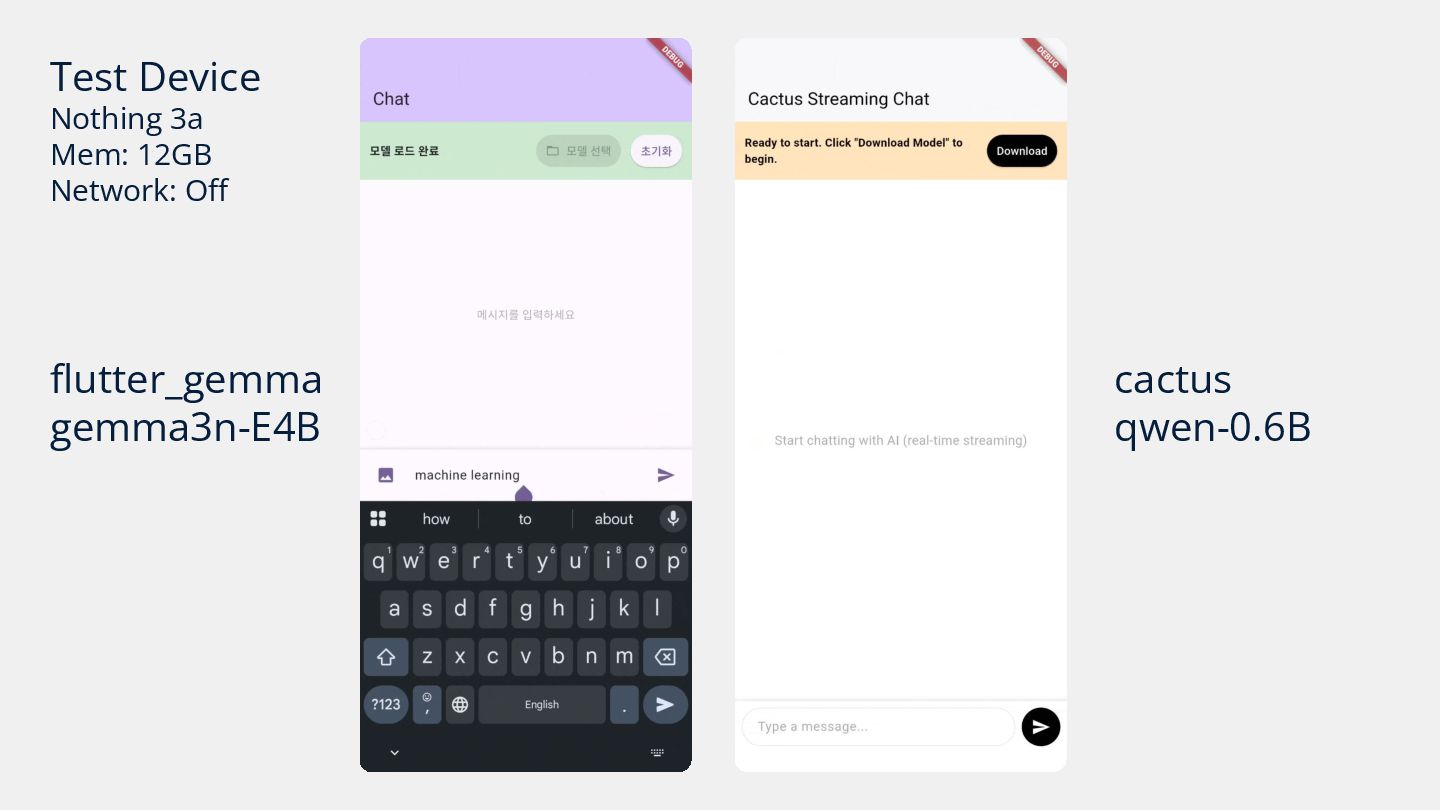
  46. flutter_gemma • Model Download Support • Multimodal Support • Function

    Calling • Thinking Mode • Embedding https://pub.dev/packages/flutter_gemma https://github.com/DenisovAV/flutter_gemma/tree/main Platform Channel, Pigeon 61
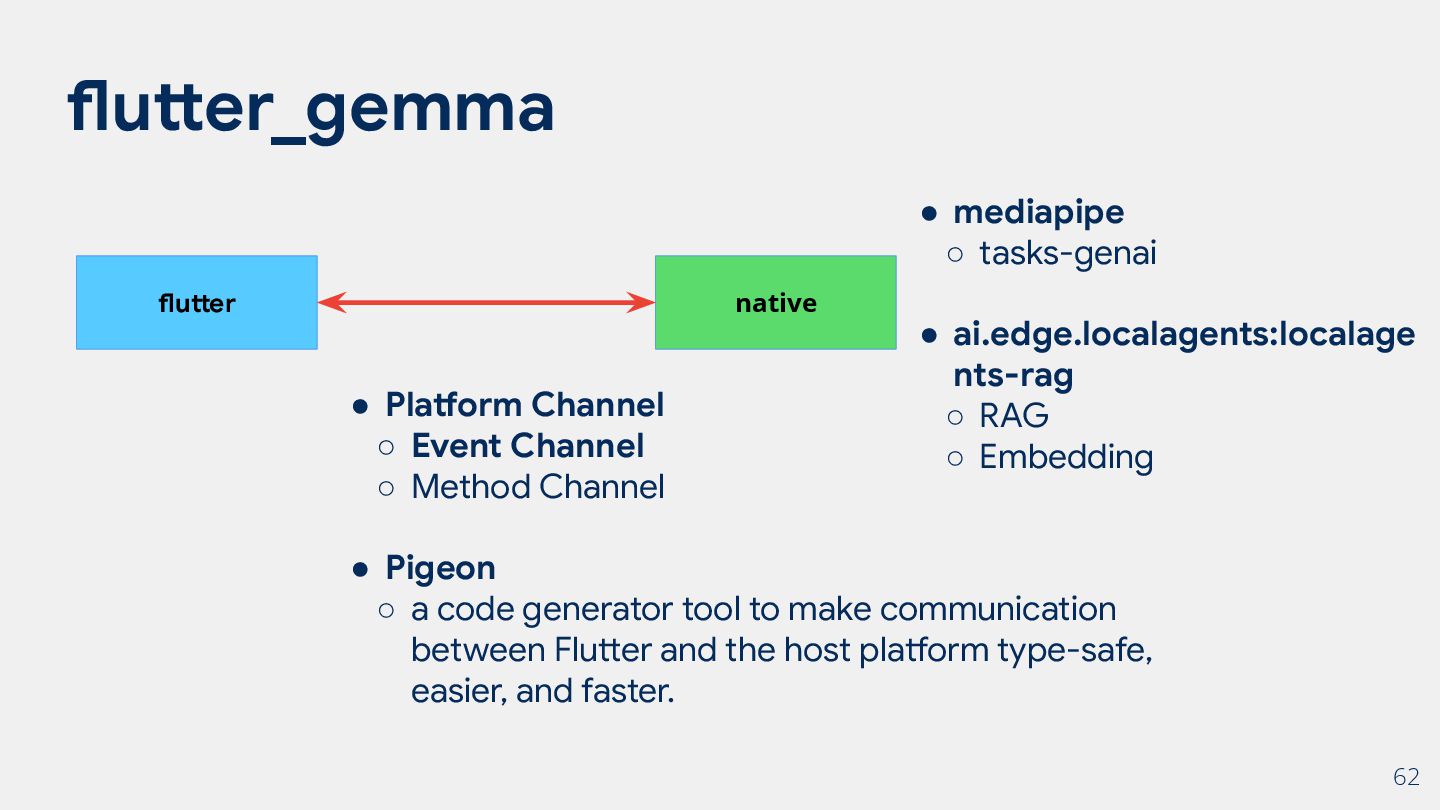
  47. flutter_gemma 62 native flutter • Platform Channel ◦ Event Channel

    ◦ Method Channel • Pigeon ◦ a code generator tool to make communication between Flutter and the host platform type-safe, easier, and faster. • mediapipe ◦ tasks-genai • ai.edge.localagents:localage nts-rag ◦ RAG ◦ Embedding
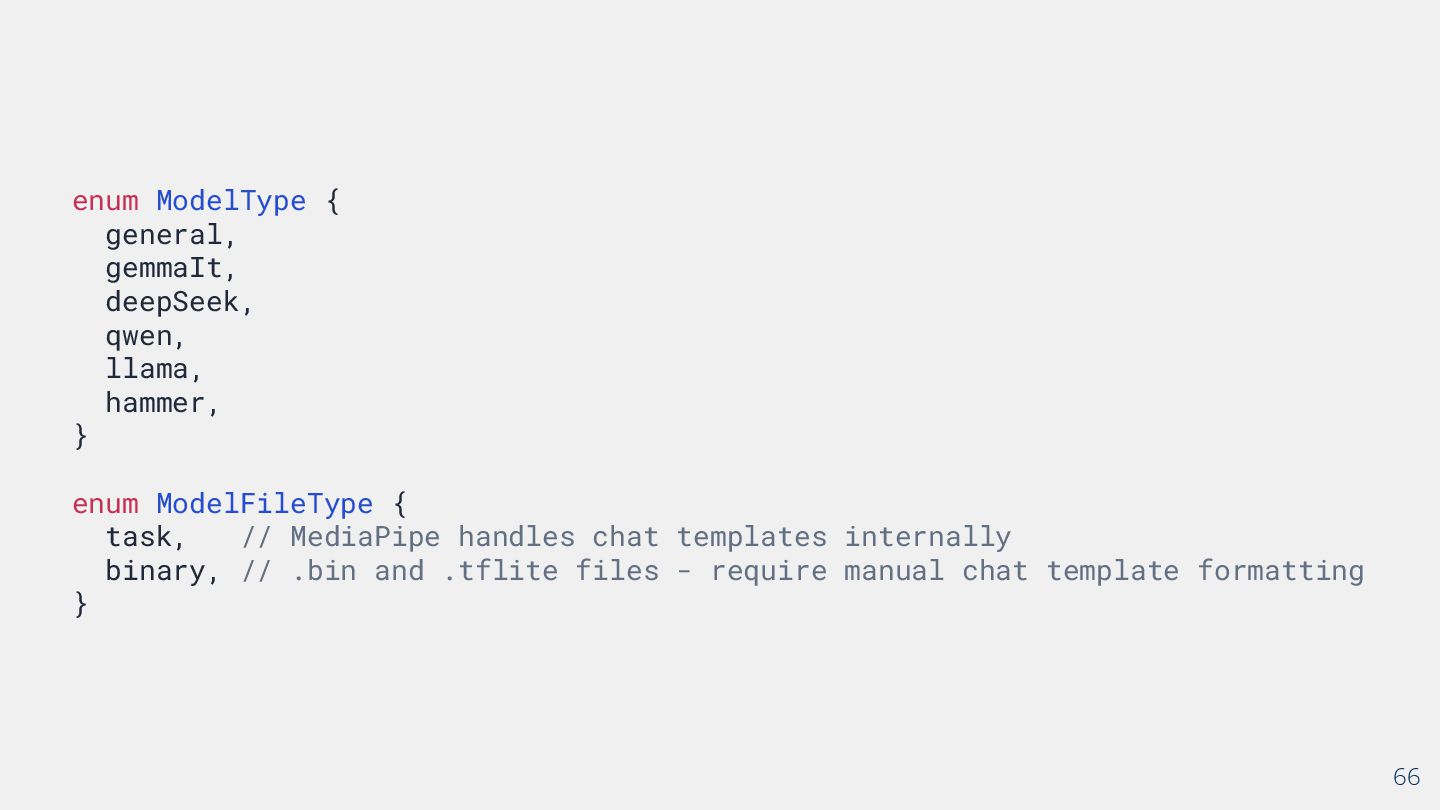
  48. 66 enum ModelType { general, gemmaIt, deepSeek, qwen, llama, hammer,

    } enum ModelFileType { task, // MediaPipe handles chat templates internally binary, // .bin and .tflite files - require manual chat template formatting }
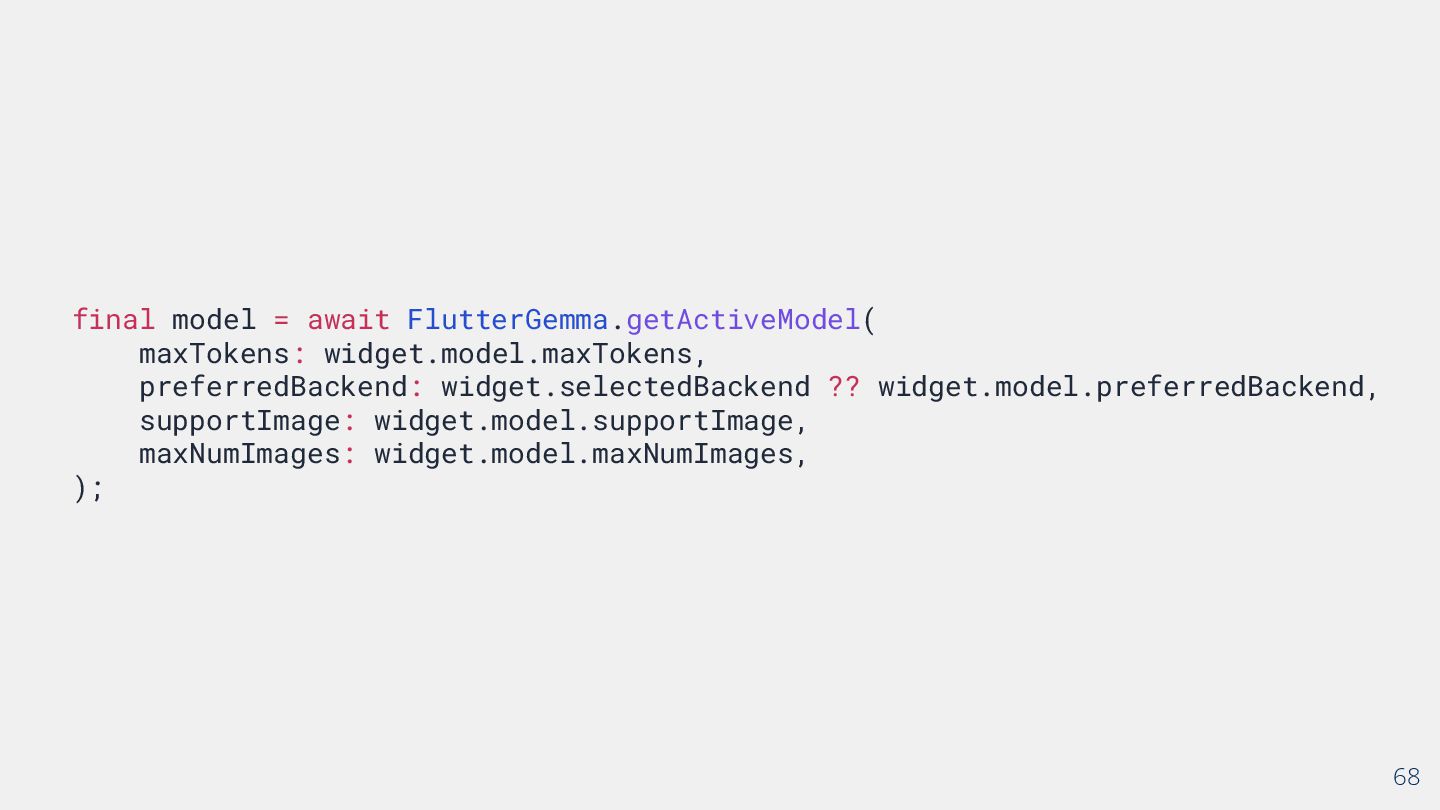
  49. 68 final model = await FlutterGemma.getActiveModel( maxTokens: widget.model.maxTokens, preferredBackend: widget.selectedBackend

    ?? widget.model.preferredBackend, supportImage: widget.model.supportImage, maxNumImages: widget.model.maxNumImages, );
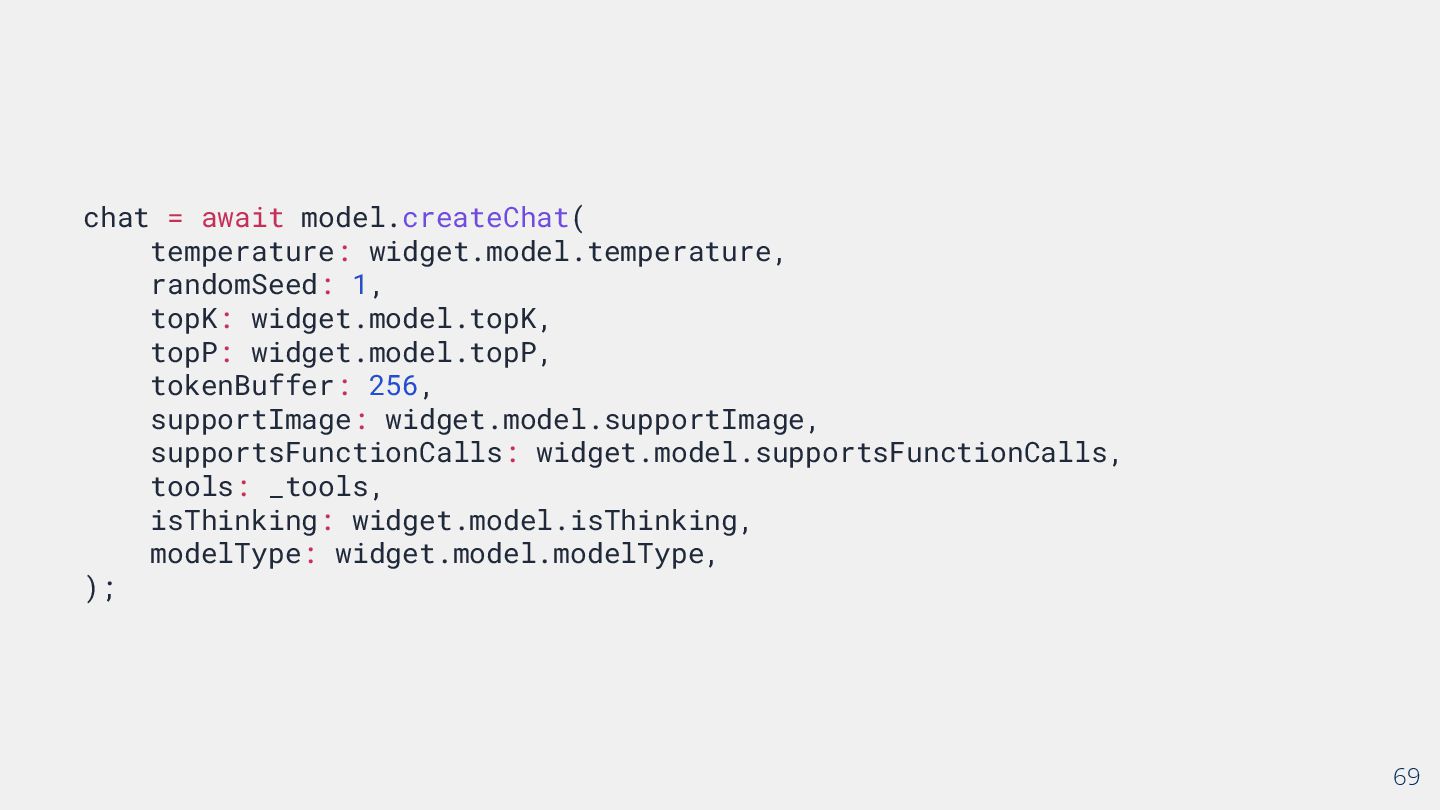
  50. 69 chat = await model.createChat( temperature: widget.model.temperature, randomSeed: 1, topK:

    widget.model.topK, topP: widget.model.topP, tokenBuffer: 256, supportImage: widget.model.supportImage, supportsFunctionCalls: widget.model.supportsFunctionCalls, tools: _tools, isThinking: widget.model.isThinking, modelType: widget.model.modelType, );
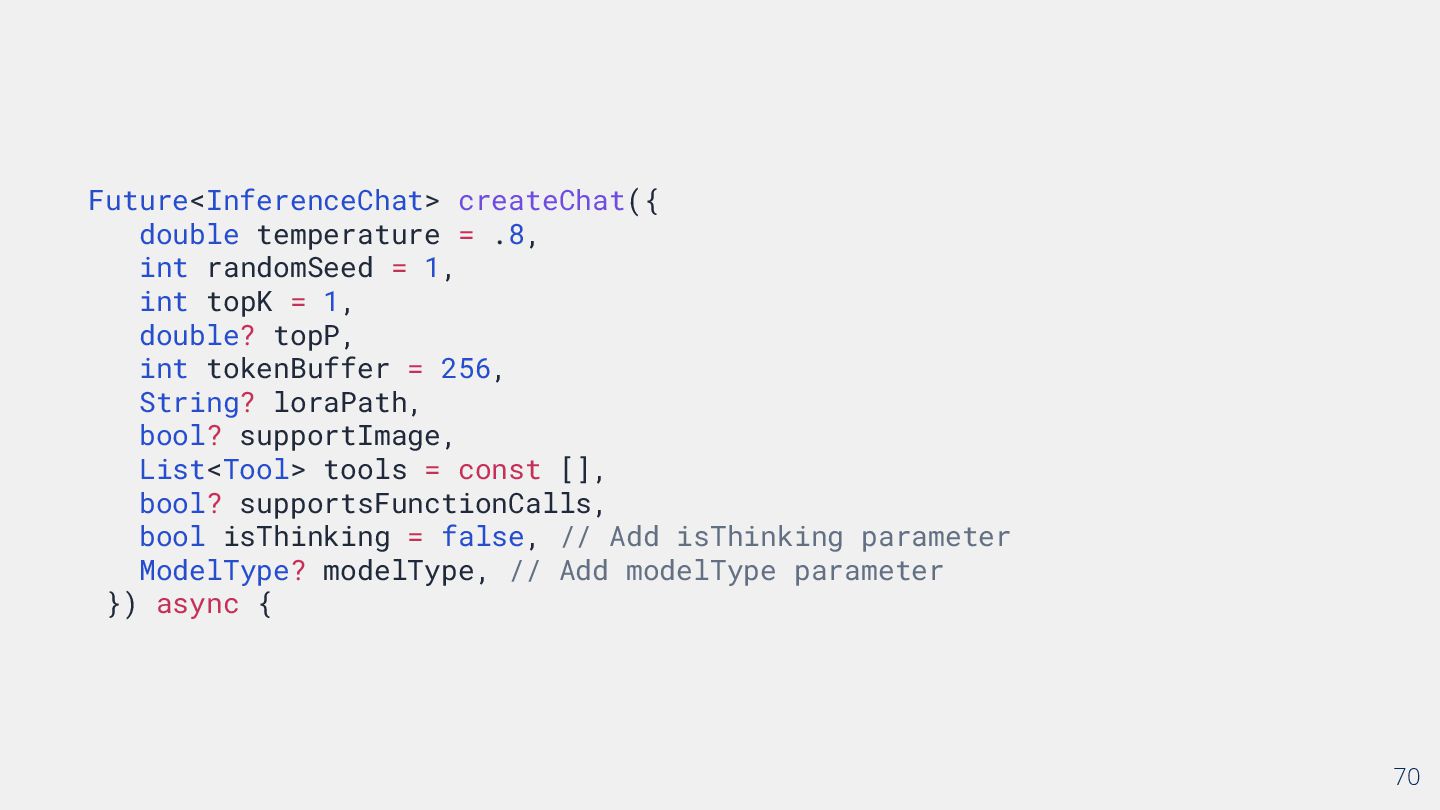
  51. 70 Future<InferenceChat> createChat({ double temperature = .8, int randomSeed =

    1, int topK = 1, double? topP, int tokenBuffer = 256, String? loraPath, bool? supportImage, List<Tool> tools = const [], bool? supportsFunctionCalls, bool isThinking = false, // Add isThinking parameter ModelType? modelType, // Add modelType parameter }) async {
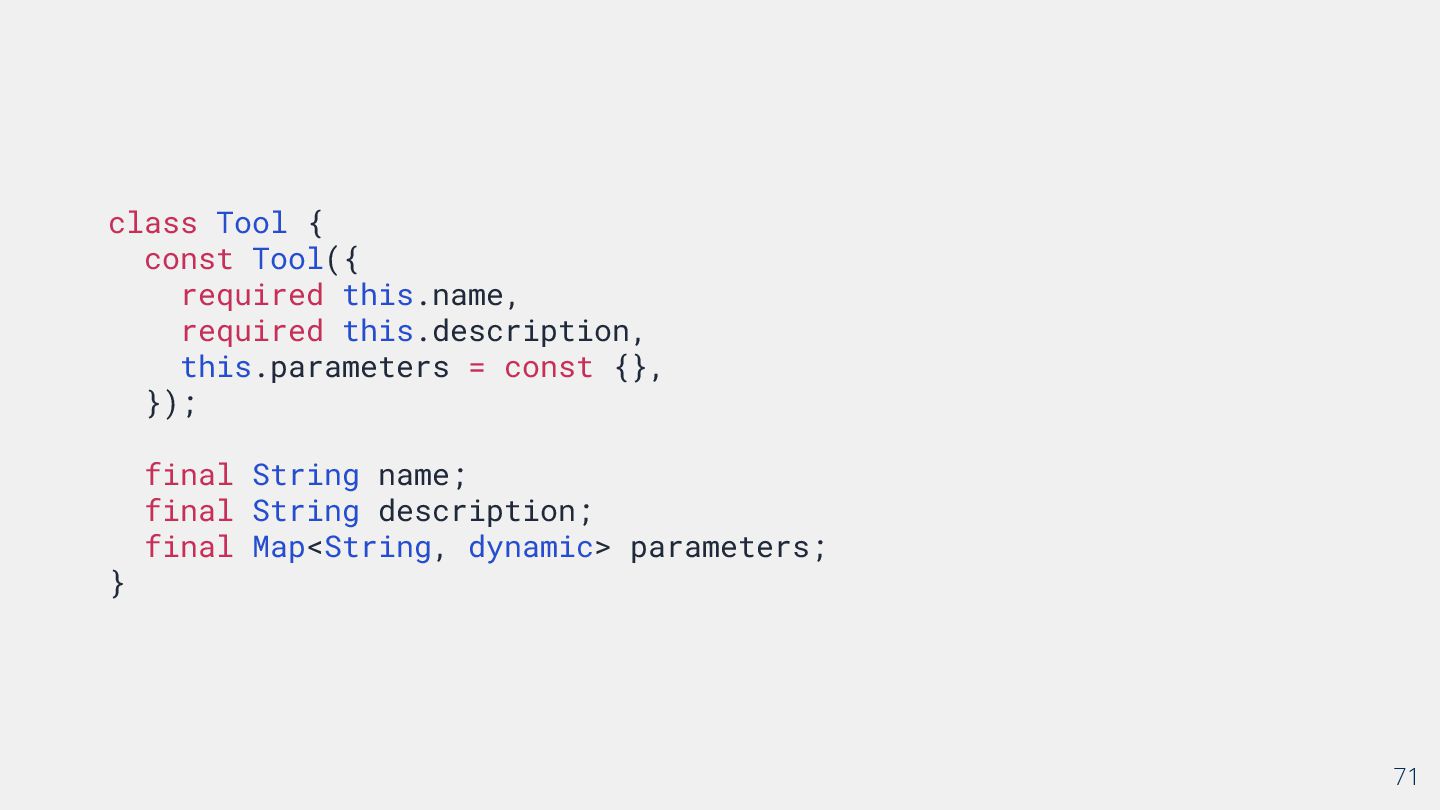
  52. 71 class Tool { const Tool({ required this.name, required this.description,

    this.parameters = const {}, }); final String name; final String description; final Map<String, dynamic> parameters; }
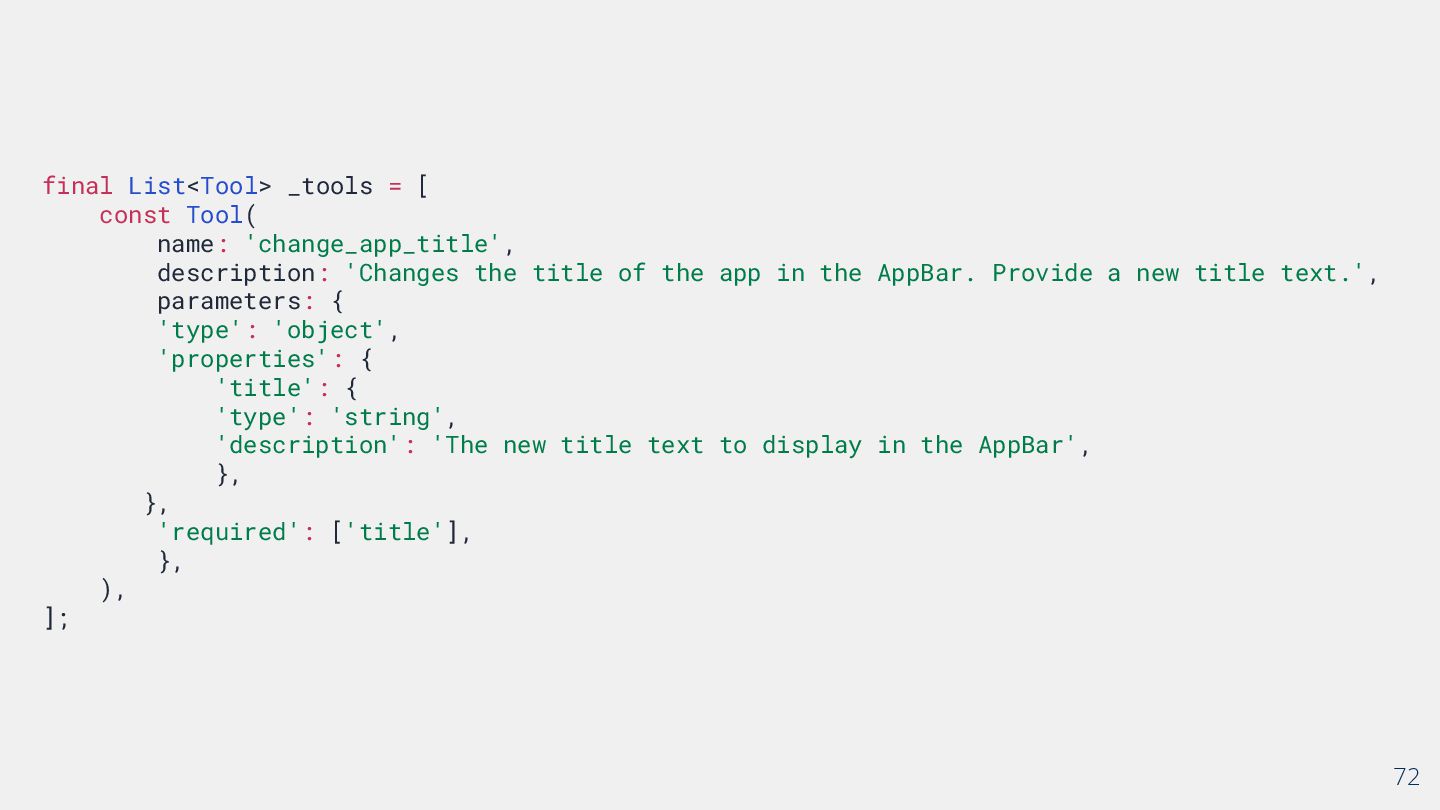
  53. 72 final List<Tool> _tools = [ const Tool( name: 'change_app_title',

    description: 'Changes the title of the app in the AppBar. Provide a new title text.', parameters: { 'type': 'object', 'properties': { 'title': { 'type': 'string', 'description': 'The new title text to display in the AppBar', }, }, 'required': ['title'], }, ), ];
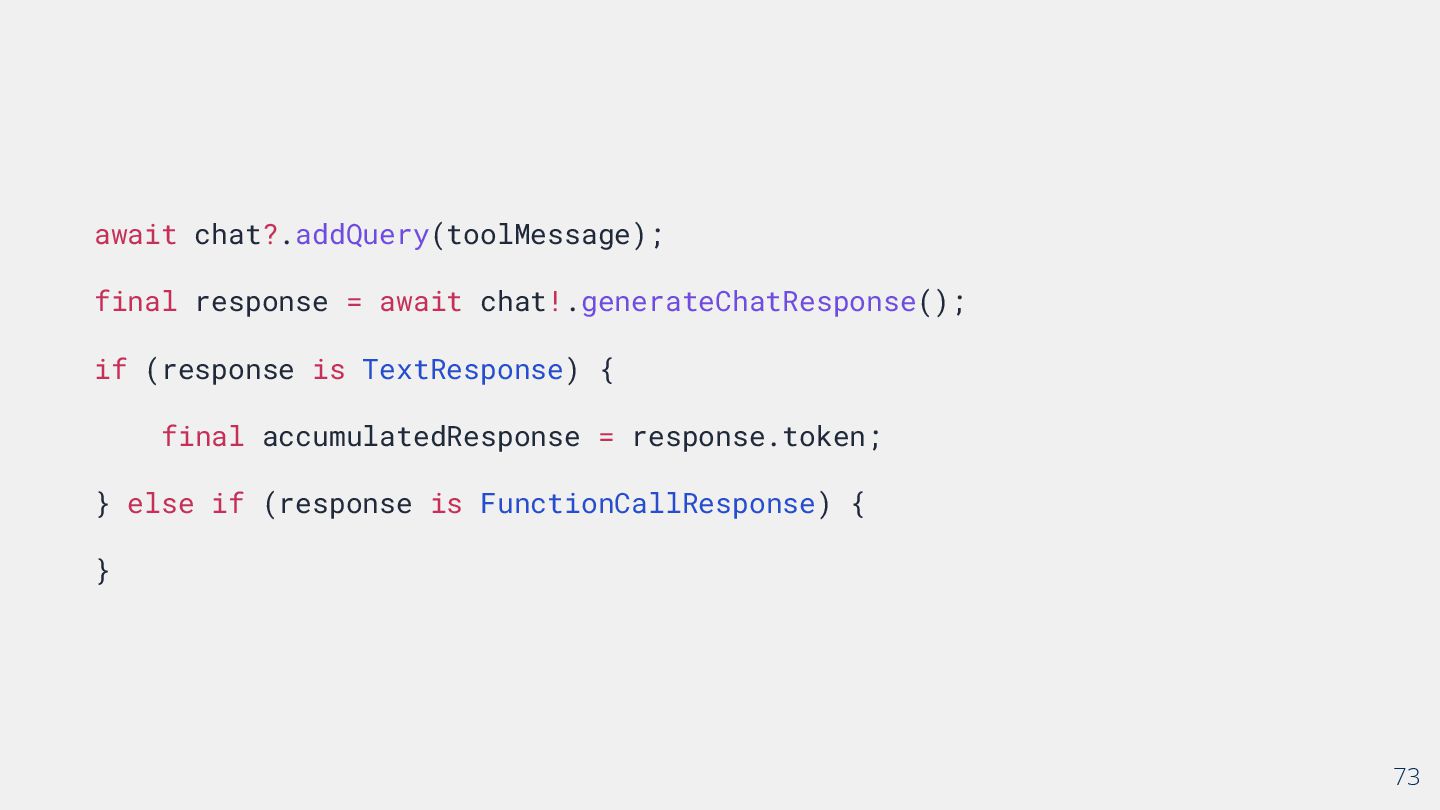
  54. 73 await chat?.addQuery(toolMessage); final response = await chat!.generateChatResponse(); if (response

    is TextResponse) { final accumulatedResponse = response.token; } else if (response is FunctionCallResponse) { }
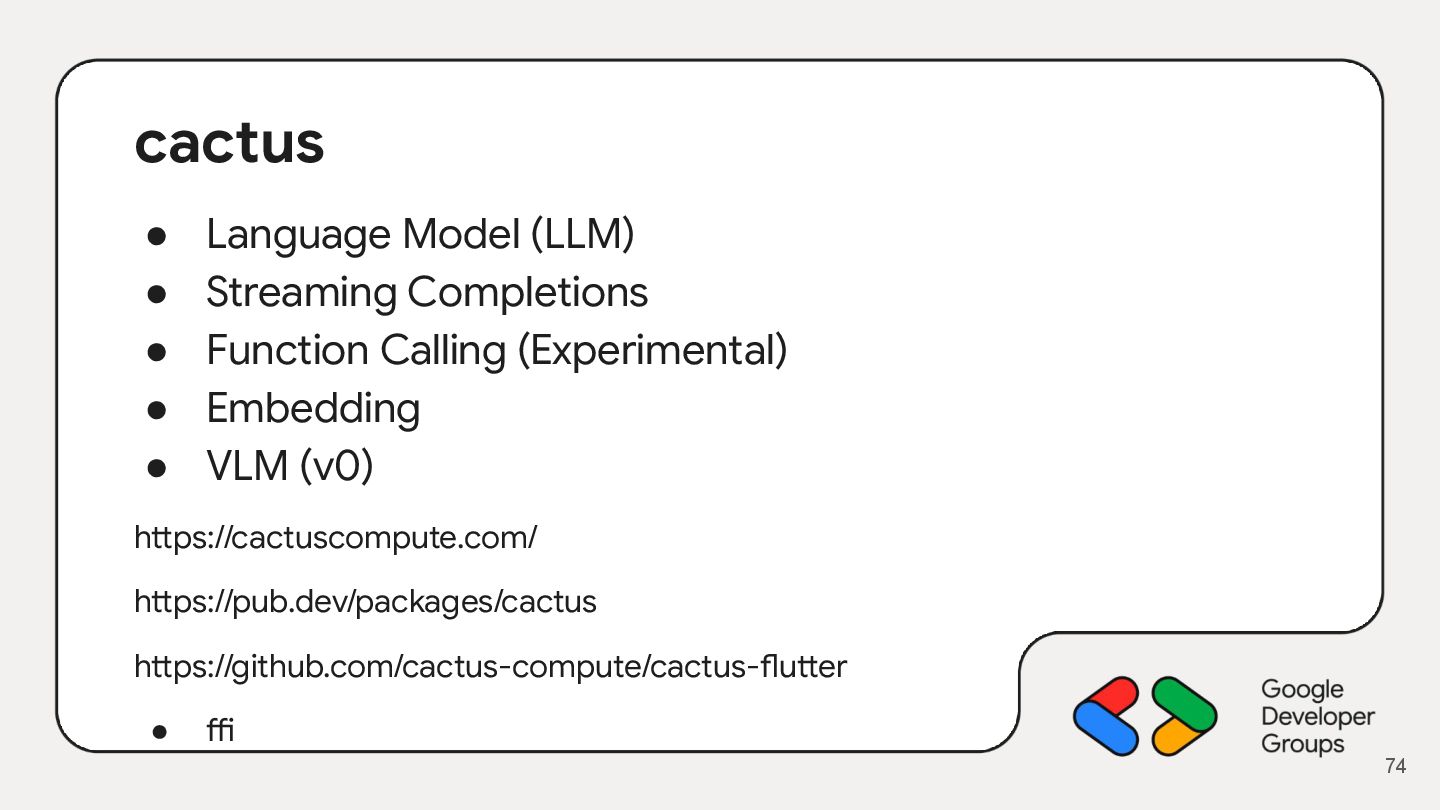
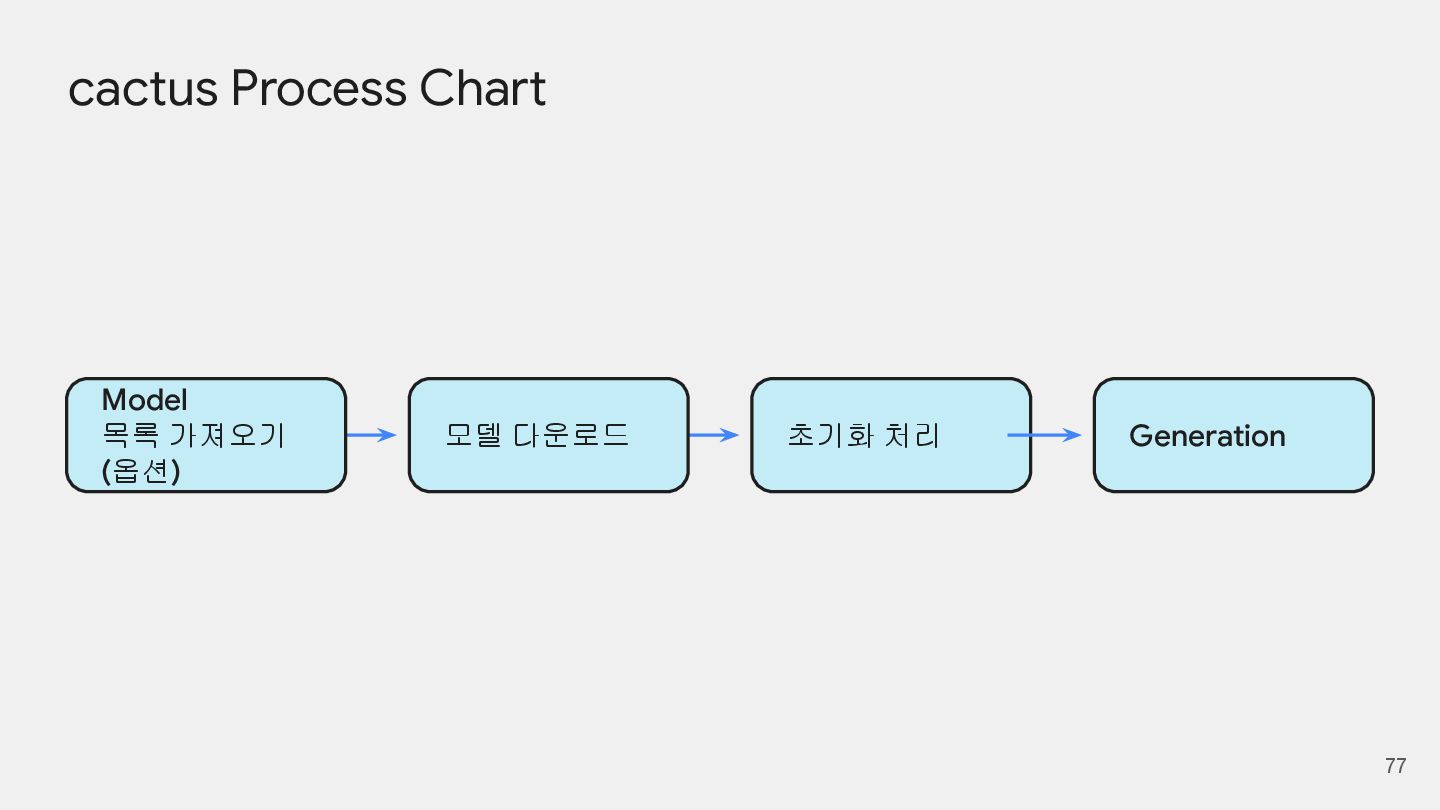
  55. cactus • Language Model (LLM) • Streaming Completions • Function

    Calling (Experimental) • Embedding • VLM (v0) https://cactuscompute.com/ https://pub.dev/packages/cactus https://github.com/cactus-compute/cactus-flutter • ffi 74
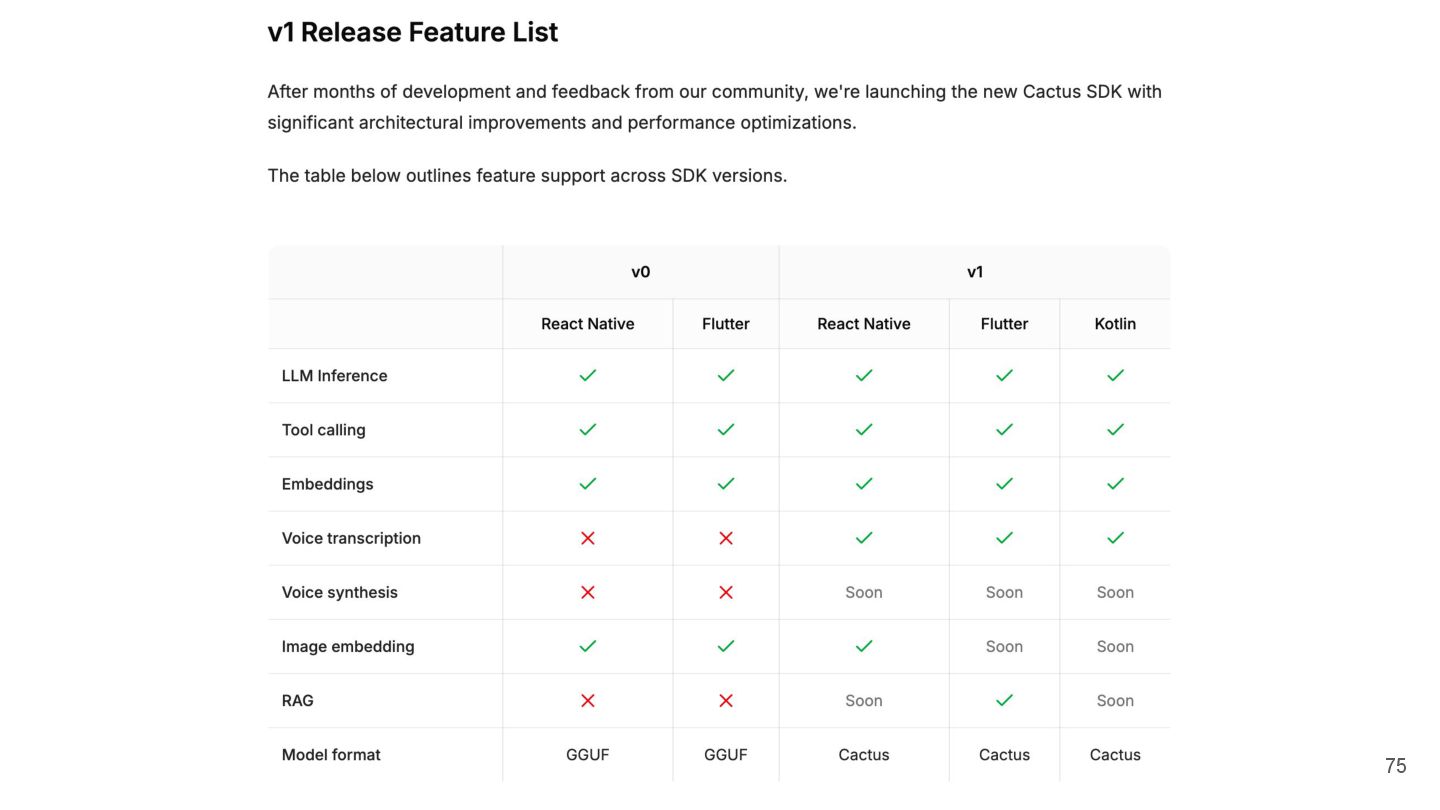
  56. 75

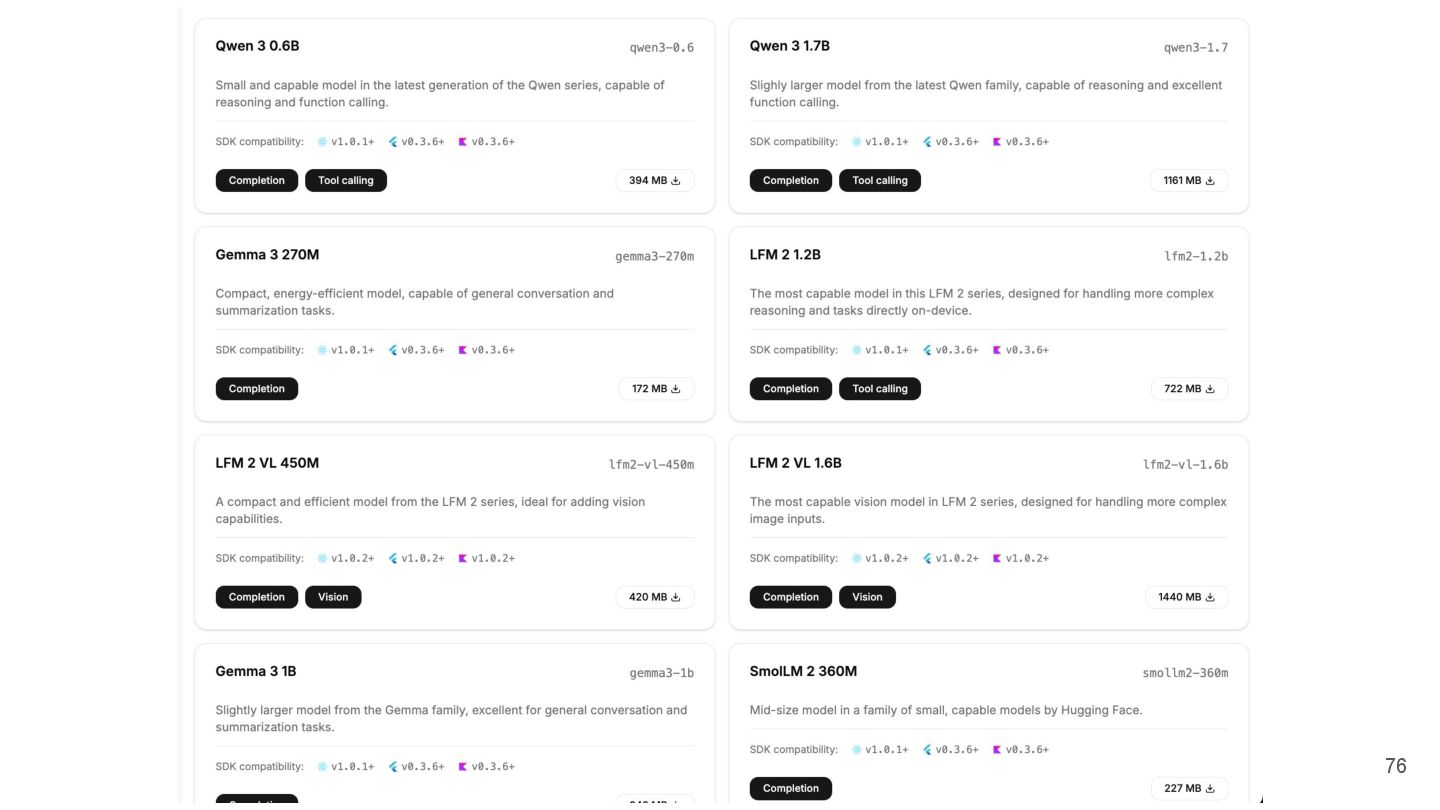
  57. 76

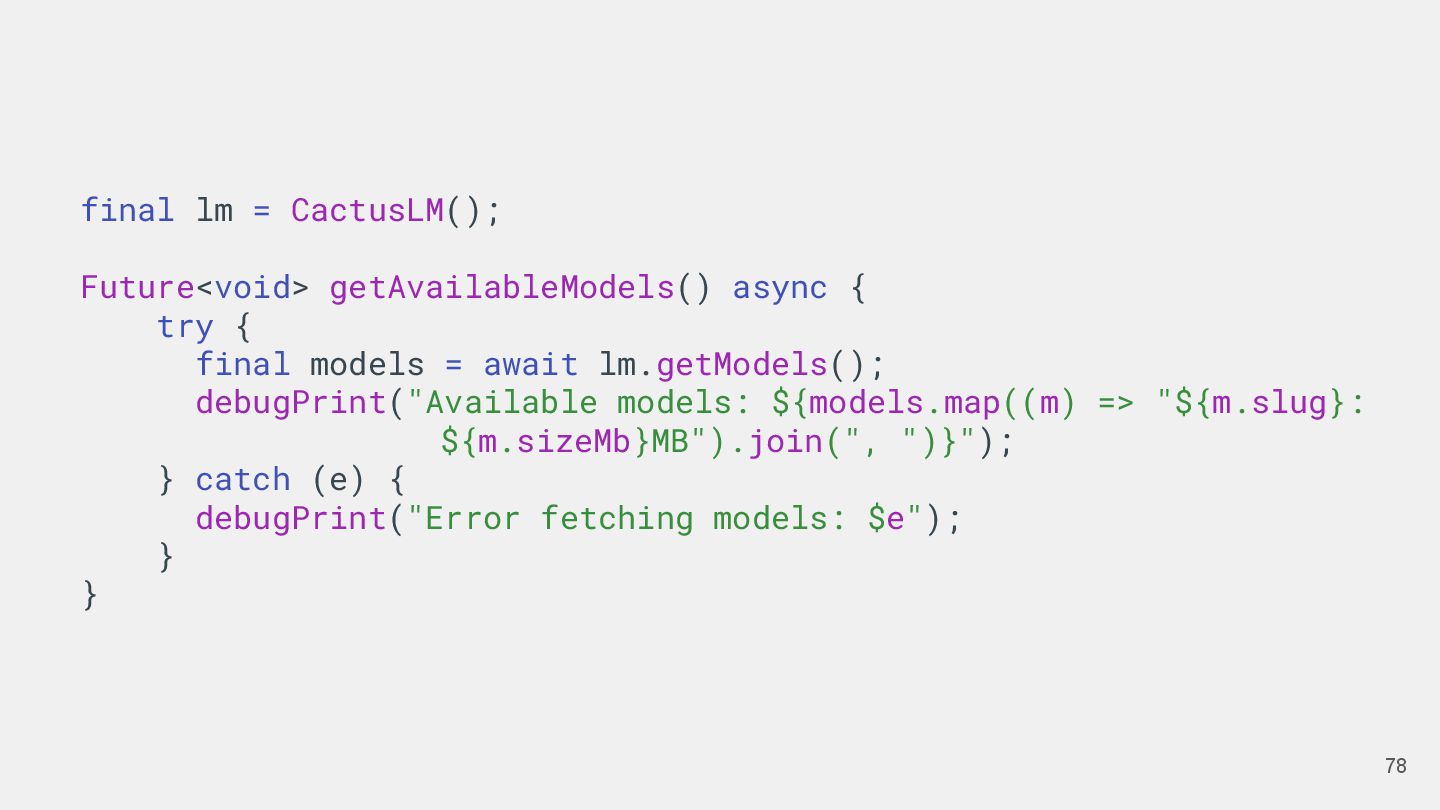
  58. 78 final lm = CactusLM(); Future<void> getAvailableModels() async { try

    { final models = await lm.getModels(); debugPrint("Available models: ${models.map((m) => "${m.slug}: ${m.sizeMb}MB").join(", ")}"); } catch (e) { debugPrint("Error fetching models: $e"); } }
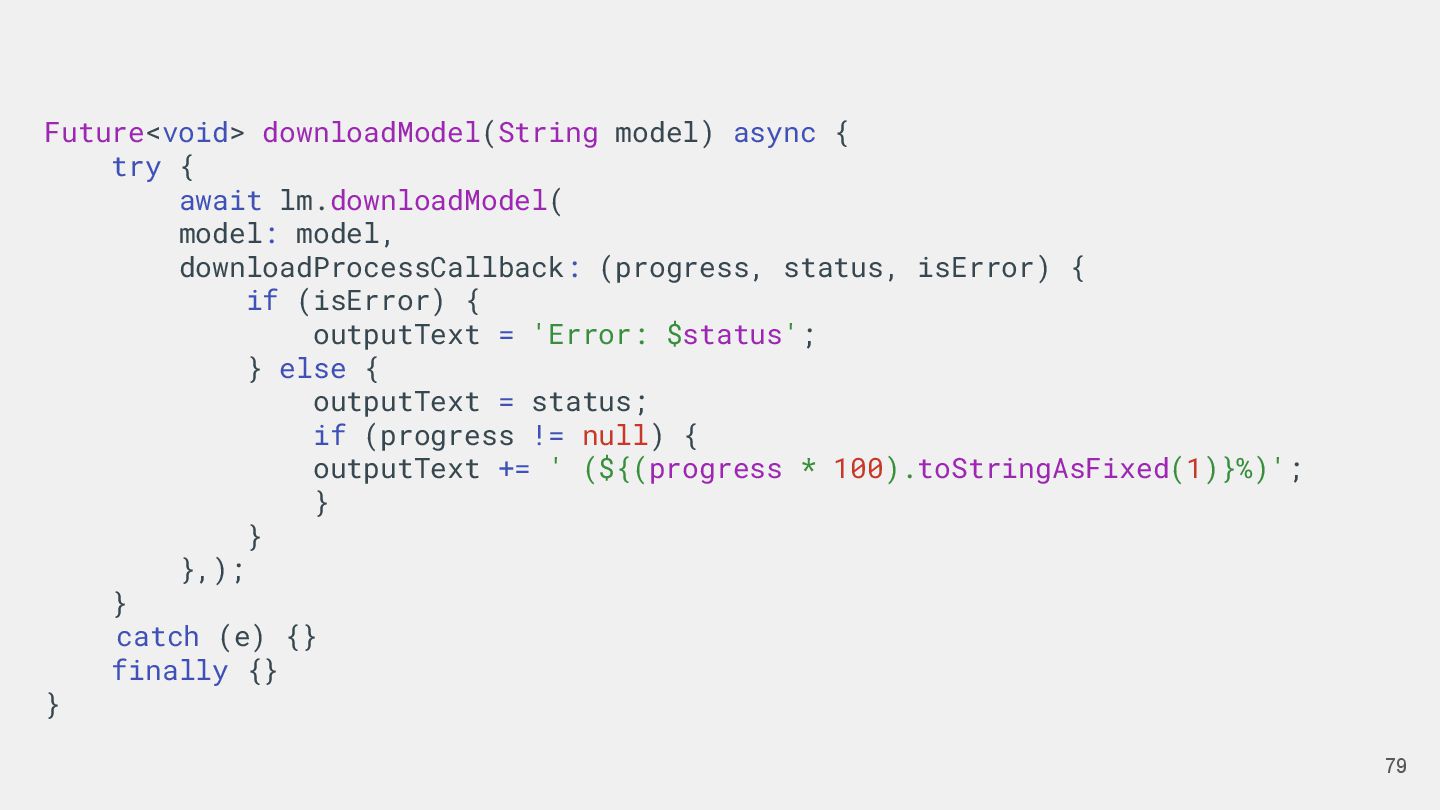
  59. 79 Future<void> downloadModel(String model) async { try { await lm.downloadModel(

    model: model, downloadProcessCallback: (progress, status, isError) { if (isError) { outputText = 'Error: $status'; } else { outputText = status; if (progress != null) { outputText += ' (${(progress * 100).toStringAsFixed(1)}%)'; } } },); } catch (e) {} finally {} }
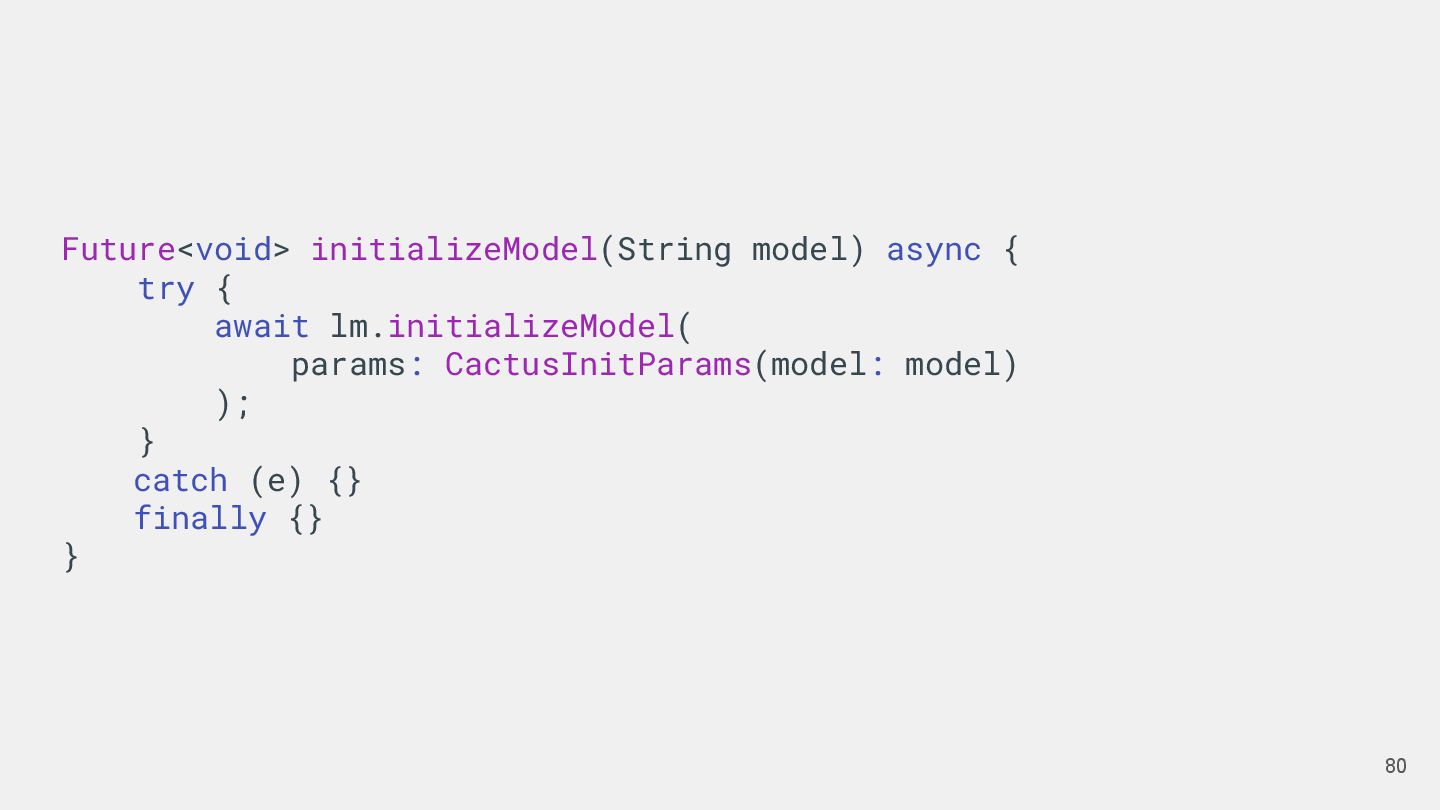
  60. 80 Future<void> initializeModel(String model) async { try { await lm.initializeModel(

    params: CactusInitParams(model: model) ); } catch (e) {} finally {} }
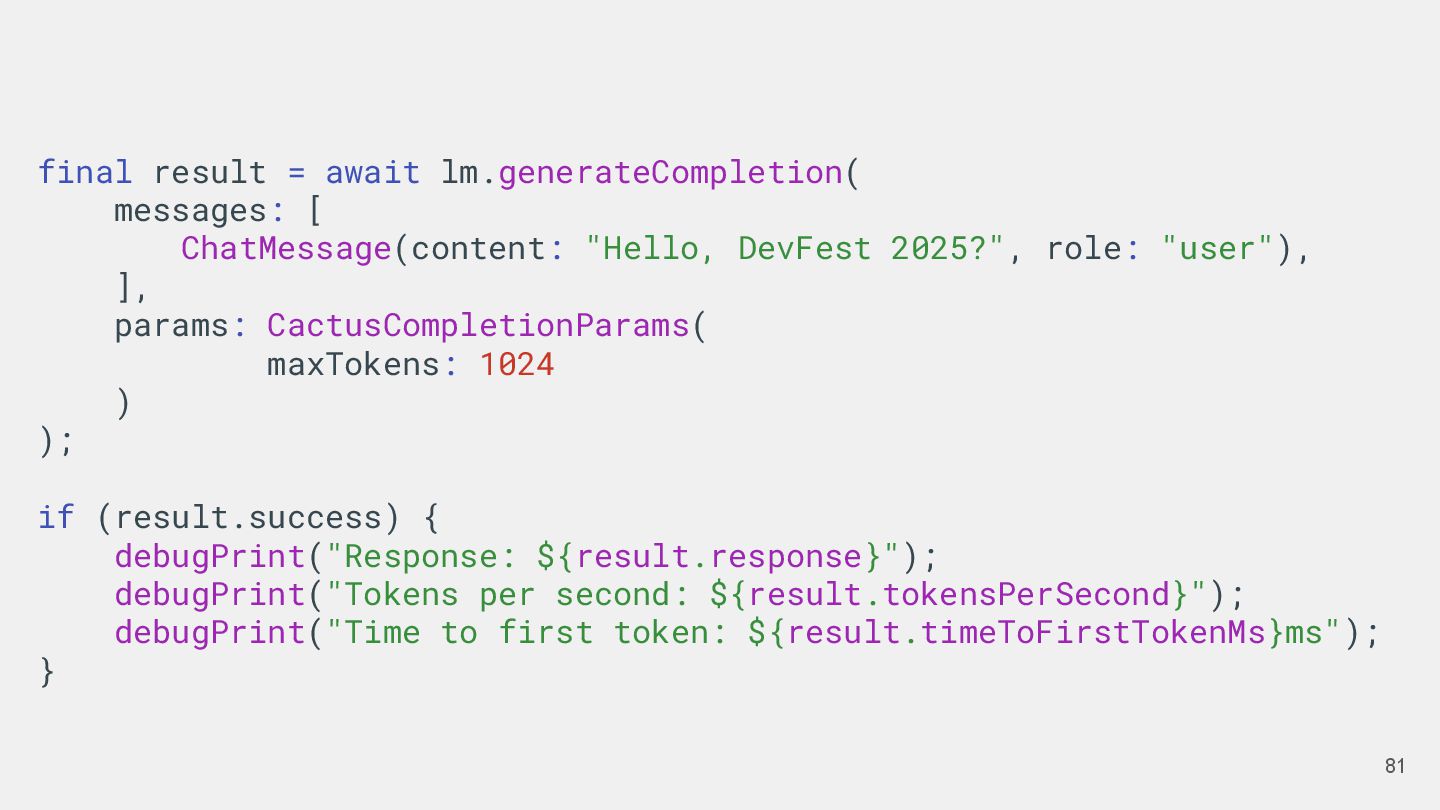
  61. 81 final result = await lm.generateCompletion( messages: [ ChatMessage(content: "Hello,

    DevFest 2025?", role: "user"), ], params: CactusCompletionParams( maxTokens: 1024 ) ); if (result.success) { debugPrint("Response: ${result.response}"); debugPrint("Tokens per second: ${result.tokensPerSecond}"); debugPrint("Time to first token: ${result.timeToFirstTokenMs}ms"); }
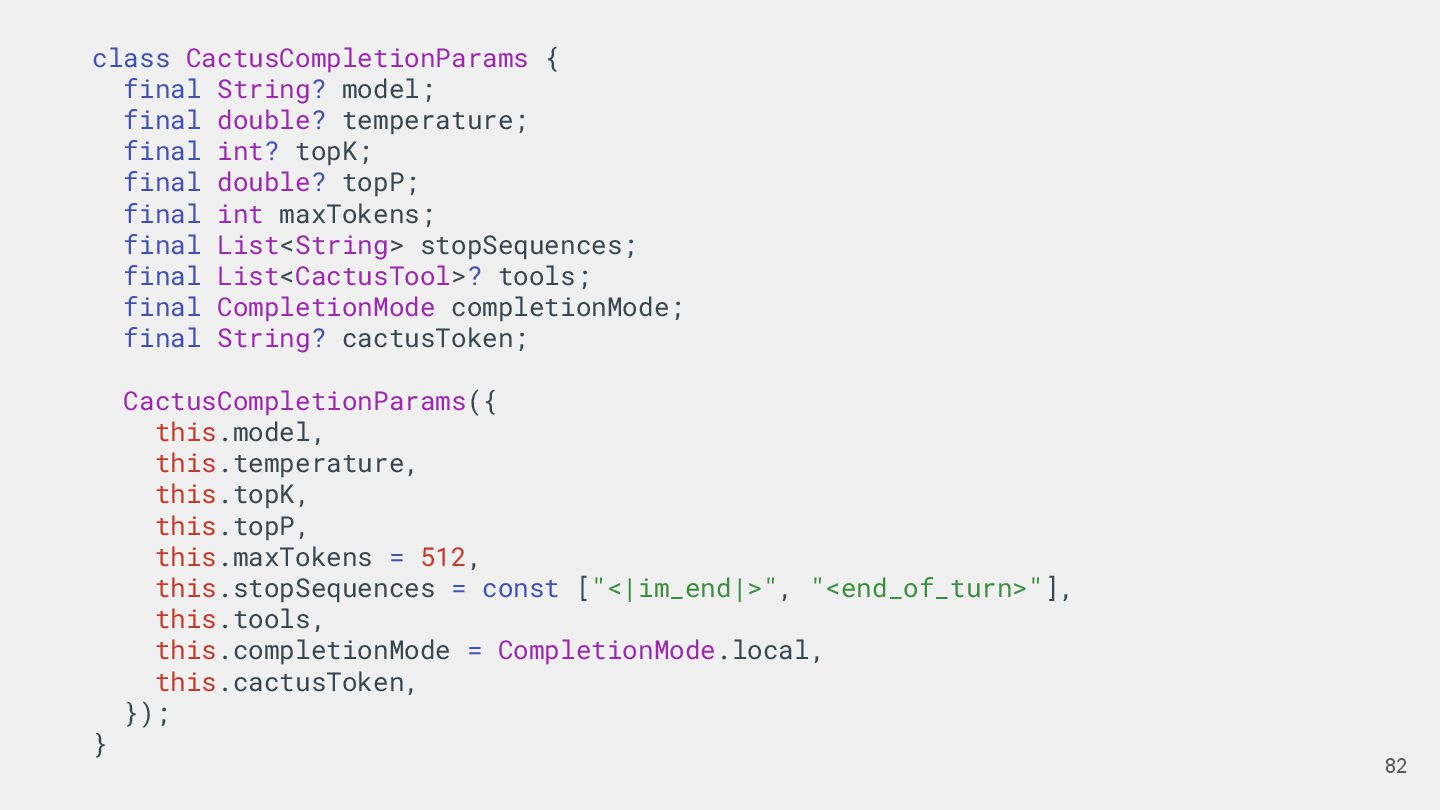
  62. 82 class CactusCompletionParams { final String? model; final double? temperature;

    final int? topK; final double? topP; final int maxTokens; final List<String> stopSequences; final List<CactusTool>? tools; final CompletionMode completionMode; final String? cactusToken; CactusCompletionParams({ this.model, this.temperature, this.topK, this.topP, this.maxTokens = 512, this.stopSequences = const ["<|im_end|>", "<end_of_turn>"], this.tools, this.completionMode = CompletionMode.local, this.cactusToken, }); }
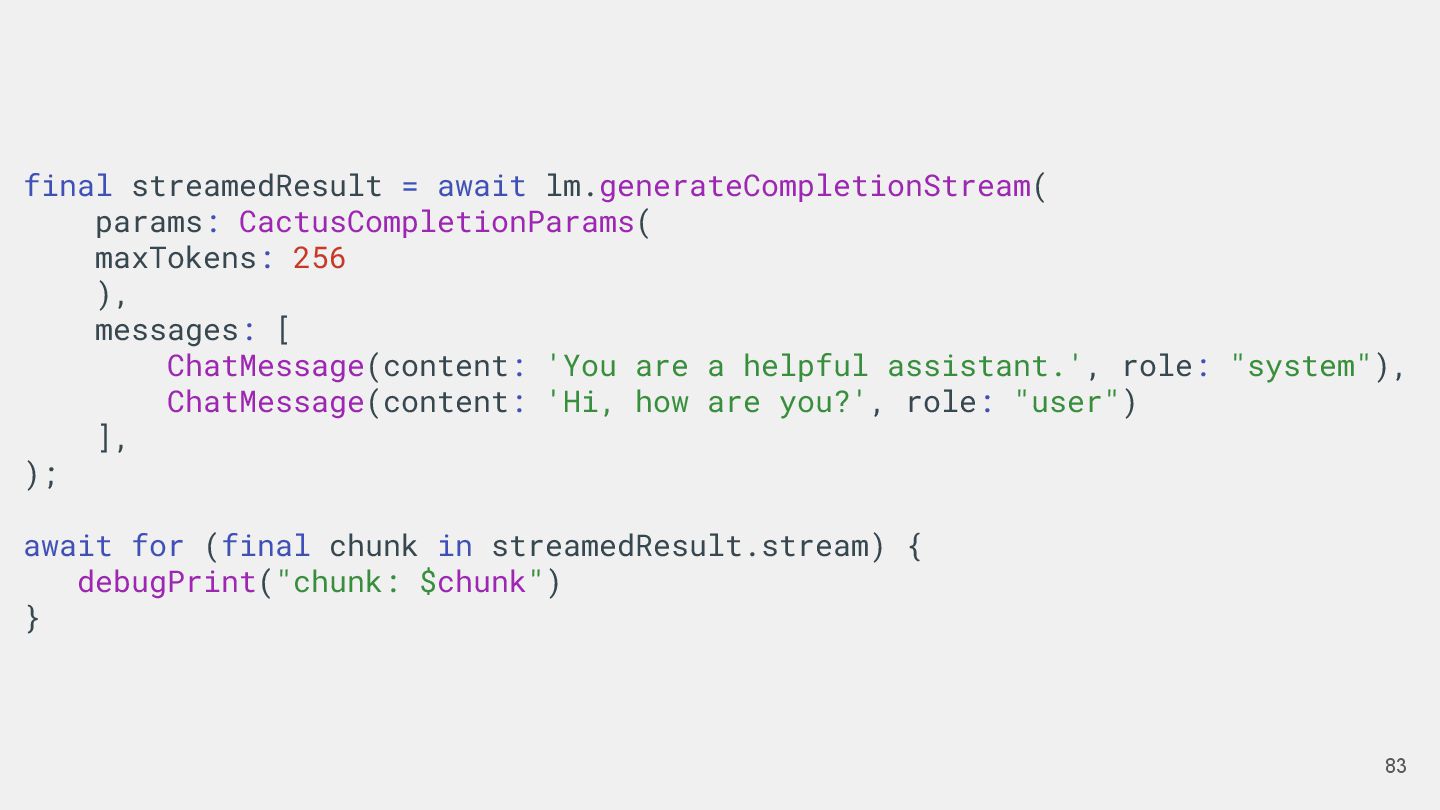
  63. 83 final streamedResult = await lm.generateCompletionStream( params: CactusCompletionParams( maxTokens: 256

    ), messages: [ ChatMessage(content: 'You are a helpful assistant.', role: "system"), ChatMessage(content: 'Hi, how are you?', role: "user") ], ); await for (final chunk in streamedResult.stream) { debugPrint("chunk: $chunk") }
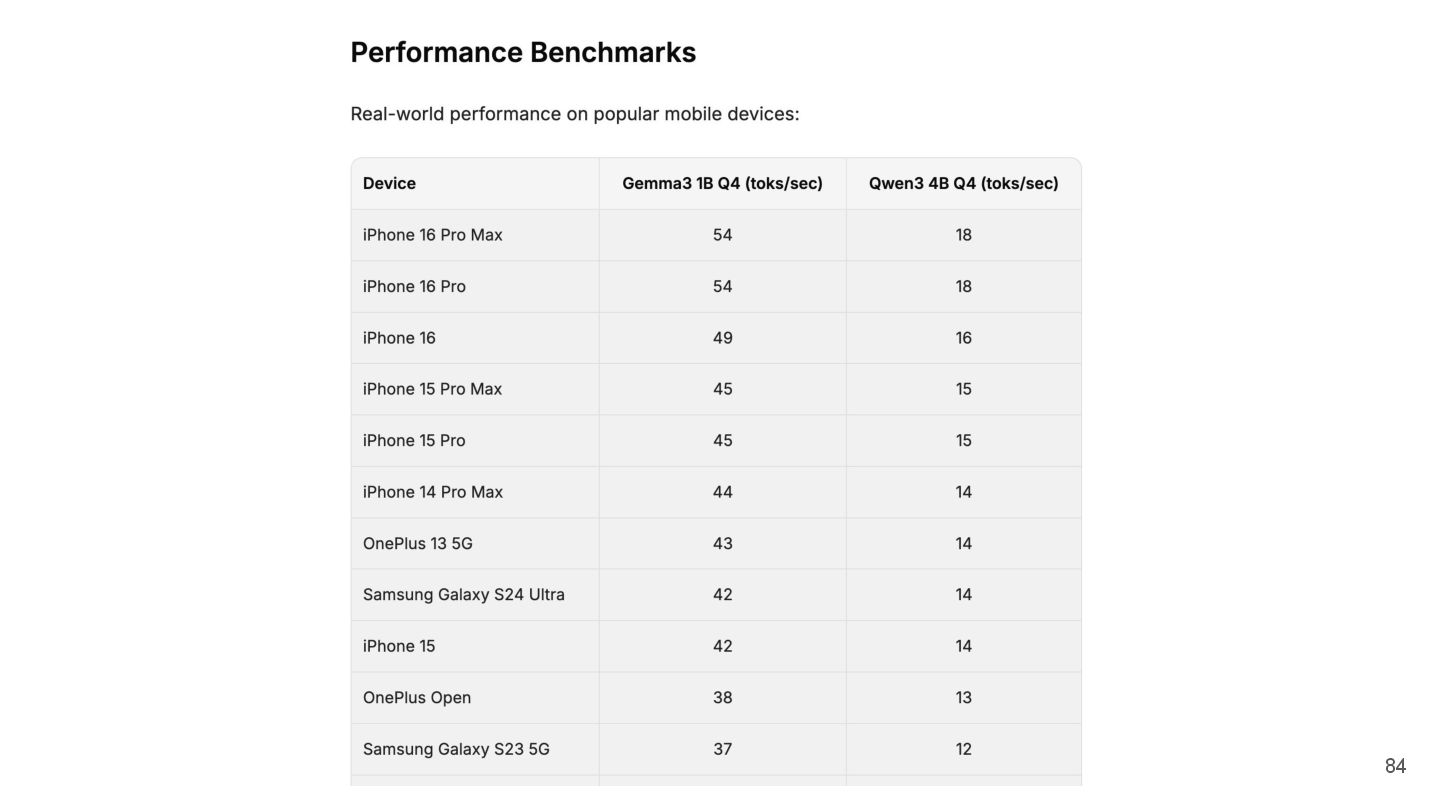
  64. 84

  65. 직접 개발을 해야한다면 • Native API를 잘 살펴보기 • Platform

    Channel • Gemini Nano ◦ ML Kit GenAI API • Apple Foundation Model 86
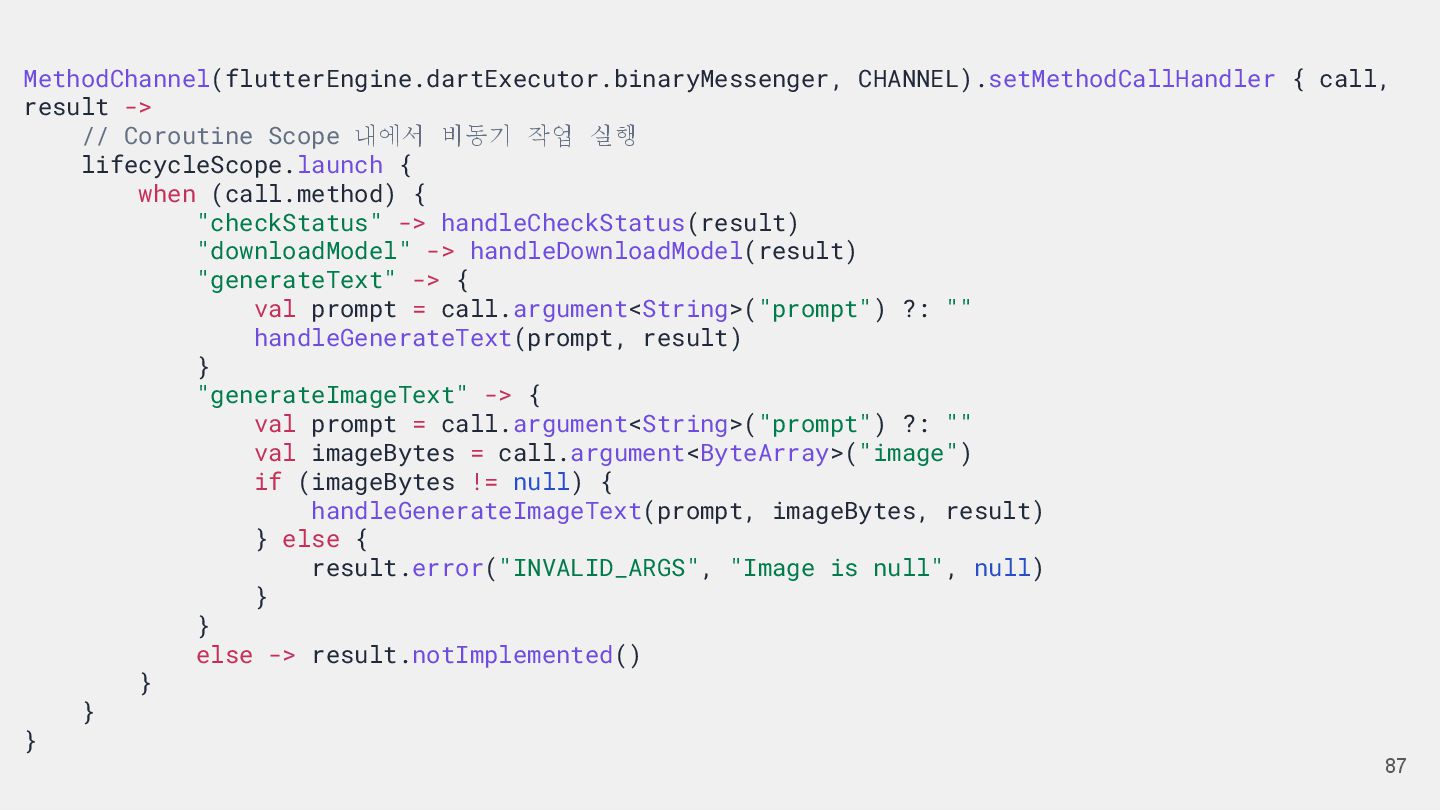
  66. 87 MethodChannel(flutterEngine.dartExecutor.binaryMessenger, CHANNEL).setMethodCallHandler { call, result -> // Coroutine Scope

    내에서 비동기 작업 실행 lifecycleScope.launch { when (call.method) { "checkStatus" -> handleCheckStatus(result) "downloadModel" -> handleDownloadModel(result) "generateText" -> { val prompt = call.argument<String>("prompt") ?: "" handleGenerateText(prompt, result) } "generateImageText" -> { val prompt = call.argument<String>("prompt") ?: "" val imageBytes = call.argument<ByteArray>("image") if (imageBytes != null) { handleGenerateImageText(prompt, imageBytes, result) } else { result.error("INVALID_ARGS", "Image is null", null) } } else -> result.notImplemented() } } }
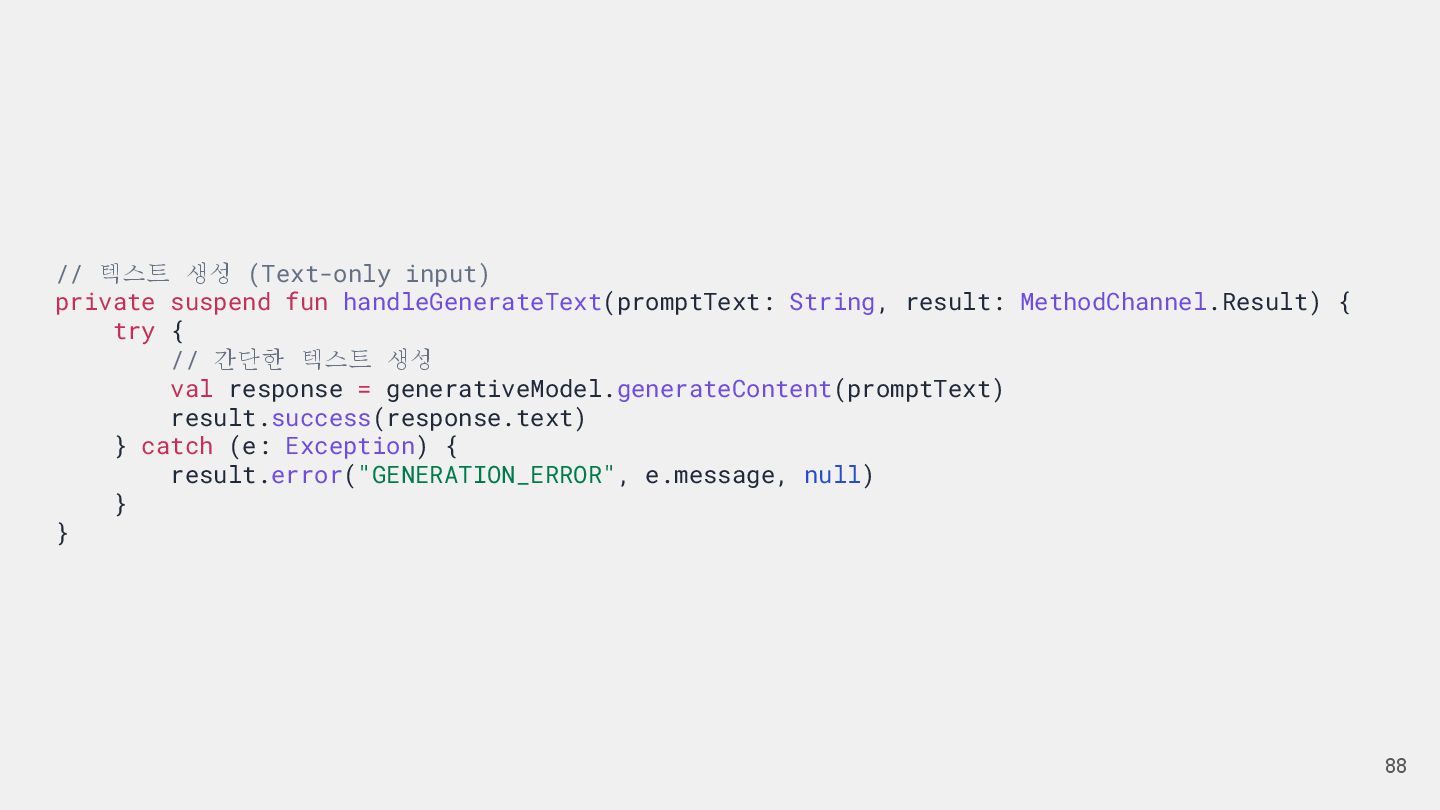
  67. 88 // 텍스트 생성 (Text-only input) private suspend fun handleGenerateText(promptText:

    String, result: MethodChannel.Result) { try { // 간단한 텍스트 생성 val response = generativeModel.generateContent(promptText) result.success(response.text) } catch (e: Exception) { result.error("GENERATION_ERROR", e.message, null) } }
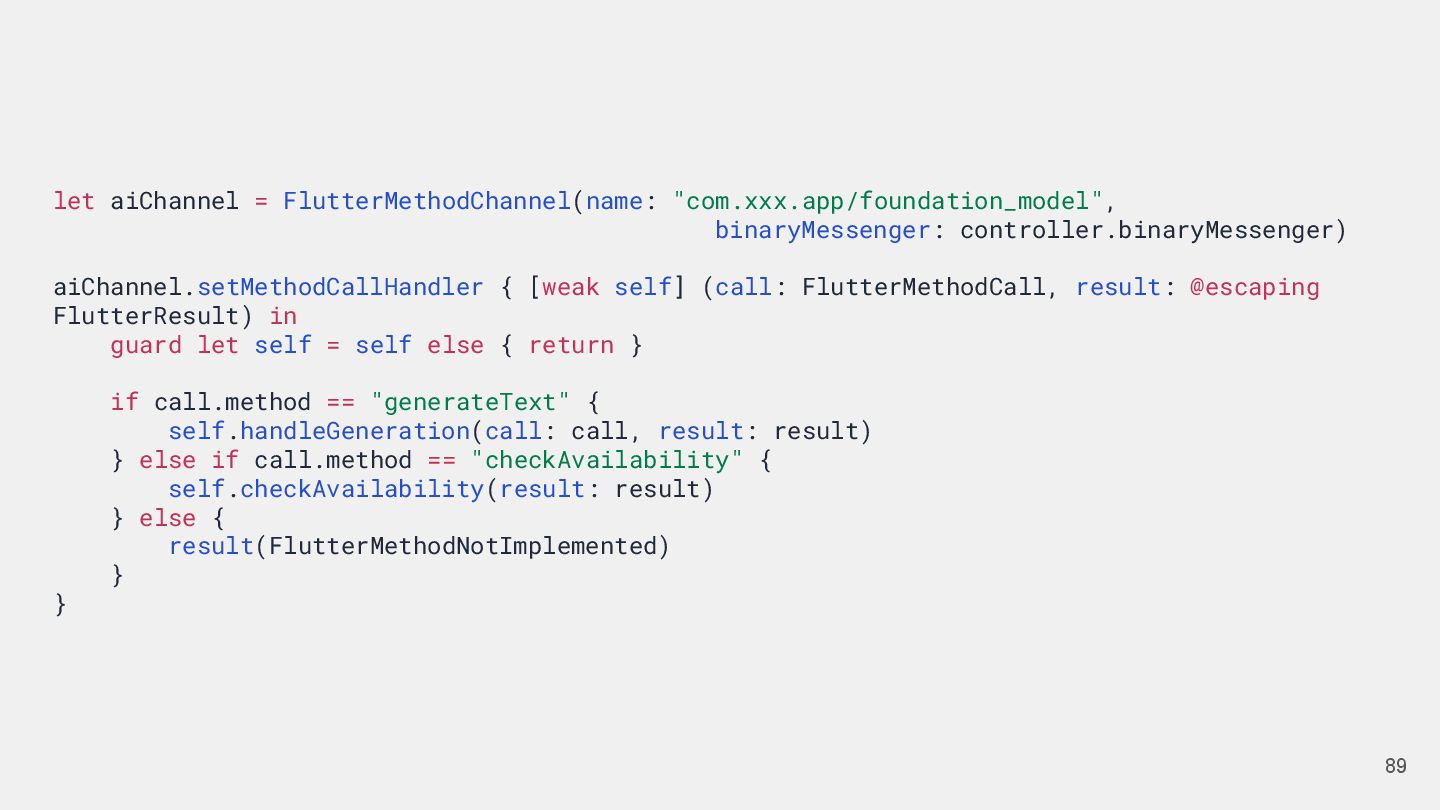
  68. 89 let aiChannel = FlutterMethodChannel(name: "com.xxx.app/foundation_model", binaryMessenger: controller.binaryMessenger) aiChannel.setMethodCallHandler {

    [weak self] (call: FlutterMethodCall, result: @escaping FlutterResult) in guard let self = self else { return } if call.method == "generateText" { self.handleGeneration(call: call, result: result) } else if call.method == "checkAvailability" { self.checkAvailability(result: result) } else { result(FlutterMethodNotImplemented) } }
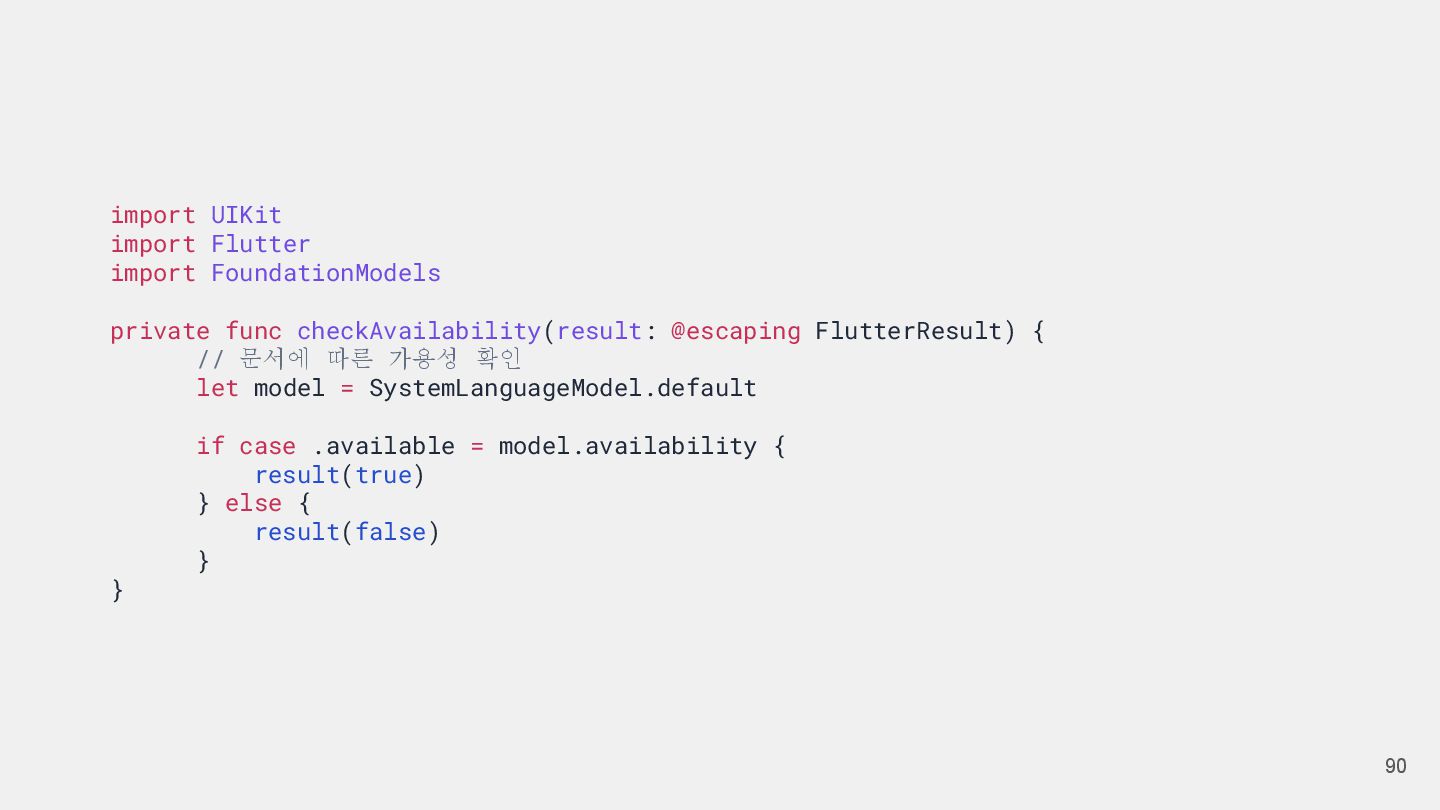
  69. 90 import UIKit import Flutter import FoundationModels private func checkAvailability(result:

    @escaping FlutterResult) { // 문서에 따른 가용성 확인 let model = SystemLanguageModel.default if case .available = model.availability { result(true) } else { result(false) } }
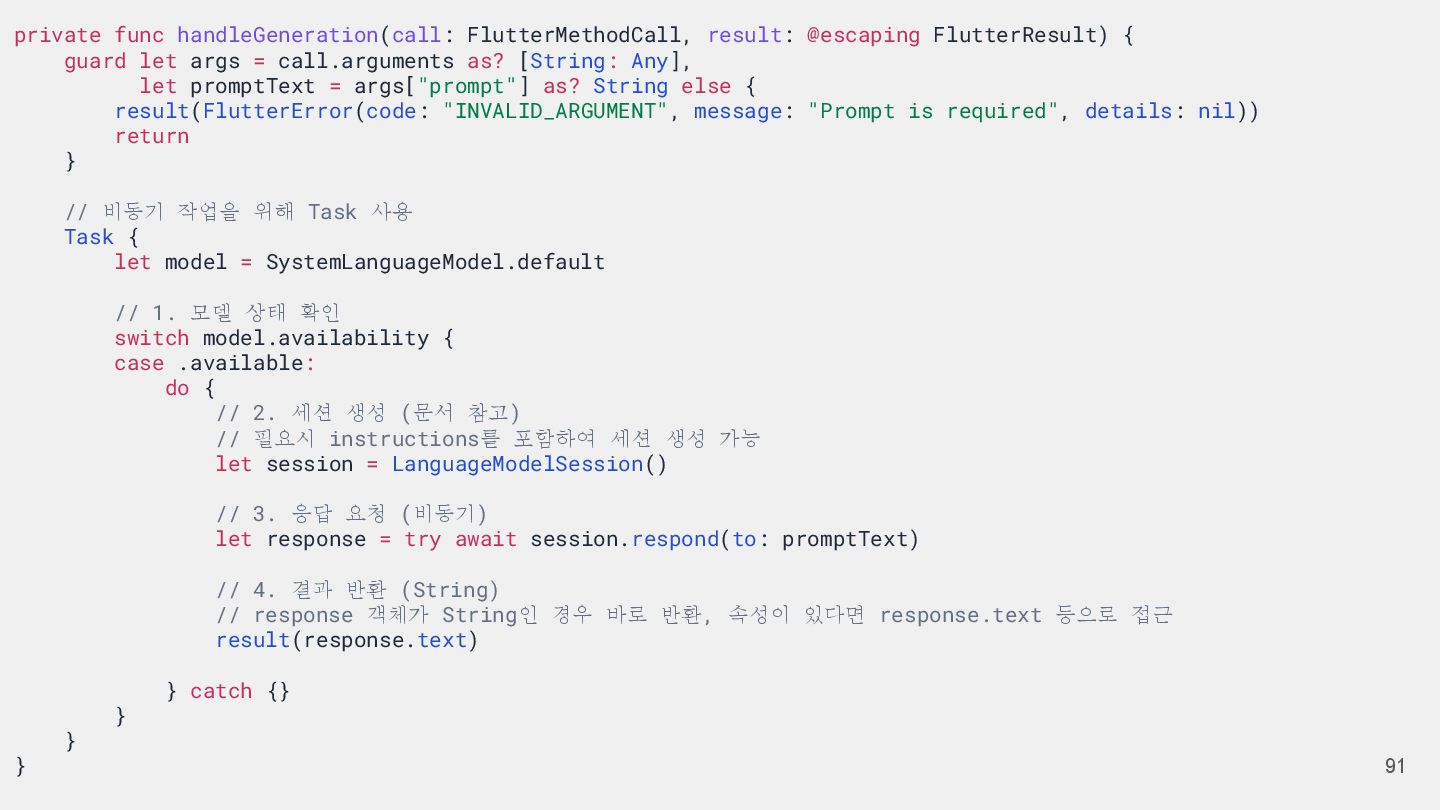
  70. 91 private func handleGeneration(call: FlutterMethodCall, result: @escaping FlutterResult) { guard

    let args = call.arguments as? [String: Any], let promptText = args["prompt"] as? String else { result(FlutterError(code: "INVALID_ARGUMENT", message: "Prompt is required", details: nil)) return } // 비동기 작업을 위해 Task 사용 Task { let model = SystemLanguageModel.default // 1. 모델 상태 확인 switch model.availability { case .available: do { // 2. 세션 생성 (문서 참고) // 필요시 instructions를 포함하여 세션 생성 가능 let session = LanguageModelSession() // 3. 응답 요청 (비동기) let response = try await session.respond(to: promptText) // 4. 결과 반환 (String) // response 객체가 String인 경우 바로 반환, 속성이 있다면 response.text 등으로 접근 result(response.text) } catch {} } } }
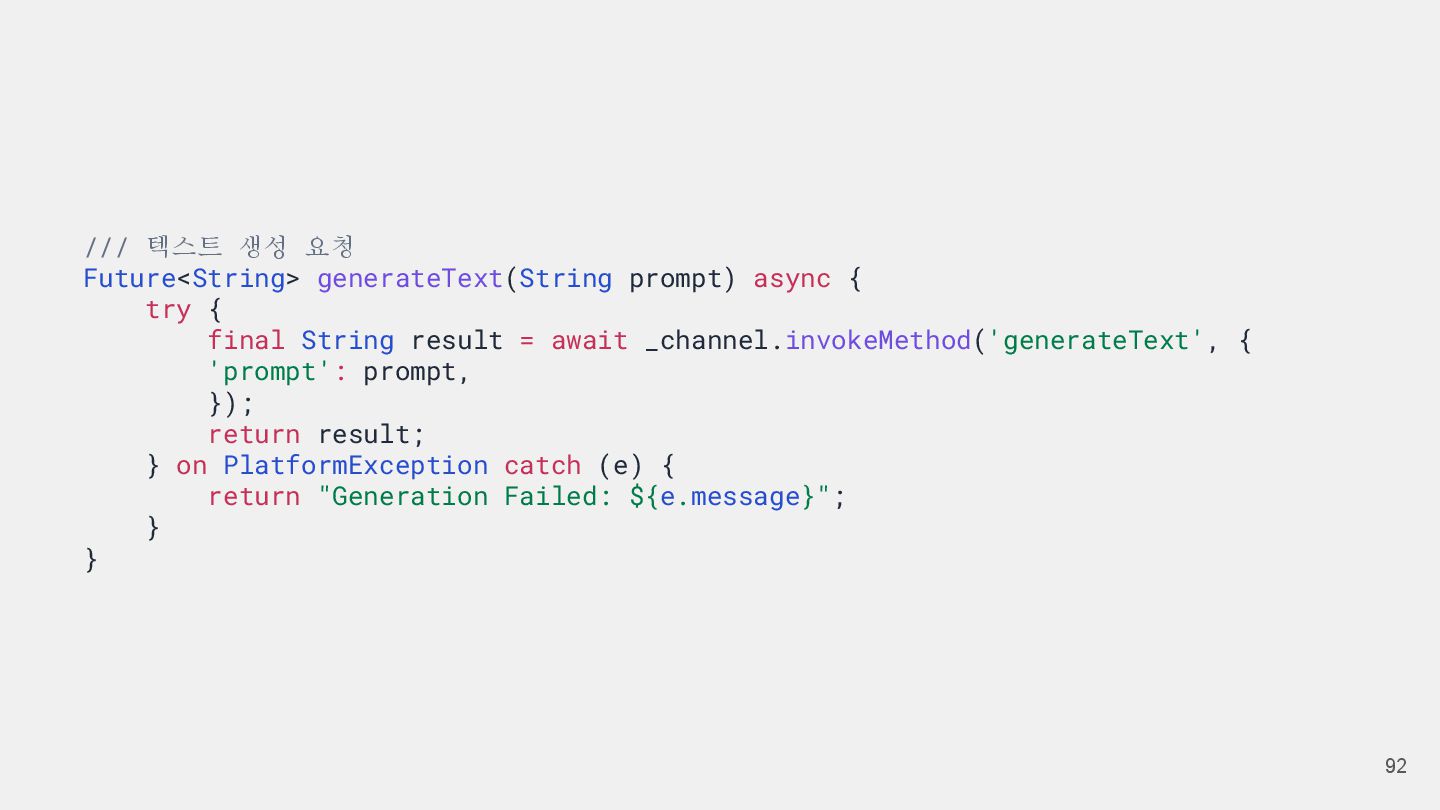
  71. 92 /// 텍스트 생성 요청 Future<String> generateText(String prompt) async {

    try { final String result = await _channel.invokeMethod('generateText', { 'prompt': prompt, }); return result; } on PlatformException catch (e) { return "Generation Failed: ${e.message}"; } }
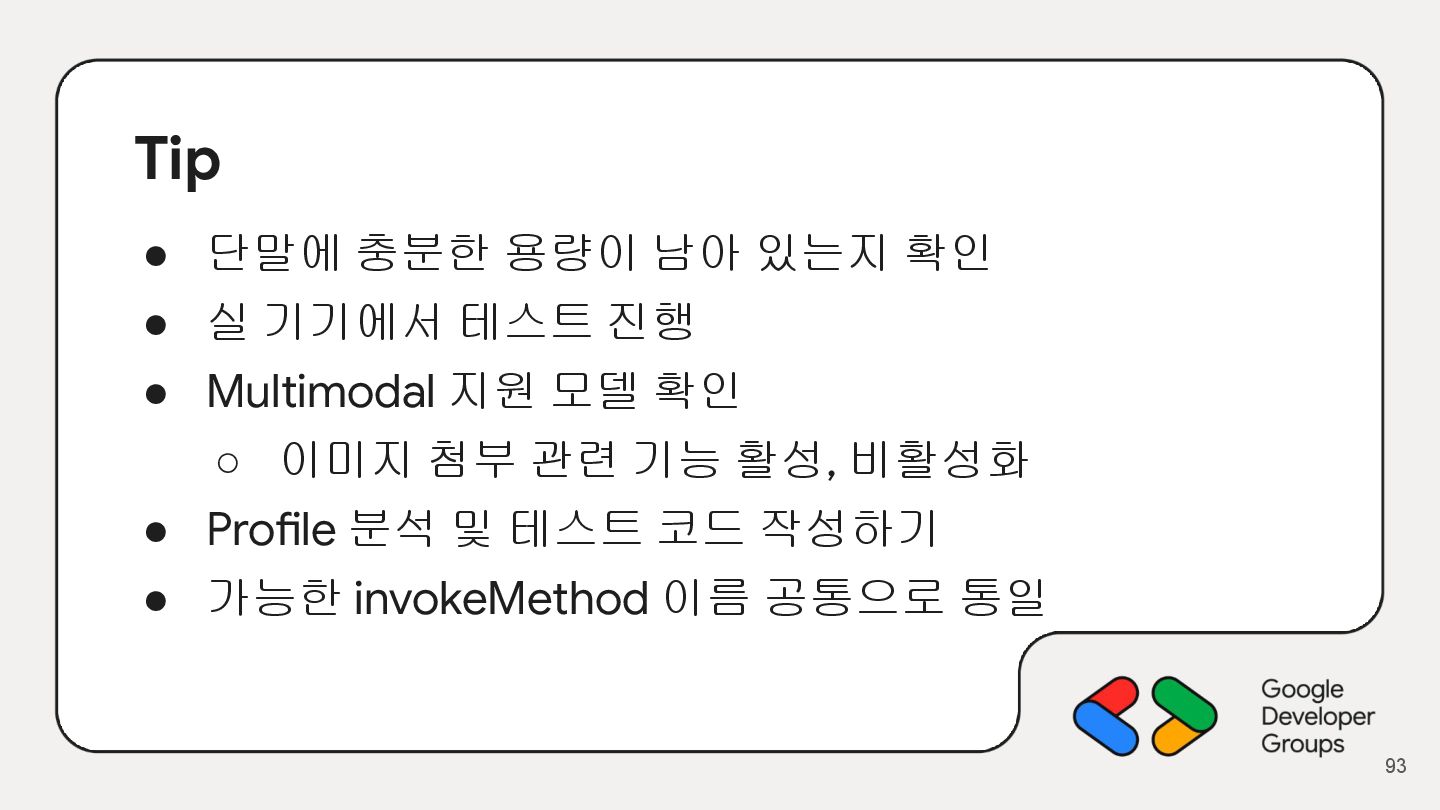
  72. Tip • 단말에 충분한 용량이 남아 있는지 확인 • 실

    기기에서 테스트 진행 • Multimodal 지원 모델 확인 ◦ 이미지 첨부 관련 기능 활성, 비활성화 • Profile 분석 및 테스트 코드 작성하기 • 가능한 invokeMethod 이름 공통으로 통일 93
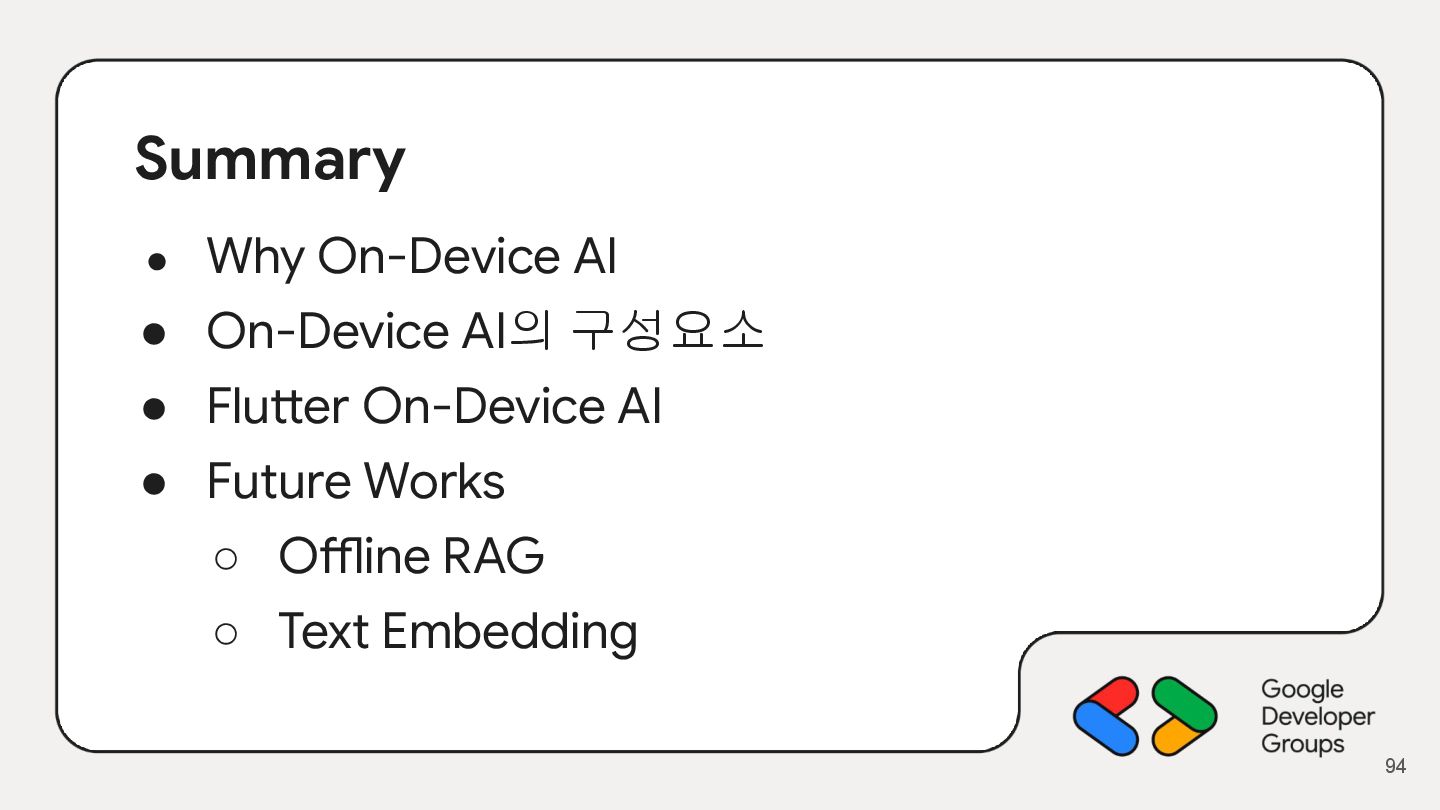
  73. Summary • Why On-Device AI • On-Device AI의 구성요소 •

    Flutter On-Device AI • Future Works ◦ Offline RAG ◦ Text Embedding 94