Upgrade to Pro — share decks privately, control downloads, hide ads and more …

Offline-First Patterns for Progressive Web Apps

Sponsored · Ship Features Fearlessly Turn features on and off without deploys. Used by thousands of Ruby developers. →

Offline-First Patterns for Progressive Web Apps

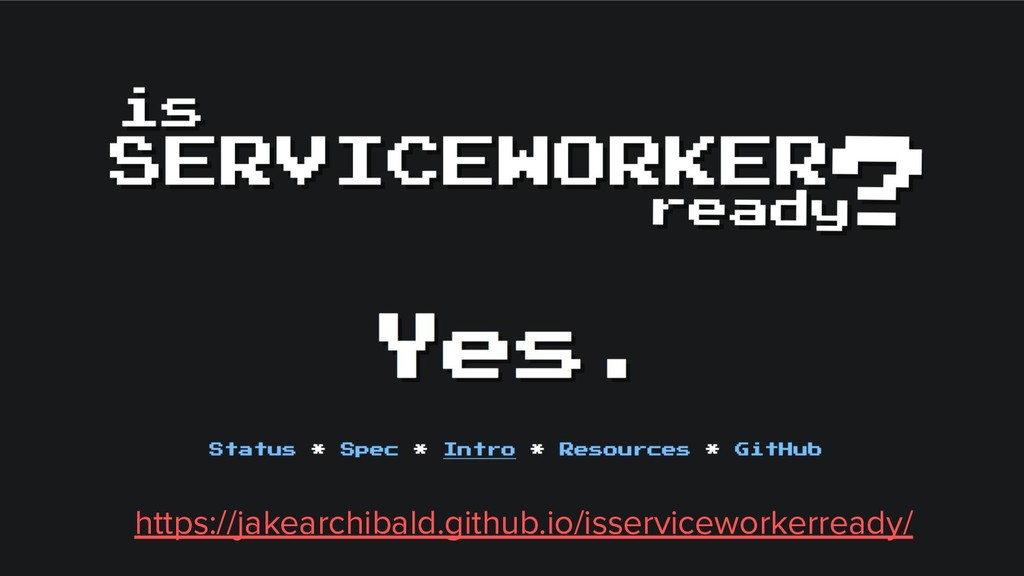
Progressive Web Apps (PWAs) are here with wide support by modern browsers (mobile & desktop). Becoming a PWA should be fundamental for every web application wishes to give its users the best user experience of the web.

One of the core concepts of PWAs is to think offline-first. Let's see what does it mean and which patterns we need to embrace with real-world examples of a React web-app.

Example app:
https://github.com/elizehavi/pwa-offline-first-example

Avatar for Eli Zehavi

Eli Zehavi

June 26, 2019

Other Decks in Programming

Transcript

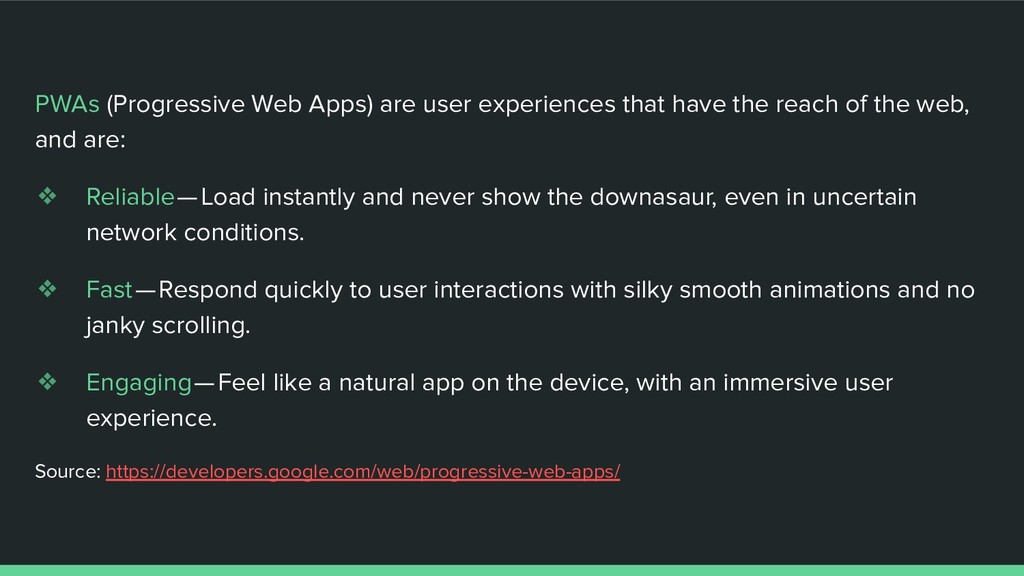
  1. Introduction to PWA PWAs (Progressive Web Apps) are user experiences

    that have the reach of the web, and are: ❖ Reliable — Load instantly and never show the downasaur, even in uncertain network conditions. ❖ Fast — Respond quickly to user interactions with silky smooth animations and no janky scrolling. ❖ Engaging — Feel like a natural app on the device, with an immersive user experience. Source: https://developers.google.com/web/progressive-web-apps/
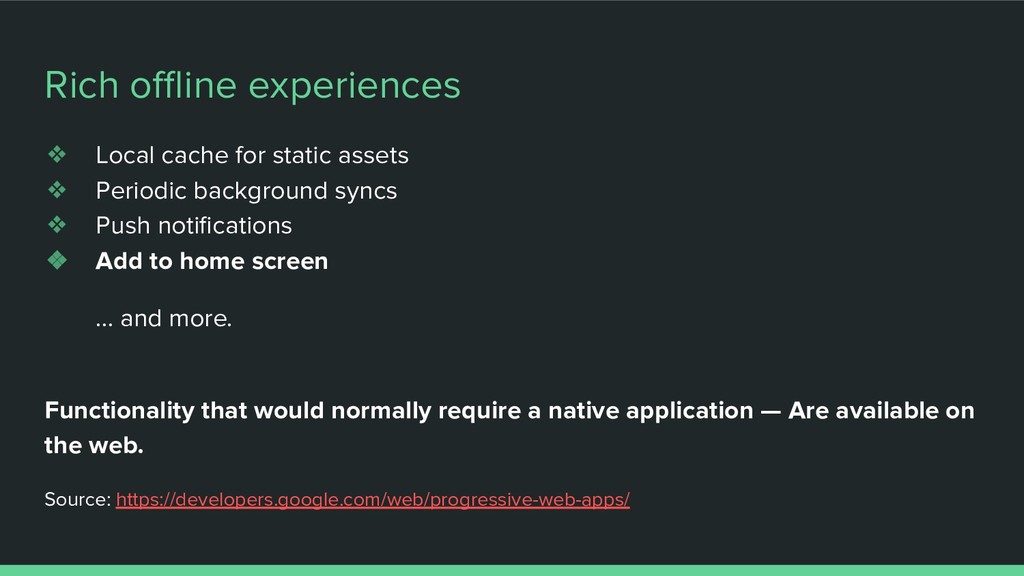
  2. Rich offline experiences ❖ Local cache for static assets ❖

    Periodic background syncs ❖ Push notifications ❖ Add to home screen … and more. Functionality that would normally require a native application — Are available on the web. Source: https://developers.google.com/web/progressive-web-apps/
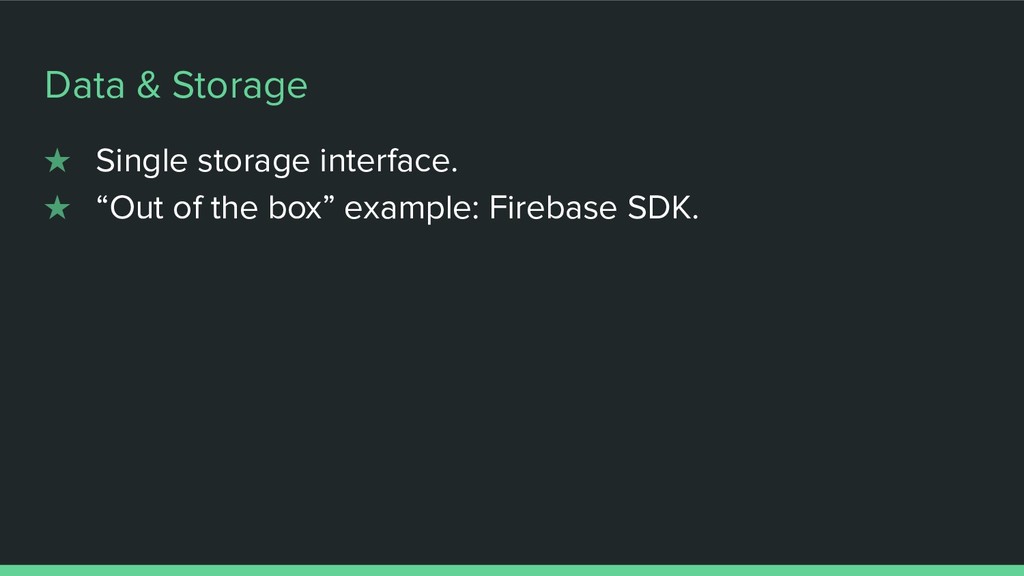
  3. Example app: chesslog ❖ Assets: Caching of static assets. ❖

    Data: Single DB interface, local/remote behind the scenes ❖ Offline UI/UX: Offline/Online state / transitions indicators
  4. Desktop progressive web apps can be 'installed' on the user's

    device much like native apps. The state of PWA PWAs on Desktop Starting in Chrome 73, Progressive Web Apps are now supported on all desktop platforms, including Chrome OS, Linux, Mac, and Windows.
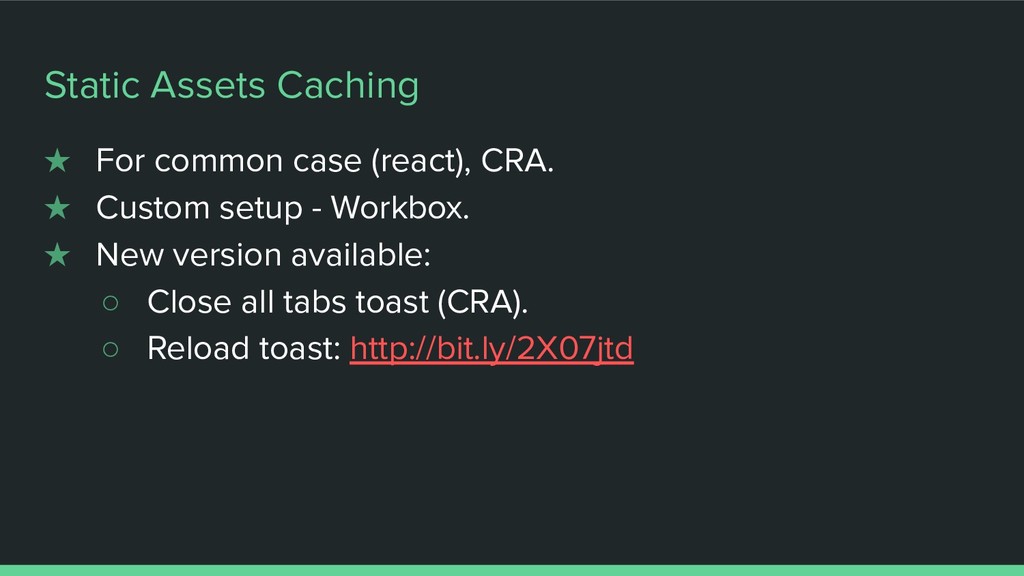
  5. Static Assets Caching ★ For common case (react), CRA. ★

    Custom setup - Workbox. ★ New version available: ◦ Close all tabs toast (CRA). ◦ Reload toast: http://bit.ly/2X07jtd
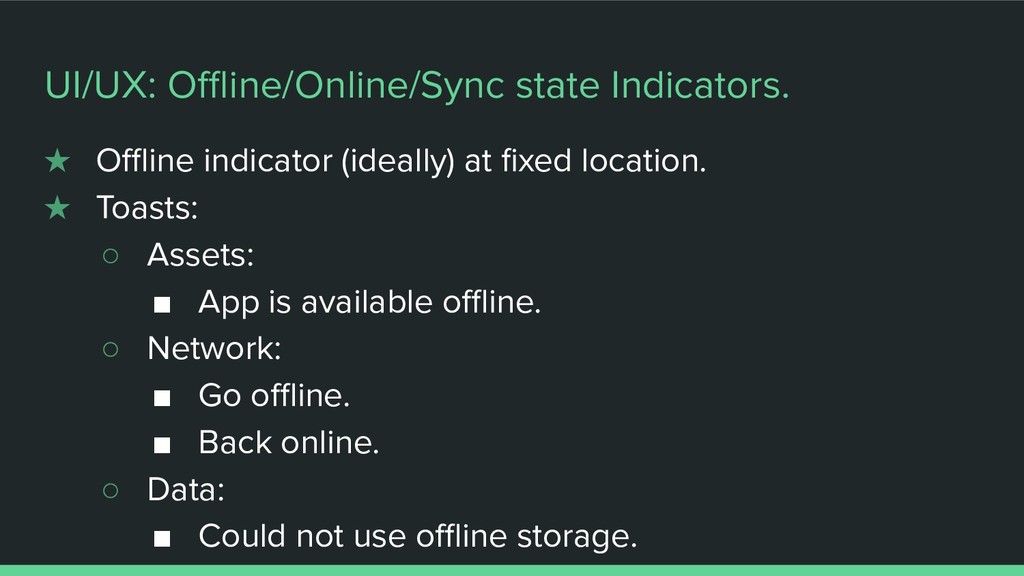
  6. ★ Offline indicator (ideally) at fixed location. ★ Toasts: ◦

    Assets: ▪ App is available offline. ◦ Network: ▪ Go offline. ▪ Back online. ◦ Data: ▪ Could not use offline storage. UI/UX: Offline/Online/Sync state Indicators.