Upgrade to Pro — share decks privately, control downloads, hide ads and more …

The Forking Beast: Refactoring Monolithic Projects

Avatar for Flo Huck Flo Huck
December 22, 2023
110

The Forking Beast: Refactoring Monolithic Projects

Once upon a time, great people created a great Symfony demo, to be used as a living code example and help us all learn: Bigfoot. Since then, the DevRel team at Platform.sh has forked this repo and created a really fun escape game to showcase Blackfire. And we thought it would be good to have a dedicated frontend for our game, instead of reusing the Bigfoot design. So we forked it to create an instance for Django. And then we forked it again to make an instance for Drupal. And then another fork, and another. Slowly, we realized that the way forward was to refactor our dear monolith to better fit our needs. Let me show you how we stopped forking around!

Avatar for Flo Huck

Flo Huck

December 22, 2023

Transcript

  1. Howdy! Florent HUCK Lyon, France Developer Relations Bug magnet #007

    Symfony + Ibexa + DevOps + ex-founder of Code Rhapsodie
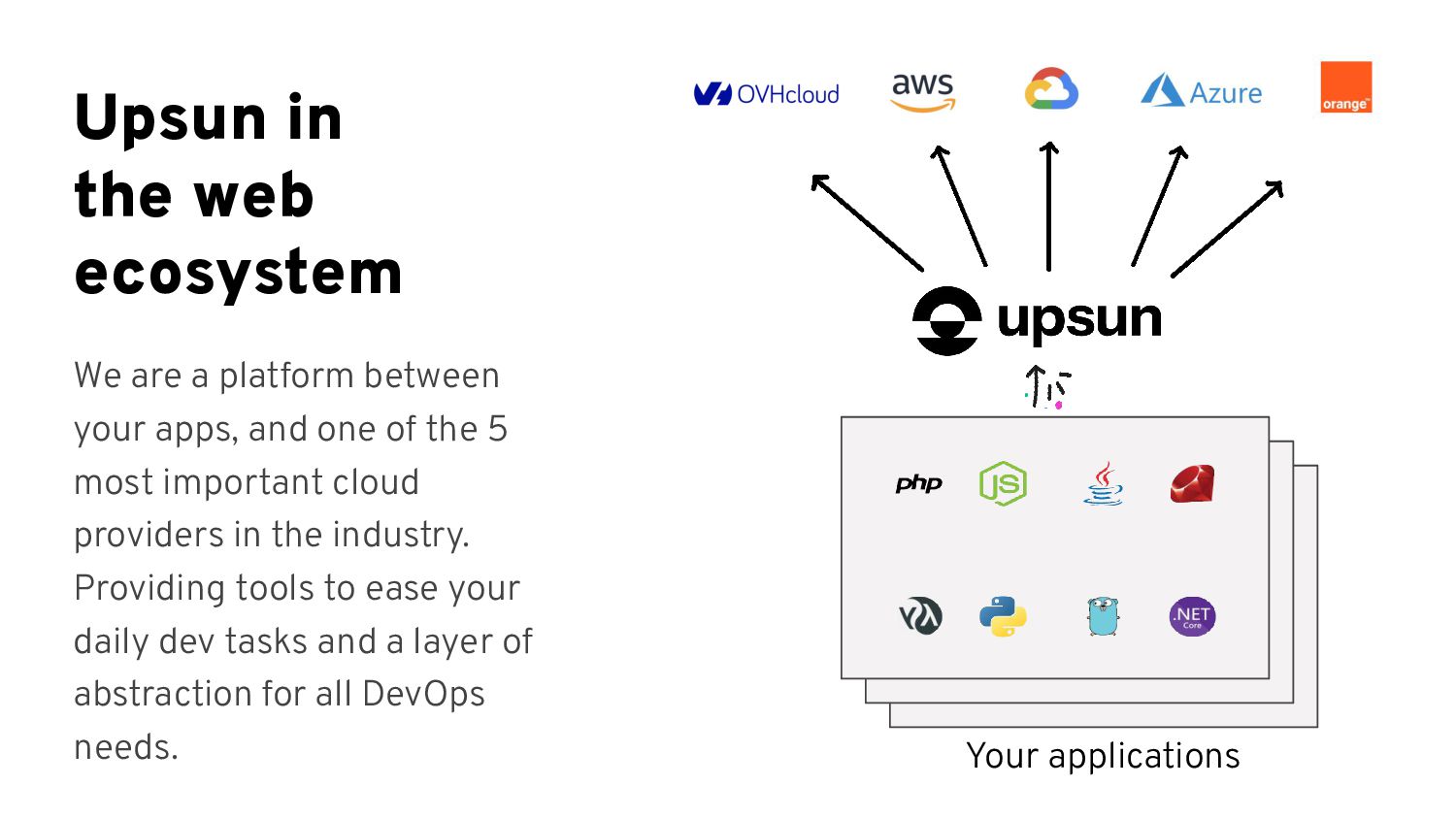
  2. Upsun in the web ecosystem We are a platform between

    your apps, and one of the 5 most important cloud providers in the industry. Providing tools to ease your daily dev tasks and a layer of abstraction for all DevOps needs. Your applications
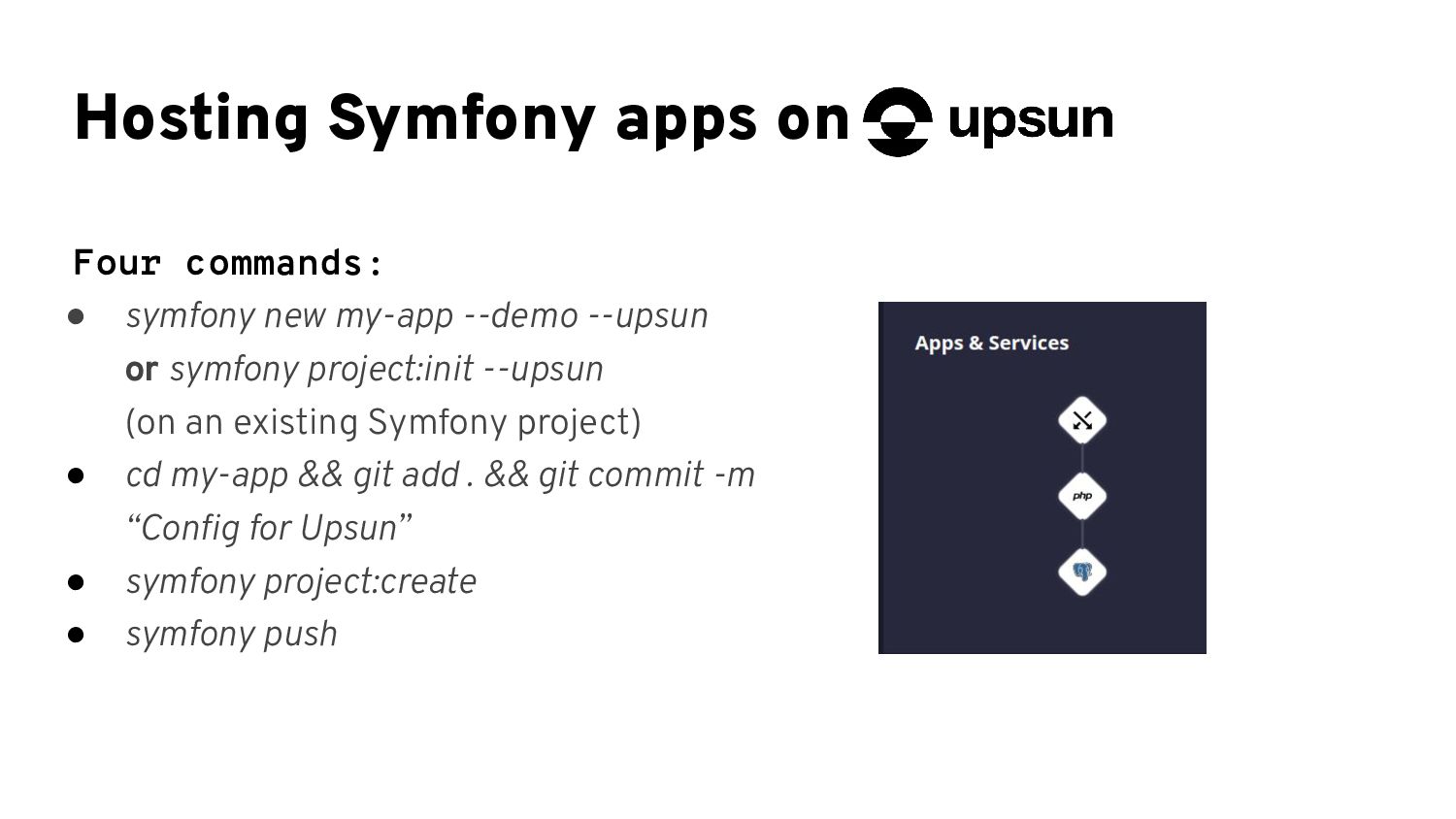
  3. Hosting Symfony apps on Four commands: • symfony new my-app

    --demo --upsun or symfony project:init --upsun (on an existing Symfony project) • cd my-app && git add . && git commit -m “Config for Upsun” • symfony project:create • symfony push
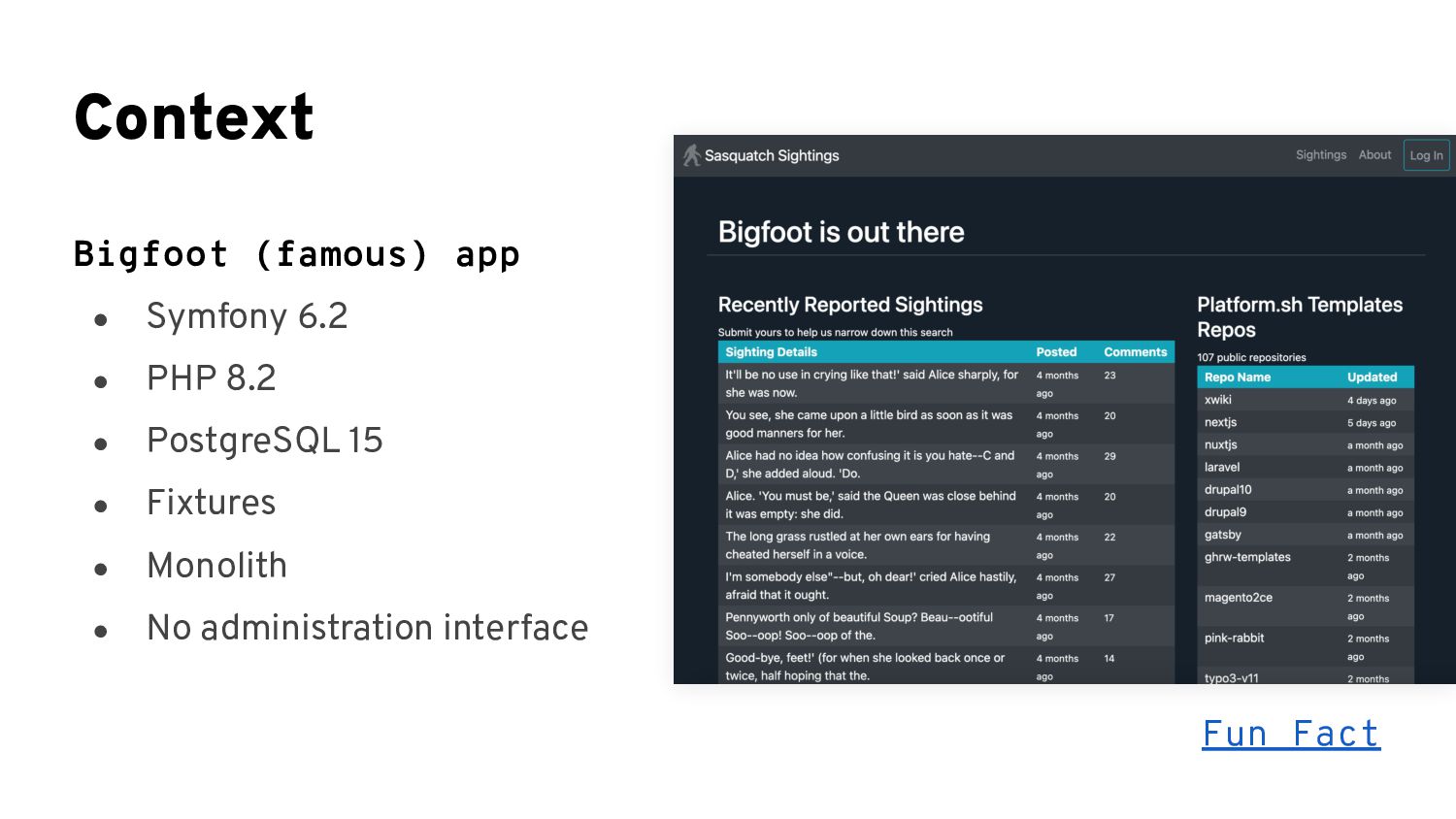
  4. Context Bigfoot (famous) app • Symfony 6.2 • PHP 8.2

    • PostgreSQL 15 • Fixtures • Monolith • No administration interface Fun Fact
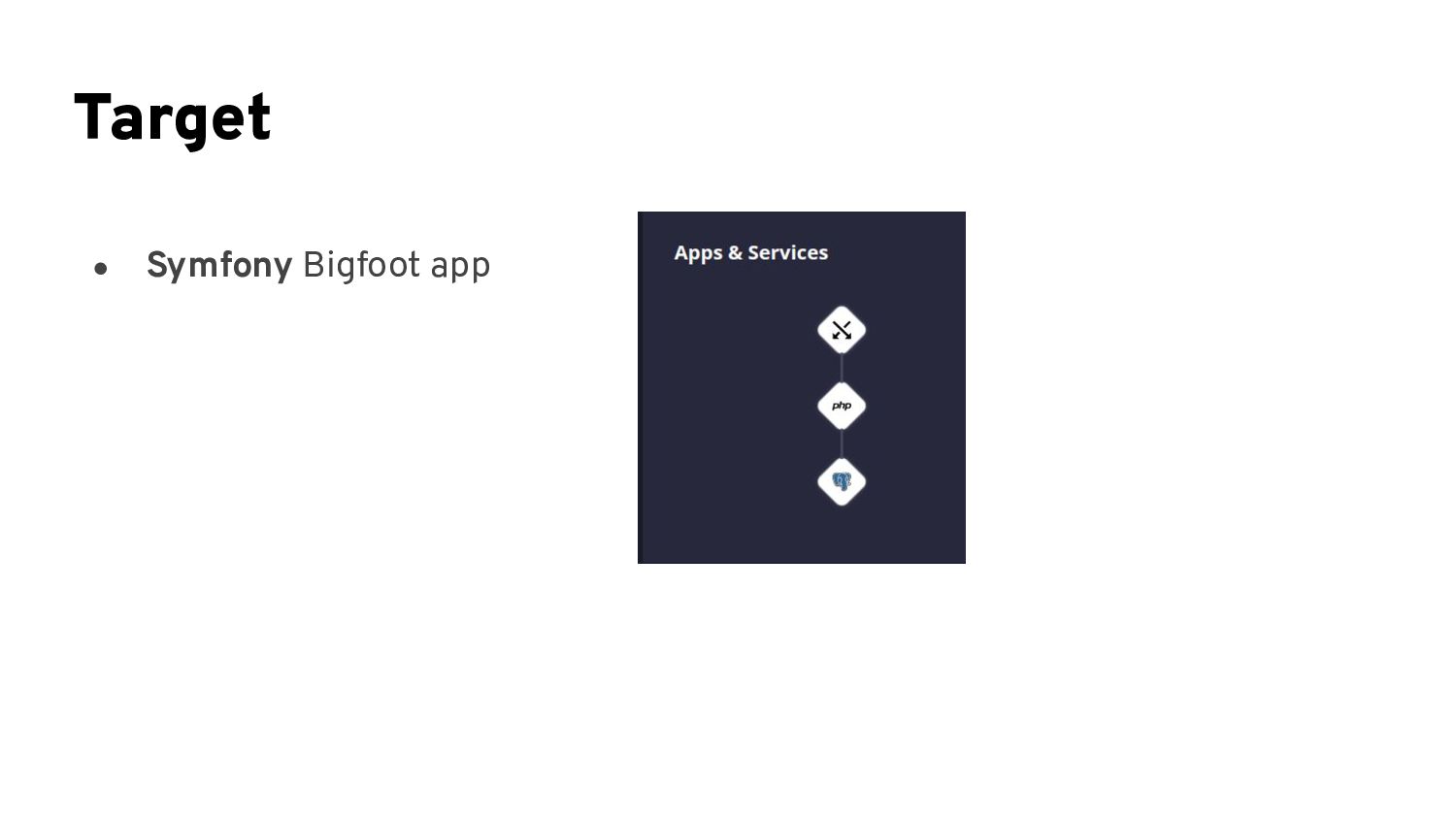
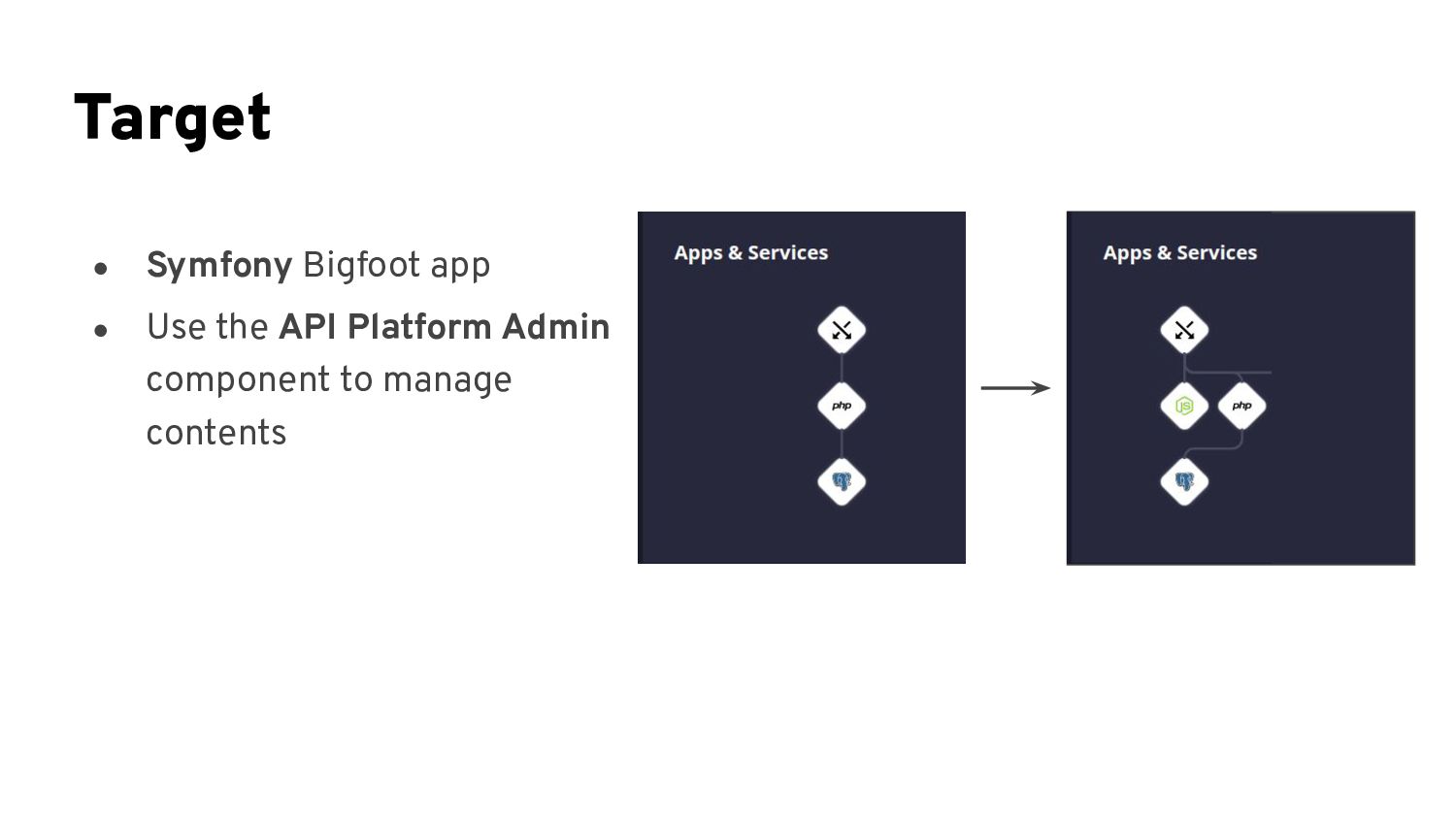
  5. Target • Symfony Bigfoot app • Use the API Platform

    Admin component to manage contents
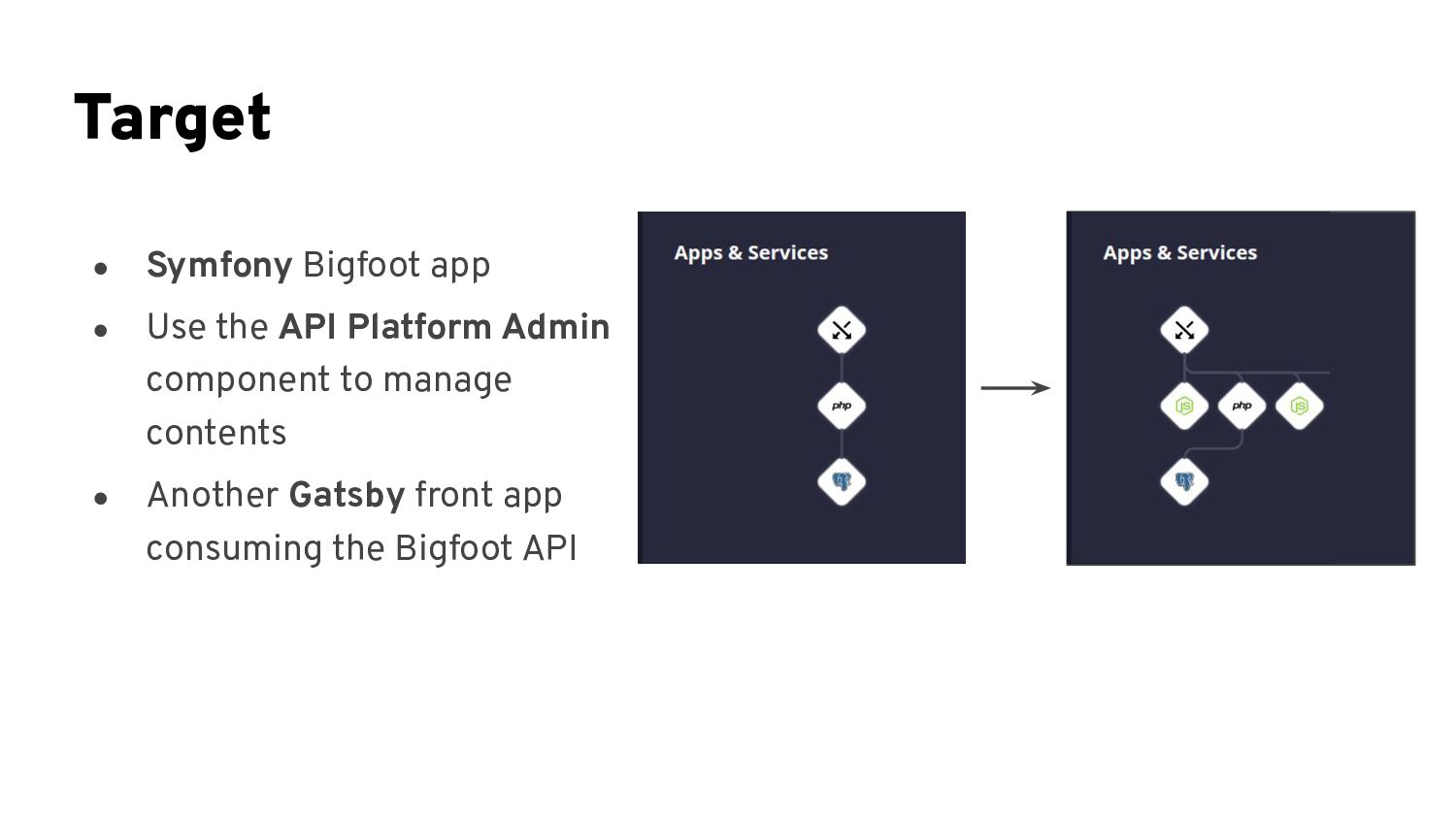
  6. Target • Symfony Bigfoot app • Use the API Platform

    Admin component to manage contents • Another Gatsby front app consuming the Bigfoot API
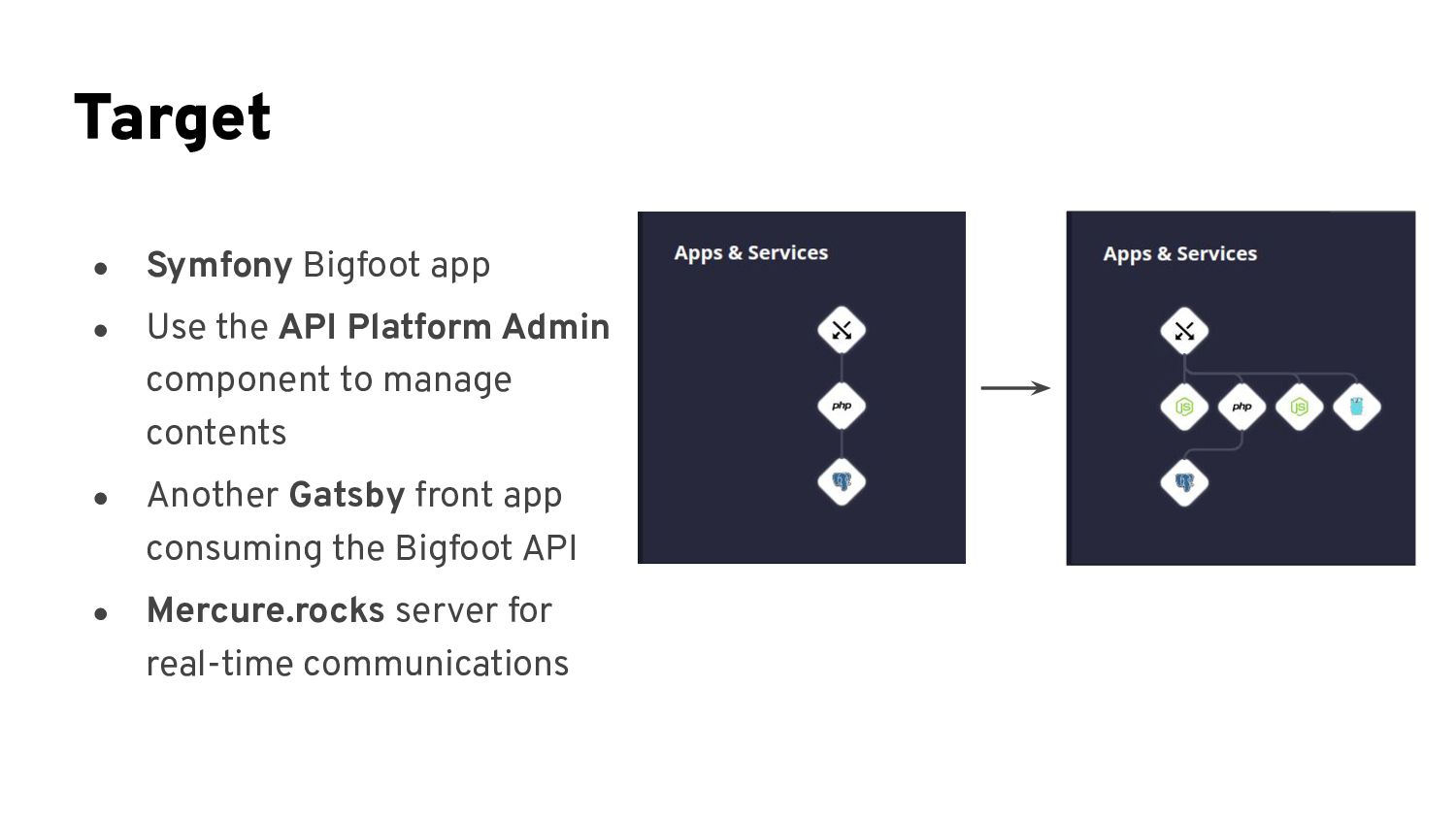
  7. Target • Symfony Bigfoot app • Use the API Platform

    Admin component to manage contents • Another Gatsby front app consuming the Bigfoot API • Mercure.rocks server for real-time communications
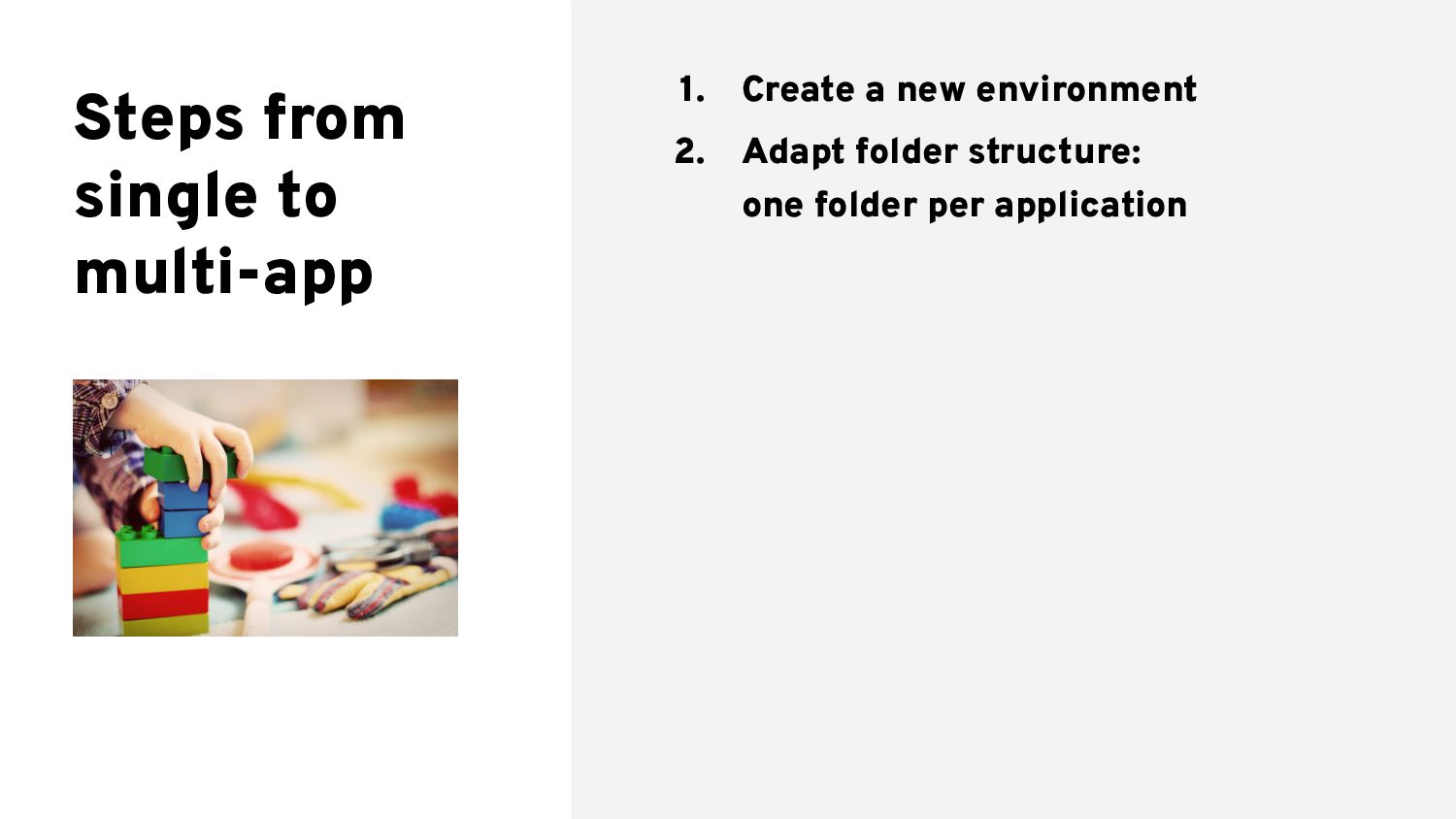
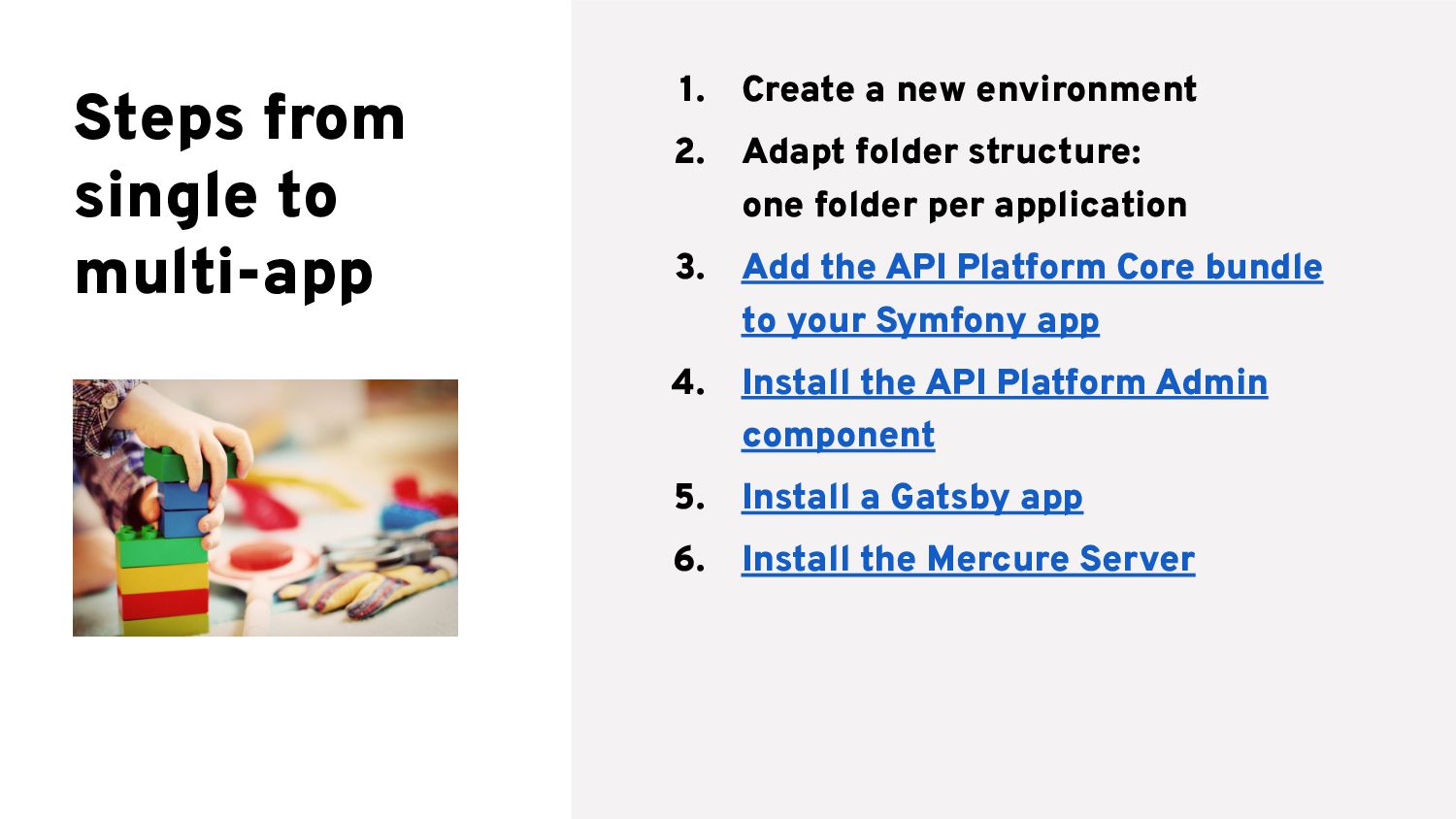
  8. Steps from single to multi-app 1. Create a new environment

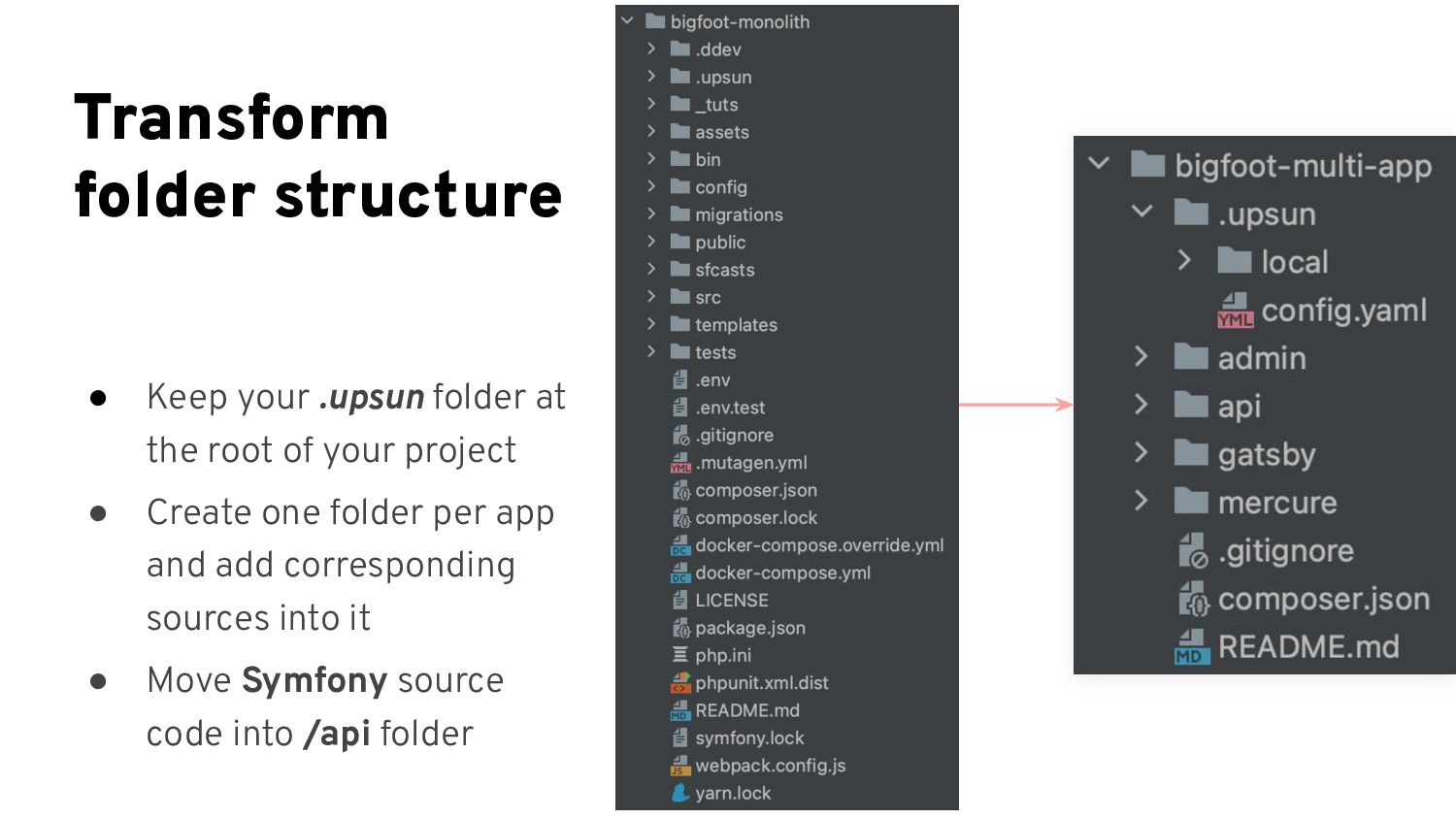
    2. Adapt folder structure: one folder per application
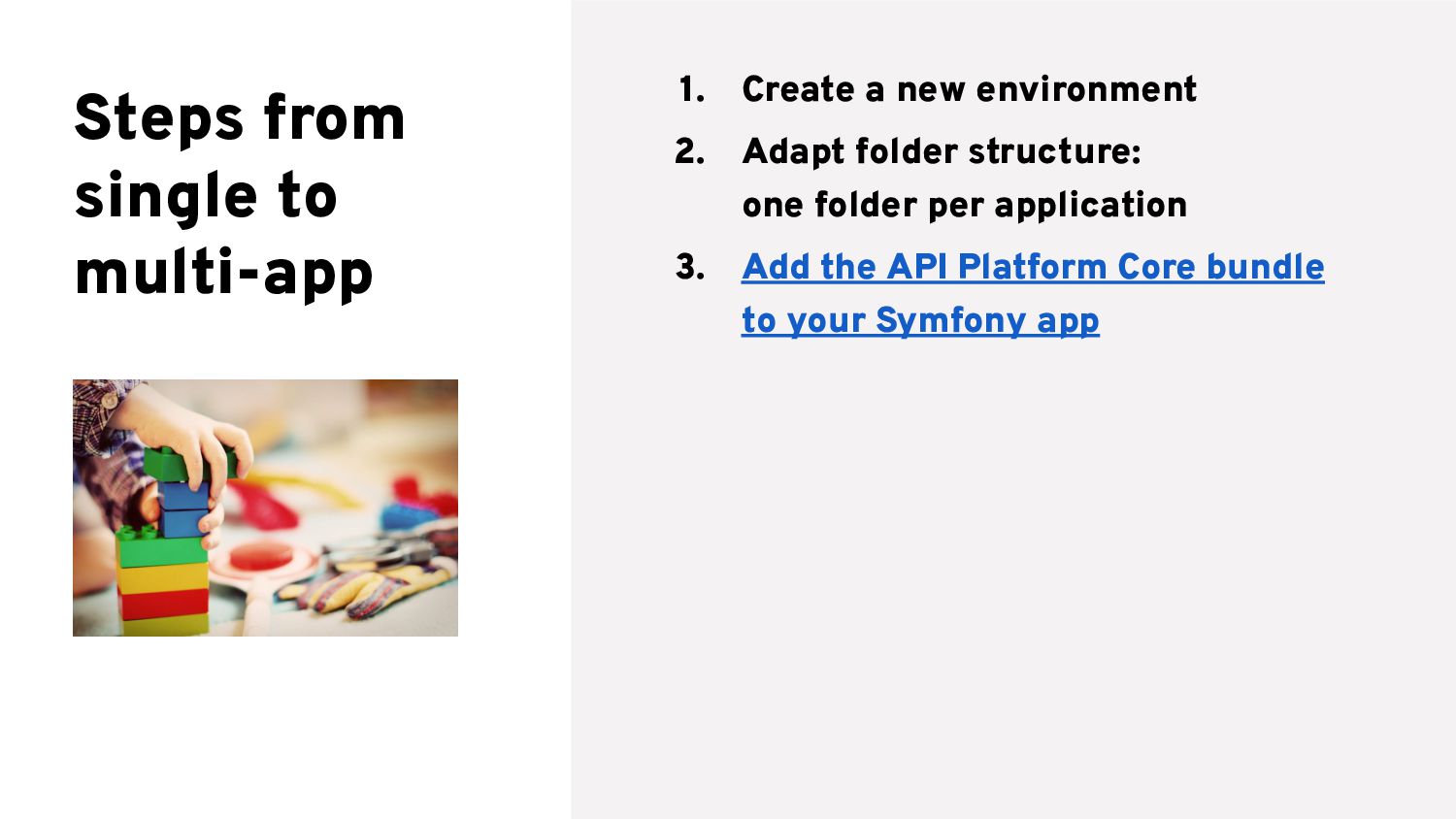
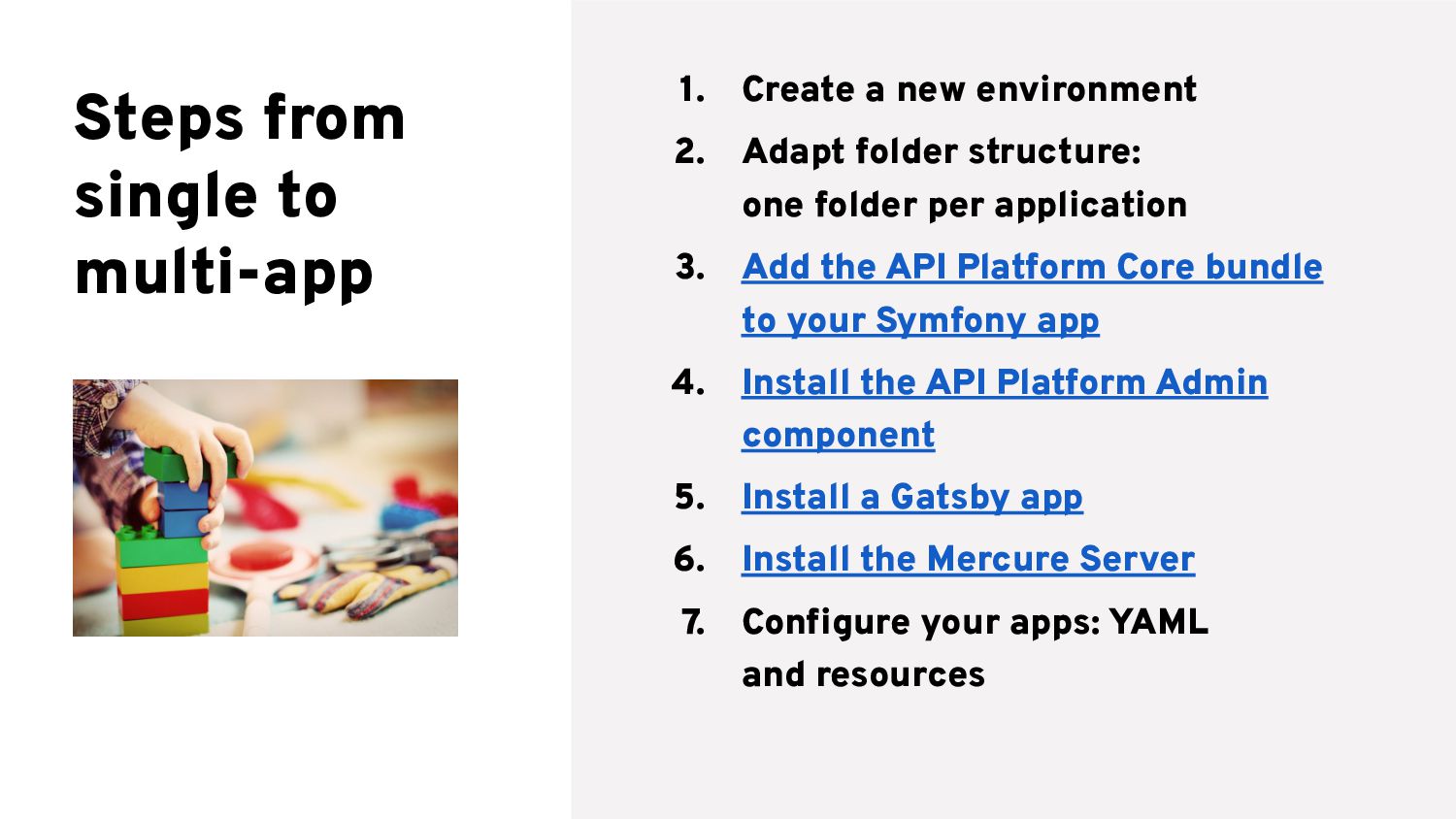
  9. Steps from single to multi-app 1. Create a new environment

    2. Adapt folder structure: one folder per application 3. Add the API Platform Core bundle to your Symfony app
  10. Steps from single to multi-app 1. Create a new environment

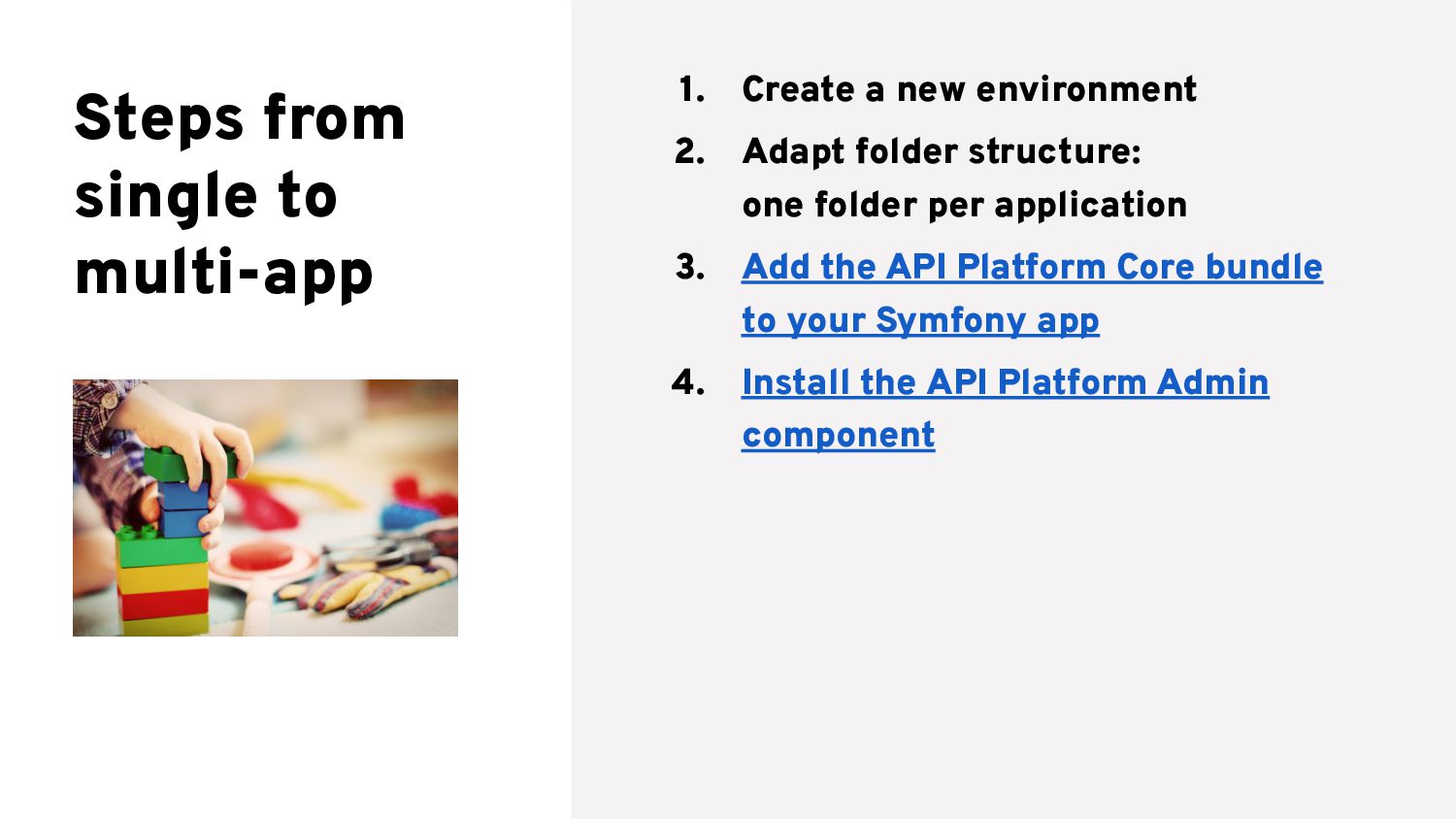
    2. Adapt folder structure: one folder per application 3. Add the API Platform Core bundle to your Symfony app 4. Install the API Platform Admin component
  11. Steps from single to multi-app 1. Create a new environment

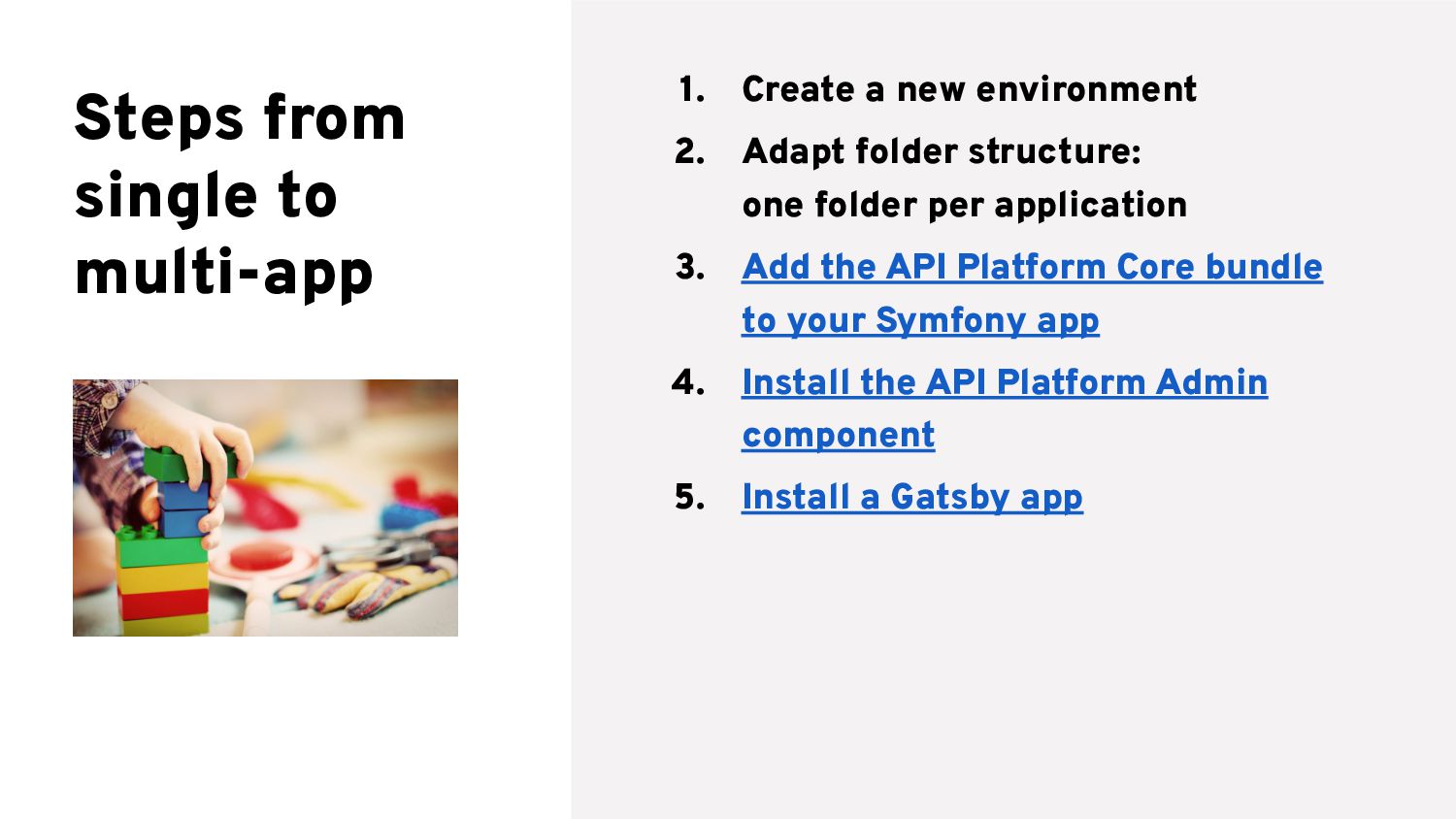
    2. Adapt folder structure: one folder per application 3. Add the API Platform Core bundle to your Symfony app 4. Install the API Platform Admin component 5. Install a Gatsby app
  12. Steps from single to multi-app 1. Create a new environment

    2. Adapt folder structure: one folder per application 3. Add the API Platform Core bundle to your Symfony app 4. Install the API Platform Admin component 5. Install a Gatsby app 6. Install the Mercure Server
  13. Steps from single to multi-app 1. Create a new environment

    2. Adapt folder structure: one folder per application 3. Add the API Platform Core bundle to your Symfony app 4. Install the API Platform Admin component 5. Install a Gatsby app 6. Install the Mercure Server 7. Configure your apps: YAML and resources
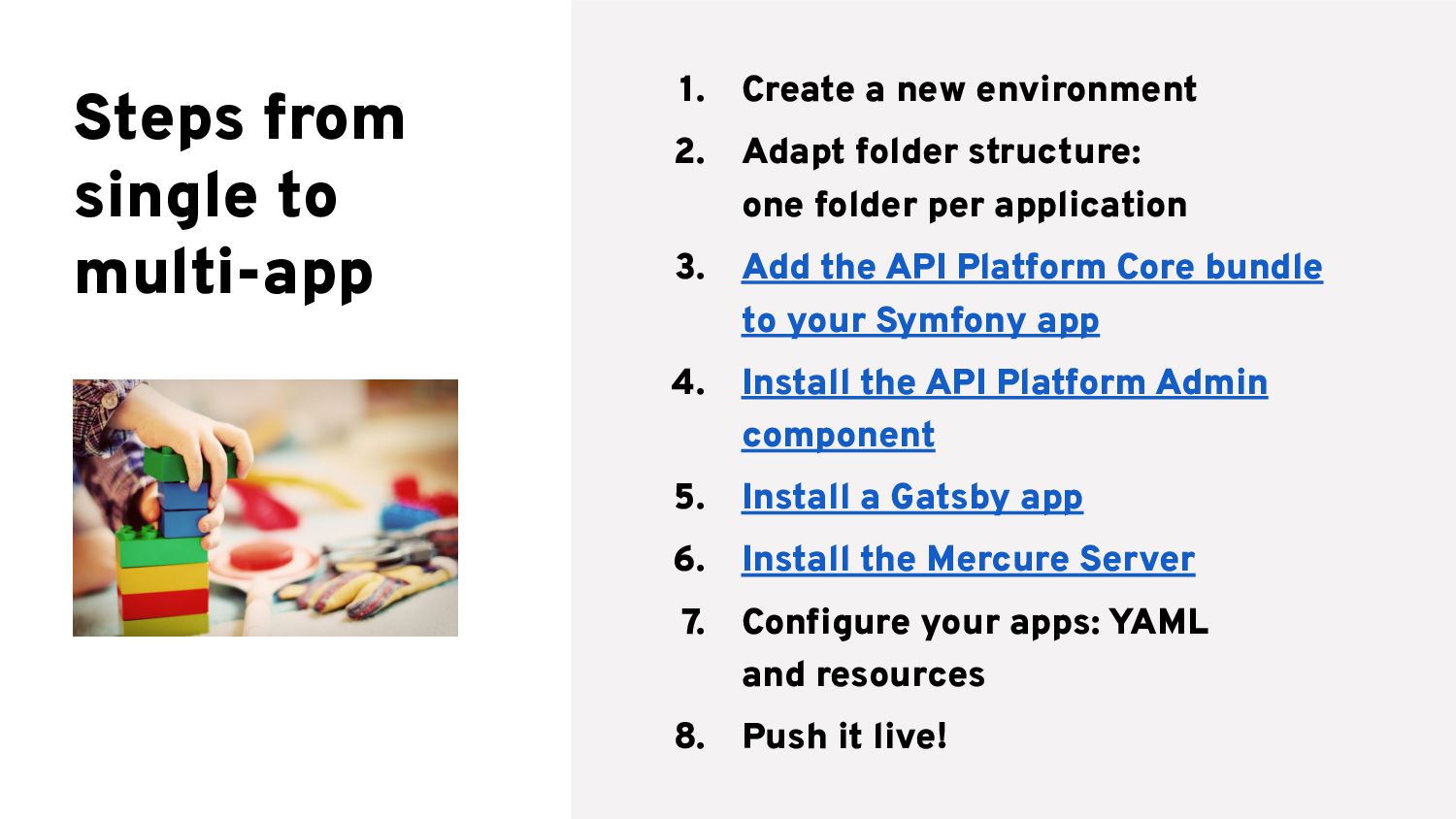
  14. Steps from single to multi-app 1. Create a new environment

    2. Adapt folder structure: one folder per application 3. Add the API Platform Core bundle to your Symfony app 4. Install the API Platform Admin component 5. Install a Gatsby app 6. Install the Mercure Server 7. Configure your apps: YAML and resources 8. Push it live!
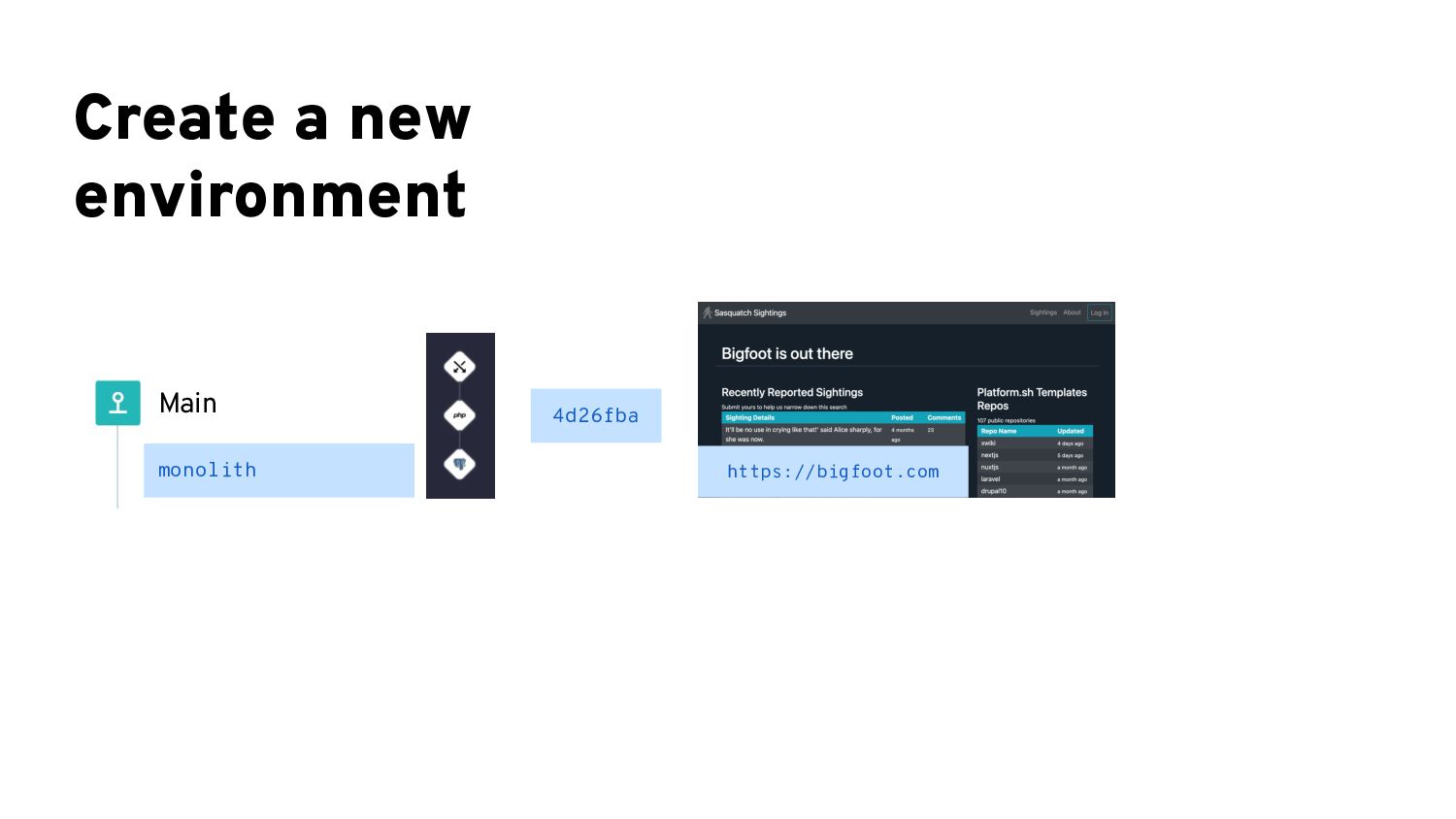
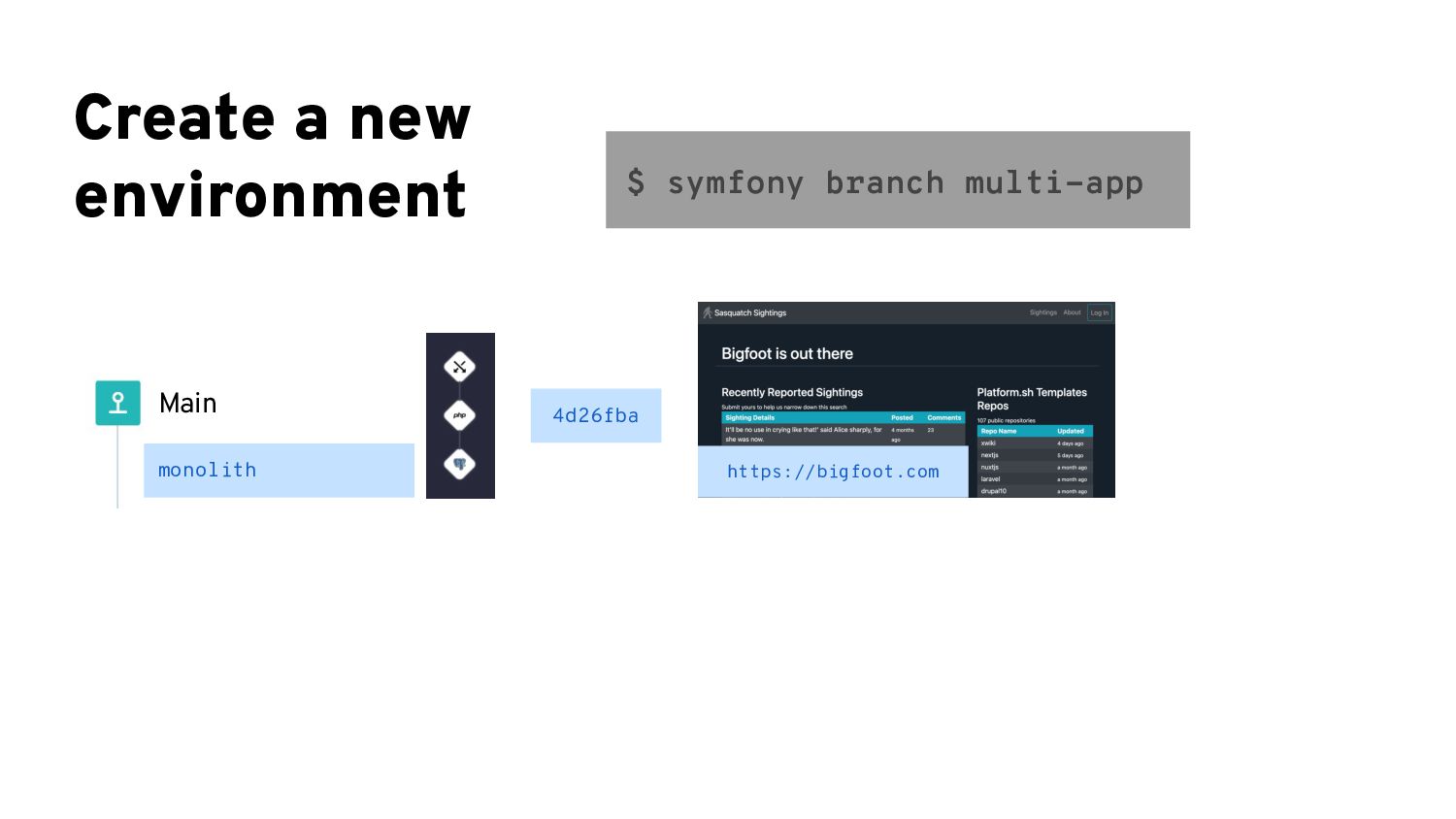
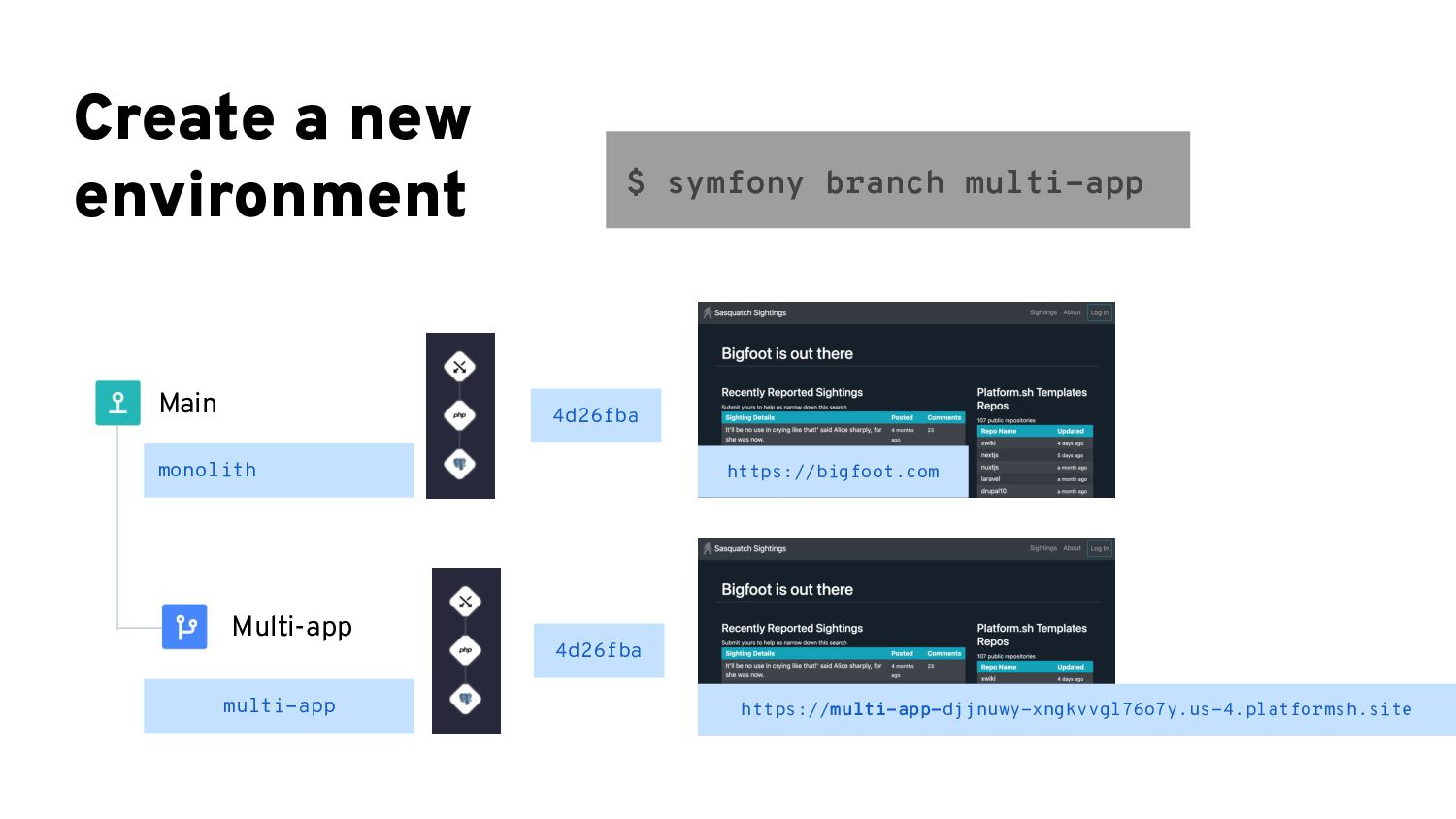
  15. Create a new environment $ symfony branch multi-app https://bigfoot.com 4d26fba

    monolith multi-app Main Multi-app https://multi-app-djjnuwy-xngkvvgl76o7y.us-4.platformsh.site 4d26fba
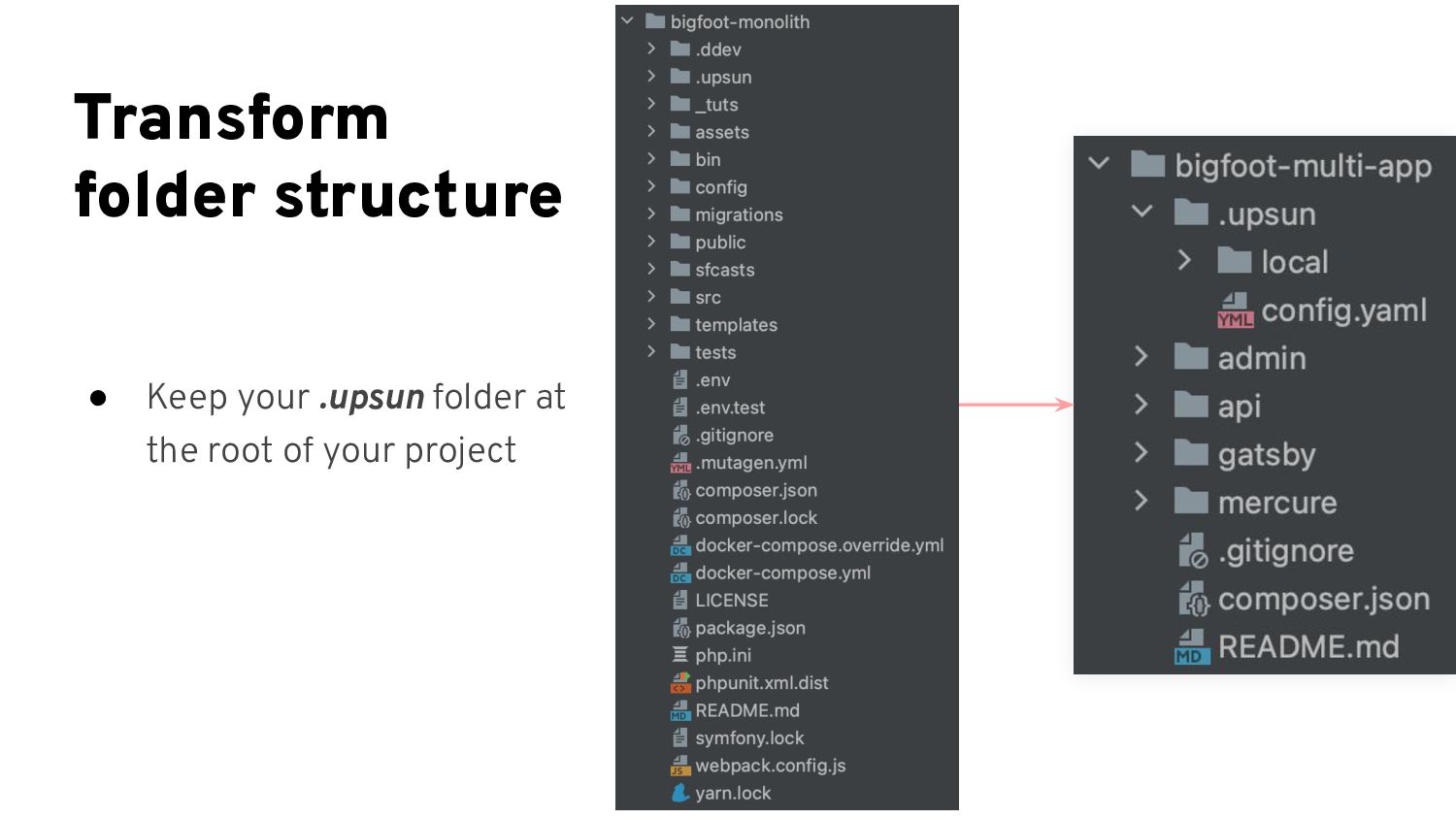
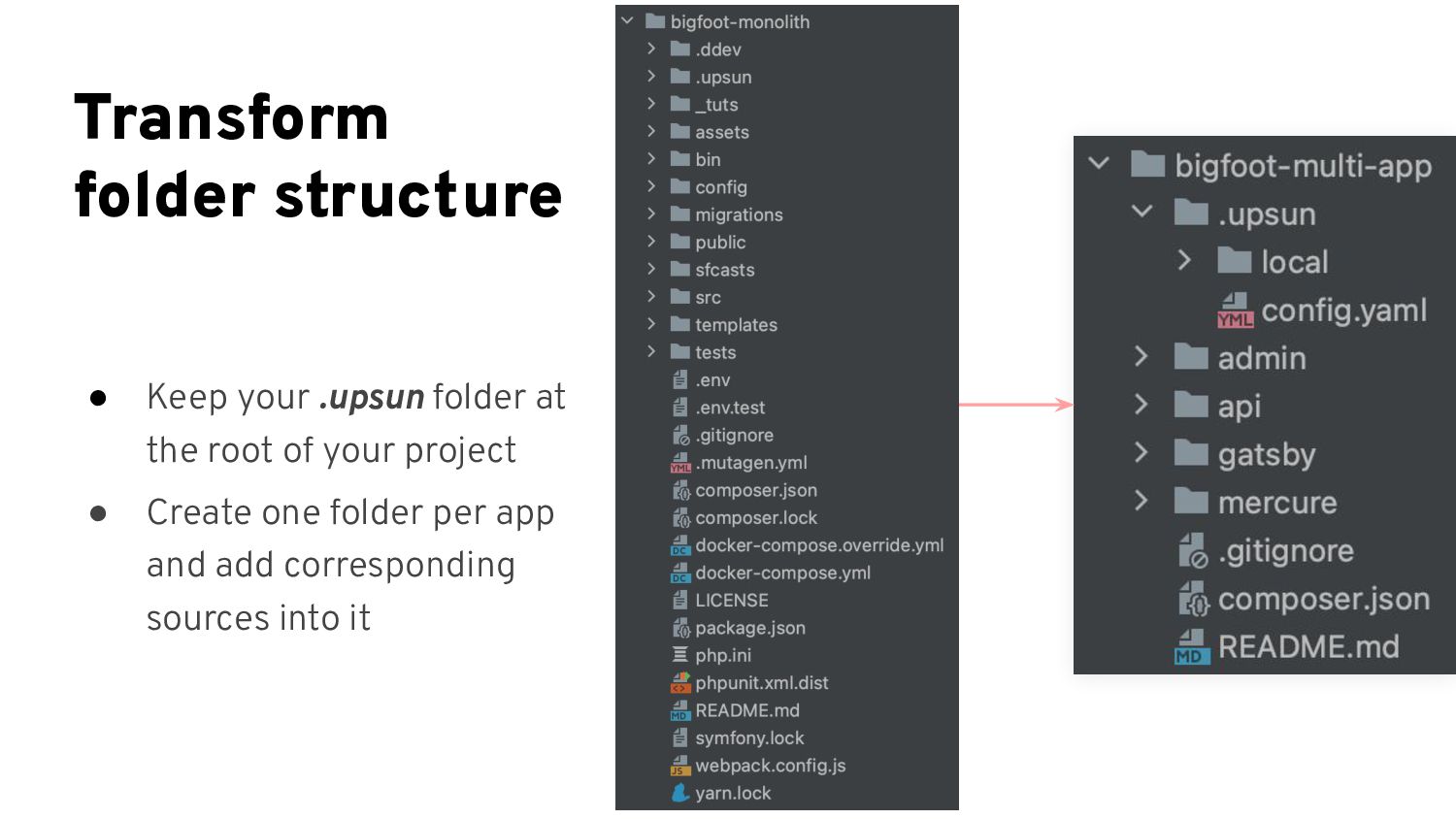
  16. Transform folder structure • Keep your .upsun folder at the

    root of your project • Create one folder per app and add corresponding sources into it
  17. Transform folder structure • Keep your .upsun folder at the

    root of your project • Create one folder per app and add corresponding sources into it • Move Symfony source code into /api folder
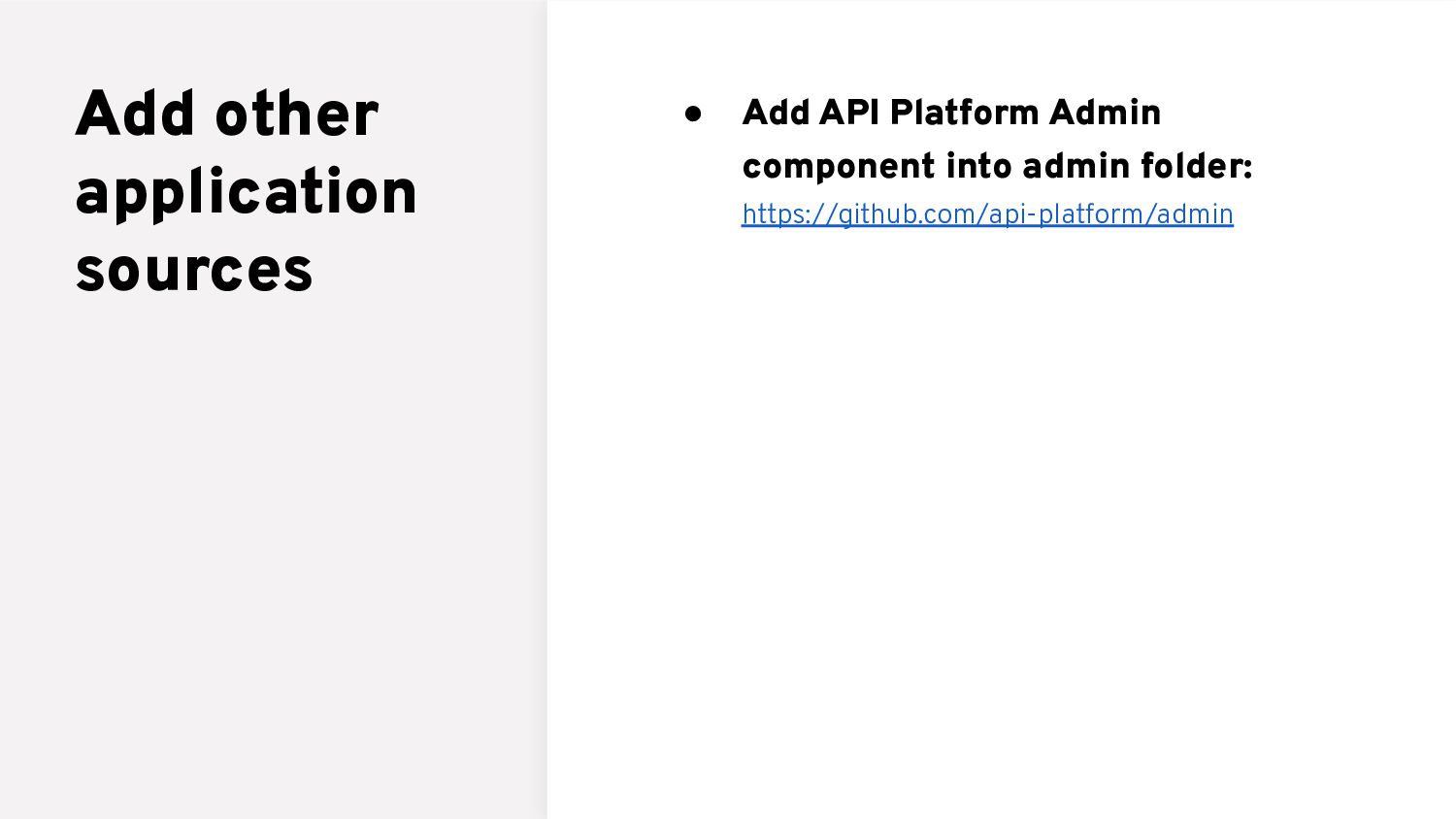
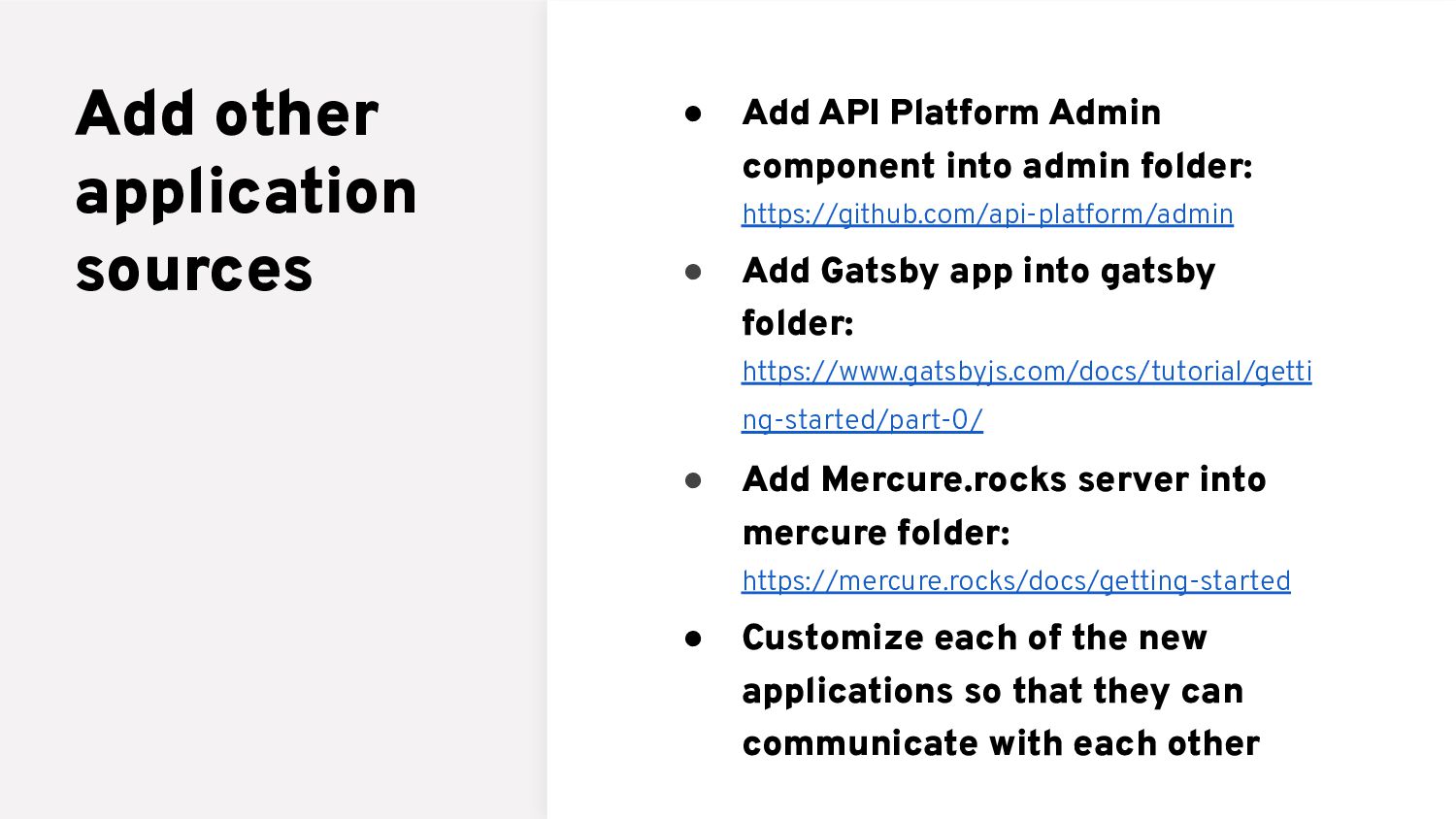
  18. Add other application sources • Add API Platform Admin component

    into admin folder: https://github.com/api-platform/admin
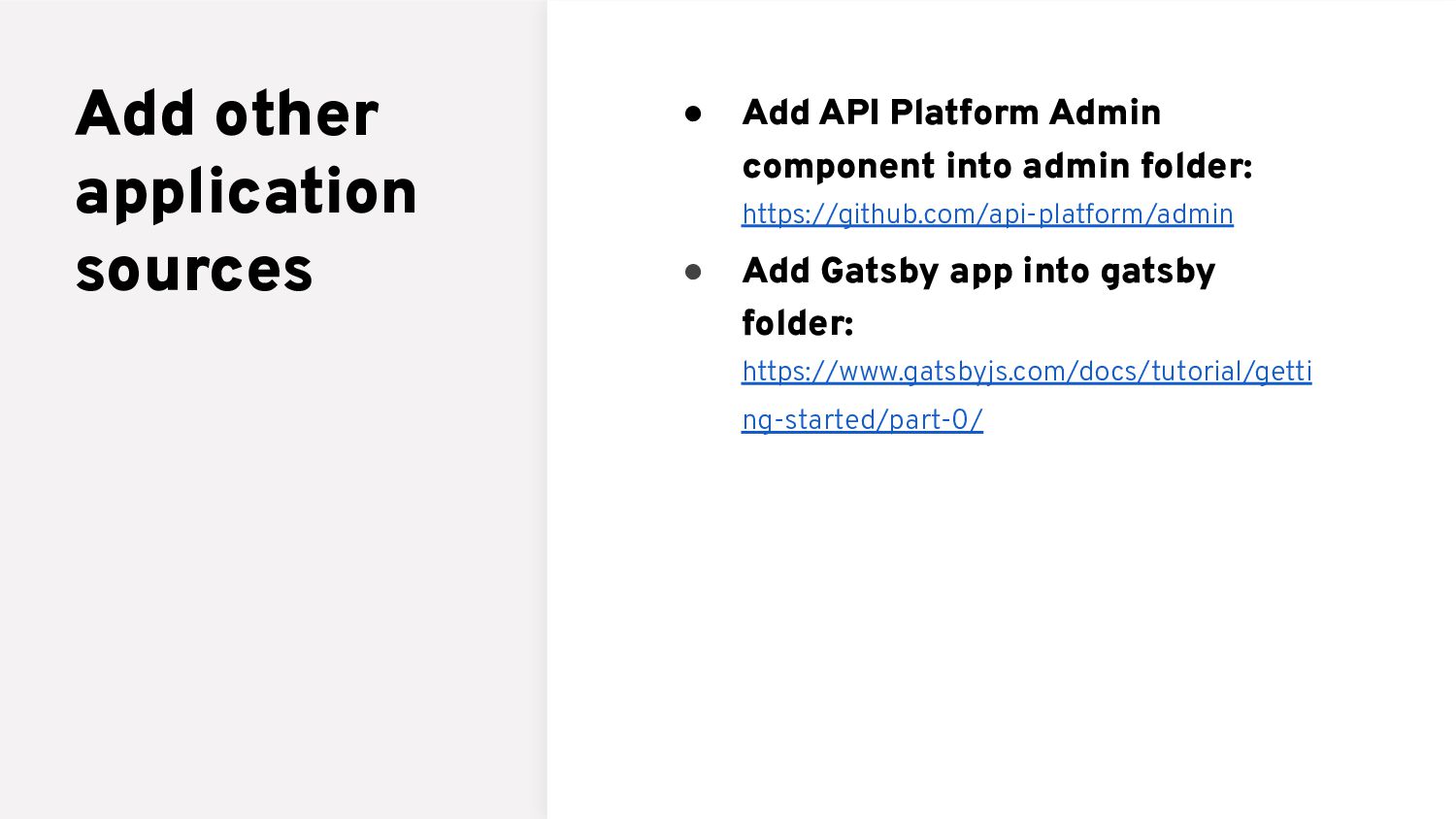
  19. Add other application sources • Add API Platform Admin component

    into admin folder: https://github.com/api-platform/admin • Add Gatsby app into gatsby folder: https://www.gatsbyjs.com/docs/tutorial/getti ng-started/part-0/
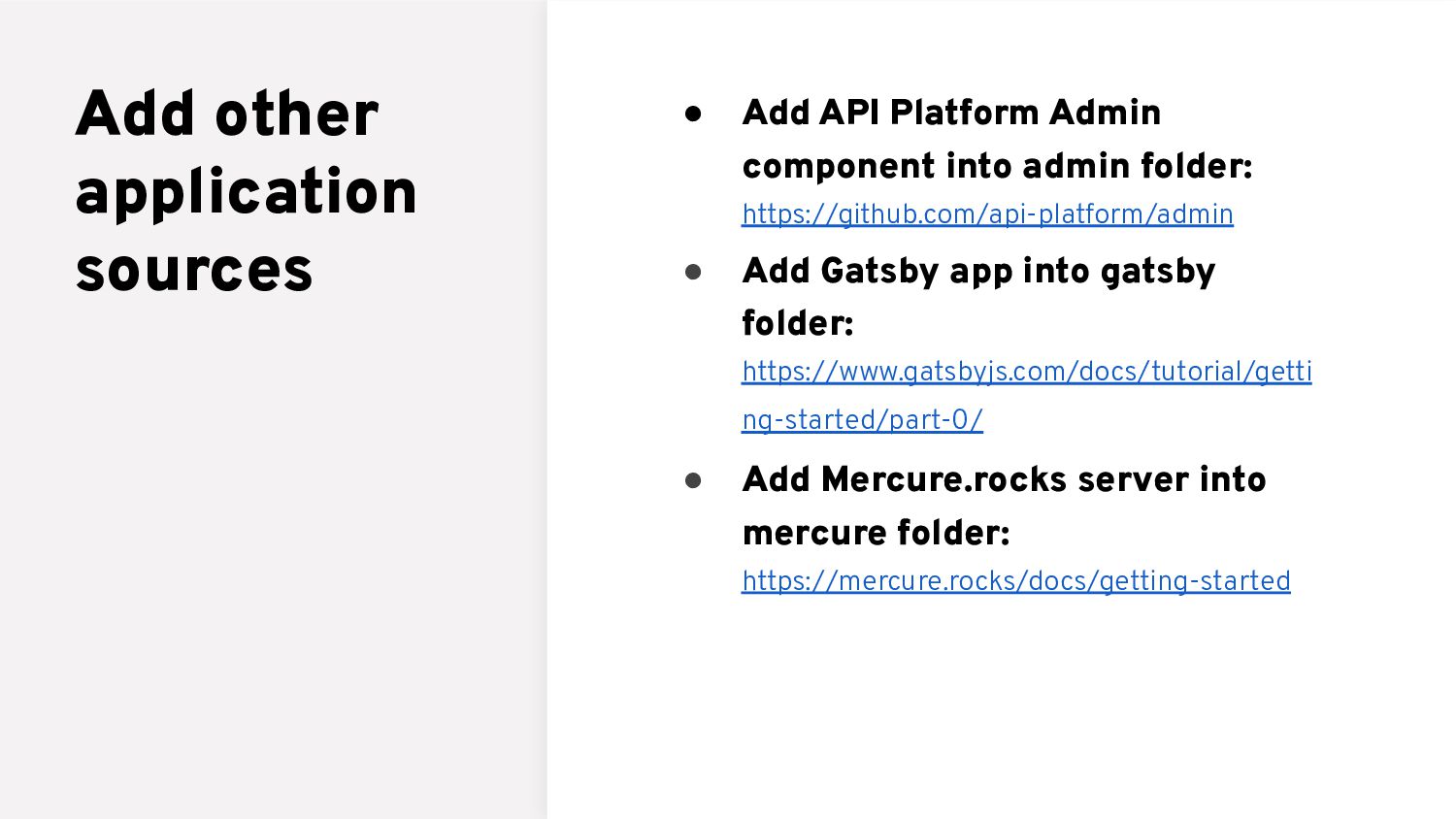
  20. Add other application sources • Add API Platform Admin component

    into admin folder: https://github.com/api-platform/admin • Add Gatsby app into gatsby folder: https://www.gatsbyjs.com/docs/tutorial/getti ng-started/part-0/ • Add Mercure.rocks server into mercure folder: https://mercure.rocks/docs/getting-started
  21. Add other application sources • Add API Platform Admin component

    into admin folder: https://github.com/api-platform/admin • Add Gatsby app into gatsby folder: https://www.gatsbyjs.com/docs/tutorial/getti ng-started/part-0/ • Add Mercure.rocks server into mercure folder: https://mercure.rocks/docs/getting-started • Customize each of the new applications so that they can communicate with each other
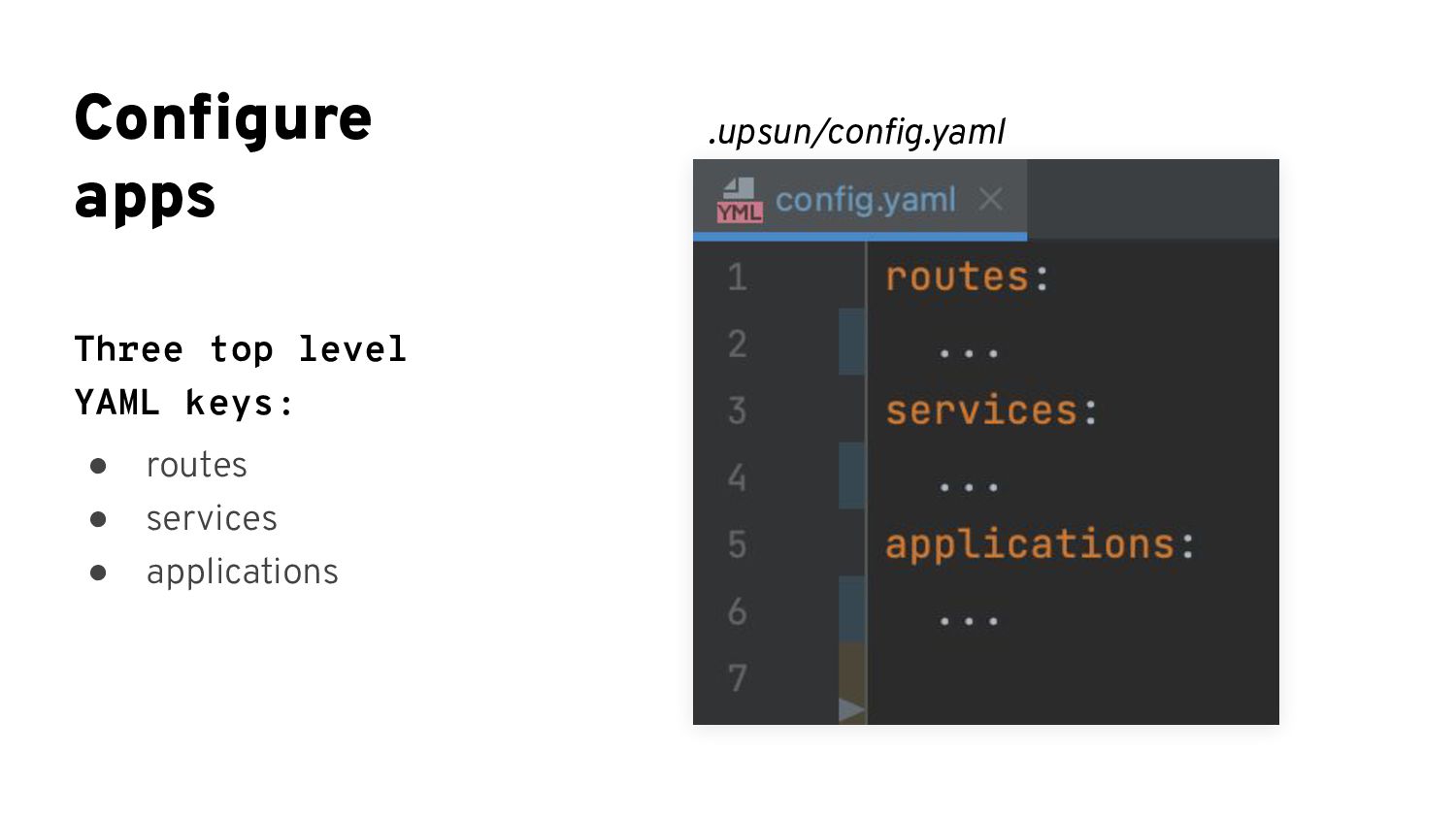
  22. Configure apps Three top level YAML keys: • routes •

    services • applications .upsun/config.yaml
  23. Configure routing Configure your .upsun/config.yaml [routes] for each of your

    applications .upsun/config.yaml .upsun/config.yaml
  24. Configure routing Configure your .upsun/config.yaml [routes] for each of your

    applications .upsun/config.yaml .upsun/config.yaml
  25. Configure services Configure your .upsun/config.yaml[services] that contains all services used

    by any (at least one) of the applications .upsun/config.yaml .upsun/config.yaml
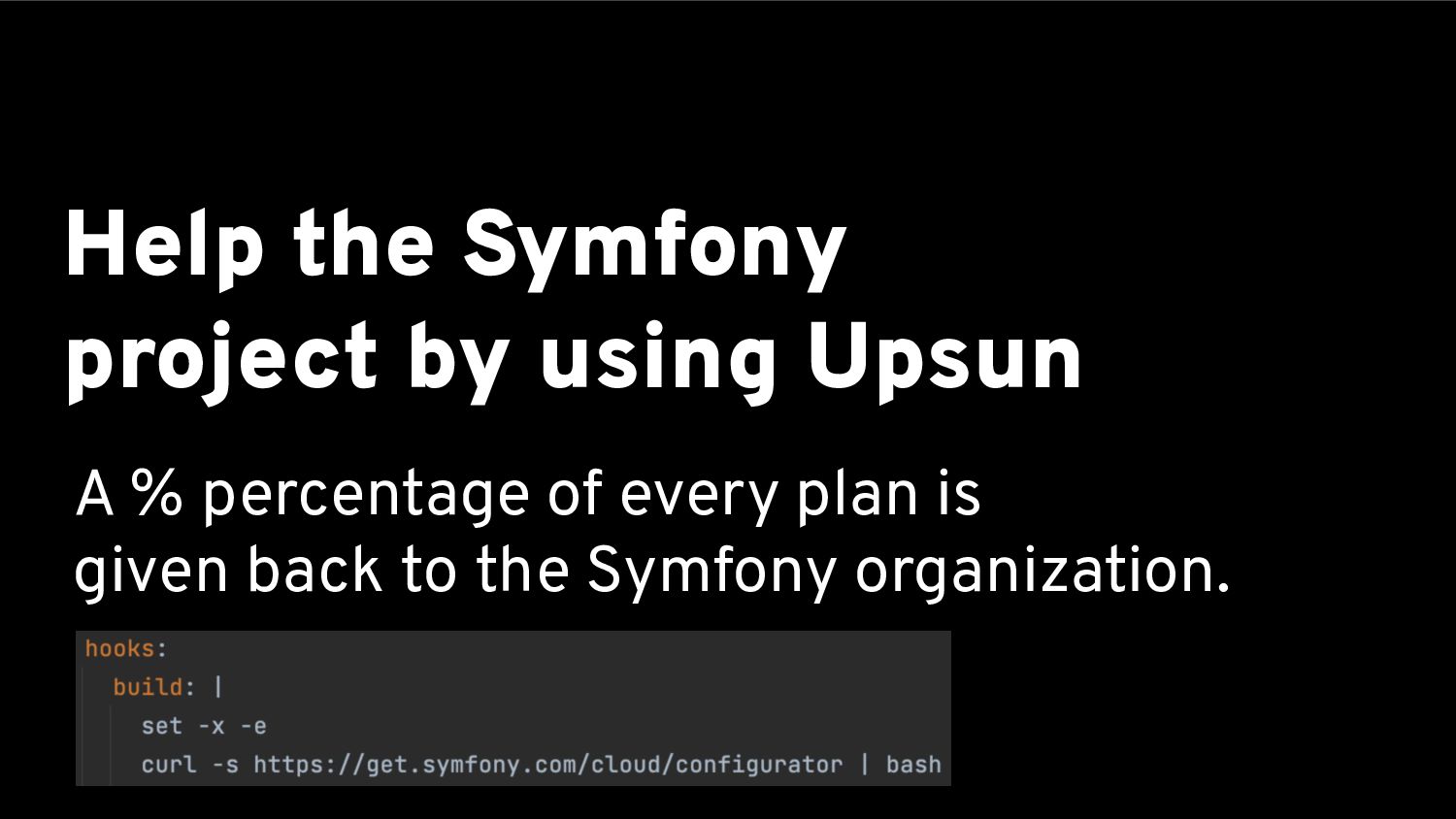
  26. Help the Symfony project by using Upsun A % percentage

    of every plan is given back to the Symfony organization.
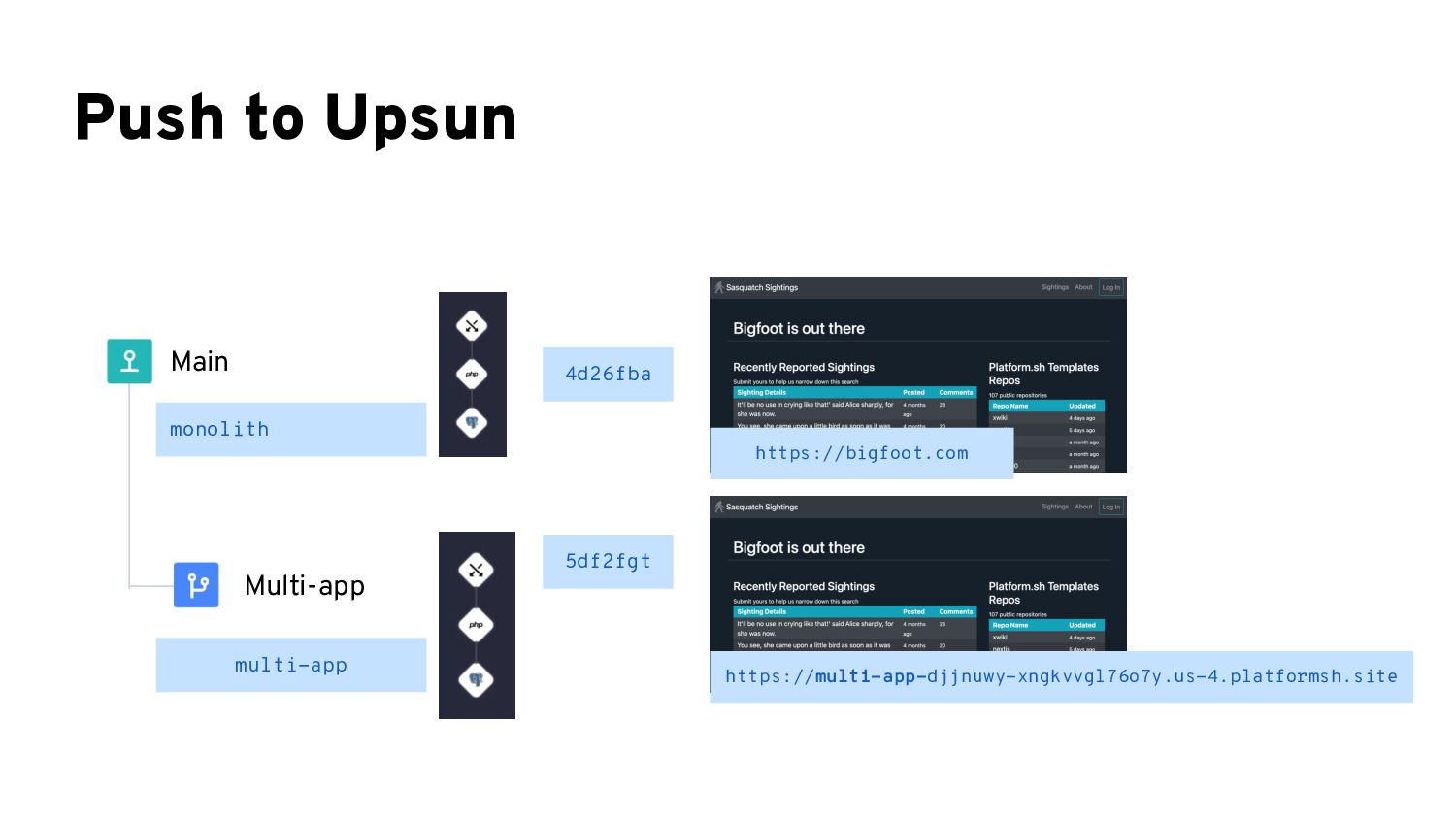
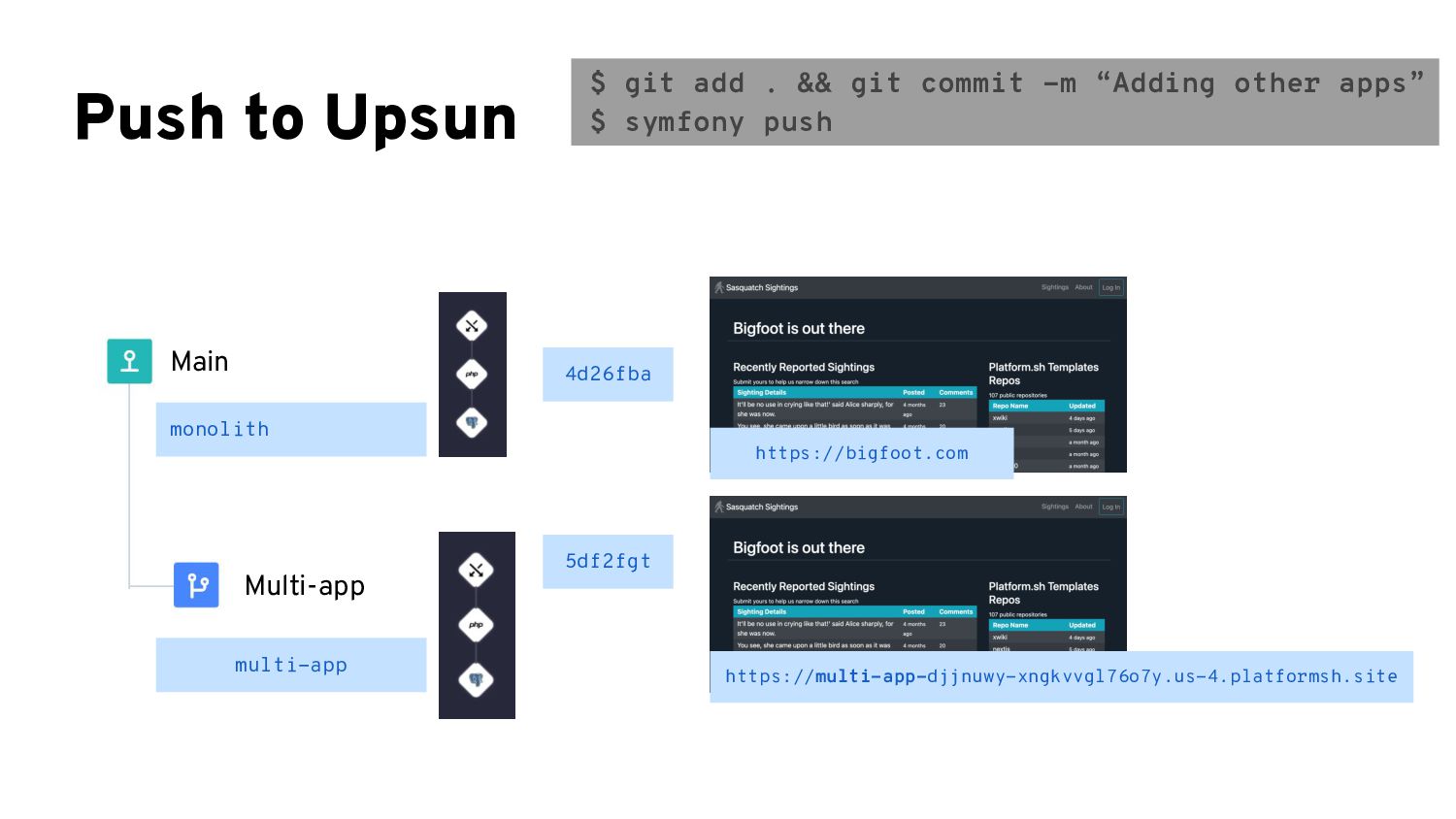
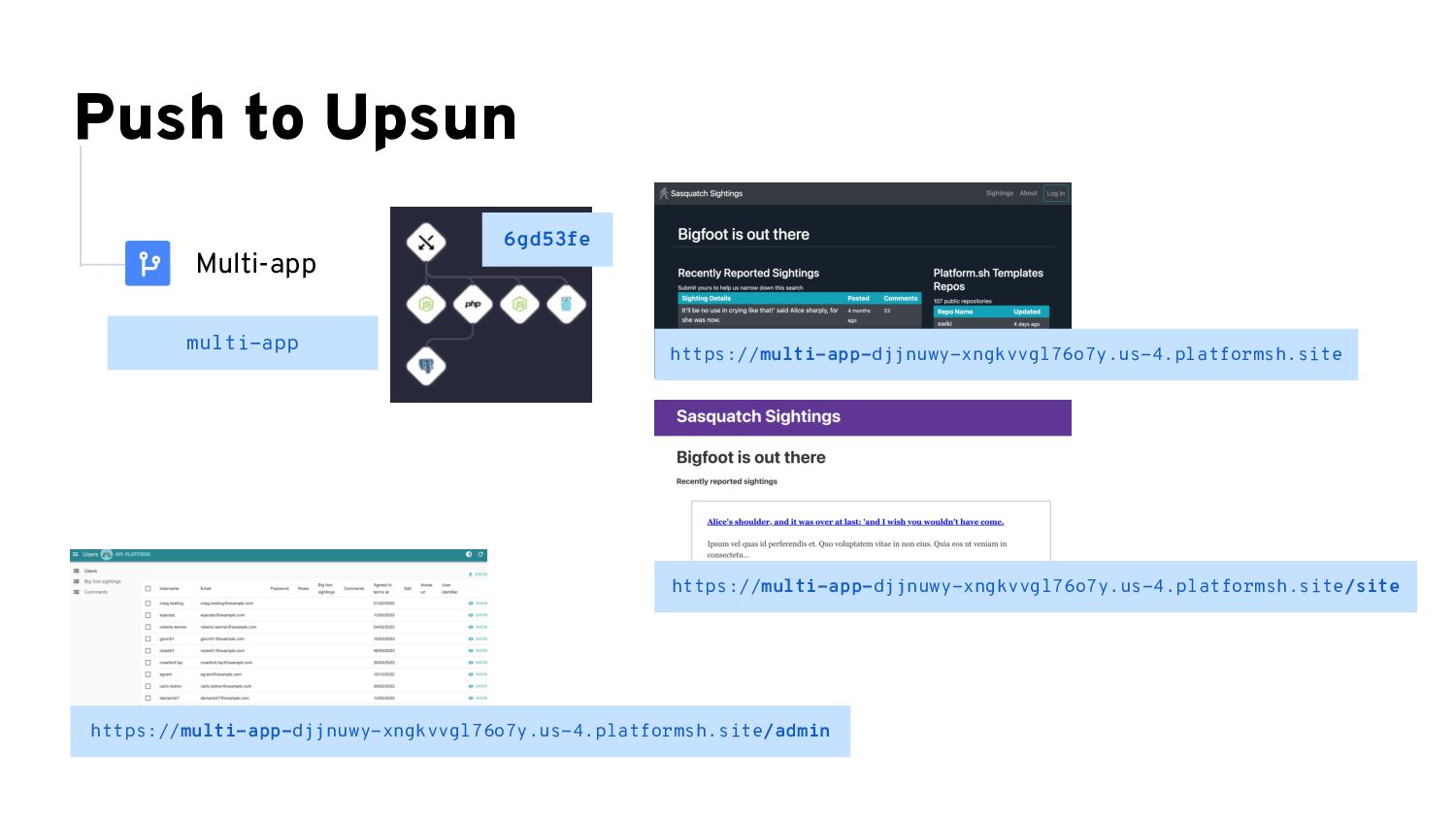
  27. Push to Upsun https://bigfoot.com 4d26fba monolith multi-app Main Multi-app 5df2fgt

    https://multi-app-djjnuwy-xngkvvgl76o7y.us-4.platformsh.site
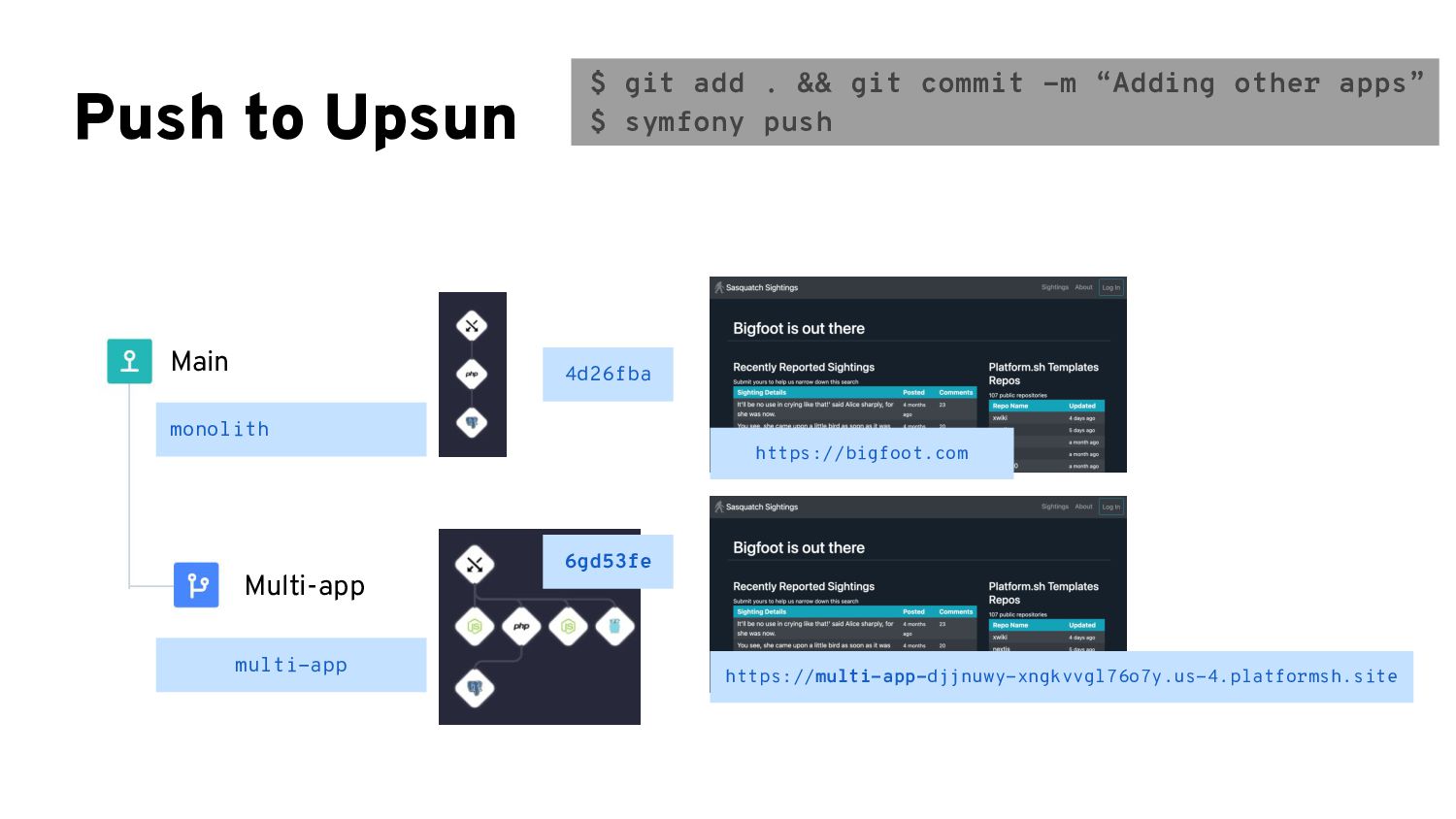
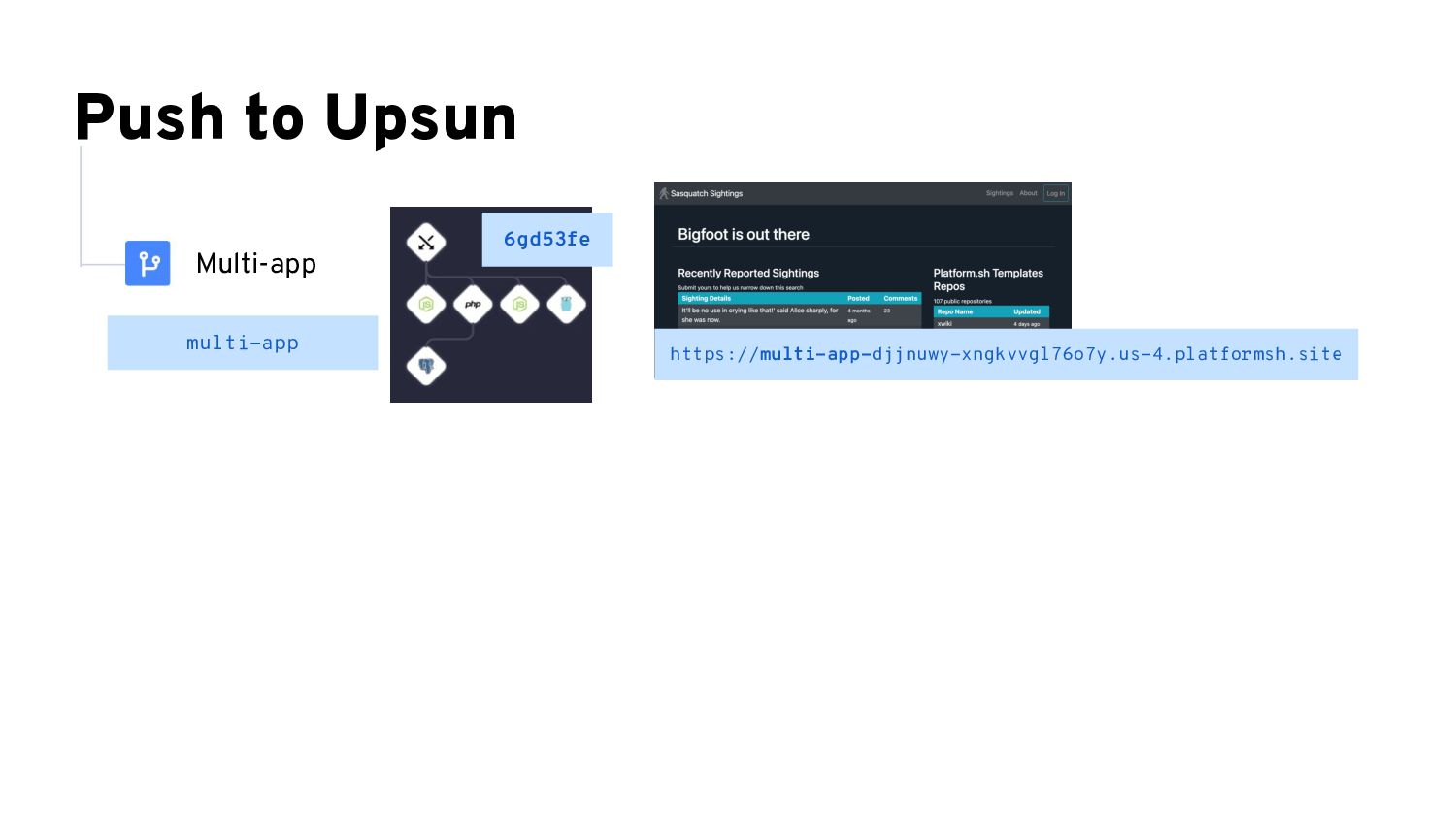
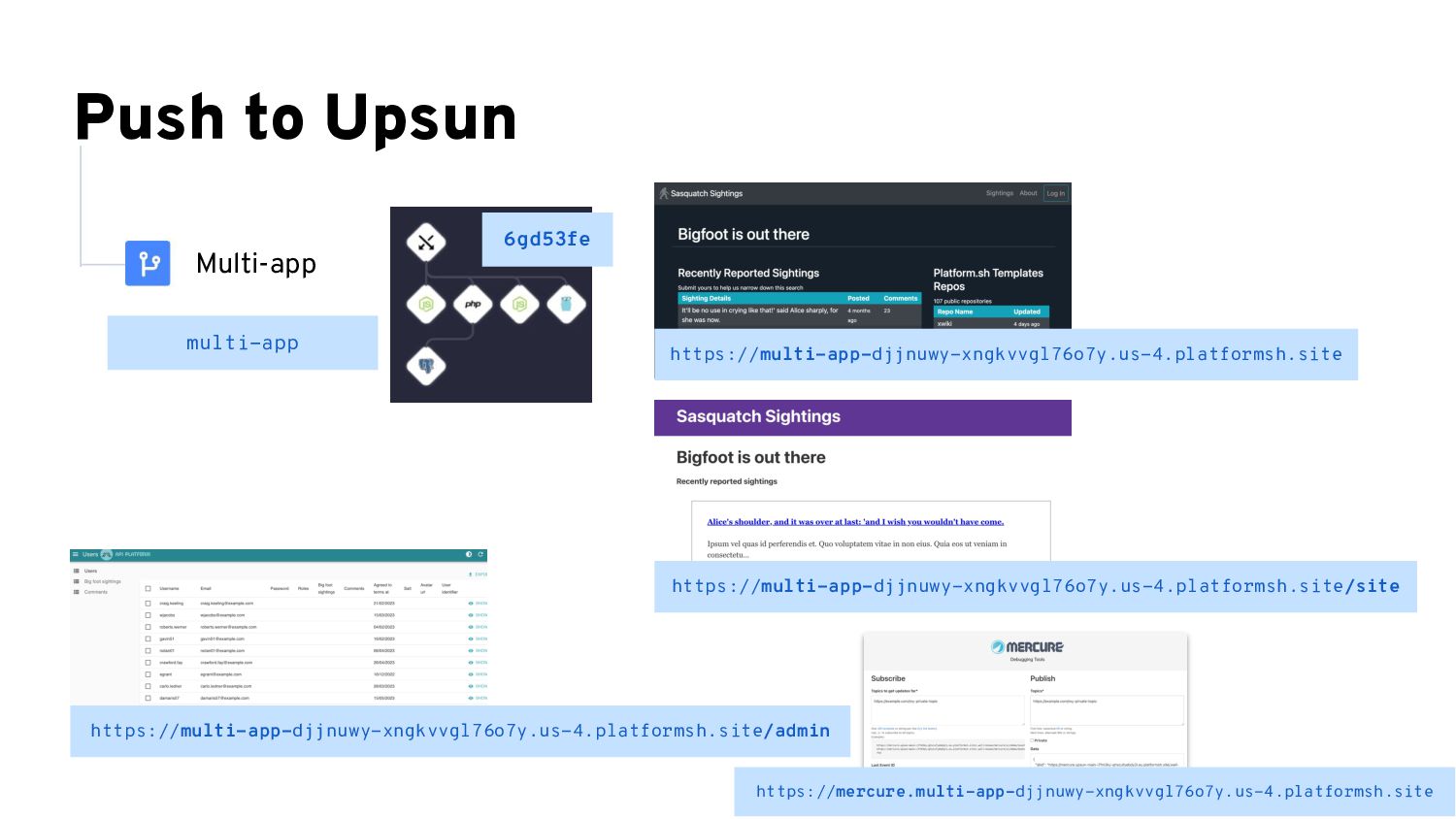
  28. Push to Upsun https://bigfoot.com 4d26fba monolith multi-app Main Multi-app 6gd53fe

    https://multi-app-djjnuwy-xngkvvgl76o7y.us-4.platformsh.site $ git add . && git commit -m “Adding other apps” $ symfony push
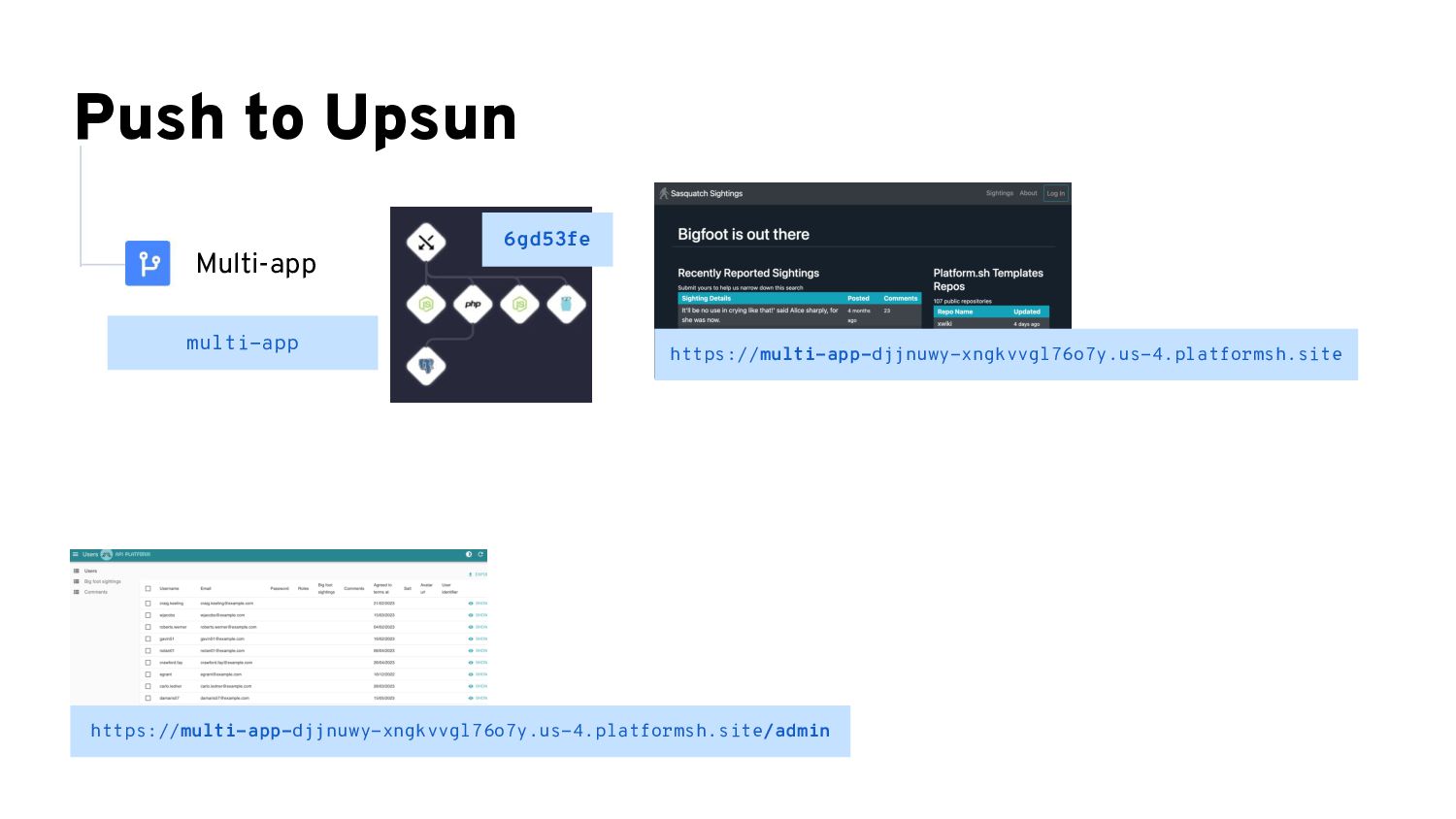
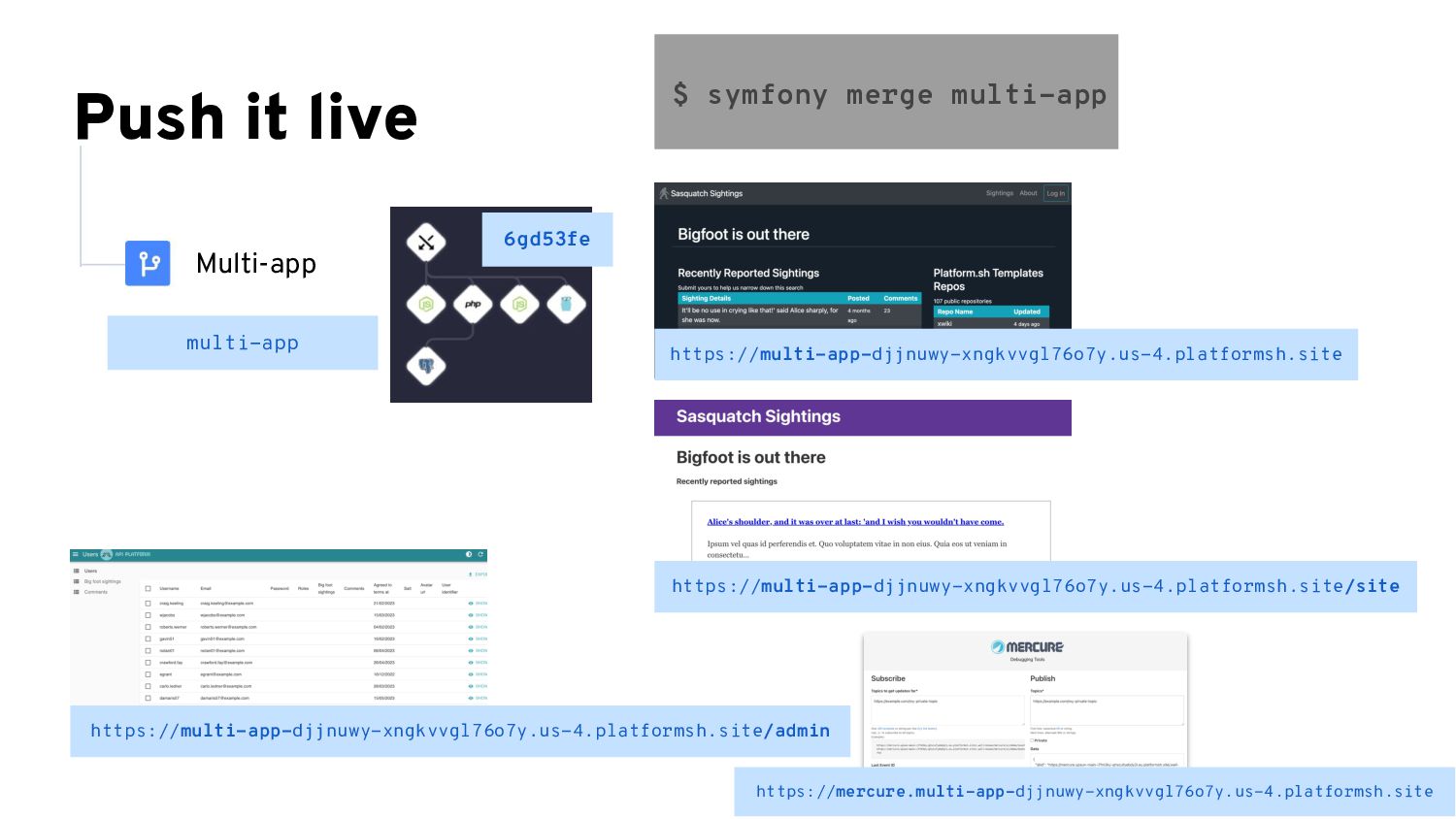
  29. Push it live multi-app Multi-app 6gd53fe https://mercure.multi-app-djjnuwy-xngkvvgl76o7y.us-4.platformsh.site $ symfony merge

    multi-app https://multi-app-djjnuwy-xngkvvgl76o7y.us-4.platformsh.site/site https://multi-app-djjnuwy-xngkvvgl76o7y.us-4.platformsh.site https://multi-app-djjnuwy-xngkvvgl76o7y.us-4.platformsh.site/admin
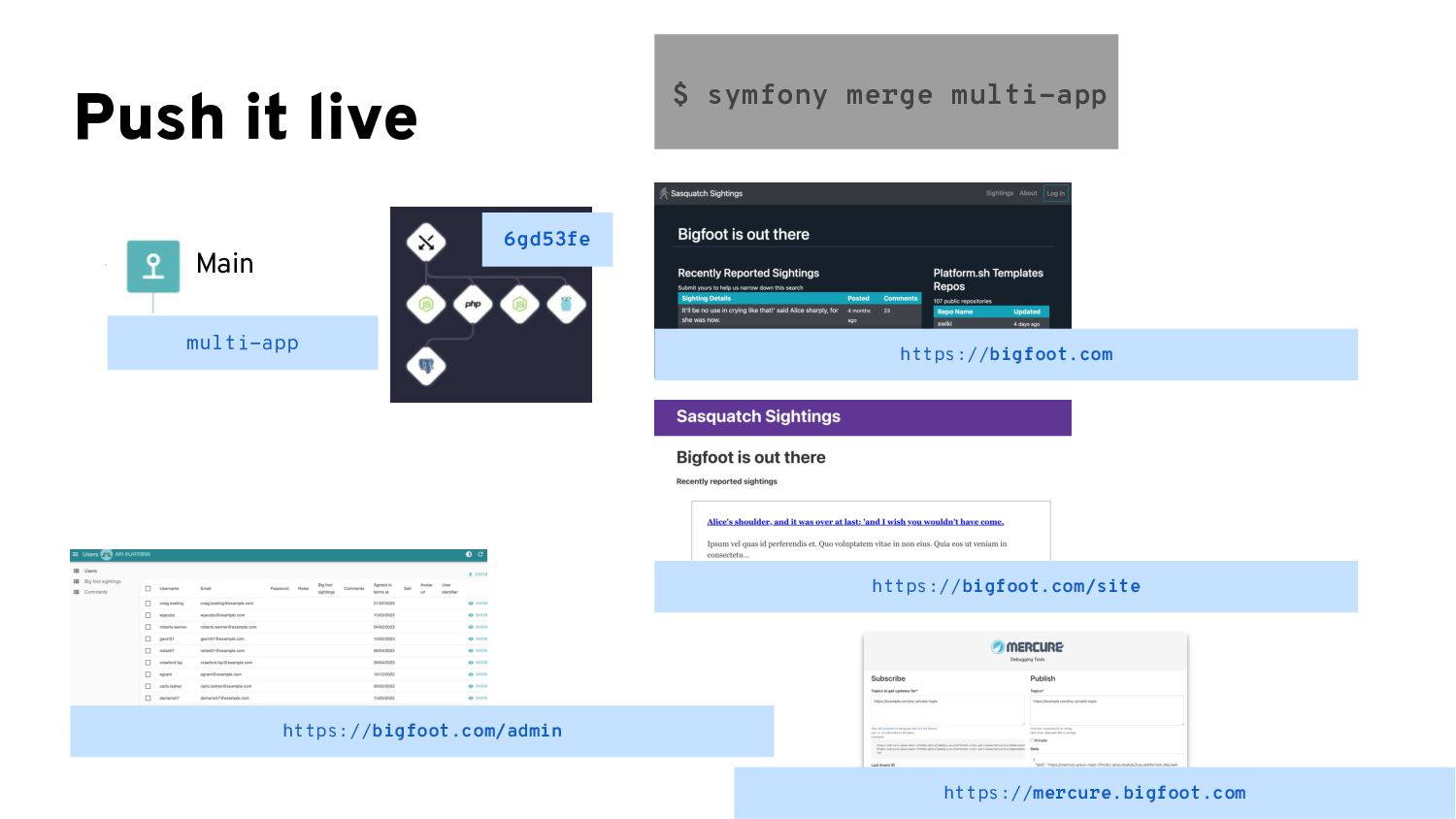
  30. Push it live $ symfony merge multi-app multi-app Main 6gd53fe

    https://bigfoot.com https://bigfoot.com/site https://bigfoot.com/admin https://mercure.bigfoot.com
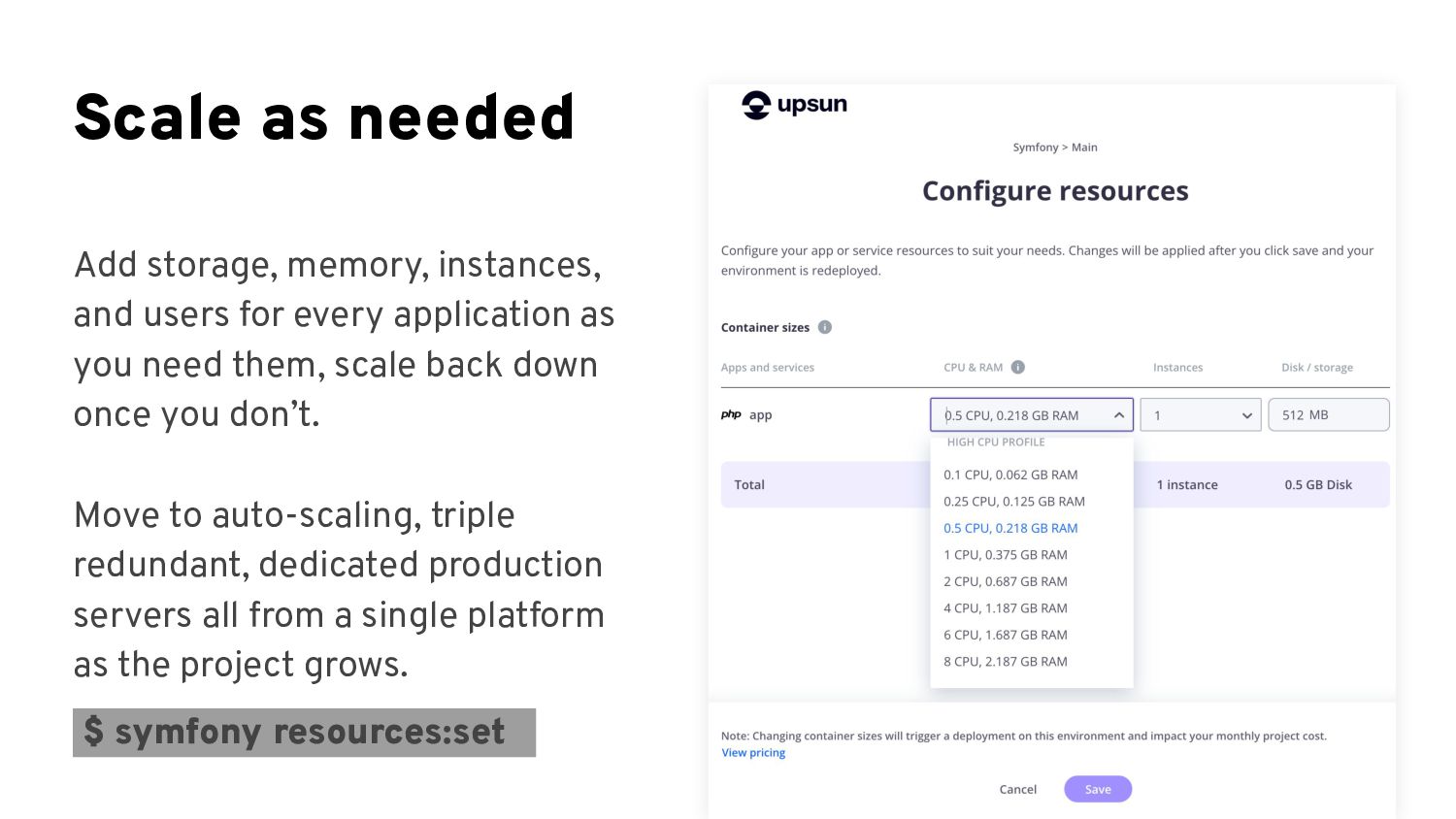
  31. Scale as needed Add storage, memory, instances, and users for

    every application as you need them, scale back down once you don’t. Move to auto-scaling, triple redundant, dedicated production servers all from a single platform as the project grows. $ symfony resources:set
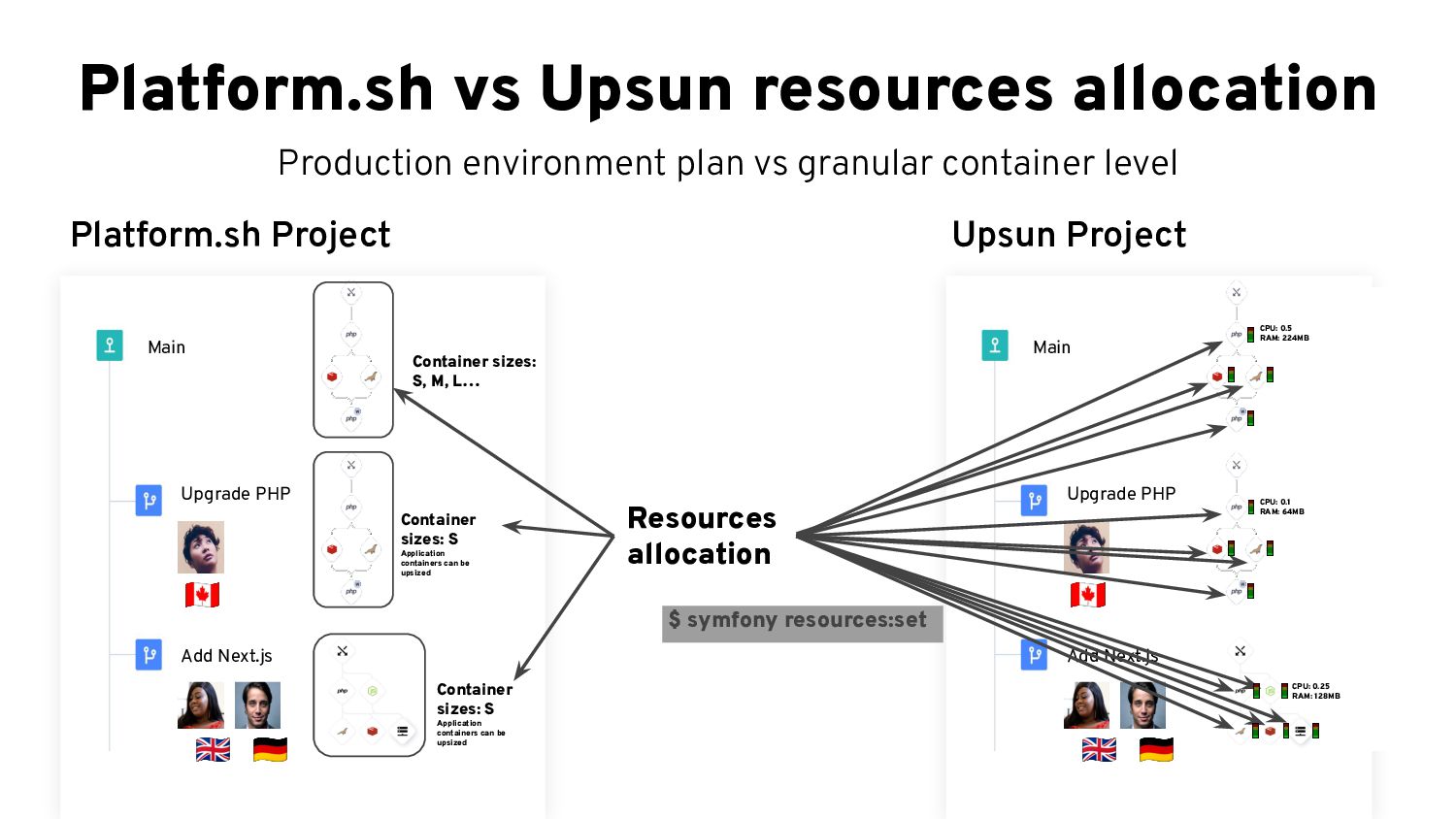
  32. Platform.sh vs Upsun resources allocation Production environment plan vs granular

    container level 󰎟 󰏅 󰎲 Main Upgrade PHP Add Next.js Platform.sh Project 󰎟 󰏅 󰎲 Main Upgrade PHP Add Next.js Upsun Project Resources allocation Container sizes: S, M, L… Container sizes: S Application containers can be upsized Container sizes: S Application containers can be upsized CPU: 0.5 RAM: 224MB CPU: 0.1 RAM: 64MB CPU: 0.25 RAM: 128MB $ symfony resources:set
  33. Tips & tricks • Github repository to test it yourself:

    https://github.com/platformsh-t emplates/bigfoot-multiapp/tree/ multiapp-upsun
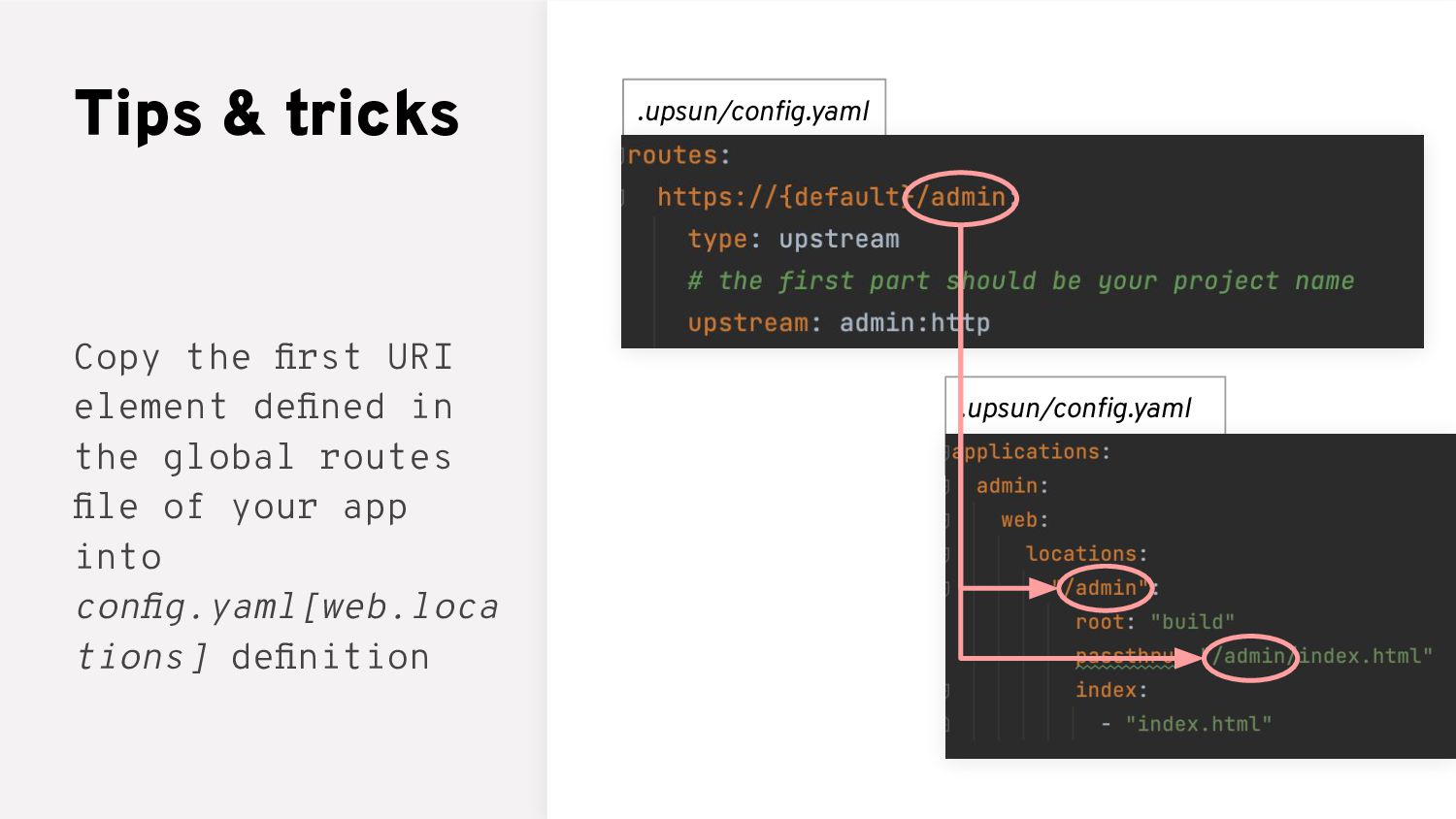
  34. .upsun/config.yaml .upsun/config.yaml Tips & tricks Copy the first URI element

    defined in the global routes file of your app into config.yaml[web.loca tions] definition
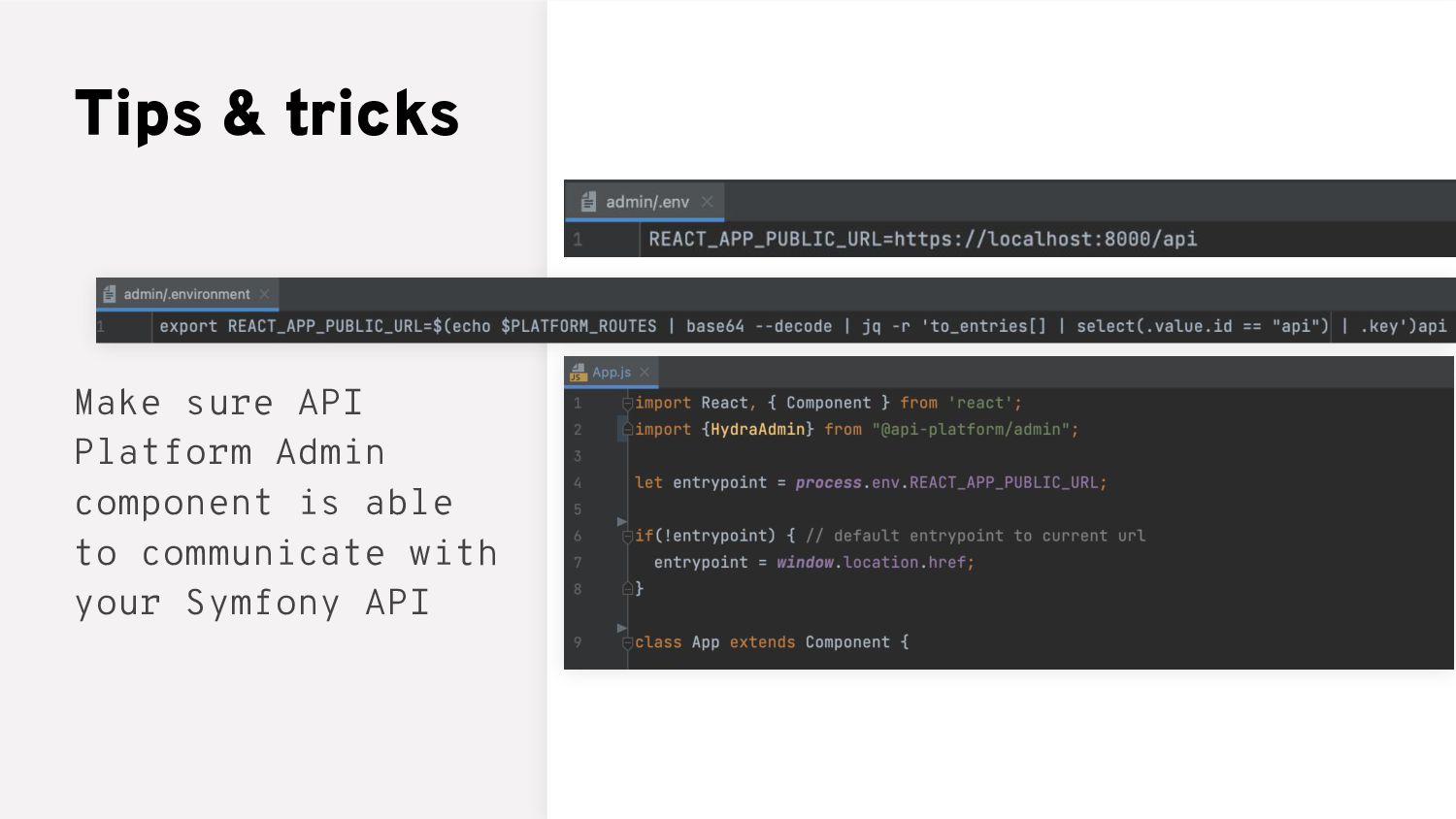
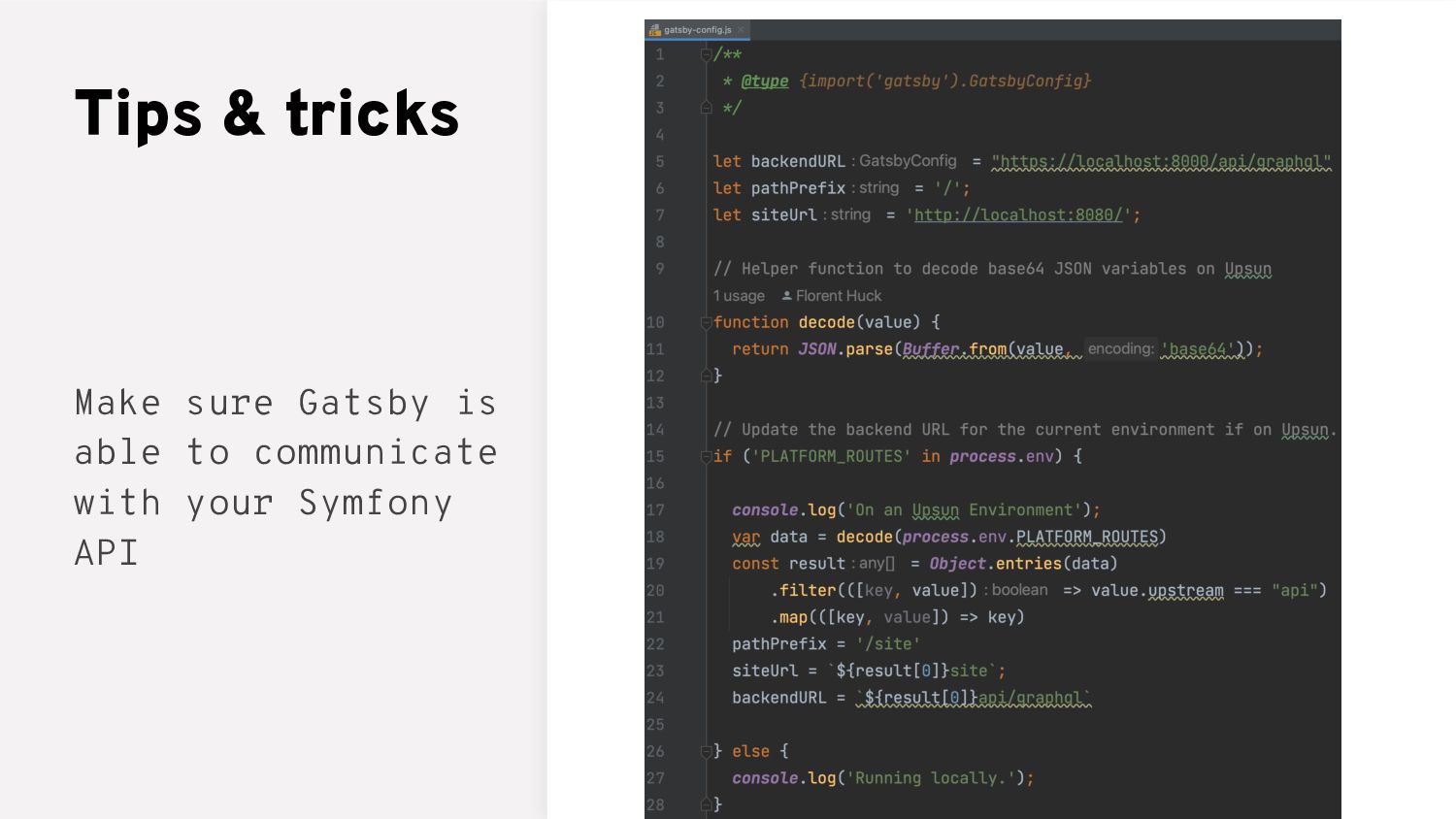
  35. Tips & tricks Make sure API Platform Admin component is

    able to communicate with your Symfony API
  36. Tips & tricks • Adapt the Git workflow: it might

    be best to have a branch for each feature… and deploy often (even on Fridays)!
  37. Tips & tricks • Adapt the Git workflow: it might

    be best to have a branch for each feature… and deploy often (even on Fridays)! • Use the integrations to work with your usual CI (GitHub, GitLab, Bitbucket) https://docs.upsun.com/integratio ns/source.html
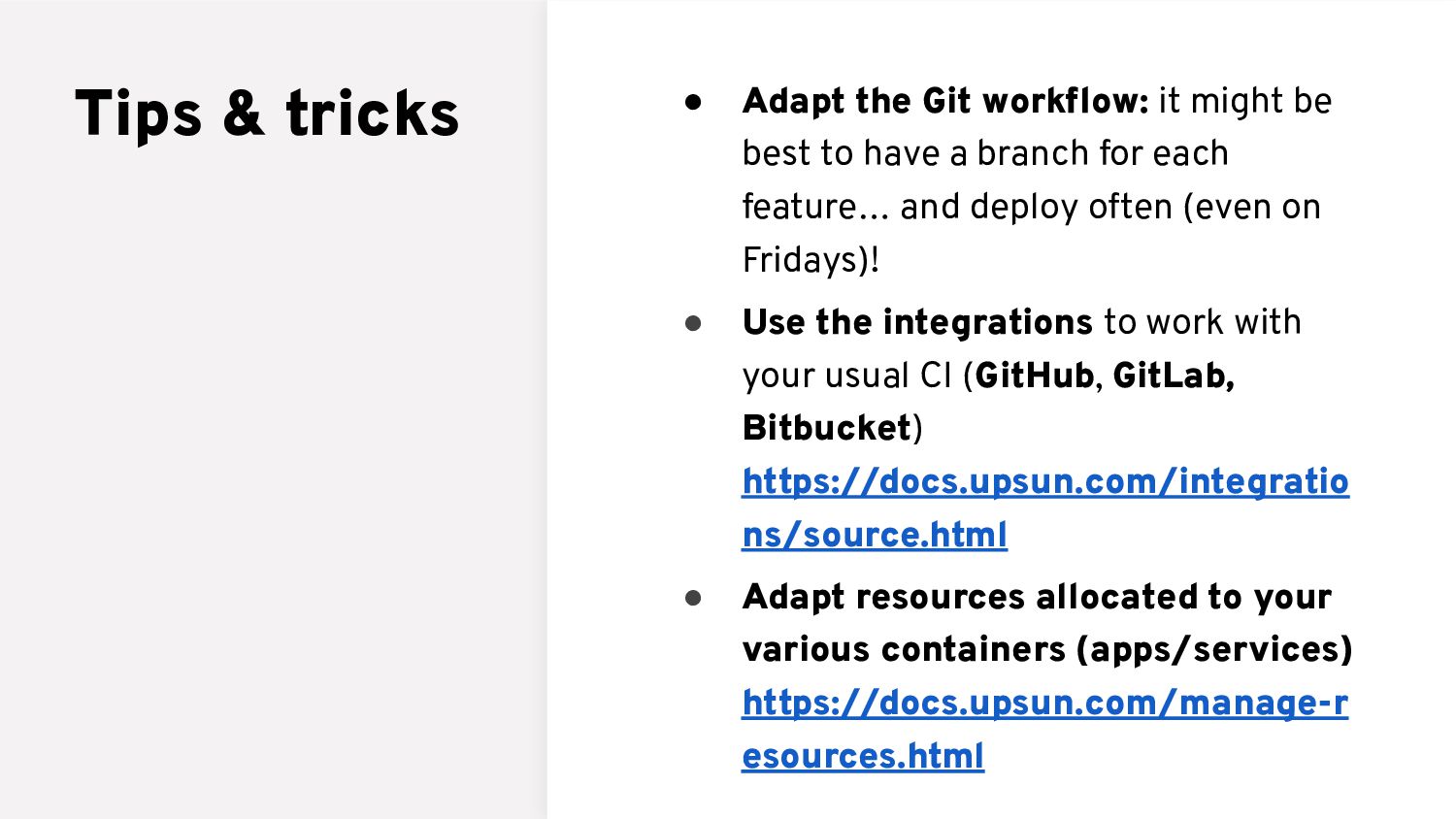
  38. Tips & tricks • Adapt the Git workflow: it might

    be best to have a branch for each feature… and deploy often (even on Fridays)! • Use the integrations to work with your usual CI (GitHub, GitLab, Bitbucket) https://docs.upsun.com/integratio ns/source.html • Adapt resources allocated to your various containers (apps/services) https://docs.upsun.com/manage-r esources.html