Upgrade to Pro — share decks privately, control downloads, hide ads and more …

An Assessment of Mobile Design Approaches: Whic...

Sponsored · Your Podcast. Everywhere. Effortlessly. Share. Educate. Inspire. Entertain. You do you. We'll handle the rest. →

An Assessment of Mobile Design Approaches: Which is Right For You and How Do You Know?

Your mobile strategy should depend upon the goals of your website or application, your users, and how it is that you interact with those users. This session will walk you through a step-by-step approach that you can use to evaluate your mobile metrics and gather insights from your users in order to make decisions about whether or not you should take an approach that is based upon Responsive Design, Mobile First, native application, or a hybrid of these. We’re talking due diligence here, and the type that you can do yourself.

A social network or eCommerce mobile strategy is not going to be the same as the mobile strategy for a content site; there are many different approaches to designing for mobile devices. Key decisions, such as how to mobilize your website, should be based upon research, planning, and a healthy dose of the metrics and analytics that are available to you and not by locking into the current buzzword trends. When you know what the buzzwords mean, and you understand who and what you are designing and developing for, these decisions can be a piece of cake!

Avatar for Golli Hashemian

Golli Hashemian

April 20, 2013

More Decks by Golli Hashemian

Other Decks in Technology

Transcript

  1. An Assessment of Mobile Design Approaches: Which is Right For

    You and How Do You Know? Golli Hashemian, UX Architect @golgolli
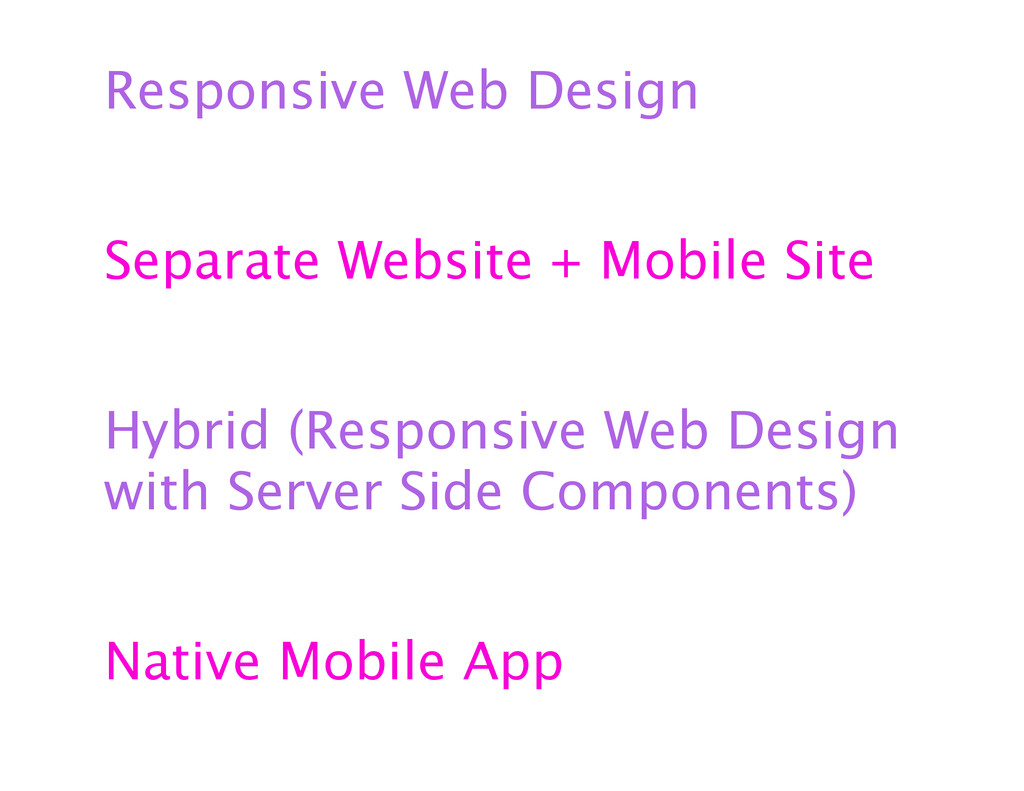
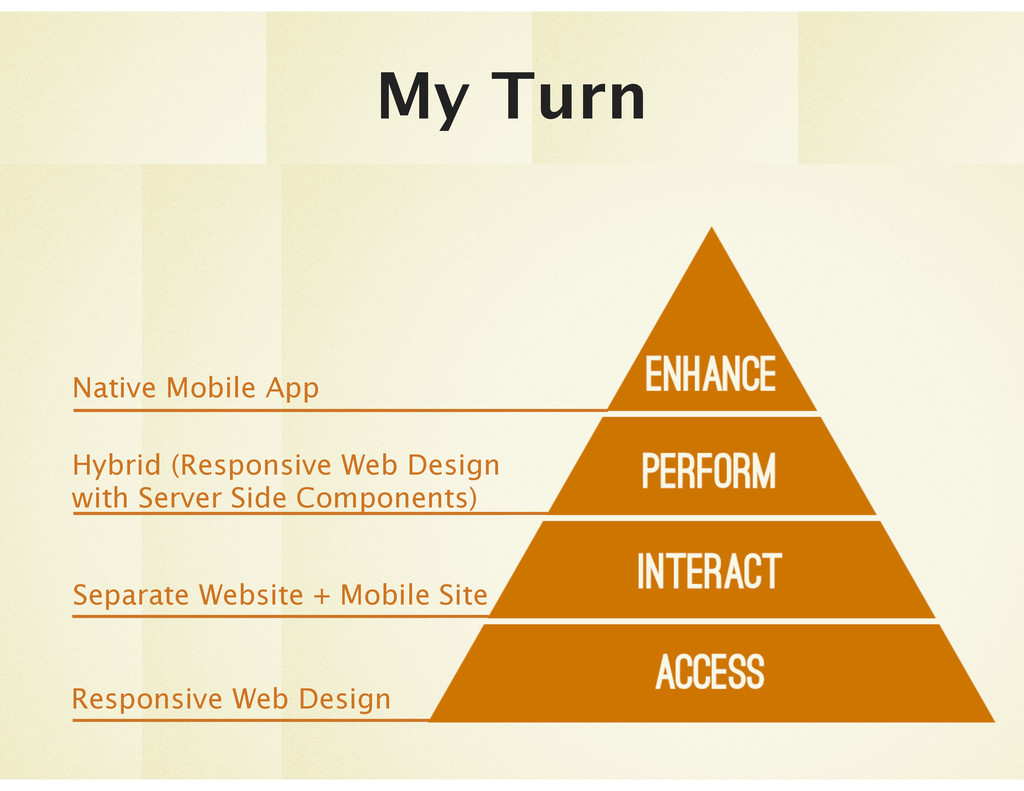
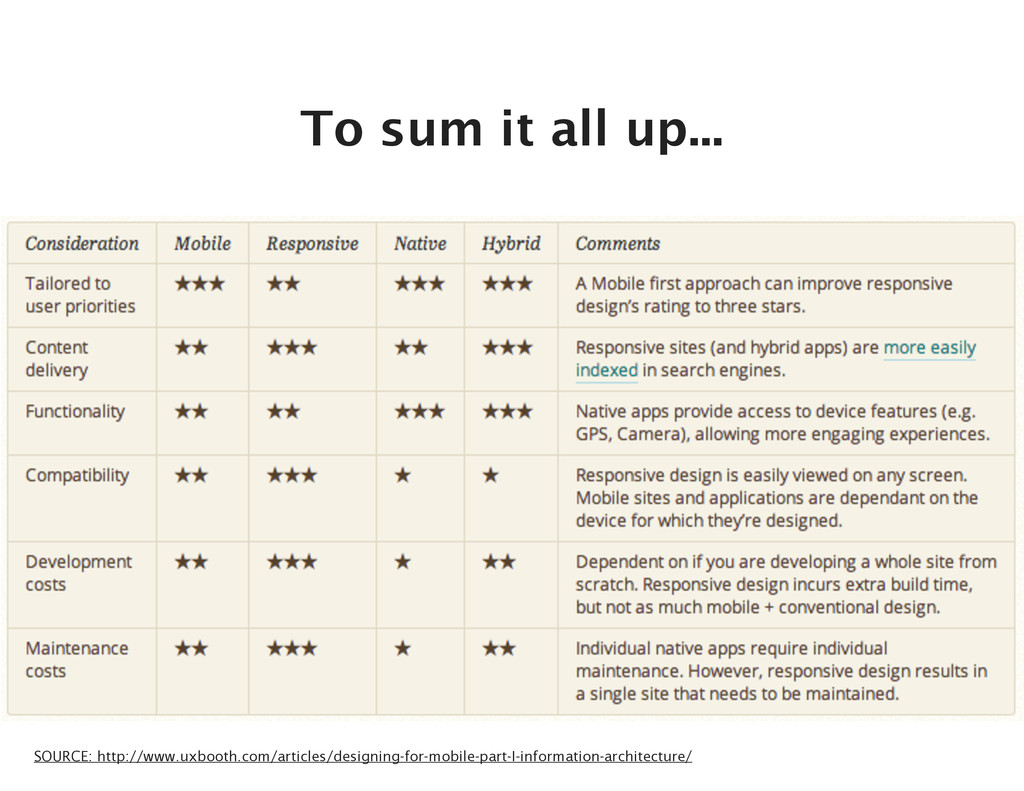
  2. Responsive Web Design Separate Website + Mobile Site Hybrid (Responsive

    Web Design with Server Side Components) Native Mobile App
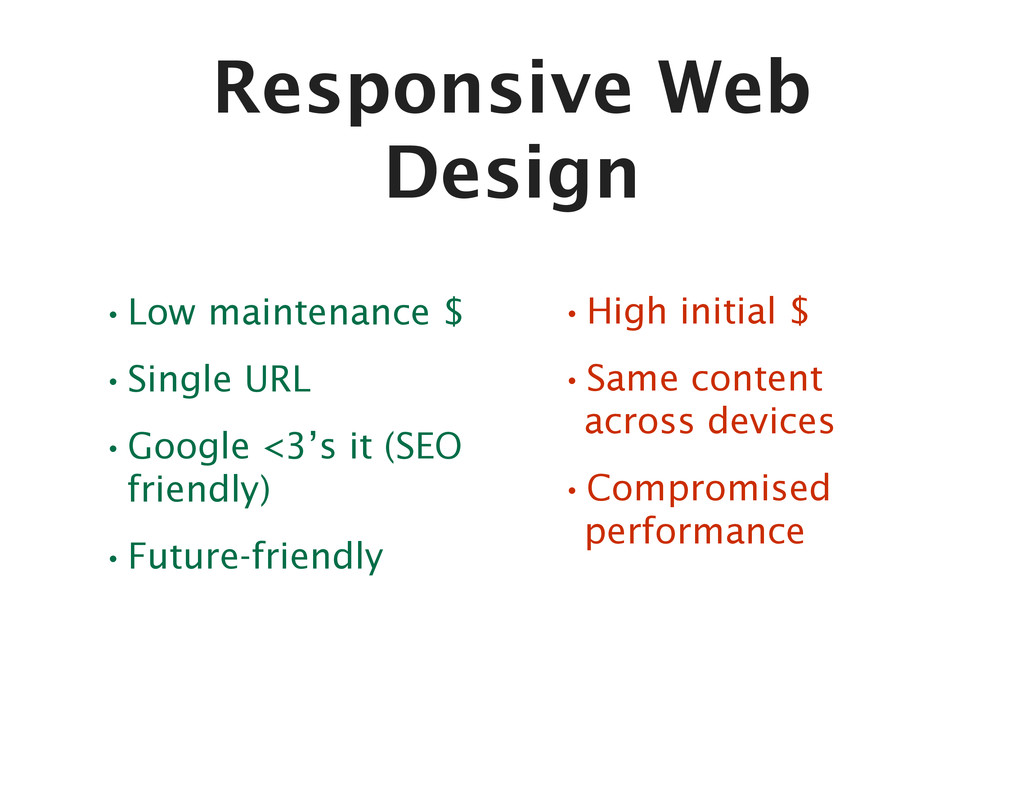
  3. Responsive Web Design •Low maintenance $ •Single URL •Google <3’s

    it (SEO friendly) •Future-friendly •High initial $ •Same content across devices •Compromised performance
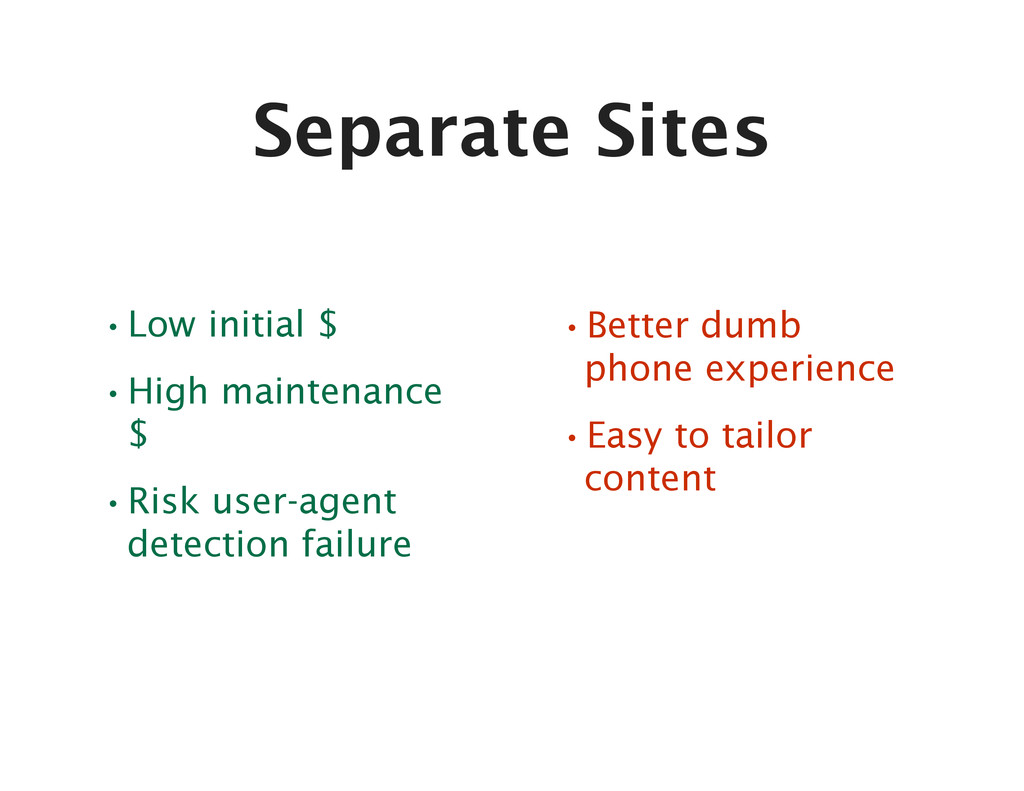
  4. Separate Sites •Low initial $ •High maintenance $ •Risk user-agent

    detection failure •Better dumb phone experience •Easy to tailor content
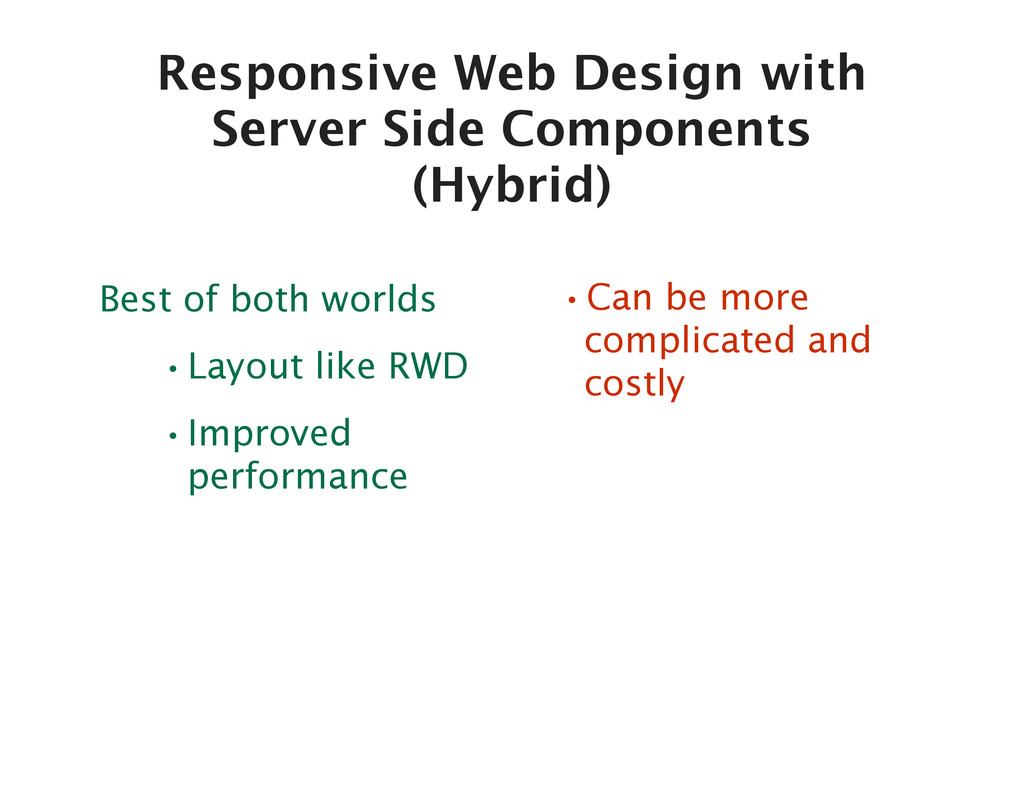
  5. Responsive Web Design with Server Side Components (Hybrid) Best of

    both worlds •Layout like RWD •Improved performance •Can be more complicated and costly
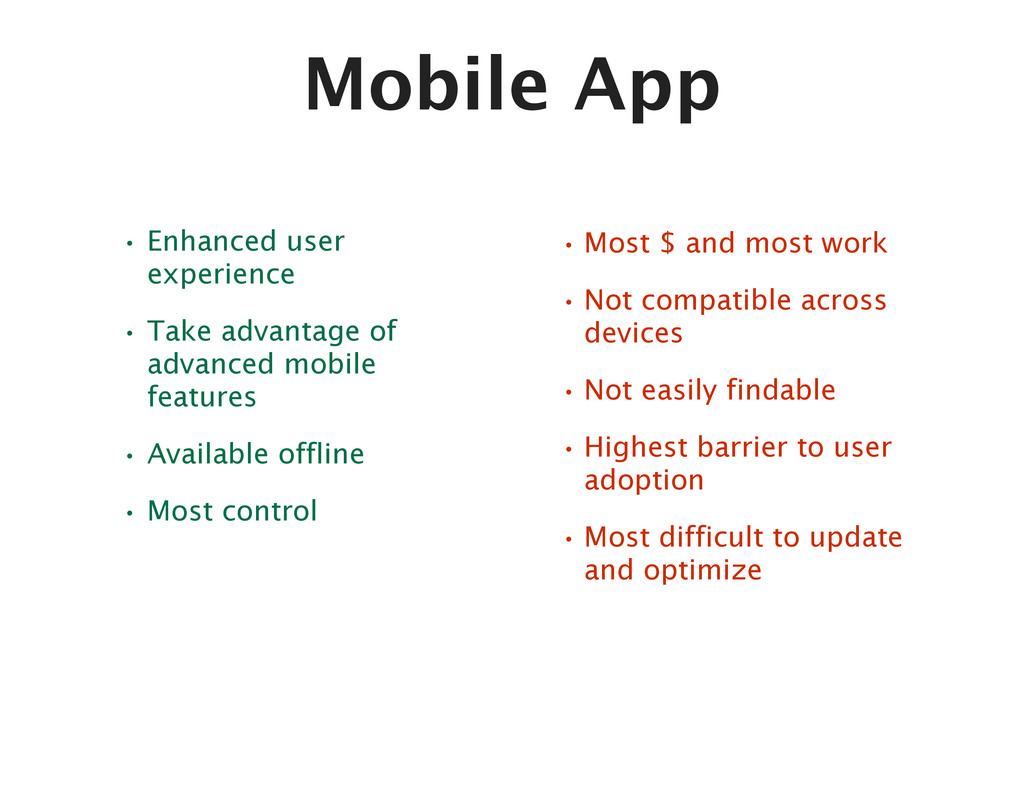
  6. Mobile App • Enhanced user experience • Take advantage of

    advanced mobile features • Available offline • Most control •Most $ and most work •Not compatible across devices •Not easily findable •Highest barrier to user adoption •Most difficult to update and optimize
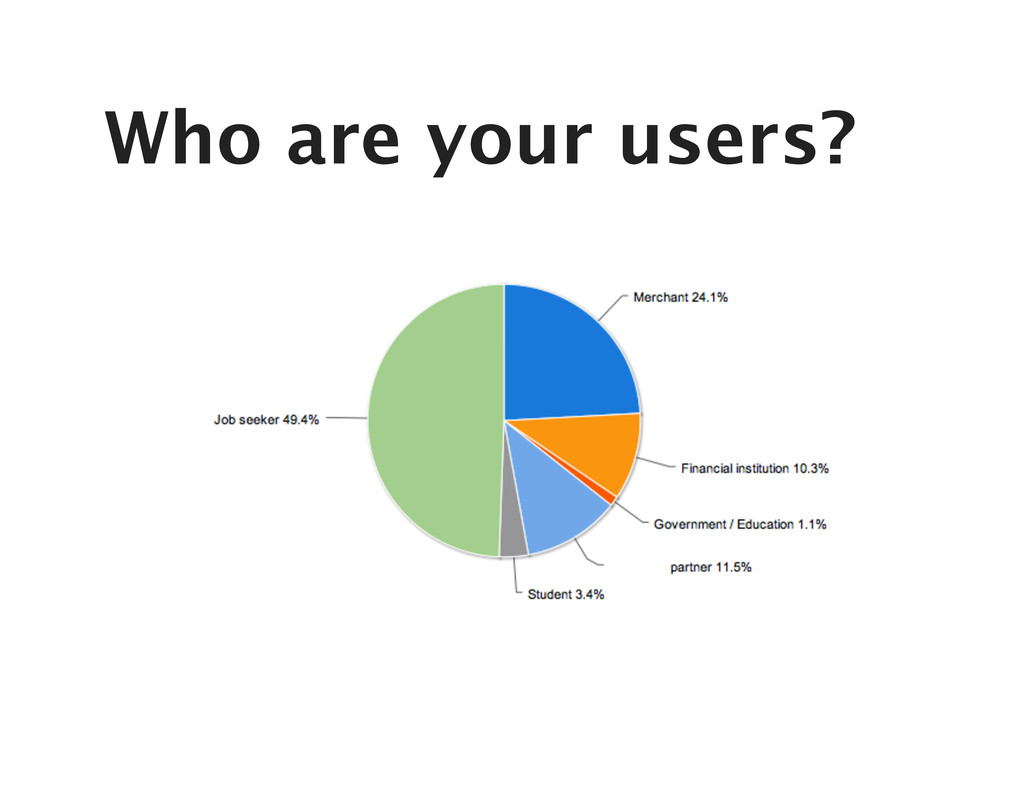
  7. Who are your users? (What questions can be answered with

    analytics and what questions need further research?) What are their goals and needs?
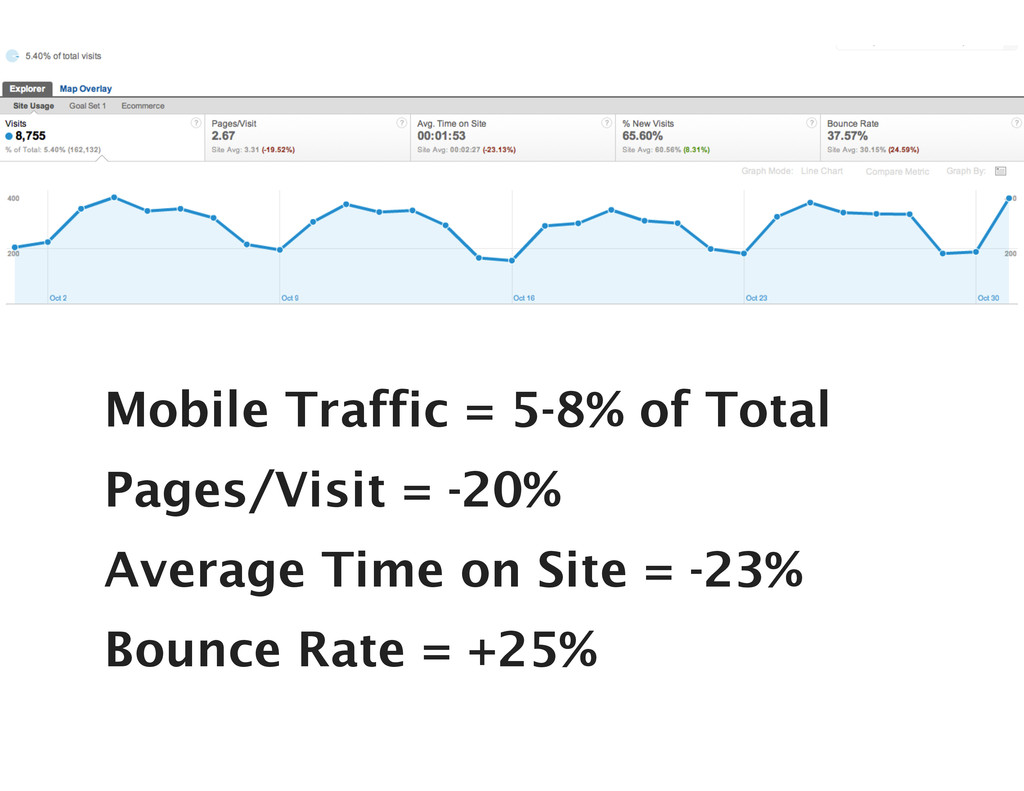
  8. Mobile Traffic = 5-8% of Total Pages/Visit = -20% Average

    Time on Site = -23% Bounce Rate = +25%
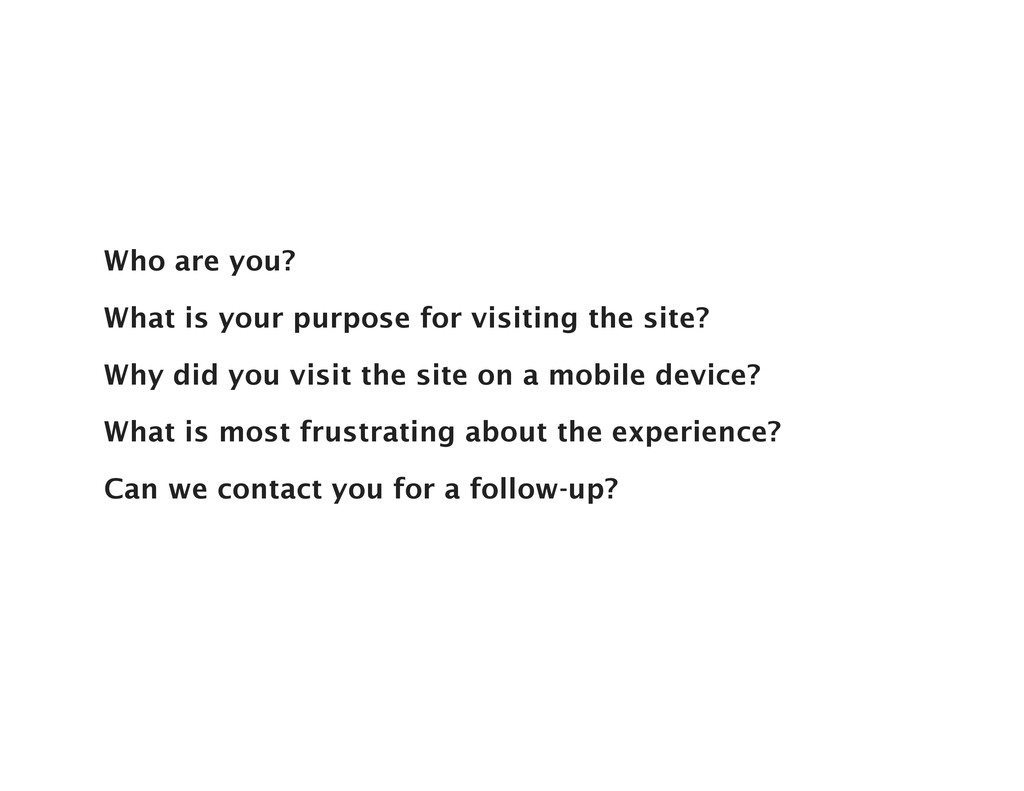
  9. Who are you? What is your purpose for visiting the

    site? Why did you visit the site on a mobile device? What is most frustrating about the experience? Can we contact you for a follow-up?
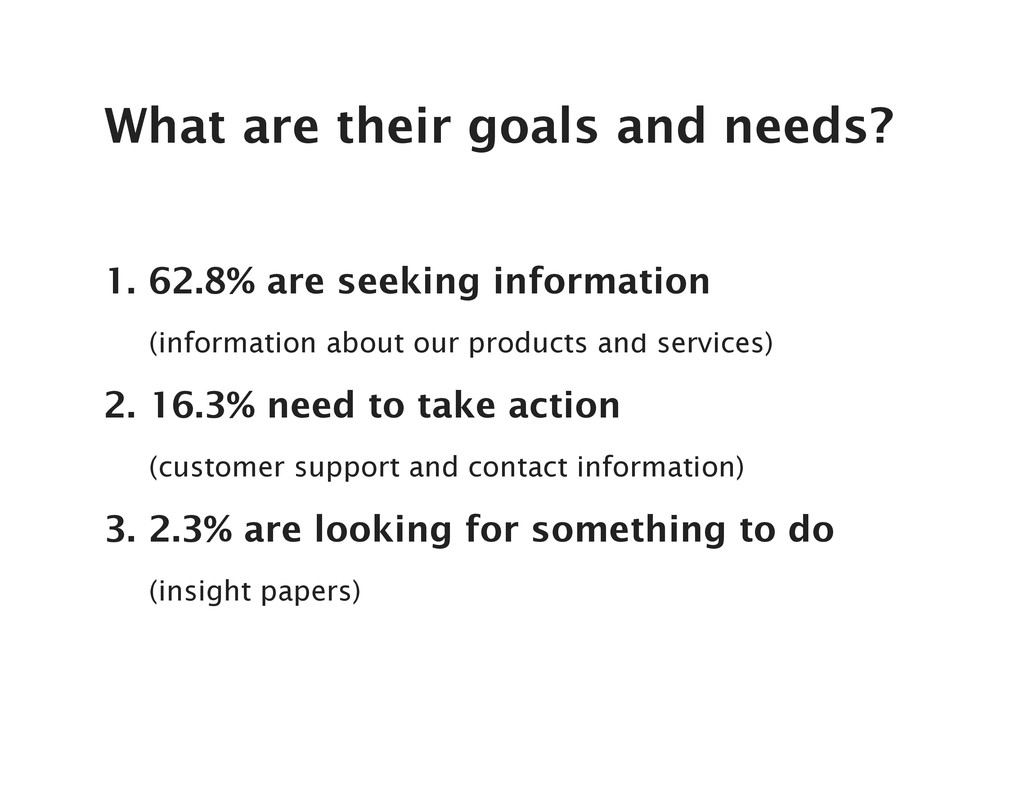
  10. 1. 62.8% are seeking information (information about our products and

    services) 2. 16.3% need to take action (customer support and contact information) 3. 2.3% are looking for something to do (insight papers) What are their goals and needs?
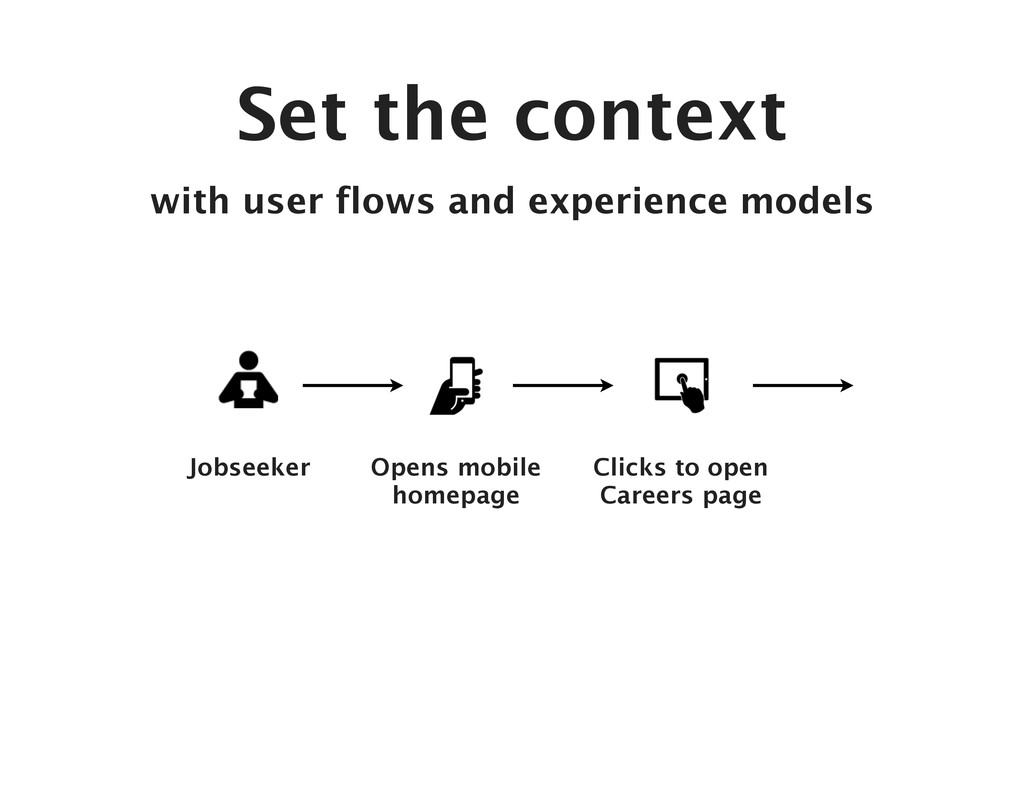
  11. Set the context with user flows and experience models Jobseeker

    Opens mobile homepage Clicks to open Careers page
  12. Responsive Web Design Separate Website + Mobile Site Hybrid (Responsive

    Web Design with Server Side Components) Native Mobile App My Turn