Upgrade to Pro — share decks privately, control downloads, hide ads and more …

Using PowerShell to Explore Windows

Sponsored · Your Podcast. Everywhere. Effortlessly. Share. Educate. Inspire. Entertain. You do you. We'll handle the rest.
Avatar for Guy Leech Guy Leech
July 14, 2025
34

Using PowerShell to Explore Windows

Slides used to accompany the demos in a 4 hour follow along workshop given for the SteelCon event in Sheffield on Friday 11th July 2025
https://www.steelcon.info/

Avatar for Guy Leech

Guy Leech

July 14, 2025
Tweet

Transcript

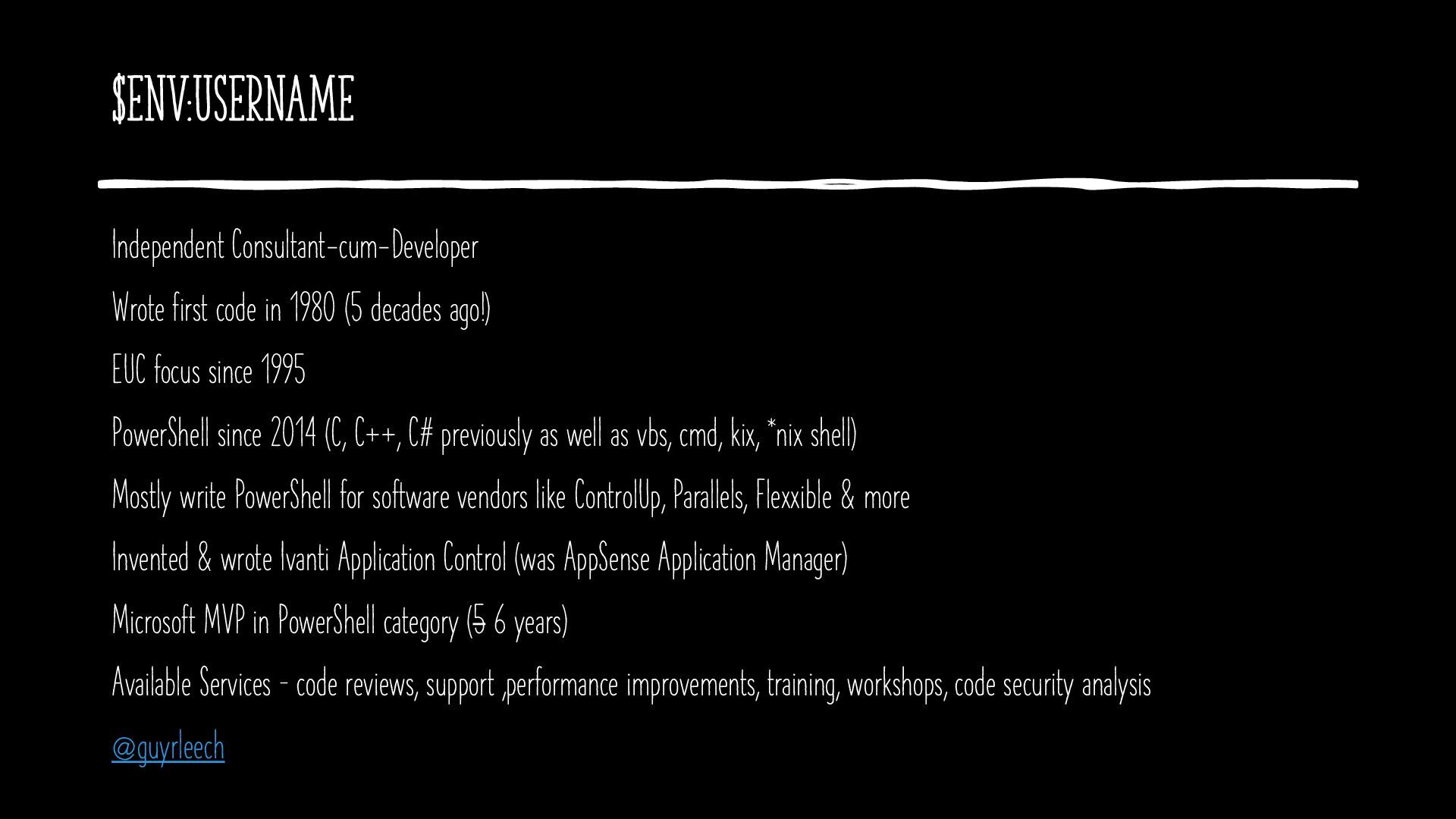
  1. $env:Username Independent Consultant-cum-Developer Wrote first code in 1980 (5 decades

    ago!) EUC focus since 1995 PowerShell since 2014 (C, C++, C# previously as well as vbs, cmd, kix, *nix shell) Mostly write PowerShell for software vendors like ControlUp, Parallels, Flexxible & more Invented & wrote Ivanti Application Control (was AppSense Application Manager) Microsoft MVP in PowerShell category (5 6 years) Available Services – code reviews, support ,performance improvements, training, workshops, code security analysis @guyrleech
  2. Agenda • Some basics • Processes • Services • Events

    • Searching/Finding files (regex!) • WMI/CIM • Networking • Searching registry • PowerShell transcription
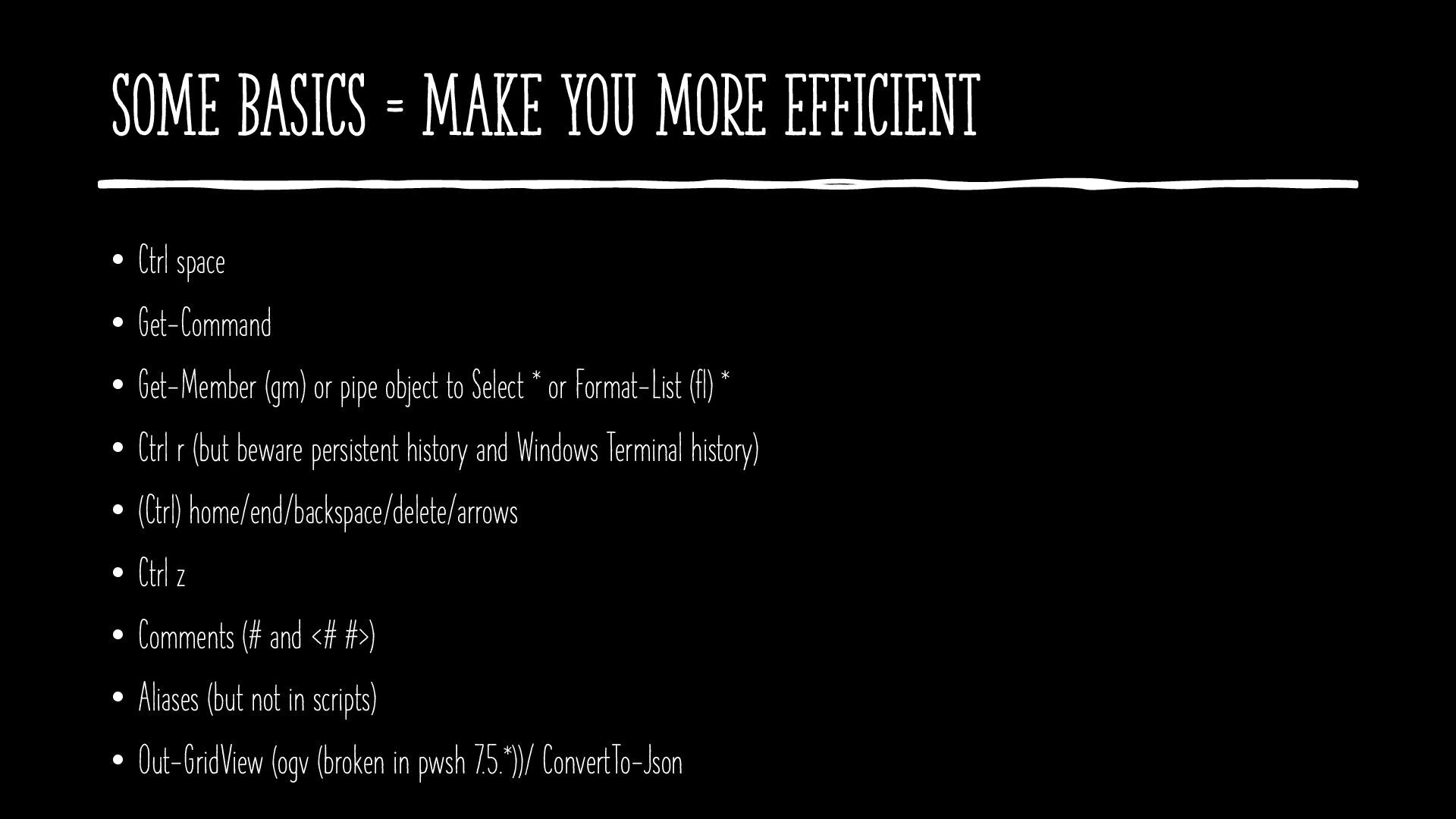
  3. Some Basics = make you more efficient • Ctrl space

    • Get-Command • Get-Member (gm) or pipe object to Select * or Format-List (fl) * • Ctrl r (but beware persistent history and Windows Terminal history) • (Ctrl) home/end/backspace/delete/arrows • Ctrl z • Comments (# and <# #>) • Aliases (but not in scripts) • Out-GridView (ogv (broken in pwsh 7.5.*))/ ConvertTo-Json
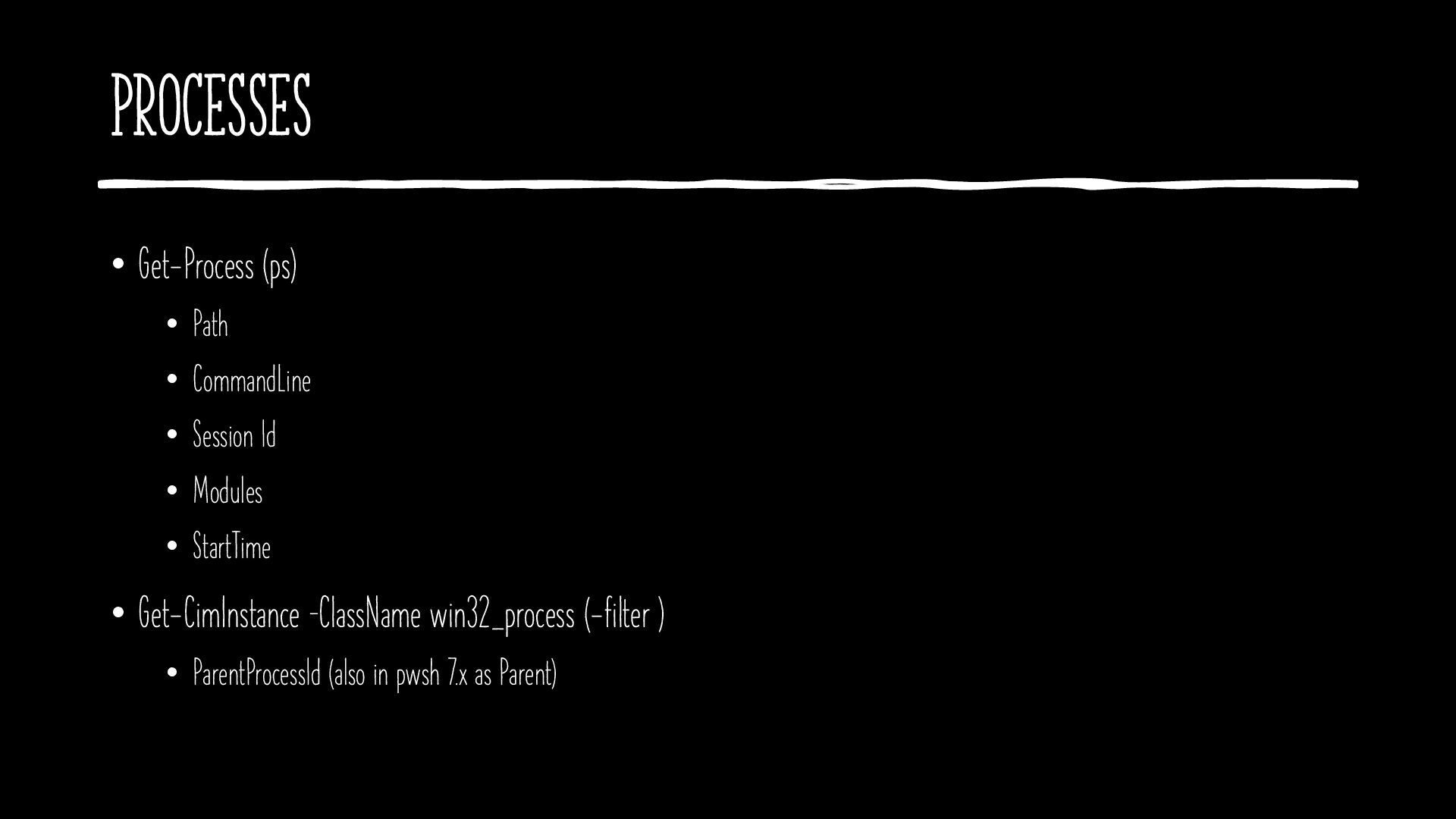
  4. Processes • Get-Process (ps) • Path • CommandLine • Session

    Id • Modules • StartTime • Get-CimInstance –ClassName win32_process (-filter ) • ParentProcessId (also in pwsh 7.x as Parent)
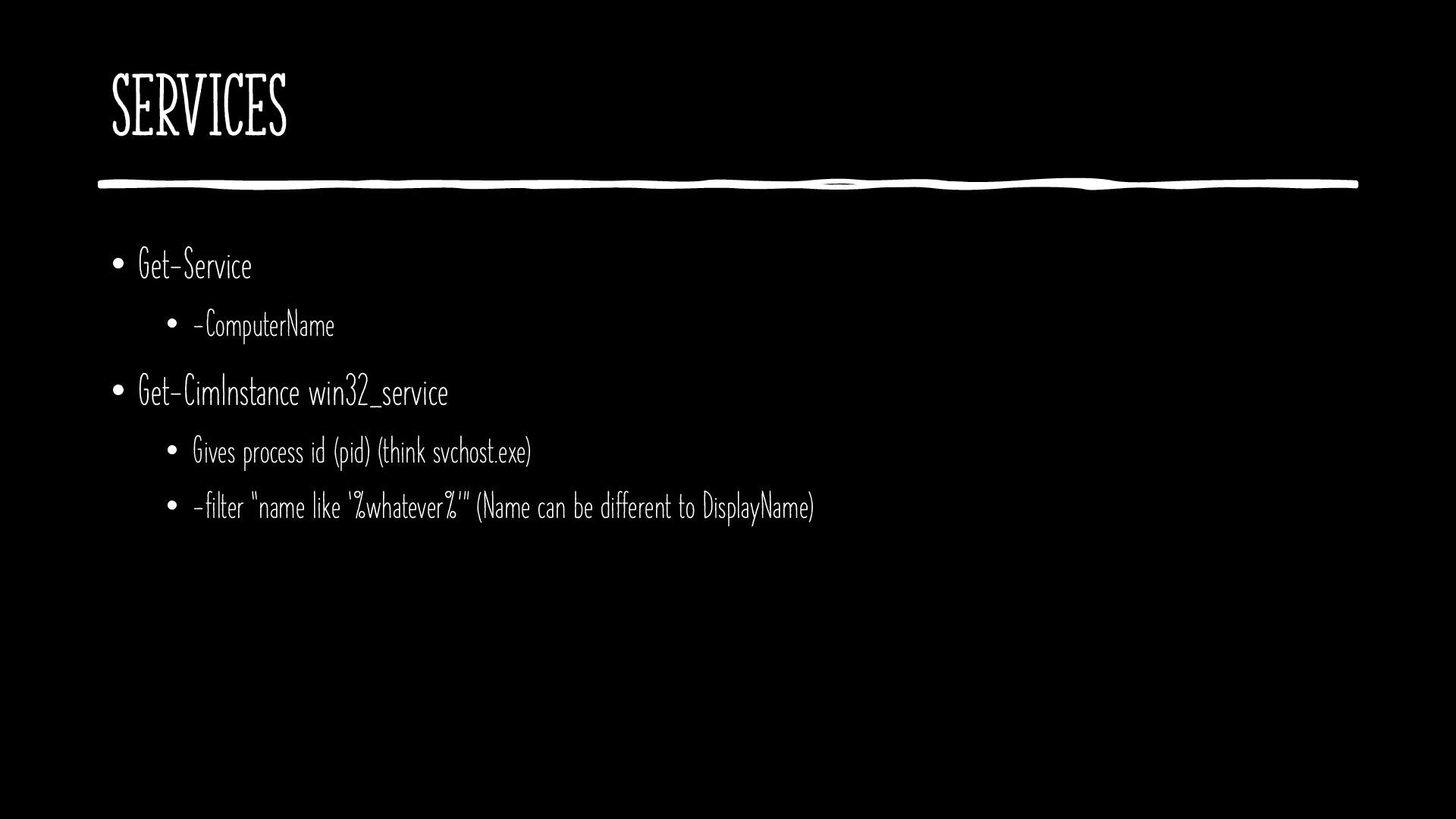
  5. Services • Get-Service • -ComputerName • Get-CimInstance win32_service • Gives

    process id (pid) (think svchost.exe) • -filter “name like ‘%whatever%’” (Name can be different to DisplayName)
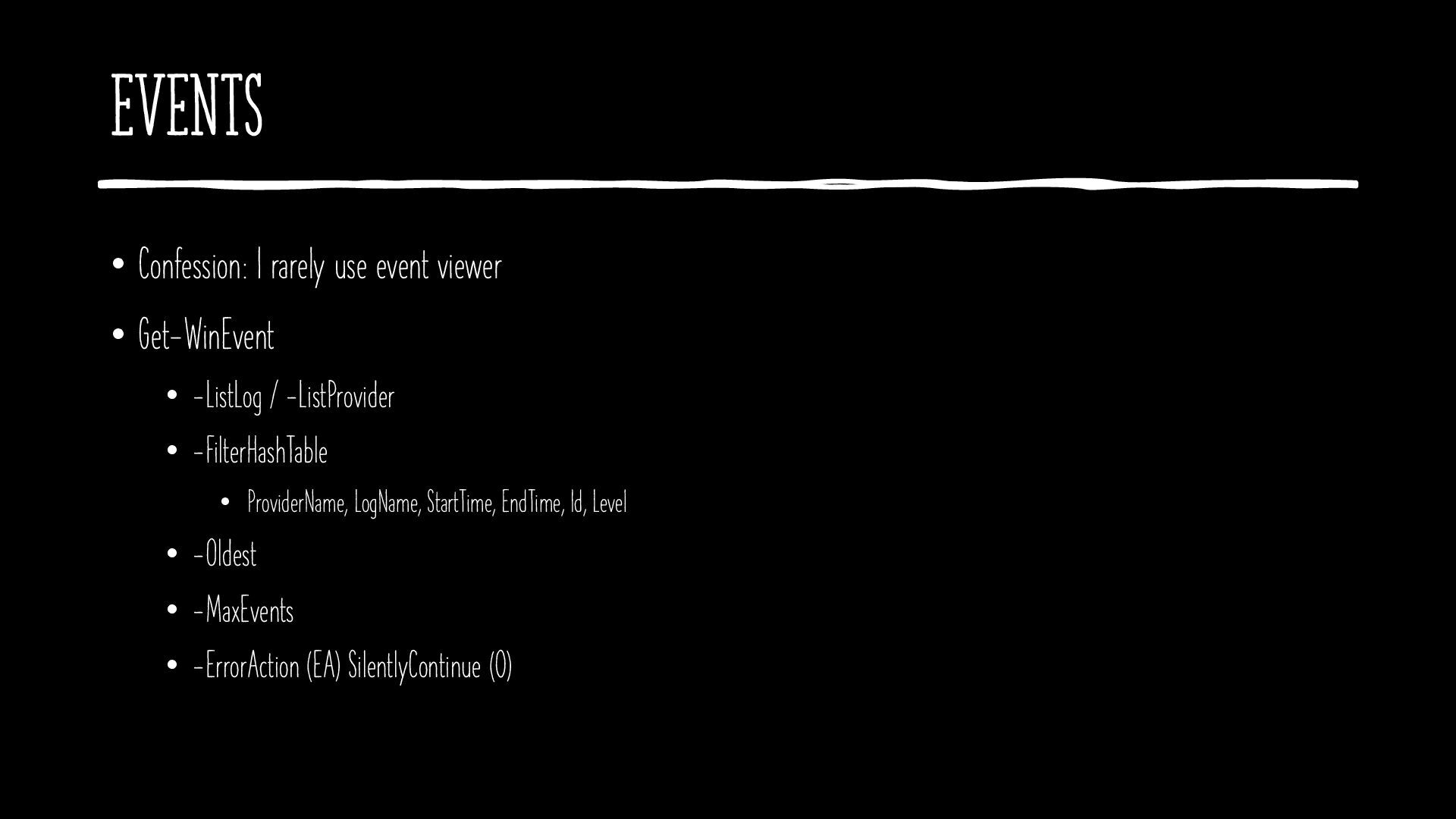
  6. Events • Confession: I rarely use event viewer • Get-WinEvent

    • -ListLog / -ListProvider • -FilterHashTable • ProviderName, LogName, StartTime, EndTime, Id, Level • -Oldest • -MaxEvents • -ErrorAction (EA) SilentlyContinue (0)
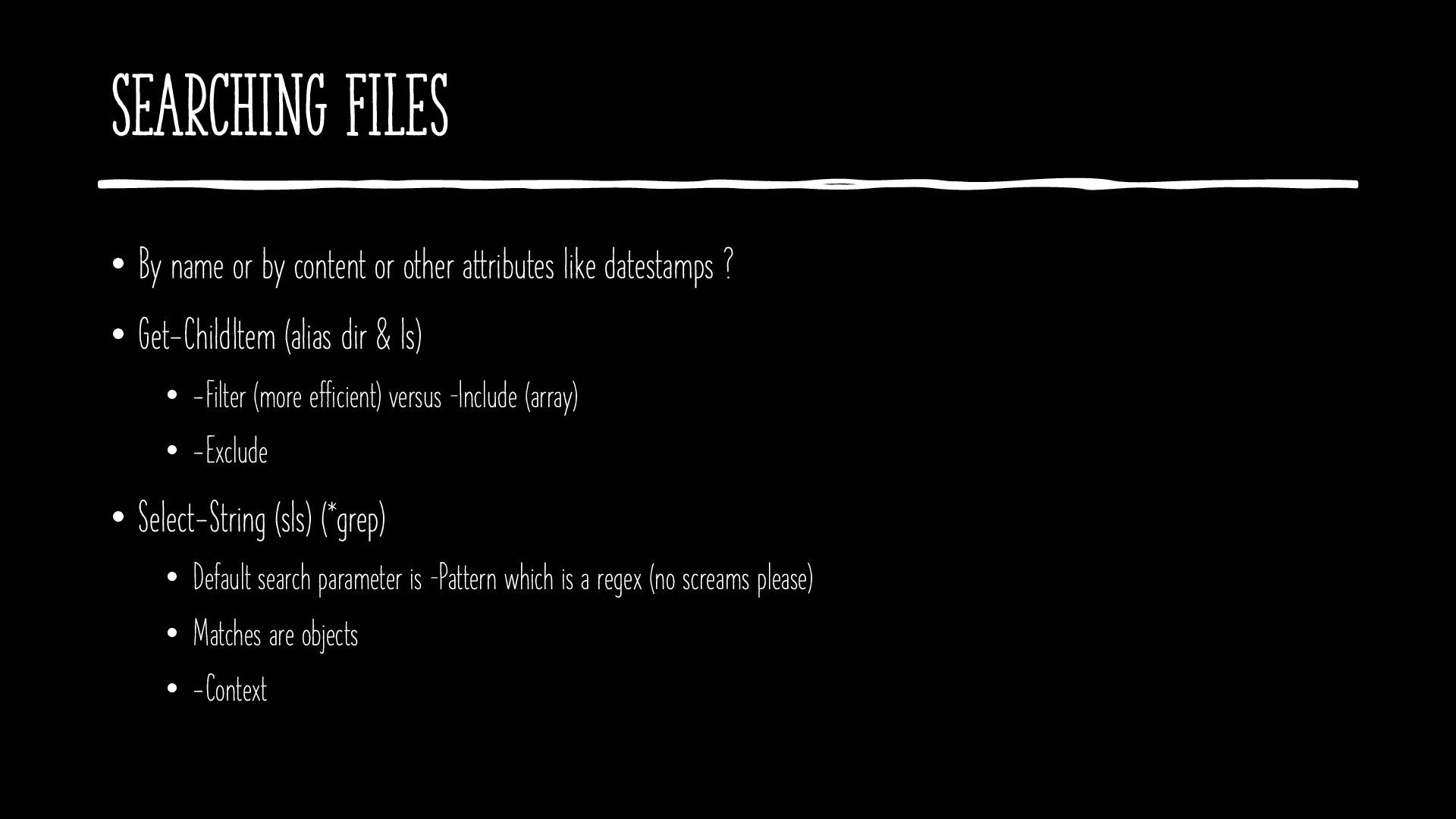
  7. Searching Files • By name or by content or other

    attributes like datestamps ? • Get-ChildItem (alias dir & ls) • -Filter (more efficient) versus –Include (array) • -Exclude • Select-String (sls) (*grep) • Default search parameter is –Pattern which is a regex (no screams please) • Matches are objects • -Context
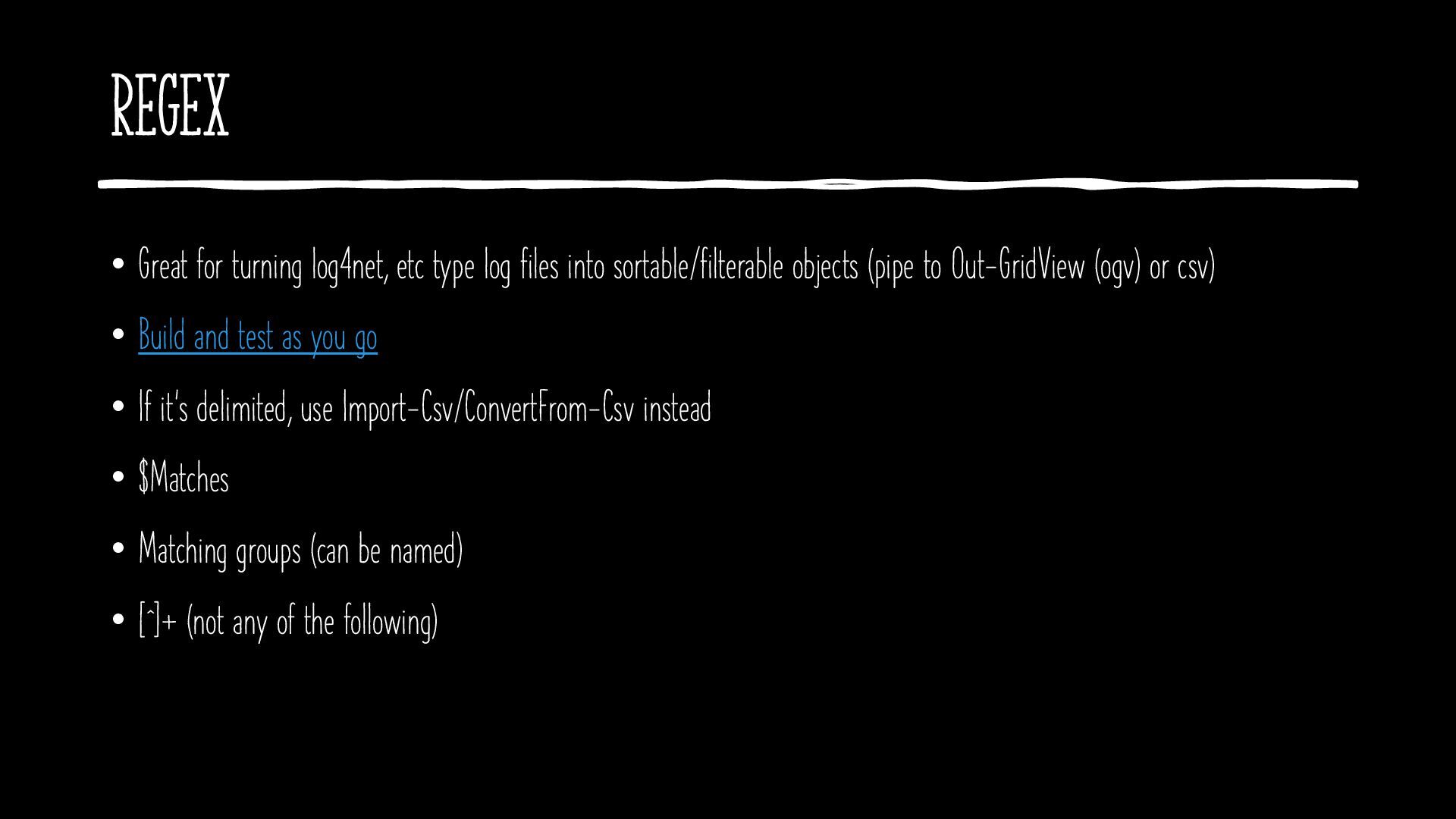
  8. Regex • Great for turning log4net, etc type log files

    into sortable/filterable objects (pipe to Out-GridView (ogv) or csv) • Build and test as you go • If it’s delimited, use Import-Csv/ConvertFrom-Csv instead • $Matches • Matching groups (can be named) • [^]+ (not any of the following)
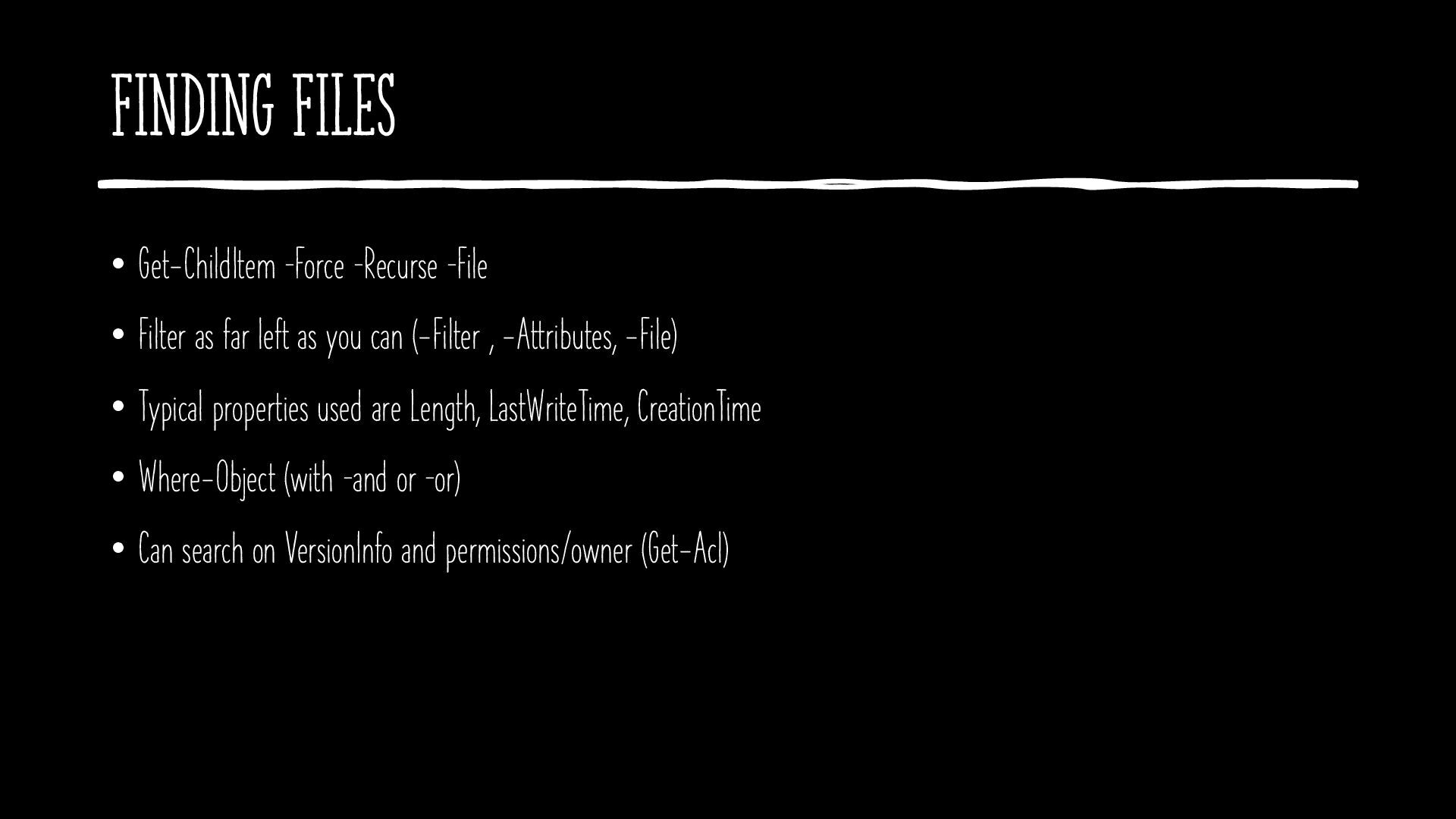
  9. Finding Files • Get-ChildItem –Force –Recurse –File • Filter as

    far left as you can (-Filter , -Attributes, -File) • Typical properties used are Length, LastWriteTime, CreationTime • Where-Object (with –and or –or) • Can search on VersionInfo and permissions/owner (Get-Acl)
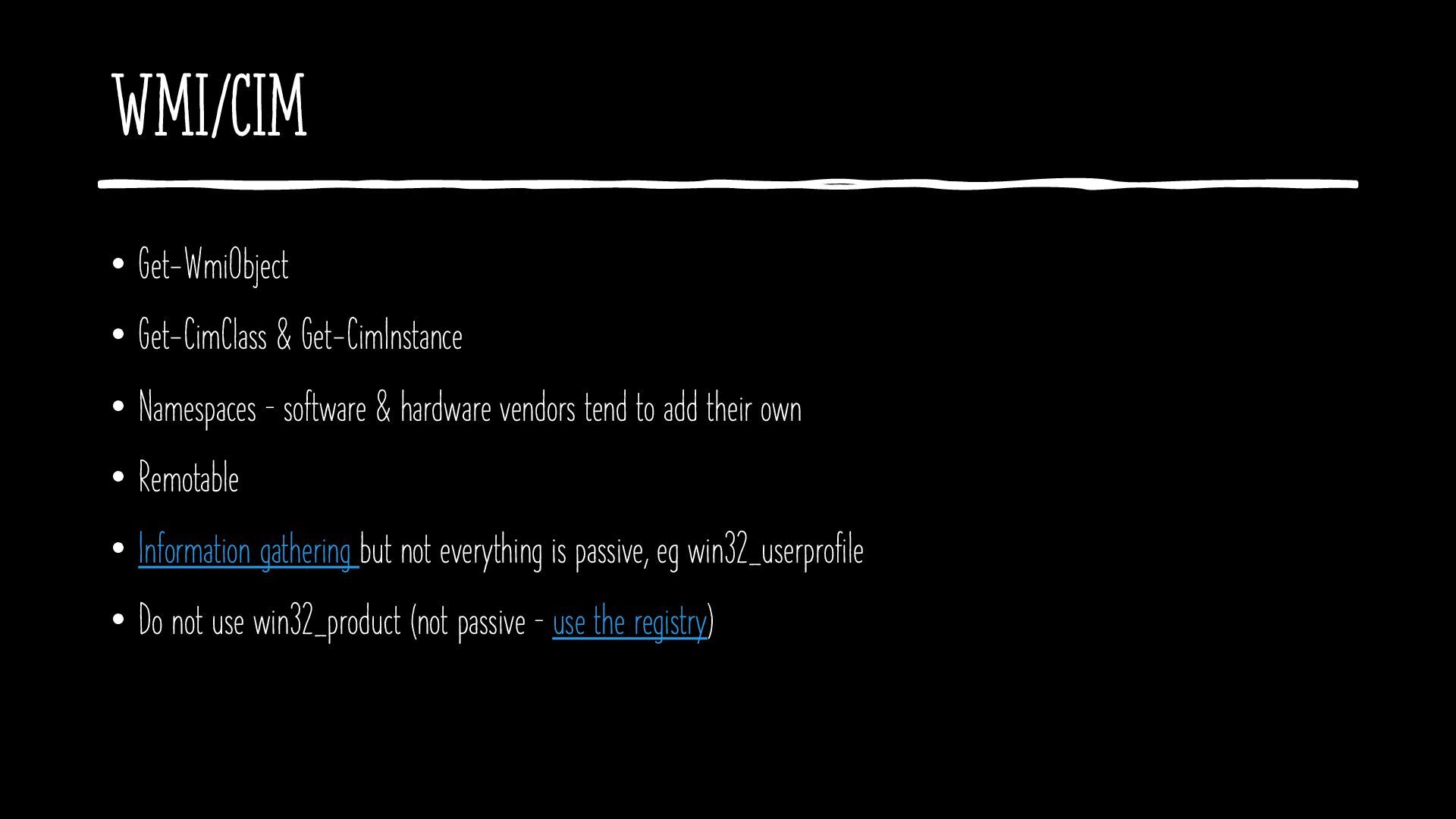
  10. WMI/CIM • Get-WmiObject • Get-CimClass & Get-CimInstance • Namespaces –

    software & hardware vendors tend to add their own • Remotable • Information gathering but not everything is passive, eg win32_userprofile • Do not use win32_product (not passive – use the registry)
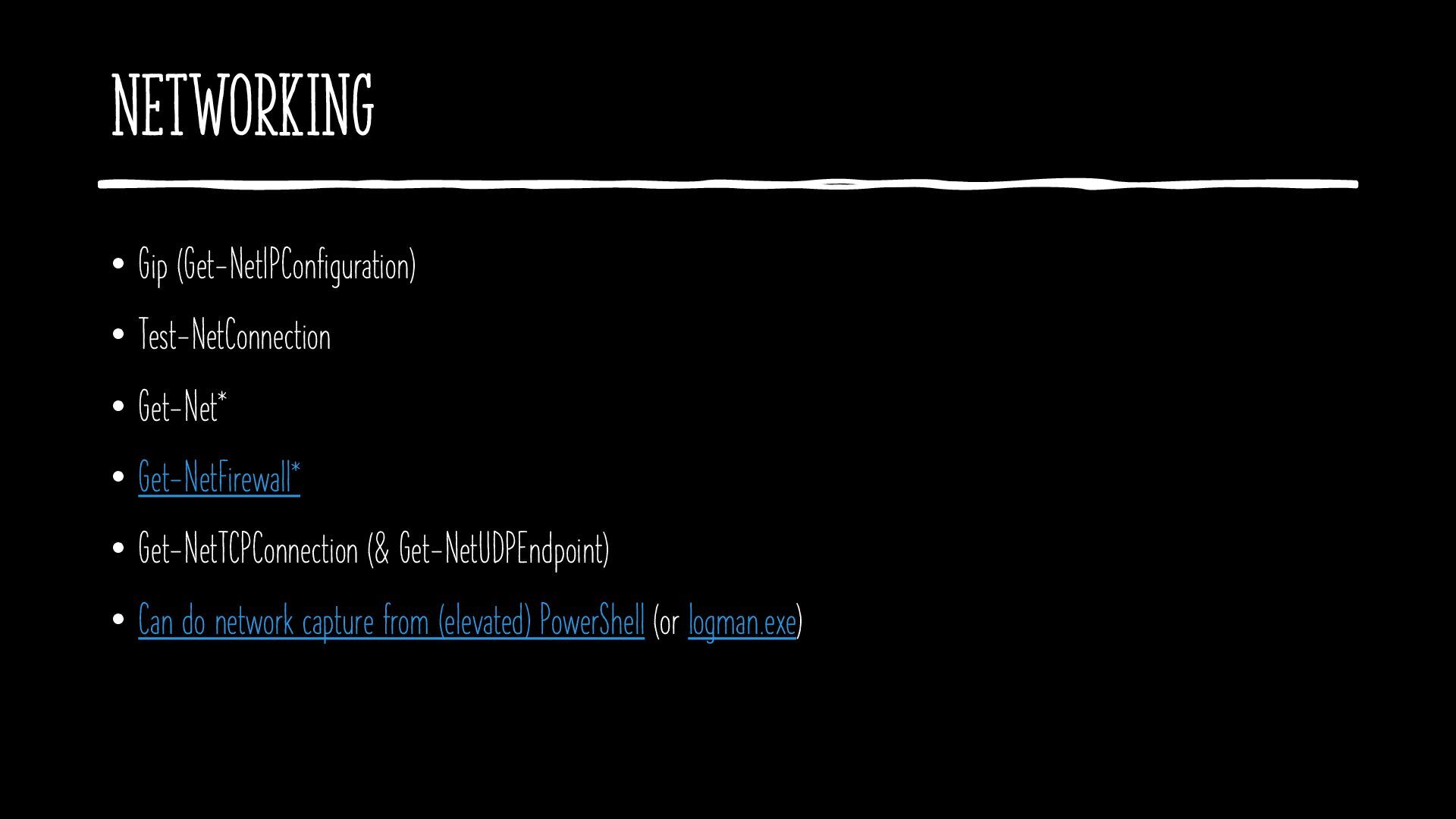
  11. Networking • Gip (Get-NetIPConfiguration) • Test-NetConnection • Get-Net* • Get-NetFirewall*

    • Get-NetTCPConnection (& Get-NetUDPEndpoint) • Can do network capture from (elevated) PowerShell (or logman.exe)
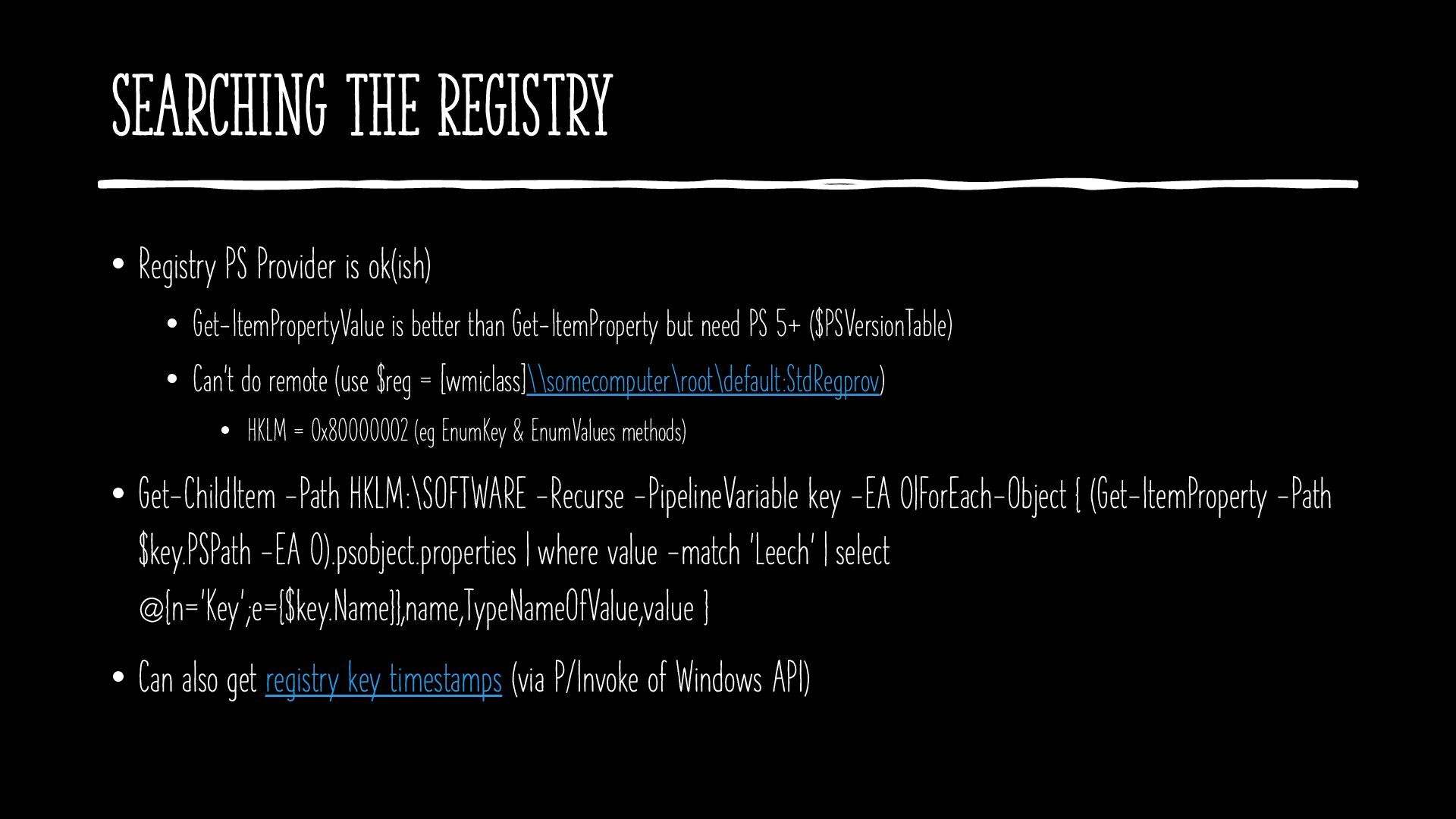
  12. Searching The Registry • Registry PS Provider is ok(ish) •

    Get-ItemPropertyValue is better than Get-ItemProperty but need PS 5+ ($PSVersionTable) • Can’t do remote (use $reg = [wmiclass]\\somecomputer\root\default:StdRegprov) • HKLM = 0x80000002 (eg EnumKey & EnumValues methods) • Get-ChildItem -Path HKLM:\SOFTWARE -Recurse -PipelineVariable key -EA 0|ForEach-Object { (Get-ItemProperty -Path $key.PSPath -EA 0).psobject.properties | where value -match 'Leech' | select @{n='Key';e={$key.Name}},name,TypeNameOfValue,value } • Can also get registry key timestamps (via P/Invoke of Windows API)
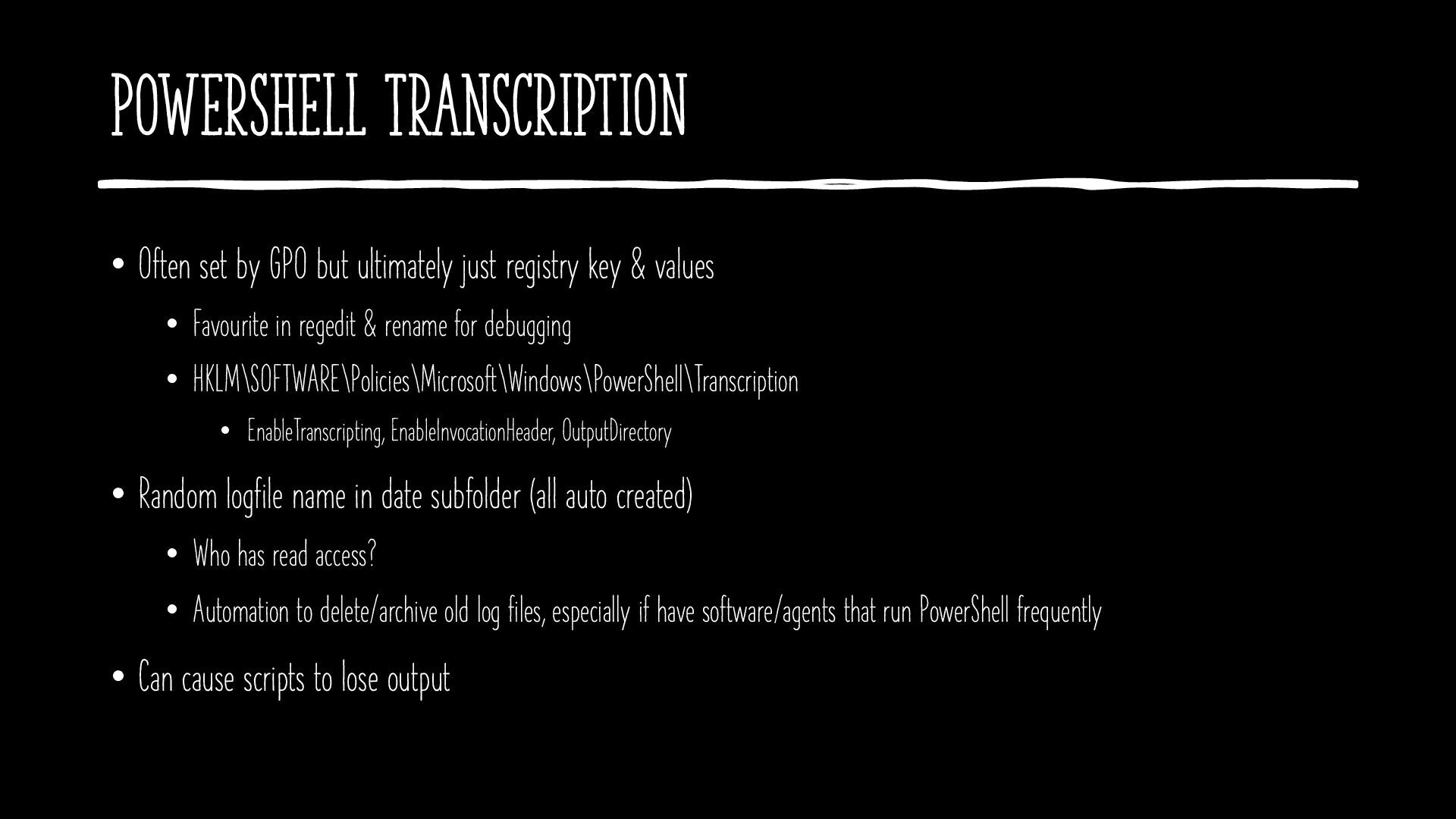
  13. PowerShell Transcription • Often set by GPO but ultimately just

    registry key & values • Favourite in regedit & rename for debugging • HKLM\SOFTWARE\Policies\Microsoft\Windows\PowerShell\Transcription • EnableTranscripting, EnableInvocationHeader, OutputDirectory • Random logfile name in date subfolder (all auto created) • Who has read access? • Automation to delete/archive old log files, especially if have software/agents that run PowerShell frequently • Can cause scripts to lose output
  14. Resources • @guyrleech • github.com/guyrleech (sponsorship open) • pastebin.com/u/guyrleech •

    www.youtube.com/c/GuyLeech42 • linkedin.com/in/guyrleech/ • guyrleech.wordpress.com • ControlUp Script Library • Available for hire – code reviews, performance improvements, training, coaching
  15. EXIT 0 • Did I mention AI ? • I

    am available for remote & on-site (on-premises) workshops, custom training, code reviews, script writing (hourly billed)