Upgrade to Pro — share decks privately, control downloads, hide ads and more …

Cable Management Best Practices for Server Room...

Cable Management Best Practices for Server Rooms & Network Racks

A practical cable management guide for IT teams — rack dressing step by step, labeling and color-coding systems, bend radius rules, common mistakes, and a quarterly maintenance checklist. Presented by ITD Bay, a US-based enterprise IT hardware and networking supplier. Explore switches, routers, patch panels, racks, and cable accessories at Info Tech Devices Bay .

Avatar for Info Tech Devices Bay

Info Tech Devices Bay

September 24, 2026

Other Decks in Technology

Transcript

  1. Cable Management Best Practices for Server Rooms, Racks & Office

    Networks A practical guide by ITD Bay — Enterprise IT Hardware & Networking Supplier itdbay.com
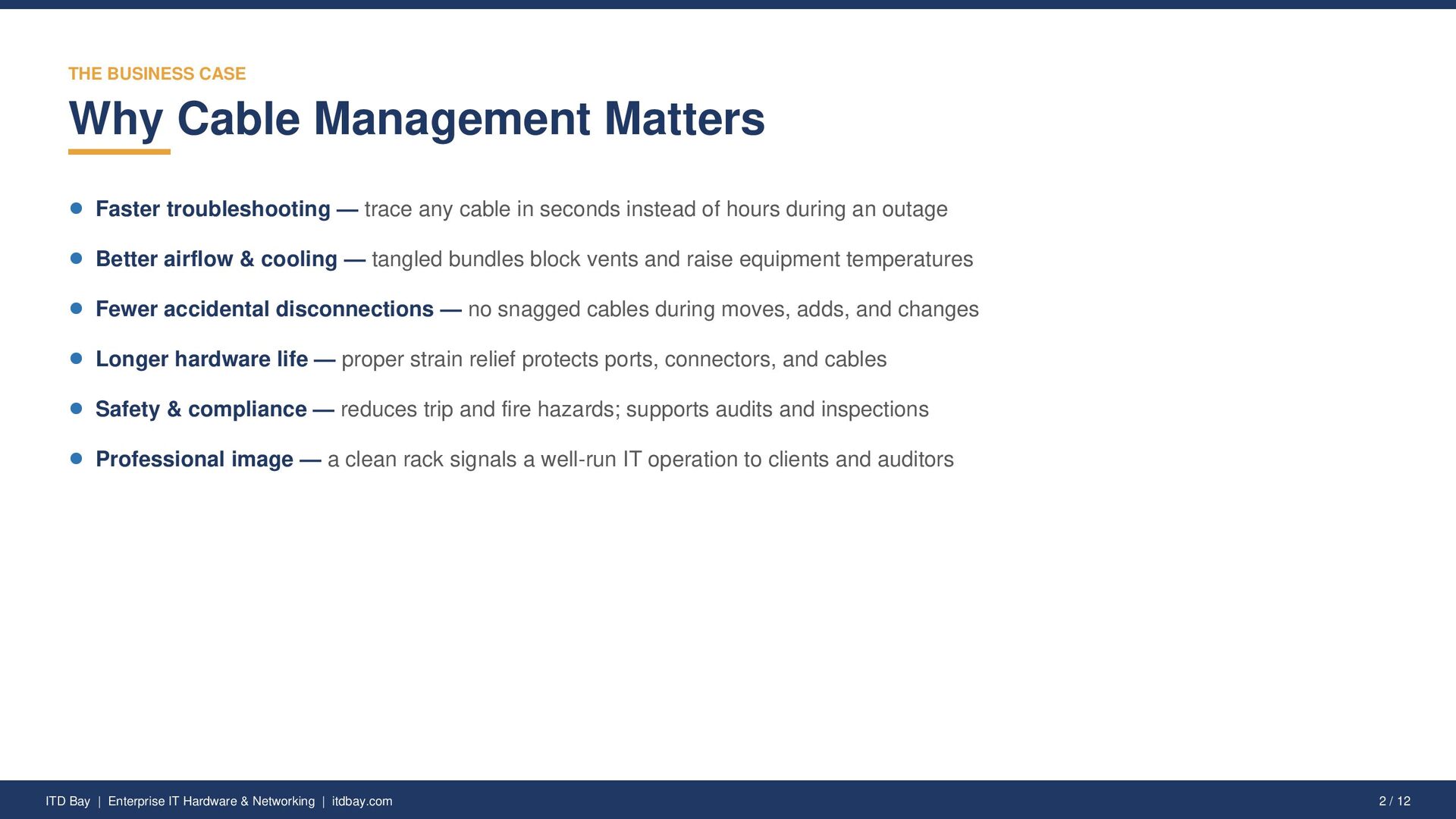
  2. THE BUSINESS CASE Why Cable Management Matters Faster troubleshooting —

    trace any cable in seconds instead of hours during an outage Better airflow & cooling — tangled bundles block vents and raise equipment temperatures Fewer accidental disconnections — no snagged cables during moves, adds, and changes Longer hardware life — proper strain relief protects ports, connectors, and cables Safety & compliance — reduces trip and fire hazards; supports audits and inspections Professional image — a clean rack signals a well-run IT operation to clients and auditors ITD Bay | Enterprise IT Hardware & Networking | itdbay.com 2 / 12
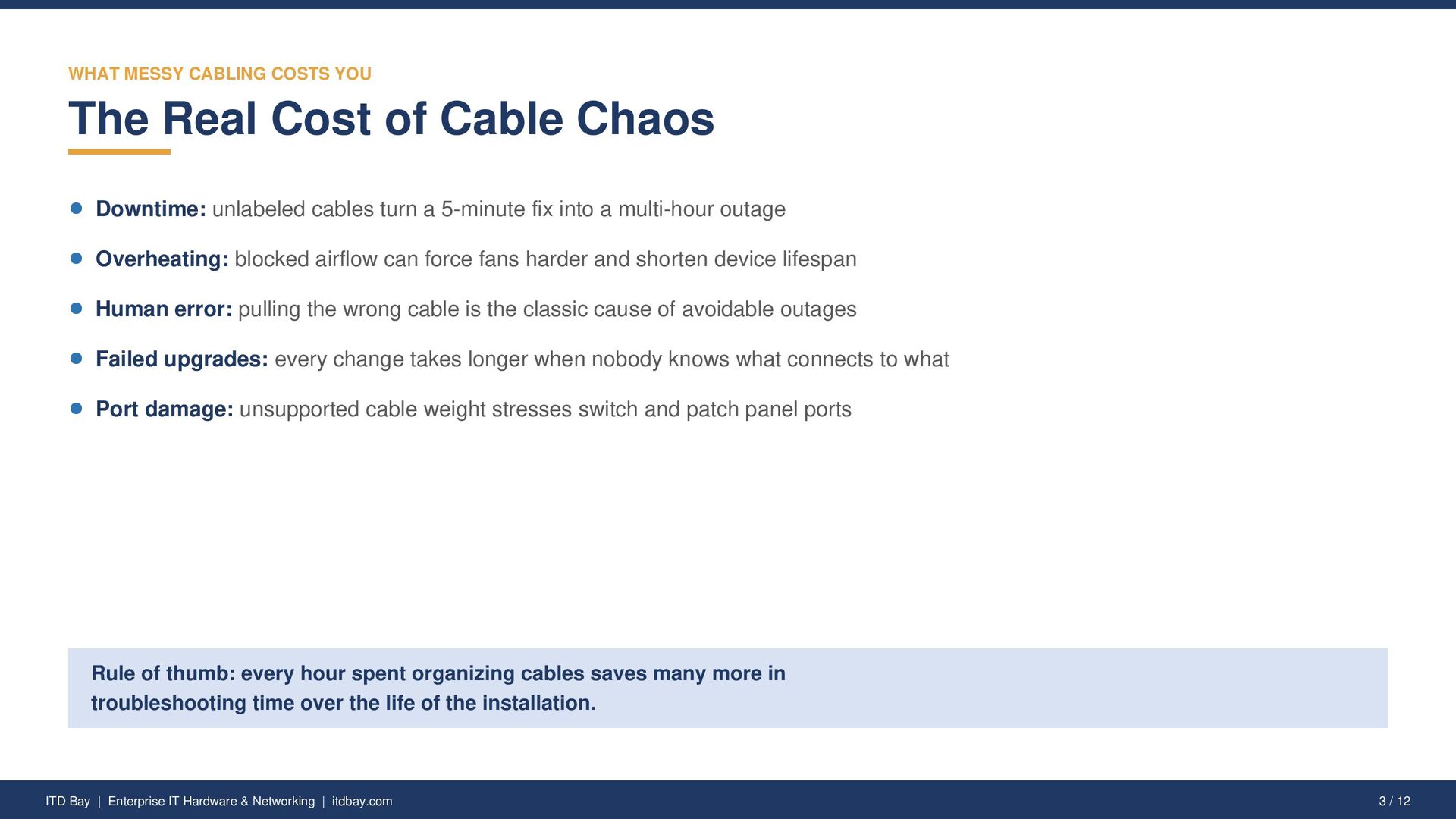
  3. WHAT MESSY CABLING COSTS YOU The Real Cost of Cable

    Chaos Downtime: unlabeled cables turn a 5-minute fix into a multi-hour outage Overheating: blocked airflow can force fans harder and shorten device lifespan Human error: pulling the wrong cable is the classic cause of avoidable outages Failed upgrades: every change takes longer when nobody knows what connects to what Port damage: unsupported cable weight stresses switch and patch panel ports Rule of thumb: every hour spent organizing cables saves many more in troubleshooting time over the life of the installation. ITD Bay | Enterprise IT Hardware & Networking | itdbay.com 3 / 12
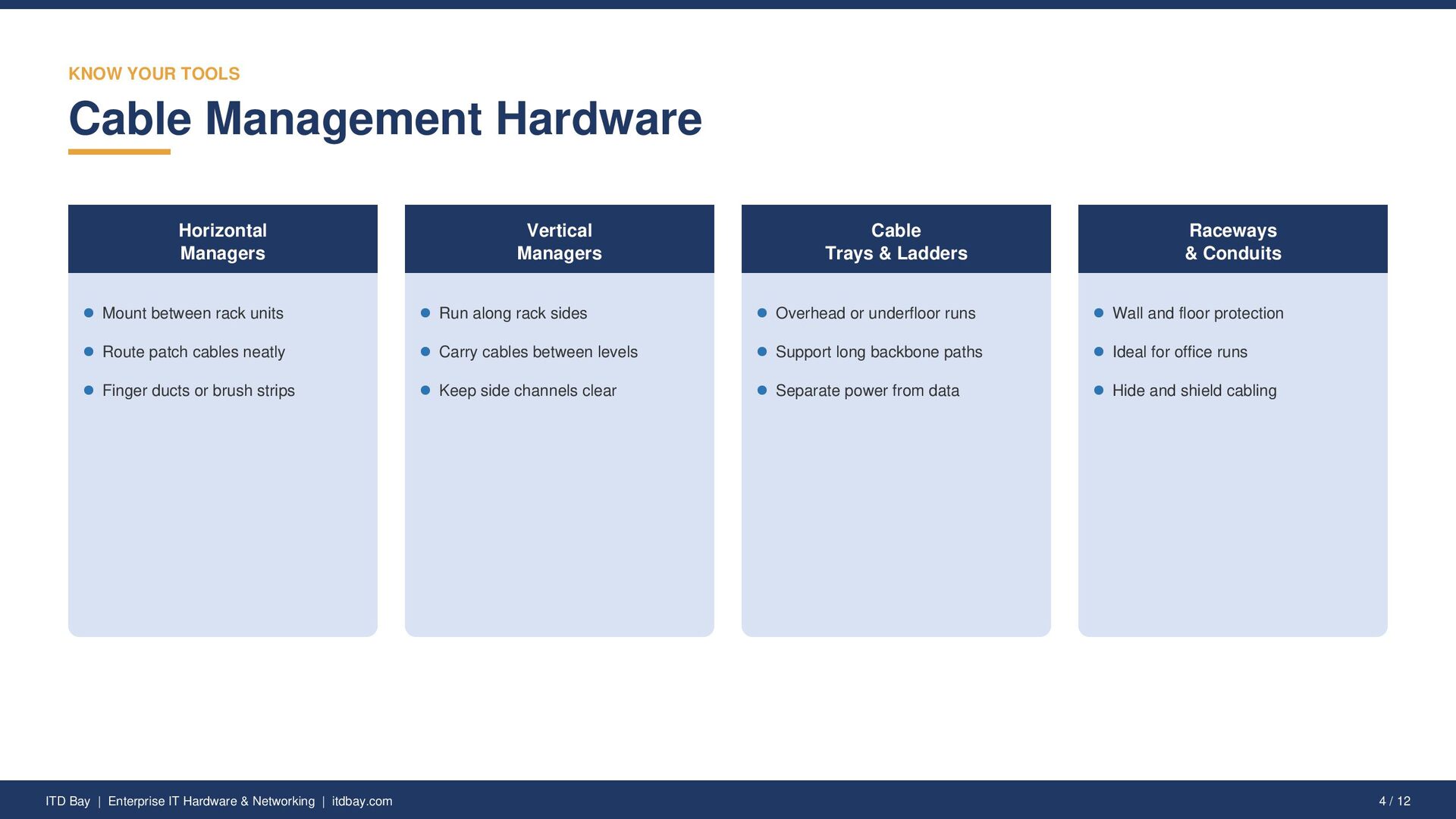
  4. KNOW YOUR TOOLS Cable Management Hardware Horizontal Managers Vertical Managers

    Cable Trays & Ladders Raceways & Conduits Mount between rack units Run along rack sides Overhead or underfloor runs Wall and floor protection Route patch cables neatly Carry cables between levels Support long backbone paths Ideal for office runs Finger ducts or brush strips Keep side channels clear Separate power from data Hide and shield cabling ITD Bay | Enterprise IT Hardware & Networking | itdbay.com 4 / 12
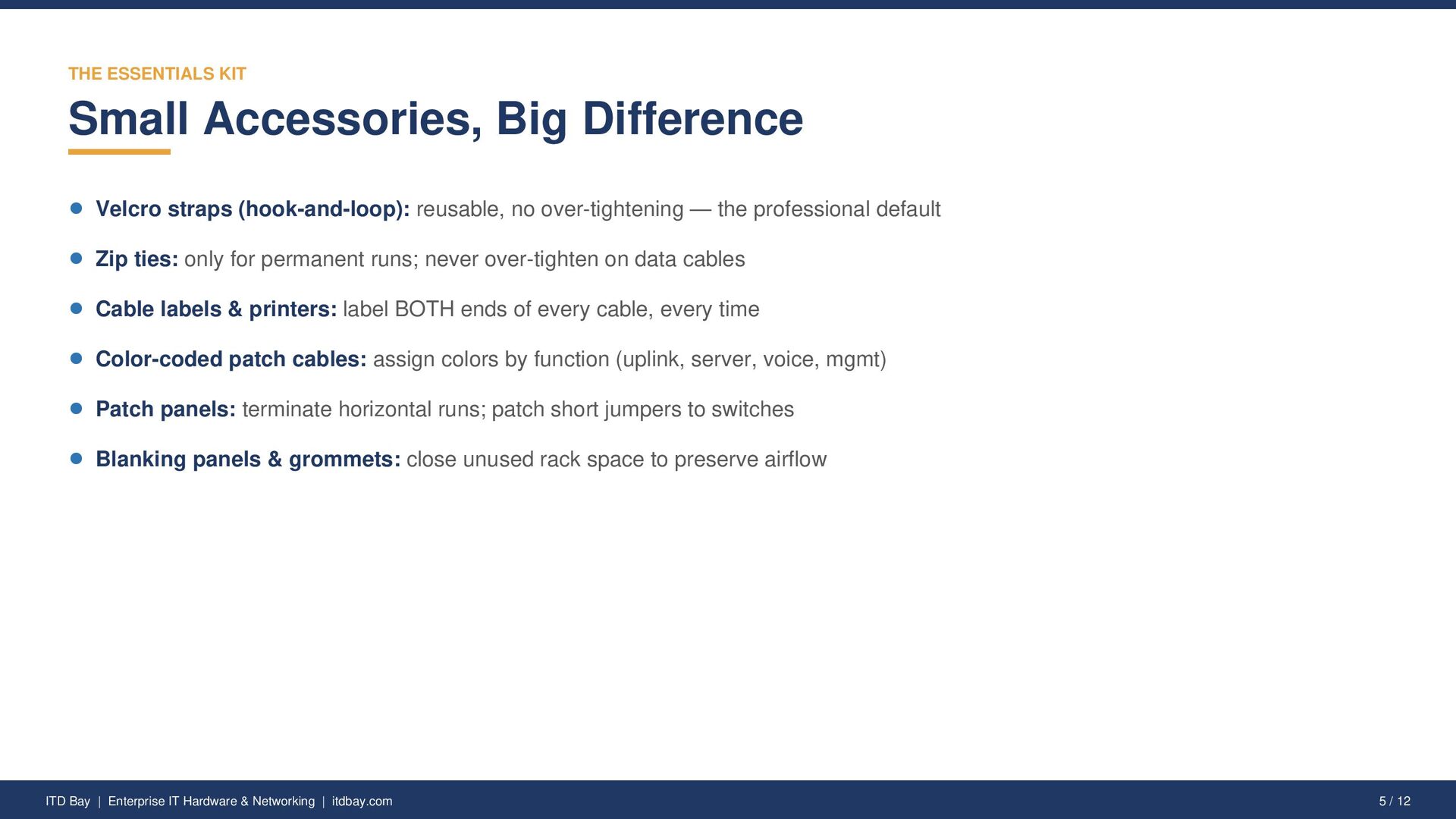
  5. THE ESSENTIALS KIT Small Accessories, Big Difference Velcro straps (hook-and-loop):

    reusable, no over-tightening — the professional default Zip ties: only for permanent runs; never over-tighten on data cables Cable labels & printers: label BOTH ends of every cable, every time Color-coded patch cables: assign colors by function (uplink, server, voice, mgmt) Patch panels: terminate horizontal runs; patch short jumpers to switches Blanking panels & grommets: close unused rack space to preserve airflow ITD Bay | Enterprise IT Hardware & Networking | itdbay.com 5 / 12
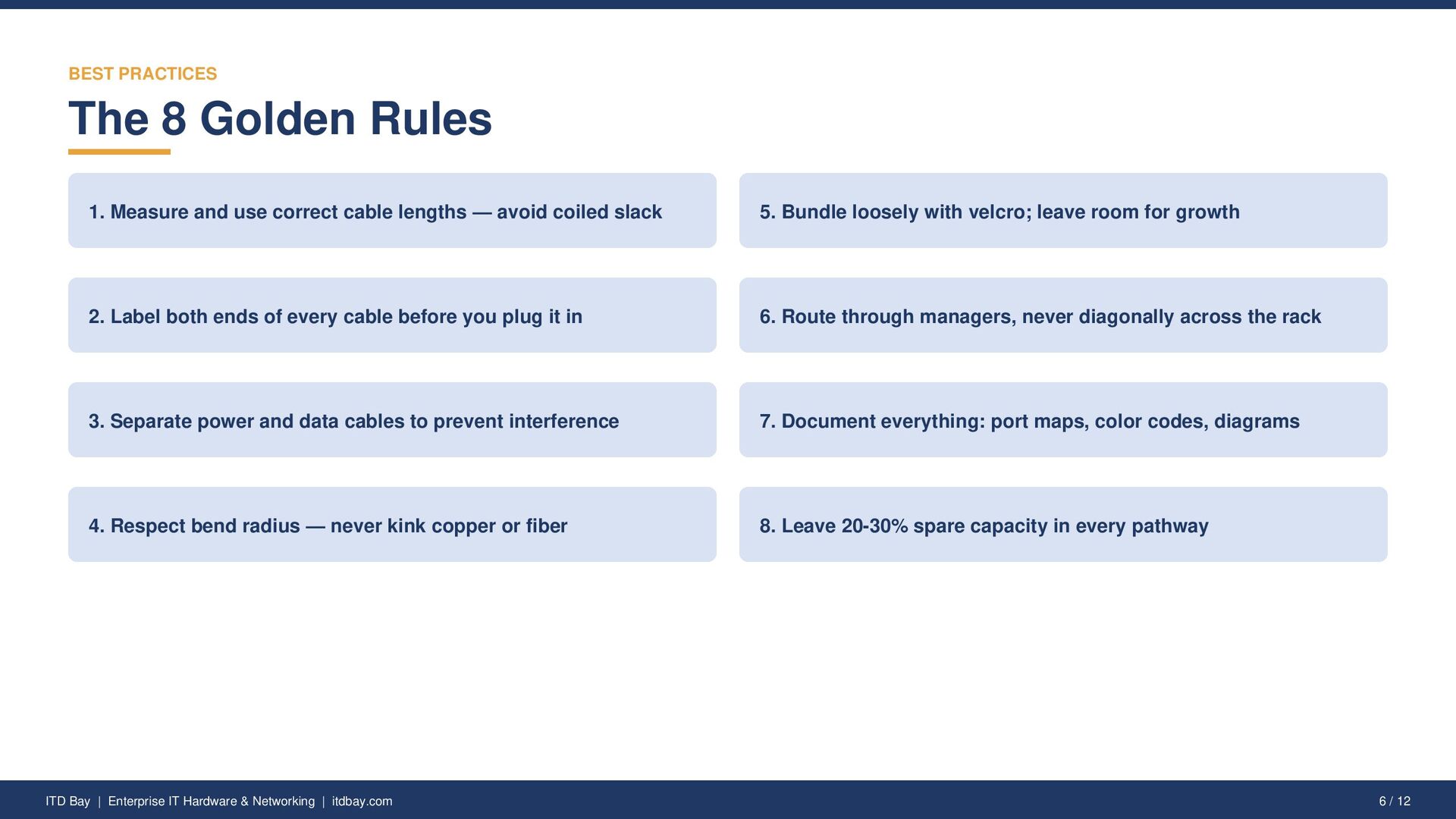
  6. BEST PRACTICES The 8 Golden Rules 1. Measure and use

    correct cable lengths — avoid coiled slack 5. Bundle loosely with velcro; leave room for growth 2. Label both ends of every cable before you plug it in 6. Route through managers, never diagonally across the rack 3. Separate power and data cables to prevent interference 7. Document everything: port maps, color codes, diagrams 4. Respect bend radius — never kink copper or fiber 8. Leave 20-30% spare capacity in every pathway ITD Bay | Enterprise IT Hardware & Networking | itdbay.com 6 / 12
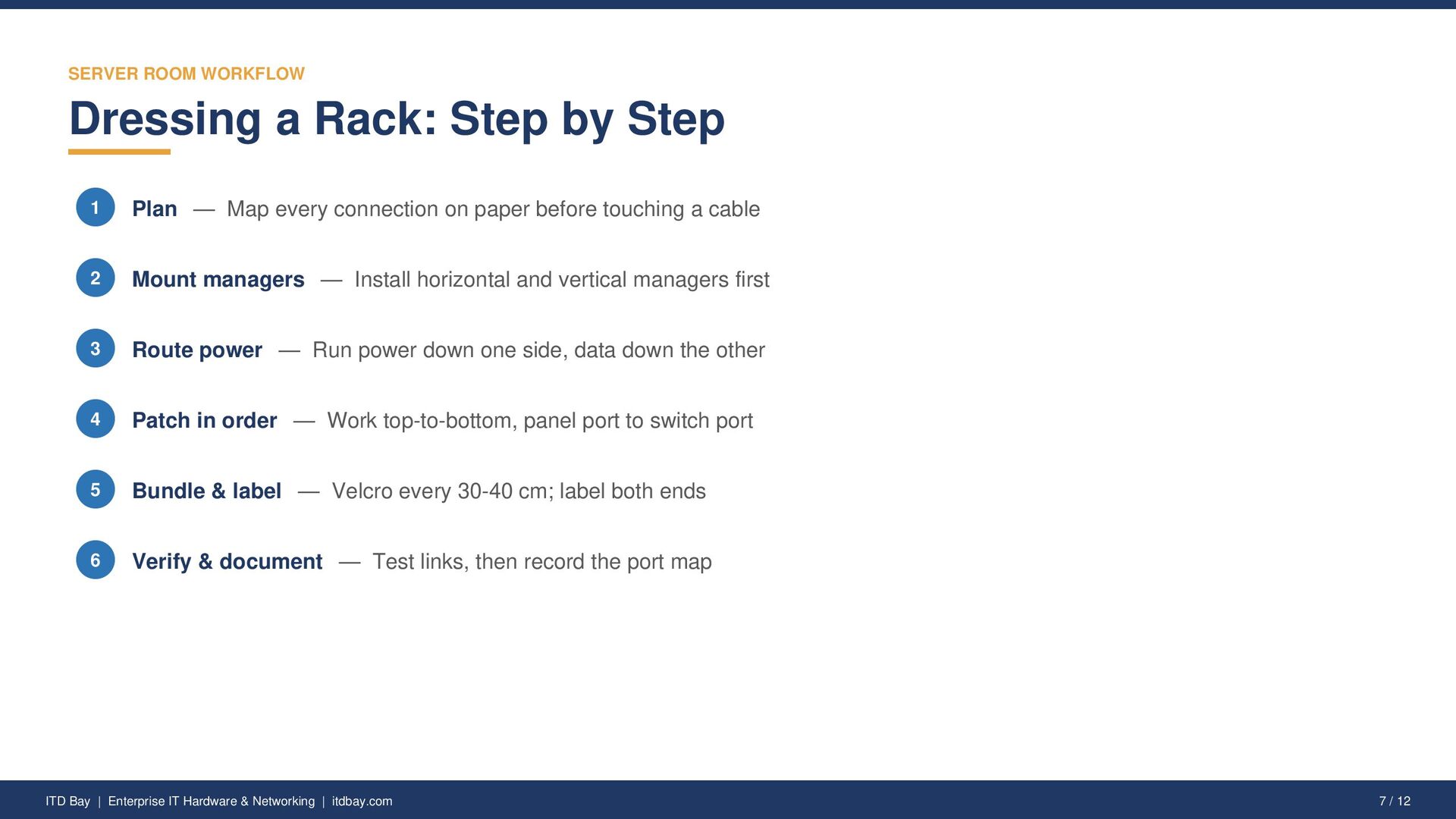
  7. SERVER ROOM WORKFLOW Dressing a Rack: Step by Step 1

    Plan — Map every connection on paper before touching a cable 2 Mount managers — Install horizontal and vertical managers first 3 Route power — Run power down one side, data down the other 4 Patch in order — Work top-to-bottom, panel port to switch port 5 Bundle & label — Velcro every 30-40 cm; label both ends 6 Verify & document — Test links, then record the port map ITD Bay | Enterprise IT Hardware & Networking | itdbay.com 7 / 12
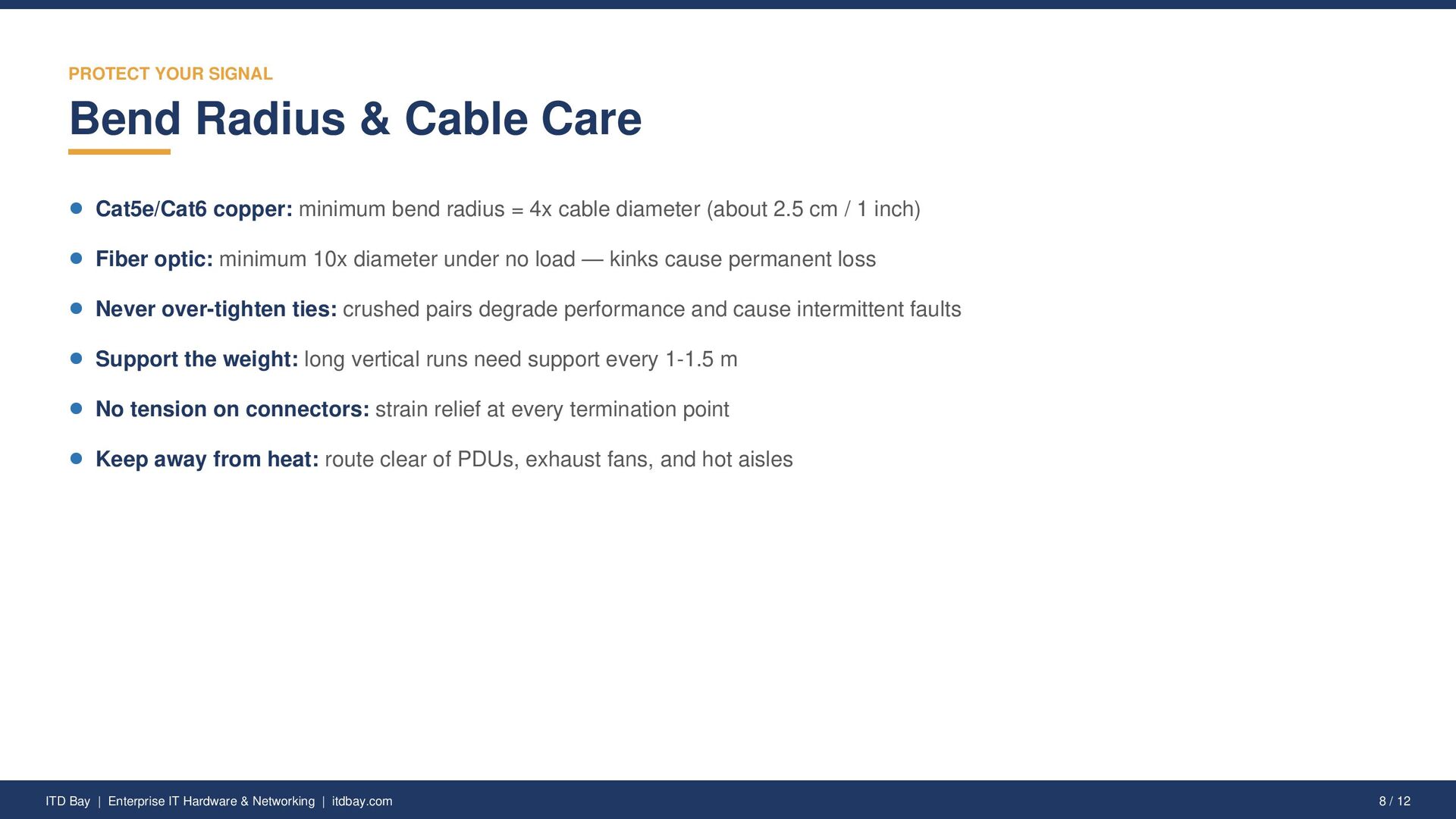
  8. PROTECT YOUR SIGNAL Bend Radius & Cable Care Cat5e/Cat6 copper:

    minimum bend radius = 4x cable diameter (about 2.5 cm / 1 inch) Fiber optic: minimum 10x diameter under no load — kinks cause permanent loss Never over-tighten ties: crushed pairs degrade performance and cause intermittent faults Support the weight: long vertical runs need support every 1-1.5 m No tension on connectors: strain relief at every termination point Keep away from heat: route clear of PDUs, exhaust fans, and hot aisles ITD Bay | Enterprise IT Hardware & Networking | itdbay.com 8 / 12
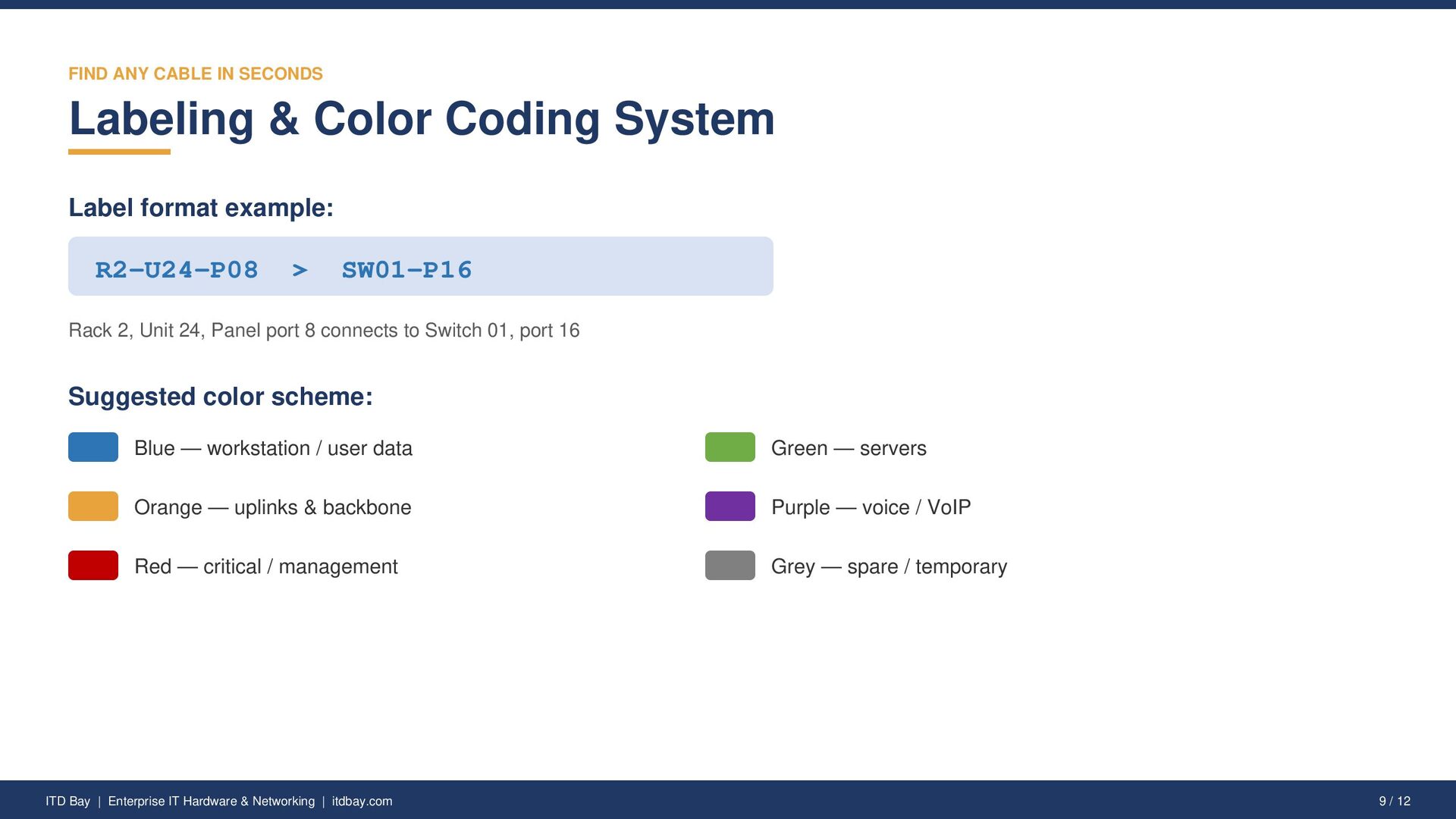
  9. FIND ANY CABLE IN SECONDS Labeling & Color Coding System

    Label format example: R2-U24-P08 > SW01-P16 Rack 2, Unit 24, Panel port 8 connects to Switch 01, port 16 Suggested color scheme: Blue — workstation / user data Green — servers Orange — uplinks & backbone Purple — voice / VoIP Red — critical / management Grey — spare / temporary ITD Bay | Enterprise IT Hardware & Networking | itdbay.com 9 / 12
  10. LEARN FROM OTHERS Common Mistakes to Avoid Daisy-chaining power strips

    — overload risk and a fire hazard Using cables that are too long — slack loops trap heat and create clutter Skipping labels "for now" — temporary always becomes permanent Mixing power and data in one bundle — EMI degrades network performance Blocking hot-swap access — you should replace a PSU without cutting ties No documentation — knowledge that lives in one person's head is a risk ITD Bay | Enterprise IT Hardware & Networking | itdbay.com 10 / 12
  11. KEEP IT CLEAN Quarterly Maintenance Checklist Remove abandoned and unused

    cables from racks and pathways Verify all labels are present, legible, and accurate Re-check bundle tightness and bend radius after any changes Update port maps and network documentation Inspect trays and managers for overloading (max ~70% fill) Audit spare cable inventory and reorder standard lengths ITD Bay | Enterprise IT Hardware & Networking | itdbay.com 11 / 12
  12. Build a Cleaner Network ITD Bay supplies enterprise networking hardware,

    racks, patch panels, cables, and cable management accessories to businesses across the USA. Switches • Routers • Servers • Patch Panels • Racks • Cables & Accessories Visit us at itdbay.com Info Tech Devices Bay LLC © 2026 ITD Bay. You are welcome to share this deck with attribution.