Upgrade to Pro — share decks privately, control downloads, hide ads and more …

Getting Started with Google Antigravity

Getting Started with Google Antigravity

20 minutes flat to explore Antigravity, Google DeepMind’s agentic environment. A comprehensive overview of its building blocks:

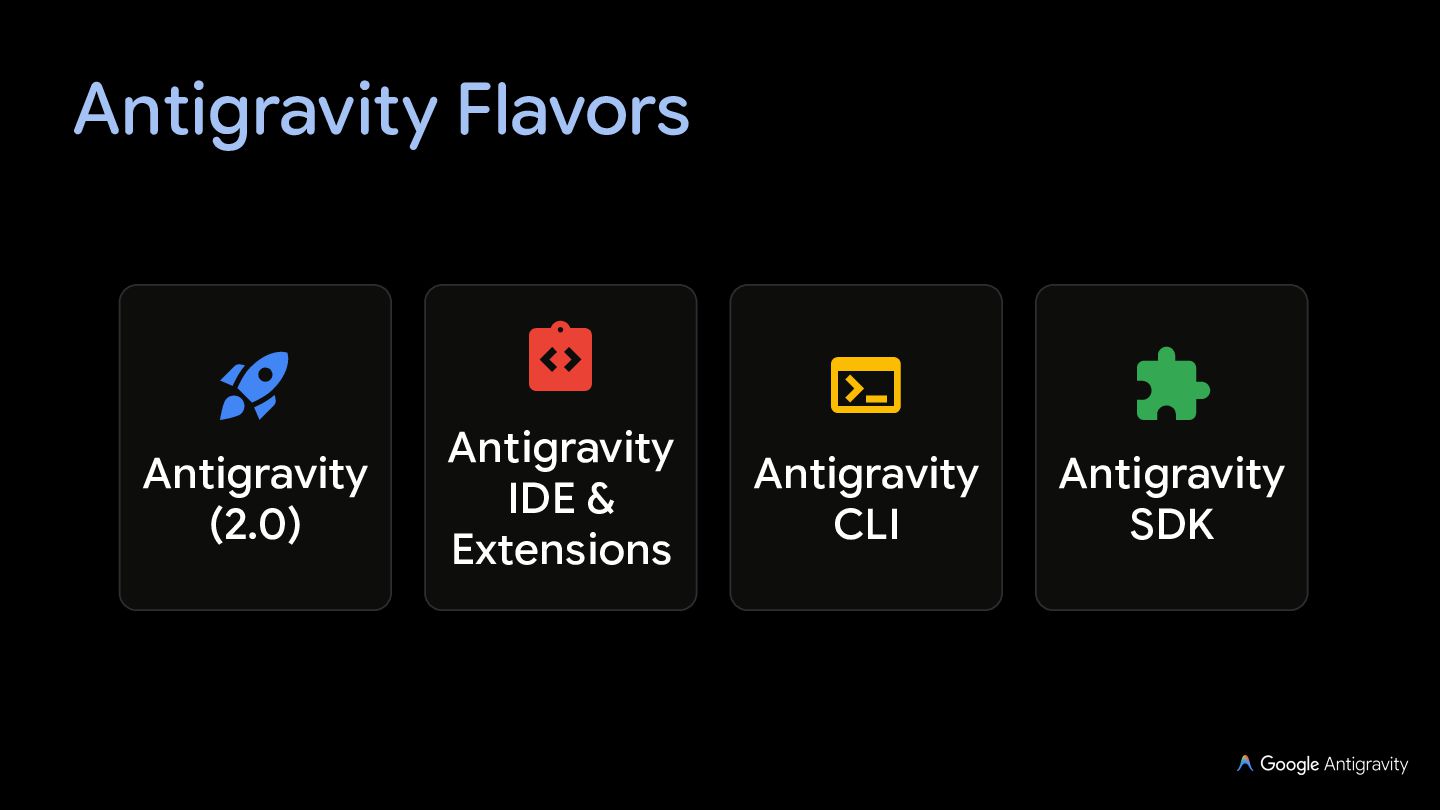
— Surfaces: Agent Manager, IDE, CLI, and SDK as well.
— Autonomy: sub-agents, custom agents, skills, MCP servers, and slash commands.
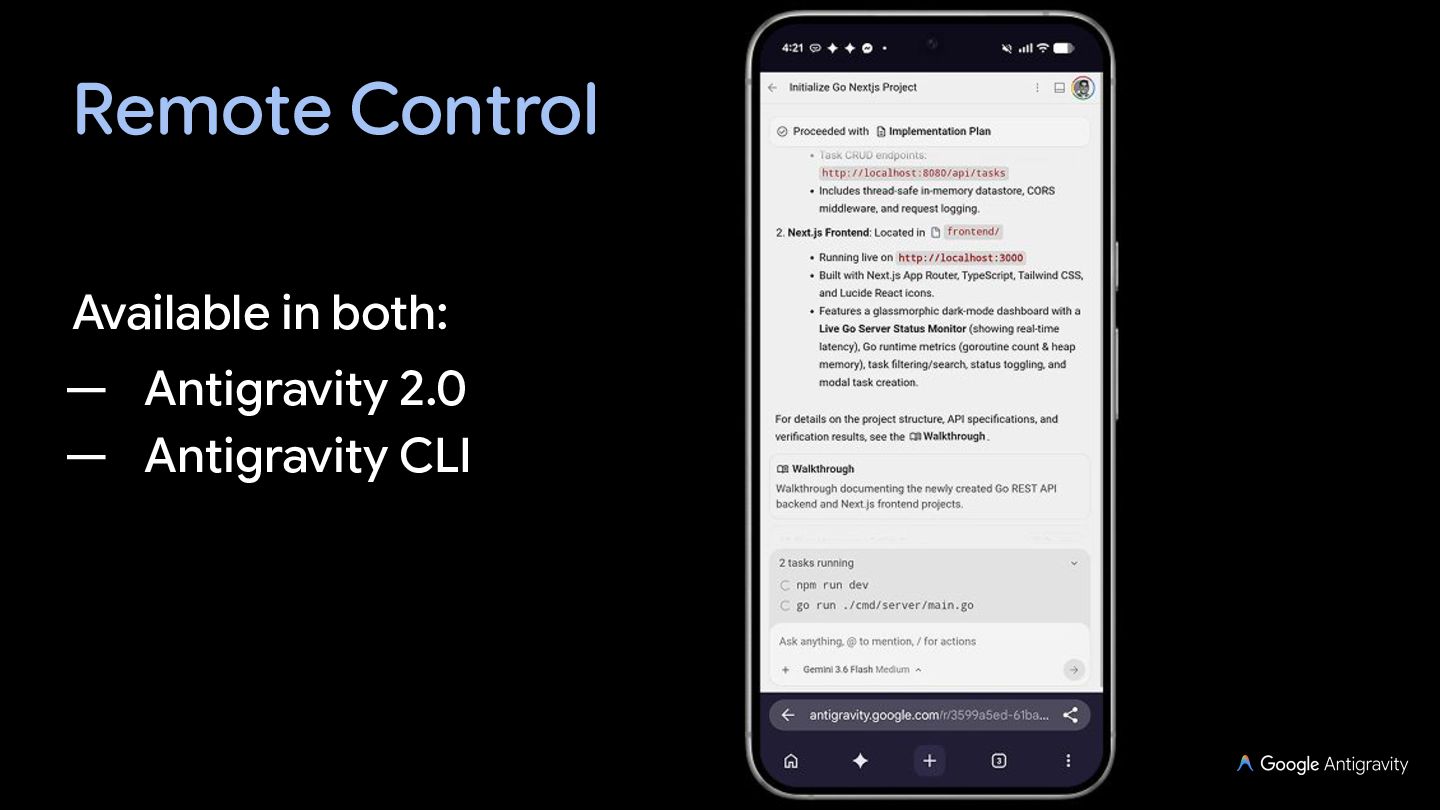
— Orchestration & control: Artifacts, Remote Control, sidecars, hooks, rules, and workflows.

Ready to float in anti-gravity for your next development projects?

Avatar for Guillaume Laforge

Guillaume Laforge

October 13, 2026

More Decks by Guillaume Laforge

Other Decks in Technology

Transcript

  1. Guillaume Laforge Developer Advocate at Google Cloud, focusing on generative

    AI and agentic development Committer on LangChain4j and ADK for Java, co-founder of the Apache Groovy language Maintainer of unofficial SDKs for — the Gemini Interactions API, — and the Antigravity SDK for Java
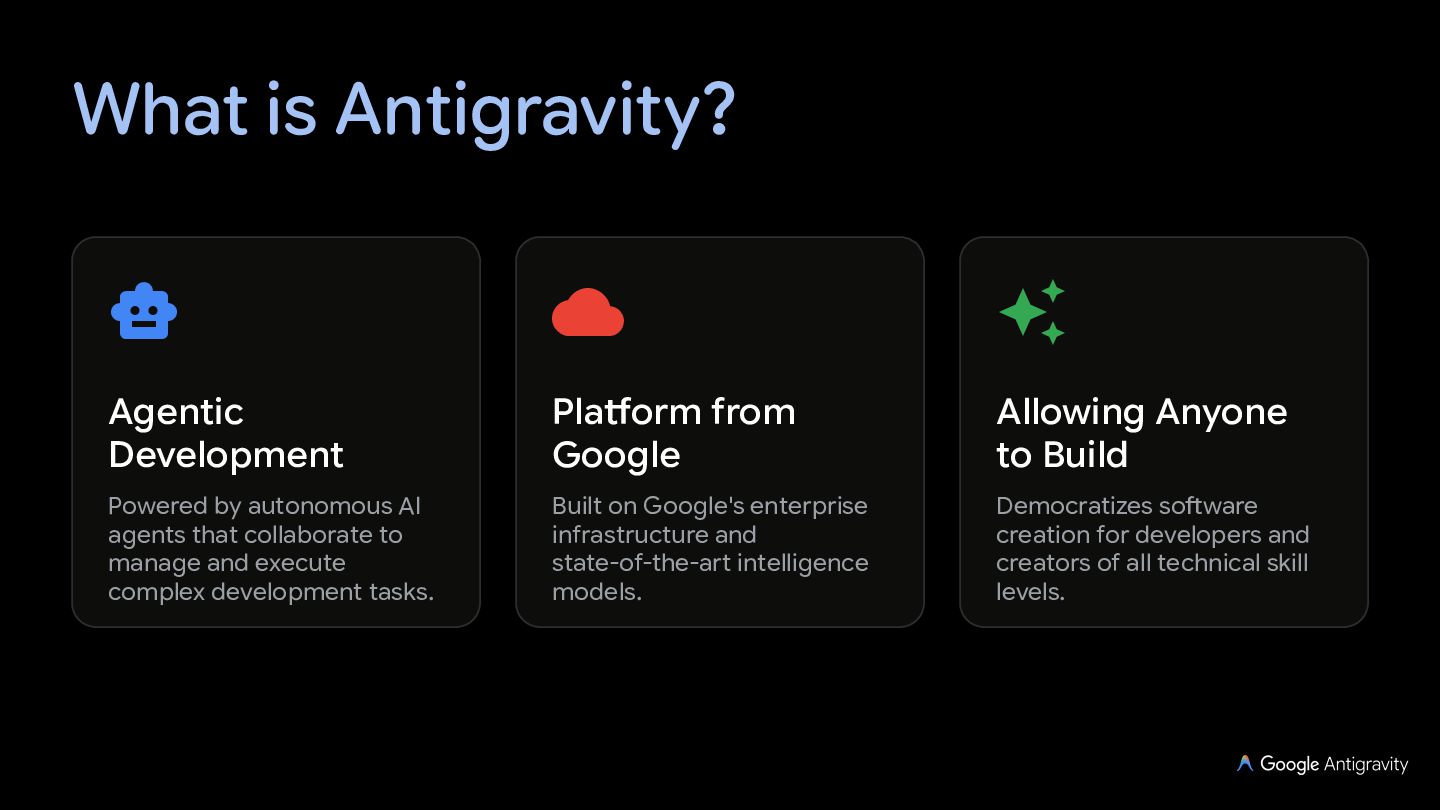
  2. What is Antigravity?    Agentic Development Platform from

    Google Allowing Anyone to Build Powered by autonomous AI agents that collaborate to manage and execute complex development tasks. Built on Google's enterprise infrastructure and state-of-the-art intelligence models. Democratizes software creation for developers and creators of all technical skill levels.
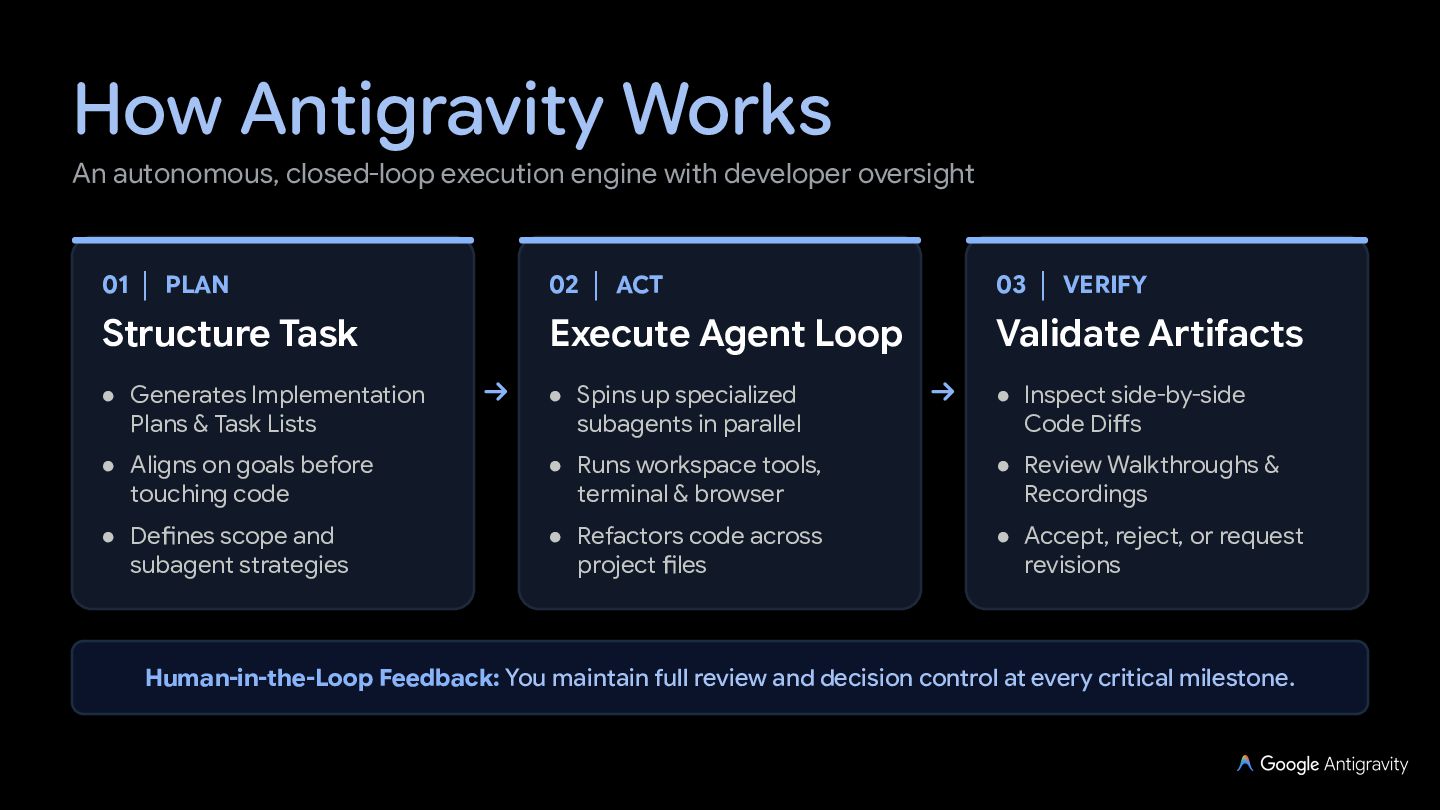
  3. How Antigravity Works An autonomous, closed-loop execution engine with developer

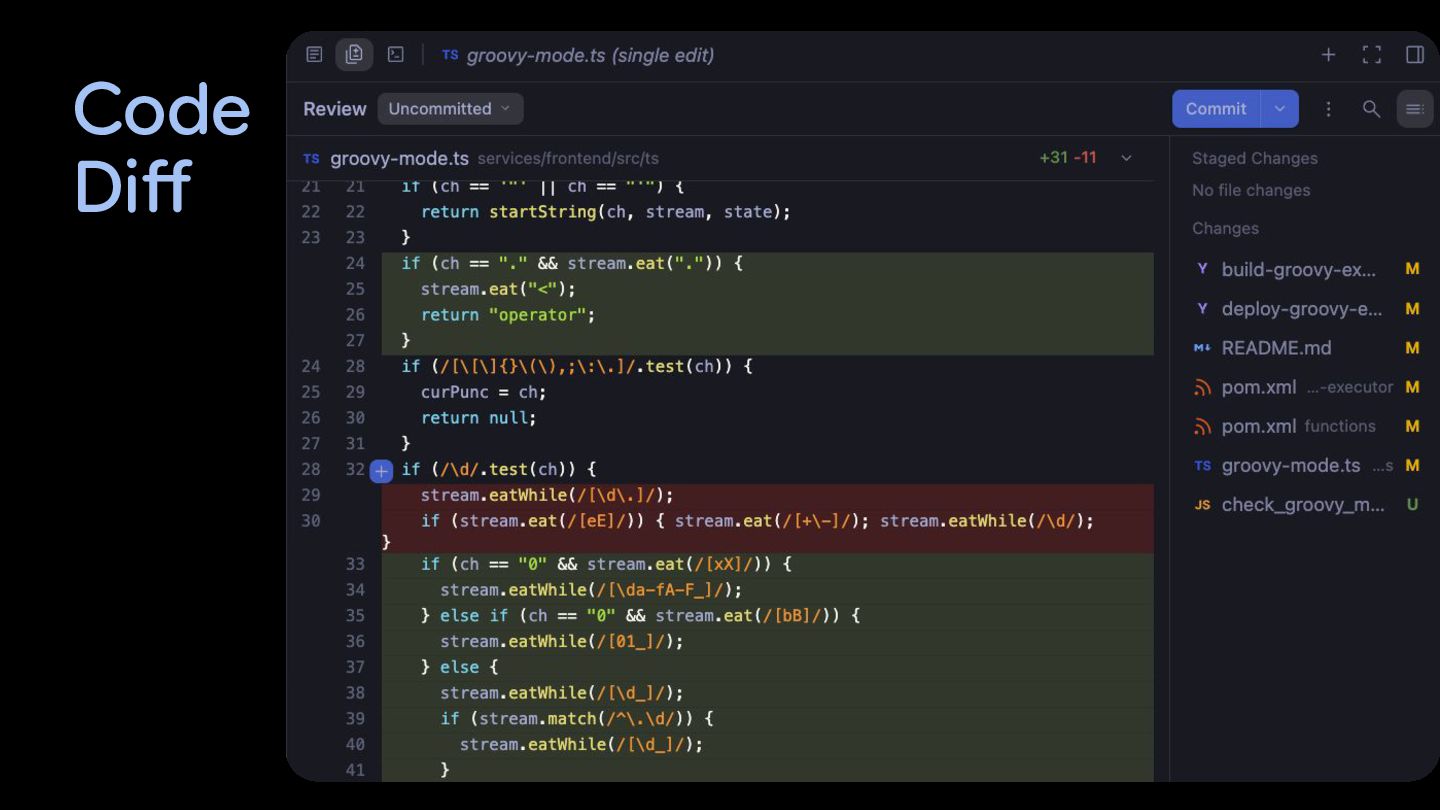
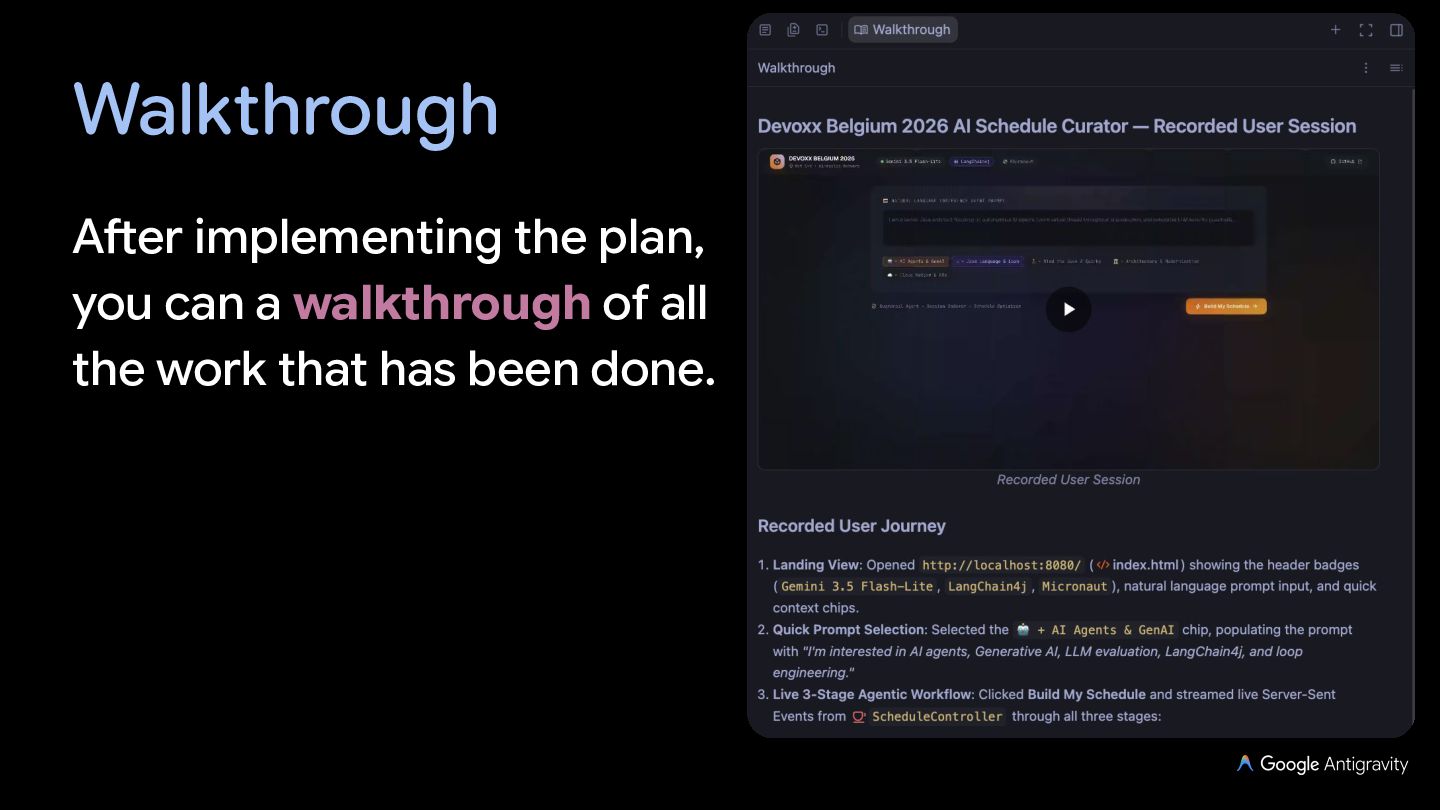
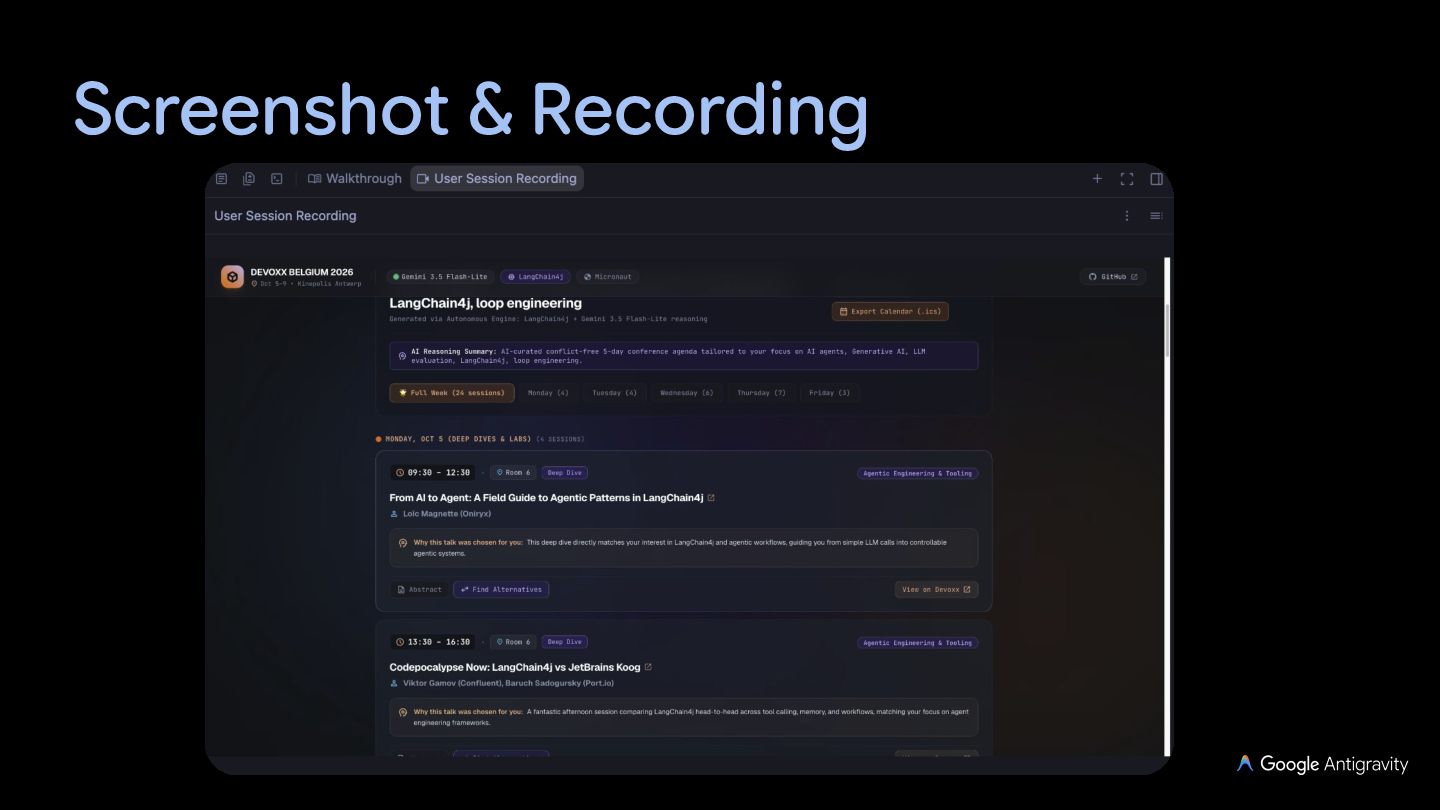
    oversight 01 │ PLAN 02 │ ACT 03 │ VERIFY Structure Task Execute Agent Loop Validate Artifacts • Generates Implementation Plans & Task Lists • Spins up specialized subagents in parallel • Inspect side-by-side Code Diffs • Aligns on goals before touching code • Runs workspace tools, terminal & browser • Review Walkthroughs & Recordings • Defines scope and subagent strategies • Refactors code across project files • Accept, reject, or request revisions Human-in-the-Loop Feedback: You maintain full review and decision control at every critical milestone.
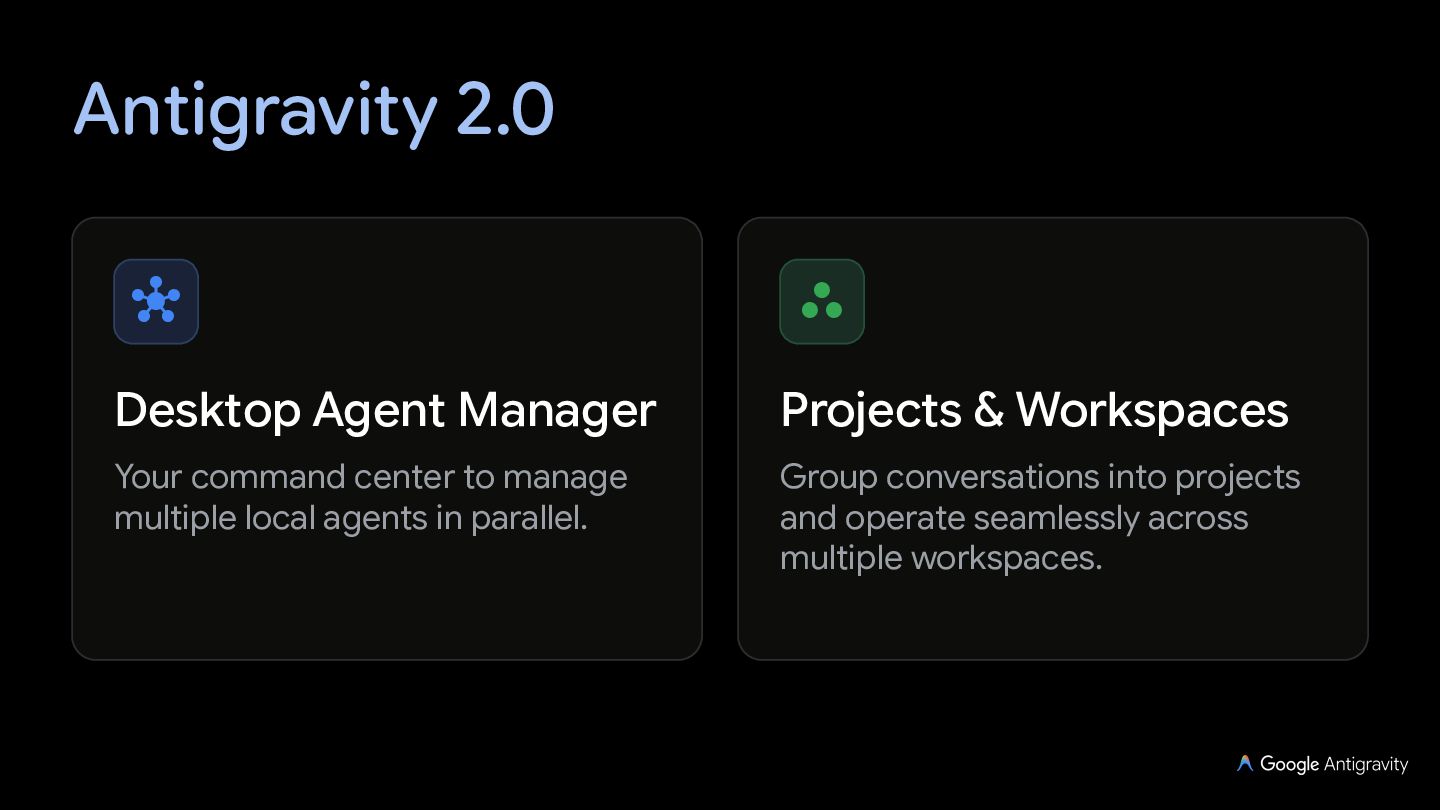
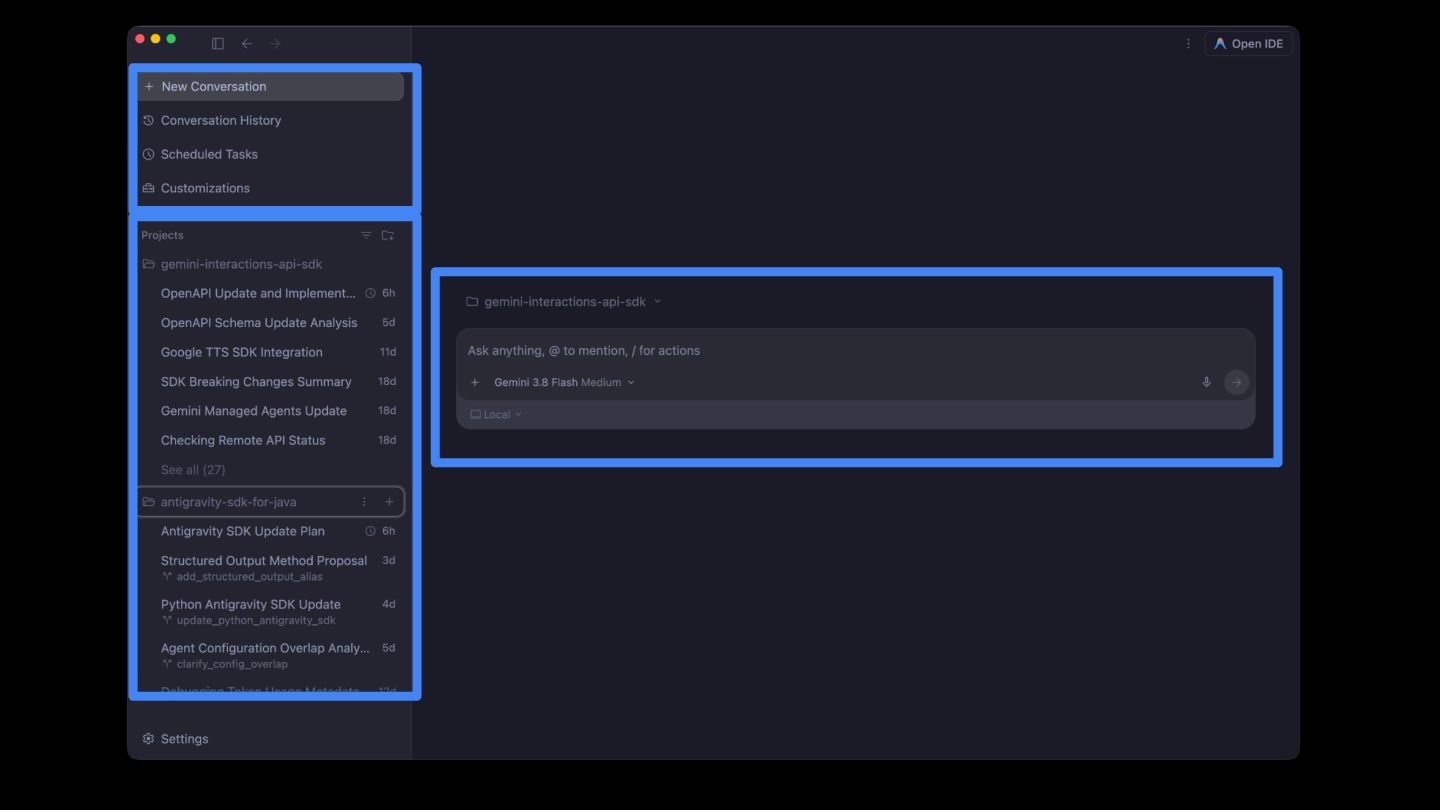
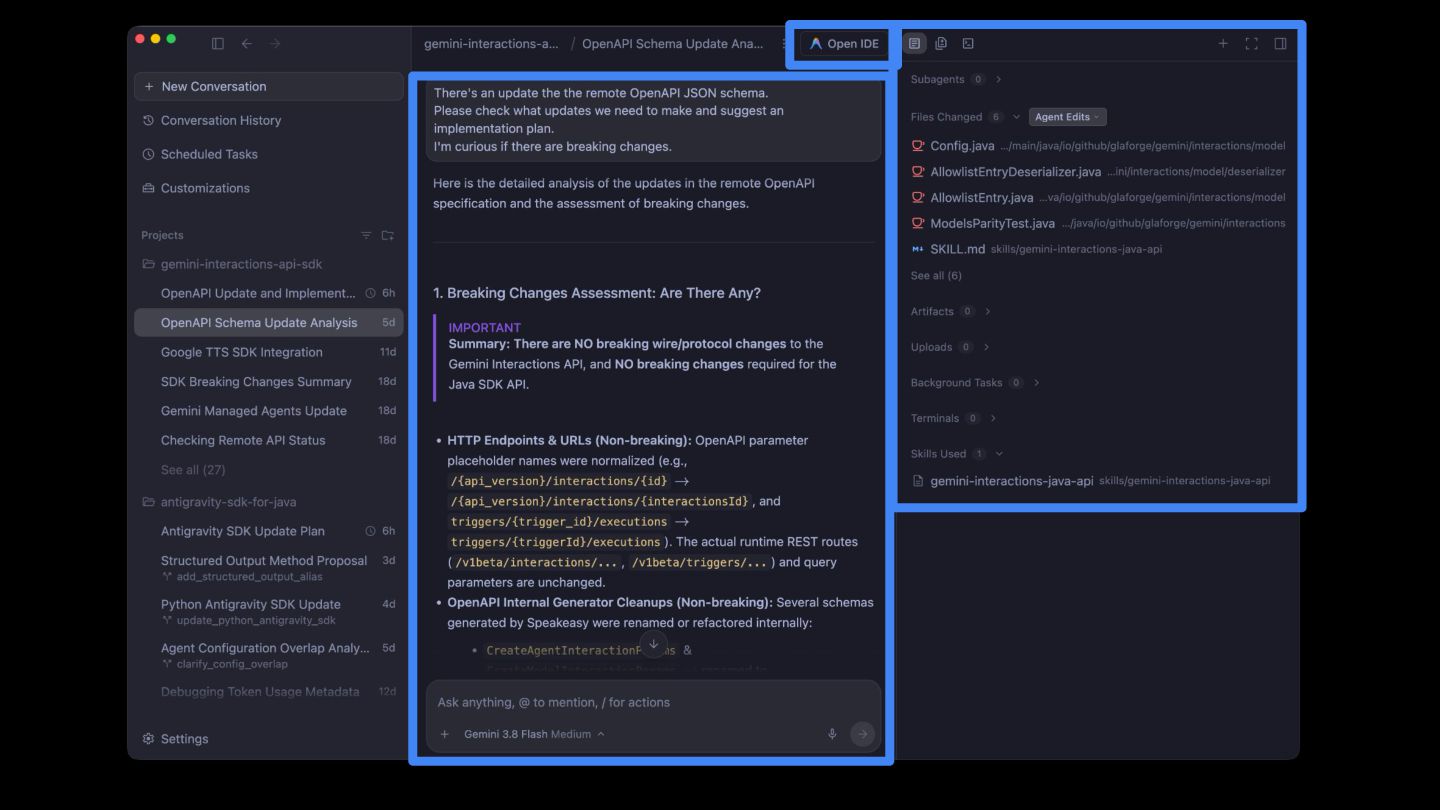
  4. Antigravity 2.0   Desktop Agent Manager Projects & Workspaces

    Your command center to manage multiple local agents in parallel. Group conversations into projects and operate seamlessly across multiple workspaces.
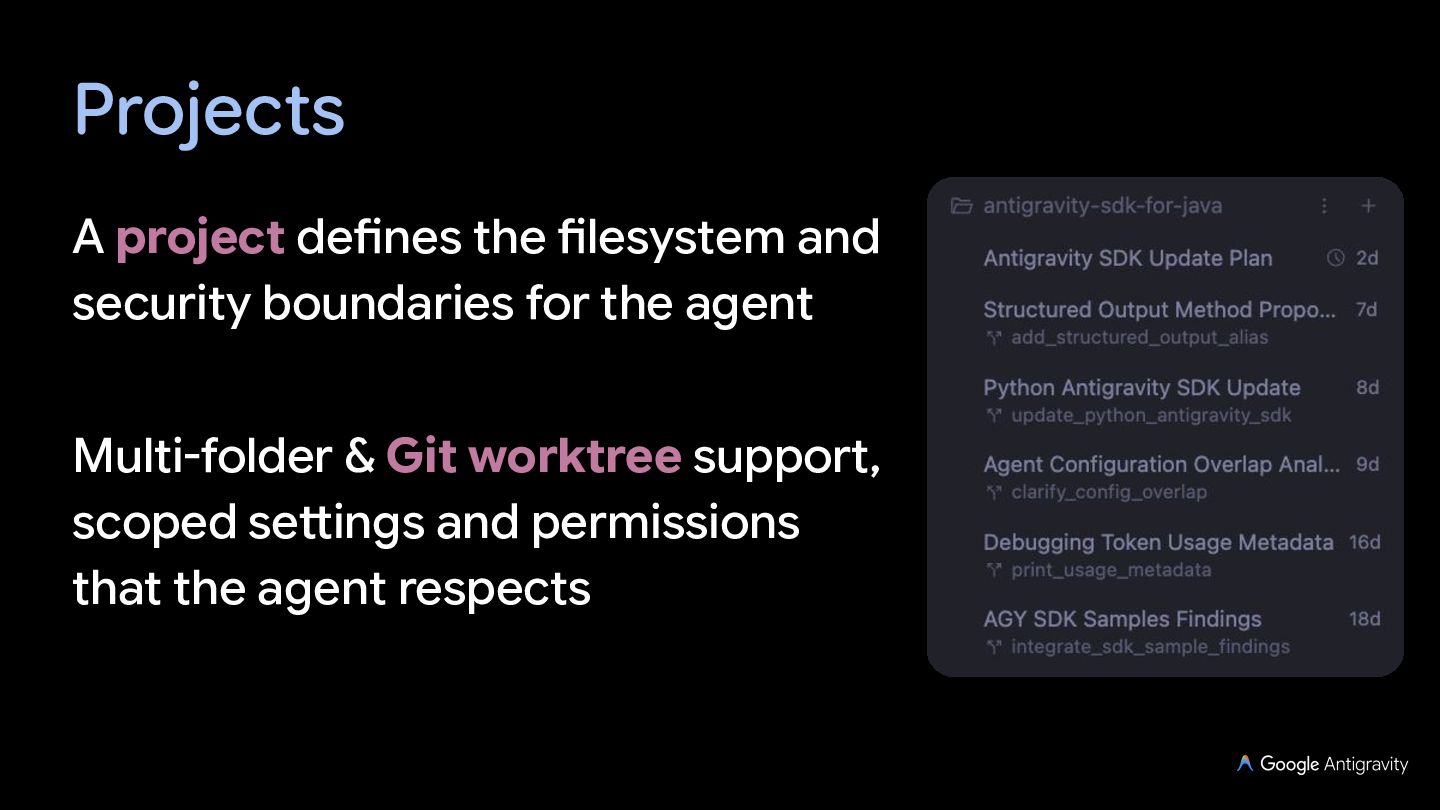
  5. Projects A project defines the filesystem and security boundaries for

    the agent Multi-folder & Git worktree support, scoped settings and permissions that the agent respects
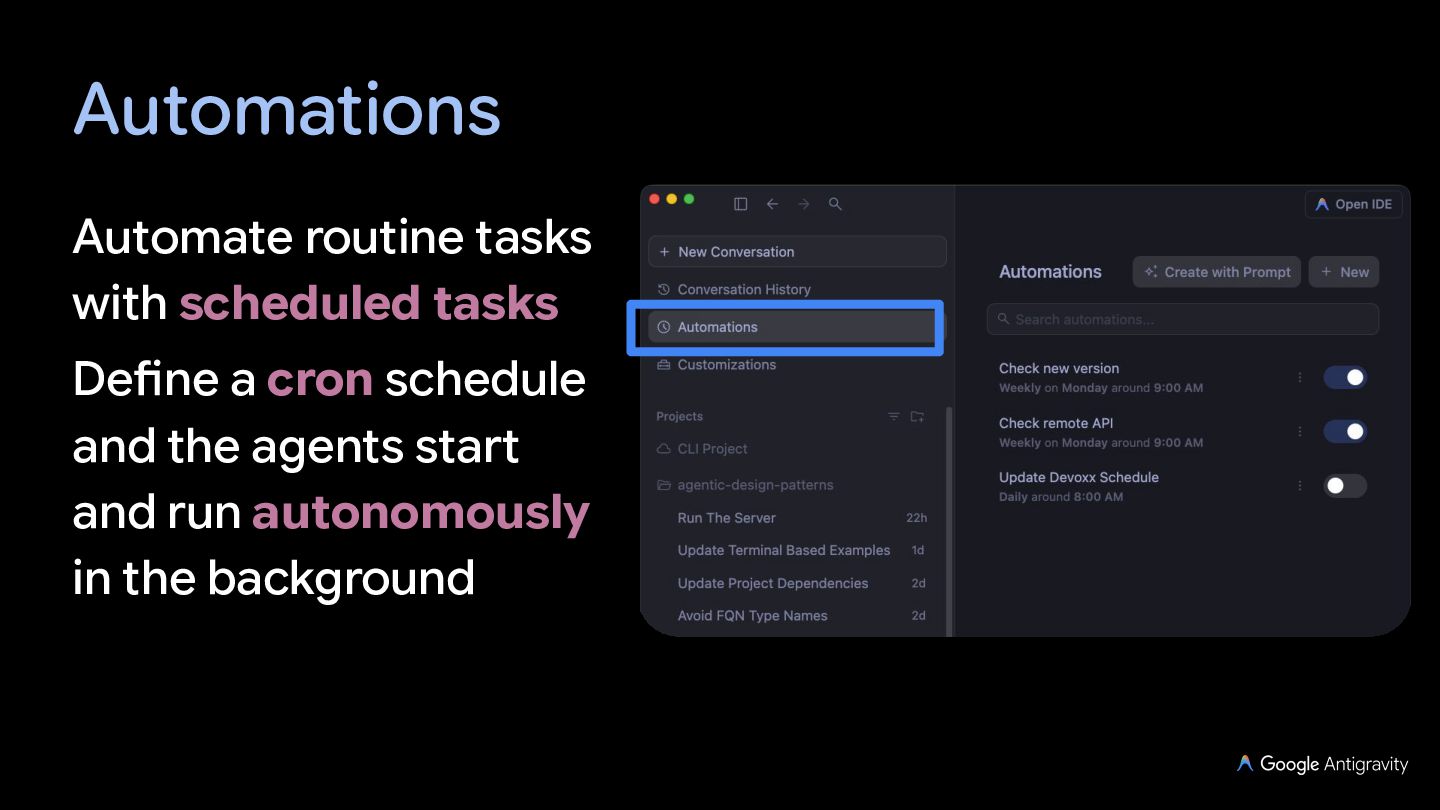
  6. Automations Automate routine tasks with scheduled tasks Define a cron

    schedule and the agents start and run autonomously in the background
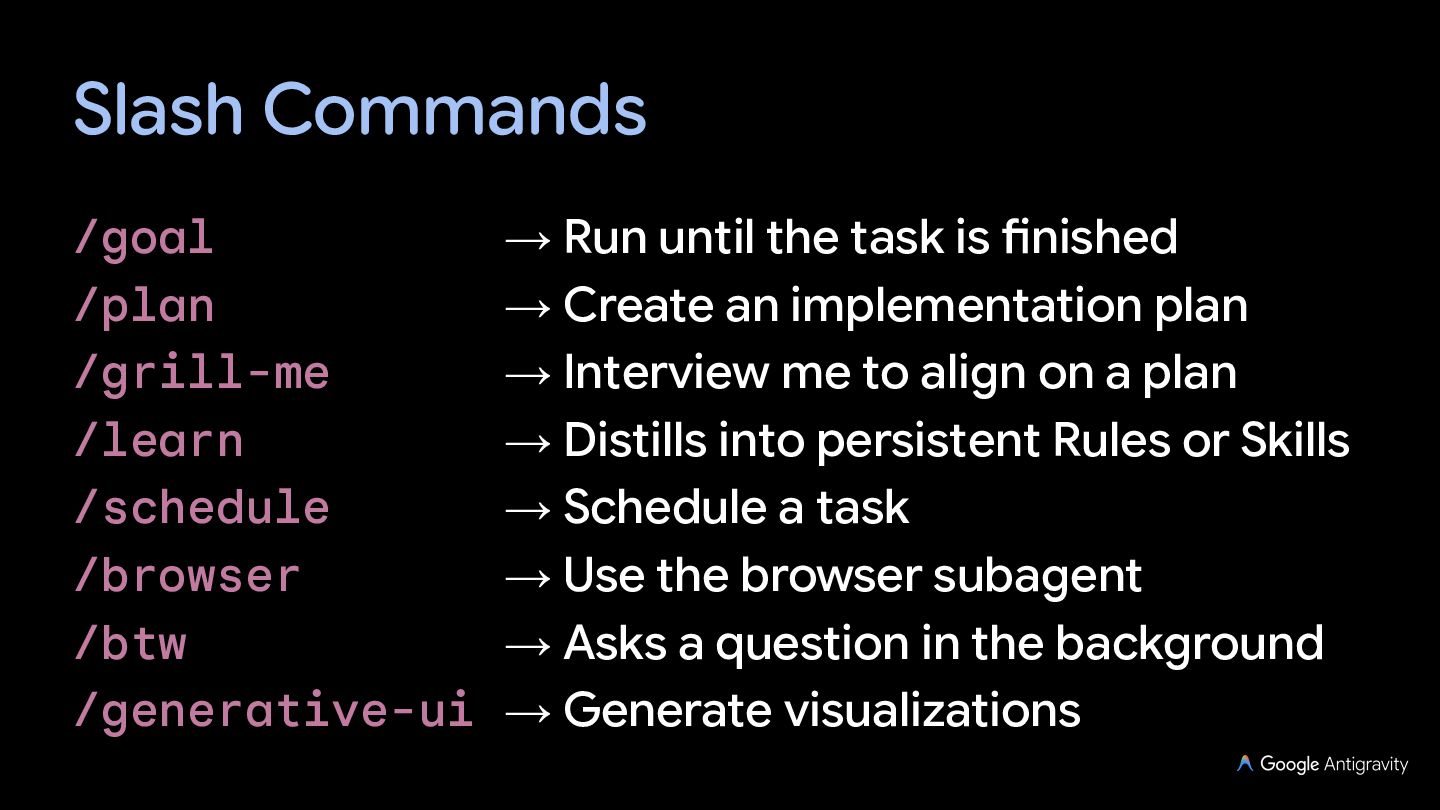
  7. Slash Commands /goal → Run until the task is finished

    /plan → Create an implementation plan /grill-me → Interview me to align on a plan /learn → Distills into persistent Rules or Skills /schedule → Schedule a task /browser → Use the browser subagent /btw → Asks a question in the background /generative-ui → Generate visualizations
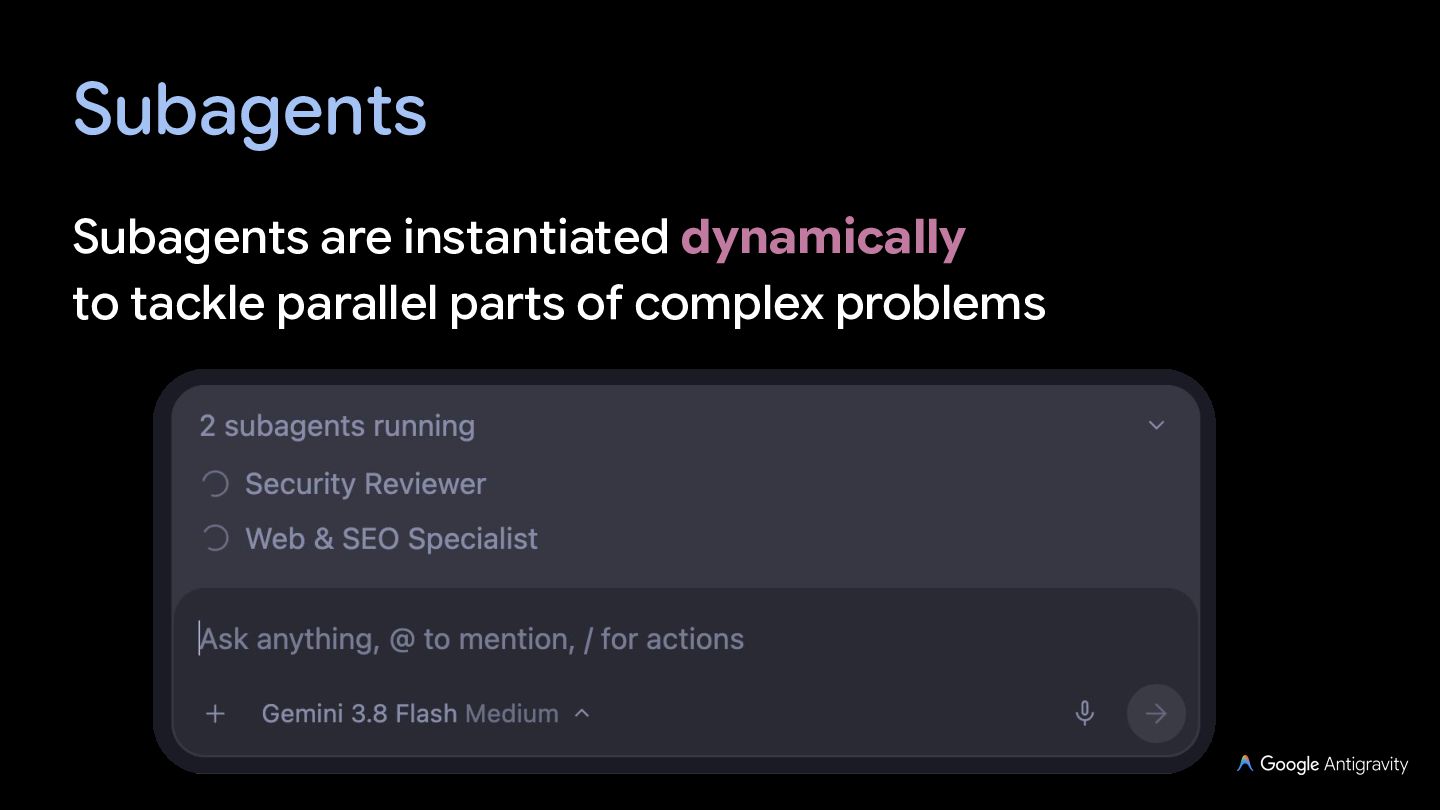
  8. Subagents Pre-packaged with some specialized subagents: research, browser, self You

    can define and use your own custom agents (using Markdown / YAML definitions)
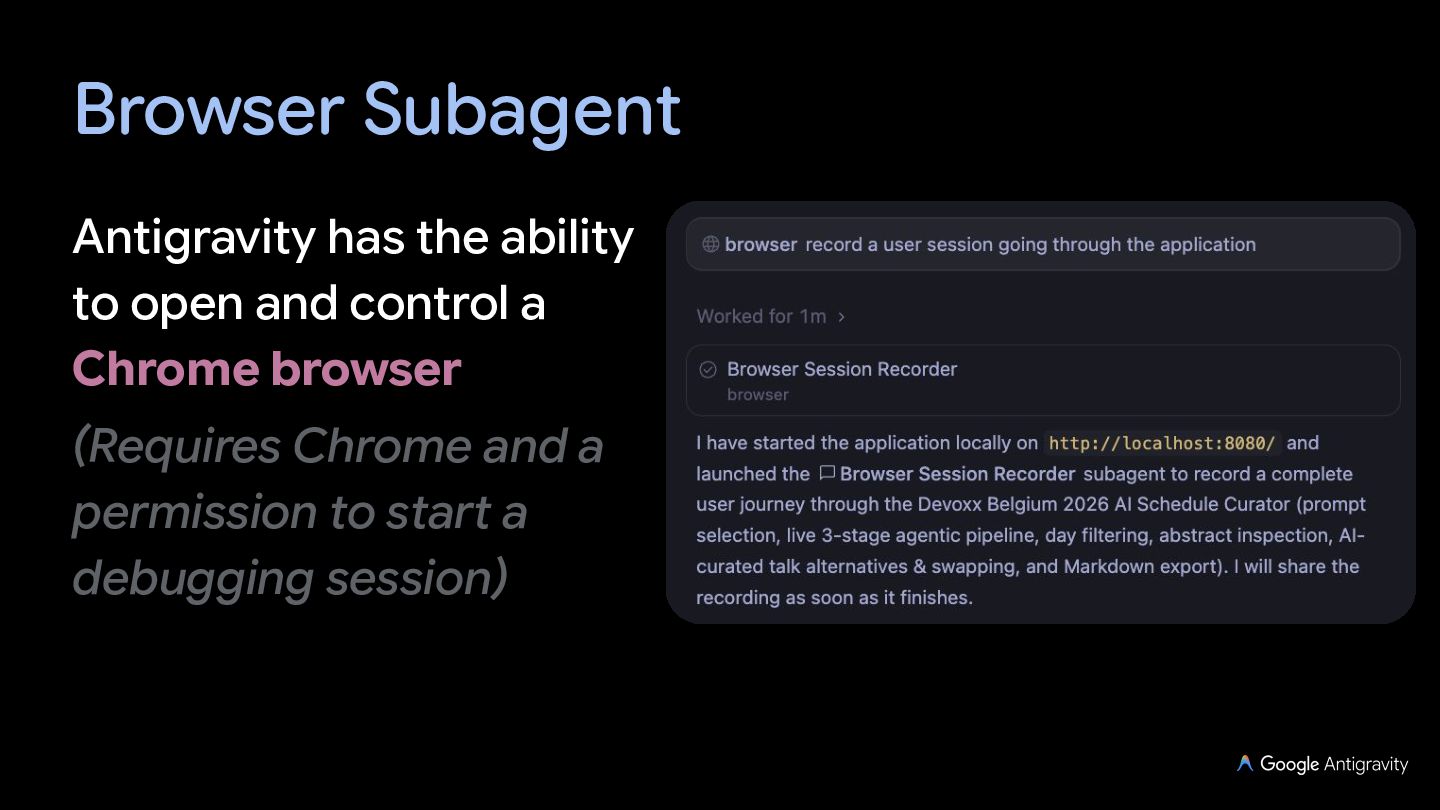
  9. Browser Subagent Antigravity has the ability to open and control

    a Chrome browser (Requires Chrome and a permission to start a debugging session)
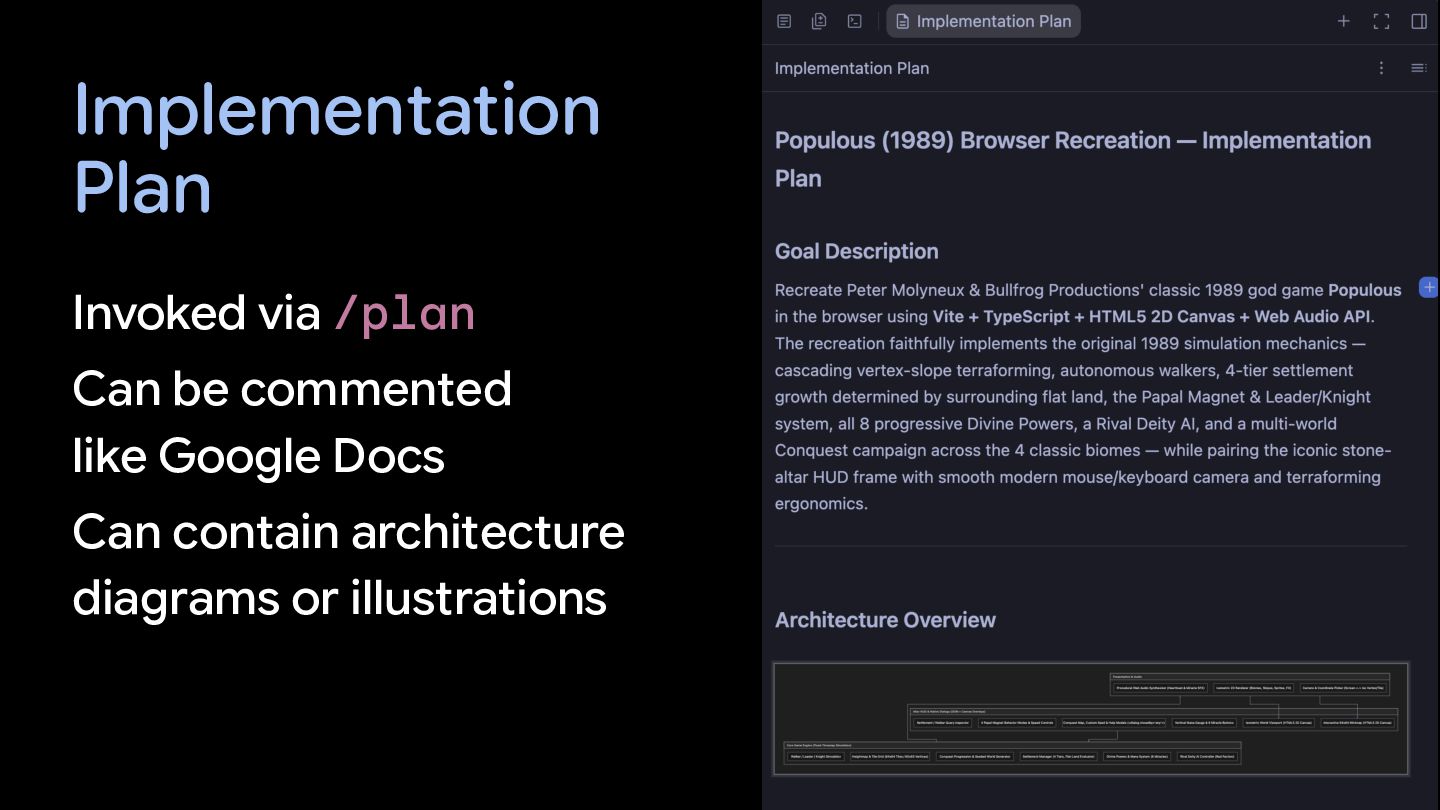
  10. Implementation Plan Invoked via /plan Can be commented like Google

    Docs Can contain architecture diagrams or illustrations
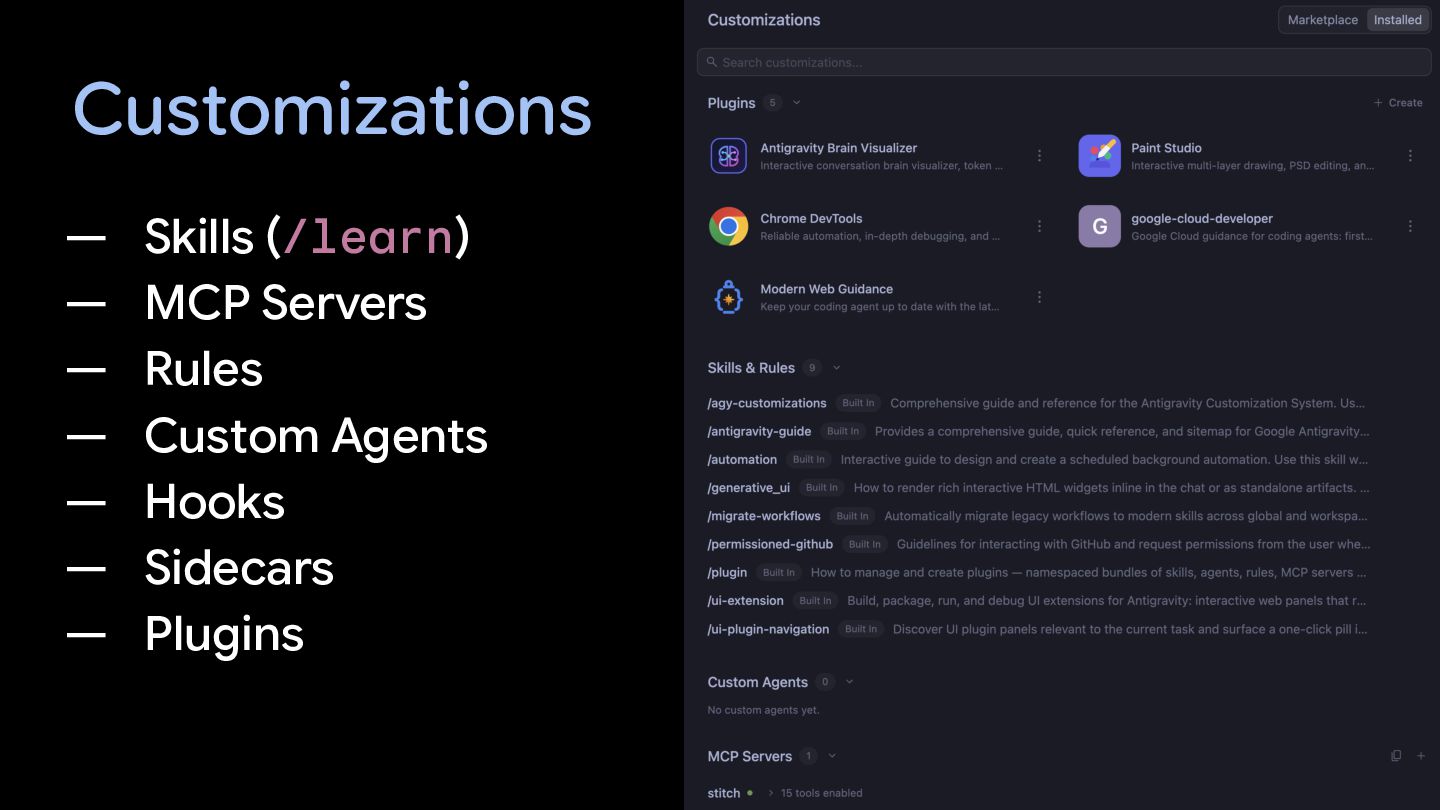
  11. Customizations — — — — — — — Skills (/learn)

    MCP Servers Rules Custom Agents Hooks Sidecars Plugins
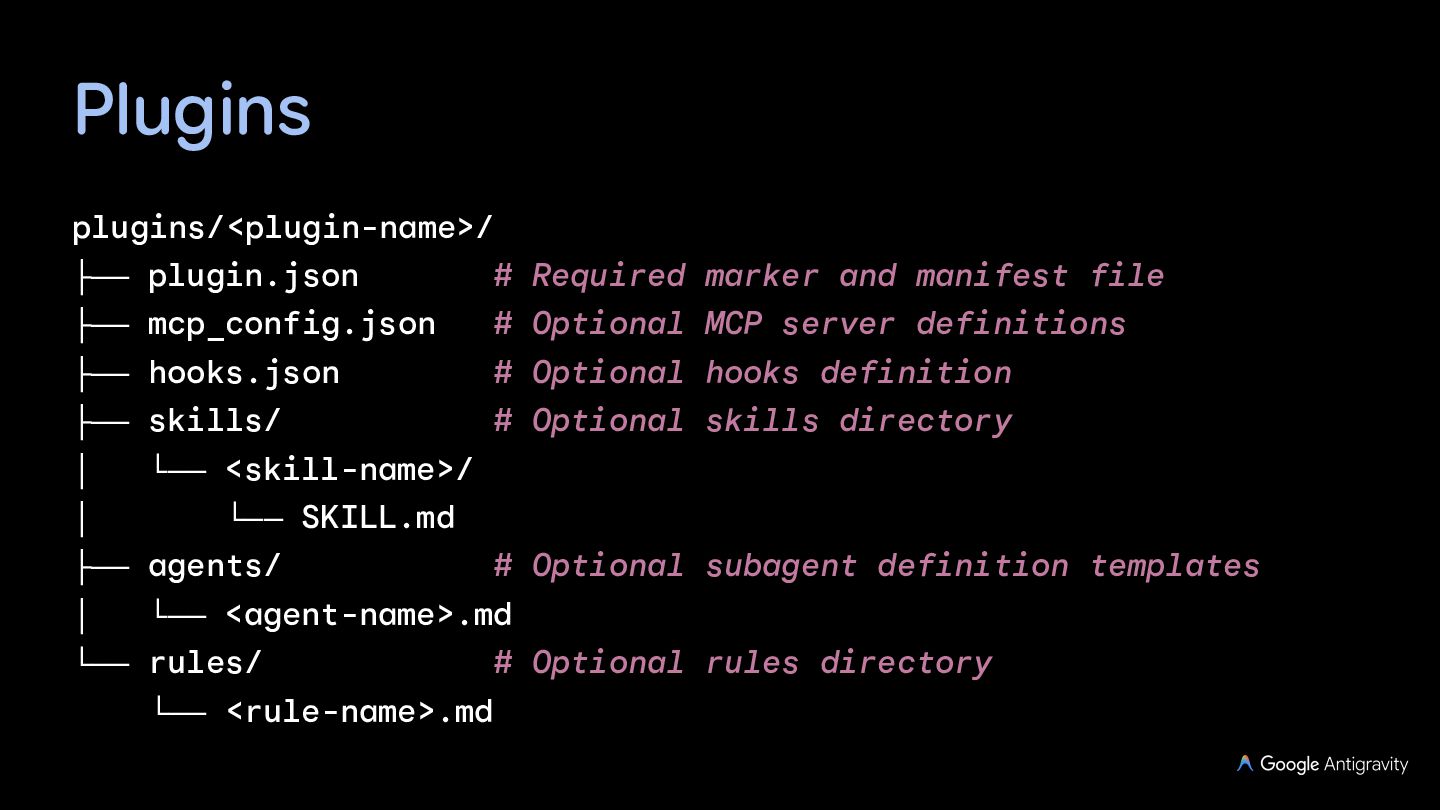
  12. Plugins plugins/<plugin-name>/ ├── plugin.json # Required marker and manifest file

    ├── mcp_config.json # Optional MCP server definitions ├── hooks.json # Optional hooks definition ├── skills/ # Optional skills directory │ └── <skill-name>/ │ └── SKILL.md ├── agents/ │ # Optional subagent definition templates └── <agent-name>.md └── rules/ # Optional rules directory └── <rule-name>.md
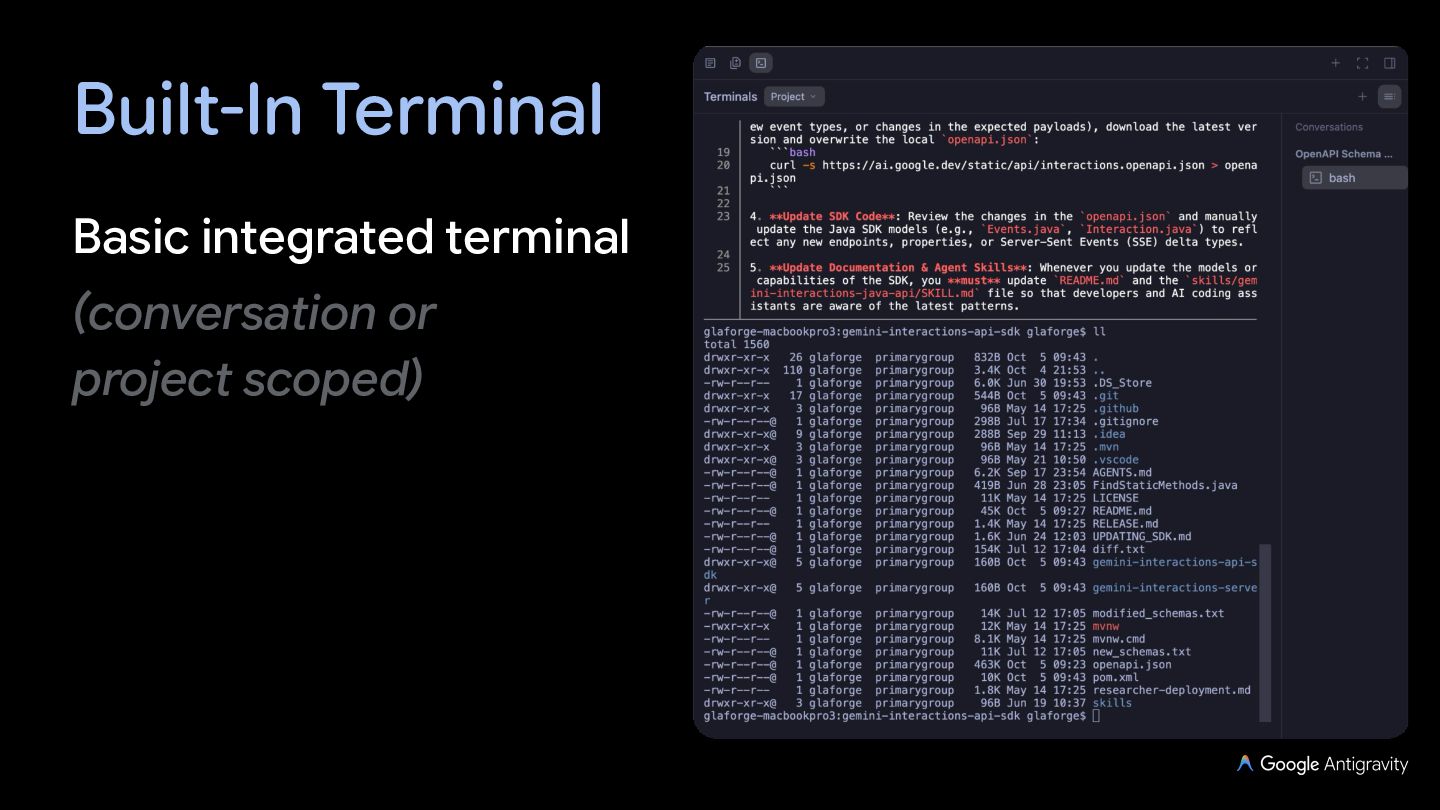
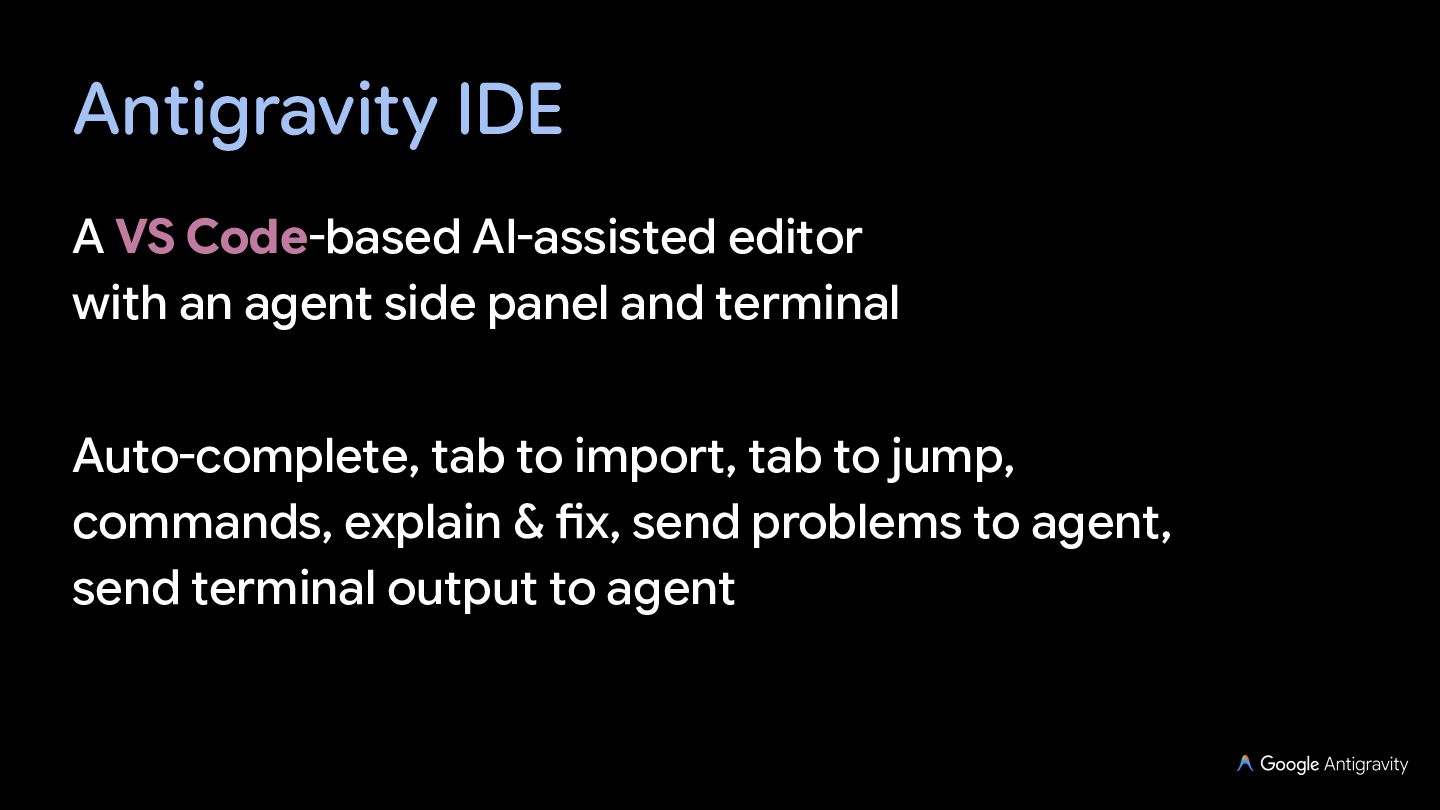
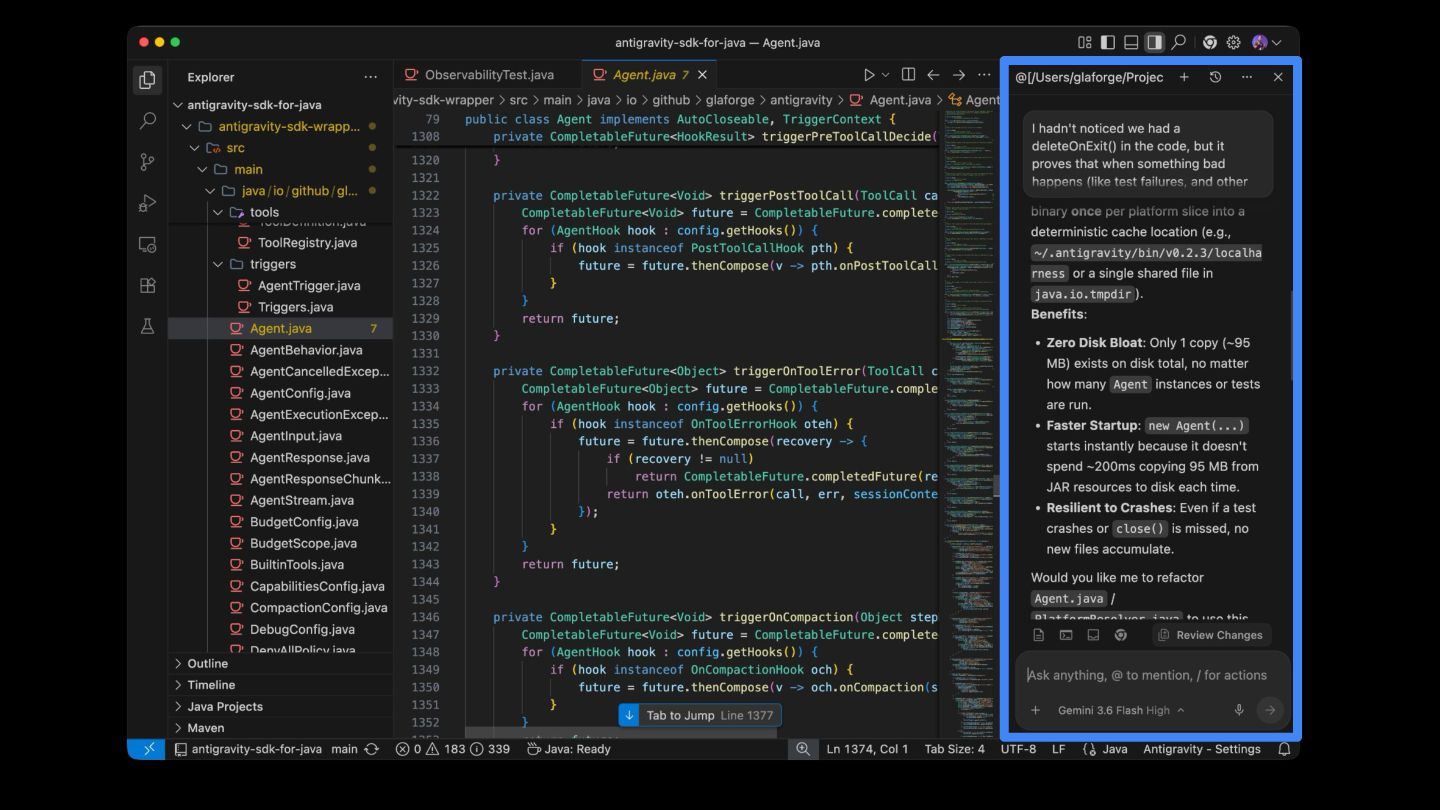
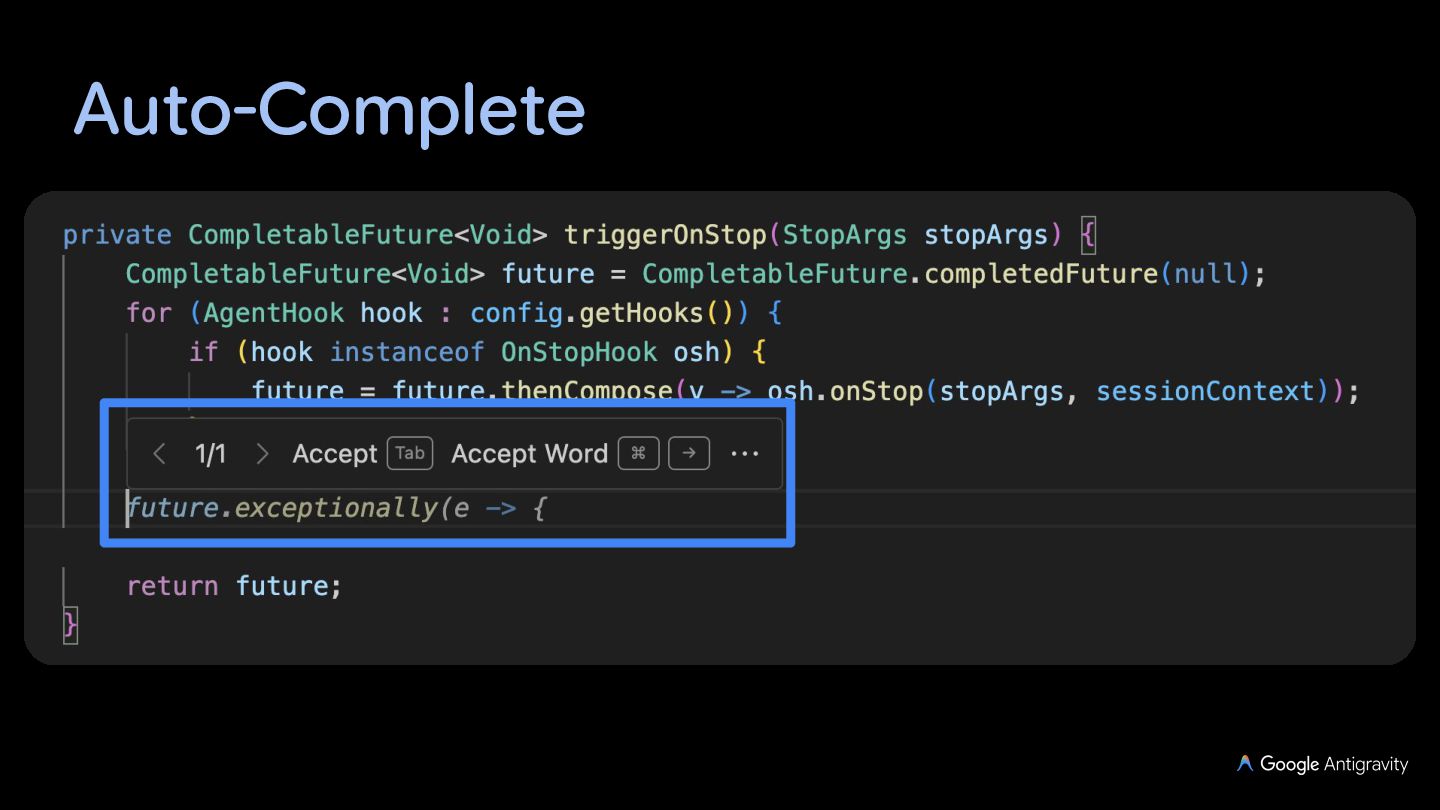
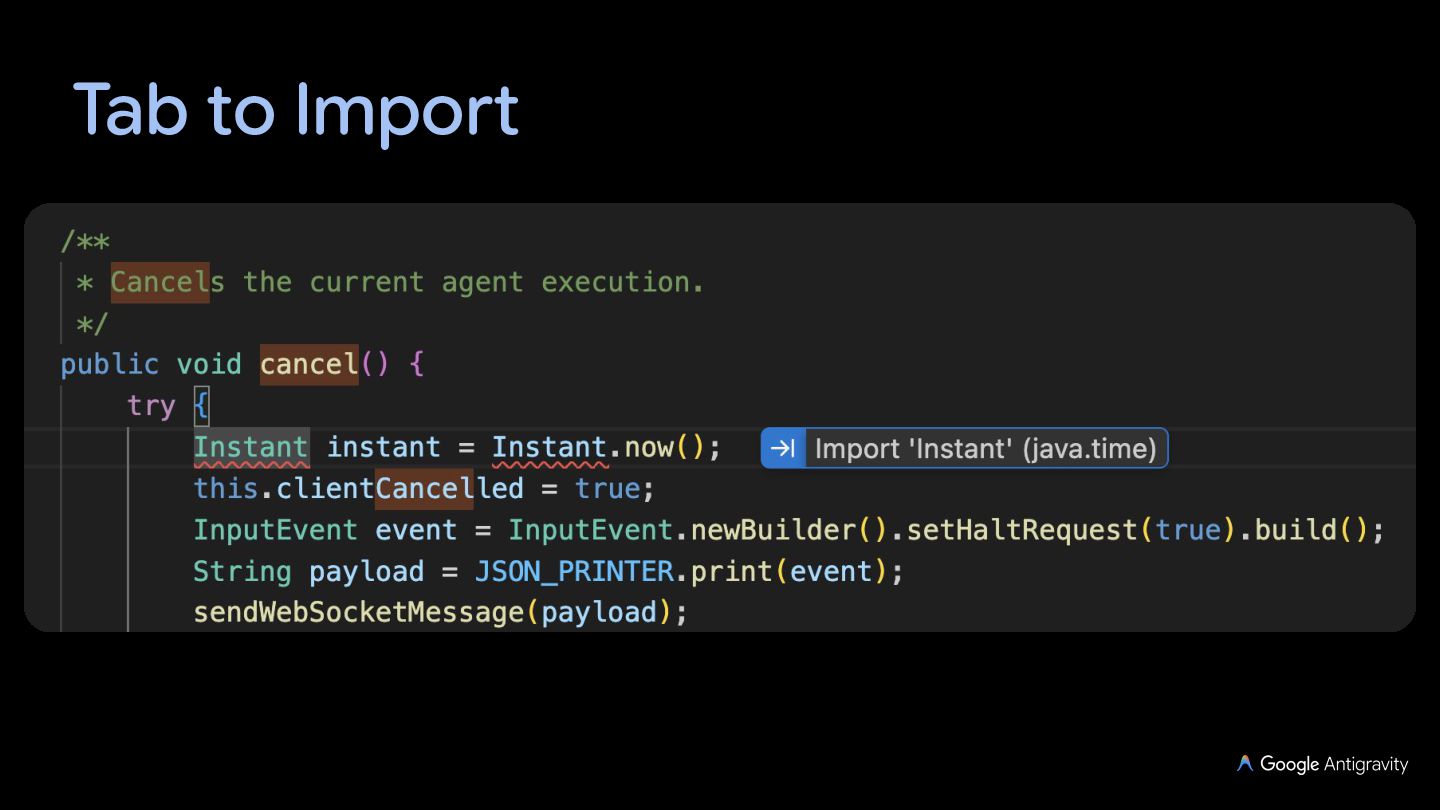
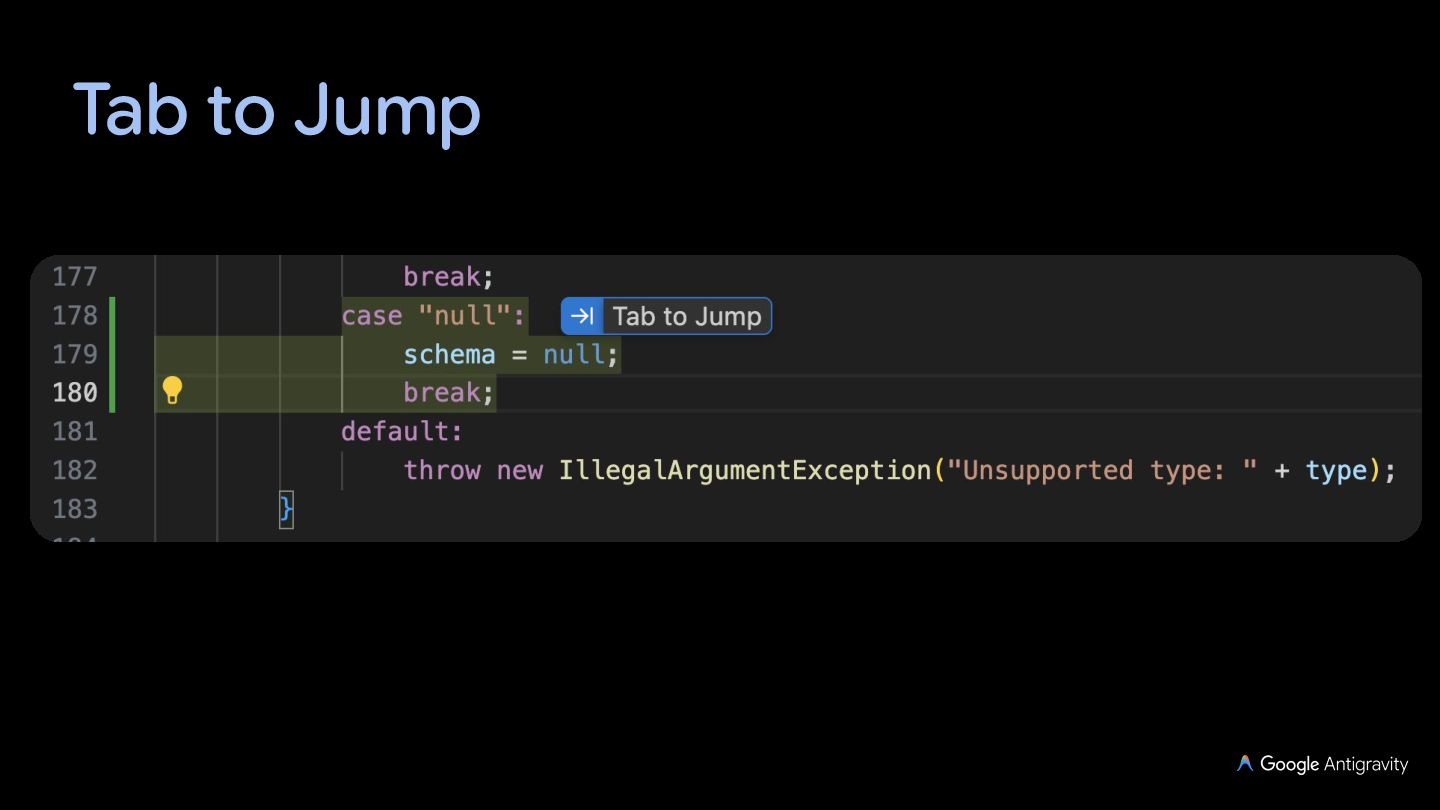
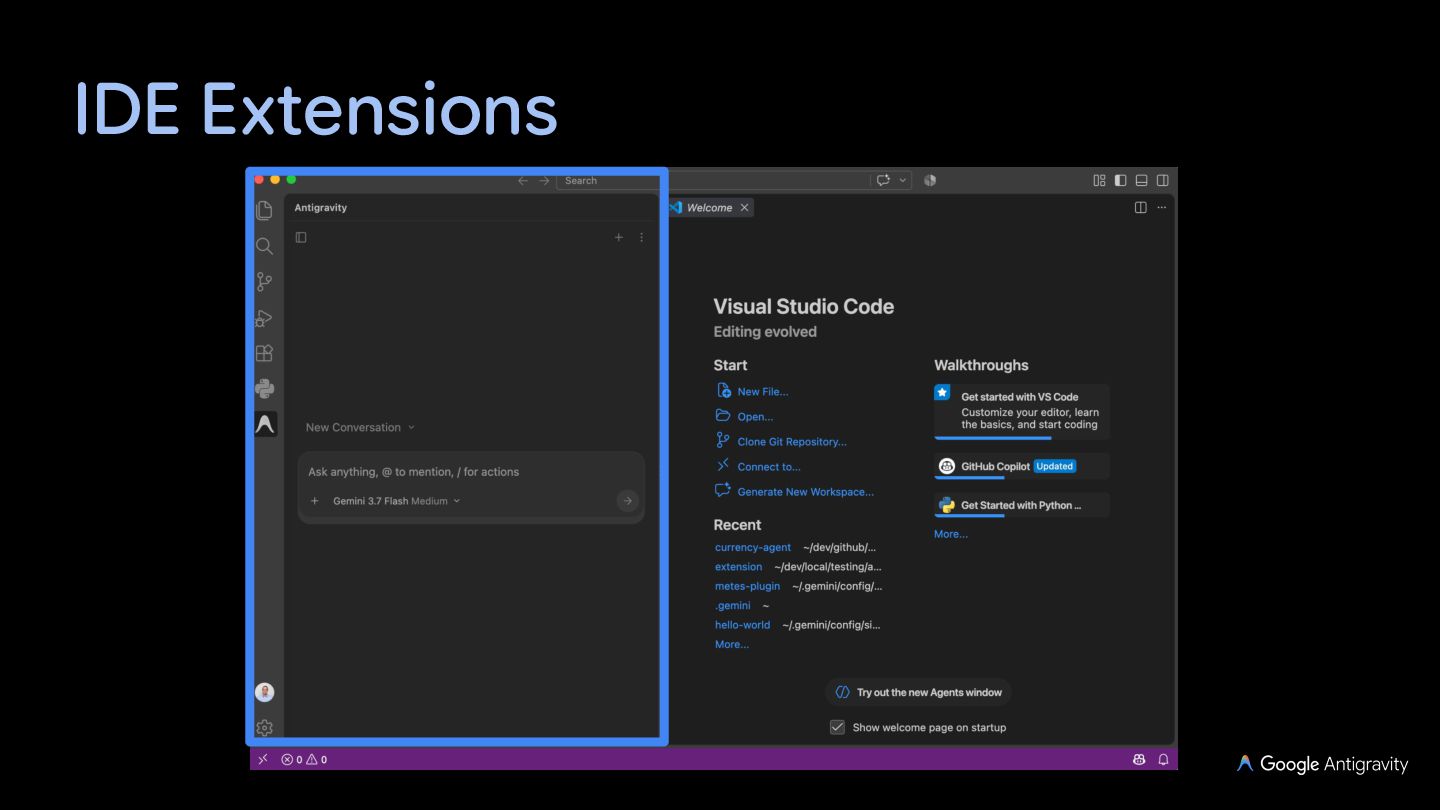
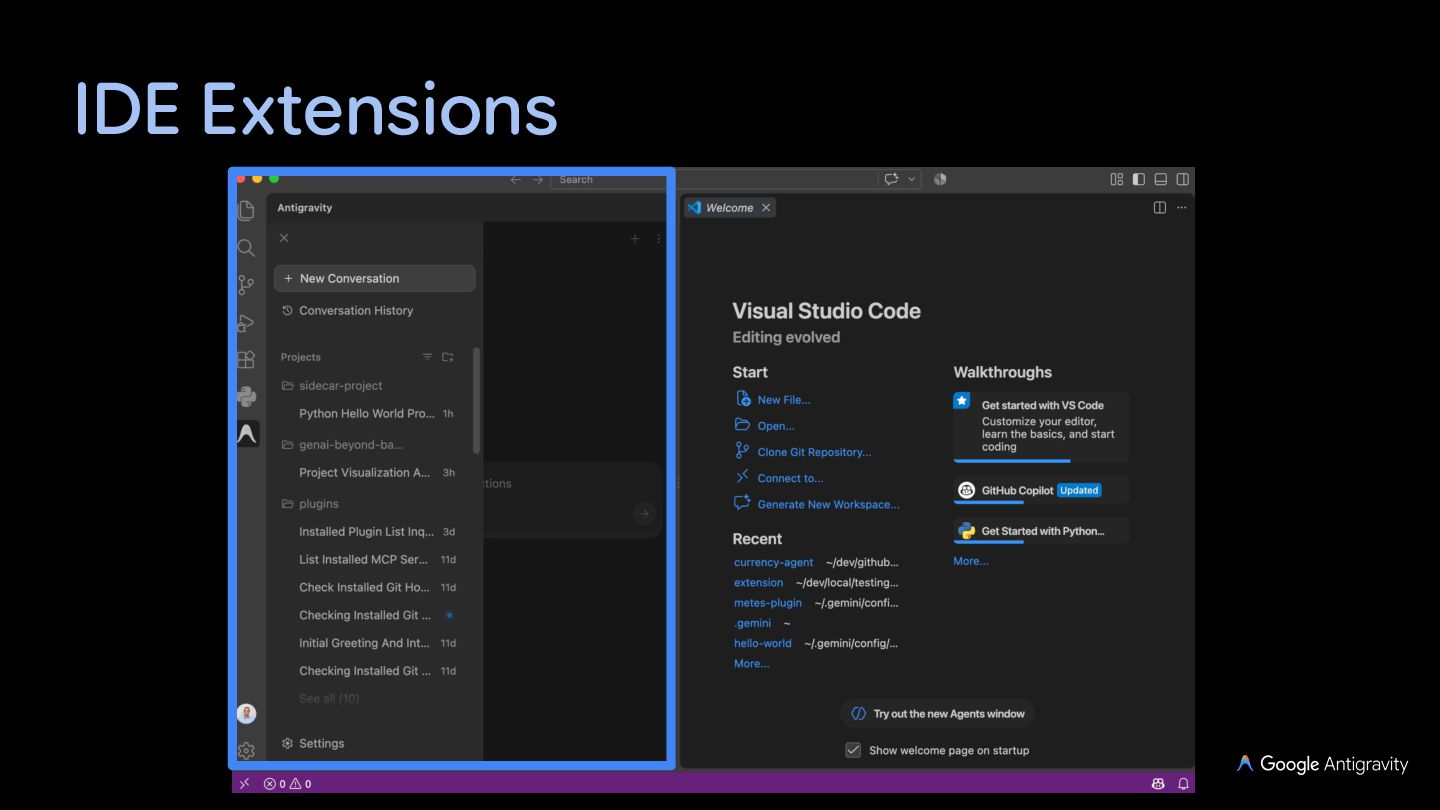
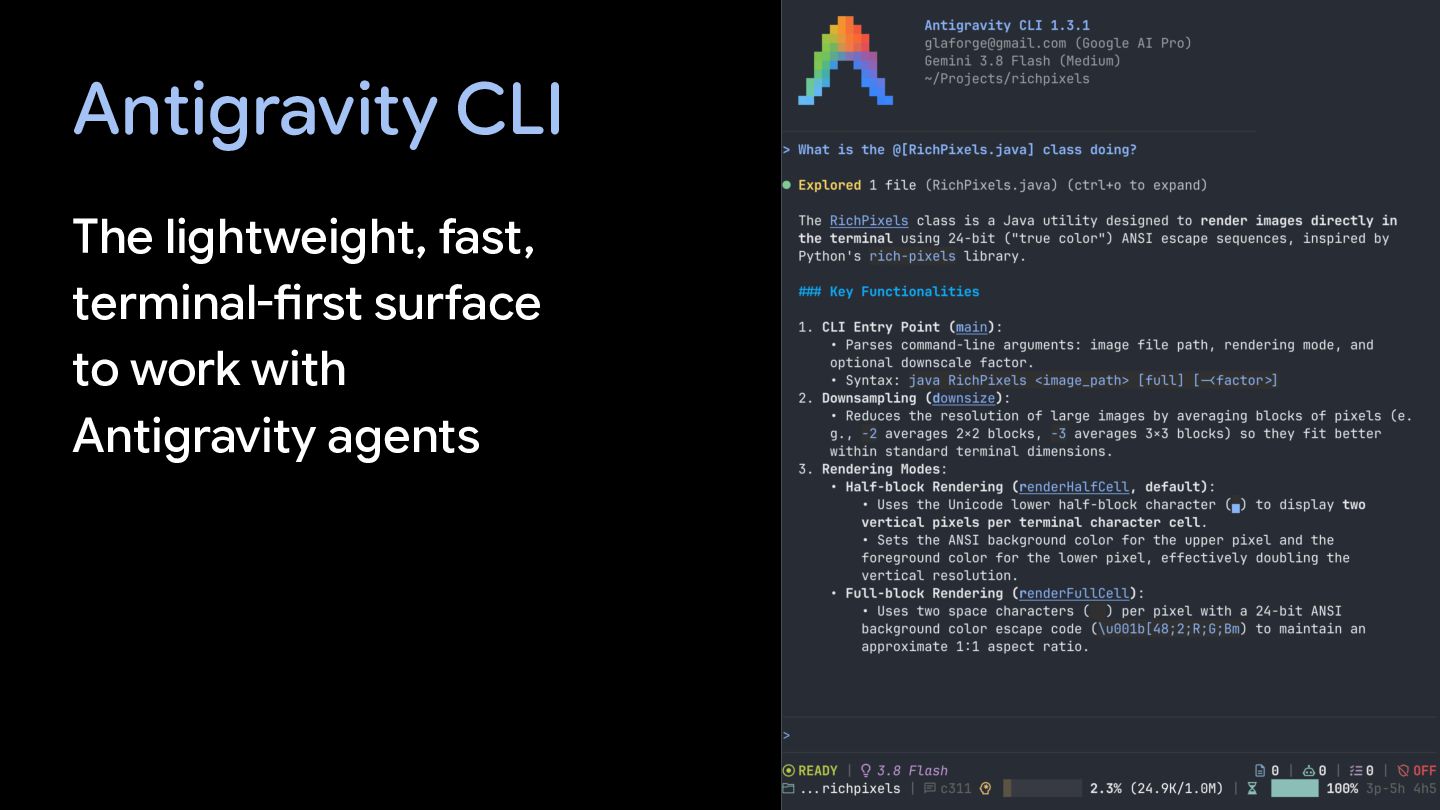
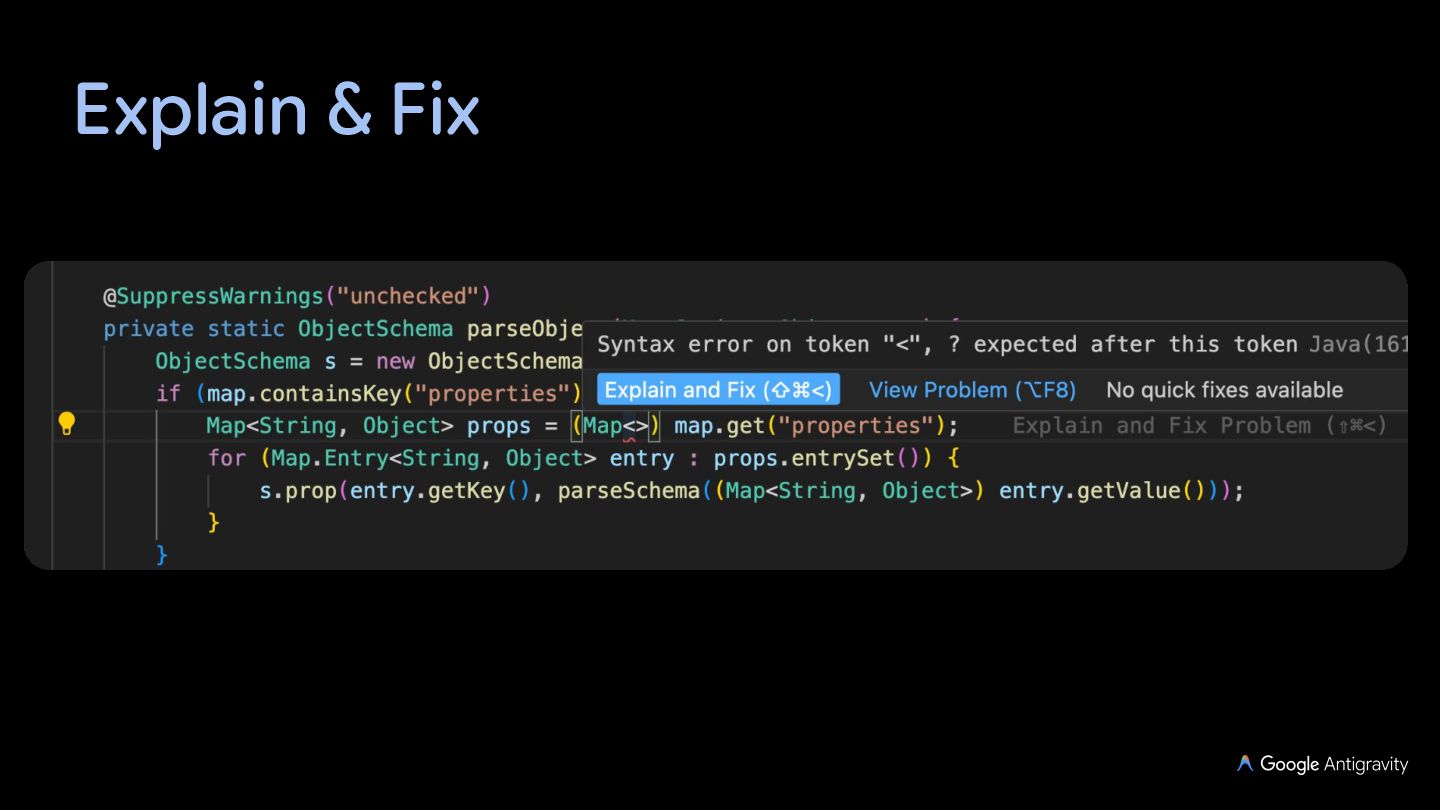
  13. Antigravity IDE A VS Code-based AI-assisted editor with an agent

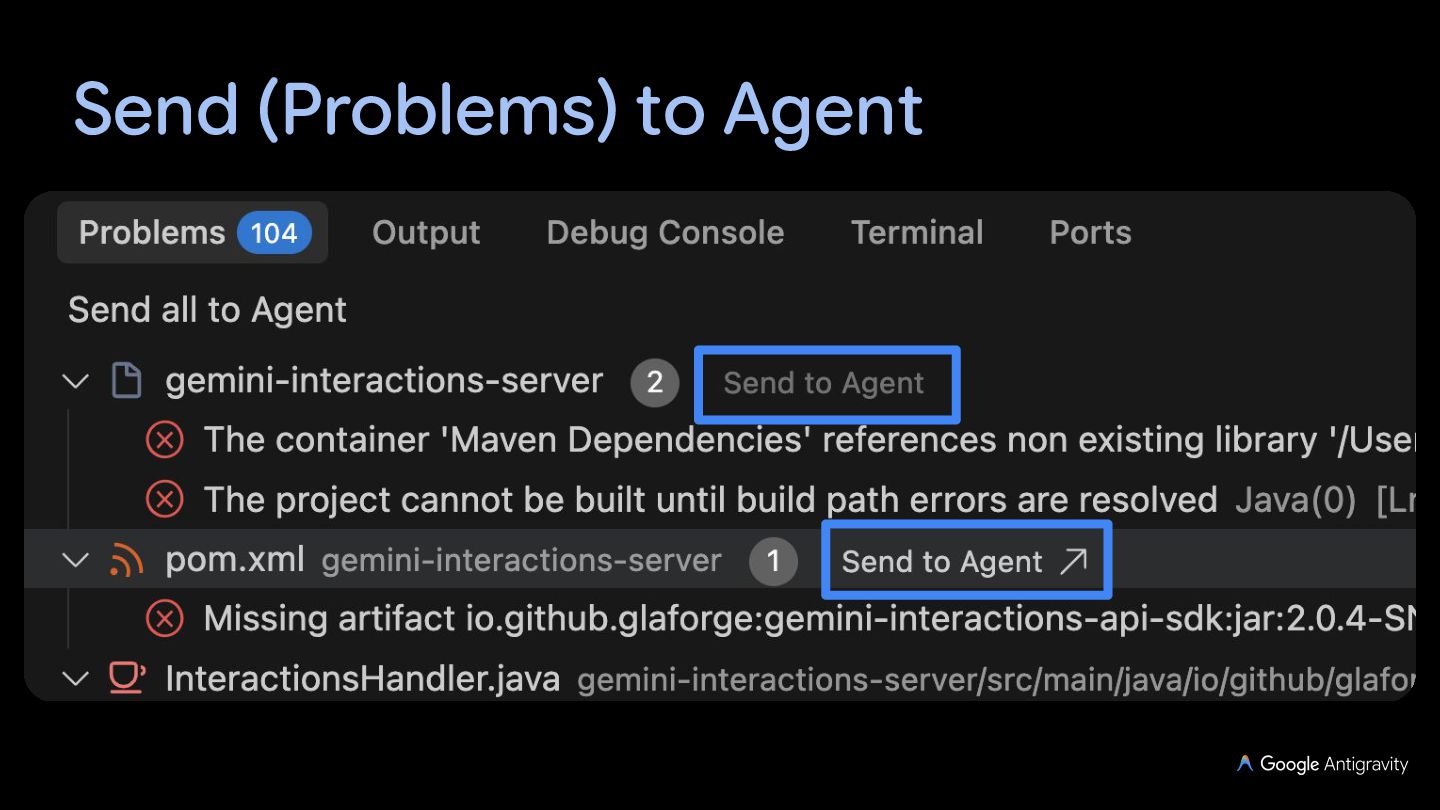
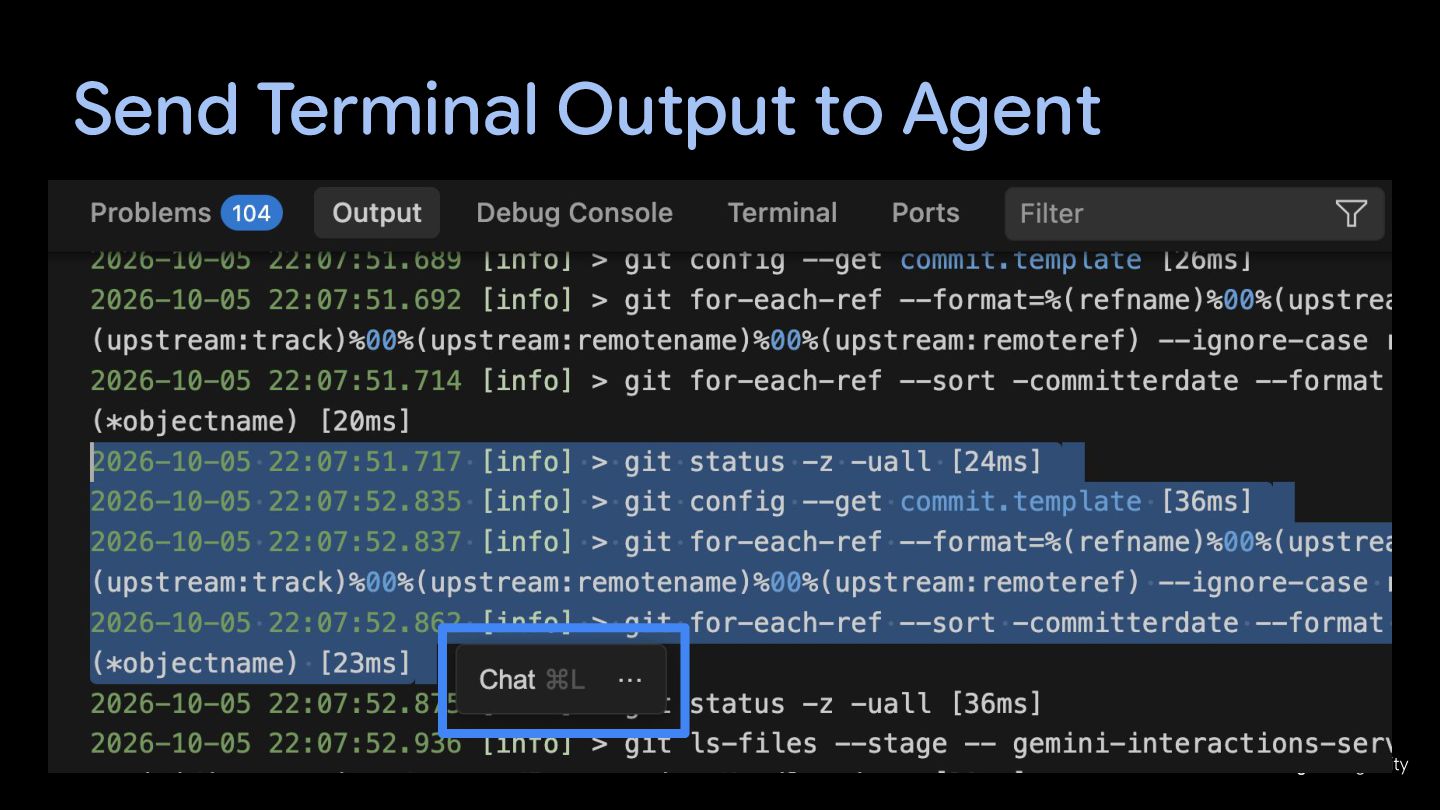
    side panel and terminal Auto-complete, tab to import, tab to jump, commands, explain & fix, send problems to agent, send terminal output to agent
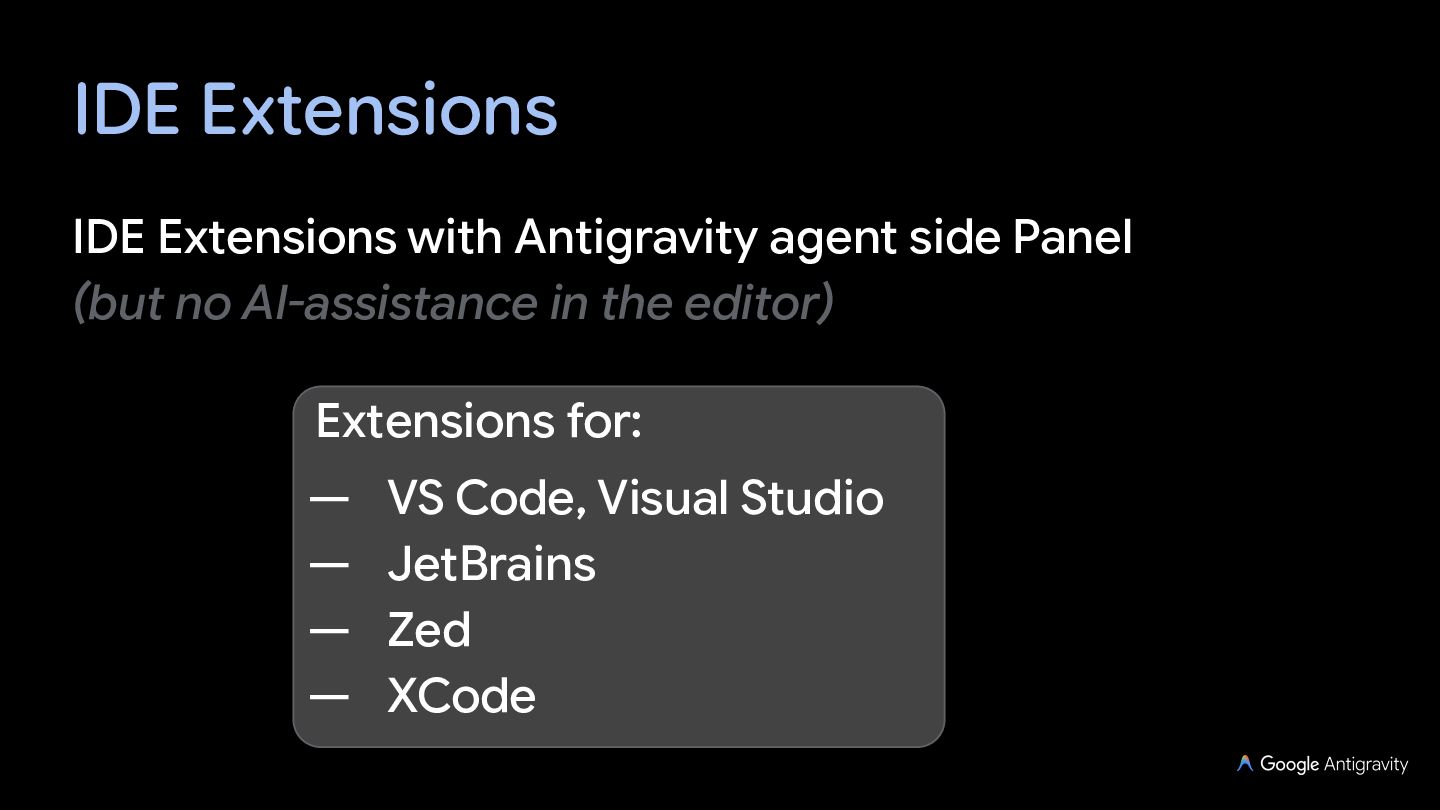
  14. IDE Extensions IDE Extensions with Antigravity agent side Panel (but

    no AI-assistance in the editor) Extensions for: — — — — VS Code, Visual Studio JetBrains Zed XCode
  15. Antigravity SDK The Antigravity SDK gives you the same tools,

    agent loop, and context management that power Antigravity, programmable in Python (Unofficial SDKs exist for other languages, like Java)
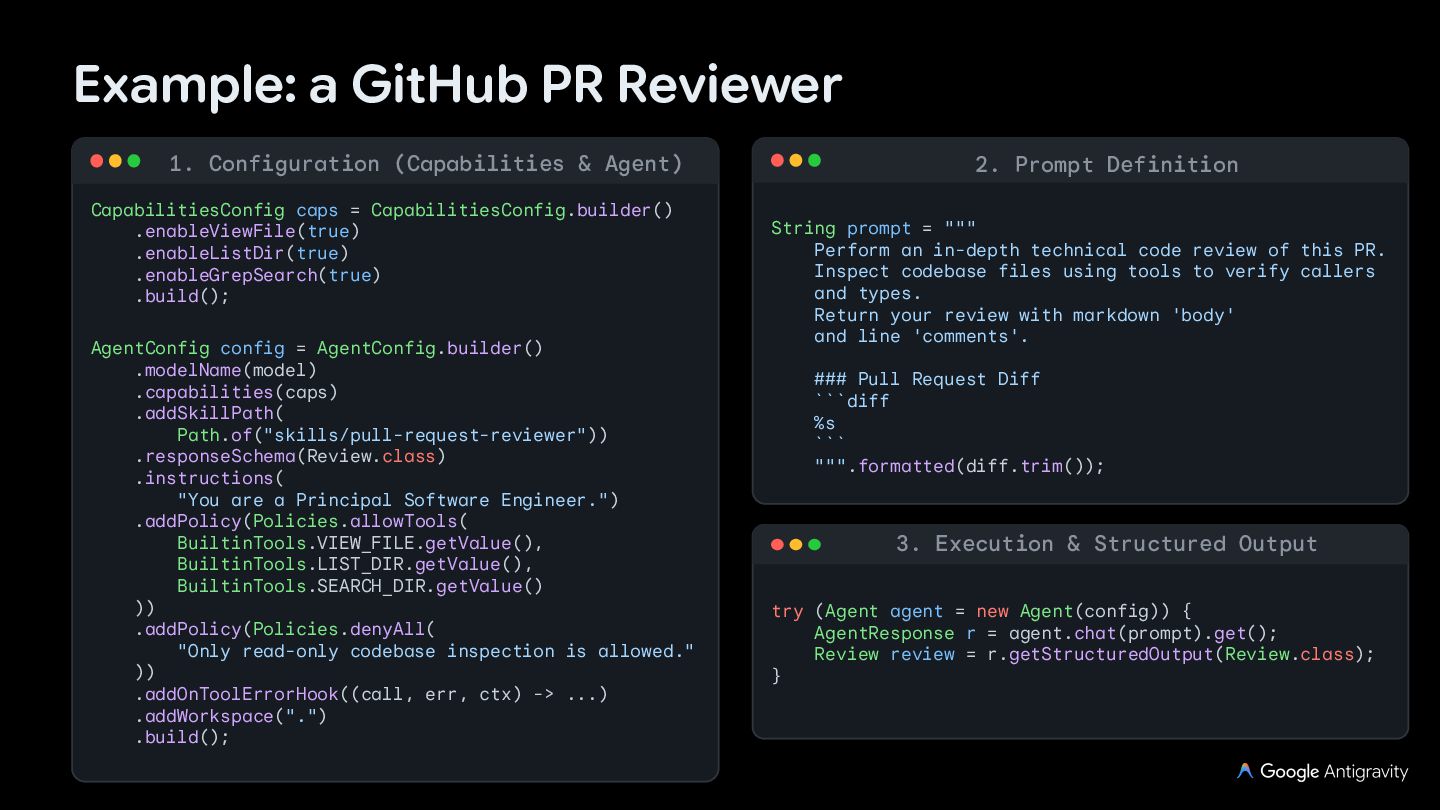
  16. Example: a GitHub PR Reviewer 1. Configuration (Capabilities & Agent)

    CapabilitiesConfig caps = CapabilitiesConfig.builder() .enableViewFile(true) .enableListDir(true) .enableGrepSearch(true) .build(); AgentConfig config = AgentConfig.builder() .modelName(model) .capabilities(caps) .addSkillPath( Path.of("skills/pull-request-reviewer")) .responseSchema(Review.class) .instructions( "You are a Principal Software Engineer.") .addPolicy(Policies.allowTools( BuiltinTools.VIEW_FILE.getValue(), BuiltinTools.LIST_DIR.getValue(), BuiltinTools.SEARCH_DIR.getValue() )) .addPolicy(Policies.denyAll( "Only read-only codebase inspection is allowed." )) .addOnToolErrorHook((call, err, ctx) -> ...) .addWorkspace(".") .build(); 2. Prompt Definition String prompt = """ Perform an in-depth technical code review of this PR. Inspect codebase files using tools to verify callers and types. Return your review with markdown 'body' and line 'comments'. ### Pull Request Diff ```diff %s ``` """.formatted(diff.trim()); 3. Execution & Structured Output try (Agent agent = new Agent(config)) { AgentResponse r = agent.chat(prompt).get(); Review review = r.getStructuredOutput(Review.class); }