groups for students on Google Developers content, on various product topics. The objective of Study Jams is to raise the technical proficiency of our global community members through the highest possible course completion rate. WiFi SSID : #MobileSitesKisii Pass : studyjam18
opportunity to bring members of the community together to learn something in person. These trainings will give your community members a specific skill they can use for personal development or career advancement. As a complement to large tech talks and viewing party events that you may already be hosting, the Study Jams framework brings together a small group of your members who are interested in learning about the same topic. WiFi SSID : #MobileSitesKisii Pass : studyjam18
including best practices for creating, managing, measuring, and optimizing mobile websites. Passing this assessment demonstrates a strong knowledge of mobile sites design, and an understanding of best practices and current browser technologies.
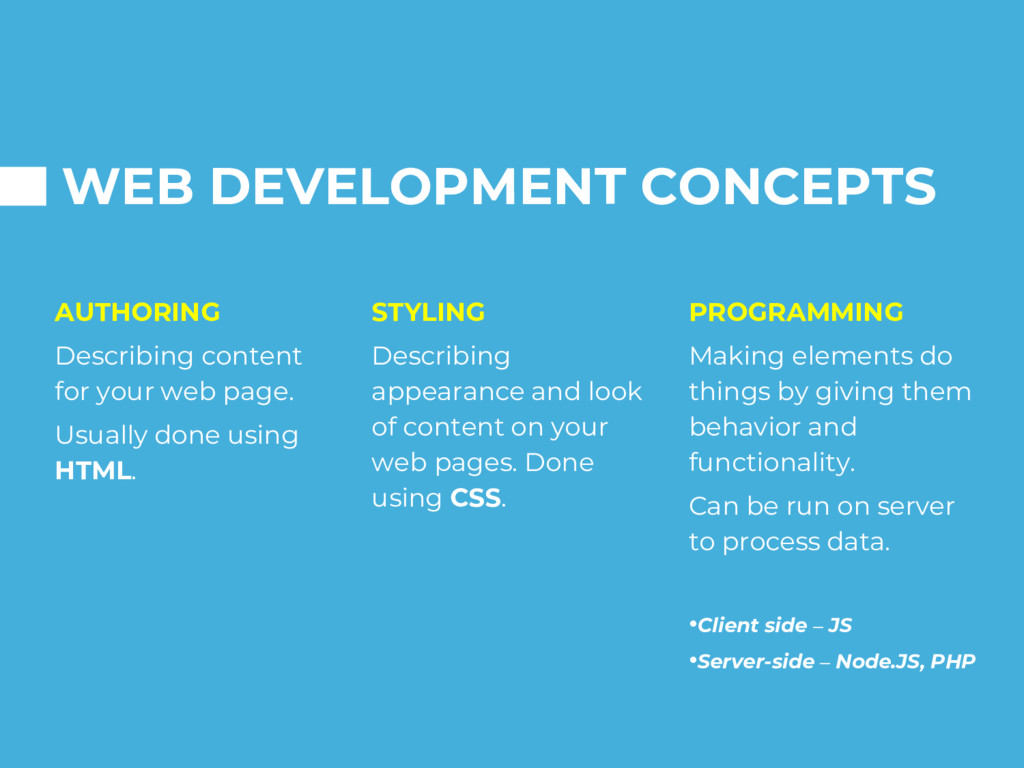
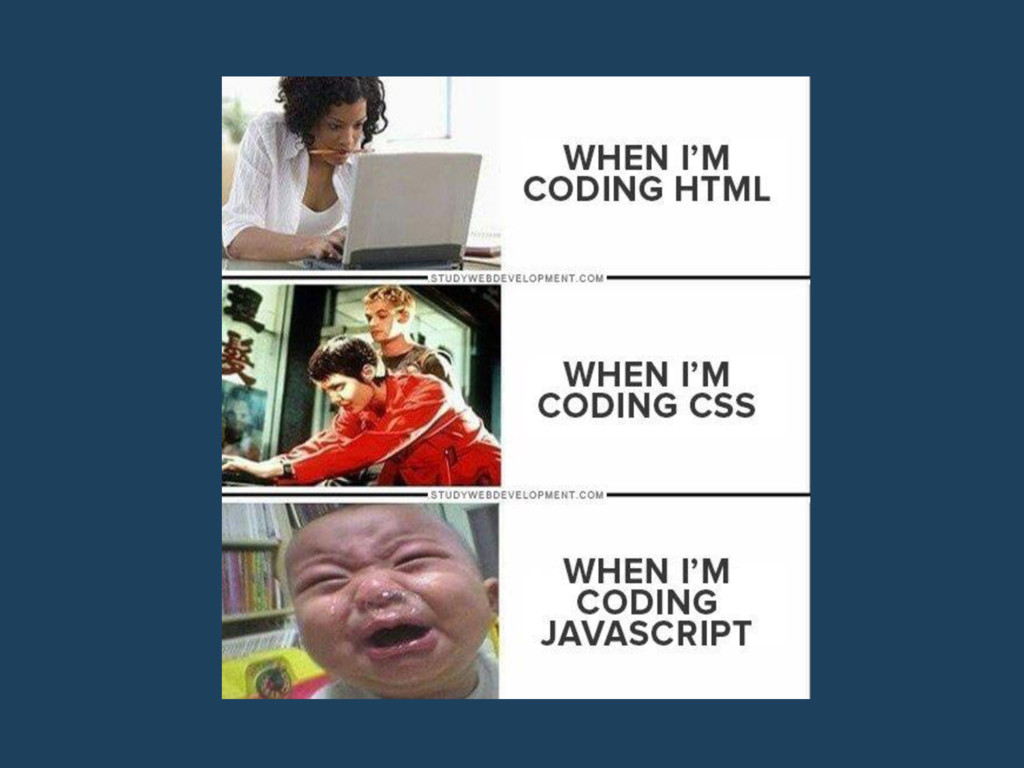
Usually done using HTML. STYLING Describing appearance and look of content on your web pages. Done using CSS. PROGRAMMING Making elements do things by giving them behavior and functionality. Can be run on server to process data. •Client side – JS •Server-side – Node.JS, PHP
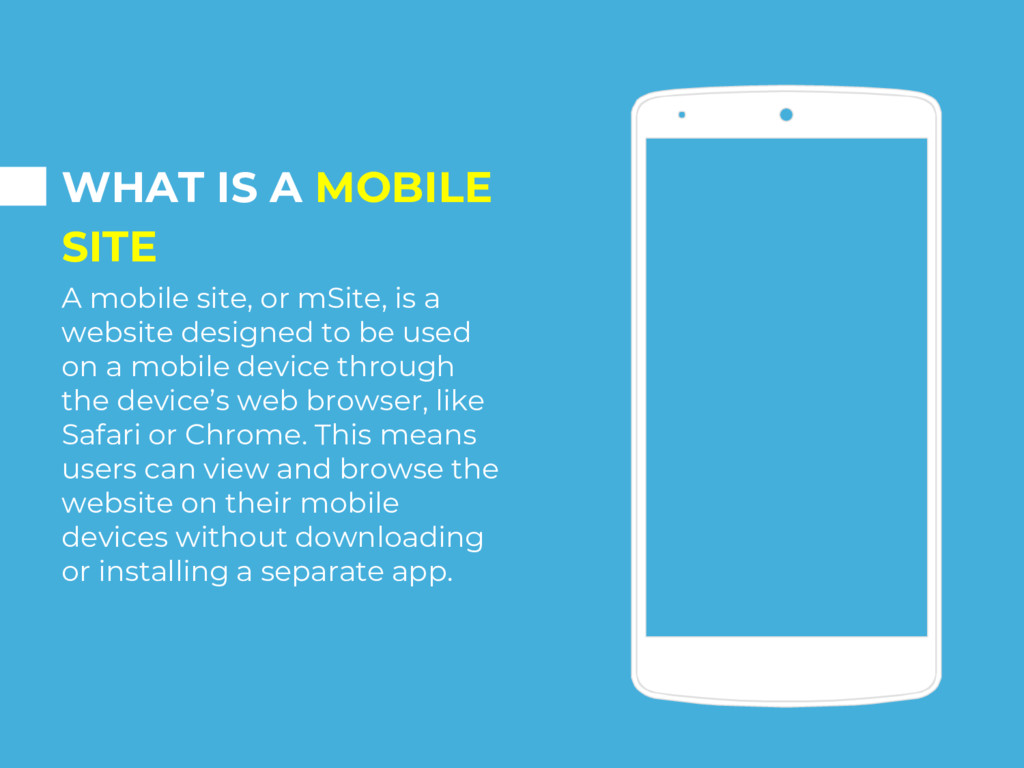
is a website designed to be used on a mobile device through the device’s web browser, like Safari or Chrome. This means users can view and browse the website on their mobile devices without downloading or installing a separate app.
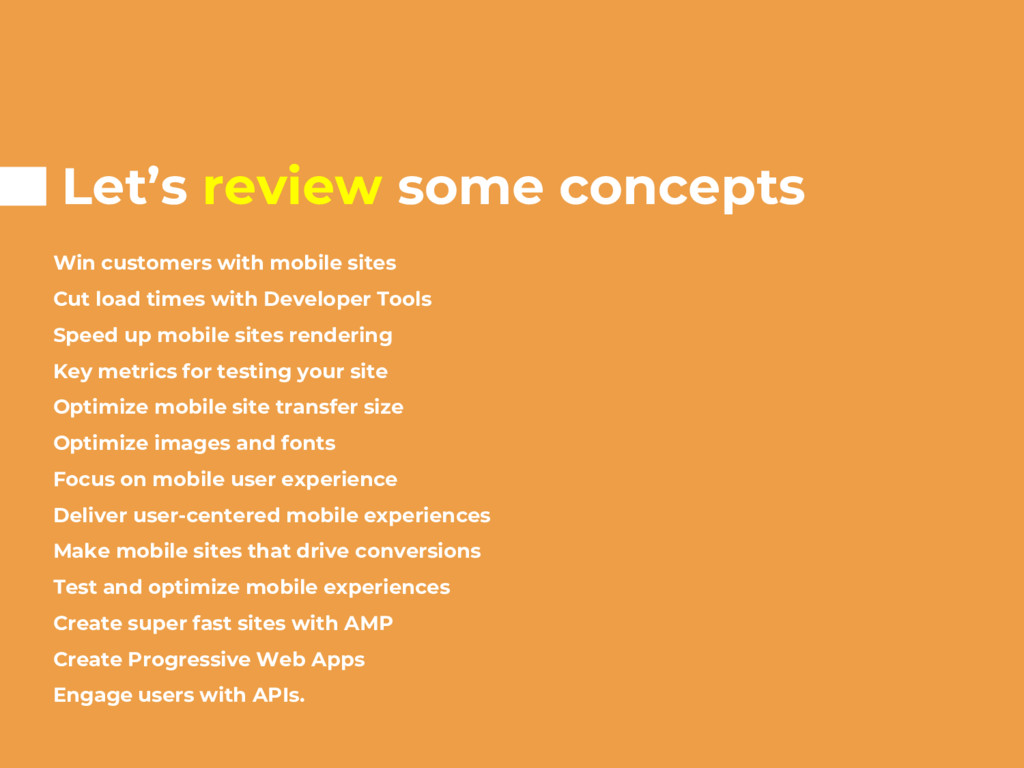
load times with Developer Tools Speed up mobile sites rendering Key metrics for testing your site Optimize mobile site transfer size Optimize images and fonts Focus on mobile user experience Deliver user-centered mobile experiences Make mobile sites that drive conversions Test and optimize mobile experiences Create super fast sites with AMP Create Progressive Web Apps Engage users with APIs.
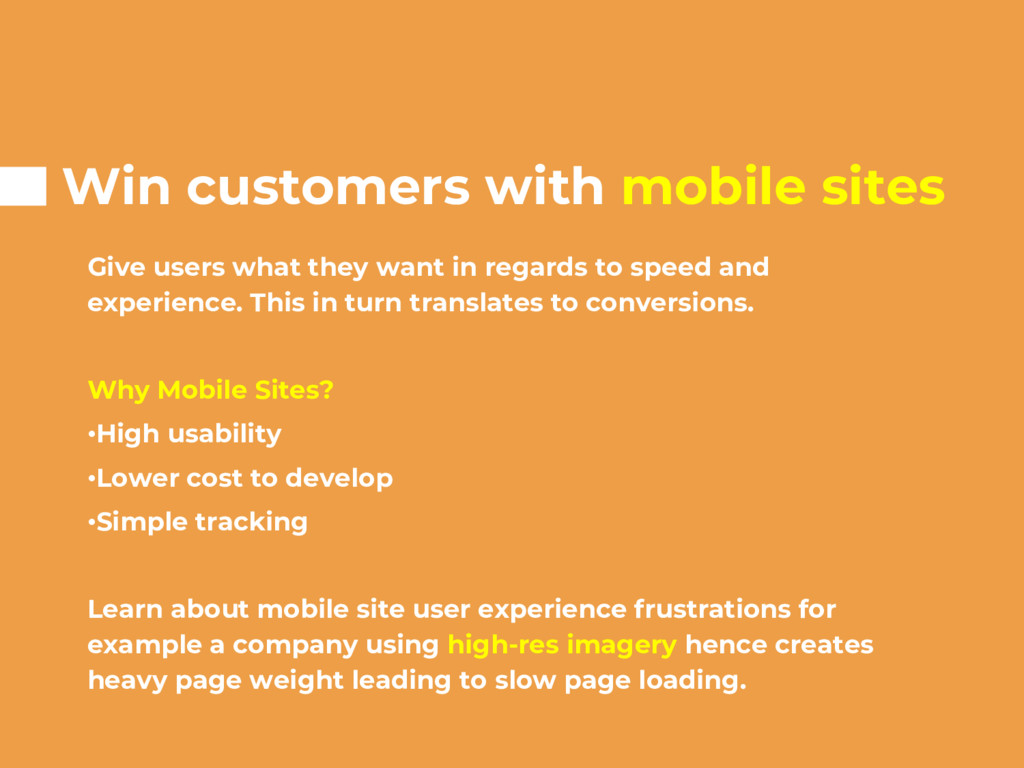
in regards to speed and experience. This in turn translates to conversions. Why Mobile Sites? •High usability •Lower cost to develop •Simple tracking Learn about mobile site user experience frustrations for example a company using high-res imagery hence creates heavy page weight leading to slow page loading.
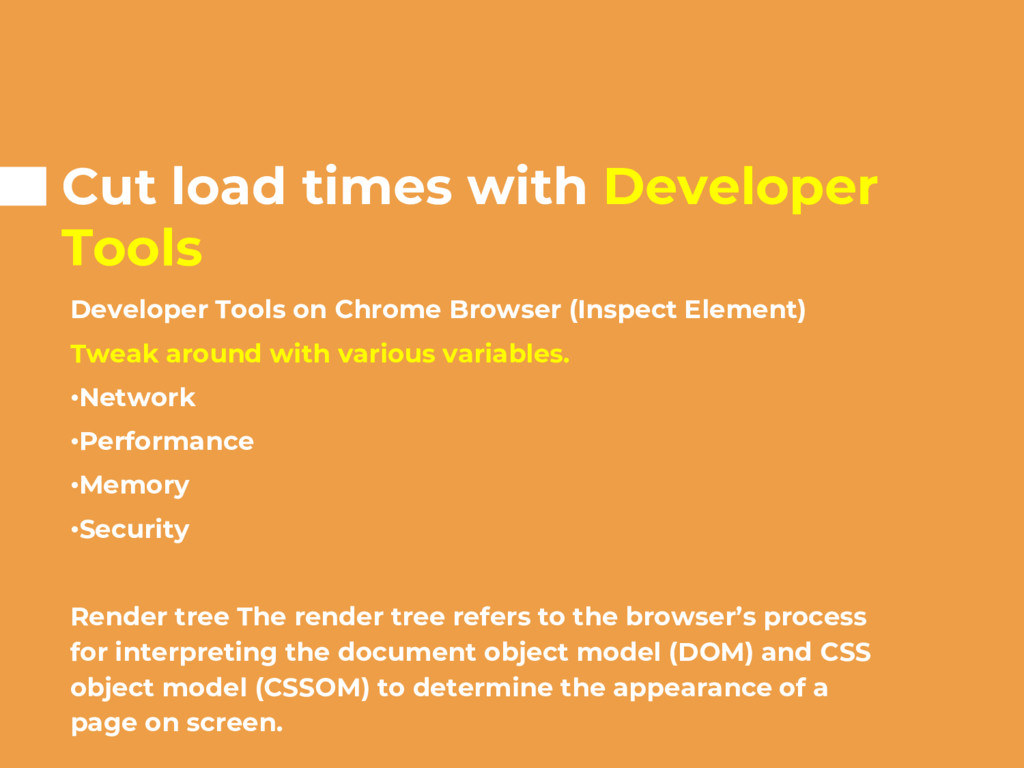
Browser (Inspect Element) Tweak around with various variables. •Network •Performance •Memory •Security Render tree The render tree refers to the browser’s process for interpreting the document object model (DOM) and CSS object model (CSSOM) to determine the appearance of a page on screen.
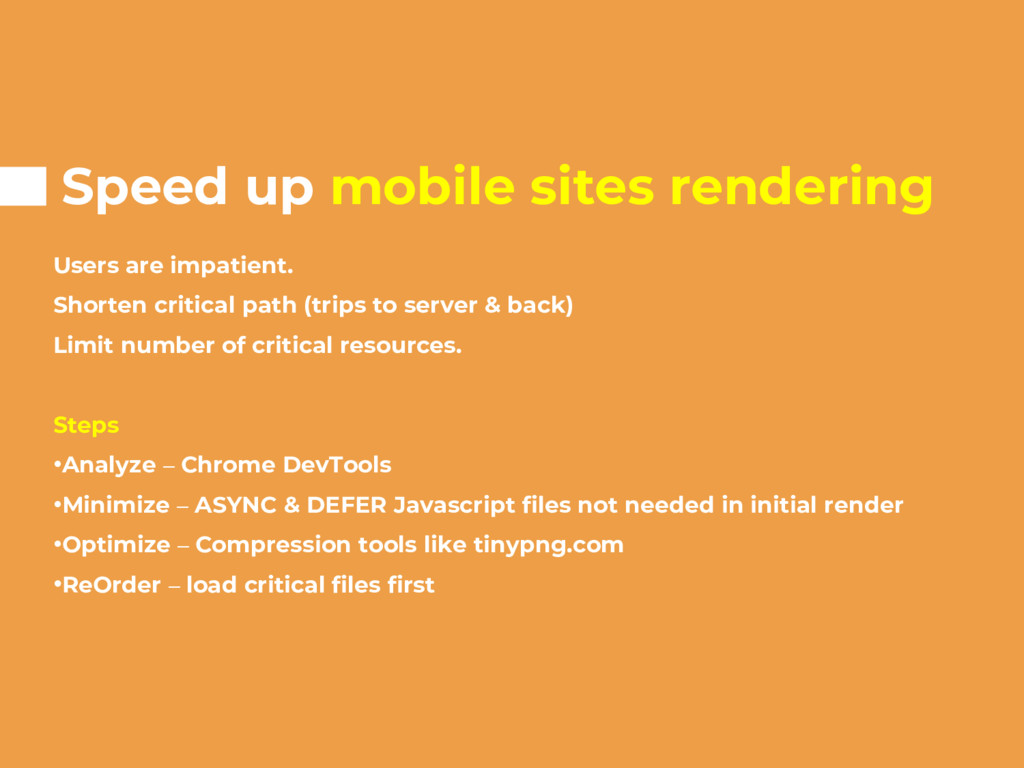
path (trips to server & back) Limit number of critical resources. Steps •Analyze – Chrome DevTools •Minimize – ASYNC & DEFER Javascript files not needed in initial render •Optimize – Compression tools like tinypng.com •ReOrder – load critical files first
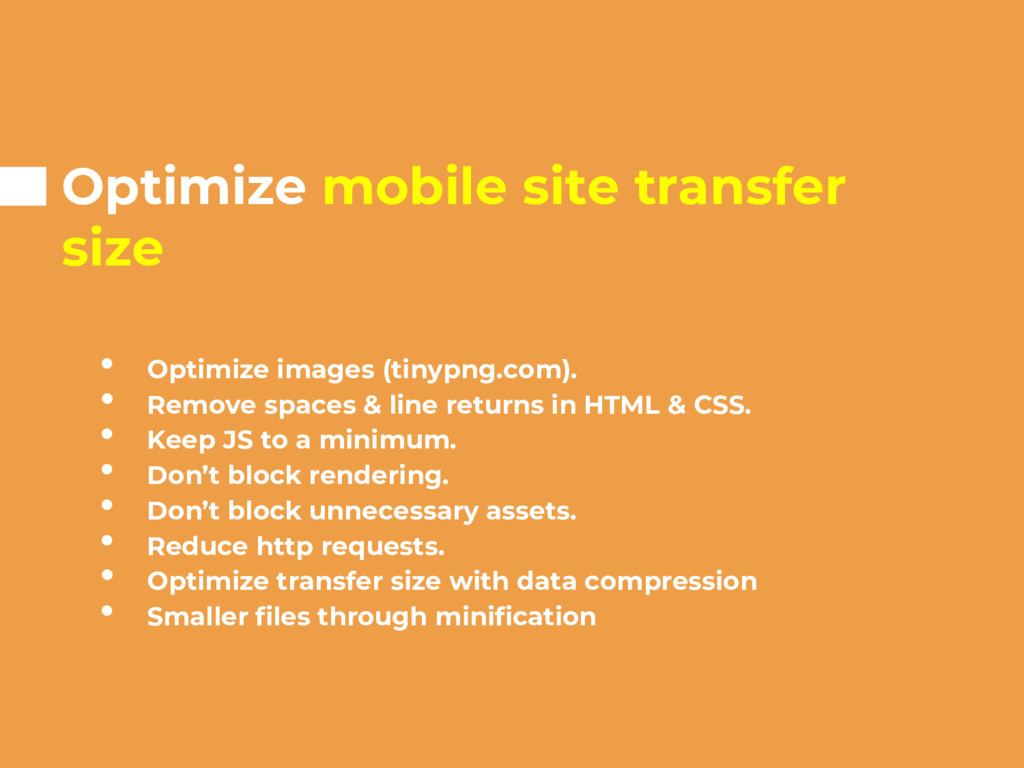
Remove spaces & line returns in HTML & CSS. • Keep JS to a minimum. • Don’t block rendering. • Don’t block unnecessary assets. • Reduce http requests. • Optimize transfer size with data compression • Smaller files through minification
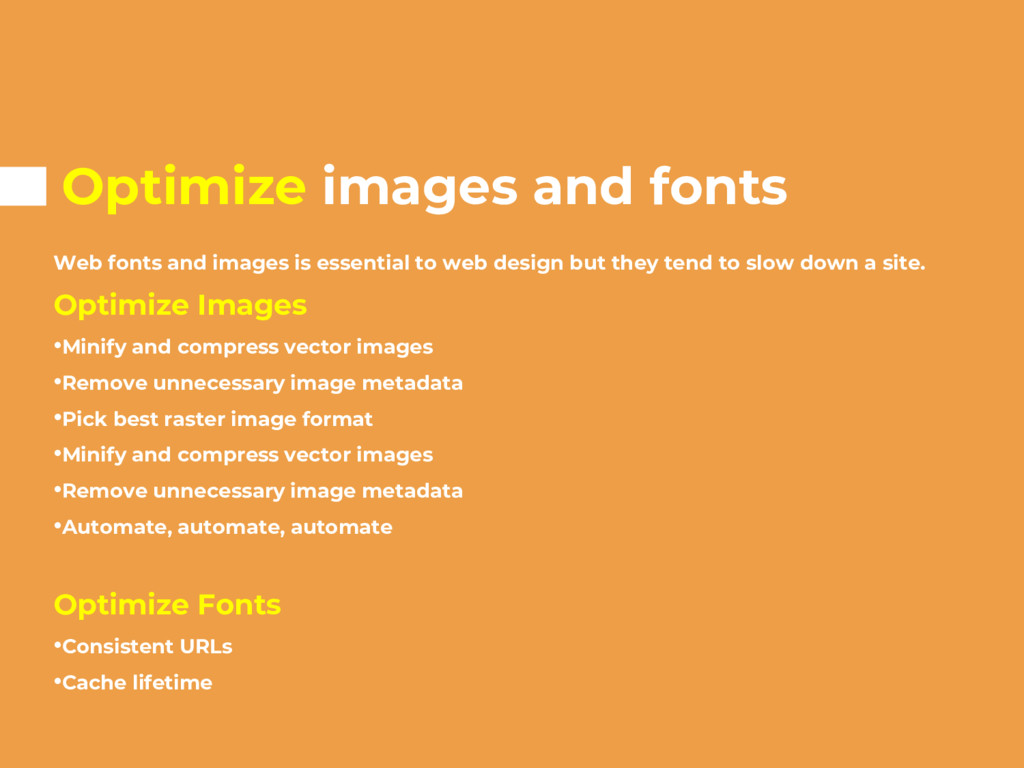
to web design but they tend to slow down a site. Optimize Images •Minify and compress vector images •Remove unnecessary image metadata •Pick best raster image format •Minify and compress vector images •Remove unnecessary image metadata •Automate, automate, automate Optimize Fonts •Consistent URLs •Cache lifetime
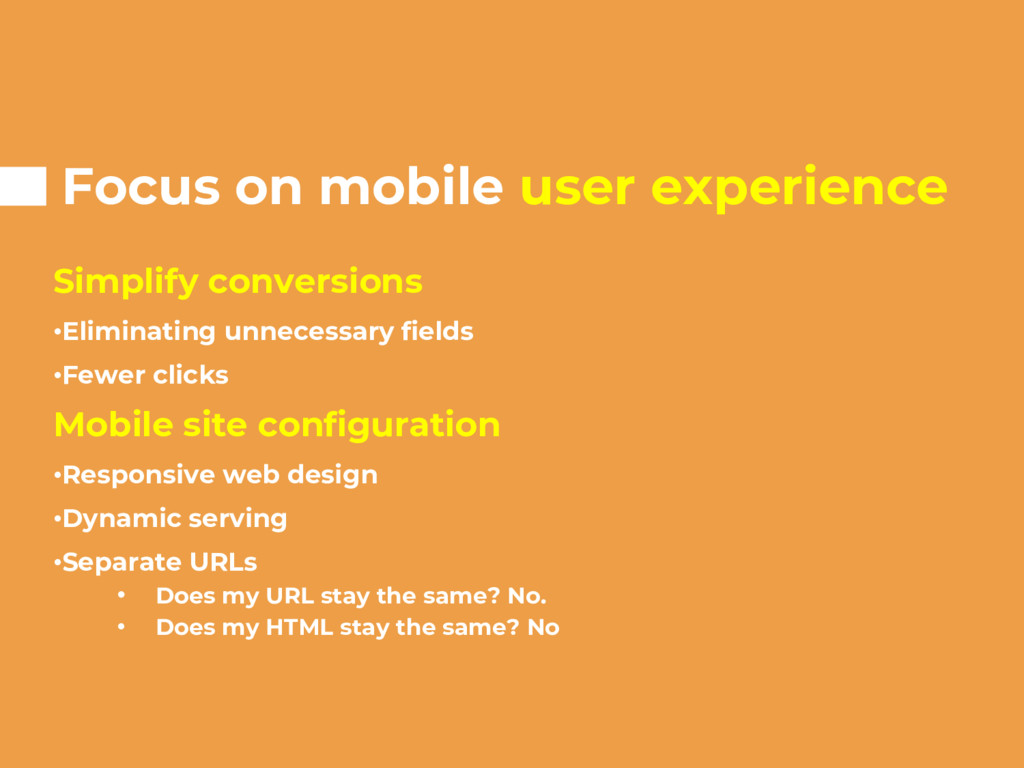
•Fewer clicks Mobile site configuration •Responsive web design •Dynamic serving •Separate URLs • Does my URL stay the same? No. • Does my HTML stay the same? No
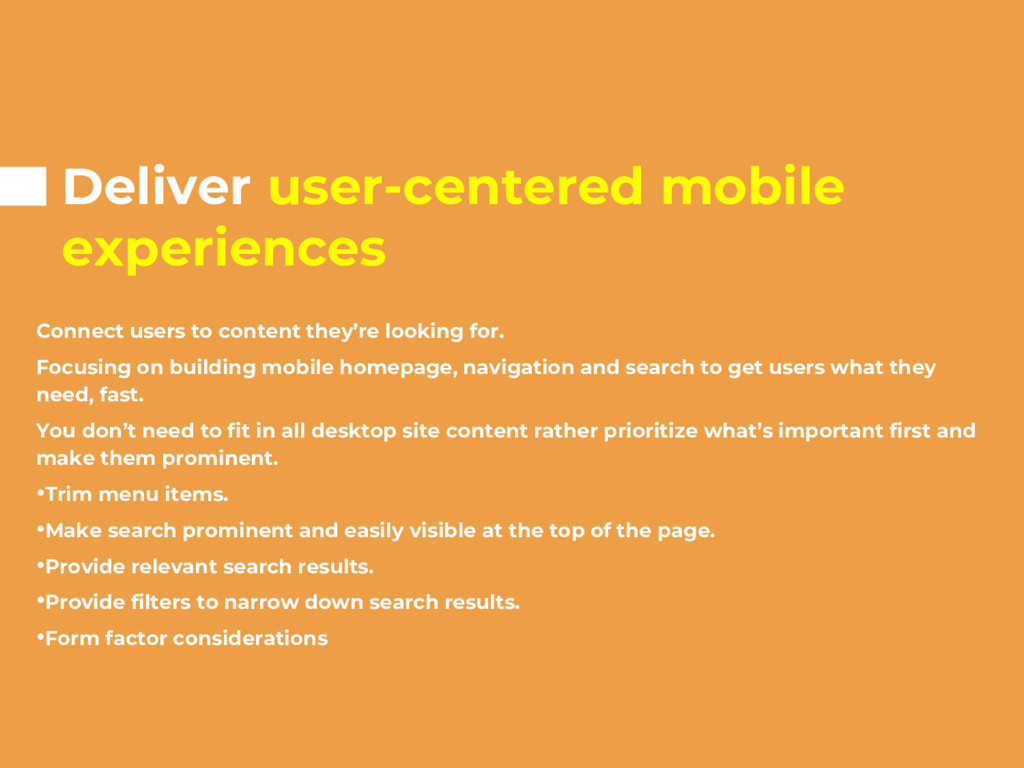
for. Focusing on building mobile homepage, navigation and search to get users what they need, fast. You don’t need to fit in all desktop site content rather prioritize what’s important first and make them prominent. •Trim menu items. •Make search prominent and easily visible at the top of the page. •Provide relevant search results. •Provide filters to narrow down search results. •Form factor considerations
registration to browse – customers reluctant to give info unless they see how you deliver them value. Avoid locking out users unfamiliar with your brand by requiring them to register first. •Type dates in a specific format – Make it simple for the user Provide visual calendar/date chooser •Forms must be filled out every time – Don’t let your customers do all the work Label forms clearly to minimize errors. Take advantage of auto-fill.
Analytics and optimize UX. Experiment using A/B Testing TOOLS TO USE FOR TESTING Google Optimize – tool used to manage and measure results in Google Analytics Google Analytics What is A/B Testing – comparing two versions of a webpage to determine which one performs better. Bounce rate – session where a person left the site without interacting with the landing page.
streamlined static content pages that appear to load almost instantaneously. Developing with AMP •Build with AMP HTML •Use AMP JavaScript library and AMP Cache How AMP delivers content fast AMP can load the layout of the page without waiting for any resources since size is stated in HTML. Doesn’t allow extension mechanisms block page rendering.
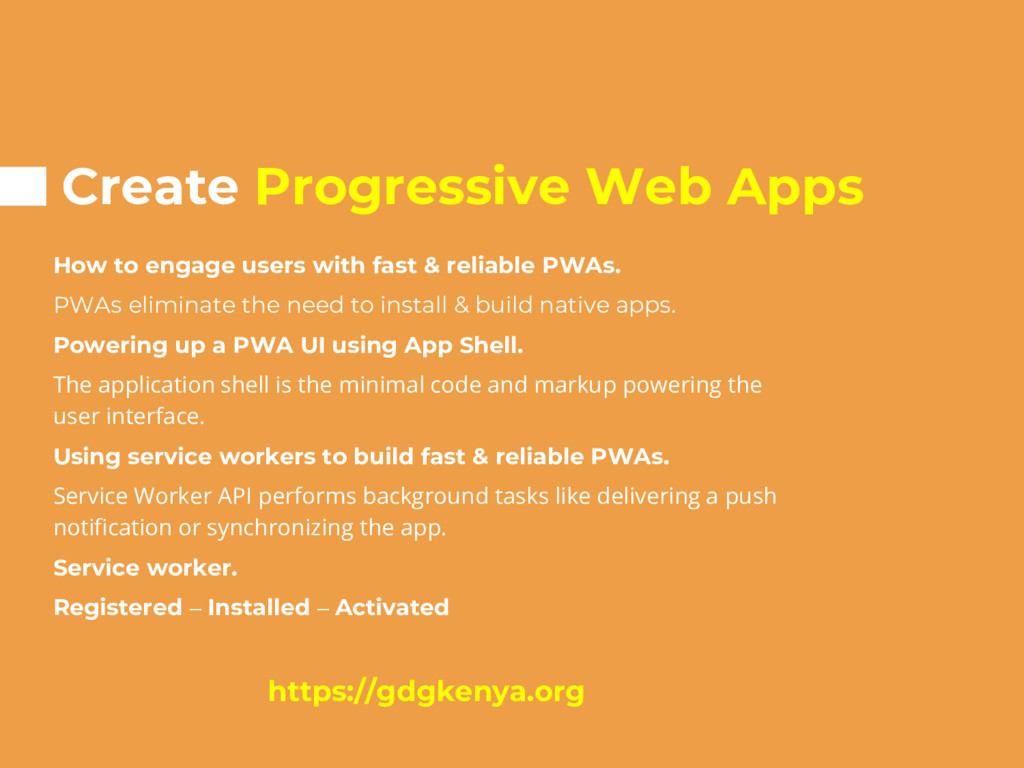
& reliable PWAs. PWAs eliminate the need to install & build native apps. Powering up a PWA UI using App Shell. The application shell is the minimal code and markup powering the user interface. Using service workers to build fast & reliable PWAs. Service Worker API performs background tasks like delivering a push notification or synchronizing the app. Service worker. Registered – Installed – Activated https://gdgkenya.org
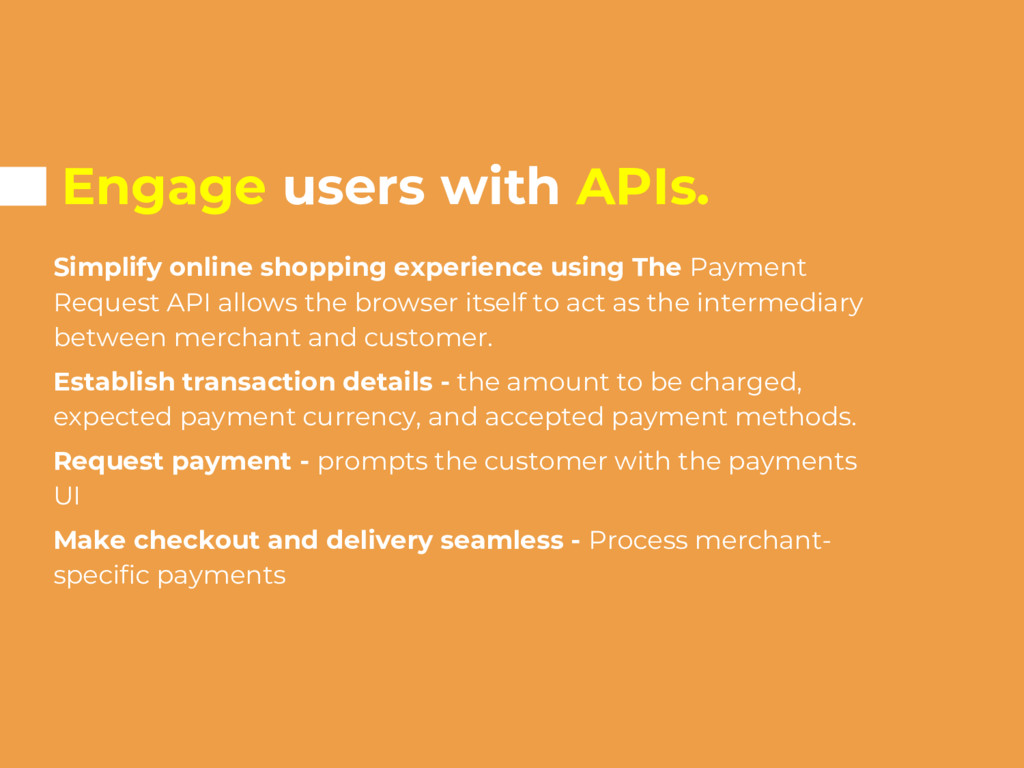
Payment Request API allows the browser itself to act as the intermediary between merchant and customer. Establish transaction details - the amount to be charged, expected payment currency, and accepted payment methods. Request payment - prompts the customer with the payments UI Make checkout and delivery seamless - Process merchant- specific payments
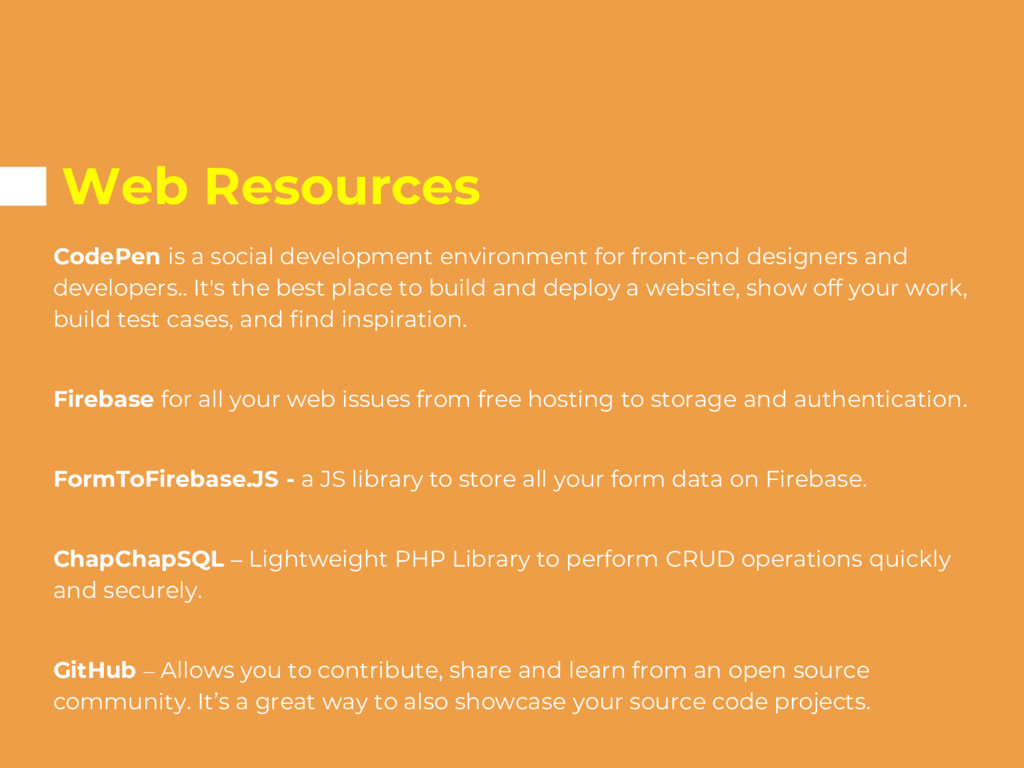
designers and developers.. It's the best place to build and deploy a website, show off your work, build test cases, and find inspiration. Firebase for all your web issues from free hosting to storage and authentication. FormToFirebase.JS - a JS library to store all your form data on Firebase. ChapChapSQL – Lightweight PHP Library to perform CRUD operations quickly and securely. GitHub – Allows you to contribute, share and learn from an open source community. It’s a great way to also showcase your source code projects.
score of 80% or higher to pass • You'll be able to review or change your answers before submitting the assessment • If you end the assessment early or the timer runs out before you've answered enough questions correctly, you won't pass


 kelvinkamau
 makocchi
 yut0naga1_fa
 yamanoku
 pfn
pfn
 sudoakiy
 kentarofujii
 ykanoh
 tomokusaba
 willnet
 occhi
occhi
 endonanana
 odashi
 bcantrill
 davidcarrasco
 axbom
axbom
 ryanjones
 cassininazir
 sergeychernyshev
 kristinabergwall1
 kastner
 ivargrimstad
 shpigford
 lcolladotor