Upgrade to Pro
— share decks privately, control downloads, hide ads and more …
Speaker Deck
Sign up for free
Menu
Search
Features
All features
Private URLs
Password Protection
Custom URLS
Scheduled publishing
Remove Branding
Restrict embedding
Deck Collections
Notes
Features
All features
Private URLs
Password Protection
Custom URLS
Scheduled publishing
Remove Branding
Restrict embedding
Deck Collections
Notes
Explore
Featured decks
Featured speakers
Programming
Technology
Storyboards
Explore
Featured decks
Featured speakers
Programming
Technology
Storyboards
Pricing
Search
Sign in
Sign up for free
MotionLayout : Animation Magic
Search
Thomas Kioko
October 05, 2018
170
1
Share
Embed
Copy iframe code
Copy JS code
Copy link
Start on current slide
MotionLayout : Animation Magic
Thomas Kioko
October 05, 2018
Featured
See All Featured
Visual Storytelling: How to be a Superhuman Communicator
reverentgeek
2
710
The Web Performance Landscape in 2024 [PerfNow 2024]
tammyeverts
12
1.3k
jQuery: Nuts, Bolts and Bling
dougneiner
66
8.6k
The innovator’s Mindset - Leading Through an Era of Exponential Change - McGill University 2025
jdejongh
PRO
1
370
SEOcharity - Dark patterns in SEO and UX: How to avoid them and build a more ethical web
sarafernandez
0
300
Producing Creativity
orderedlist
PRO
348
41k
Crafting Experiences
bethany
1
380
個人開発の失敗を避けるイケてる考え方 / tips for indie hackers
panda_program
123
22k
Jess Joyce - The Pitfalls of Following Frameworks
techseoconnect
PRO
1
440
Marketing to machines
jonoalderson
1
5.9k
Statistics for Hackers
jakevdp
799
230k
Fireside Chat
paigeccino
43
4.1k
Transcript
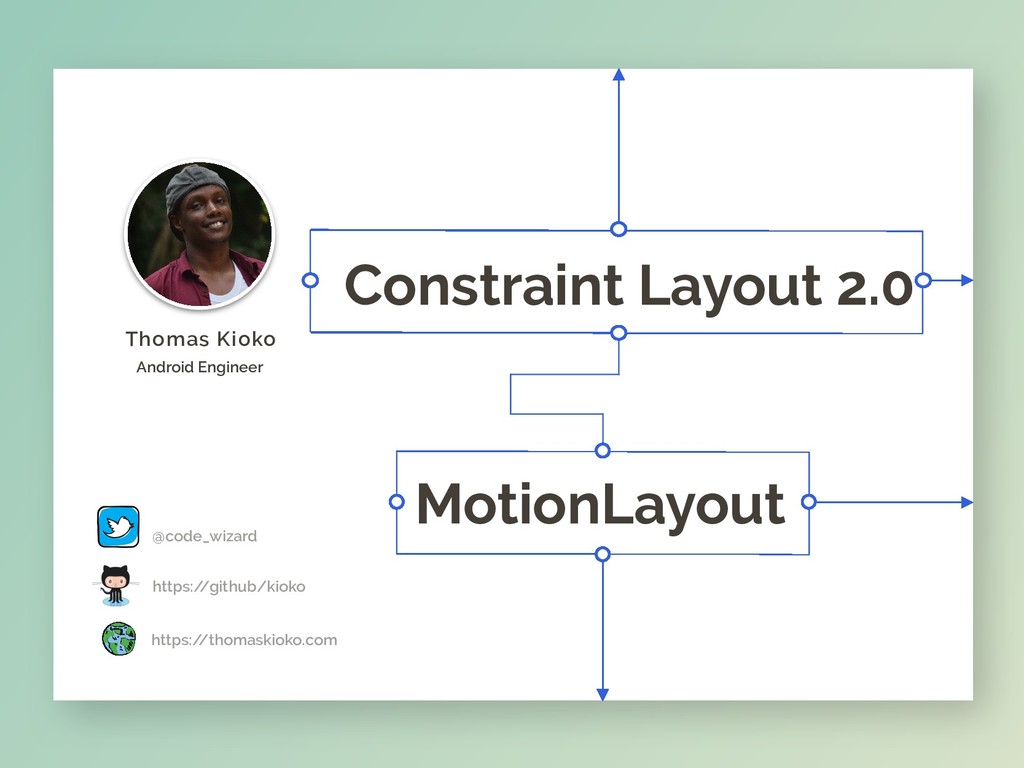
MotionLayout @code_wizard https:/ /github/kioko https:/ /thomaskioko.com Thomas Kioko Android Engineer
Constraint Layout 2.0
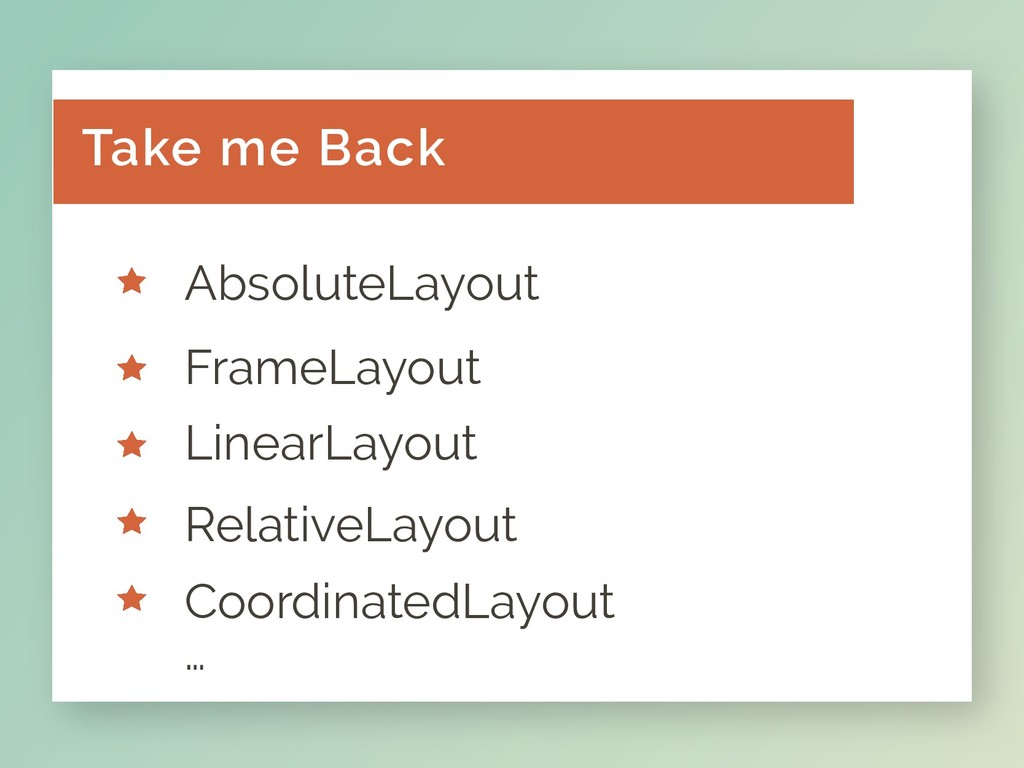
BUT FIRST …
AbsoluteLayout FrameLayout RelativeLayout CoordinatedLayout … LinearLayout Take me Back
Other Layouts R.I.P
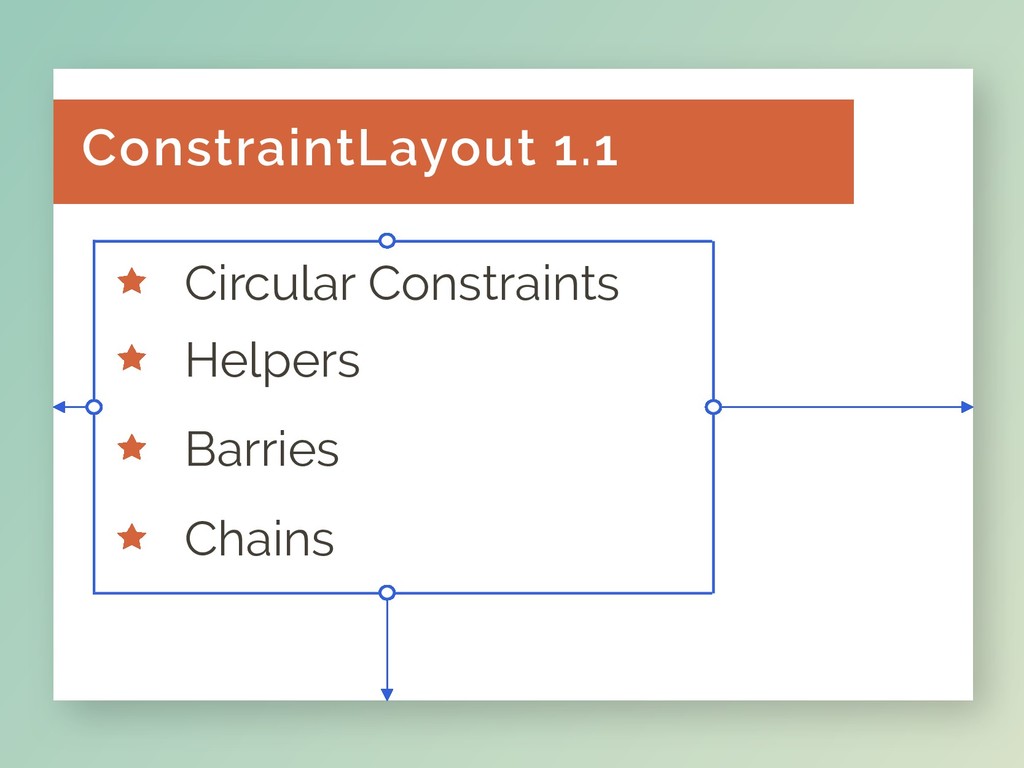
Constraint 1.1
Chains Circular Constraints Helpers Barries ConstraintLayout 1.1
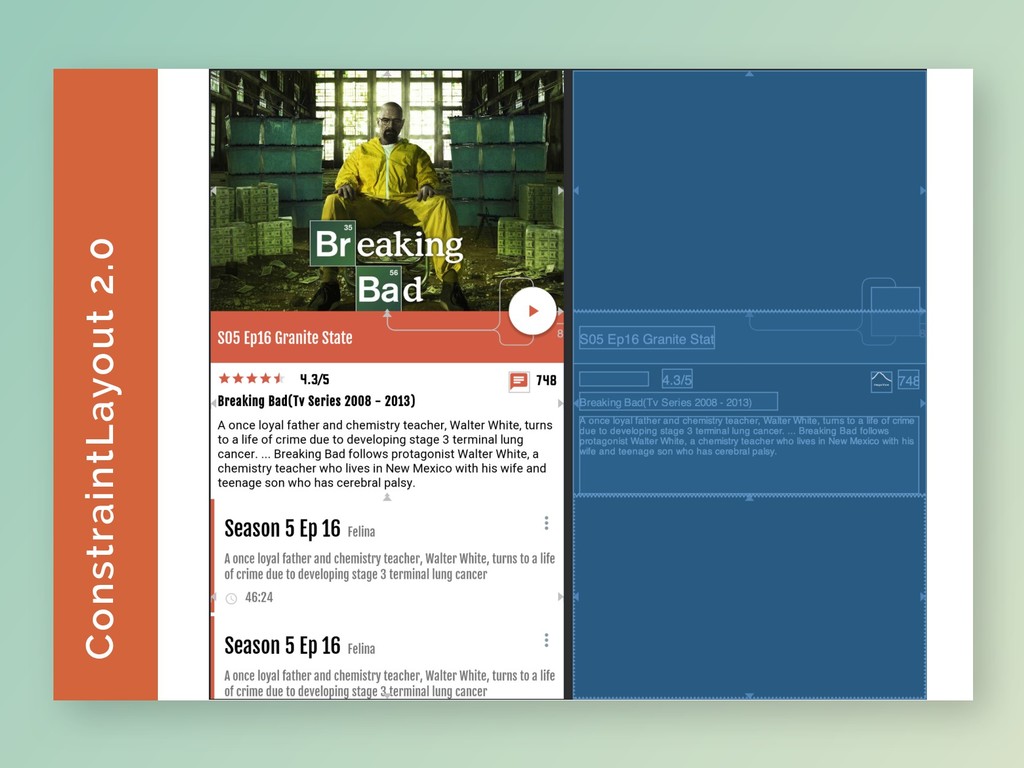
ConstraintLayout 2.0
There’s more …
ConstraintLayout 2.0
Will I be able to control robots? 2.0… Why?
Will it take me to the moon? 2.0… Why?
“ “ “ “ MotionLayout
Bring your UI back from the dead Animations
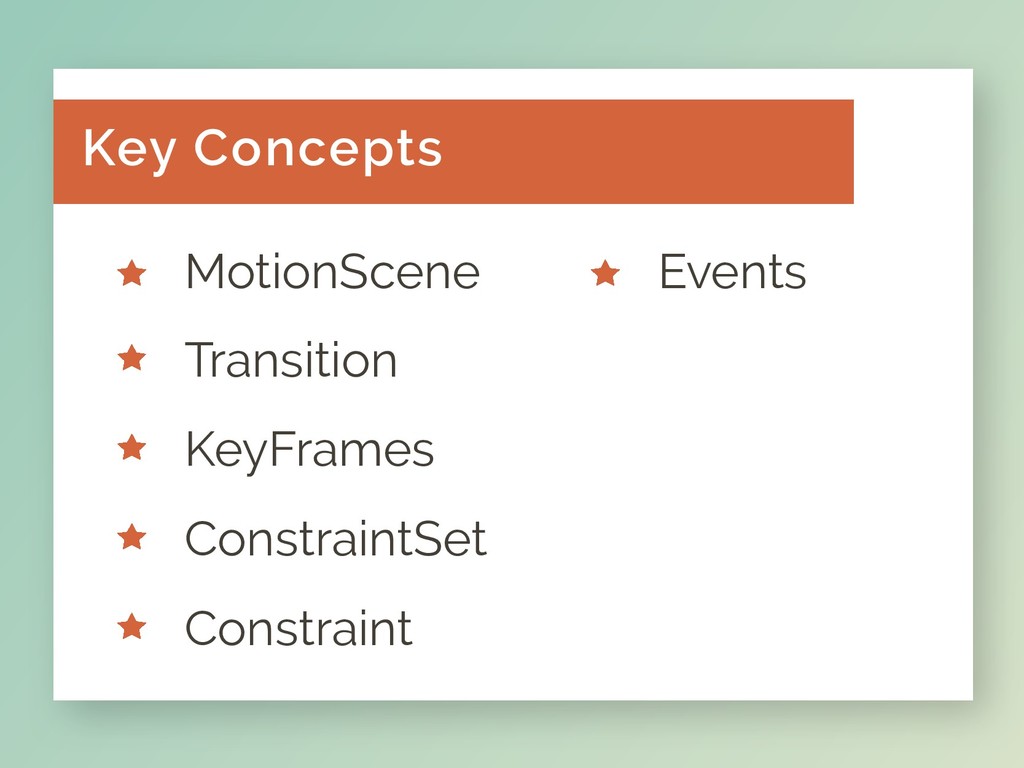
ConstraintSet Constraint MotionScene Events Transition KeyFrames Key Concepts
Let’s Cook Some Code
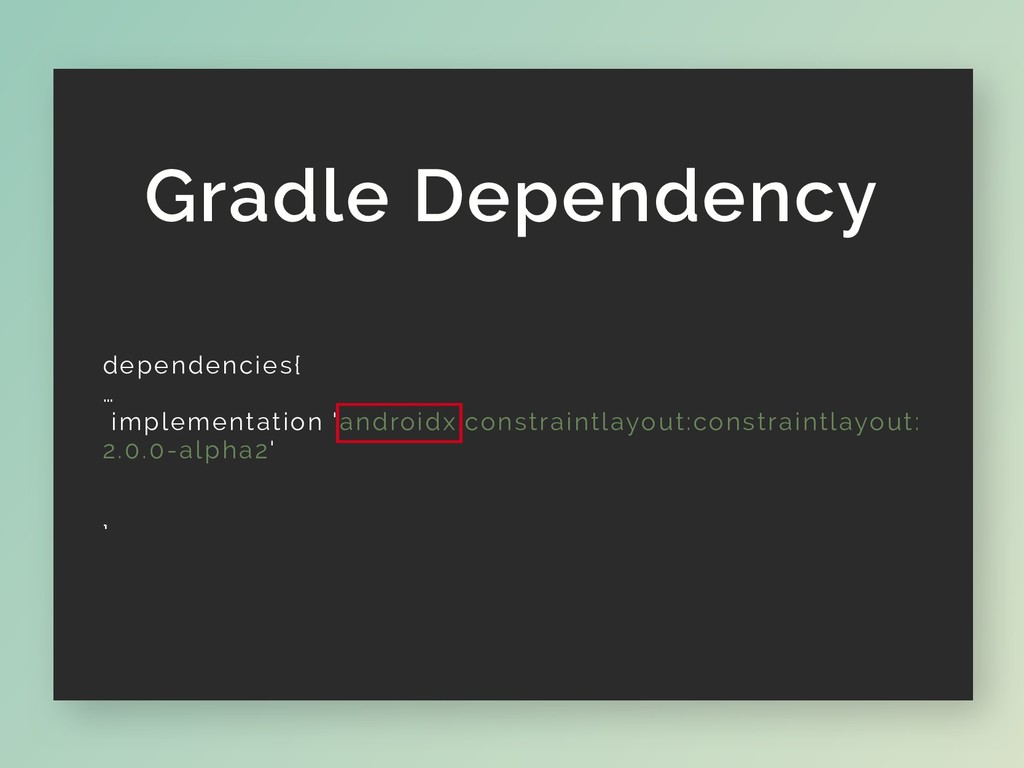
Gradle Dependency dependencies{ … implementation 'androidx.constraintlayout:constraintlayout: 2.0.0-alpha2' }
- Improvments on Support Library - Backward compatibility. Btw …
AndroidX released with JetPack
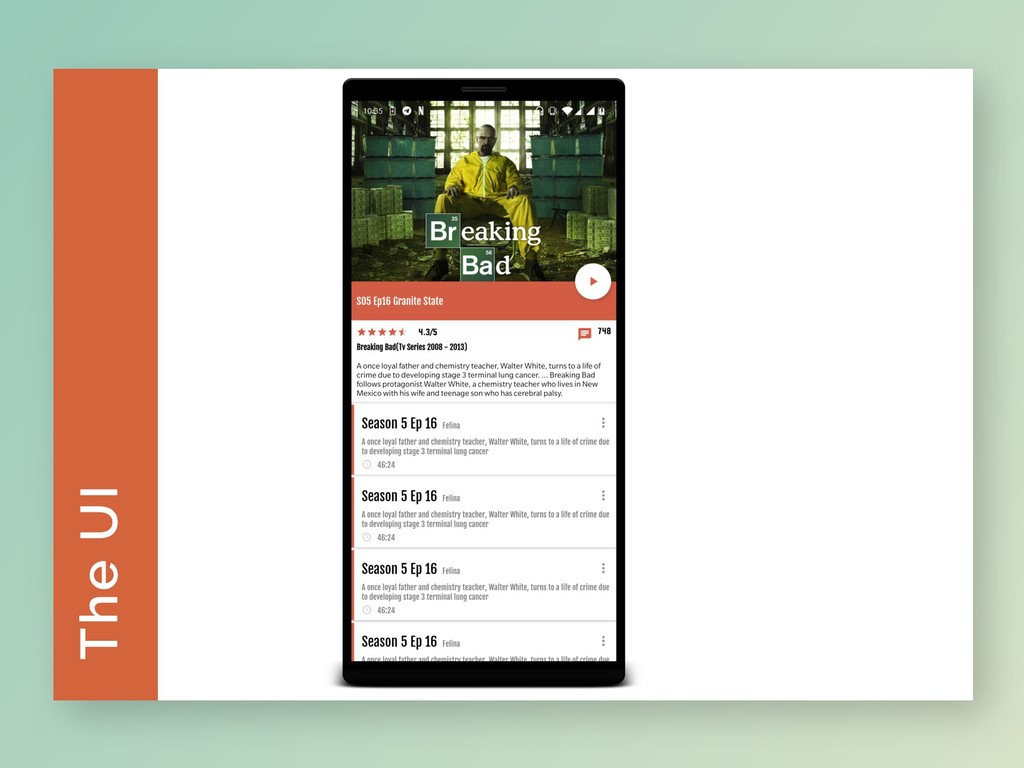
The UI
A few minutes later…. …..
Movie UI -1- Define The Layouts
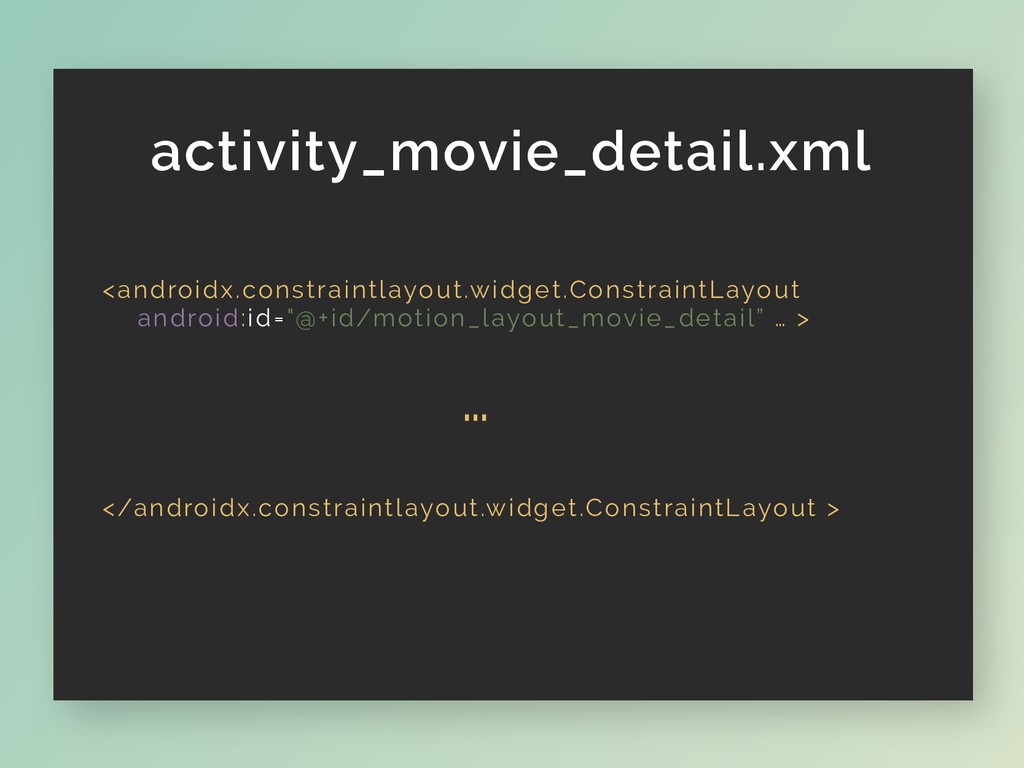
activity_movie_detail.xml <androidx.constraintlayout.widget.ConstraintLayout android:id="@+id/motion_layout_movie_detail” … > … </androidx.constraintlayout.widget.ConstraintLayout >
Let’s dance -2- Switch to MotionLayout
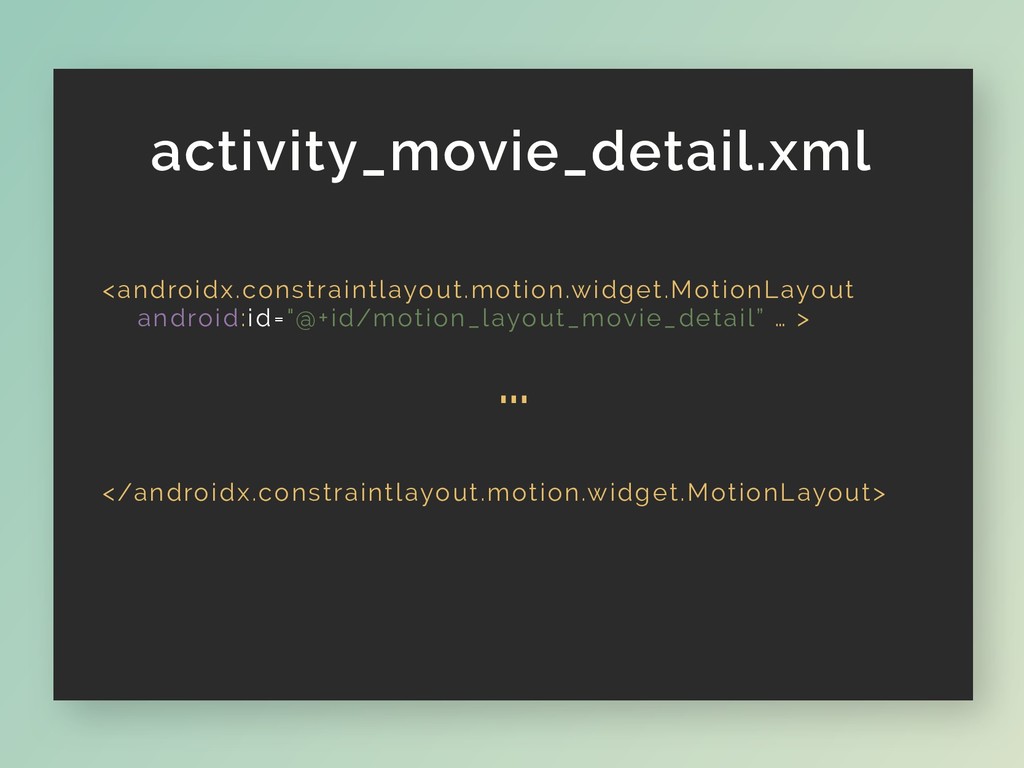
activity_movie_detail.xml <androidx.constraintlayout.motion.widget.MotionLayout android:id="@+id/motion_layout_movie_detail” … > … </androidx.constraintlayout.motion.widget.MotionLayout>
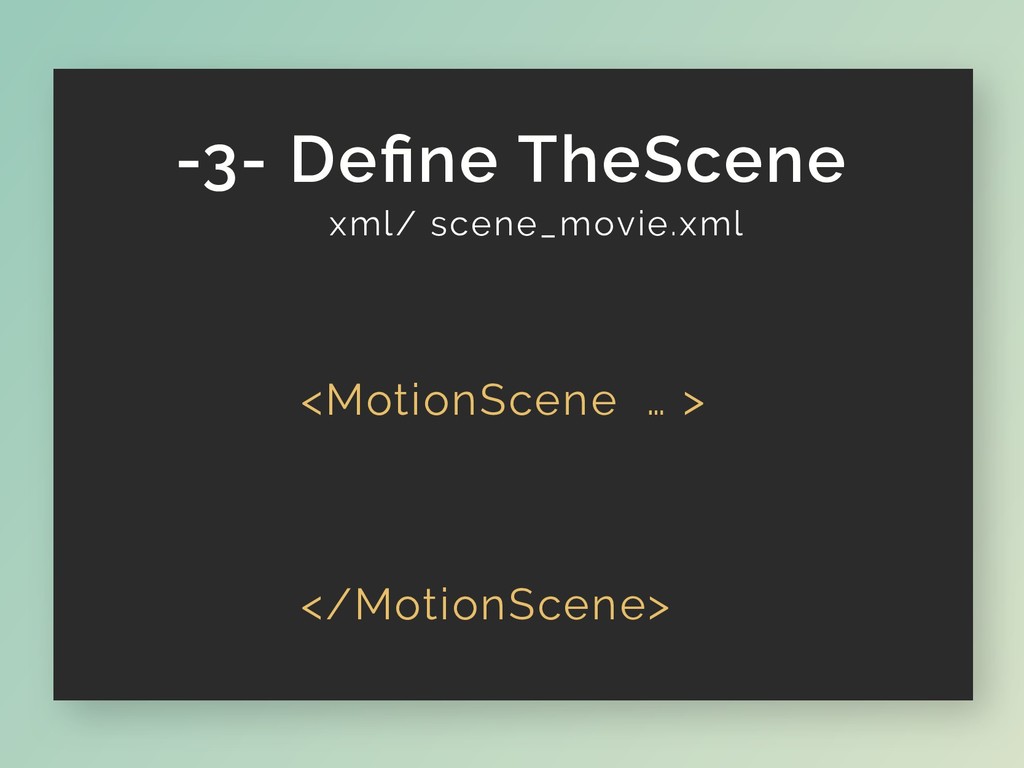
xml/ scene_movie.xml <MotionScene … > </MotionScene> -3- Define TheScene
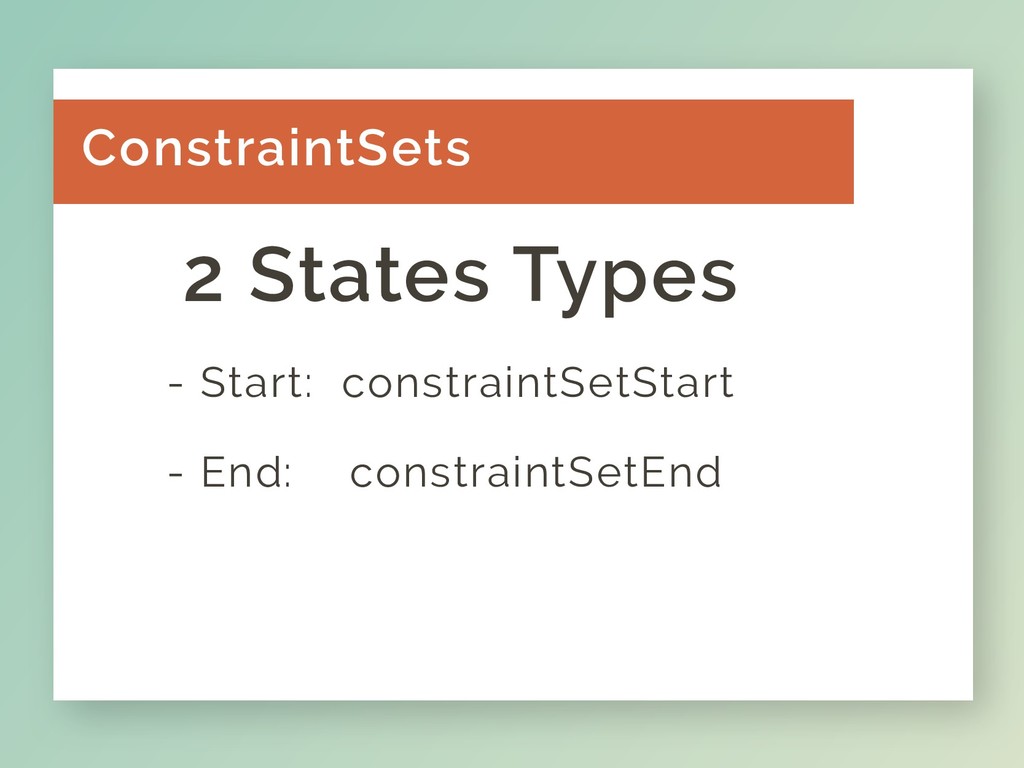
- Start: constraintSetStart - End: constraintSetEnd ConstraintSets 2 States Types
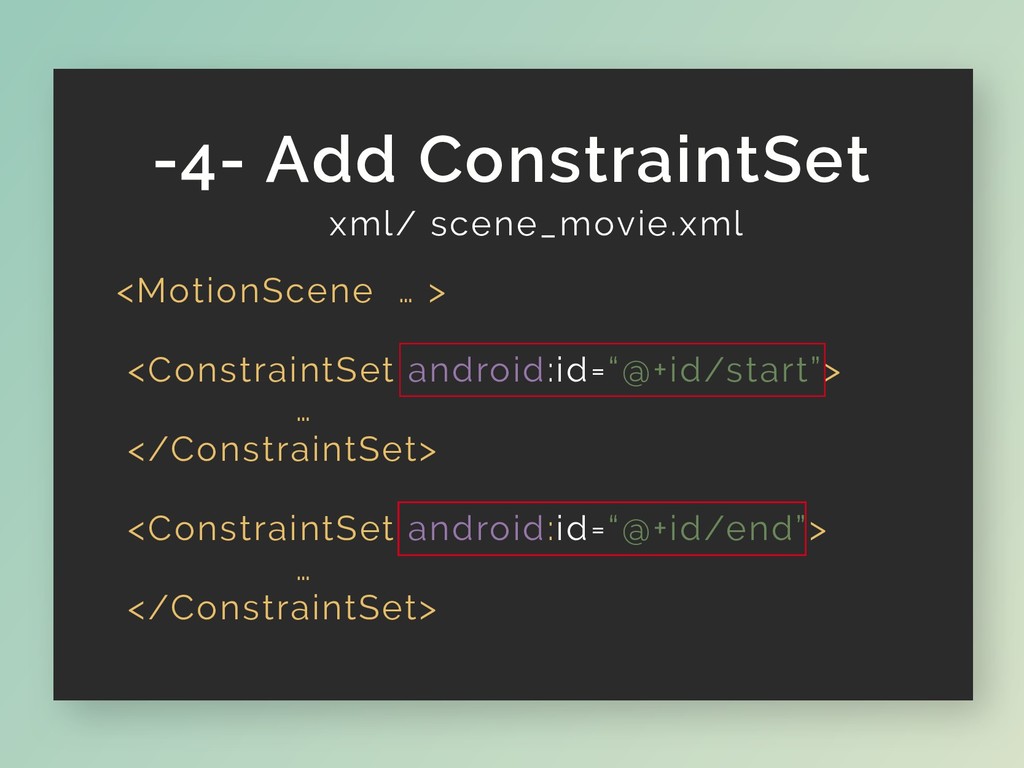
xml/ scene_movie.xml <MotionScene … > <ConstraintSet android:id=“@+id/start”> … </ConstraintSet> <ConstraintSet
android:id=“@+id/end”> … </ConstraintSet> </MotionScene> -4- Add ConstraintSet
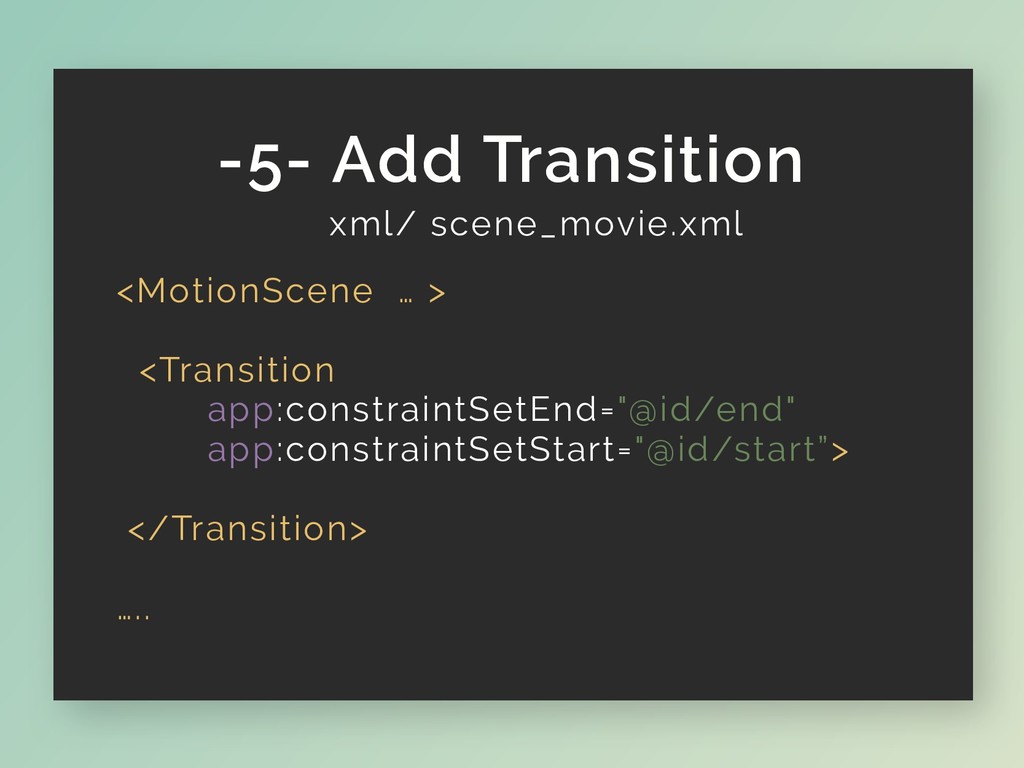
xml/ scene_movie.xml <MotionScene … > <Transition app:constraintSetEnd="@id/end" app:constraintSetStart="@id/start”> </Transition> …..
</MotionScene> -5- Add Transition
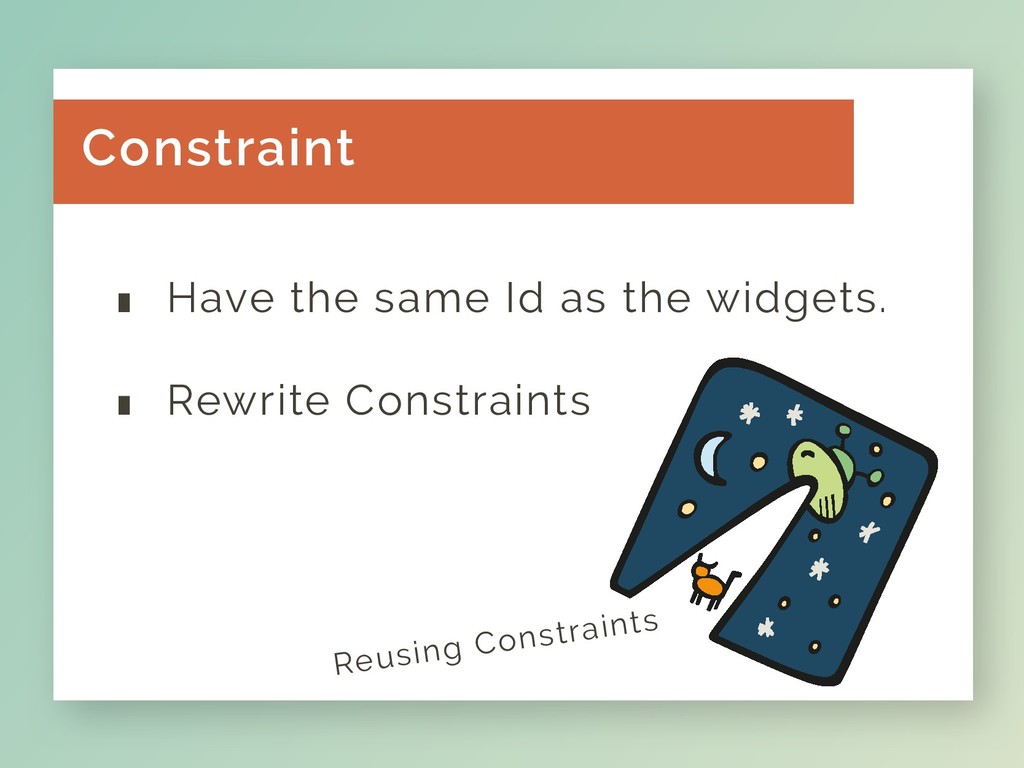
Reusing Constraints .Have the same Id as the widgets. .
Rewrite Constraints Constraint
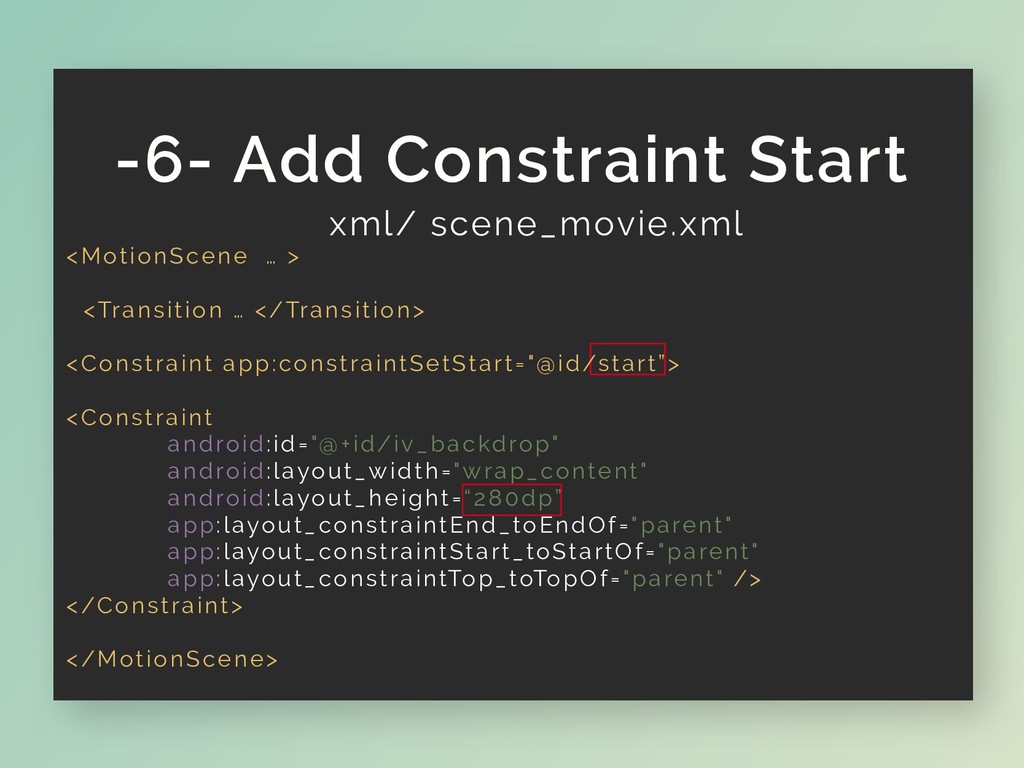
xml/ scene_movie.xml <MotionScene … > <Transition … </Transition> <Constraint app:constraintSetStart="@id/start”>
<Constraint android:id="@+id/iv_backdrop" android:layout_width="wrap_content" android:layout_height=“280dp” app:layout_constraintEnd_toEndOf="parent" app:layout_constraintStart_toStartOf="parent" app:layout_constraintTop_toTopOf="parent" /> </Constraint> </MotionScene> -6- Add Constraint Start
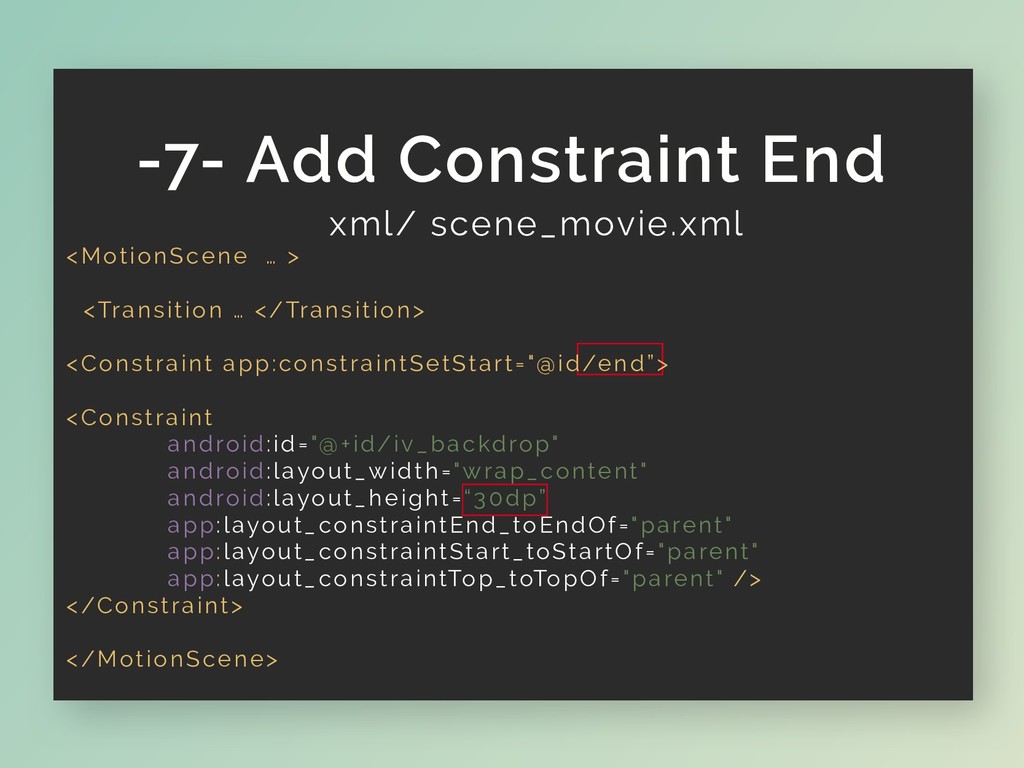
xml/ scene_movie.xml <MotionScene … > <Transition … </Transition> <Constraint app:constraintSetStart="@id/end”>
<Constraint android:id="@+id/iv_backdrop" android:layout_width="wrap_content" android:layout_height=“30dp” app:layout_constraintEnd_toEndOf="parent" app:layout_constraintStart_toStartOf="parent" app:layout_constraintTop_toTopOf="parent" /> </Constraint> </MotionScene> -7- Add Constraint End
xml/ scene_movie.xml -8- Add Other Constraints
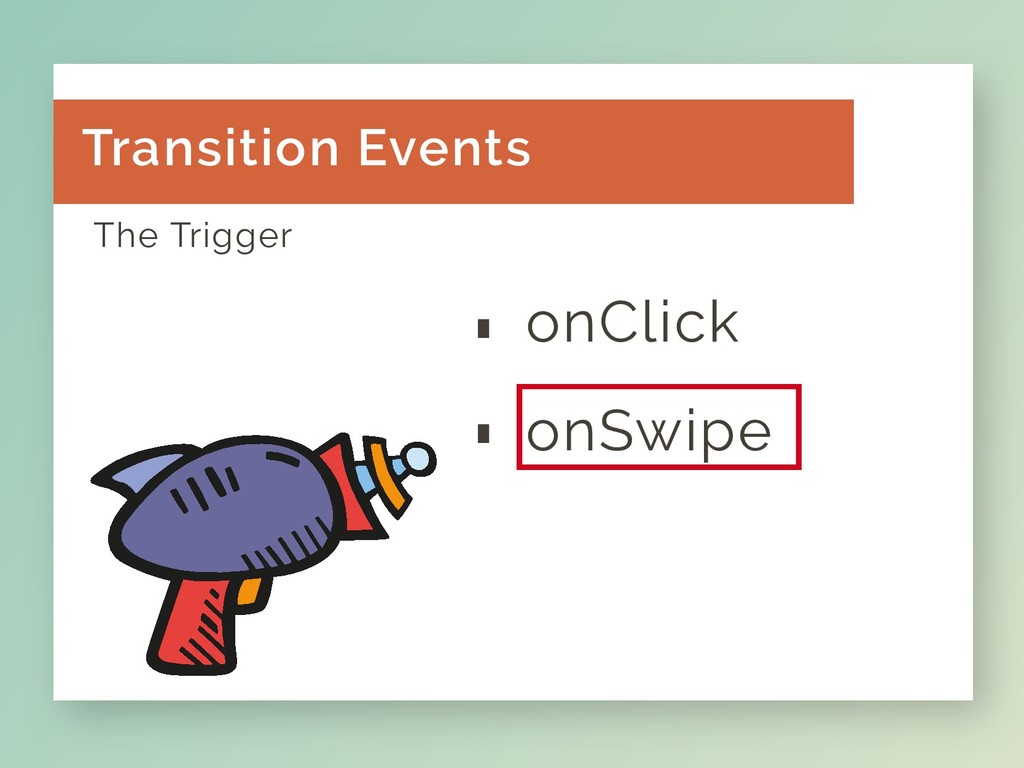
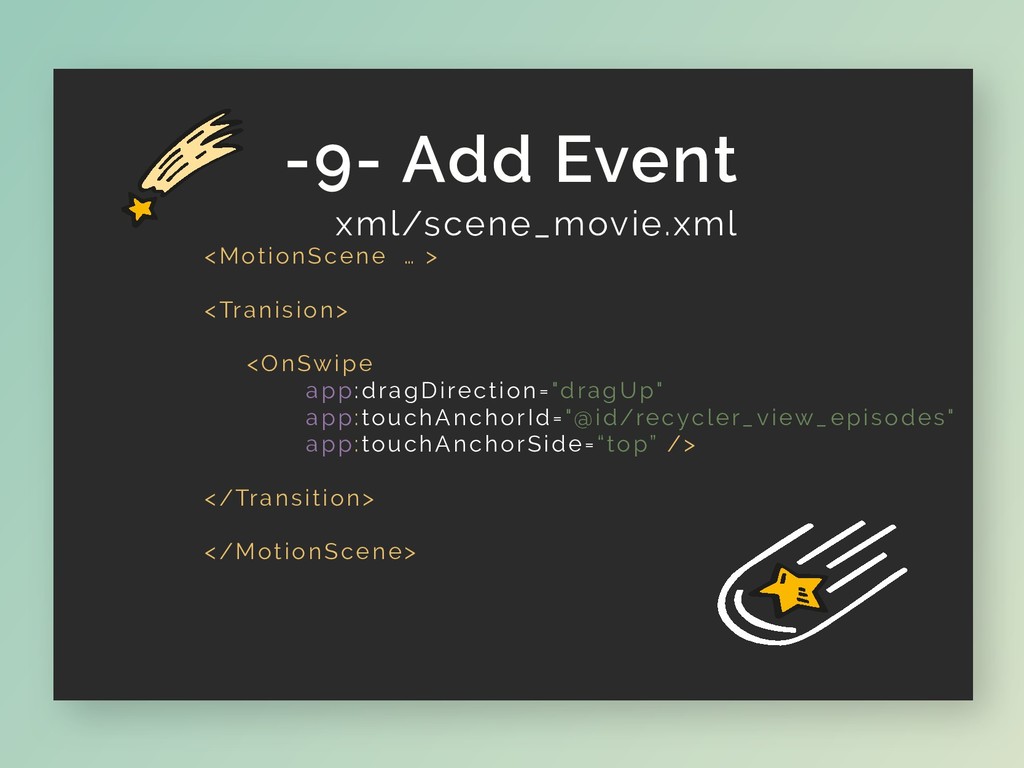
.onClick The Trigger . onSwipe Transition Events
xml/scene_movie.xml <MotionScene … > <Tranision> <OnSwipe app:dragDirection="dragUp" app:touchAnchorId="@id/recycler_view_episodes" app:touchAnchorSide=“top” />
</Transition> </MotionScene> -9- Add Event
Prepare for Landing
Let’s up MotionScene & the Layout -10- Last Line (I
Think ..)
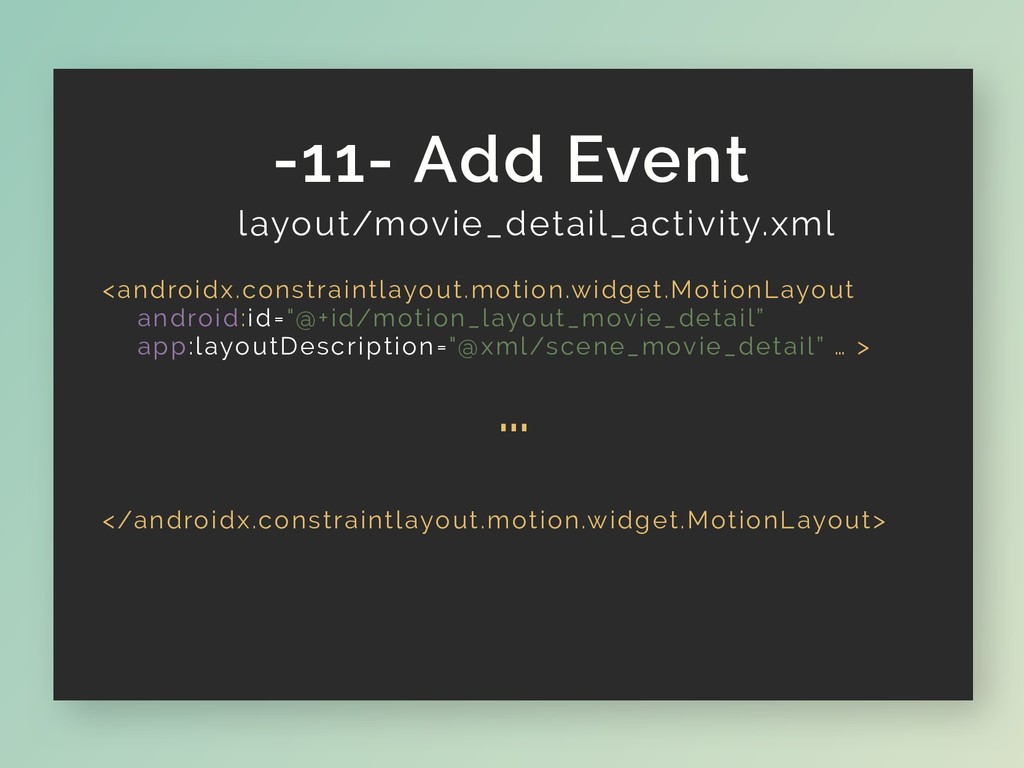
layout/movie_detail_activity.xml -11- Add Event <androidx.constraintlayout.motion.widget.MotionLayout android:id="@+id/motion_layout_movie_detail” app:layoutDescription="@xml/scene_movie_detail” … > …
</androidx.constraintlayout.motion.widget.MotionLayout>
…
None
The End
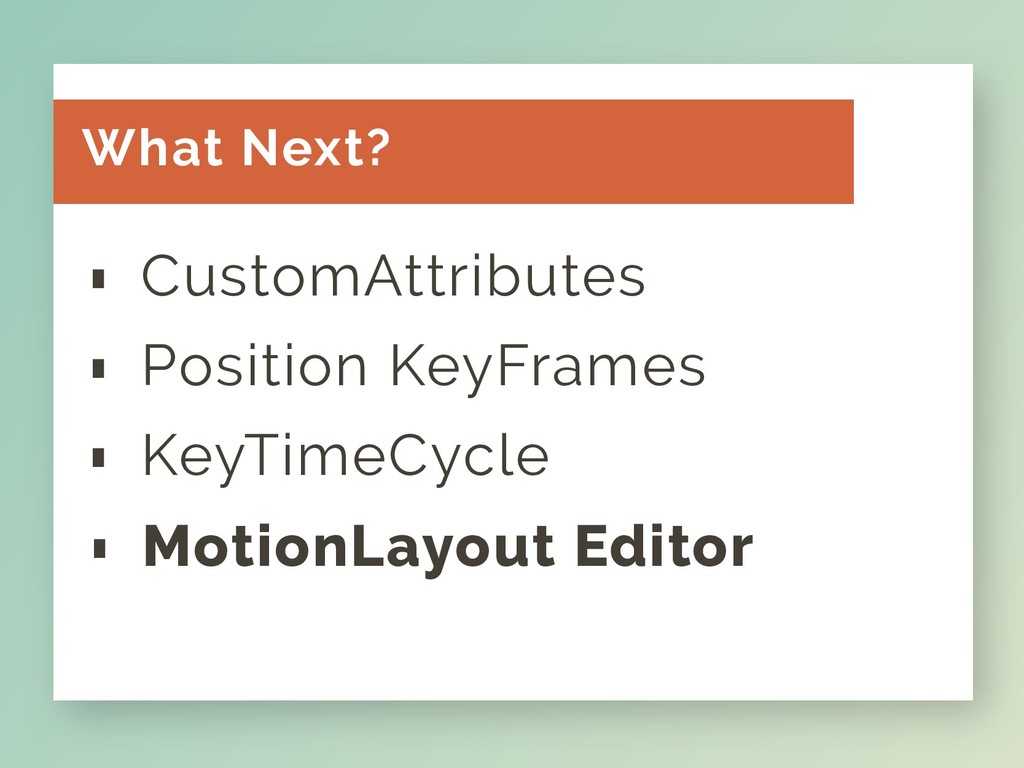
CustomAttributes . Position KeyFrames . KeyTimeCycle . What Next? MotionLayout
Editor .
@code_wizard The End. https://github.com/kioko https://thomaskioko.com


 reverentgeek
 tammyeverts
 dougneiner
 jdejongh
 sarafernandez
 orderedlist
 bethany
 panda_program
 techseoconnect
 jonoalderson
 jakevdp
 paigeccino