Upgrade to Pro — share decks privately, control downloads, hide ads and more …

ZFS on the server and the desktop: N+1 ways to ...

Sponsored · SiteGround - Reliable hosting with speed, security, and support you can count on.

ZFS on the server and the desktop: N+1 ways to better store your data

Presented on 21 November 2013 at the NLUUG fall conference in Bunnik, The Netherlands

Avatar for Matthias van der Heide

Matthias van der Heide

November 21, 2013

Other Decks in Technology

Transcript

  1. ZFS on the server and the desktop N+1 ways to

    better store your data Presented at NLUUG 21-11-2013
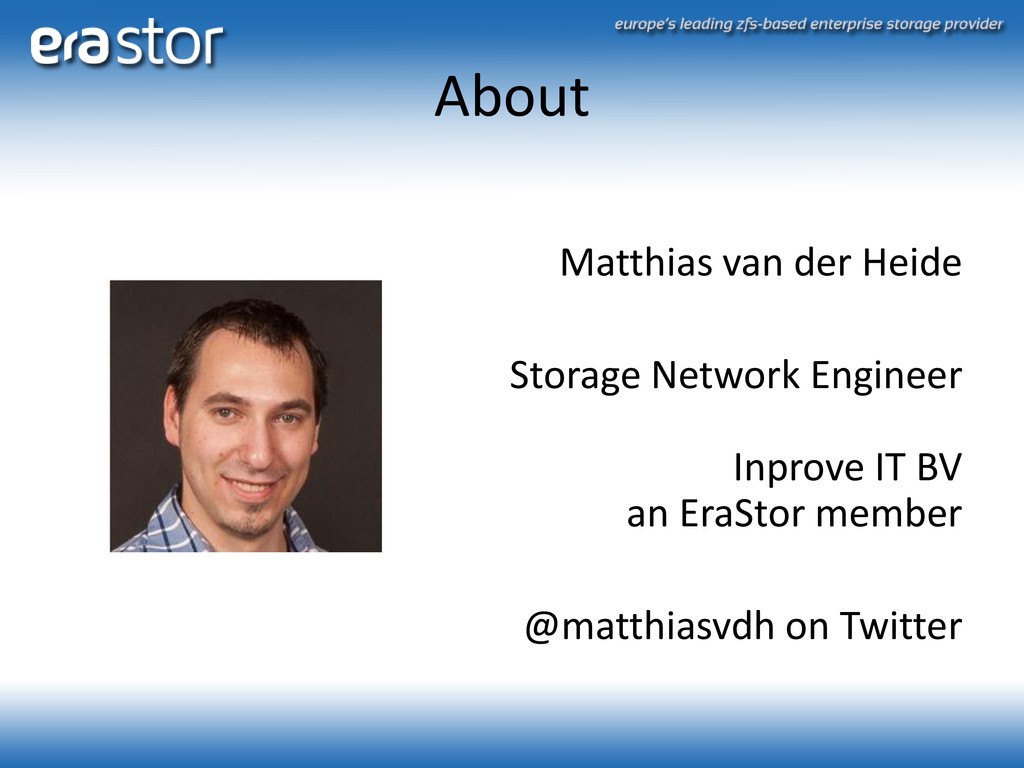
  2. About Matthias van der Heide Storage Network Engineer Inprove IT

    BV an EraStor member @matthiasvdh on Twitter
  3. Contents • ZFS Intro • Features • N+1 ways •

    Why use it in DevOps • Where to get it
  4. What is ZFS? • “Zettabyte File System” • Sun, now

    Oracle • Thank Sun for OpenSolaris and releasing ZFS
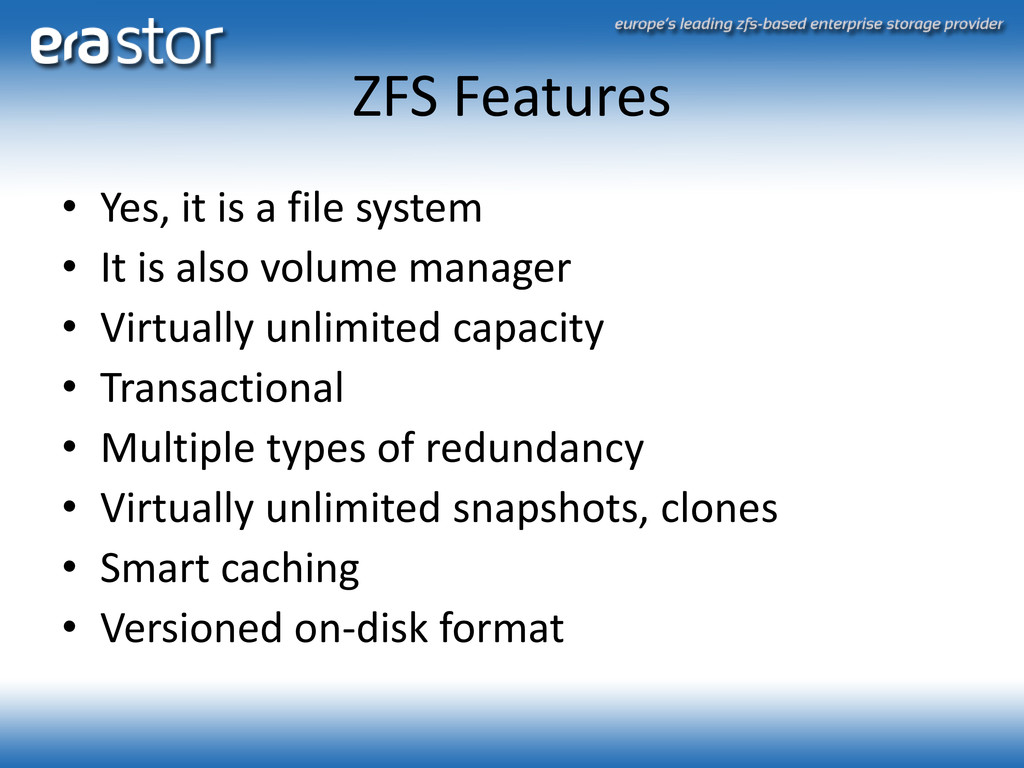
  5. ZFS Features • Yes, it is a file system •

    It is also volume manager • Virtually unlimited capacity • Transactional • Multiple types of redundancy • Virtually unlimited snapshots, clones • Smart caching • Versioned on-disk format
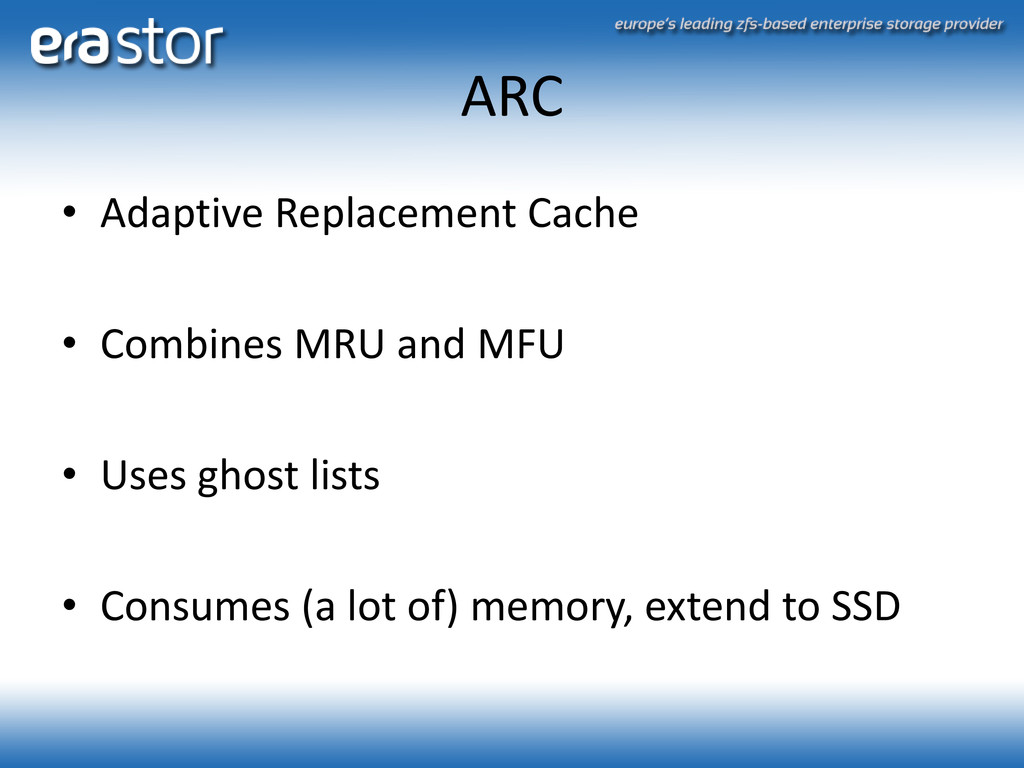
  6. ARC • Adaptive Replacement Cache • Combines MRU and MFU

    • Uses ghost lists • Consumes (a lot of) memory, extend to SSD
  7. ZIL • ZFS Intent Log • In memory • On

    the pool • Optionally on a seperate log device (SSD)
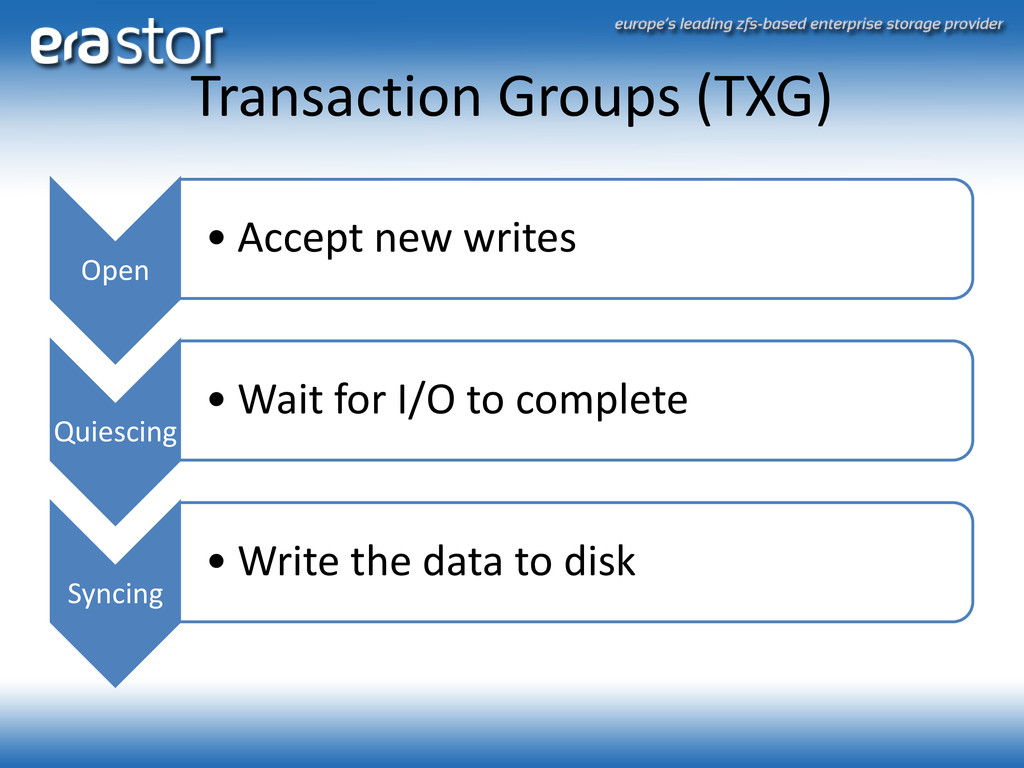
  8. Transaction Groups (TXG) Open • Accept new writes Quiescing •

    Wait for I/O to complete Syncing • Write the data to disk
  9. N+1 ways • Designing your pool • Testing your pool

    • Tuning the filesystem • Maintenance
  10. N=1: Designing your pool • Your performance and redundancy needs

    determine your pool design • You can change it, only slightly, afterwards • Consider a system with 4 HDDs • Now what do I do?
  11. Redundancy types • A vdev is the building block of

    the zpool • Everything is striped over vdevs • Options: – Leaf (1) – Mirror (2..n) – RAID-Z1 (n+1) – RAID-Z2 (n+2)
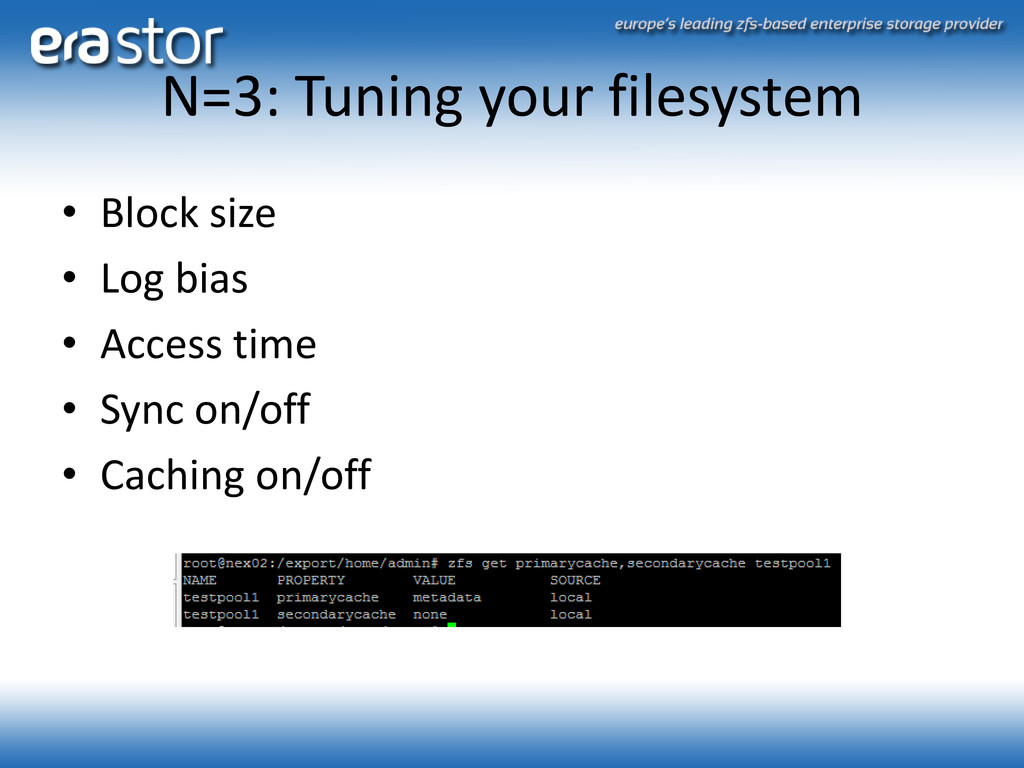
  12. N=3: Tuning your filesystem • Block size • Log bias

    • Access time • Sync on/off • Caching on/off
  13. N=4: Maintenance • ZFS will tell you when stuff is

    broken • Check data on all reads • Regular scrubs
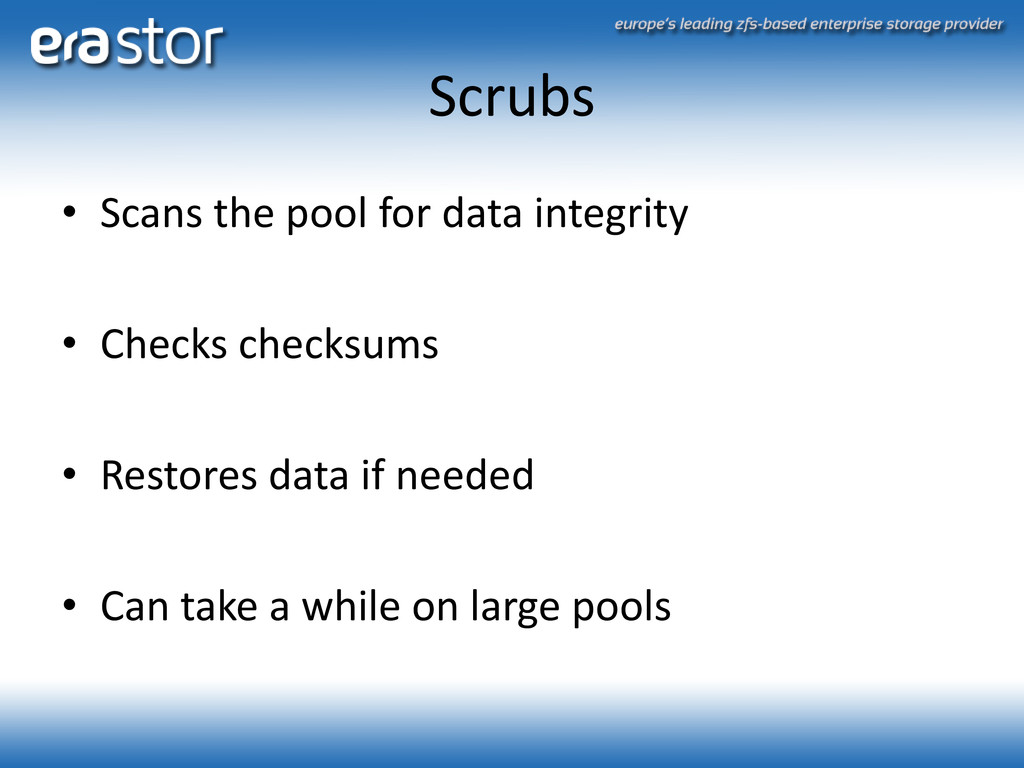
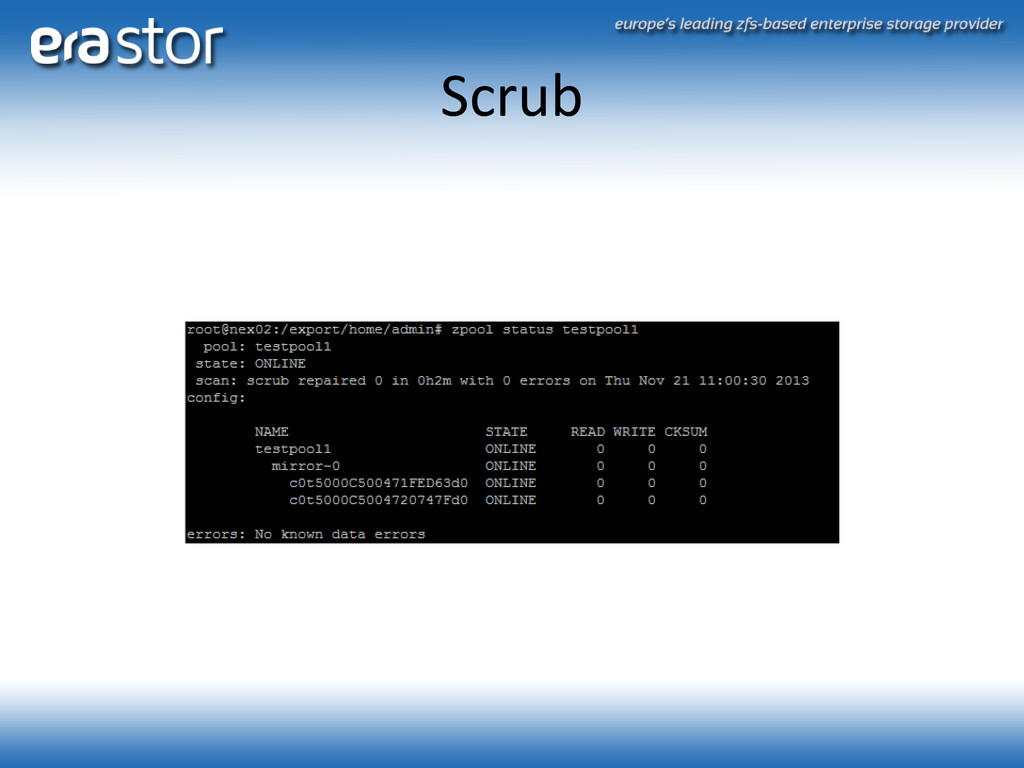
  14. Scrubs • Scans the pool for data integrity • Checks

    checksums • Restores data if needed • Can take a while on large pools
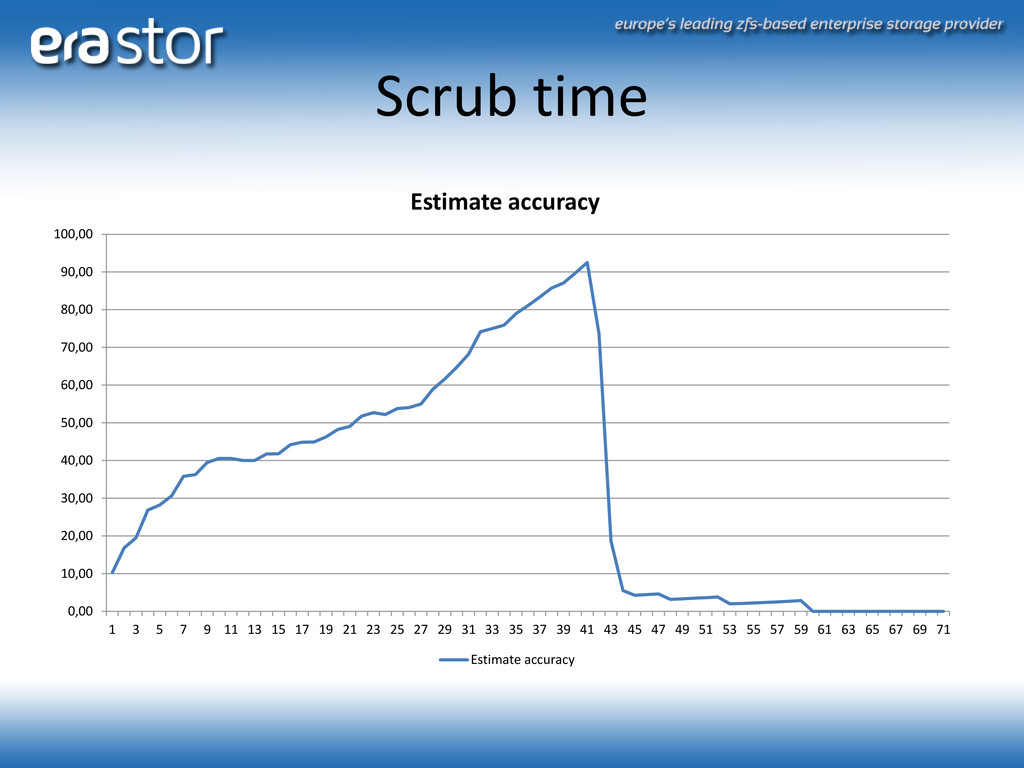
  15. Scrub time 0,00 10,00 20,00 30,00 40,00 50,00 60,00 70,00

    80,00 90,00 100,00 1 3 5 7 9 11 13 15 17 19 21 23 25 27 29 31 33 35 37 39 41 43 45 47 49 51 53 55 57 59 61 63 65 67 69 71 Estimate accuracy Estimate accuracy
  16. Future work on ZFS • Feature flags enables development of

    features seperately • Persistent L2ARC • Larger block support • Dedupe tables on SSD
  17. Why use it in DevOps • ZFS performs • ZFS

    scales – From your laptop to your workstation to your cloud • ZFS replicates – Using zfs send/receive you can deploy copies of your VMs to other hosts – Keep simple backups of your repos and machines • Use snapshots to boot into new versions of your operating system
  18. Where to get it? • FreeBSD • Mac • ZFS

    on Linux • Illumos (EraStor OS) • NexentaStor (based on OpenSolaris/Illumos) • OpenZFS - http://open-zfs.org