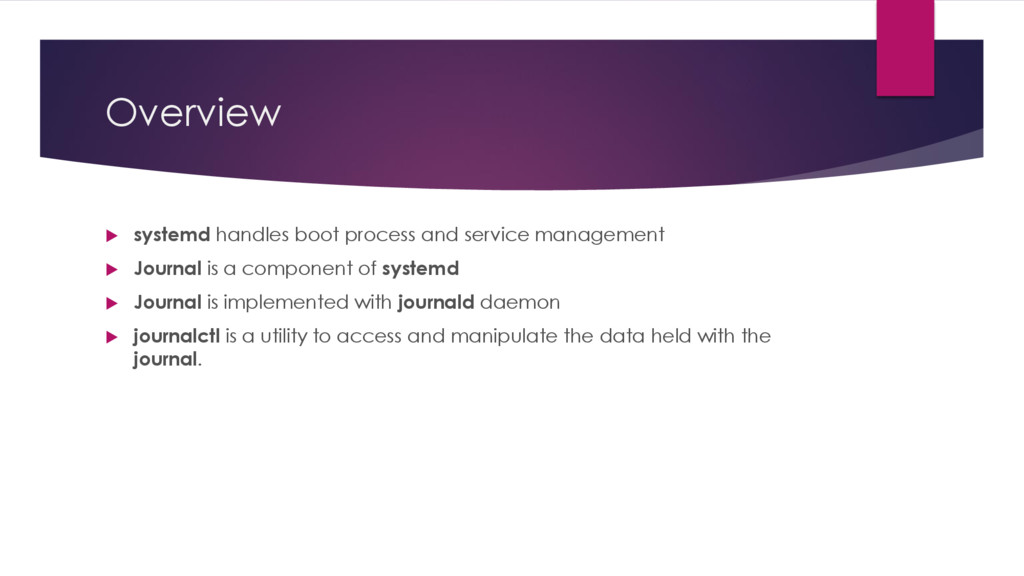
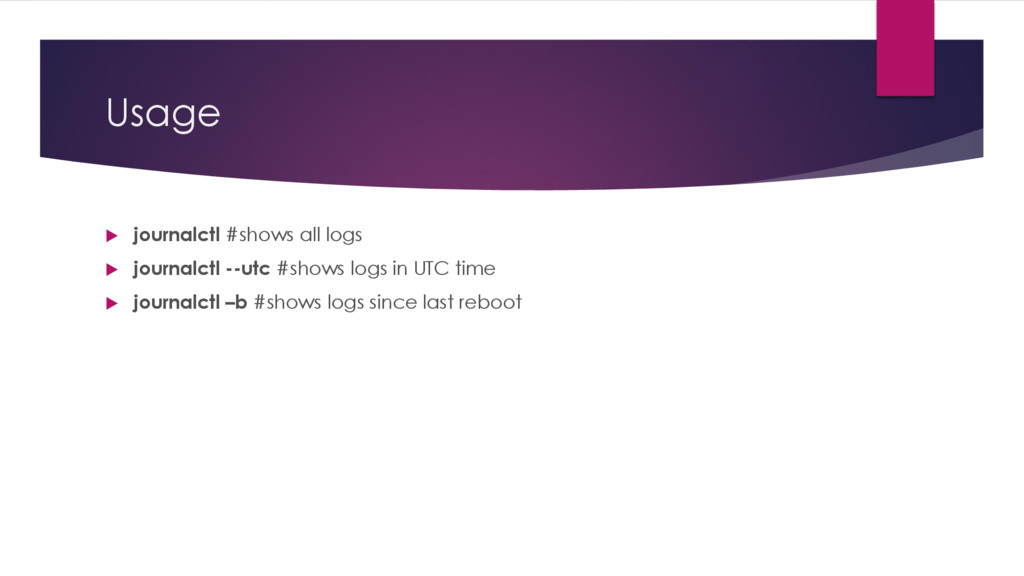
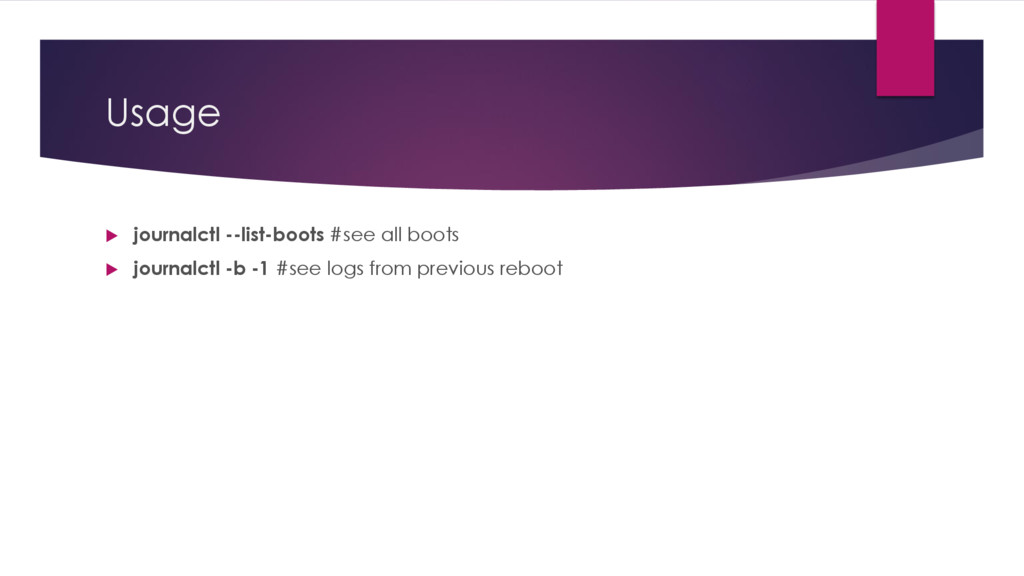
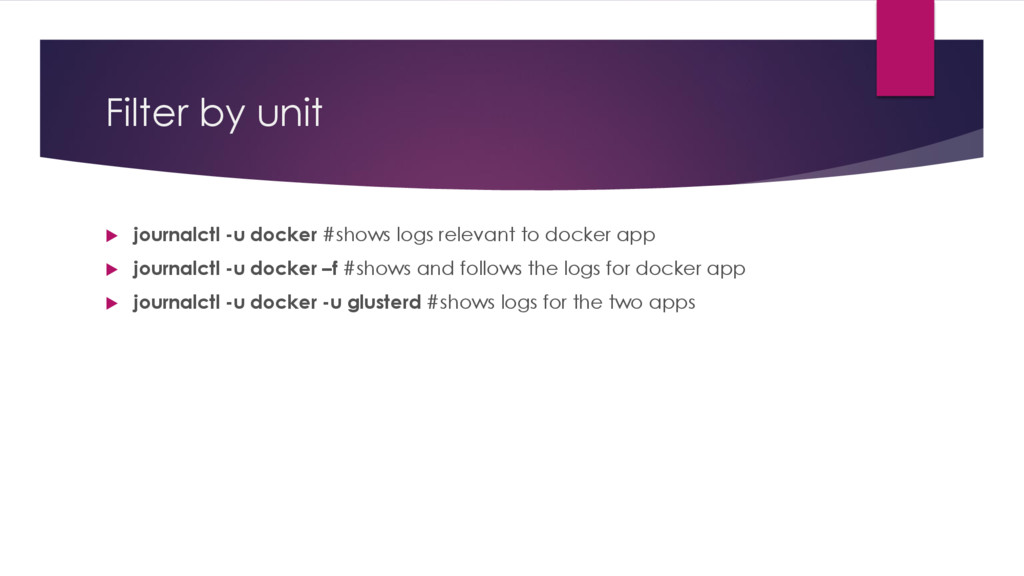
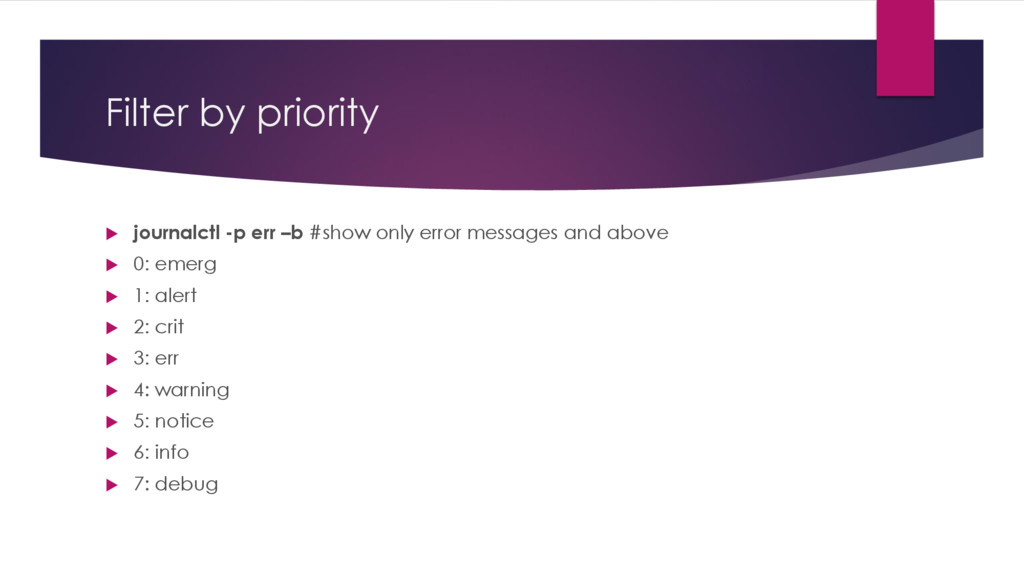
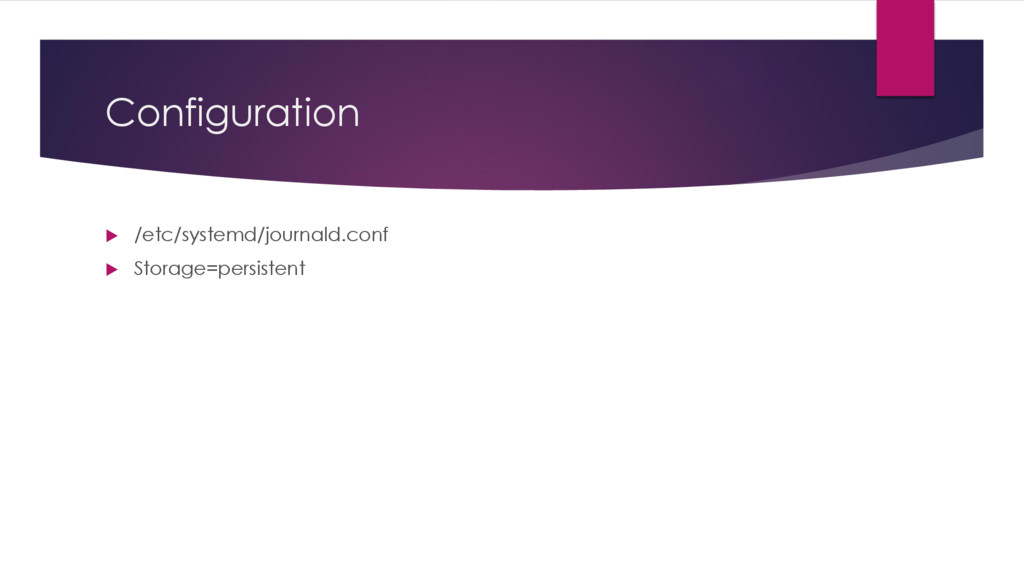
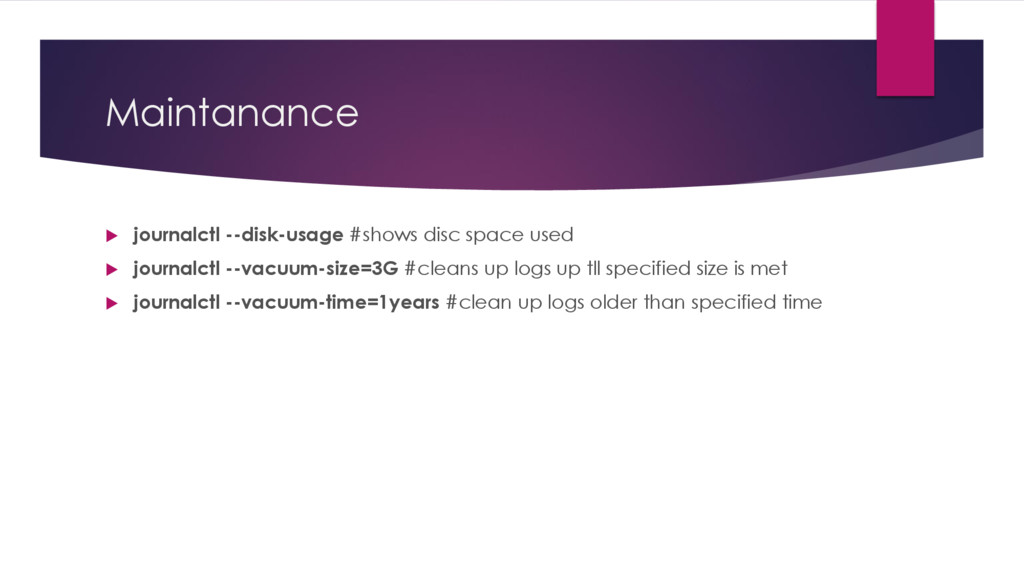
Journal is a component of systemd Journal is implemented with journald daemon journalctl is a utility to access and manipulate the data held with the journal.
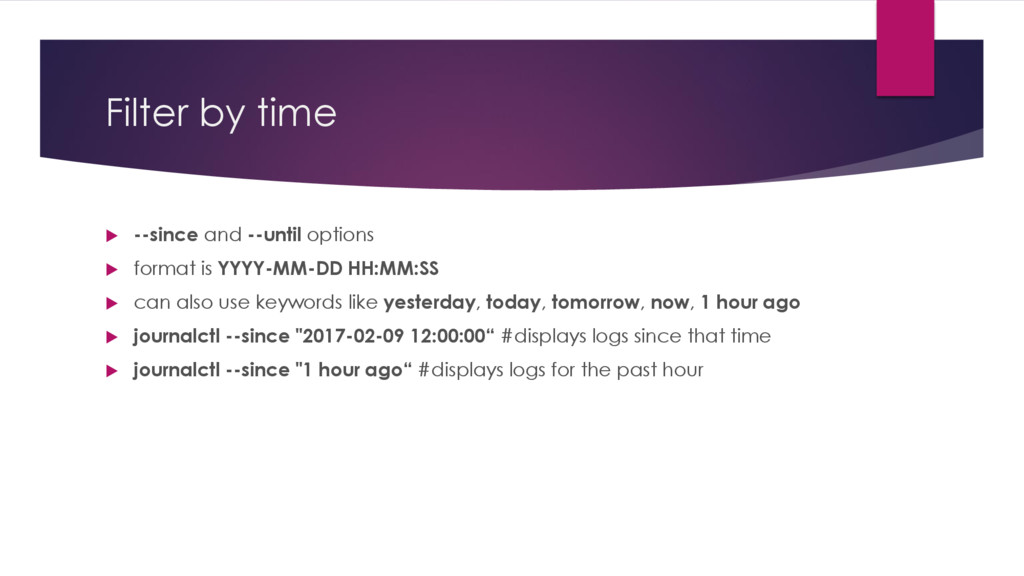
is YYYY-MM-DD HH:MM:SS can also use keywords like yesterday, today, tomorrow, now, 1 hour ago journalctl --since "2017-02-09 12:00:00“ #displays logs since that time journalctl --since "1 hour ago“ #displays logs for the past hour


 greenmidori
 ivry_presentationmaterials
 yamanoku
 occhi
occhi
 makocchi
 raspython3
 pfn
pfn
 koukihosaka
 takonda
 yut0naga1_fa
 willnet
 akitoshiga
 thirion
 bryan
bryan
 philnash
 jonoalderson
 addyosmani
 tessaabrams
 nwiizo
 bermonpainter
 livdayseo
 jmmastey
 csswizardry
 aleyda