Upgrade to Pro
— share decks privately, control downloads, hide ads and more …
Speaker Deck
Sign up for free
Menu
Search
Features
All features
Private URLs
Password Protection
Custom URLS
Scheduled publishing
Remove Branding
Restrict embedding
Deck Collections
Notes
Features
All features
Private URLs
Password Protection
Custom URLS
Scheduled publishing
Remove Branding
Restrict embedding
Deck Collections
Notes
Explore
Featured decks
Featured speakers
Programming
Technology
Storyboards
Explore
Featured decks
Featured speakers
Programming
Technology
Storyboards
Pricing
Search
Sign in
Sign up for free
空間情報システム入門1#02 2016/06/16
Search
Sponsored
·
Your Podcast. Everywhere. Effortlessly.
Share. Educate. Inspire. Entertain. You do you. We'll handle the rest.
→
miyagawasatoshi
June 16, 2016
44
0
Share
Embed
Copy iframe code
Copy JS code
Copy link
Start on current slide
空間情報システム入門1#02 2016/06/16
miyagawasatoshi
June 16, 2016
More Decks by miyagawasatoshi
See All by miyagawasatoshi
GISTGIST上に展開する方法.pdf
miyagawa19970629
0
91
空間情報システム入門1
miyagawa19970629
0
61
空間情報システム入門1 #02 2016/06/16
miyagawa19970629
0
59
Featured
See All Featured
Dealing with People You Can't Stand - Big Design 2015
cassininazir
367
27k
Lightning talk: Run Django tests with GitHub Actions
sabderemane
0
300
So, you think you're a good person
axbom
PRO
2
2.2k
BBQ
matthewcrist
90
10k
Money Talks: Using Revenue to Get Sh*t Done
nikkihalliwell
0
520
Digital Projects Gone Horribly Wrong (And the UX Pros Who Still Save the Day) - Dean Schuster
uxyall
1
3.4k
Git: the NoSQL Database
bkeepers
PRO
433
67k
For a Future-Friendly Web
brad_frost
184
10k
Data-driven link building: lessons from a $708K investment (BrightonSEO talk)
szymonslowik
1
1.4k
Raft: Consensus for Rubyists
vanstee
142
7.8k
Future Trends and Review - Lecture 12 - Web Technologies (1019888BNR)
signer
PRO
0
3.8k
Odyssey Design
rkendrick25
PRO
2
870
Transcript
マッピング作業 1A116217 宮川智至
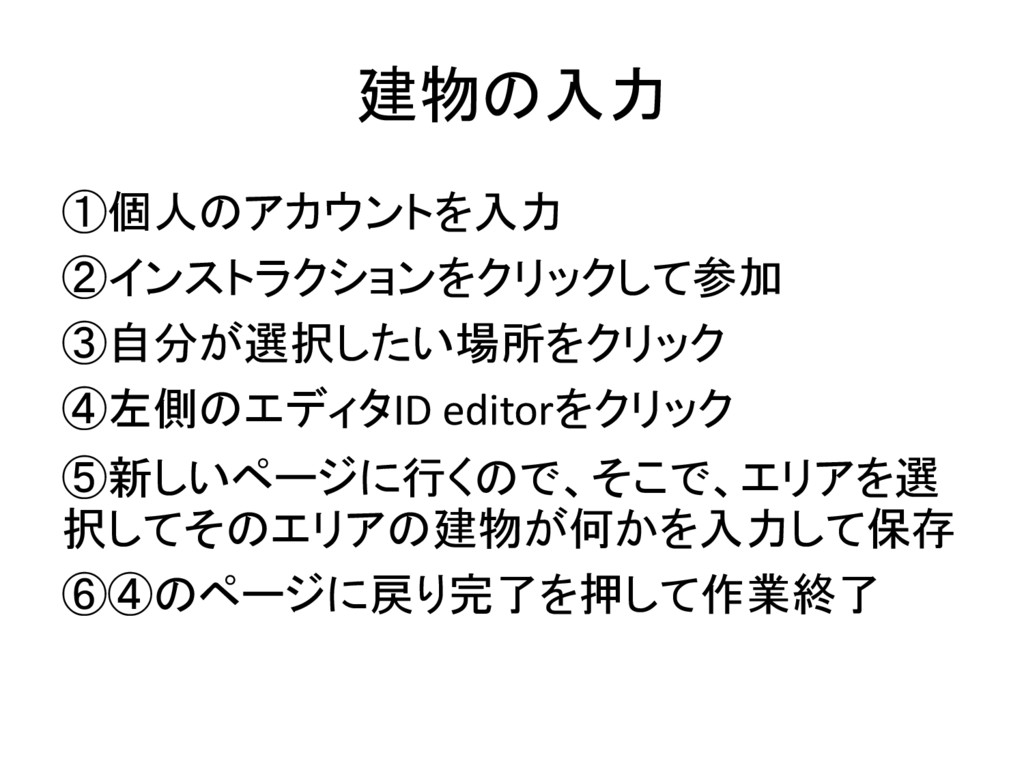
建物の入力 ①個人のアカウントを入力 ②インストラクションをクリックして参加 ③自分が選択したい場所をクリック ④左側のエディタID editorをクリック ⑤新しいページに行くので、そこで、エリアを選 択してそのエリアの建物が何かを入力して保存 ⑥④のページに戻り完了を押して作業終了
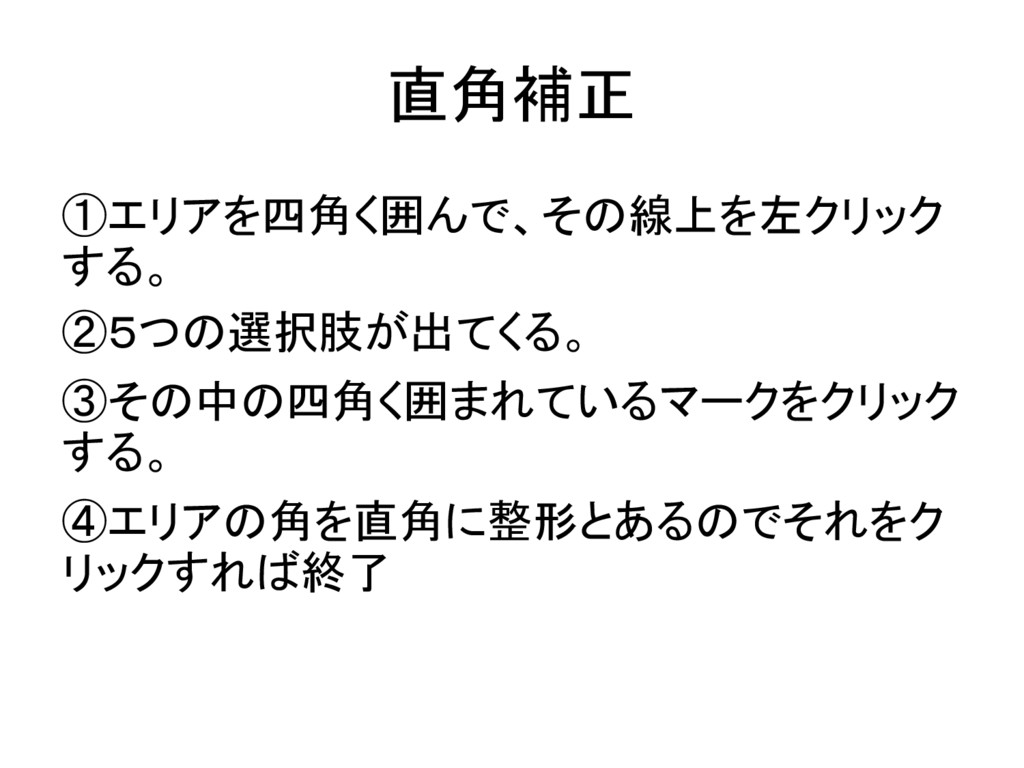
直角補正 ①エリアを四角く囲んで、その線上を左クリック する。 ②5つの選択肢が出てくる。 ③その中の四角く囲まれているマークをクリック する。 ④エリアの角を直角に整形とあるのでそれをク リックすれば終了
保存 ①新しいページに行くので、そこで、エリアを選 択してそのエリアの建物が何かを入力して保存 ②①のページに戻り完了を押して作業終了
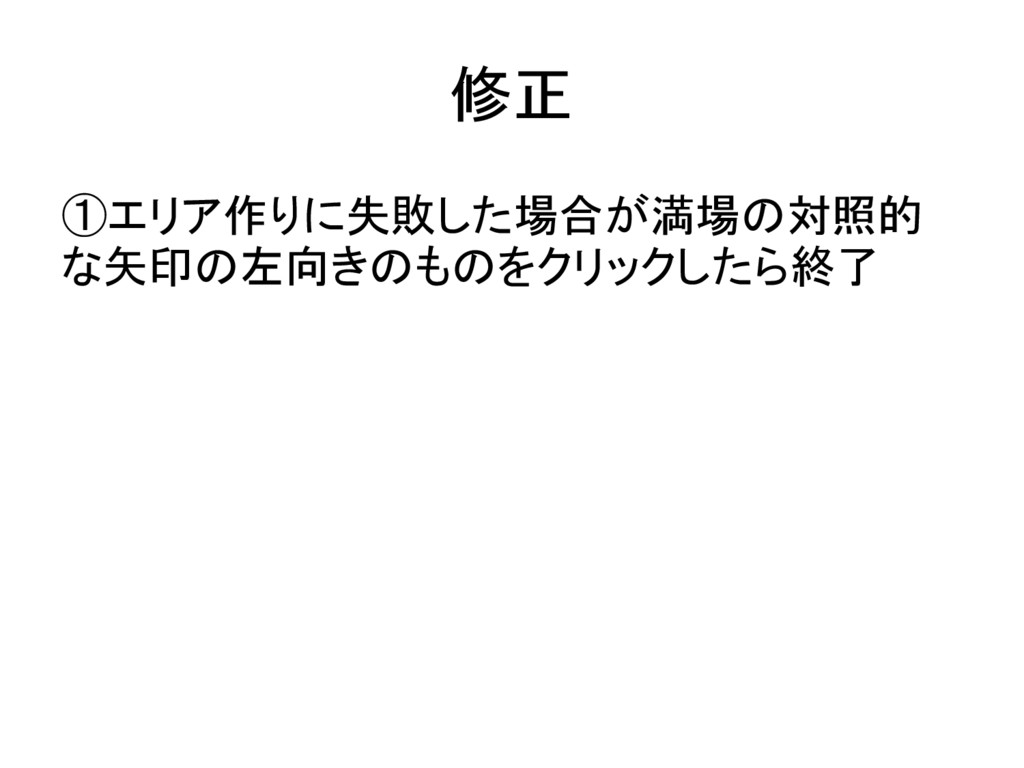
修正 ①エリア作りに失敗した場合が満場の対照的 な矢印の左向きのものをクリックしたら終了
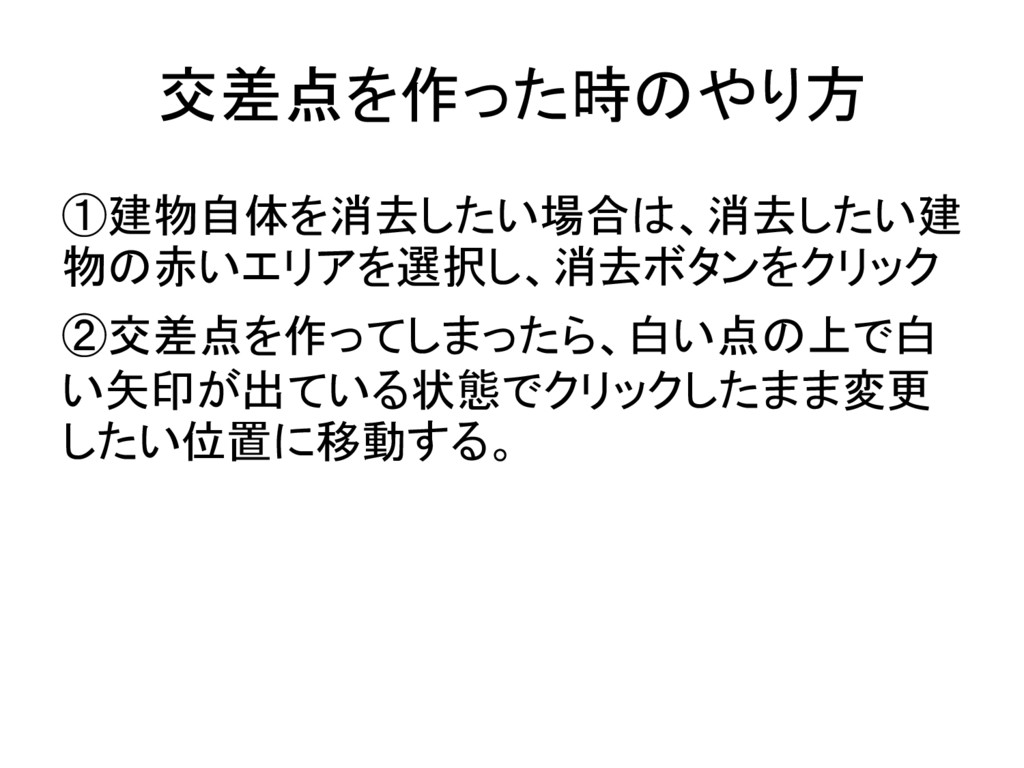
交差点を作った時のやり方 ①建物自体を消去したい場合は、消去したい建 物の赤いエリアを選択し、消去ボタンをクリック ②交差点を作ってしまったら、白い点の上で白 い矢印が出ている状態でクリックしたまま変更 したい位置に移動する。
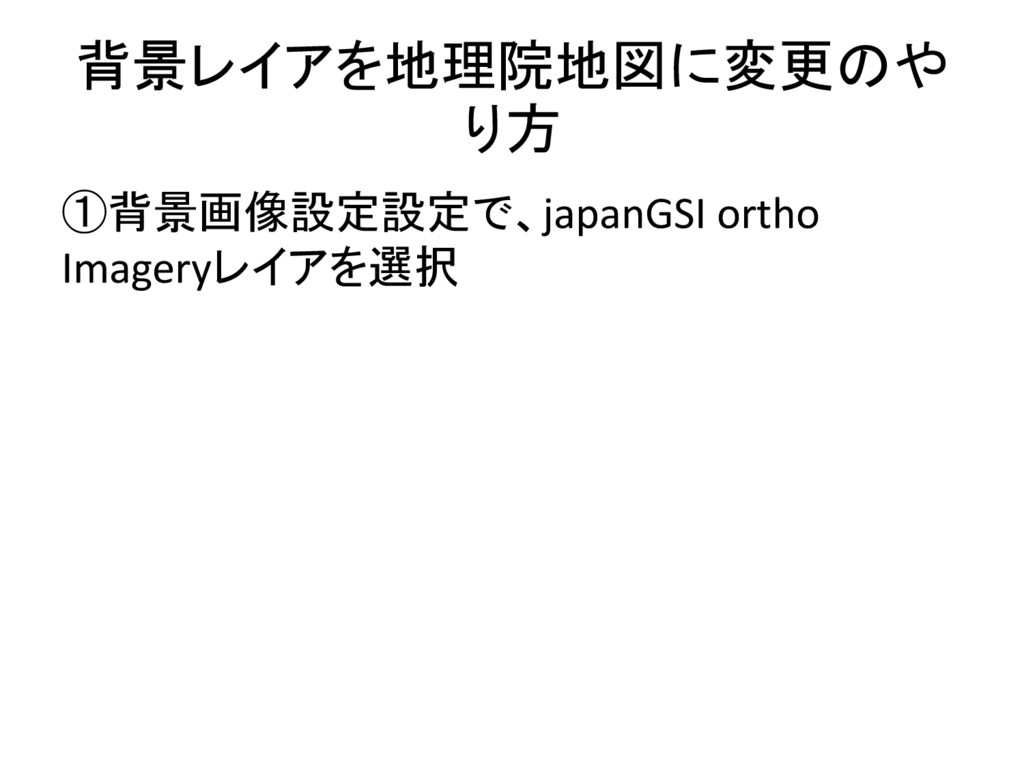
背景レイアを地理院地図に変更のや り方 ①背景画像設定設定で、japanGSI ortho Imageryレイアを選択
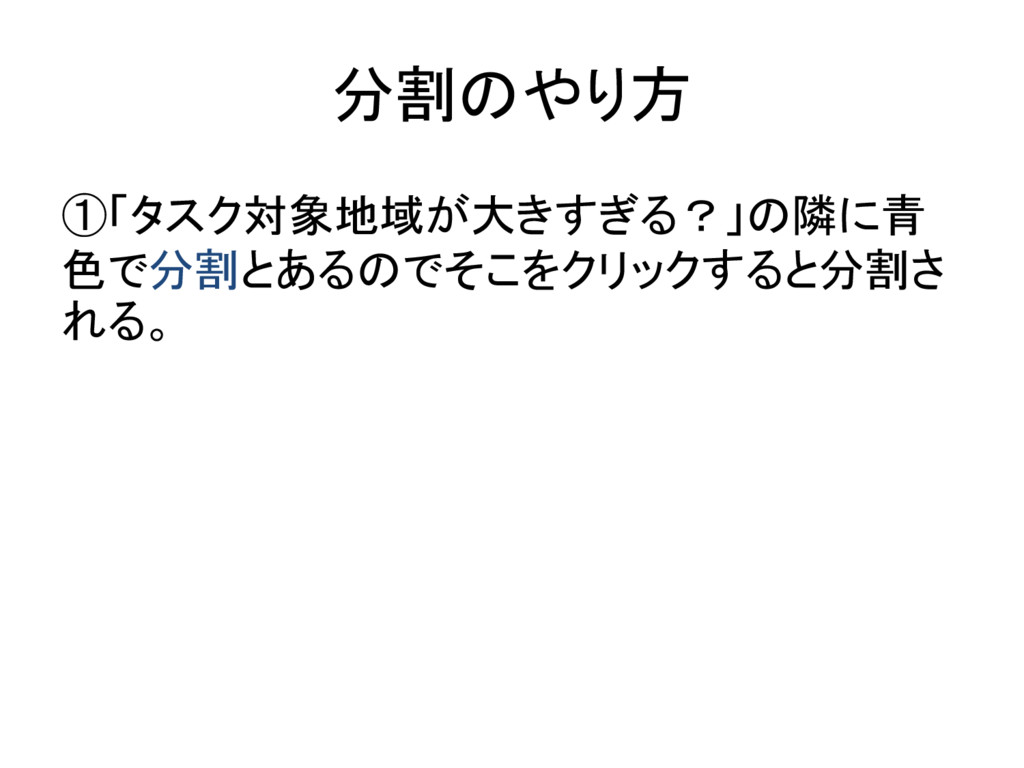
分割のやり方 ①「タスク対象地域が大きすぎる?」の隣に青 色で分割とあるのでそこをクリックすると分割さ れる。
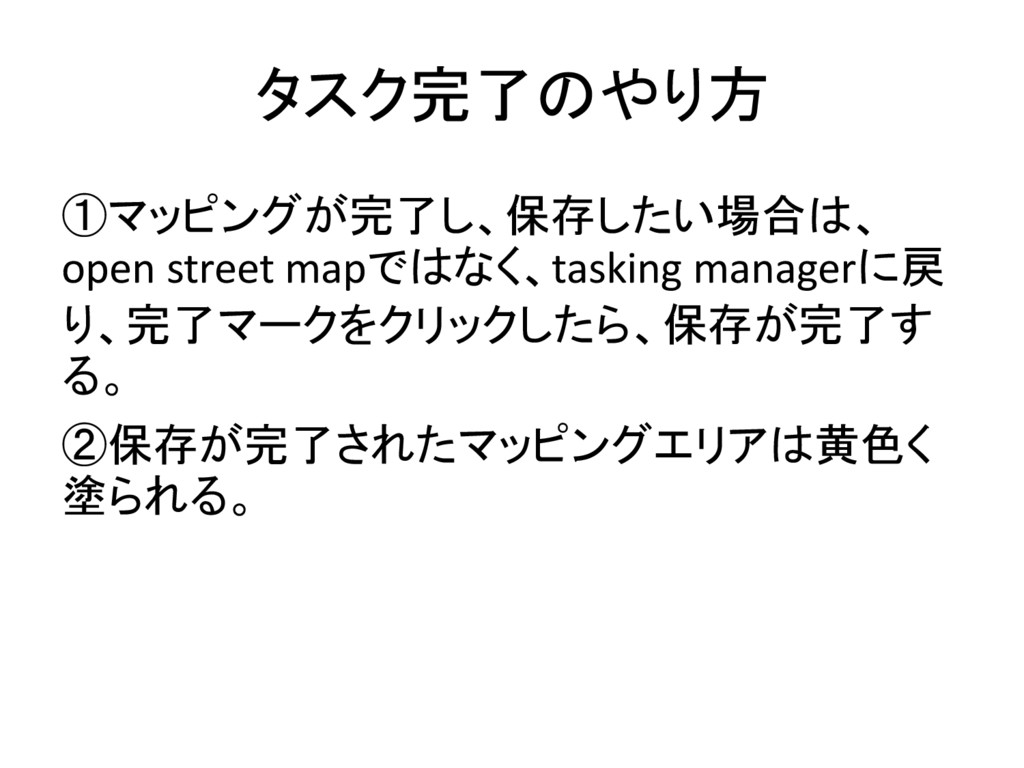
タスク完了のやり方 ①マッピングが完了し、保存したい場合は、 open street mapではなく、tasking managerに戻 り、完了マークをクリックしたら、保存が完了す る。 ②保存が完了されたマッピングエリアは黄色く 塗られる。


 miyagawa19970629
 cassininazir
 sabderemane
 axbom
axbom
 matthewcrist
 nikkihalliwell
 uxyall
 bkeepers
 brad_frost
 szymonslowik
 vanstee
 signer
 rkendrick25