Upgrade to Pro — share decks privately, control downloads, hide ads and more …

It's Not Always the Network (But Here's How to ...

It's Not Always the Network (But Here's How to Prove It): Kubernetes Packet Capture for SREs

Avatar for Mitsuhiro Shibuya

Mitsuhiro Shibuya

March 26, 2026

More Decks by Mitsuhiro Shibuya

Other Decks in Programming

Transcript

  1. 1 It's Not Always the Network (But Here's How to

    Prove It): Kubernetes Packet Capture for SREs Mitsuhiro Shibuya Mercari, Inc. @m4buya
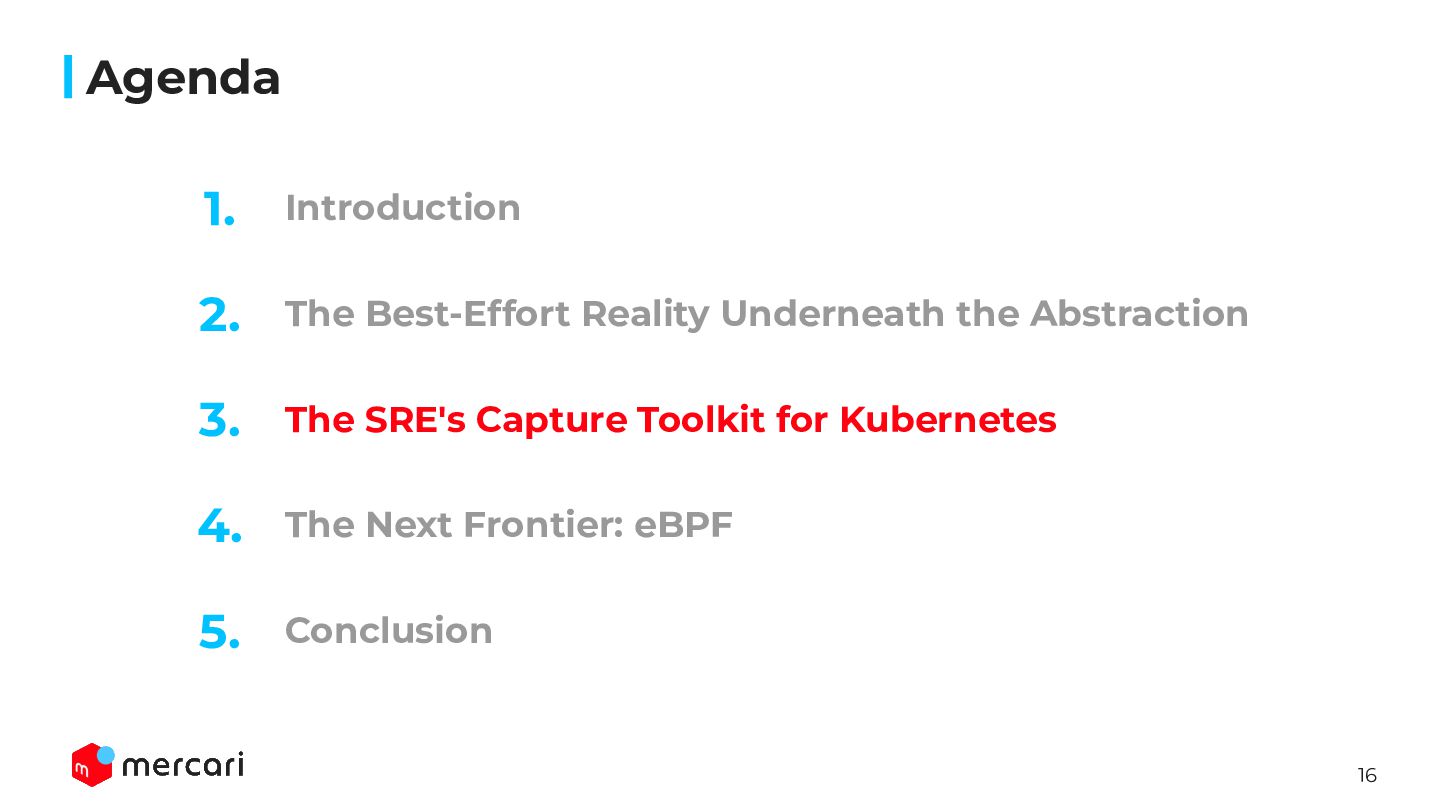
  2. 2 Introduction Agenda The Best-Effort Reality Underneath the Abstraction The

    SRE's Capture Toolkit for Kubernetes The Next Frontier: eBPF 2. 3. 4. 1. Conclusion 5.
  3. 3 Introduction Agenda The Best-Effort Reality Underneath the Abstraction The

    SRE's Capture Toolkit for Kubernetes The Next Frontier: eBPF 2. 3. 4. 1. Conclusion 5.
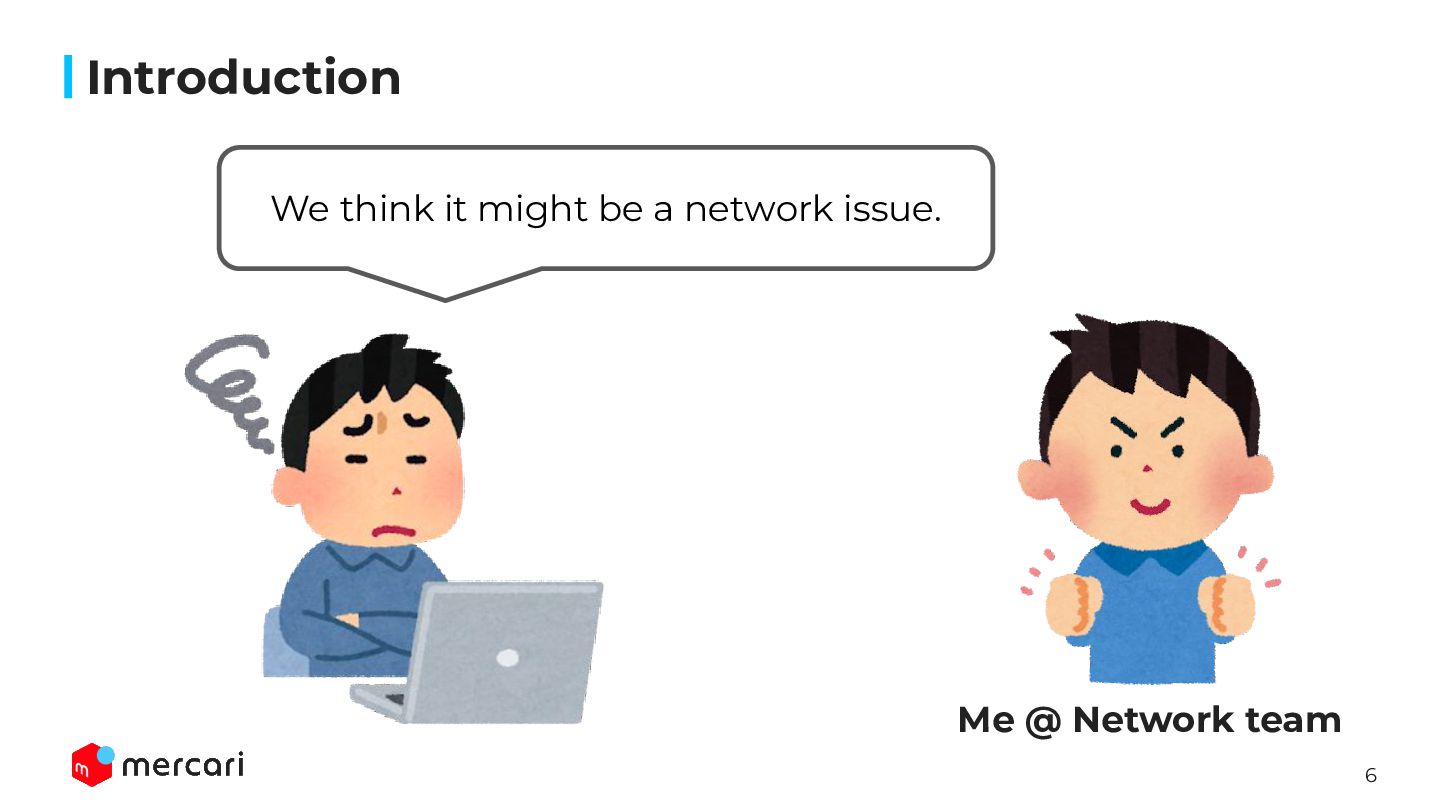
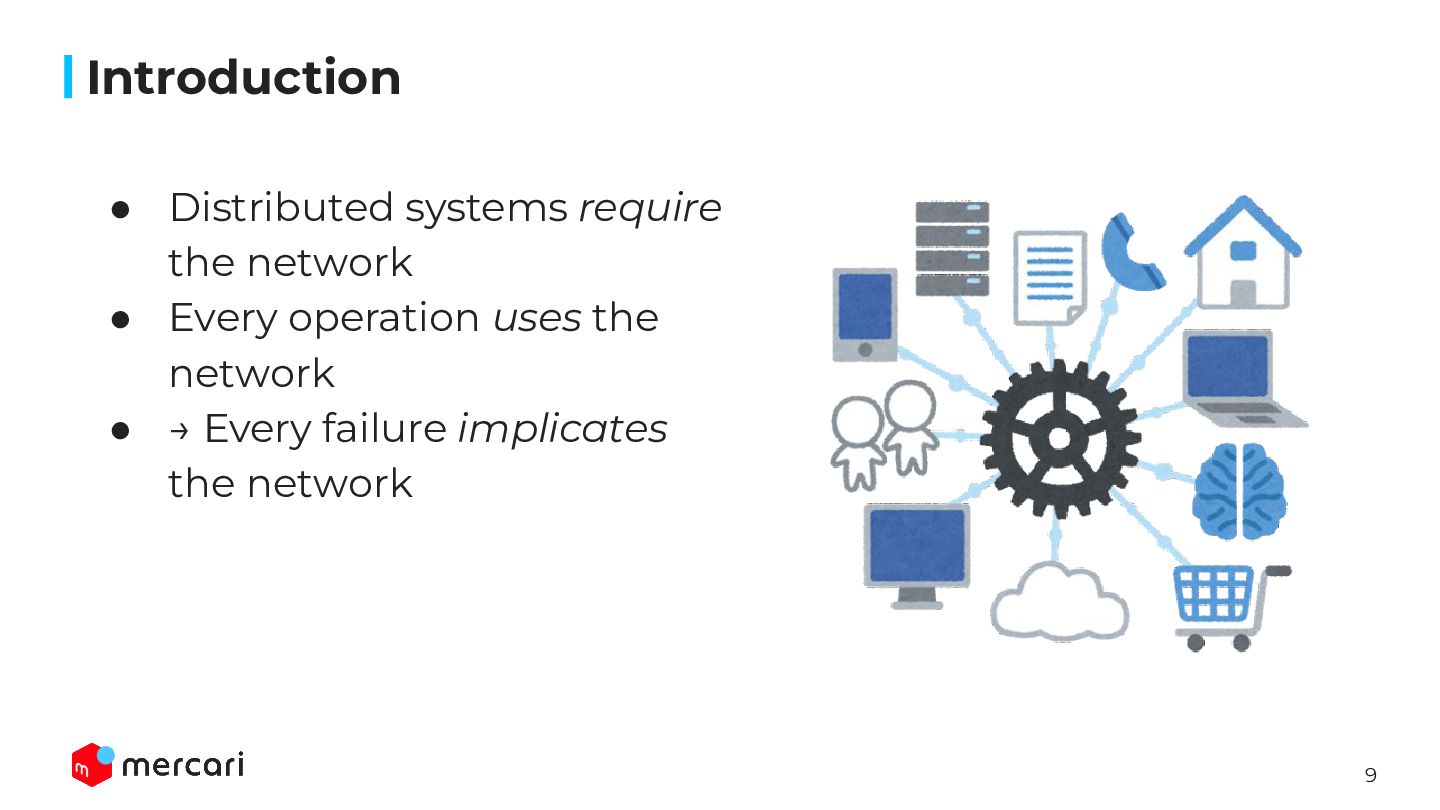
  4. 9 Introduction • Distributed systems require the network • Every

    operation uses the network • → Every failure implicates the network
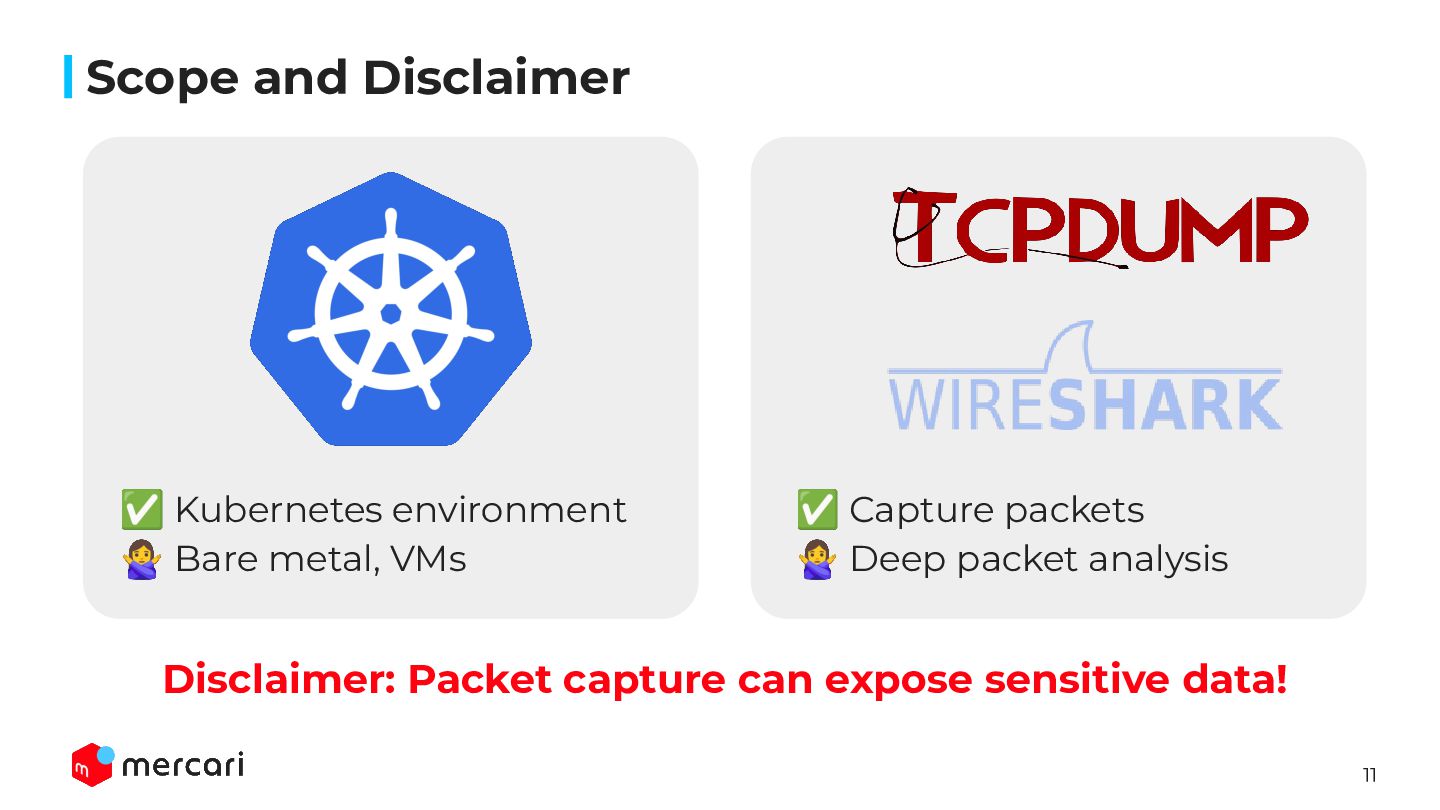
  5. 11 Scope and Disclaimer ✅ Kubernetes environment 󰢄 Bare metal,

    VMs ✅ Capture packets 󰢄 Deep packet analysis Disclaimer: Packet capture can expose sensitive data!
  6. 12 Introduction Agenda The Best-Effort Reality Underneath the Abstraction The

    SRE's Capture Toolkit for Kubernetes The Next Frontier: eBPF 2. 3. 4. 1. Conclusion 5.
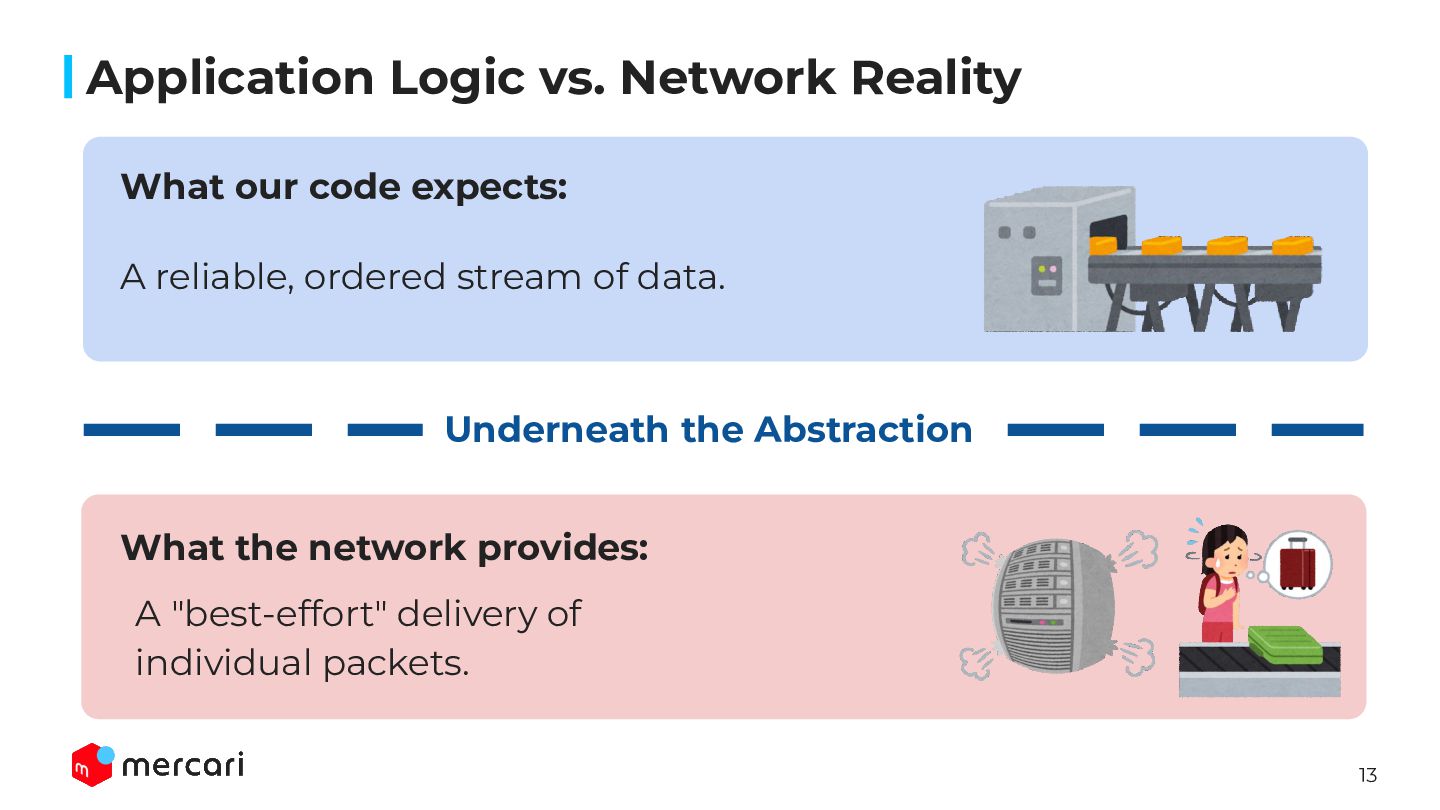
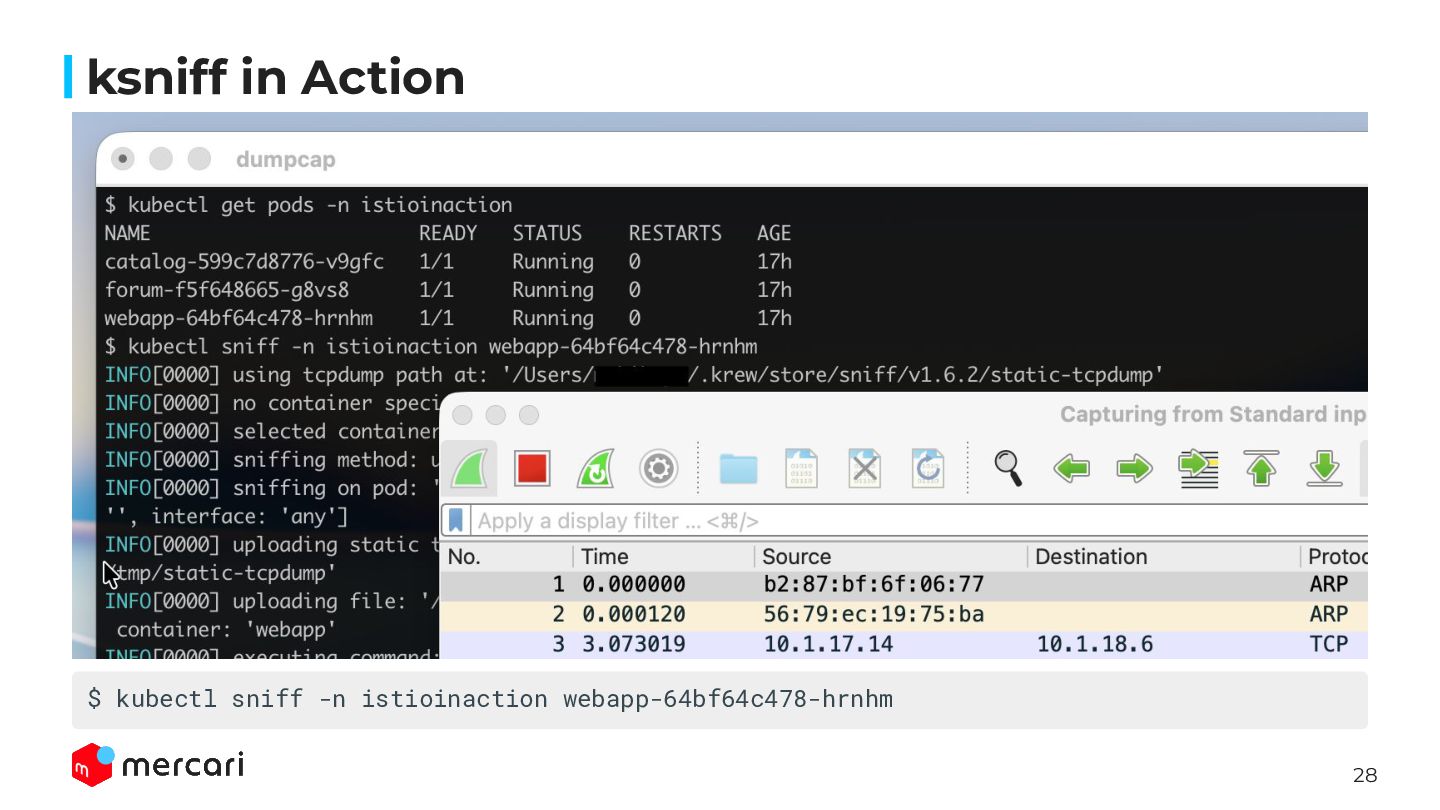
  7. 13 Application Logic vs. Network Reality What our code expects:

    What the network provides: A reliable, ordered stream of data. A "best-effort" delivery of individual packets. Underneath the Abstraction
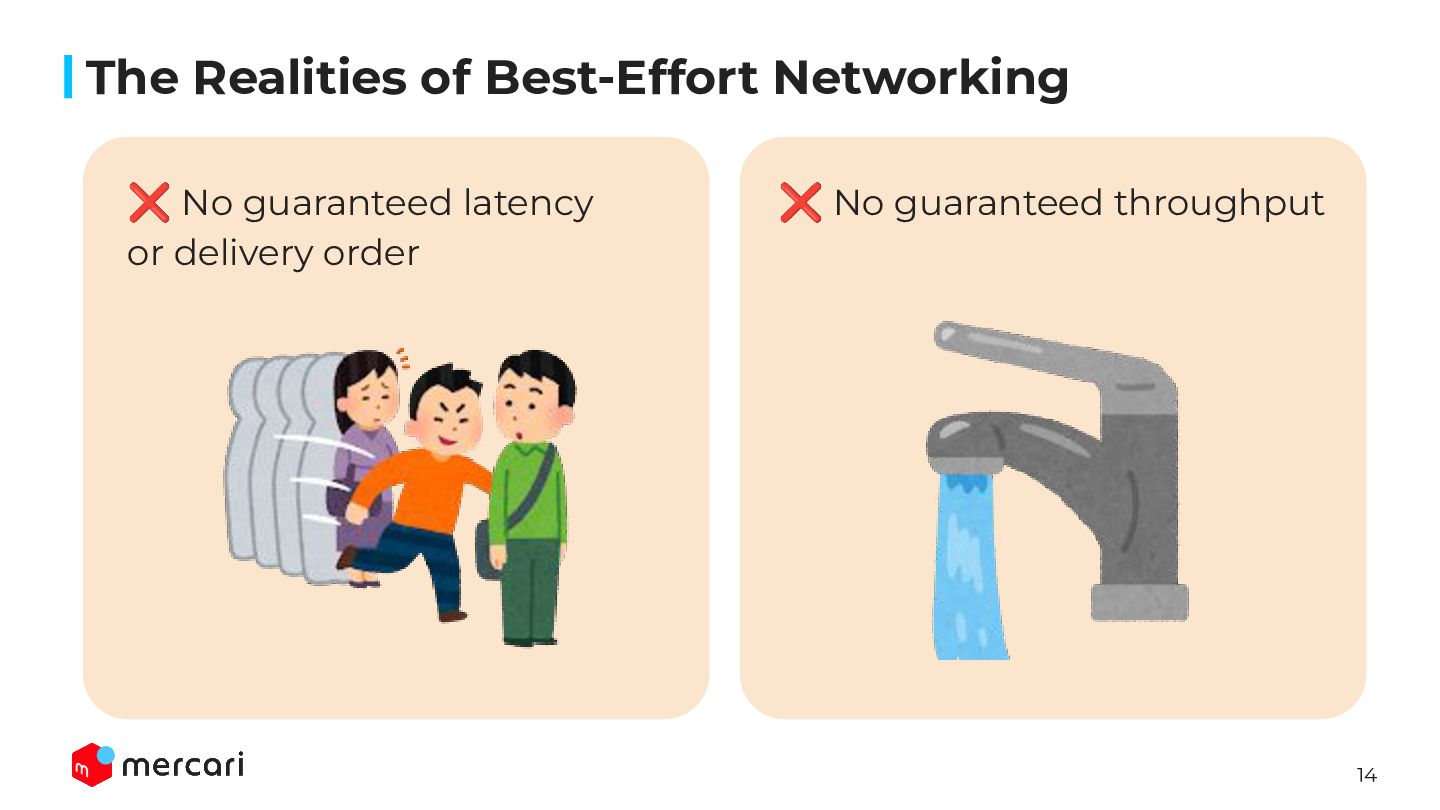
  8. 14 The Realities of Best-Effort Networking ❌ No guaranteed latency

    or delivery order ❌ No guaranteed throughput
  9. 15 These are not bugs. This is the network operating

    as designed. The Realities of Best-Effort Networking
  10. 16 Introduction Agenda The Best-Effort Reality Underneath the Abstraction The

    SRE's Capture Toolkit for Kubernetes The Next Frontier: eBPF 2. 3. 4. 1. Conclusion 5.
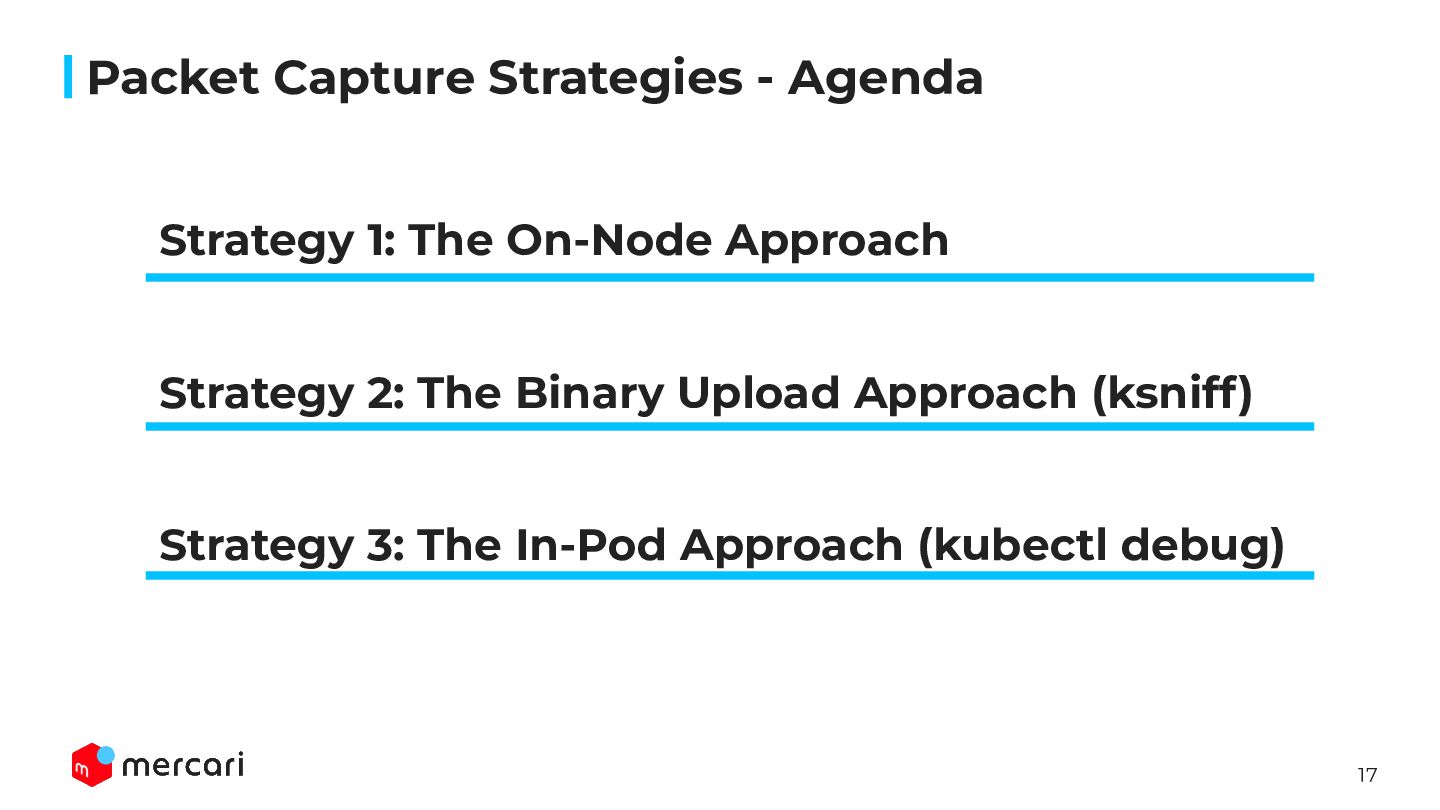
  11. 17 Packet Capture Strategies - Agenda Strategy 1: The On-Node

    Approach Strategy 2: The Binary Upload Approach (ksniff) Strategy 3: The In-Pod Approach (kubectl debug)
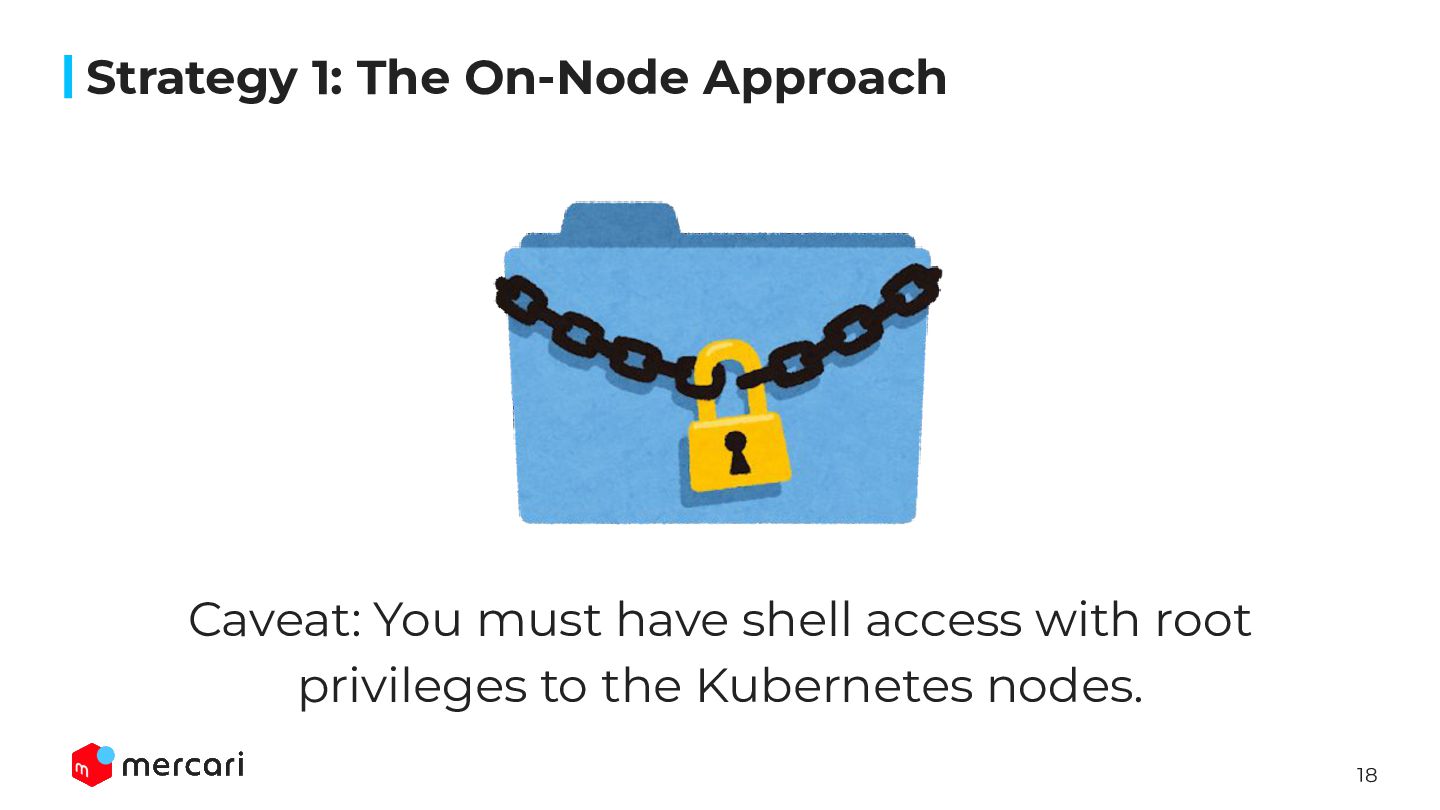
  12. 18 Strategy 1: The On-Node Approach Caveat: You must have

    shell access with root privileges to the Kubernetes nodes.
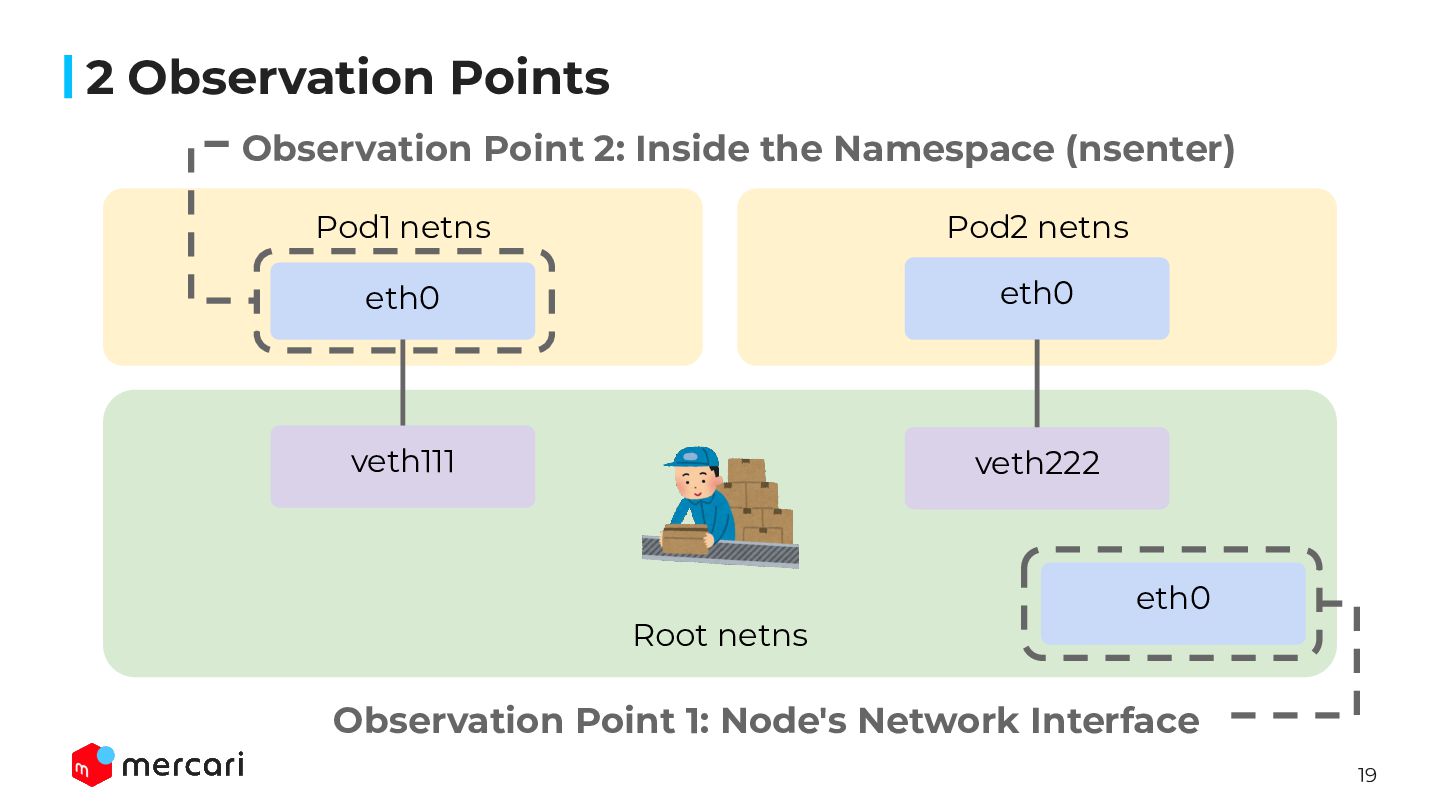
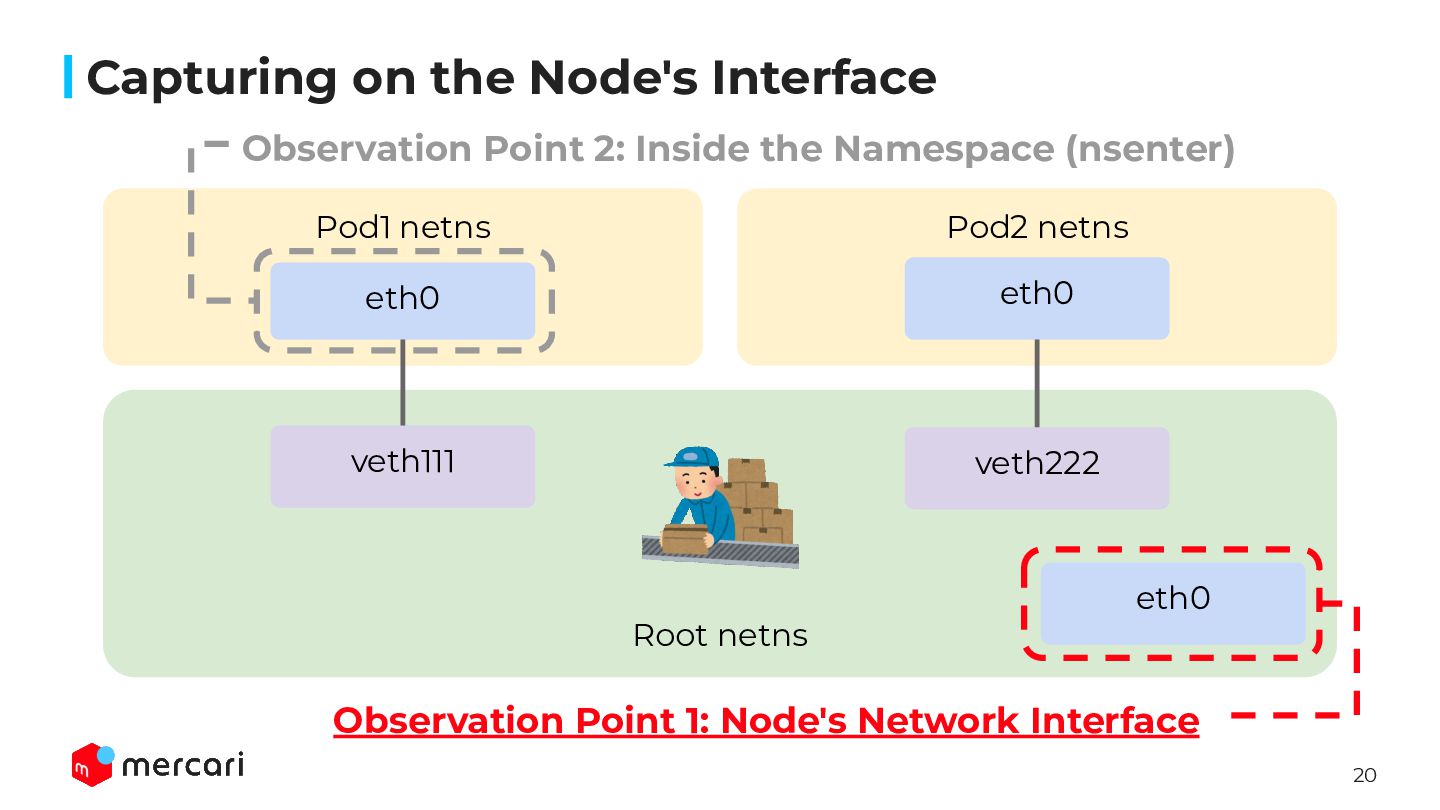
  13. 19 2 Observation Points Root netns Pod1 netns Pod2 netns

    eth0 veth111 eth0 veth222 eth0 Observation Point 1: Node's Network Interface Observation Point 2: Inside the Namespace (nsenter)
  14. 20 Capturing on the Node's Interface Root netns Pod1 netns

    Pod2 netns eth0 veth111 eth0 veth222 eth0 Observation Point 1: Node's Network Interface Observation Point 2: Inside the Namespace (nsenter)
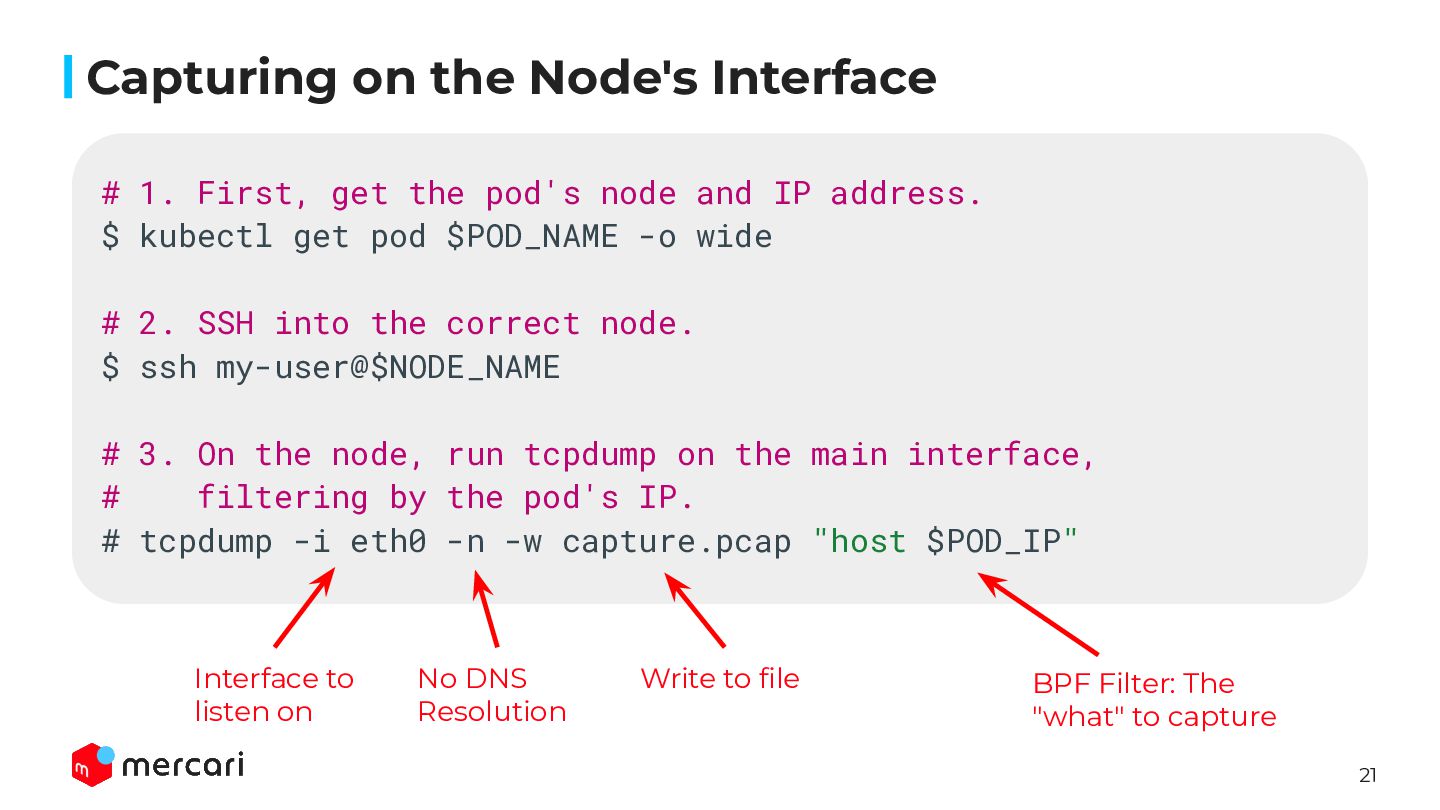
  15. 21 Capturing on the Node's Interface # 1. First, get

    the pod's node and IP address. $ kubectl get pod $POD_NAME -o wide # 2. SSH into the correct node. $ ssh my-user@$NODE_NAME # 3. On the node, run tcpdump on the main interface, # filtering by the pod's IP. # tcpdump -i eth0 -n -w capture.pcap "host $POD_IP" BPF Filter: The "what" to capture Write to file No DNS Resolution Interface to listen on
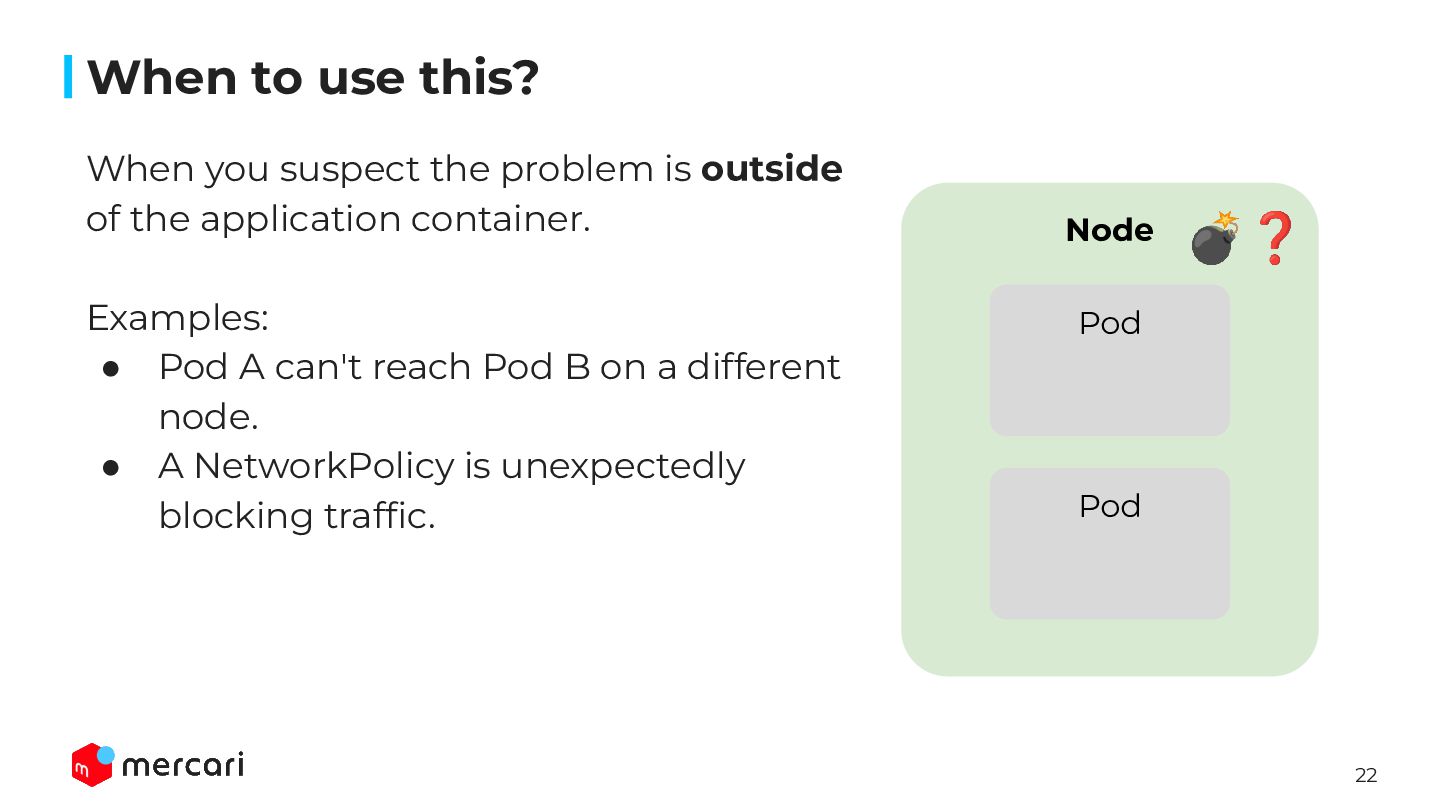
  16. 22 Node When to use this? When you suspect the

    problem is outside of the application container. Examples: • Pod A can't reach Pod B on a different node. • A NetworkPolicy is unexpectedly blocking traffic. Pod Pod 💣❓
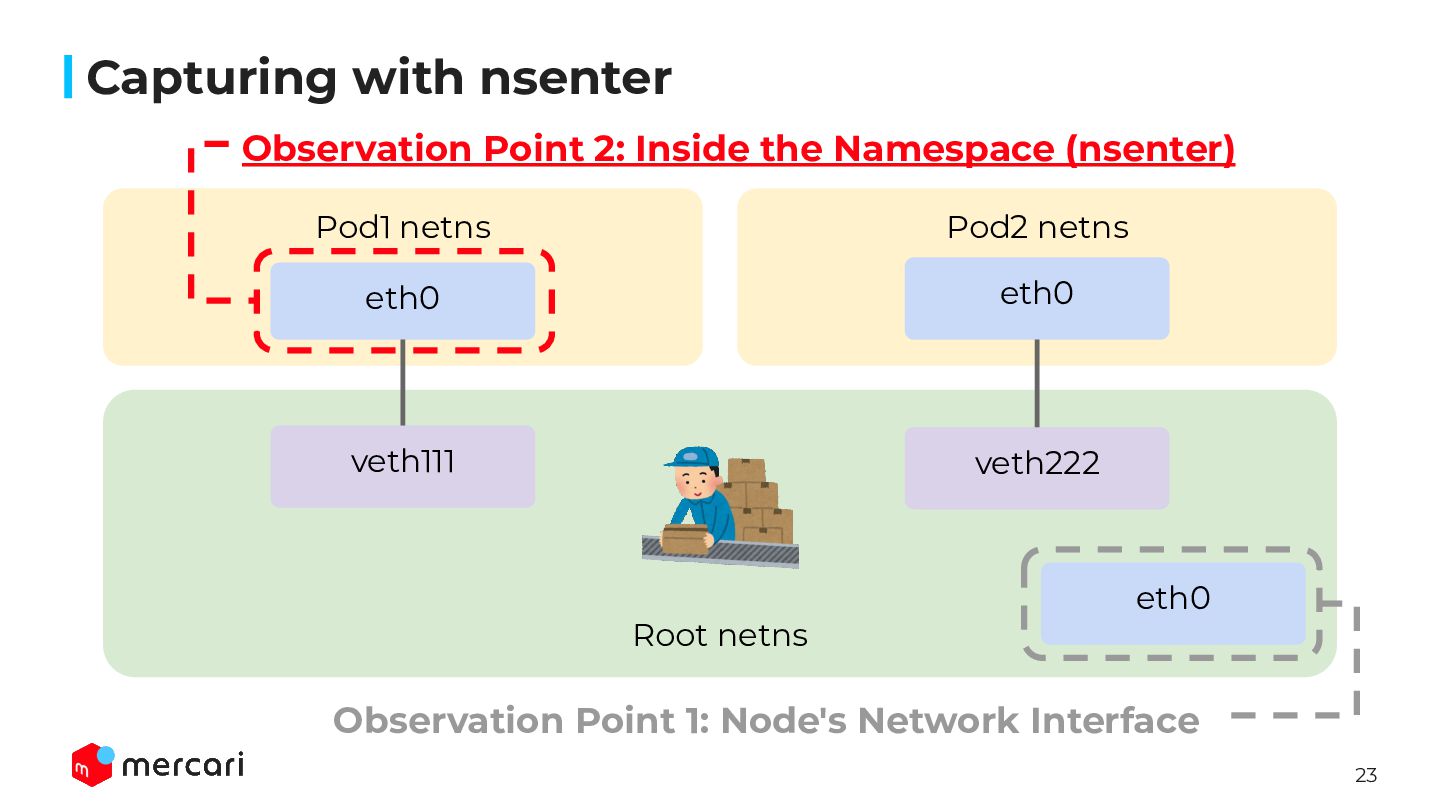
  17. 23 Capturing with nsenter Root netns Pod1 netns Pod2 netns

    eth0 veth111 eth0 veth222 eth0 Observation Point 1: Node's Network Interface Observation Point 2: Inside the Namespace (nsenter)
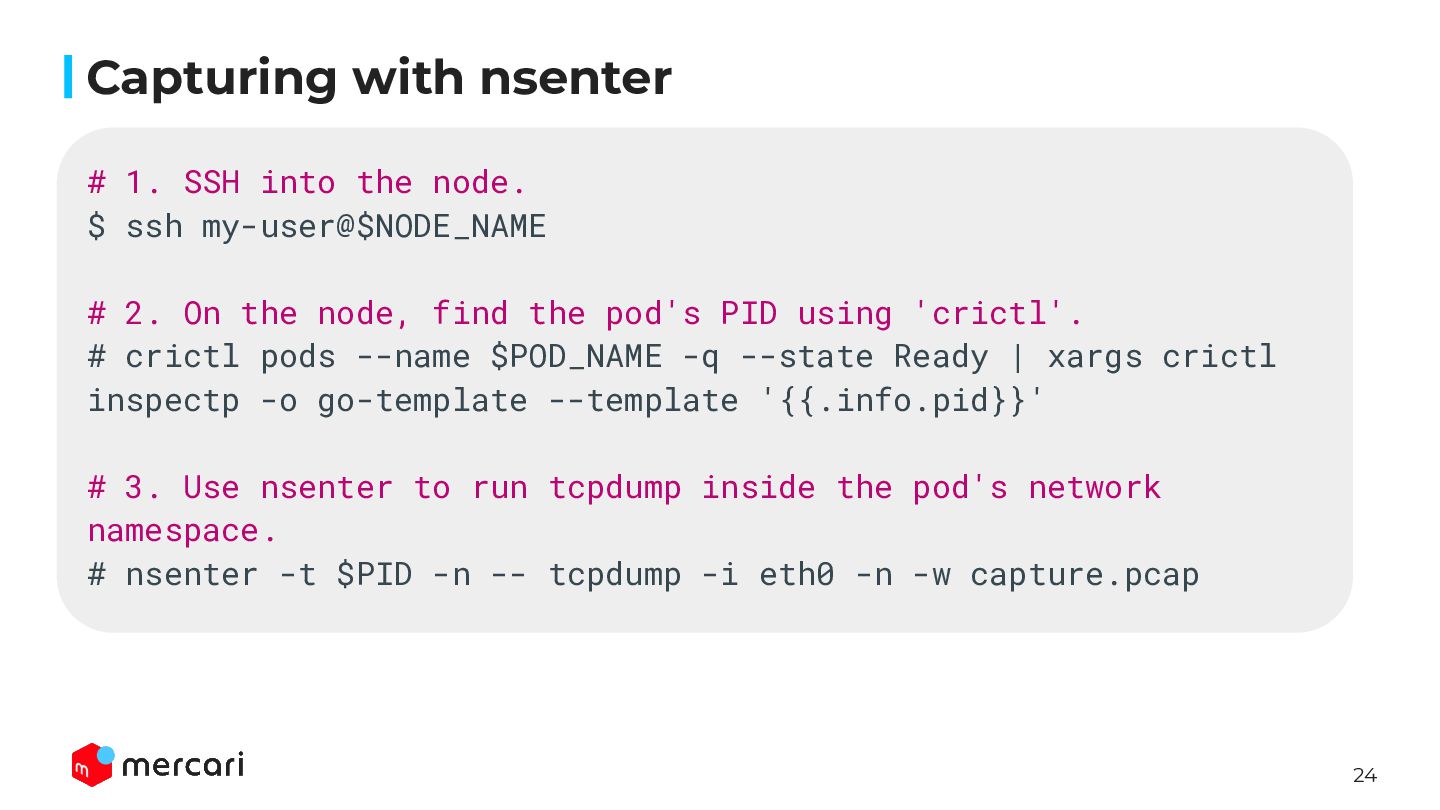
  18. 24 Capturing with nsenter # 1. SSH into the node.

    $ ssh my-user@$NODE_NAME # 2. On the node, find the pod's PID using 'crictl'. # crictl pods --name $POD_NAME -q --state Ready | xargs crictl inspectp -o go-template --template '{{.info.pid}}' # 3. Use nsenter to run tcpdump inside the pod's network namespace. # nsenter -t $PID -n -- tcpdump -i eth0 -n -w capture.pcap
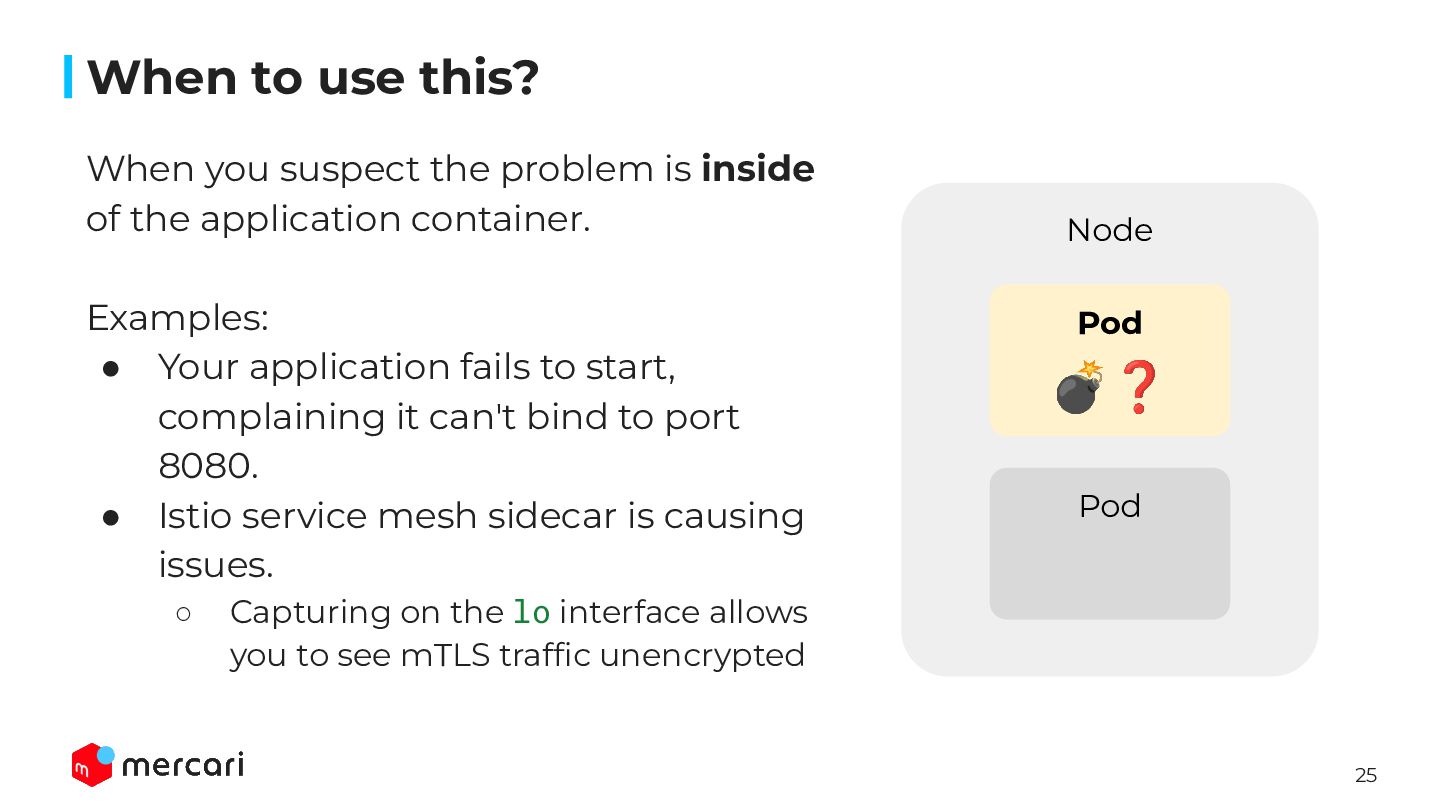
  19. 25 Node When to use this? When you suspect the

    problem is inside of the application container. Examples: • Your application fails to start, complaining it can't bind to port 8080. • Istio service mesh sidecar is causing issues. ◦ Capturing on the lo interface allows you to see mTLS traffic unencrypted Pod Pod 💣❓
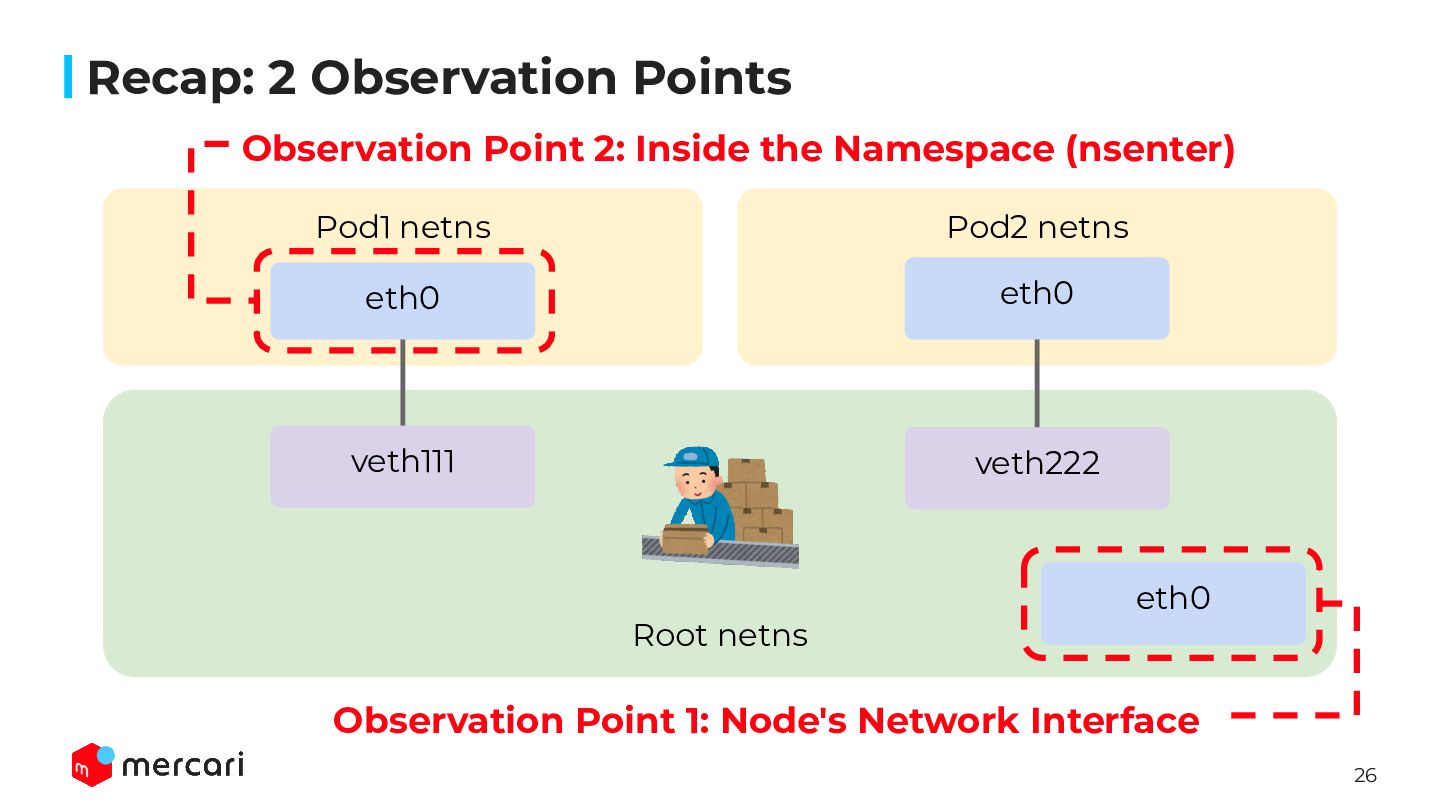
  20. 26 Recap: 2 Observation Points Root netns Pod1 netns Pod2

    netns eth0 veth111 eth0 veth222 eth0 Observation Point 1: Node's Network Interface Observation Point 2: Inside the Namespace (nsenter)
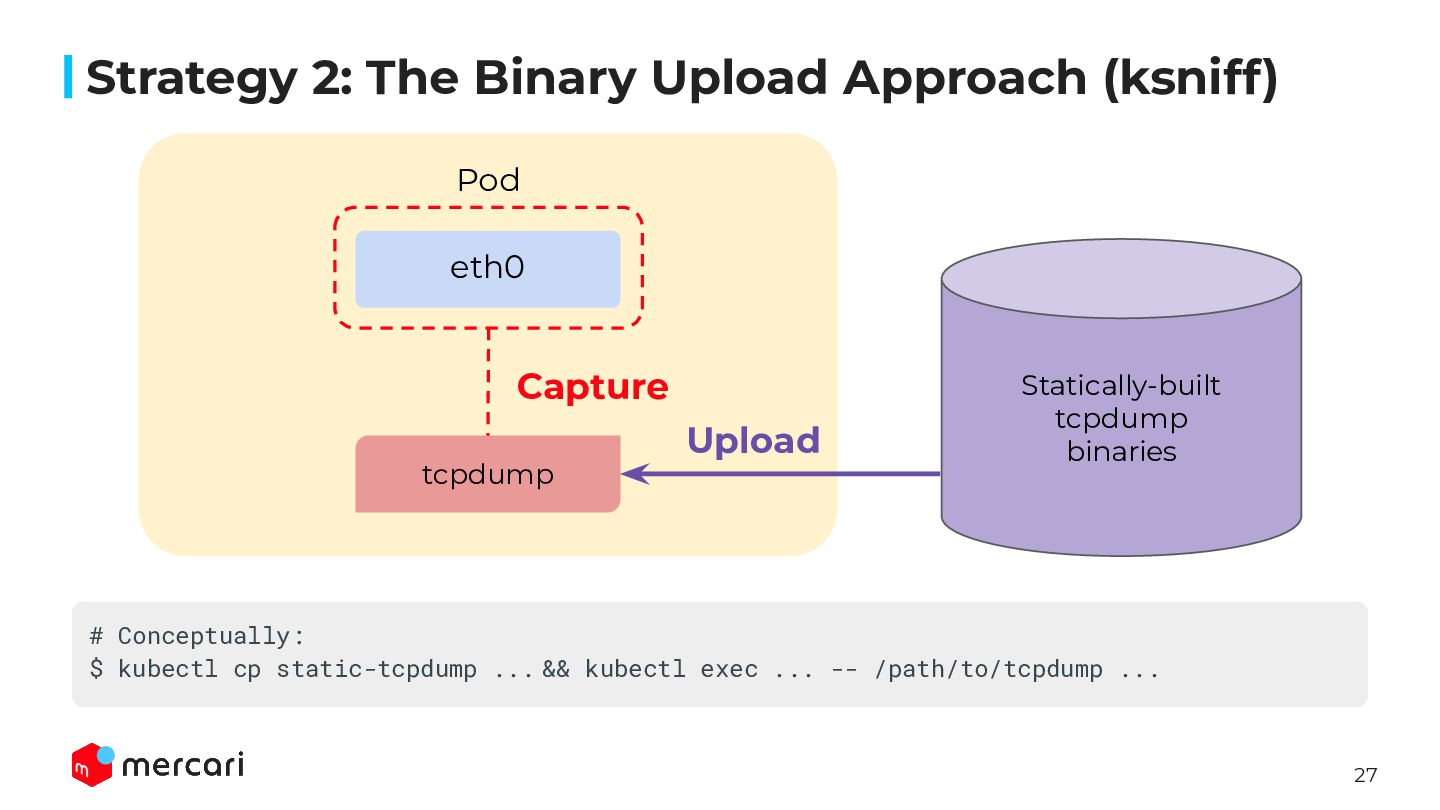
  21. 27 Strategy 2: The Binary Upload Approach (ksniff) Pod eth0

    tcpdump Statically-built tcpdump binaries Capture Upload # Conceptually: $ kubectl cp static-tcpdump ... && kubectl exec ... -- /path/to/tcpdump ...
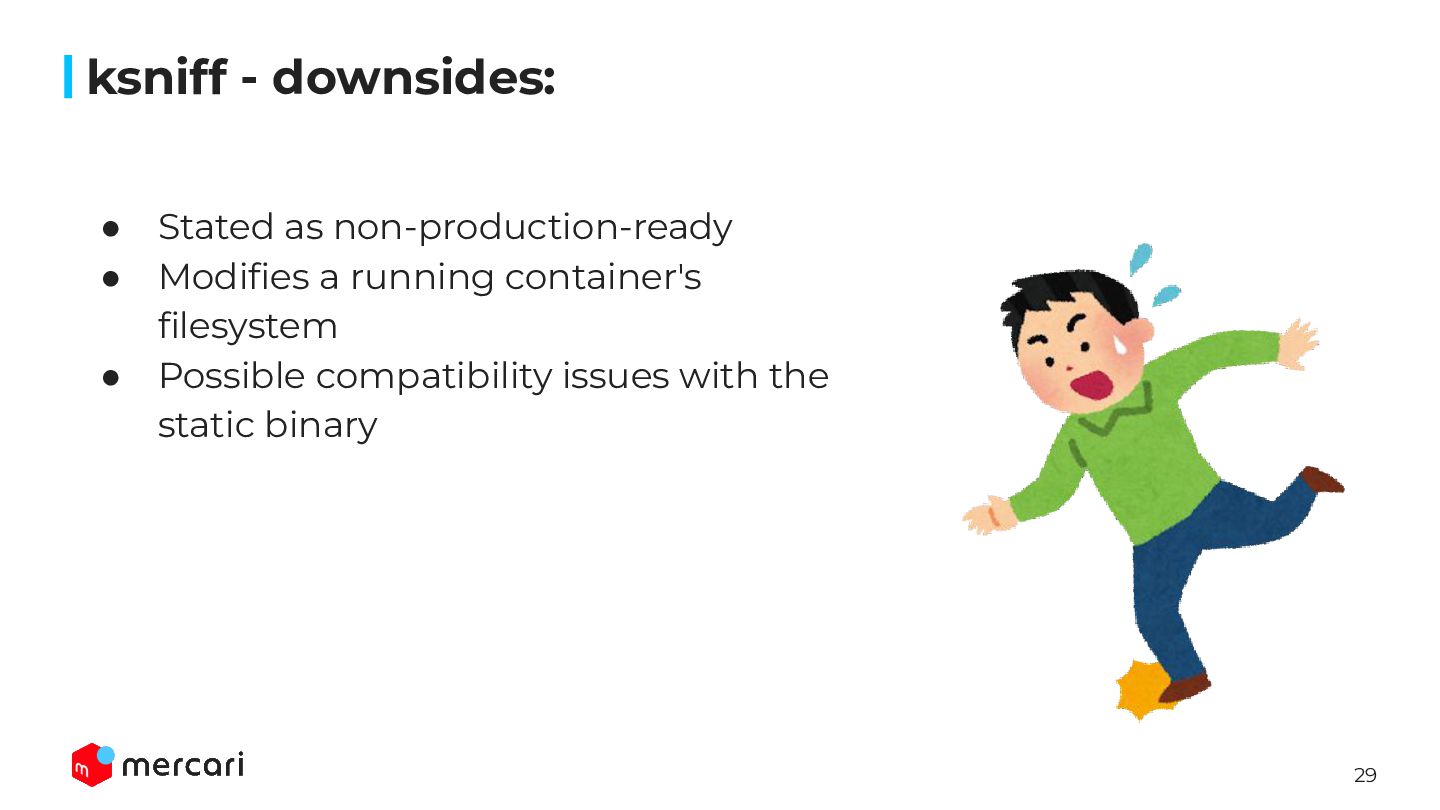
  22. 29 ksniff - downsides: • Stated as non-production-ready • Modifies

    a running container's filesystem • Possible compatibility issues with the static binary
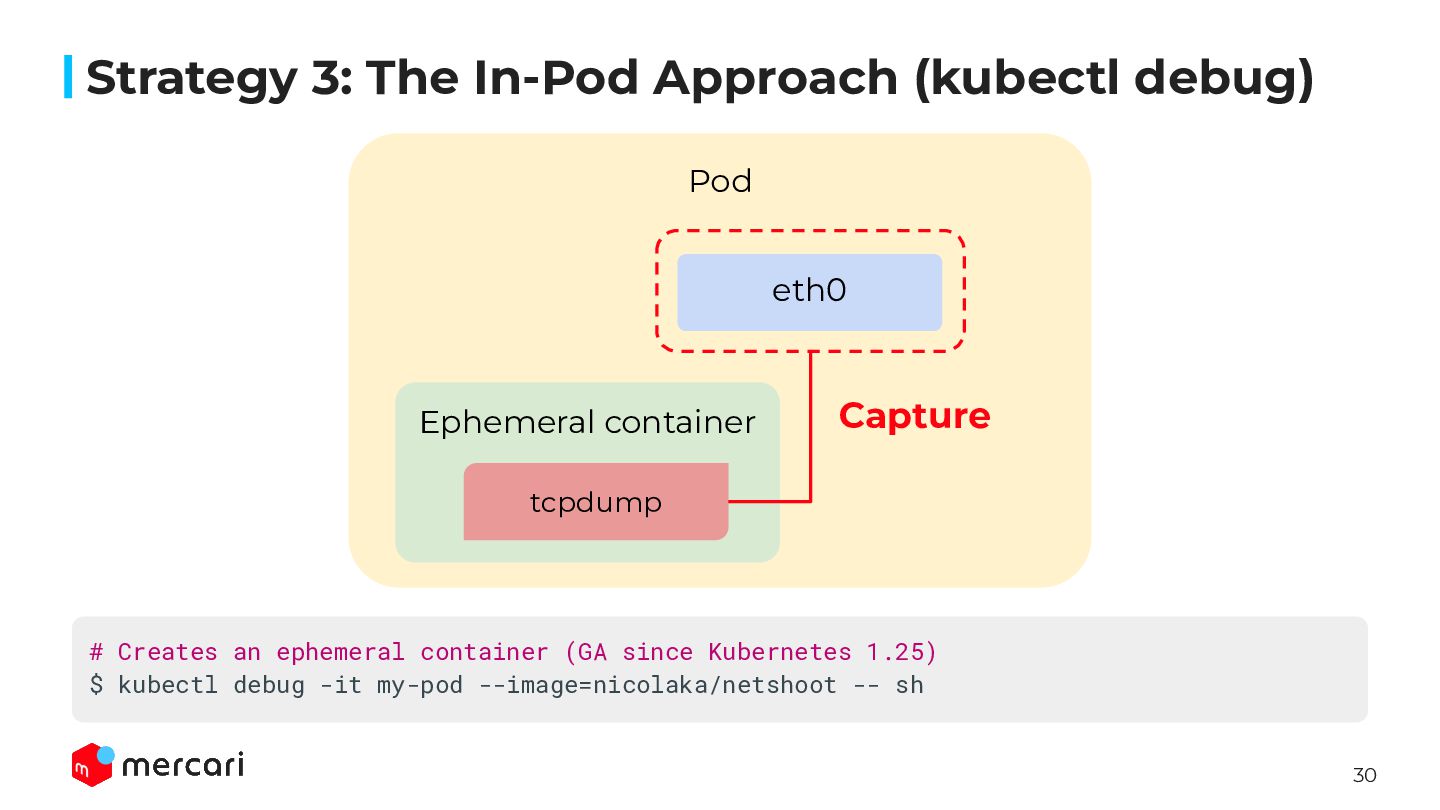
  23. 30 Strategy 3: The In-Pod Approach (kubectl debug) Pod eth0

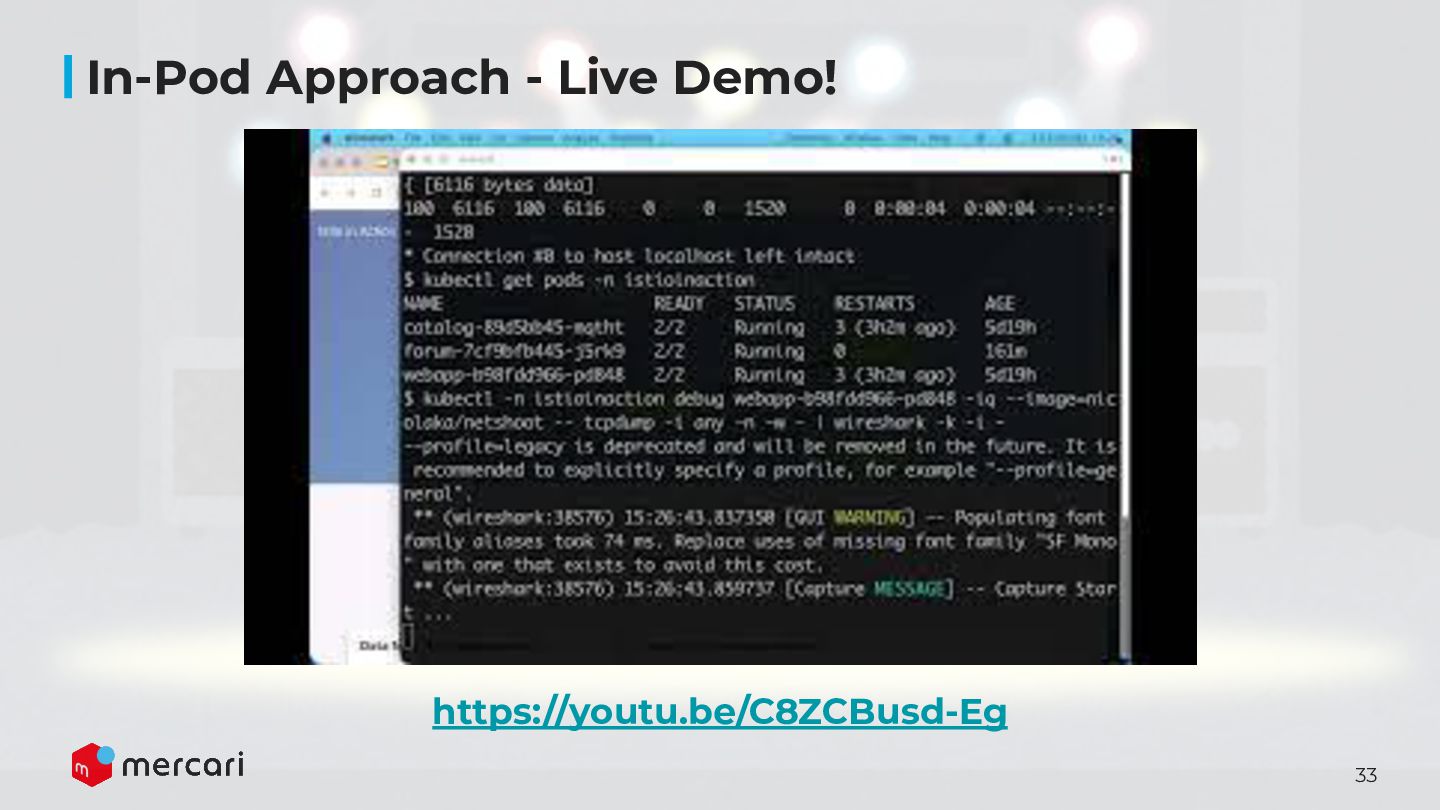
    Capture # Creates an ephemeral container (GA since Kubernetes 1.25) $ kubectl debug -it my-pod --image=nicolaka/netshoot -- sh Ephemeral container tcpdump
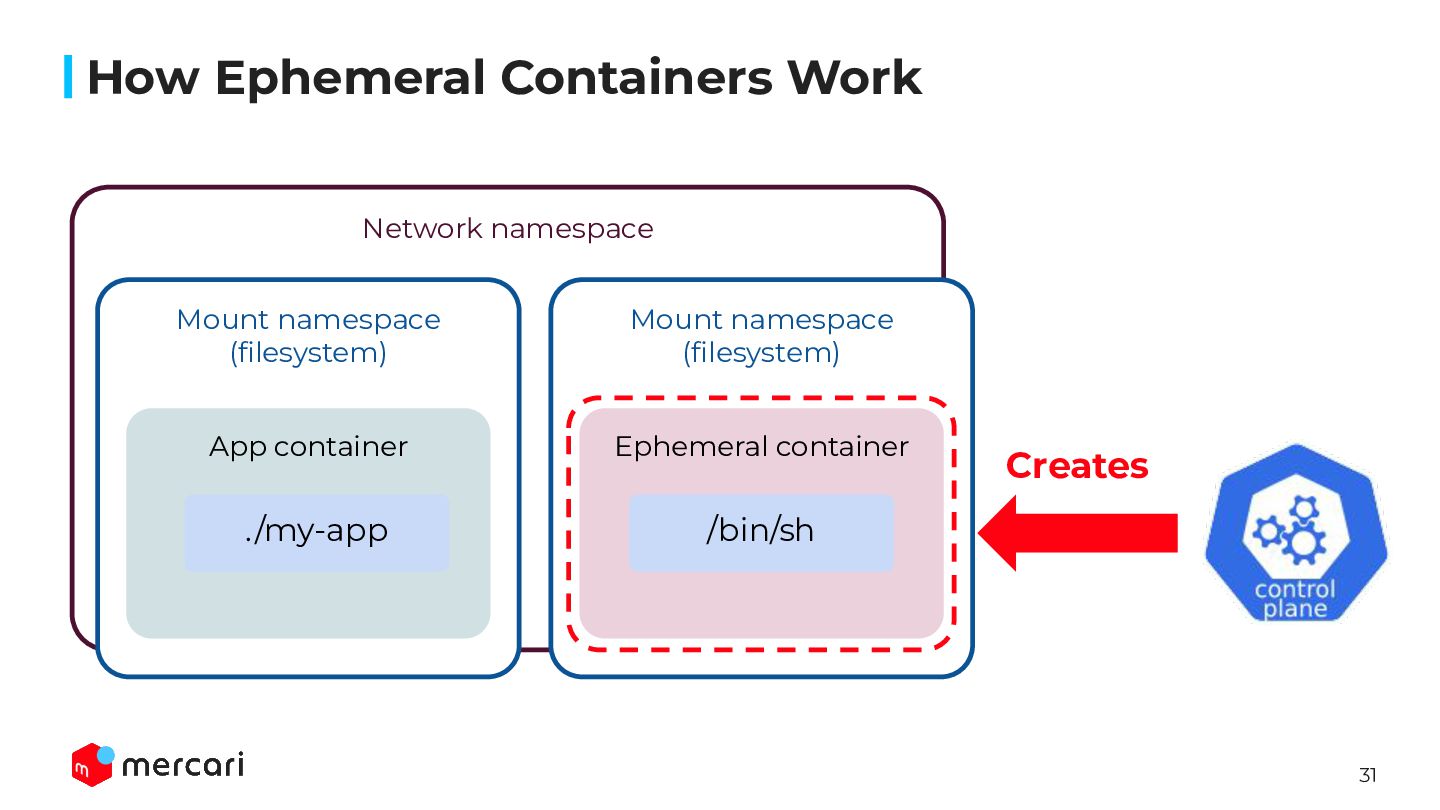
  24. 31 How Ephemeral Containers Work Network namespace Mount namespace (filesystem)

    App container ./my-app Mount namespace (filesystem) Ephemeral container /bin/sh Creates
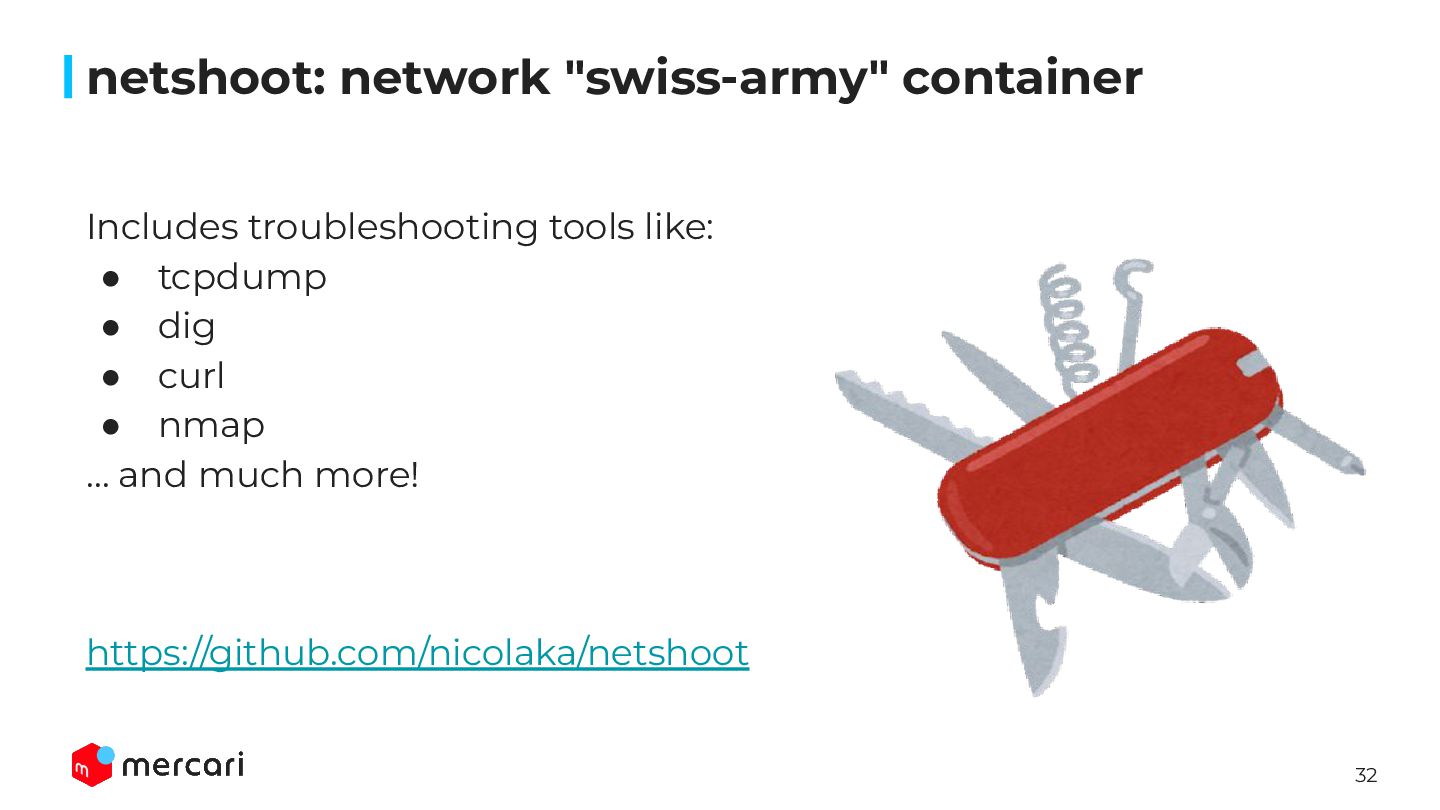
  25. 32 netshoot: network "swiss-army" container Includes troubleshooting tools like: •

    tcpdump • dig • curl • nmap … and much more! https://github.com/nicolaka/netshoot
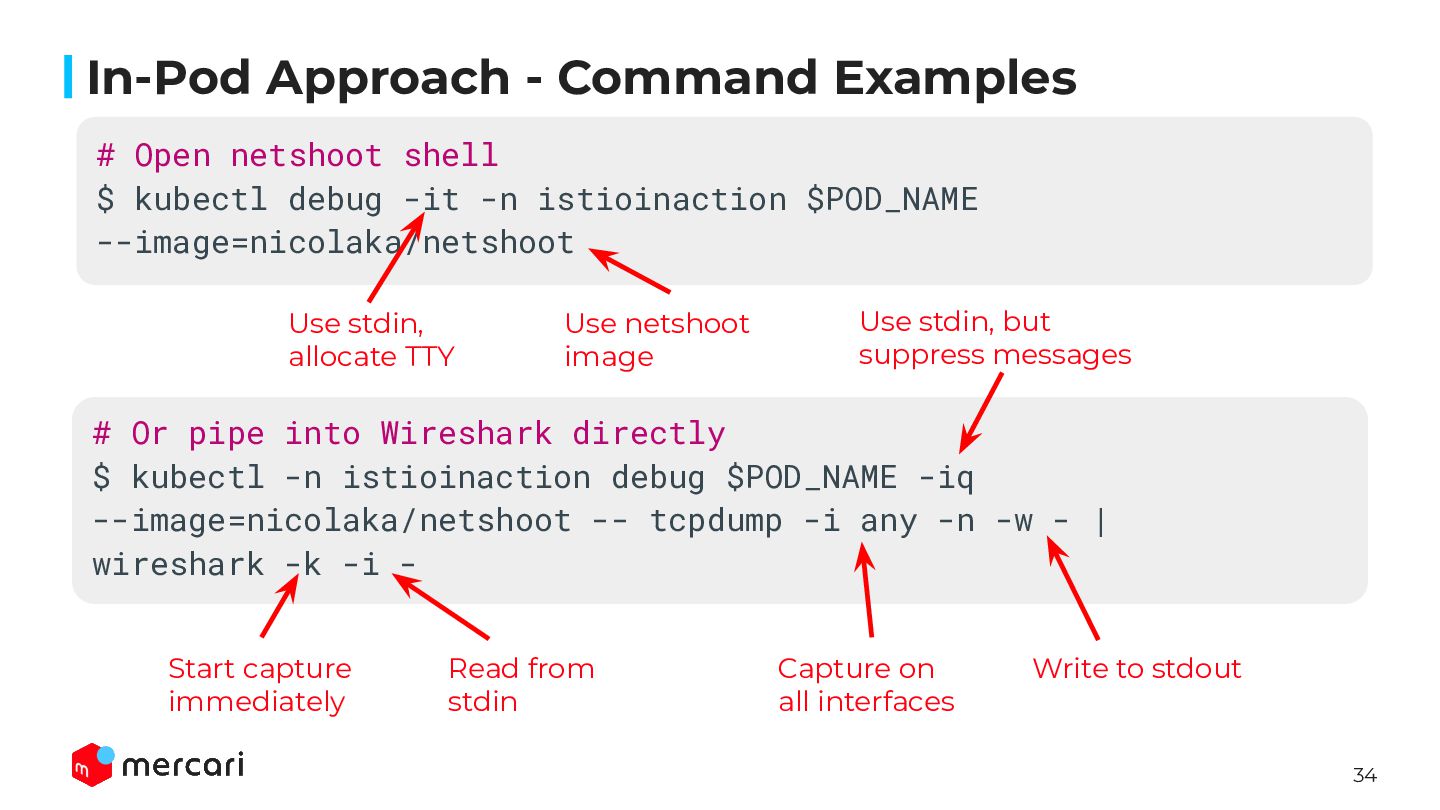
  26. 34 In-Pod Approach - Command Examples # Or pipe into

    Wireshark directly $ kubectl -n istioinaction debug $POD_NAME -iq --image=nicolaka/netshoot -- tcpdump -i any -n -w - | wireshark -k -i - Write to stdout Capture on all interfaces Read from stdin Start capture immediately # Open netshoot shell $ kubectl debug -it -n istioinaction $POD_NAME --image=nicolaka/netshoot Use stdin, allocate TTY Use netshoot image Use stdin, but suppress messages
  27. 35 Introduction Agenda The Best-Effort Reality Underneath the Abstraction The

    SRE's Capture Toolkit for Kubernetes The Next Frontier: eBPF 2. 3. 4. 1. Conclusion 5.
  28. 39 Introduction Agenda The Best-Effort Reality Underneath the Abstraction The

    SRE's Capture Toolkit for Kubernetes The Next Frontier: eBPF 2. 3. 4. 1. Conclusion 5.
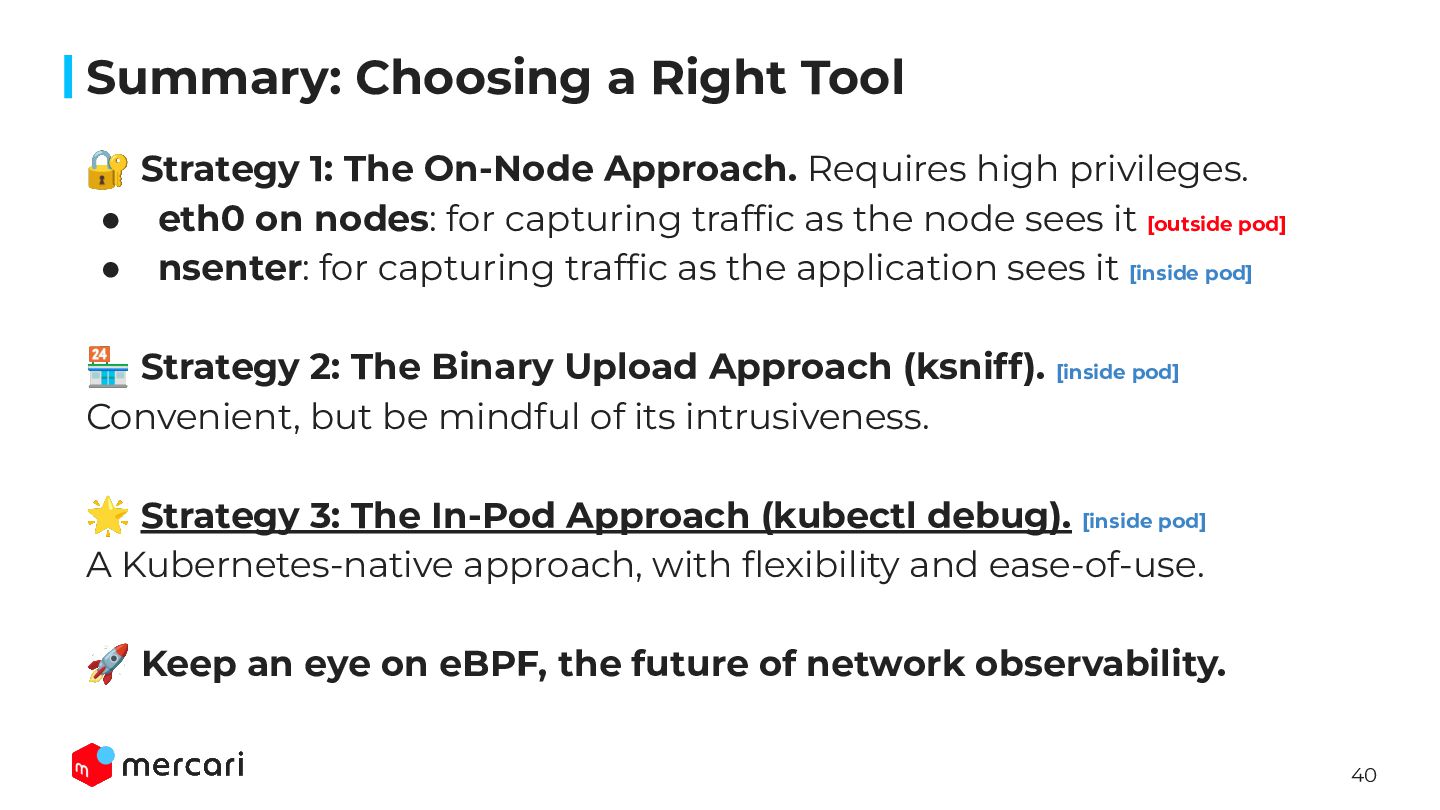
  29. 40 Summary: Choosing a Right Tool 🔐 Strategy 1: The

    On-Node Approach. Requires high privileges. • eth0 on nodes: for capturing traffic as the node sees it [outside pod] • nsenter: for capturing traffic as the application sees it [inside pod] 🏪 Strategy 2: The Binary Upload Approach (ksniff). [inside pod] Convenient, but be mindful of its intrusiveness. 🌟 Strategy 3: The In-Pod Approach (kubectl debug). [inside pod] A Kubernetes-native approach, with flexibility and ease-of-use. 🚀 Keep an eye on eBPF, the future of network observability.
  30. 43 Thank you! Capturing Network Packets in Kubernetes - Mercari

    Engineering Blog 🔎 Kubernetes packet capture