Upgrade to Pro — share decks privately, control downloads, hide ads and more …

Bridging Worlds - An Architectural Tale

Sponsored · Your Podcast. Everywhere. Effortlessly. Share. Educate. Inspire. Entertain. You do you. We'll handle the rest.

Bridging Worlds - An Architectural Tale

A mature e-commerce iOS app needed in-store functionality, essentially an app inside another app.
Instead of extending the existing MVVM-C architecture, we took a leap: TCA + Controller Hierarchies for the new module, bridging it incrementally with the existing codebase. This talk walks through the six bridges we built: from project modularization and dependency sharing to state composition and flow reuse — and the lessons learned along the way.

Avatar for André Pacheco Neves

André Pacheco Neves

June 10, 2023

More Decks by André Pacheco Neves

Other Decks in Programming

Transcript

  1. Apr 2017 | new app is born Scope: • Online

    shopping • Built from the ground up • Completely new team ◦ 3 iOS devs iOS landscape: • iOS 9 was state-of-the-art • Swift 3 was king • Xcode 8 was still your frenemy
  2. • MVVM-C Architecture ◦ Clear MVVM boundaries (most of the

    time™) ◦ Coordinators solved Navigation (... but were very open to interpretation) • ReactiveSwift + ReactiveCocoa as FRP framework (observables + bindings) • App state managed via multiple services • CocoaPods for dependency management Technical starting point
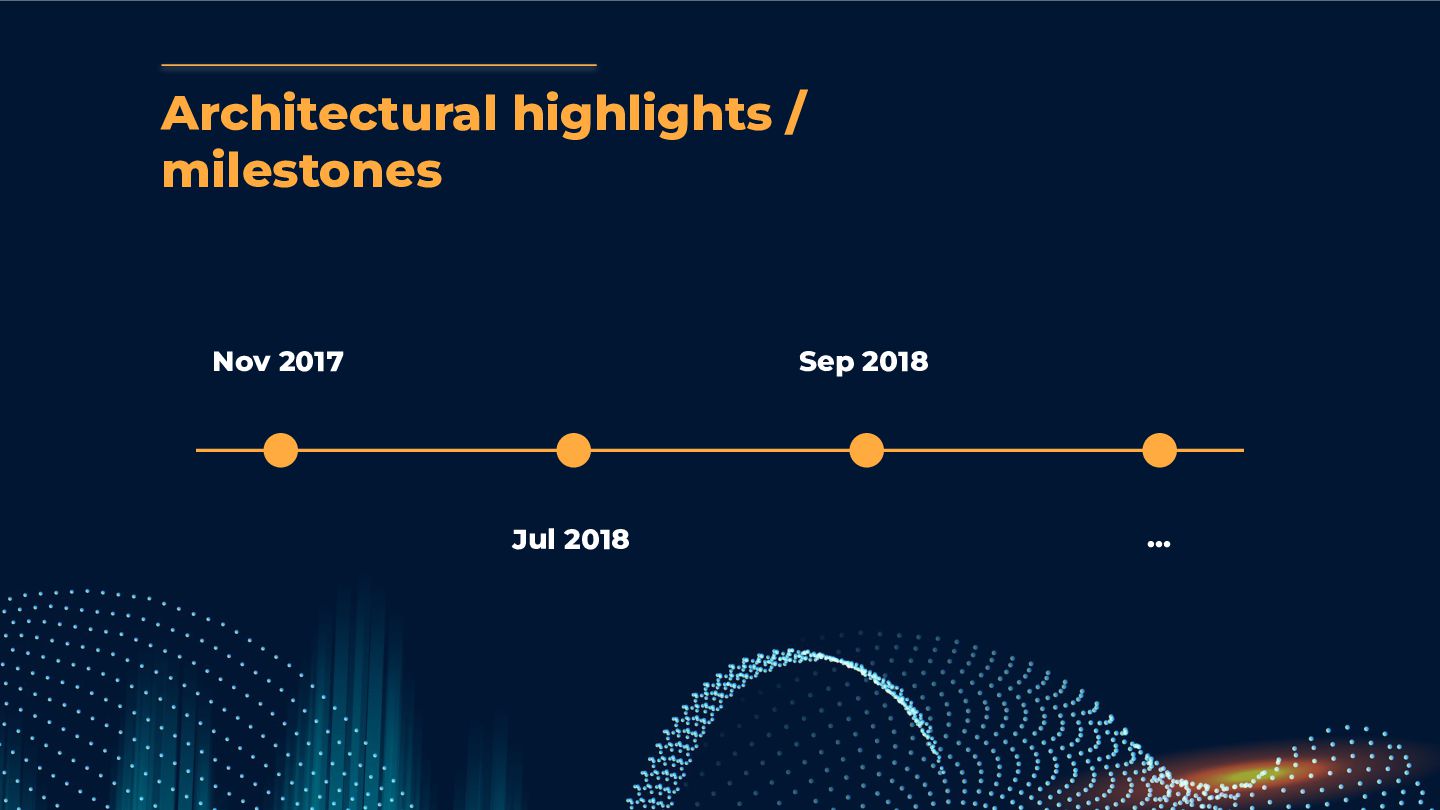
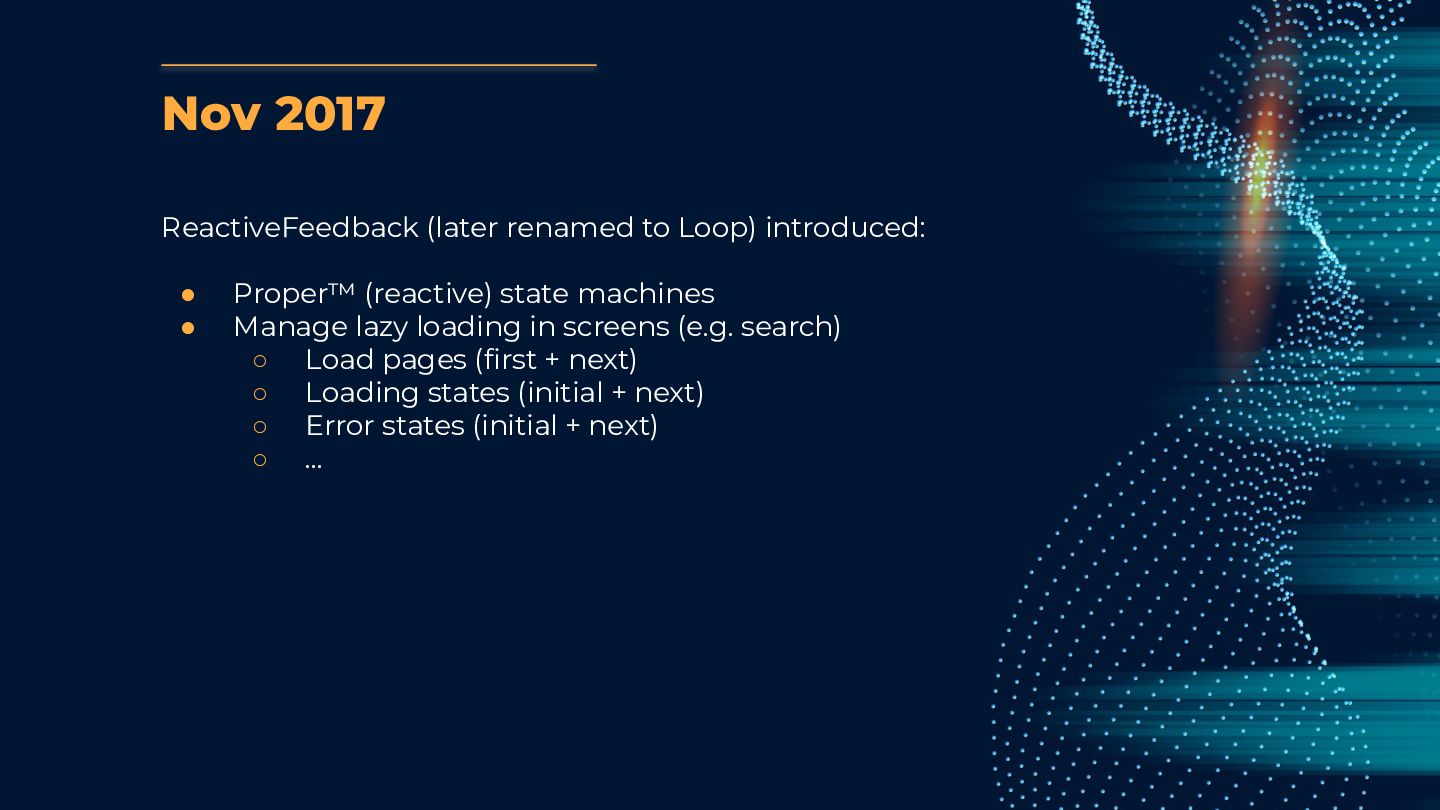
  3. Nov 2017 ReactiveFeedback (later renamed to Loop) introduced: • Proper™

    (reactive) state machines • Manage lazy loading in screens (e.g. search) ◦ Load pages (first + next) ◦ Loading states (initial + next) ◦ Error states (initial + next) ◦ …
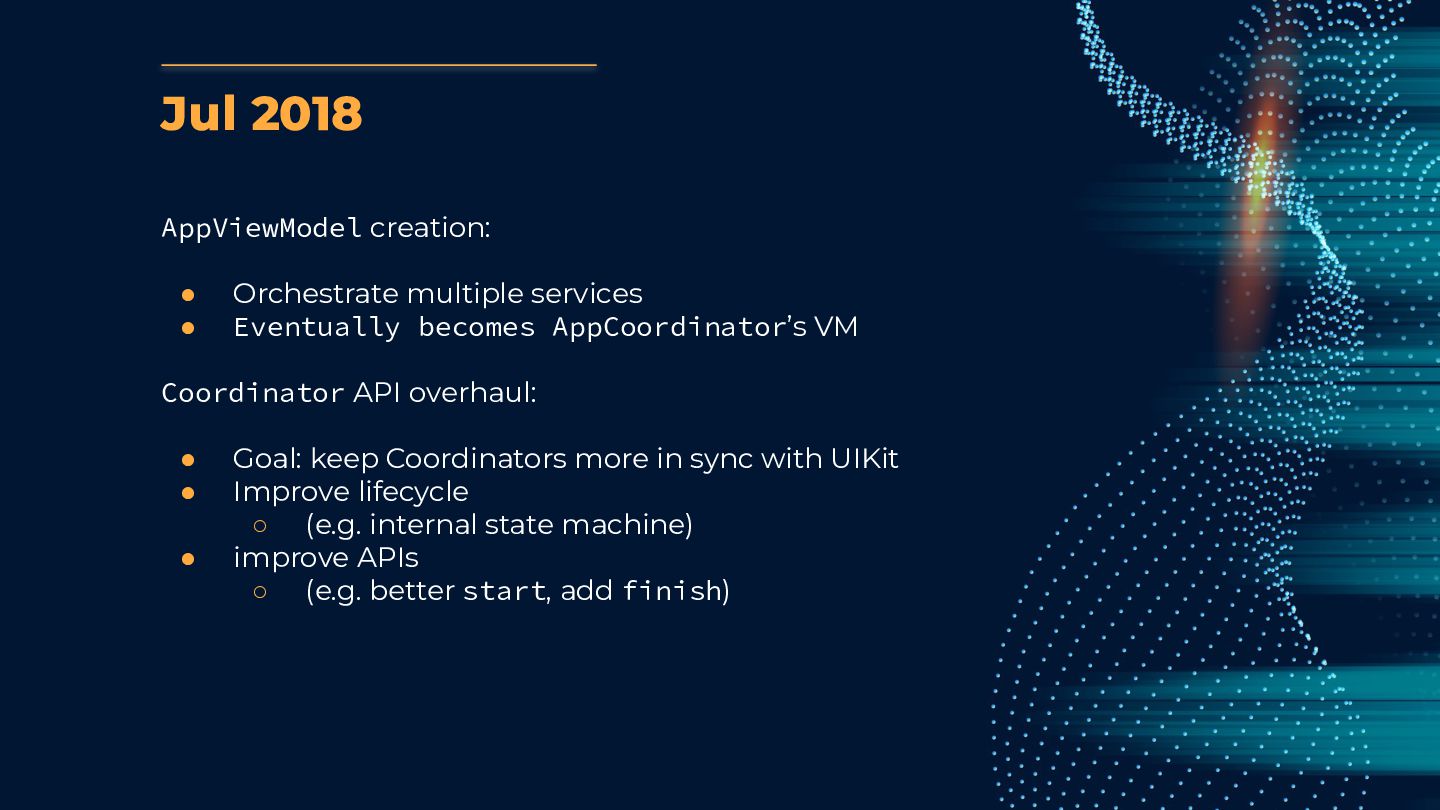
  4. Jul 2018 AppViewModel creation: • Orchestrate multiple services • Eventually

    becomes AppCoordinator’s VM Coordinator API overhaul: • Goal: keep Coordinators more in sync with UIKit • Improve lifecycle ◦ (e.g. internal state machine) • improve APIs ◦ (e.g. better start, add finish)
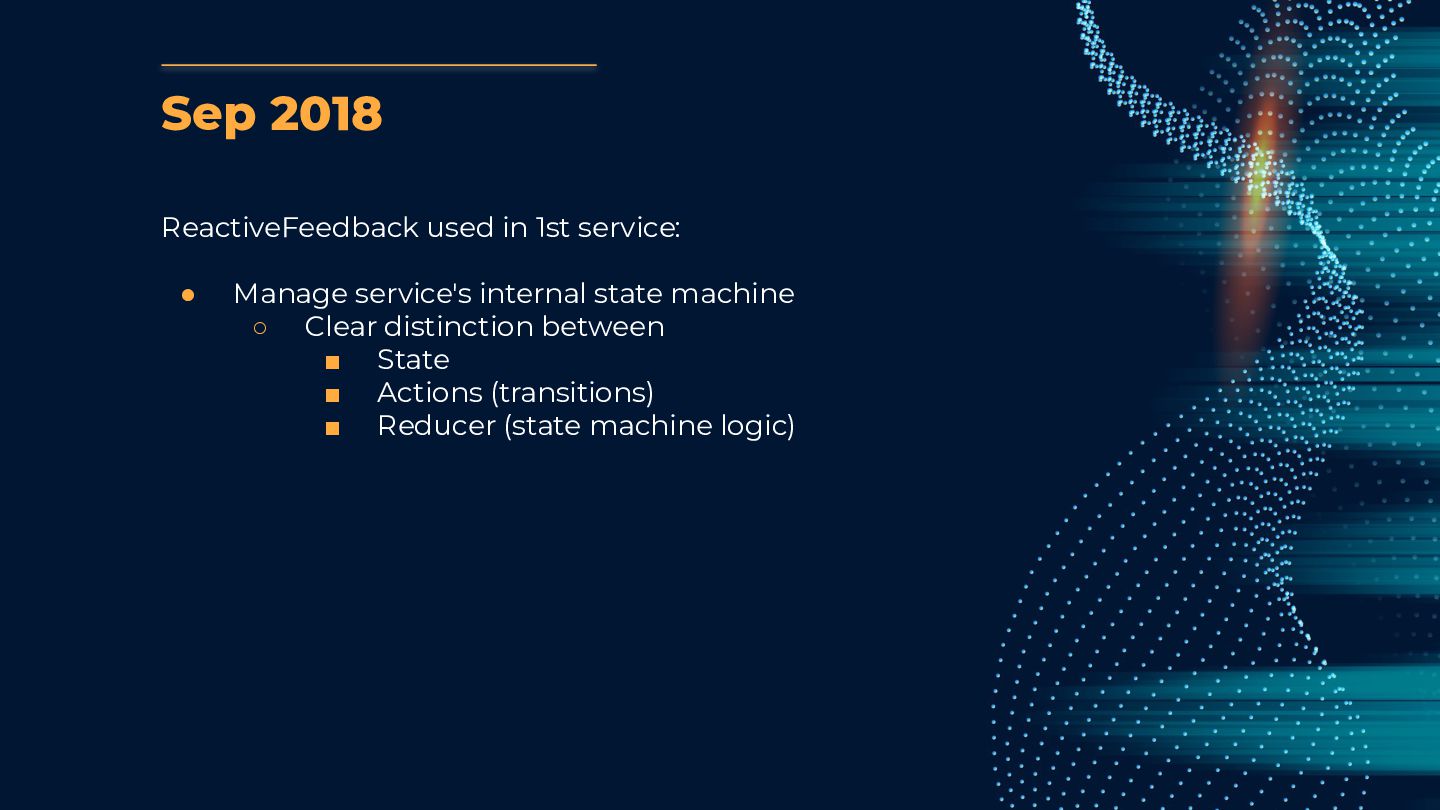
  5. Sep 2018 ReactiveFeedback used in 1st service: • Manage service's

    internal state machine ◦ Clear distinction between ▪ State ▪ Actions (transitions) ▪ Reducer (state machine logic)
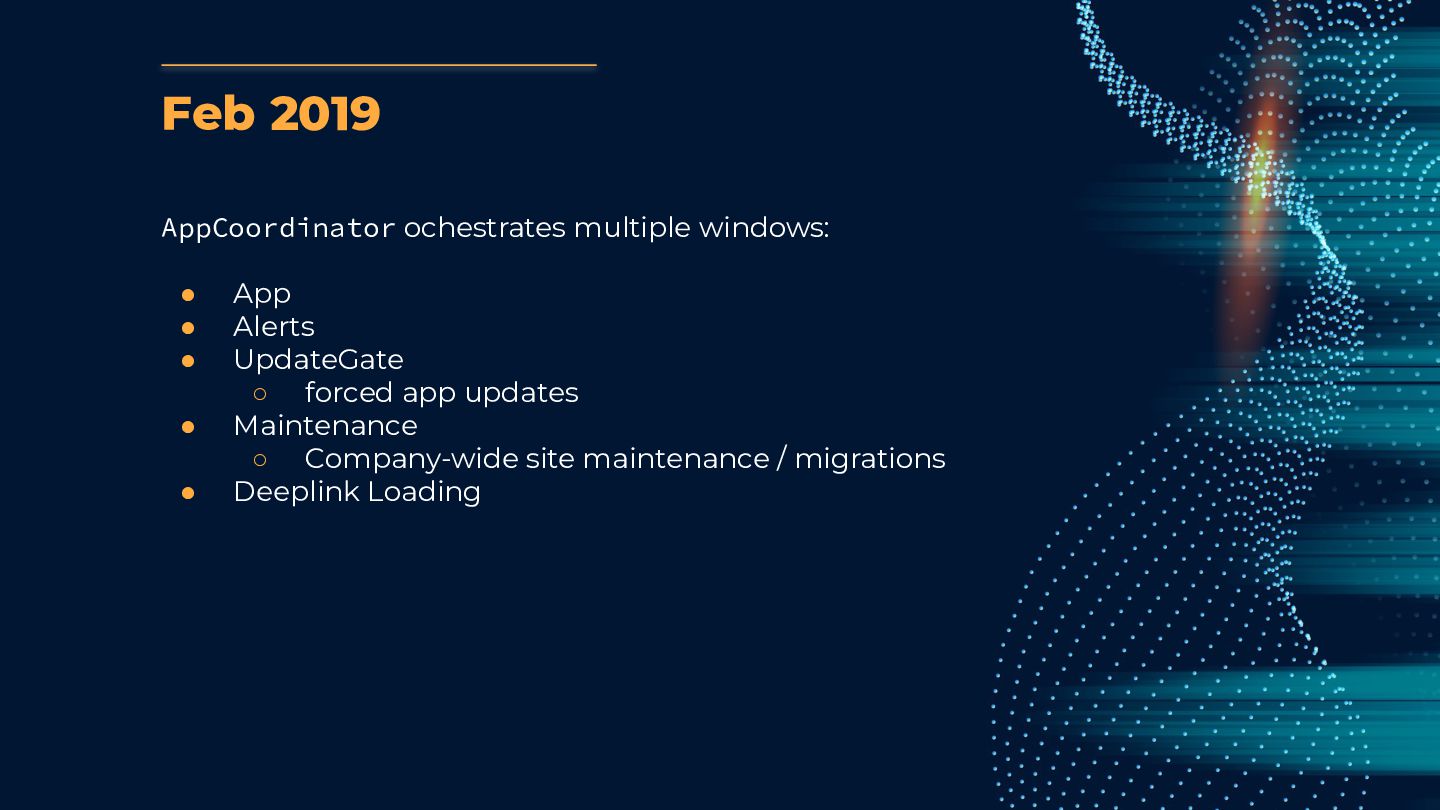
  6. Feb 2019 AppCoordinator ochestrates multiple windows: • App • Alerts

    • UpdateGate ◦ forced app updates • Maintenance ◦ Company-wide site maintenance / migrations • Deeplink Loading
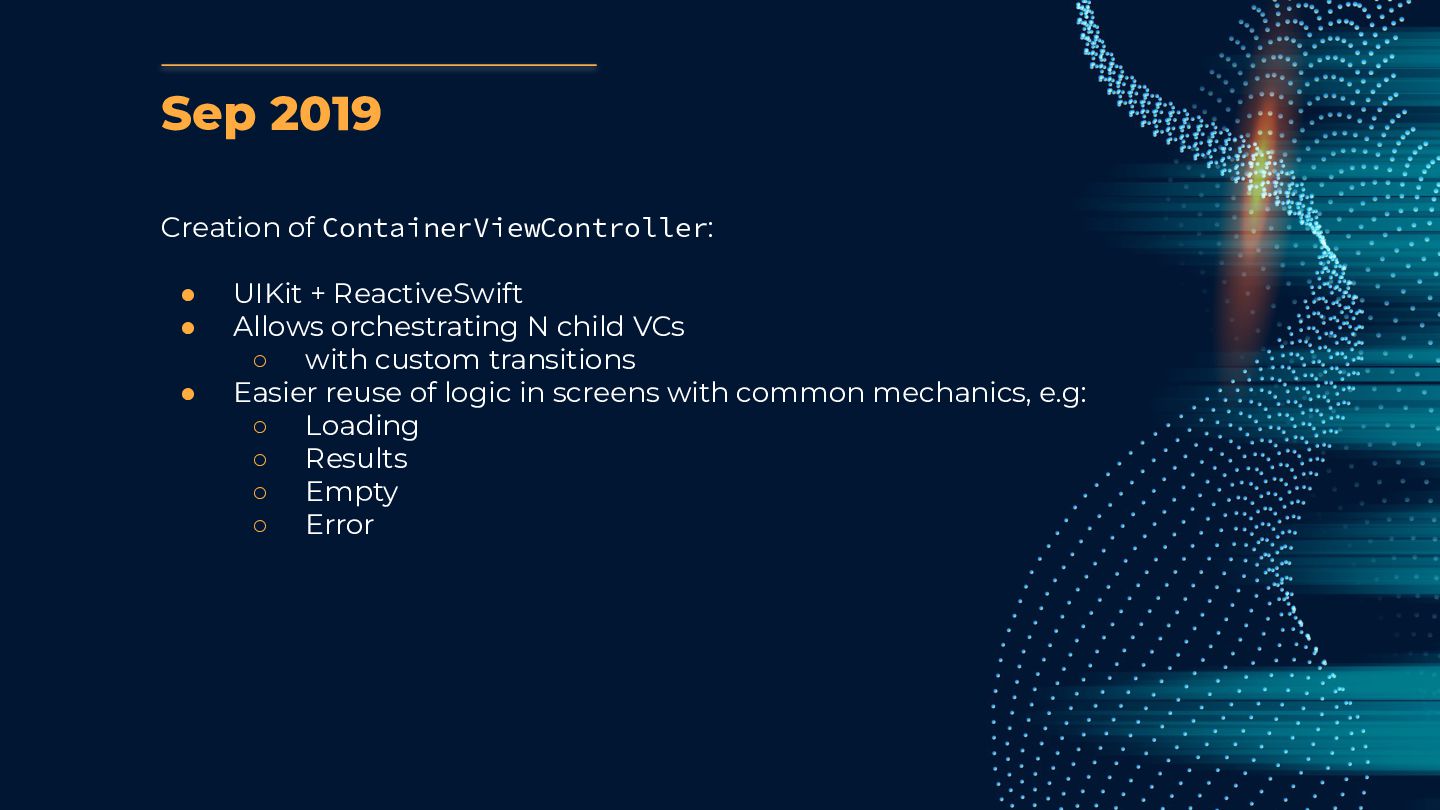
  7. Sep 2019 Creation of ContainerViewController: • UIKit + ReactiveSwift •

    Allows orchestrating N child VCs ◦ with custom transitions • Easier reuse of logic in screens with common mechanics, e.g: ◦ Loading ◦ Results ◦ Empty ◦ Error
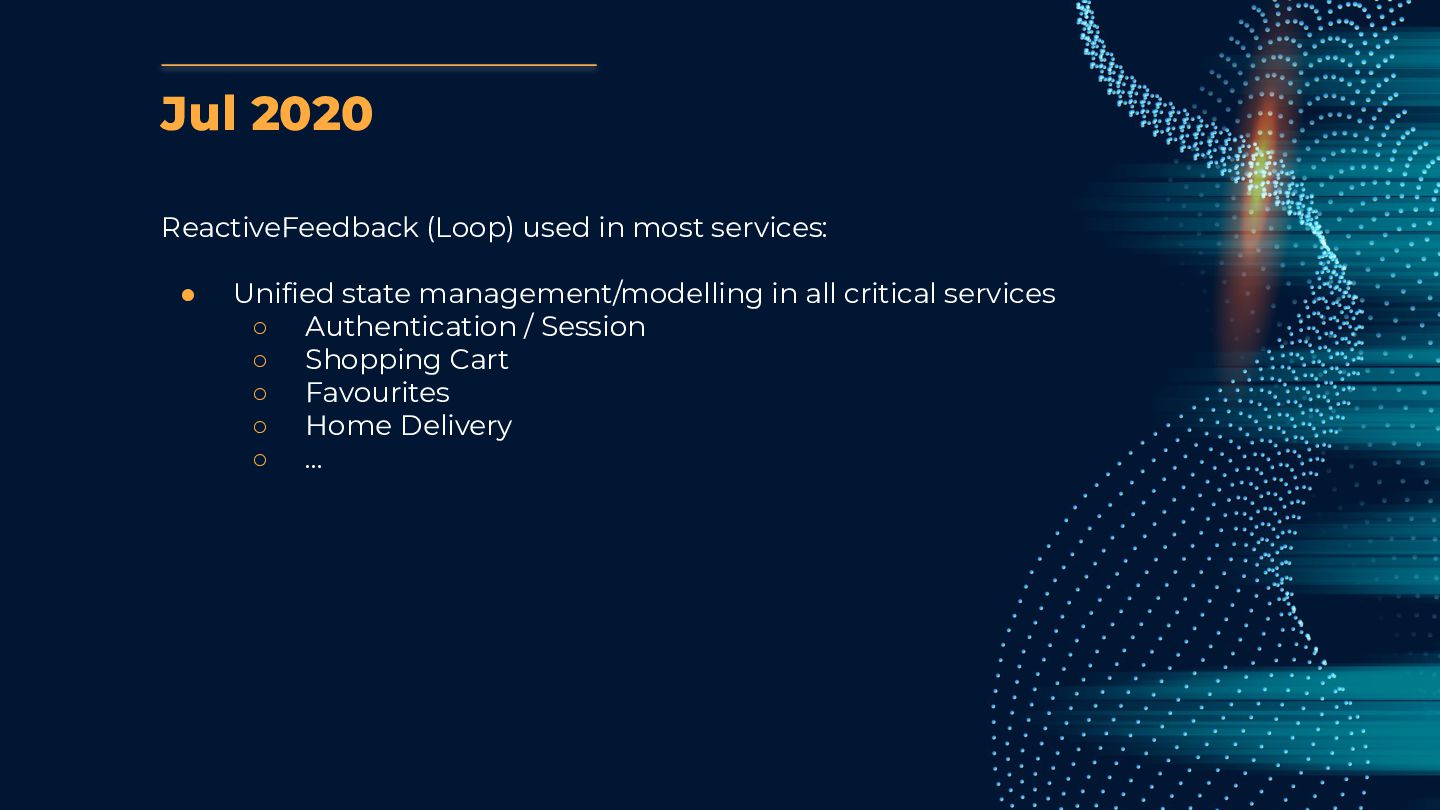
  8. Jul 2020 ReactiveFeedback (Loop) used in most services: • Unified
    state management/modelling in all critical services ◦ Authentication / Session ◦ Shopping Cart ◦ Favourites ◦ Home Delivery ◦ …
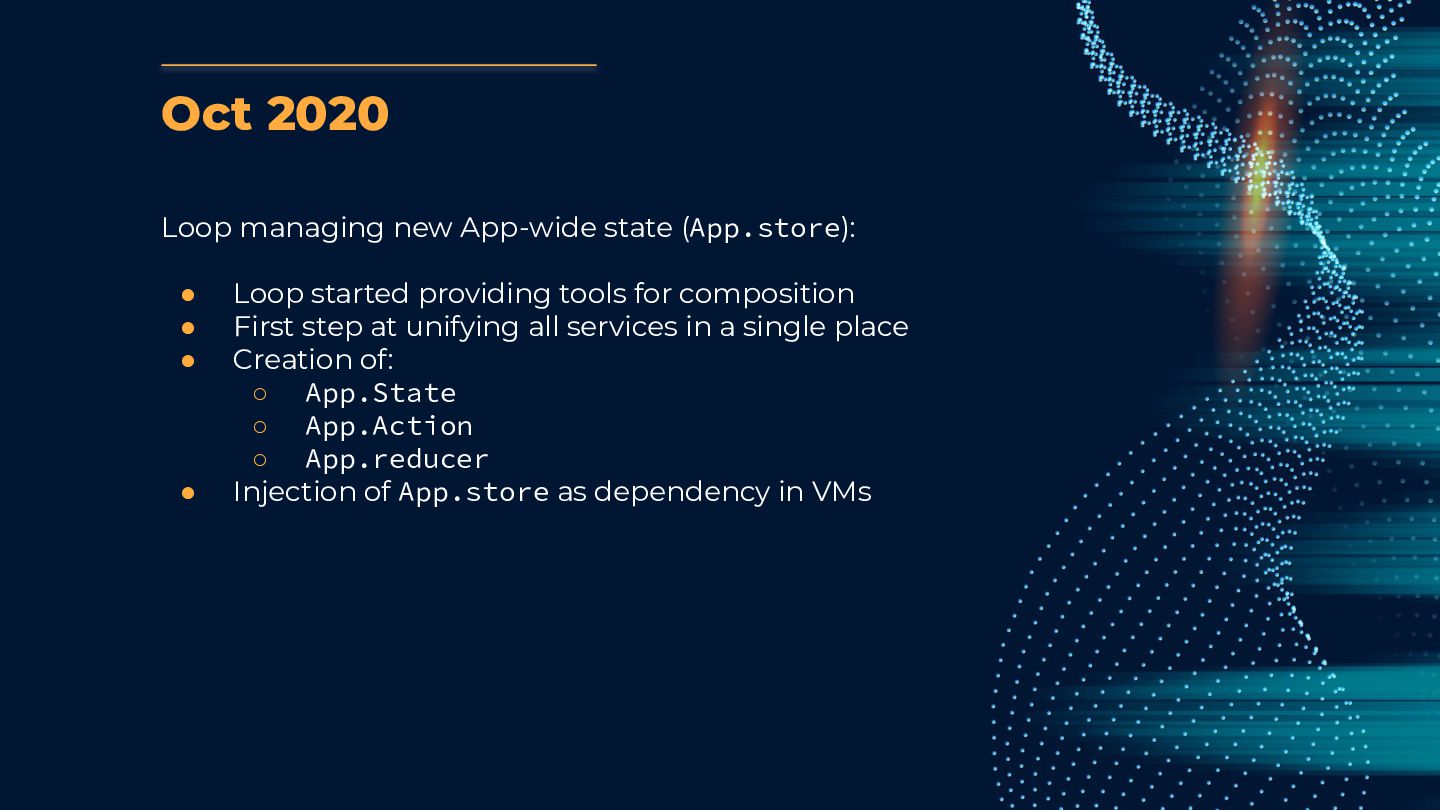
  9. Oct 2020 Loop managing new App-wide state (App.store): • Loop

    started providing tools for composition • First step at unifying all services in a single place • Creation of: ◦ App.State ◦ App.Action ◦ App.reducer • Injection of App.store as dependency in VMs
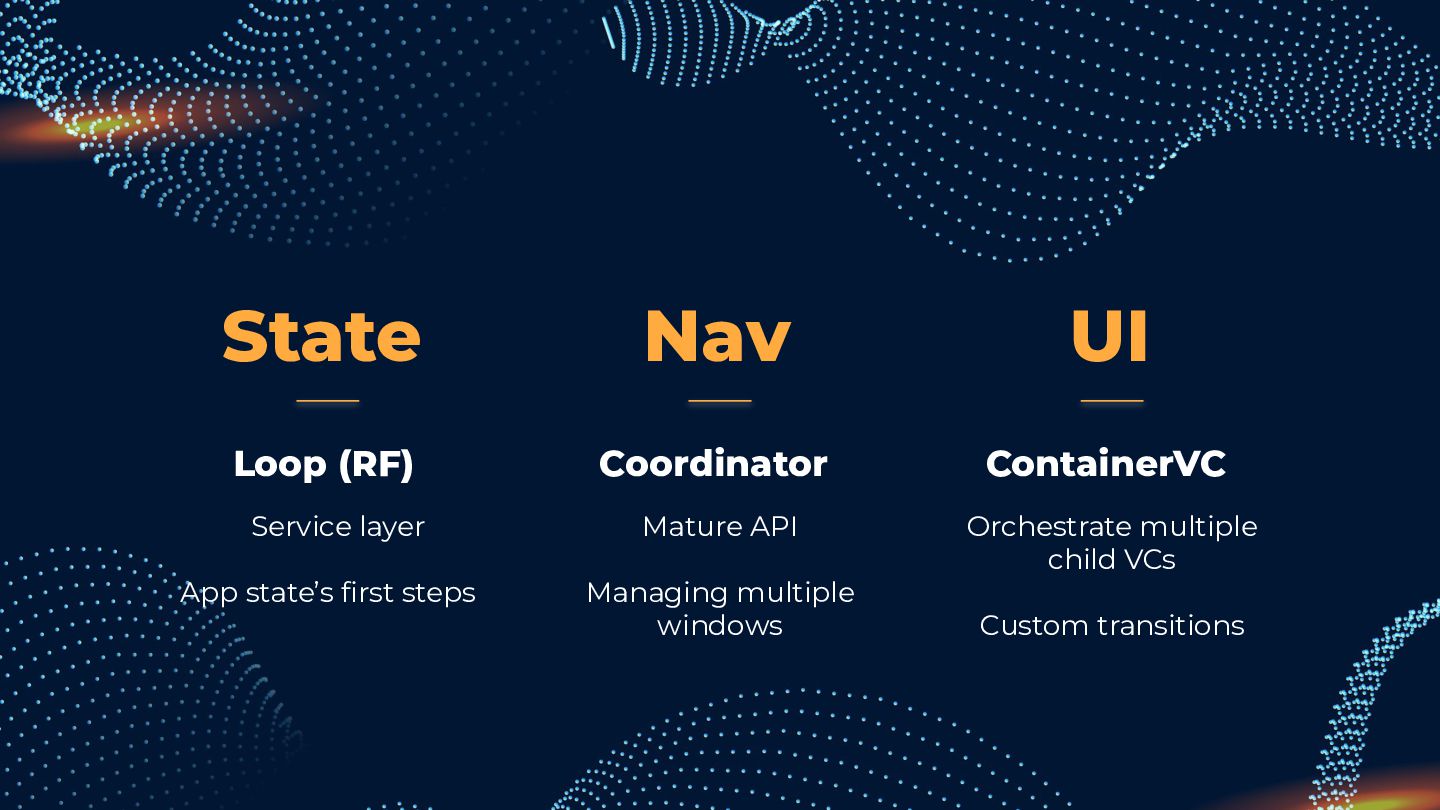
  10. State Coordinator Mature API Managing multiple windows ContainerVC Orchestrate multiple

    child VCs Custom transitions Loop (RF) Service layer App state’s first steps Nav UI
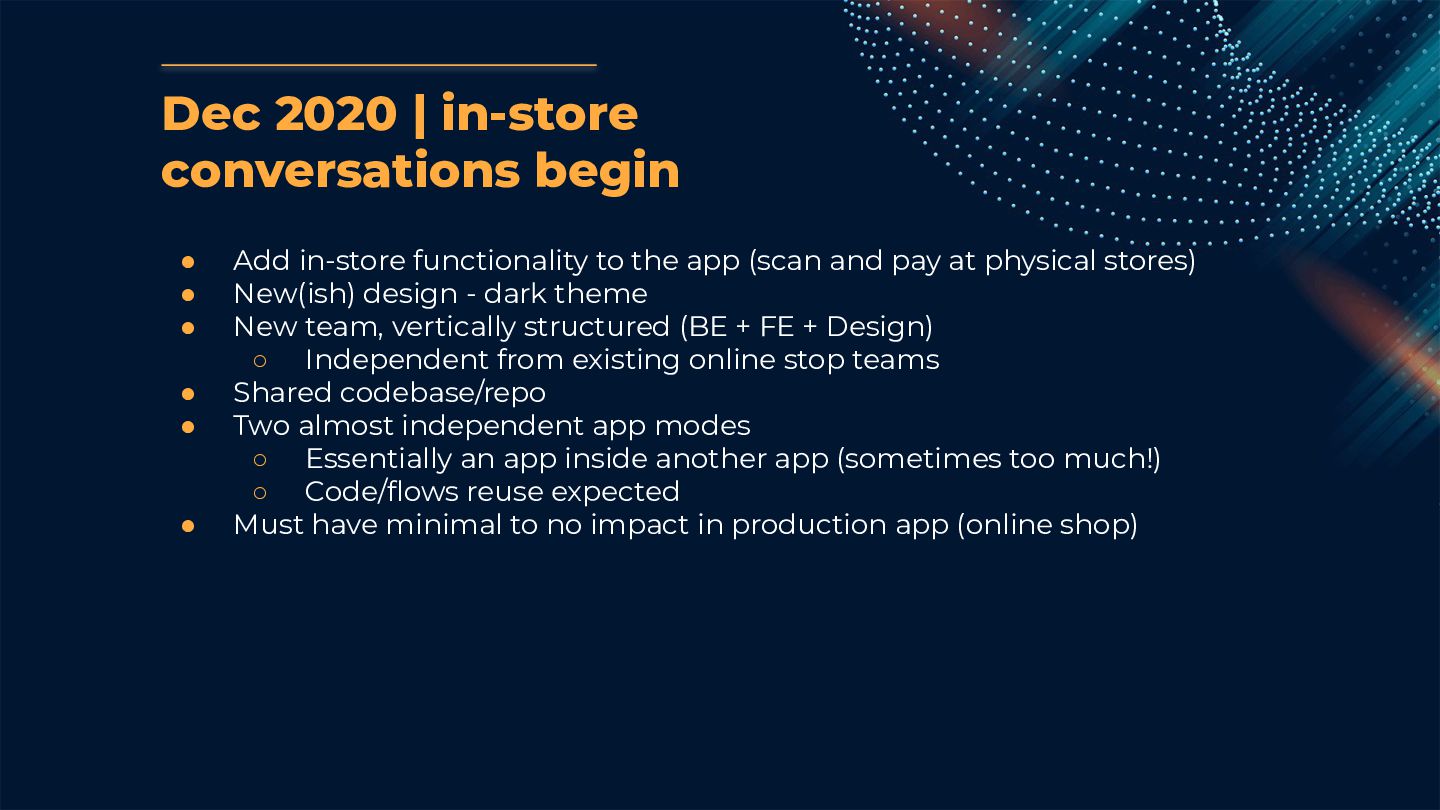
  11. Dec 2020 | in-store conversations begin • Add in-store functionality

    to the app (scan and pay at physical stores) • New(ish) design - dark theme • New team, vertically structured (BE + FE + Design) ◦ Independent from existing online stop teams • Shared codebase/repo • Two almost independent app modes ◦ Essentially an app inside another app (sometimes too much!) ◦ Code/flows reuse expected • Must have minimal to no impact in production app (online shop)
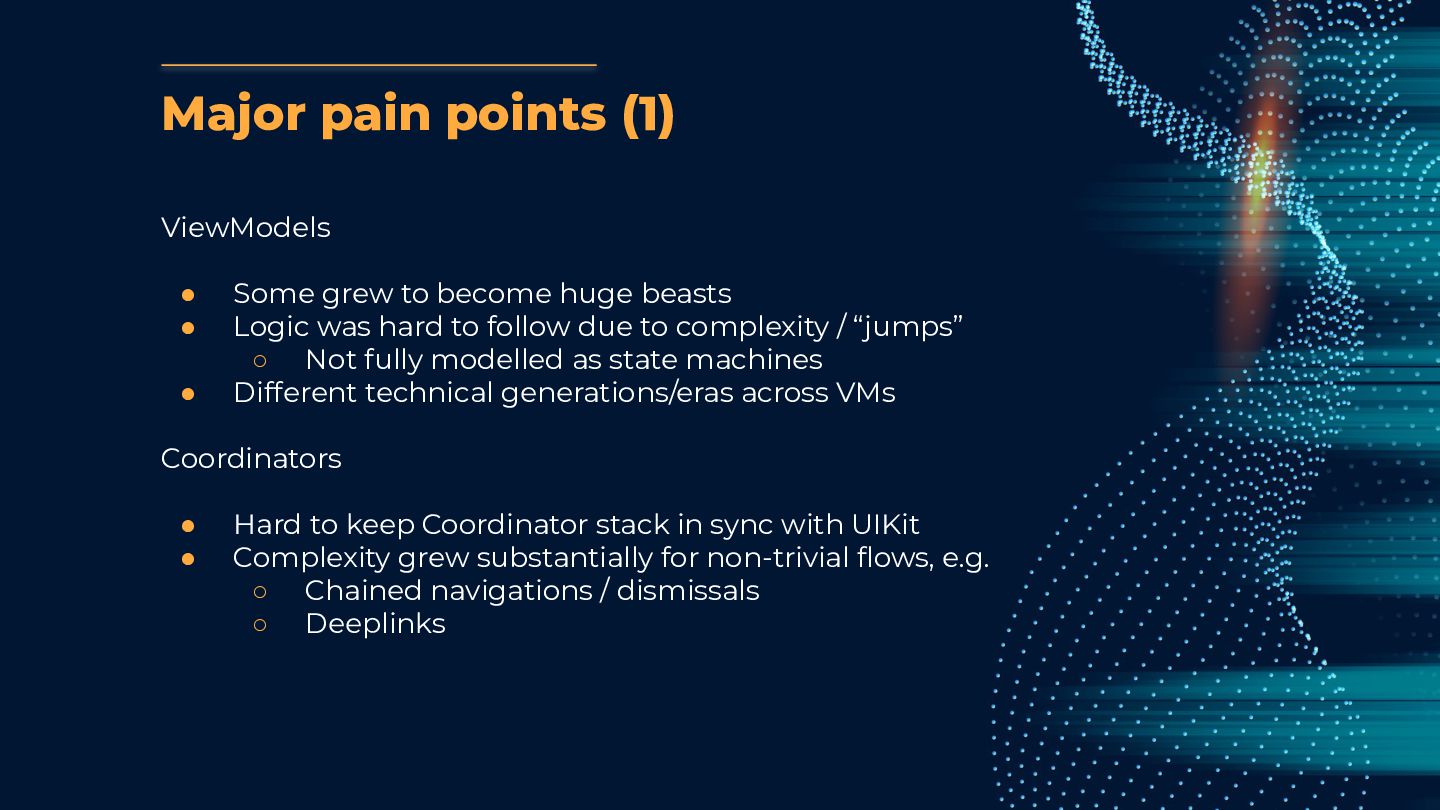
  12. Major pain points (1) ViewModels • Some grew to become

    huge beasts • Logic was hard to follow due to complexity / “jumps” ◦ Not fully modelled as state machines • Different technical generations/eras across VMs Coordinators • Hard to keep Coordinator stack in sync with UIKit • Complexity grew substantially for non-trivial flows, e.g. ◦ Chained navigations / dismissals ◦ Deeplinks
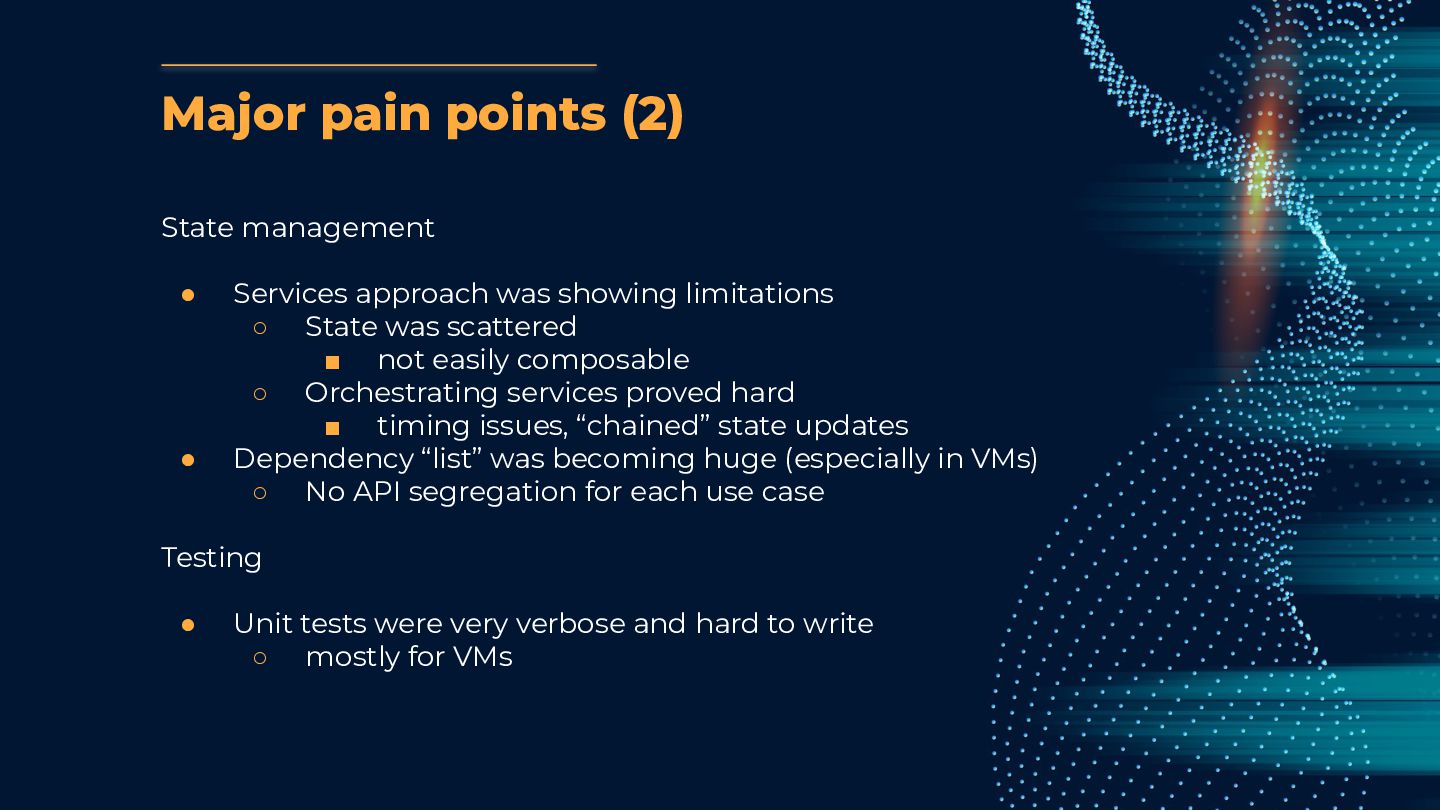
  13. Major pain points (2) State management • Services approach was

    showing limitations ◦ State was scattered ▪ not easily composable ◦ Orchestrating services proved hard ▪ timing issues, “chained” state updates • Dependency “list” was becoming huge (especially in VMs) ◦ No API segregation for each use case Testing • Unit tests were very verbose and hard to write ◦ mostly for VMs
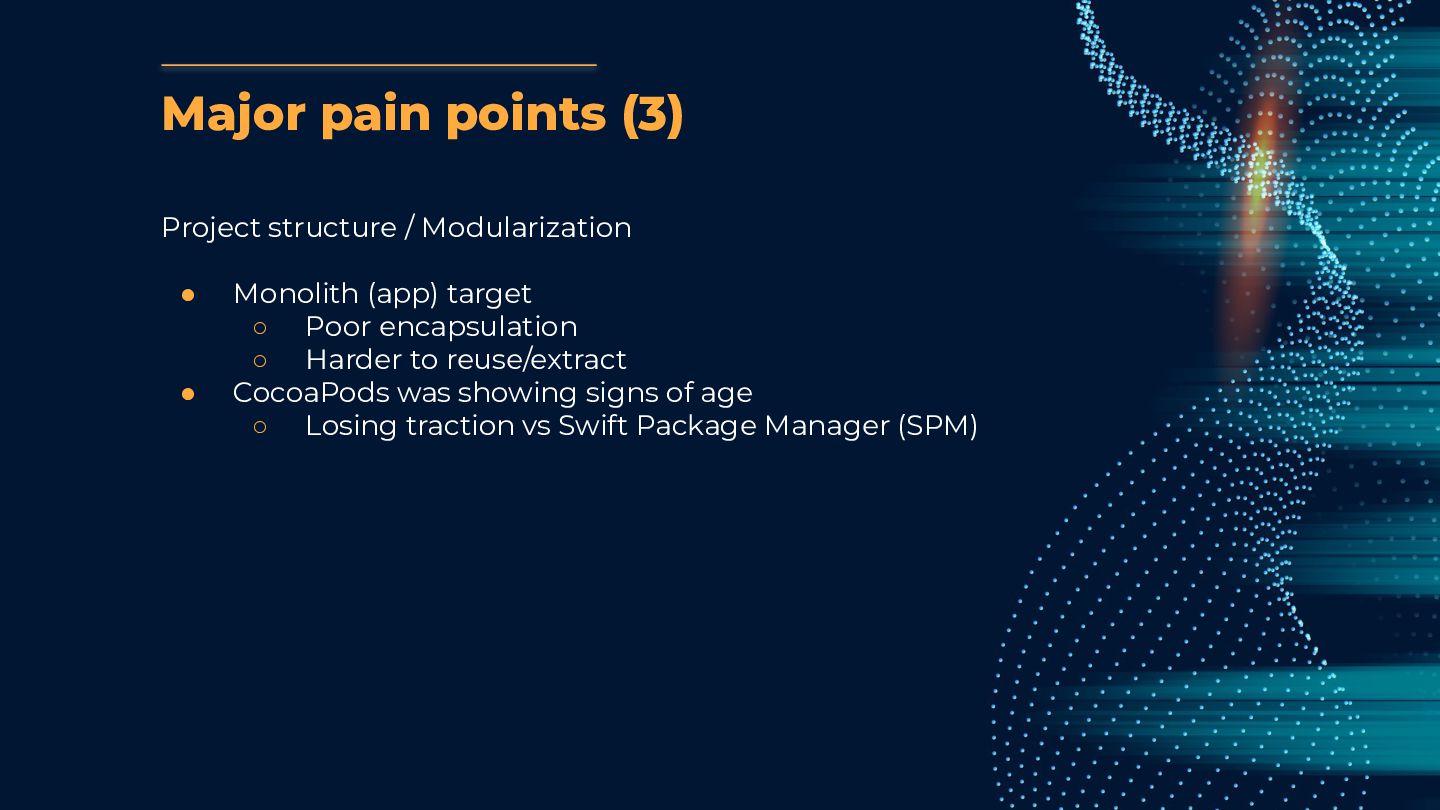
  14. Major pain points (3) Project structure / Modularization • Monolith

    (app) target ◦ Poor encapsulation ◦ Harder to reuse/extract • CocoaPods was showing signs of age ◦ Losing traction vs Swift Package Manager (SPM)
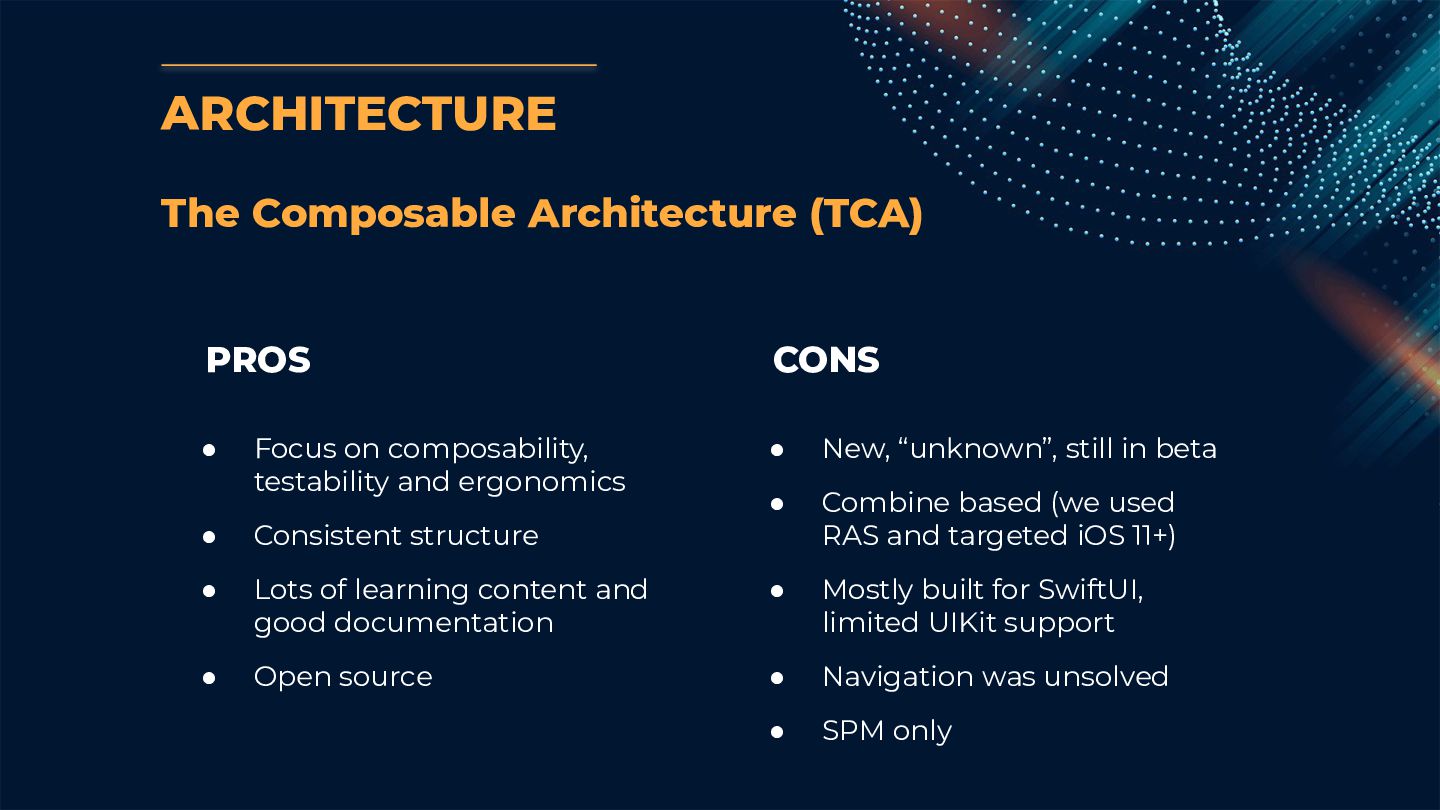
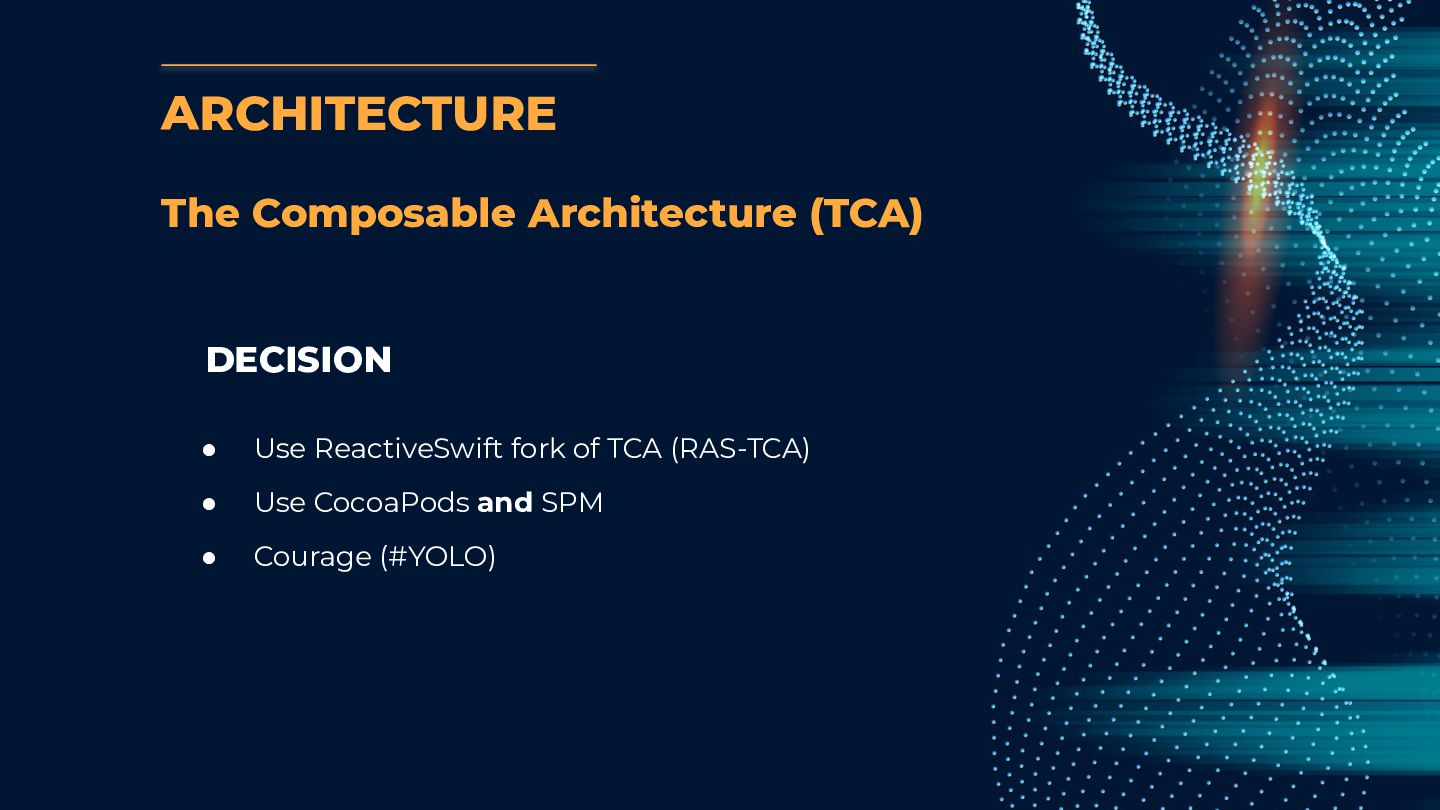
  15. ARCHITECTURE The Composable Architecture (TCA) • Focus on composability, testability

    and ergonomics • Consistent structure • Lots of learning content and good documentation • Open source • New, “unknown”, still in beta • Combine based (we used RAS and targeted iOS 11+) • Mostly built for SwiftUI, limited UIKit support • Navigation was unsolved • SPM only PROS CONS
  16. ARCHITECTURE The Composable Architecture (TCA) DECISION • Use ReactiveSwift fork

    of TCA (RAS-TCA) • Use CocoaPods and SPM • Courage (#YOLO)
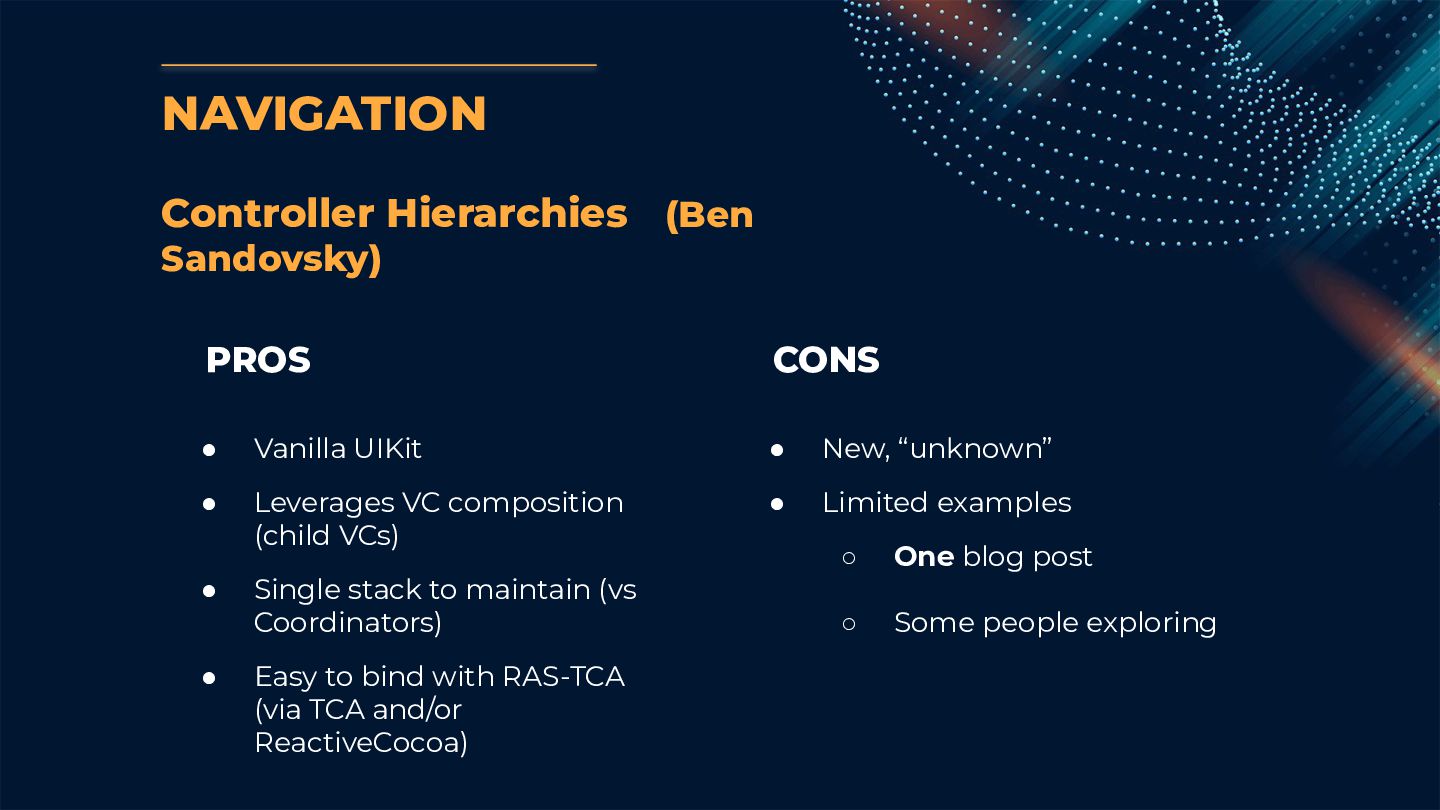
  17. NAVIGATION Controller Hierarchies (Ben Sandovsky) • Vanilla UIKit • Leverages

    VC composition (child VCs) • Single stack to maintain (vs Coordinators) • Easy to bind with RAS-TCA (via TCA and/or ReactiveCocoa) • New, “unknown” • Limited examples ◦ One blog post ◦ Some people exploring PROS CONS
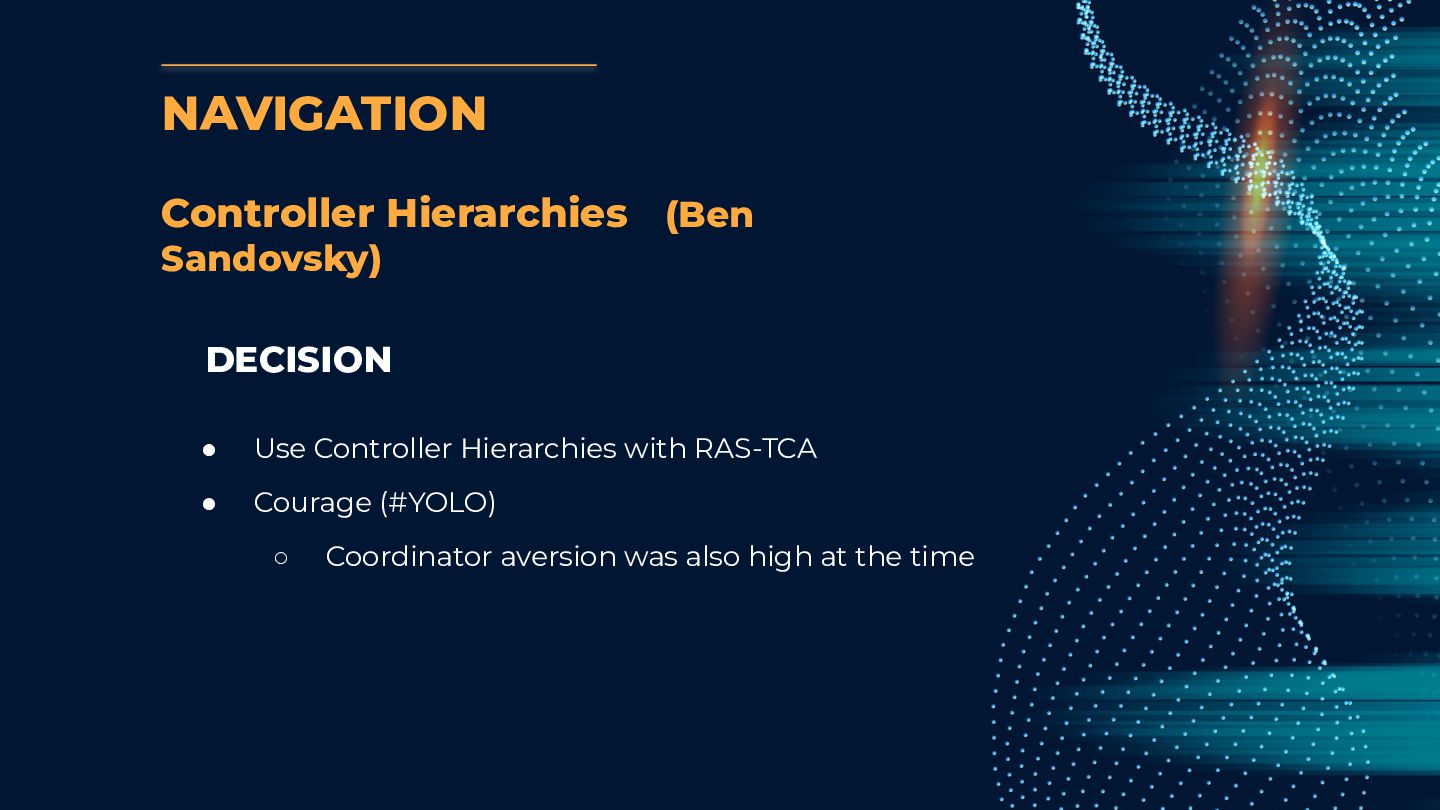
  18. DECISION • Use Controller Hierarchies with RAS-TCA • Courage (#YOLO)

    ◦ Coordinator aversion was also high at the time NAVIGATION Controller Hierarchies (Ben Sandovsky)
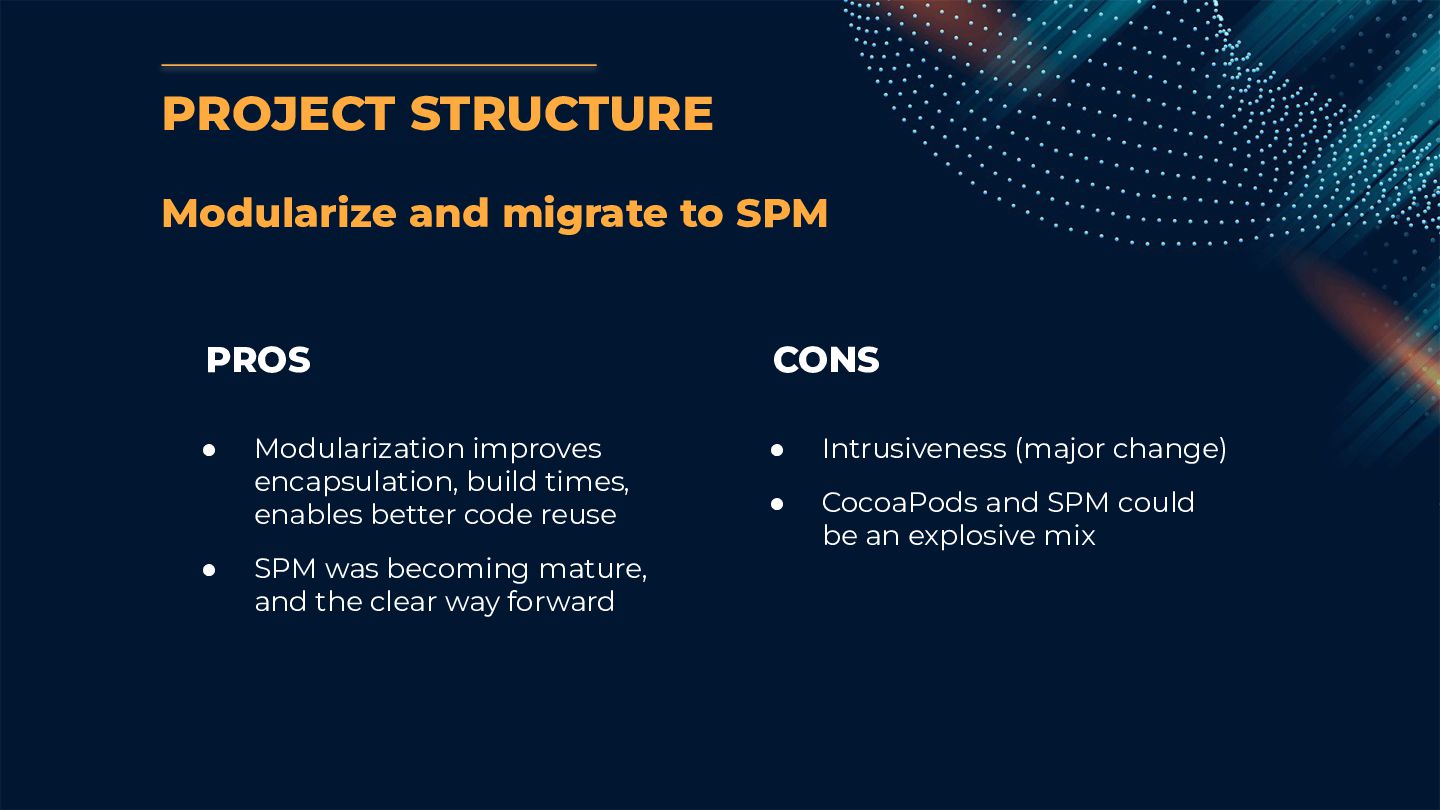
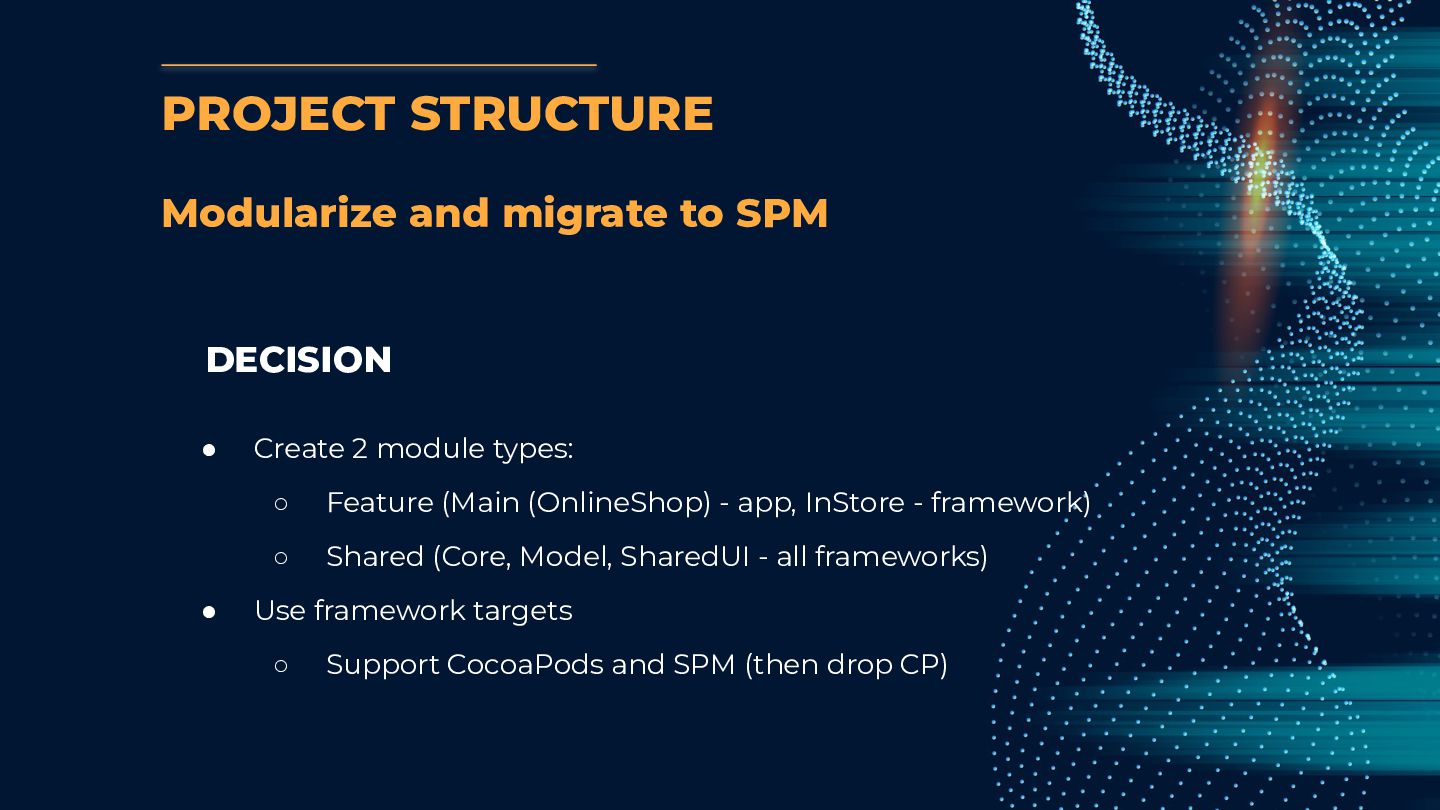
  19. PROJECT STRUCTURE Modularize and migrate to SPM • Modularization improves

    encapsulation, build times, enables better code reuse • SPM was becoming mature, and the clear way forward • Intrusiveness (major change) • CocoaPods and SPM could be an explosive mix PROS CONS
  20. DECISION • Create 2 module types: ◦ Feature (Main (OnlineShop)

    - app, InStore - framework) ◦ Shared (Core, Model, SharedUI - all frameworks) • Use framework targets ◦ Support CocoaPods and SPM (then drop CP) PROJECT STRUCTURE Modularize and migrate to SPM
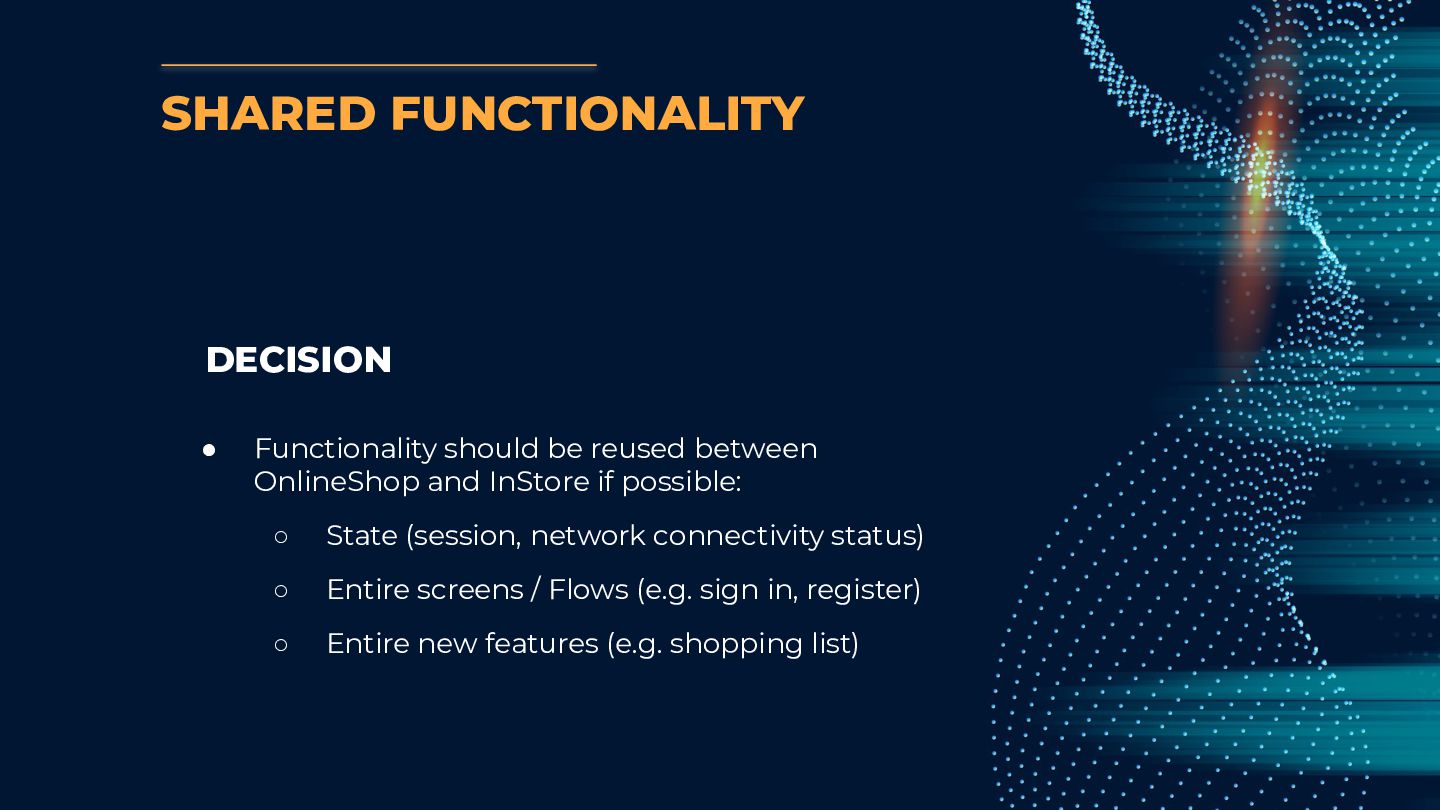
  21. DECISION • Functionality should be reused between OnlineShop and InStore

    if possible: ◦ State (session, network connectivity status) ◦ Entire screens / Flows (e.g. sign in, register) ◦ Entire new features (e.g. shopping list) SHARED FUNCTIONALITY
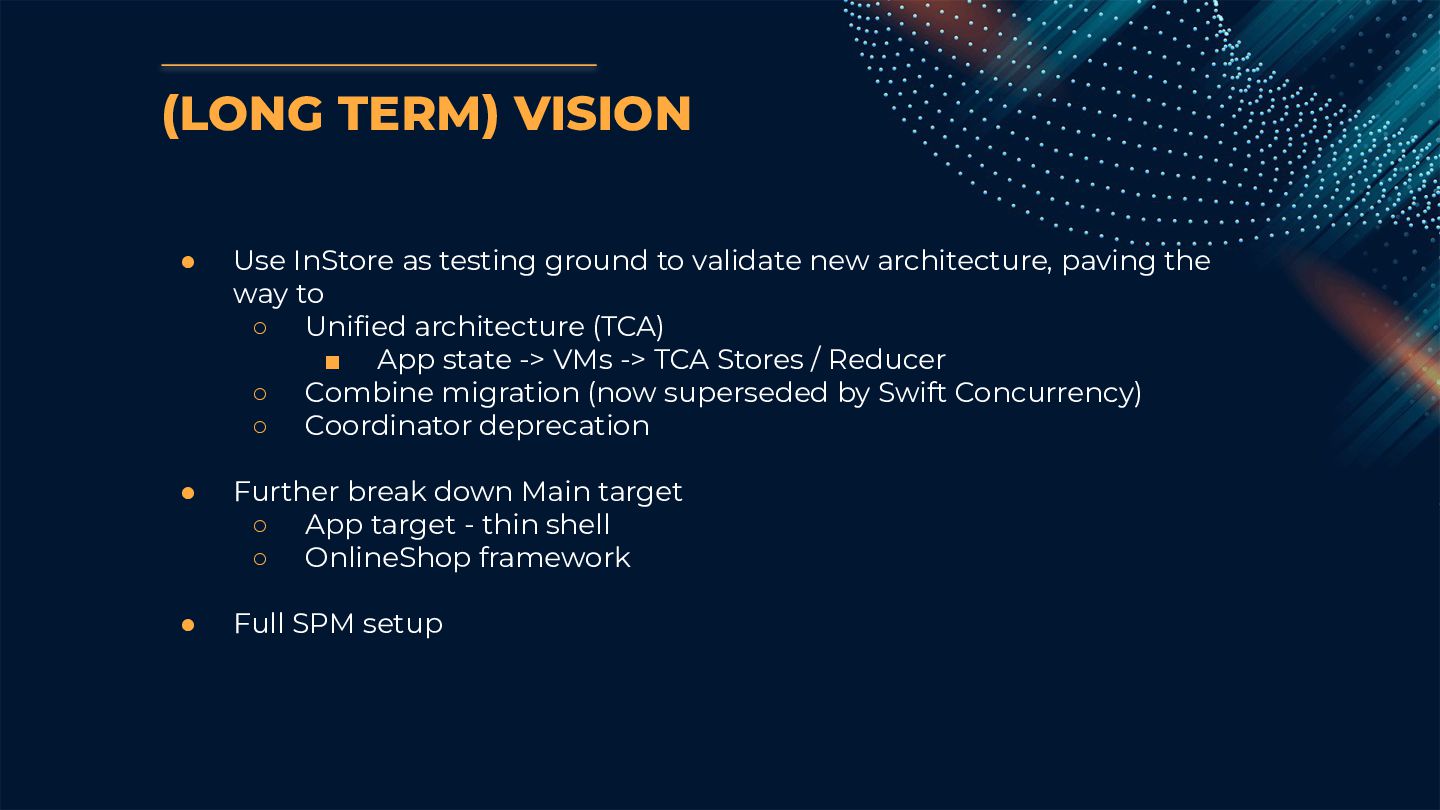
  22. (LONG TERM) VISION • Use InStore as testing ground to

    validate new architecture, paving the way to ◦ Unified architecture (TCA) ▪ App state -> VMs -> TCA Stores / Reducer ◦ Combine migration (now superseded by Swift Concurrency) ◦ Coordinator deprecation • Further break down Main target ◦ App target - thin shell ◦ OnlineShop framework • Full SPM setup
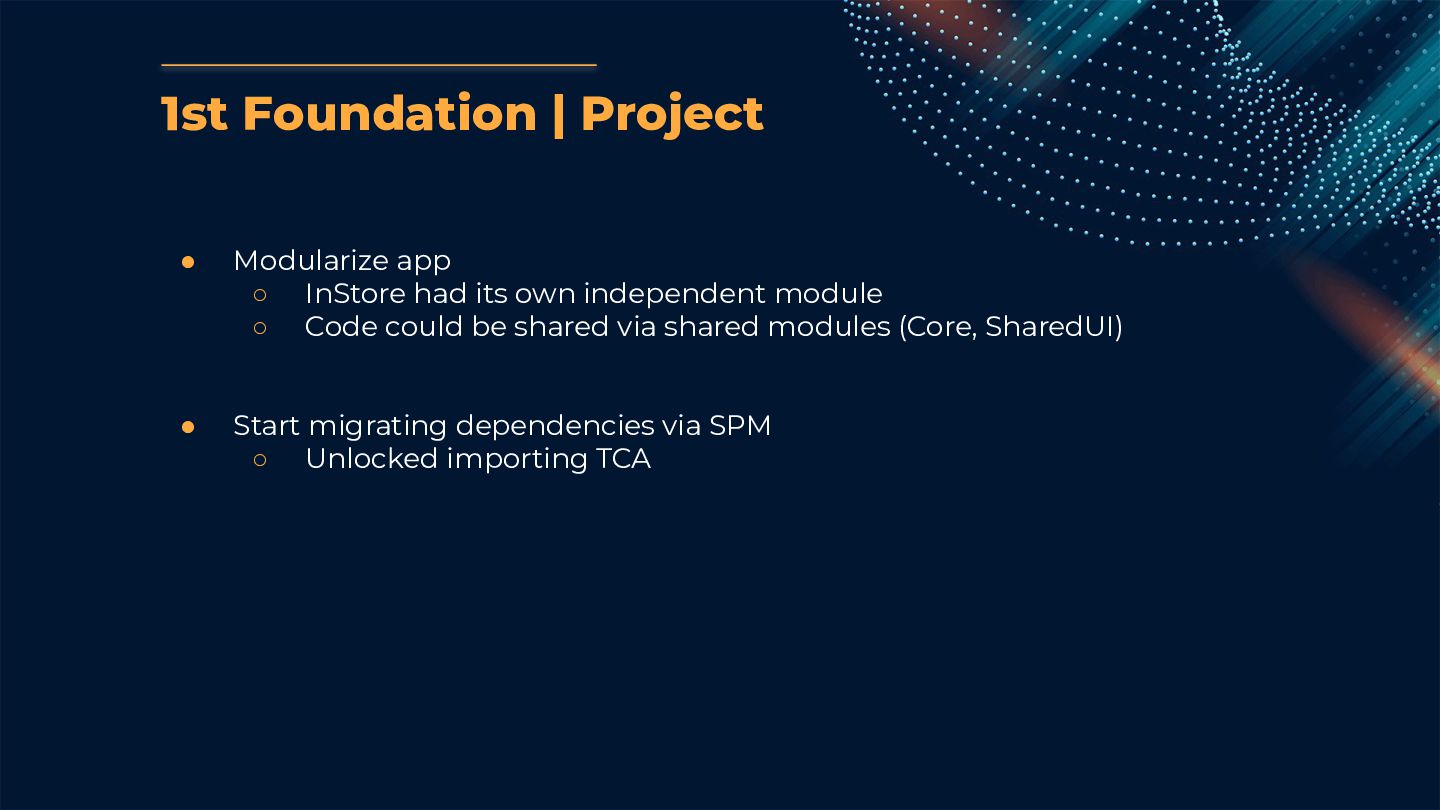
  23. 1st Foundation | Project • Modularize app ◦ InStore had

    its own independent module ◦ Code could be shared via shared modules (Core, SharedUI) • Start migrating dependencies via SPM ◦ Unlocked importing TCA
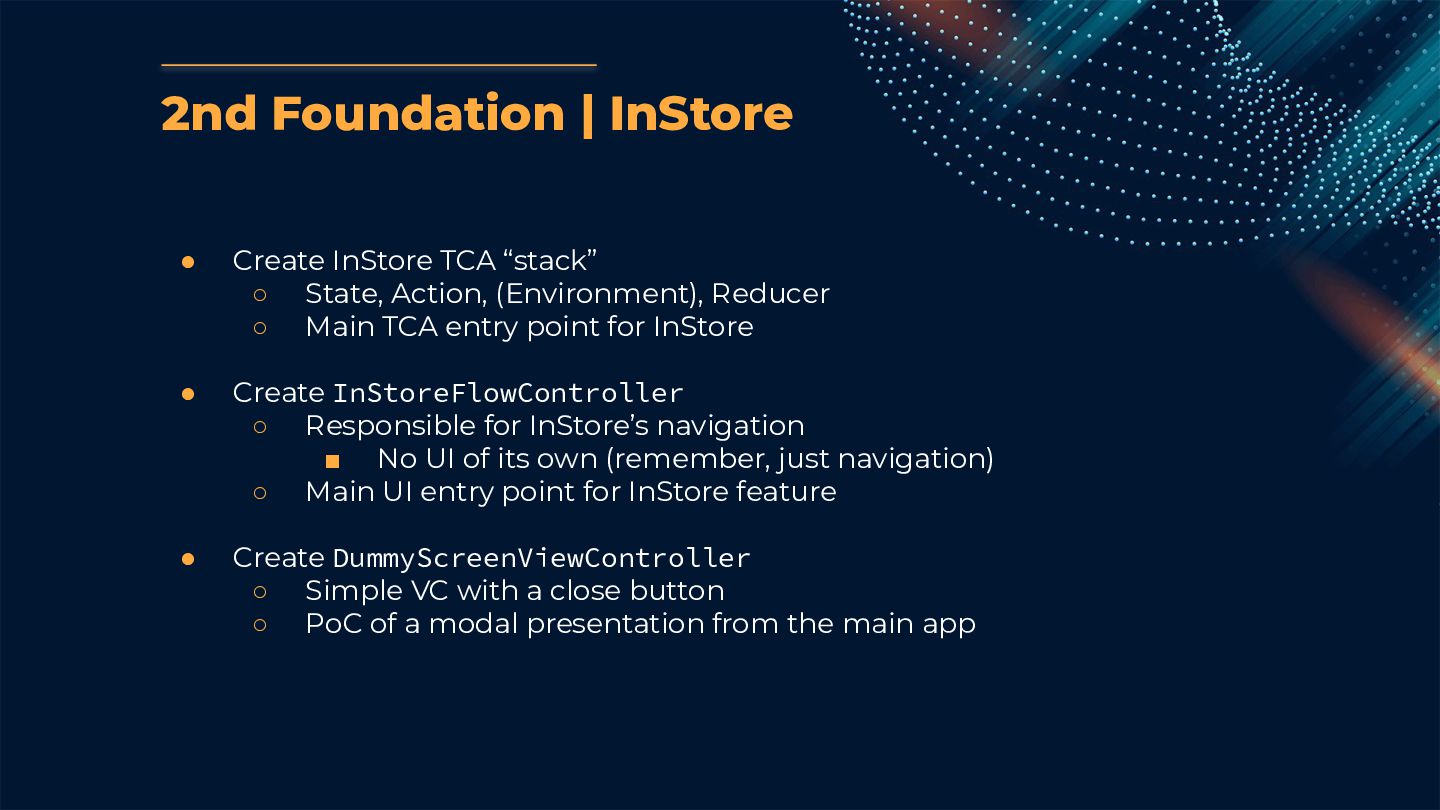
  24. 2nd Foundation | InStore • Create InStore TCA “stack” ◦

    State, Action, (Environment), Reducer ◦ Main TCA entry point for InStore • Create InStoreFlowController ◦ Responsible for InStore’s navigation ▪ No UI of its own (remember, just navigation) ◦ Main UI entry point for InStore feature • Create DummyScreenViewController ◦ Simple VC with a close button ◦ PoC of a modal presentation from the main app
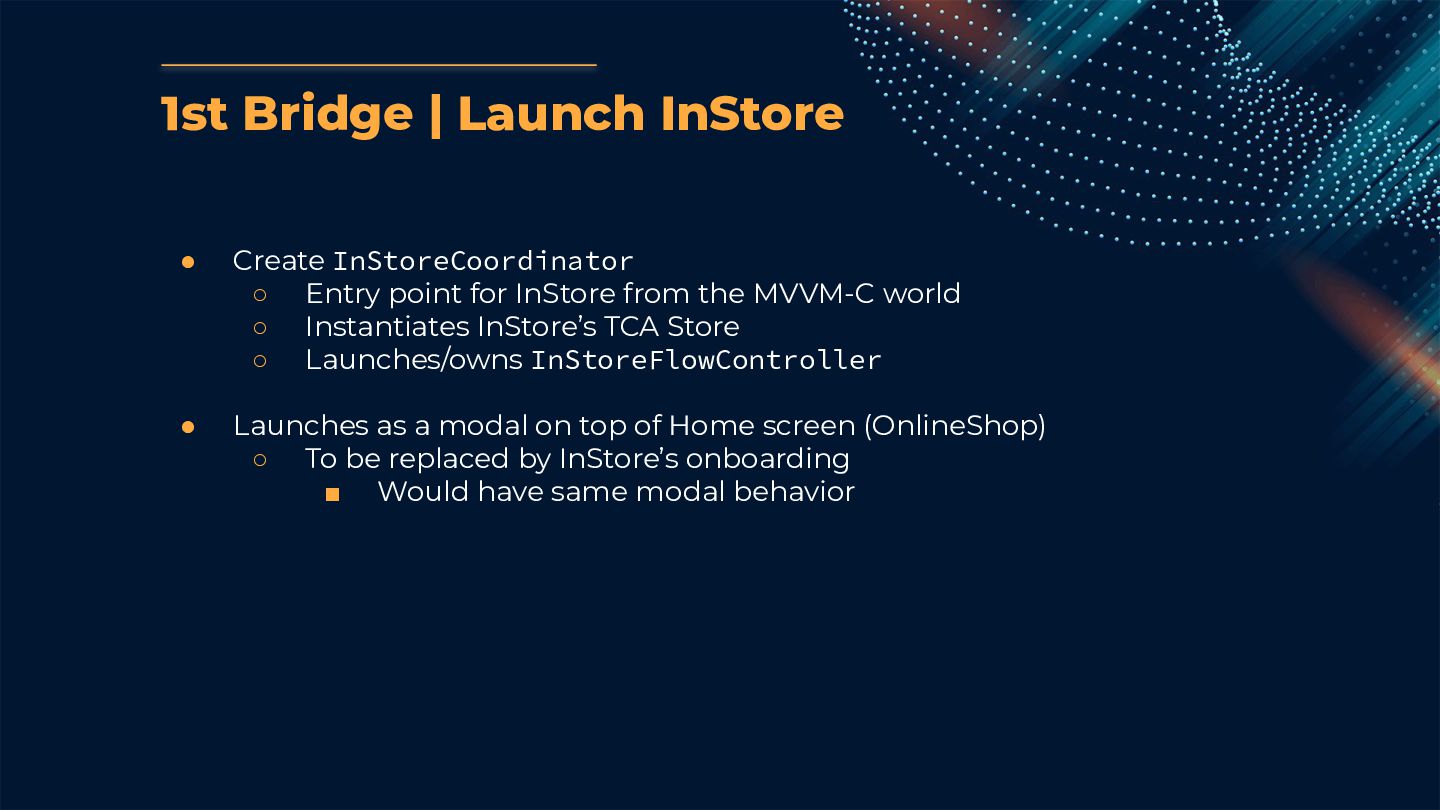
  25. 1st Bridge | Launch InStore • Create InStoreCoordinator ◦ Entry

    point for InStore from the MVVM-C world ◦ Instantiates InStore’s TCA Store ◦ Launches/owns InStoreFlowController • Launches as a modal on top of Home screen (OnlineShop) ◦ To be replaced by InStore’s onboarding ▪ Would have same modal behavior
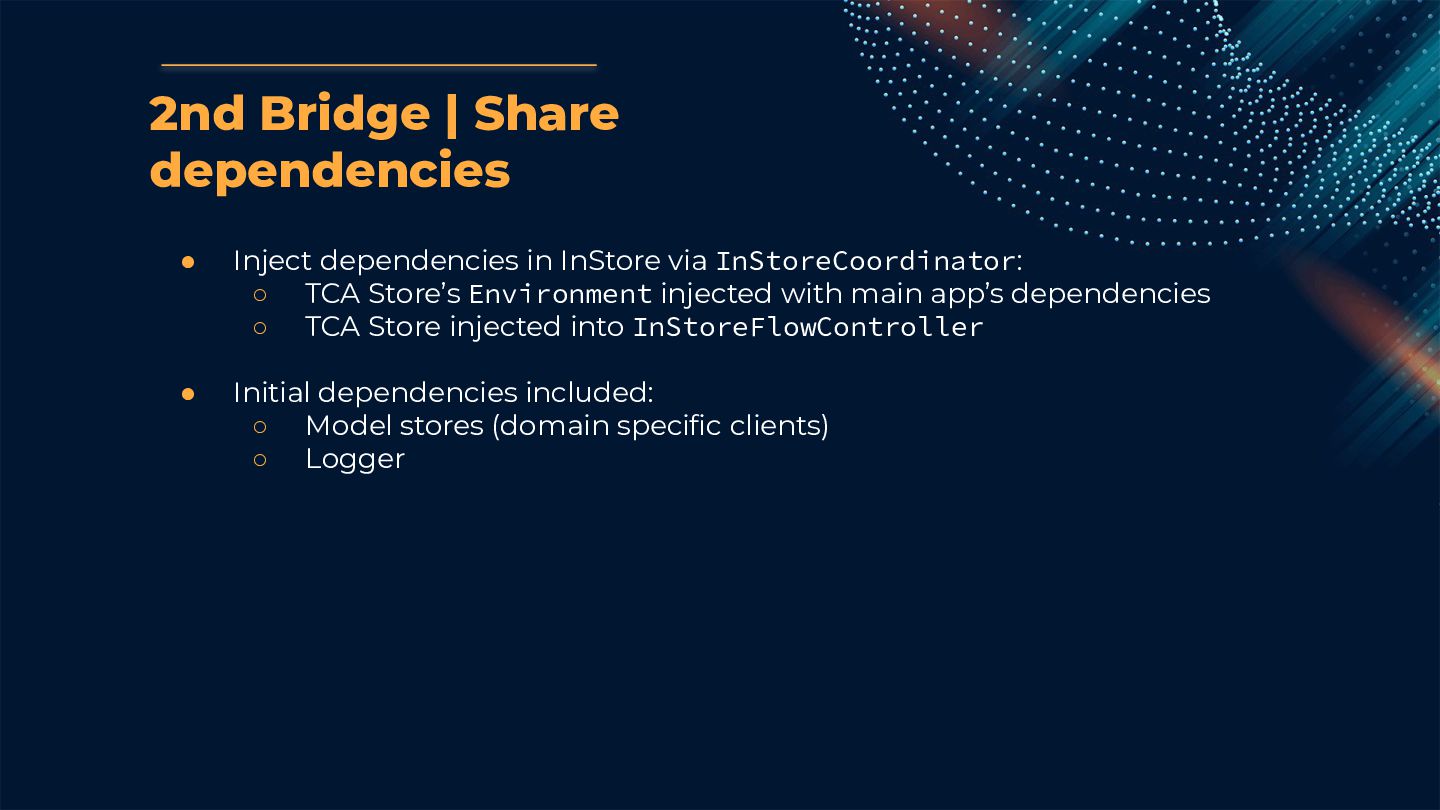
  26. • Inject dependencies in InStore via InStoreCoordinator: ◦ TCA Store’s

    Environment injected with main app’s dependencies ◦ TCA Store injected into InStoreFlowController • Initial dependencies included: ◦ Model stores (domain specific clients) ◦ Logger 2nd Bridge | Share dependencies
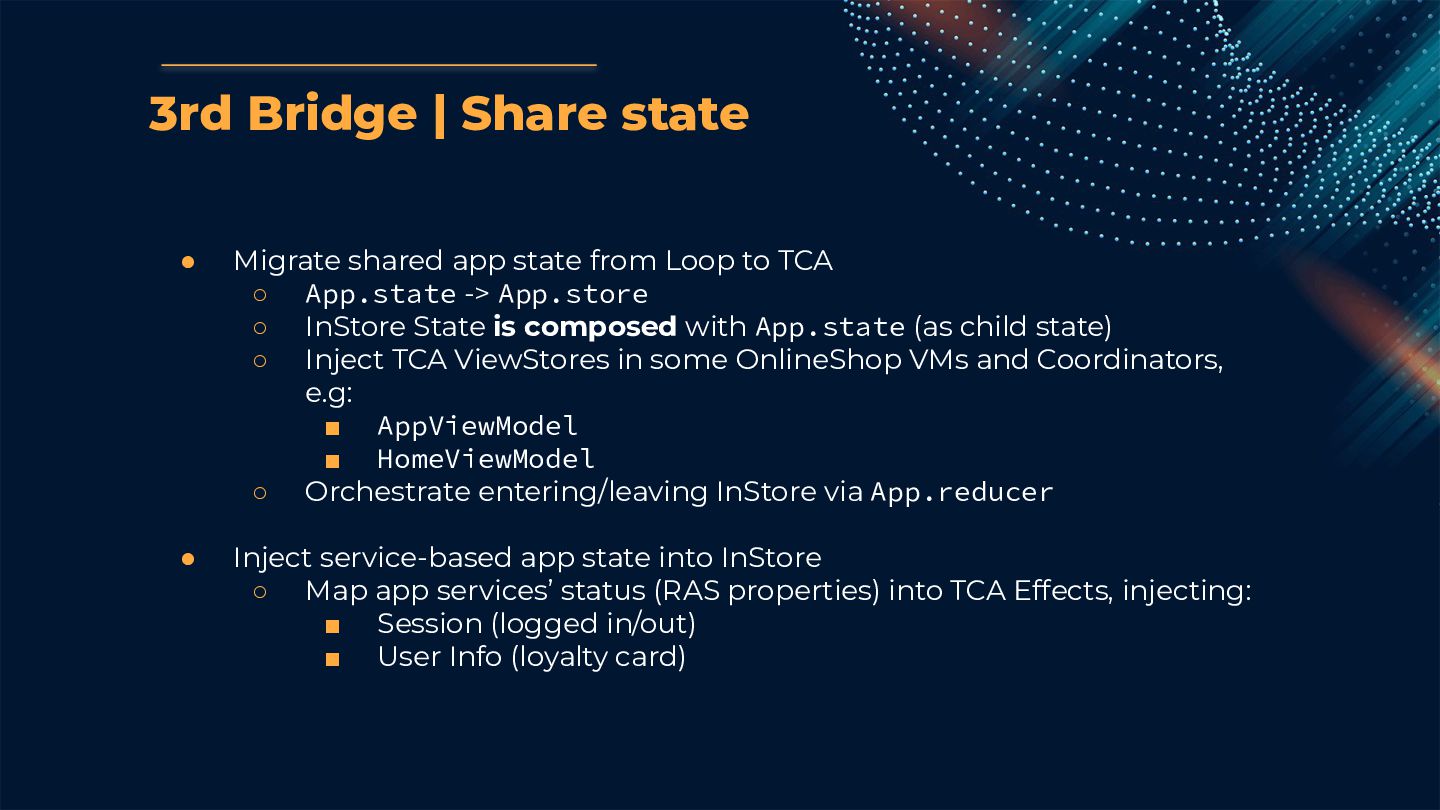
  27. • Migrate shared app state from Loop to TCA ◦

    App.state -> App.store ◦ InStore State is composed with App.state (as child state) ◦ Inject TCA ViewStores in some OnlineShop VMs and Coordinators, e.g: ▪ AppViewModel ▪ HomeViewModel ◦ Orchestrate entering/leaving InStore via App.reducer • Inject service-based app state into InStore ◦ Map app services’ status (RAS properties) into TCA Effects, injecting: ▪ Session (logged in/out) ▪ User Info (loyalty card) 3rd Bridge | Share state
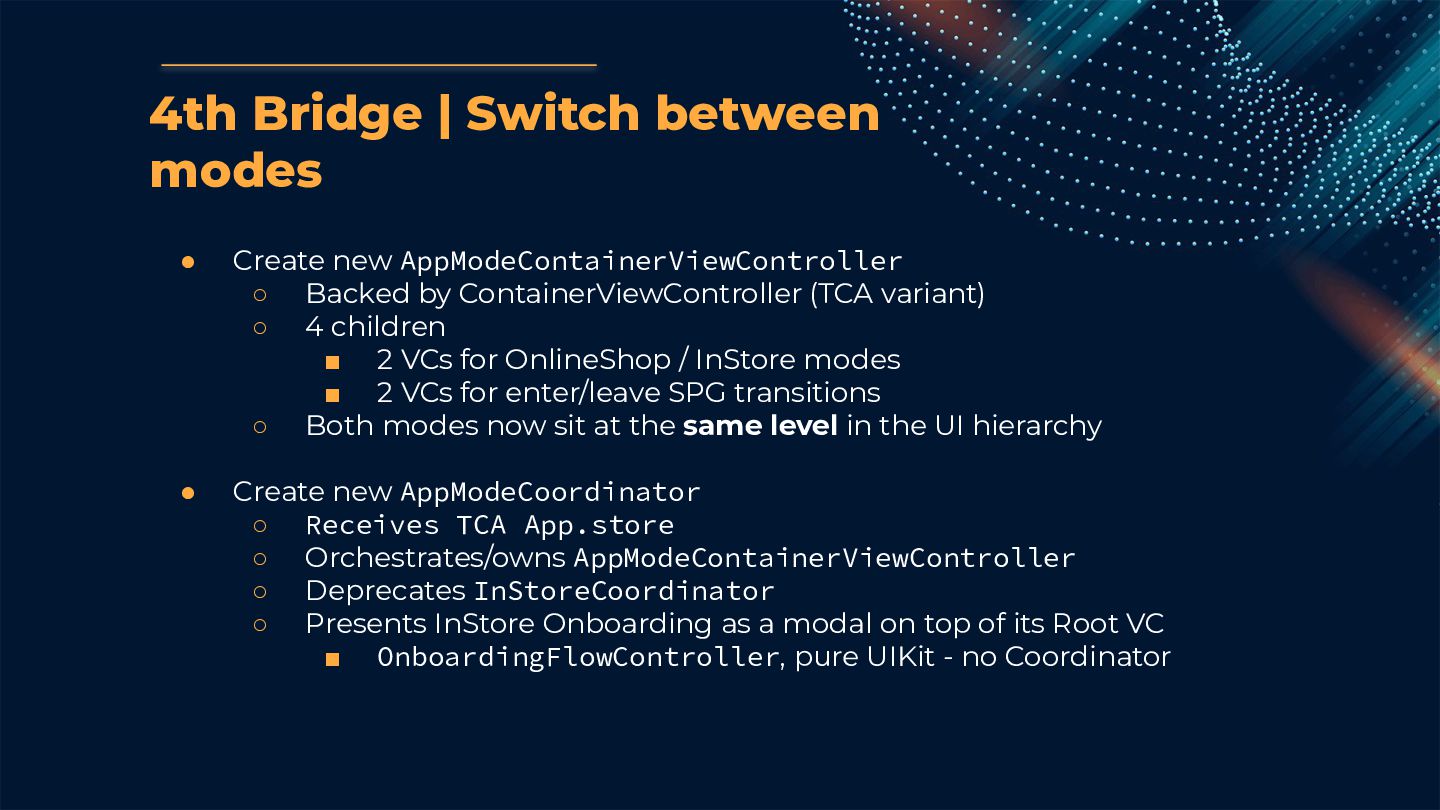
  28. • Create new AppModeContainerViewController ◦ Backed by ContainerViewController (TCA variant)

    ◦ 4 children ▪ 2 VCs for OnlineShop / InStore modes ▪ 2 VCs for enter/leave SPG transitions ◦ Both modes now sit at the same level in the UI hierarchy • Create new AppModeCoordinator ◦ Receives TCA App.store ◦ Orchestrates/owns AppModeContainerViewController ◦ Deprecates InStoreCoordinator ◦ Presents InStore Onboarding as a modal on top of its Root VC ▪ OnboardingFlowController, pure UIKit - no Coordinator 4th Bridge | Switch between modes
  29. 5th Bridge | Share flows Reuse Sign In and Register

    OnlineShop flows in InStore • Launch MVVM-C flows from AppModeCoordinator ◦ MVVM-C navigation triggered via TCA state observation ◦ MVVM-C navigation events mapped into TCA actions, e.g: ▪ Dismisses • Most orchestration done via TCA from App and InStore’s reducers
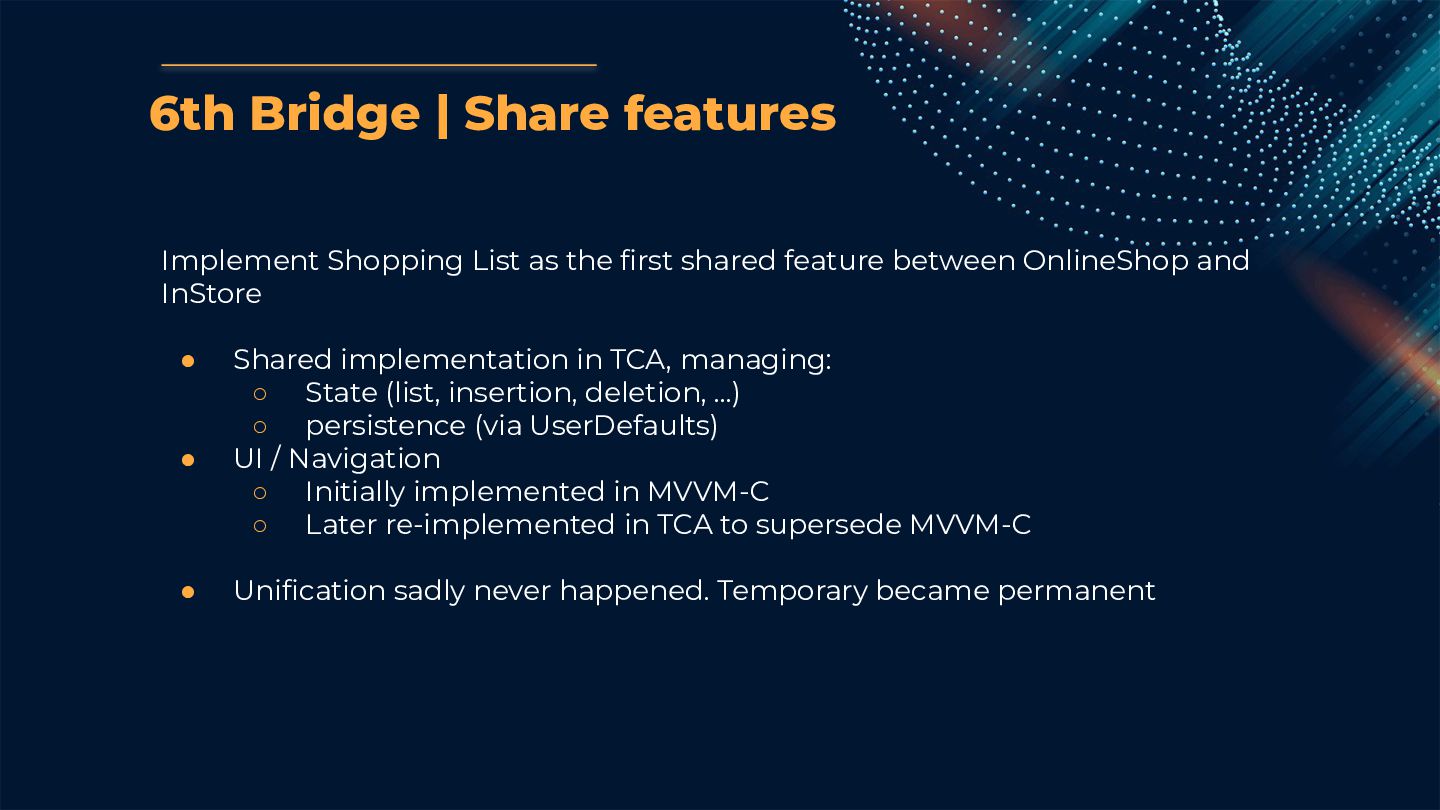
  30. Implement Shopping List as the first shared feature between OnlineShop

    and InStore • Shared implementation in TCA, managing: ◦ State (list, insertion, deletion, …) ◦ persistence (via UserDefaults) • UI / Navigation ◦ Initially implemented in MVVM-C ◦ Later re-implemented in TCA to supersede MVVM-C • Unification sadly never happened. Temporary became permanent 6th Bridge | Share features
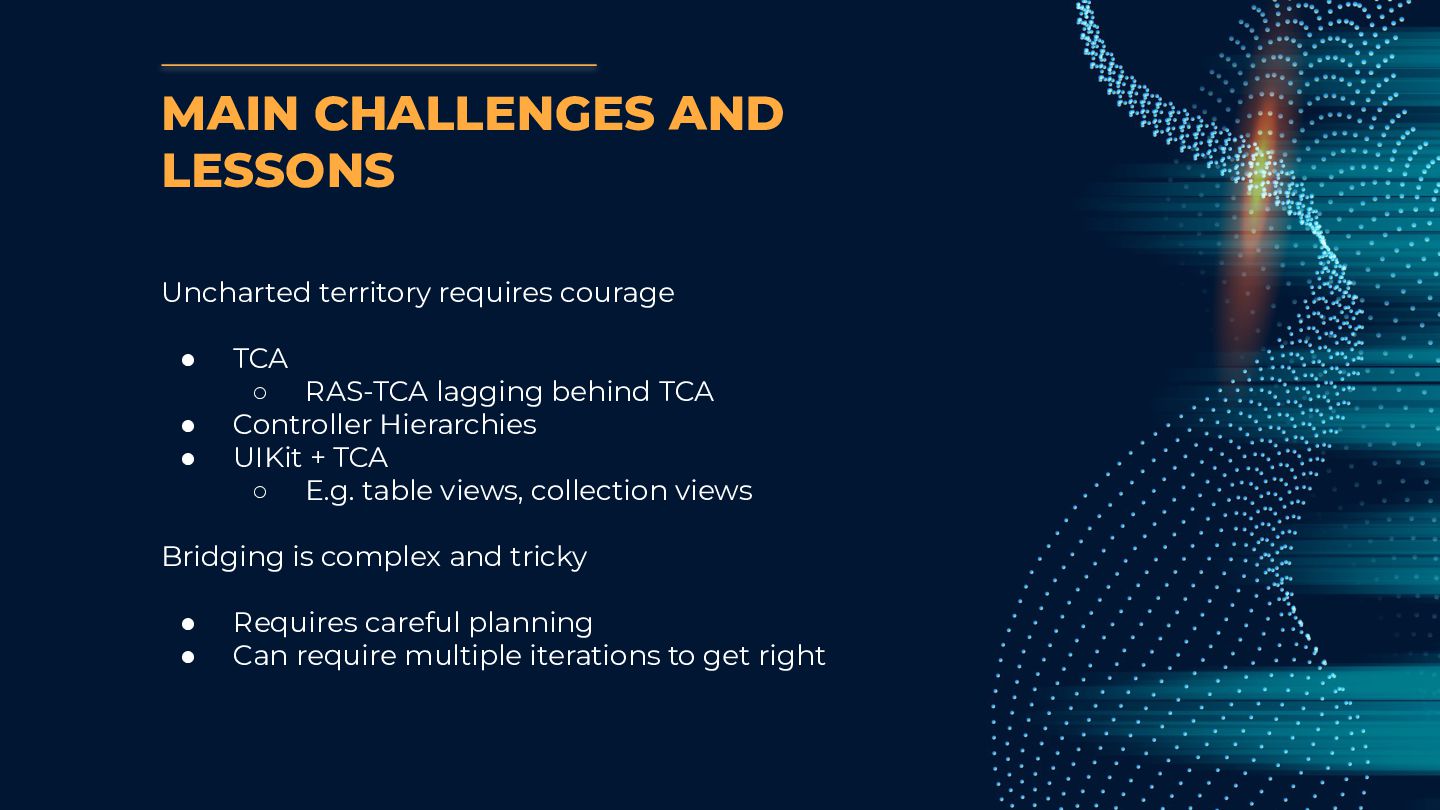
  31. MAIN CHALLENGES AND LESSONS Uncharted territory requires courage • TCA

    ◦ RAS-TCA lagging behind TCA • Controller Hierarchies • UIKit + TCA ◦ E.g. table views, collection views Bridging is complex and tricky • Requires careful planning • Can require multiple iterations to get right
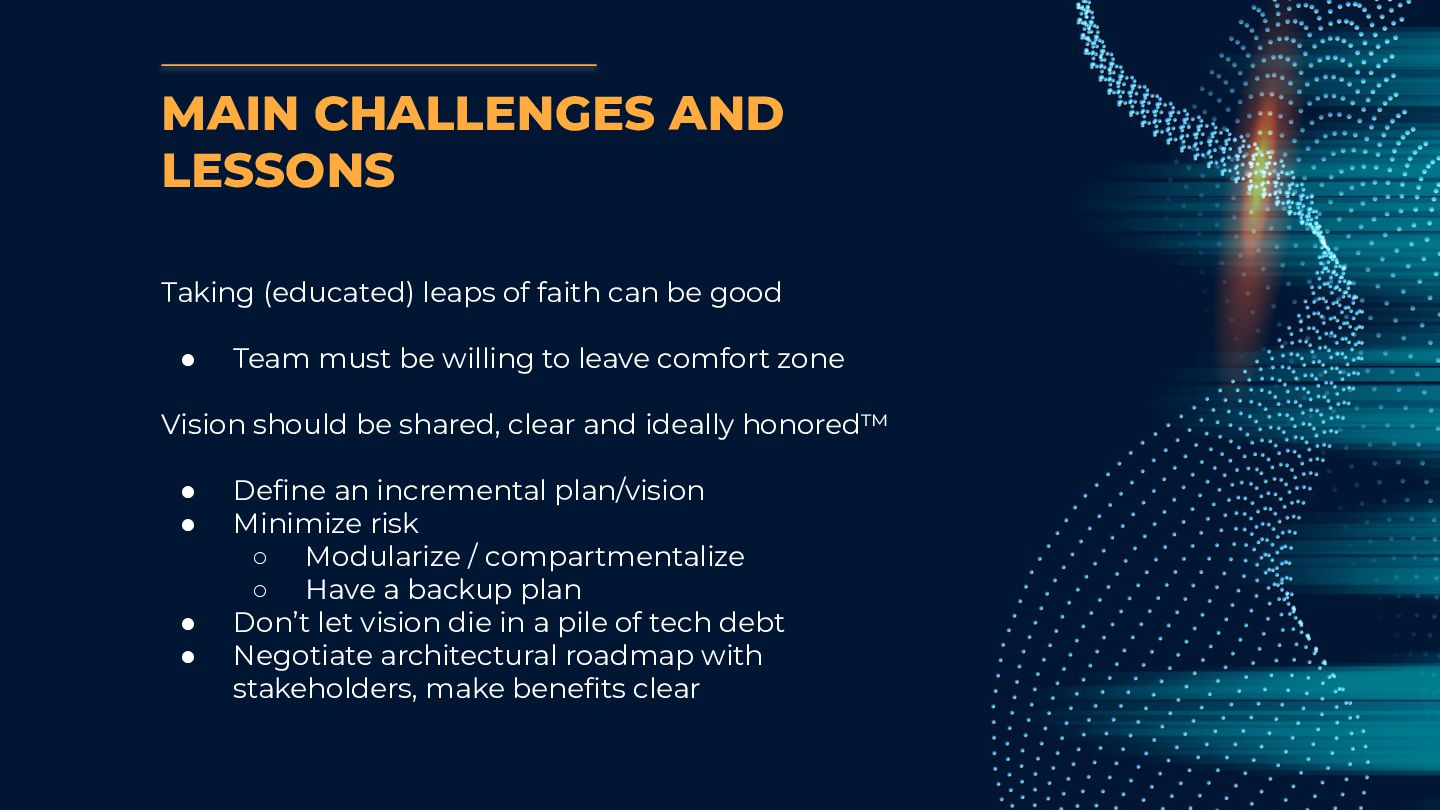
  32. MAIN CHALLENGES AND LESSONS Taking (educated) leaps of faith can

    be good • Team must be willing to leave comfort zone Vision should be shared, clear and ideally honored™ • Define an incremental plan/vision • Minimize risk ◦ Modularize / compartmentalize ◦ Have a backup plan • Don’t let vision die in a pile of tech debt • Negotiate architectural roadmap with stakeholders, make benefits clear
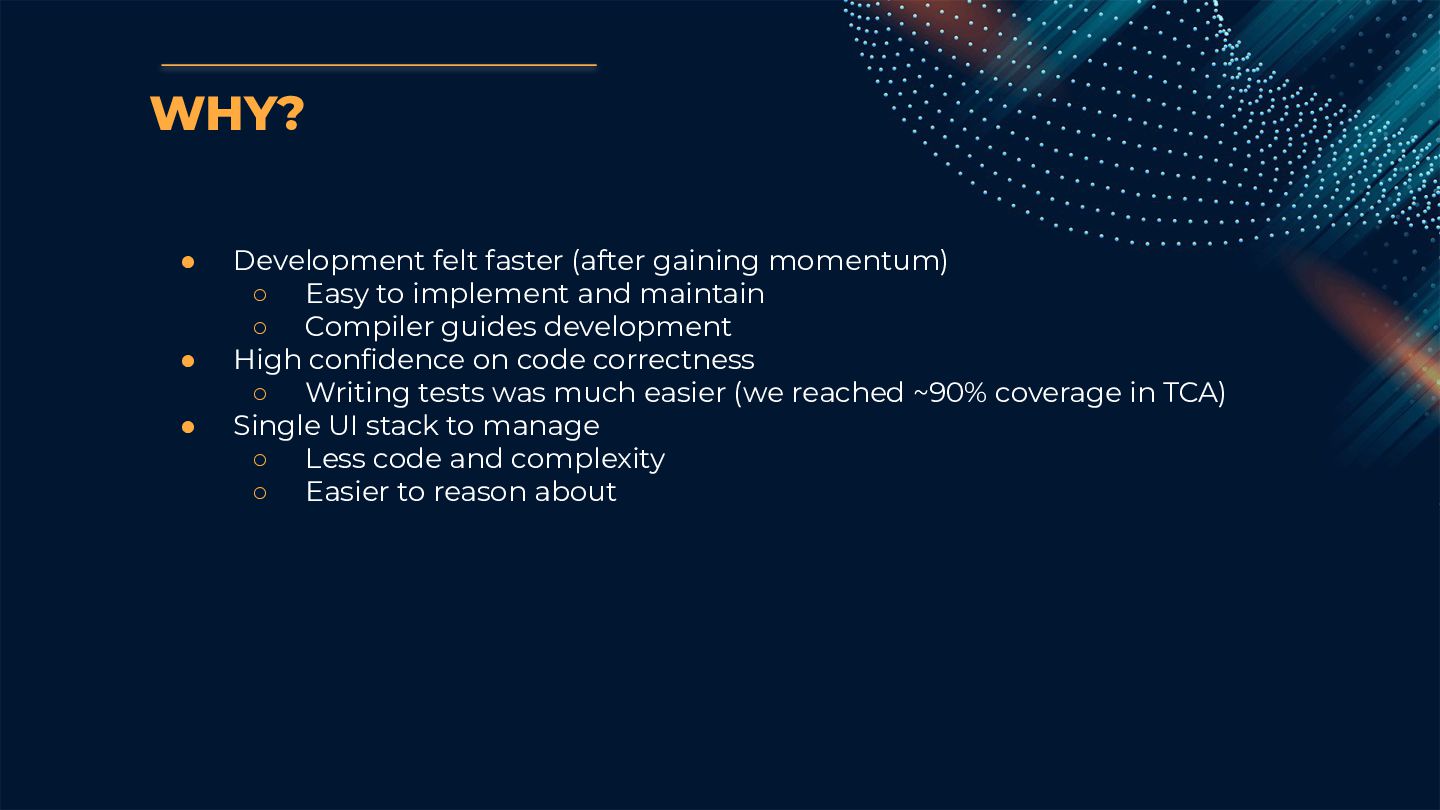
  33. • Development felt faster (after gaining momentum) ◦ Easy to

    implement and maintain ◦ Compiler guides development • High confidence on code correctness ◦ Writing tests was much easier (we reached ~90% coverage in TCA) • Single UI stack to manage ◦ Less code and complexity ◦ Easier to reason about WHY?
  34. CREDITS: This presentation template was created by Slidesgo, including icons

    by Flaticon, and infographics & images by Freepik. THANKS! Do you have any questions? André Pacheco Neves @p4checo Mindera | 2024