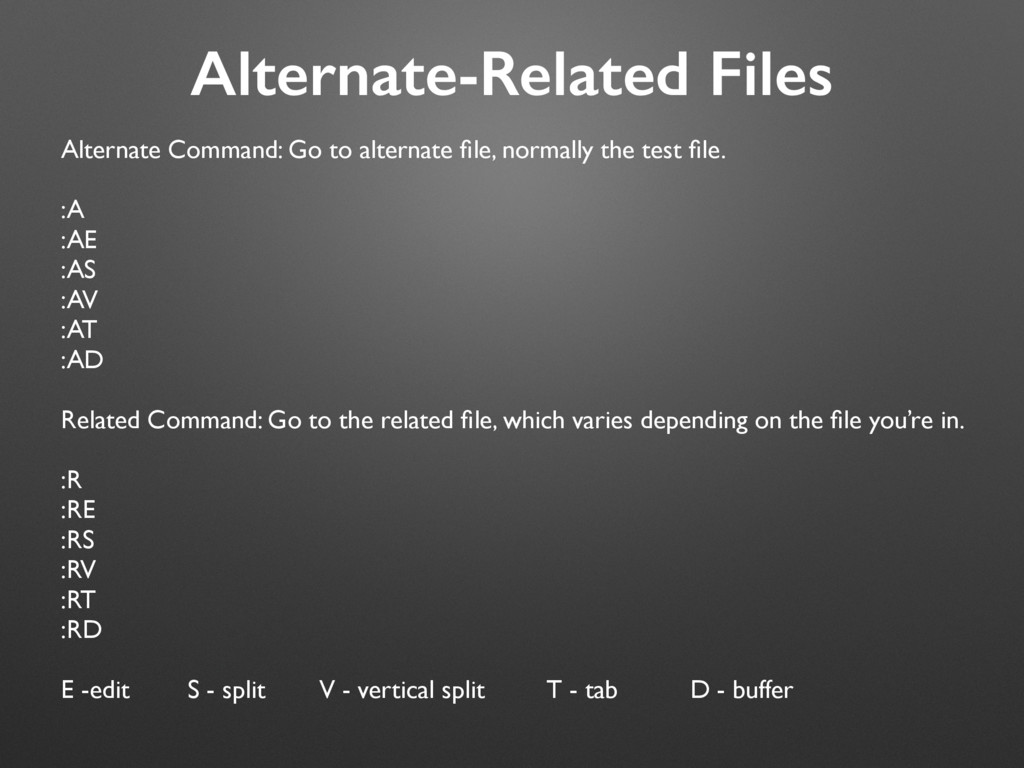
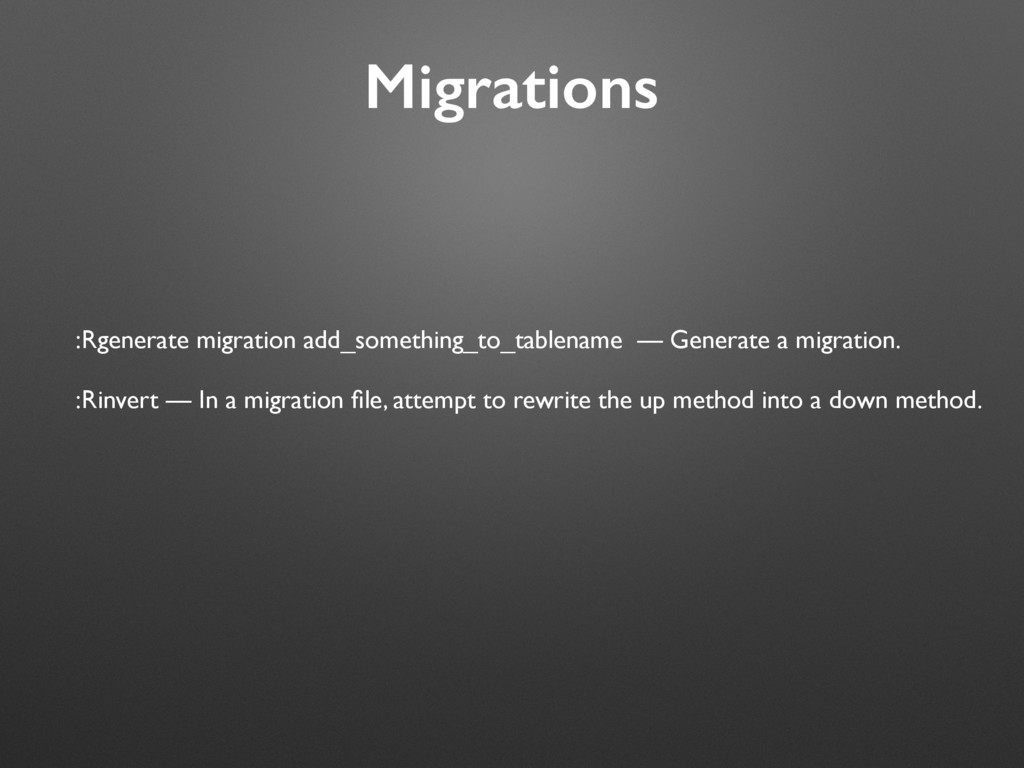
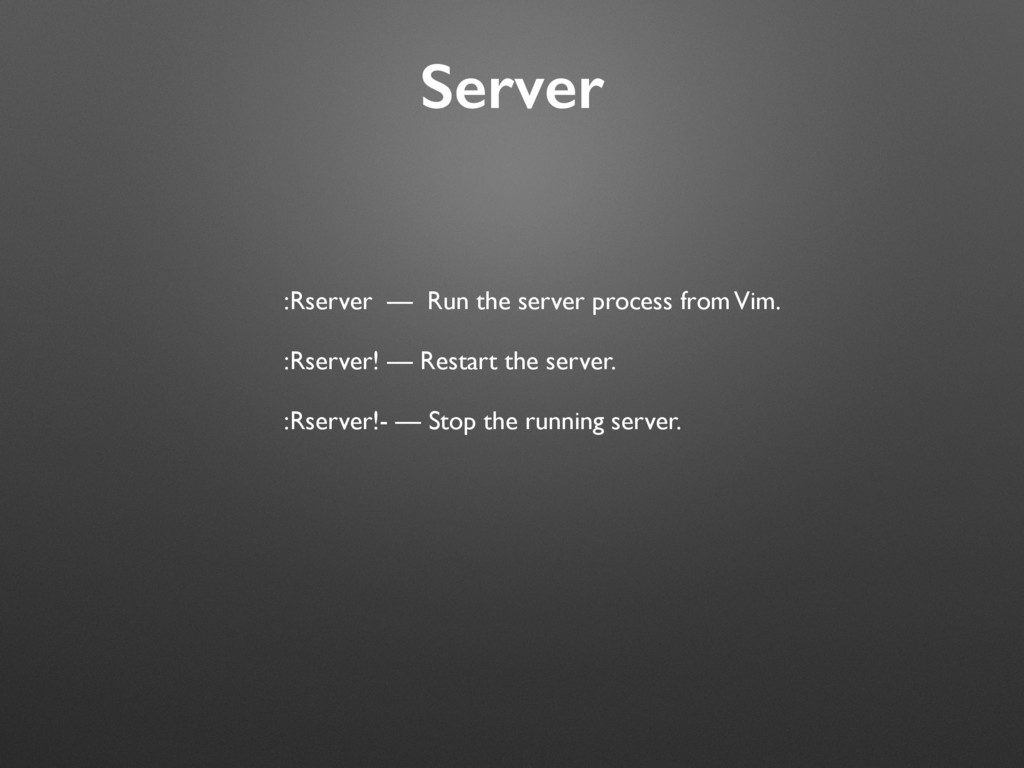
test file. :A :AE :AS :AV :AT :AD Related Command: Go to the related file, which varies depending on the file you’re in. :R :RE :RS :RV :RT :RD E -edit S - split V - vertical split T - tab D - buffer
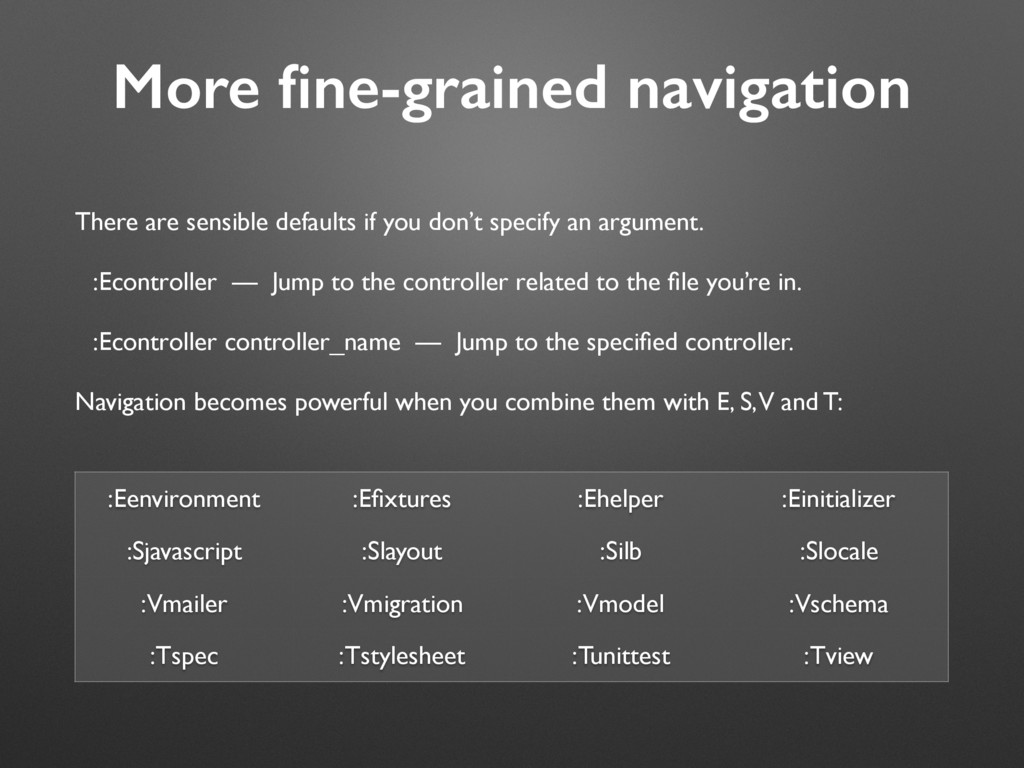
specify an argument. :Econtroller — Jump to the controller related to the file you’re in. :Econtroller controller_name — Jump to the specified controller. Navigation becomes powerful when you combine them with E, S, V and T: :Eenvironment :Efixtures :Ehelper :Einitializer :Sjavascript :Slayout :Silb :Slocale :Vmailer :Vmigration :Vmodel :Vschema :Tspec :Tstylesheet :Tunittest :Tview


 kaminashi
 ymotongpoo
 shugo
shugo
 techtekt
 kairim0
 takuroabe
 rfdnxbro
 odashi
 usanchuu
 hiracky16
 tomokusaba
 mohab1
 schroneko
 katiecoart
 ryanjones
 chriscoyier
 samlambert
 tomoyanonymous
 skipperchong
 rasmusluckow
 pauljervisheath
 panda_program
 codingconduct
 frankvandijk