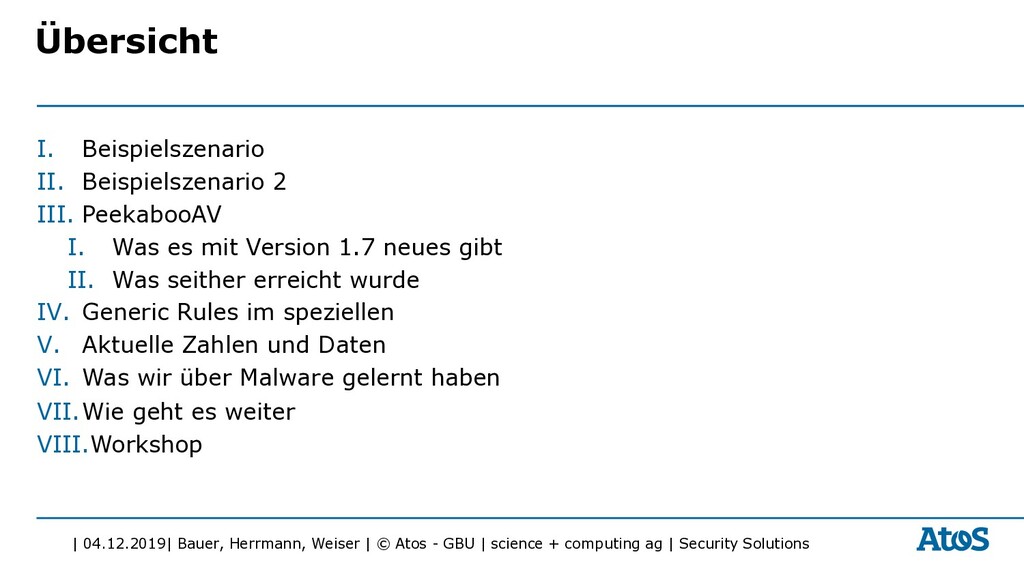
| science + computing ag | Security Solutions I. Beispielszenario II. Beispielszenario 2 III. PeekabooAV I. Was es mit Version 1.7 neues gibt II. Was seither erreicht wurde IV. Generic Rules im speziellen V. Aktuelle Zahlen und Daten VI. Was wir über Malware gelernt haben VII.Wie geht es weiter VIII.Workshop Übersicht
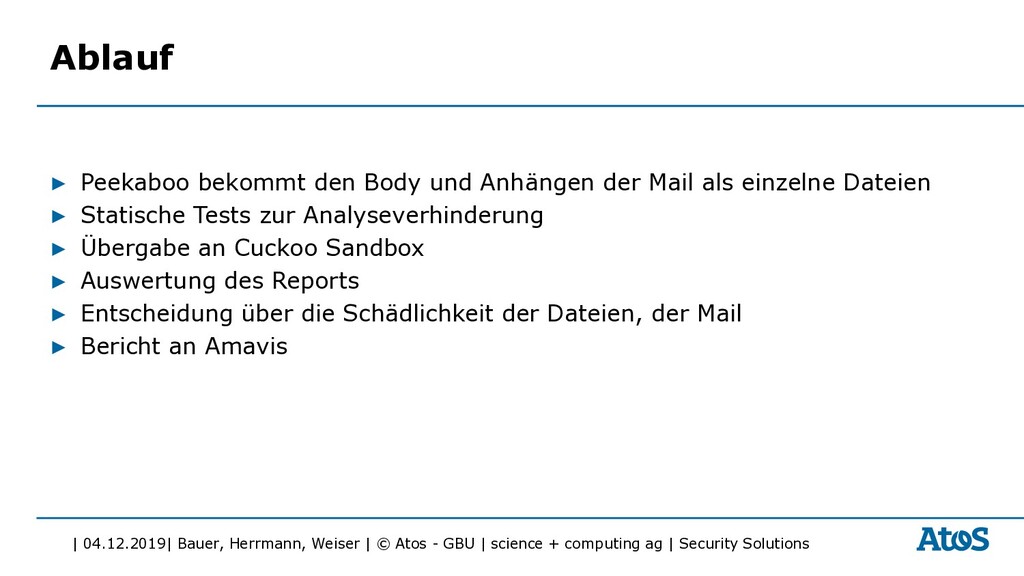
| science + computing ag | Security Solutions Ablauf ▶ Peekaboo bekommt den Body und Anhängen der Mail als einzelne Dateien ▶ Statische Tests zur Analyseverhinderung ▶ Übergabe an Cuckoo Sandbox ▶ Auswertung des Reports ▶ Entscheidung über die Schädlichkeit der Dateien, der Mail ▶ Bericht an Amavis
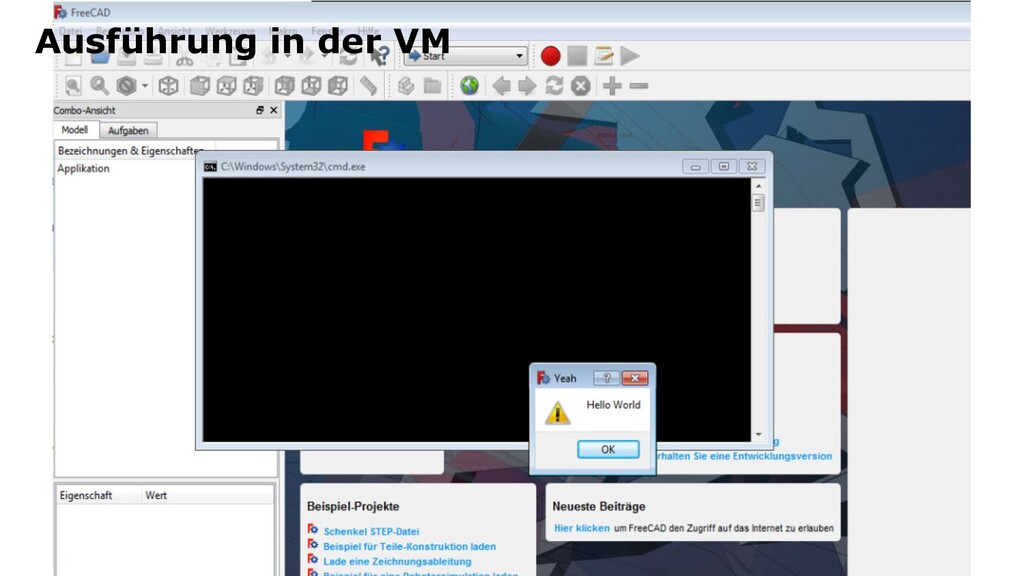
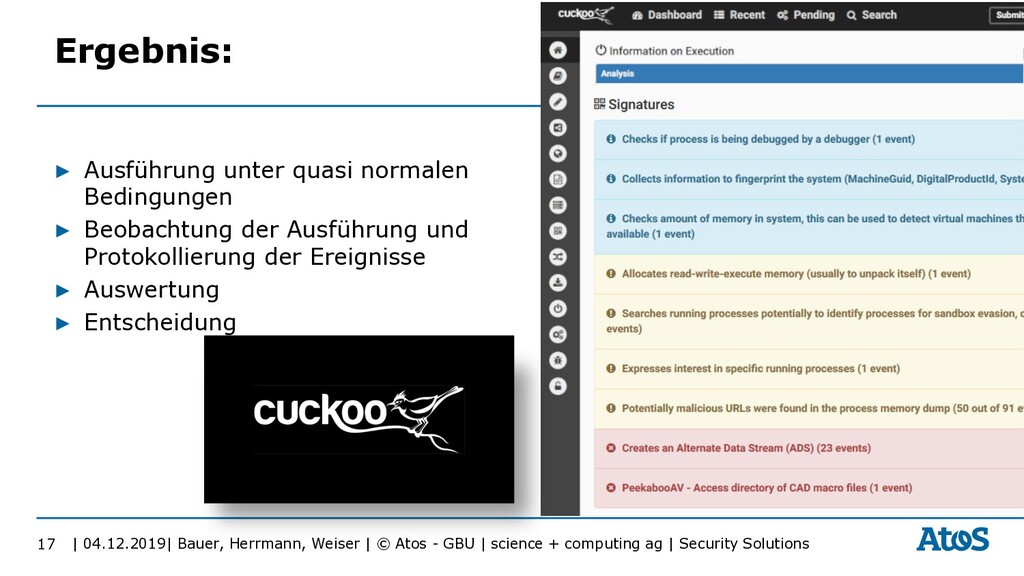
| science + computing ag | Security Solutions 17 Ergebnis: ▶ Ausführung unter quasi normalen Bedingungen ▶ Beobachtung der Ausführung und Protokollierung der Ereignisse ▶ Auswertung ▶ Entscheidung
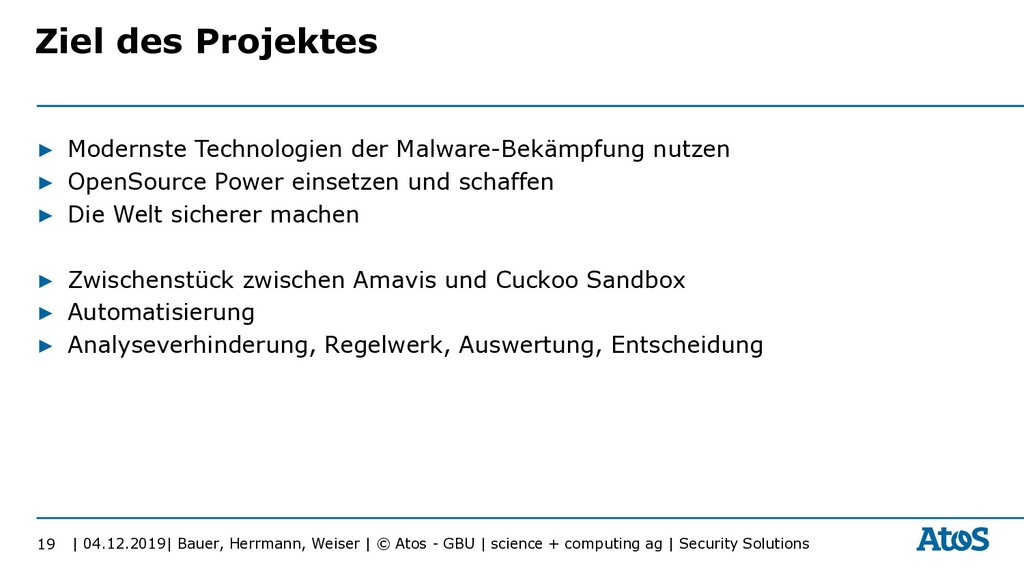
| science + computing ag | Security Solutions ▶ Modernste Technologien der Malware-Bekämpfung nutzen ▶ OpenSource Power einsetzen und schaffen ▶ Die Welt sicherer machen ▶ Zwischenstück zwischen Amavis und Cuckoo Sandbox ▶ Automatisierung ▶ Analyseverhinderung, Regelwerk, Auswertung, Entscheidung 19 Ziel des Projektes
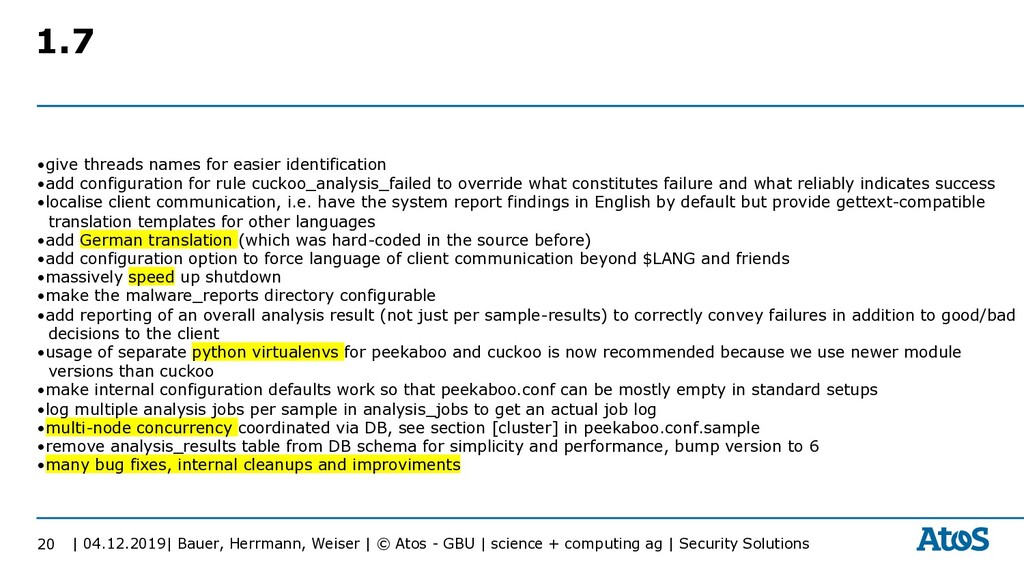
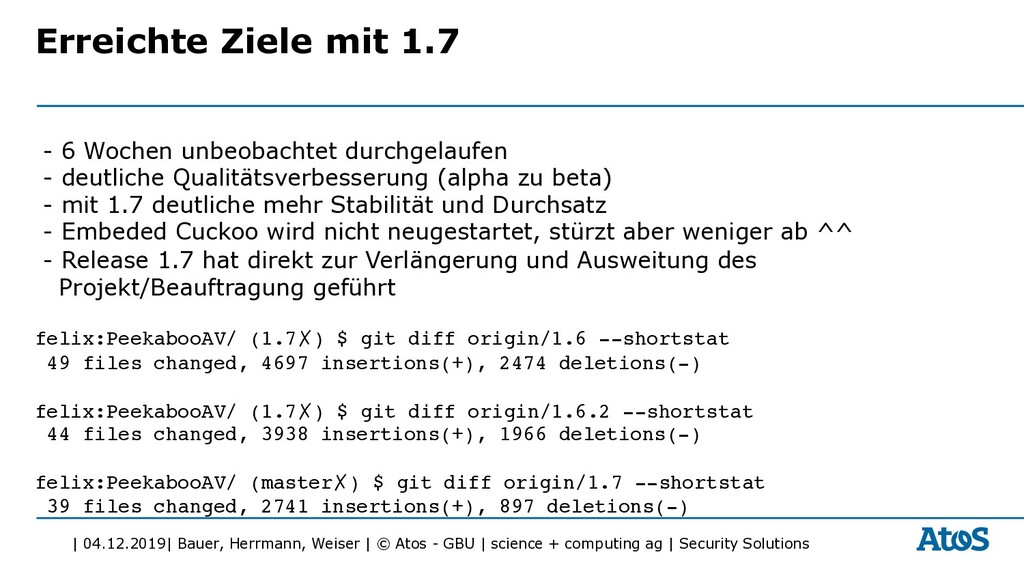
| science + computing ag | Security Solutions 20 1.7 •give threads names for easier identification •add configuration for rule cuckoo_analysis_failed to override what constitutes failure and what reliably indicates success •localise client communication, i.e. have the system report findings in English by default but provide gettext-compatible translation templates for other languages •add German translation (which was hard-coded in the source before) •add configuration option to force language of client communication beyond $LANG and friends •massively speed up shutdown •make the malware_reports directory configurable •add reporting of an overall analysis result (not just per sample-results) to correctly convey failures in addition to good/bad decisions to the client •usage of separate python virtualenvs for peekaboo and cuckoo is now recommended because we use newer module versions than cuckoo •make internal configuration defaults work so that peekaboo.conf can be mostly empty in standard setups •log multiple analysis jobs per sample in analysis_jobs to get an actual job log •multi-node concurrency coordinated via DB, see section [cluster] in peekaboo.conf.sample •remove analysis_results table from DB schema for simplicity and performance, bump version to 6 •many bug fixes, internal cleanups and improviments
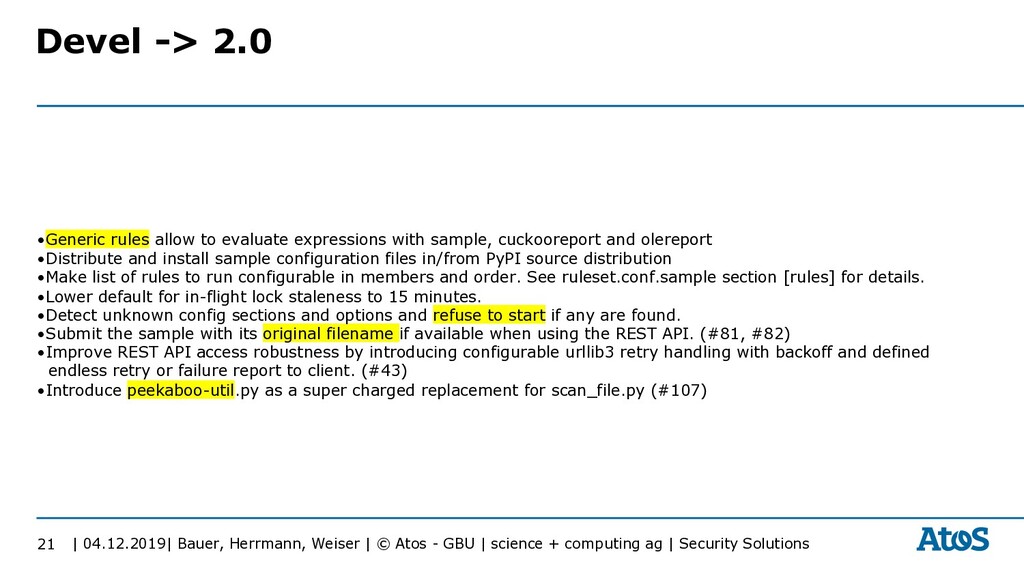
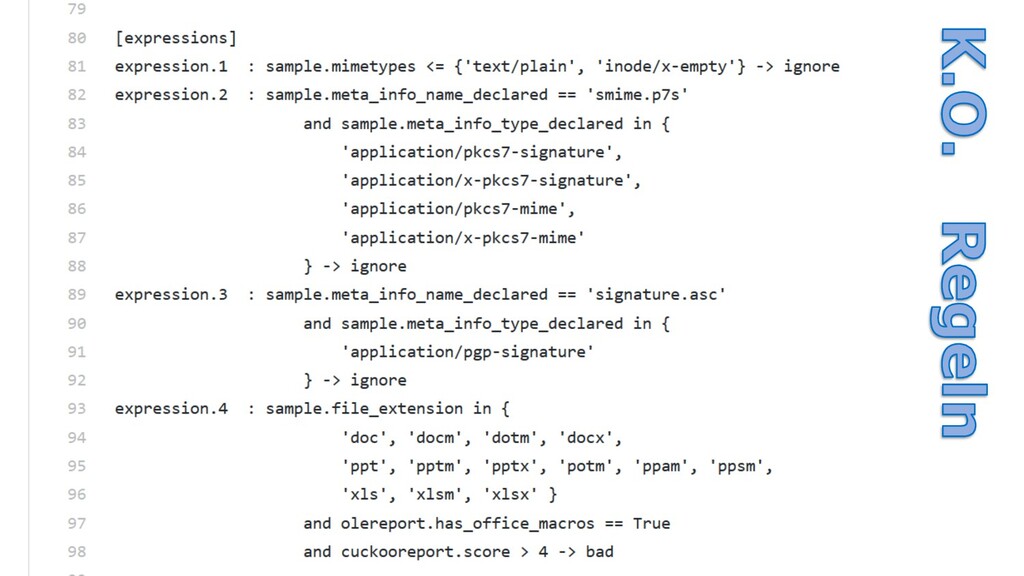
| science + computing ag | Security Solutions 21 Devel -> 2.0 •Generic rules allow to evaluate expressions with sample, cuckooreport and olereport •Distribute and install sample configuration files in/from PyPI source distribution •Make list of rules to run configurable in members and order. See ruleset.conf.sample section [rules] for details. •Lower default for in-flight lock staleness to 15 minutes. •Detect unknown config sections and options and refuse to start if any are found. •Submit the sample with its original filename if available when using the REST API. (#81, #82) •Improve REST API access robustness by introducing configurable urllib3 retry handling with backoff and defined endless retry or failure report to client. (#43) •Introduce peekaboo-util.py as a super charged replacement for scan_file.py (#107)
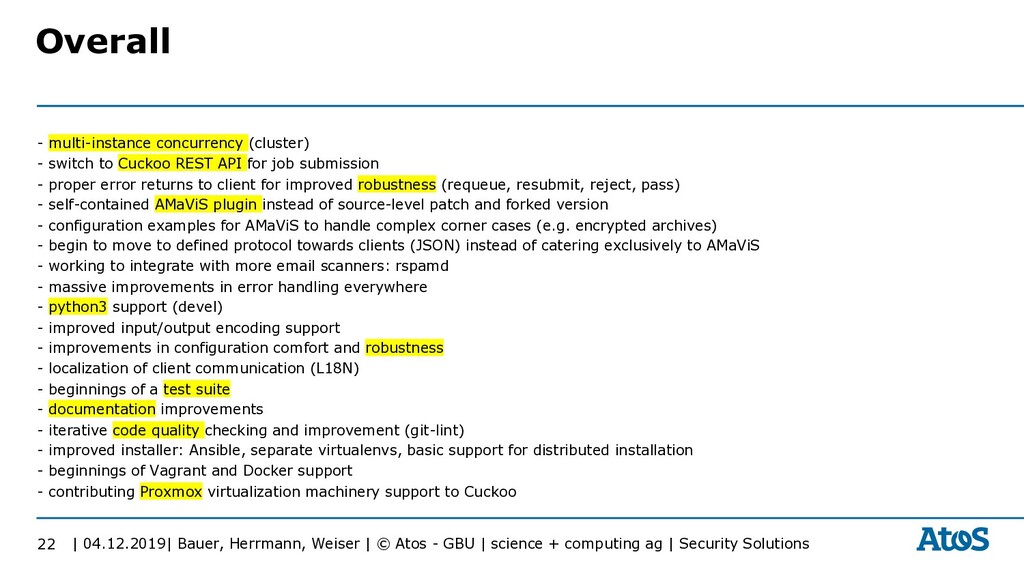
| science + computing ag | Security Solutions - multi-instance concurrency (cluster) - switch to Cuckoo REST API for job submission - proper error returns to client for improved robustness (requeue, resubmit, reject, pass) - self-contained AMaViS plugin instead of source-level patch and forked version - configuration examples for AMaViS to handle complex corner cases (e.g. encrypted archives) - begin to move to defined protocol towards clients (JSON) instead of catering exclusively to AMaViS - working to integrate with more email scanners: rspamd - massive improvements in error handling everywhere - python3 support (devel) - improved input/output encoding support - improvements in configuration comfort and robustness - localization of client communication (L18N) - beginnings of a test suite - documentation improvements - iterative code quality checking and improvement (git-lint) - improved installer: Ansible, separate virtualenvs, basic support for distributed installation - beginnings of Vagrant and Docker support - contributing Proxmox virtualization machinery support to Cuckoo 22 Overall
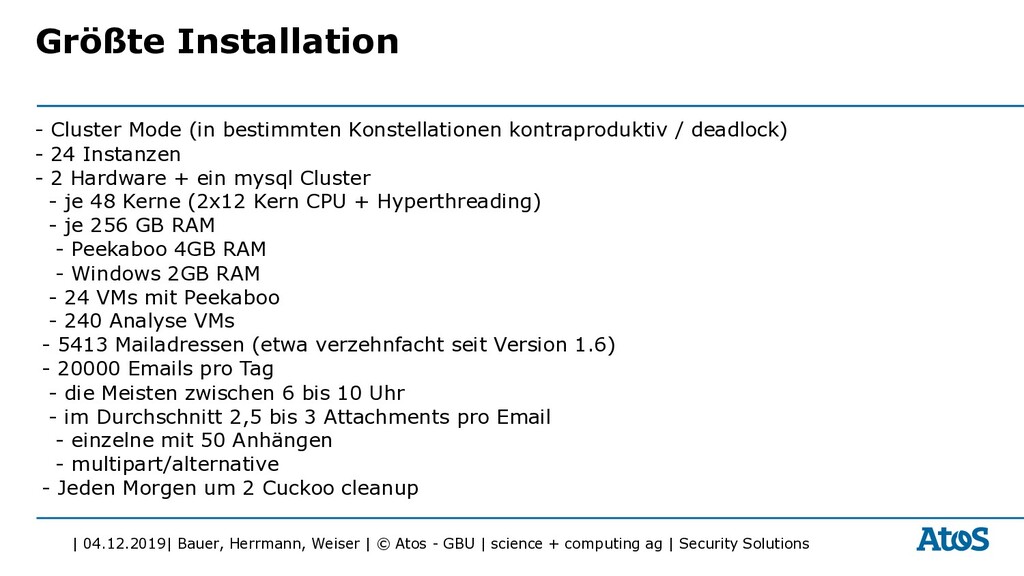
| science + computing ag | Security Solutions Größte Installation - Cluster Mode (in bestimmten Konstellationen kontraproduktiv / deadlock) - 24 Instanzen - 2 Hardware + ein mysql Cluster - je 48 Kerne (2x12 Kern CPU + Hyperthreading) - je 256 GB RAM - Peekaboo 4GB RAM - Windows 2GB RAM - 24 VMs mit Peekaboo - 240 Analyse VMs - 5413 Mailadressen (etwa verzehnfacht seit Version 1.6) - 20000 Emails pro Tag - die Meisten zwischen 6 bis 10 Uhr - im Durchschnitt 2,5 bis 3 Attachments pro Email - einzelne mit 50 Anhängen - multipart/alternative - Jeden Morgen um 2 Cuckoo cleanup
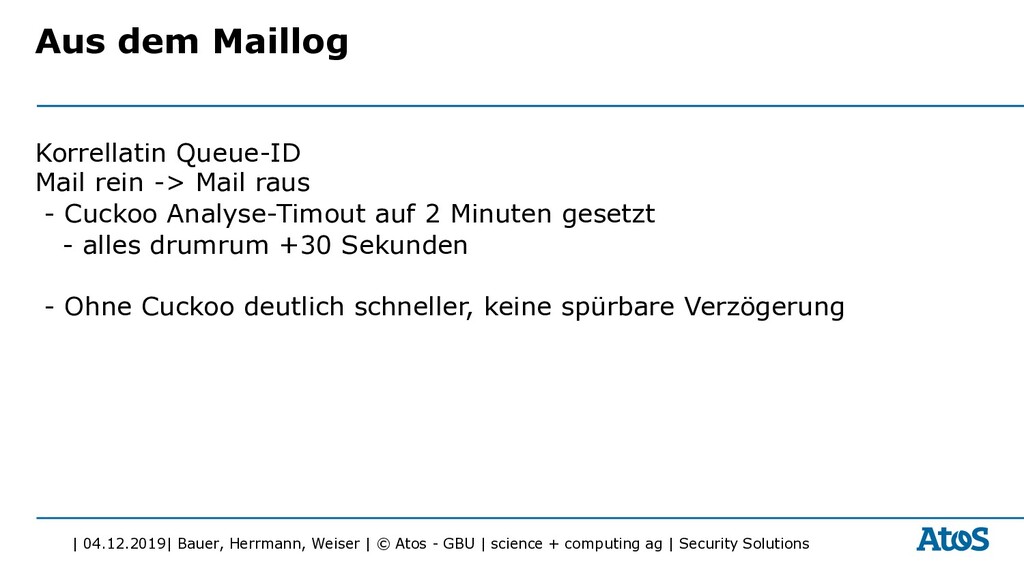
| science + computing ag | Security Solutions Aus dem Maillog Korrellatin Queue-ID Mail rein -> Mail raus - Cuckoo Analyse-Timout auf 2 Minuten gesetzt - alles drumrum +30 Sekunden - Ohne Cuckoo deutlich schneller, keine spürbare Verzögerung
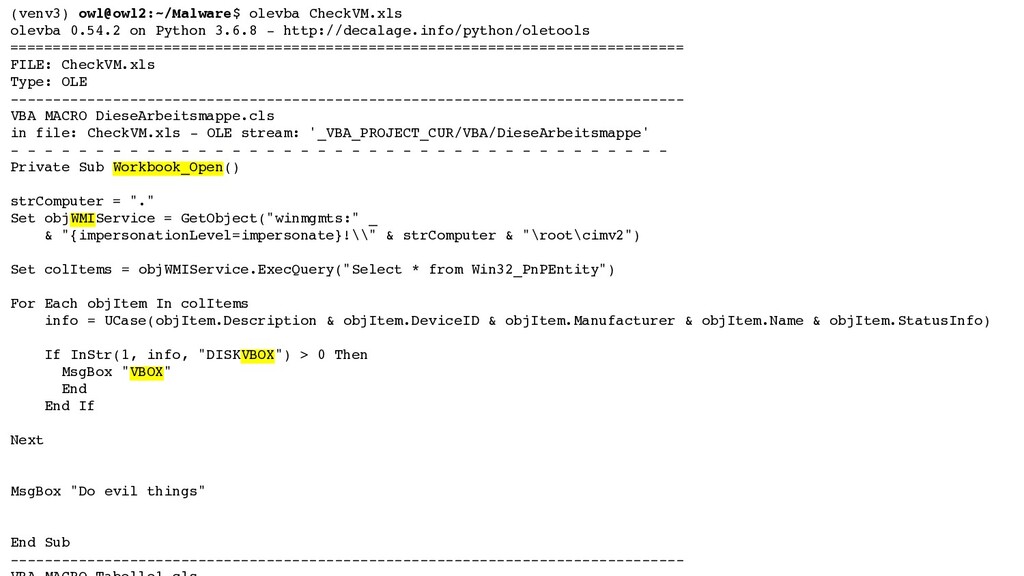
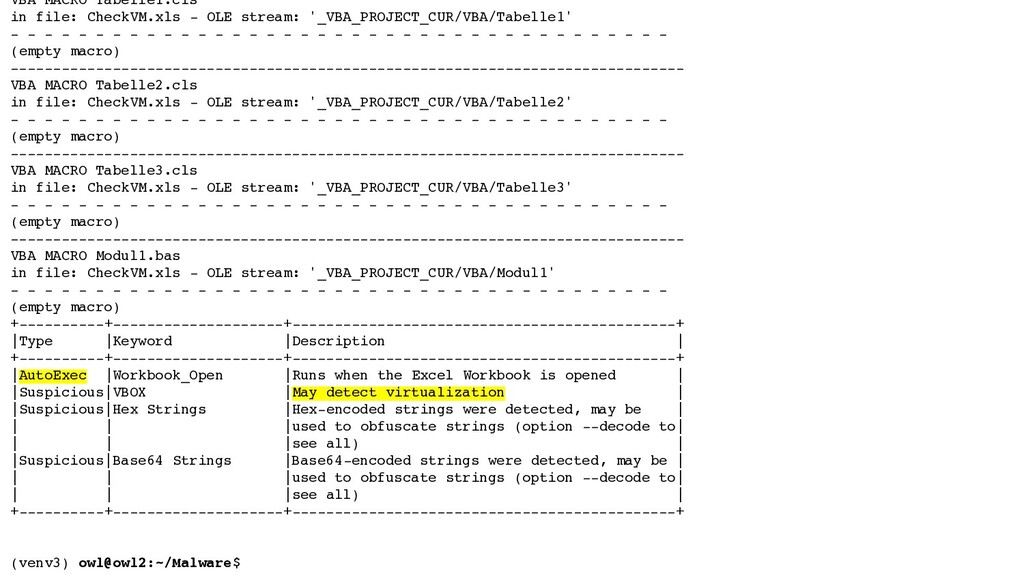
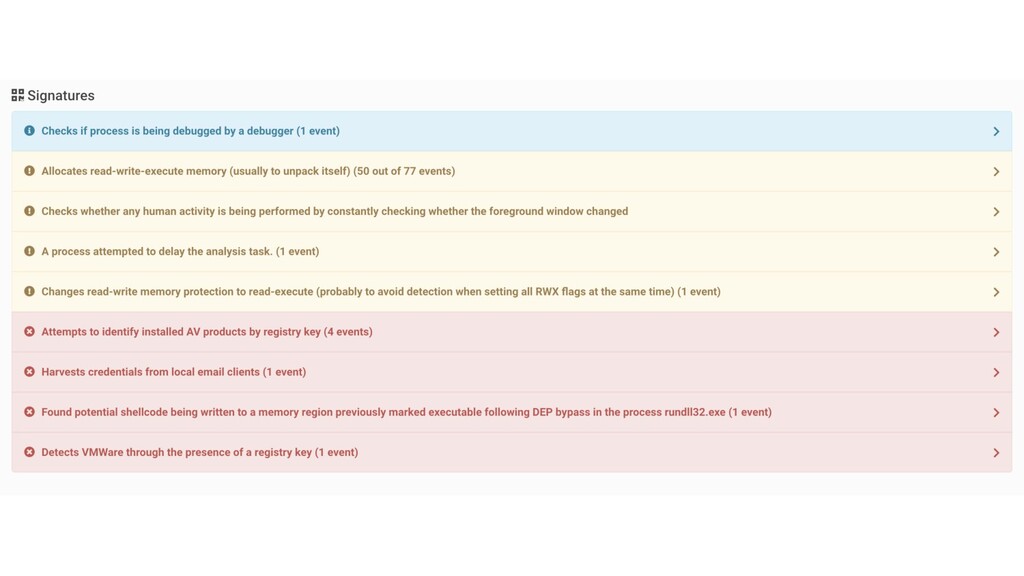
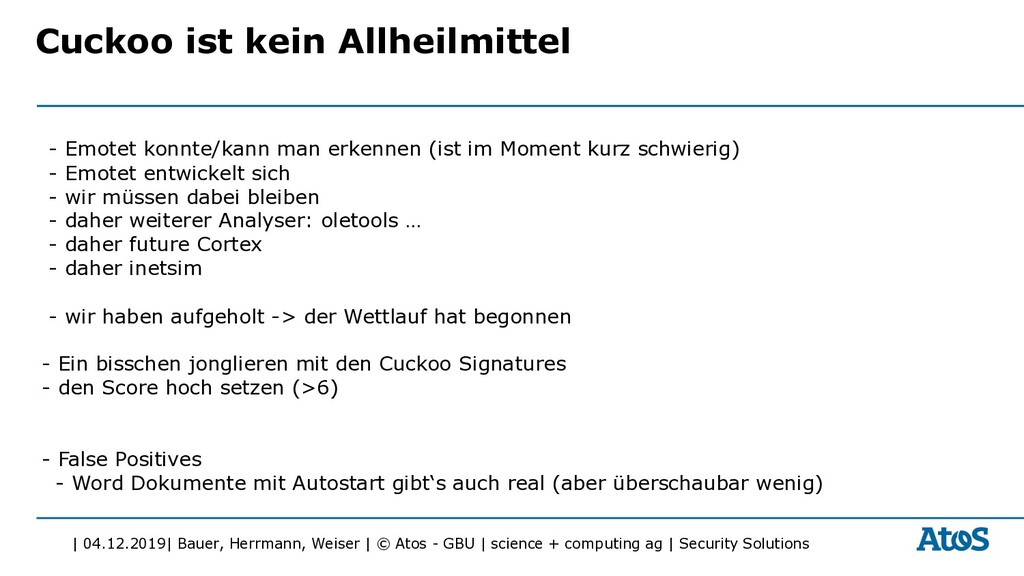
| science + computing ag | Security Solutions Cuckoo ist kein Allheilmittel - Emotet konnte/kann man erkennen (ist im Moment kurz schwierig) - Emotet entwickelt sich - wir müssen dabei bleiben - daher weiterer Analyser: oletools … - daher future Cortex - daher inetsim - wir haben aufgeholt -> der Wettlauf hat begonnen - Ein bisschen jonglieren mit den Cuckoo Signatures - den Score hoch setzen (>6) - False Positives - Word Dokumente mit Autostart gibt‘s auch real (aber überschaubar wenig)
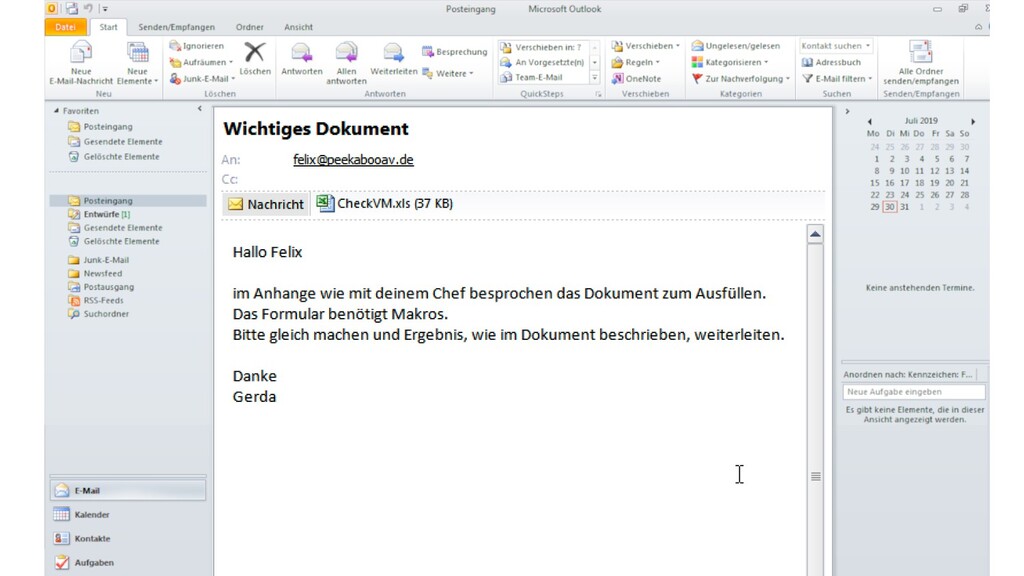
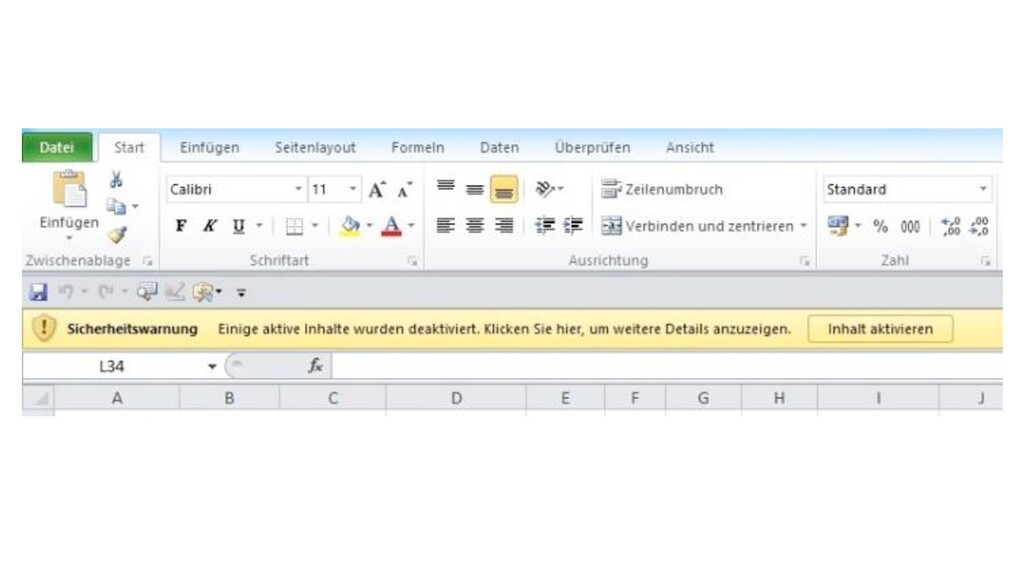
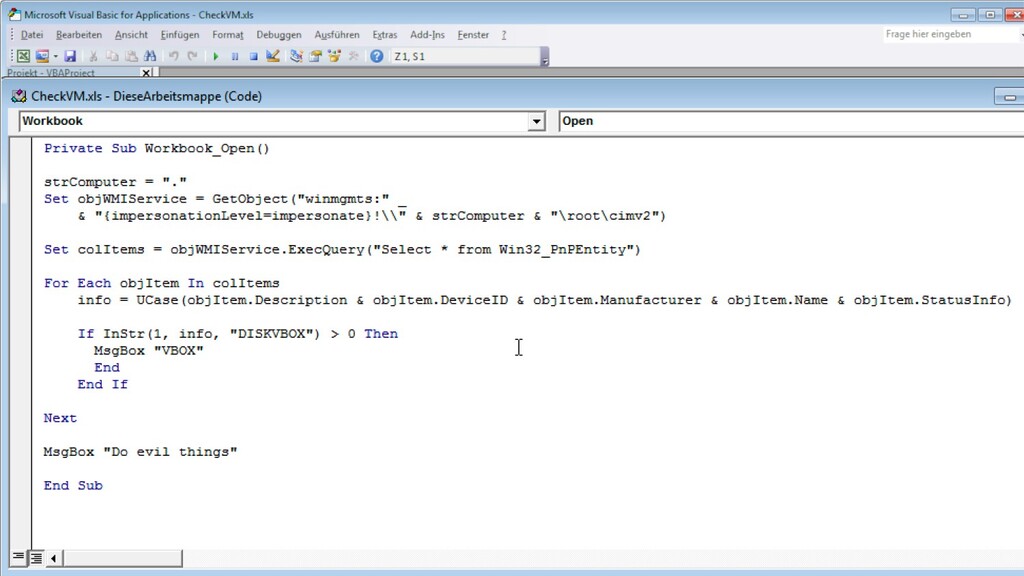
| science + computing ag | Security Solutions Malware - gleichzeitig mit 1.7 kommen mehr und mehr Emotet Wellen - Emotet nutzt so genannte “Living of the Land” und startet Powershell über WMI - Erfordert Erweiterung der Sandbox-Lösung - oder oletools, inetsim
| science + computing ag | Security Solutions ▶ Wir sind: – Christoph Herrmann, Services Nord, Team Berlin – Michael Weiser, Services Nord, Team Berlin und – Felix Bauer, Security Services, Team IT Security Consulting – Wir haben dieses Projekt 2016 begonnen – und sind die Köpfe hinter: • @peekabooAV • GitHub scVENUS/PeekabooAV 38 Über uns
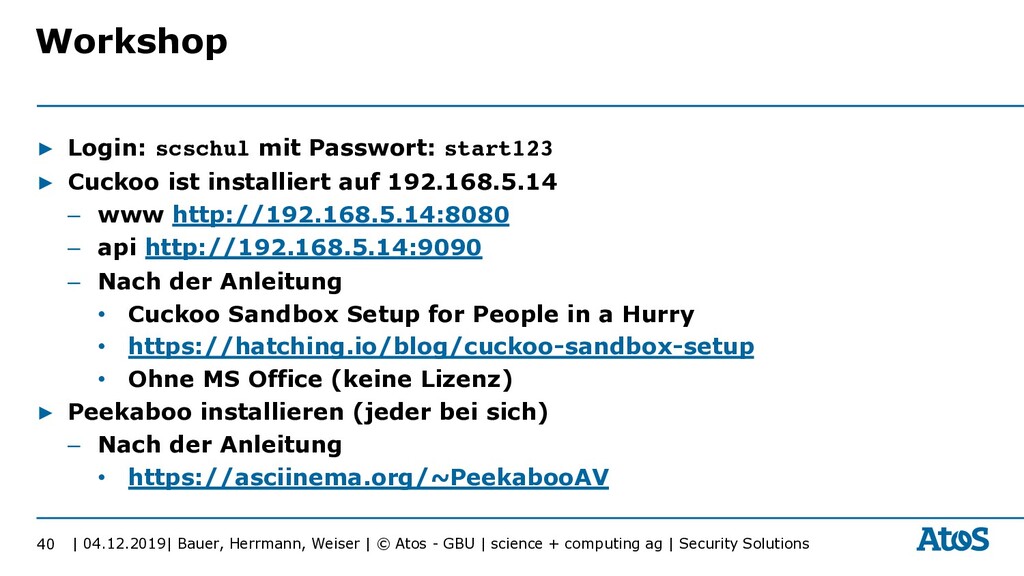
| science + computing ag | Security Solutions ▶ Login: scschul mit Passwort: start123 ▶ Cuckoo ist installiert auf 192.168.5.14 – www http://192.168.5.14:8080 – api http://192.168.5.14:9090 – Nach der Anleitung • Cuckoo Sandbox Setup for People in a Hurry • https://hatching.io/blog/cuckoo-sandbox-setup • Ohne MS Office (keine Lizenz) ▶ Peekaboo installieren (jeder bei sich) – Nach der Anleitung • https://asciinema.org/~PeekabooAV 40 Workshop


 peekabooav
 techtekt
 kizawa2020
 taketakekaho
 gionn
gionn
 persolserverworks
 teamlab
 mohab1
 yazm
yazm
 genda
genda
 rfdnxbro
 akhino
 shumei_ito
 rasmusluckow
 aki_iinuma
 jonoalderson
 3n
3n
 csswizardry
 addyosmani
 palkan
 rakko
rakko
 reverentgeek
 aarron
 gurzu
gurzu