Upgrade to Pro — share decks privately, control downloads, hide ads and more …

Inline Styles and React

Sponsored · Your Podcast. Everywhere. Effortlessly. Share. Educate. Inspire. Entertain. You do you. We'll handle the rest.
Avatar for Perry Poon Perry Poon
September 28, 2023
11

Inline Styles and React

Avatar for Perry Poon

Perry Poon

September 28, 2023
Tweet

Transcript

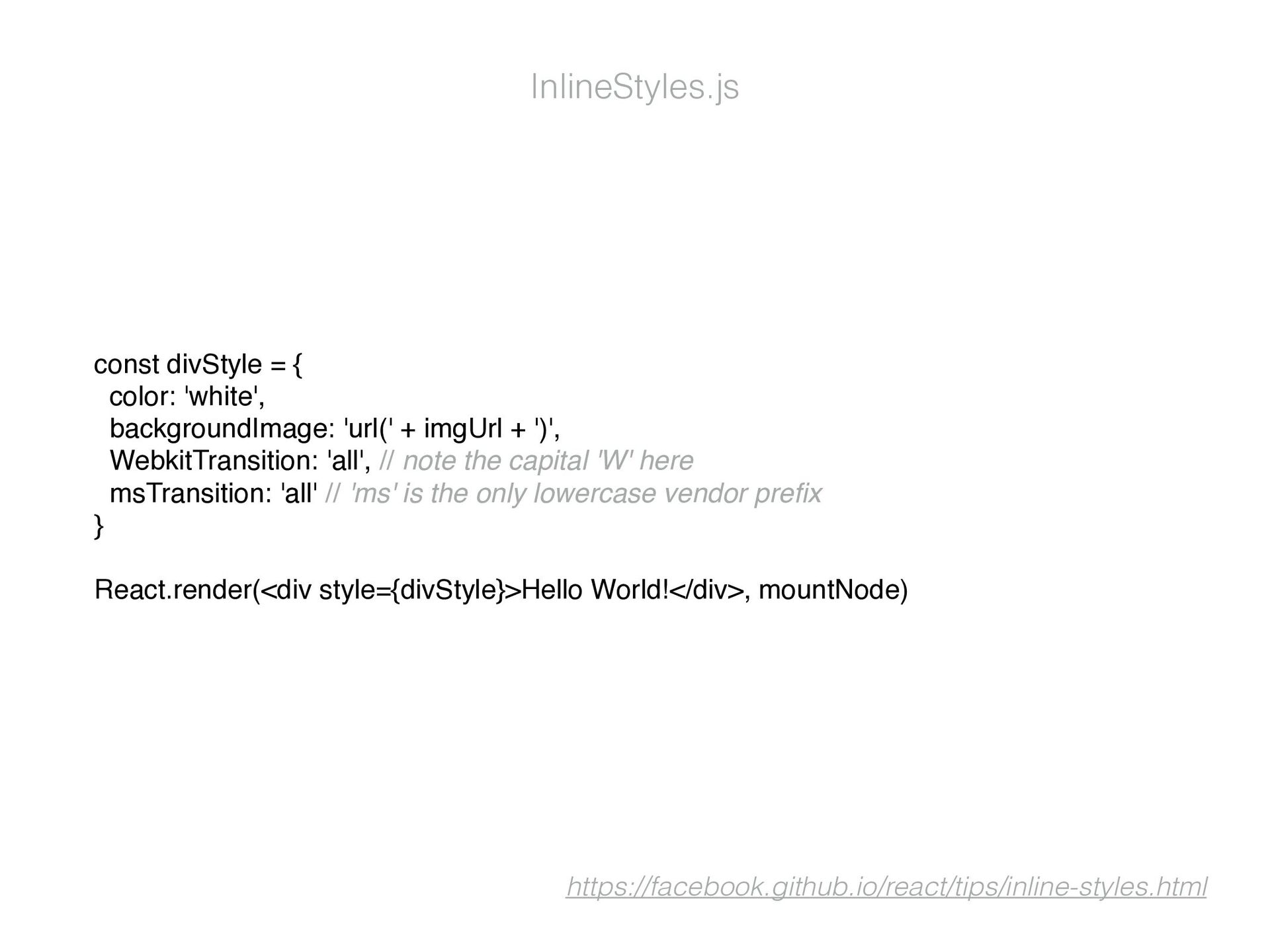
  1. const divStyle = { color: 'white', backgroundImage: 'url(' + imgUrl

    + ')', WebkitTransition: 'all', // note the capital 'W' here msTransition: 'all' // 'ms' is the only lowercase vendor pre fi x } React.render(<div style={divStyle}>Hello World!</div>, mountNode) InlineStyles.js https://facebook.github.io/react/tips/inline-styles.html
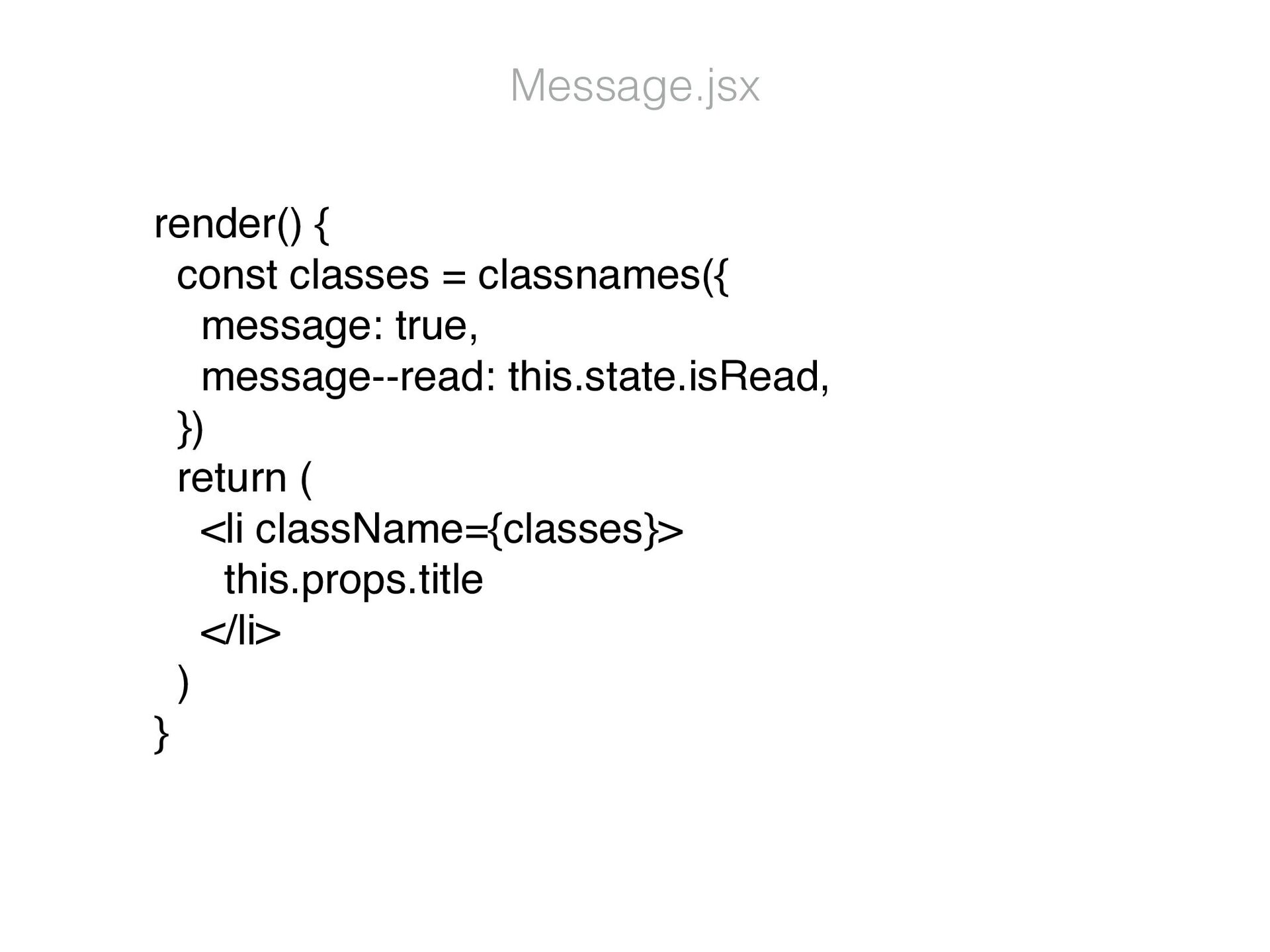
  2. render() { const classes = classnames({ message: true, message--read: this.state.isRead,

    }) return ( <li className={classes}> this.props.title </li> ) } Message.jsx
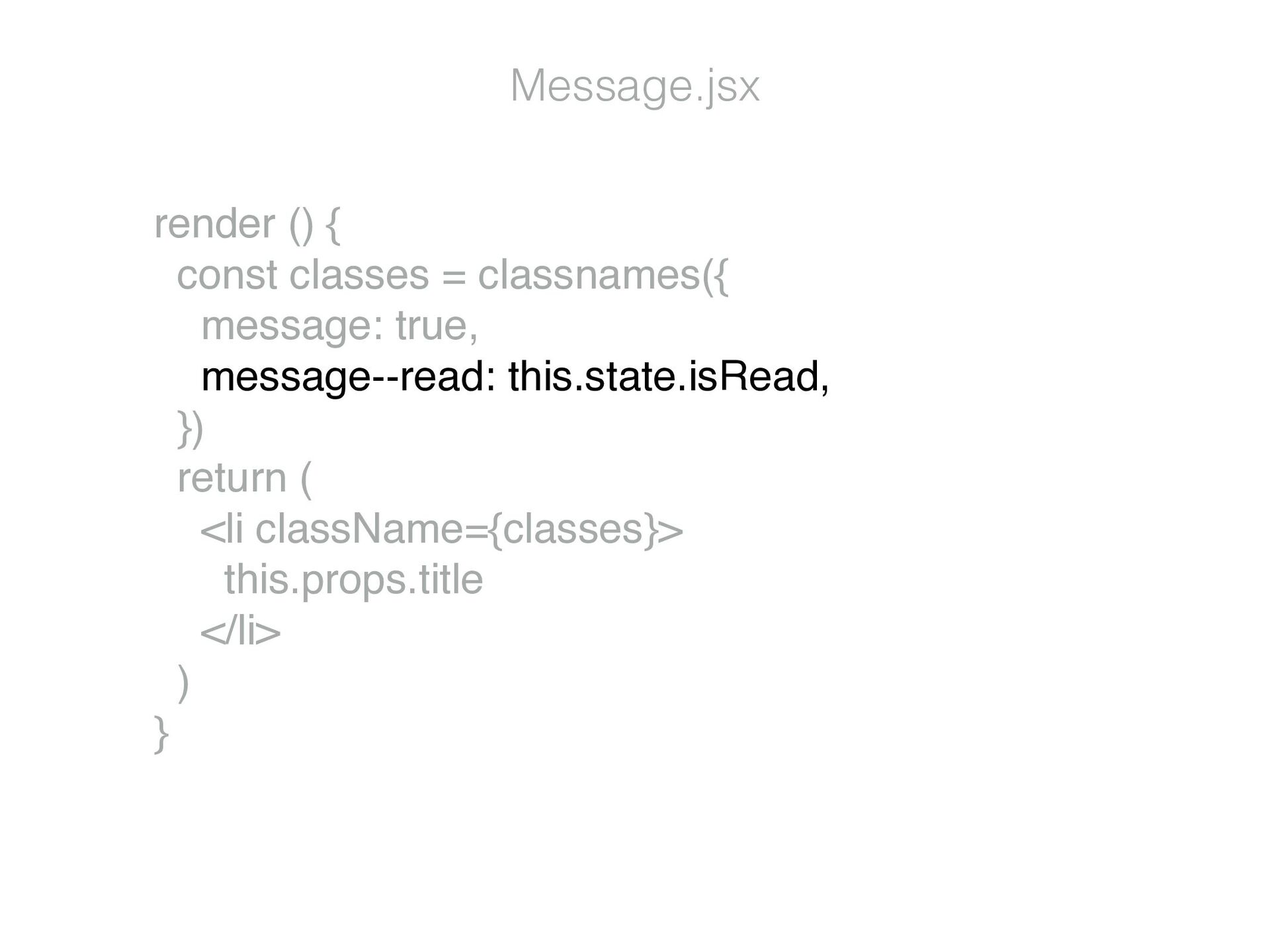
  3. render () { const classes = classnames({ message: true, message--read:

    this.state.isRead, }) return ( <li className={classes}> this.props.title </li> ) } Message.jsx
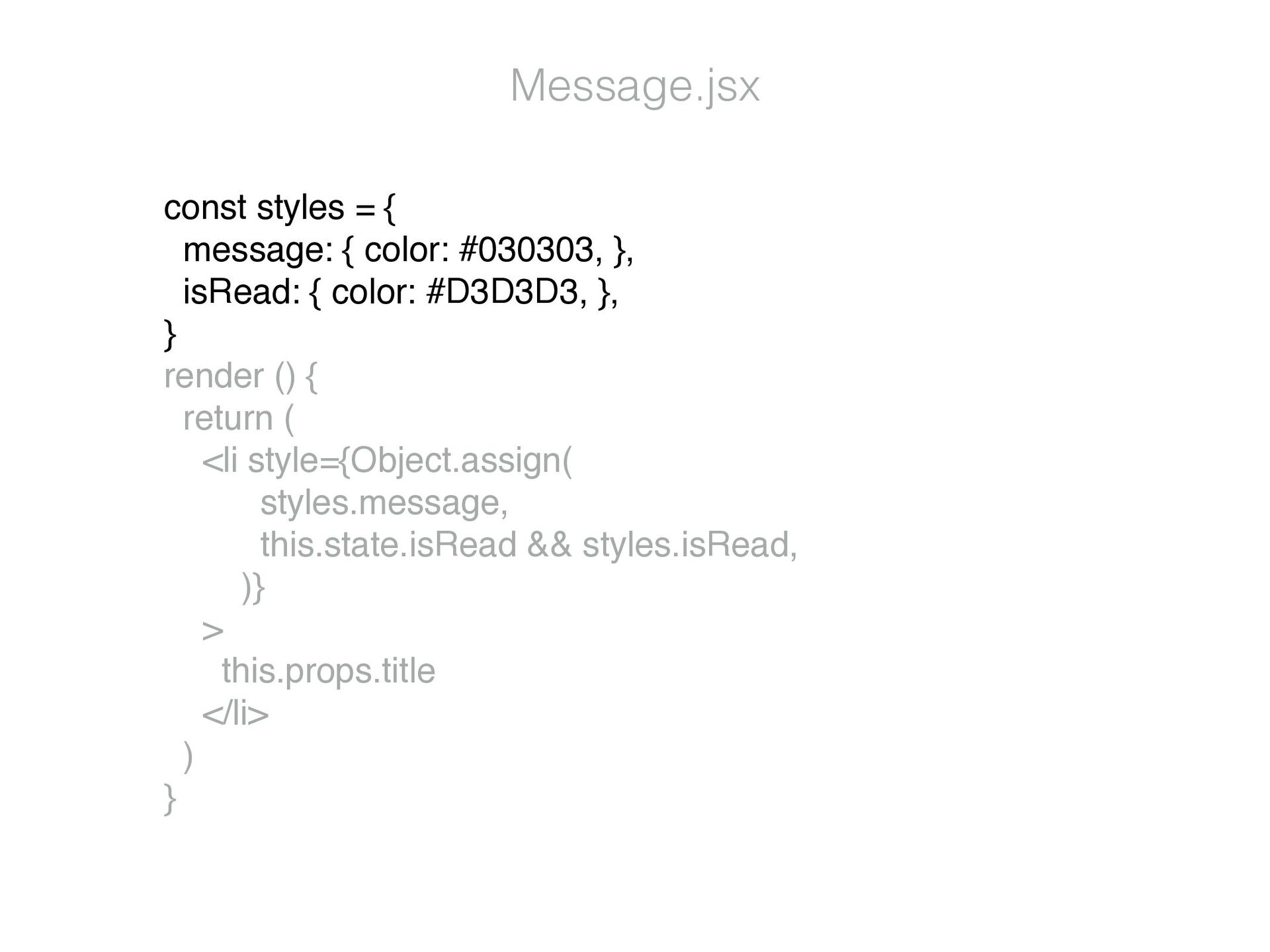
  4. const styles = { message: { color: #030303, }, isRead:

    { color: #D3D3D3, }, } render () { return ( <li style={Object.assign( styles.message, this.state.isRead && styles.isRead, )} > this.props.title </li> ) } Message.jsx
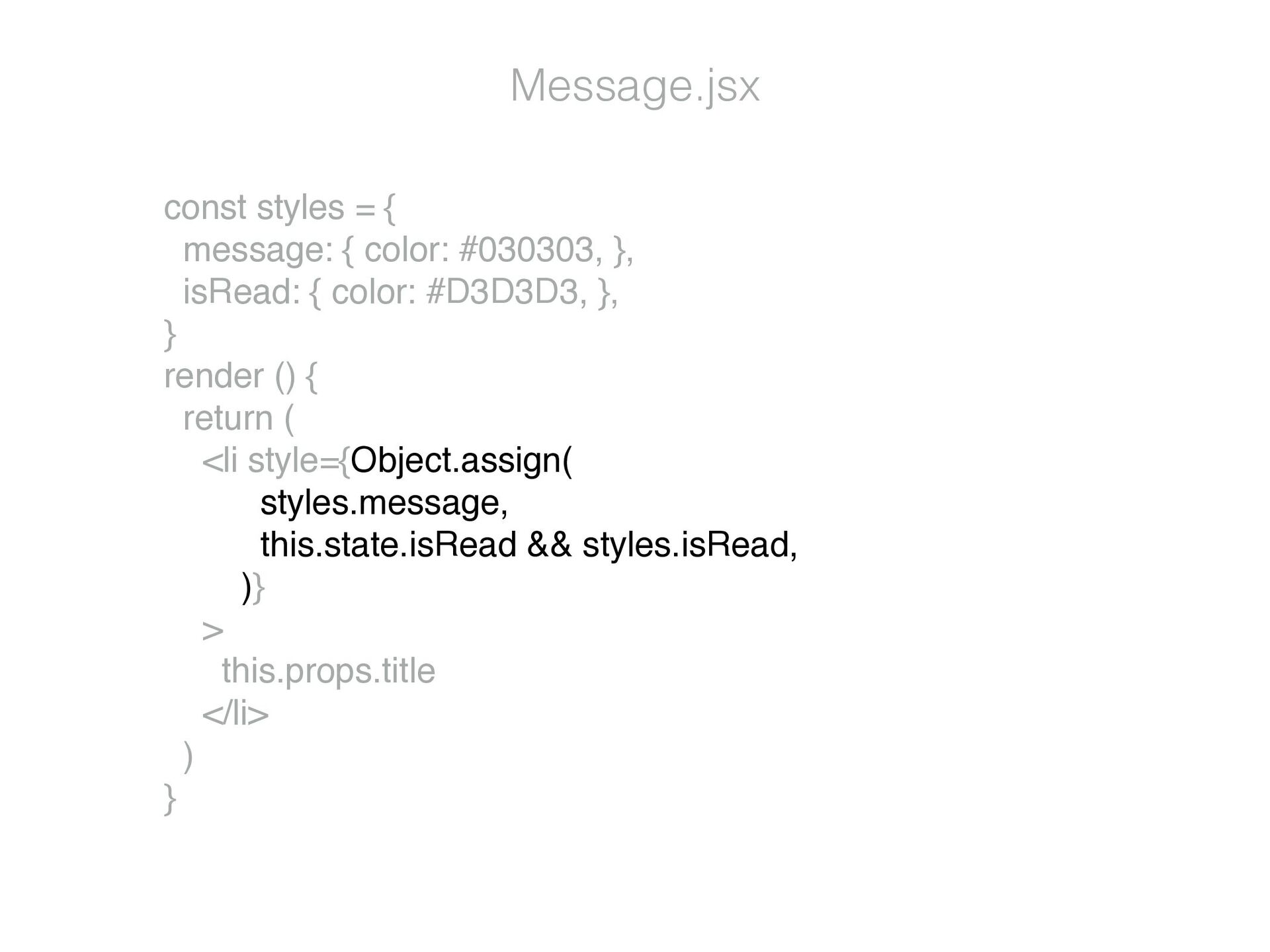
  5. const styles = { message: { color: #030303, }, isRead:

    { color: #D3D3D3, }, } render () { return ( <li style={Object.assign( styles.message, this.state.isRead && styles.isRead, )} > this.props.title </li> ) } Message.jsx
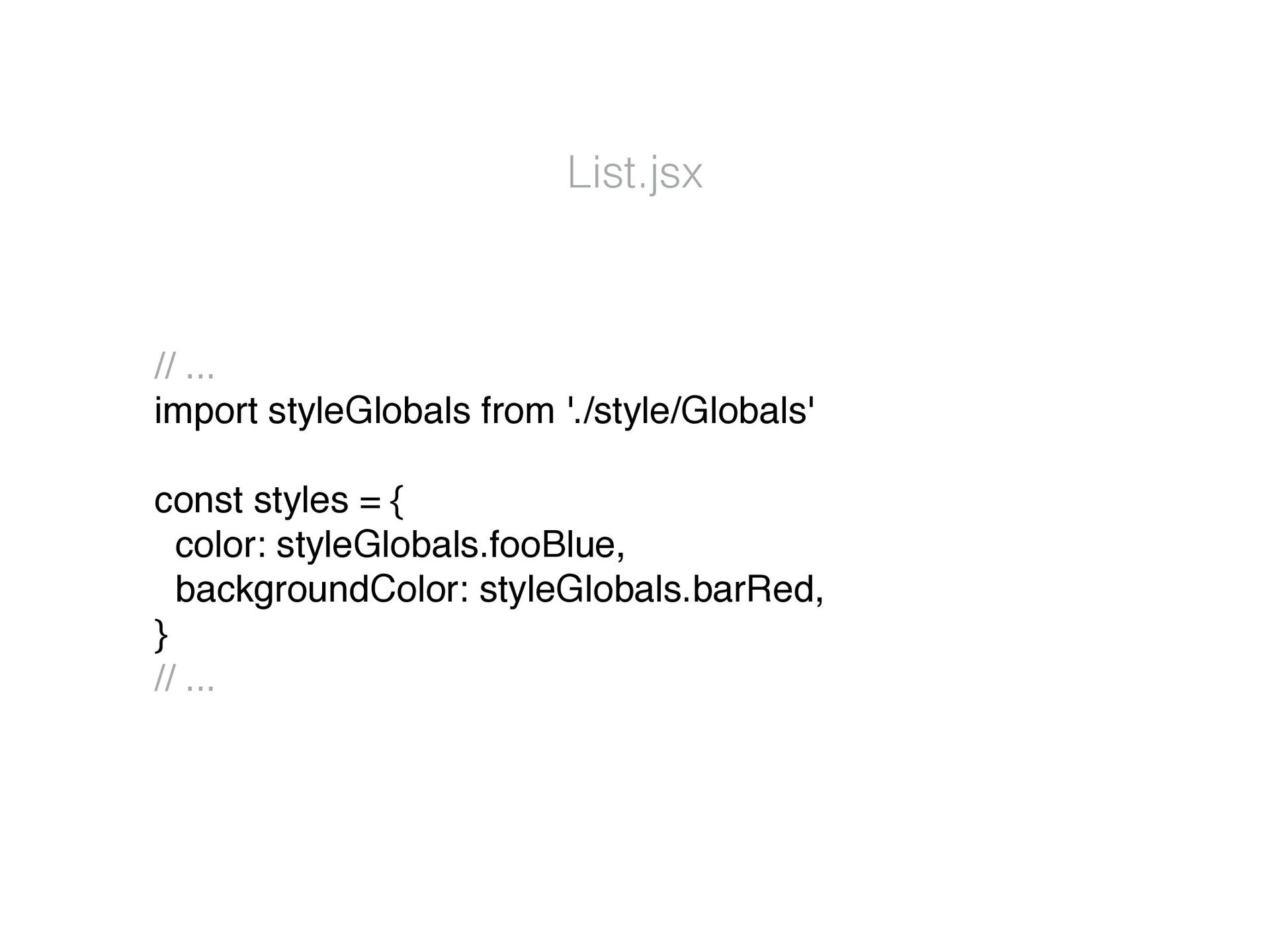
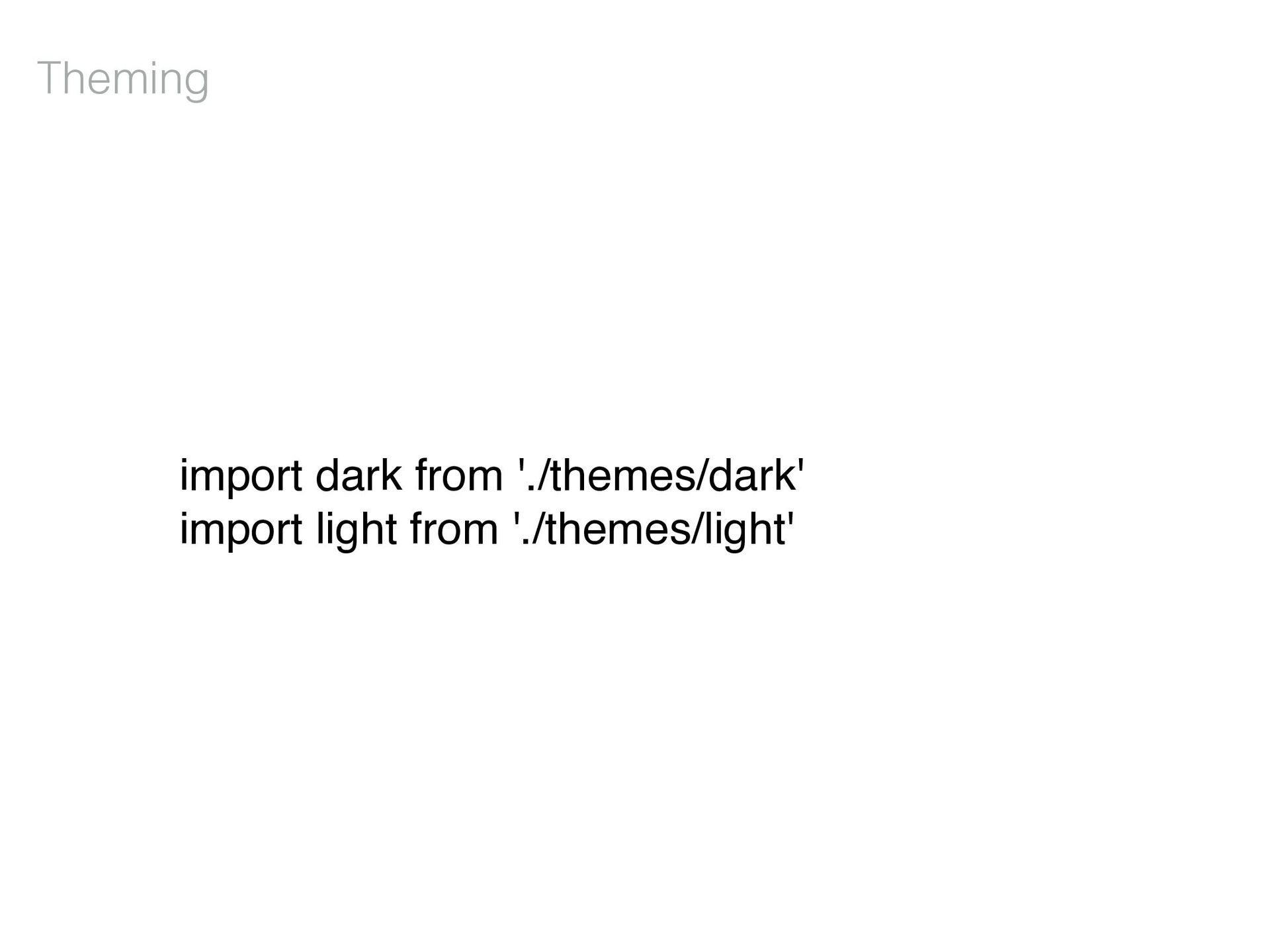
  6. List.jsx // ... import styleGlobals from './style/Globals' const styles =

    { color: styleGlobals.fooBlue, backgroundColor: styleGlobals.barRed, } // ...
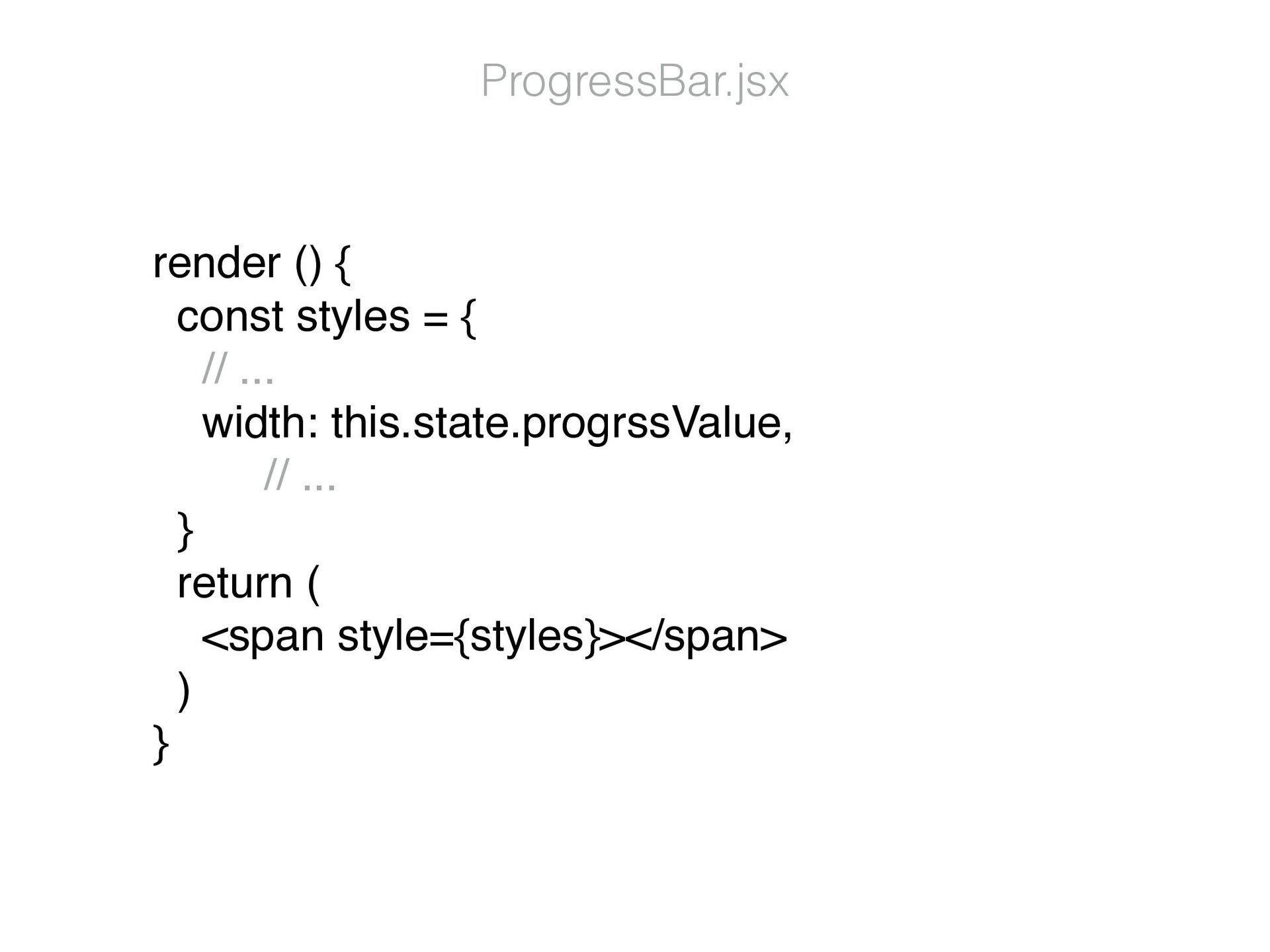
  7. render () { const styles = { // ... width:

    this.state.progrssValue, // ... } return ( <span style={styles}></span> ) } ProgressBar.jsx
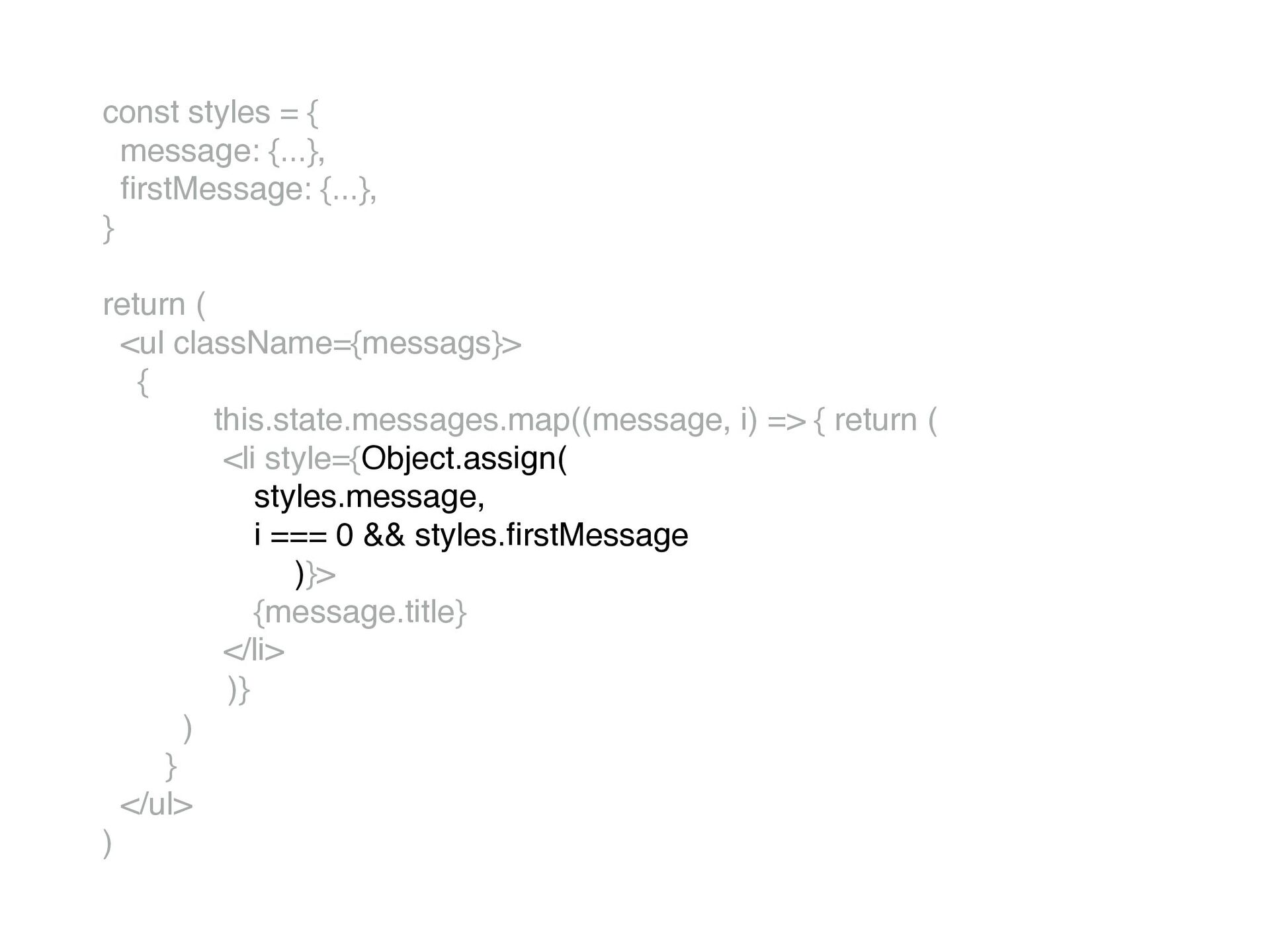
  8. const styles = { message: {...}, fi rstMessage: {...}, }

    return ( <ul className={messags}> { this.state.messages.map((message, i) => { return ( <li style={Object.assign( styles.message, i === 0 && styles. fi rstMessage )}> {message.title} </li> )} ) } </ul> )
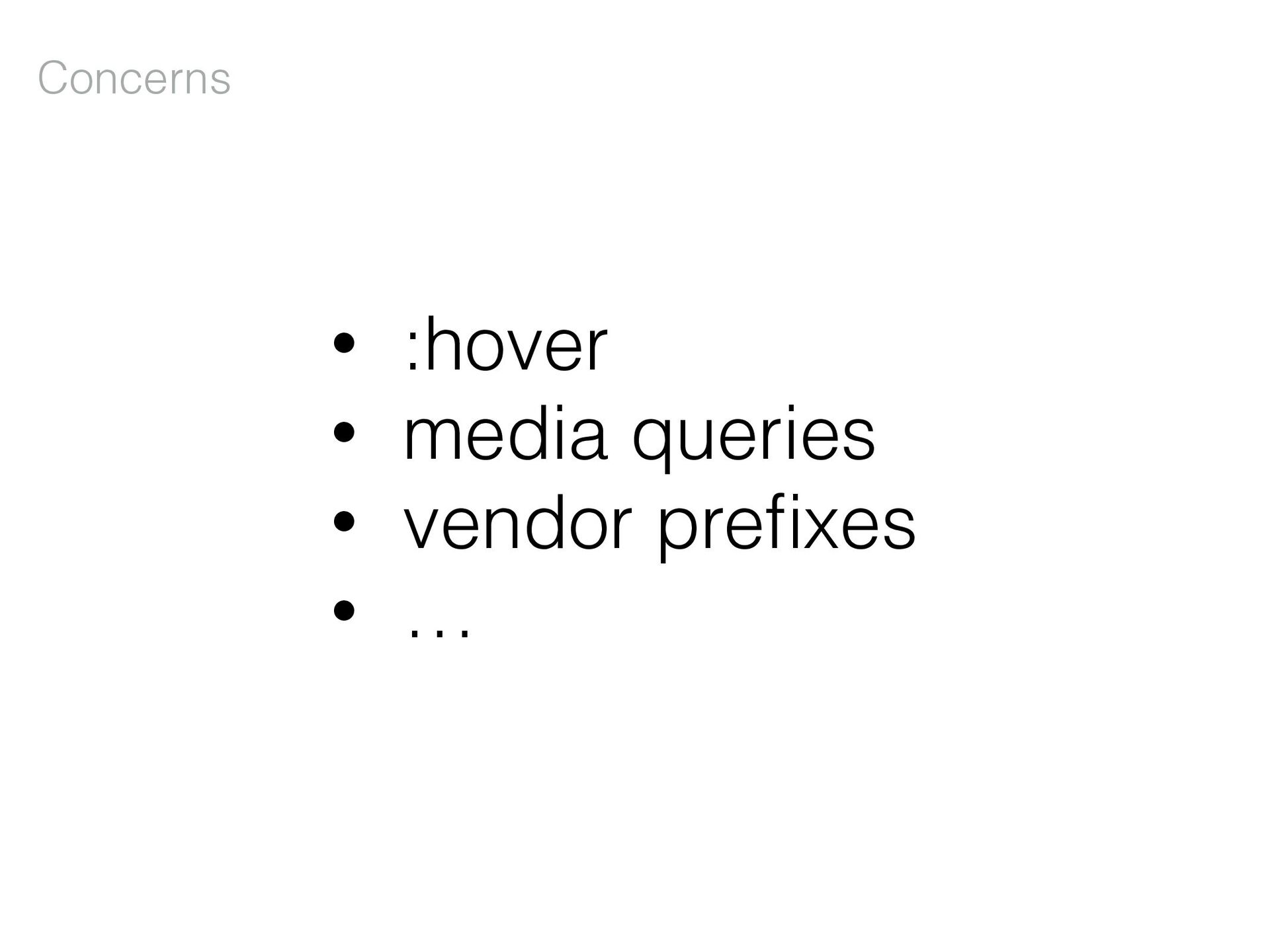
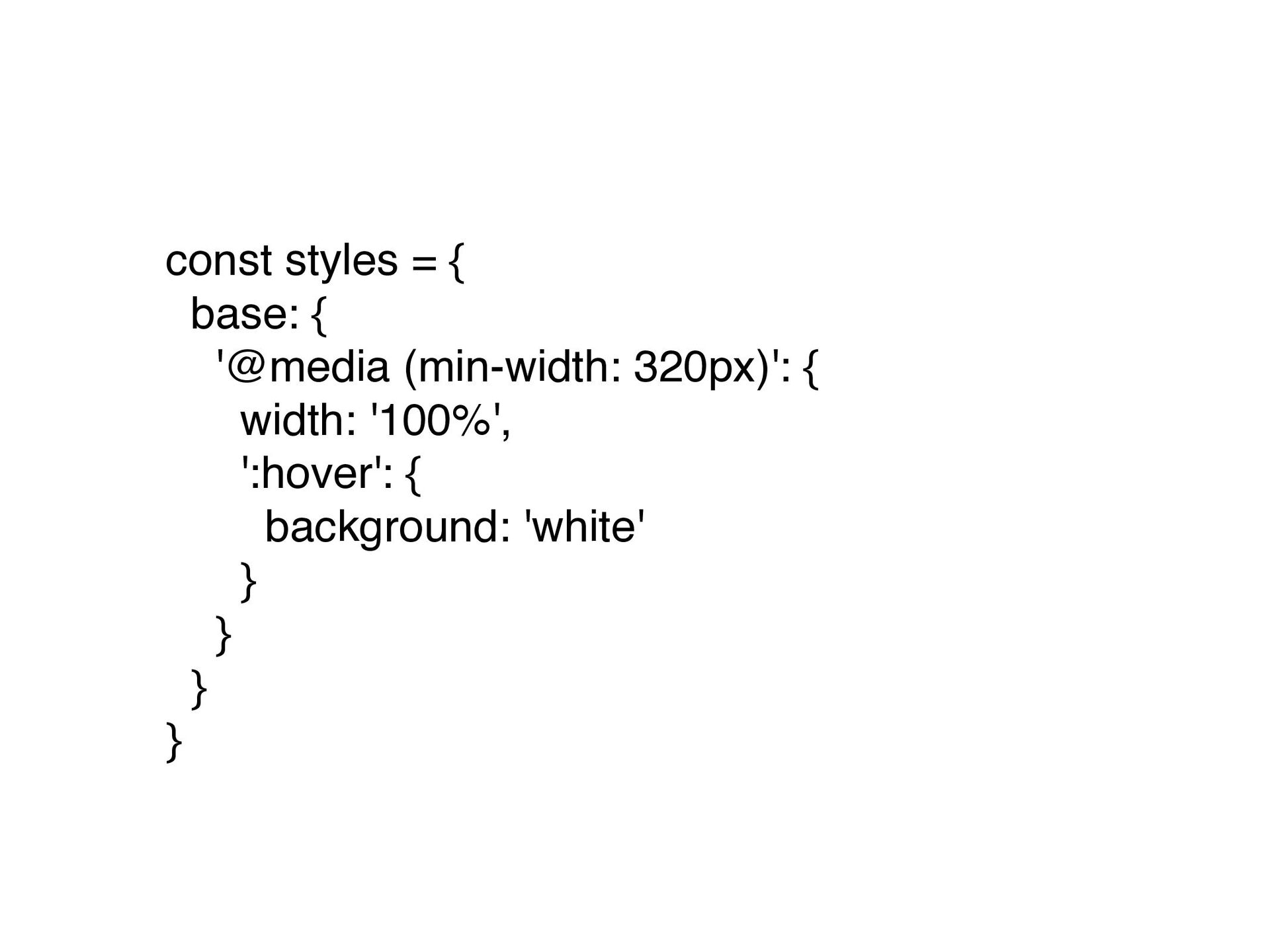
  9. const styles = { base: { '@media (min-width: 320px)': {

    width: '100%', ':hover': { background: 'white' } } } }
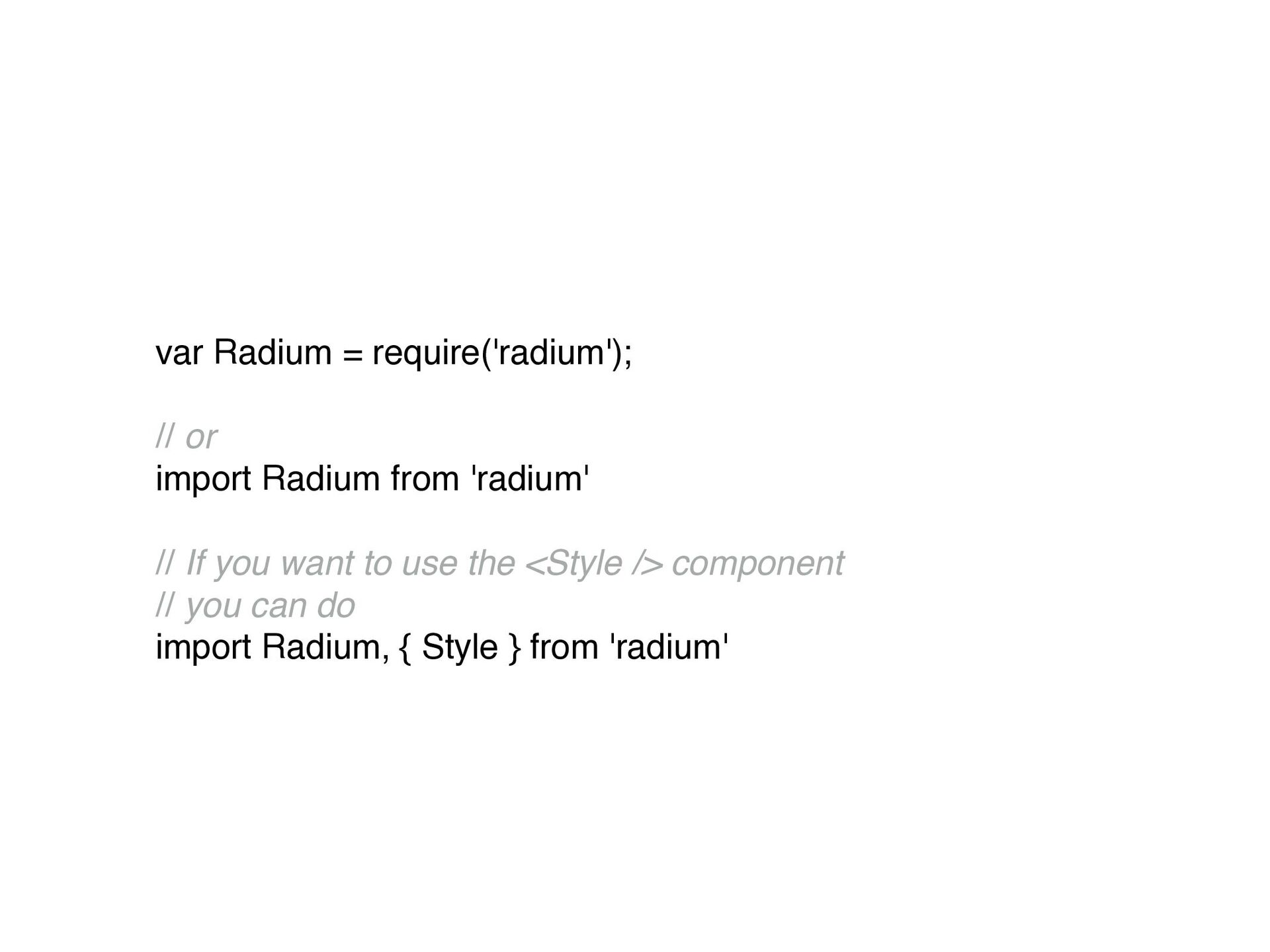
  10. var Radium = require('radium'); // or import Radium from 'radium'

    // If you want to use the <Style /> component // you can do import Radium, { Style } from 'radium'
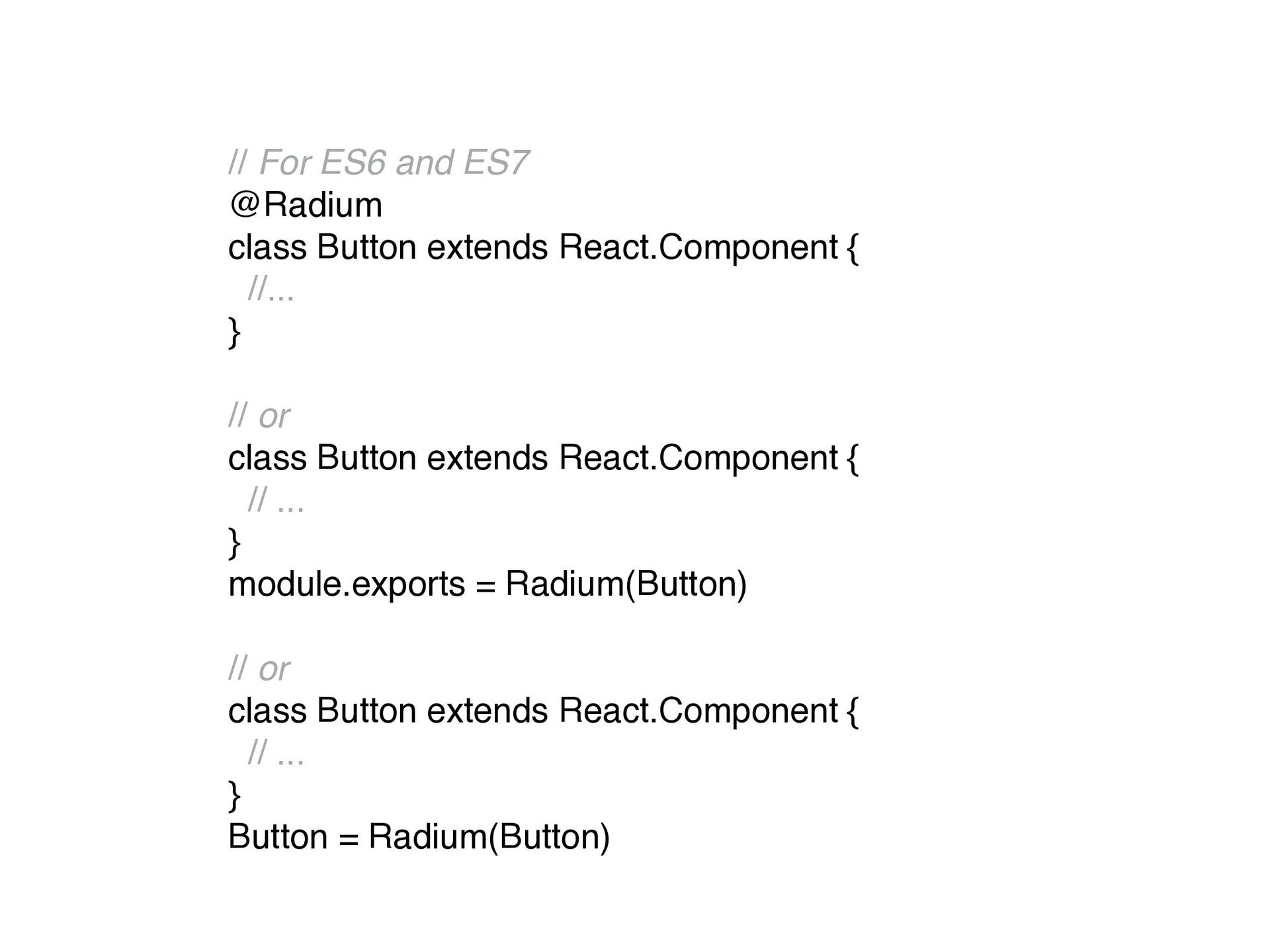
  11. // For ES6 and ES7 @Radium class Button extends React.Component

    { //... } // or class Button extends React.Component { // ... } module.exports = Radium(Button) // or class Button extends React.Component { // ... } Button = Radium(Button)