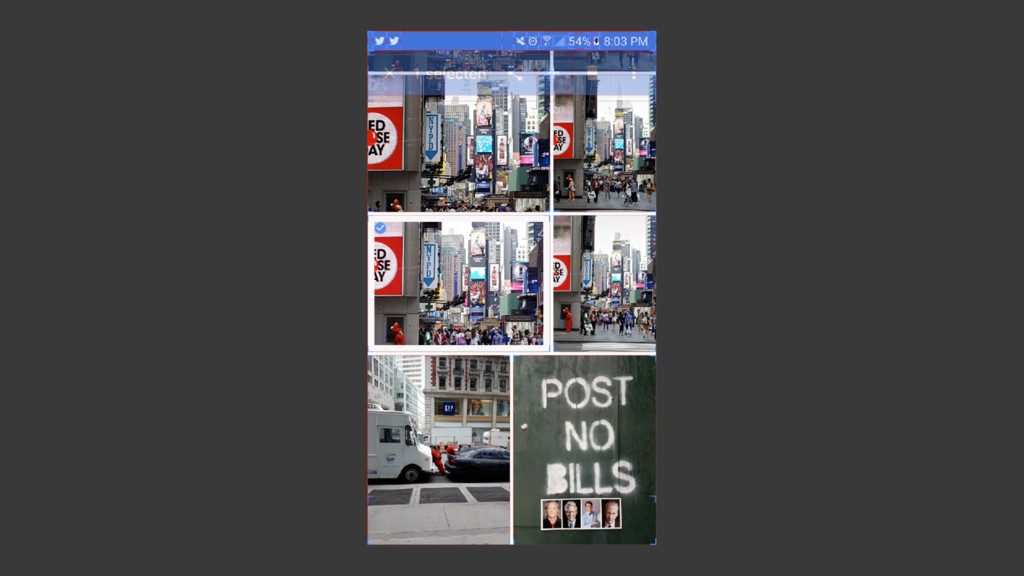
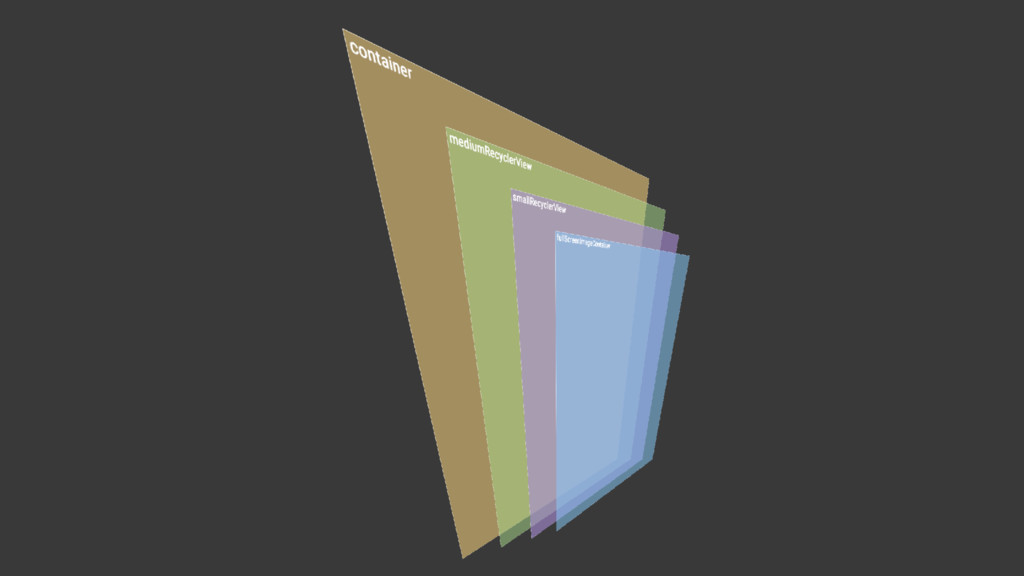
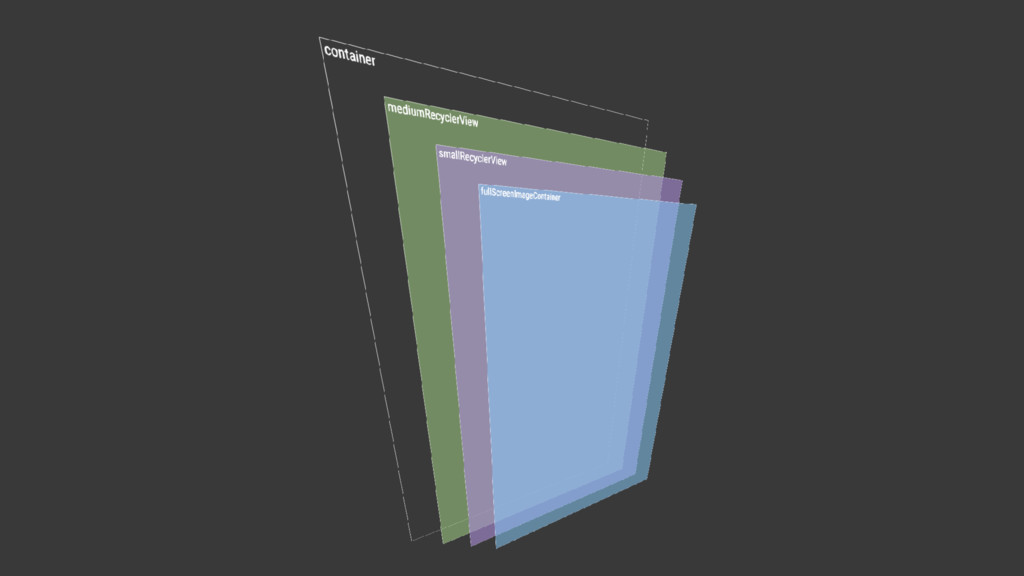
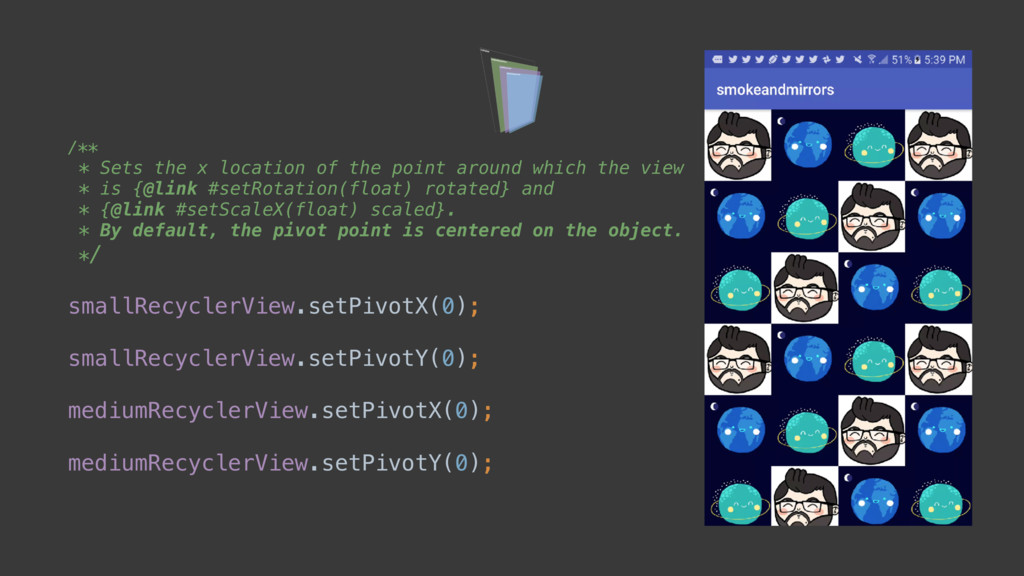
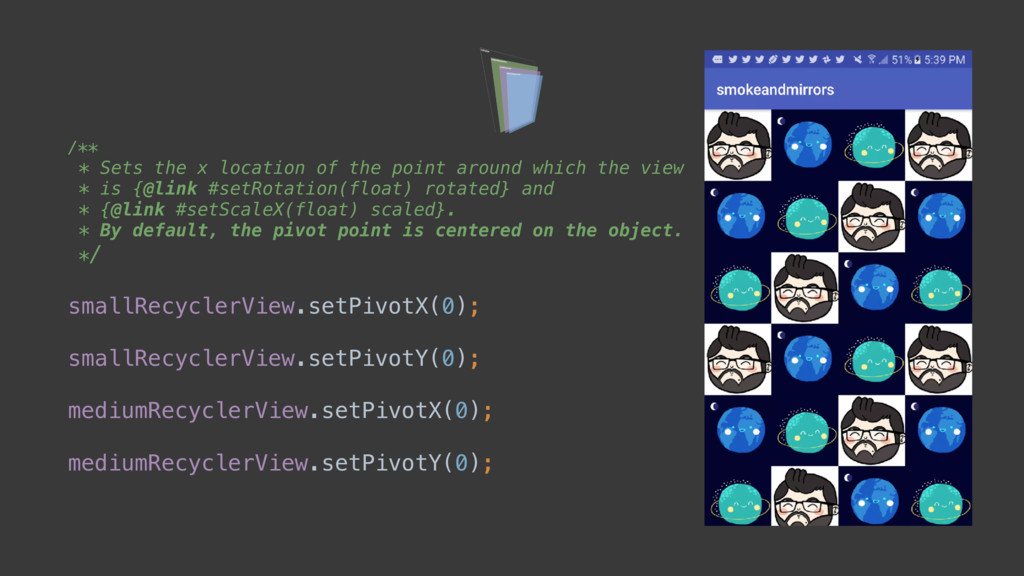
which the view * is {@link #setRotation(float) rotated} and * {@link #setScaleX(float) scaled}. * By default, the pivot point is centered on the object. */ smallRecyclerView.setPivotX(0); smallRecyclerView.setPivotY(0); mediumRecyclerView.setPivotX(0); mediumRecyclerView.setPivotY(0);
which the view * is {@link #setRotation(float) rotated} and * {@link #setScaleX(float) scaled}. * By default, the pivot point is centered on the object. */ smallRecyclerView.setPivotX(0); smallRecyclerView.setPivotY(0); mediumRecyclerView.setPivotX(0); mediumRecyclerView.setPivotY(0);
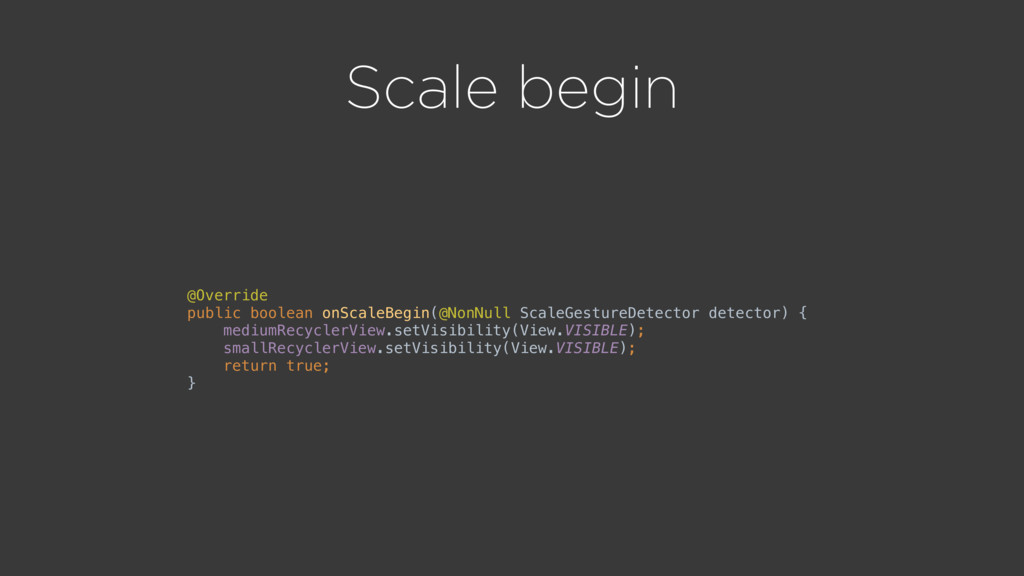
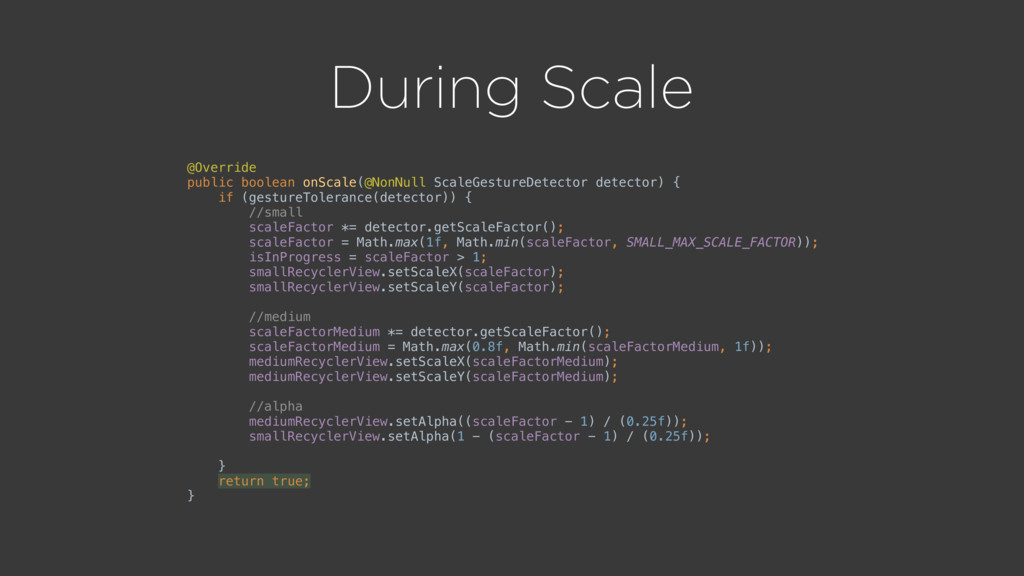
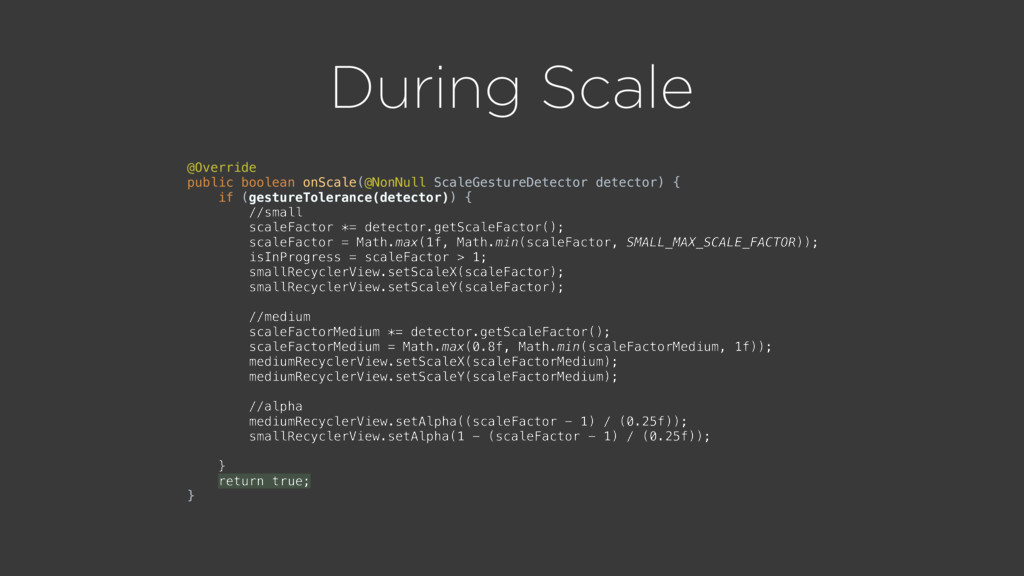
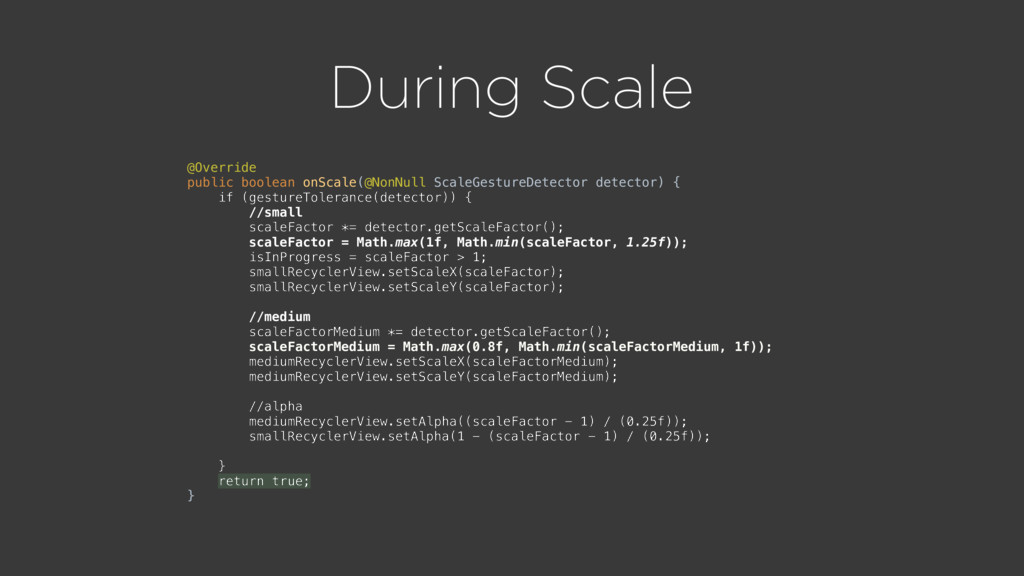
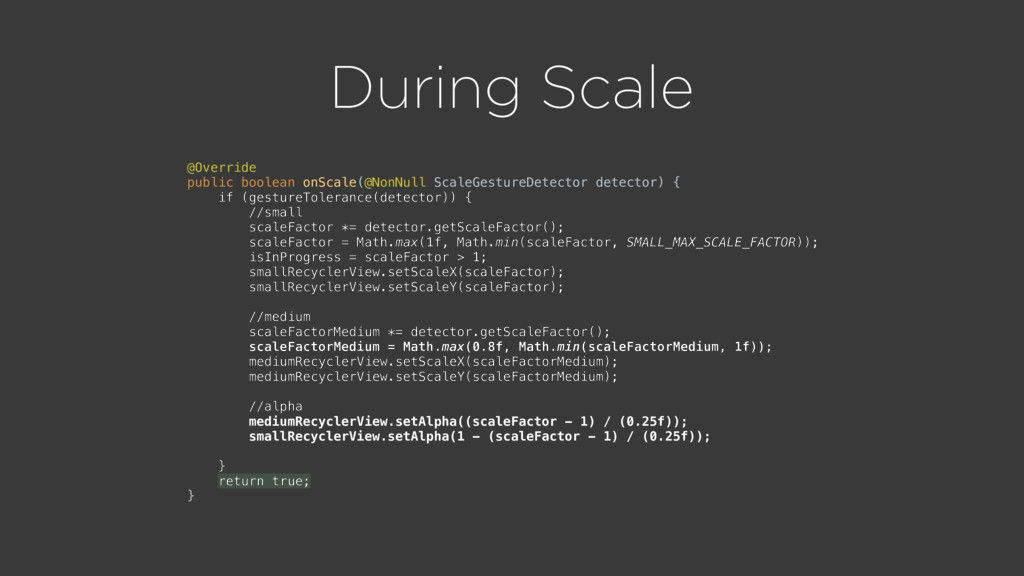
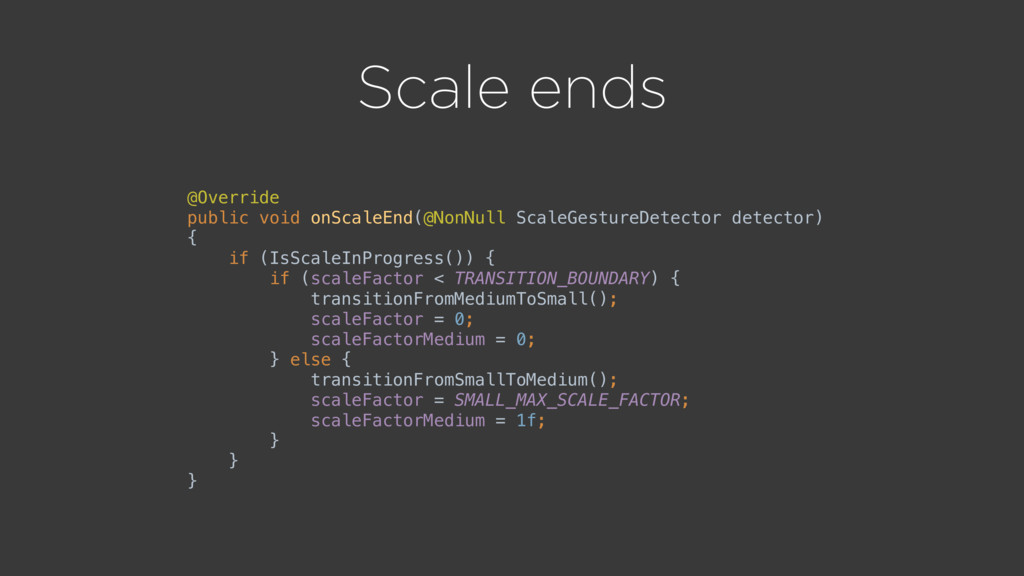
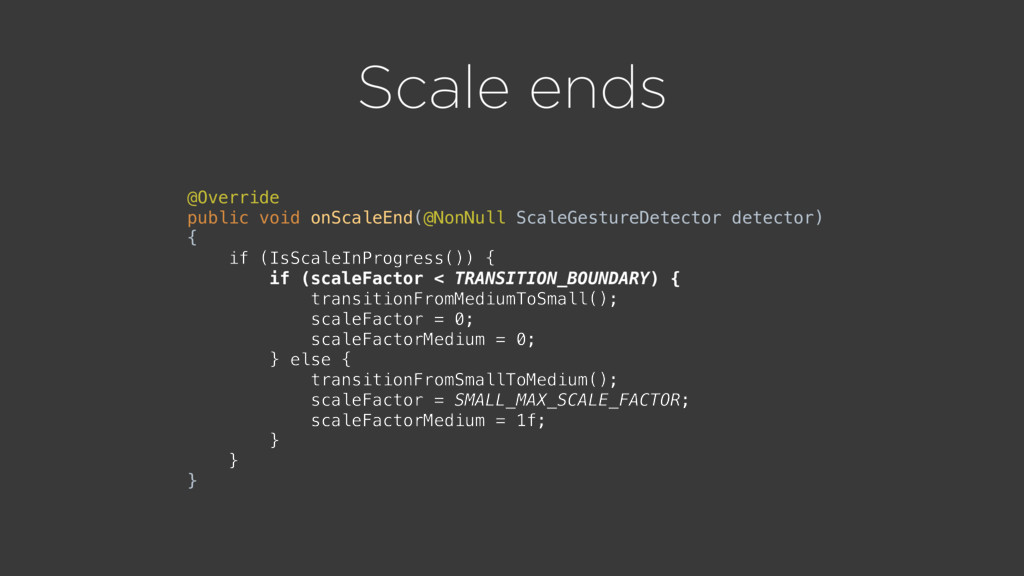
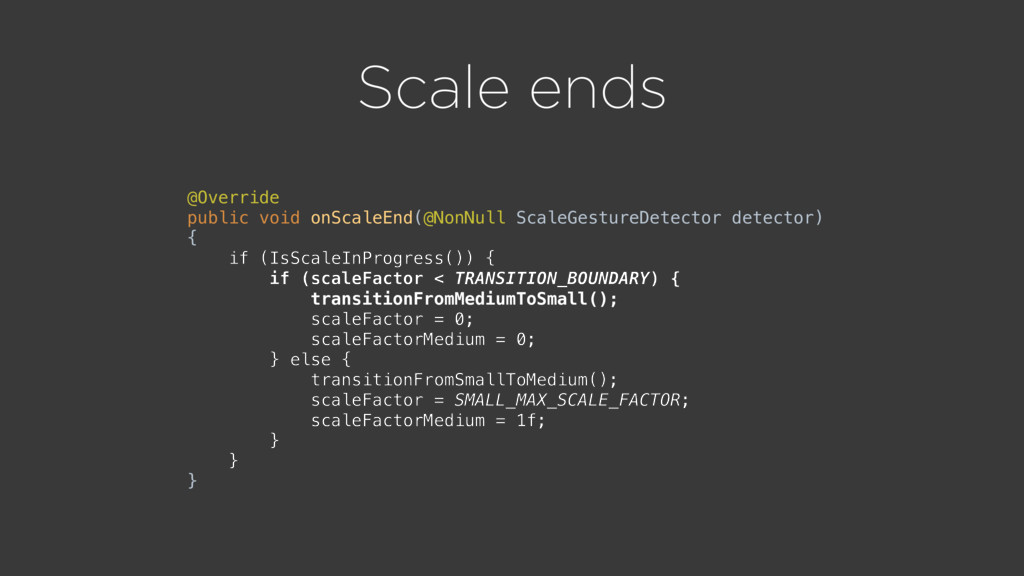
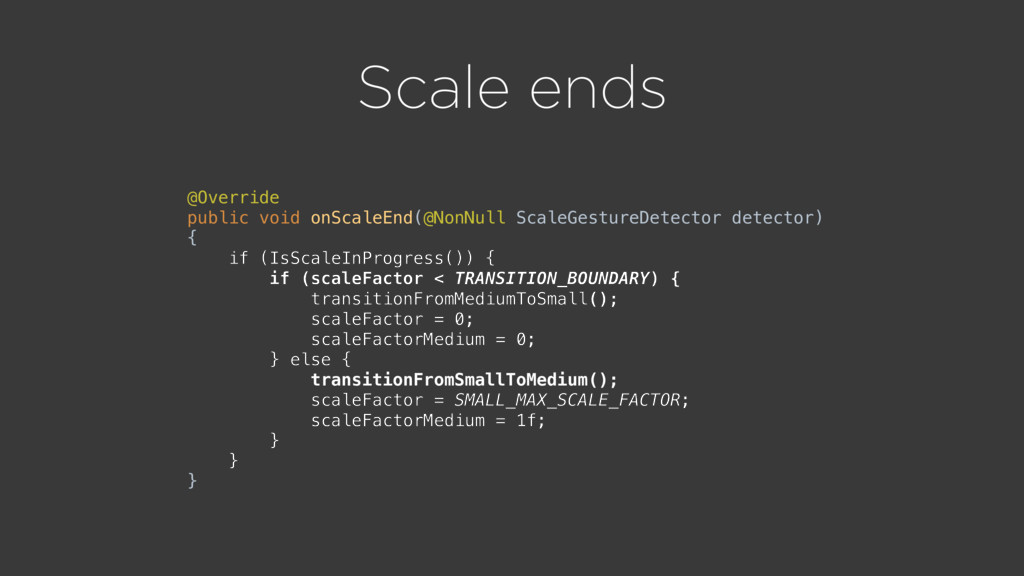
for a gesture in progress. * Reported by pointer motion. */ public boolean onScale(ScaleGestureDetector detector); /** * Responds to the beginning of a scaling gesture. Reported by * new pointers going down. */ public boolean onScaleBegin(ScaleGestureDetector detector); /** * Responds to the end of a scale gesture. Reported by existing * pointers going up. * @param detector The detector reporting the event - use this to * retrieve extended info about event state. */ public void onScaleEnd(ScaleGestureDetector detector); }
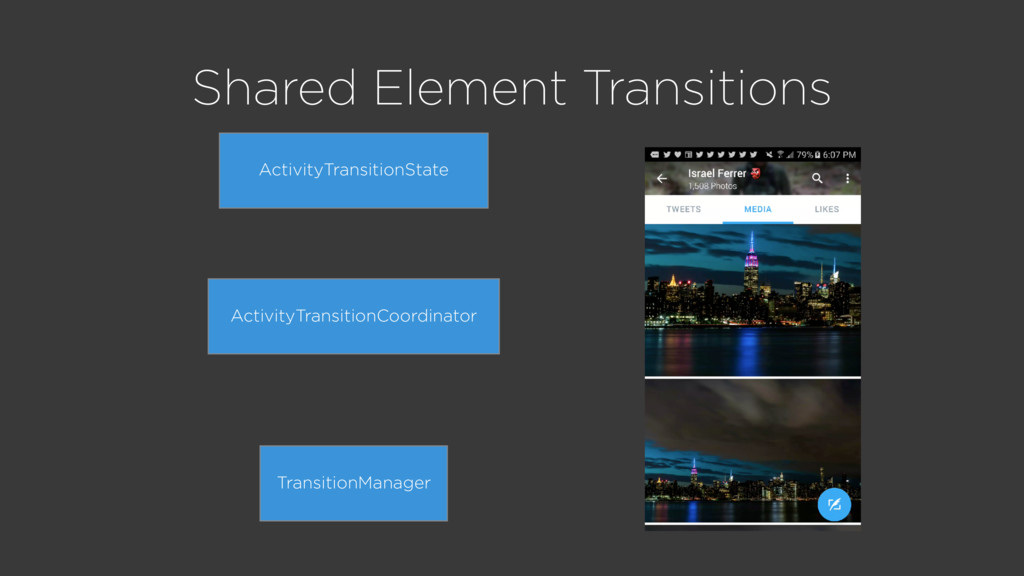
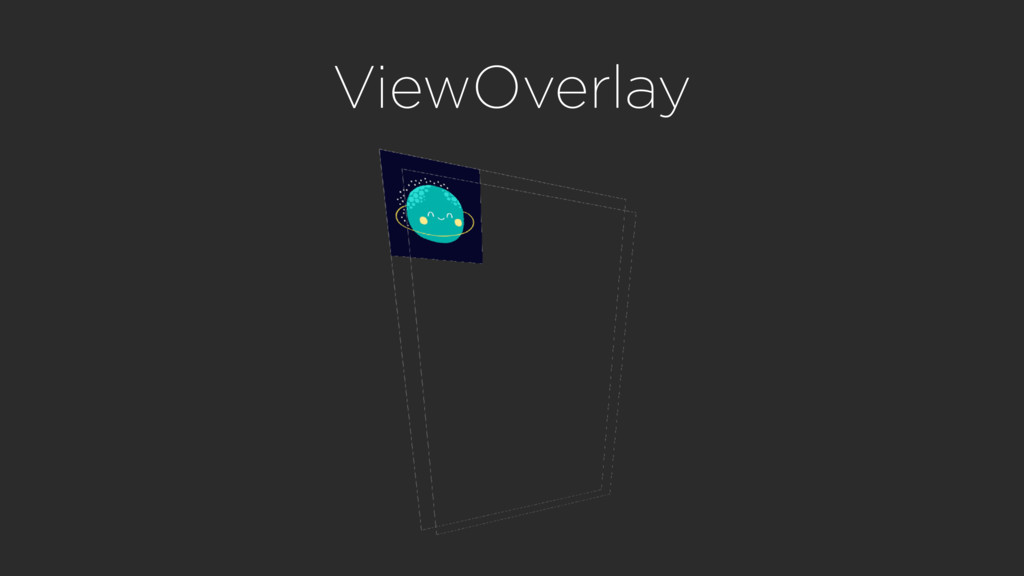
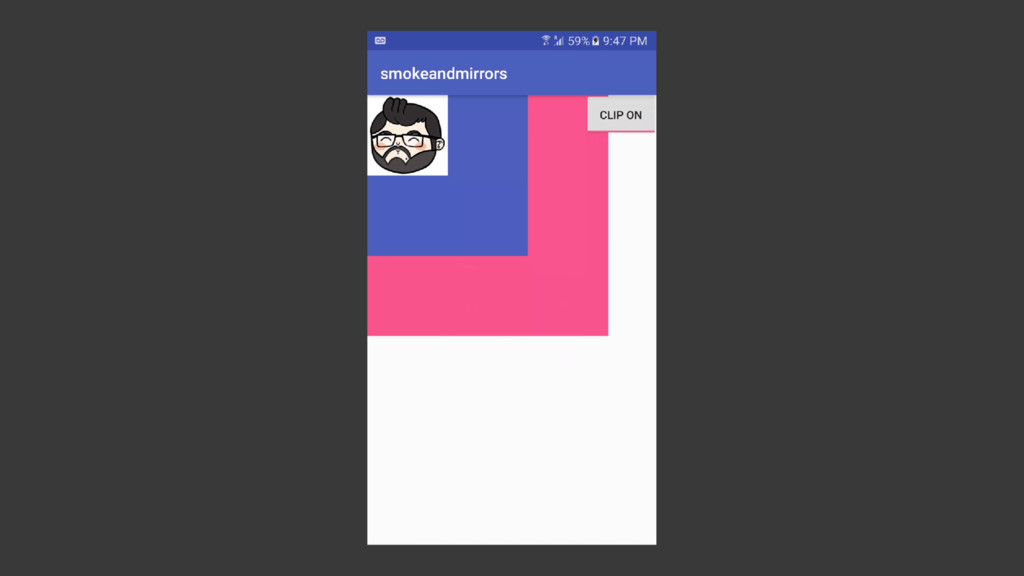
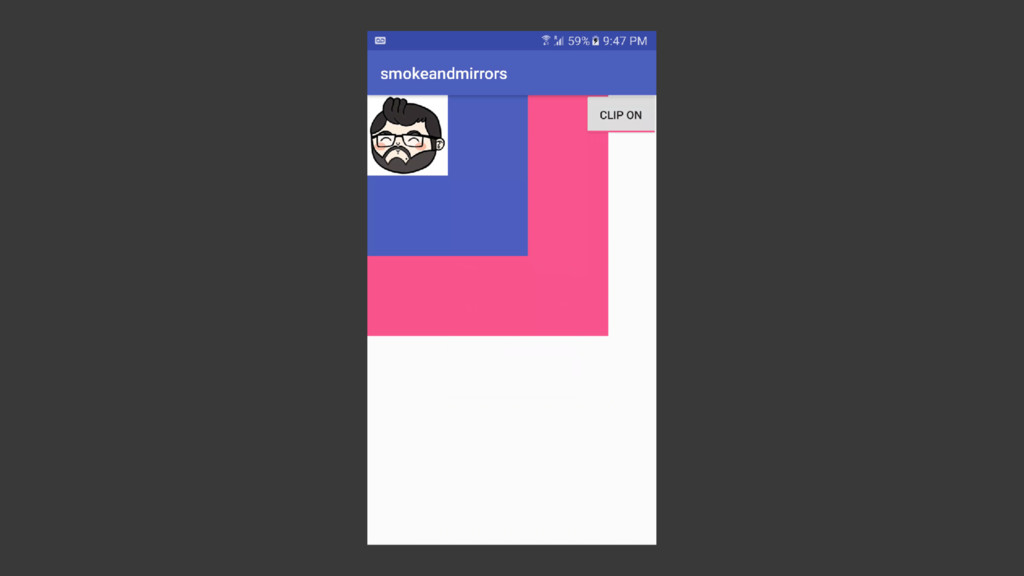
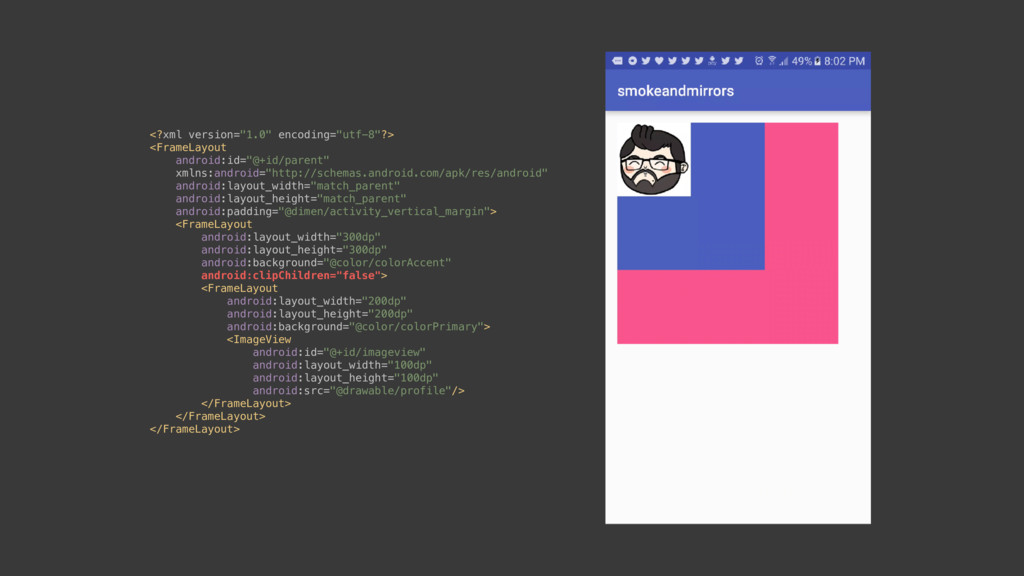
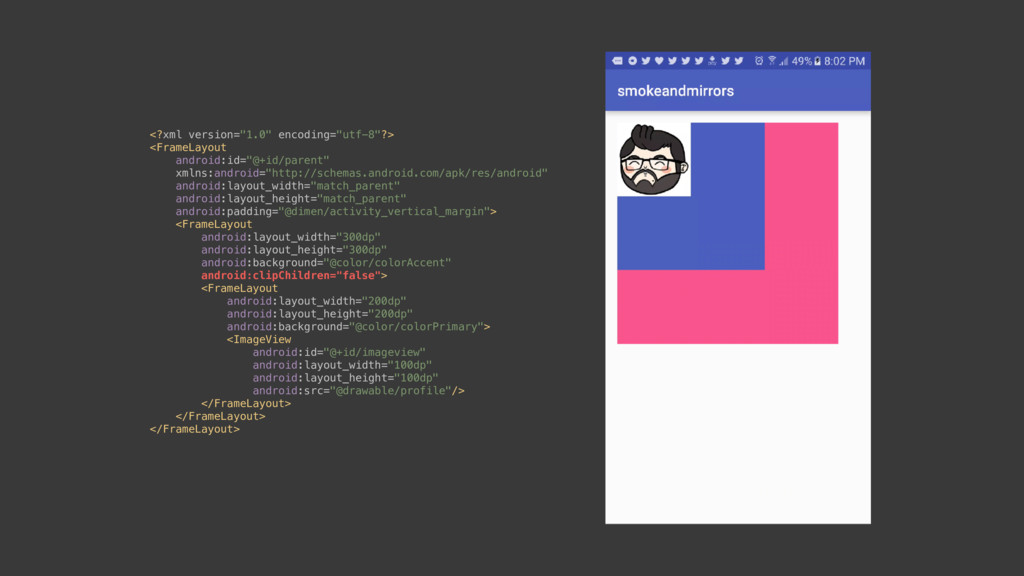
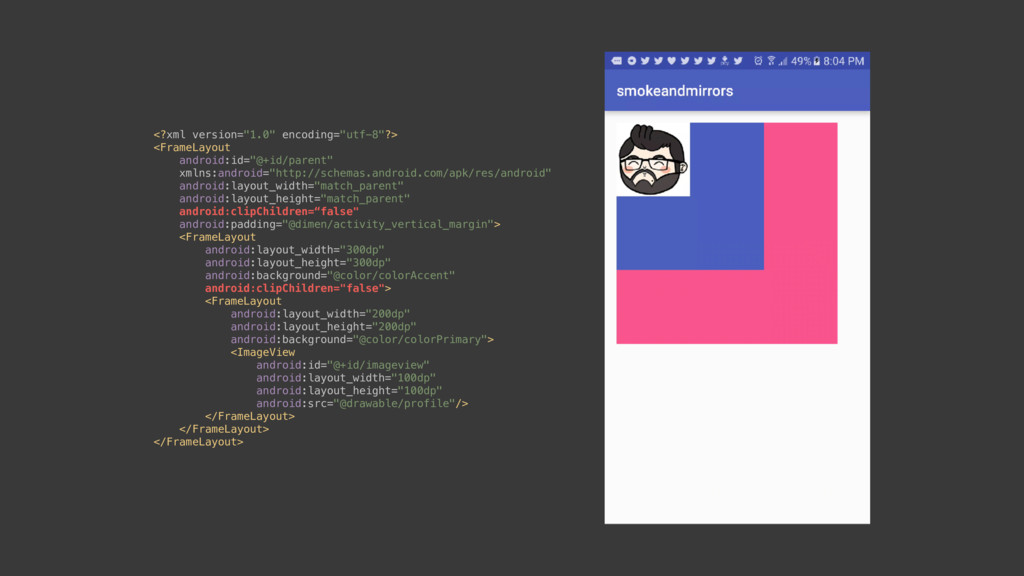
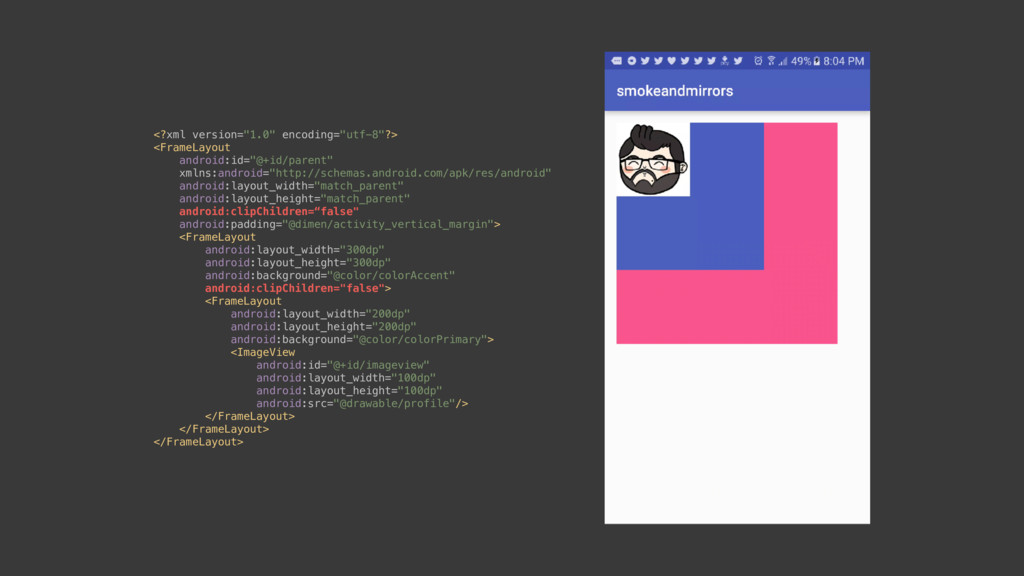
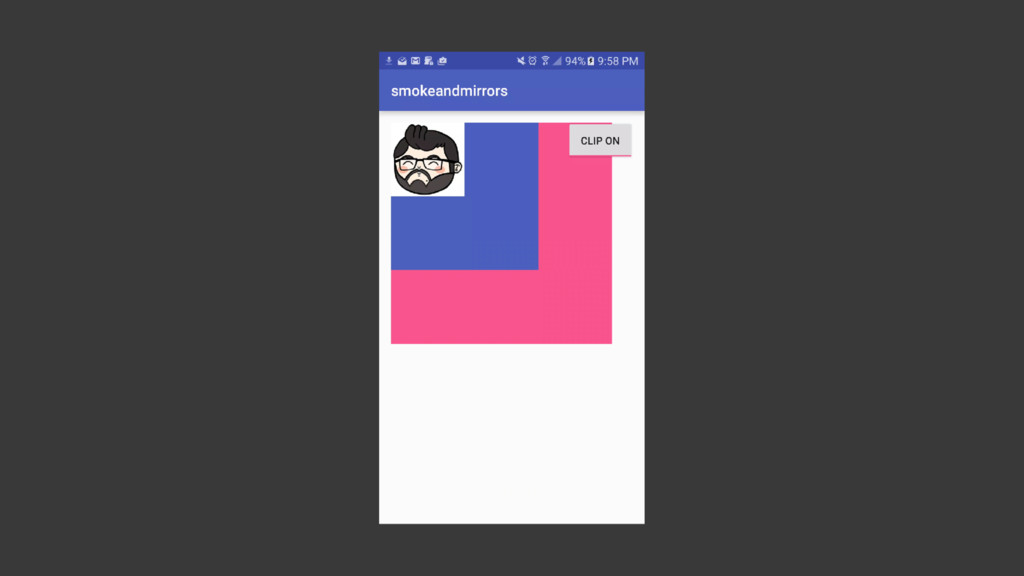
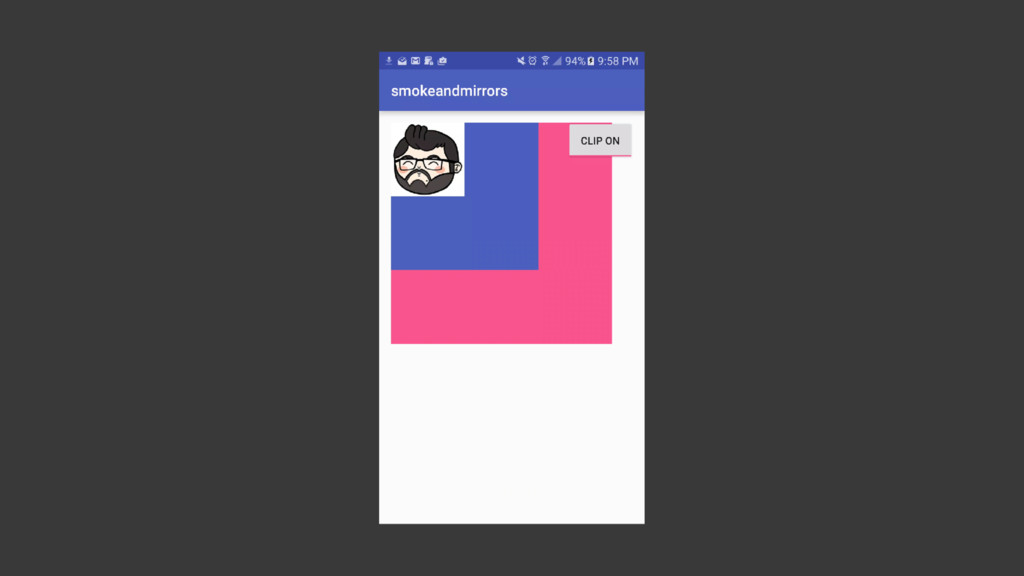
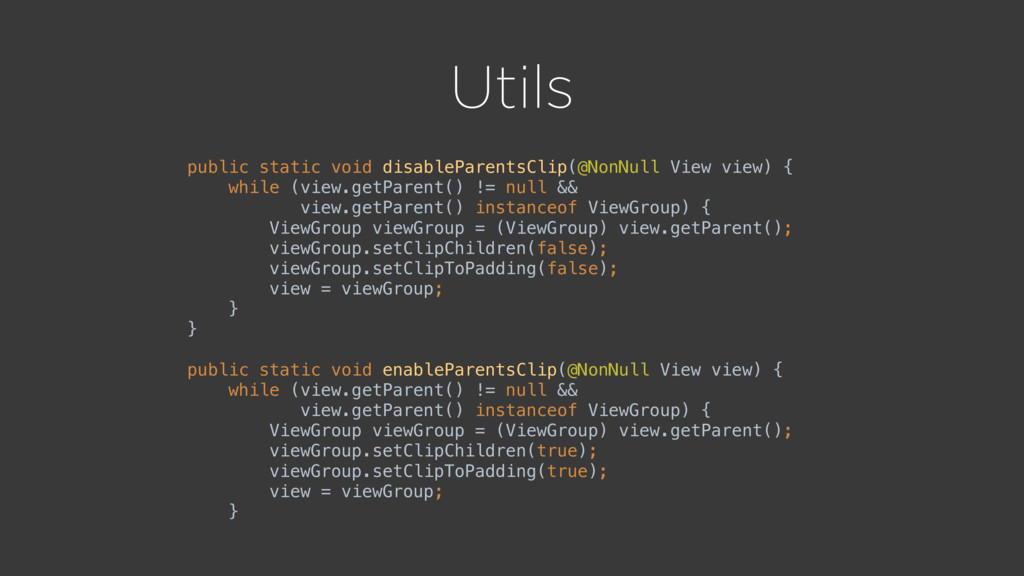
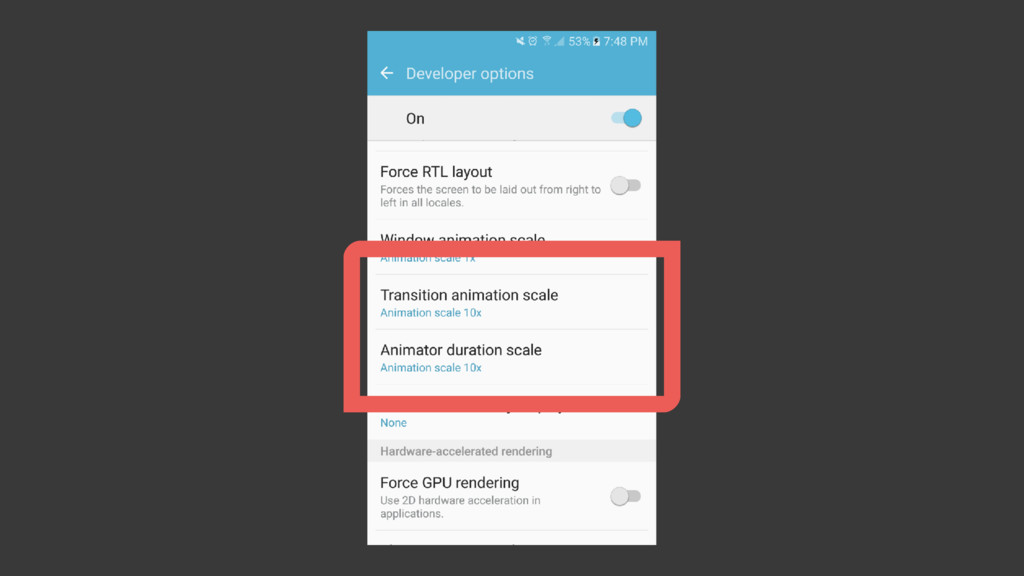
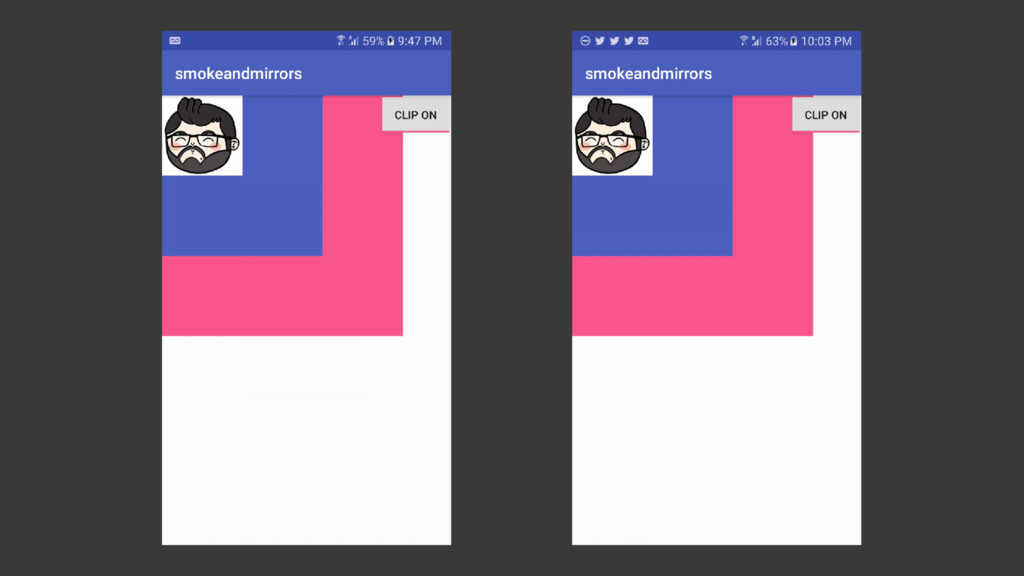
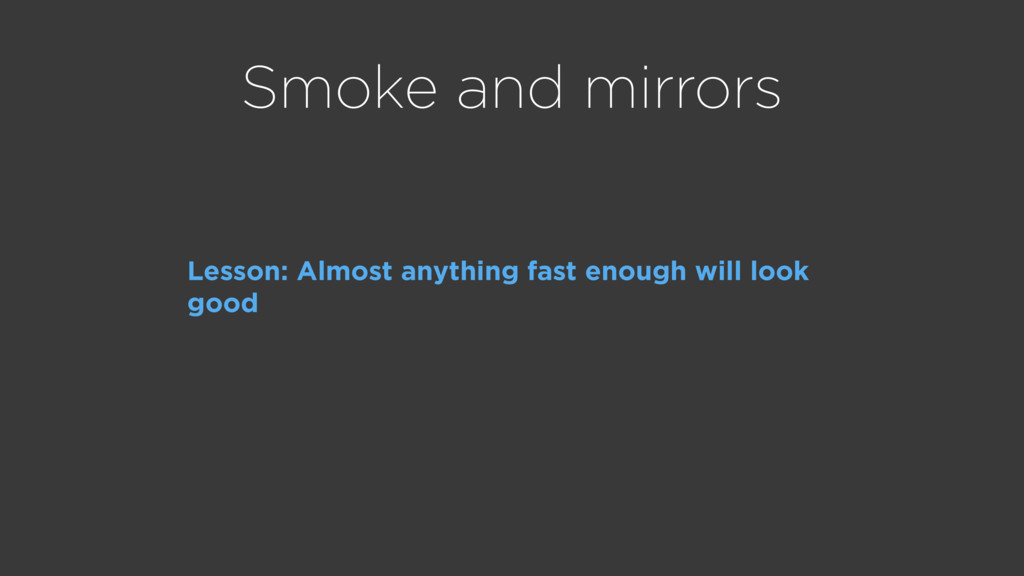
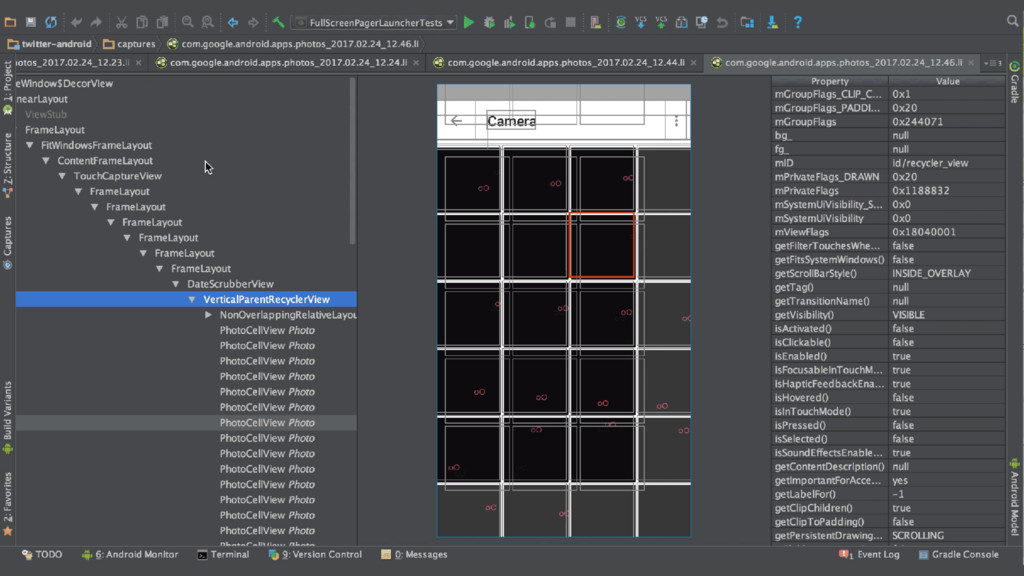
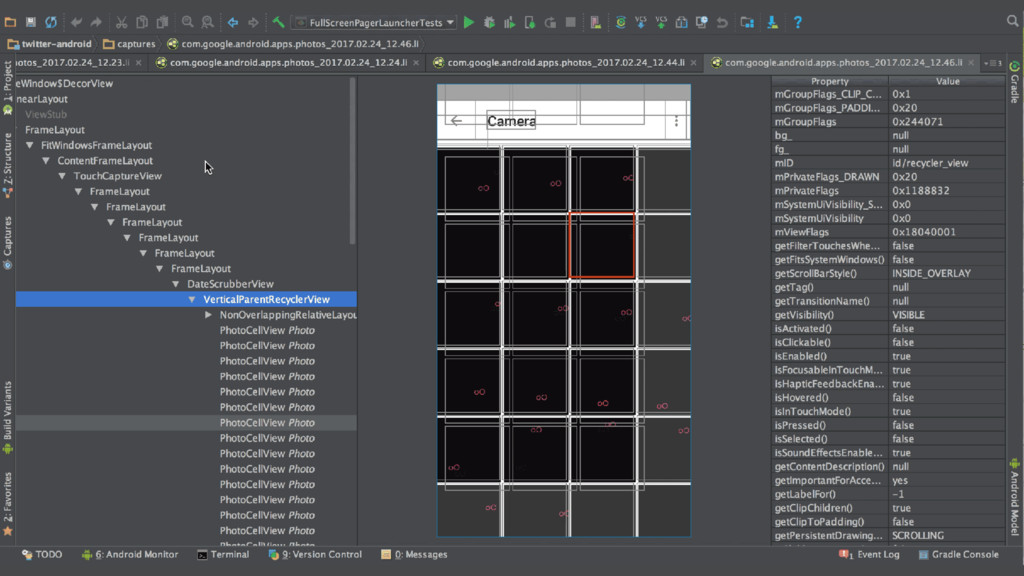
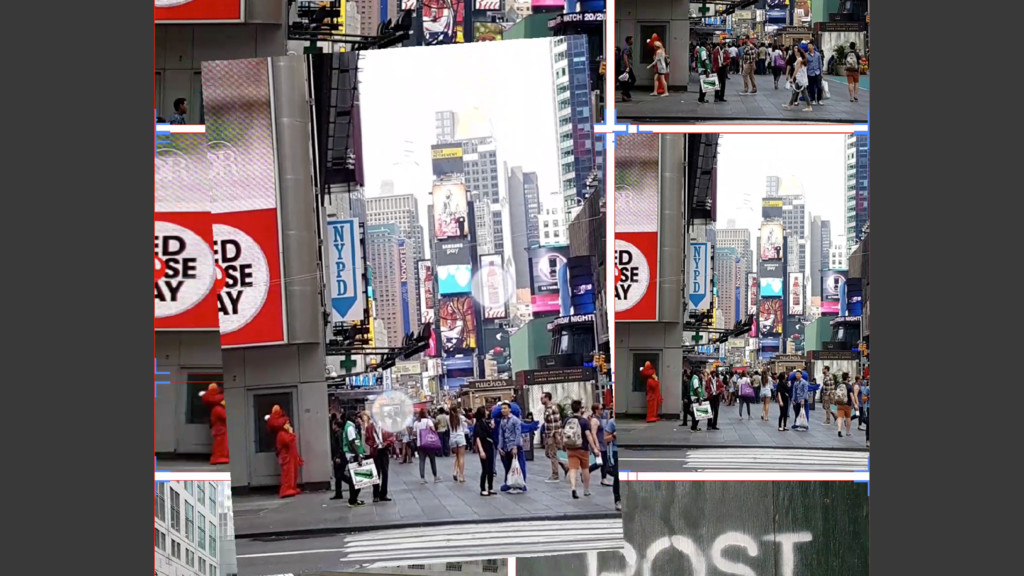
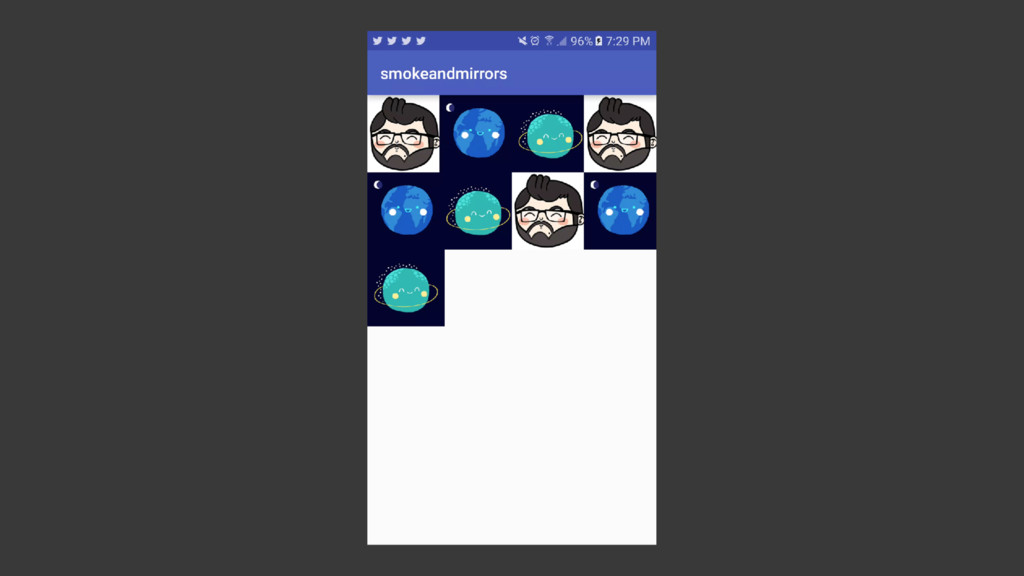
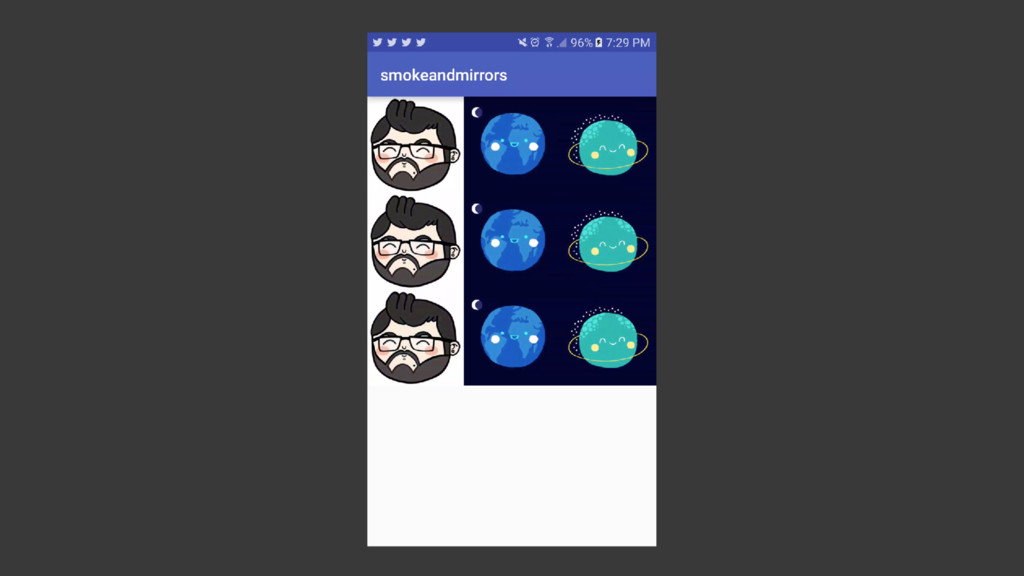
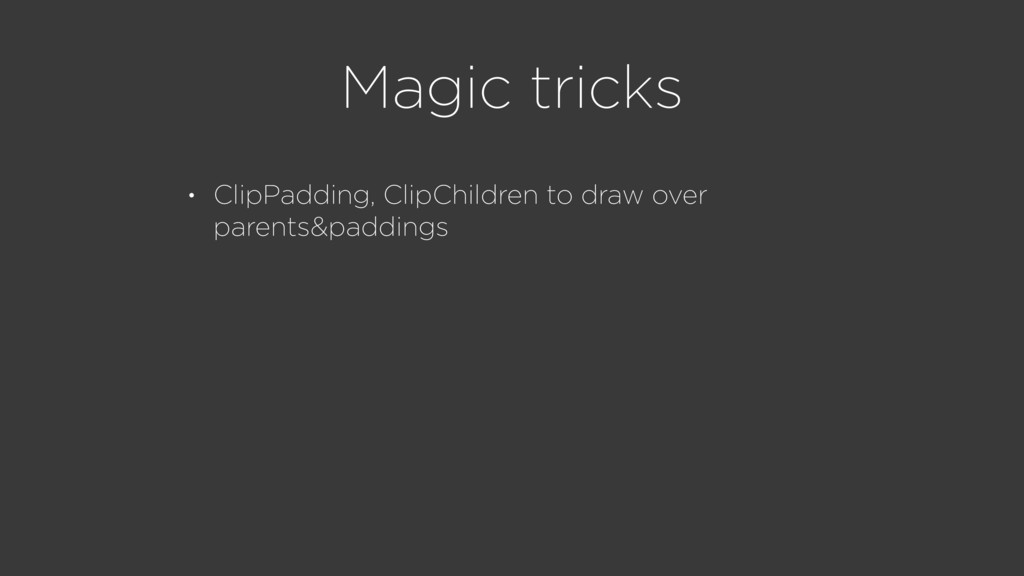
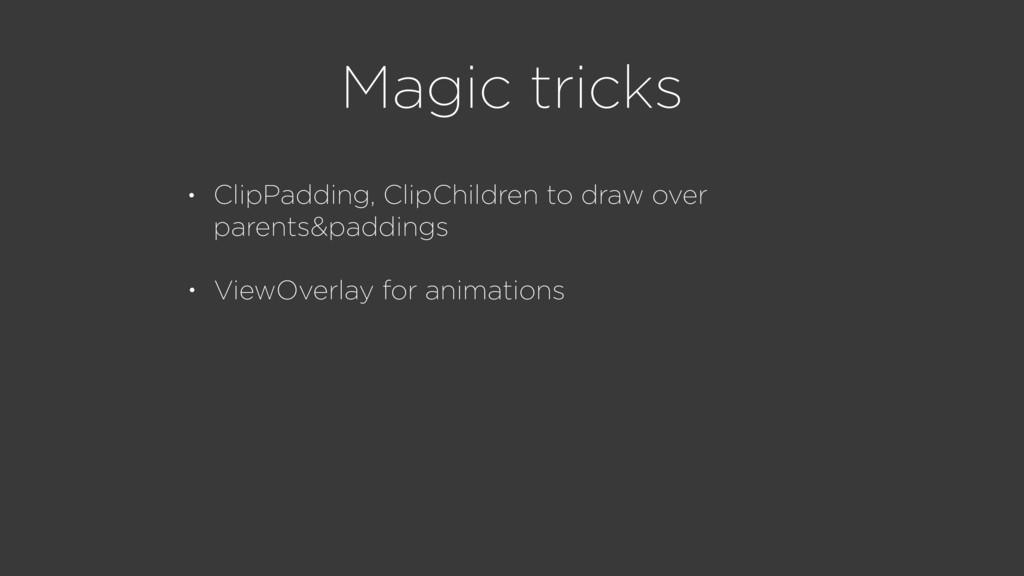
control of the transition by the user touch • Fast animations to hide implementation details and make it look cool • ClipPadding, ClipChildren to draw over parents&paddings


 rallat
 tamaranovitovic
 danielanewman
 csswizardry
 kastner
 smashingmag
 techseoconnect
 mza
mza
 khoart
 carmenintech
 marketingsoph
 addyosmani
 codingconduct