Discover the best free Android apps of 2026. Explore must-have picks for productivity, messaging, photo editing, AI assistance, music, and everyday use.
access to millions of applications, but only a handful truly deserve a place on your home screen. From productivity tools and messaging apps to photo editors and AI assistants, the right apps can transform how you use your smartphone every day. The best part? Many of the most useful Android apps in 2026 are completely free to download. If you're setting up a new device or simply looking to upgrade your app collection, here are the best free Android apps you should try this year. Why Free Android Apps Are Better Than Ever Developers continue to offer powerful features without charging users upfront. Thanks to cloud technology, AI integration, and improved mobile hardware, free apps now provide experiences that once required expensive software. Benefits of free Android apps include: • No initial cost • Regular updates • Cross-device syncing • AI-powered tools • Easy access through Google Play Store Whether you're a student, professional, creator, or casual user, there's a free app designed to make life easier. ChatGPT – Best Free AI Assistant AI has become a major part of daily smartphone use, and ChatGPT remains one of the most popular free apps available. What You Can Do • Ask questions instantly • Generate ideas and content • Summarize information • Get writing assistance • Learn new topics
intelligent assistant on the go. Gmail – Best Email App Gmail continues to dominate as one of the most reliable email apps for Android. Top Features • Strong spam protection • Smart inbox organization • Multiple account support • Suggested replies • Google Workspace integration Its clean interface and powerful tools make email management simple. Google Drive – Best Cloud Storage App Google Drive helps users store important files securely and access them from anywhere. Why Install It • Free cloud storage • Easy file sharing • Automatic backup options • Access across devices • Secure document storage It's one of the most essential apps for Android users. WhatsApp – Best Messaging App WhatsApp remains a global favorite for staying connected with friends, family, and colleagues. Key Benefits • Free messaging • Voice and video calls • Group chats • File sharing • End-to-end encryption Its widespread adoption makes communication effortless.
create professional-looking graphics without design experience. Features • Social media templates • Poster creation • Logo design tools • AI-powered editing • Presentation templates Content creators and small businesses especially benefit from Canva's versatility. Google Photos – Best Photo Backup App Google Photos continues to be one of the smartest ways to organize memories. Highlights • Automatic photo backup • Smart search tools • Editing features • Shared albums • Cloud access Finding old pictures becomes surprisingly easy with AI-powered search. Spotify – Best Free Music Streaming App Spotify offers access to millions of songs and podcasts without requiring a paid subscription. What Users Love • Personalized playlists • Podcast support • Music discovery • Offline options with premium • Massive content library It's a must-have app for music lovers.
AI-powered assistance directly to Android users. Useful Features • Writing help • Research support • Image generation • Productivity tools • Smart recommendations It's ideal for students and professionals looking to work more efficiently. Google Keep – Best Note-Taking App Google Keep is simple, lightweight, and effective. Why It's Popular • Quick notes • Voice memos • Checklists • Color labels • Device synchronization It's perfect for capturing ideas before you forget them. Snapseed – Best Free Photo Editor Developed by Google, Snapseed offers professional editing tools at no cost. Editing Tools Include • Filters and presets • Selective adjustments • Healing tools • Crop and perspective correction • RAW image support Photography enthusiasts appreciate its depth and ease of use.
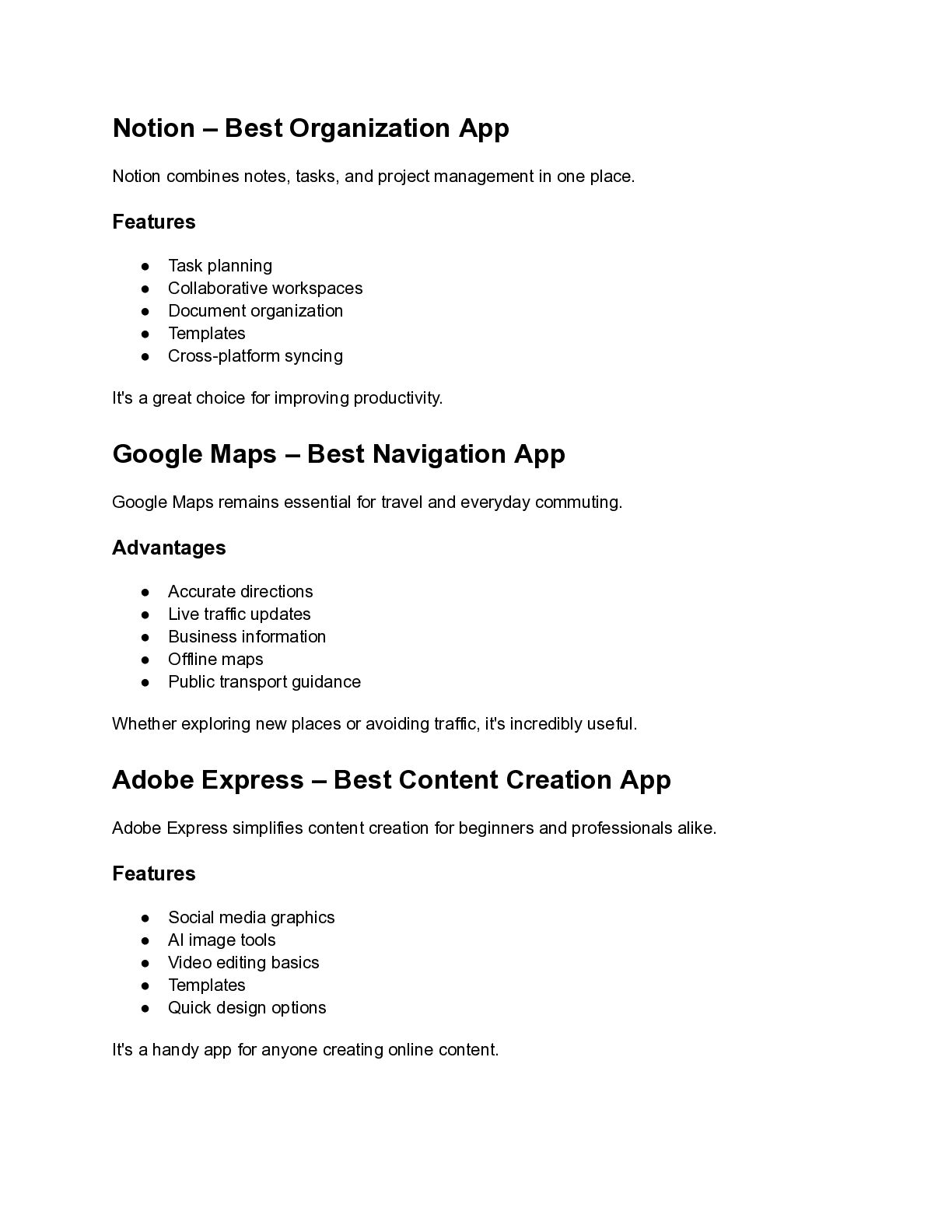
project management in one place. Features • Task planning • Collaborative workspaces • Document organization • Templates • Cross-platform syncing It's a great choice for improving productivity. Google Maps – Best Navigation App Google Maps remains essential for travel and everyday commuting. Advantages • Accurate directions • Live traffic updates • Business information • Offline maps • Public transport guidance Whether exploring new places or avoiding traffic, it's incredibly useful. Adobe Express – Best Content Creation App Adobe Express simplifies content creation for beginners and professionals alike. Features • Social media graphics • AI image tools • Video editing basics • Templates • Quick design options It's a handy app for anyone creating online content.
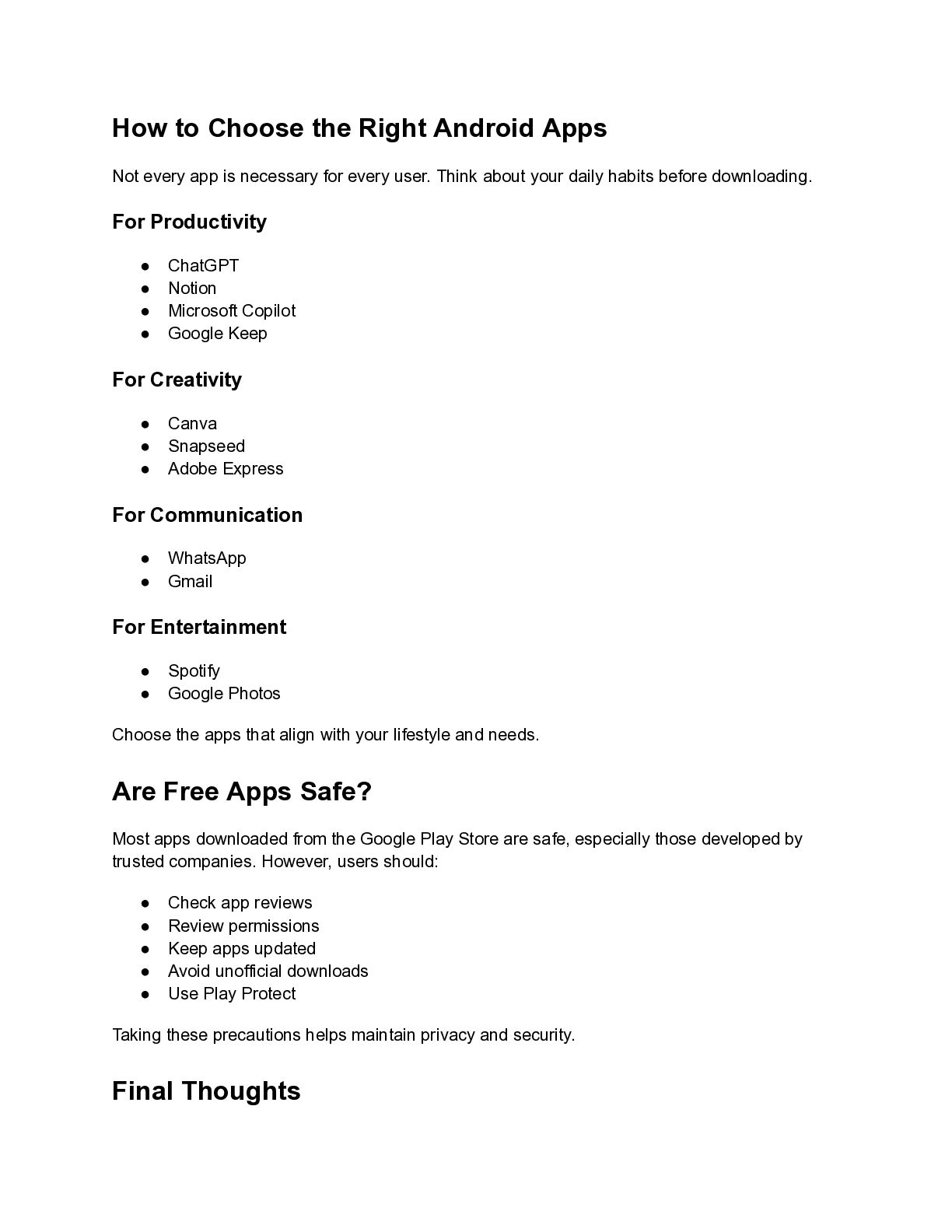
is necessary for every user. Think about your daily habits before downloading. For Productivity • ChatGPT • Notion • Microsoft Copilot • Google Keep For Creativity • Canva • Snapseed • Adobe Express For Communication • WhatsApp • Gmail For Entertainment • Spotify • Google Photos Choose the apps that align with your lifestyle and needs. Are Free Apps Safe? Most apps downloaded from the Google Play Store are safe, especially those developed by trusted companies. However, users should: • Check app reviews • Review permissions • Keep apps updated • Avoid unofficial downloads • Use Play Protect Taking these precautions helps maintain privacy and security. Final Thoughts
enhance productivity, creativity, communication, and entertainment. Whether you're organizing your schedule, editing photos, listening to music, or using AI to simplify daily tasks, these must-have picks prove that you don't need to spend money to get a premium experience. If you're looking to refresh your smartphone in 2026, these free Android apps are some of the best places to start.


 robbertcoxe
 kizawa2020
 mohab1
 tetsuya28
 tokuty
 grimoh
 pfn
pfn
 takanorip
 4o1sobblue
 rfdnxbro
 endonanana
 shugo
shugo
 marktimemedia
 cromwellryan
 thekraken
 badams
 mkilby
 skipperchong
 productmarketing
 sabderemane
 charlesmeaden
 marcduiker
 stephaniewalter