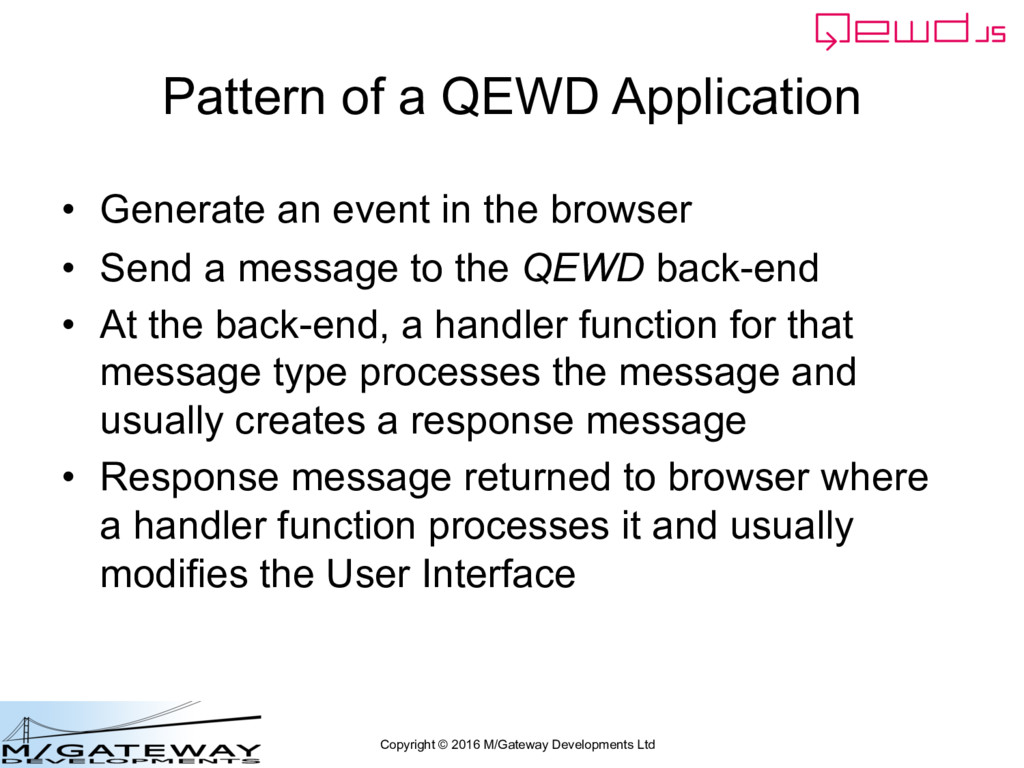
Application • Generate an event in the browser • Send a message to the QEWD back-end • At the back-end, a handler function for that message type processes the message and usually creates a response message • Response message returned to browser where a handler function processes it and usually modifies the User Interface
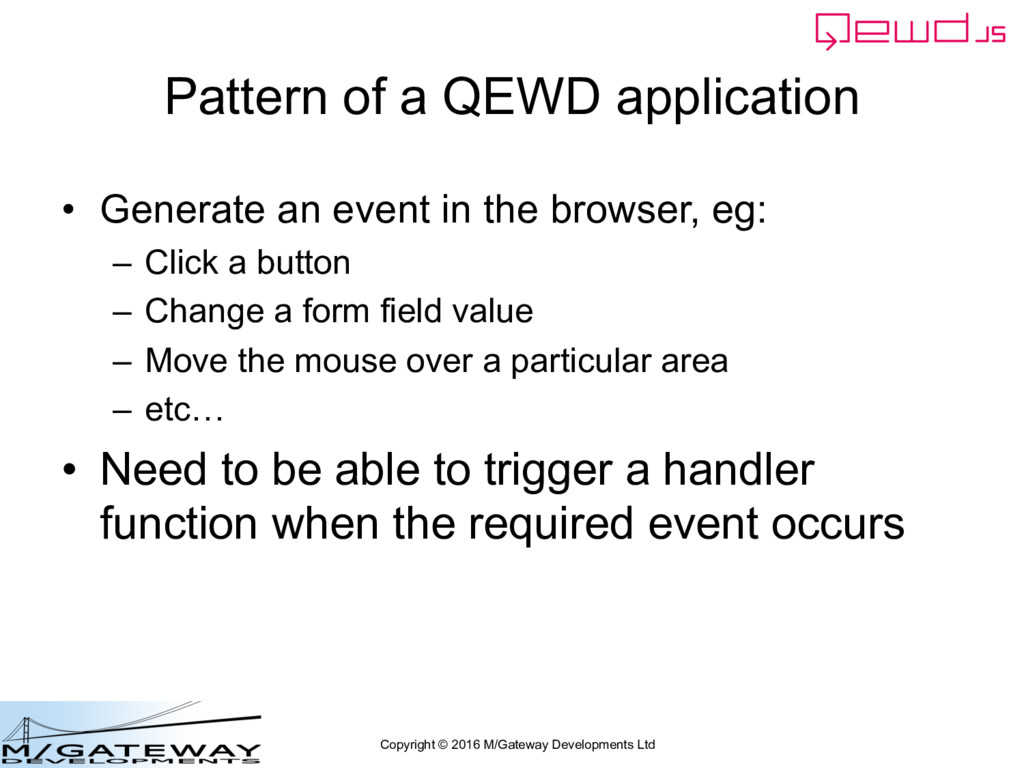
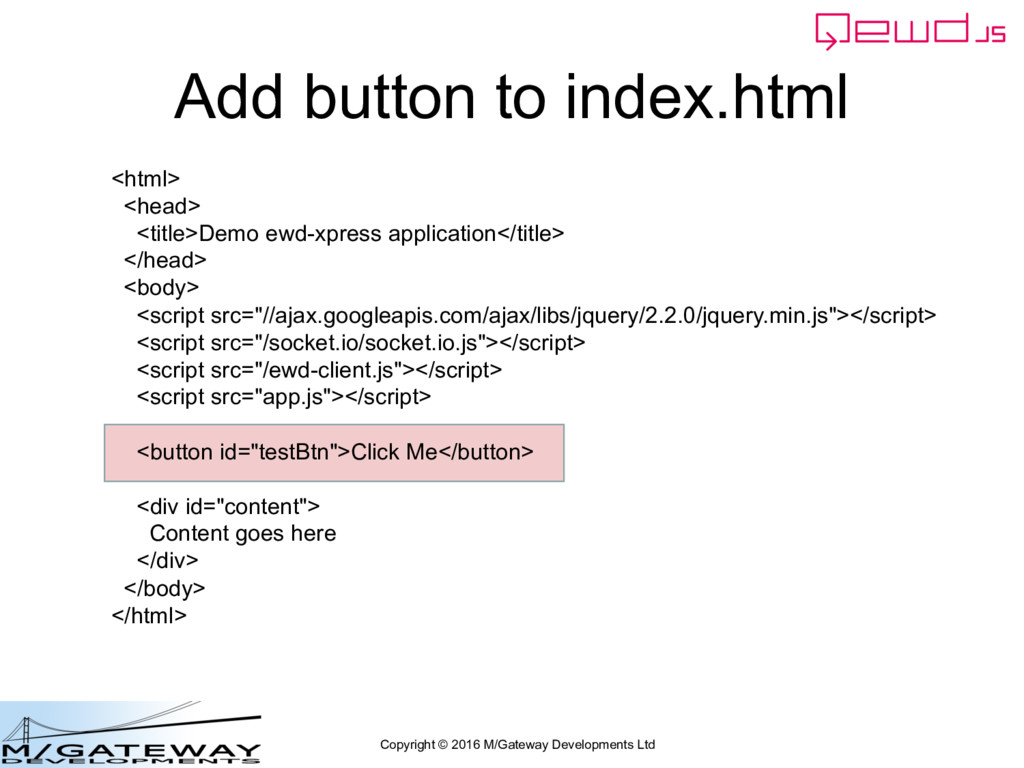
application • Generate an event in the browser, eg: – Click a button – Change a form field value – Move the mouse over a particular area – etc… • Need to be able to trigger a handler function when the required event occurs
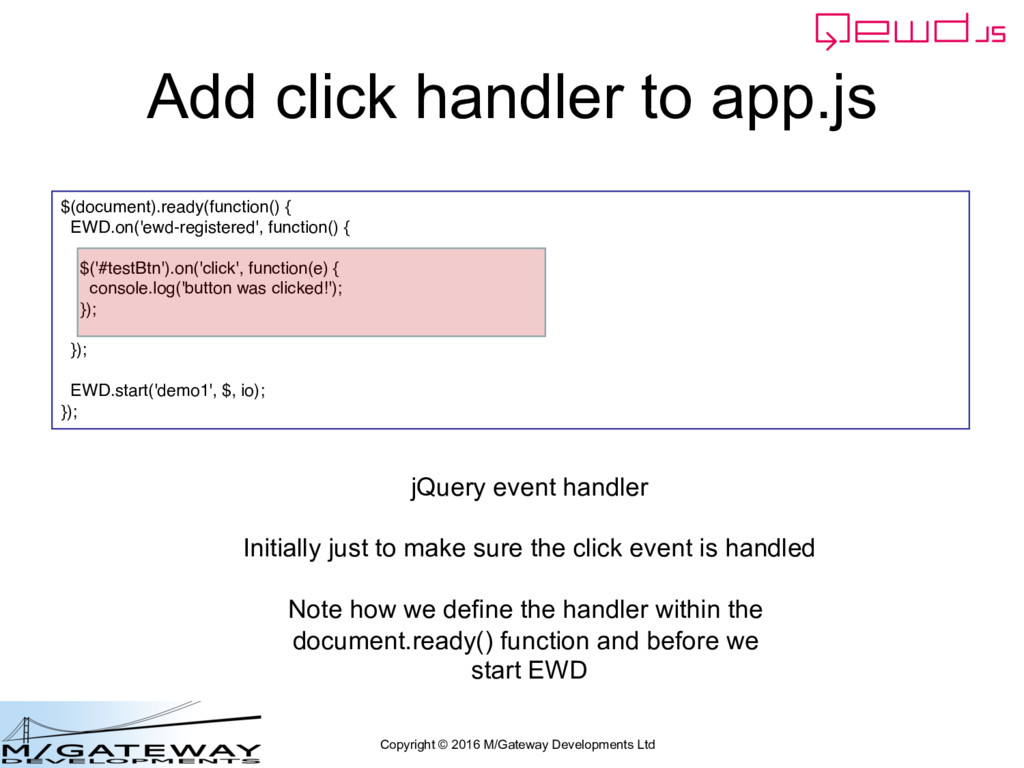
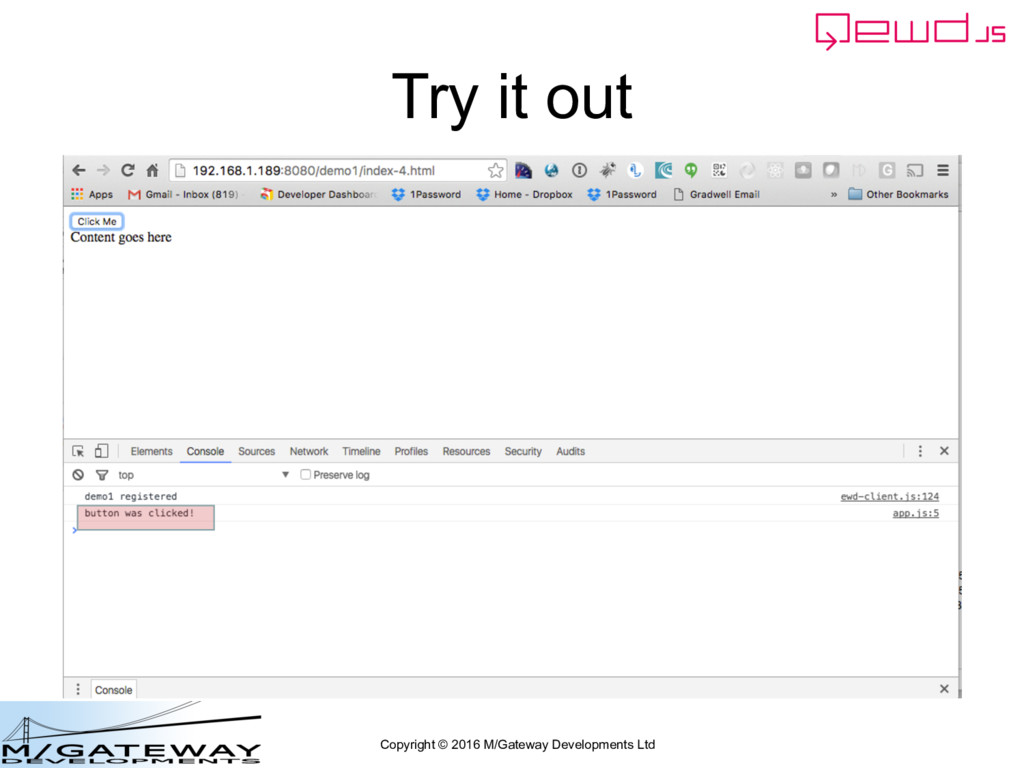
app.js $(document).ready(function() { EWD.on('ewd-registered', function() { $('#testBtn').on('click', function(e) { console.log('button was clicked!'); }); }); EWD.start('demo1', $, io); }); jQuery event handler Initially just to make sure the click event is handled Note how we define the handler within the document.ready() function and before we start EWD
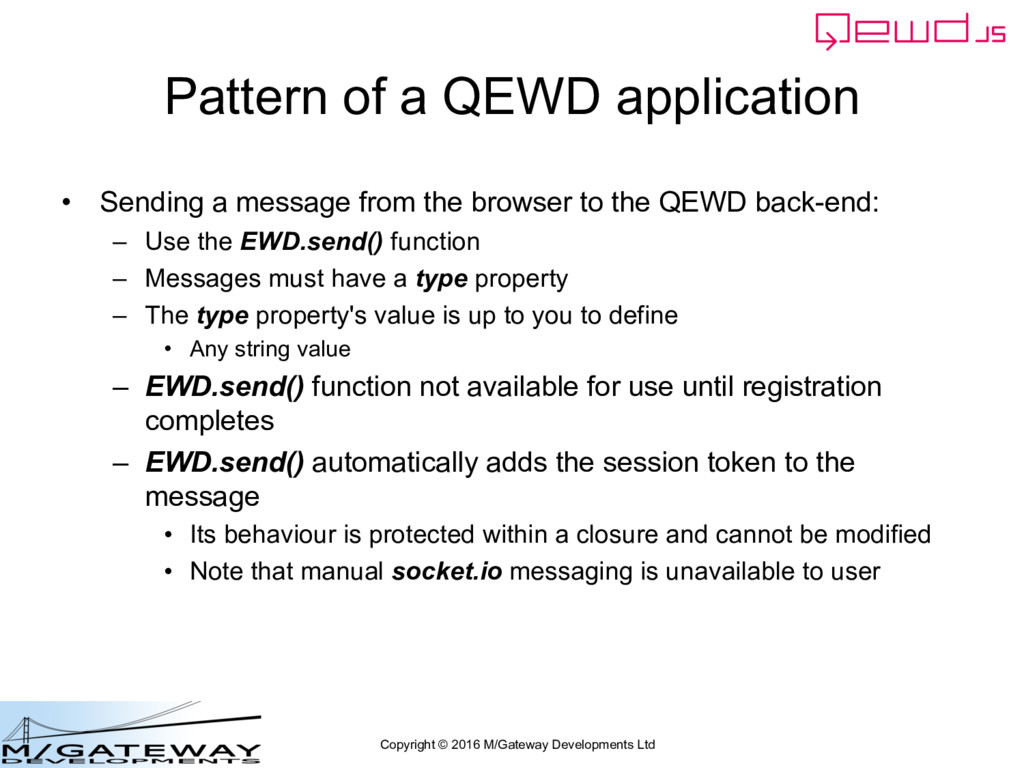
application • Sending a message from the browser to the QEWD back-end: – Use the EWD.send() function – Messages must have a type property – The type property's value is up to you to define • Any string value – EWD.send() function not available for use until registration completes – EWD.send() automatically adds the session token to the message • Its behaviour is protected within a closure and cannot be modified • Note that manual socket.io messaging is unavailable to user
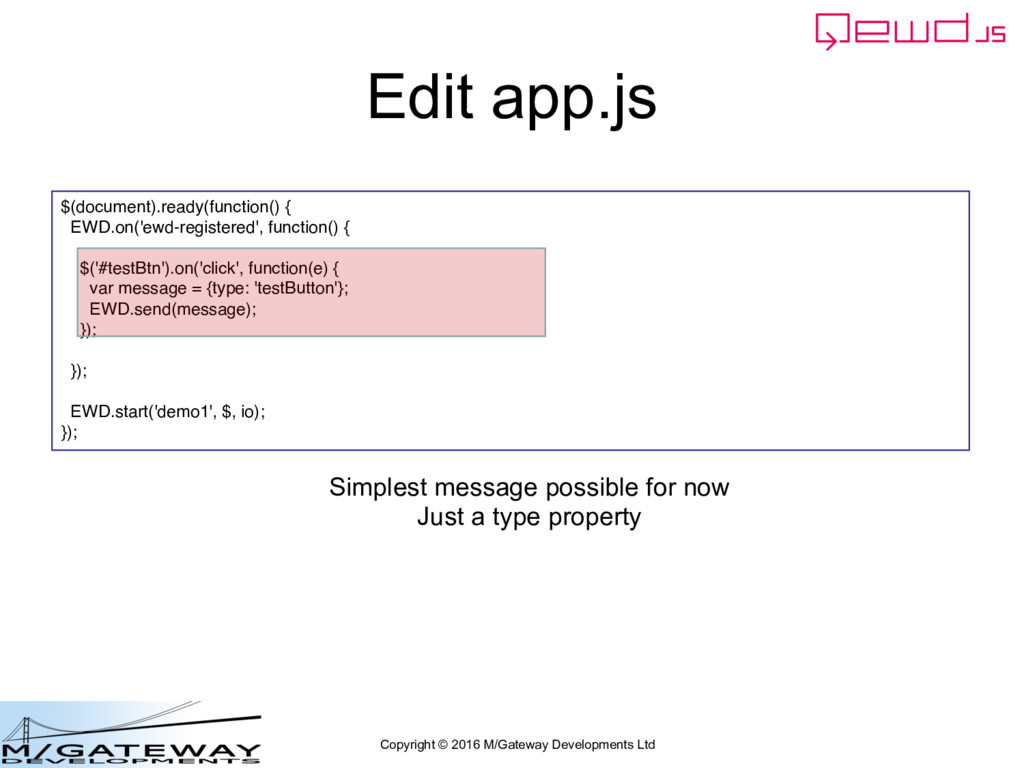
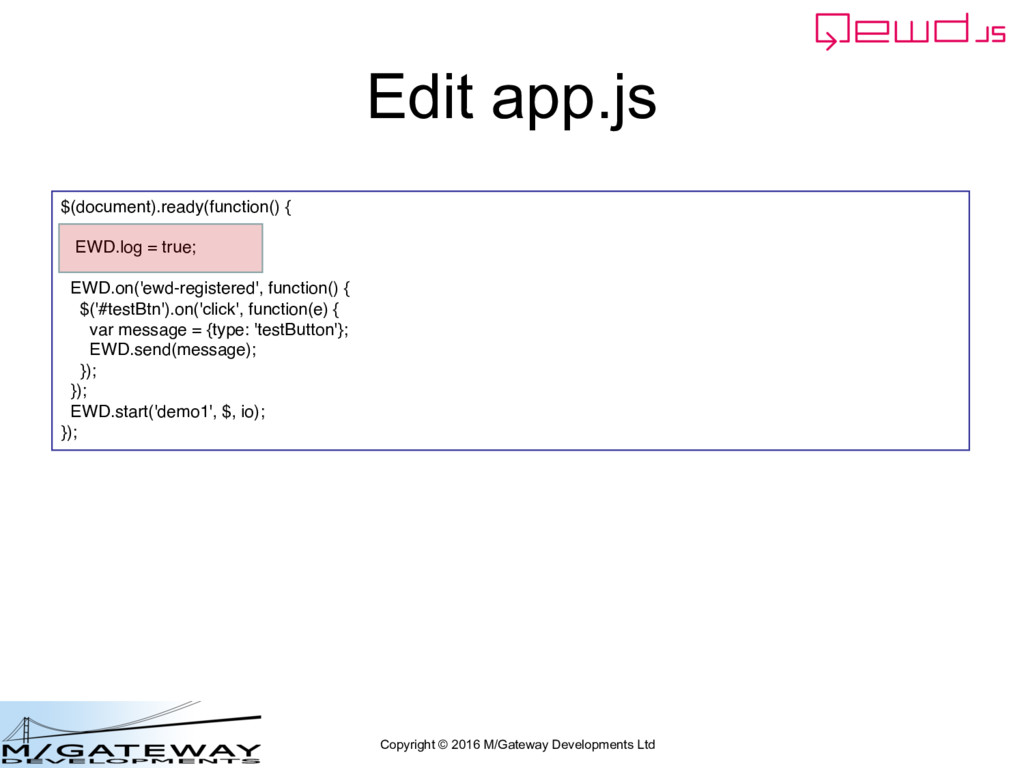
EWD.on('ewd-registered', function() { $('#testBtn').on('click', function(e) { var message = {type: 'testButton'}; EWD.send(message); }); }); EWD.start('demo1', $, io); }); Simplest message possible for now Just a type property
Nothing appears to happen in the browser when you click the button! • But check the Command Prompt or terminal window in which you're running the QEWD Node.js process…
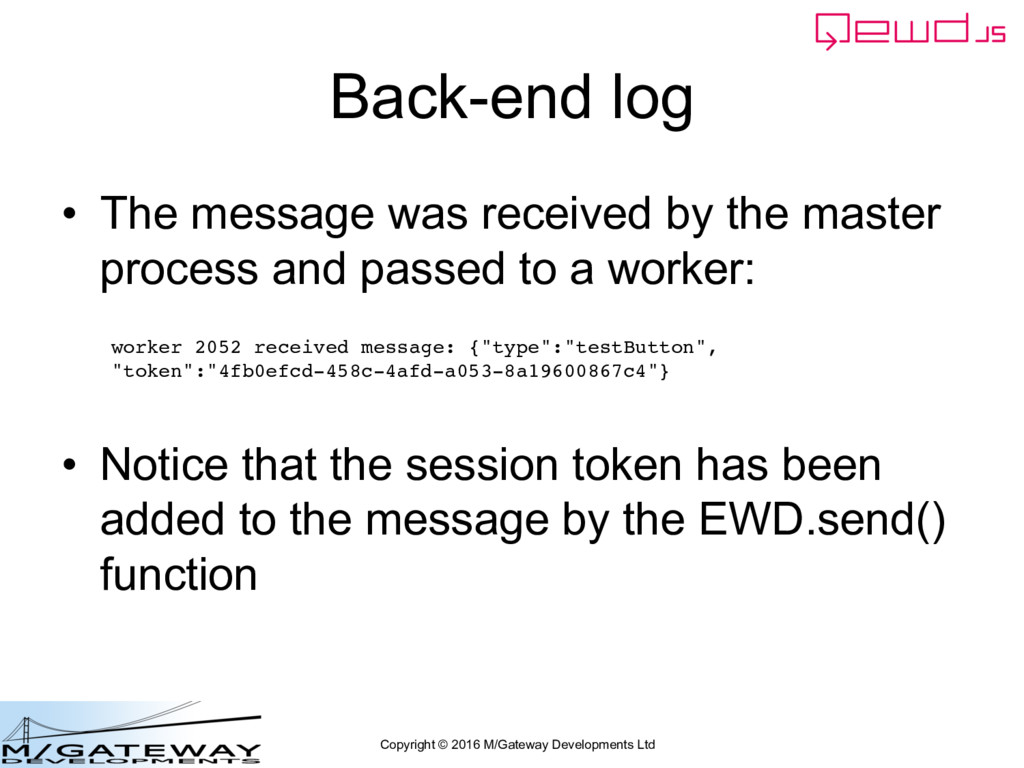
message was received by the master process and passed to a worker: • Notice that the session token has been added to the message by the EWD.send() function worker 2052 received message: {"type":"testButton", "token":"4fb0efcd-458c-4afd-a053-8a19600867c4"}
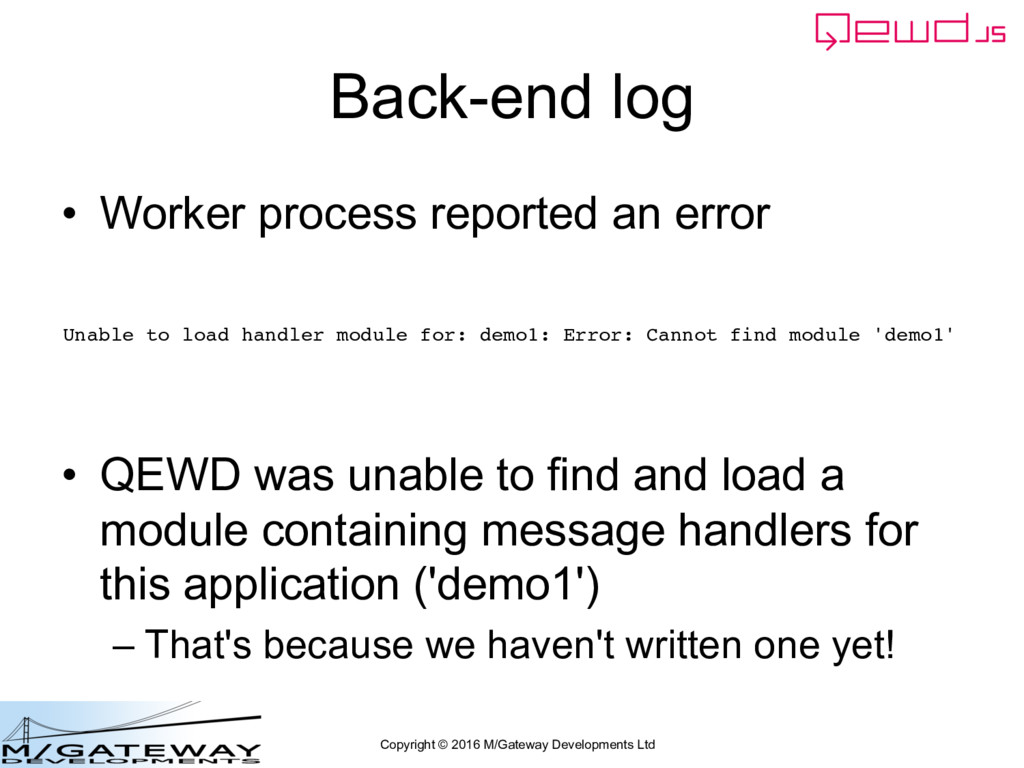
process reported an error • QEWD was unable to find and load a module containing message handlers for this application ('demo1') – That's because we haven't written one yet! Unable to load handler module for: demo1: Error: Cannot find module 'demo1'
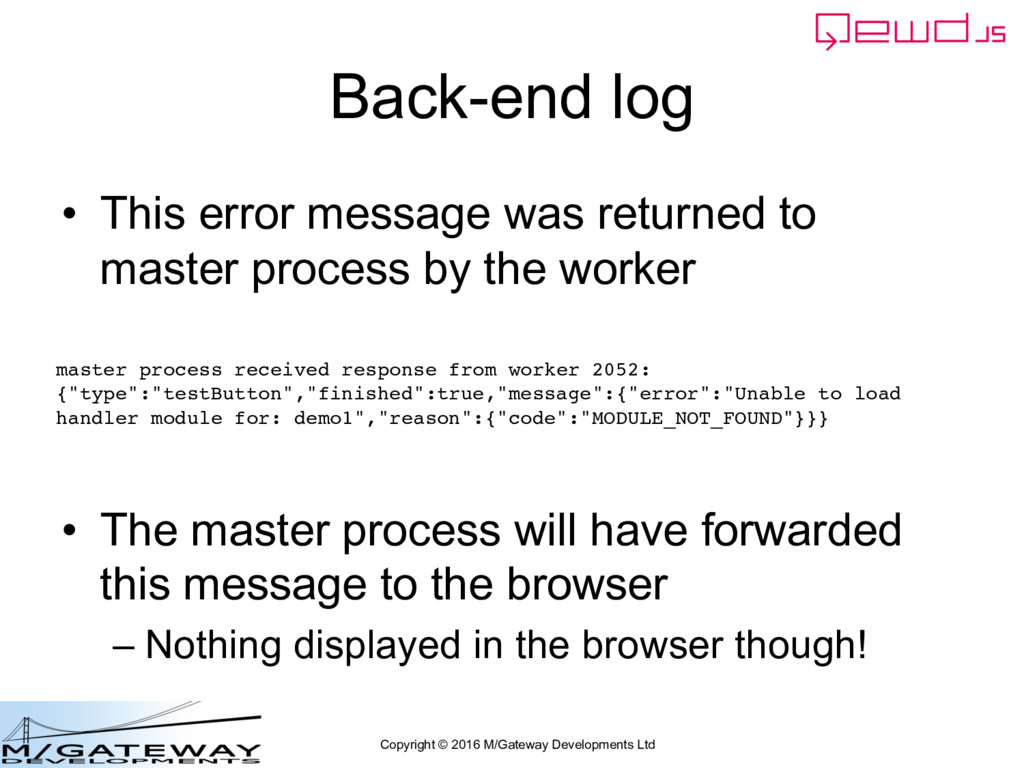
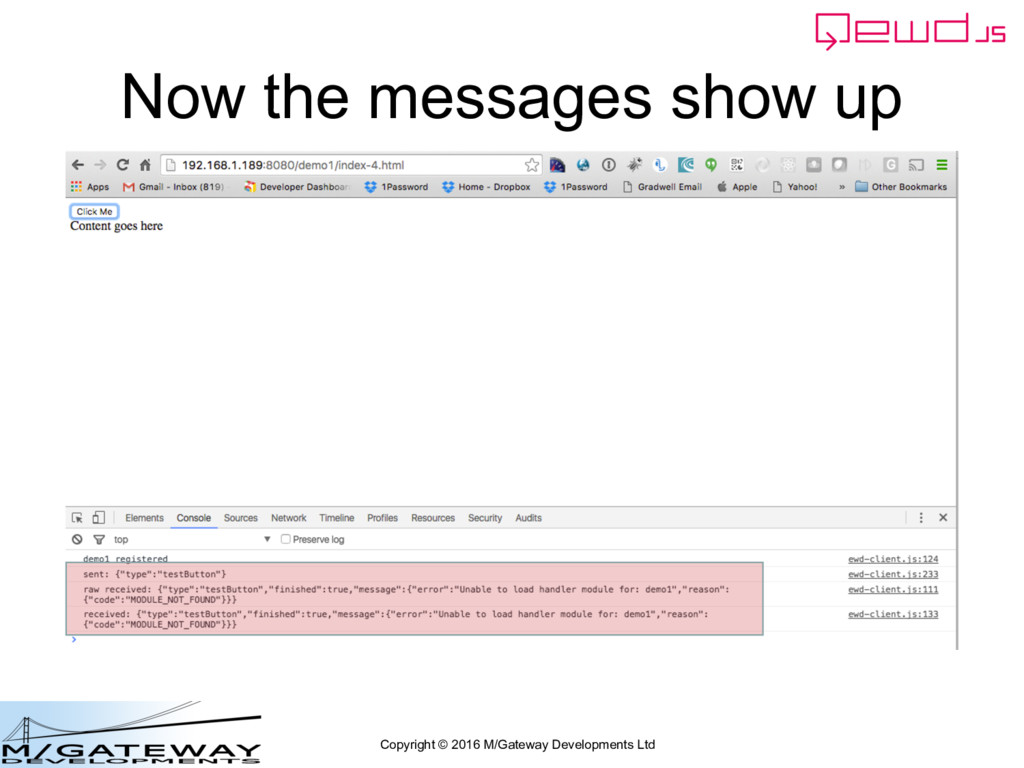
error message was returned to master process by the worker • The master process will have forwarded this message to the browser – Nothing displayed in the browser though! master process received response from worker 2052: {"type":"testButton","finished":true,"message":{"error":"Unable to load handler module for: demo1","reason":{"code":"MODULE_NOT_FOUND"}}}
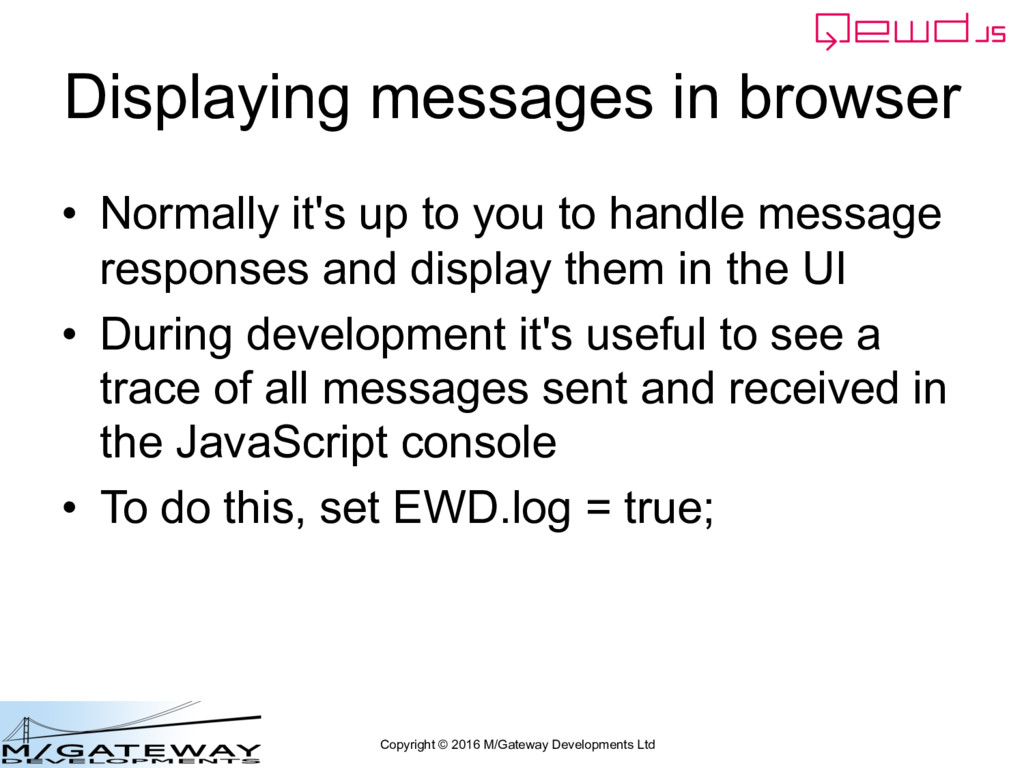
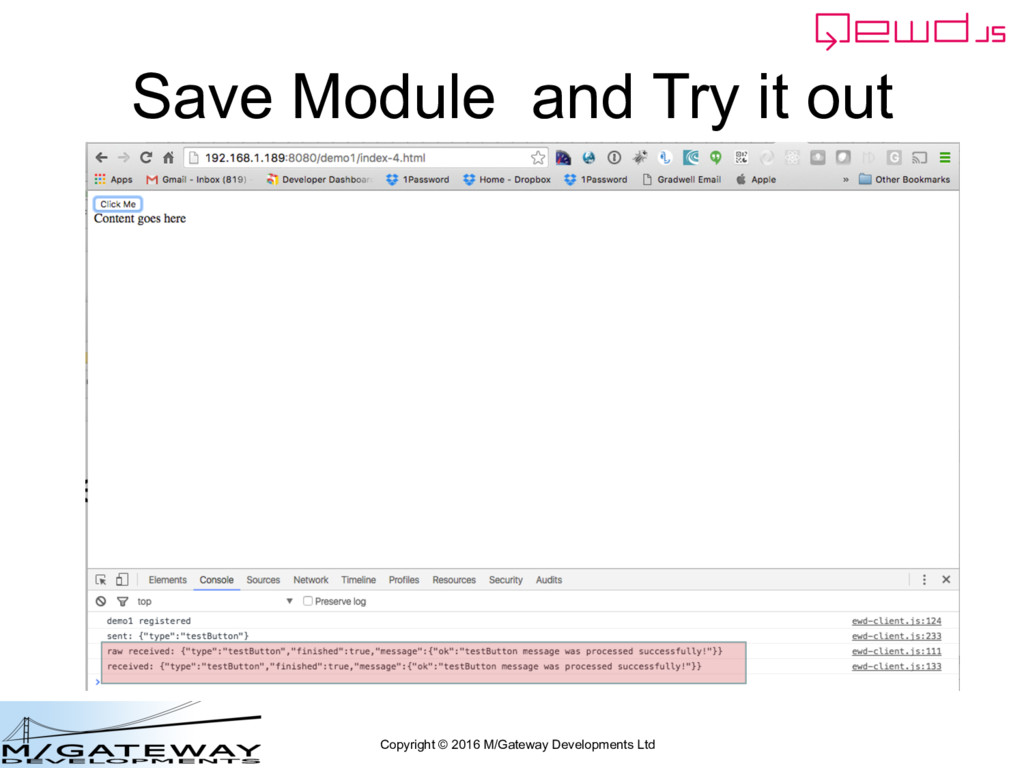
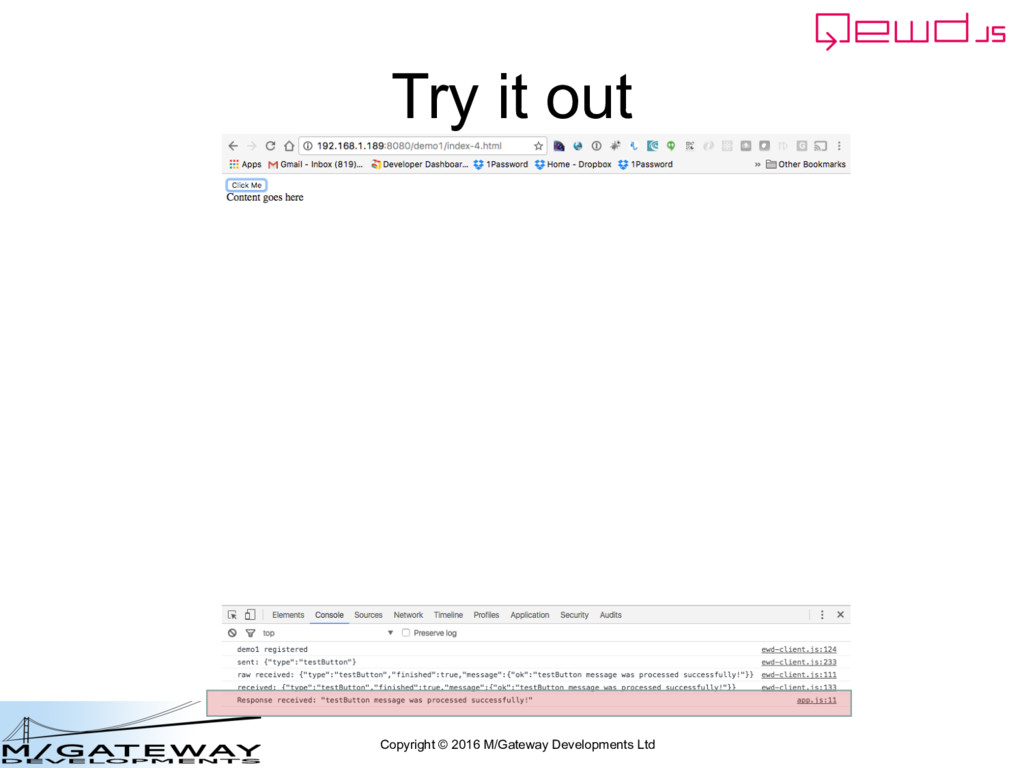
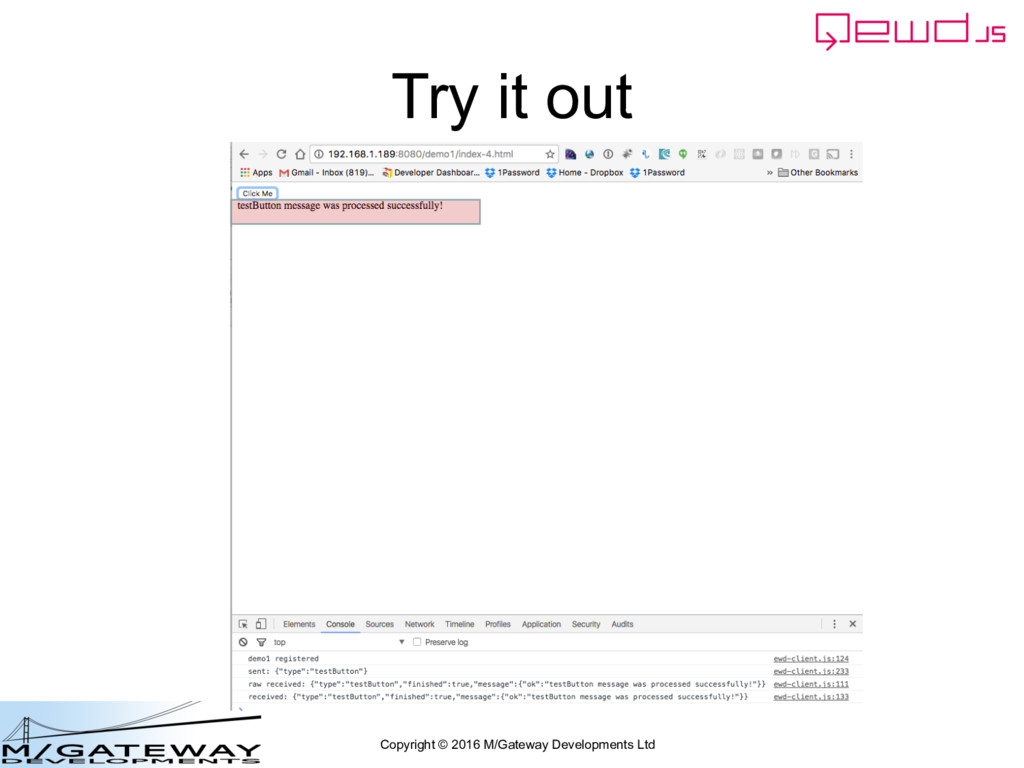
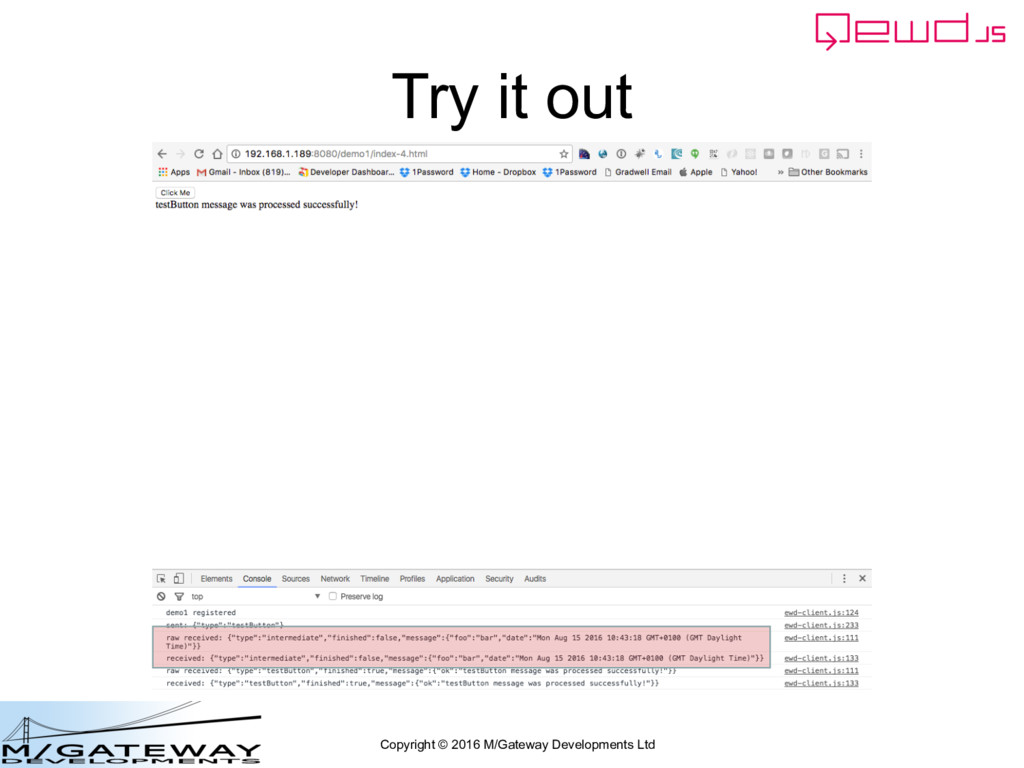
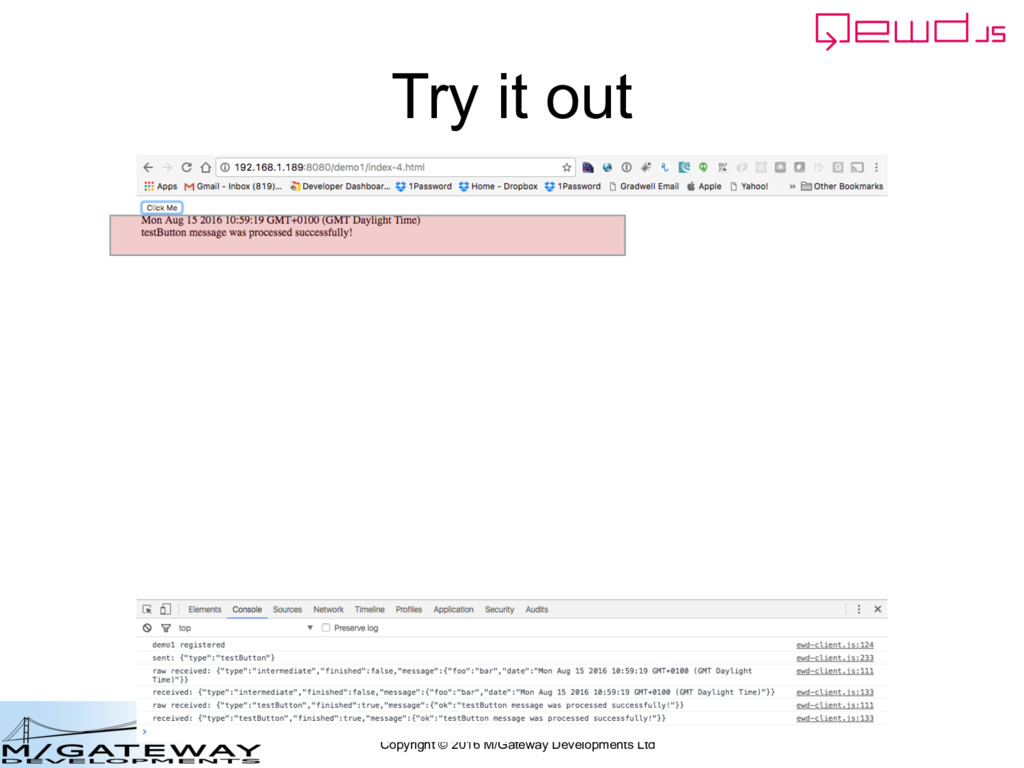
• Normally it's up to you to handle message responses and display them in the UI • During development it's useful to see a trace of all messages sent and received in the JavaScript console • To do this, set EWD.log = true;
EWD.send() is working fine – It's sending the message to the back-end as expected • How do we fix the error at the back-end and how do we handle the incoming message there?
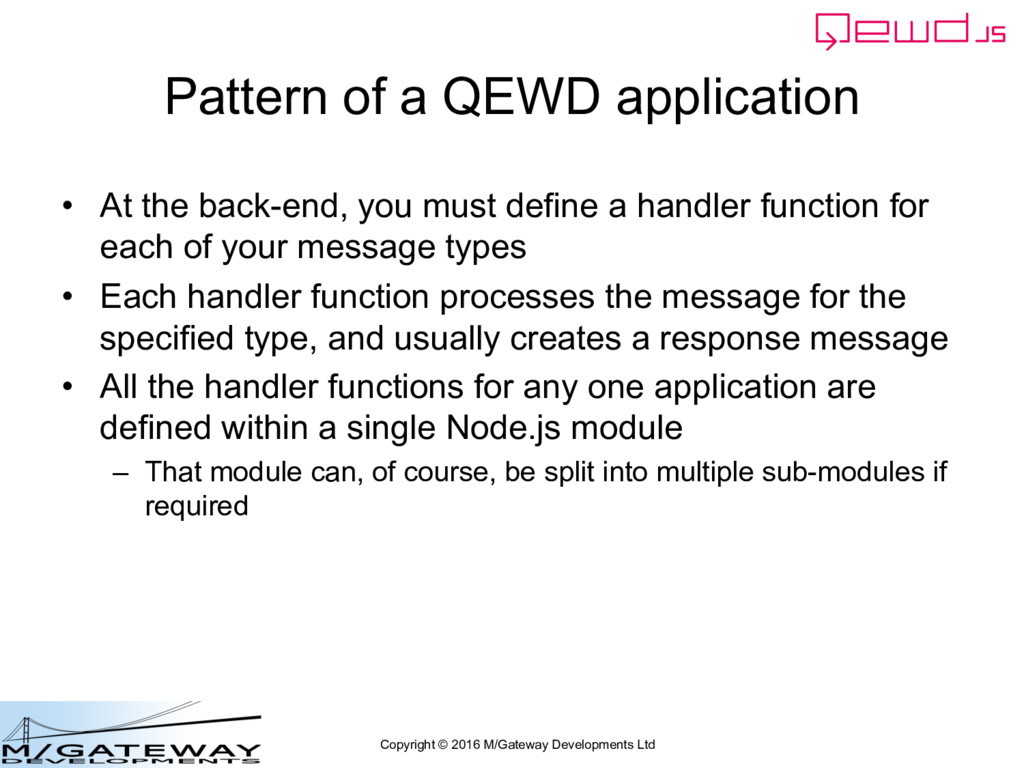
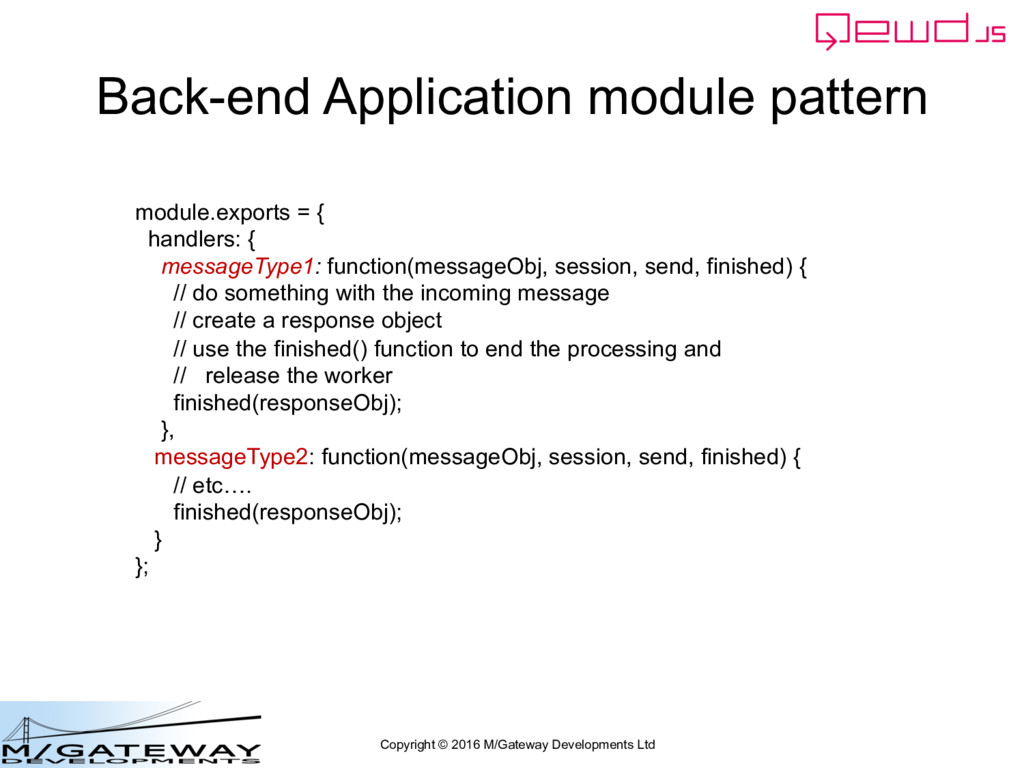
application • At the back-end, you must define a handler function for each of your message types • Each handler function processes the message for the specified type, and usually creates a response message • All the handler functions for any one application are defined within a single Node.js module – That module can, of course, be split into multiple sub-modules if required
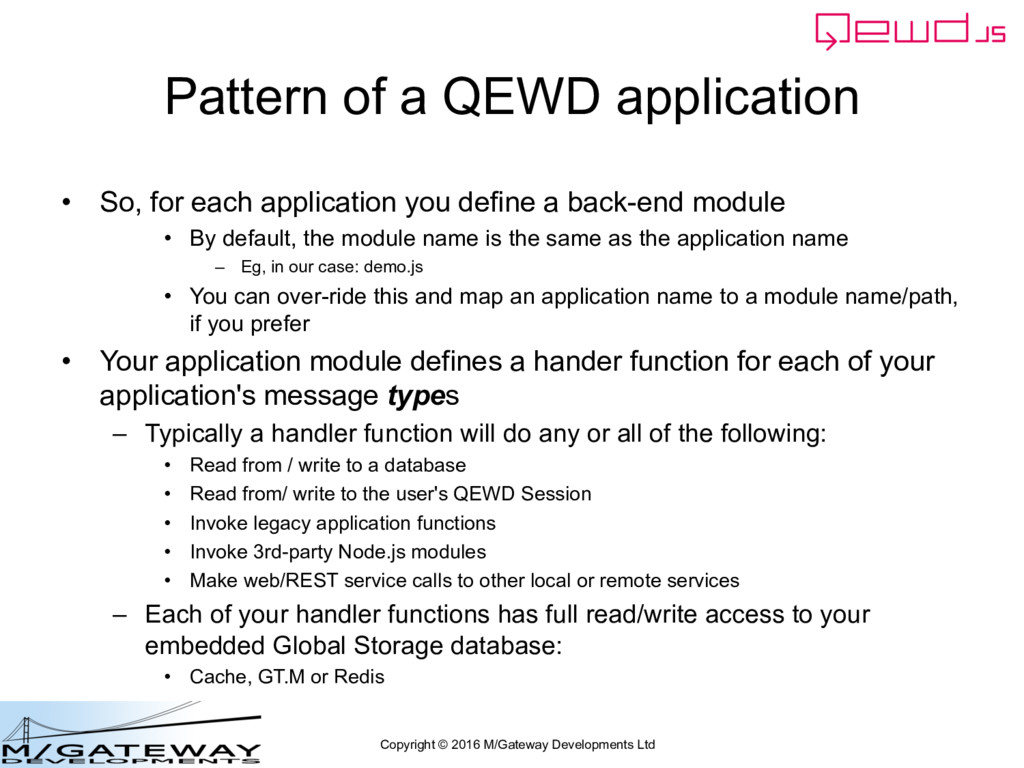
application • So, for each application you define a back-end module • By default, the module name is the same as the application name – Eg, in our case: demo.js • You can over-ride this and map an application name to a module name/path, if you prefer • Your application module defines a hander function for each of your application's message types – Typically a handler function will do any or all of the following: • Read from / write to a database • Read from/ write to the user's QEWD Session • Invoke legacy application functions • Invoke 3rd-party Node.js modules • Make web/REST service calls to other local or remote services – Each of your handler functions has full read/write access to your embedded Global Storage database: • Cache, GT.M or Redis
module.exports = { handlers: { messageType1: function(messageObj, session, send, finished) { // do something with the incoming message // create a response object // use the finished() function to end the processing and // release the worker finished(responseObj); }, messageType2: function(messageObj, session, send, finished) { // etc…. finished(responseObj); } };
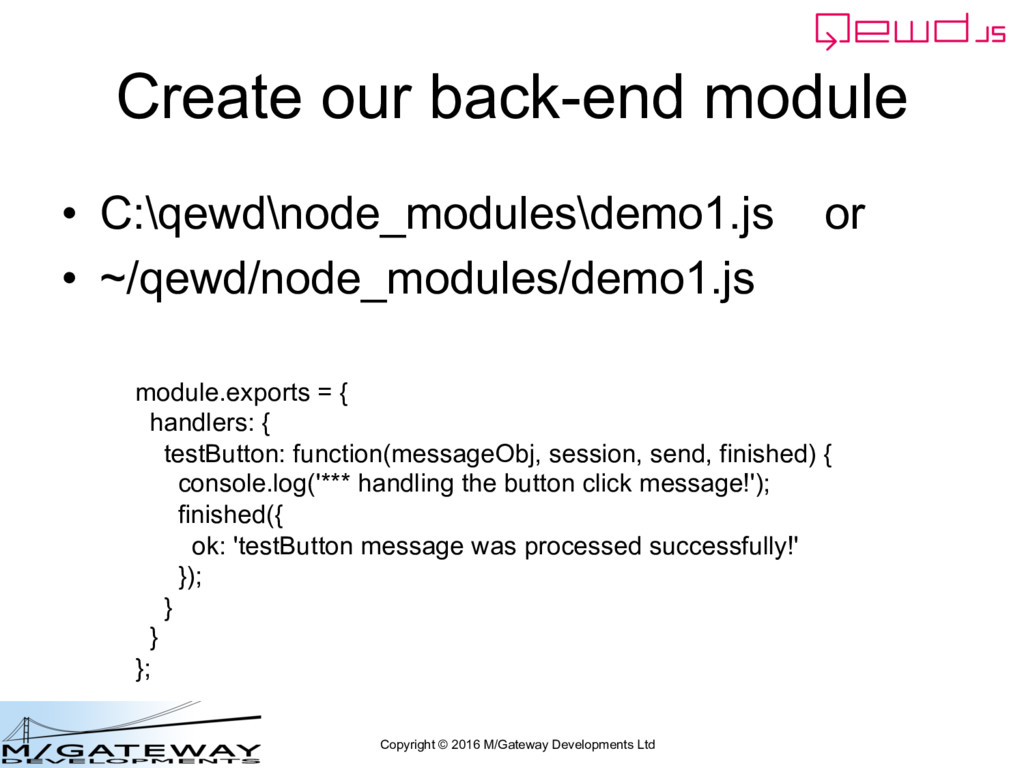
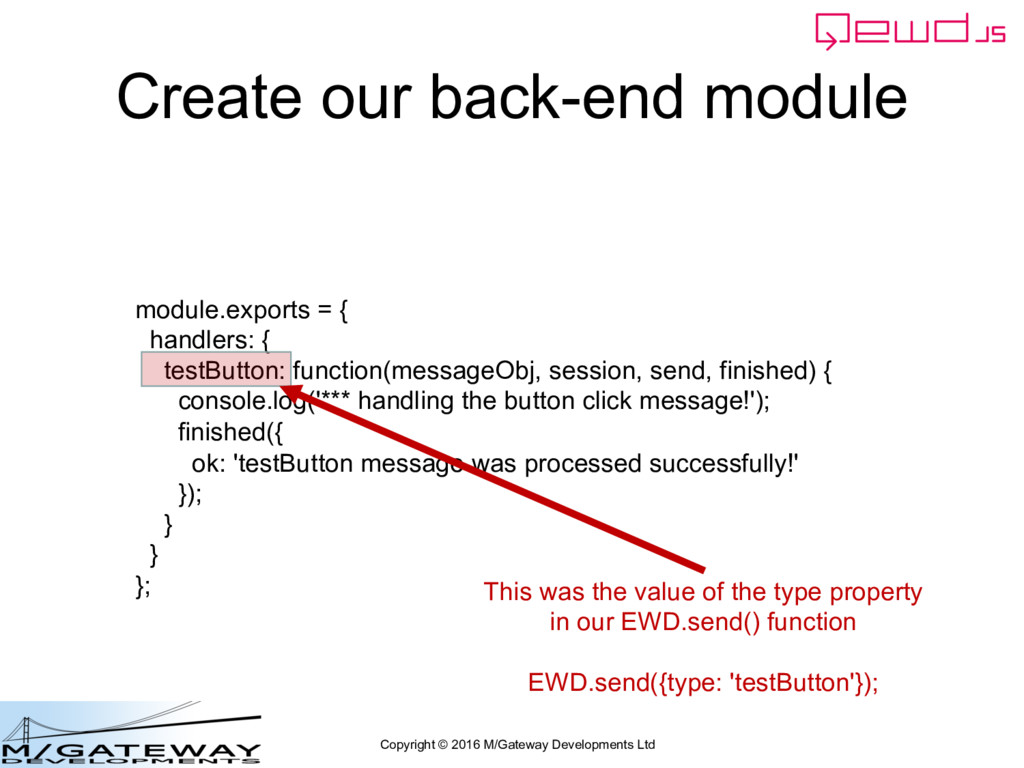
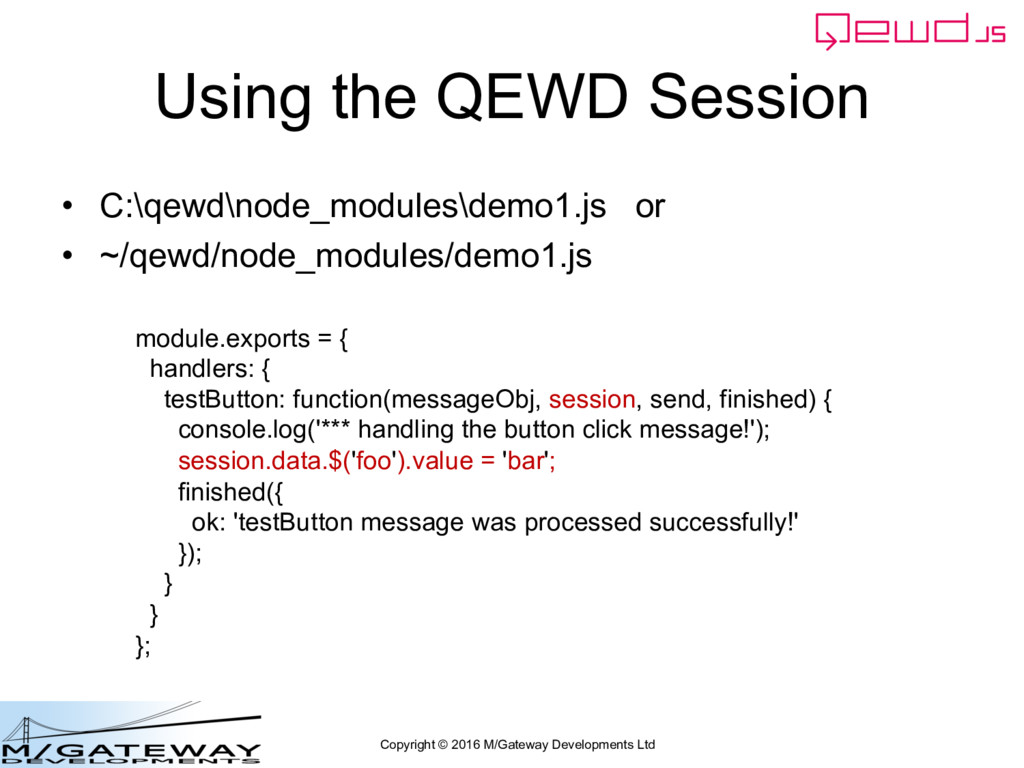
module.exports = { handlers: { testButton: function(messageObj, session, send, finished) { console.log('*** handling the button click message!'); finished({ ok: 'testButton message was processed successfully!' }); } } }; This was the value of the type property in our EWD.send() function EWD.send({type: 'testButton'});
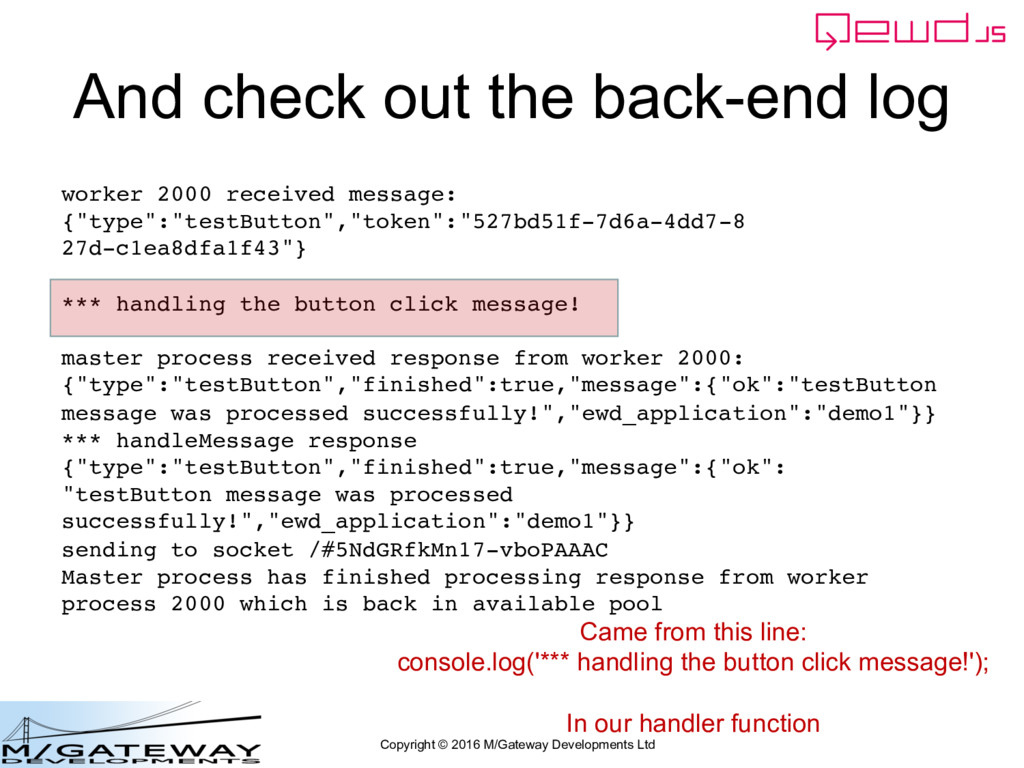
back-end log worker 2000 received message: {"type":"testButton","token":"527bd51f-7d6a-4dd7-8 27d-c1ea8dfa1f43"} *** handling the button click message! master process received response from worker 2000: {"type":"testButton","finished":true,"message":{"ok":"testButton message was processed successfully!","ewd_application":"demo1"}} *** handleMessage response {"type":"testButton","finished":true,"message":{"ok": "testButton message was processed successfully!","ewd_application":"demo1"}} sending to socket /#5NdGRfkMn17-vboPAAAC Master process has finished processing response from worker process 2000 which is back in available pool Came from this line: console.log('*** handling the button click message!'); In our handler function
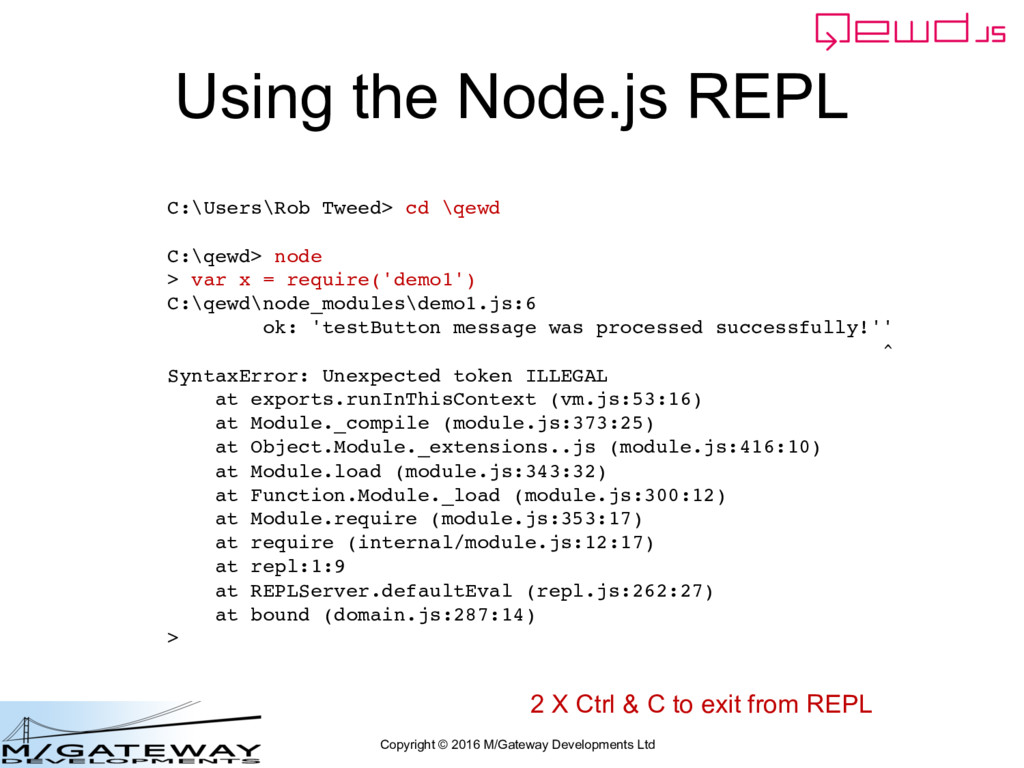
C:\Users\Rob Tweed> cd \qewd C:\qewd> node > var x = require('demo1') C:\qewd\node_modules\demo1.js:6 ok: 'testButton message was processed successfully!'' ^ SyntaxError: Unexpected token ILLEGAL at exports.runInThisContext (vm.js:53:16) at Module._compile (module.js:373:25) at Object.Module._extensions..js (module.js:416:10) at Module.load (module.js:343:32) at Function.Module._load (module.js:300:12) at Module.require (module.js:353:17) at require (internal/module.js:12:17) at repl:1:9 at REPLServer.defaultEval (repl.js:262:27) at bound (domain.js:287:14) > 2 X Ctrl & C to exit from REPL
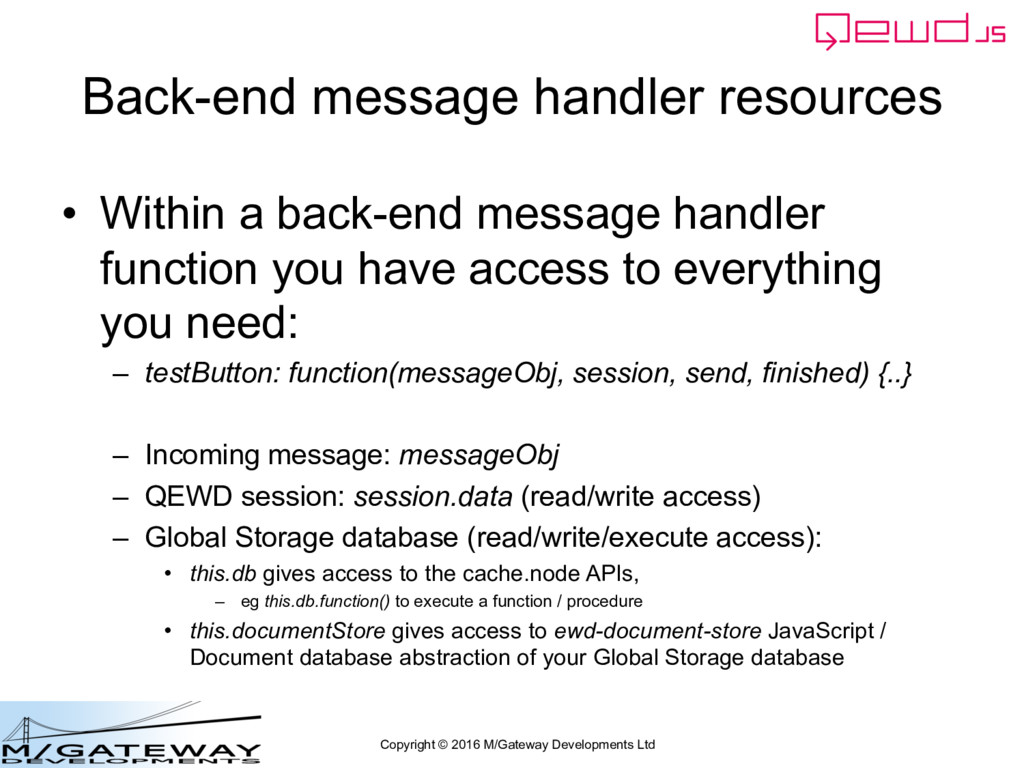
• Within a back-end message handler function you have access to everything you need: – testButton: function(messageObj, session, send, finished) {..} – Incoming message: messageObj – QEWD session: session.data (read/write access) – Global Storage database (read/write/execute access): • this.db gives access to the cache.node APIs, – eg this.db.function() to execute a function / procedure • this.documentStore gives access to ewd-document-store JavaScript / Document database abstraction of your Global Storage database
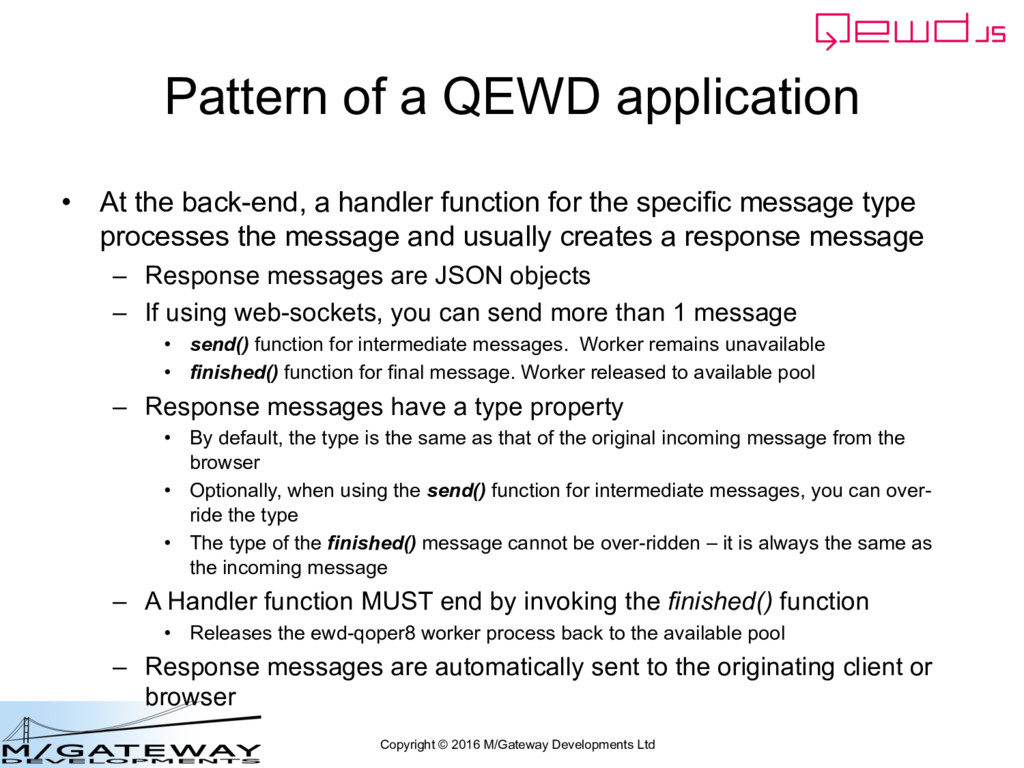
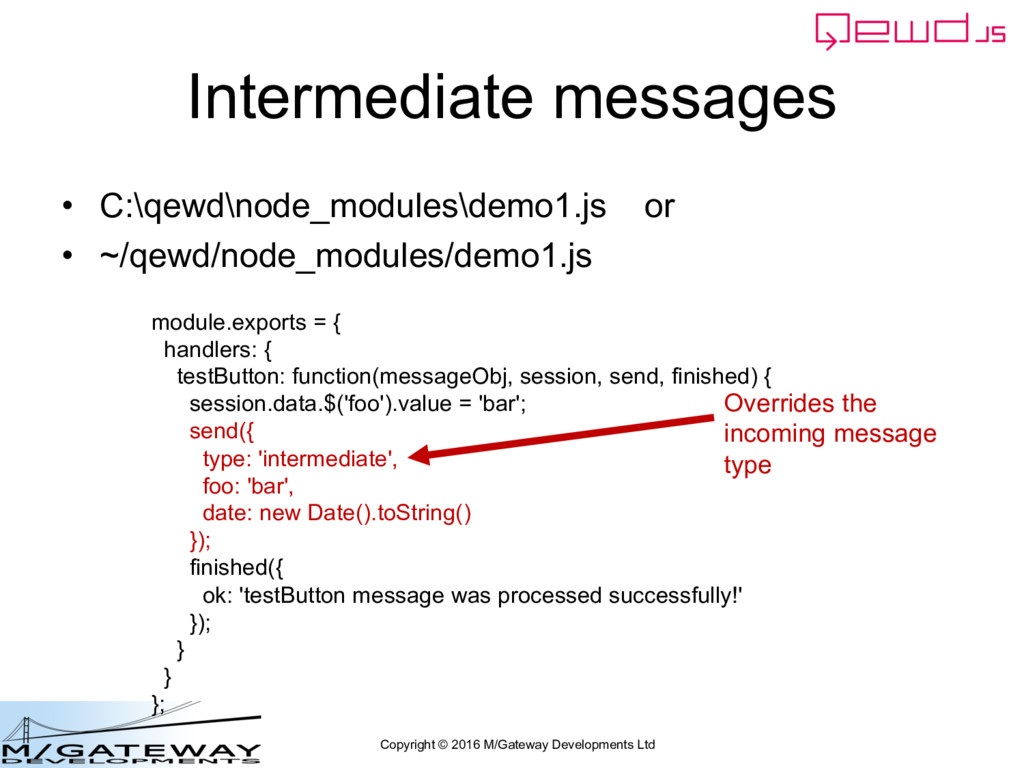
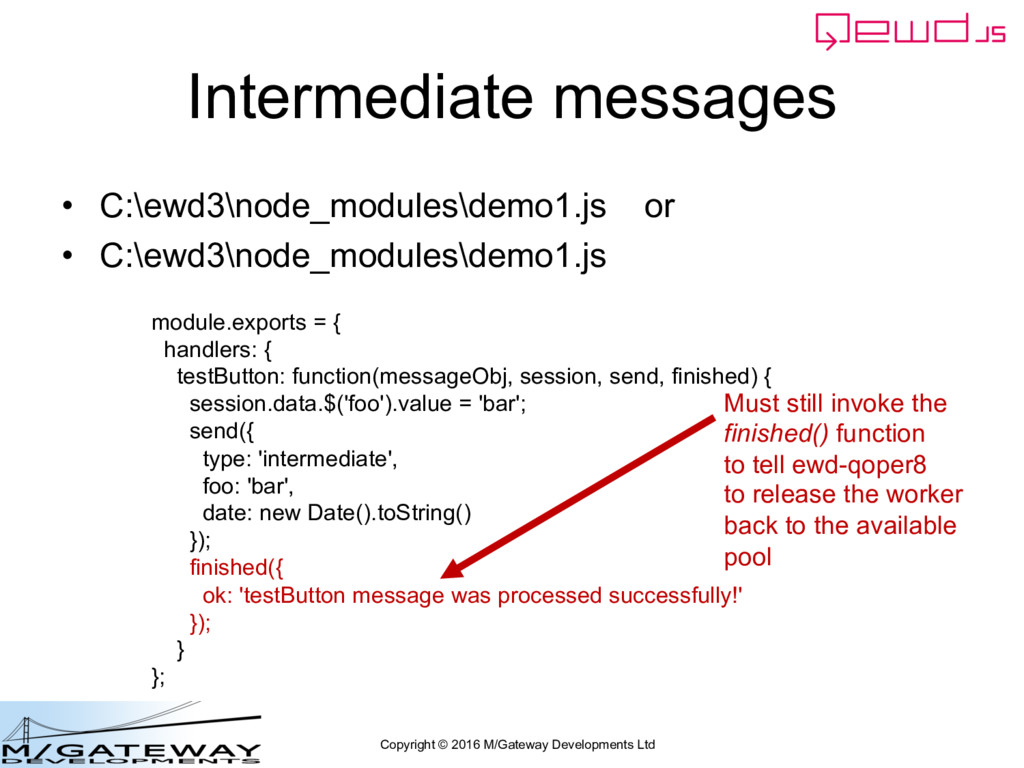
application • At the back-end, a handler function for the specific message type processes the message and usually creates a response message – Response messages are JSON objects – If using web-sockets, you can send more than 1 message • send() function for intermediate messages. Worker remains unavailable • finished() function for final message. Worker released to available pool – Response messages have a type property • By default, the type is the same as that of the original incoming message from the browser • Optionally, when using the send() function for intermediate messages, you can over- ride the type • The type of the finished() message cannot be over-ridden – it is always the same as the incoming message – A Handler function MUST end by invoking the finished() function • Releases the ewd-qoper8 worker process back to the available pool – Response messages are automatically sent to the originating client or browser
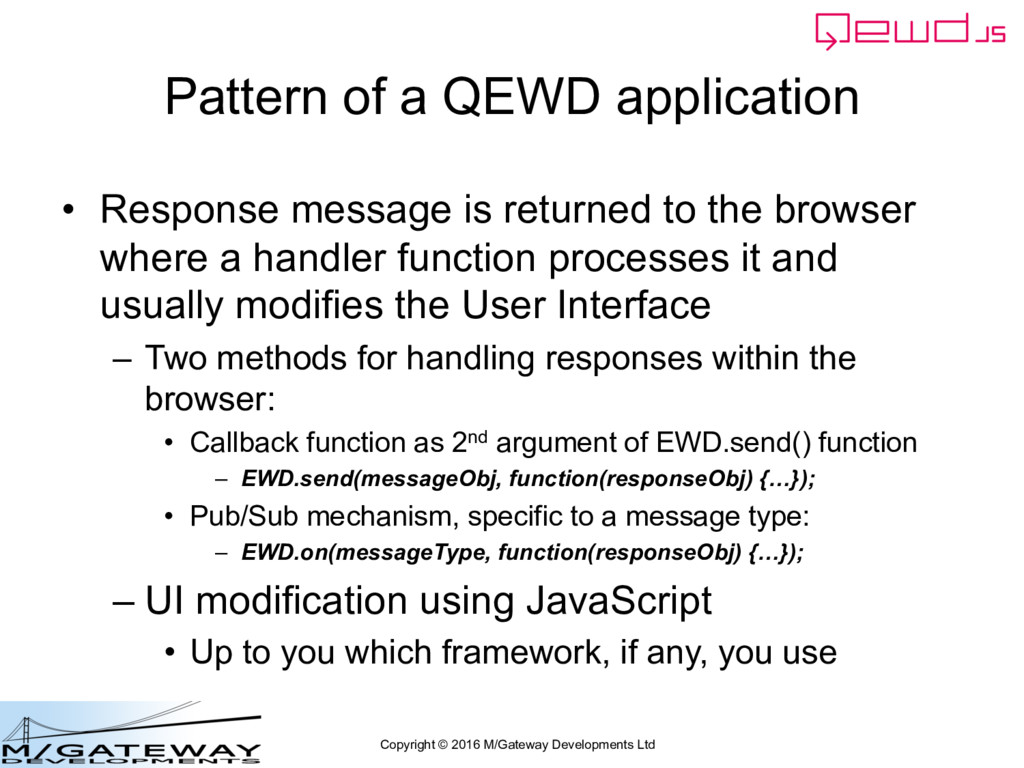
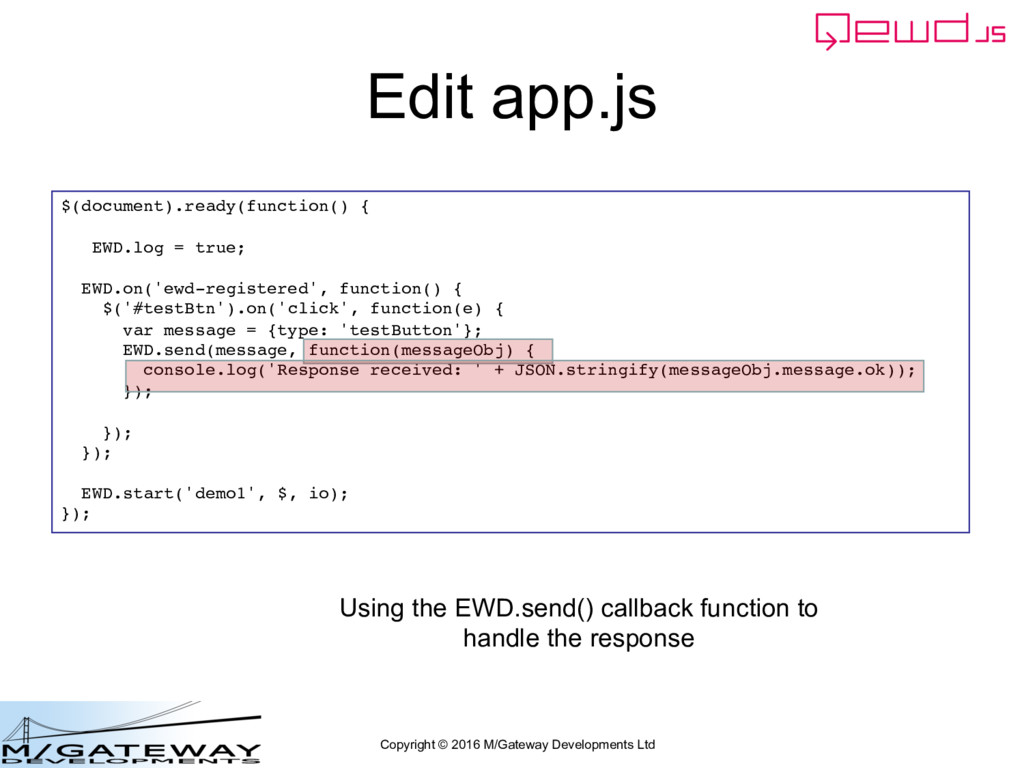
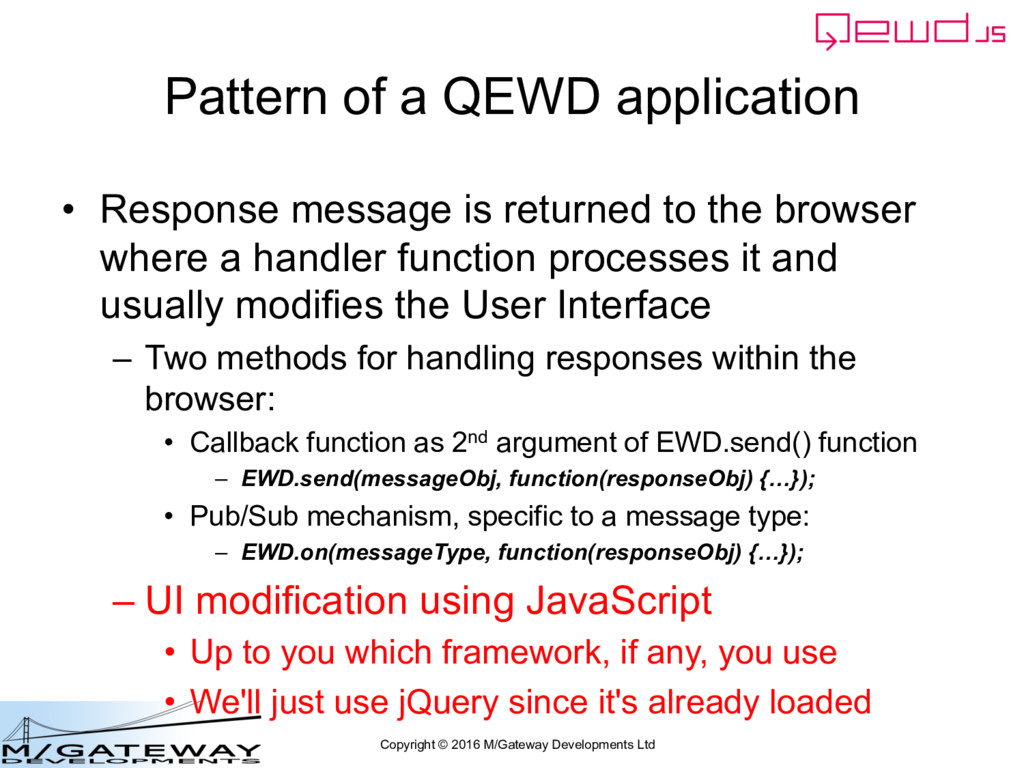
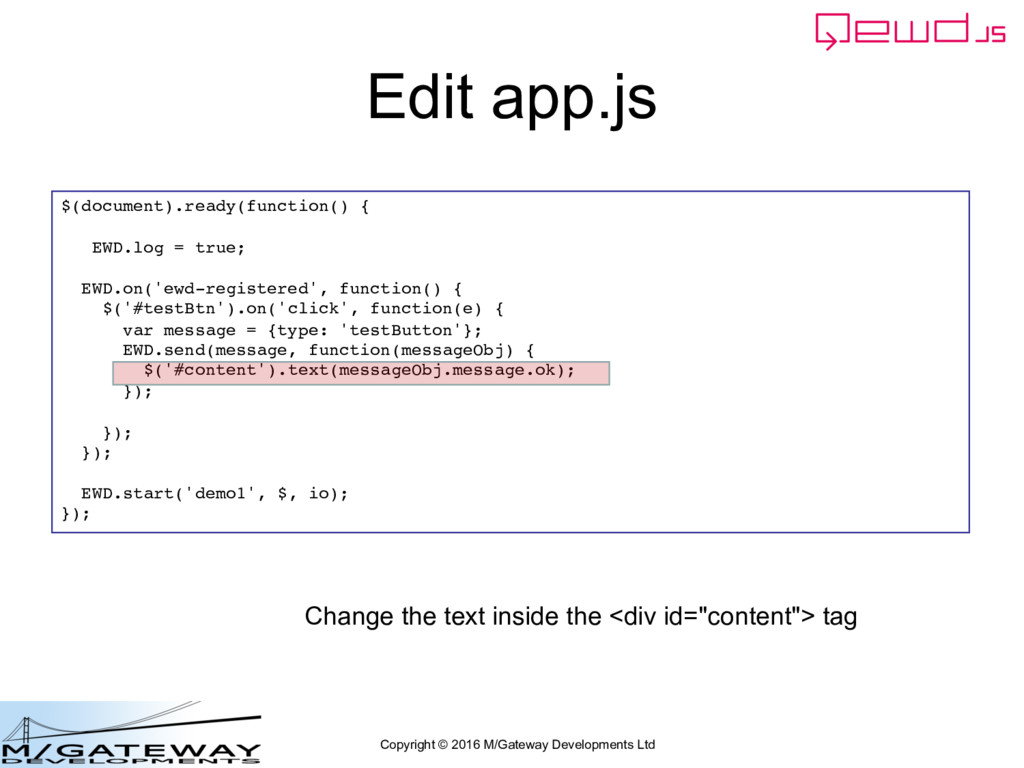
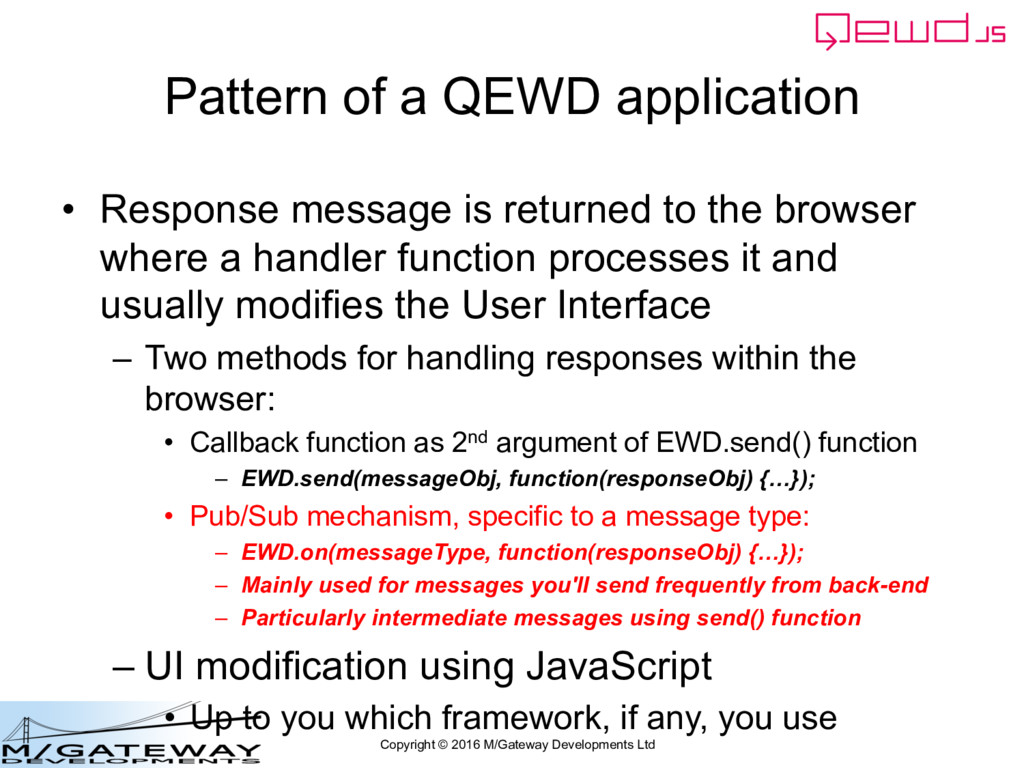
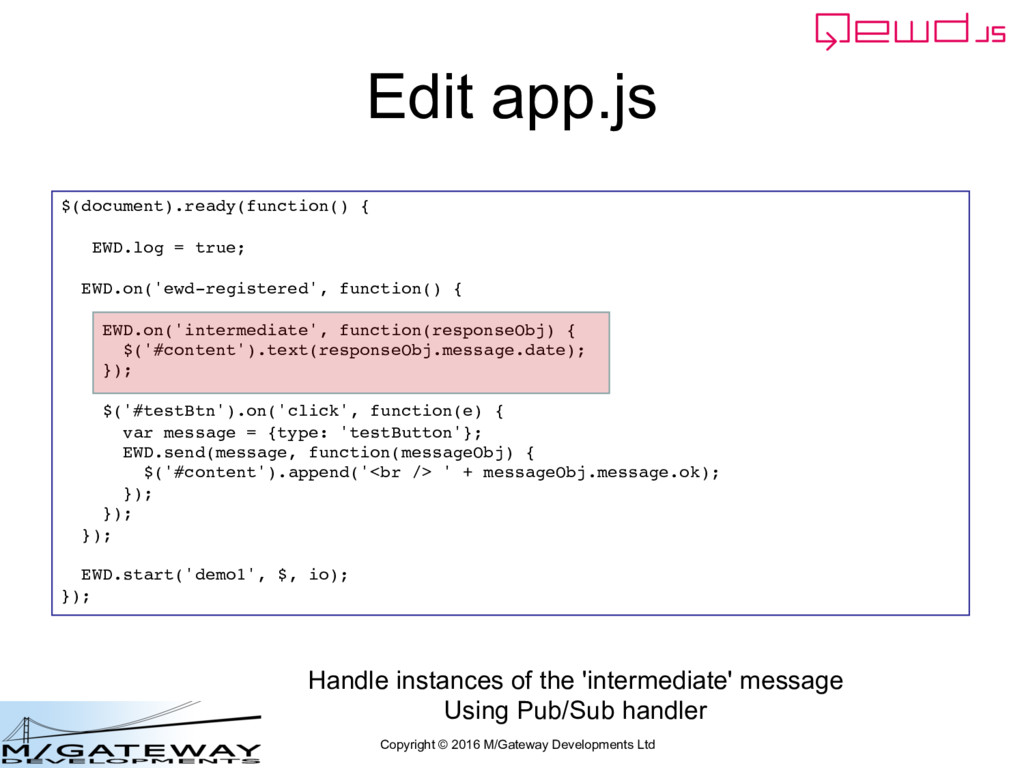
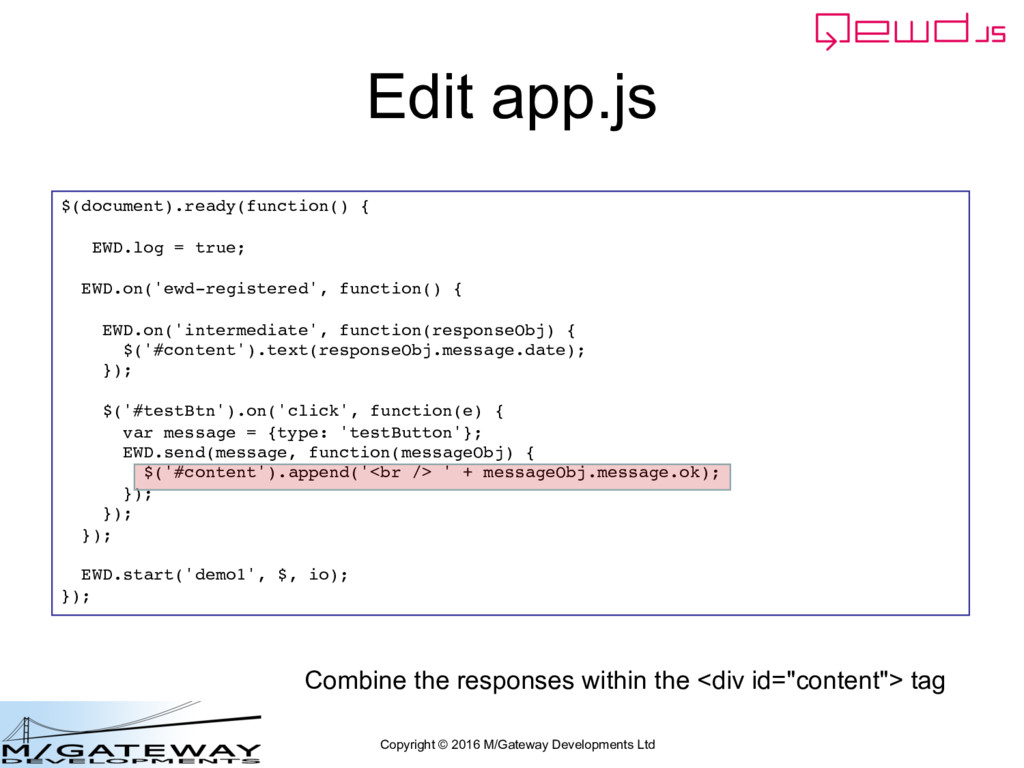
application • Response message is returned to the browser where a handler function processes it and usually modifies the User Interface – Two methods for handling responses within the browser: • Callback function as 2nd argument of EWD.send() function – EWD.send(messageObj, function(responseObj) {…}); • Pub/Sub mechanism, specific to a message type: – EWD.on(messageType, function(responseObj) {…}); – UI modification using JavaScript • Up to you which framework, if any, you use
application • Response message is returned to the browser where a handler function processes it and usually modifies the User Interface – Two methods for handling responses within the browser: • Callback function as 2nd argument of EWD.send() function – EWD.send(messageObj, function(responseObj) {…}); • Pub/Sub mechanism, specific to a message type: – EWD.on(messageType, function(responseObj) {…}); – UI modification using JavaScript • Up to you which framework, if any, you use • We'll just use jQuery since it's already loaded
application • Response message is returned to the browser where a handler function processes it and usually modifies the User Interface – Two methods for handling responses within the browser: • Callback function as 2nd argument of EWD.send() function – EWD.send(messageObj, function(responseObj) {…}); • Pub/Sub mechanism, specific to a message type: – EWD.on(messageType, function(responseObj) {…}); – Mainly used for messages you'll send frequently from back-end – Particularly intermediate messages using send() function – UI modification using JavaScript • Up to you which framework, if any, you use
or • C:\ewd3\node_modules\demo1.js module.exports = { handlers: { testButton: function(messageObj, session, send, finished) { session.data.$('foo').value = 'bar'; send({ type: 'intermediate', foo: 'bar', date: new Date().toString() }); finished({ ok: 'testButton message was processed successfully!' }); } }; Must still invoke the finished() function to tell ewd-qoper8 to release the worker back to the available pool
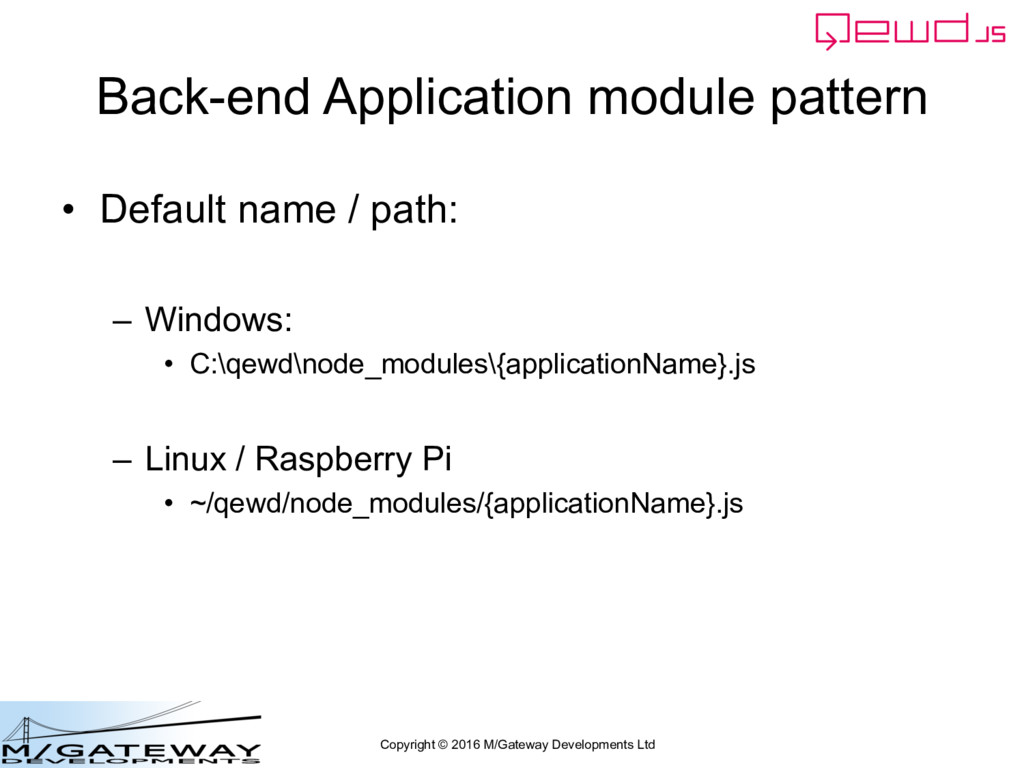
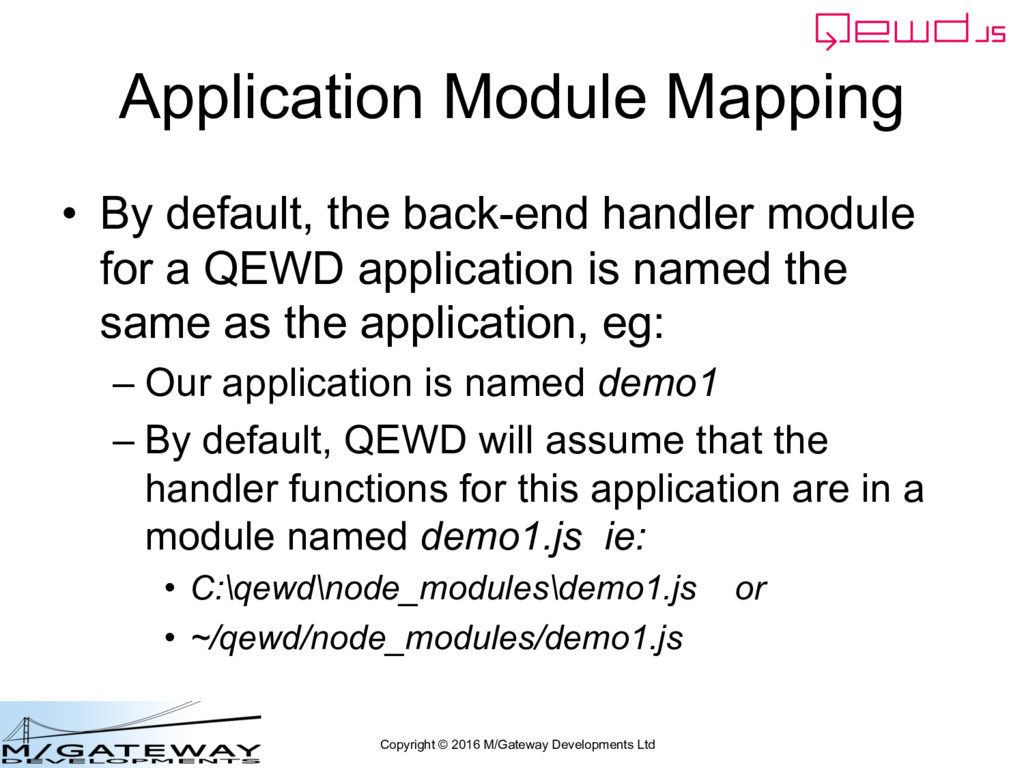
By default, the back-end handler module for a QEWD application is named the same as the application, eg: – Our application is named demo1 – By default, QEWD will assume that the handler functions for this application are in a module named demo1.js ie: • C:\qewd\node_modules\demo1.js or • ~/qewd/node_modules/demo1.js
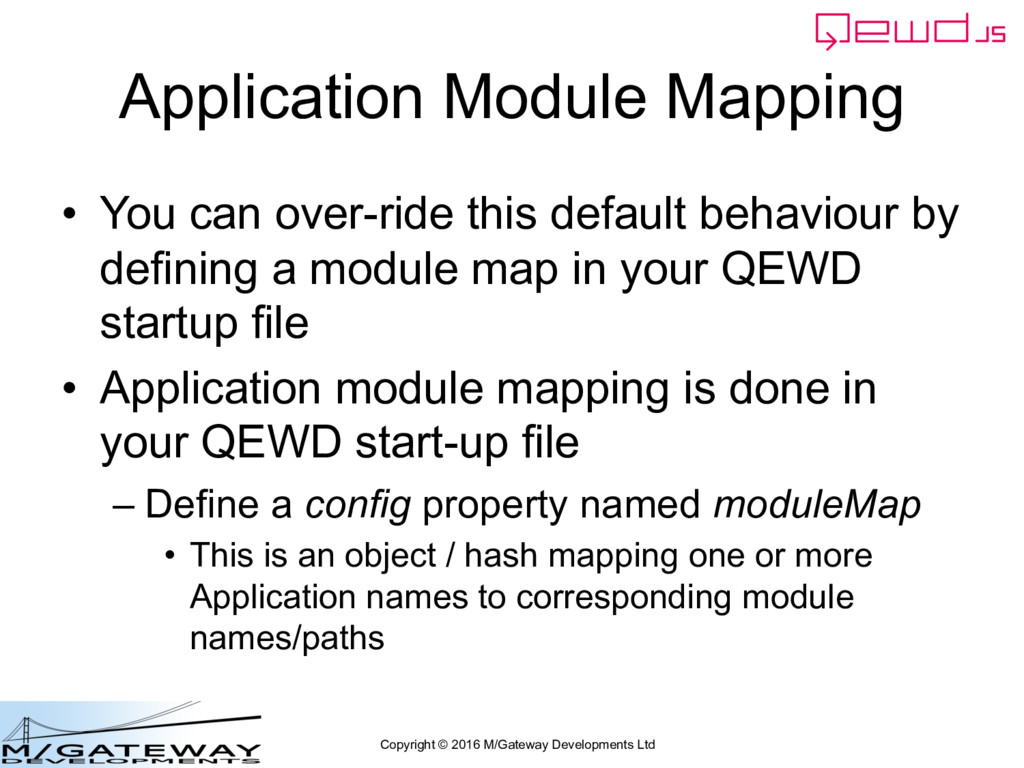
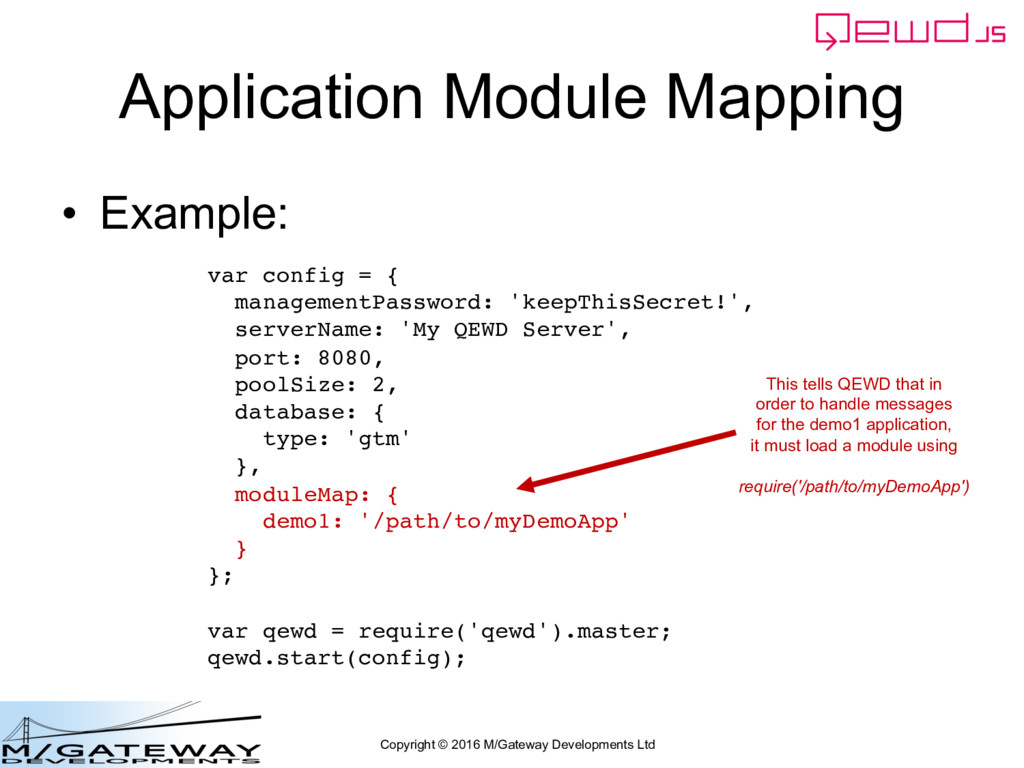
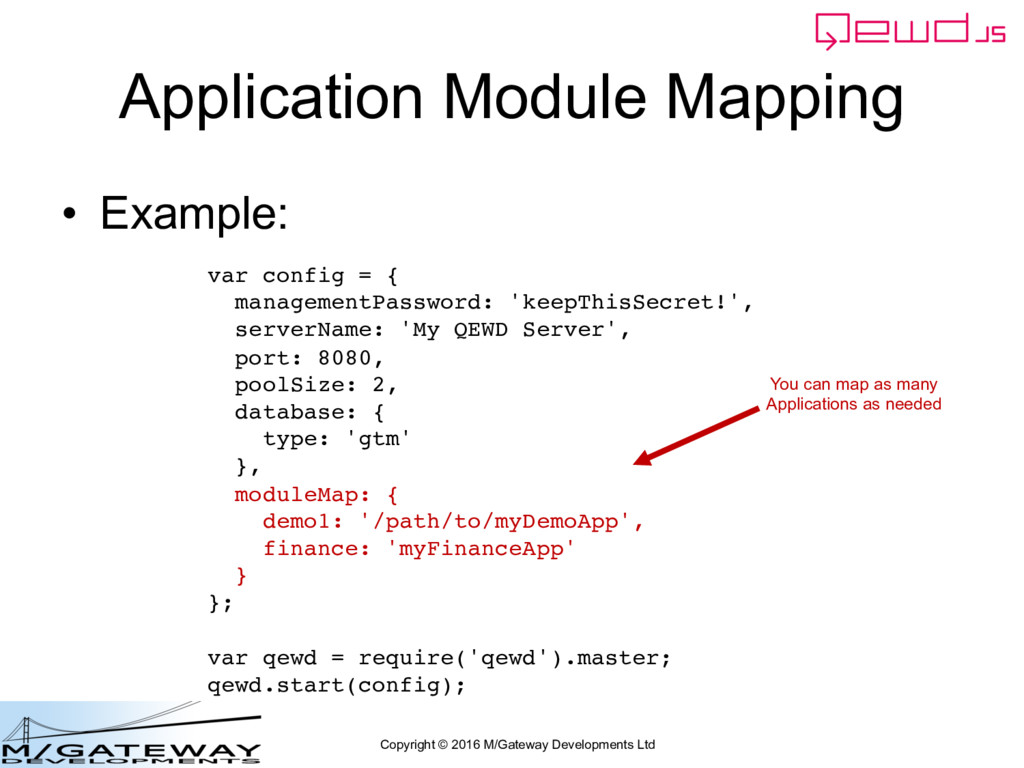
You can over-ride this default behaviour by defining a module map in your QEWD startup file • Application module mapping is done in your QEWD start-up file – Define a config property named moduleMap • This is an object / hash mapping one or more Application names to corresponding module names/paths
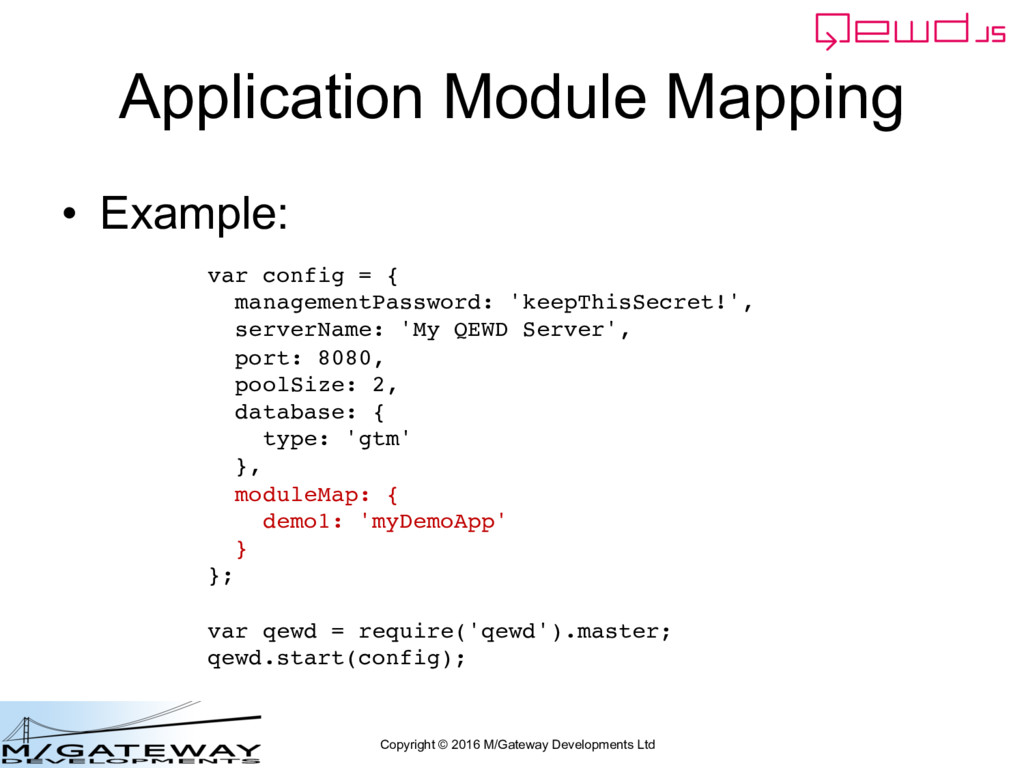
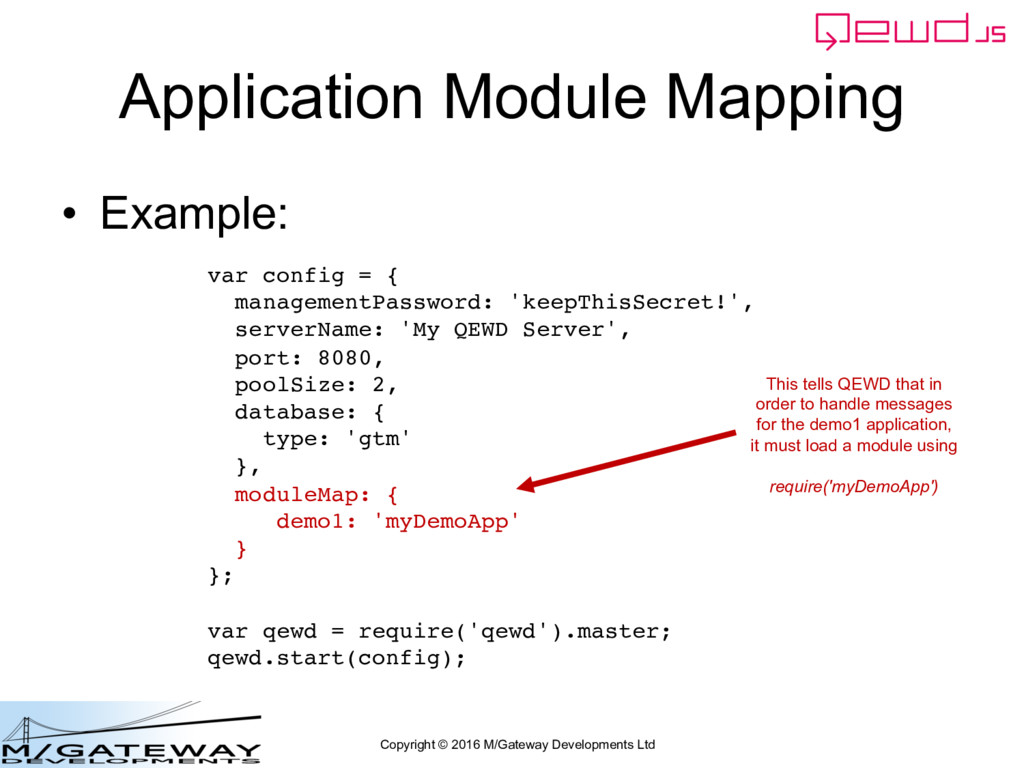
Example: var config = { managementPassword: 'keepThisSecret!', serverName: 'My QEWD Server', port: 8080, poolSize: 2, database: { type: 'gtm' }, moduleMap: { demo1: 'myDemoApp' } }; var qewd = require('qewd').master; qewd.start(config); This tells QEWD that in order to handle messages for the demo1 application, it must load a module using require('myDemoApp')
Example: var config = { managementPassword: 'keepThisSecret!', serverName: 'My QEWD Server', port: 8080, poolSize: 2, database: { type: 'gtm' }, moduleMap: { demo1: '/path/to/myDemoApp' } }; var qewd = require('qewd').master; qewd.start(config); This tells QEWD that in order to handle messages for the demo1 application, it must load a module using require('/path/to/myDemoApp')


 robtweed
 sansantech
 takuroabe
 grimoh
 riyaamemiya
 shumei_ito
 yahonda
 ishikawa_satoru
 maimyyym
 satoshi7
 terapyon
 pfn
pfn
 onk
onk
 scottboms
 smashingmag
 eileencodes
 marketingsoph
 jct
jct
 aleyda
 marcoroth
 akashhashmi
 popppiees
 geoffreycrofte
 akosma
 soudai