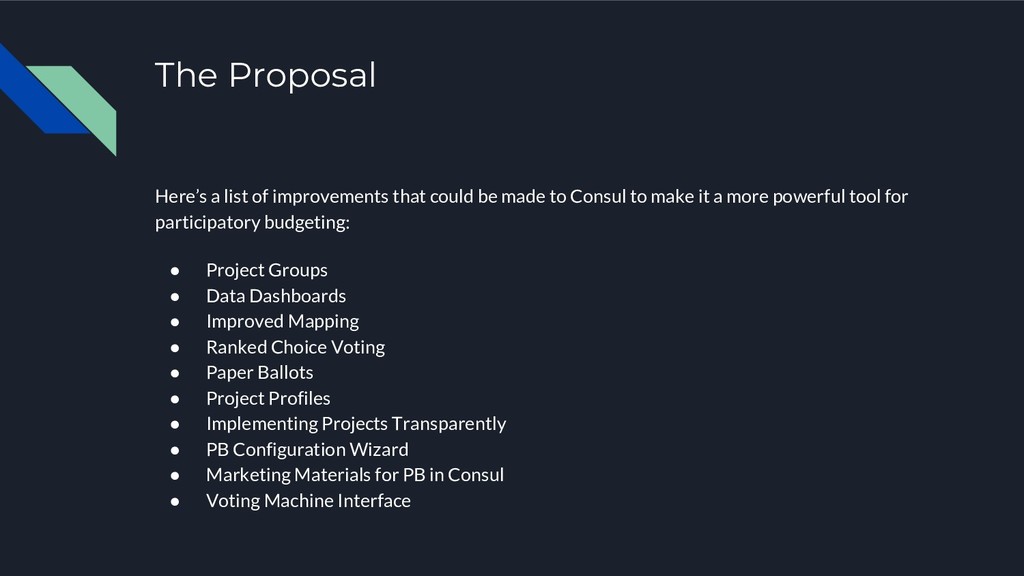
made to Consul to make it a more powerful tool for participatory budgeting: • Project Groups • Data Dashboards • Improved Mapping • Ranked Choice Voting • Paper Ballots • Project Profiles • Implementing Projects Transparently • PB Configuration Wizard • Marketing Materials for PB in Consul • Voting Machine Interface
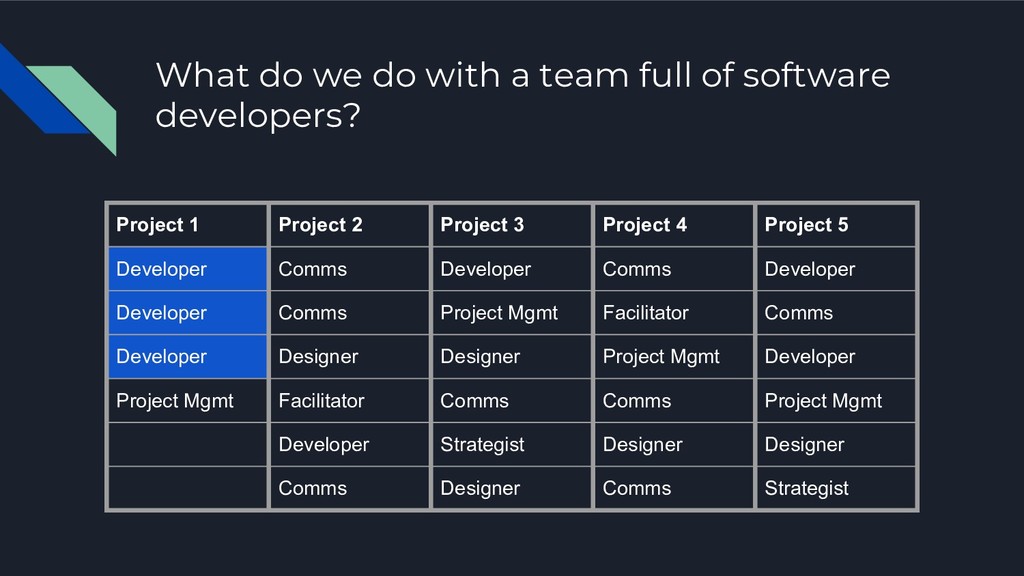
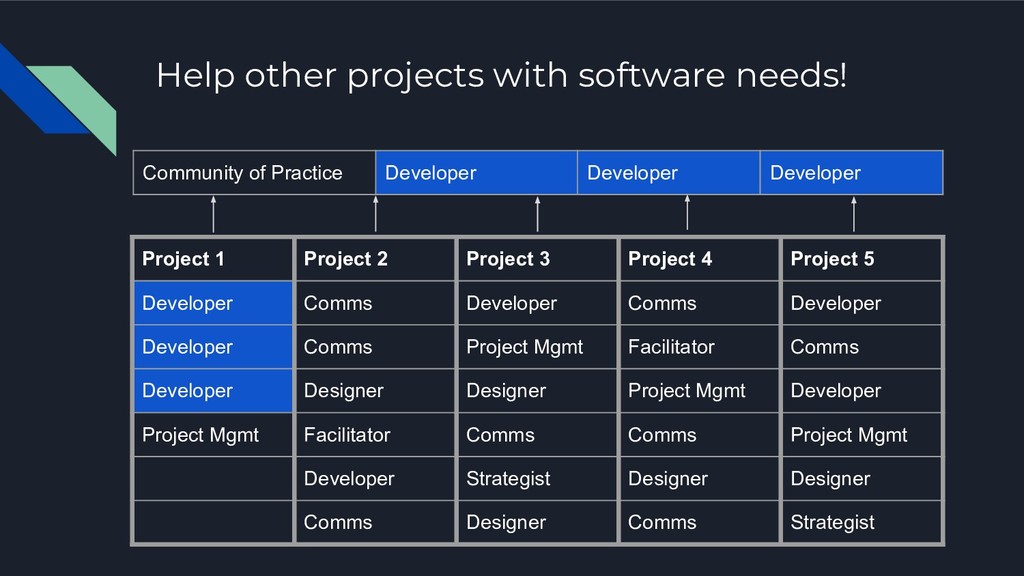
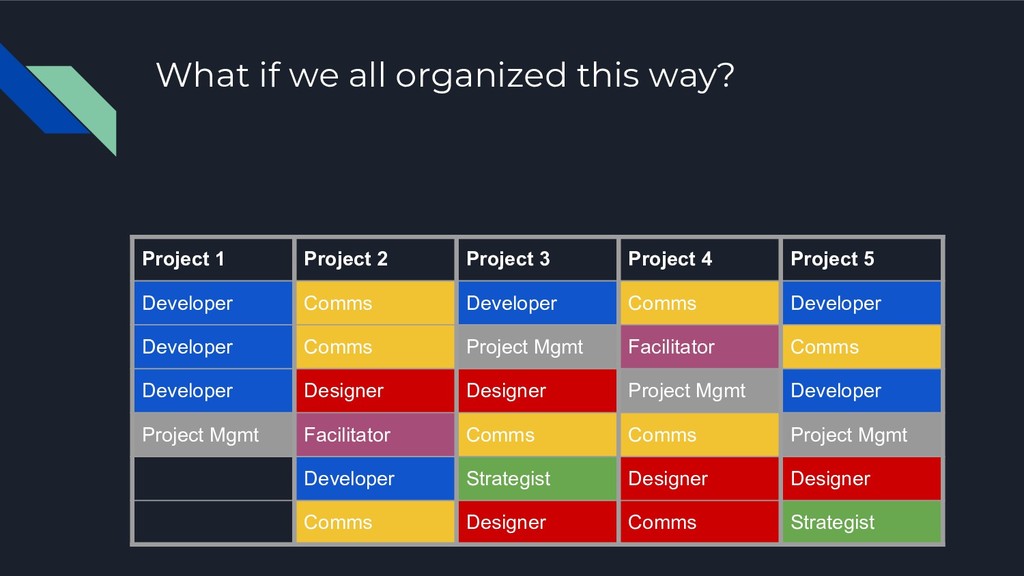
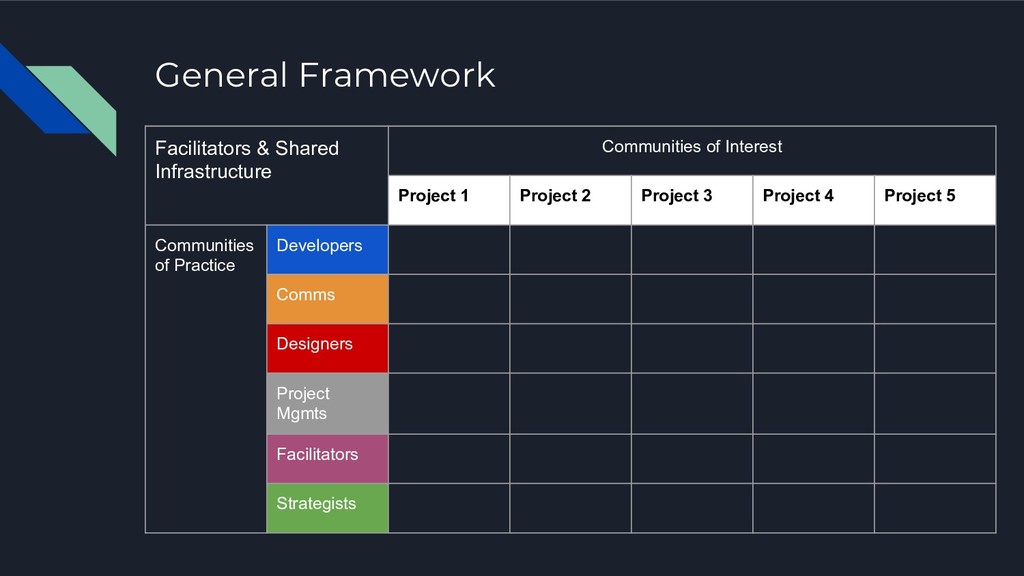
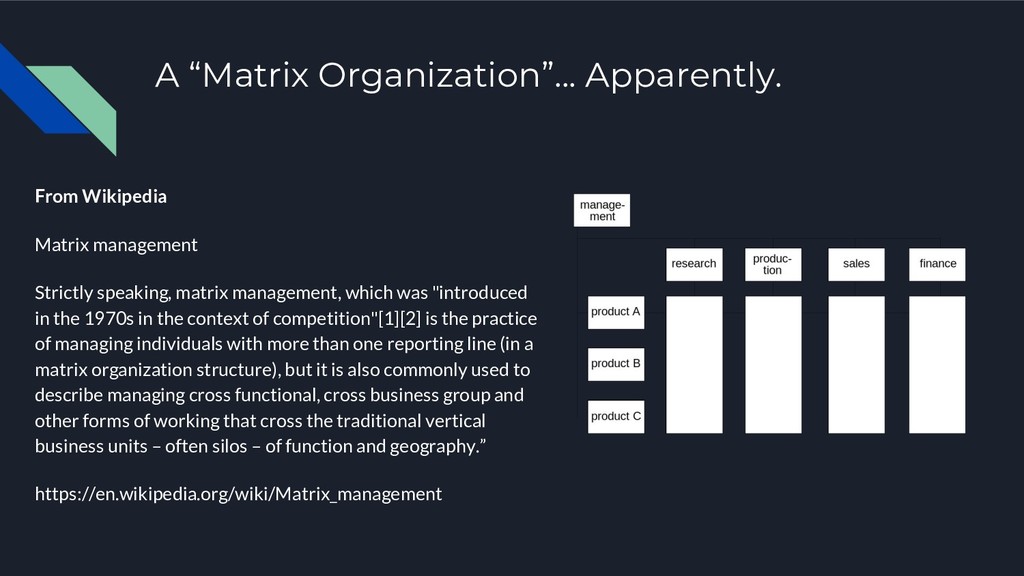
matrix management, which was "introduced in the 1970s in the context of competition"[1][2] is the practice of managing individuals with more than one reporting line (in a matrix organization structure), but it is also commonly used to describe managing cross functional, cross business group and other forms of working that cross the traditional vertical business units – often silos – of function and geography.” https://en.wikipedia.org/wiki/Matrix_management
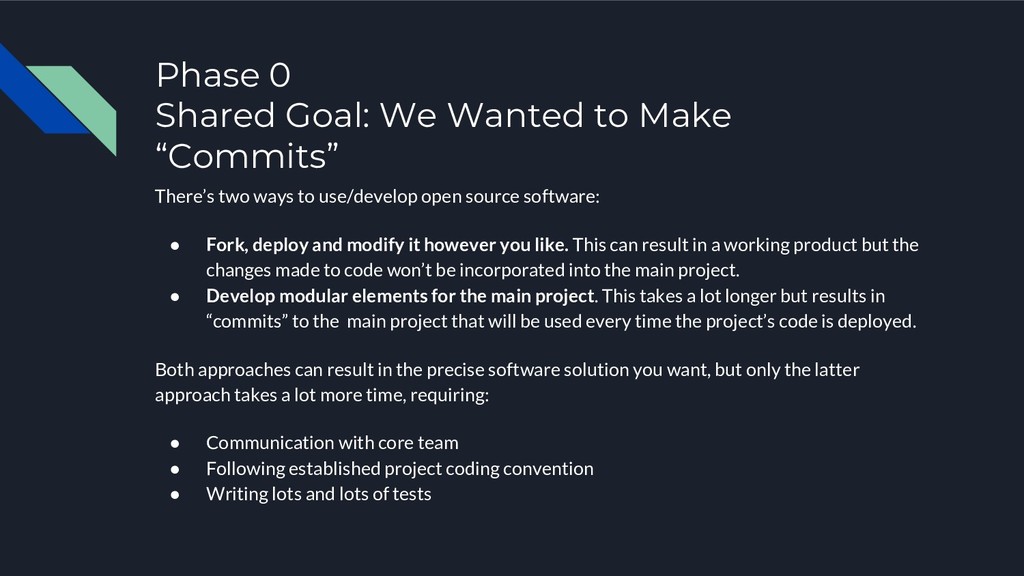
two ways to use/develop open source software: • Fork, deploy and modify it however you like. This can result in a working product but the changes made to code won’t be incorporated into the main project. • Develop modular elements for the main project. This takes a lot longer but results in “commits” to the main project that will be used every time the project’s code is deployed. Both approaches can result in the precise software solution you want, but only the latter approach takes a lot more time, requiring: • Communication with core team • Following established project coding convention • Writing lots and lots of tests
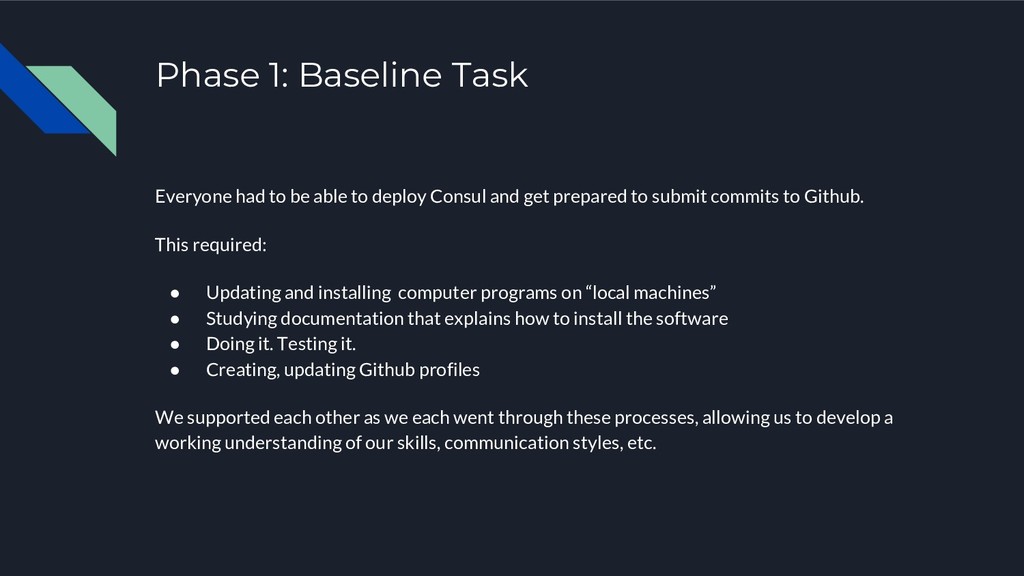
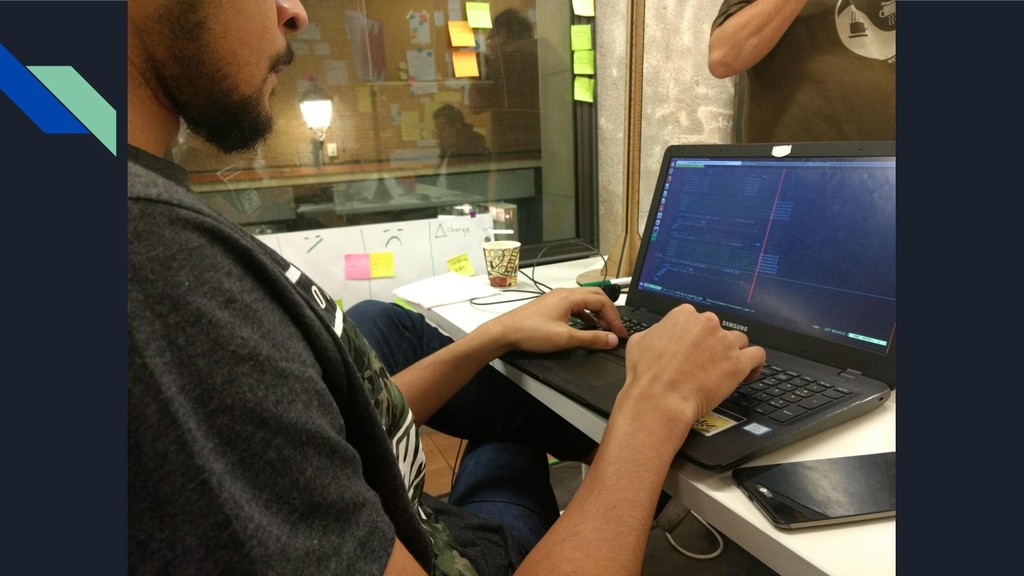
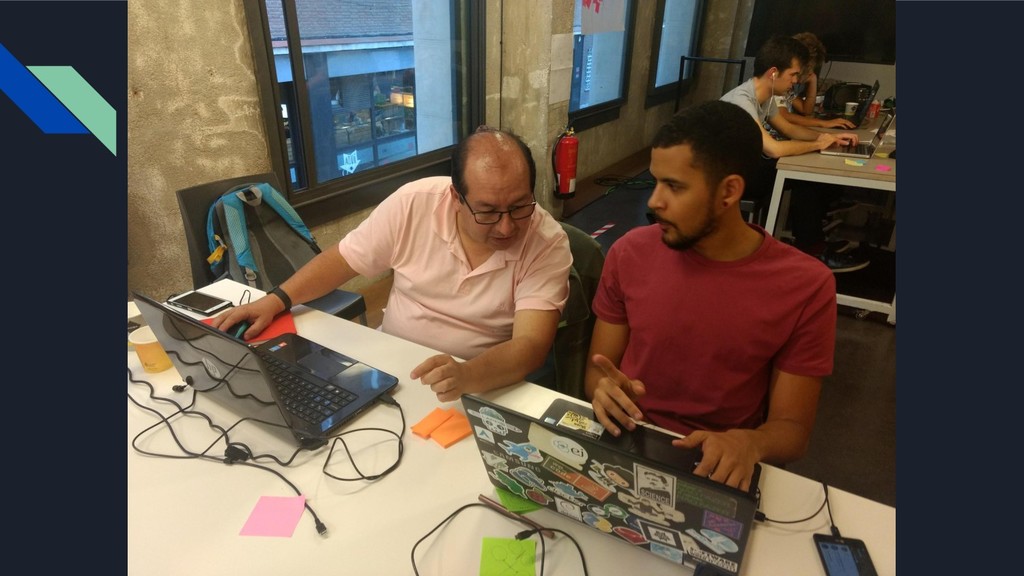
deploy Consul and get prepared to submit commits to Github. This required: • Updating and installing computer programs on “local machines” • Studying documentation that explains how to install the software • Doing it. Testing it. • Creating, updating Github profiles We supported each other as we each went through these processes, allowing us to develop a working understanding of our skills, communication styles, etc.
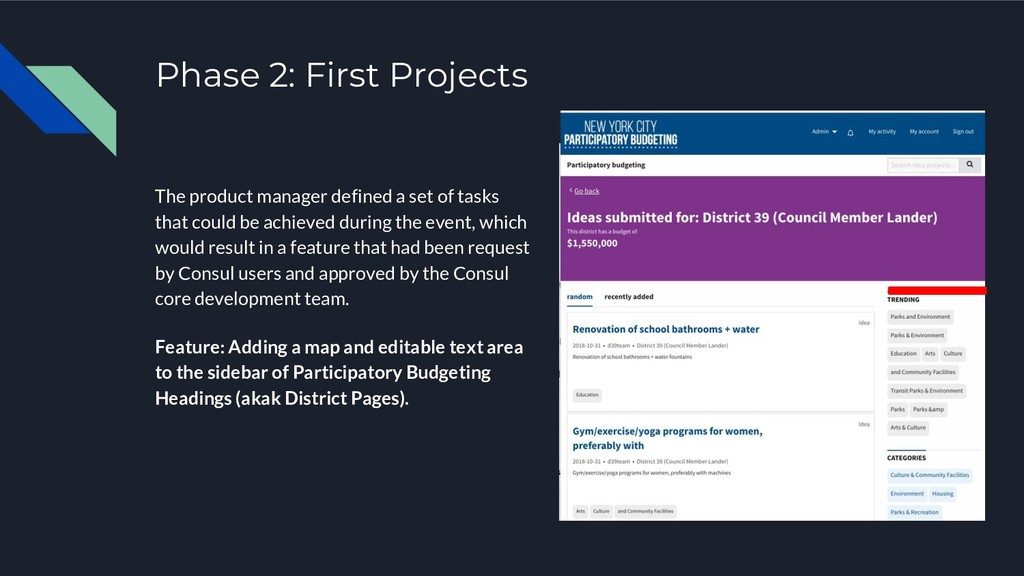
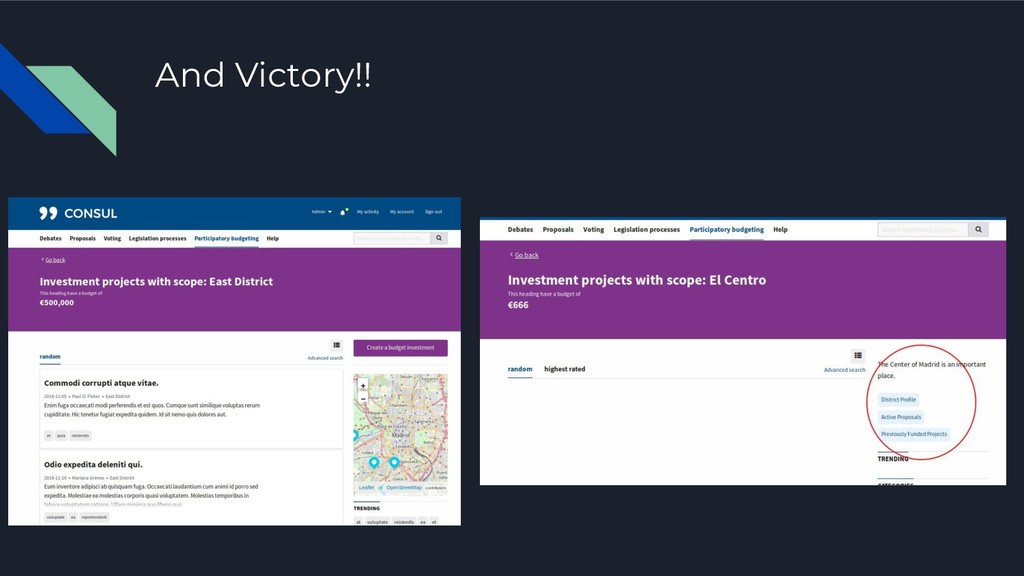
of tasks that could be achieved during the event, which would result in a feature that had been request by Consul users and approved by the Consul core development team. Feature: Adding a map and editable text area to the sidebar of Participatory Budgeting Headings (akak District Pages).
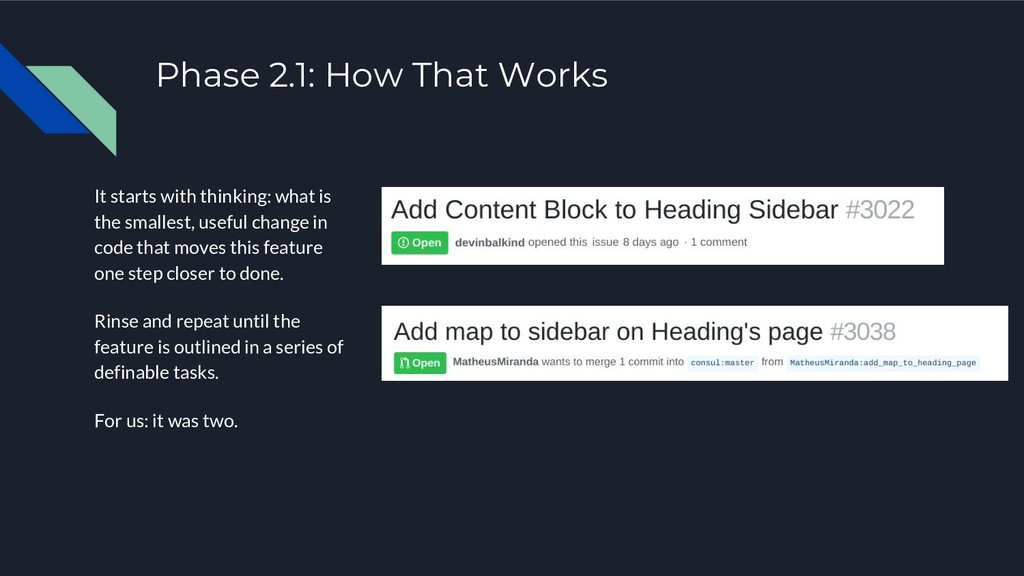
is the smallest, useful change in code that moves this feature one step closer to done. Rinse and repeat until the feature is outlined in a series of definable tasks. For us: it was two.
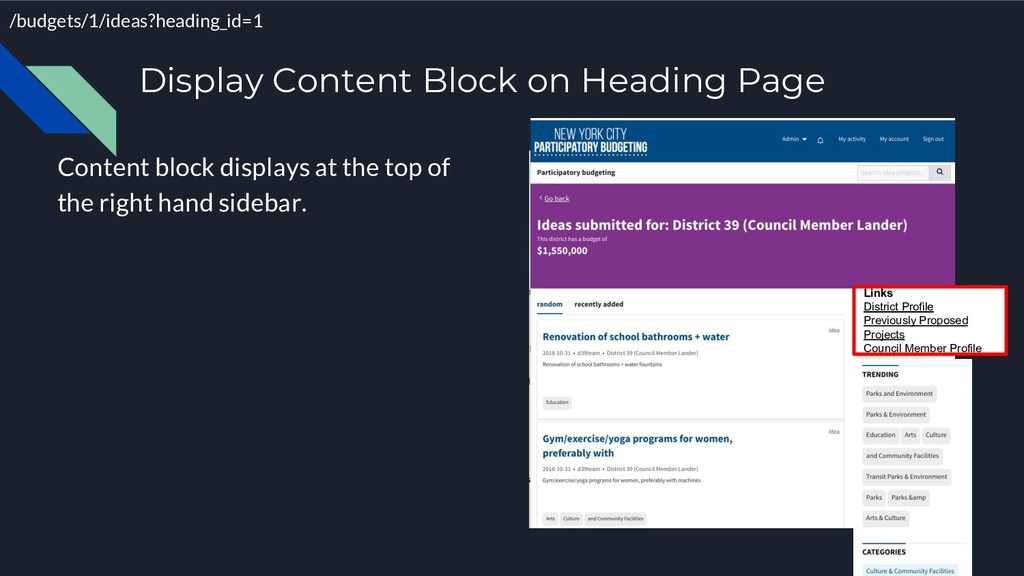
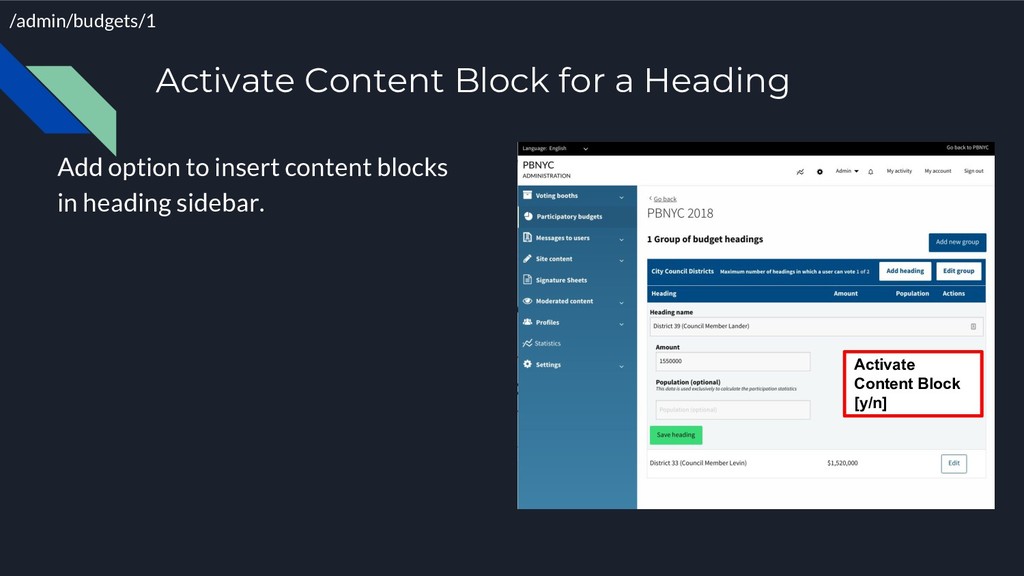
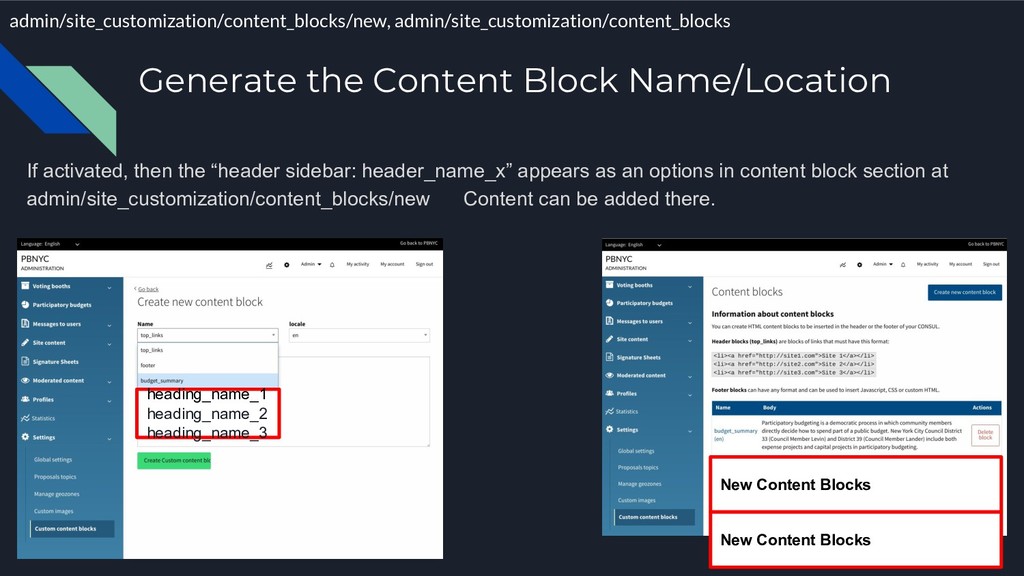
New Content Blocks New Content Blocks If activated, then the “header sidebar: header_name_x” appears as an options in content block section at admin/site_customization/content_blocks/new Content can be added there.


 bkeepers
 marcduiker
 akashhashmi
 greggifford
 mojombo
 jacobtomlinson
 honzajavorek
 katarinadahlin
 schroneko
 addyosmani
 skoyamalab
 techseoconnect