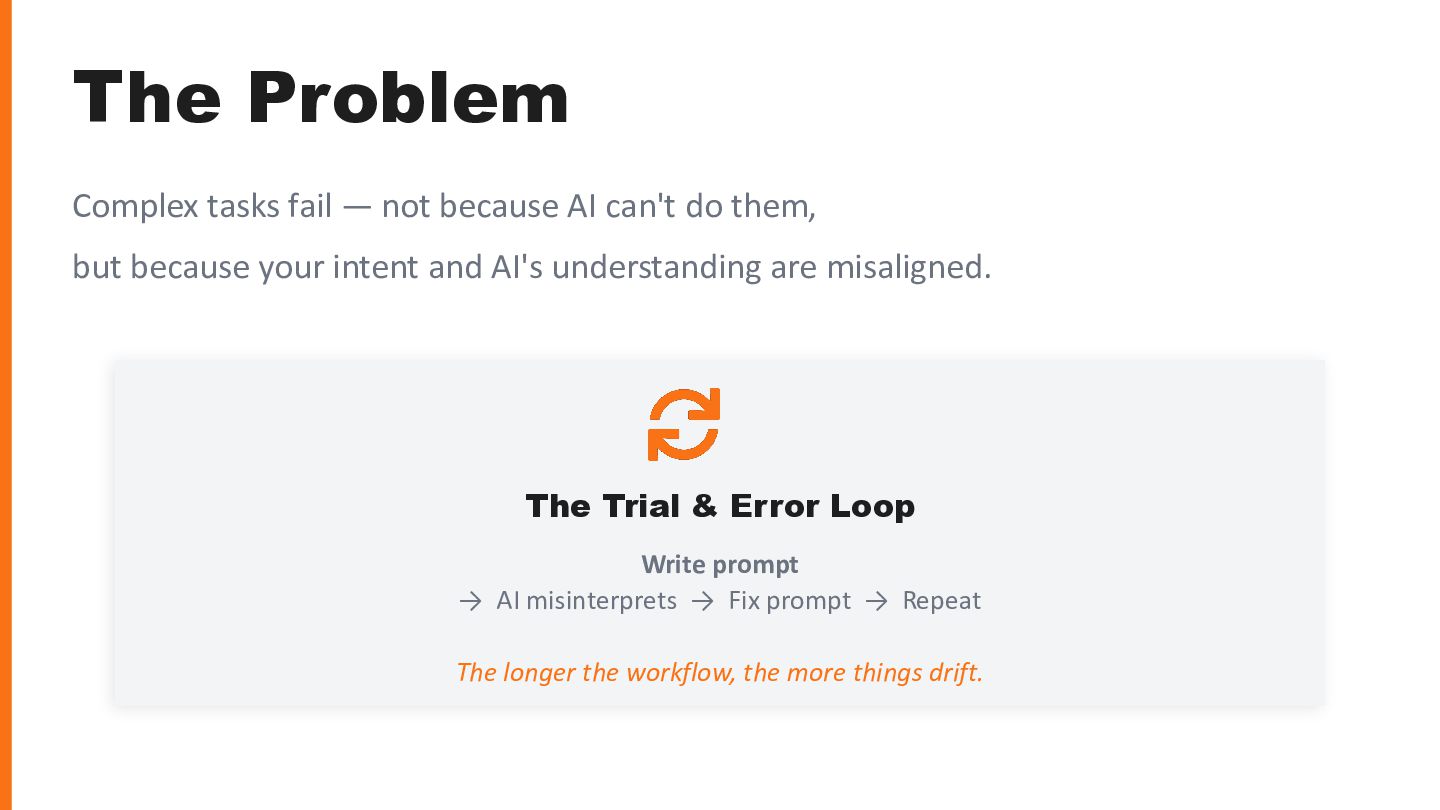
do them, but because your intent and AI's understanding are misaligned. The Trial & Error Loop Write prompt → AI misinterprets → Fix prompt → Repeat The longer the workflow, the more things drift.
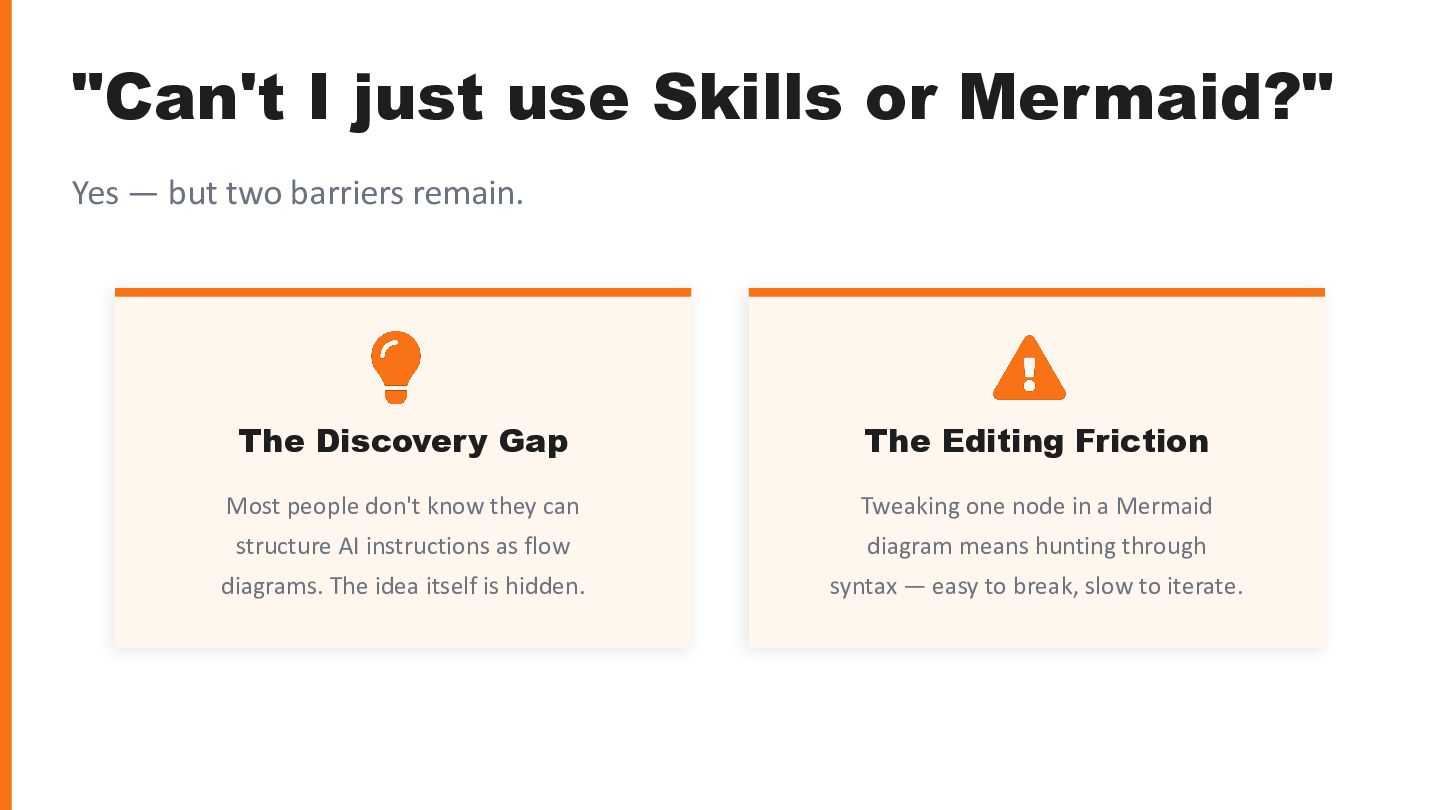
two barriers remain. The Discovery Gap Most people don't know they can structure AI instructions as flow diagrams. The idea itself is hidden. The Editing Friction Tweaking one node in a Mermaid diagram means hunting through syntax — easy to break, slow to iterate.
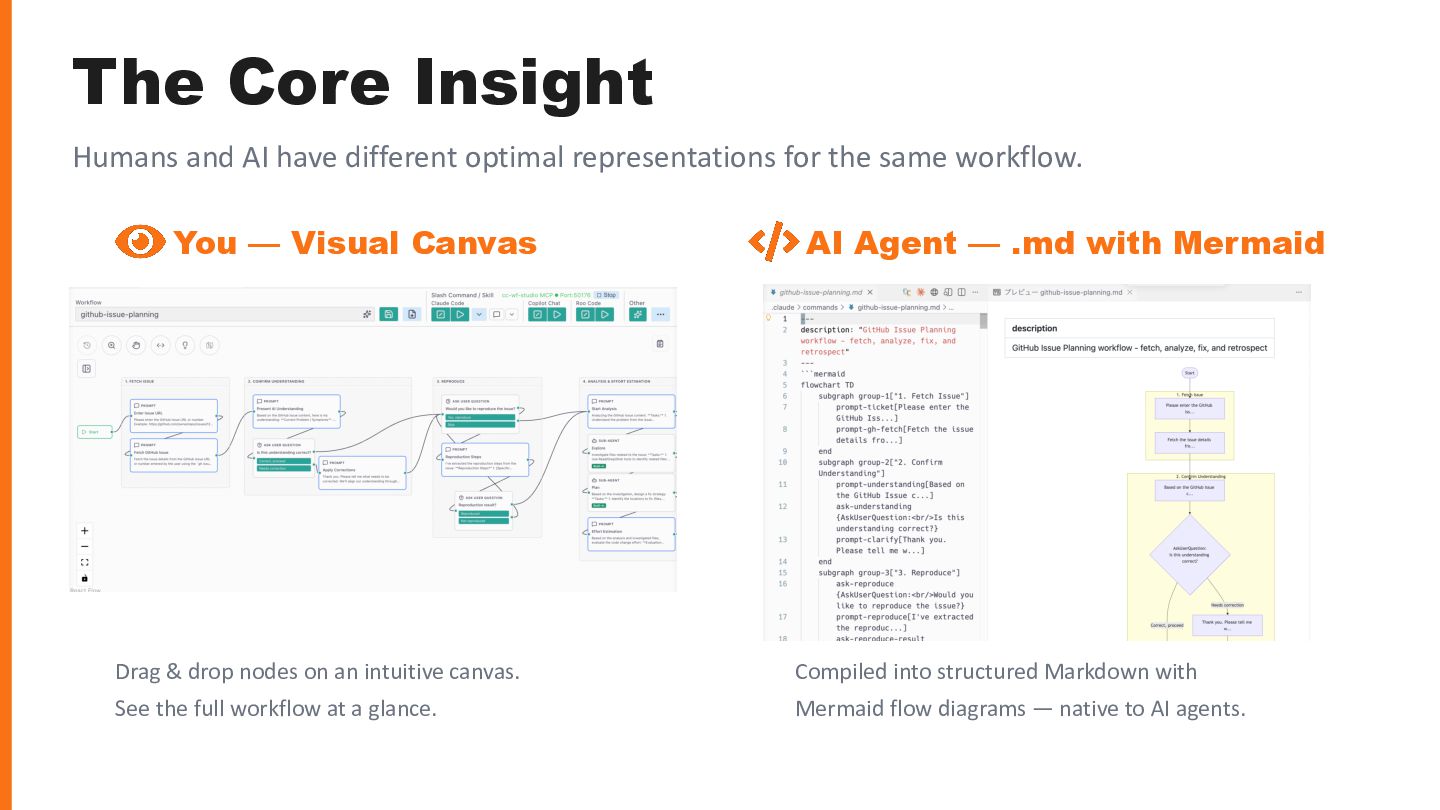
for the same workflow. You — Visual Canvas Drag & drop nodes on an intuitive canvas. See the full workflow at a glance. AI Agent — .md with Mermaid Compiled into structured Markdown with Mermaid flow diagrams — native to AI agents.
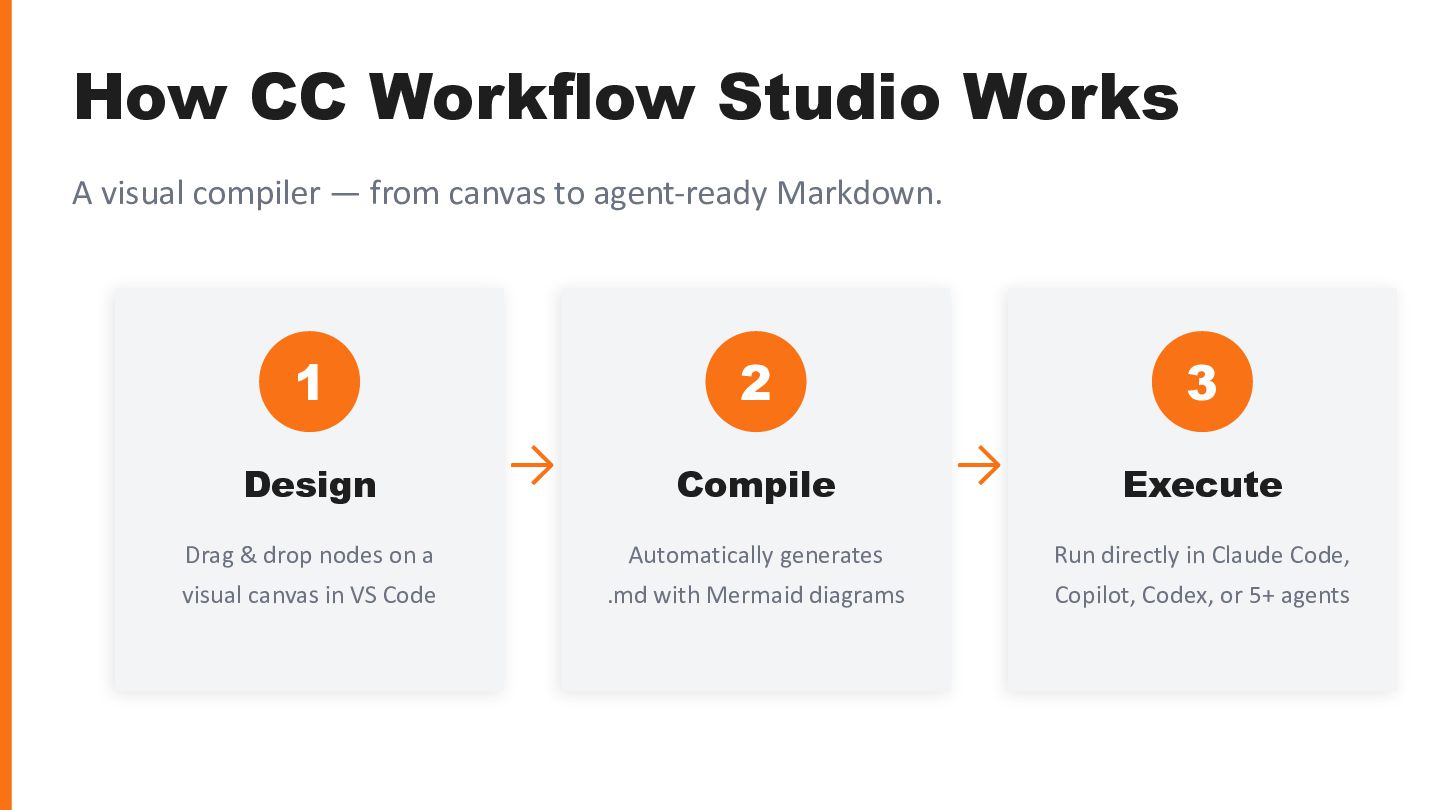
canvas to agent-ready Markdown. 1 Design Drag & drop nodes on a visual canvas in VS Code → 2 Compile Automatically generates .md with Mermaid diagrams → 3 Execute Run directly in Claude Code, Copilot, Codex, or 5+ agents
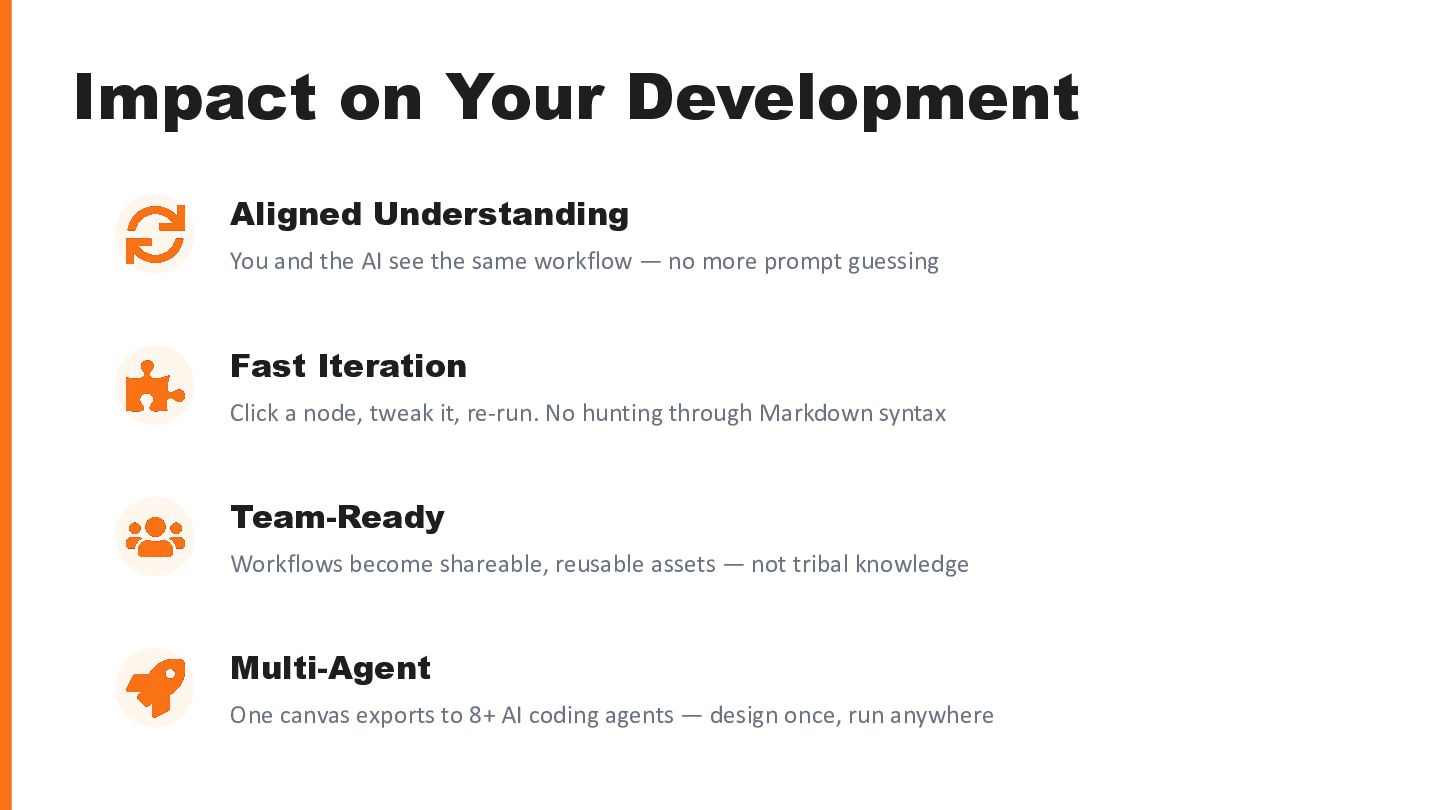
see the same workflow — no more prompt guessing Fast Iteration Click a node, tweak it, re-run. No hunting through Markdown syntax Team-Ready Workflows become shareable, reusable assets — not tribal knowledge Multi-Agent One canvas exports to 8+ AI coding agents — design once, run anywhere


 seiyakobayashi
 kairim0
 oracle4engineer
 yakumo
 leveragestech
 tatamiya
 mkdev10
 foursue
 taka_aki
 diggymo
 aoto
aoto
 chack411
.jpg) cargoodrich
cargoodrich
 aleyda
 geoffreycrofte
 lara
lara
 seathinner
 hannesfritz
 sonatard
 lauravandoore
 denniskardys
 katarinadahlin
 frankvandijk
 gr2m
gr2m