Upgrade to Pro — share decks privately, control downloads, hide ads and more …

WordPress for Nonprofits/Libraries: A User's Tale

WordPress for Nonprofits/Libraries: A User's Tale

Libraries and other nonprofits are required to have a web presence and yet are often presented with challenges such as stretched budgets and stretched staff time. Rather than being a bridge, WordPress can be a life raft to cling to in the seas of not having much technical knowledge but being eager to learn and really wanting some sense of autonomy when it comes to your website. I would like to tell the story of how our library website came to be, with the help of shines & jecker laboratories, and how we use WordPress in our everyday library life.

Avatar for Emma Gibbon

Emma Gibbon

May 13, 2016
Tweet

Other Decks in Technology

Transcript

  1. “Libraries and other nonprofits are required to have a web

    presence and yet are often presented with challenges such as stretched budgets and stretched staff time. Rather than being a bridge, Wordpress can be a life raft to cling to in the seas of not having much technical knowledge but eager to learn and really wanting some sense of autonomy when it comes to your website. I would like to tell the story of how our library website came to be, with the help of shines & jecker laboratories, and how we use Wordpress in our everyday library life.”
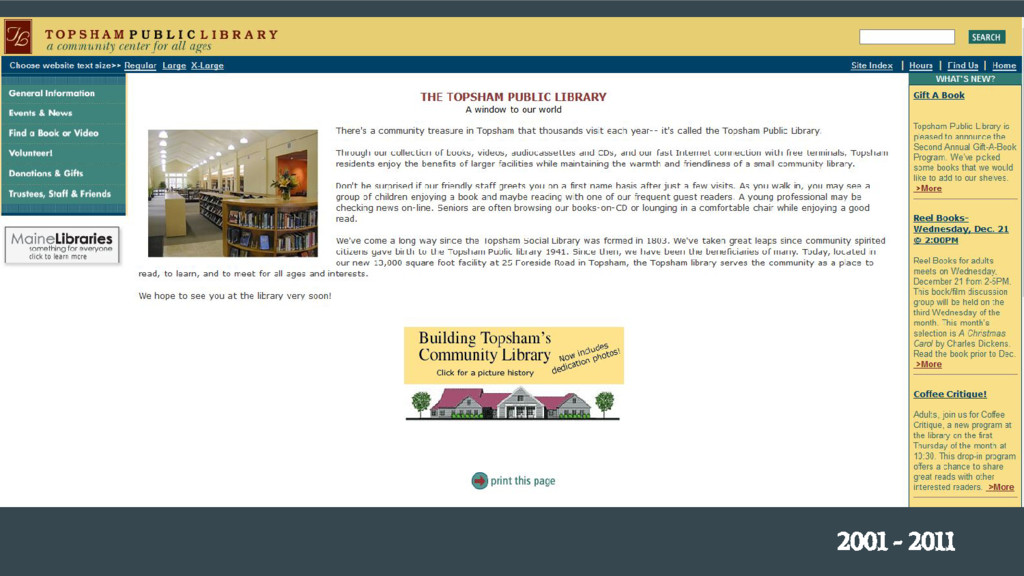
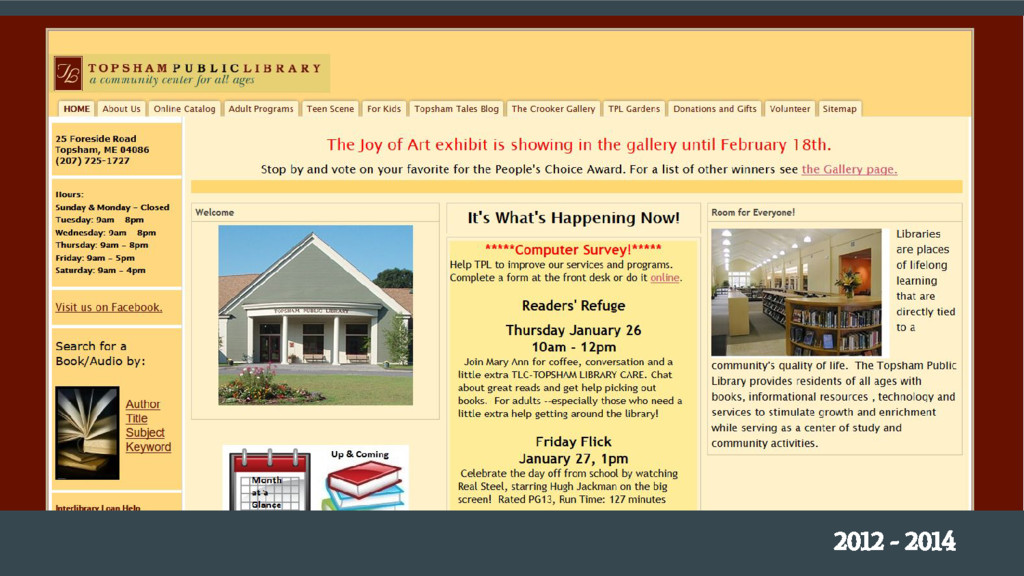
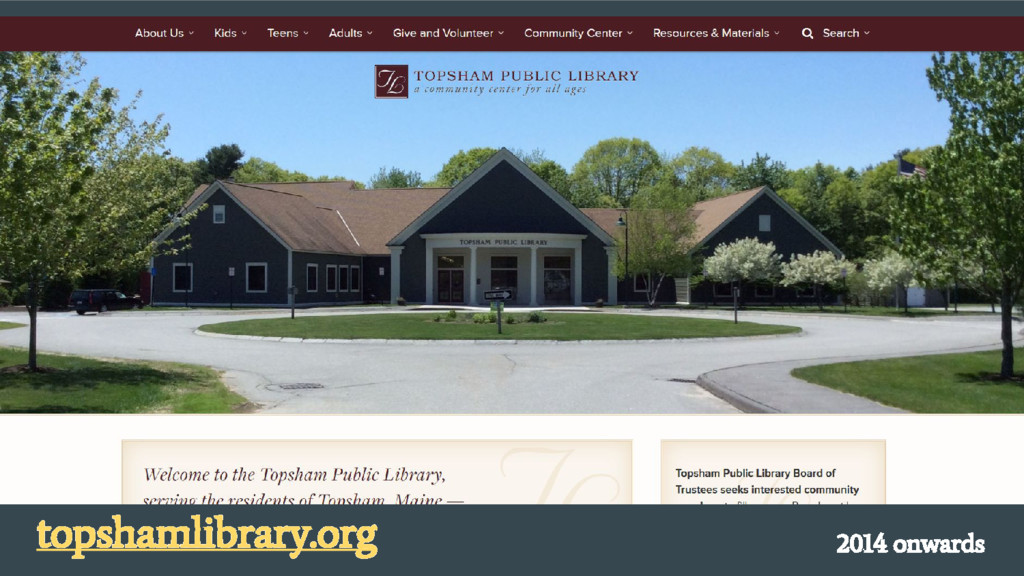
  2. I am now going to take you on a journey

    through time and space… (Thanks, Wayback Machine!)
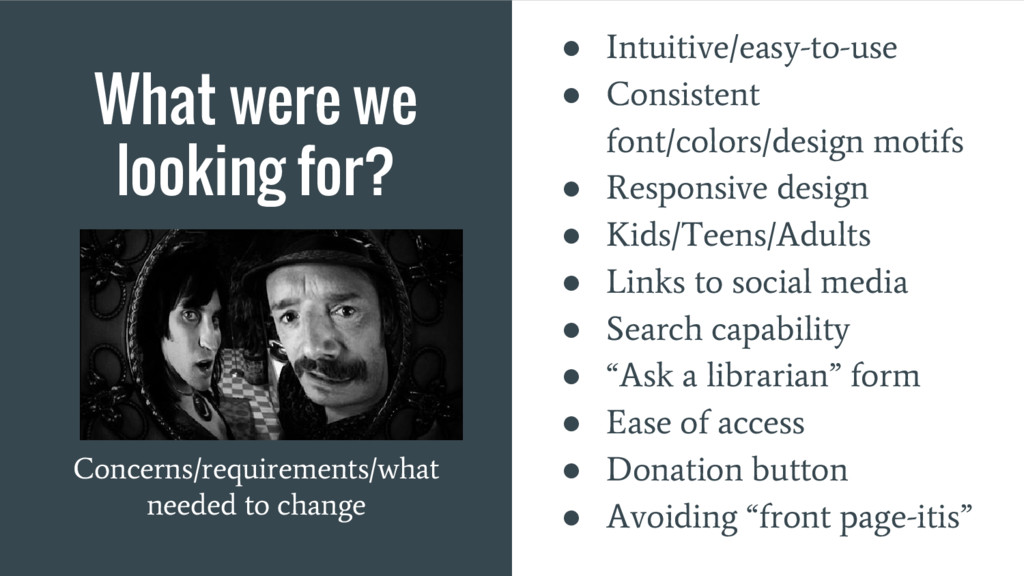
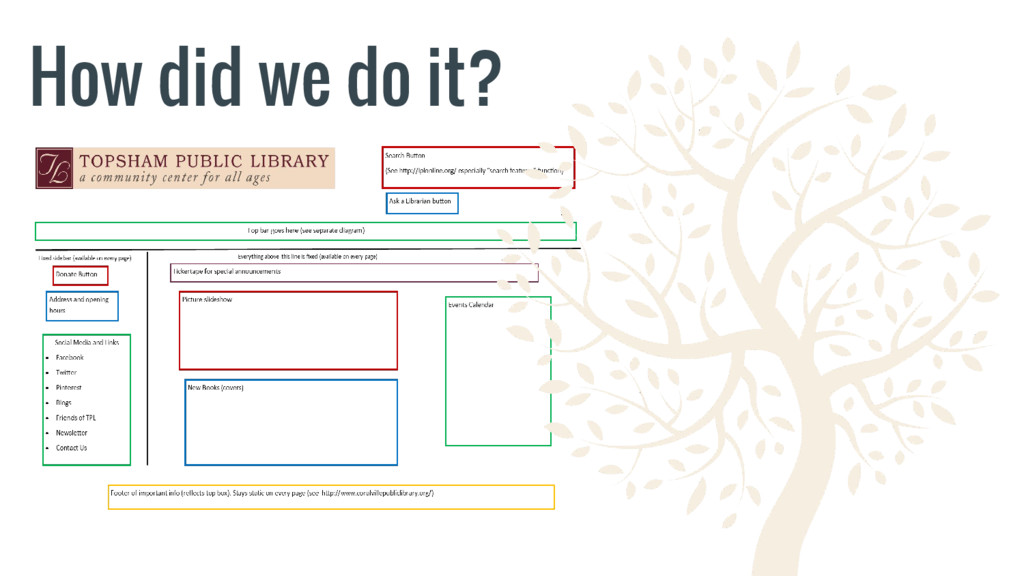
  3. What were we looking for? Concerns/requirements/what needed to change •

    Intuitive/easy-to-use • Consistent font/colors/design motifs • Responsive design • Kids/Teens/Adults • Links to social media • Search capability • “Ask a librarian” form • Ease of access • Donation button • Avoiding “front page-itis”
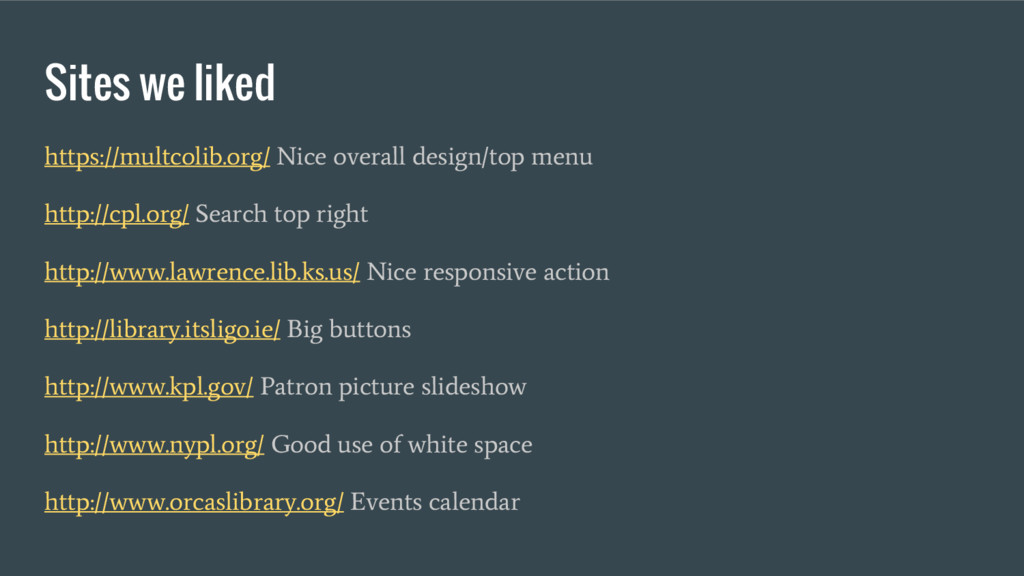
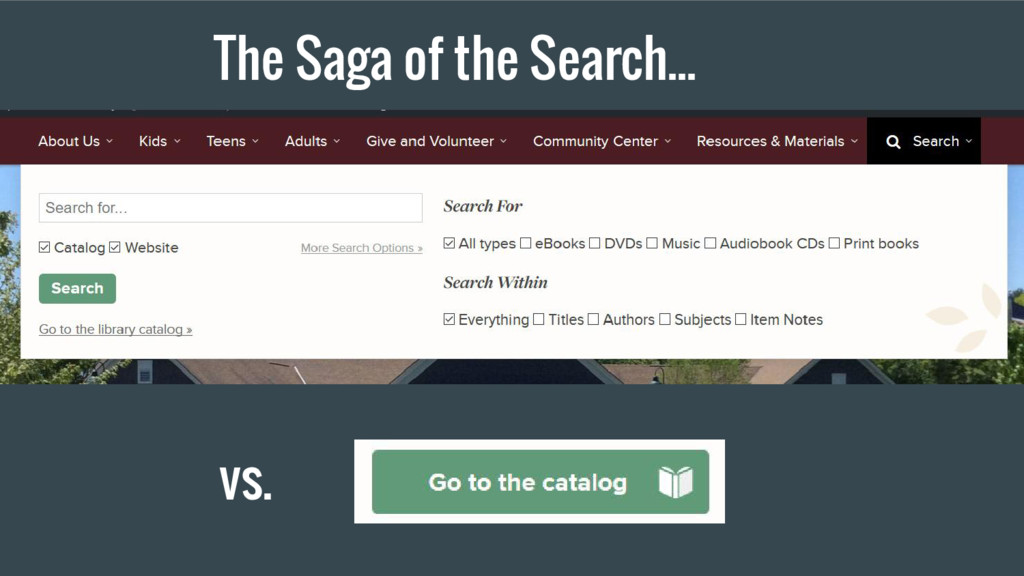
  4. Sites we liked https://multcolib.org/ Nice overall design/top menu http://cpl.org/ Search

    top right http://www.lawrence.lib.ks.us/ Nice responsive action http://library.itsligo.ie/ Big buttons http://www.kpl.gov/ Patron picture slideshow http://www.nypl.org/ Good use of white space http://www.orcaslibrary.org/ Events calendar
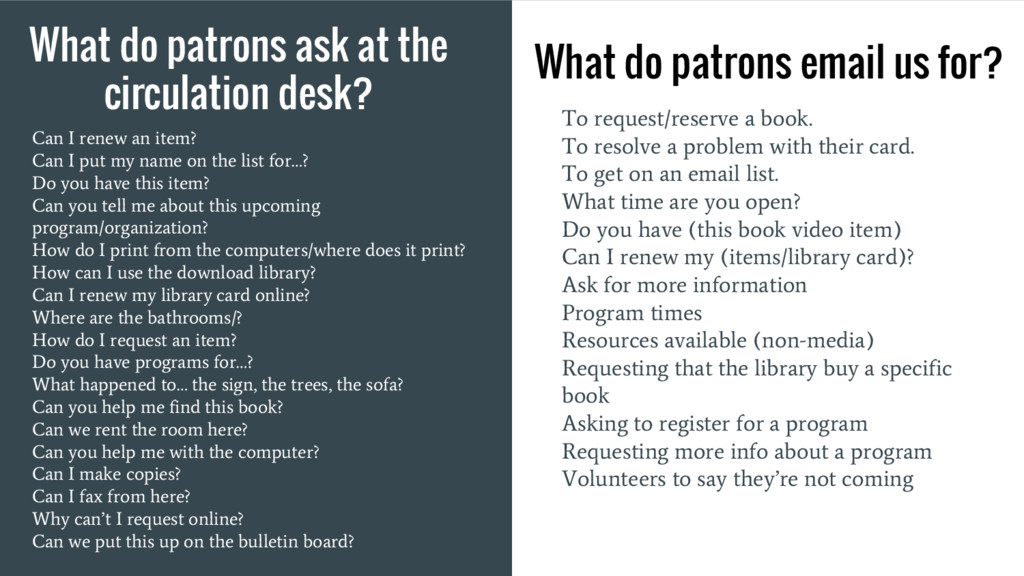
  5. What do patrons ask at the circulation desk? To request/reserve

    a book. To resolve a problem with their card. To get on an email list. What time are you open? Do you have (this book video item) Can I renew my (items/library card)? Ask for more information Program times Resources available (non-media) Requesting that the library buy a specific book Asking to register for a program Requesting more info about a program Volunteers to say they’re not coming What do patrons email us for? Can I renew an item? Can I put my name on the list for…? Do you have this item? Can you tell me about this upcoming program/organization? How do I print from the computers/where does it print? How can I use the download library? Can I renew my library card online? Where are the bathrooms/? How do I request an item? Do you have programs for…? What happened to… the sign, the trees, the sofa? Can you help me find this book? Can we rent the room here? Can you help me with the computer? Can I make copies? Can I fax from here? Why can’t I request online? Can we put this up on the bulletin board?
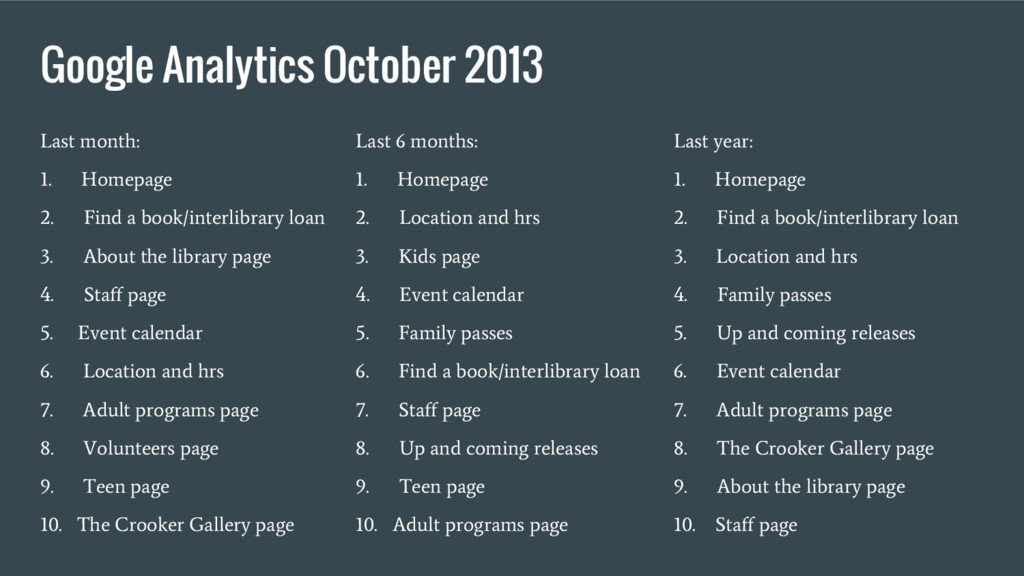
  6. Google Analytics October 2013 Last month: 1. Homepage 2. Find

    a book/interlibrary loan 3. About the library page 4. Staff page 5. Event calendar 6. Location and hrs 7. Adult programs page 8. Volunteers page 9. Teen page 10. The Crooker Gallery page Last 6 months: 1. Homepage 2. Location and hrs 3. Kids page 4. Event calendar 5. Family passes 6. Find a book/interlibrary loan 7. Staff page 8. Up and coming releases 9. Teen page 10. Adult programs page Last year: 1. Homepage 2. Find a book/interlibrary loan 3. Location and hrs 4. Family passes 5. Up and coming releases 6. Event calendar 7. Adult programs page 8. The Crooker Gallery page 9. About the library page 10. Staff page