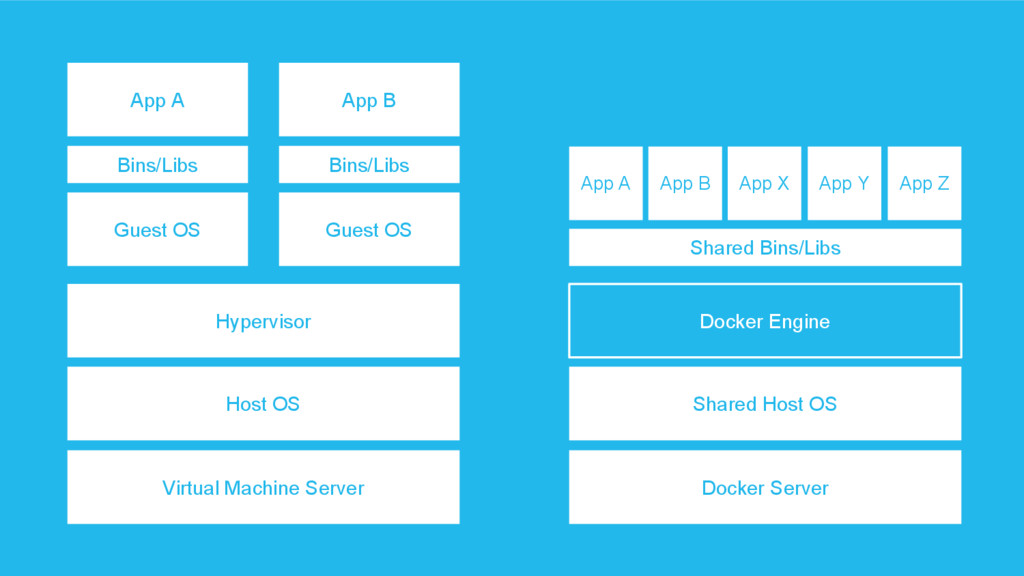
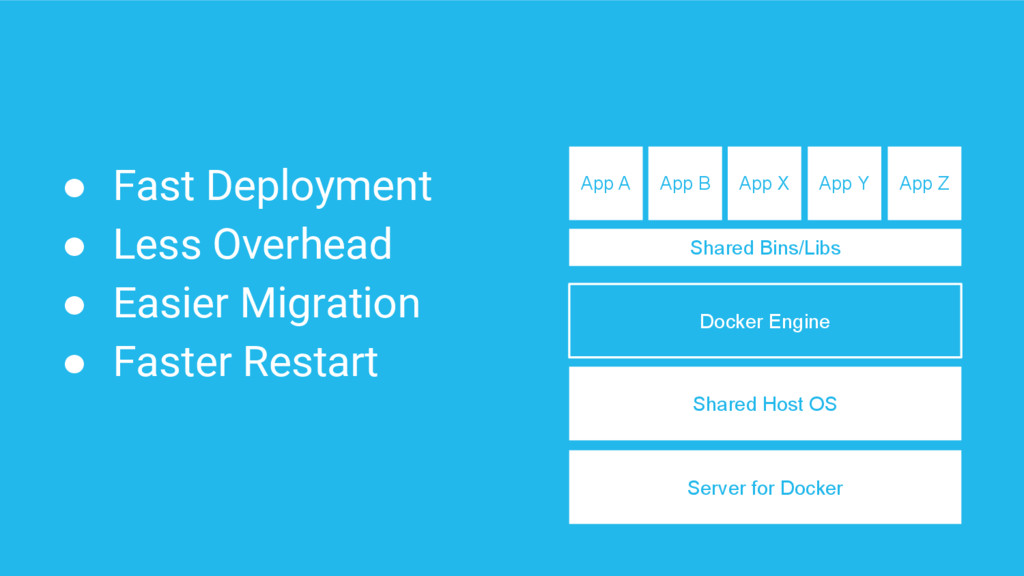
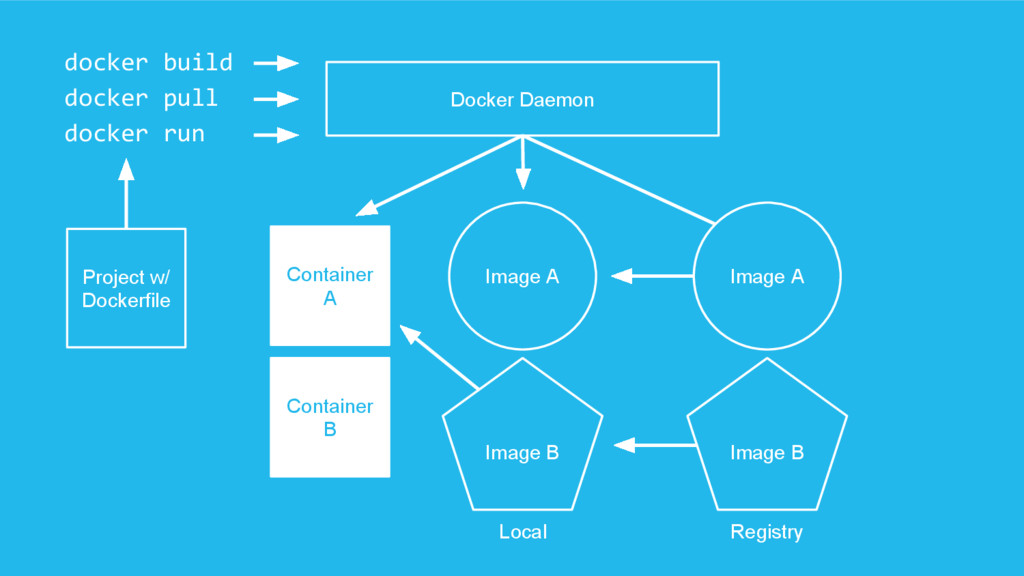
shipping and running distributed applications. It gives programmers, development teams and operations engineers the common toolbox they need to take advantage of the distributed and networked nature of modern applications.
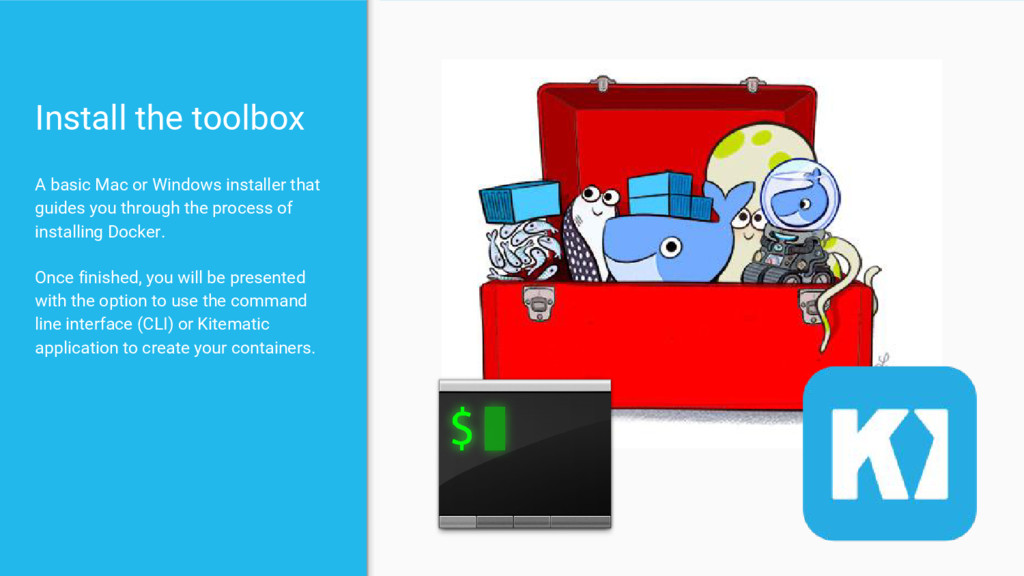
guides you through the process of installing Docker. Once finished, you will be presented with the option to use the command line interface (CLI) or Kitematic application to create your containers.
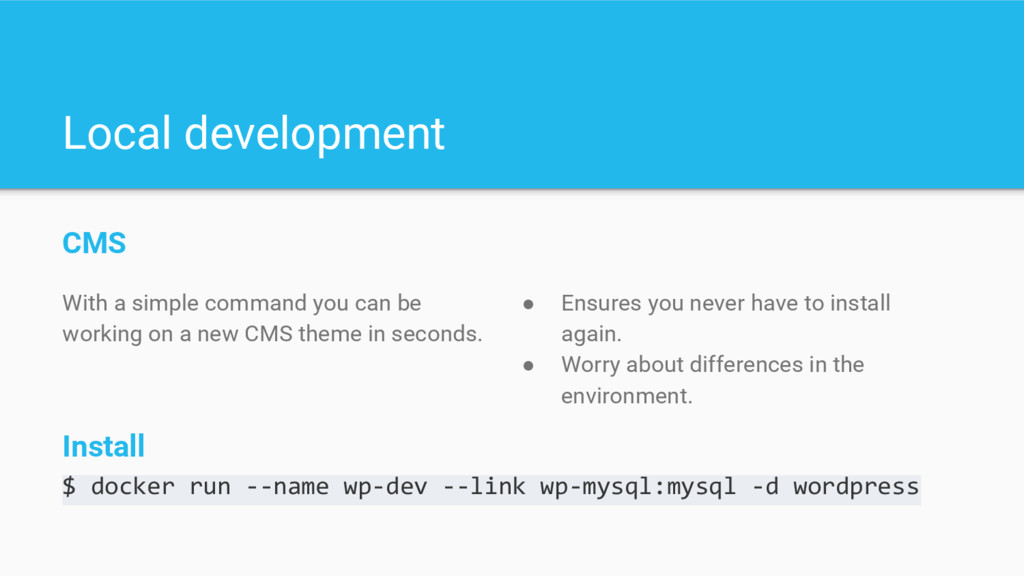
working on a new CMS theme in seconds. Install $ docker run --name wp-dev --link wp-mysql:mysql -d wordpress • Ensures you never have to install again. • Worry about differences in the environment.
on docker, or you can run many single sites with a master site running MainWP for remote management of internal & external WP instances. Or of course mix and match what works for you.


 stephenway
 rfdnxbro
 pfn
pfn
 tetsuya28
 grimoh
 moznion
 koukihosaka
 akhino
 ishikawa_satoru
 jozono
 mhrtech
 akitoshiga
 wayneb77
 baasie
 pedronauck
 bcantrill
 tmiket
 reverentgeek
 jnunemaker
 erikaheidi
 tapps
tapps
 vanstee
 katiecoart
 notwaldorf