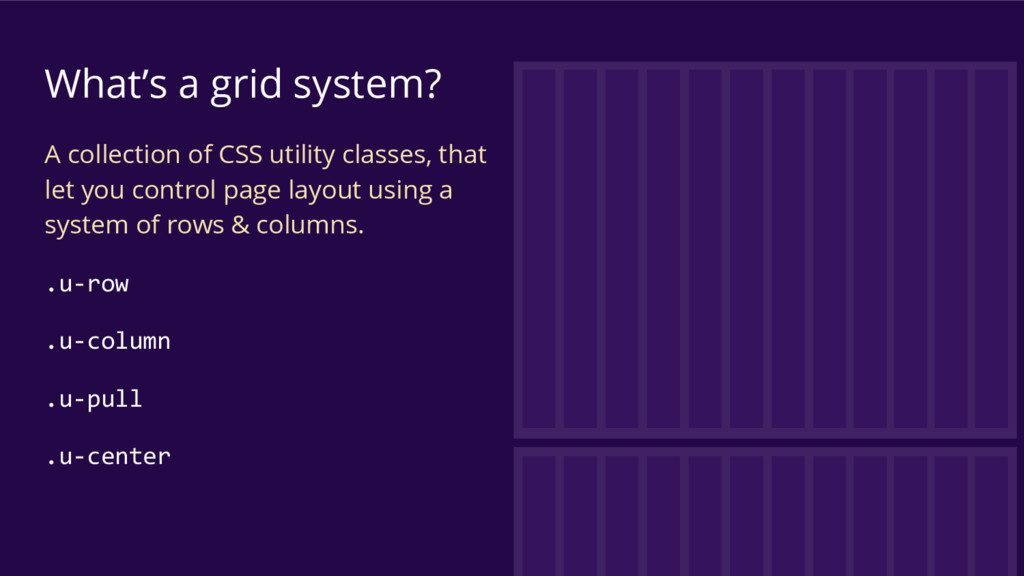
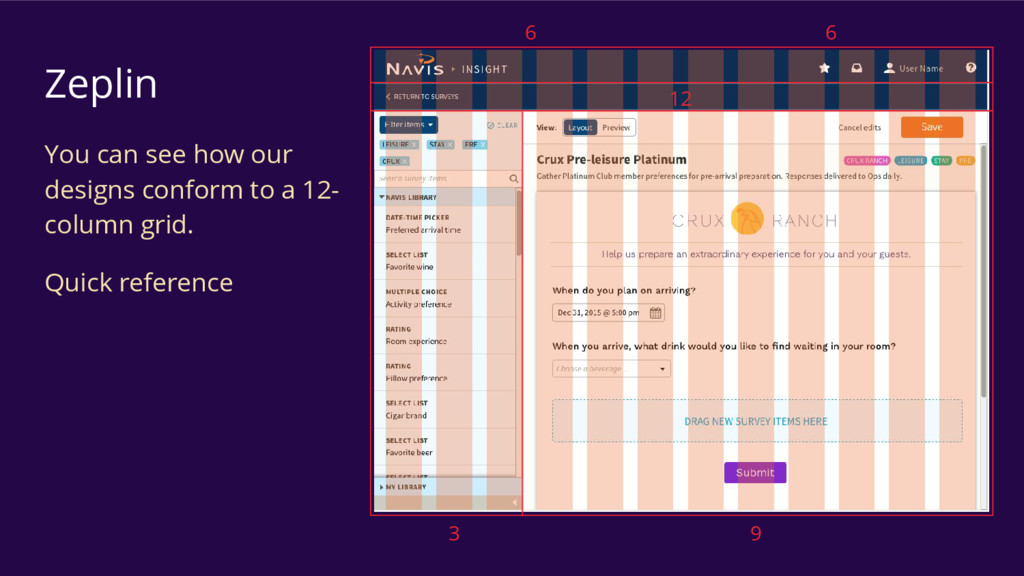
At the heart of all great web apps and websites we have a layout grid that defines the underlying design. This talk will help you learn how to use our grid system and utilize all of it's options.
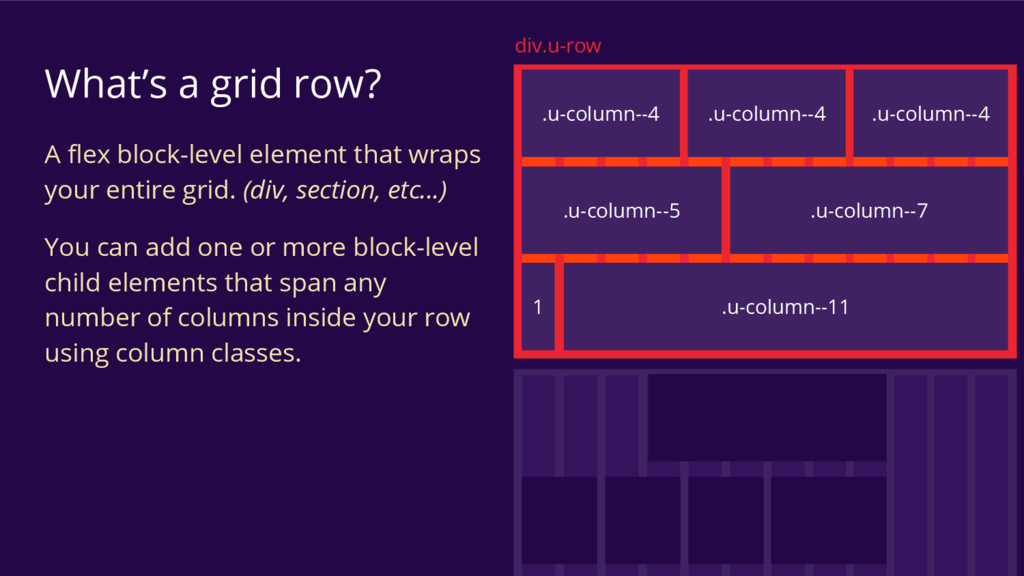
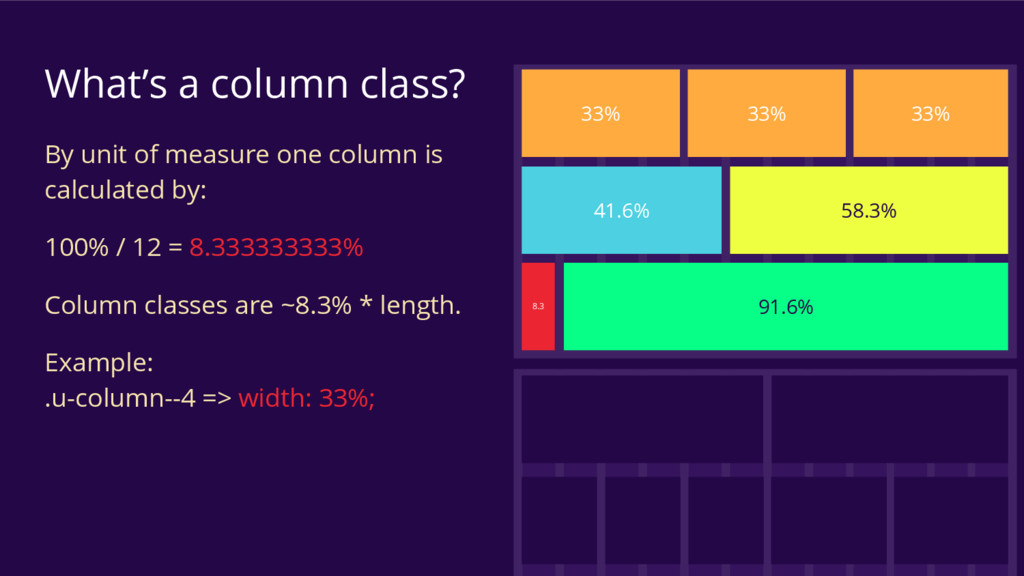
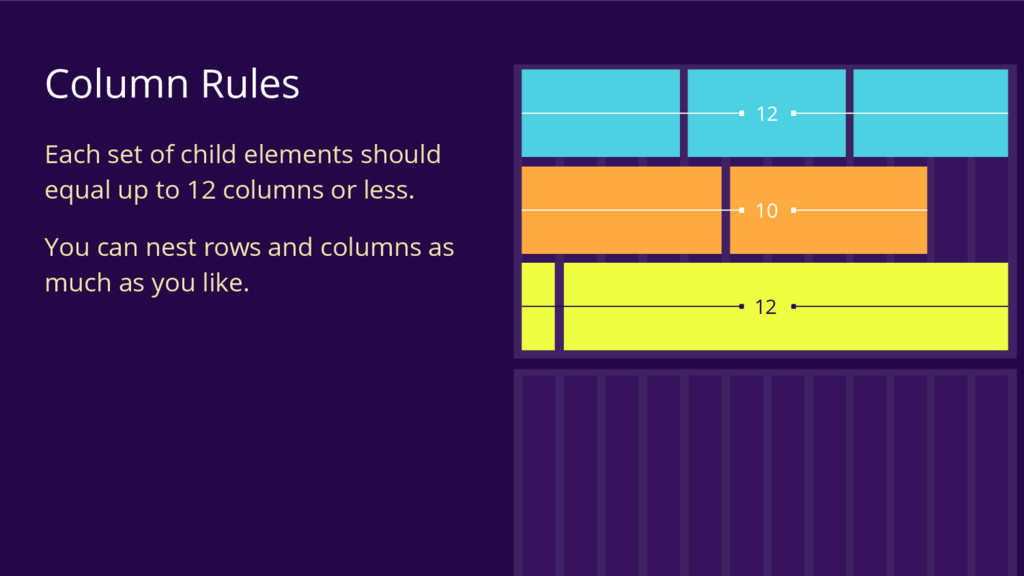
your entire grid. (div, section, etc...) You can add one or more block-level child elements that span any number of columns inside your row using column classes. .u-column--4 .u-column--4 .u-column--4 .u-column--7 .u-column--5 1 .u-column--11 div.u-row
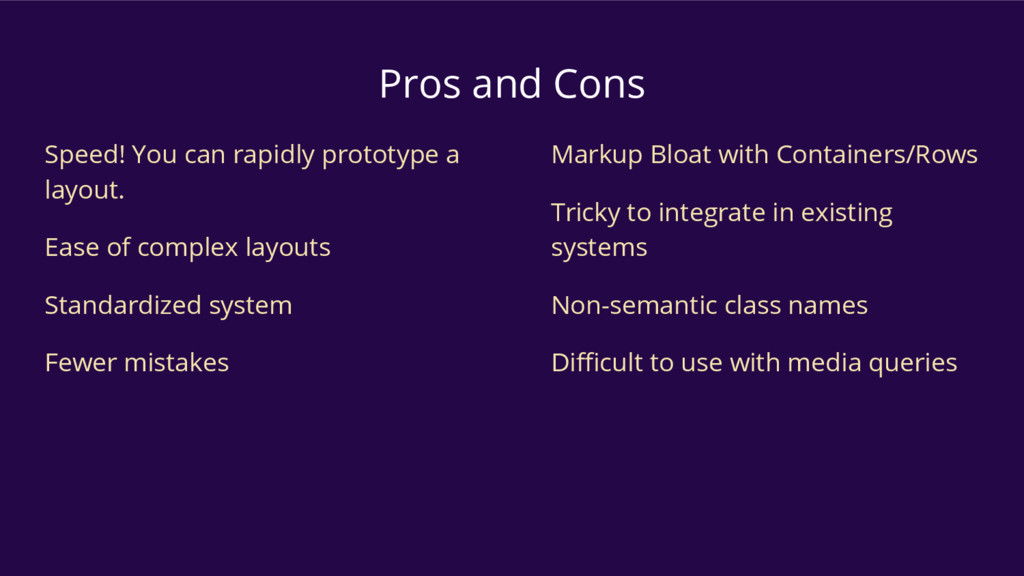
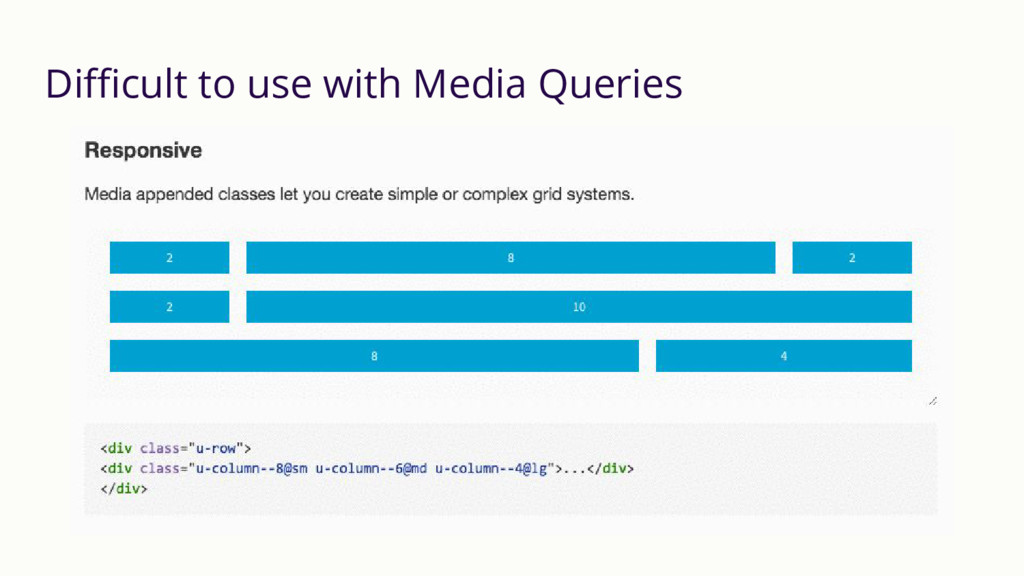
Ease of complex layouts Standardized system Fewer mistakes Markup Bloat with Containers/Rows Tricky to integrate in existing systems Non-semantic class names Difficult to use with media queries
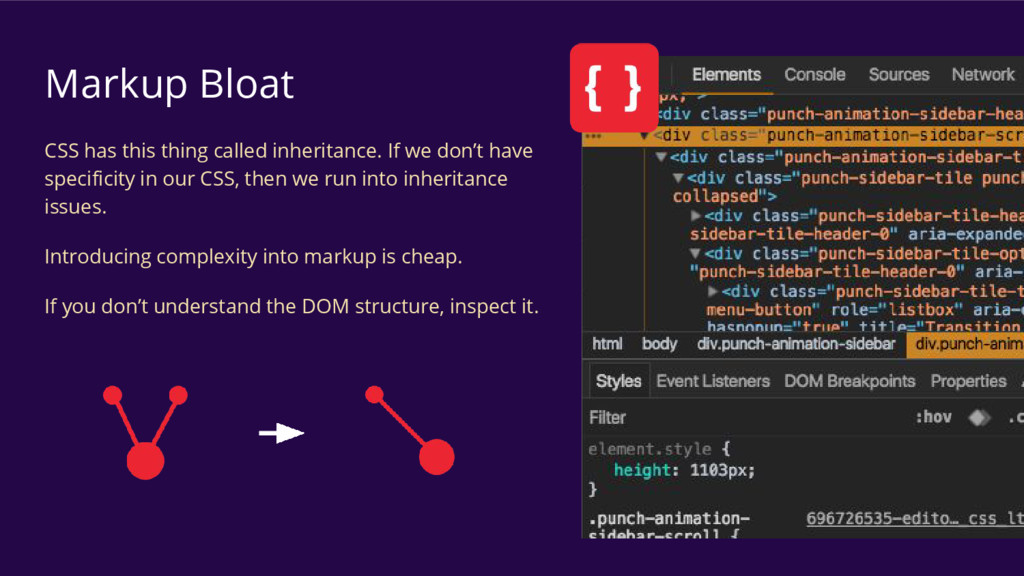
don’t have specificity in our CSS, then we run into inheritance issues. Introducing complexity into markup is cheap. If you don’t understand the DOM structure, inspect it.
systems …but, we do have a straightforward approach Systems integrations are not terribly painful In the future something like this should be handled by whoever has a good understanding of the entire framework.
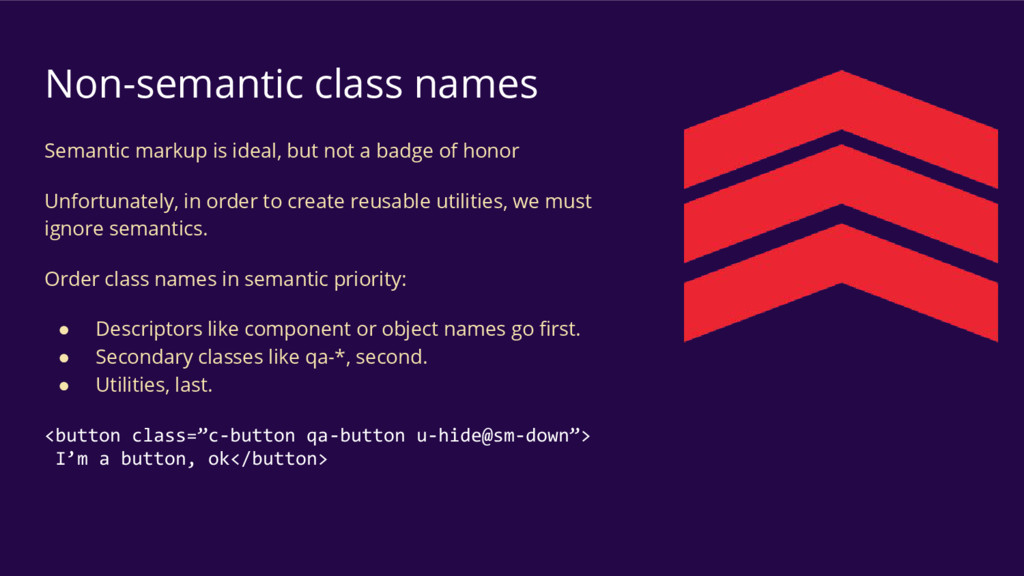
badge of honor Unfortunately, in order to create reusable utilities, we must ignore semantics. Order class names in semantic priority: • Descriptors like component or object names go first. • Secondary classes like qa-*, second. • Utilities, last. <button class=”c-button qa-button u-hide@sm-down”> I’m a button, ok</button>
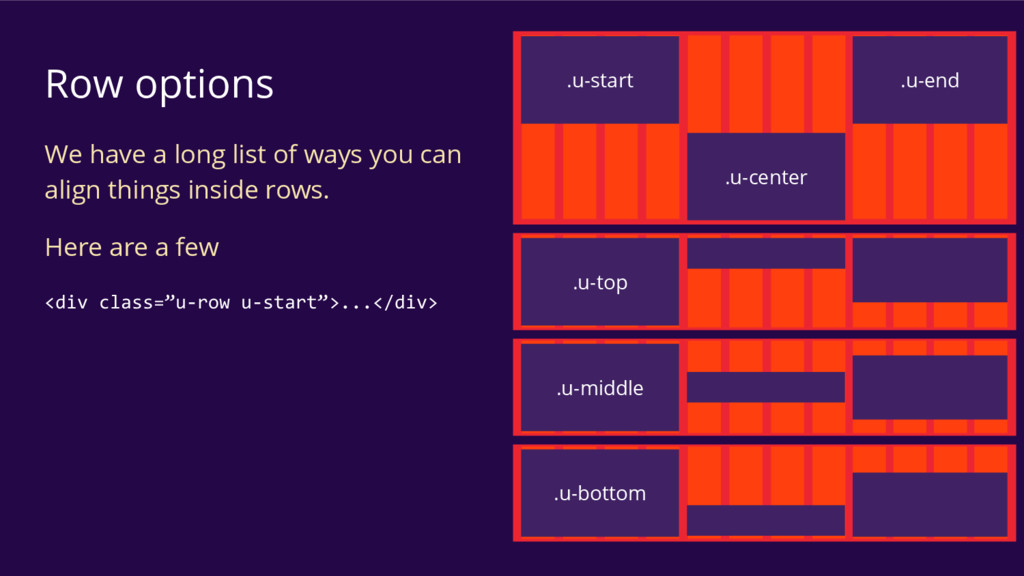
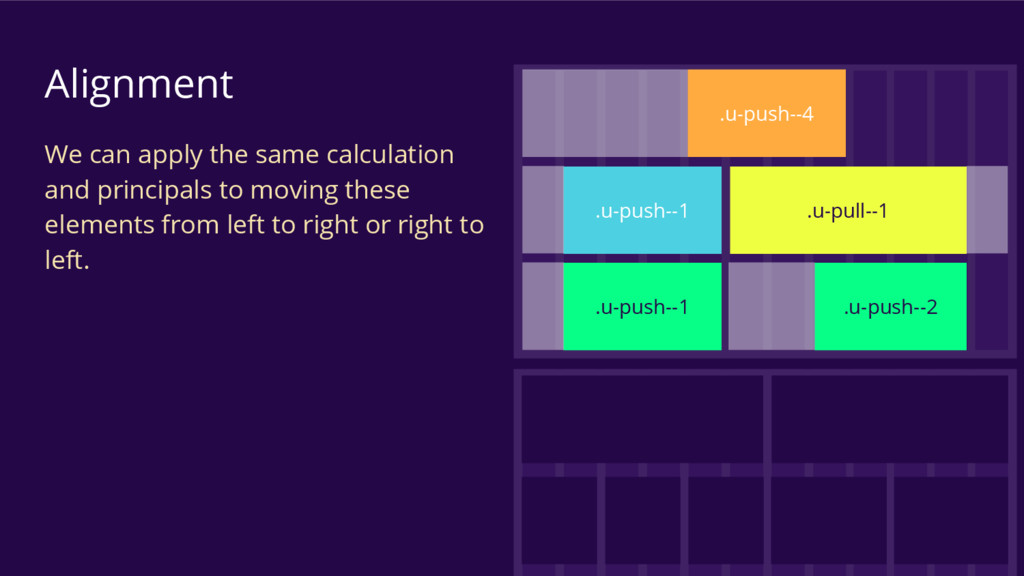
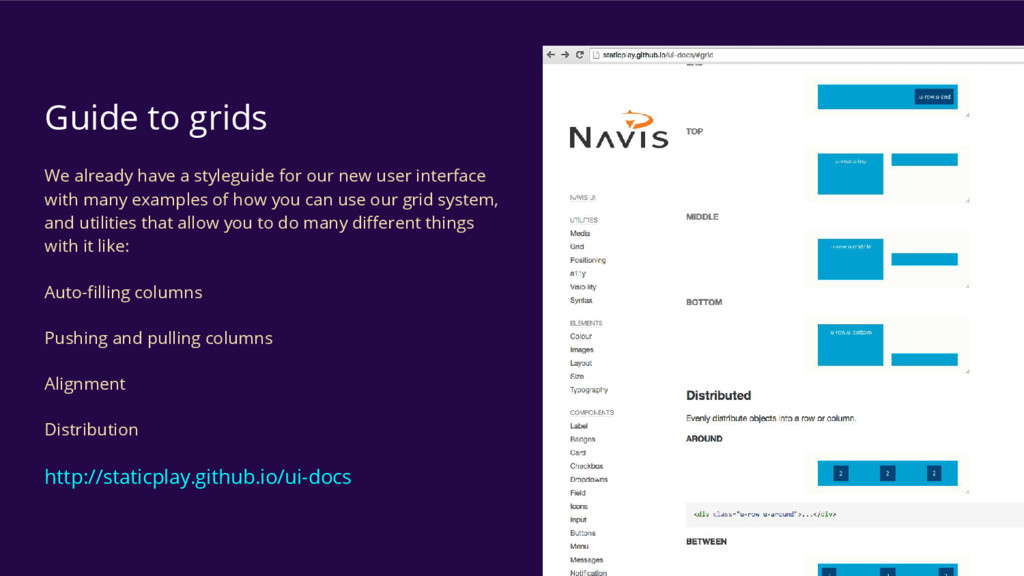
new user interface with many examples of how you can use our grid system, and utilities that allow you to do many different things with it like: Auto-filling columns Pushing and pulling columns Alignment Distribution http://staticplay.github.io/ui-docs


 stephenway
 uto
uto
 webnaut
 ottatto
 wjw100788
 nagatsu
 terencebasart
 rezaline
 ajstarks
 miyayou
 a2k
a2k
 kgsi
kgsi
 tammyeverts
 jonoalderson
 livdayseo
 minecr
 honzajavorek
 baasie
 cromwellryan
 techseoconnect
 eileencodes
 samlambert
 axbom
axbom
 lynnandtonic