Upgrade to Pro
— share decks privately, control downloads, hide ads and more …
Speaker Deck
Sign up for free
Menu
Search
Features
All features
Private URLs
Password Protection
Custom URLS
Scheduled publishing
Remove Branding
Restrict embedding
Deck Collections
Notes
Features
All features
Private URLs
Password Protection
Custom URLS
Scheduled publishing
Remove Branding
Restrict embedding
Deck Collections
Notes
Explore
Featured decks
Featured speakers
Programming
Technology
Storyboards
Explore
Featured decks
Featured speakers
Programming
Technology
Storyboards
Pricing
Search
Sign in
Sign up for free
Accessibility: It's More Than Just Screen Readers
Search
Fen Slattery
April 17, 2018
Programming
130
1
Share
Embed
Copy iframe code
Copy JS code
Copy link
Start on current slide
Accessibility: It's More Than Just Screen Readers
As presented at Indy.Code() on April 17, 2018
Fen Slattery
April 17, 2018
More Decks by Fen Slattery
See All by Fen Slattery
Differentiate yourself using empathy
sublimemarch
0
220
Accessibility: What You Should Know
sublimemarch
0
79
Sass for Fun and Profit
sublimemarch
0
140
Why Won't You Take My Money
sublimemarch
0
56
CSS Isn't Scary
sublimemarch
0
160
Accessibility: It's More Than Just Screen Readers
sublimemarch
0
170
Accessibility: It's Not Just a Client Side Problem
sublimemarch
0
310
CSS Isn't Sccary
sublimemarch
0
230
No, You Don't Need to Know My Sex: Gender Bias in Form Design
sublimemarch
0
260
Other Decks in Programming
See All in Programming
No More NoSuchMethodError
exoego
1
110
Simple Storage Service(S3) is not simple
iwatsukayura
0
310
作れる、でも消せるか?──安全に「枯らして消す」機能削除術 / Drain, Then Delete
chobishiba
2
900
Zero-Tap Sign-In対応、結局何をすればいいの?
mitohato14
0
370
AI主導のプログラミング学習アプリを作ってみた
econanringo
0
180
現場と育てるRailsモデリング 〜Spreadsheetから始めたモデル設計〜
siroemk
2
880
オーケストレーション記述言語 Katari
yukikurage
0
180
JIS keyboard support in Omarchy
lef237
0
150
Long Living Tokens, Die, Die, Die! (or: The One Ring is Banned in Modern)
sylph01
0
350
AWSに止められる覚悟してますか?
morizo_1984
2
540
個人開発者よ、Honoを使え(おじさんver)
tanahiro2010
2
270
AI時代のコードレビューは人に向けるな、仕組みに向けろ
texmeijin
5
3.7k
Featured
See All Featured
How to Think Like a Performance Engineer
csswizardry
28
2.9k
The Web Performance Landscape in 2024 [PerfNow 2024]
tammyeverts
12
1.3k
The Invisible Side of Design
smashingmag
301
52k
Bash Introduction
62gerente
615
220k
Tips & Tricks on How to Get Your First Job In Tech
honzajavorek
1
810
We Are The Robots
honzajavorek
0
400
Design of three-dimensional binary manipulators for pick-and-place task avoiding obstacles (IECON2024)
konakalab
0
630
Fantastic passwords and where to find them - at NoRuKo
philnash
53
4k
Lightning talk: Run Django tests with GitHub Actions
sabderemane
0
300
Public Speaking Without Barfing On Your Shoes - THAT 2023
reverentgeek
1
610
HDC tutorial
michielstock
2
970
Highjacked: Video Game Concept Design
rkendrick25
PRO
1
490
Transcript
Accessibility It's More Than Just Screen Readers @sublimemarch
Stephanie Slattery @sublimemarch @sublimemarch
What is accessibility? @sublimemarch
The design of products, devices, services, or environments for people
who experience disabilities. @sublimemarch
It's the practice of removing barriers that might prevent people
with disabilities from accessing something. @sublimemarch
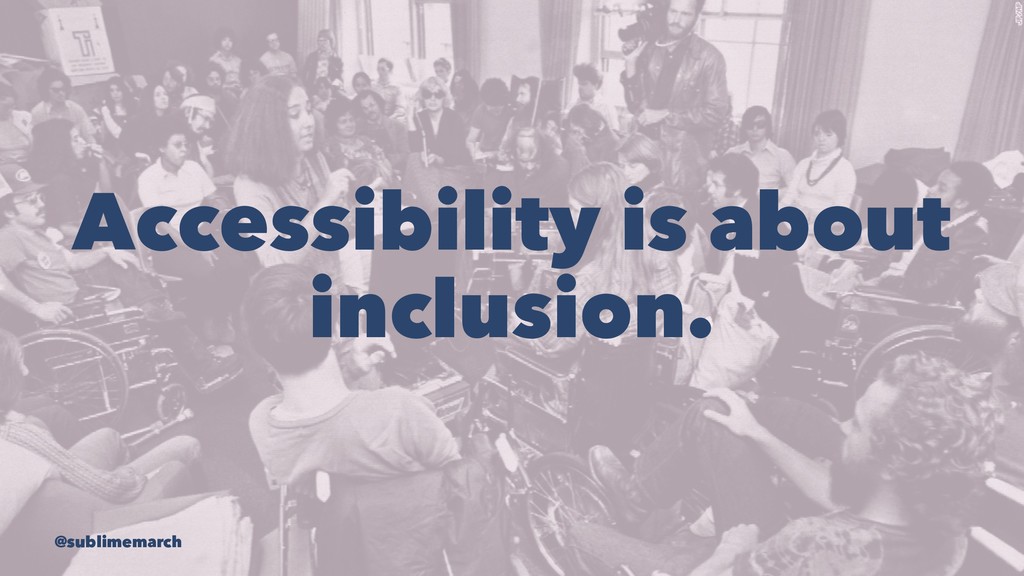
Accessibility is about inclusion. @sublimemarch
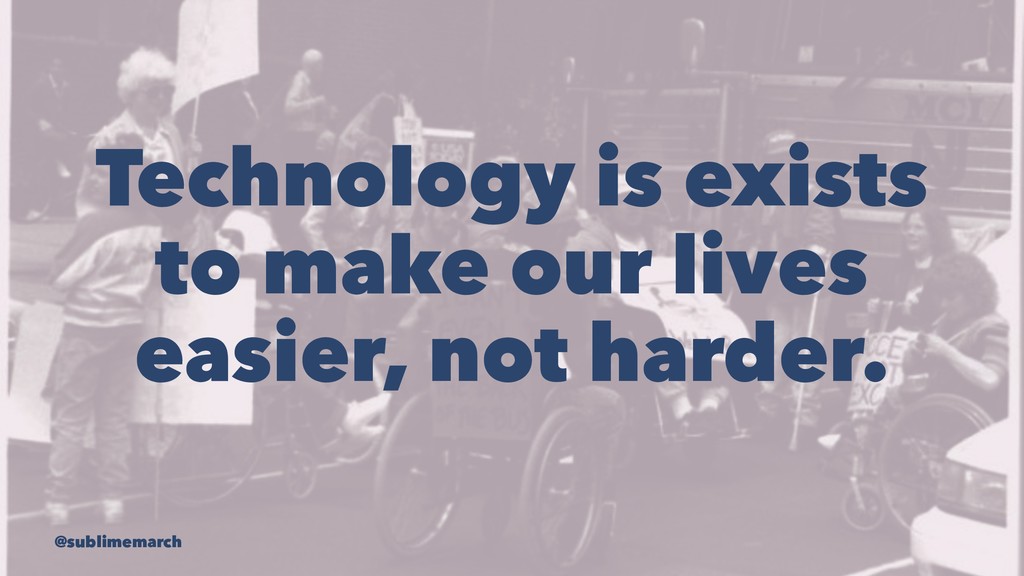
Technology is exists to make our lives easier, not harder.
@sublimemarch
Let's talk about disability. @sublimemarch
Disability can be the result of disease, trauma, or genetics.
@sublimemarch
Disability can be permanent, chronic, or temporary. @sublimemarch
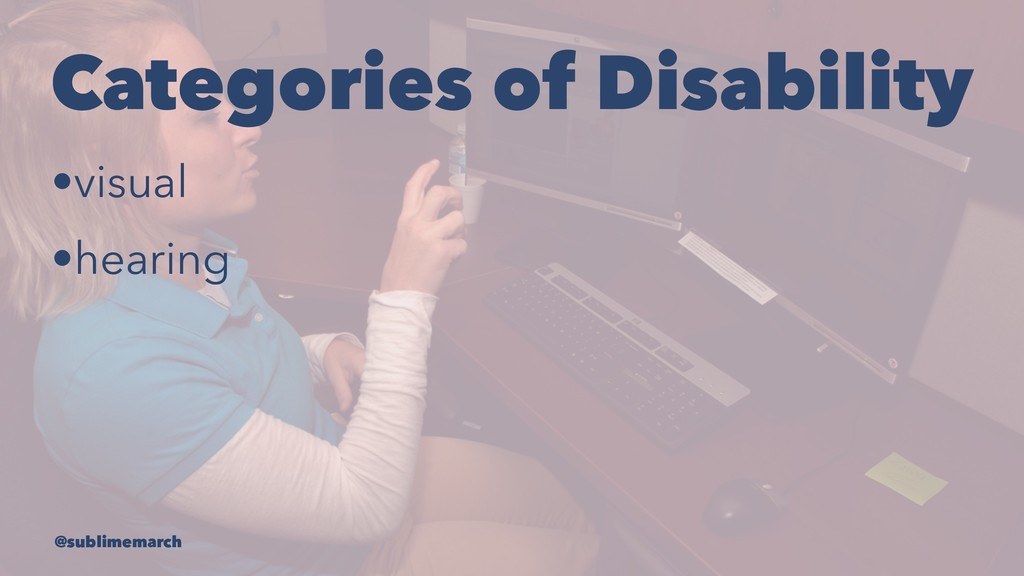
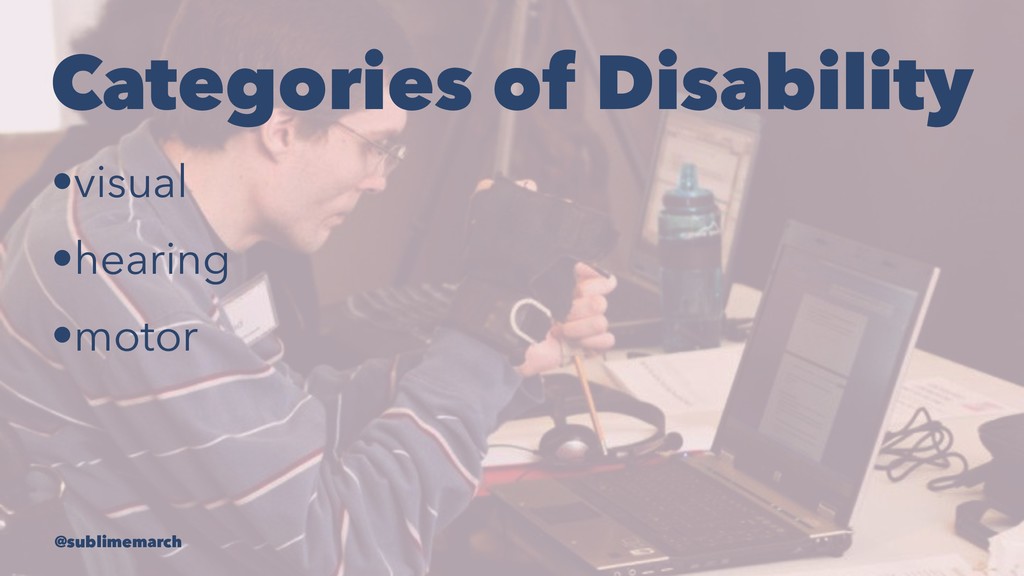
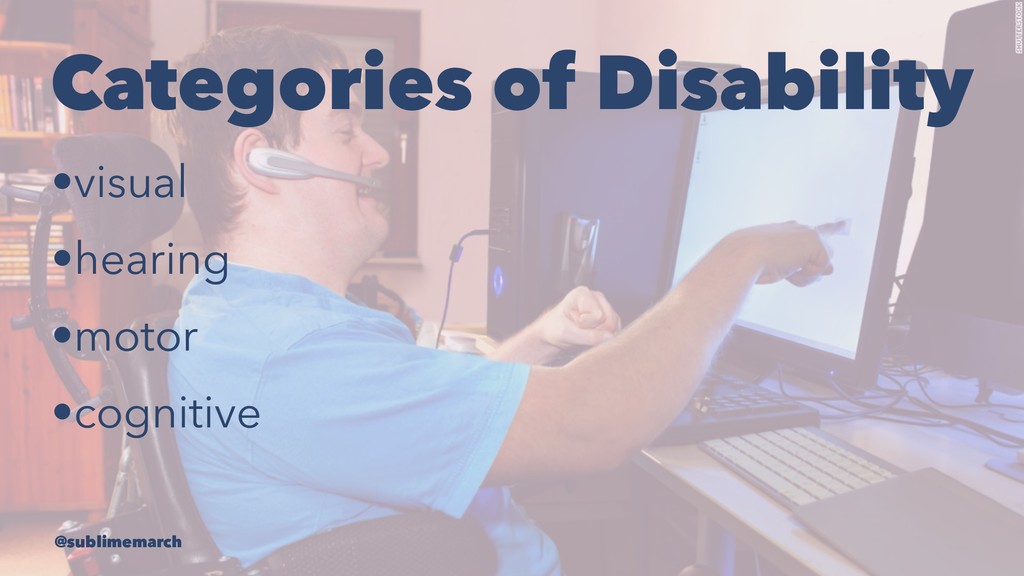
Categories of Disability • @sublimemarch
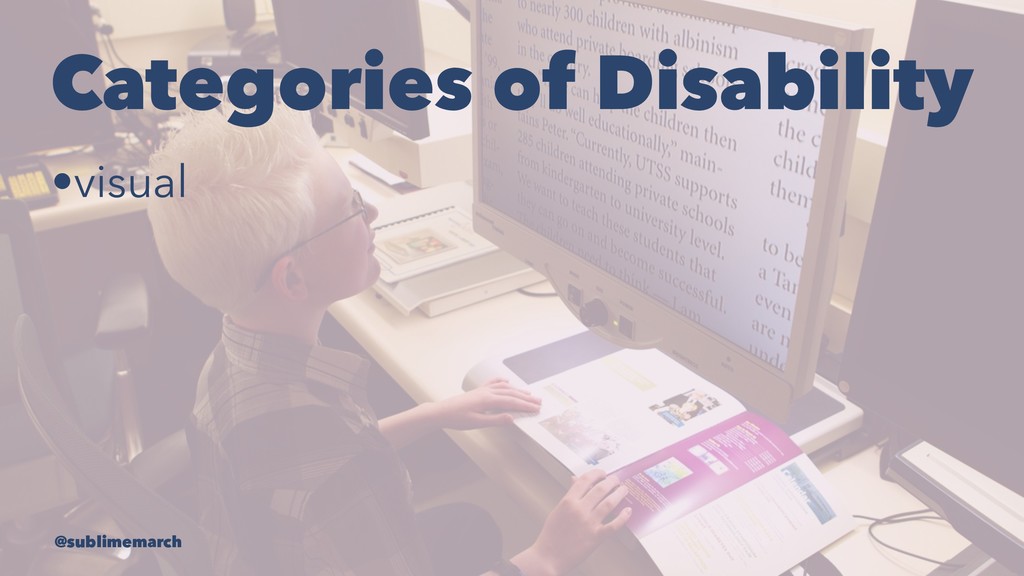
Categories of Disability •visual @sublimemarch
Categories of Disability •visual •hearing @sublimemarch
Categories of Disability •visual •hearing •motor @sublimemarch
Categories of Disability •visual •hearing •motor •cognitive @sublimemarch
People with disabilities are using the technology you create. @sublimemarch
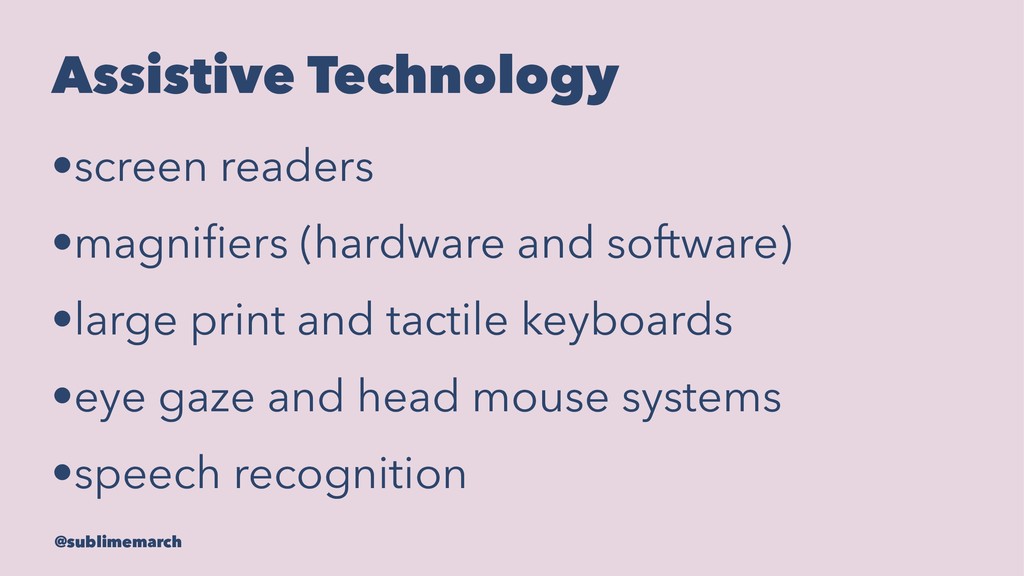
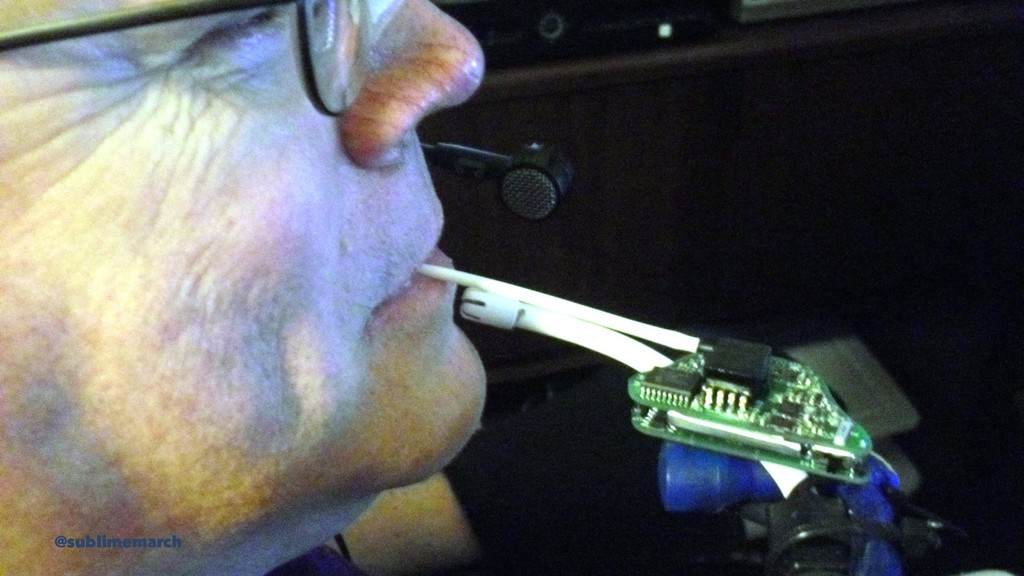
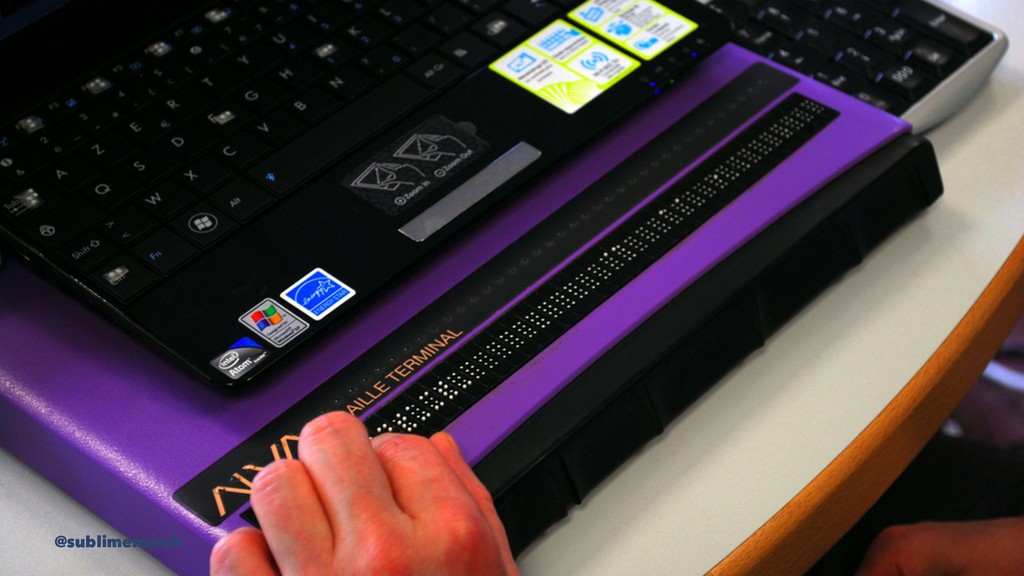
Assistive Technology •screen readers •magnifiers (hardware and software) •large print
and tactile keyboards •eye gaze and head mouse systems •speech recognition @sublimemarch
@sublimemarch
@sublimemarch
@sublimemarch
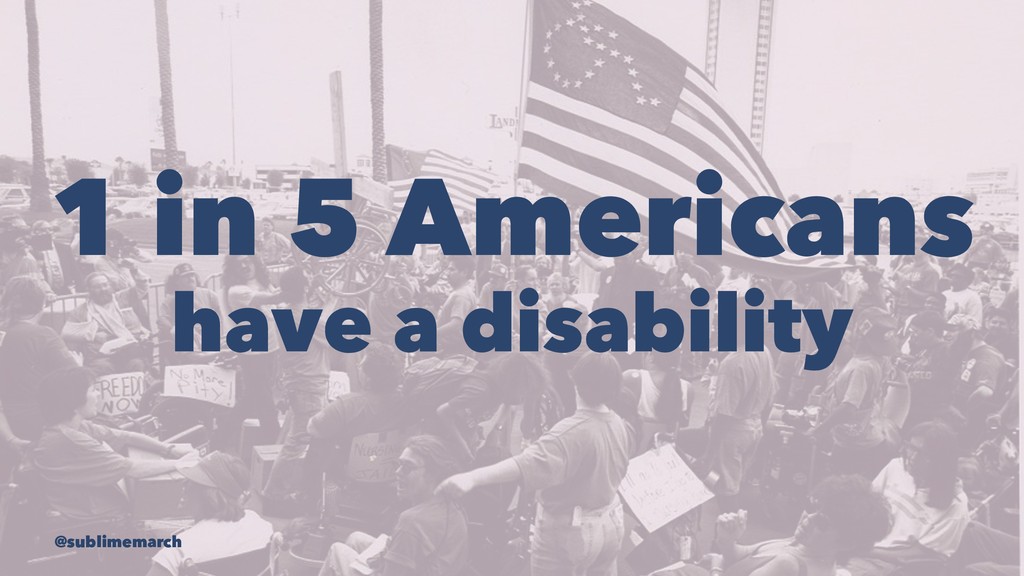
1 in 5 Americans have a disability @sublimemarch
56.7 million people @sublimemarch
1 in 10 Americans have a disability that impacts computer
use @sublimemarch
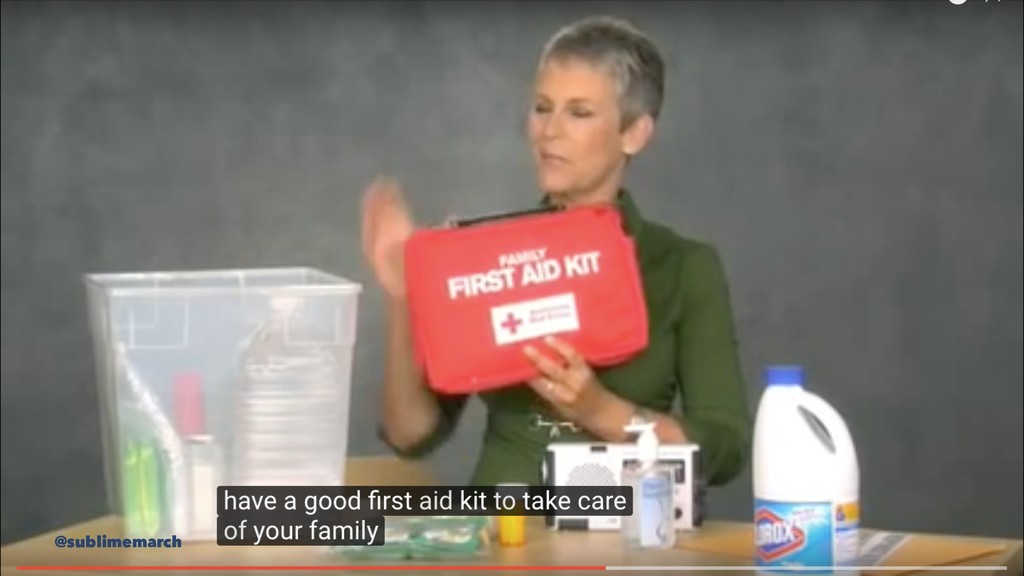
Accessibile design helps everyone! @sublimemarch
@sublimemarch
@sublimemarch
Ability is temporary. @sublimemarch
Why would we make something accessible? @sublimemarch
To improve the lives of people with disabilities @sublimemarch
We are responsible for what we create. @sublimemarch
To capitalize on a wider audience or consumer base @sublimemarch
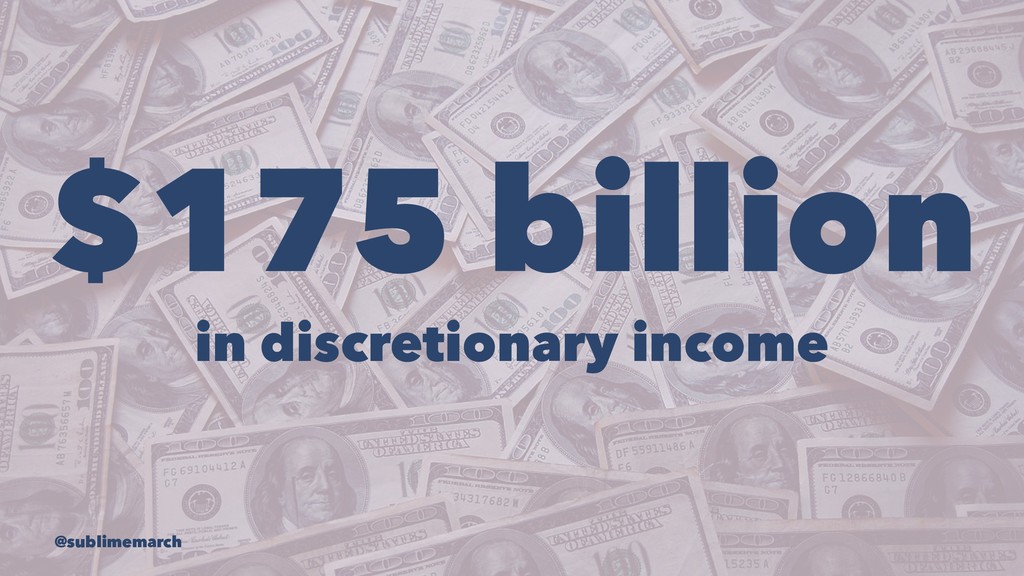
$175 billion in discretionary income @sublimemarch
It's the law. @sublimemarch
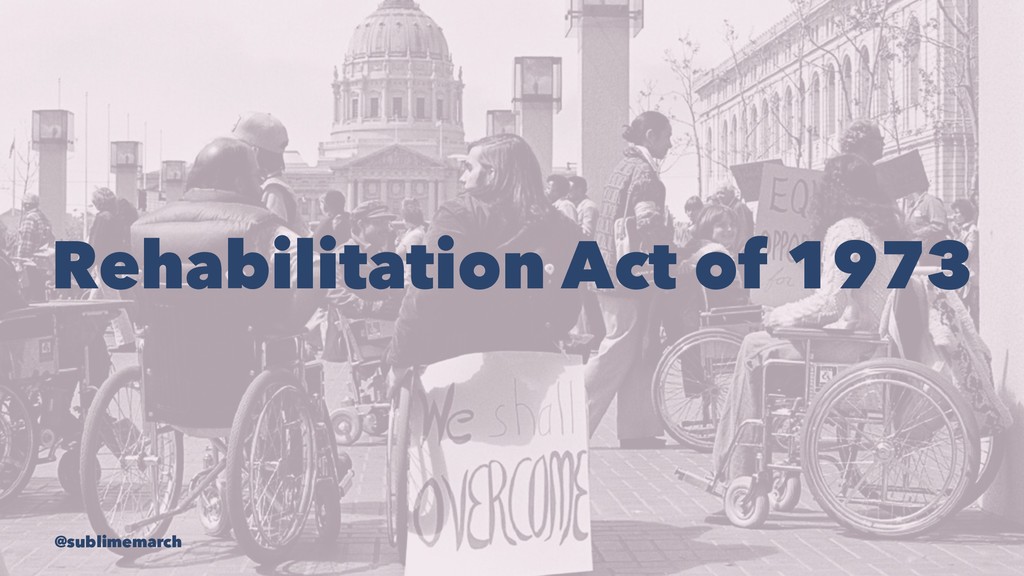
Rehabilitation Act of 1973 @sublimemarch
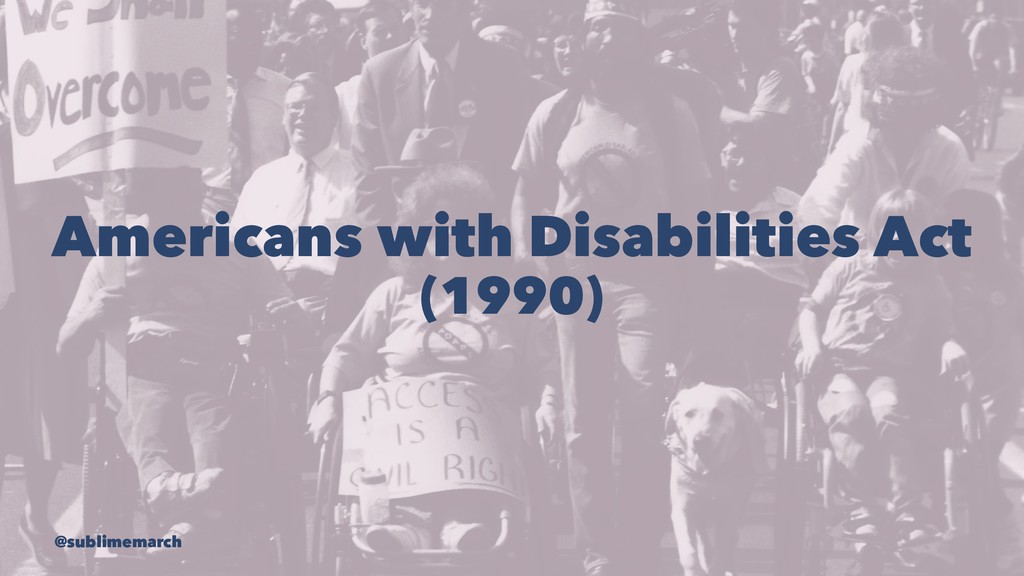
Americans with Disabilities Act (1990) @sublimemarch
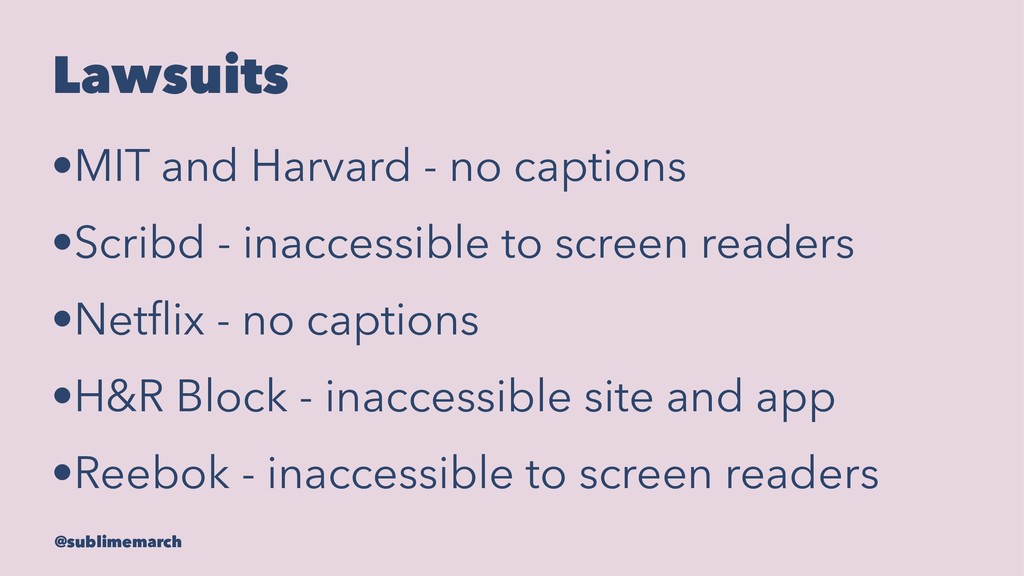
Lawsuits •MIT and Harvard - no captions •Scribd - inaccessible
to screen readers •Netflix - no captions •H&R Block - inaccessible site and app •Reebok - inaccessible to screen readers @sublimemarch
How do I know if what I'm making is accessible?
@sublimemarch
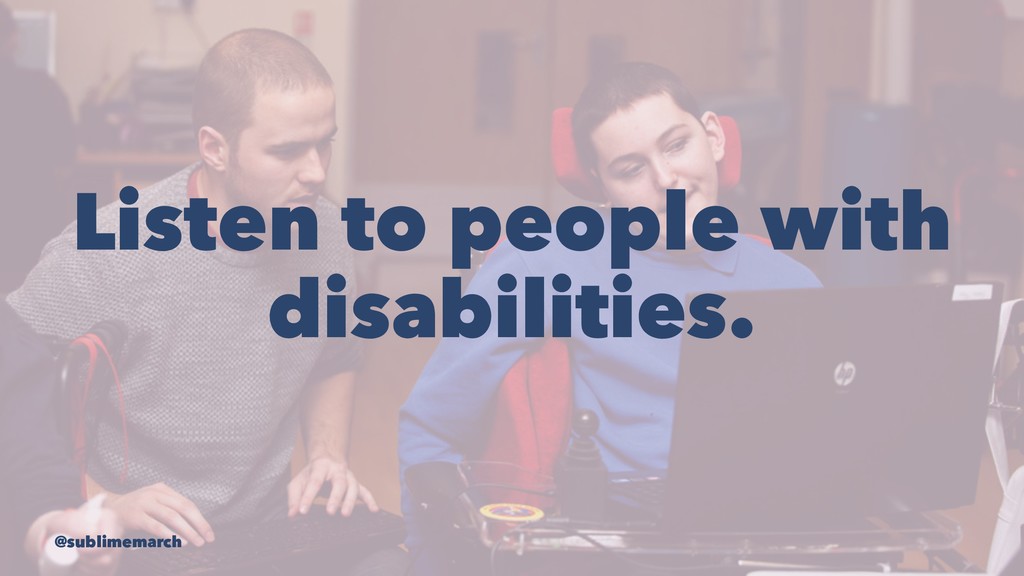
Listen to people with disabilities. @sublimemarch
Follow best practices. @sublimemarch
Web Content Accessibility Guidelines 2.0 @sublimemarch
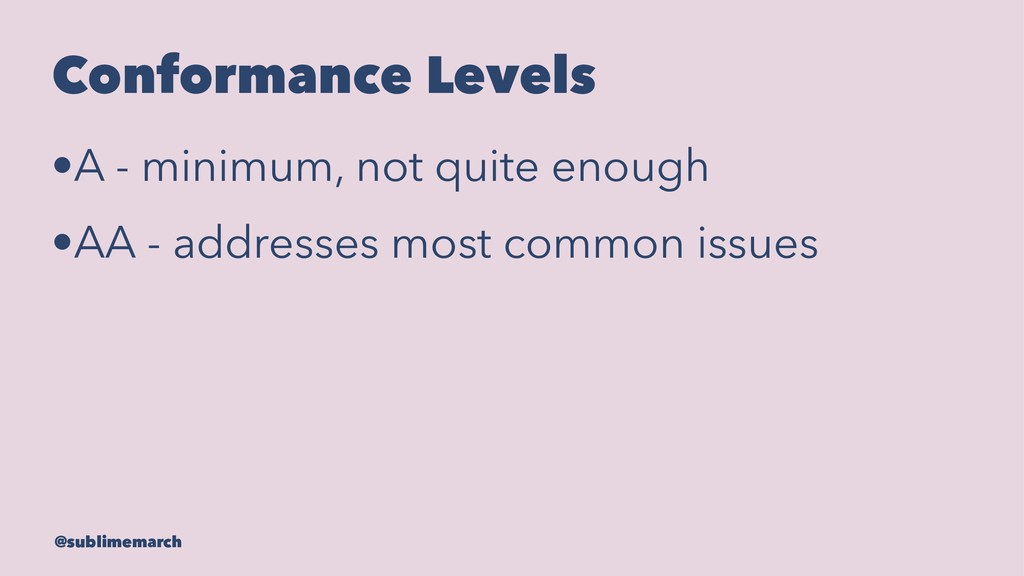
Conformance Levels •A - minimum, not quite enough @sublimemarch
Conformance Levels •A - minimum, not quite enough •AA -
addresses most common issues @sublimemarch
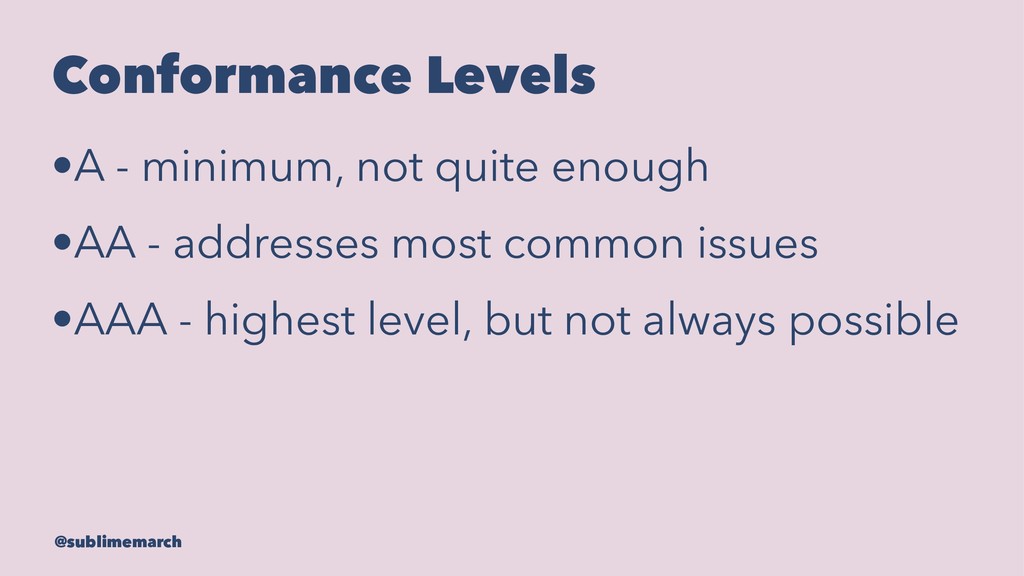
Conformance Levels •A - minimum, not quite enough •AA -
addresses most common issues •AAA - highest level, but not always possible @sublimemarch
Four Principles of the WCAG @sublimemarch
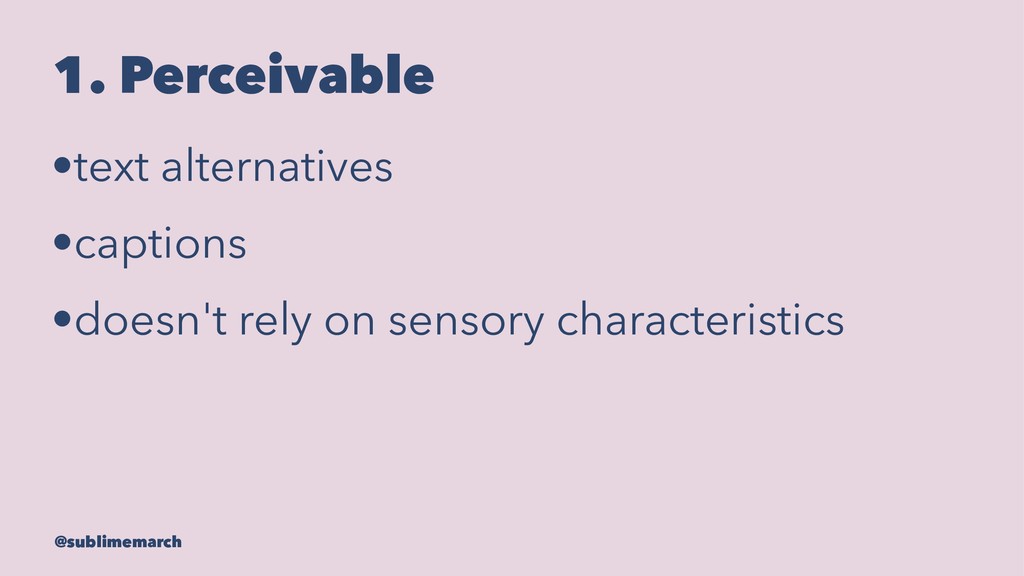
1. Perceivable • @sublimemarch
1. Perceivable •text alternatives @sublimemarch
1. Perceivable •text alternatives •captions @sublimemarch
1. Perceivable •text alternatives •captions •doesn't rely on sensory characteristics
@sublimemarch
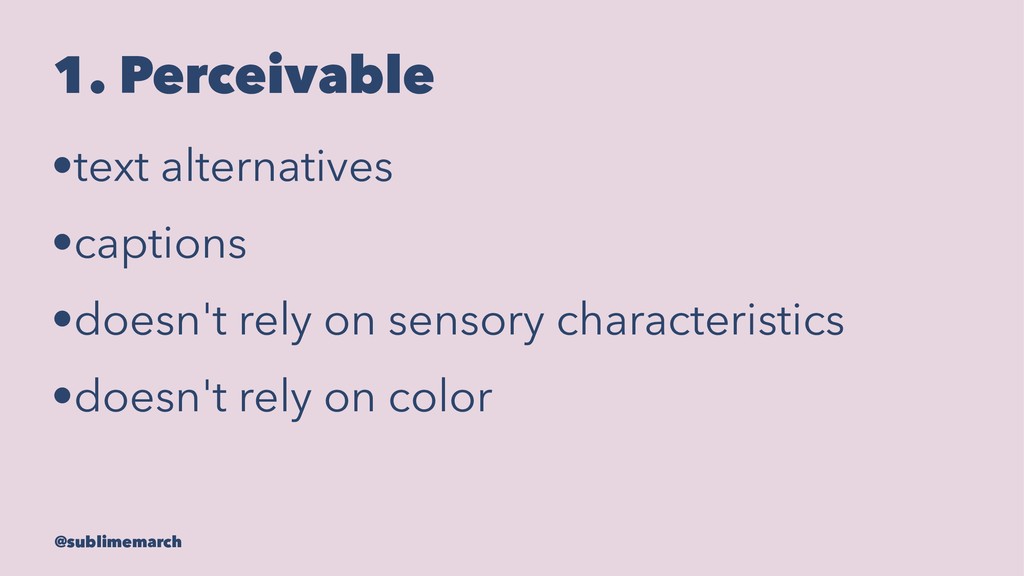
1. Perceivable •text alternatives •captions •doesn't rely on sensory characteristics
•doesn't rely on color @sublimemarch
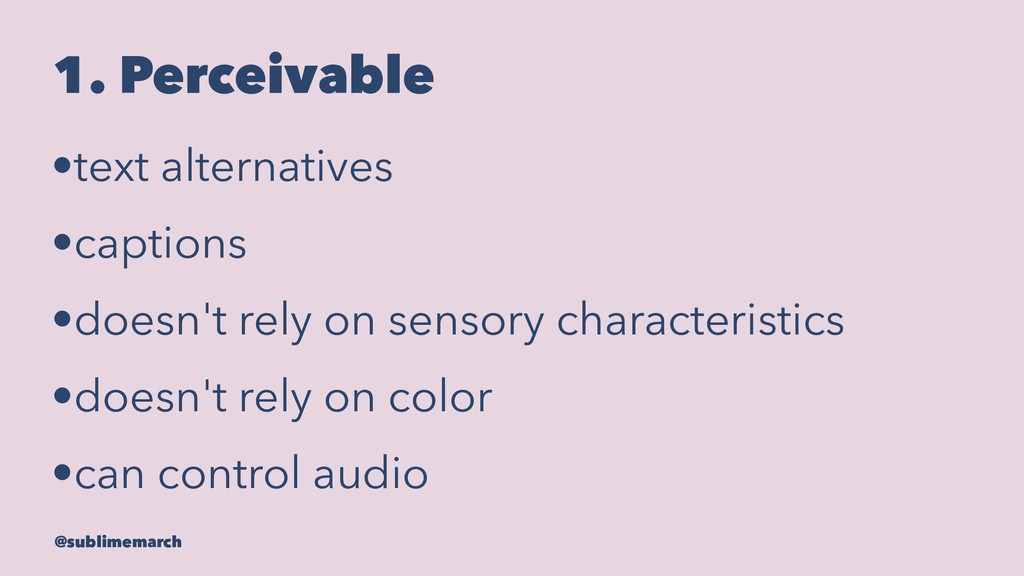
1. Perceivable •text alternatives •captions •doesn't rely on sensory characteristics
•doesn't rely on color •can control audio @sublimemarch
2. Operable • @sublimemarch
2. Operable •can navigate with keyboard @sublimemarch
2. Operable •can navigate with keyboard •can pause/stop video @sublimemarch
2. Operable •can navigate with keyboard •can pause/stop video •prevent
seizures @sublimemarch
2. Operable •can navigate with keyboard •can pause/stop video •prevent
seizures •skip links @sublimemarch
2. Operable •can navigate with keyboard •can pause/stop video •prevent
seizures •skip links •visible focus @sublimemarch
3. Understandable • @sublimemarch
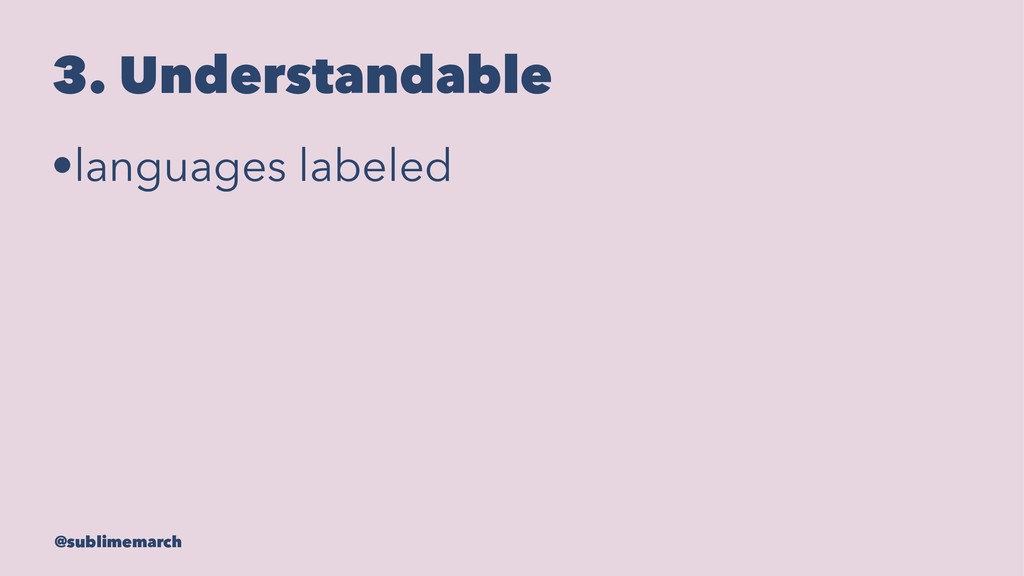
3. Understandable •languages labeled @sublimemarch
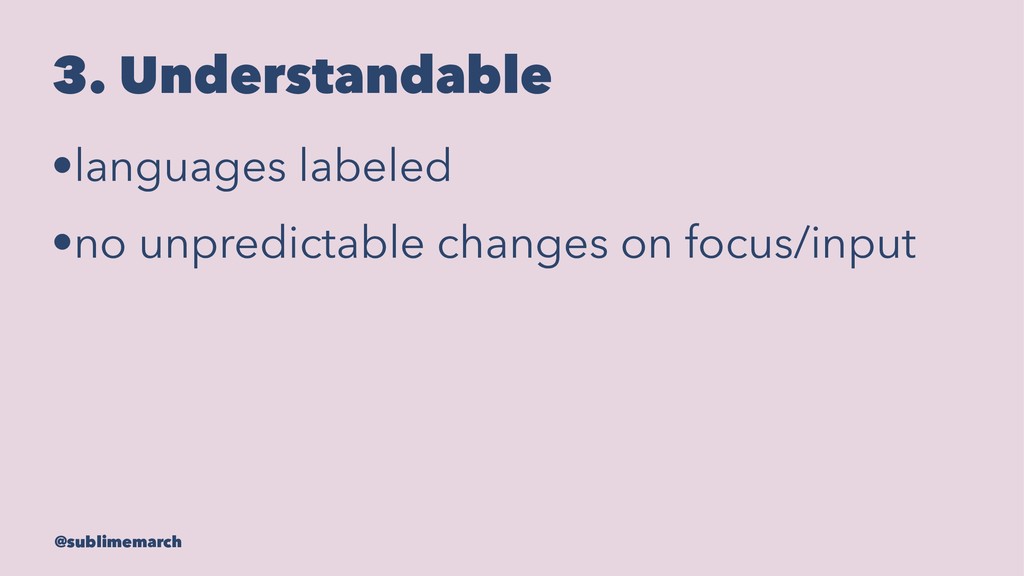
3. Understandable •languages labeled •no unpredictable changes on focus/input @sublimemarch
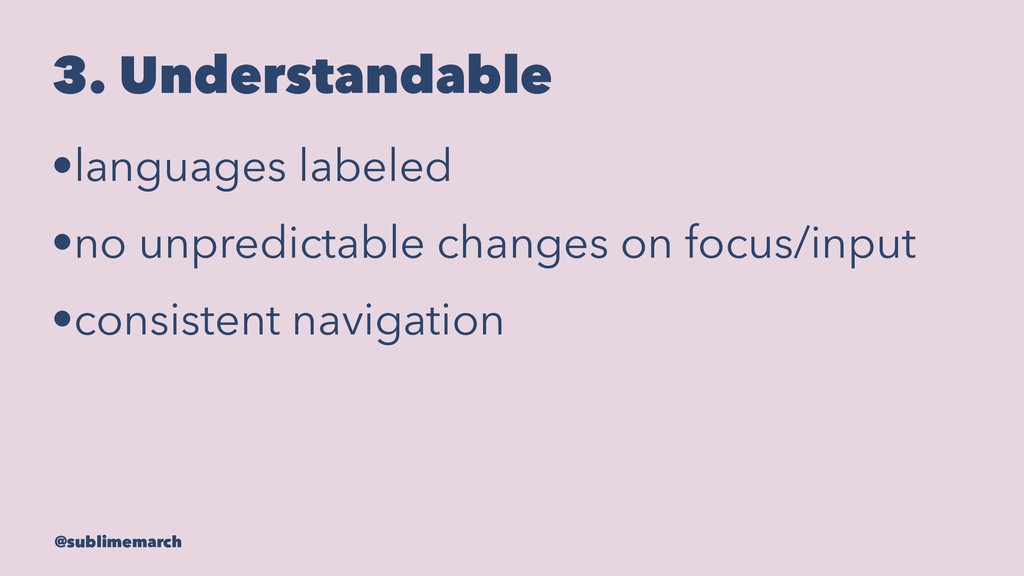
3. Understandable •languages labeled •no unpredictable changes on focus/input •consistent
navigation @sublimemarch
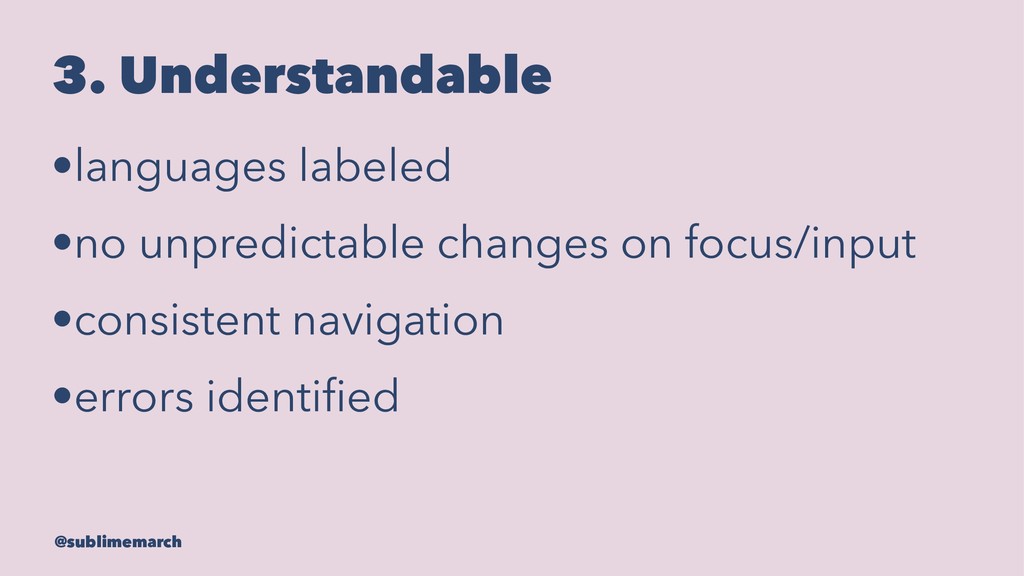
3. Understandable •languages labeled •no unpredictable changes on focus/input •consistent
navigation •errors identified @sublimemarch
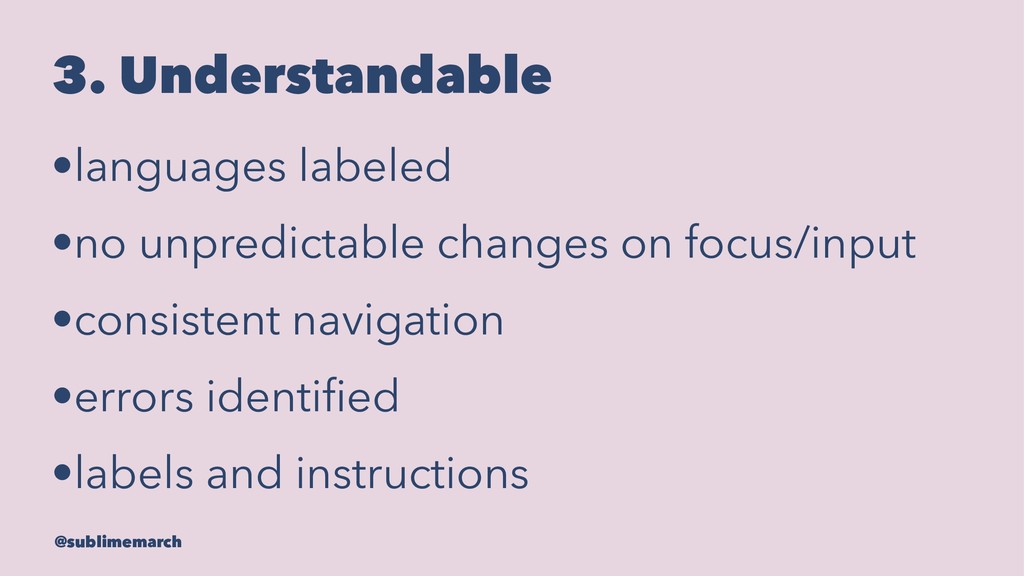
3. Understandable •languages labeled •no unpredictable changes on focus/input •consistent
navigation •errors identified •labels and instructions @sublimemarch
4. Robust • @sublimemarch
4. Robust •complete and correct markup @sublimemarch
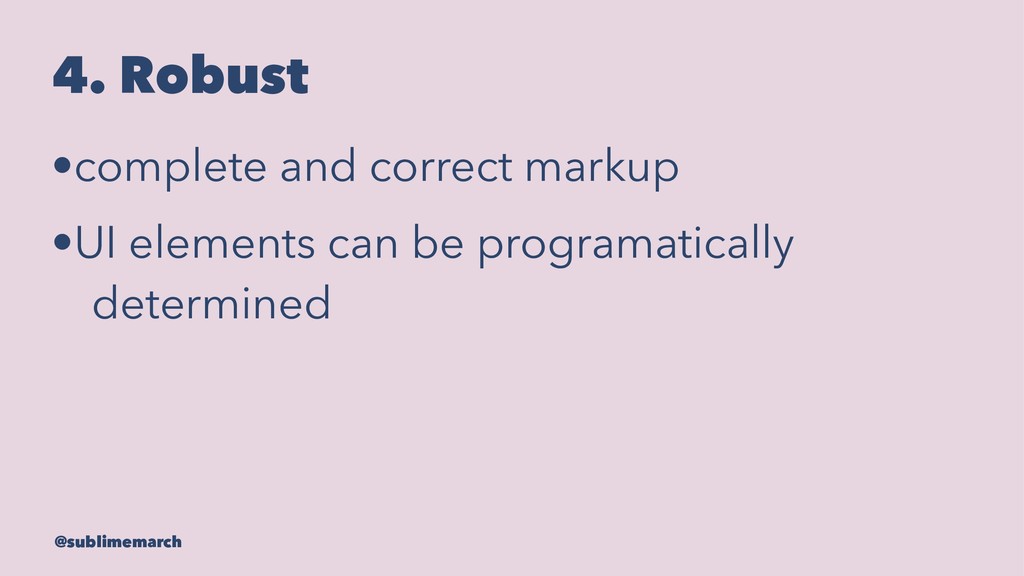
4. Robust •complete and correct markup •UI elements can be
programatically determined @sublimemarch
Open Accessibility Framework (OAF) @sublimemarch
Creation @sublimemarch
Use @sublimemarch
But it's more than just the guidelines... @sublimemarch
Guidelines are tools, not solutions. @sublimemarch
Listen to people with disabilities. @sublimemarch
How can you advocate for accessibility? @sublimemarch
Collect baseline information. @sublimemarch
Gather support. @sublimemarch
Define a standard. @sublimemarch
Monitor conformance. @sublimemarch
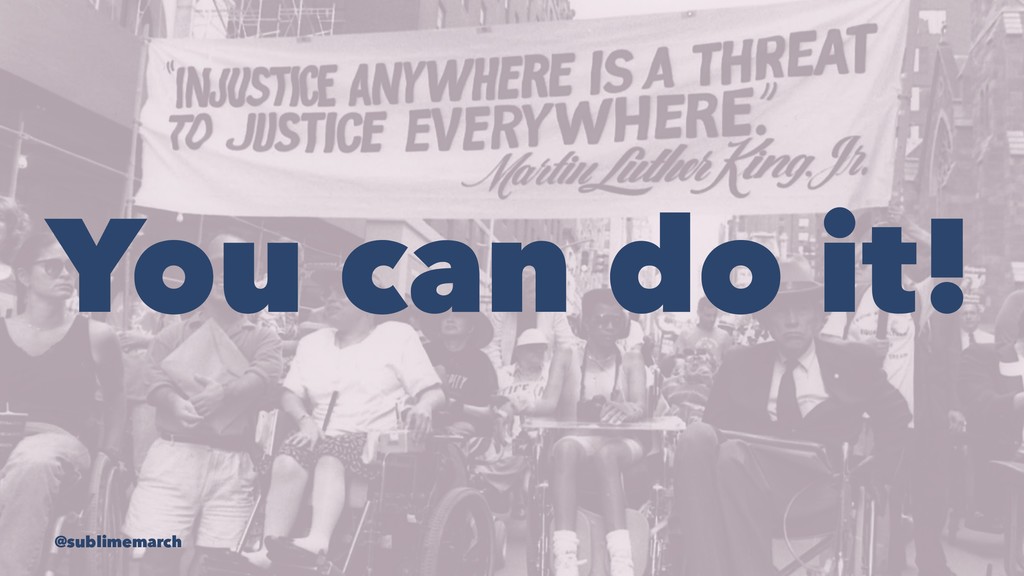
If not you, then who? @sublimemarch
You can do it! @sublimemarch
We're all responsible for improving the lives of people who
use our technology. @sublimemarch
Accessibility It's More Than Just Screen Readers @sublimemarch
Stephanie Slattery @sublimemarch @sublimemarch


 sublimemarch
 exoego
 iwatsukayura
 chobishiba
 mitohato14
 econanringo
 siroemk
 yukikurage
 lef237
 sylph01
 morizo_1984
 tanahiro2010
 texmeijin
 csswizardry
 tammyeverts
 smashingmag
 62gerente
 honzajavorek
 konakalab
 philnash
 sabderemane
 reverentgeek
 michielstock
 rkendrick25