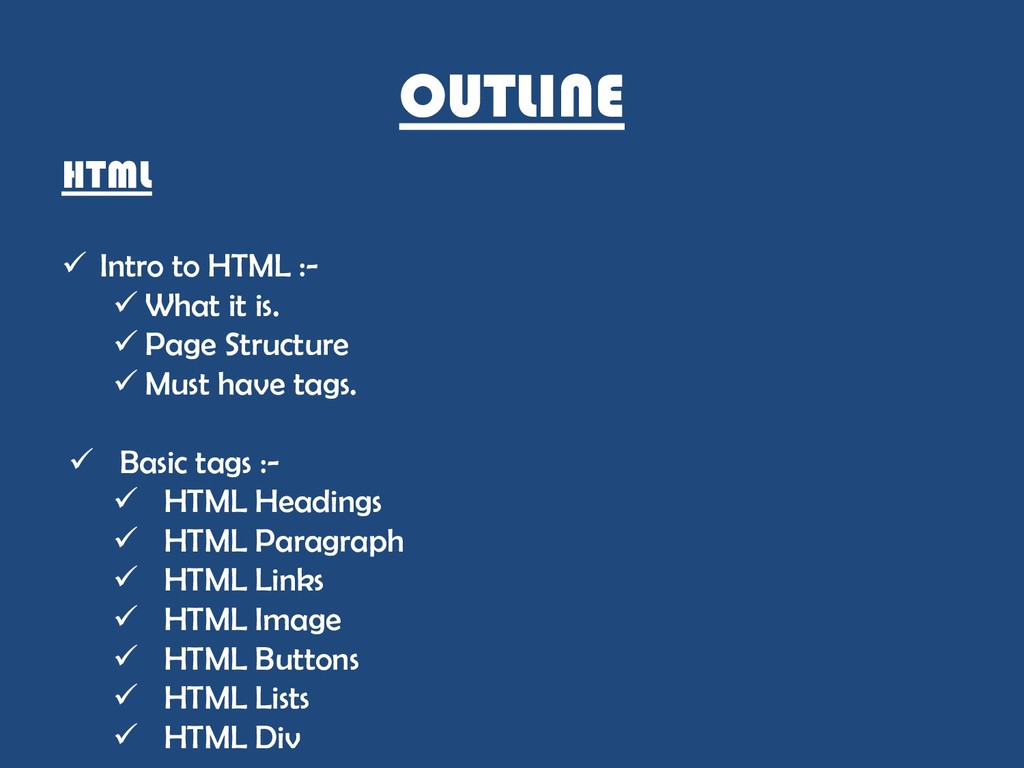
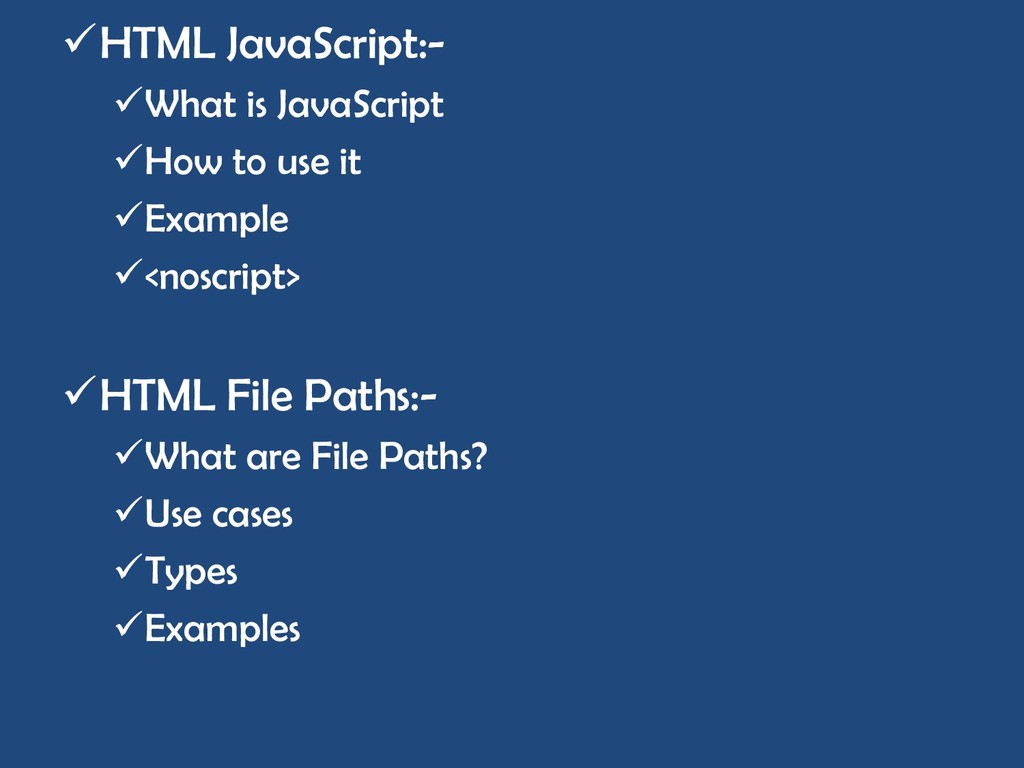
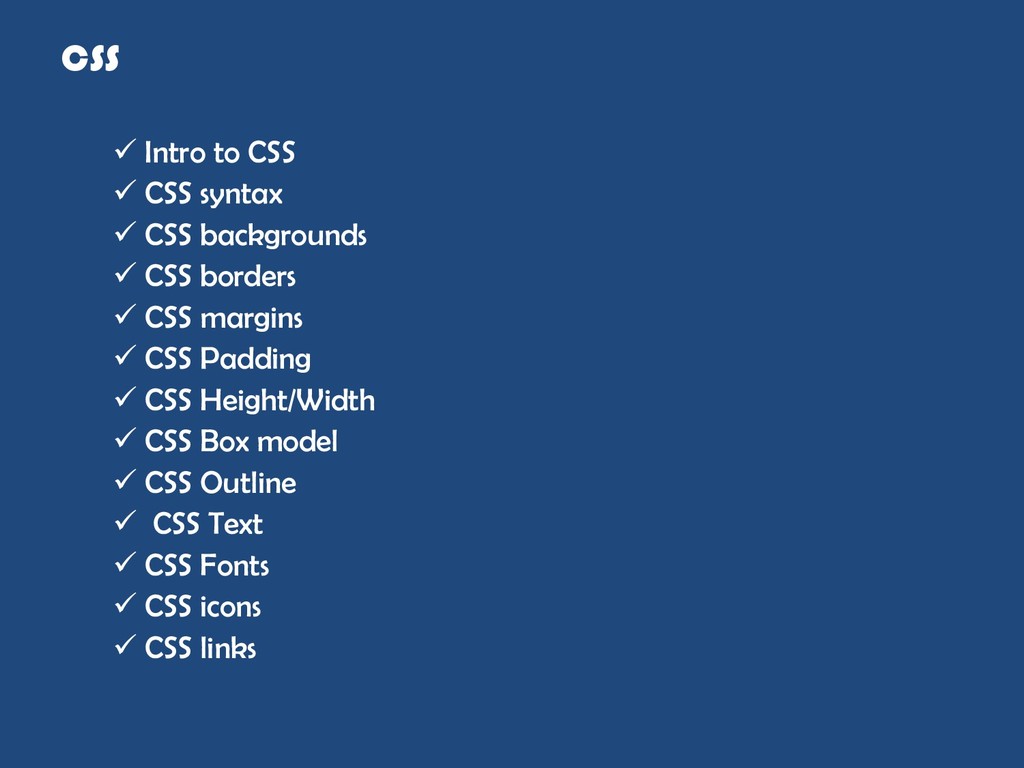
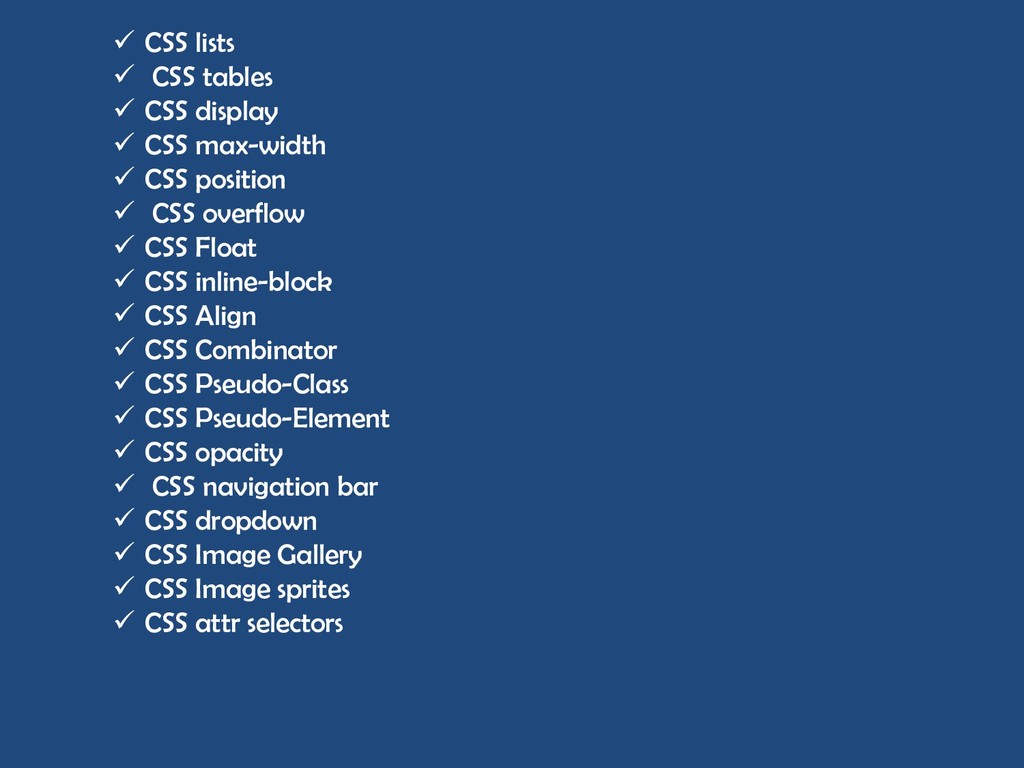
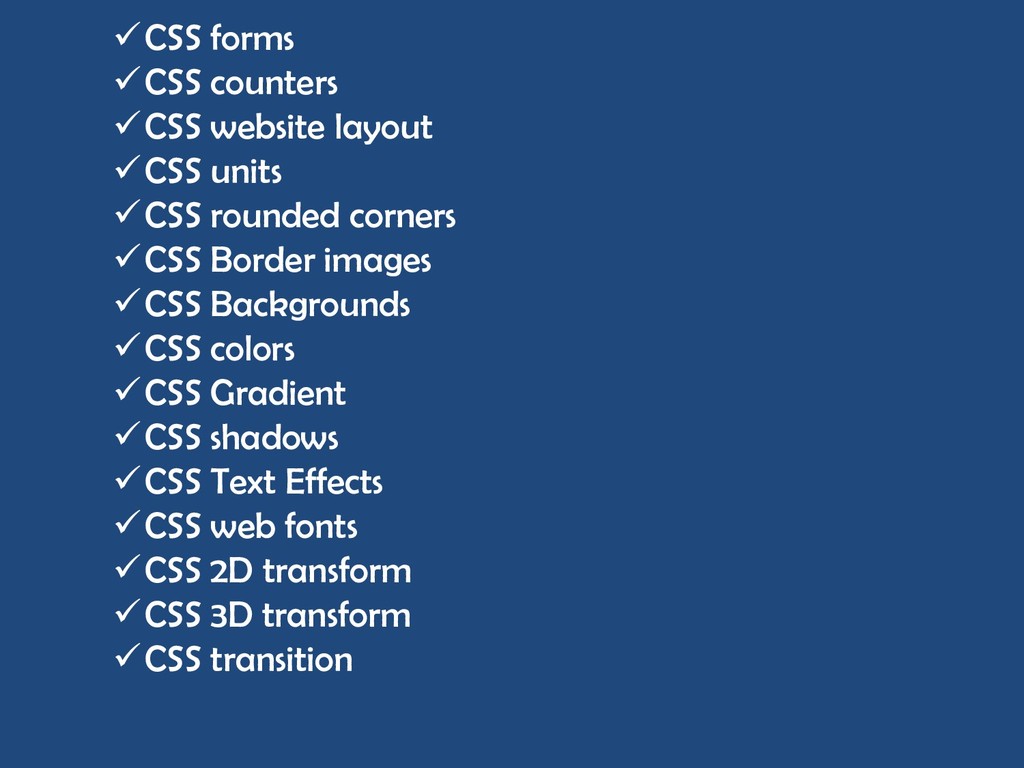
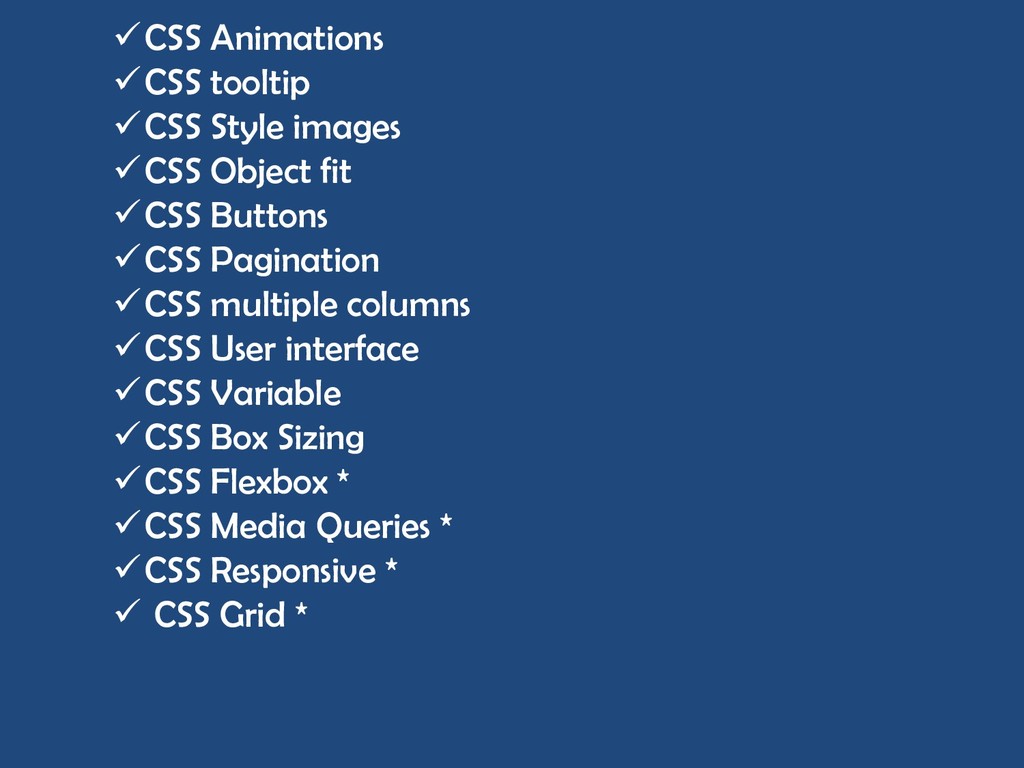
is. Page Structure Must have tags. Basic tags :- HTML Headings HTML Paragraph HTML Links HTML Image HTML Buttons HTML Lists HTML Div
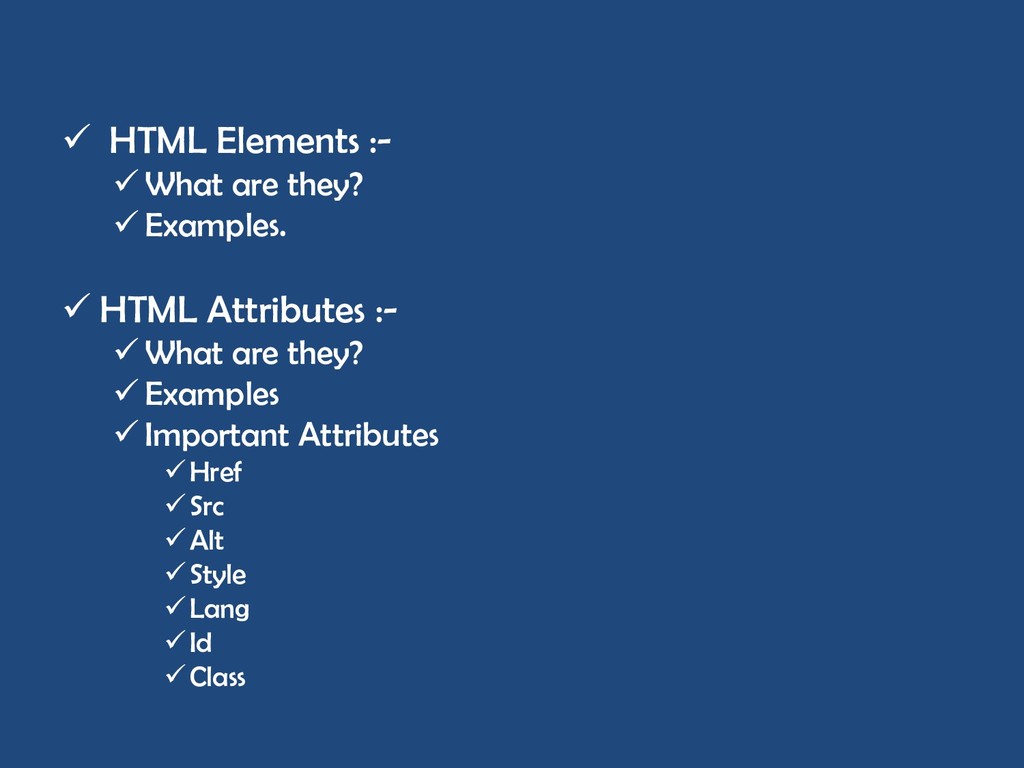
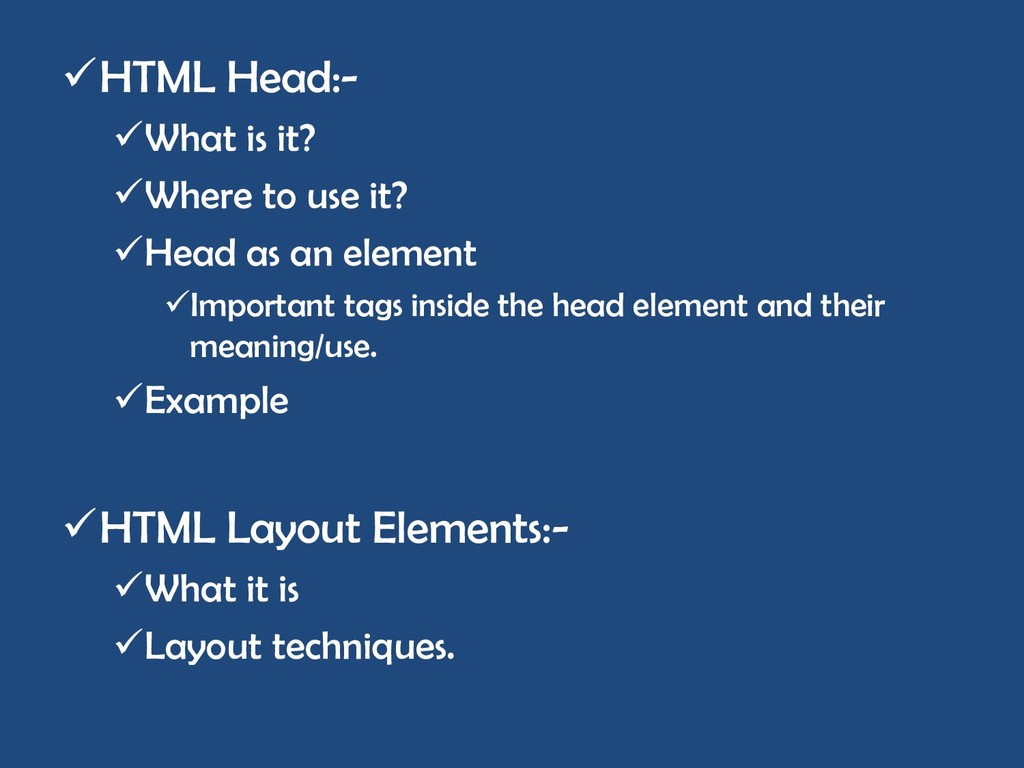
What are inline elements Examples Difference between Inline and Block elements HTML Class attribute:- What is it? How to use it When to use it Example Using it in JavaScript
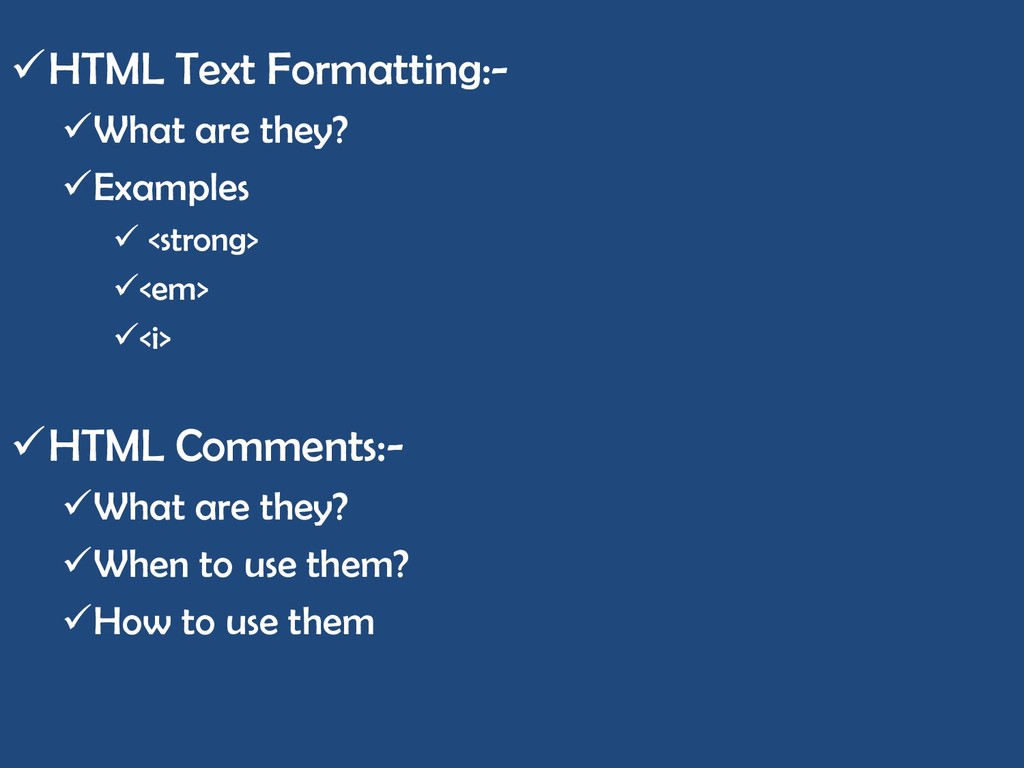
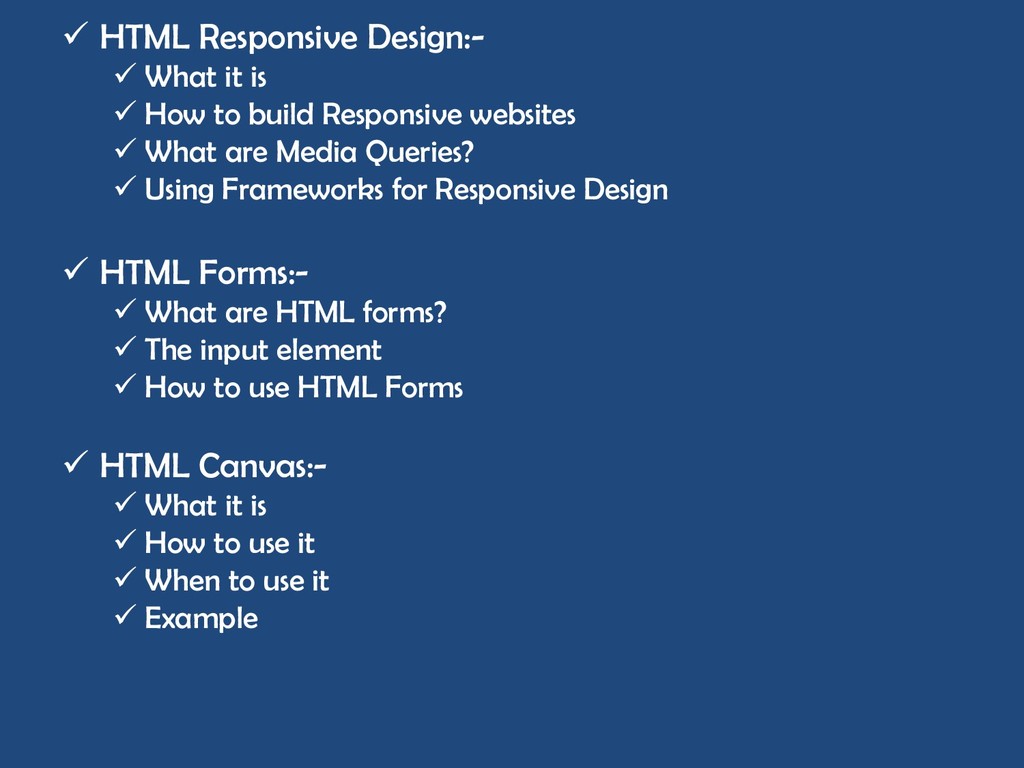
to build Responsive websites What are Media Queries? Using Frameworks for Responsive Design HTML Forms:- What are HTML forms? The input element How to use HTML Forms HTML Canvas:- What it is How to use it When to use it Example
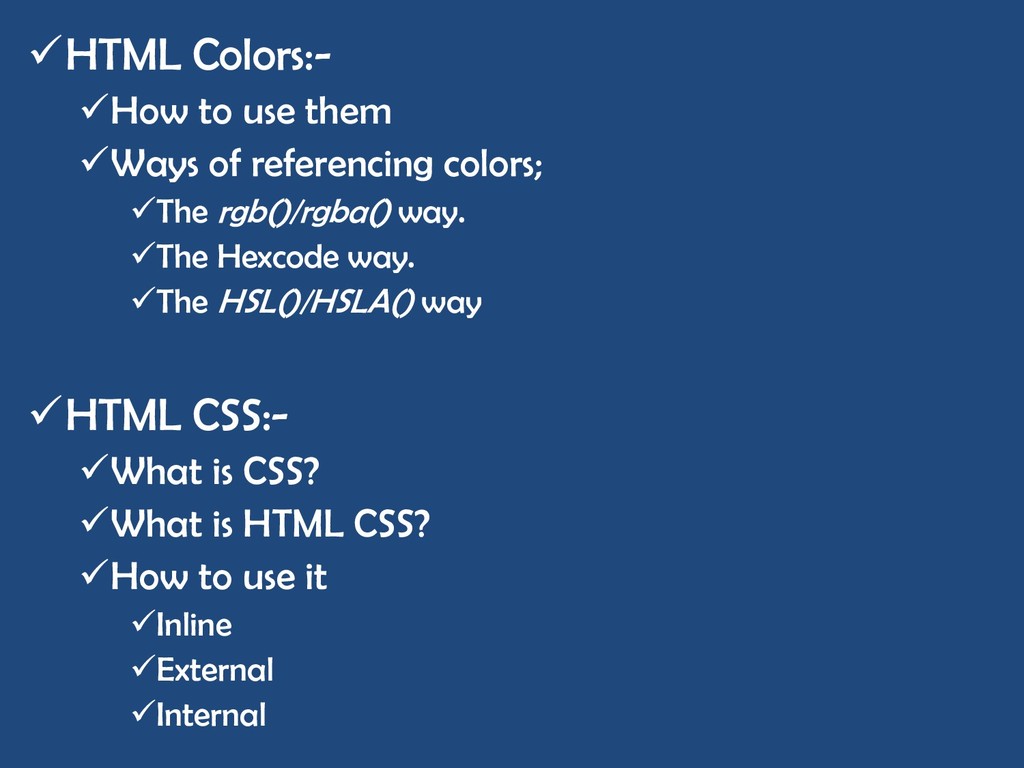
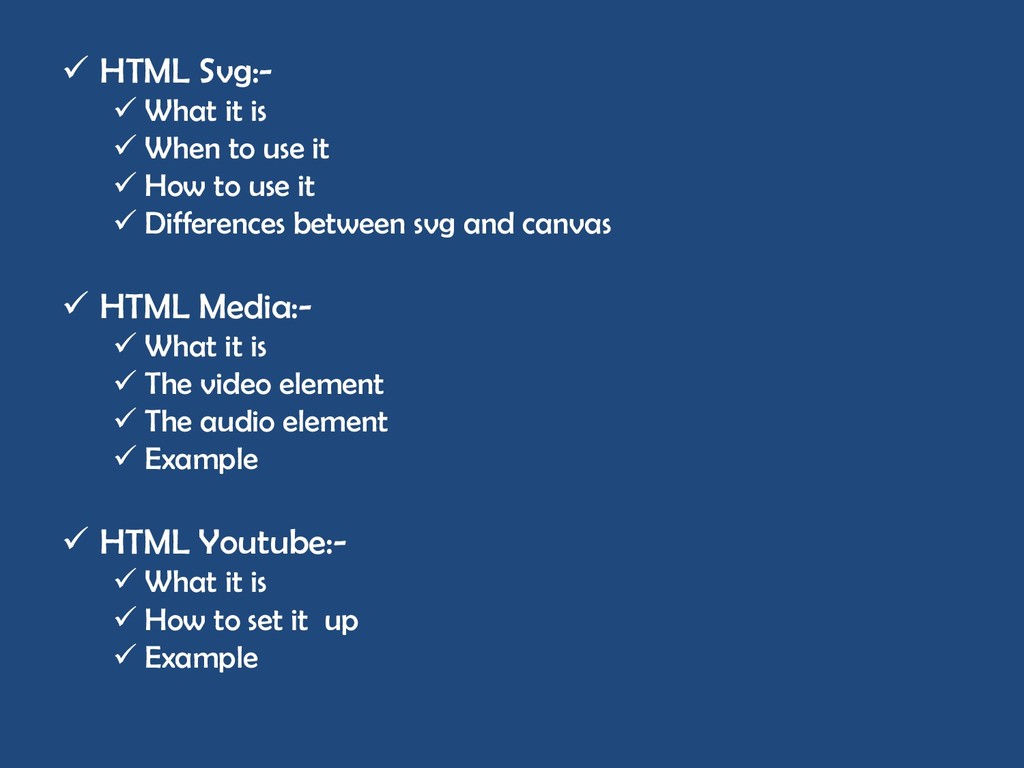
use it How to use it Differences between svg and canvas HTML Media:- What it is The video element The audio element Example HTML Youtube:- What it is How to set it up Example
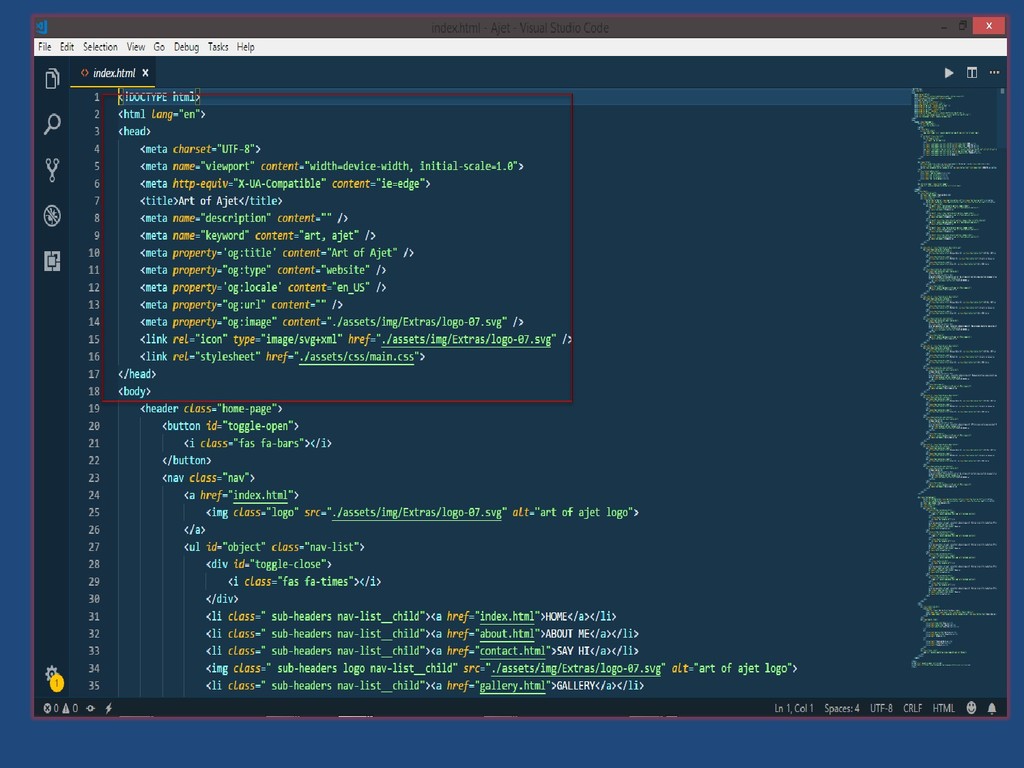
to be the backbone for Front end Web development. It is the skeleton/structure of web pages . It also consists of group of tags that make up HTML elements on a page. A tag is used to label content in HTML. Example of a tag is „<h1>‟. The abbreviation „HTML‟ means Hyper Text Markup Language. An html file ends with „.html‟ or „.htm‟. An HTML code looks like this;
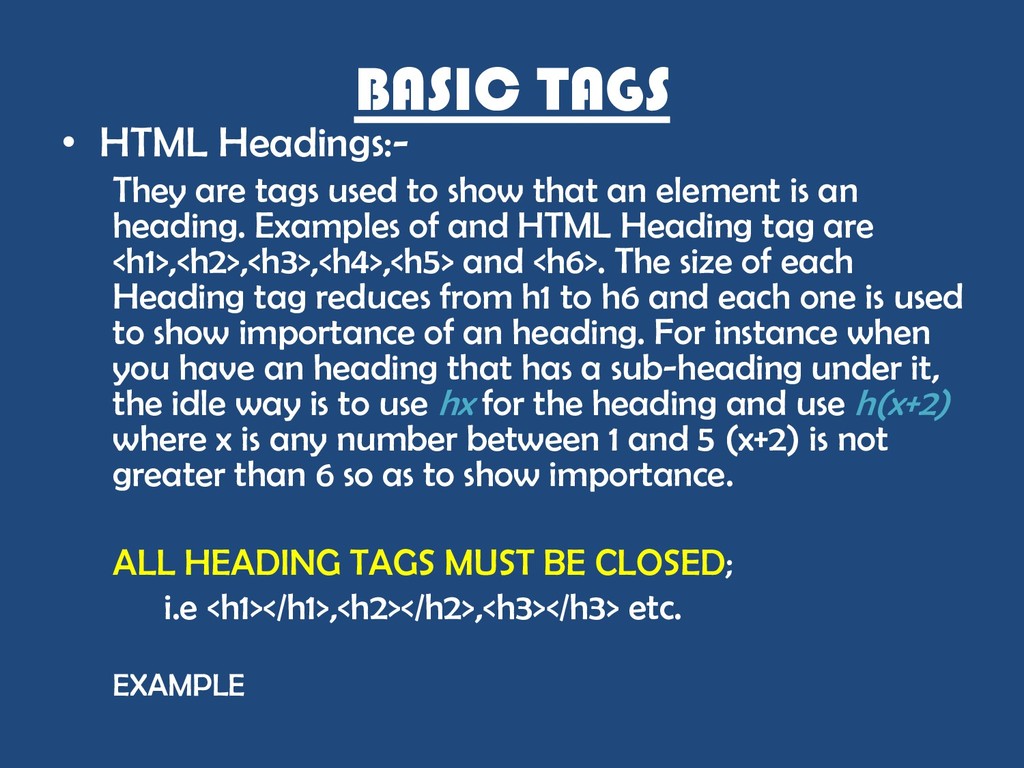
show that an element is an heading. Examples of and HTML Heading tag are <h1>,<h2>,<h3>,<h4>,<h5> and <h6>. The size of each Heading tag reduces from h1 to h6 and each one is used to show importance of an heading. For instance when you have an heading that has a sub-heading under it, the idle way is to use hx for the heading and use h(x+2) where x is any number between 1 and 5 (x+2) is not greater than 6 so as to show importance. ALL HEADING TAGS MUST BE CLOSED; i.e <h1></h1>,<h2></h2>,<h3></h3> etc. EXAMPLE
when composing a text or a paragraph that isn‟t an heading. The HTML Paragraph tag is represented with „<p></p>‟. It is one of the most used tags in HTML, is simple to use and easy to remember. It is important to close a paragraph tag once we‟re done writing the paragraph. Example.
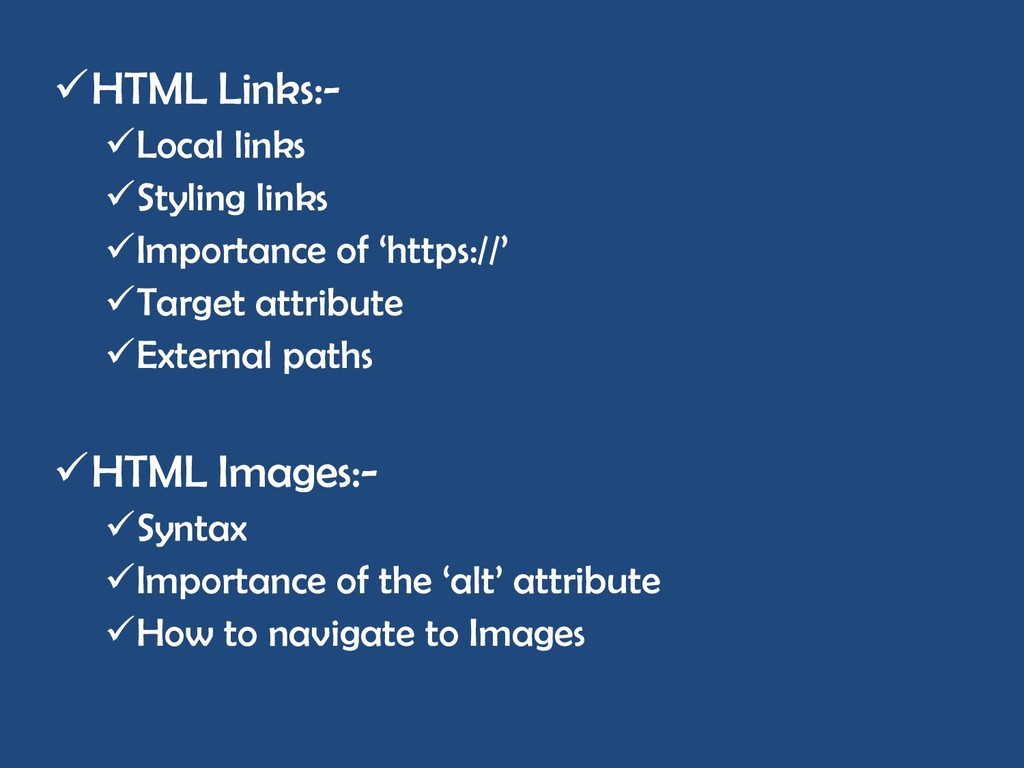
a website, a document, an image, a video , a PDF file etc. It is represented by “<a href=„link goes here‟></a>”. The „href‟ attribute takes in the link to anything that serves as a link. Example.
image is being used in an Html document. An Image tag looks like „<img src=„link to image‟ alt=„description of image‟>‟ and it doesn‟t have a closing tag. The „src‟ attribute works like the „href‟ attribute but they‟re different. Example.
that leads to a new page, submits a form, navigates to a part of the website, or activates an animation (on click). It‟s tag looks like „<button>anything can go here</button>‟. It can also take in a „type‟ attribute when it‟s being used in/on a form. Example.
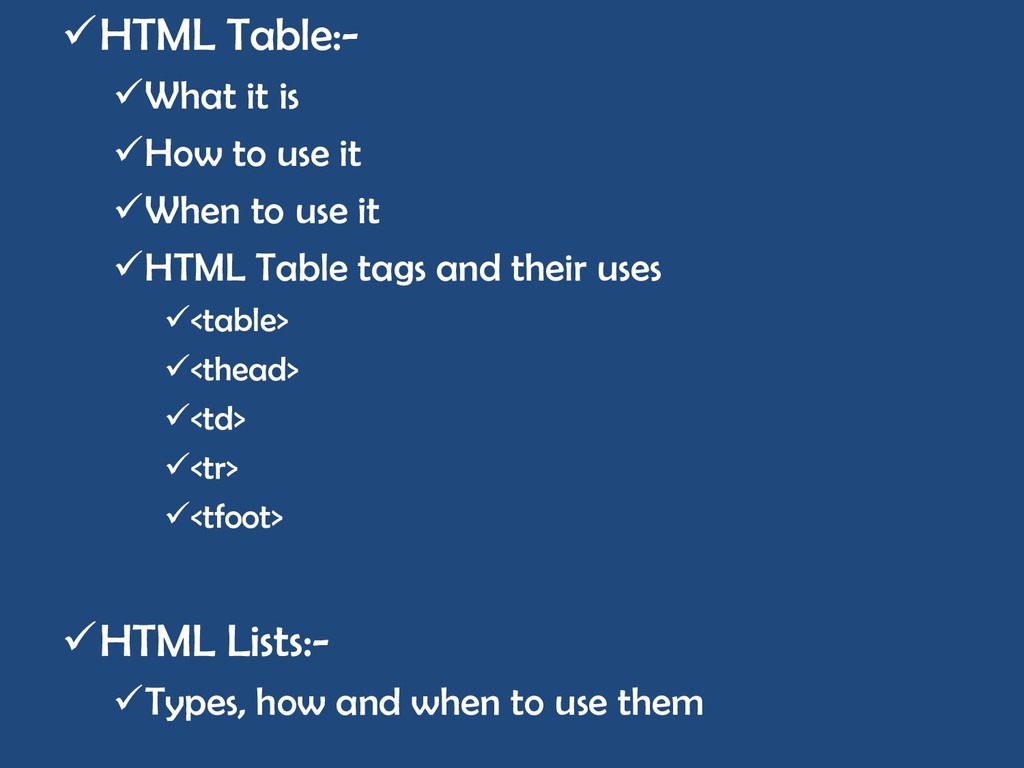
in HTML, it can be used to create a group of elements that are placed side by side or to create a native list. It is represented by either „<ul><li></li></ul>‟(unordered list) or „<ol><li></li></ol>‟ (ordered list). Example
tags in html. It is represented as „<div>anything goes here</div>‟. A div element can be made of more than ten tags or no tags at all. It can serve as the body of an HTML page filled with several paragraphs, or a container for an image. Example.
They are always located in the start tag. The syntax for every attribute is „name=“value”‟. The href attribute is used to link a file or a website to an html file. The src attribute is used to attach a file to an html page. The alt attribute is used to describe an image and acts as a fallback for broken images. The style attribute is used for styling a tag or element directly. The lang attribute is used to specify which language a site is written in. The class attribute is used to reference the css class being used on a tag/element. The id attributes serves the same function as a class but is used to reference a css id property.
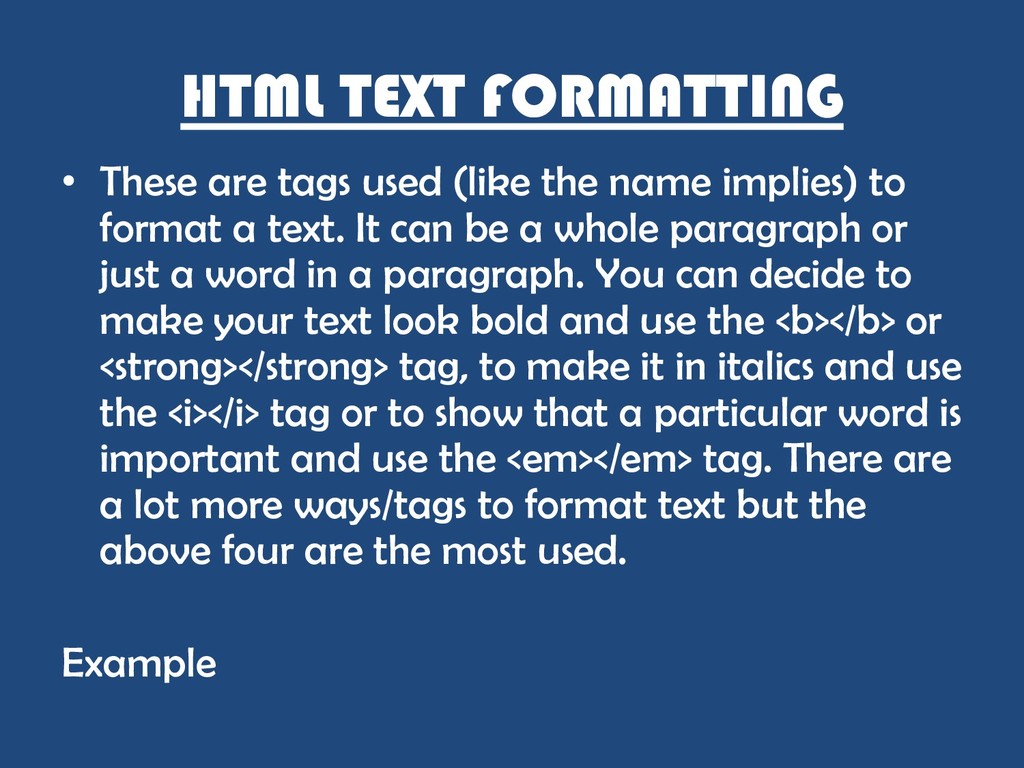
name implies) to format a text. It can be a whole paragraph or just a word in a paragraph. You can decide to make your text look bold and use the <b></b> or <strong></strong> tag, to make it in italics and use the <i></i> tag or to show that a particular word is important and use the <em></em> tag. There are a lot more ways/tags to format text but the above four are the most used. Example
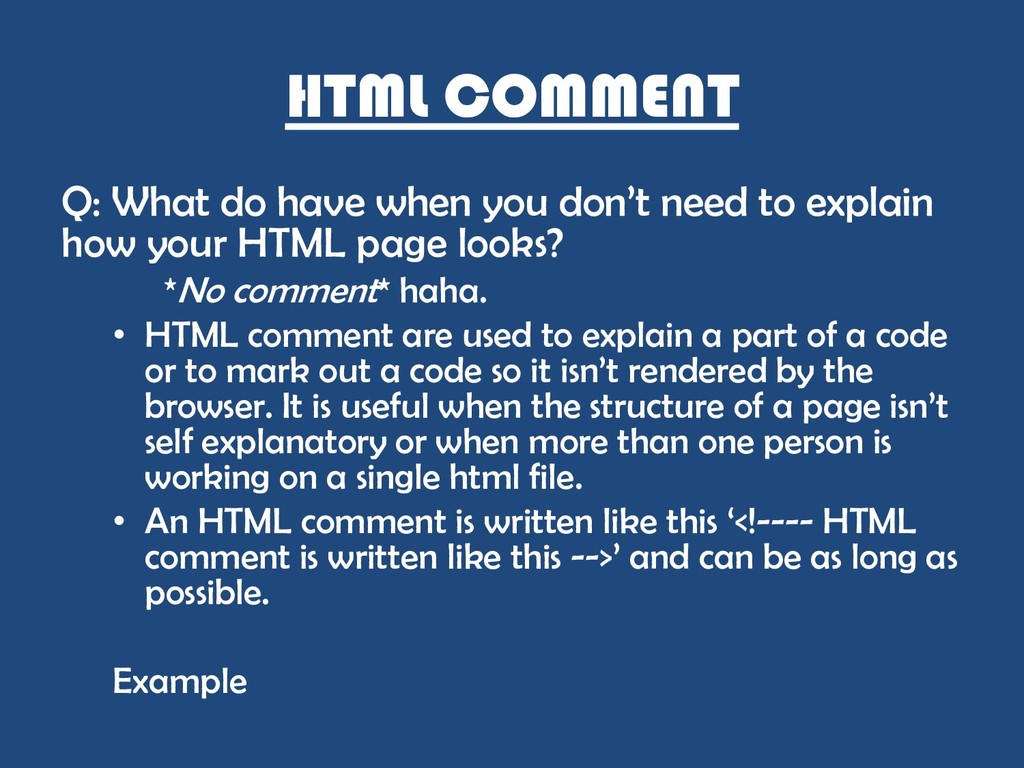
to explain how your HTML page looks? *No comment* haha. • HTML comment are used to explain a part of a code or to mark out a code so it isn‟t rendered by the browser. It is useful when the structure of a page isn‟t self explanatory or when more than one person is working on a single html file. • An HTML comment is written like this „<!---- HTML comment is written like this -->‟ and can be as long as possible. Example
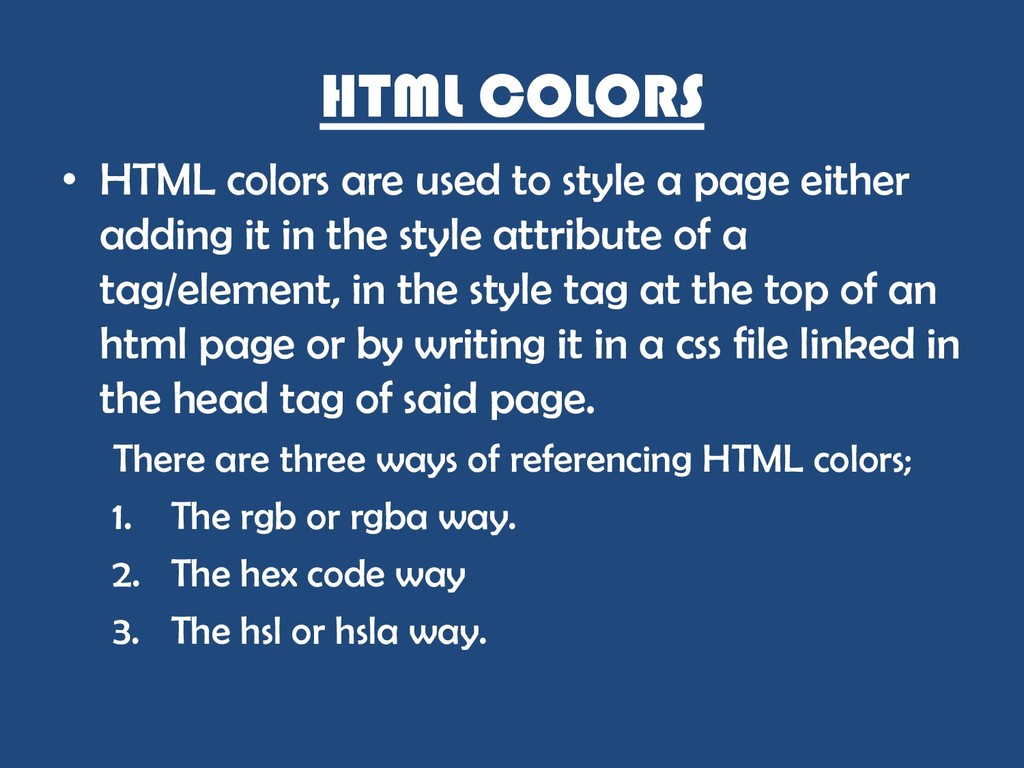
page either adding it in the style attribute of a tag/element, in the style tag at the top of an html page or by writing it in a css file linked in the head tag of said page. There are three ways of referencing HTML colors; 1. The rgb or rgba way. 2. The hex code way 3. The hsl or hsla way.
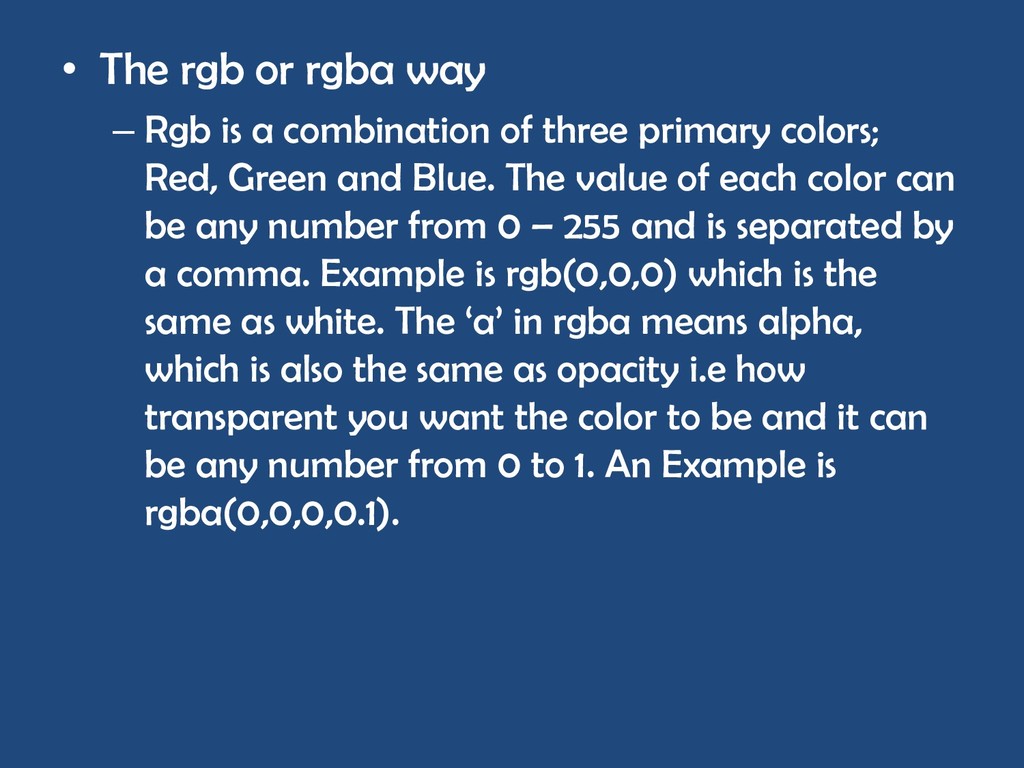
combination of three primary colors; Red, Green and Blue. The value of each color can be any number from 0 – 255 and is separated by a comma. Example is rgb(0,0,0) which is the same as white. The „a‟ in rgba means alpha, which is also the same as opacity i.e how transparent you want the color to be and it can be any number from 0 to 1. An Example is rgba(0,0,0,0.1).
referencing to colors using hexadecimal code preceded by a „#‟ sign. It is made up of either six characters or three characters and can either be numbers or alphabets. Example of an hex code is „#fff‟ which is the same as „#ffffff‟ and white.
lightness. Hue can be any value from 0 to 360 degree. Each value represents a color on the color wheel. Saturation is any value from 0% to 100%. Lightness is any valiue from 0% to 100%. example is hsl(0, 50%, 50%). The a is also the same as above, it means opacity and can be any value from 0 to 1.
a page looks like. It Is used to design an HTML page. • The phrase CSS means Cascading style Sheet. HTML CSS is designing an HTML page directly on an HTML page either by using the style attribute(inline), the style tag at the top of the html body(internal) or by referencing it from a separate CSS file using it‟s file path or link (external) which is the recommended way. Example
tag. It can be a link to another HTML file in a folder on your machine or a link to another website on the web. The href attribute takes in a string that must always start with „https://‟ or „http://‟ if it‟s referencing to an external link while the target attribute tell the browser whether to open the link in a new tab/window(„_blank‟) or in the same tab/window(„_top‟) etc. Example
as using the image tag like this “<img src=„link to image‟ alt=„description of image‟>”. It is doesn‟t require a closing tag and is easy to use. The alt attribute is very important whenever we use the img tag because it serves as a fallback for when and if your image doesn‟t load and it also allows screen readers to describe how an image looks to visually impaired users. The src takes in a link that is either an actual link or a file path to an image. Example
of data that are grouped into rows. Html table uses the <table></table> element that takes in a <tr></tr> tag that is used in defining a row, a <th></th> that is used in defining the header of each row of the table and a <td></td> tag used in defining the value in each row. Example
a list in HTML. There are three types of list 1. Ordered list. • Unordered list. • Description list. Ordered list is used, like the name implies when making an ordered list. It takes in a type attribute that specifies the type of order you want i.e „A‟ for a, b, c, d etc, „1‟ for 1,2,3,4 etc, „i‟ for i, ii, iii,I v etc. Example of it‟s use case is …. Unordered list is used the arrangement of the list type doesn‟t matter or isn‟t needed at all. It takes in a type attribute that specifies the type of unordered list the list should be i.e bullet, square, disc etc. Example of it‟s use case is …. Description list is used to describing each term in a list. Tags used in description list are „<dl>‟, „<dt>‟, „<dd>‟.
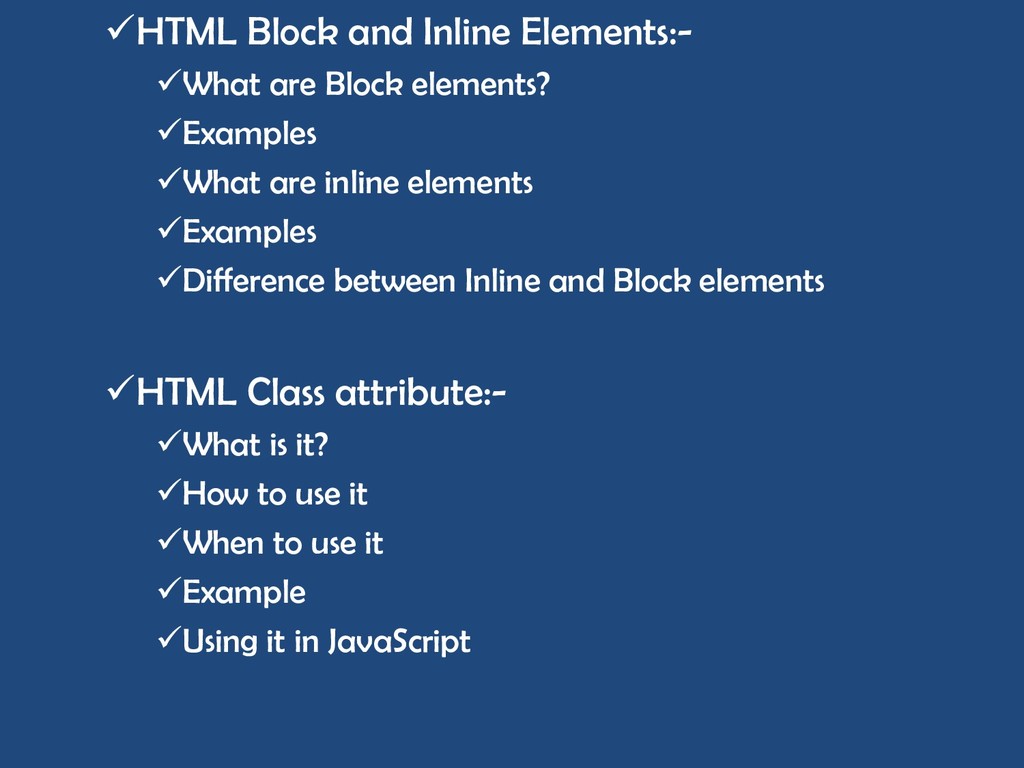
by default take up the entire width of wherever they‟re placed making it impossible to place any other element beside them on your page unless it is changed with css. Example of a block element is a div or a paragraph tag. Inline elements are elements that by default only take up the width of their content or their „normal width‟. Example of inline element is the html link tag. Example
a class name from either our style tag at the top of the page or from an external css file. It is used by adding the name of our preferred css class to the class attribute of our desired tag. It can also take in more than one class name. The class name is prefixed with a dot („.‟) followed by whatever name you want to give. It can be any name but must start with an alphabet. Example of a class name is „.body‟ . You can get the class attribute of a certain tag/tags in JavaScript by calling a „getElementByClassname(„className‟)‟. Example .
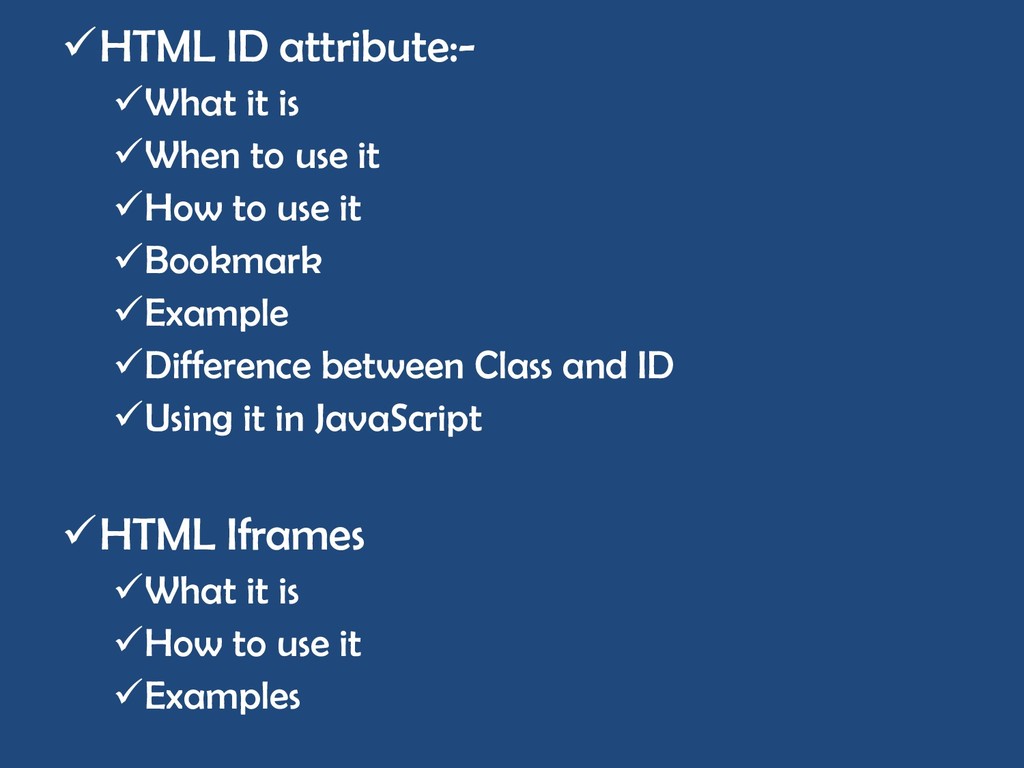
working with JavaScript but it can be used to style an element in HTML works like the CSS attribute. It can serve as a link or a bookmark on the same html file or in a different file entirely. It is prefixed by a pound(„#‟) followed by any word. An example of an id is „#top‟. It can be referenced from a JavaScript file by calling a „getElementById(„ idName‟). One of the differences between class and id is that the class is prefixed with a „.‟ while an id is prefixed with a „#‟. A css class can be used by more than one element but the id can only be used by one element.
another website on your page. It can be your Facebook profile or any website of choice. It is important to note that some websites don‟t support iframes. The iframe has a tag that looks like this „<iframe src=„url‟></iframe>‟
of a website. It is used to program how a site should behave when the user interacts with a page. There are two ways of using JavaScript in HTML, 1. Internal. 2. External. When you write your JavaScript code at the top of your html inside a script tag, it is called internal When you write your JavaScript code in a separate file and link the file in the script tag in your head element. When writing a JavaScript code, it is important to let people that their browsers don‟t support JavaScript know that they won‟t get maximum user experience on the site using a „<noscript>Message goes here</noscript>‟ Example.
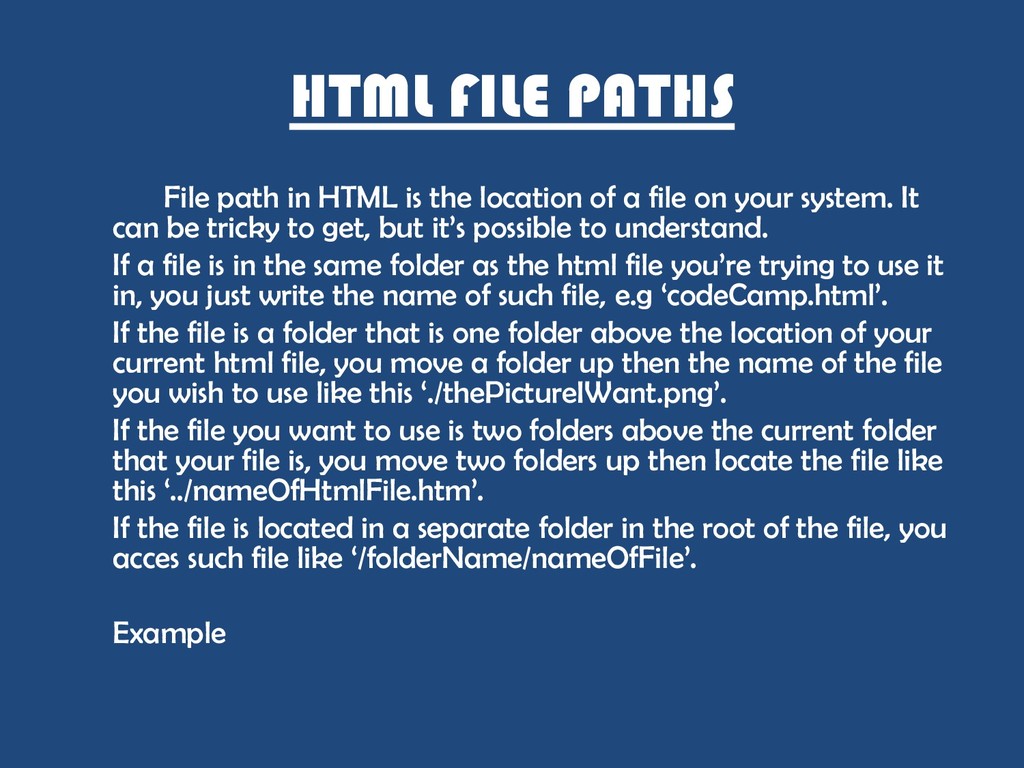
of a file on your system. It can be tricky to get, but it‟s possible to understand. If a file is in the same folder as the html file you‟re trying to use it in, you just write the name of such file, e.g „codeCamp.html‟. If the file is a folder that is one folder above the location of your current html file, you move a folder up then the name of the file you wish to use like this „./thePictureIWant.png‟. If the file you want to use is two folders above the current folder that your file is, you move two folders up then locate the file like this „../nameOfHtmlFile.htm‟. If the file is located in a separate folder in the root of the file, you acces such file like „/folderName/nameOfFile‟. Example
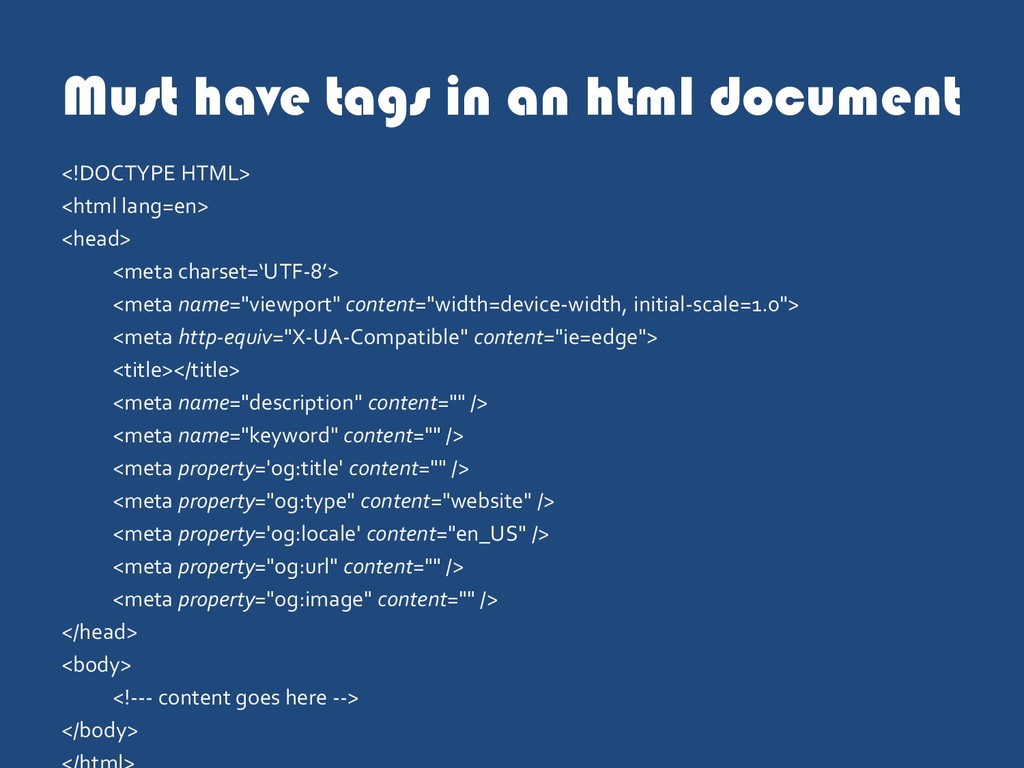
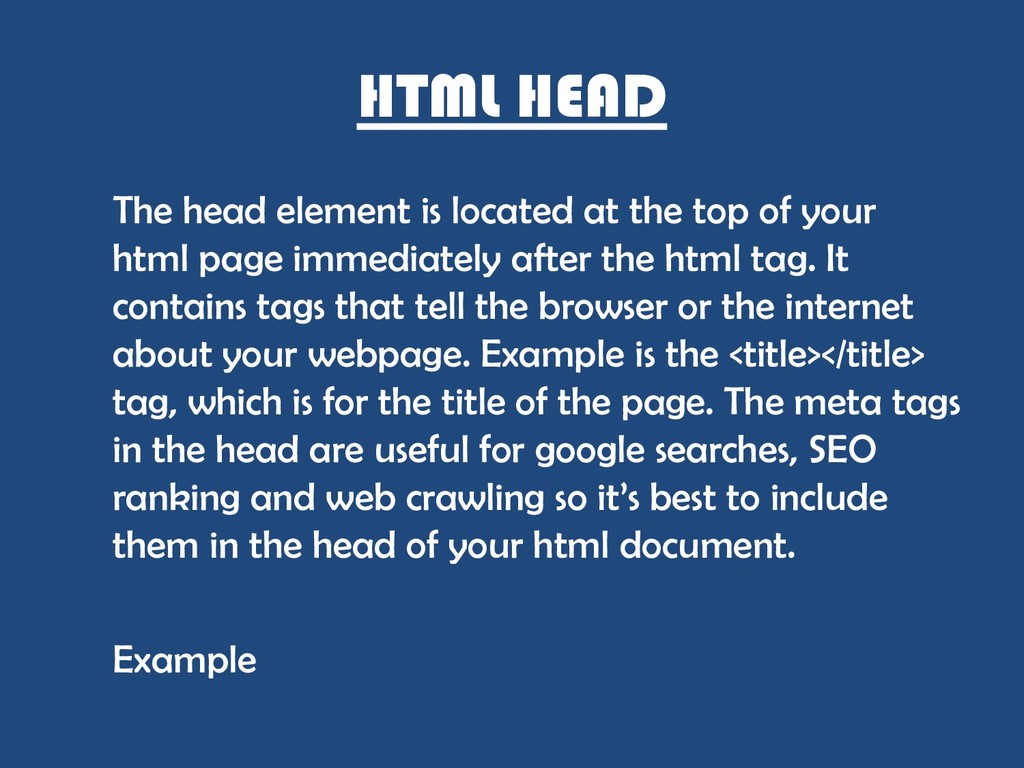
of your html page immediately after the html tag. It contains tags that tell the browser or the internet about your webpage. Example is the <title></title> tag, which is for the title of the page. The meta tags in the head are useful for google searches, SEO ranking and web crawling so it‟s best to include them in the head of your html document. Example
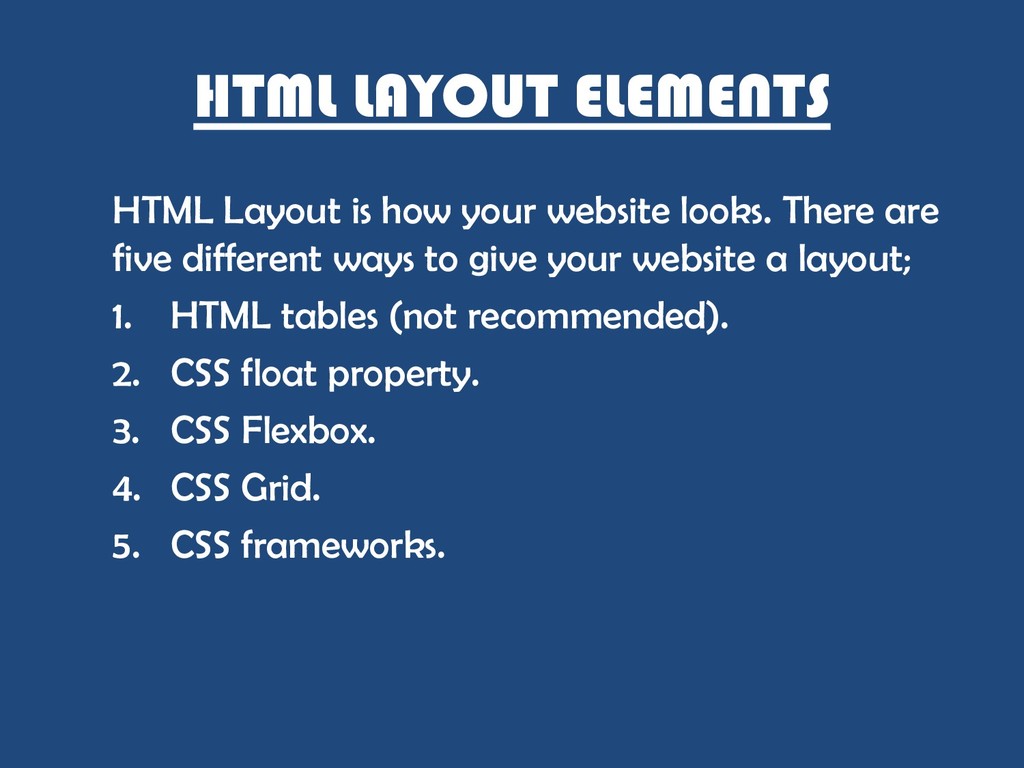
There are five different ways to give your website a layout; 1. HTML tables (not recommended). 2. CSS float property. 3. CSS Flexbox. 4. CSS Grid. 5. CSS frameworks.
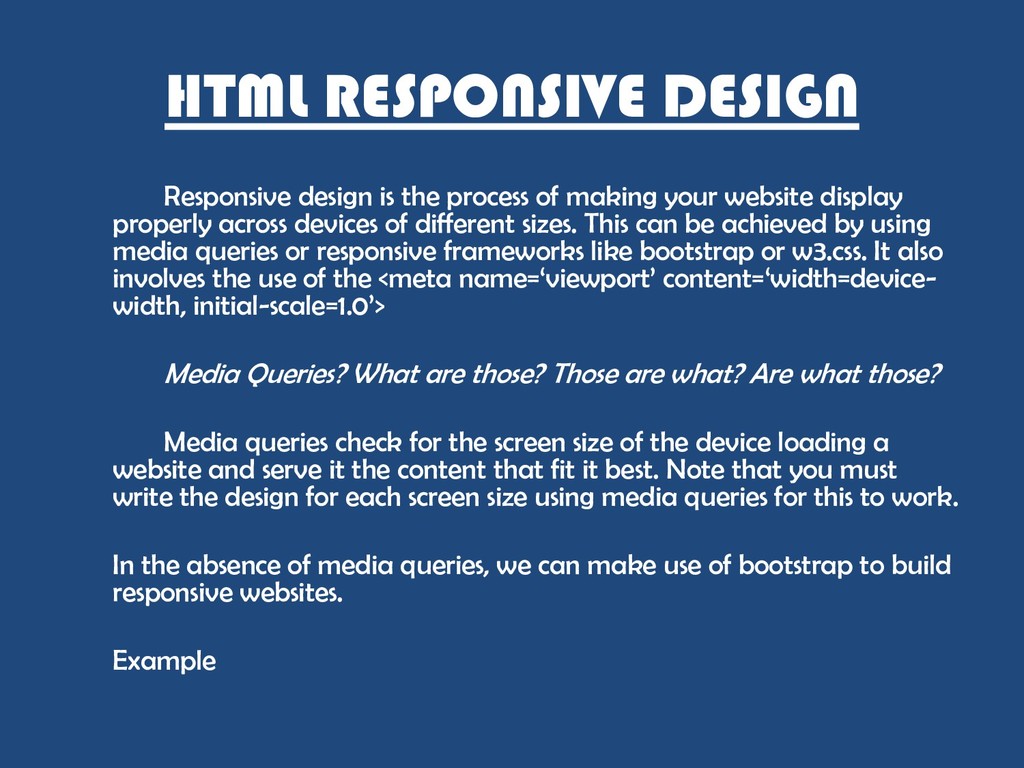
your website display properly across devices of different sizes. This can be achieved by using media queries or responsive frameworks like bootstrap or w3.css. It also involves the use of the <meta name=„viewport‟ content=„width=device- width, initial-scale=1.0‟> Media Queries? What are those? Those are what? Are what those? Media queries check for the screen size of the device loading a website and serve it the content that fit it best. Note that you must write the design for each screen size using media queries for this to work. In the absence of media queries, we can make use of bootstrap to build responsive websites. Example
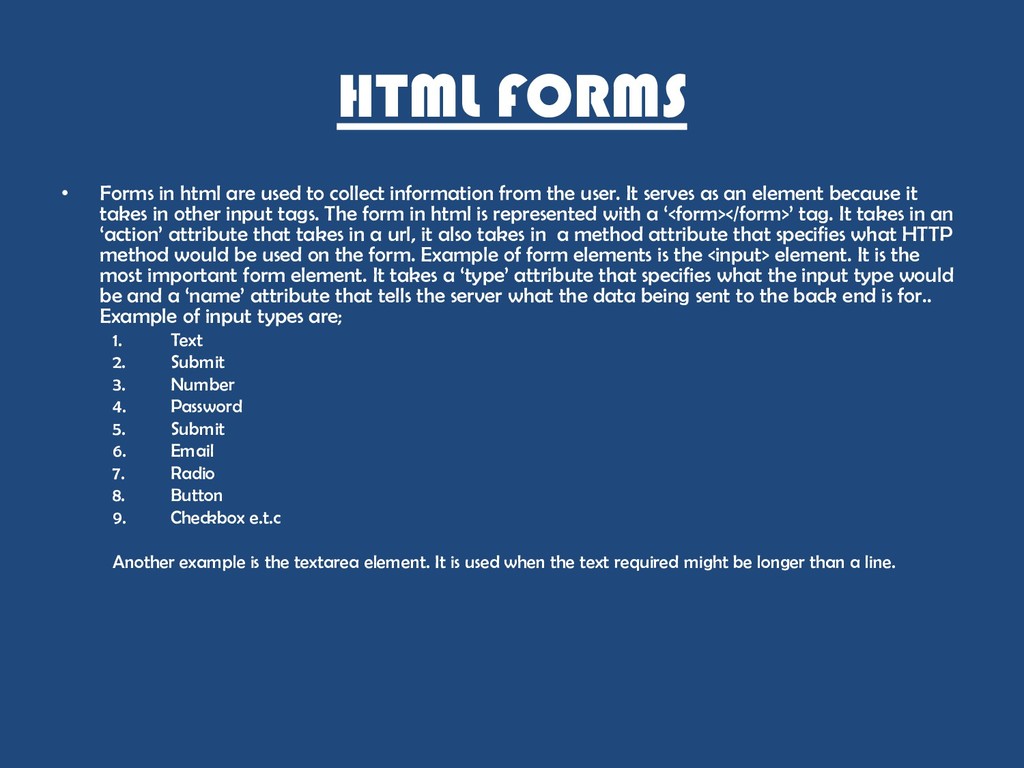
information from the user. It serves as an element because it takes in other input tags. The form in html is represented with a „<form></form>‟ tag. It takes in an „action‟ attribute that takes in a url, it also takes in a method attribute that specifies what HTTP method would be used on the form. Example of form elements is the <input> element. It is the most important form element. It takes a „type‟ attribute that specifies what the input type would be and a „name‟ attribute that tells the server what the data being sent to the back end is for.. Example of input types are; 1. Text 2. Submit 3. Number 4. Password 5. Submit 6. Email 7. Radio 8. Button 9. Checkbox e.t.c Another example is the textarea element. It is used when the text required might be longer than a line.
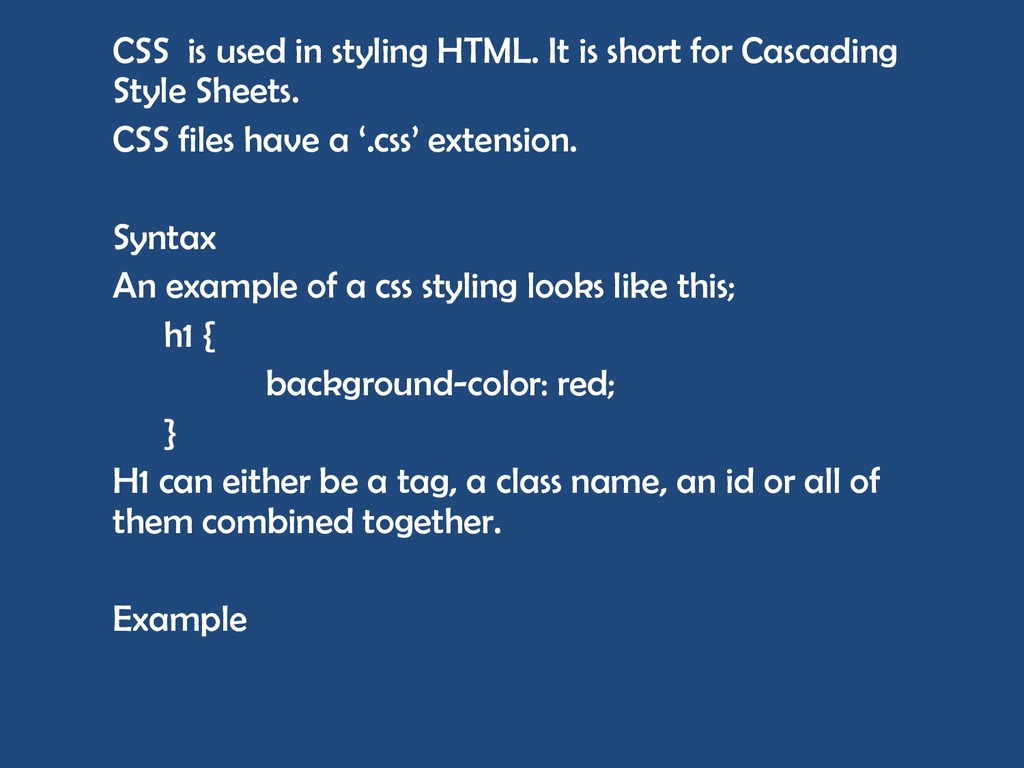
Cascading Style Sheets. CSS files have a „.css‟ extension. Syntax An example of a css styling looks like this; h1 { background-color: red; } H1 can either be a tag, a class name, an id or all of them combined together. Example
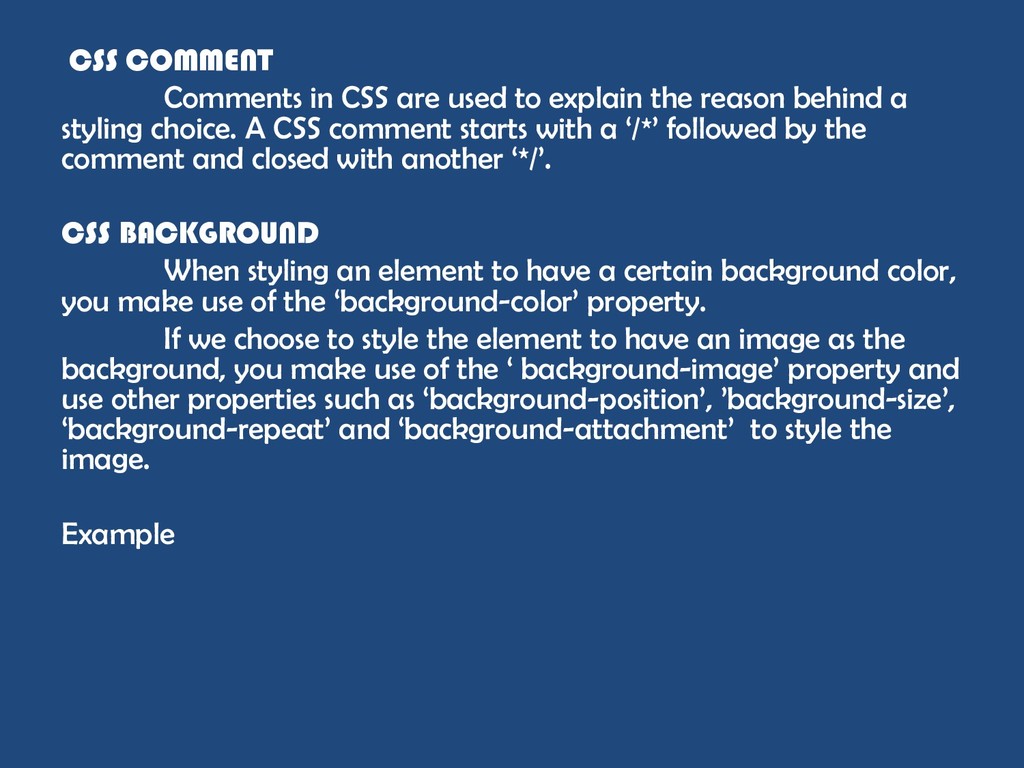
reason behind a styling choice. A CSS comment starts with a „/*‟ followed by the comment and closed with another „*/‟. CSS BACKGROUND When styling an element to have a certain background color, you make use of the „background-color‟ property. If we choose to style the element to have an image as the background, you make use of the „ background-image‟ property and use other properties such as „background-position‟, ‟background-size‟, „background-repeat‟ and „background-attachment‟ to style the image. Example
of an element‟s size. CSS uses the „border‟ property to style the border of an element as the short form. Each side of the border can also be styled individually e.g „border- bottom‟ • The „border-style‟ takes in the type of border you want your element to have i.e dotted, dashed, solid, double, groove, ridge e.t.c • The „border-width‟ takes in the size of the border e.g „2px‟ • The „border-color‟ takes in the color you want the border to be e.g „blue‟. Example
outside of it‟s borders. The margin property is „margin‟ for general styling but can take any of the sides for individual styling e.g „margin-left‟ and it takes in a value e.g „20px‟ 0r „10%‟ . Example CSS PADDING This refers to the space between an element‟s content and it‟s borders. The padding property can either be „padding‟ or any of the sides i.e „padding-right‟. Example
of an element. These properties can take in a value of auto, meaning the element would take up the exact width/height of it‟s content. There is a property in css called „max- width‟ and „max-height‟. Each of these properties take in the maximum width and height an element can take up on a web page. Example
is drawn around an element and doesn‟t affect the element‟s width unlike borders. The outline property is „outline‟ and it takes in a style, color and width just like width. Example
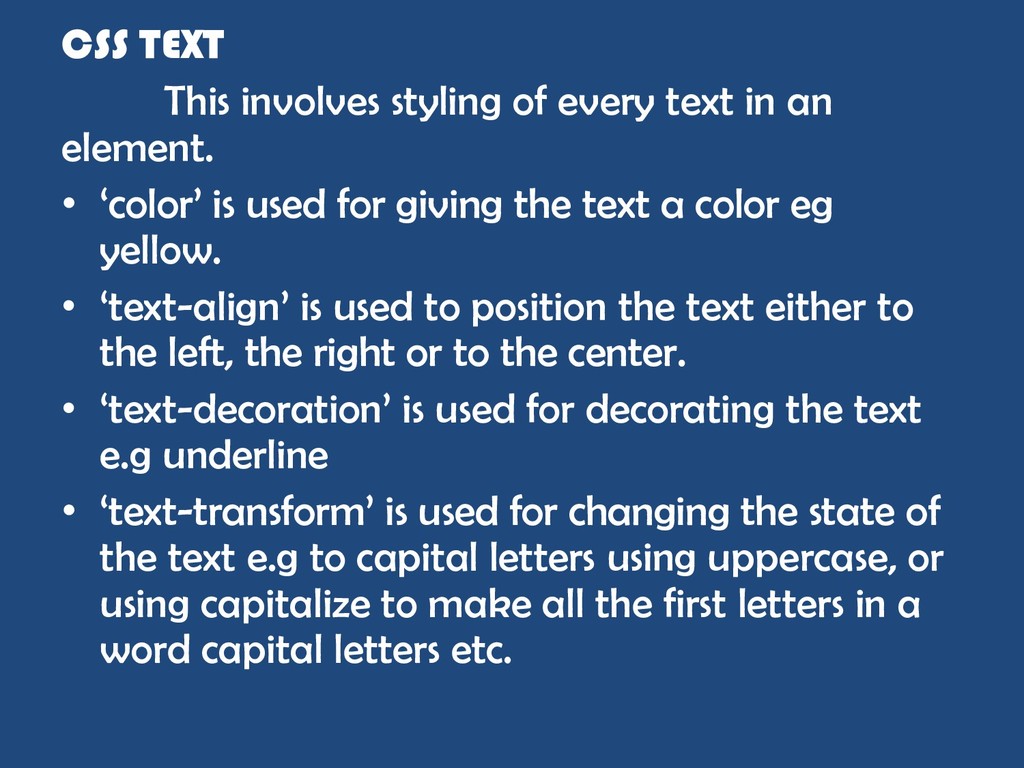
element. • „color‟ is used for giving the text a color eg yellow. • „text-align‟ is used to position the text either to the left, the right or to the center. • „text-decoration‟ is used for decorating the text e.g underline • „text-transform‟ is used for changing the state of the text e.g to capital letters using uppercase, or using capitalize to make all the first letters in a word capital letters etc.
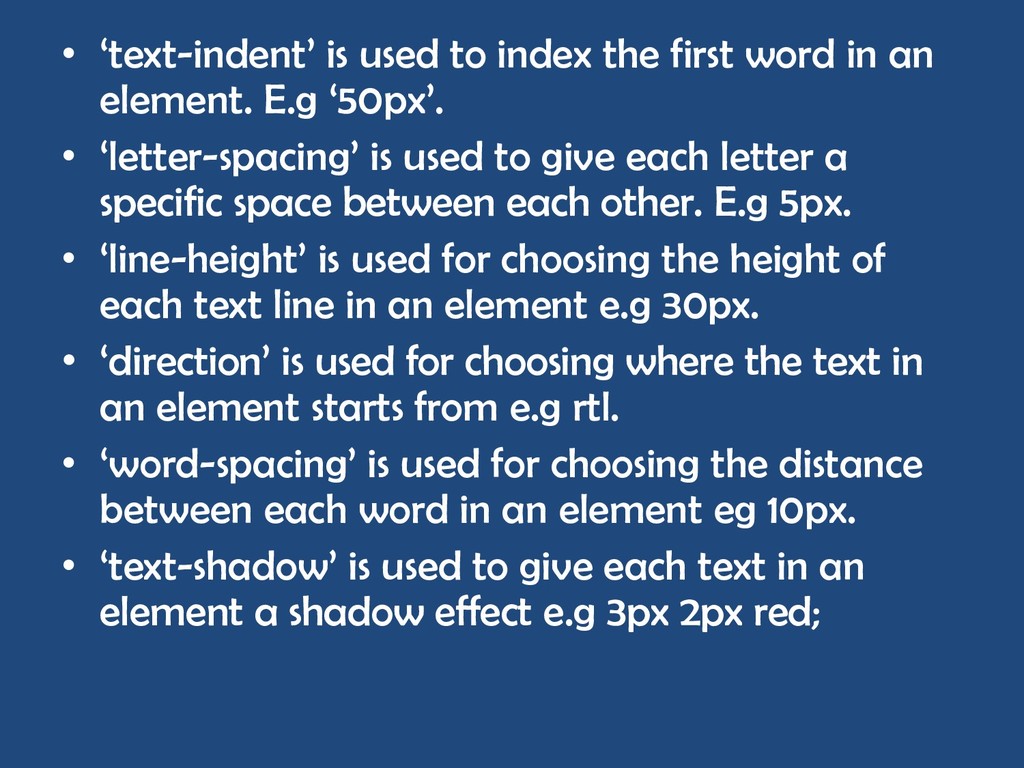
an element. E.g „50px‟. • „letter-spacing‟ is used to give each letter a specific space between each other. E.g 5px. • „line-height‟ is used for choosing the height of each text line in an element e.g 30px. • „direction‟ is used for choosing where the text in an element starts from e.g rtl. • „word-spacing‟ is used for choosing the distance between each word in an element eg 10px. • „text-shadow‟ is used to give each text in an element a shadow effect e.g 3px 2px red;
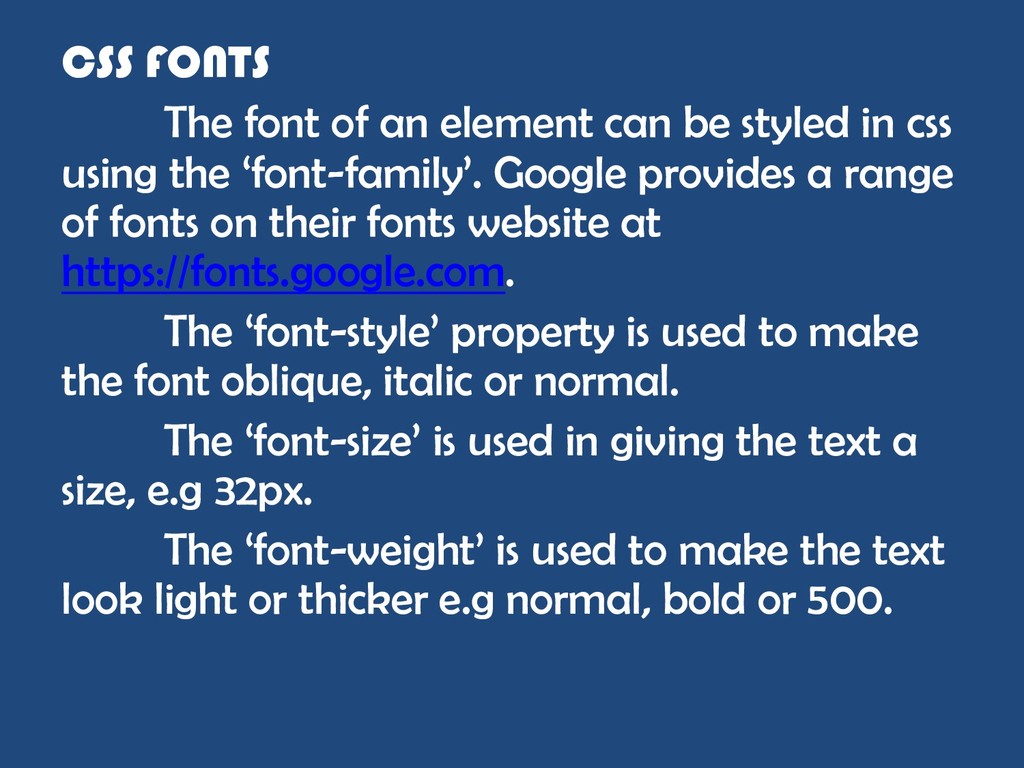
in css using the „font-family‟. Google provides a range of fonts on their fonts website at https://fonts.google.com. The „font-style‟ property is used to make the font oblique, italic or normal. The „font-size‟ is used in giving the text a size, e.g 32px. The „font-weight‟ is used to make the text look light or thicker e.g normal, bold or 500.
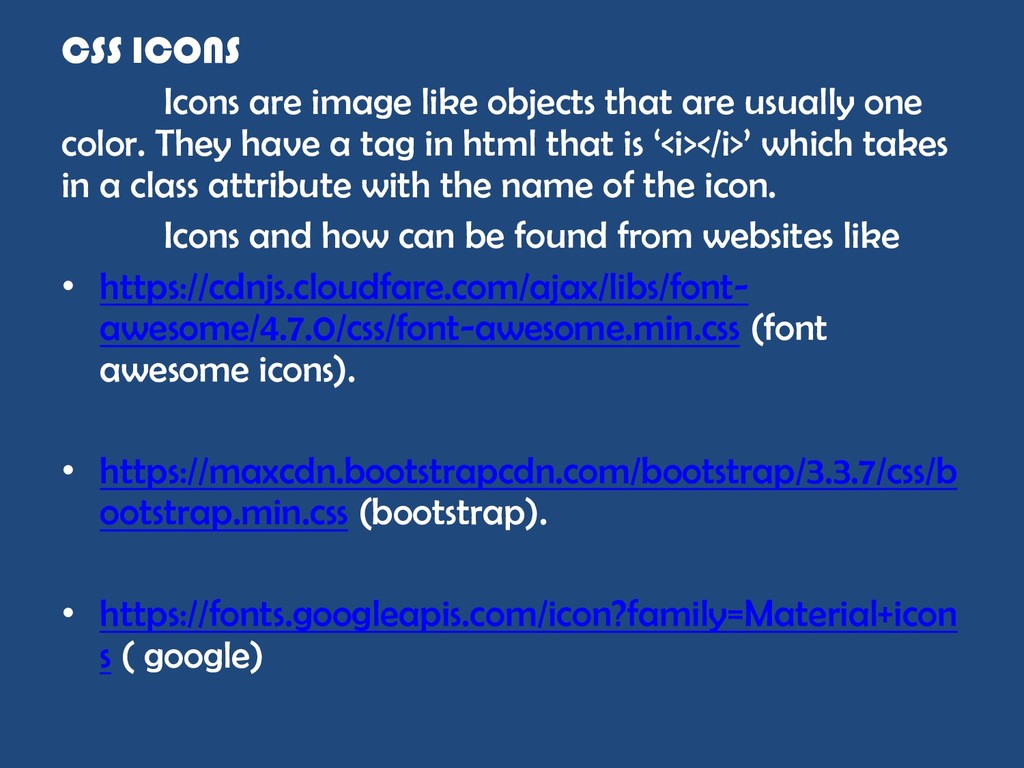
one color. They have a tag in html that is „<i></i>‟ which takes in a class attribute with the name of the icon. Icons and how can be found from websites like • https://cdnjs.cloudfare.com/ajax/libs/font- awesome/4.7.0/css/font-awesome.min.css (font awesome icons). • https://maxcdn.bootstrapcdn.com/bootstrap/3.3.7/css/b ootstrap.min.css (bootstrap). • https://fonts.googleapis.com/icon?family=Material+icon s ( google)
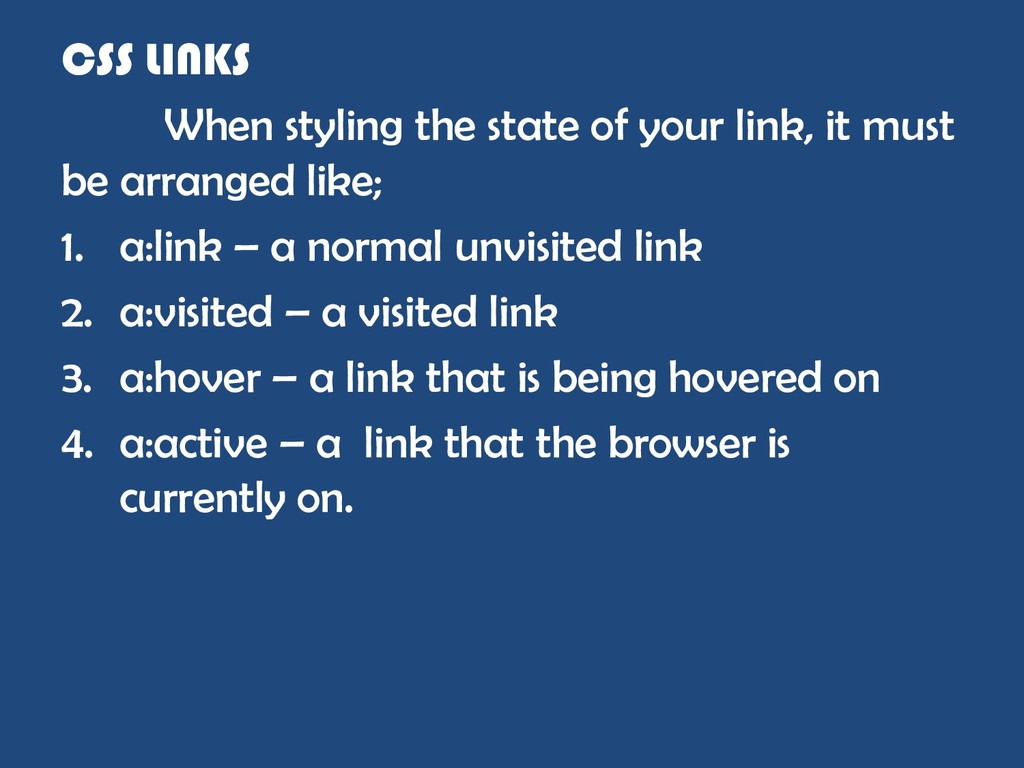
must be arranged like; 1. a:link – a normal unvisited link 2. a:visited – a visited link 3. a:hover – a link that is being hovered on 4. a:active – a link that the browser is currently on.
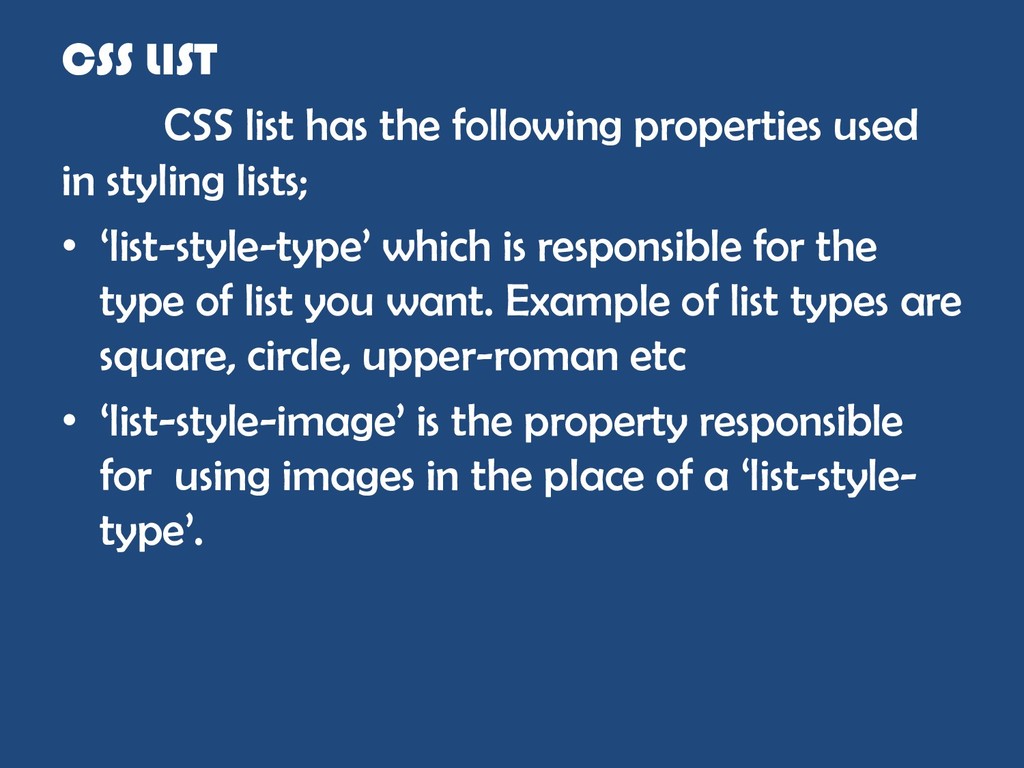
styling lists; • „list-style-type‟ which is responsible for the type of list you want. Example of list types are square, circle, upper-roman etc • „list-style-image‟ is the property responsible for using images in the place of a „list-style- type‟.
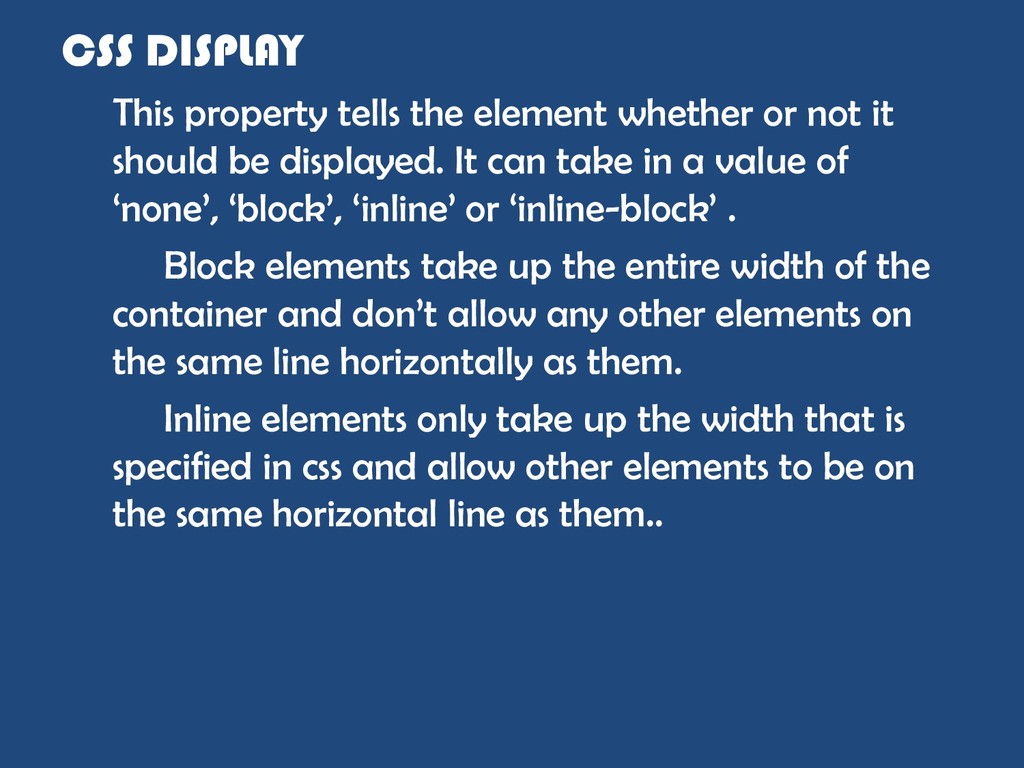
it should be displayed. It can take in a value of „none‟, „block‟, „inline‟ or „inline-block‟ . Block elements take up the entire width of the container and don‟t allow any other elements on the same line horizontally as them. Inline elements only take up the width that is specified in css and allow other elements to be on the same horizontal line as them..
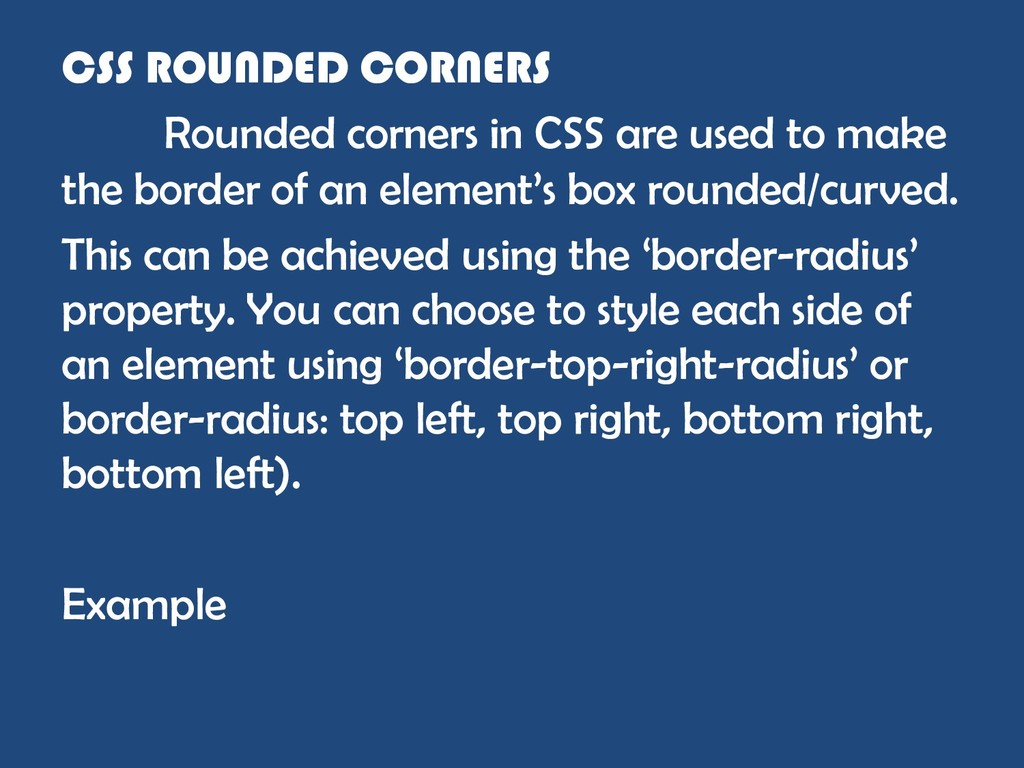
make the border of an element‟s box rounded/curved. This can be achieved using the „border-radius‟ property. You can choose to style each side of an element using „border-top-right-radius‟ or border-radius: top left, top right, bottom right, bottom left). Example
colors. There are two types of gradients in CSS; 1. Linear Gradient 2. Radial Gradient • Linear gradient is used to make the colors combine diagonally or in what direction you want the colors to appear. You can also use rgba color style to make the colors transparent using the opacity value. E.g background: linear-gradient(direction or angle, color 1, color 2,..color x); • Radial gradient is used to make the colors combine to form a circle and can be used like this; background: radial-gradient( shape, color 1, color 2,….,color n).

 SiteGround - Reliable hosting with speed, security, and support you can count on.


 pfn
pfn
 genda
genda
 raspython3
 keeg
keeg
 sansantech
 jtakeda
 yut0naga1_fa
 puhitaku
 occhi
occhi
 nealle
 codmoninc
 axbom
axbom
 apolaine
 baasie
 reverentgeek
 eitanlees
 tammyeverts
 tmiket
 soysaucechin
 62gerente
 holman
 stephaniewalter