Share
Embed
Making the Jump: Elixir for Rubyists
By the end of this talk, you should have the resources you need to impose a "Ruby workflow" on your Elixir development. We'll cover version management tools, syntax tricks like how to use ampersand with functions, and how to do your favorite Ruby puts debugging with Elixir.
Authors:
Bruce Park
Talk licensed under Creative Commons Attribution 4.0 International License (CC BY 4.0): https://creativecommons.org/licenses/by/4.0/
Bruce Park
January 26, 2017
Transcript
34 slides
-
MAKING THE JUMP: ELIXIR FOR RUBYISTS Santa Monica Elixir Meetup,
1/25/17 Weds by Bruce Park (@bpark0) -
WHAT YOU WILL LEARN JUST ENOUGH TO GET GOING ON
YOUR OWN IF YOU'VE GOT A LOT GOING ON DURING THE DAY... 1. Elixir/Erlang version management (~ chruby, rbenv, rvm anyone?) 2. Syntax tidbits to help you hack through code kata problems 3. "Puts debugging" -
ELIXIR VERSION MANAGERS Motivation: Like the Ruby/Rails ecosystem, sometimes you
need to run your code against a certain production version of Ruby. We want to make it easy to switch versions. -
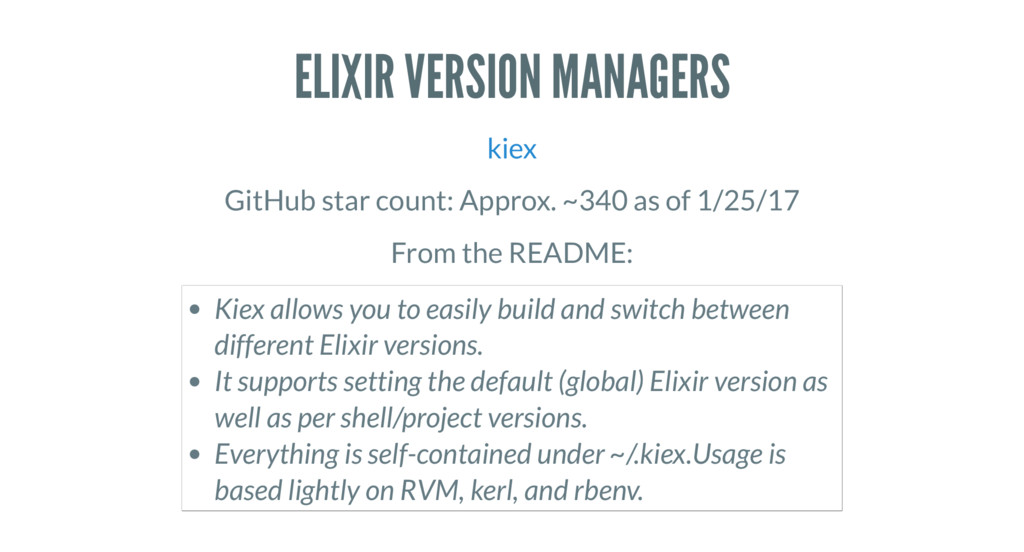
ELIXIR VERSION MANAGERS kiex GitHub star count: Approx. ~340 as
of 1/25/17 From the README: Kiex allows you to easily build and switch between different Elixir versions. It supports setting the default (global) Elixir version as well as per shell/project versions. Everything is self-contained under ~/.kiex.Usage is based lightly on RVM, kerl, and rbenv. -
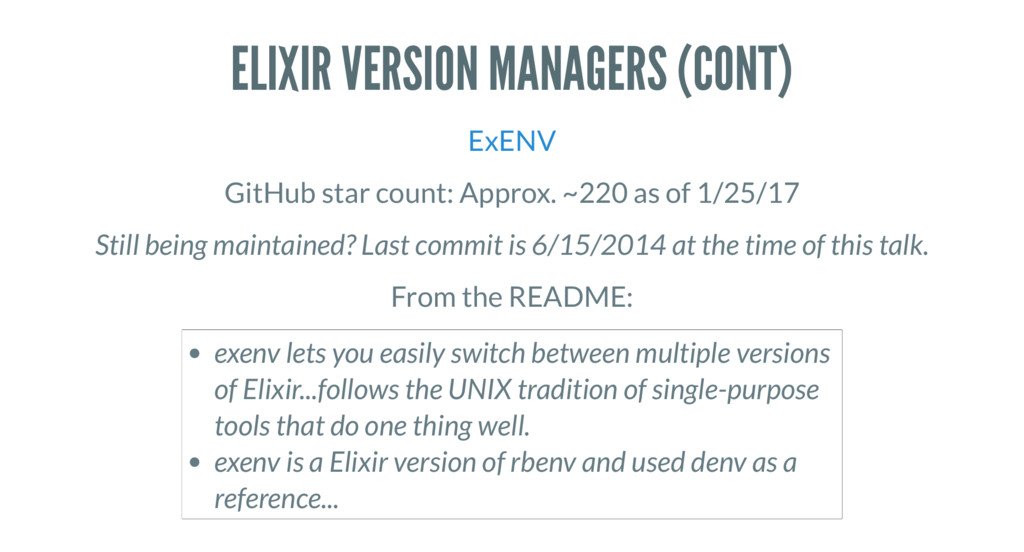
ELIXIR VERSION MANAGERS (CONT) ExENV GitHub star count: Approx. ~220
as of 1/25/17 Still being maintained? Last commit is 6/15/2014 at the time of this talk. From the README: exenv lets you easily switch between multiple versions of Elixir...follows the UNIX tradition of single-purpose tools that do one thing well. exenv is a Elixir version of rbenv and used denv as a reference... -
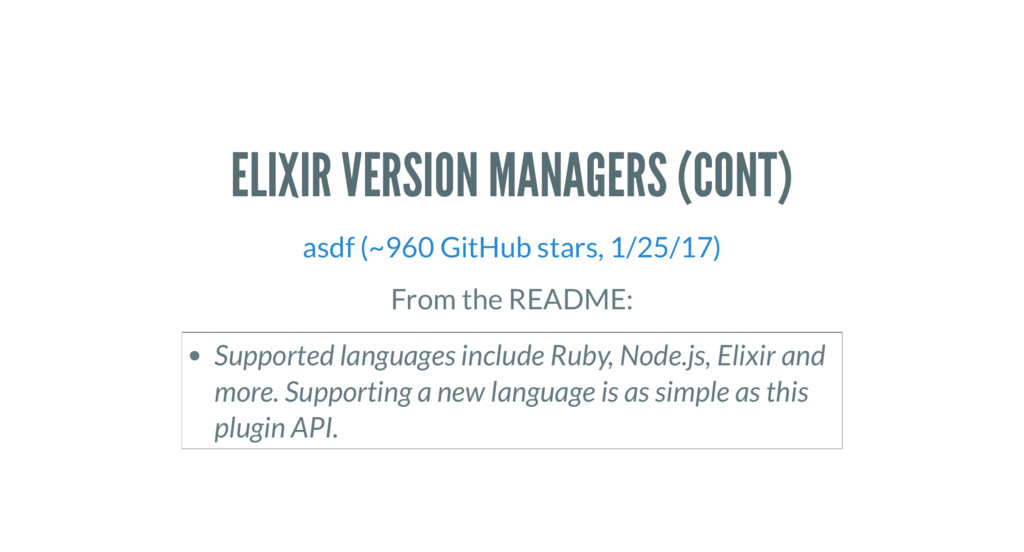
ELIXIR VERSION MANAGERS (CONT) asdf (~960 GitHub stars, 1/25/17) From
the README: Supported languages include Ruby, Node.js, Elixir and more. Supporting a new language is as simple as this plugin API. -
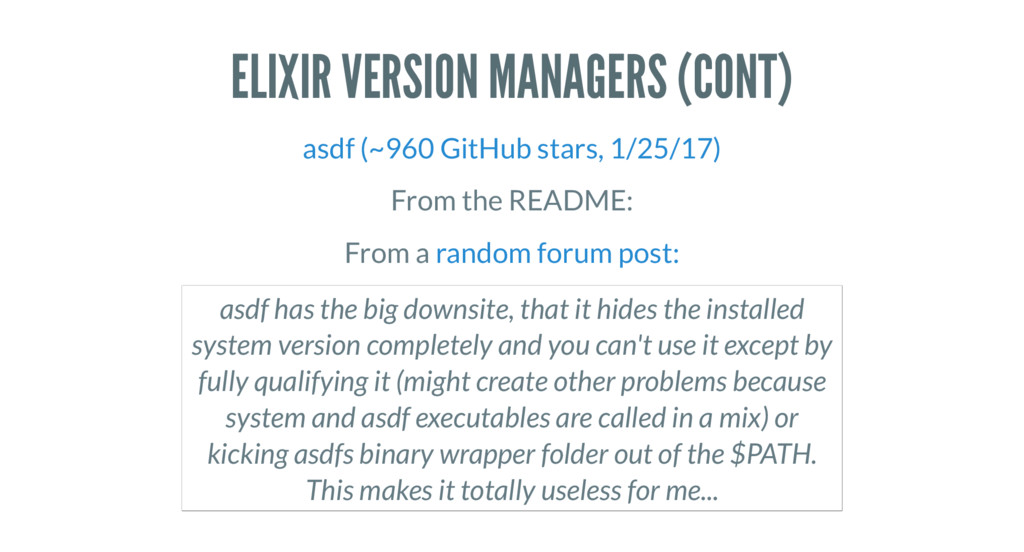
ELIXIR VERSION MANAGERS (CONT) asdf (~960 GitHub stars, 1/25/17) From
the README: From a random forum post: asdf has the big downsite, that it hides the installed system version completely and you can't use it except by fully qualifying it (might create other problems because system and asdf executables are called in a mix) or kicking asdfs binary wrapper folder out of the $PATH. This makes it totally useless for me... -
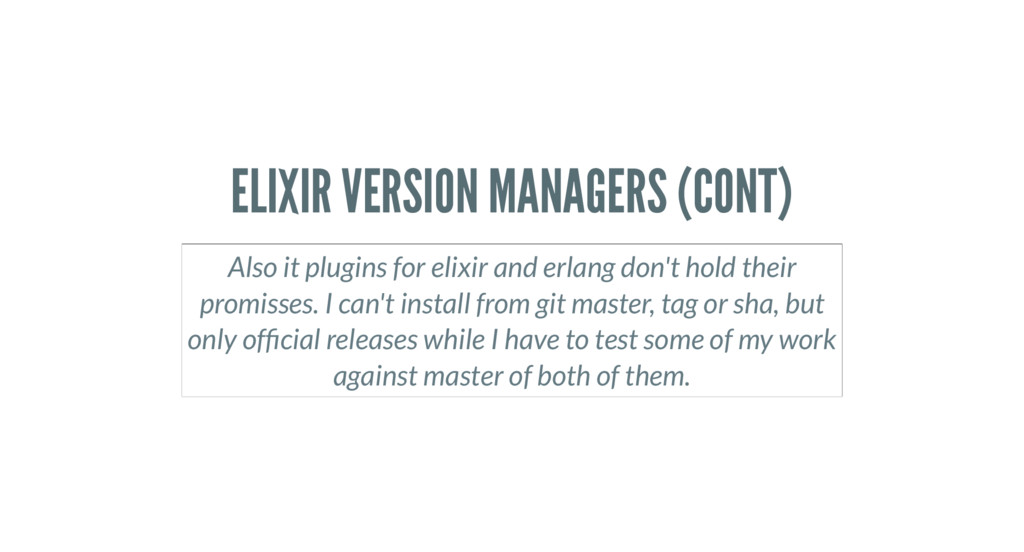
ELIXIR VERSION MANAGERS (CONT) Also it plugins for elixir and
erlang don't hold their promisses. I can't install from git master, tag or sha, but only of cial releases while I have to test some of my work against master of both of them. -
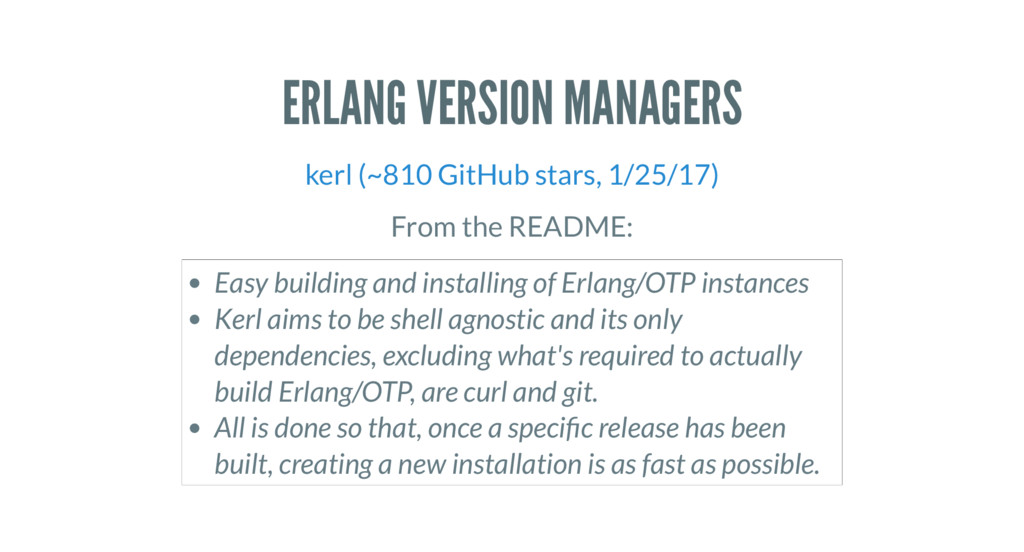
ERLANG VERSION MANAGERS kerl (~810 GitHub stars, 1/25/17) From the
README: Easy building and installing of Erlang/OTP instances Kerl aims to be shell agnostic and its only dependencies, excluding what's required to actually build Erlang/OTP, are curl and git. All is done so that, once a speci c release has been built, creating a new installation is as fast as possible. -
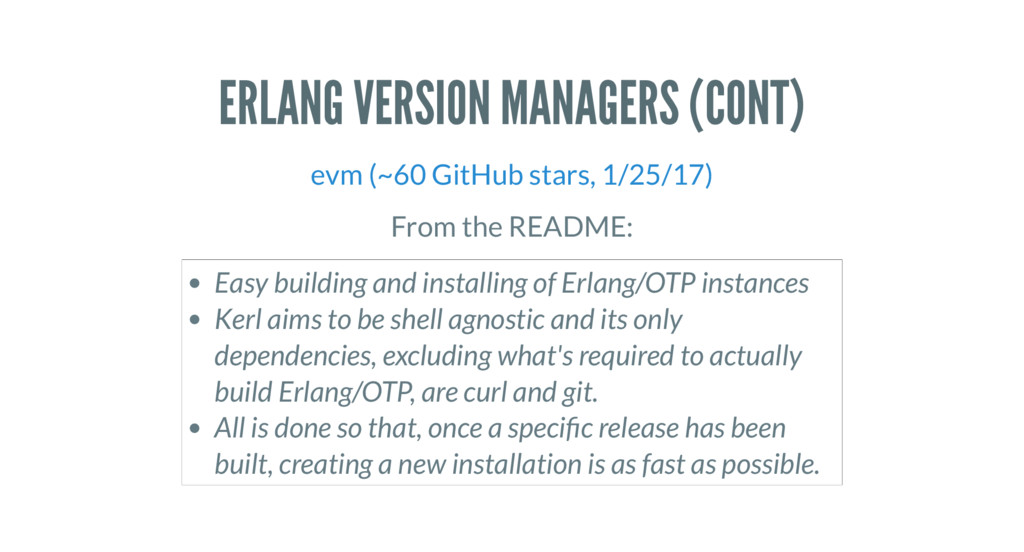
ERLANG VERSION MANAGERS (CONT) evm (~60 GitHub stars, 1/25/17) From
the README: Easy building and installing of Erlang/OTP instances Kerl aims to be shell agnostic and its only dependencies, excluding what's required to actually build Erlang/OTP, are curl and git. All is done so that, once a speci c release has been built, creating a new installation is as fast as possible. -
MY OWN SETUP kiex and kerl seems to work on
Ubuntu and MacOSx -
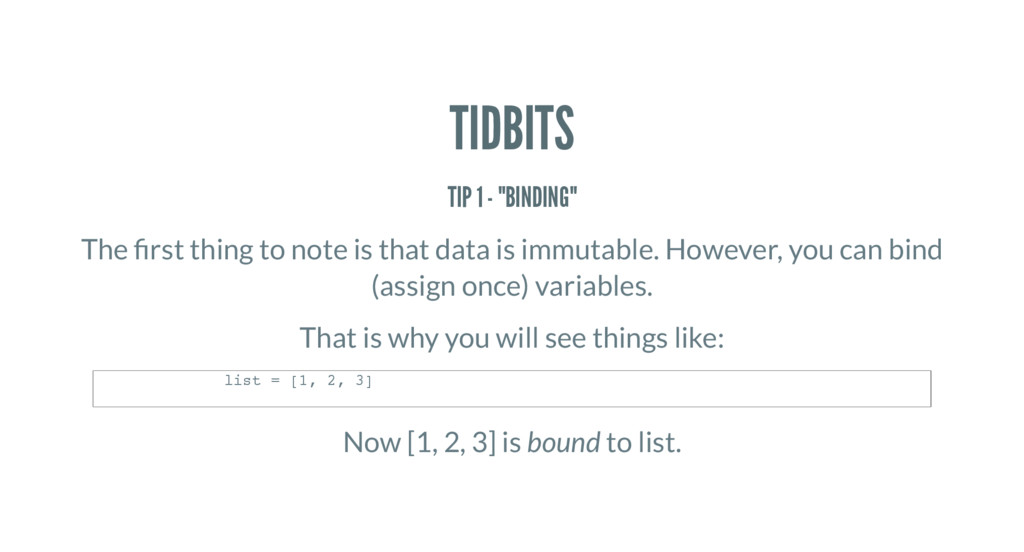
TIDBITS TIP 1 - "BINDING" The rst thing to note
is that data is immutable. However, you can bind (assign once) variables. That is why you will see things like: Now [1, 2, 3] is bound to list. list = [1, 2, 3] -
TIDBITS TIP 2 - DYNAMIC Elixir is a dynamic language
like Ruby. TIP 3 - GARBAGE COLLECTION Elixir’s garbage collection is Erlang’s garbage collection. You can tune the GC for performance. -
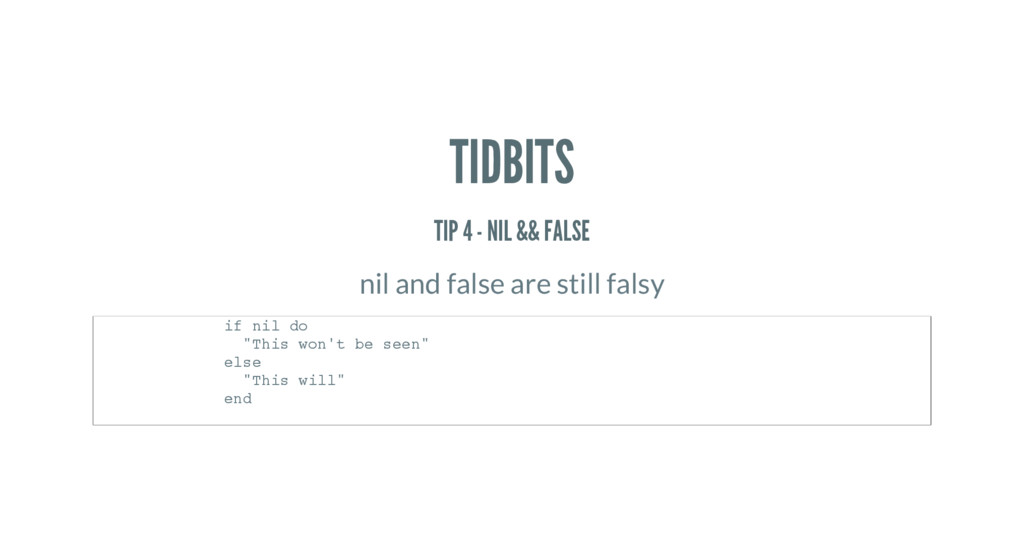
TIDBITS TIP 4 - NIL && FALSE nil and false
are still falsy if nil do "This won't be seen" else "This will" end -
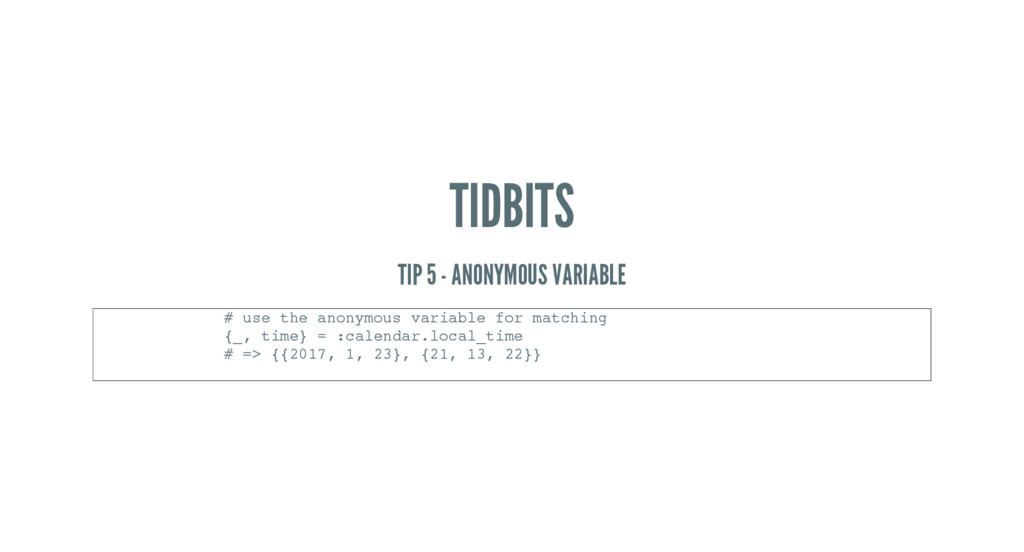
TIDBITS TIP 5 - ANONYMOUS VARIABLE # use the anonymous
variable for matching {_, time} = :calendar.local_time # => {{2017, 1, 23}, {21, 13, 22}} -
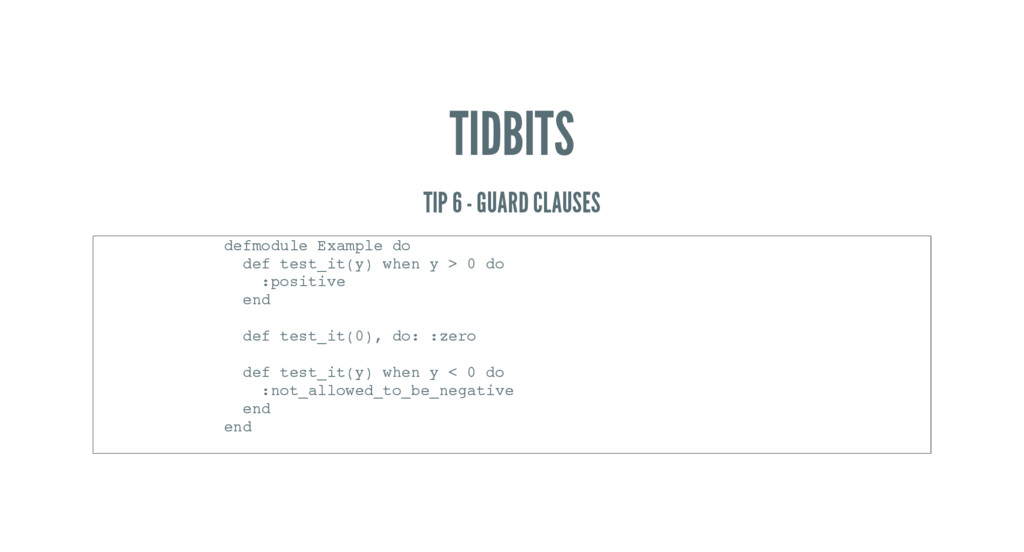
TIDBITS TIP 6 - GUARD CLAUSES defmodule Example do def
test_it(y) when y > 0 do :positive end def test_it(0), do: :zero def test_it(y) when y < 0 do :not_allowed_to_be_negative end end -
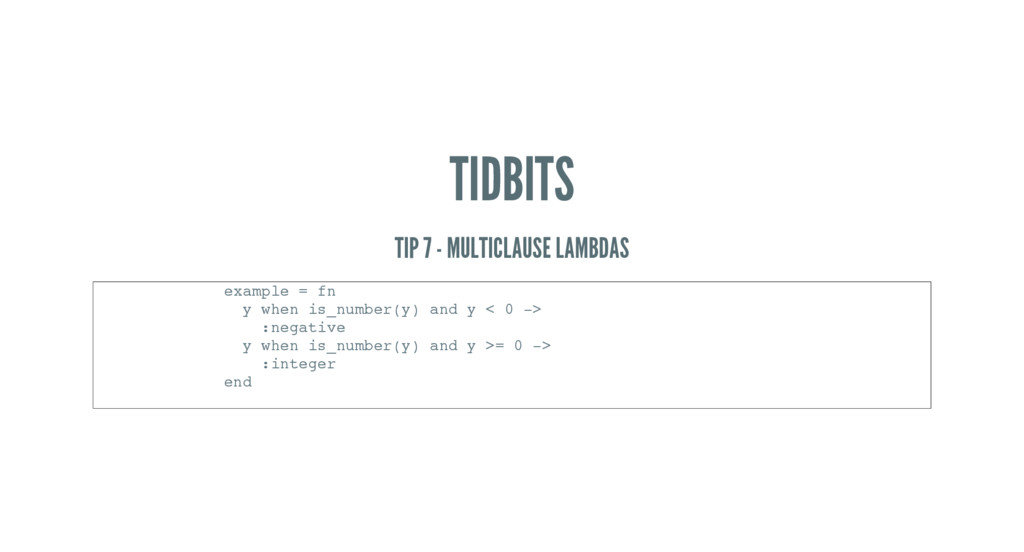
TIDBITS TIP 7 - MULTICLAUSE LAMBDAS example = fn y
when is_number(y) and y < 0 -> :negative y when is_number(y) and y >= 0 -> :integer end -
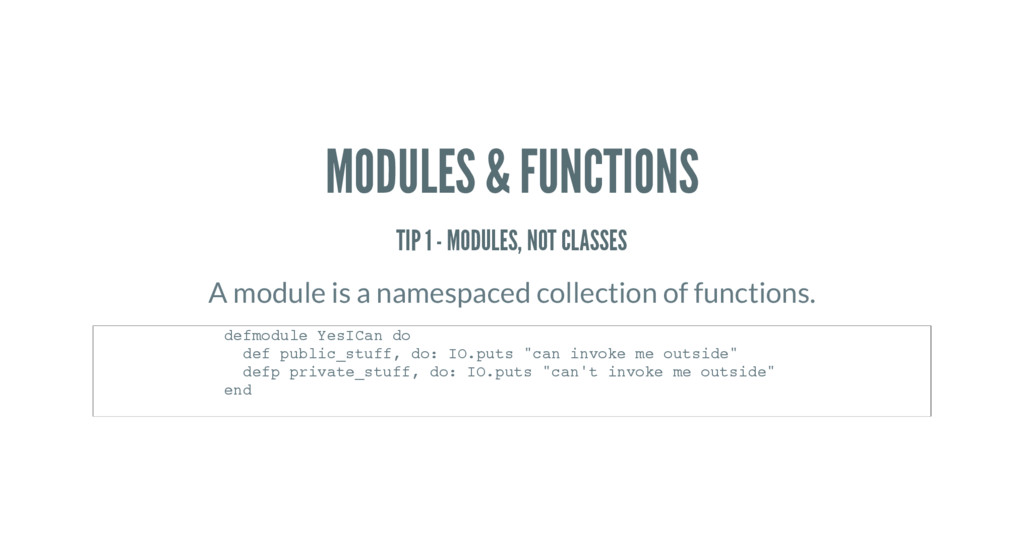
MODULES & FUNCTIONS TIP 1 - MODULES, NOT CLASSES A
module is a namespaced collection of functions. defmodule YesICan do def public_stuff, do: IO.puts "can invoke me outside" defp private_stuff, do: IO.puts "can't invoke me outside" end -
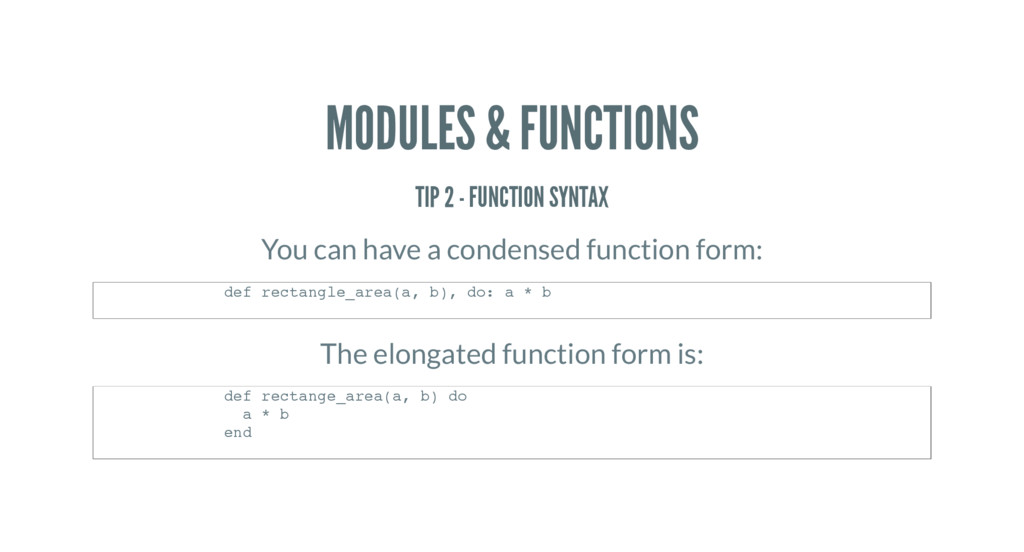
MODULES & FUNCTIONS TIP 2 - FUNCTION SYNTAX You can
have a condensed function form: The elongated function form is: def rectangle_area(a, b), do: a * b def rectange_area(a, b) do a * b end -
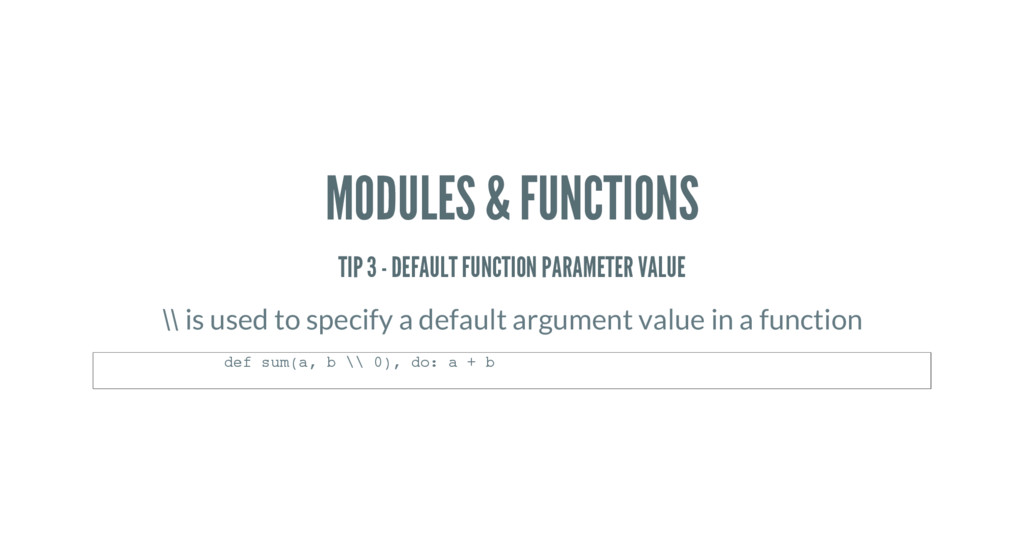
MODULES & FUNCTIONS TIP 3 - DEFAULT FUNCTION PARAMETER VALUE
\\ is used to specify a default argument value in a function def sum(a, b \\ 0), do: a + b -
MODULES & FUNCTIONS TIP 4 - NO *SPLAT Function arity
distinguishes functions of the same name, so you can’t have splat operator like in Ruby -
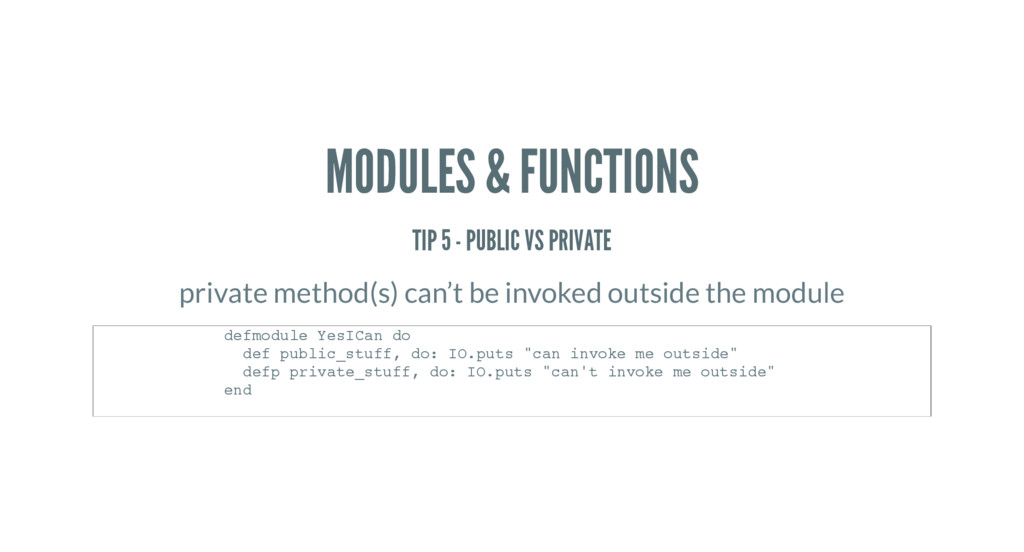
MODULES & FUNCTIONS TIP 5 - PUBLIC VS PRIVATE private
method(s) can’t be invoked outside the module defmodule YesICan do def public_stuff, do: IO.puts "can invoke me outside" defp private_stuff, do: IO.puts "can't invoke me outside" end -
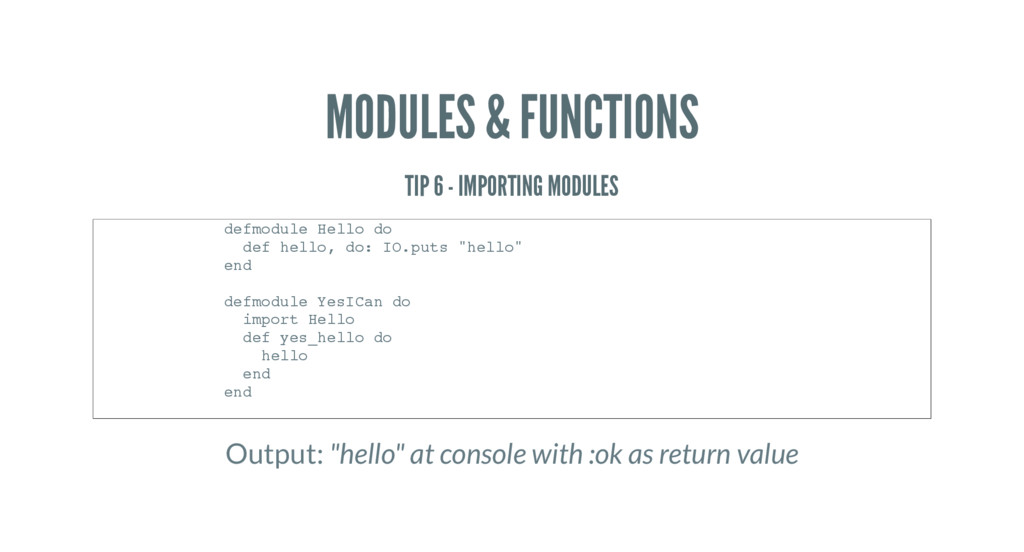
MODULES & FUNCTIONS TIP 6 - IMPORTING MODULES Output: "hello"
at console with :ok as return value defmodule Hello do def hello, do: IO.puts "hello" end defmodule YesICan do import Hello def yes_hello do hello end end -
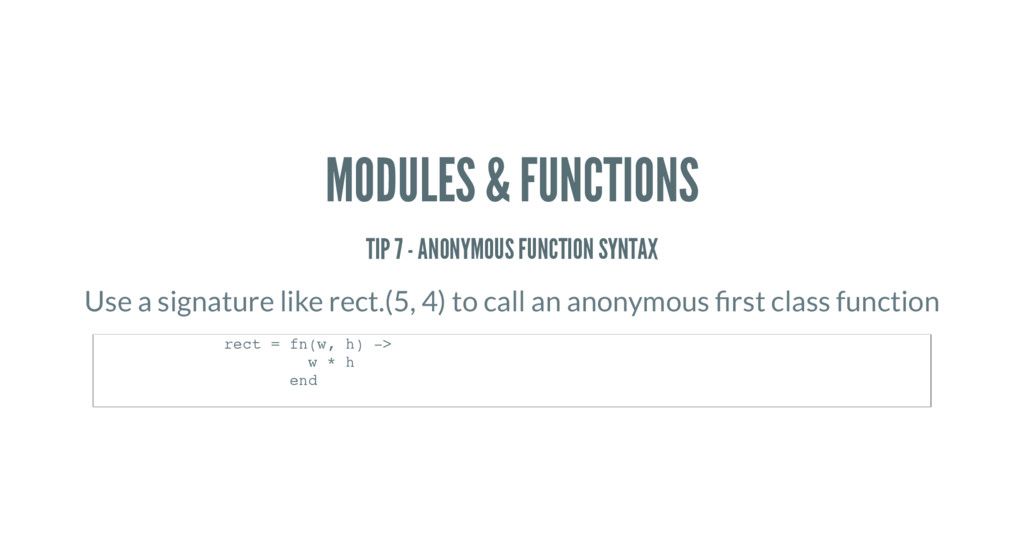
MODULES & FUNCTIONS TIP 7 - ANONYMOUS FUNCTION SYNTAX Use
a signature like rect.(5, 4) to call an anonymous rst class function rect = fn(w, h) -> w * h end -
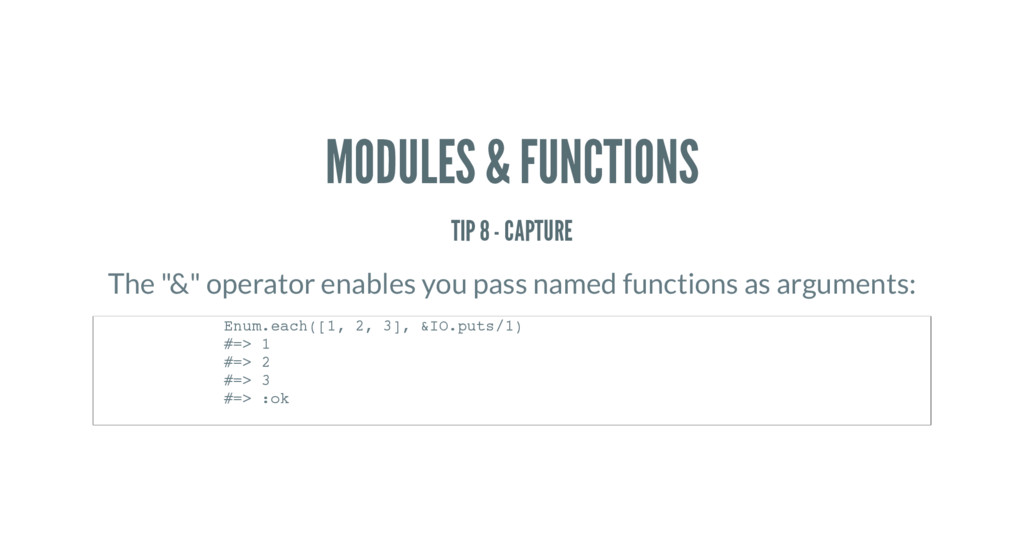
MODULES & FUNCTIONS TIP 8 - CAPTURE The "&" operator
enables you pass named functions as arguments: Enum.each([1, 2, 3], &IO.puts/1) #=> 1 #=> 2 #=> 3 #=> :ok -
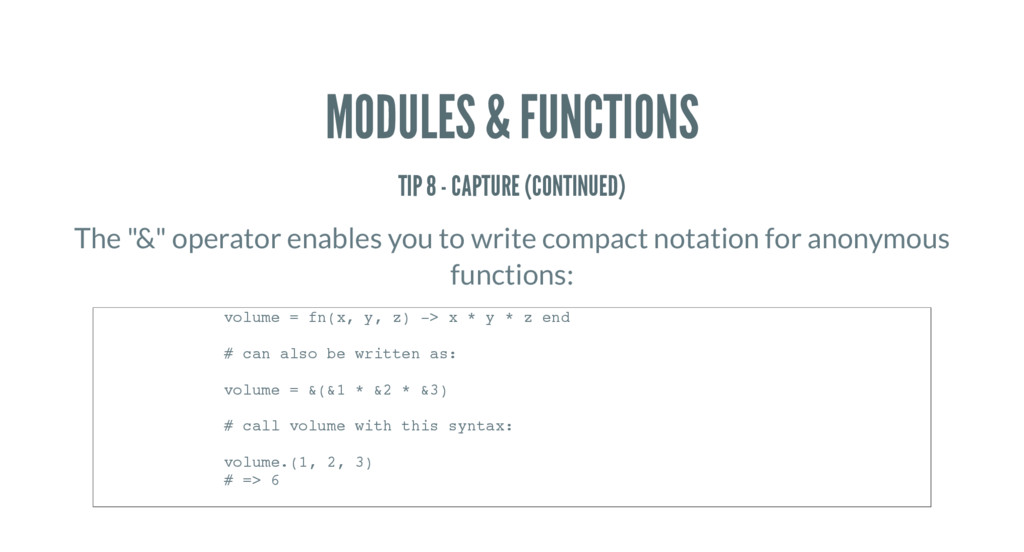
MODULES & FUNCTIONS TIP 8 - CAPTURE (CONTINUED) The "&"
operator enables you to write compact notation for anonymous functions: volume = fn(x, y, z) -> x * y * z end # can also be written as: volume = &(&1 * &2 * &3) # call volume with this syntax: volume.(1, 2, 3) # => 6 -
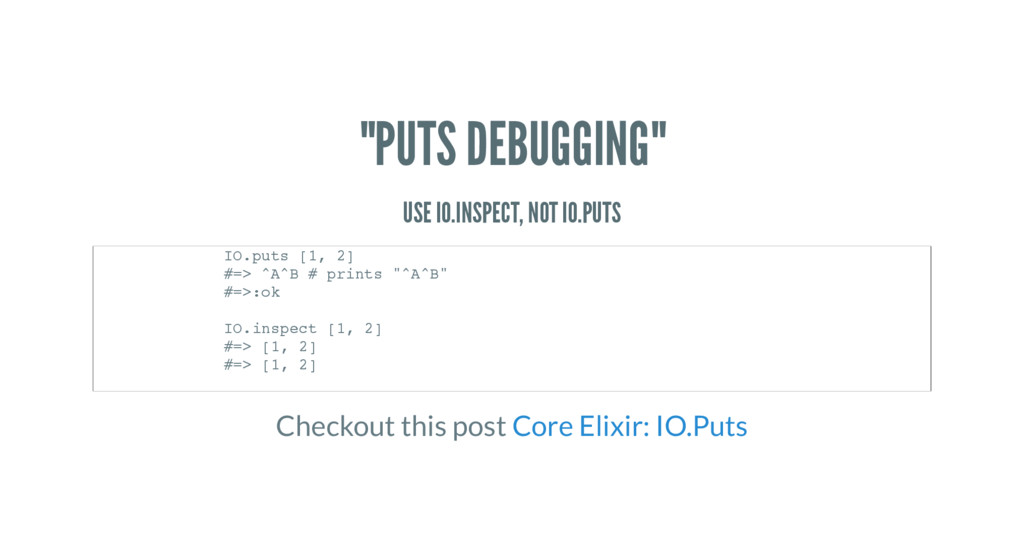
"PUTS DEBUGGING" USE IO.INSPECT, NOT IO.PUTS Checkout this post IO.puts
[1, 2] #=> ^A^B # prints "^A^B" #=>:ok IO.inspect [1, 2] #=> [1, 2] #=> [1, 2] Core Elixir: IO.Puts -
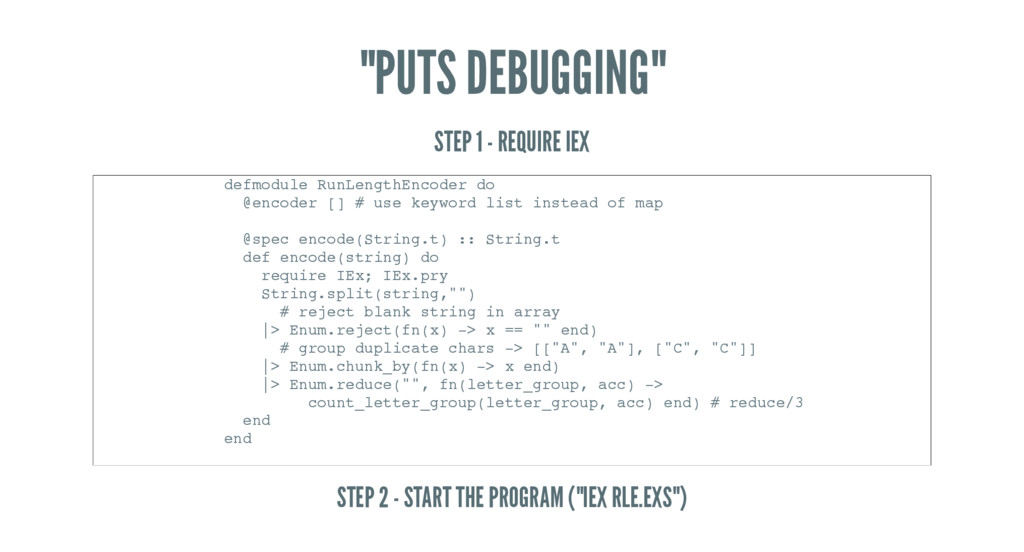
"PUTS DEBUGGING" STEP 1 - REQUIRE IEX STEP 2 -
START THE PROGRAM ("IEX RLE.EXS") defmodule RunLengthEncoder do @encoder [] # use keyword list instead of map @spec encode(String.t) :: String.t def encode(string) do require IEx; IEx.pry String.split(string,"") # reject blank string in array |> Enum.reject(fn(x) -> x == "" end) # group duplicate chars -> [["A", "A"], ["C", "C"]] |> Enum.chunk_by(fn(x) -> x end) |> Enum.reduce("", fn(letter_group, acc) -> count_letter_group(letter_group, acc) end) # reduce/3 end end -
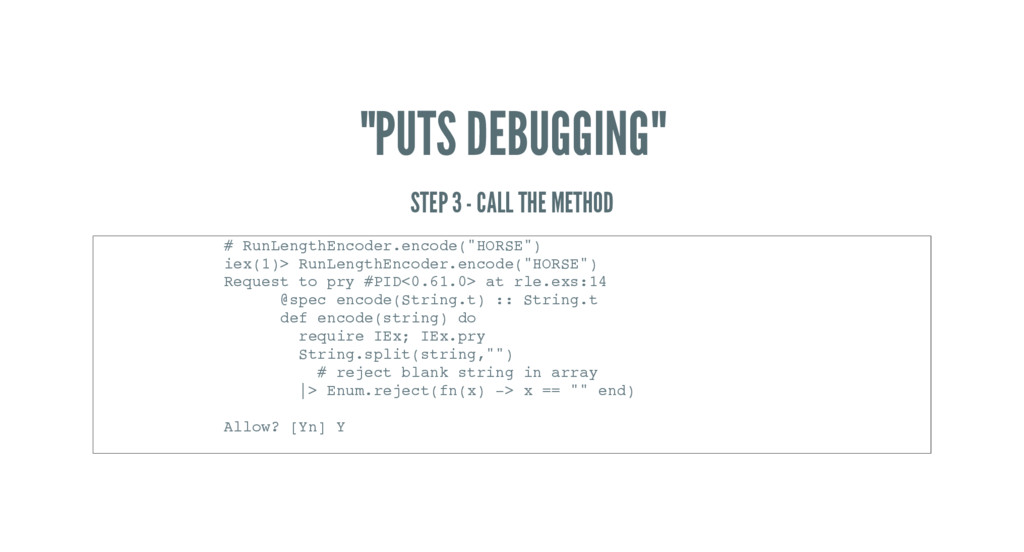
"PUTS DEBUGGING" STEP 3 - CALL THE METHOD # RunLengthEncoder.encode("HORSE")
iex(1)> RunLengthEncoder.encode("HORSE") Request to pry #PID<0.61.0> at rle.exs:14 @spec encode(String.t) :: String.t def encode(string) do require IEx; IEx.pry String.split(string,"") # reject blank string in array |> Enum.reject(fn(x) -> x == "" end) Allow? [Yn] Y -
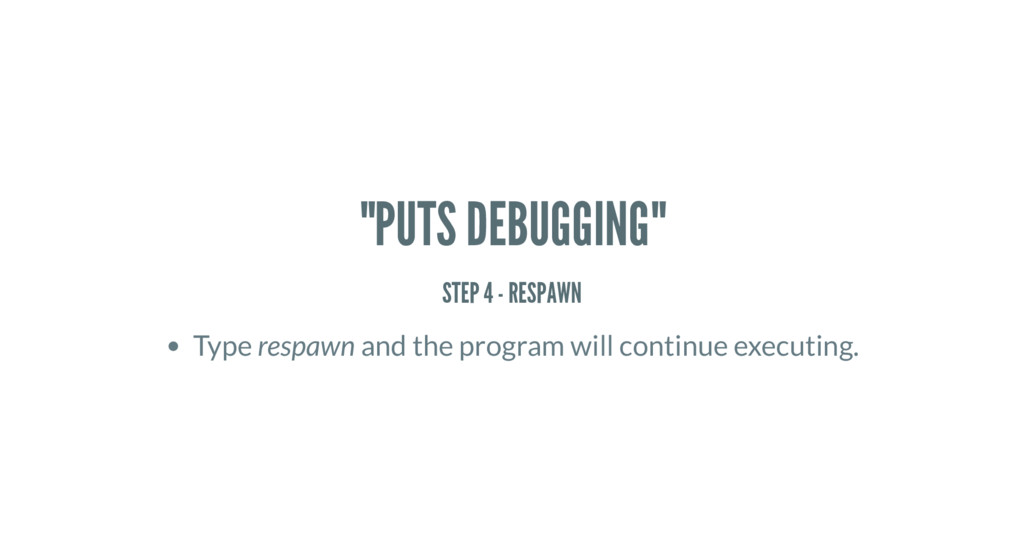
"PUTS DEBUGGING" STEP 4 - RESPAWN Type respawn and the
program will continue executing. -
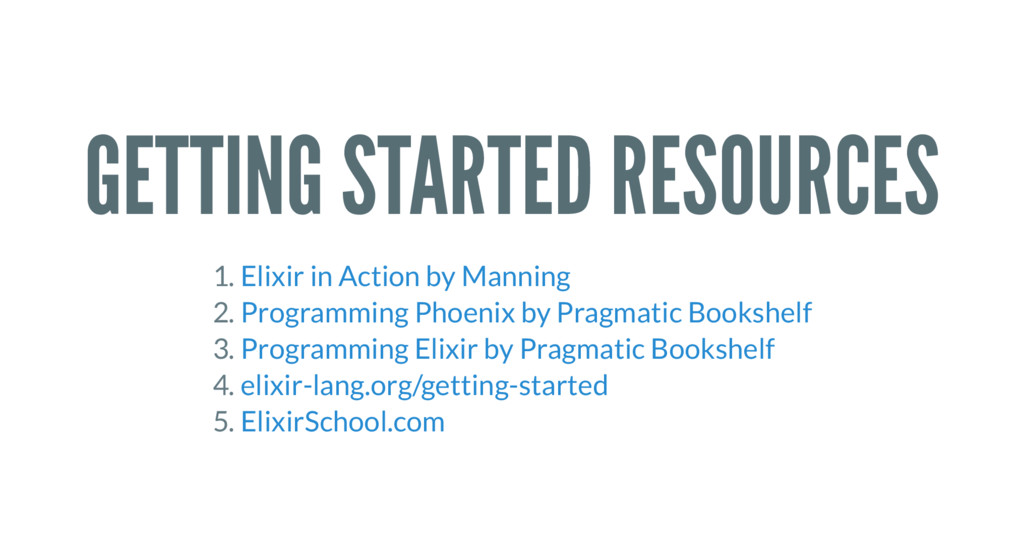
GETTING STARTED RESOURCES 1. 2. 3. 4. 5. Elixir in
Action by Manning Programming Phoenix by Pragmatic Bookshelf Programming Elixir by Pragmatic Bookshelf elixir-lang.org/getting-started ElixirSchool.com